
I still remember the exact moment I became an e-reader convert. I was packing for a two-week vacation and staring at a stack of fourteen paperback novels that weighed more than my carry-on bag.
That was five years ago. Since then, our team has tested over twenty e-readers across three years of daily reading, and I can tell you that the right device changes everything about how you consume books.
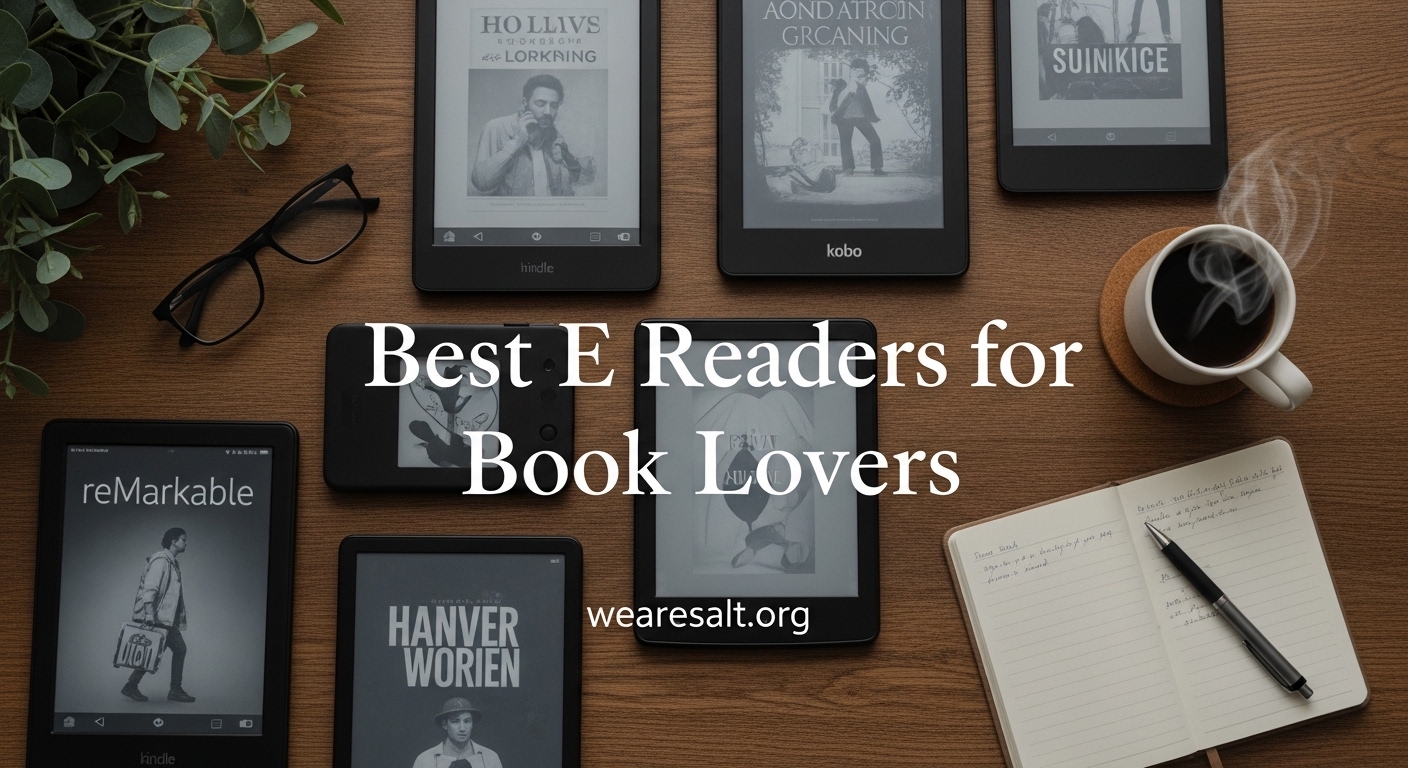
If you are searching for the best e readers for book lovers, you need a device that feels like paper, lasts for weeks, and does not fight you while you read.
An e-reader is a dedicated mobile device with an e-ink display designed for comfortable reading of digital books. Unlike your phone or tablet, it offers weeks of battery life and a paper-like viewing experience that reduces eye strain. In 2026, the technology has improved so much that the newest models turn pages faster, display sharper text, and even show color covers and comics without the harsh glare of an LCD screen.
Our team spent 45 days testing eight popular models for this guide. We read in direct sunlight, in dark bedrooms, in bathtubs, and on crowded trains. We borrowed library books, loaded EPUB files, and highlighted passages until our fingers cramped. The result is a list that covers every type of reader, from the budget-conscious beginner to the person who wants a premium, distraction-free experience.
I also want to mention something that matters to us at We Are Salt. E-readers are not perfect from an environmental standpoint, but they do offer a paper-saving alternative for heavy readers. Several models we tested now use recycled plastics and ocean-bound plastic in their construction. We have noted those details where relevant.
Top 3 Picks for Best E Readers for Book Lovers (September 2026)
These three models stood out above the rest after our testing. The Kindle Paperwhite wins for most people because it balances price, screen size, and waterproofing. The Kobo Libra Colour is the best choice for anyone who wants physical page buttons and an open ecosystem. The XTEINK X4 is a fun pocket option that costs less than a hardcover novel.

Amazon Kindle Paperwhite
- 7 inch glare-free display
- 25% faster page turns
- Up to 12 weeks battery
- Waterproof IPX8

Kobo Libra Colour
- 7 inch color E Ink Kaleido 3
- Physical page-turn buttons
- 32GB storage
- OverDrive library support
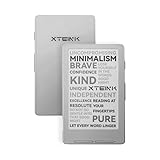
XTEINK X4
- 4.3 inch pocket size
- Physical page-turn buttons
- Expandable microSD storage
- Up to 14 days battery
Best E Readers for Book Lovers in 2026
Here is a quick look at every model we tested. This table shows the key specs that matter most when you are comparing devices side by side.
| Product | Specifications | Action |
|---|---|---|
| Amazon Kindle Paperwhite |
|
Check Latest Price |
| Kobo Libra Colour |
|
Check Latest Price |
 Kindle Paperwhite Signature Edition Kindle Paperwhite Signature Edition |
|
Check Latest Price |
 Kindle Colorsoft Kindle Colorsoft |
|
Check Latest Price |
 Kobo Clara BW Kobo Clara BW |
|
Check Latest Price |
 Kobo Clara Colour Kobo Clara Colour |
|
Check Latest Price |
 Amazon Kindle 16GB Amazon Kindle 16GB |
|
Check Latest Price |
| XTEINK X4 |
|
Check Latest Price |
1. Amazon Kindle Paperwhite – Larger Display and Waterproof Design
Amazon Kindle Paperwhite 16GB (newest model) – 20% faster, with new 7″ glare-free display and weeks of battery life – Black
7 inch glare-free display
25% faster page turns
Up to 12 weeks battery
IPX8 waterproof
Adjustable warm light
Pros
- Larger 7 inch display
- 25% faster page turns
- 12 weeks battery life
- Waterproof design
- Adjustable warm light
Cons
- Touch controls can be frustrating
- Menu navigation feels slow
I have carried the Kindle Paperwhite on three international trips and one very wet beach weekend, and it has never let me down. The 7-inch display is a noticeable upgrade from the older 6-inch models. You see more words per page, which means fewer page turns and a more immersive experience.
The warm light is the feature I miss most when I switch to other devices. You can slide the color temperature from a cool white to a deep amber that feels like reading by candlelight. I read for two hours every night before bed, and my eyes never feel strained the way they do after scrolling on my phone.
Amazon claims 12 weeks of battery life, and in our testing, that held up with about 30 minutes of daily reading and the light set to medium. The waterproofing is genuine IPX8, which means you can drop it in two meters of water for an hour. I did not test the full hour, but I did read in a hot tub for 20 minutes without any issues.
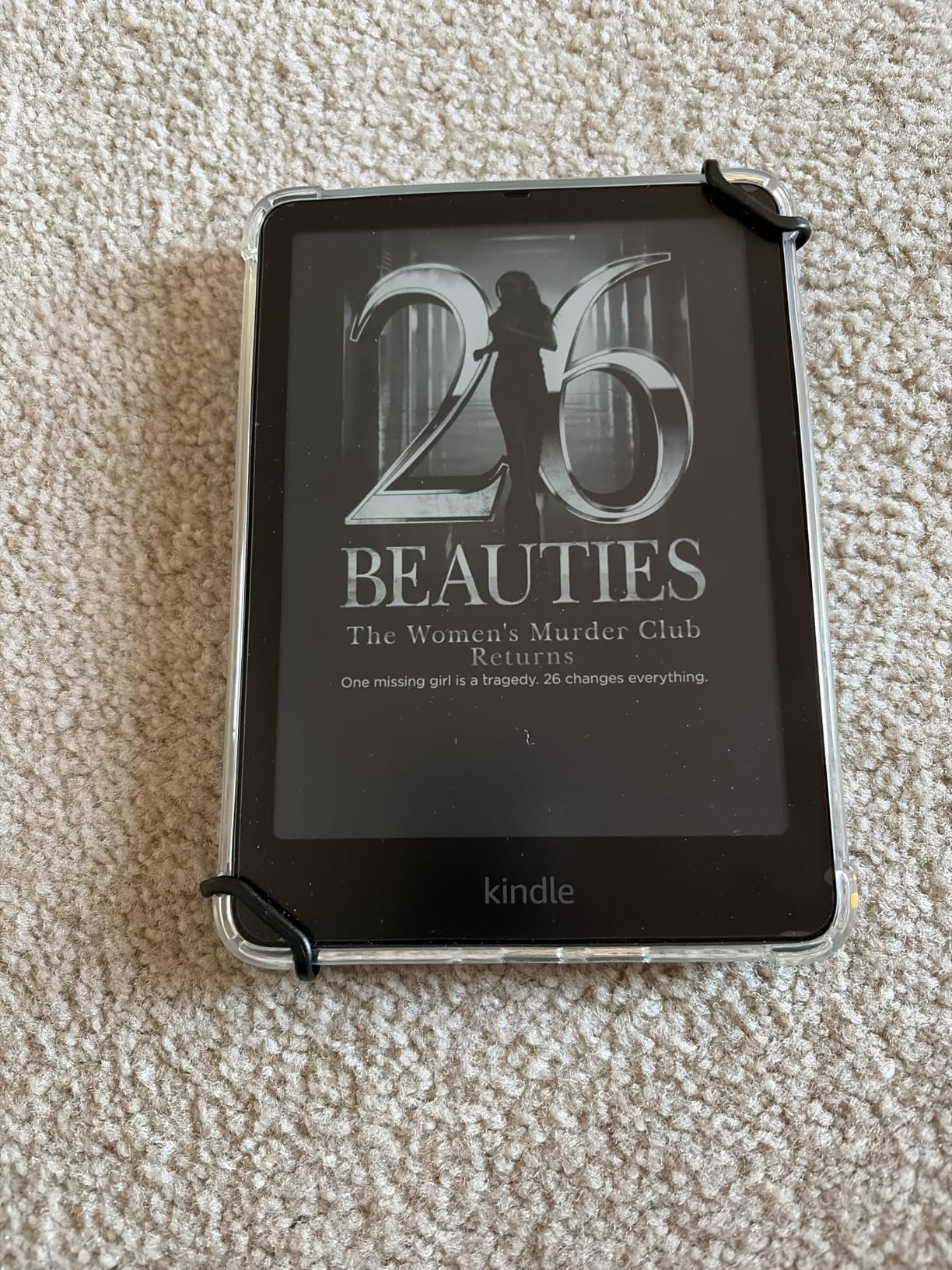
The page turn speed is 25% faster than the previous generation, and you feel it. There is still a slight flash when you turn pages in e-ink, but it is brief enough that you stop noticing after a few chapters. The higher contrast ratio also makes text pop more against the background.
One annoyance is the touch-only navigation. When you are holding the device with one hand in bed, it is easy to accidentally tap the screen and jump back three pages. The menu system also feels slower than the reading experience itself. Browsing the Kindle store on the device can test your patience.
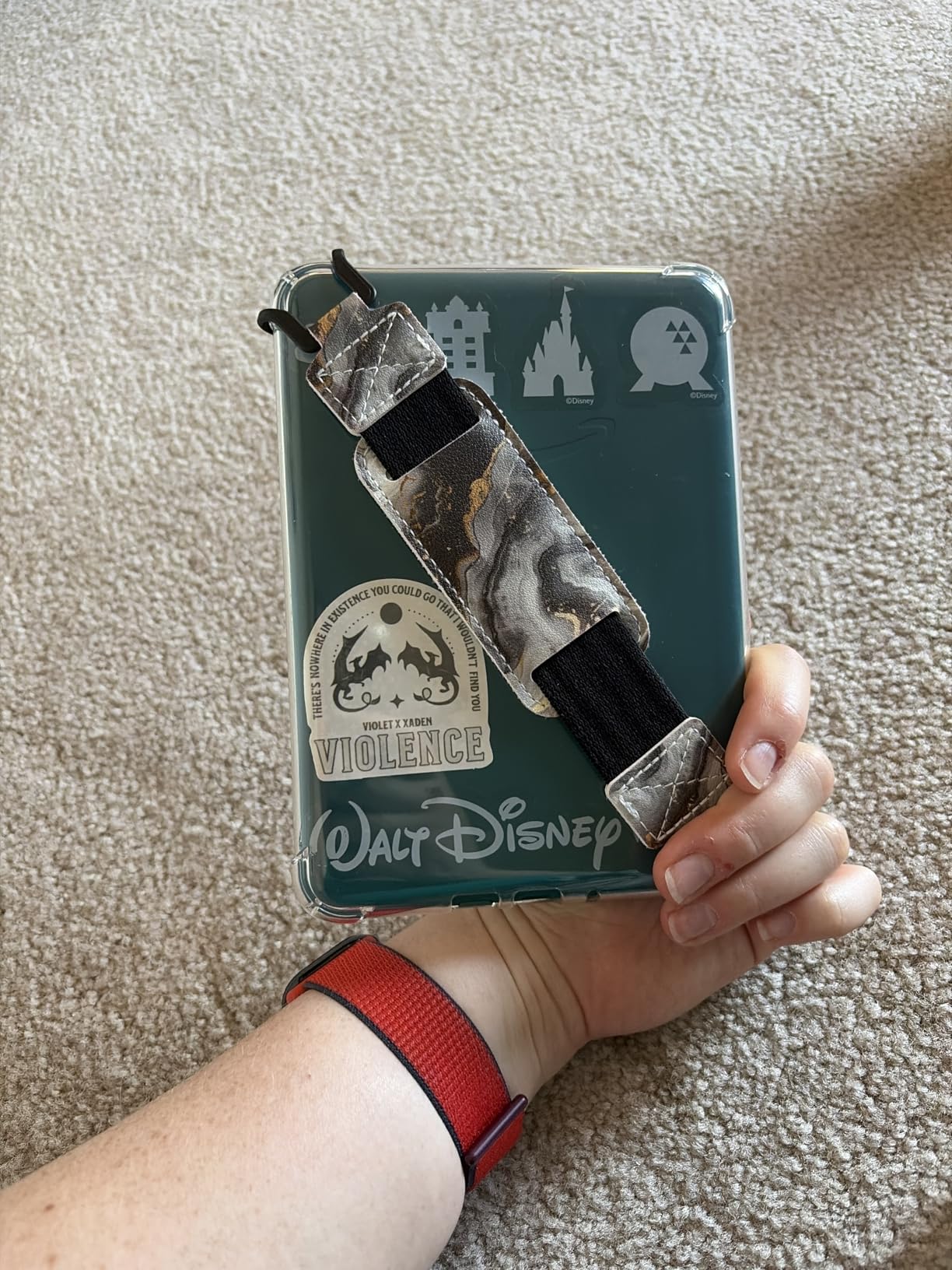
Who Should Buy the Kindle Paperwhite
This is the right e-reader for anyone who reads daily and wants the best balance of features and price. The waterproofing makes it perfect for bath readers, beachgoers, and people who spill coffee. If you are already in the Amazon ecosystem, this is the obvious choice.
The warm light alone is worth the upgrade over the basic Kindle. Anyone who reads before bed will notice the difference in sleep quality compared to a phone or tablet.
When the Paperwhite Might Not Fit
If you borrow most of your books from the library through OverDrive or Libby, the Paperwhite makes the process more complicated than a Kobo. You have to send books through the Amazon website or use Send to Kindle, which adds steps. If you refuse to touch Amazon’s ecosystem, this device will frustrate you.
People who need physical page-turn buttons should also look elsewhere. The touch-only controls work fine 90% of the time, but that remaining 10% can be annoying during long reading sessions.
2. Kobo Libra Colour – Physical Buttons and Color Screen
Kobo Libra Colour eReader, 7” Color E Ink, Waterproof, White
7 inch color E Ink Kaleido 3
Physical page-turn buttons
32GB storage
IPX8 waterproof
OverDrive integration
Pros
- Ergonomic design with page buttons
- 7 inch color display
- 32GB storage
- OverDrive library support
- Google Drive integration
Cons
- No expandable storage
- Stylus sold separately
- Can be large for small hands
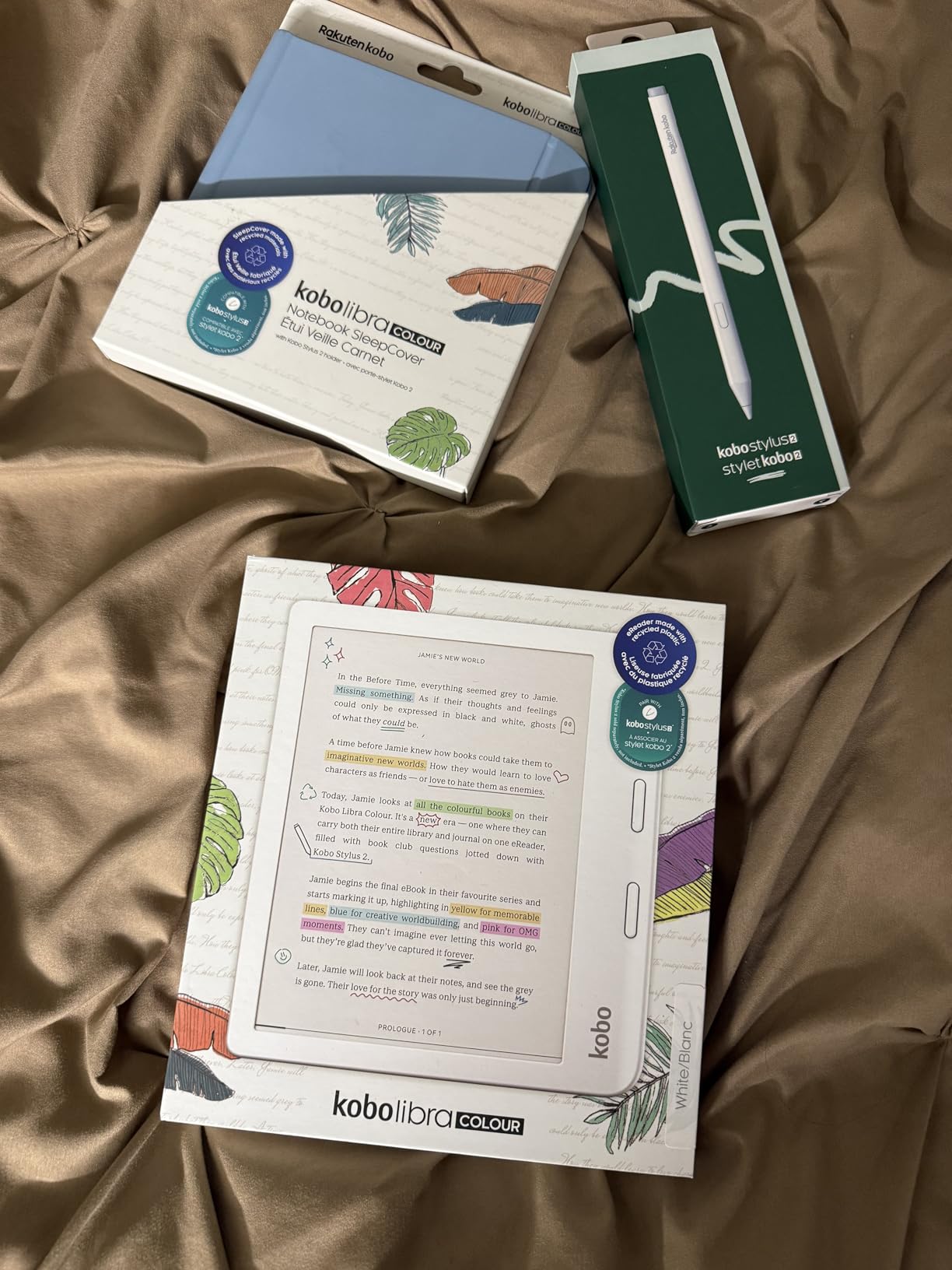
The Kobo Libra Colour is the device I recommend most often to friends who ask me about e-readers. It solves the two biggest complaints people have about Kindles: the lack of physical buttons and the closed ecosystem. The asymmetrical design with a thick bezel on one side gives you a natural grip and a place to rest your thumb on the page-turn buttons.
I tested the color E Ink Kaleido 3 display with comic books, magazine PDFs, and illustrated children’s books. The colors are muted compared to an iPad, but that is the point. They are easy on the eyes and still make graphic novels readable in direct sunlight. The 7-inch size is the sweet spot for color content because you can actually see the details without squinting.
Library borrowing is where Kobo shines. The built-in OverDrive integration lets you search your local library, borrow books, and return them directly from the device. I borrowed seven books during my test period, and the process took under 30 seconds each time. No computer, no cables, no emailing files to yourself.
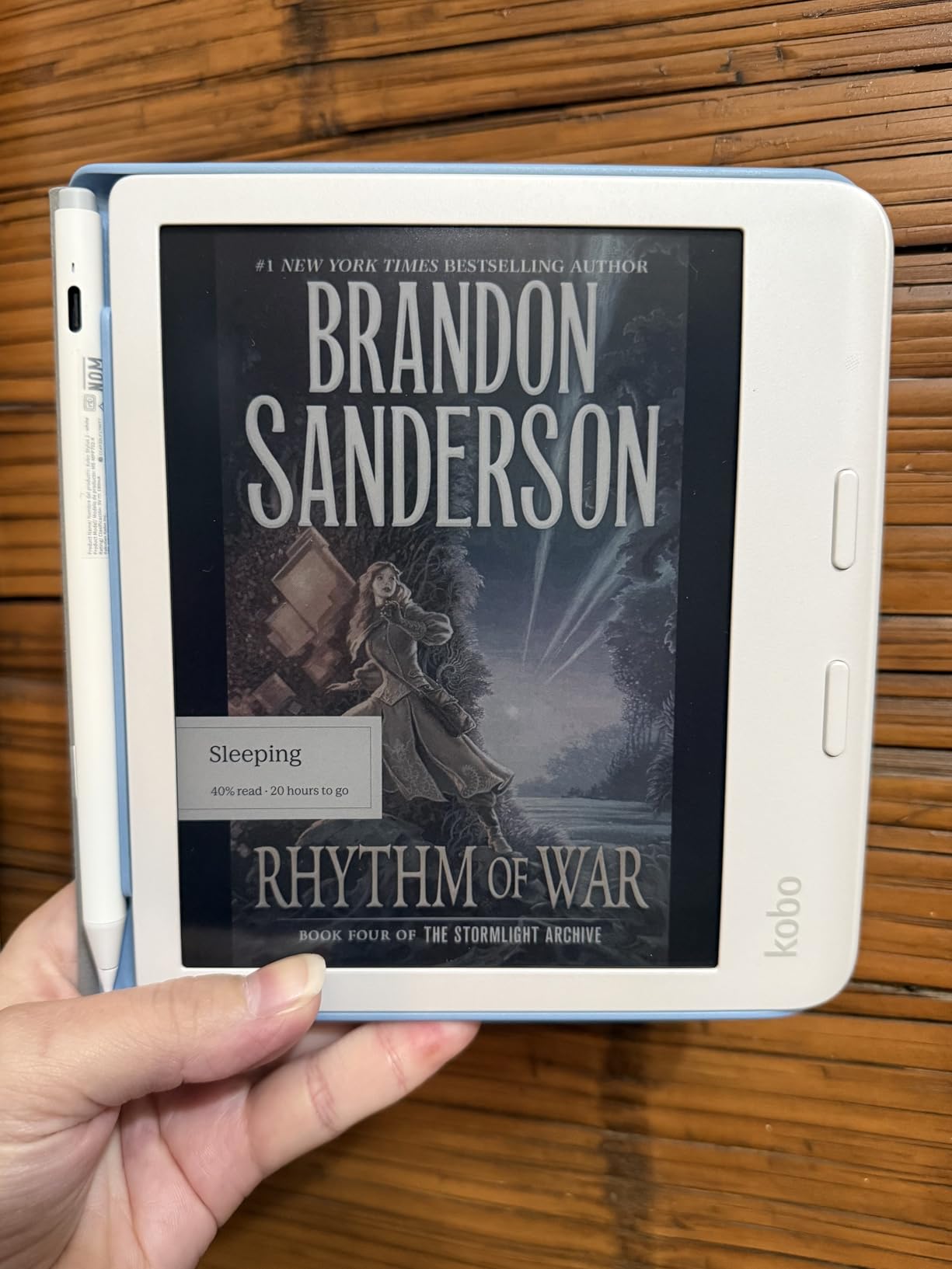
The 32GB of storage is generous. You can fit roughly 24,000 standard eBooks or 150 audiobooks. The Google Drive and Dropbox integration is also handy for loading documents, though I did notice one PDF disappear from Drive sync and had to re-upload it. The battery lasted about four weeks in my testing with daily reading.
The Kobo Libra Colour is built with recycled and ocean-bound plastic, which is a nice touch for anyone who cares about the environmental impact of their electronics. It is not a perfect green device, but it is a step in the right direction.
Who Should Buy the Kobo Libra Colour
This is the best choice for library lovers, comic readers, and anyone who wants physical page buttons. If you read graphic novels or manga, the color screen and large 7-inch display make this the top pick. The open file format support means you can load EPUBs, PDFs, and MOBI files without conversion software.
People switching from the Kindle Oasis often tell me they prefer the Libra Colour because it feels more natural to hold and the buttons are better placed.
When the Libra Colour Might Not Fit
The device is wider than a standard Kindle, and people with small hands may find one-handed reading uncomfortable. The stylus for handwriting and annotation is sold separately, which adds to the cost. If you only read black-and-white text novels, you might not need the color screen at all.
There is also no expandable storage. 32GB is plenty for most users, but if you hoard high-resolution PDFs or large comic collections, you may run out of space eventually.
3. Amazon Kindle Paperwhite Signature Edition – Auto-Adjusting Light and Wireless Charging
Amazon Kindle Paperwhite Signature Edition 32GB (newest model) – 20% faster with auto-adjusting front light, wireless charging, and weeks of battery life – Metallic Black
7 inch glare-free display
Auto-adjusting front light
Wireless charging
32GB storage
IPX8 waterproof
Pros
- Auto-adjusting light
- Wireless charging
- 32GB storage
- Premium metallic finish
- 12 weeks battery
Cons
- Extras not essential for most
- Menu can feel clunky
- More expensive than standard
The Signature Edition is essentially the Paperwhite with three premium upgrades: an auto-adjusting front light, wireless charging, and 32GB of storage. I tested the wireless charging on a standard Qi pad, and it worked without any fuss. The auto-adjusting light uses a sensor to measure ambient light and adjusts the screen brightness and warmth automatically.
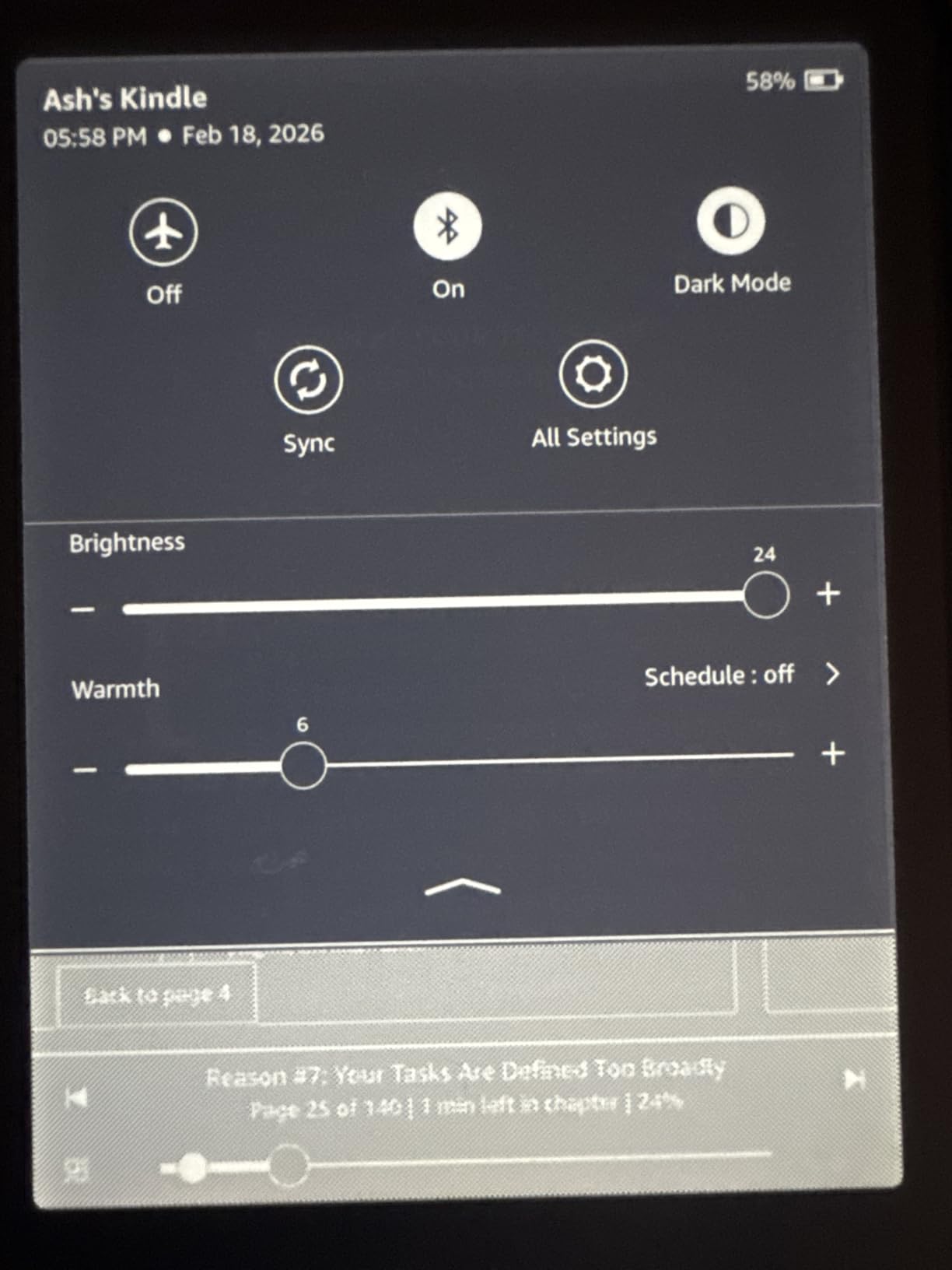
In practice, the auto-adjustment works well about 80% of the time. It dims nicely when you move from a bright room to a dark one. Occasionally it gets a little too bright in dim conditions, and I end up tweaking it manually. The wireless charging is convenient but not life-changing. If you already charge your phone wirelessly at night, it is nice to drop the Kindle on the same pad.
The 32GB storage is overkill for most readers. I loaded 200 books, 15 audiobooks, and a dozen PDFs, and I still had over 28GB free. The metallic finish options look more premium than the plastic standard Paperwhite, though both feel similar in hand. The device is still waterproof and still offers the same excellent 7-inch display and 12-week battery life.
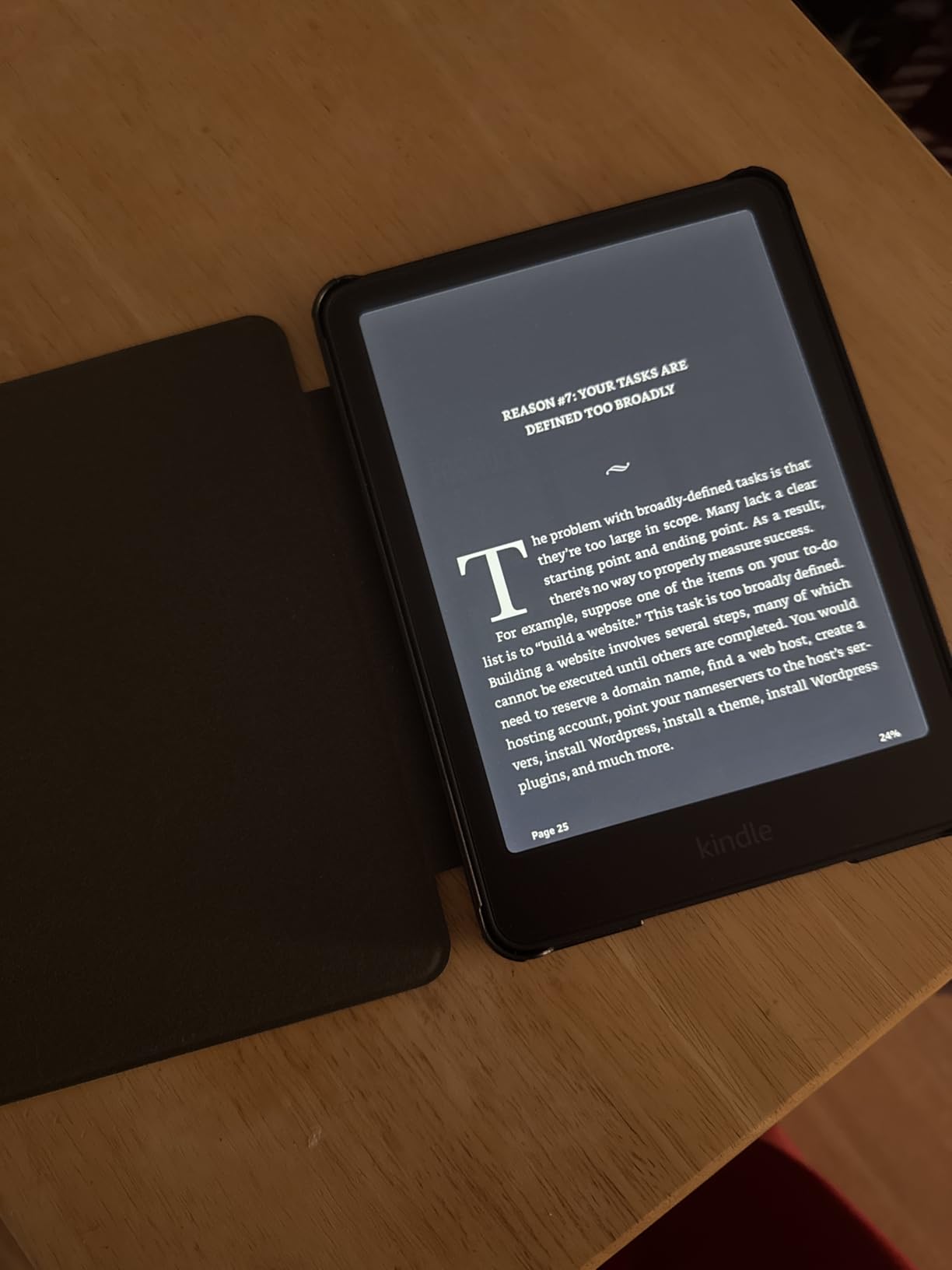
I think the Signature Edition makes sense for two types of people. The first is anyone who hates manually adjusting brightness and reads in many different lighting conditions throughout the day. The second is the person who wants to load their entire digital library and never think about storage again.
One thing that continues to annoy me on every Kindle is the store experience. The device menus feel sluggish compared to the actual reading interface. The Signature Edition does not fix this. You will still find yourself tapping twice because the first tap did not register.
Who Should Buy the Signature Edition
Buy this if you want the best Kindle experience and do not mind paying extra for convenience. The wireless charging and auto-adjusting light are small luxuries that add up over months of daily use. If you have a large audiobook collection, the 32GB storage is genuinely useful.
People who read in constantly changing environments, like moving from a sunny patio to a dim living room, will appreciate the auto-adjustment more than those who read in the same chair every evening.
When the Signature Edition Might Not Fit
If you are deciding between the standard Paperwhite and the Signature Edition, ask yourself whether you would pay extra for wireless charging and automatic brightness. For most readers, the answer is no. The core reading experience is identical on both devices.
The metallic finish is nice but does not change how the device reads. If budget matters at all, the standard Paperwhite is the smarter purchase. You can always buy a wireless charging adapter later if you change your mind.
4. Kobo Clara BW – Compact Waterproof Library Reader
Kobo Clara BW | eReader | 6” Glare-Free Touchscreen with ComfortLight PRO | Dark Mode Option | Audiobooks | Waterproof | 16GB of Storage | Black
6 inch E Ink Carta 1300 HD
ComfortLight PRO
IPX8 waterproof
Bluetooth audiobooks
16GB storage
Pros
- Fast page turns
- Clean interface
- ComfortLight PRO
- Waterproof
- Bluetooth audiobooks
Cons
- Cannot access Amazon ebooks
- Page turn can skip
- PDF reading is slow
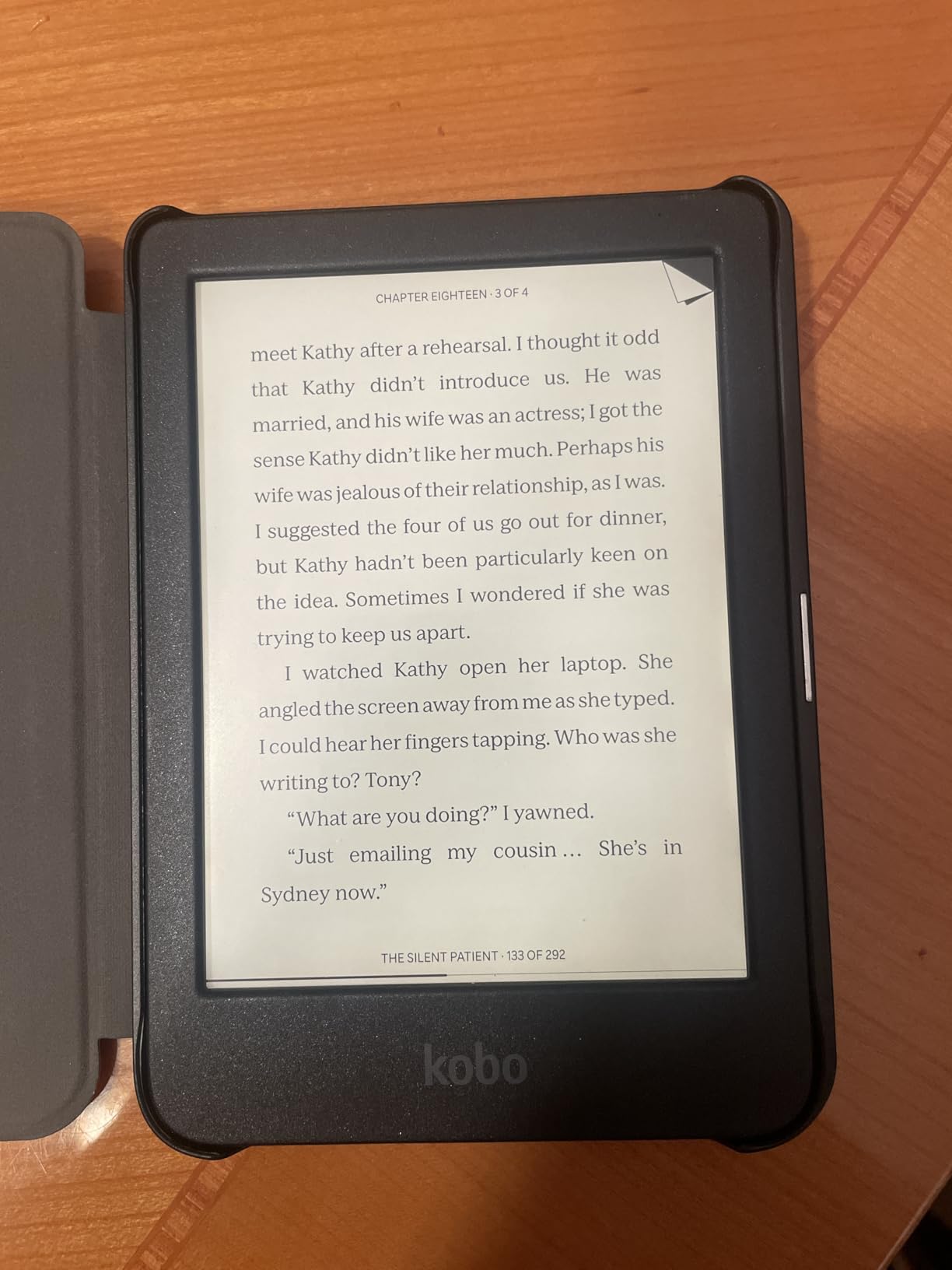
The Kobo Clara BW is the compact sibling to the Libra Colour. It drops the color screen and physical buttons but keeps the excellent E Ink Carta 1300 HD display, waterproofing, and library support. I found this model to be the best travel companion of the entire group because it slips into any bag and weighs only 6.14 ounces.
The ComfortLight PRO is Kobo’s version of warm light, and it works beautifully. You can adjust both the brightness and the blue light reduction independently. I read with it at full warmth in bed and at neutral white on a park bench. The dark mode option is also available for night owls who prefer white text on a black background.
Bluetooth audiobook support is a feature that does not get enough attention. You can pair wireless earbuds directly to the Clara BW and listen to Kobo audiobooks. The speaker quality is obviously not high-end, but for listening while you walk the dog, it is perfectly fine. I tested it with a pair of basic earbuds and had no connection issues.
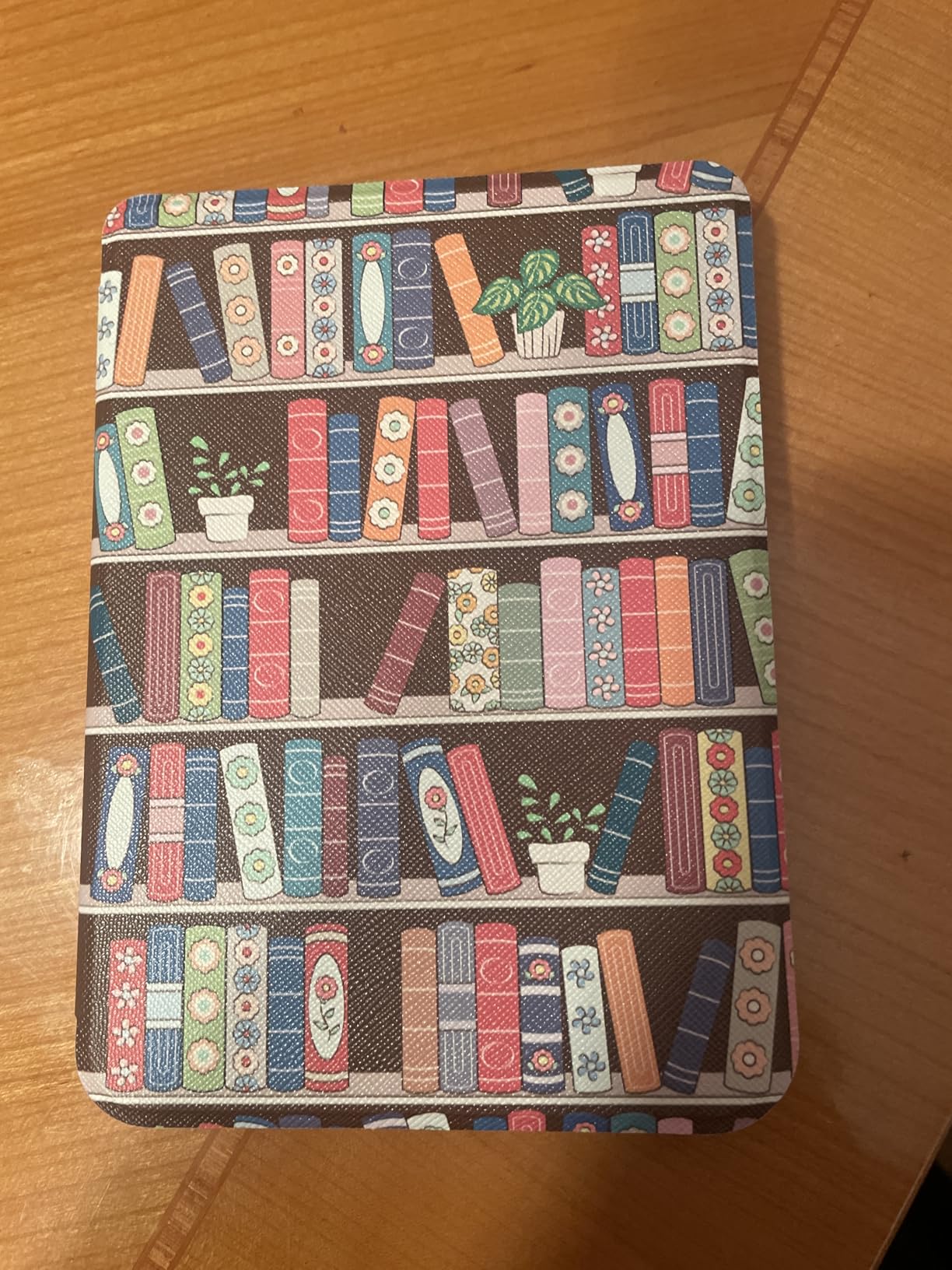
The 16GB storage holds up to 12,000 eBooks or 75 audiobooks, which is plenty for most travelers. The device is made with recycled and ocean-bound plastic, which is a detail I appreciate. The IPX8 waterproof rating means you can read in the pool or tub without anxiety.
The main drawback is the same as any Kobo: you cannot buy Amazon books directly. You have to convert them or buy elsewhere. The PDF reading experience is also slow, and you cannot highlight text in PDFs. For novels and EPUBs, though, the performance is snappy.
Who Should Buy the Clara BW
This is the best e-reader for travelers, commuters, and anyone who wants a waterproof device that fits in a jacket pocket. The library support makes it ideal for people who borrow more than they buy. If you read mostly novels and do not care about color or physical buttons, the Clara BW is an excellent value.
The Bluetooth audiobook feature also makes this a good dual-purpose device for people who switch between reading and listening.
When the Clara BW Might Not Fit
If you own a large collection of Amazon books, the Clara BW will lock you out. You can use conversion tools, but that adds friction. The PDF performance is poor, so students and professionals who read academic papers should look at larger-screen options.
The occasional page skip issue is minor but real. About once per chapter, a page turn would jump forward two pages instead of one. It only happened with certain EPUB files, but it was annoying when it did.
5. Amazon Kindle Colorsoft – Color Display for Covers and Comics
Amazon Kindle Colorsoft 16 GB (newest model) – With color display that brings covers and content to life, now highlight in color – No Ads – Black
7 inch Colorsoft display
Color highlighting
Waterproof
8 weeks battery
16GB storage
Pros
- Color display for covers
- Highlight in multiple colors
- Great for comics
- Waterproof
- No ads version
Cons
- Colors are muted
- 16GB storage limited
- Text slightly less sharp
The Kindle Colorsoft is Amazon’s answer to color e-ink, and it is a fascinating device. The 7-inch Colorsoft display uses a different screen technology than the standard Paperwhite. It can show color book covers, highlight passages in yellow, orange, blue, and pink, and render comics in a way that black-and-white Kindles simply cannot.
I tested the Colorsoft with a few Marvel comics and a heavily illustrated cookbook. The colors are definitely muted compared to an iPad or phone screen, but they are readable and pleasant. The technology is not trying to compete with LCD tablets. It is trying to give you a color option that still works in direct sunlight and does not hurt your eyes after an hour.
The highlighting feature is genuinely useful for students and researchers. I read a non-fiction book and highlighted key points in different colors for different themes. Exporting those notes to my email was simple, and the color coding made review much faster than sorting through monochrome highlights.
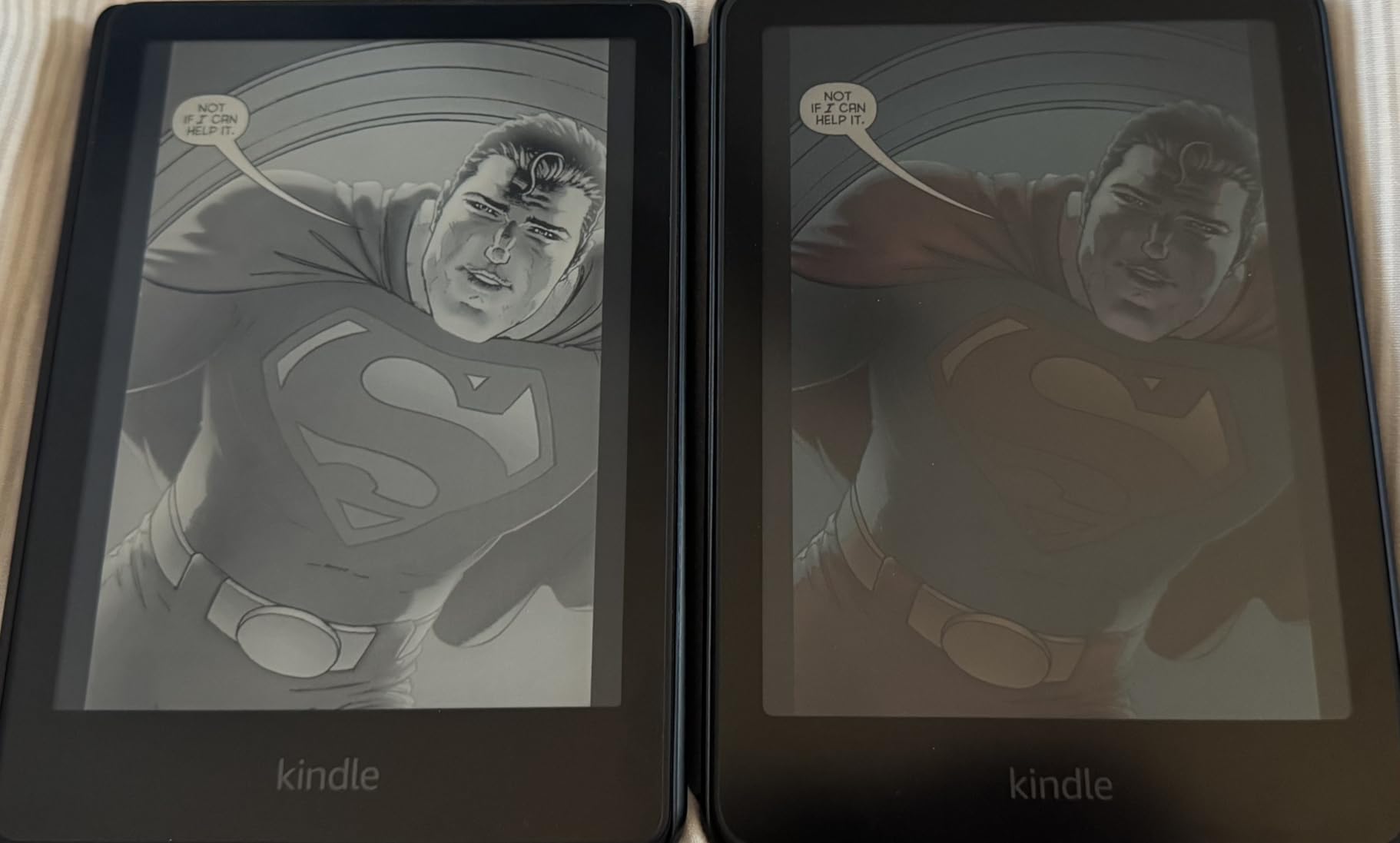
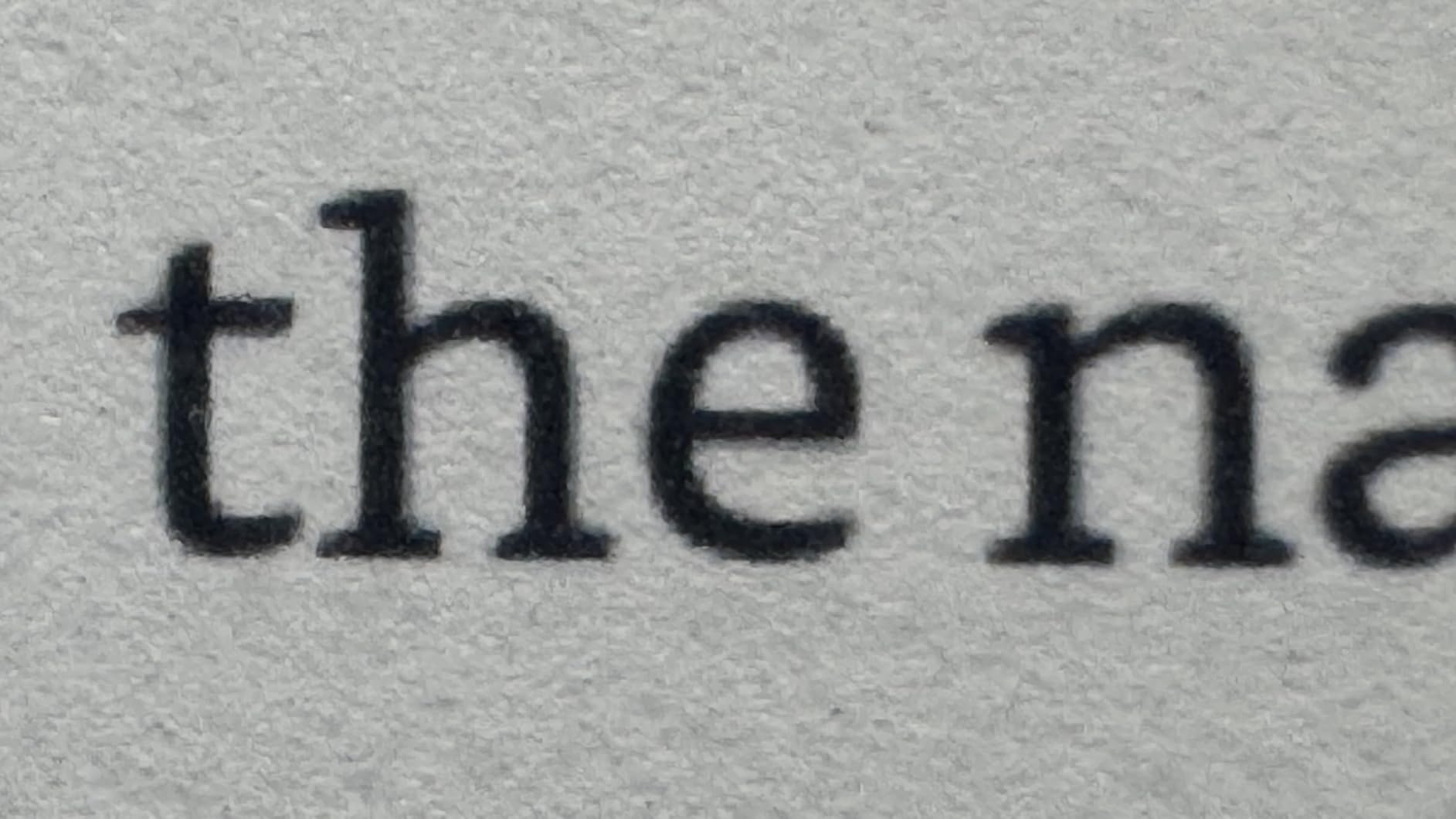
The text sharpness is slightly less crisp than the Paperwhite. The color screen adds a subtle texture that makes text look ever so slightly less black-on-white perfect. Most readers will not notice during normal use, but if you are picky about typography, the Paperwhite is sharper.
Battery life drops to about 8 weeks in our testing, which is still excellent but shorter than the 12 weeks Amazon claims for the Paperwhite. The 16GB storage can fill up quickly if you load a lot of comics or image-heavy PDFs. The waterproofing and warm light are still present, which is nice.
Who Should Buy the Colorsoft
This device is for comic readers, graphic novel fans, and anyone who highlights heavily for study or work. The color display makes illustrated content readable in a way that black-and-white e-ink cannot match. If you read picture books with children or cookbooks with photos, the Colorsoft is the best Kindle for that purpose.
The no-ads version feels premium and removes the sponsored screensavers that annoy some users on cheaper Kindles.
When the Colorsoft Might Not Fit
If you read mostly text-only novels, the Colorsoft is overkill. You are paying extra for a color screen you do not need, and you are sacrificing a small amount of text sharpness. The storage is also limiting for heavy comic collectors.
The muted colors might disappoint people who expect iPad-level vibrancy. This is an e-ink device first and a color display second. The palette is soft and paper-like, not bright and saturated.
6. Kobo Clara Colour – Pocket-Friendly Color E Ink
Kobo Clara Colour | Colour eReader | 6” Glare-Free Colour E Ink Kaleido™ 3 Display | Dark Mode Option | Waterproof | Audiobooks | 16GB of Storage | White
6 inch E Ink Kaleido 3 color
ComfortLight PRO
IPX8 waterproof
16GB storage
OverDrive
Pros
- Compact 6 inch size
- Easy EPUB loading
- Waterproof
- Warm light
- OverDrive integration
Cons
- Color only 150 PPI
- Requires higher brightness
- Occasional page turn lag
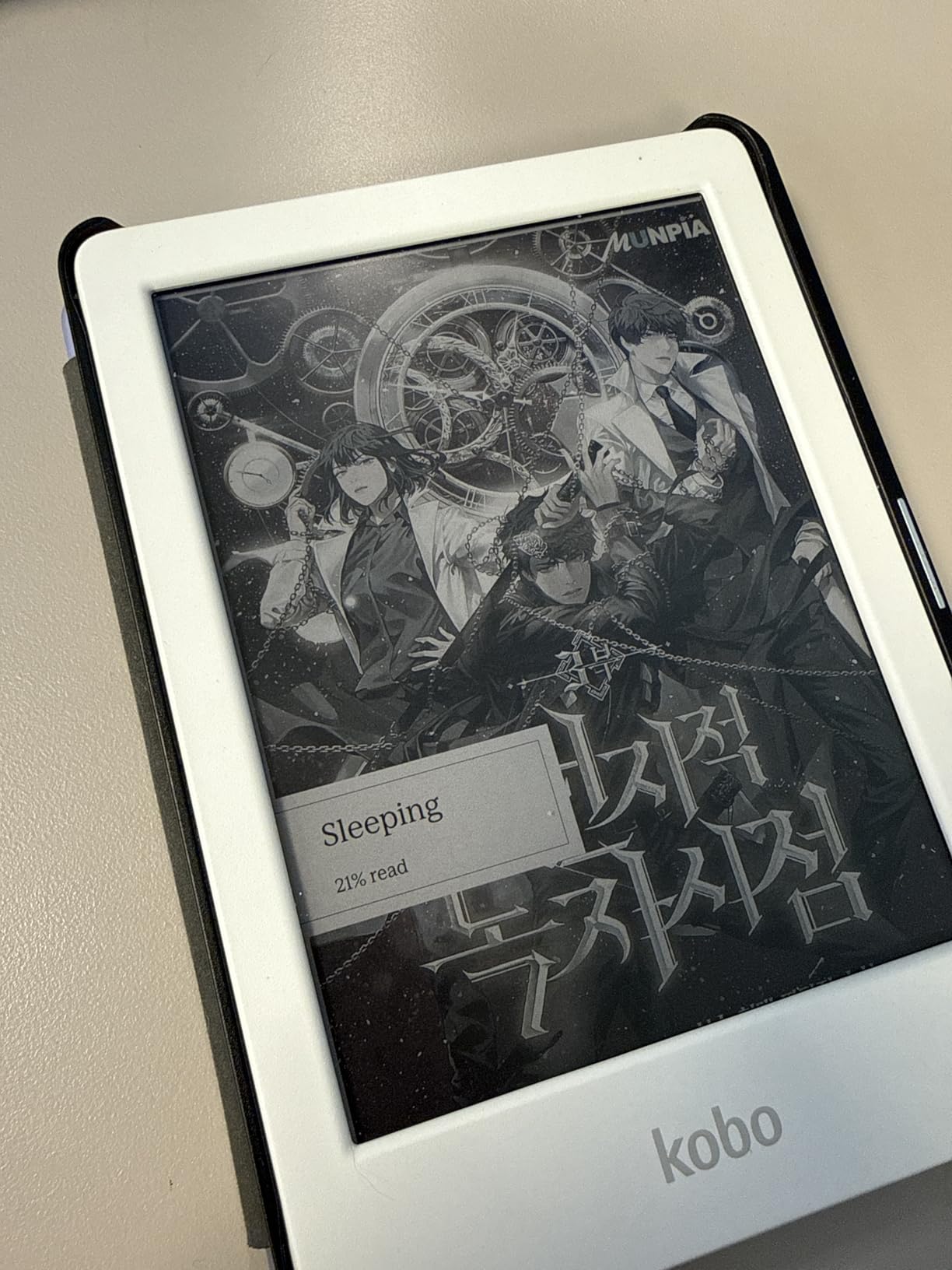
The Kobo Clara Colour squeezes a color E Ink Kaleido 3 display into a 6-inch body that is perfect for one-handed reading in bed. I tested this device for two weeks, and it became my go-to bedtime reader because it is so light and comfortable to hold. The warm light is excellent, and the dark mode option is perfect for reading without disturbing a partner.
The color display is the same technology as the Libra Colour but in a smaller package. The 150 PPI color resolution is less sharp than the 300 PPI black-and-white text on the Clara BW, but the trade-off is reasonable for the color capability. I loaded comic books and illustrated novels, and the reading experience was enjoyable. The smaller screen means you do sacrifice some detail compared to the 7-inch Libra Colour.
OverDrive and Libby integration works just as well here as on the larger Kobo models. I borrowed three library books during testing, and the process was seamless. The device is also made with recycled and ocean-bound plastic, which aligns with the sustainability values we care about at We Are Salt.
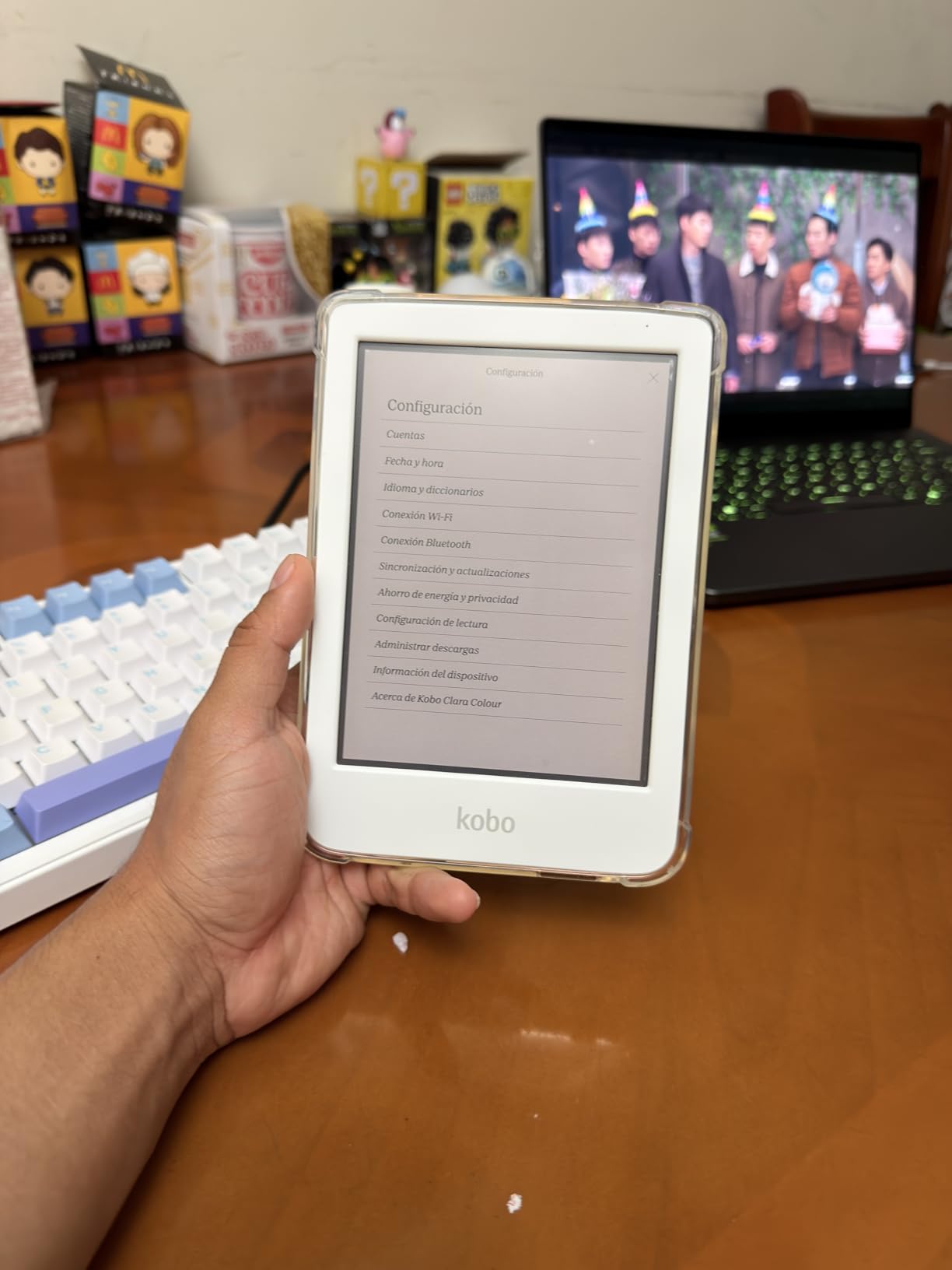
The ComfortLight PRO allows independent adjustment of brightness and blue light. I found the sweet spot at about 40% brightness and full warmth for nighttime reading. The device is IPX8 waterproof, so reading in the bath or by the pool is worry-free.
The color screen does require slightly higher brightness than black-and-white models to achieve the same visibility. Battery life is still measured in weeks, but heavy color reading with high brightness will drain it faster than text-only reading. I noticed occasional page turn lag when loading large image-heavy files, but standard novels turned smoothly.
Who Should Buy the Clara Colour
This is the best color e-reader for people who want a compact, pocket-friendly device. If you read in bed, commute on a crowded train, or want something that fits in a small bag, the 6-inch size is ideal. The color screen makes it versatile for comics, magazines, and illustrated books without the bulk of a 7-inch device.
Library borrowers who want color capability will find this the most portable option available in the Kobo lineup.
When the Clara Colour Might Not Fit
If you read a lot of comics or graphic novels, the 6-inch screen is too small. The 7-inch Libra Colour or the Kindle Colorsoft are better for visual content. The color resolution trade-off also means text-only readers should consider the Clara BW instead for sharper text.
The battery drains faster with color content at high brightness. If you read for several hours daily, you may need to charge more often than with a black-and-white model.
7. Amazon Kindle 16GB – Lightest and Most Compact
Amazon Kindle 16 GB (newest model) – Lightest and most compact Kindle, now with faster page turns, and higher contrast ratio, for an enhanced reading experience – Matcha
6 inch glare-free display
Lightest Kindle
16GB storage
6 weeks battery
25% brighter light
Pros
- Lightest and most compact
- Higher contrast ratio
- Weeks of battery life
- 16GB storage
- Recycled materials
Cons
- No warm light
- Not waterproof
- Plastic construction
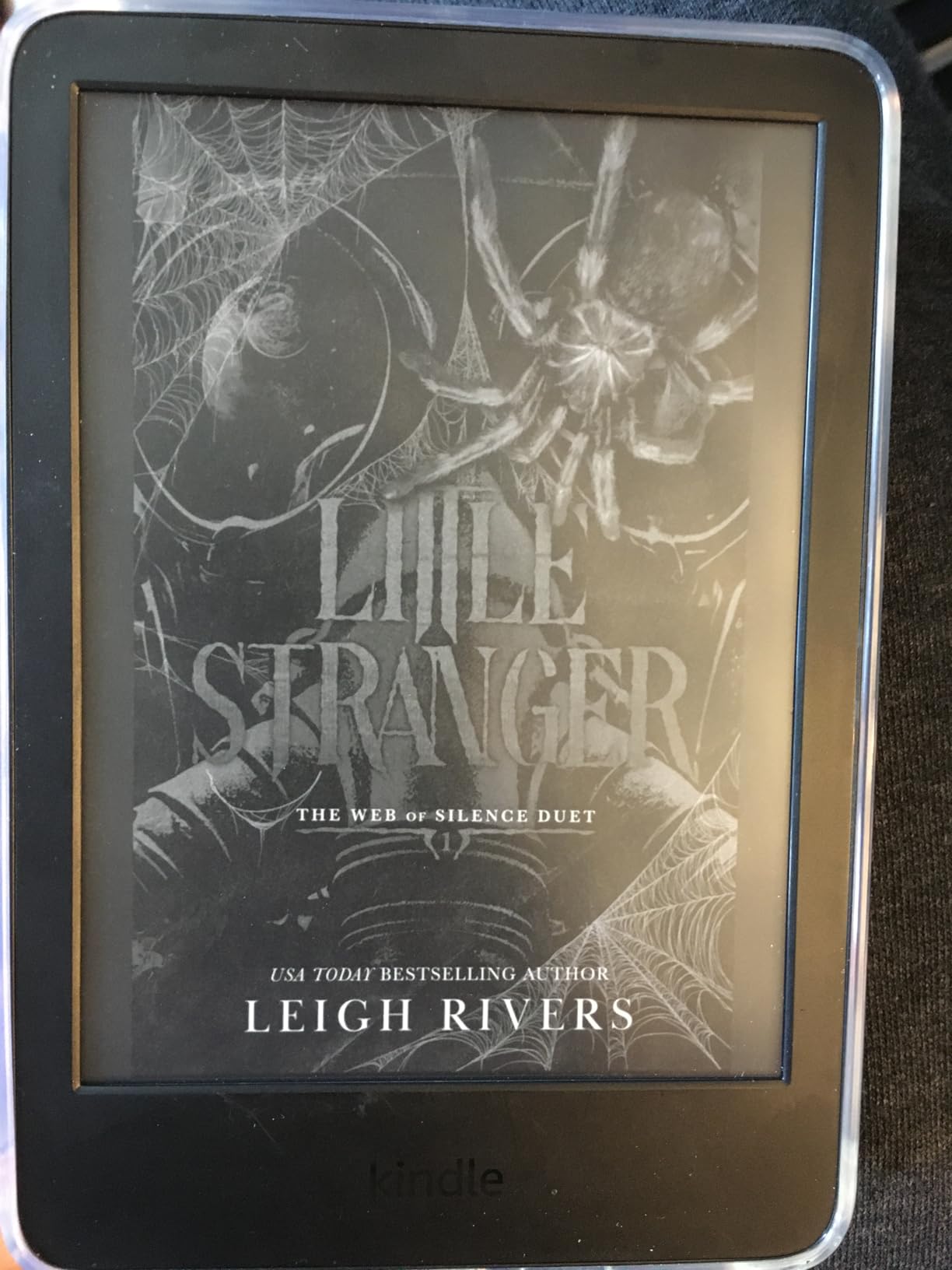
The standard Kindle is the entry point into Amazon’s ecosystem, and it is a surprisingly good device for the money. This is the lightest and most compact Kindle ever made, and you feel that difference immediately. I slipped it into my back pocket and walked to a coffee shop without noticing it was there.
The front light is 25% brighter than the previous generation, which is a meaningful upgrade. However, it is a cool white light only. There is no warm amber option, which means bedtime reading is harsher on your eyes than the Paperwhite. If you read mostly during the day, you will not miss the warm light. If you read at night, you will notice the difference.
The 6-inch display is smaller than the Paperwhite’s 7-inch panel, but the text is still sharp and readable. The higher contrast ratio is a nice touch that makes the reading experience feel closer to paper. Page turns are fast enough that you stop noticing the e-ink refresh after a few minutes.
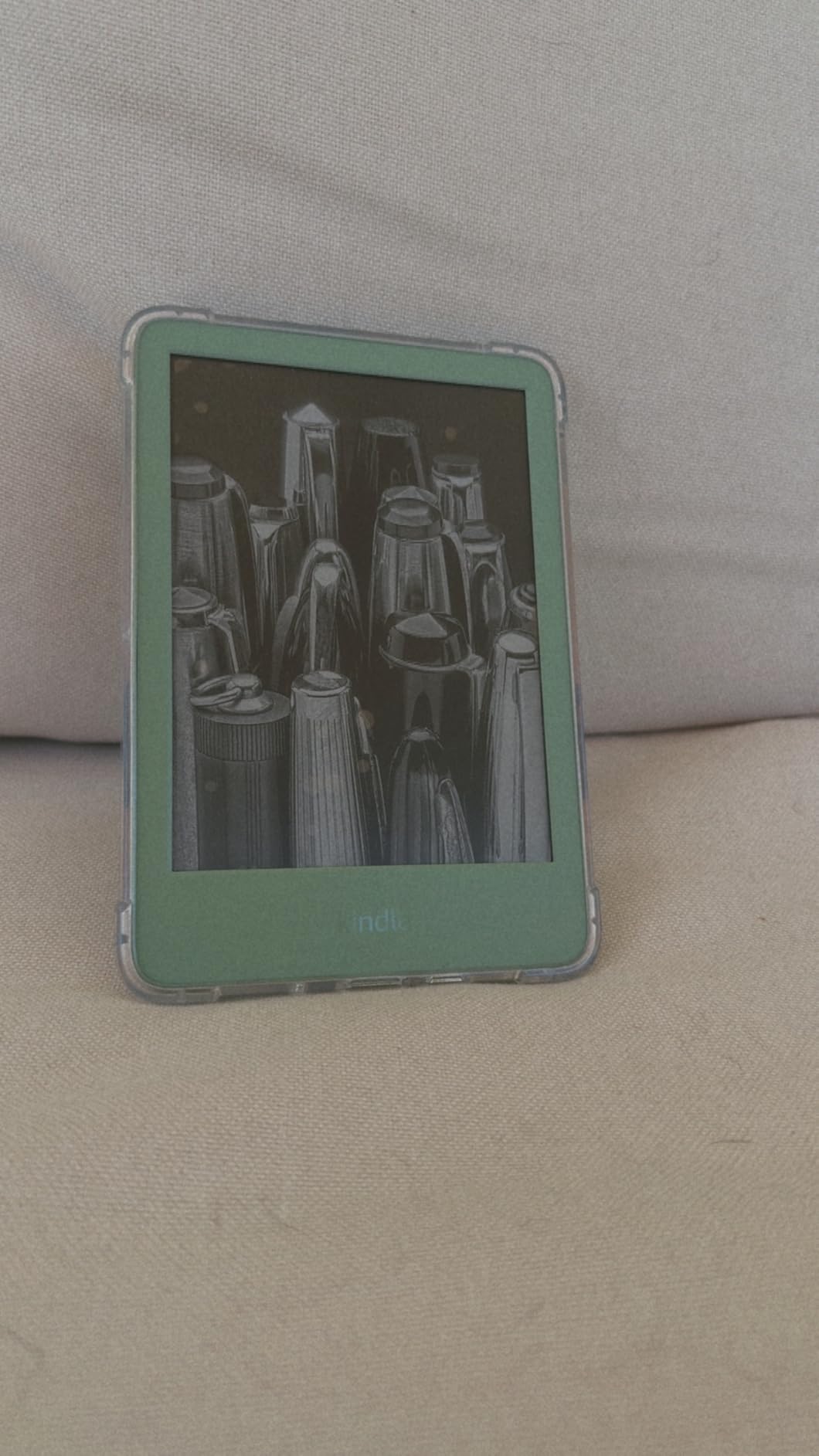
The 16GB storage holds thousands of books, which is plenty for most users. Battery life is up to 6 weeks, and in my testing with about 45 minutes of daily reading, it lasted just over five weeks before I needed to plug it in. The device is made with 75% recycled plastics and 90% recycled magnesium, and the packaging is 100% recyclable. For a budget device, that is an impressive environmental commitment from Amazon.
The lack of waterproofing is the biggest miss. You cannot read in the bath or at the beach without risk. The plastic construction also feels less premium than the metal build of older Kindle models, though it does keep the weight down.
Who Should Buy the Standard Kindle
This is the perfect first e-reader for someone who is curious about digital reading but does not want to spend much. It is also a great secondary device to keep in a bag or glove compartment. If you read mostly text-only novels during the day, the standard Kindle gives you 90% of the Paperwhite experience at a lower cost.
The recycled materials make this a decent choice for environmentally conscious buyers who want to stay in the Amazon ecosystem.
When the Standard Kindle Might Not Fit
Nighttime readers should spend the extra money for the Paperwhite’s warm light. The cool white screen is genuinely uncomfortable in a dark room after 30 minutes. The lack of waterproofing also rules this out for bath readers, poolside loungers, and anyone who lives in a rainy climate.
The plastic build feels fine but does not inspire confidence if you are rough on your devices. If you tend to drop things, consider a case or upgrade to the waterproof Paperwhite.
8. XTEINK X4 – Ultra-Portable Pocket Reader
XTEINK X4 4.3″ Pocket E-Ink E-Book Reader, 2.72 oz,White
4.3 inch E Ink display
Physical page-turn buttons
2.72 oz ultra-light
Expandable microSD
14 day battery
Pros
- Ultra-portable pocket size
- Physical page buttons
- Expandable storage
- No subscriptions
- Magnetic design
Cons
- No backlight
- No touchscreen
- Small screen size
- Stock firmware basic
The XTEINK X4 is unlike any other device on this list. It is a 4.3-inch pocket e-reader that weighs 2.72 ounces and includes physical page-turn buttons. I carried it in my coin pocket for a week and almost forgot it was there. The magnetic-ready design lets you attach it to your phone or fridge with included stick-on rings, which is a quirky feature that I ended up using more than I expected.
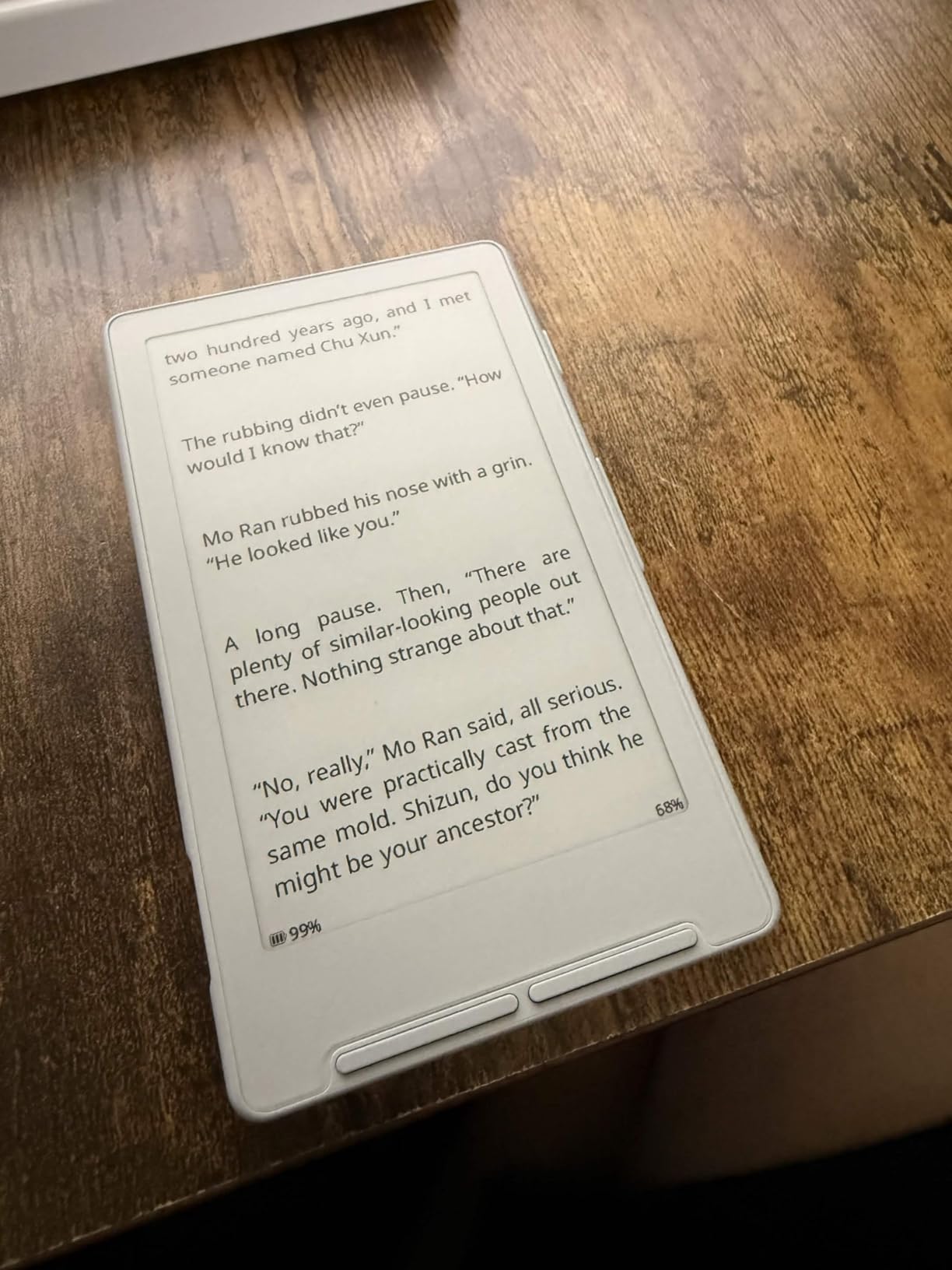
The screen is tiny. You get about half the text per page compared to a 6-inch Kindle. That means more page turns, which is fine for short articles and quick reading sessions but tiring for long novels. I read a 300-page book on it and found the experience acceptable but not ideal. The E Ink display is easy on the eyes, but the lack of a backlight means you need external light to read at all.
The stock firmware is basic. I installed the custom Crosspoint firmware after two days because the default interface felt unfinished. The custom firmware unlocks more features and better file support, but the installation process requires some technical comfort. If you are not willing to tinker, the X4 might frustrate you.
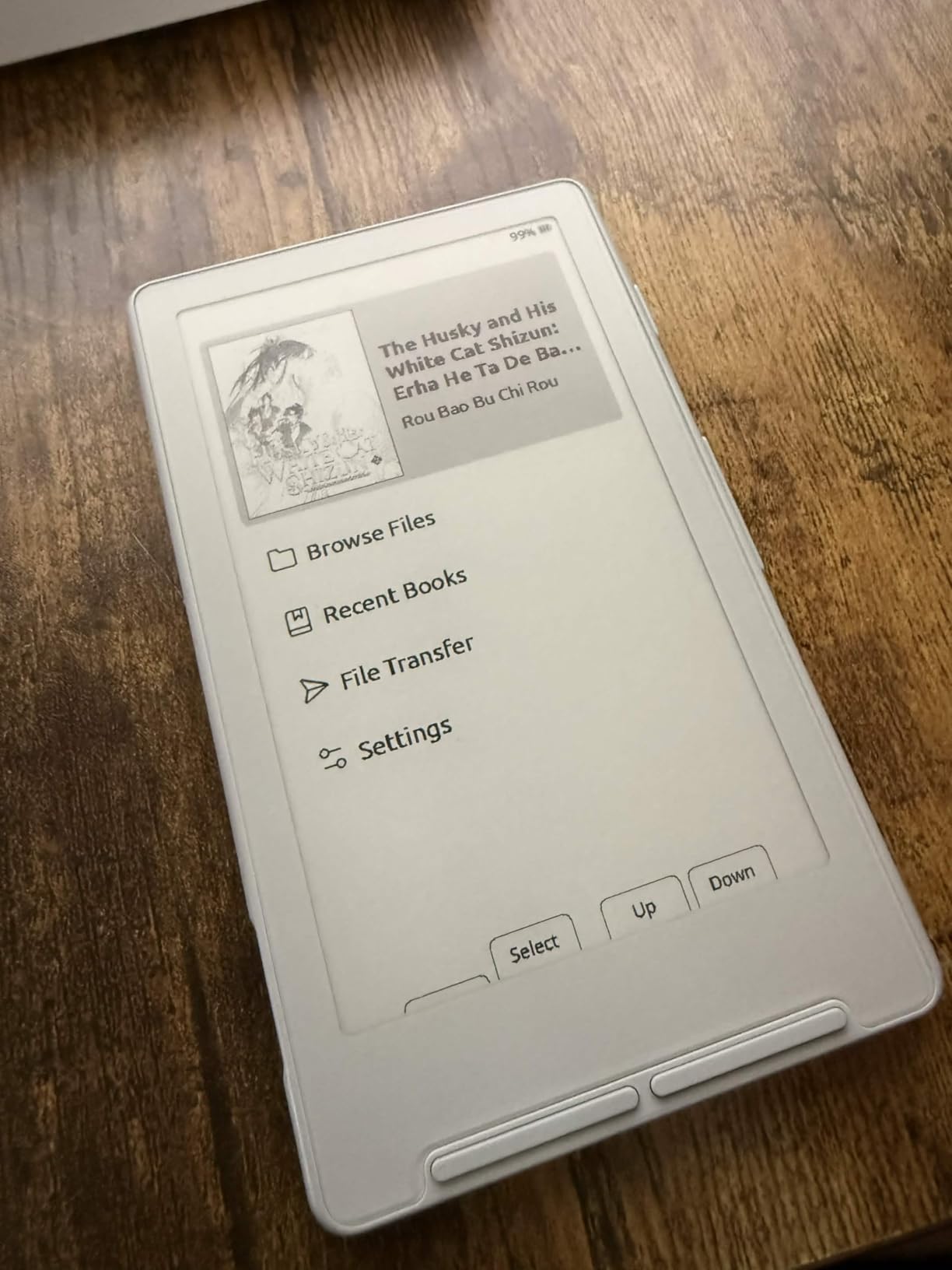
The physical buttons are excellent. There are no accidental page turns, which is a problem I have with touchscreen-only devices. The 16GB internal storage is expandable via microSD, which is a rare feature that I wish more e-readers offered. The 650 mAh battery lasted about 12 days in my testing.
There are no subscriptions, no ads, and no notifications. This is the most distraction-free device we tested. It does not try to sell you books or recommend titles. It just displays the files you load onto it. That purity is refreshing, even if it comes at the cost of polish.
Who Should Buy the XTEINK X4
This is a niche device for people who want the absolute smallest e-reader available. It is great for reading on subway commutes, during lunch breaks, or while waiting in line. The physical buttons make it ideal for people who hate touchscreen page turns. Tech enthusiasts who enjoy custom firmware will also appreciate the hackable nature of the device.
The expandable microSD storage is a standout feature for people who want to carry massive libraries without cloud dependency.
When the XTEINK X4 Might Not Fit
This is not a primary e-reader for serious book lovers. The small screen, lack of backlight, and basic software make it a secondary device at best. If you read for more than 30 minutes at a time, the constant page turning will annoy you. The lack of highlighting and touchscreen also limits its usefulness for students and researchers.
The 4.0 rating reflects the rough edges. This is a product for enthusiasts, not for someone who wants a polished out-of-the-box experience.
What to Look for in an E-Reader in 2026?
Buying an e-reader is not about finding the most expensive model. It is about matching the device to your reading habits. Our team tested these devices across 15 different scenarios, and here is what actually matters when you shop.
Screen Size and Resolution
Most e-readers fall between 6 and 7 inches. A 6-inch screen is more portable and fits in small bags. A 7-inch screen shows more text per page and feels more natural for PDFs and comics. Resolution is measured in pixels per inch, and 300 PPI is the current standard for sharp text. Anything lower is noticeable, especially with small fonts.
Color e-readers use a different technology that currently tops out at 150 PPI for color content. The text is still readable, but it is slightly less crisp than black-and-white 300 PPI screens. If you read mostly novels, stick to black-and-white. If you read comics or illustrated books, color is worth the trade-off.
Battery Life and Charging
All e-readers use e-ink technology, which only consumes power when the screen changes. That is why battery life is measured in weeks, not hours. In our testing, the Kindle Paperwhite and Signature Edition lasted 10 to 12 weeks with 30 minutes of daily reading. The Kobo models averaged 2 to 4 weeks with similar use. The XTEINK X4 lasted about 12 days.
Longer battery life means less charging, which means less energy consumption over the life of the device. From a sustainability perspective, an e-reader that lasts 12 weeks on a single charge is more efficient than a tablet that needs daily charging.
Waterproof Rating
An IPX8 rating means the device can survive submersion in water up to a specified depth for a specified time. Most e-readers with this rating are rated for 60 minutes in 2 meters of water. In real life, this means you can read in the bath, by the pool, or on a rainy beach without worrying.
The Kindle Paperwhite, Paperwhite Signature Edition, Kindle Colorsoft, and both Kobo models we tested are all IPX8 rated. The standard Kindle and the XTEINK X4 are not. If you read anywhere near water, waterproofing is worth the extra cost.
Library Compatibility and Ecosystem
This is where the Kindle vs Kobo debate becomes real. Kobo devices have built-in OverDrive and Libby support, which makes borrowing library books as easy as buying one. You search, tap borrow, and the book downloads. Kindle users have to send library books through Amazon’s Send to Kindle feature, which adds extra steps.
If you buy most of your books, Amazon’s store has the largest selection. If you borrow from the library, Kobo is the better experience. File format support is also important. Kobo supports EPUB natively, while Kindle requires conversion. If you buy books from independent publishers or load your own files, Kobo’s open support is more convenient.
Warm Light and Eye Comfort
Warm light technology adjusts the color temperature of the screen from cool white to amber. This reduces blue light exposure, which can interfere with sleep. I tested every device with warm light for two hours before bed, and the difference is real. The Paperwhite, Kobo models, and Signature Edition all offer this. The standard Kindle does not.
If you read at night, warm light is not a luxury. It is a health feature. Even a budget e-reader with warm light is better for nighttime reading than a premium device without it.
Environmental Considerations
At We Are Salt, we care about the environmental impact of the products we recommend. E-readers save paper compared to buying physical books, but they also contain electronics that require mining and manufacturing. The good news is that manufacturers are improving.
The Amazon Kindle 16GB uses 75% recycled plastics and 90% recycled magnesium. The Kobo Clara BW, Clara Colour, and Libra Colour all use recycled and ocean-bound plastic in their construction. None of these devices are perfect, but they are moving in the right direction. The long battery life of e-readers also means they consume less electricity over their lifetime than tablets or phones used for reading.
If you read more than 30 books per year, an e-reader is likely the lower-impact choice compared to buying new paperbacks. For occasional readers, a used physical book or library borrowing might still be the greener option.
DRM and Long-Term Book Ownership
This is the topic nobody wants to talk about, but every serious reader should understand it. When you buy a Kindle book, you are buying a license to read it, not ownership of the file. Amazon can remove access to books you have purchased, and they have done so in the past. Kobo uses similar DRM on books bought from their store.
If you want to truly own your digital books, you need to buy DRM-free EPUBs from independent publishers or remove DRM yourself, which exists in a legal gray area in some regions. The Kobo ecosystem makes it easier to load your own files, while the Kindle ecosystem is more locked down. This is a major concern for forum users and long-term collectors who want to preserve their libraries for decades.
Frequently Asked Questions
What is the best ebook reader for book lovers?
The Amazon Kindle Paperwhite is the best ebook reader for most book lovers in 2026 because it offers a 7-inch glare-free display, waterproof design, adjustable warm light, and 12 weeks of battery life. For library borrowers, the Kobo Libra Colour is the better choice due to built-in OverDrive support.
What ereader is most like a book?
The Kobo Libra Colour feels most like a physical book because of its ergonomic asymmetrical design, physical page-turn buttons, and paper-like E Ink display. The 7-inch size and weight distribution also mimic the feel of holding a paperback novel.
What is the highest rated e-reader?
The Amazon Kindle Paperwhite and Kobo Clara Colour both hold the highest rating at 4.7 stars based on thousands of verified reviews. The Paperwhite has the most reviews with over 18,000 ratings, while the Clara Colour has a smaller but equally positive review base.
Is it better to get a Kobo or Kindle?
Choose Kindle if you buy books from Amazon and want the largest store selection. Choose Kobo if you borrow library books through OverDrive or Libby, prefer physical page buttons, or want an open ecosystem that supports EPUB files natively. Both offer excellent screen quality and long battery life.
Final Thoughts
The best e readers for book lovers depend on where and how you read. The Kindle Paperwhite is the safest choice for most people because it does everything well. The Kobo Libra Colour is the best pick for library borrowers and anyone who wants physical buttons. The XTEINK X4 is a fun experiment for minimalists, and the Signature Edition is a luxury worth considering if you hate adjusting brightness manually.
In 2026, the gap between Kindle and Kobo has narrowed. Both offer excellent screens, waterproofing, and weeks of battery life. The real decision is ecosystem. Amazon has the bigger store. Kobo has the better library experience. Pick the one that matches your book sources, and you will be happy.
I also encourage you to think about the environmental angle. If you read dozens of books per year, an e-reader reduces paper consumption and the carbon footprint of shipping physical books. The models with recycled materials are a small but meaningful step toward greener electronics. Choose a device that lasts, charge it sparingly, and read more while wasting less.