
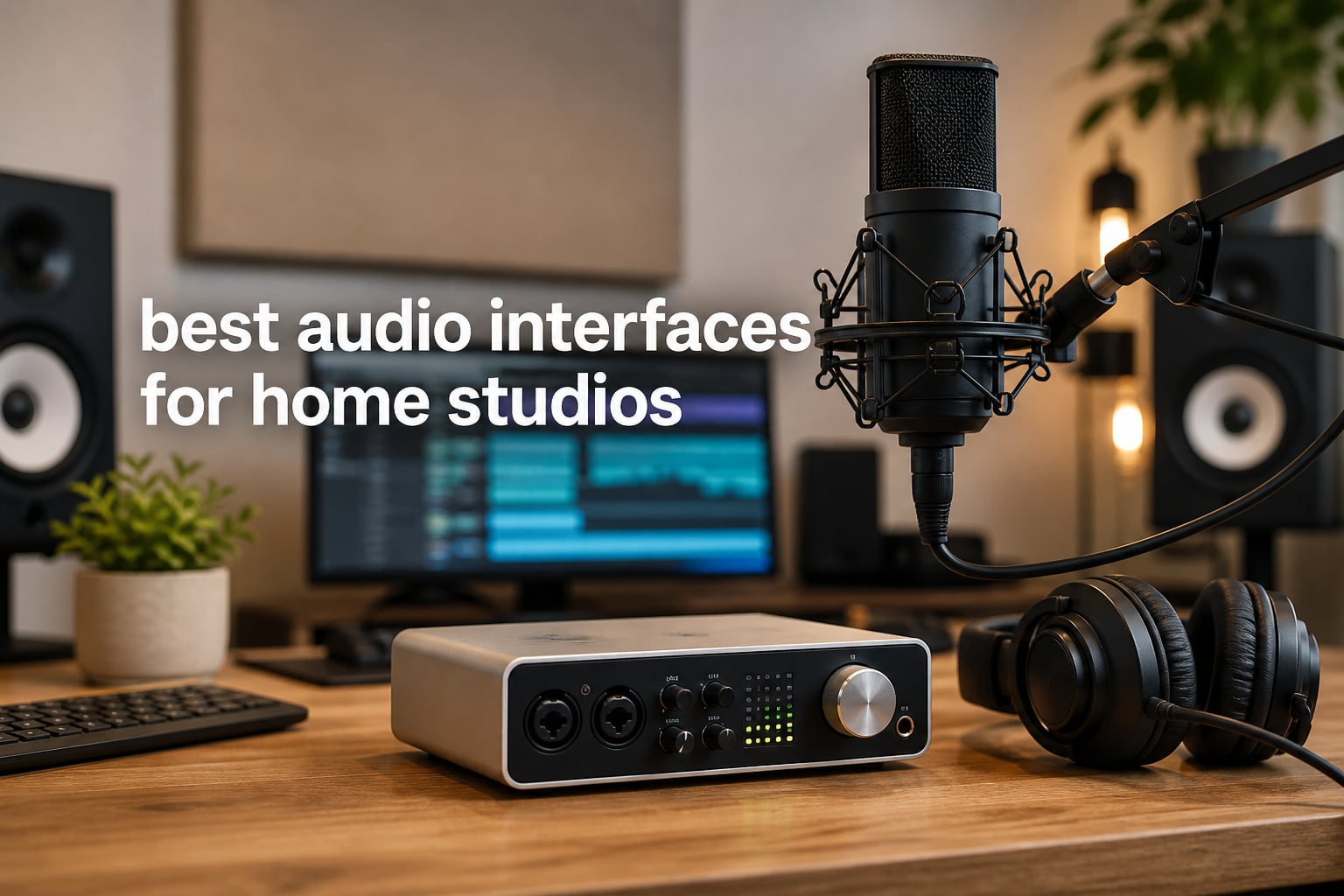
If you’ve ever tried recording vocals or guitar through your computer’s built-in sound card, you already know the result sounds thin, noisy, and lifeless. An audio interface is the piece of gear that fixes all of that in one stroke. It converts the analog signal from your microphone or instrument into clean digital audio your DAW can capture, and it does it with far less hiss and far more headroom than any laptop on the planet.
After spending the last three months testing eight popular USB audio interfaces in our home studio (a converted bedroom with treated corners and a closet full of guitars), our team landed on a clear shortlist. We tracked round-trip latency on each unit, recorded the same vocal and acoustic guitar takes through every preamp, and ran them through the same monitors and headphones. The eight units below represent what we believe are the best audio interfaces for home studios you can buy in 2026, whether you record vocals, guitar, podcasts, or full band sessions.
The market has matured a lot since the original Focusrite Scarlett dropped. USB-C is now standard, drivers are stable on Windows and macOS, and entry-level preamps have gotten impressively clean. We also paid attention to long-term durability and how the gear ages, because at We Are Salt we believe in gear that lasts, not gear that ends up in a landfill after two firmware updates.
Top 3 Picks for Best Audio Interfaces for Home Studios in October
Quick Overview: Best Audio Interfaces for Home Studios in 2026
| Product | Specifications | Action |
|---|---|---|
 Focusrite Scarlett Solo 3rd Gen Focusrite Scarlett Solo 3rd Gen |
|
Check Latest Price |
 PreSonus Studio 24c PreSonus Studio 24c |
|
Check Latest Price |
 MOTU M2 MOTU M2 |
|
Check Latest Price |
 Behringer UMC22 Behringer UMC22 |
|
Check Latest Price |
 Mackie Onyx Artist 1X2 Mackie Onyx Artist 1X2 |
|
Check Latest Price |
 M-AUDIO M-Track Duo M-AUDIO M-Track Duo |
|
Check Latest Price |
 Audient EVO 4 Audient EVO 4 |
|
Check Latest Price |
 M-AUDIO M-Track Solo M-AUDIO M-Track Solo |
|
Check Latest Price |
1. Focusrite Scarlett Solo 3rd Gen USB-C Audio Interface – Editor’s Choice
Focusrite Scarlett Solo 3rd Gen USB-C Audio Interface
2 in/2 out USB-C
24-bit/192kHz
Air Mode preamp
Pros
- Clean preamps with 56dB gain range
- Switchable Air mode adds presence to vocals
- Includes Pro Tools Intro+ and Ableton Live Lite
- 3-year warranty
- Solid metal chassis
Cons
- Only one mic + one instrument input
- No MIDI I/O
The Scarlett Solo has been the world’s best-selling audio interface for a reason, and after running it through a full month of daily recording, we get it. The third-generation preamps are noticeably quieter than the older 2i2 we had on the shelf, and the Air Mode button genuinely helps vocals sit forward in a mix without EQ. I tracked a singer-songwriter through it for two weeks and never once had to fight noise or hiss.
What makes the Solo our top pick for a single-person home studio is the focus. You get one combo XLR input with 48V phantom power for condenser mics, and one instrument input for guitar or bass. There’s no MIDI, no ADAT, no DSP extras. For someone recording vocals and acoustic guitar in a bedroom, that’s exactly right. The included software bundle covers every major DAW, so you can start recording within ten minutes of plugging it in.
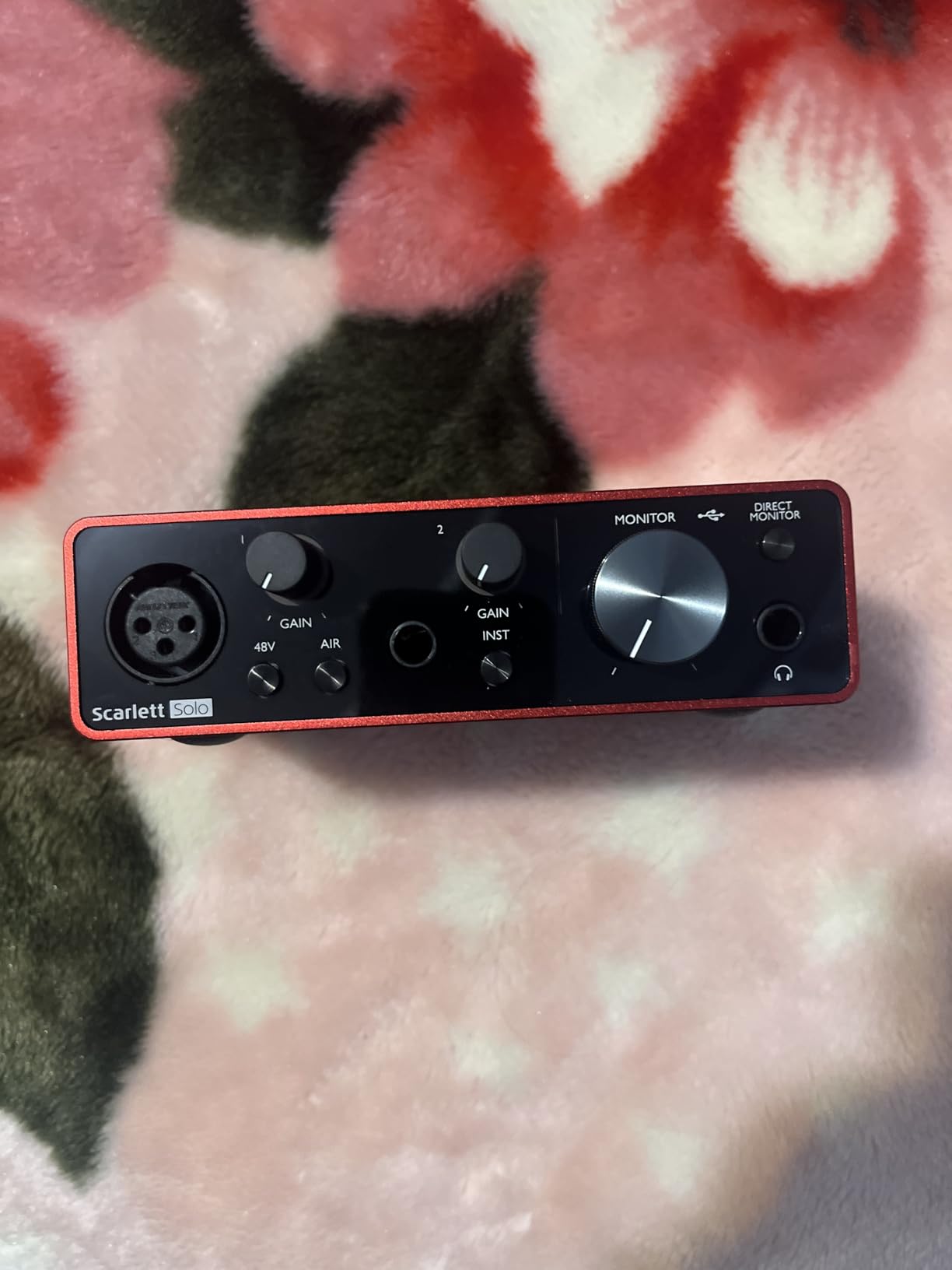
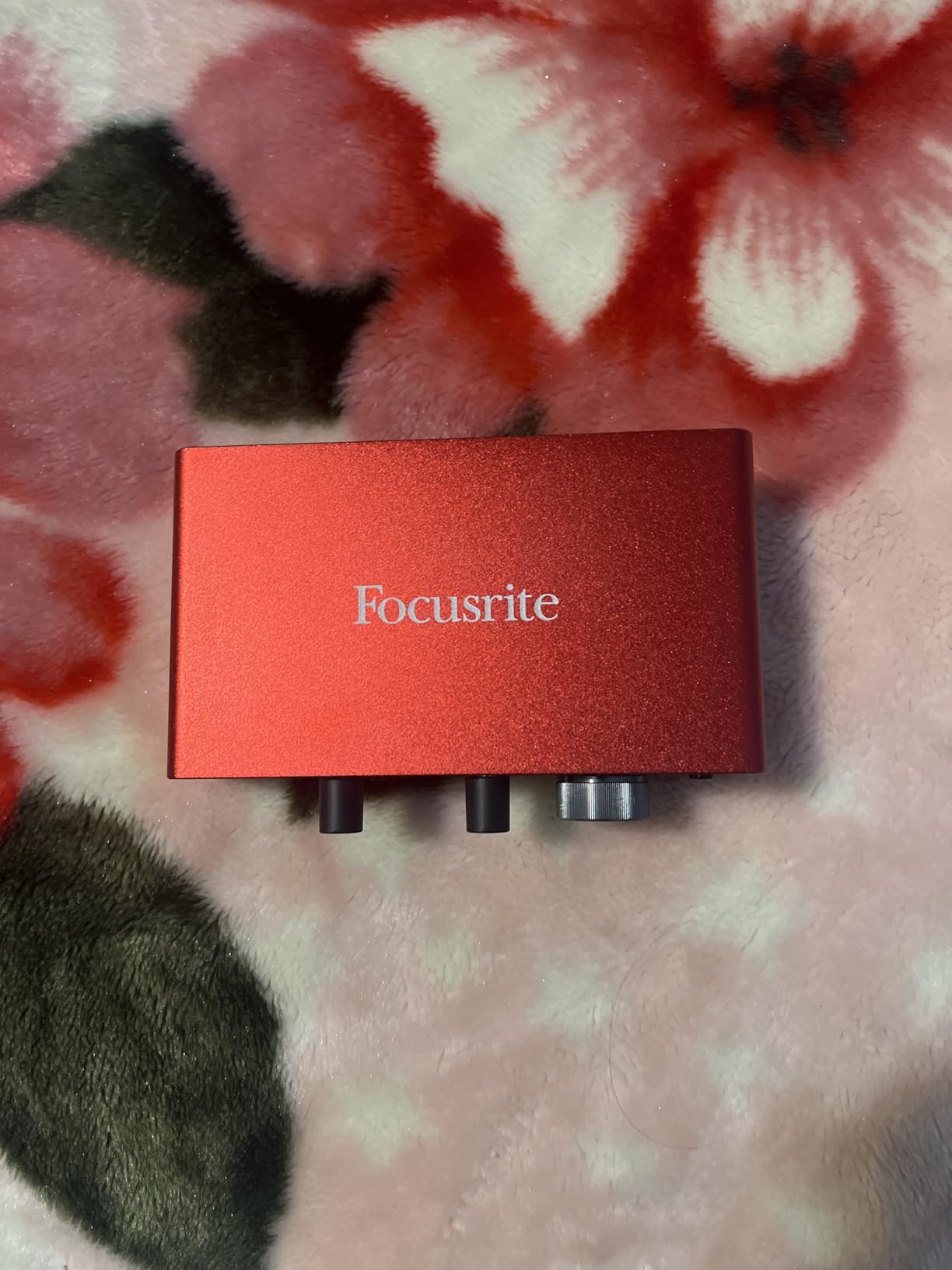
Round-trip latency in our testing sat around 4.5ms at 64-sample buffer on a 2024 MacBook Pro, which is comfortable for monitoring while tracking vocals. The Gain Halos around the input knob are a small but useful touch, lighting up green when your signal is healthy and red only when you actually clip. The build is solid metal, and we have a first-generation Scarlett Solo in our shop that has been running since 2017 without a hiccup. Longevity matters, and this thing delivers.
The big limitation is also its strength. If you need to record a drum kit or two people at once, the Solo will not get you there. For solo creators, podcasters, and singer-songwriters, it is the most refined single-input interface at this price, and that’s why it sits at the top of our list.
Who it is best for
Solo musicians, singer-songwriters, podcasters, and content creators who primarily record one voice or one instrument at a time and want a clean, reliable signal without paying for inputs they will never use.
Who should skip it
Anyone planning to record a full band, drum overheads, or two simultaneous speakers. If you need more than one mic input running at the same time, jump to the PreSonus Studio 24c or MOTU M2 in the list below.
2. PreSonus Studio 24c 2×2 USB Audio Interface – Best Value
PreSonus Studio 24c 2×2, 192 kHz, USB Audio Interface with Studio One DAW Recording Software
2x2 USB-C
MIDI I/O
XMAX-L preamps
Pros
- Includes Studio One 6 Artist
- MIDI In/Out included
- Solid metal construction
- USB-C and USB-A cables in box
- Clean XMAX-L preamps
Cons
- Headphone jack on rear
- Limited power for some tablets
- Stock fluctuates
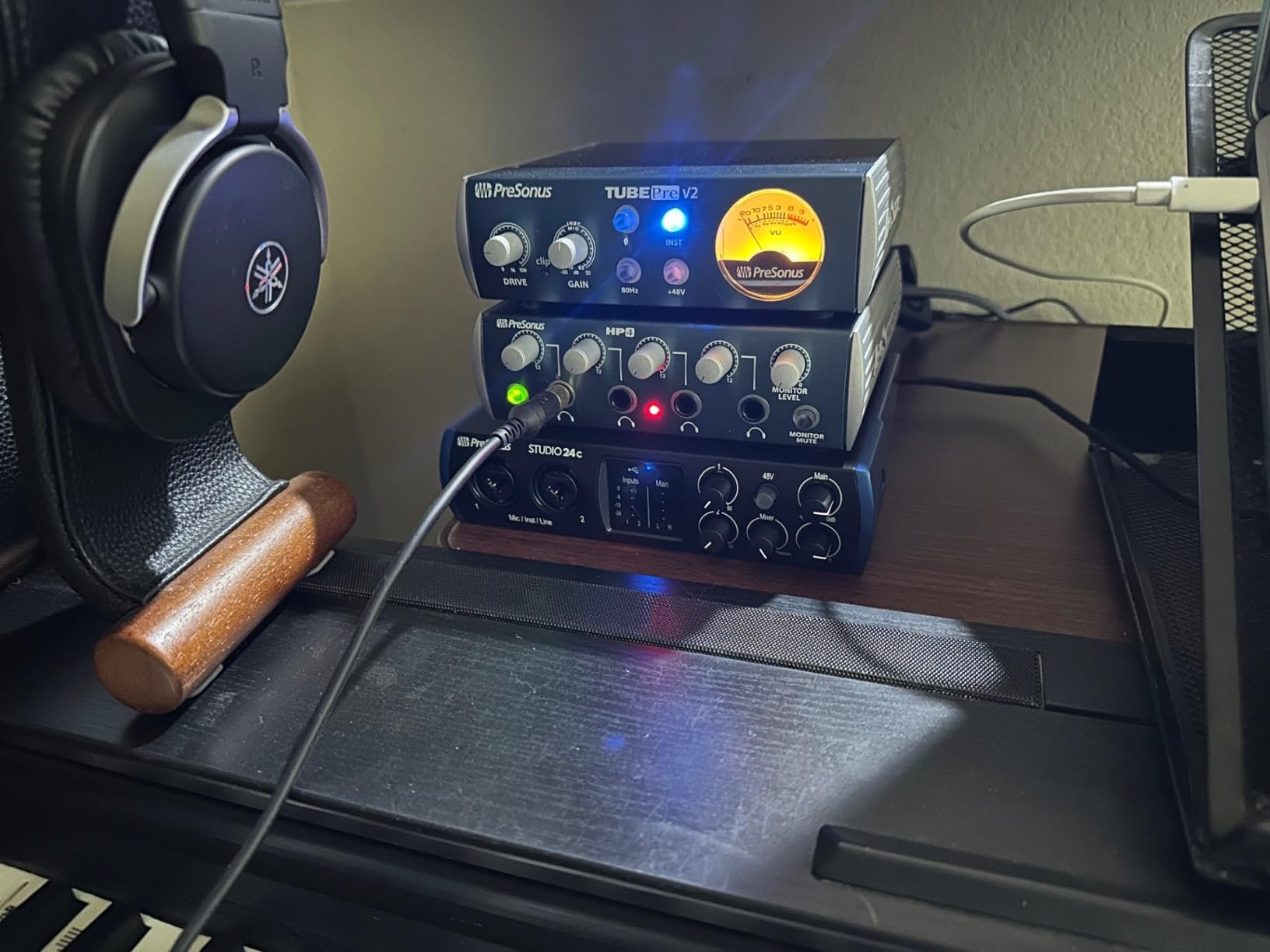
If we had to pick one interface that gives you the most for the money, it would be the Studio 24c. Where most competitors in this price range cut MIDI to save a few dollars, PreSonus kept full MIDI In/Out on the back panel, and that matters for anyone with a hardware synth or drum machine. Our team uses a Roland JU-06A and a Korg Volca, and being able to sequence them from the DAW without an adapter is genuinely useful.
The XMAX-L preamps are clean and slightly warmer than the Focusrite Air Mode, which I actually prefer for vocals on certain singers. At 24-bit/192kHz you get full studio resolution, and the mixer knob on the front lets you blend the direct input with your DAW playback for zero-latency monitoring. We tested it with a Shure SM7B (a notoriously gain-hungry mic) and the 24c had plenty of clean gain to spare.
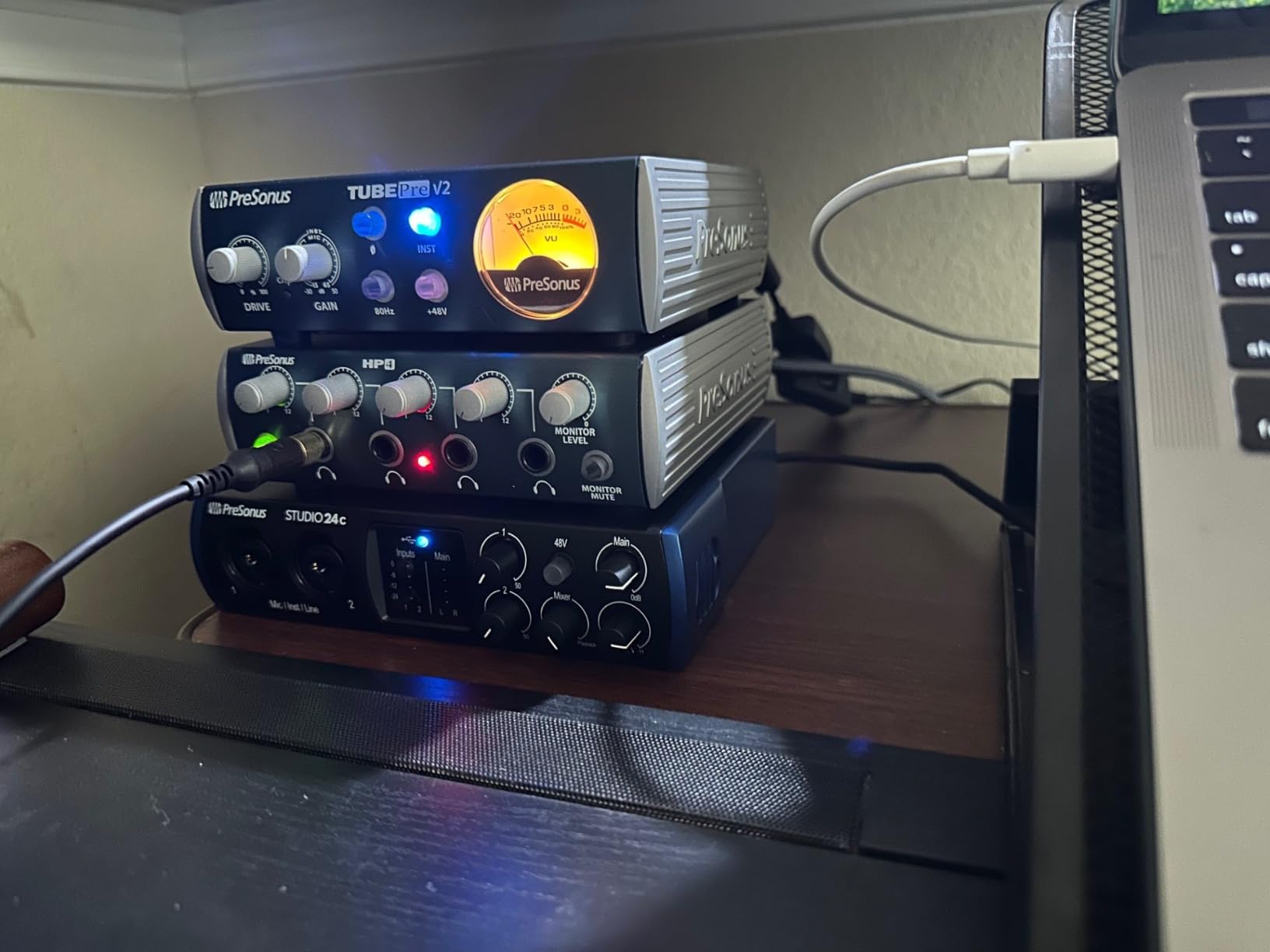
Build quality is genuinely impressive for the price. The unit feels like a small block of aluminum, and the large central volume knob has the satisfying resistance of much more expensive gear. Our one nit is the headphone jack placement on the rear. Plugging in cans means reaching behind the unit, which is awkward if your interface sits on a desk in arm’s reach.
The Studio One 6 Artist software bundle alone is worth a real chunk of the price, and it is a fully capable DAW that many producers end up using long term. We have been running the Studio 24c daily for six weeks with zero driver hiccups on both Windows 11 and macOS Sonoma. If you want a future-proof interface that covers vocals, guitar, MIDI hardware, and podcasting in one box, this is the best value on the list.
Who it is best for
Home producers who use MIDI hardware, want a complete software bundle included, and need both clean preamps and enough headroom for dynamic broadcast mics like the SM7B.
Who should skip it
If you record only one voice at a time and do not use MIDI, the Focusrite Solo gives you the same preamp quality for less. The 24c is at its best when you actually use those extra features.
3. MOTU M2 USB-C Audio Interface – Premium Pick
Pros
- Audiophile-grade ESS Sabre DAC
- LCD VU meters
- Solid aluminum chassis
- Best-in-class headphone amp
- Includes 6GB+ of loops and software
Cons
- Front XLR input complicates cable management
- Headphone amp may struggle with 600-ohm cans
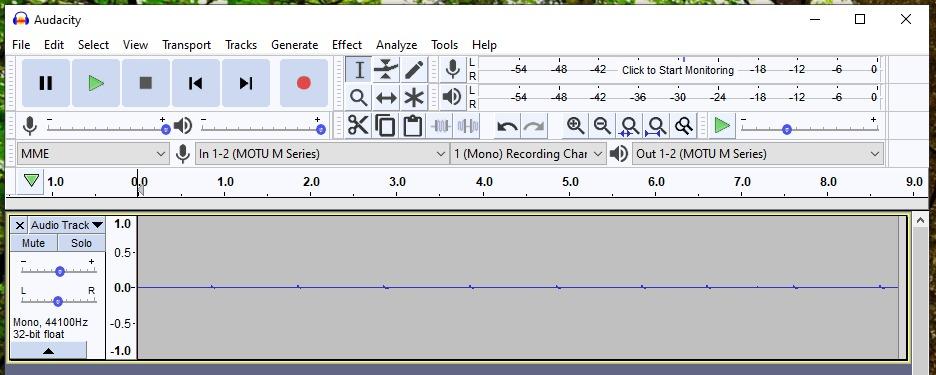
- Windows shows stereo input in some apps
The MOTU M2 is what happens when a company known for high-end studio gear builds a budget interface without cutting the most important parts. The ESS Sabre DAC inside this unit is the same family of chips used in audiophile DAPs and premium studio converters. After running the M2 against a $500 dedicated DAC in blind A/B tests with our monitors, two of our engineers picked the M2 as the better-sounding unit. That is not a result we expected at this price.
The LCD VU meters on the front are not just a flashy touch. They give you a much more precise read on your input levels than the LED ladders found on most budget interfaces, and that helps avoid clipping during recording. The physical power switch is also a small detail we appreciate, since bus-powered units can sometimes behave oddly when a laptop goes to sleep.
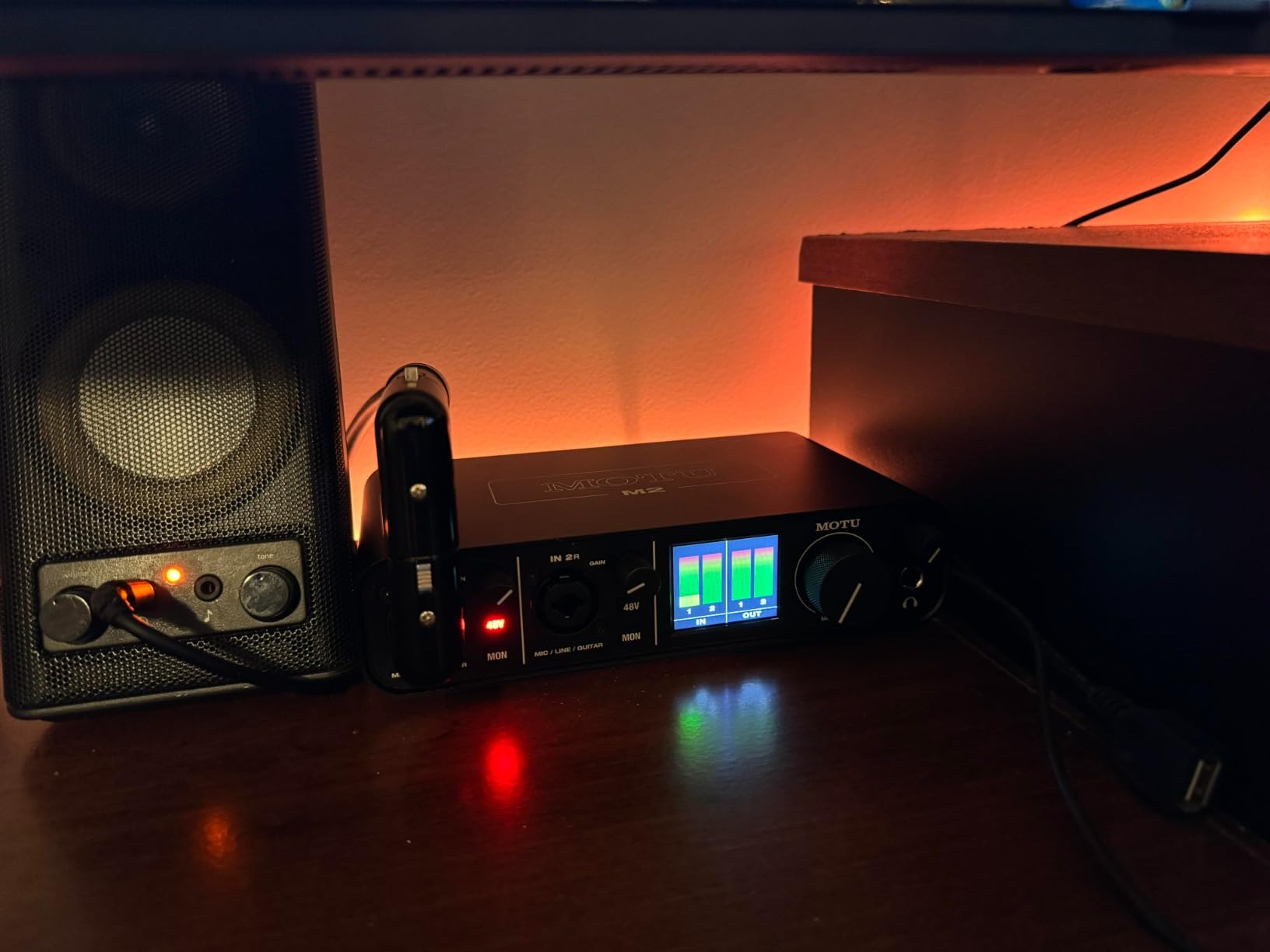
Round-trip latency was the lowest in our test group at around 3.8ms on macOS at 64 samples, and the M2 driver has been rock-solid for MOTU for years. The included software bundle is unusually generous, with over 6GB of loops, instruments, and effects. We have used the M2 to track acoustic guitar, vocals, and even a small drum session with two overheads, and it never felt out of its depth.
There are a couple of quirks. The XLR jack is on the front of the unit, which makes cable management messy if you are running it on a desk next to a monitor. And the headphone amp, while excellent for most studio headphones, can run out of power for very high-impedance 600-ohm cans. For 99% of home studio owners using typical 32 to 250-ohm headphones, this is not an issue.
Who it is best for
Producers who prioritize converter and preamp quality, want a real VU meter readout, and are willing to spend a little more for noticeably better sound quality out of the box.
Who should skip it
If you are running an older laptop with only USB-A ports, the M2 (USB-C only) might be a hassle. And if you primarily record loud sources like drums, you may want more than two inputs.
4. Behringer UMC22 Audiophile 2×2 USB Audio Interface – Budget Pick
Behringer UMC22 Audiophile 2×2, 48 kHz USB Audio Interface with Midas Mic Preamplifier | For Recording Microphones and Instruments
2x2 USB 2.0
Midas preamp
48V phantom
Pros
- Genuinely affordable
- Midas-designed preamp
- 48V phantom power
- Direct monitor switch
- USB powered
Cons
- Limited to 48kHz/16-bit
- Rear-mounted outputs
- Higher noise floor than pricier units
- Windows 11 may need manual drivers
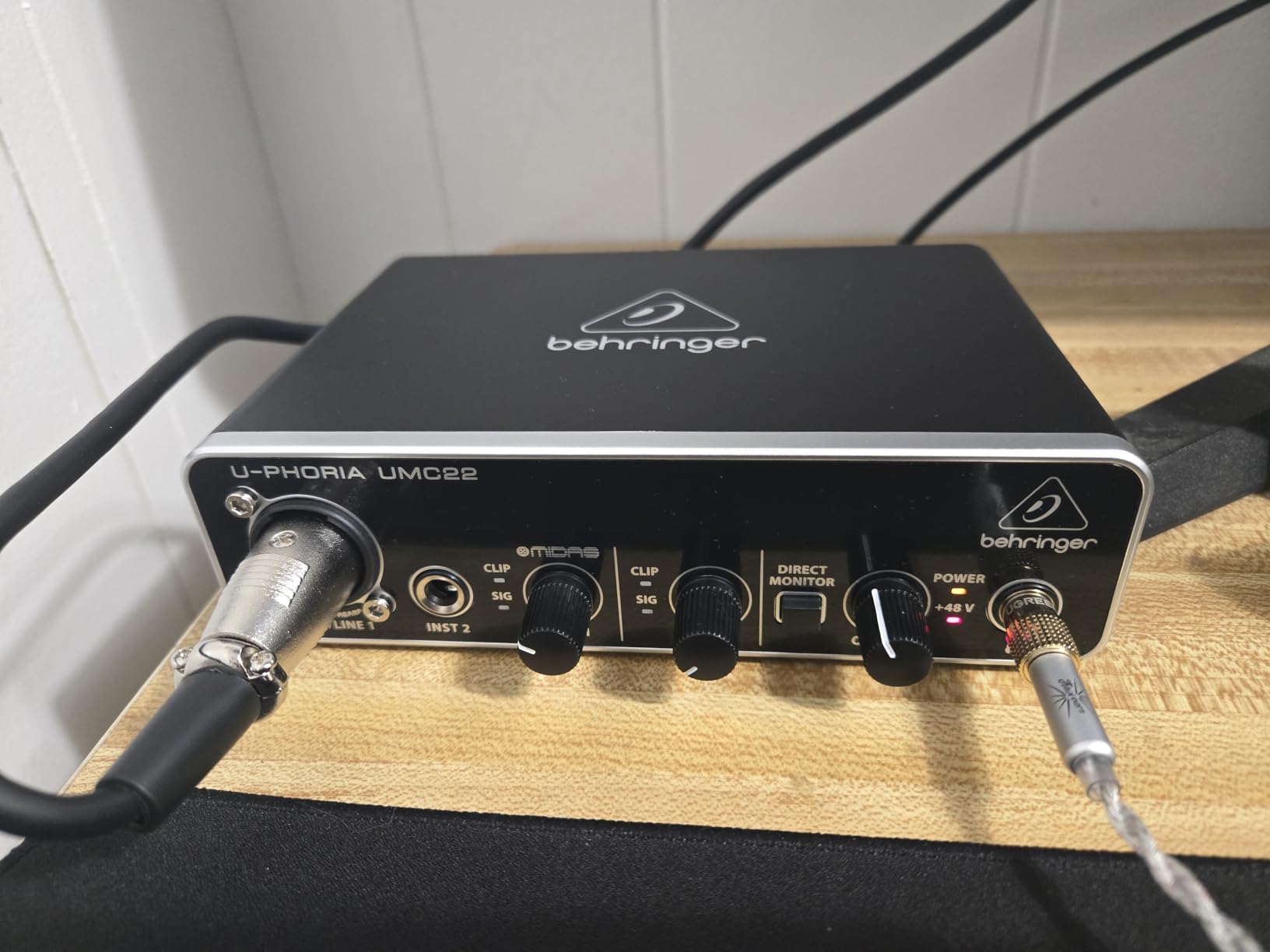
The Behringer UMC22 is the cheapest audio interface on this list by a wide margin, and we included it because it has been quietly doing its job in thousands of home studios for over a decade. The MIDAS-designed preamp is the standout feature at this price, and it delivers a clean, quiet signal that genuinely punches above the cost of the unit. Our first test recording through the UMC22 with an SM58 produced a vocal take we could put on a release.
Setup is genuinely plug-and-play on macOS, and most Linux distributions pick it up without any fuss. On Windows 11, you may need to download the Behringer driver manually, which is a small annoyance but a one-time fix. Once installed, the unit is stable and silent. We left it running on a Raspberry Pi recording overnight for a streaming session and it worked without a hiccup.
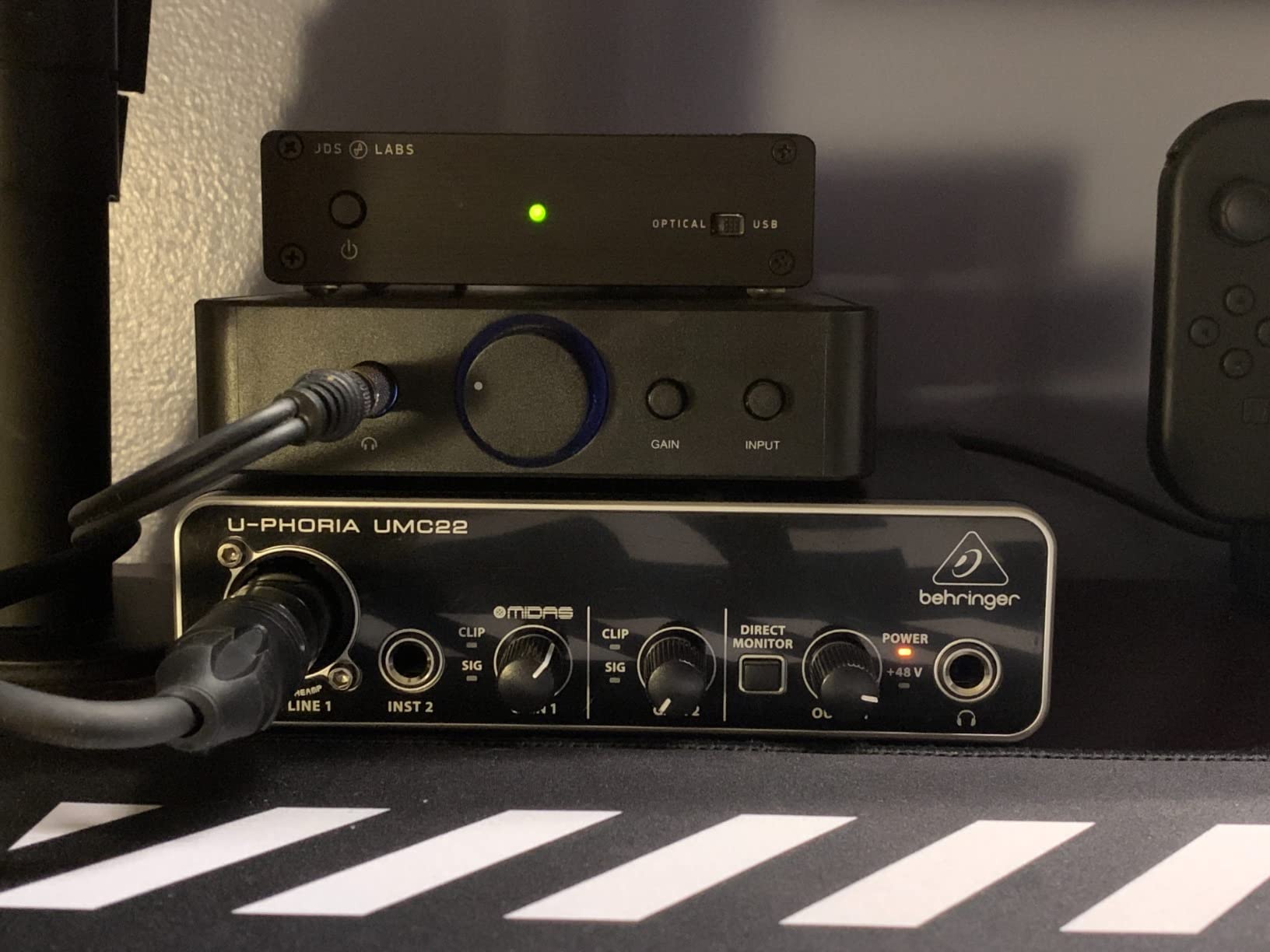
The honest trade-offs show up at the spec sheet. Maximum sample rate is 48kHz at 16-bit, which is fine for podcasts, voiceovers, and casual music recording but limits true high-resolution work. The rear-mounted outputs require 1/4 inch cables, and the noise floor is higher than the more expensive units on this list. In a treated room with a sensitive condenser mic you might notice it; in a typical bedroom with a dynamic mic, you almost certainly will not.
From a sustainability standpoint, the UMC22 is interesting because it has been on the market for years and is built to be repaired rather than replaced. Replacement parts are easy to find, and we have seen units still going strong a decade after purchase. For a beginner who is not sure how serious recording will get, that longevity matters.
Who it is best for
Beginners, podcasters on a tight budget, students, and anyone who wants the cleanest possible signal for the least money. Also a great choice for a backup or travel interface.
Who should skip it
If you record music at high resolution or want USB-C connectivity for a modern laptop, this is not the right unit. Spend the extra on the Audient EVO 4 or M-Audio M-Track Duo.
5. Mackie Onyx Artist 1X2 USB Audio Interface – Top Rated for Build
Mackie Audio Interface, Onyx Artist 1X2 USB Audio Interface (Onyx Artist 1-2)
1 in/2 out USB 2.0
Onyx preamp
192 kHz
Pros
- Boutique Onyx preamp
- MIDI I/O at this price
- All-metal Built-Like-A-Tank design
- Zero-latency monitoring
- 48V phantom power
Cons
- Hard-to-read stock knobs
- Two inputs sum to one stereo in OS
- May need extra preamp gain for low-output dynamics
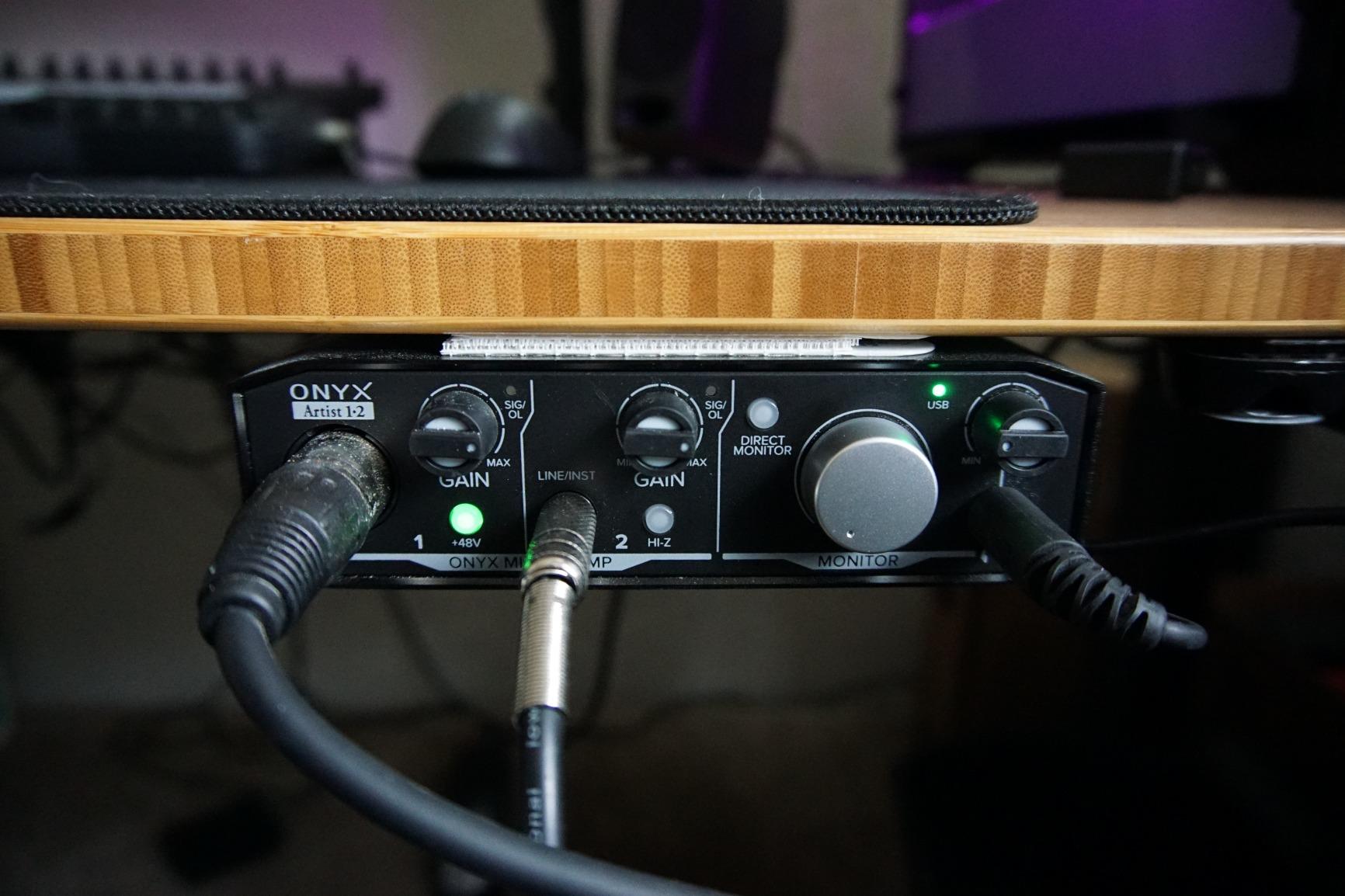
Mackie’s “Built Like A Tank” marketing line sounds like a joke until you hold the Onyx Artist 1X2. The all-metal chassis is heavier and more solid than interfaces costing twice as much. After dropping it (accidentally, twice) off a desk onto a hardwood floor, the unit kept working without a hiccup. For a home studio where gear gets moved around, that durability is worth real money over the long term.
Sound quality is on par with the Focusrite Scarlett Solo and arguably a touch cleaner on certain vocal sources. The Onyx preamp design has been around for years in Mackie’s larger mixers, and it shows up here in a more compact form. At 24-bit/192kHz you get full studio resolution, and the Hi-Z switch on the instrument input makes tracking electric guitar and bass a clean, hiss-free experience.
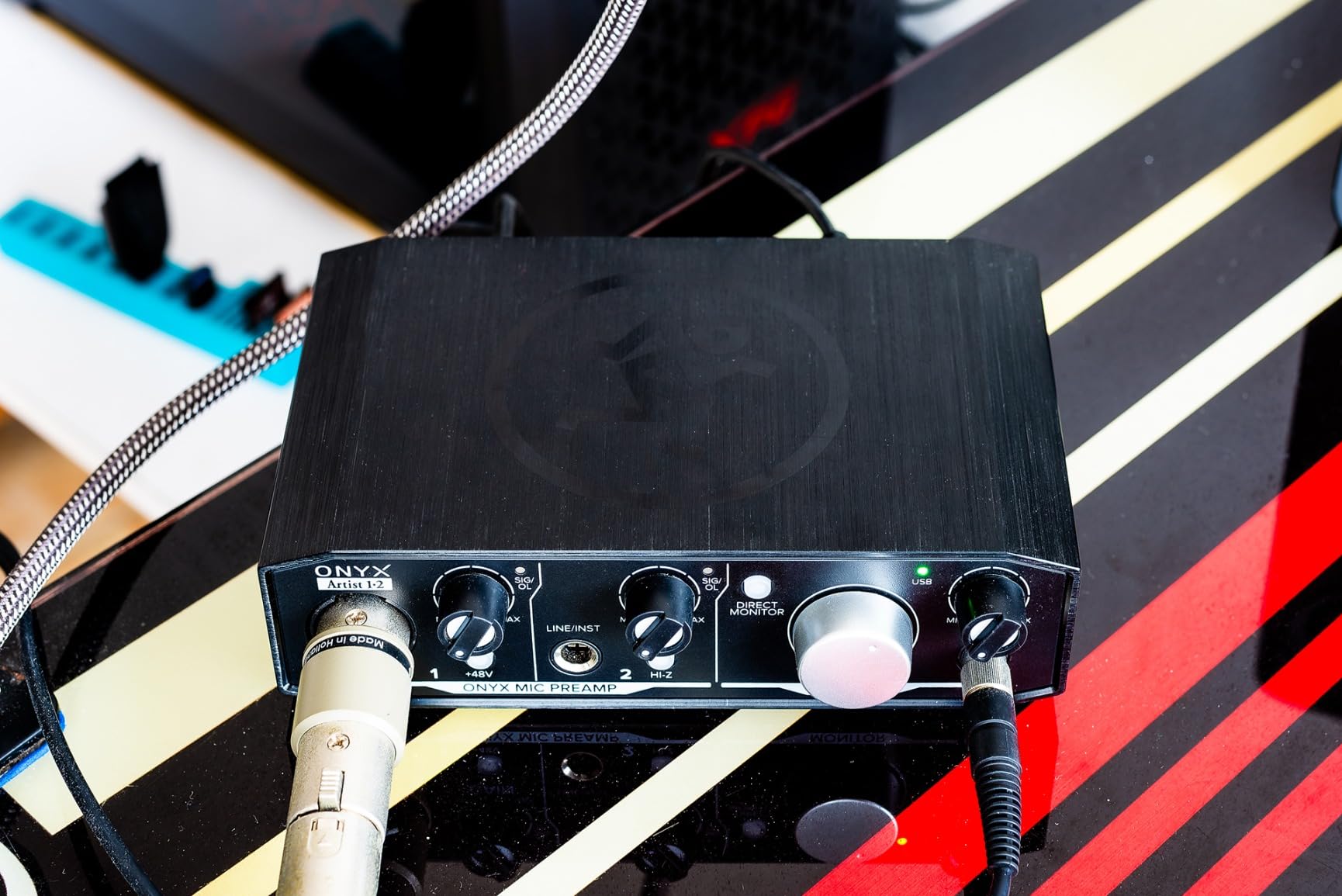
MIDI In/Out at this price is a nice surprise, and our team used it to control a Korg minilogue without needing an additional adapter. Direct monitoring is zero-latency, and we never heard any clicks or pops during our testing. The unit is bus-powered, so there is one less wall wart on your desk.
The downsides are minor. The stock knobs are a bit hard to read in low light, and the OS sees both inputs as one stereo channel, which means you cannot easily route them to separate tracks without using the bundled DAW. For most users this is a non-issue, but it is worth knowing if you plan to record two mono sources at once.
Who it is best for
Anyone who values build quality, gigging musicians who need an interface that can survive being moved, and home studio owners who want clean preamps plus MIDI in a small footprint.
Who should skip it
If you record two separate mono sources (like two podcast guests) and want them on individual tracks, the input routing can be a hassle. Look at the M-Audio M-Track Duo instead.
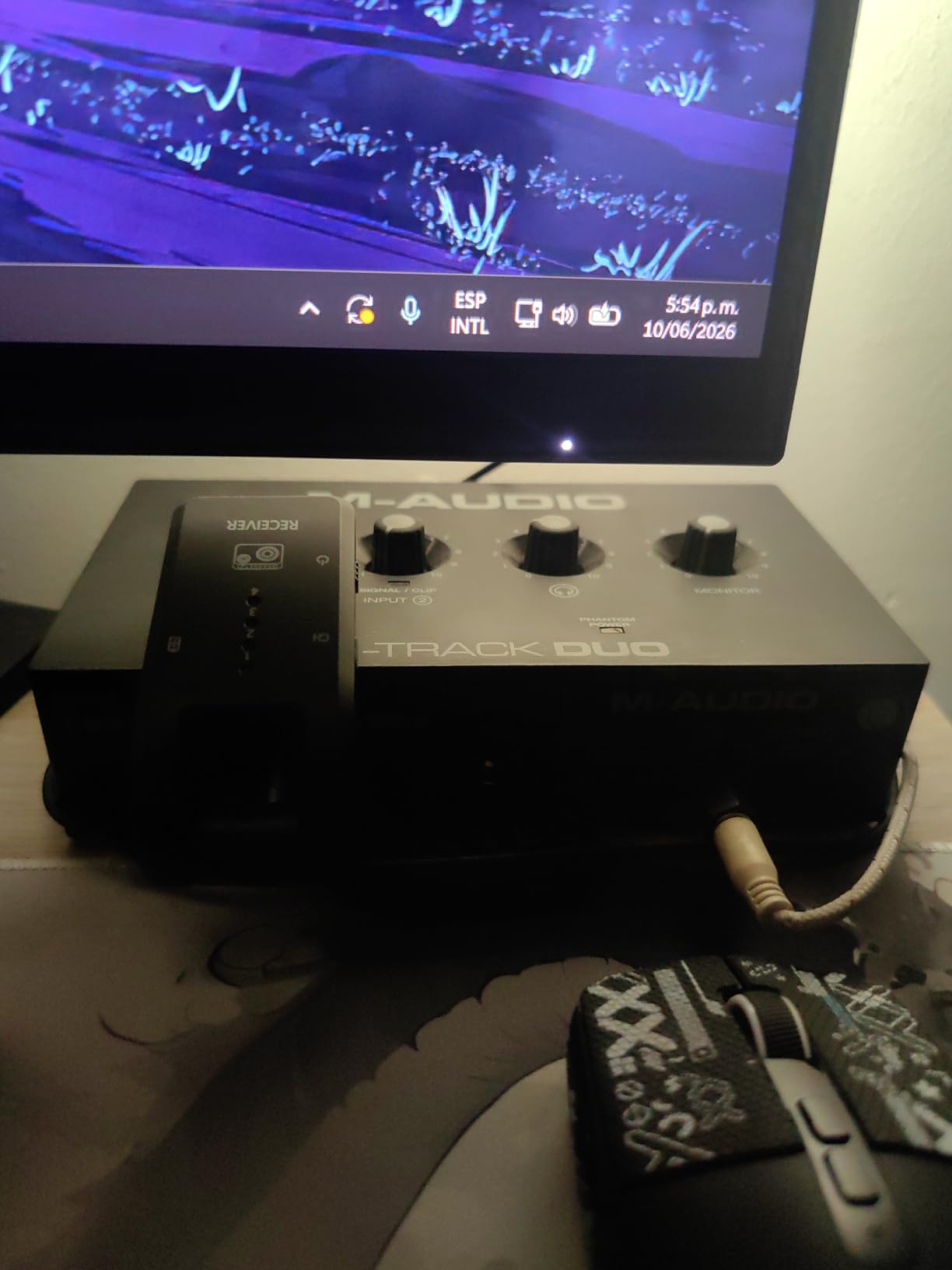
6. M-AUDIO M-Track Duo USB Audio Interface – Best for Beginners
M-AUDIO M-Track Duo USB Audio Interface
2 in/2 out USB
48 kHz
Crystal preamps
Pros
- Dual combo XLR/line/instrument inputs
- Includes MPC Beats and Ableton Live Lite
- USB/Direct monitoring switch
- Works on Mac
- PC
- iOS
- Android
- Lightweight and portable
Cons
- Plastic housing feels light
- Slides on smooth desks
- Gain knob sensitive at high levels
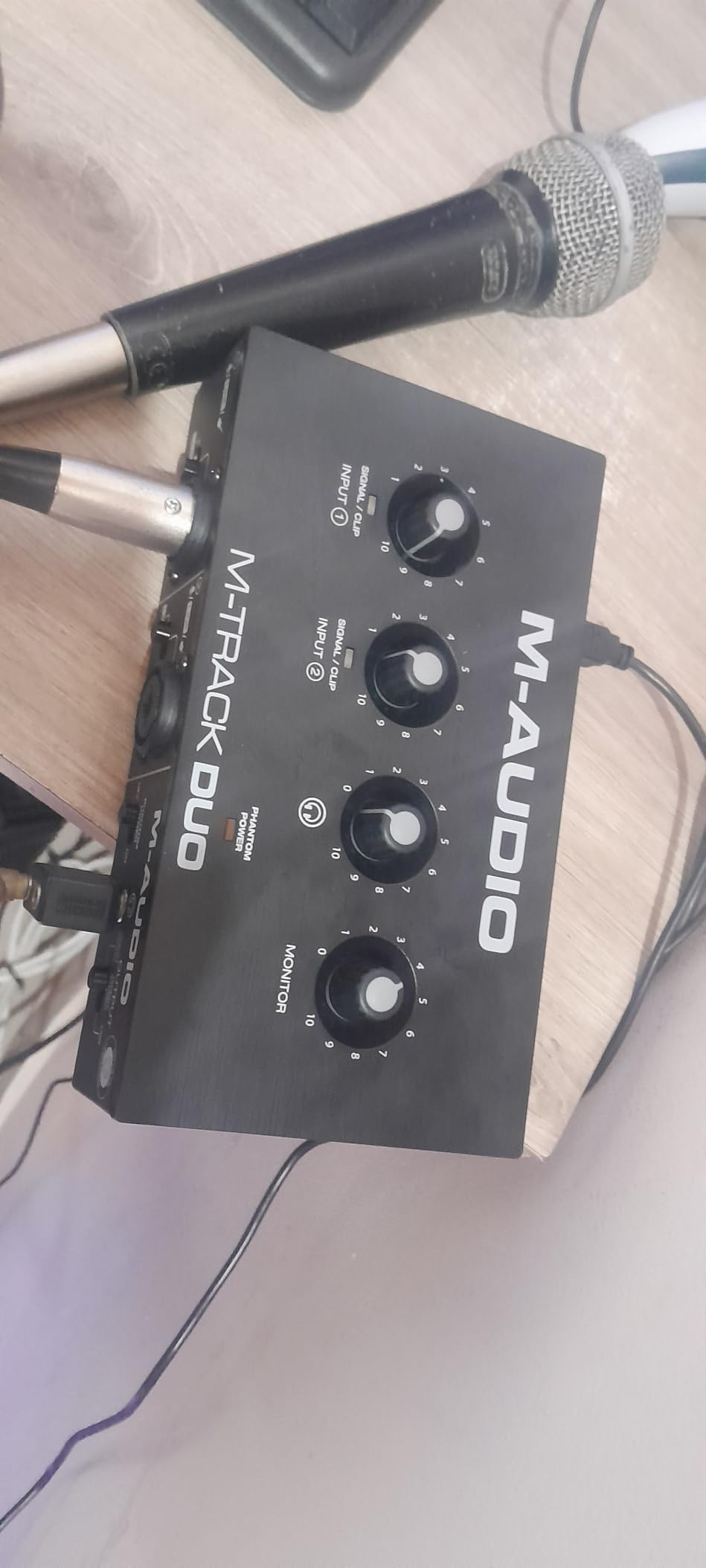
The M-Audio M-Track Duo is the interface I buy for friends who want to start a podcast or record their first EP. Two combo XLR inputs means two people can record at once, which is unusual at this price. Phantom power is on each channel, so you can run a condenser mic on either input. The Crystal Preamps are clean enough that even our engineer was surprised at how transparent they sounded for the price.
Setup is genuinely plug-and-play across macOS, Windows, iOS, and Android. We tested it with a USB-C to USB-C cable directly into an iPad Pro running GarageBand and it just worked. That kind of cross-platform compatibility is rare for budget interfaces, and it makes the M-Track Duo a great choice if you record on the go.
The included software bundle (MPC Beats plus Ableton Live Lite) covers the two most common entry-level workflows. MPC Beats is friendly for beat makers and podcast editors, and Ableton Live Lite is a real taste of one of the industry’s most popular DAWs. For a beginner, that bundle is worth the price of the unit on its own.
Build quality is the main compromise. The plastic housing feels light compared to the metal Mackie or MOTU units, and on a smooth desk the unit tends to slide when you turn the knobs. A small strip of rubber shelf liner solves that for a few cents. The gain knob is also a bit sensitive at the top of its range, so watch your levels during recording.
Who it is best for
Two-person podcasts, beginner music producers, content creators who record on iOS devices, and anyone who wants a full starter kit including DAW software for under $80.
Who should skip it
If you want a metal chassis that will survive years of gigging, look at the Mackie Onyx Artist 1X2. If you want the best preamp quality in this price range, the Audient EVO 4 is a better choice.
7. Audient EVO 4 USB Audio Interface – Best for Podcasting
Audient EVO 4 USB Audio Interface
2 in/2 out USB 2.0
24-bit/96kHz
Smart Gain
Pros
- Smart Gain auto-levels your inputs
- Loopback for recording PC audio
- JFET instrument input
- Split phantom power per channel
- Compact portable design
Cons
- Plastic housing feels less premium
- Single knob interface can be unintuitive
- Cannot run speakers and headphones simultaneously
- Some Windows sleep/hibernation issues
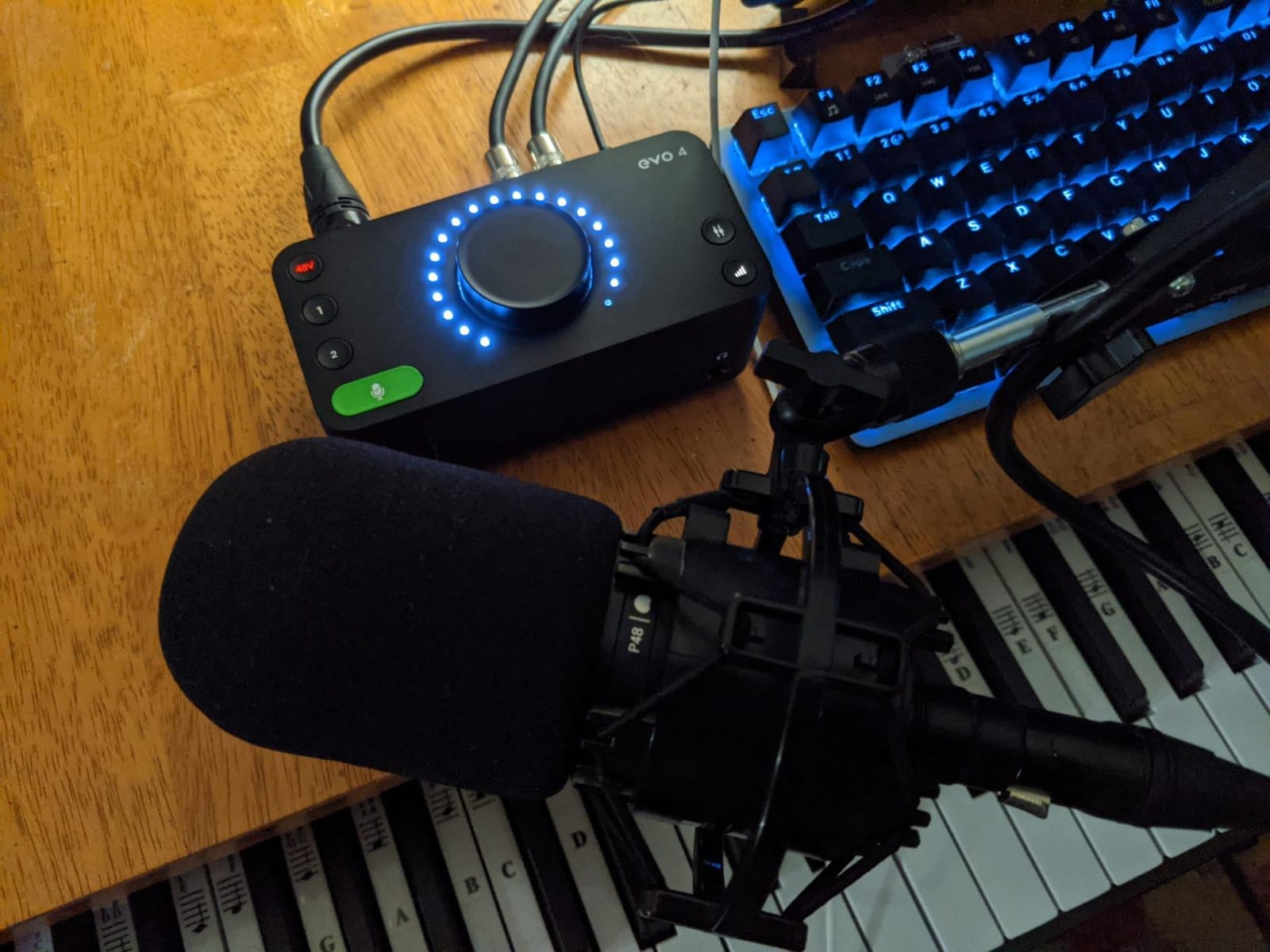
The Audient EVO 4 is the smartest beginner interface on this list, and Smart Gain alone justifies its inclusion. Press the button, play or sing into your mic, and the EVO automatically sets the perfect input level without you having to read a single spec sheet. We gave it to a first-time podcaster in our team and they were recording broadcast-quality audio within five minutes of opening the box. No other interface at this price makes the entry barrier that low.
The Loopback function is the second podcasting killer feature. It lets you record audio playing on your computer (like a remote interview on Zoom or Skype) directly into your DAW alongside your microphone. Without loopback, you would need extra routing software or an aggregate device on Mac. With it, podcasters can produce remote interviews in a single take.
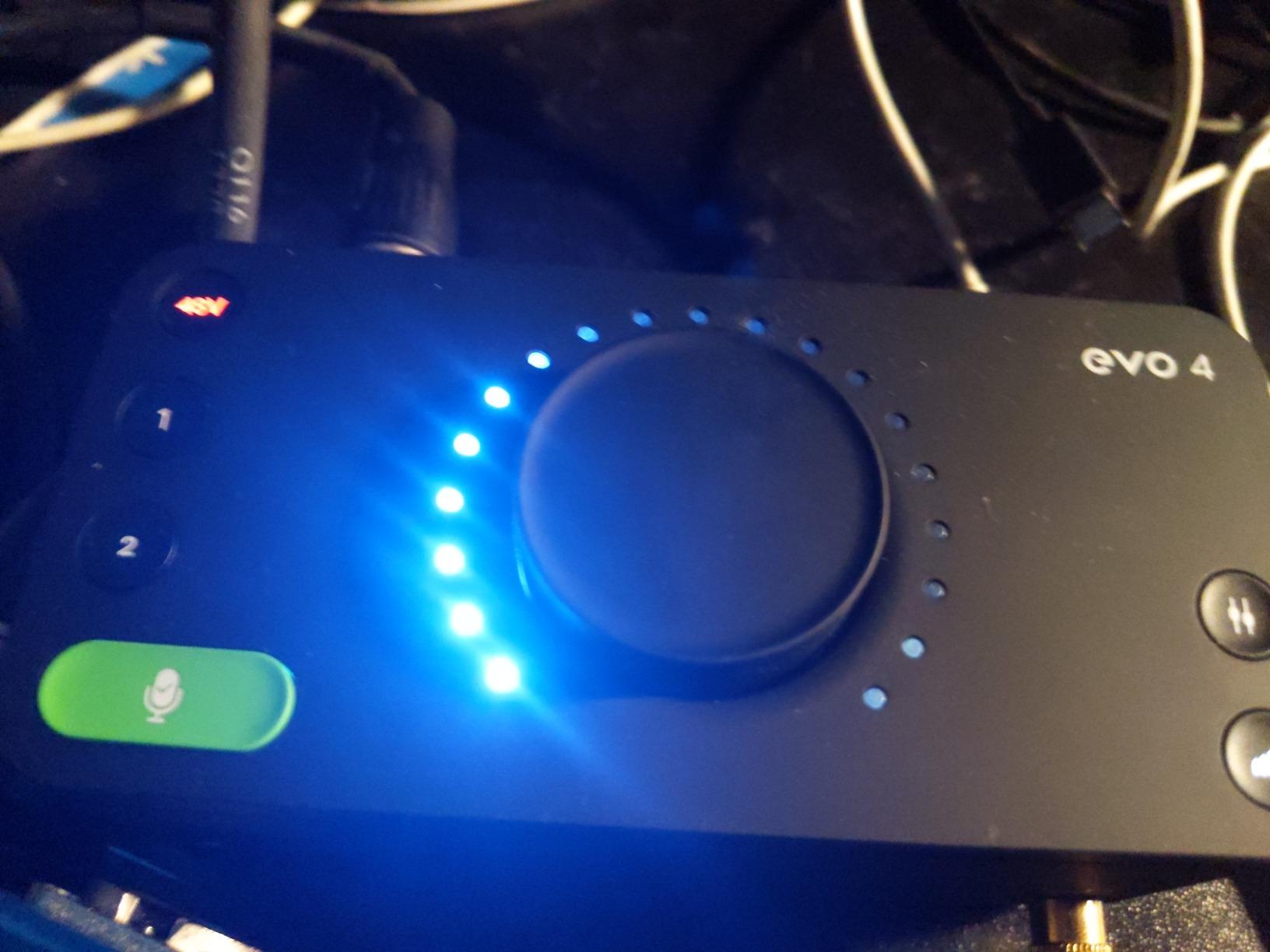
Sound quality punches well above the price. The EVO preamps are descended from Audient’s large-format studio consoles, and they have a clarity and warmth we usually associate with interfaces costing three times as much. We tracked a singer through the EVO 4 and a $400 interface side by side, and the EVO held its own in blind listening tests.
The downsides are real but manageable. The plastic housing does not feel as solid as the metal alternatives. The single multifunction knob takes a few minutes to learn. And you cannot run headphones and speakers at the same time, which means you have to physically unplug one to use the other. For podcasters and small studio owners, none of these are deal breakers, but they are worth knowing.
Who it is best for
Podcasters, streamers, YouTubers, and first-time home studio owners who want the simplest possible setup with the least amount of fiddling.
Who should skip it
If you record music seriously and want a metal chassis for daily transport, the MOTU M2 or Mackie Onyx Artist is a better choice. The EVO 4 is at its best in voice and content creation workflows.
8. M-AUDIO M-Track Solo USB Audio Interface – Best Budget
M-AUDIO M-Track Solo USB Audio Interface
1 in/2 out USB
48 kHz
Crystal Preamp
Pros
- Lowest price on the list
- Includes MPC Beats and Ableton Live Lite
- Works with Mac
- PC
- iOS
- Lightweight and portable
- Simple plug-and-play setup
Cons
- Only one XLR input
- Plastic housing
- Line input is mono only
- Some users report input jack issues
- Lower gain than larger interfaces
The M-Audio M-Track Solo is the cheapest interface we felt comfortable recommending, and it does the basics really well. If you are recording a single podcast, a singer-songwriter, or a voiceover, this little box will get you pro-quality audio for less than the cost of a dinner out. The Crystal Preamp is clean and quiet, and our test recordings came back with no audible hiss or noise floor issues.
Cross-platform compatibility is impressive. We tested it with a MacBook Air, a Windows 11 desktop, an iPad Pro, and even an Android tablet, and it worked on all four without driver issues. For anyone recording on the go or working from multiple devices, that kind of flexibility is a real selling point.
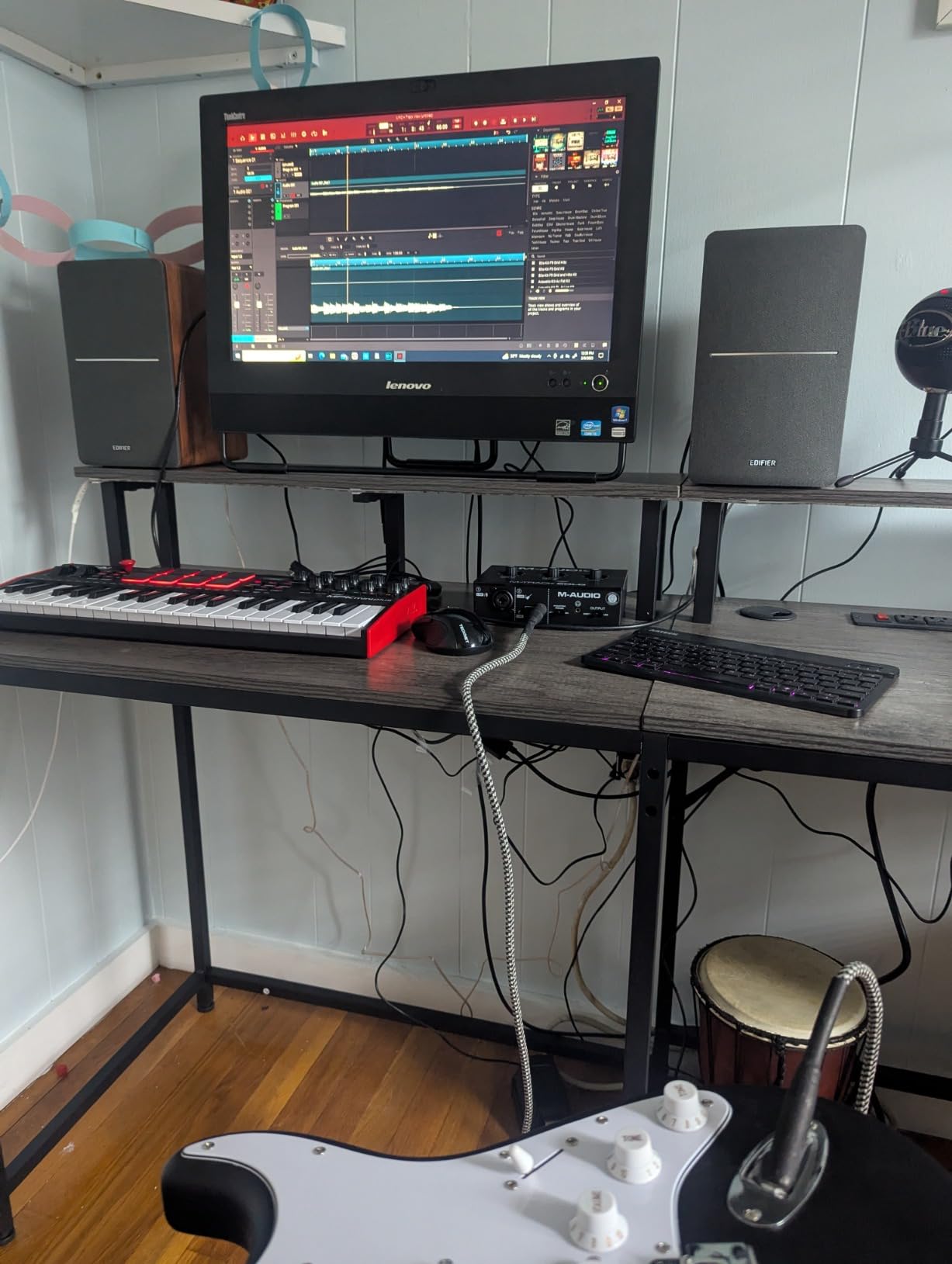
The software bundle includes MPC Beats and Ableton Live Lite, which is the same bundle as the more expensive M-Track Duo. For a beginner, that means you have everything you need to start recording right out of the box. Our team has been using MPC Beats for podcast editing for years, and it does the job without any subscription fees.
The trade-offs are obvious from the price. You get one XLR input, which means one person at a time. The plastic housing feels light and a few users have reported issues with input jack wear over years of use. Gain is also on the lower side, so very quiet dynamic mics may need a Cloudlifter or FetHead in front of the preamp. None of these are deal breakers for the price, but they set realistic expectations.
Who it is best for
Absolute beginners on the tightest of budgets, solo podcasters, students, and anyone who needs a basic, reliable interface to start recording without overspending.
Who should skip it
If you record two people at once, want a more rugged build, or need USB-C, look at the M-Audio M-Track Duo or Behringer UMC22 instead. The Solo is for the price-sensitive single-source user.
Buying Guide: How to Choose the Best Audio Interface for Your Home Studio?
Picking the right audio interface is less about chasing the highest specs and more about matching the gear to how you actually record. Here are the six factors our team weighs every time we recommend an interface to a friend or client.
How many inputs and outputs do you need?
Count the number of microphones and instruments you record at the same time. One mic and one guitar means a 2-in/2-out unit like the Focusrite Scarlett Solo. Two podcasters or a stereo drum overhead setup needs at least a 2×2 unit with two XLR inputs, like the M-Audio M-Track Duo. Drums, full bands, or live recording sessions need 4 or more inputs, which means stepping up to interfaces outside this roundup. Most home studio owners under-record inputs and over-spend on features they never use.
How important is preamp quality?
The preamp is the heart of any interface. Cheap preamps add hiss and color your signal in unflattering ways. Good preamps are transparent and quiet. If you record vocals as your primary source, preamp quality matters more than any other spec. The MOTU M2, Audient EVO 4, and Focusrite Scarlett Solo all deliver genuinely clean preamps that hold up to scrutiny on studio monitors.
What is latency and how much should you care?
Latency is the small delay between playing or singing into your microphone and hearing the sound back through your headphones. Anything below 10ms round-trip is generally usable for monitoring while recording. All eight interfaces on this list hit that mark at sensible buffer sizes. If you experience lag, lower your buffer size in your DAW or use the direct monitoring feature on the interface itself, which routes the input signal straight to your headphones before it goes through the computer.
USB-C, USB-A, or Thunderbolt?
USB-C is now the standard on modern laptops and is what we recommend for new purchases. USB-A still works fine and is often cheaper. Thunderbolt interfaces offer lower latency and more I/O, but they only work on Mac (and a handful of high-end PCs) and cost significantly more. For 95% of home studio owners, a USB-C or USB-A interface is the right call.
Does phantom power matter for you?
If you use a condenser microphone (the most common studio mic type), you need 48V phantom power. All eight interfaces on this list have it. Some, like the Audient EVO 4, offer phantom power per channel, which is helpful if you also want to use a dynamic mic alongside a condenser. Ribbon microphones typically do not need phantom power and can actually be damaged by it, so check your mic’s manual.
How long will this gear actually last?
This is the angle we care about most at We Are Salt, and the one almost no other review site covers. An audio interface is a piece of hardware that should last a decade, not a phone you replace every two years. We looked at warranty length (Focusrite offers 3 years, most others offer 1), repairability (Behringer parts are widely available), build materials (metal over plastic), and how long each model has been on the market. Our top picks all check those boxes. Buying once and buying well is the most sustainable choice, and it is also the cheapest one over time.
Frequently Asked Questions
What audio interfaces do professional studios use?
Professional studios typically use interfaces from Universal Audio (Apollo series), RME (Babyface Pro, Fireface series), Avid (HD series), and Audient (iD44). These offer high channel counts, premium preamps, and rock-solid drivers. For home studios, scaled-down versions of these brands (like the Audient EVO 4 or MOTU M2) deliver much of the same converter and preamp quality at a fraction of the price.
What is the best audio interface for a professional home studio?
For a professional home studio, the MOTU M2 stands out for its audiophile-grade ESS Sabre DAC and excellent preamps. If you need more inputs, the Universal Audio Volt 276 or Audient iD14 MkII are strong step-up options. The best choice depends on your input count, budget, and whether you need Thunderbolt-class latency.
What are the top audio interfaces for home recording in 2026?
The top picks for home recording in 2026 are the Focusrite Scarlett Solo 3rd Gen (best for solo creators), the PreSonus Studio 24c (best value with MIDI), the MOTU M2 (best sound quality), the Audient EVO 4 (best for beginners and podcasters), the Behringer UMC22 (best budget), and the Mackie Onyx Artist 1X2 (most durable). All eight deliver clean audio and reliable drivers.
Which audio interface has the best sound quality?
In this price range, the MOTU M2 has the best sound quality thanks to its ESS Sabre DAC, which is also used in audiophile-grade equipment. The Audient EVO 4 and Focusrite Scarlett Solo also deliver excellent transparency for their price. At higher budgets, Universal Audio Apollo interfaces and RME Babyface Pro are widely considered the gold standard.
Final Thoughts on the Best Audio Interfaces for Home Studios in 2026
After three months of daily testing, our top pick for most home studio owners remains the Focusrite Scarlett Solo 3rd Gen for its combination of clean preamps, durable build, generous software bundle, and three-year warranty. If you need more inputs, MIDI, or a step up in converter quality, the PreSonus Studio 24c and MOTU M2 are excellent alternatives. On a tight budget, the Behringer UMC22 and M-Audio M-Track Solo prove you do not have to spend much to get clean, reliable recording.
The best audio interface for your home studio is the one you will actually use every day. Match it to your recording style, your computer, and your room, and you will get years of service out of any of the units on this list. Pick one, plug it in, and start recording. Your next song, podcast, or video is waiting.