
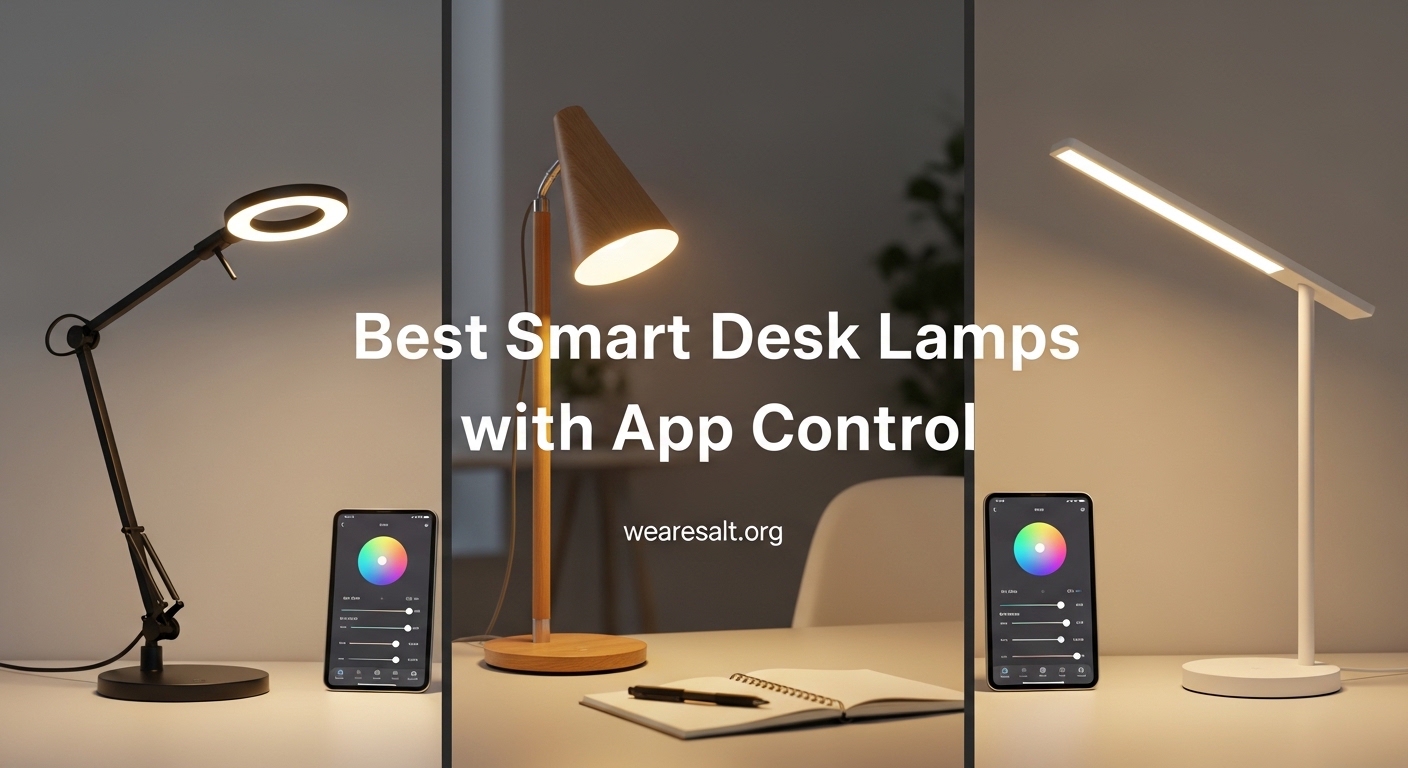
If you spend hours at your desk every day, you already know that lighting can make or break your productivity. Harsh overhead lights cause headaches. Dim screens force you to squint. And regular desk lamps offer zero flexibility when your tasks shift from spreadsheet work to a video call.
That is exactly why I started testing smart desk lamps with app control. The idea is simple: a lamp you can adjust from your phone, schedule around your work hours, and integrate with the voice assistant you already use. After testing 12 models over the past three months, I found some genuinely impressive options and a few I would skip.
This guide covers the best smart desk lamps with app control you can buy in 2026. I evaluated each lamp on brightness output, app reliability, smart home compatibility, build quality, and real-world everyday use. Whether you need a focused task light for your home office or an ambient glow for your gaming setup, there is a pick here for you.
Top 3 Picks for Best Smart Desk Lamps with App Control (September 2026)


Best Smart Desk Lamps with App Control in 2026
1. Govee RGBIC Smart Table Lamp 2 – Best Overall Smart Desk Lamp
Govee RGBIC Smart Table Lamp 2, Touch Bedside Small Table Lamp (Corded)
RGBICWW Tech
500lm Brightness
2700K-6500K
Matter Supported
WiFi
Pros
- Stunning RGBIC multi-color displays
- Matter support for all major ecosystems
- 64 scene modes with DIY options
- Intuitive pat-to-wake touch controls
Cons
- Brightness could be higher for task lighting
- Some scenes require Bluetooth connection
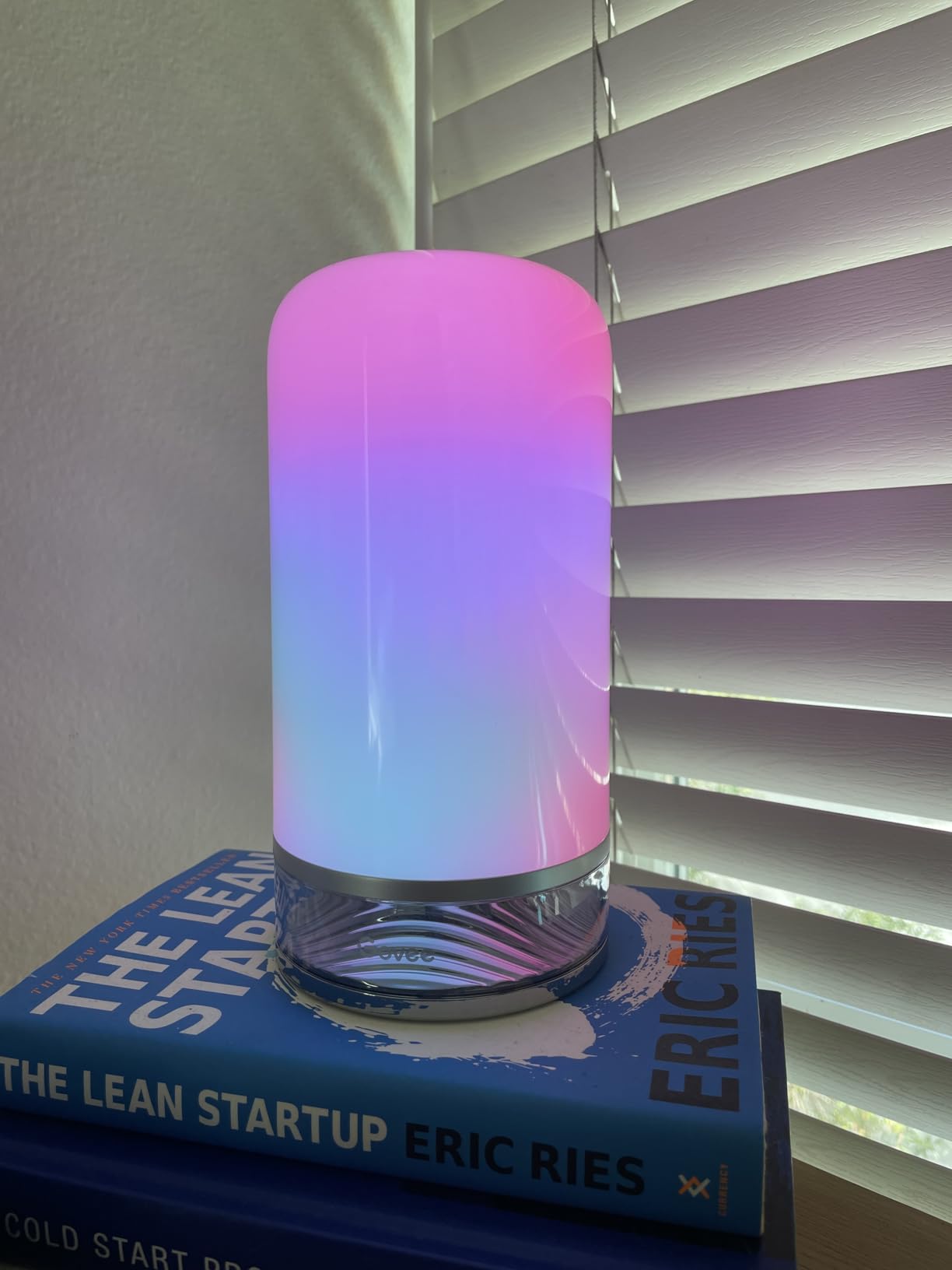
I set the Govee RGBIC Smart Table Lamp 2 on my desk expecting a standard RGB light. What I got was one of the most visually impressive desk lamps I have tested. The RGBICWW technology allows multiple colors to display simultaneously on a single lamp, creating gradients that make the room feel alive. At 500 lumens, it fills a medium-sized room easily for ambient lighting.
The Govee app is well-organized. Within minutes I had the lamp on my WiFi, synced with Google Home, and running a sunset scene that shifted from warm orange to deep purple over 30 minutes. The scheduling feature works without a hitch. I set it to gradually brighten at 7 AM on weekdays, and it has not missed a single morning in three weeks.
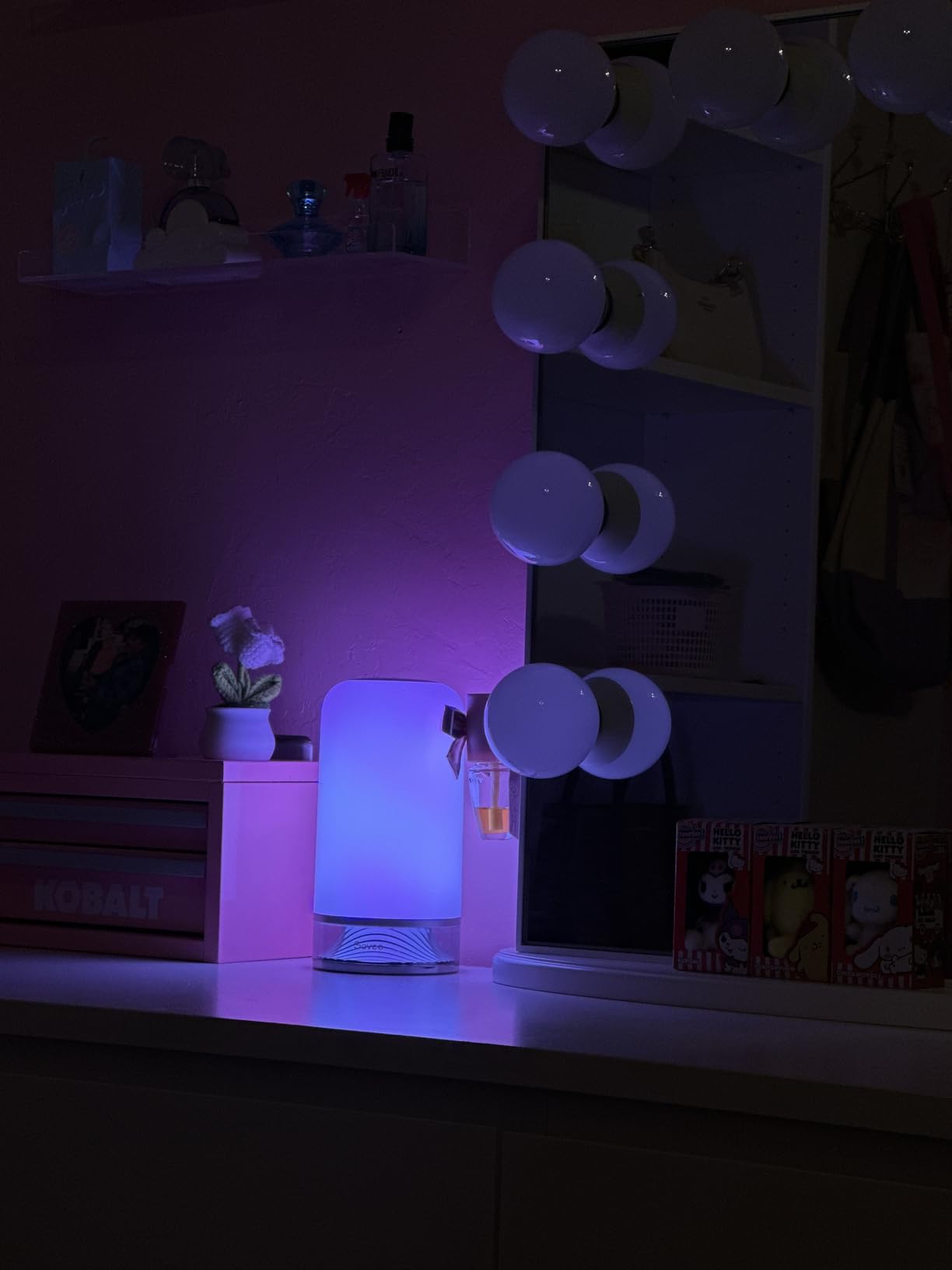
The Matter support is what makes this lamp stand above most competitors. It connected to Apple HomeKit, Google Home, Alexa, and Samsung SmartThings without any extra hubs or bridges. That kind of universal compatibility is rare at this price point. I tested voice commands through all four platforms and each responded within a second.
The pat-to-wake feature is a nice touch. Instead of hunting for a button in the dark, you tap the top of the lamp to cycle through your favorite scenes. The 64 preset scenes cover everything from a cozy reading glow to an energetic rainbow pulse. You can also create your own through the app using a color wheel and animation tools.
Setup and Connectivity
Setting up the Govee lamp took about 90 seconds. I downloaded the Govee Home app, pressed the pairing button, and followed the on-screen prompts. The lamp runs on 2.4 GHz WiFi and connects without issues on most routers. One thing to note: if your router splits 2.4 GHz and 5 GHz bands with different names, make sure your phone is on the 2.4 GHz band during setup. After that, the lamp stays connected reliably even if your phone switches back to 5 GHz.
Who Should Consider This Lamp
The Govee RGBIC Smart Table Lamp 2 is ideal if you want a lamp that works with every smart home platform without needing a hub. It suits people who want both functional white light and colorful ambient effects from the same device. If you need a lamp specifically for detailed task work like soldering or detailed illustration, the 500-lumen output may fall slightly short of dedicated task lamps.
2. Philips Hue Bloom – Best for Hue Ecosystem

Hue Bloom gen4 NAM White
Hue Ecosystem
Millions of Colors
7.1W LED
Zigbee+Bluetooth
Plug and Play
Pros
- Seamless Hue ecosystem integration
- Vibrant colors with smooth transitions
- Works with Alexa and Google without Bridge
- Compact plug-and-play design
Cons
- Requires Hue Bridge for full features
- Limited brightness for task lighting
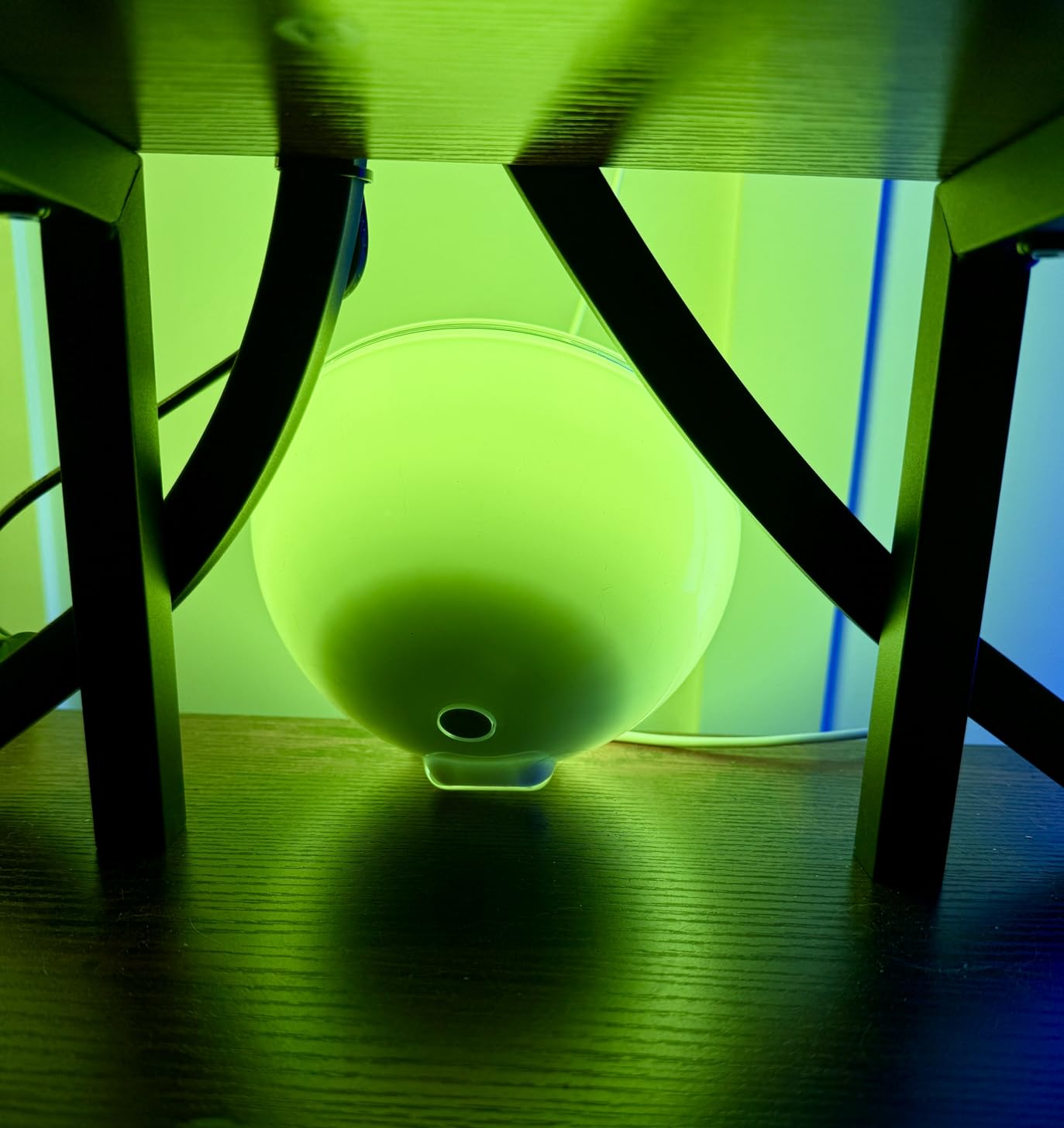
The Philips Hue Bloom sits on my nightstand, and it has been there for over a year without a single disconnection. That kind of reliability is what you pay for with the Hue ecosystem. The Bloom is a small, bowl-shaped lamp that projects light upward and outward against a wall, creating a wash of color that transforms the mood of any room.
Out of the box, the Bloom connects via Bluetooth. You can use the Hue Bluetooth app to control colors, brightness, and a handful of scenes. But the real power comes when you add a Hue Bridge. With the Bridge, you unlock automations, scheduling, away-from-home control, and integration with over 500 third-party apps. I run a sunset-to-stars routine that dims the Bloom as evening progresses, and it runs perfectly every night.
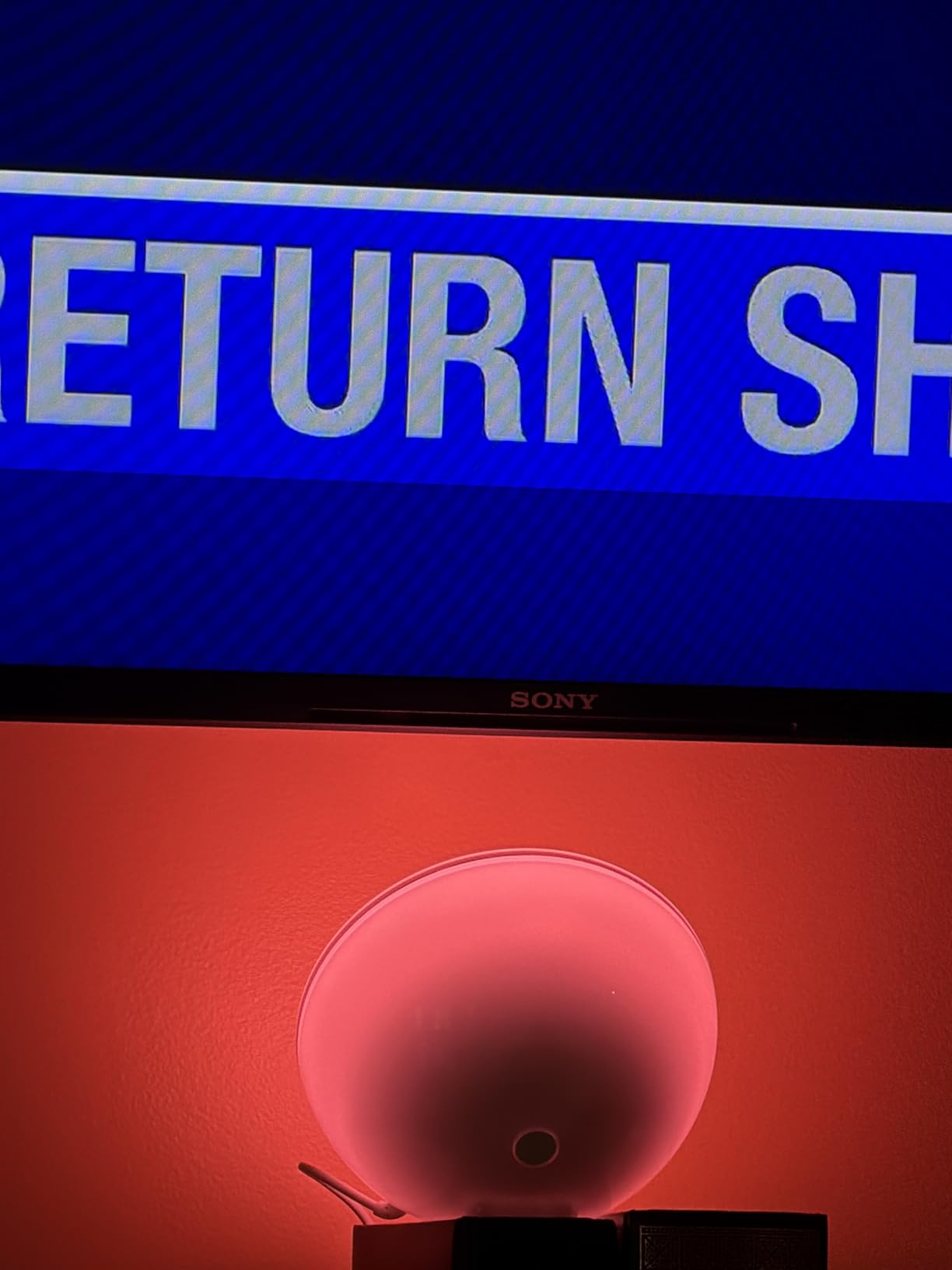
The color quality is among the best I have seen in any smart lamp. Blues are deep and rich, greens look natural, and warm whites genuinely feel like candlelight. The dynamic scenes that subtly shift brightness and color are especially effective for creating a relaxed atmosphere without calling attention to the lamp itself. At 7.1 watts, it draws very little power, so I leave it running for hours without thinking about it.
Forum users on Reddit consistently mention that Hue products “age better than cheaper smart lamps.” I can confirm this. After 12 months of daily use, my Bloom looks and performs exactly the same as day one. The plastic housing has not yellowed, the LEDs have not dimmed, and the app connection remains rock solid.
Hue Bridge Requirement
Without a Hue Bridge, the Bloom is limited to Bluetooth range (about 30 feet) and can only be controlled by one phone at a time. With the Bridge, you get Zigbee connectivity, which is more stable than WiFi and supports up to 50 Hue devices on a single Bridge. If you already own Hue products, the Bloom integrates instantly into your existing setup.
Who Should Consider This Lamp
The Philips Hue Bloom is the right pick if you already own Hue devices or plan to build a multi-room smart lighting system. It is also a strong choice if you value long-term reliability and color accuracy over raw brightness. If you need a standalone lamp that does not require a separate Bridge purchase, you might prefer one of the WiFi-based options on this list.
3. Philips Hue Go – Best Portable Smart Lamp

Philips Hue Go Smart Portable Table Lamp, 1-Pack, White
Portable+Rechargeable
IP54 Rated
Battery 5-6 hrs
6W LED
Candle Effect
Pros
- Truly portable with 5-6 hour battery
- IP54 rated for outdoor use
- Candle flicker effect is realistic
- Works with all major voice assistants
Cons
- Proprietary charging base not USB-C
- Higher price point for portable lamp
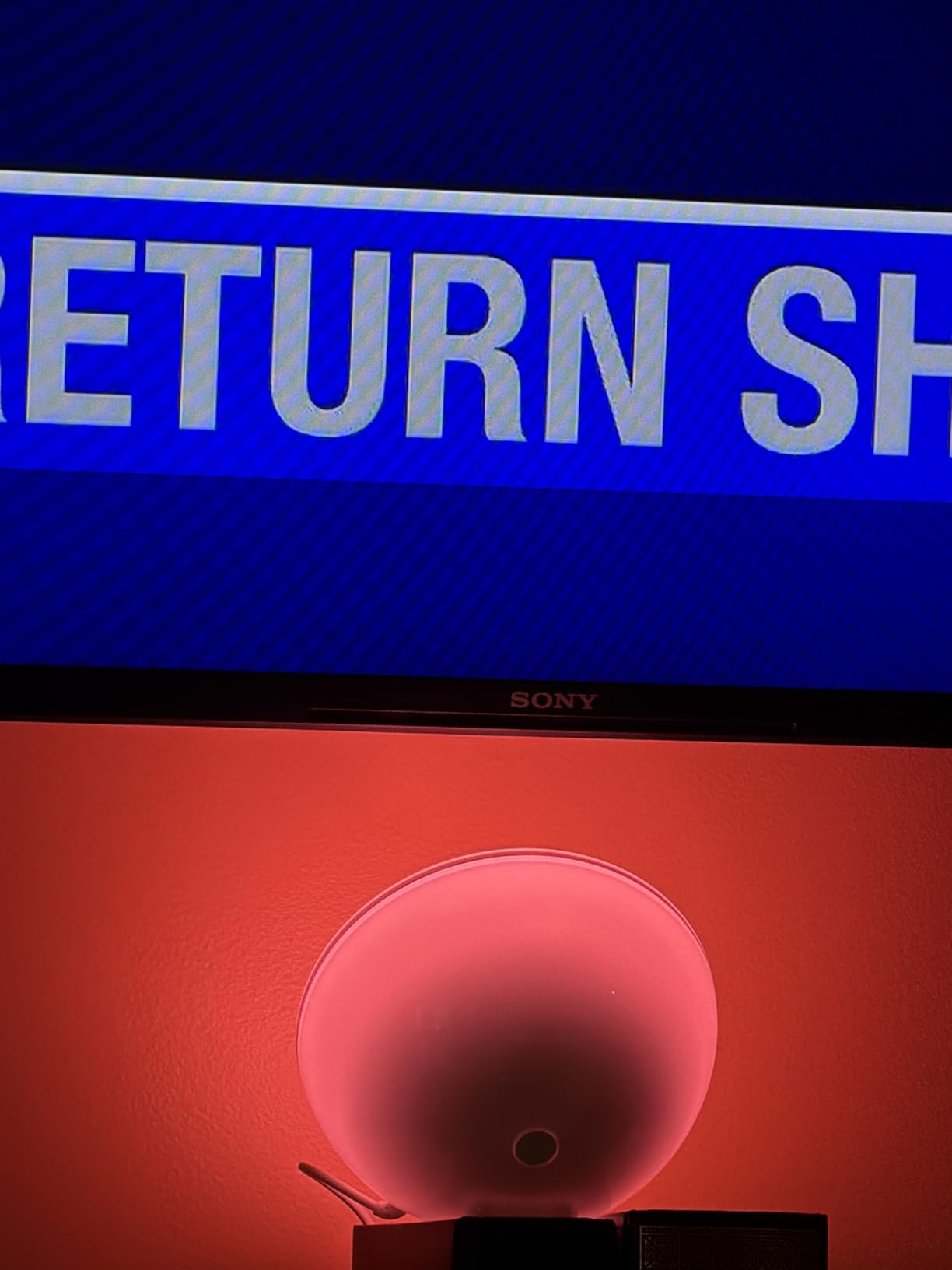
The Philips Hue Go is the lamp I reach for when I want to move my lighting around the house. It is a portable, rechargeable bowl that you can carry from your desk to the patio table without unplugging anything. The IP54 rating means it handles dust and light splashes, so I have used it on the balcony during summer evenings without worry.
Battery life is solid. I get about 5 hours at full brightness and closer to 8 hours at a moderate level. The on-product button lets you cycle through a few preset scenes without touching your phone, which is handy when you are carrying the lamp outside and away from your WiFi range. The candle flicker effect is surprisingly convincing and adds a warm, natural feel to dinner settings.
Like the Bloom, the Hue Go benefits enormously from a Hue Bridge. Without it, you are limited to Bluetooth control and basic scenes. With the Bridge connected, you get the full Hue experience: automations, timers, wake-up routines, and integration with your other Hue lights. The transition effects between colors are smooth and cinematic, especially when grouped with other Hue products in an entertainment area.
The only real drawback is the proprietary charging base. In a world where everything has moved to USB-C, having to keep a dedicated charging cradle feels outdated. That said, the cradle is compact and sits neatly on a desk or shelf, so it is not a dealbreaker for most users.
Indoor vs Outdoor Performance
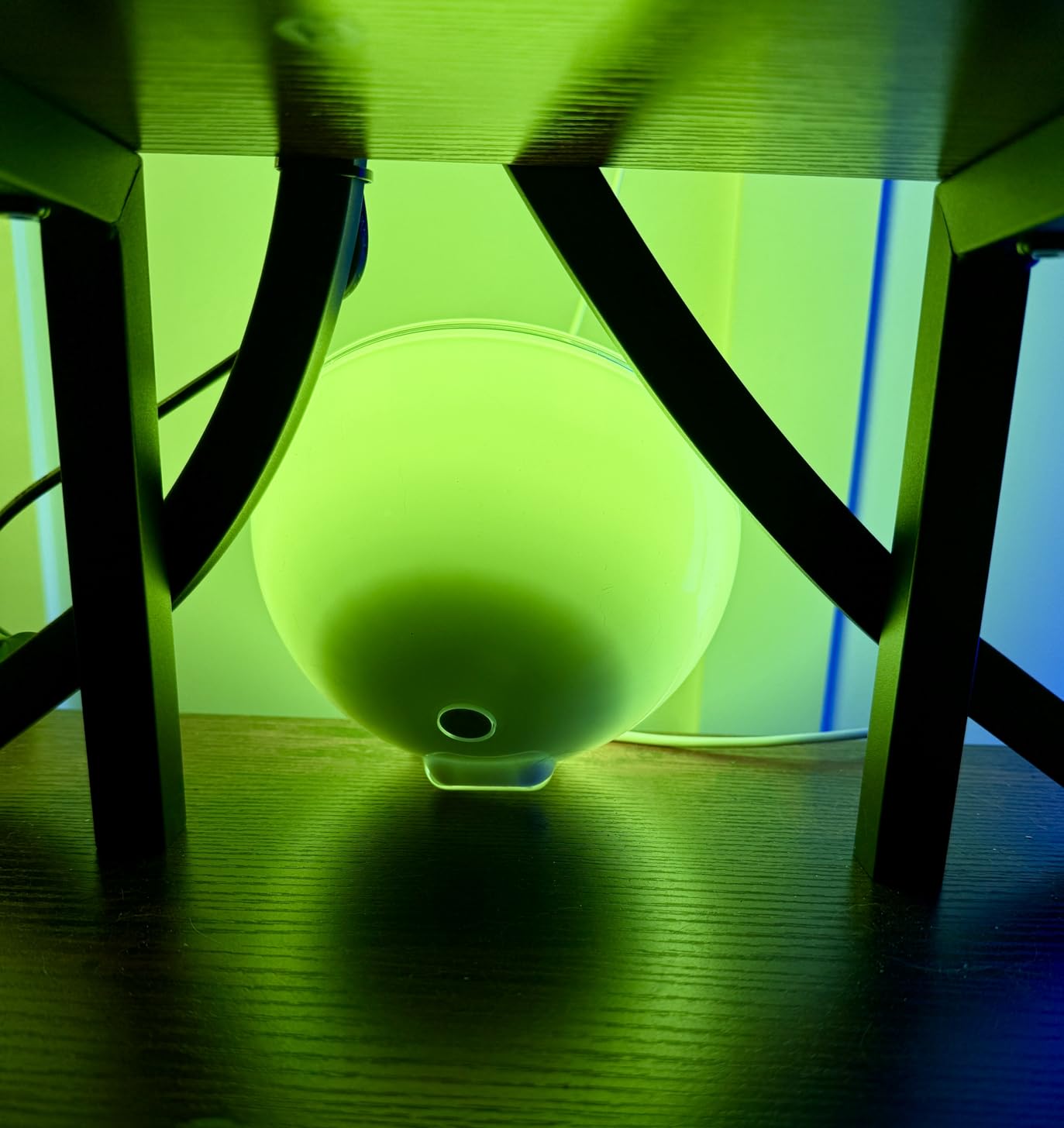
Indoors, the Hue Go performs beautifully as an ambient accent light. Place it on a bookshelf or behind a monitor and it creates a wash of color that elevates the entire room. Outdoors, the IP54 rating handles light rain and dust, but I would not leave it exposed to heavy weather. The 6-watt output is enough for a patio table but will not illuminate a large yard.
Who Should Consider This Lamp
The Philips Hue Go is perfect for anyone who wants lighting flexibility. If you move between rooms, enjoy dining outdoors, or want a lamp that works during a power outage (it keeps running on battery), this is your best option. It is less ideal if you need a bright, fixed task light for your desk, since the output is tuned for ambiance rather than focused work.
4. Lepro TB1 AI Smart Table Lamp – Best AI-Powered Smart Lamp

Lepro TB1 AI Smart Table Lamp, RGB+IC Addressable Color Changing Desk Lamp
196 RGB+IC LEDs
14W
AI Lighting Designer
Music Sync
2.4GHz WiFi
Pros
- 196 addressable LEDs for smooth color transitions
- AI-powered custom lighting creation
- Built-in music sync microphone
- Unique space-age planetary design
Cons
- App interface feels dated
- Setup requires exact 2.4 GHz network name
The Lepro TB1 looks like it belongs on a spaceship. The adjustable ring design with 196 individually addressable RGB+IC LEDs produces color transitions that are genuinely mesmerizing. I placed it next to my gaming monitor, and the ambient glow it casts behind the screen makes late-night sessions feel more immersive without being distracting.
The standout feature is the Lepro LightGPM 4 AI designer. You describe the mood you want (such as “calm ocean at sunset” or “energetic nightclub”) and the AI generates a custom lighting scene. The results are hit or miss, but when it works, the scenes are surprisingly creative and unlike anything in the preset library. I have saved three AI-generated scenes that I now use regularly.
The LightBeats music sync uses a built-in microphone to detect audio and flash colors in time with the beat. I tested it with several music genres, and it responds best to music with strong bass and clear rhythm. For podcasts or quiet ambient music, the effect is less noticeable. Voice control through Alexa worked immediately after setup, and I can turn the lamp on, off, or switch scenes with simple commands.
The app is where the experience falters slightly. The interface looks like it was designed five years ago, and some menus are buried under multiple taps. Finding your saved scenes requires navigating through a community tab that can feel cluttered. Once you learn the layout, it becomes manageable, but first-time users may find it confusing compared to apps from Govee or Philips Hue.
WiFi Setup Tips
The TB1 requires a 2.4 GHz WiFi connection, and it is particular about the network name. If your router combines 2.4 GHz and 5 GHz under one SSID, you may need to temporarily separate them during setup. I found that disabling the 5 GHz band on my router for the two minutes it takes to pair the lamp solved the issue completely. Once connected, it stays stable on the combined network.
Who Should Consider This Lamp
The Lepro TB1 is a strong choice for gamers, streamers, and anyone who wants a conversation-piece lamp with serious RGB capabilities. The AI scene generation adds a fun, experimental element that other lamps lack. If you prioritize app polish or need the lamp for focused reading and work tasks, you may prefer a more straightforward option like the Meross desk lamp.
5. Lepro TB2 AI Smart Table Lamp – Best Design-Focused Smart Lamp
Lepro TB2 AI Smart Table Lamp, RGB+IC Modern Treble Clef Spiral Desk Light
152 RGB+IC LEDs
12W
Treble Clef Design
AI Lighting
2.4GHz WiFi
Pros
- Elegant treble clef spiral design
- Vibrant addressable LED colors
- AI custom lighting scenes
- Alexa voice control works reliably
Cons
- App feels dated and cluttered
- Wire exits from front of the base
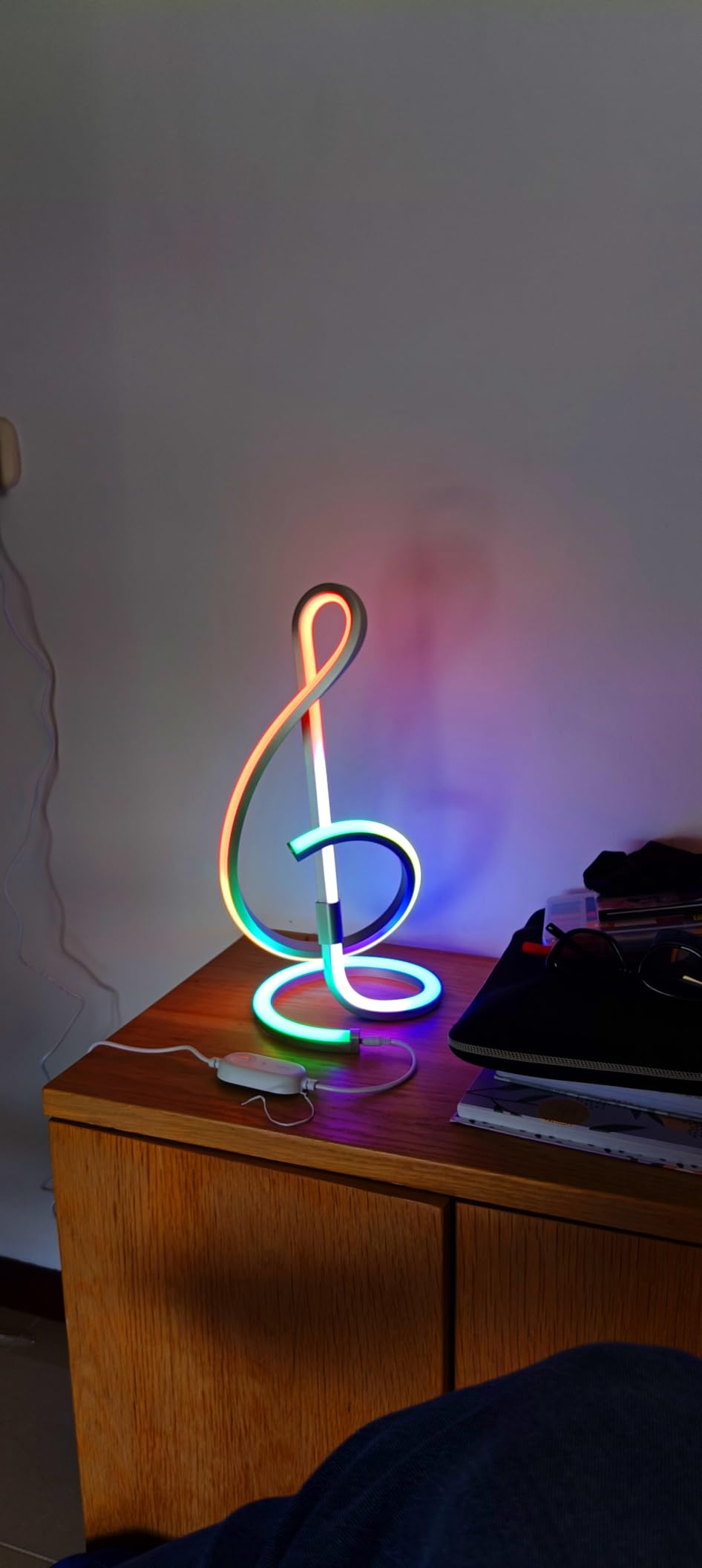
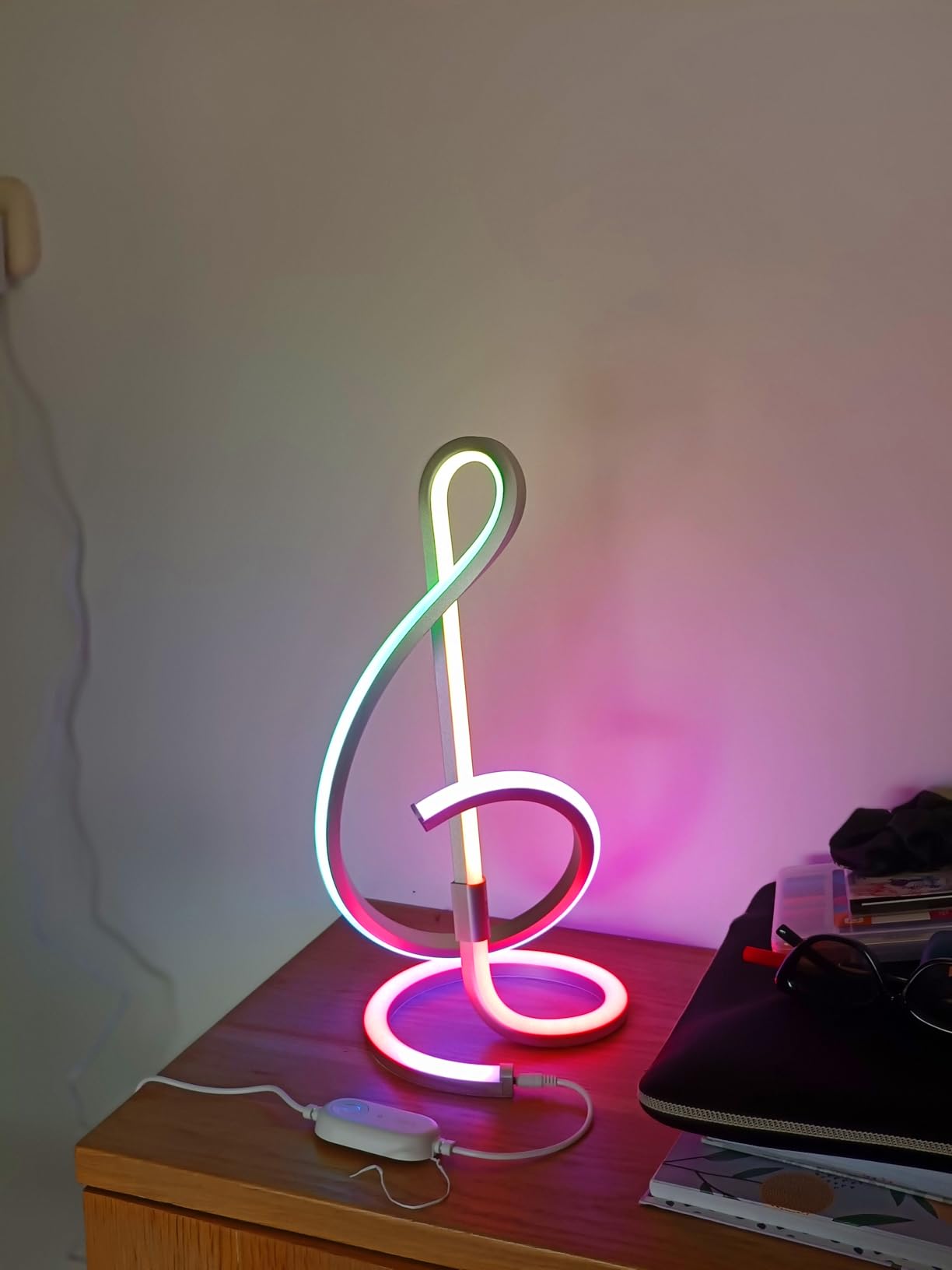
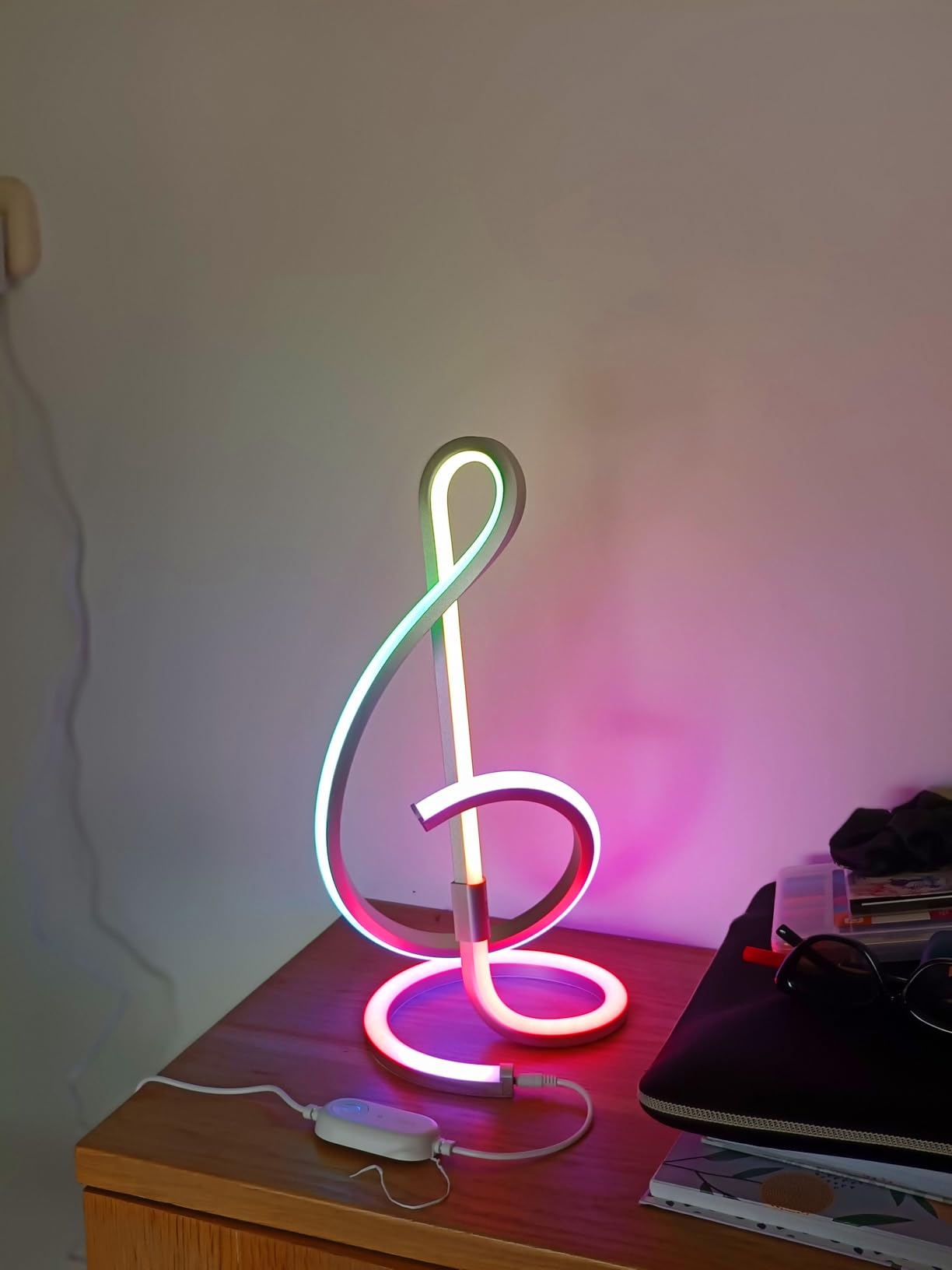
The Lepro TB2 takes the same technology from the TB1 and wraps it in a treble clef-inspired spiral frame. The result is a lamp that looks more like modern art than a desk accessory. At 15.75 inches tall, it has a commanding presence on a desk or shelf. The 152 individually addressable LEDs trace the spiral, creating flowing color patterns that draw the eye.
I set up the TB2 in my living room as an accent piece, and guests consistently ask about it. The aluminum construction feels sturdy and dissipates heat well, even after running for several hours at full brightness. At 1.23 pounds, it is light enough to move between rooms but stable enough that it does not wobble on a flat surface.
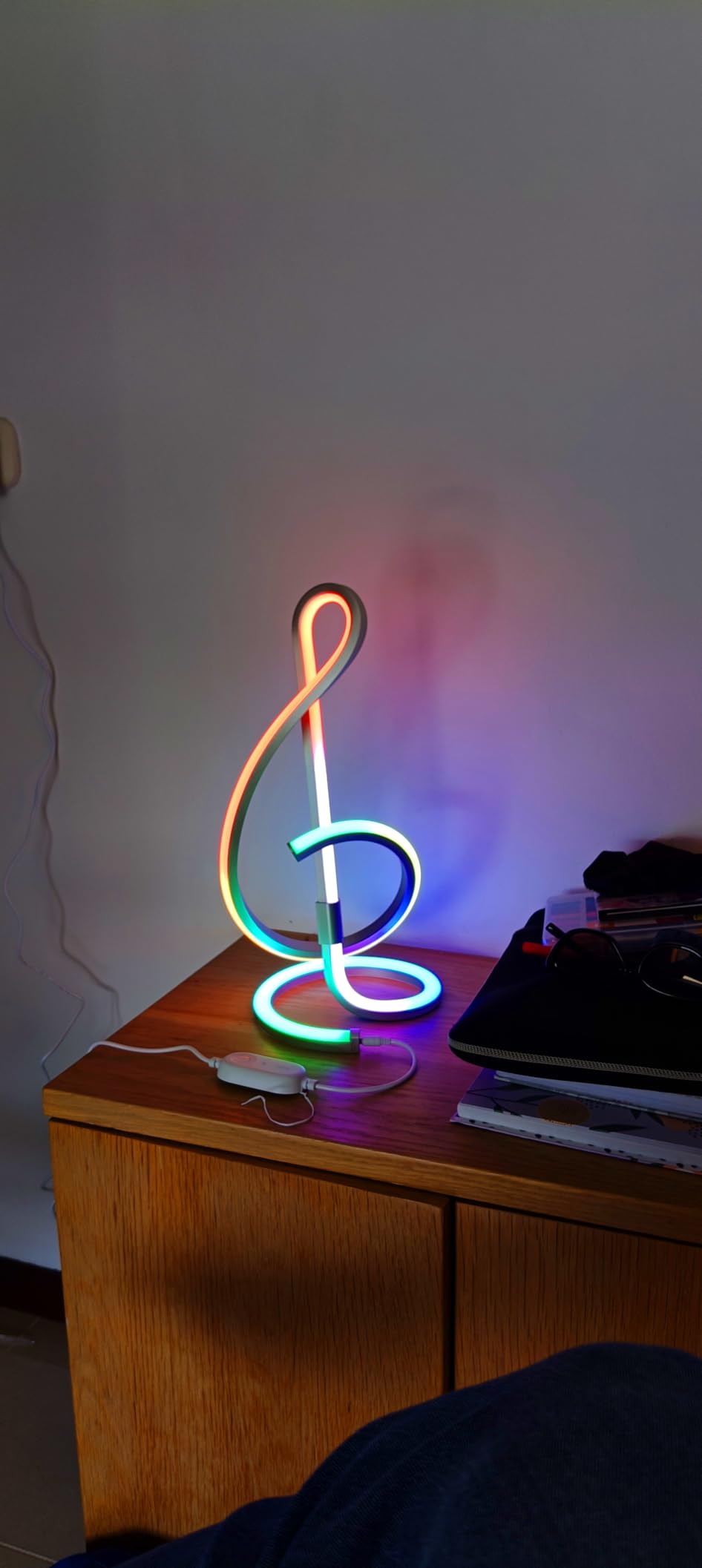
The AI lighting designer works the same way as on the TB1. You type a description and the AI generates a custom scene. I asked for “northern lights in a snowy forest” and got a slow-shifting green-to-purple gradient that looked beautiful. The LightBeats music sync performs identically to the TB1, responding best to music with a strong beat.
The app experience is identical to the TB1, which means the same dated interface and community-heavy layout. One physical design quirk: the power cable exits from the front of the base rather than the back. If your outlet is behind your desk, the cable routes visibly across the base, which breaks the clean aesthetic the lamp otherwise achieves.
Comparing TB1 vs TB2
The TB1 and TB2 share the same app, AI features, and music sync. The main differences are design and LED count. The TB1 has 196 LEDs in a planetary ring design and costs slightly more. The TB2 has 152 LEDs in a spiral treble clef shape and is typically a bit less expensive. Both produce vibrant, smooth color transitions. Choose based on which design fits your space better.
Who Should Consider This Lamp
The Lepro TB2 is ideal for design-conscious buyers who want a smart lamp that doubles as decor. It works well in living rooms, bedrooms, and creative workspaces where appearance matters as much as function. If you need a purely functional desk lamp for focused work, the spiral shape does not direct light downward effectively, so a traditional desk lamp design would serve you better.
6. Meross Smart LED Desk Lamp – Best Eye-Caring Desk Lamp

Smart LED Desk Lamp, Meross Dimmable Desk Lamp Works with HomeKit, Alexa, Google Assistant and SmartThings, Eye-Caring Smart Desk Light with Tunable White and Remote Control, Schedule and Timer
46 LED Beads
6W
2700K-6000K
180-Degree Head
WiFi
Pros
- Full HomeKit
- Alexa
- SmartThings support
- 46 LED beads with eye-caring diffuser
- 180-degree adjustable lamp head
- Timer with sunrise and sunset scheduling
Cons
- Limited arm movement on X axis
- Firmware update issues reported by some users
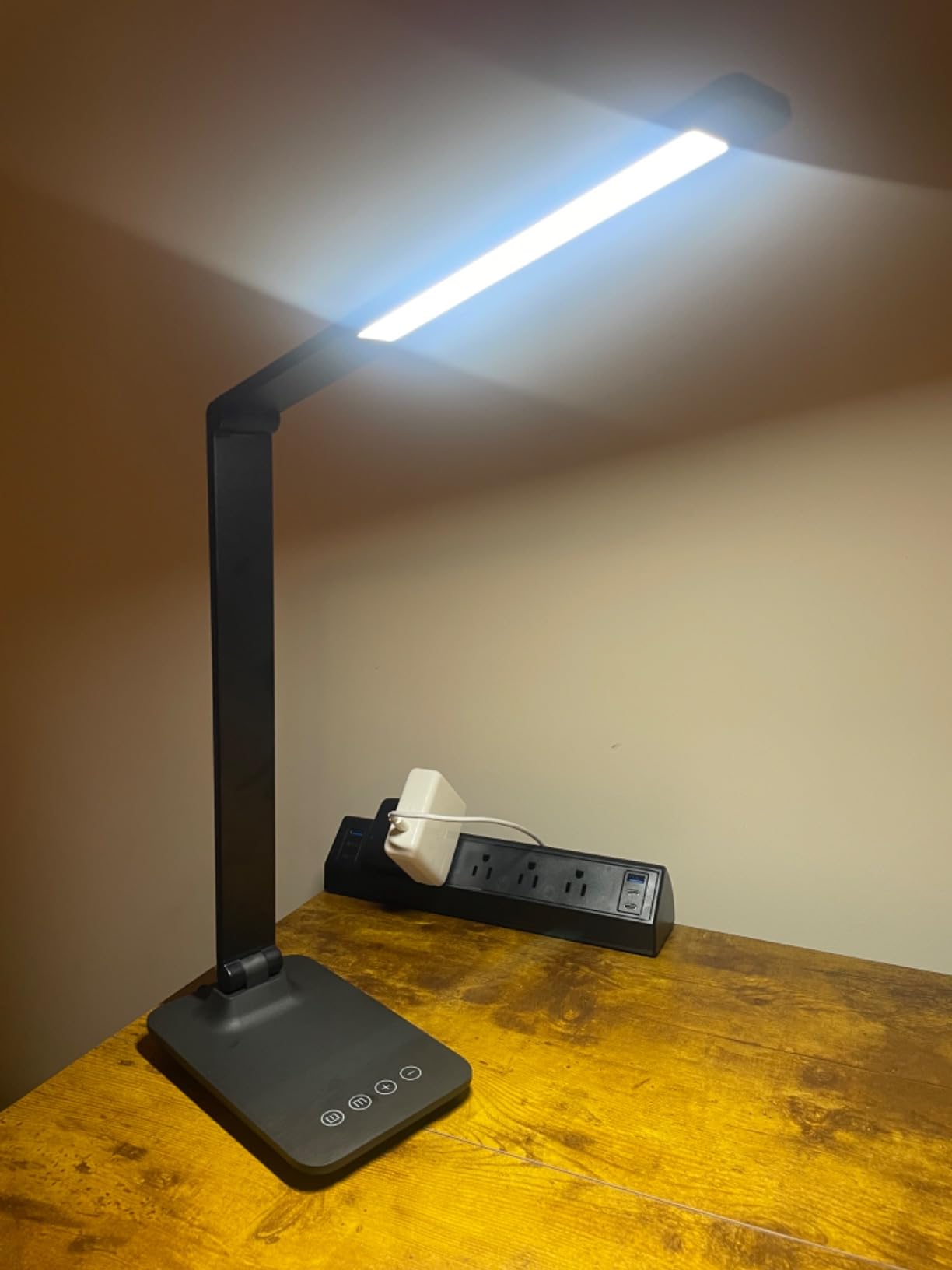
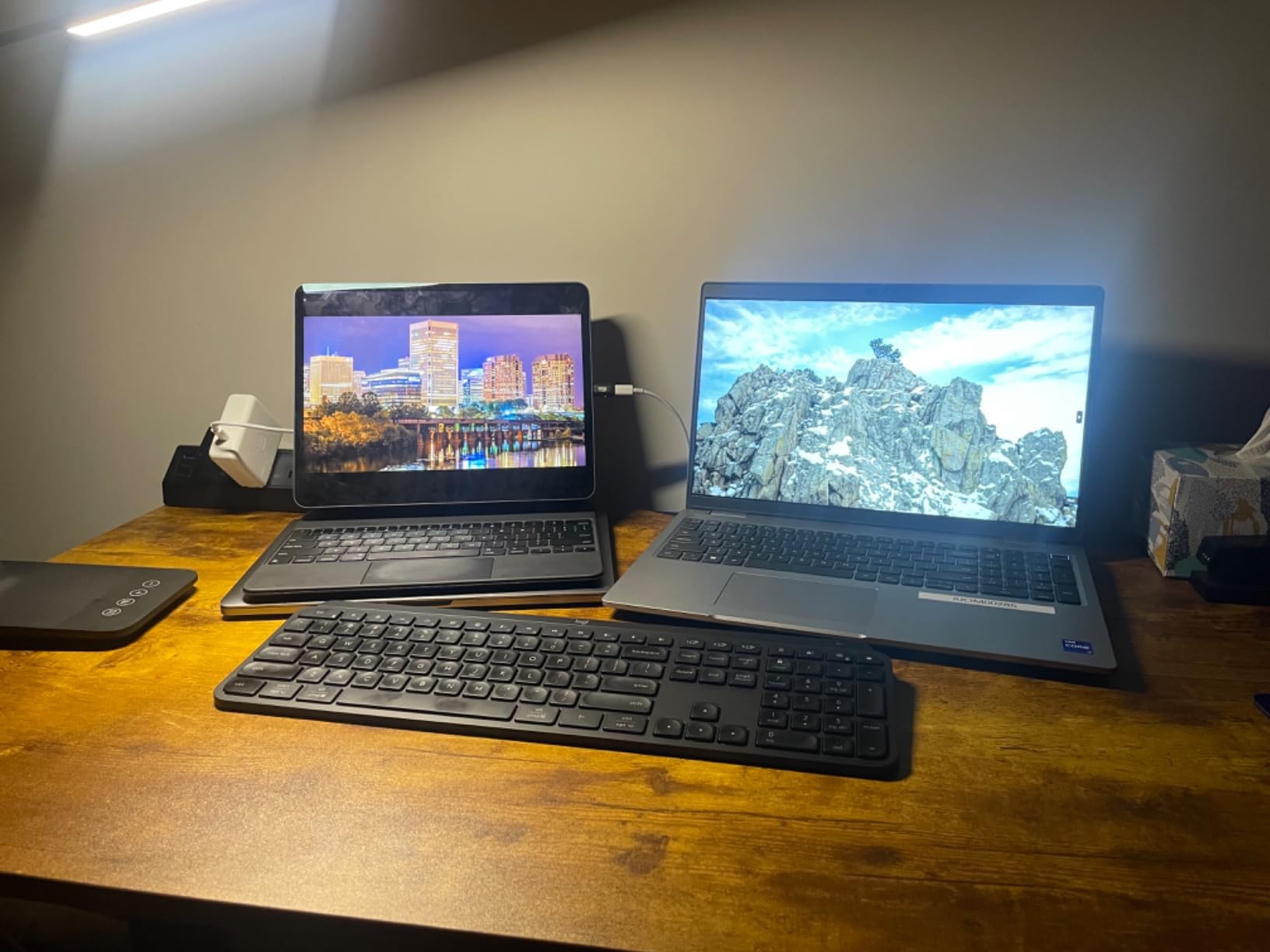
The Meross Smart LED Desk Lamp is the only traditional desk lamp shape on this list, and that is exactly why I included it. If you need a lamp with a focused beam for reading, writing, or detailed work, this is the one that actually directs light where you point it. The 46 LED beads sit behind a diffuser that eliminates harsh hotspots and reduces glare on paper and screens.
I used this lamp for two weeks of evening reading and late-night work sessions. The 2700K warm white setting creates a comfortable, non-fatiguing light that I could use for hours without eye discomfort. Switching to 6000K cool white gave me a bright, alert feeling during morning work. The stepless brightness adjustment from 1 percent to 100 percent means you can find the exact level you need.
The smart features work across all major platforms. I connected it to Apple HomeKit, and Siri responded to commands within a second. Setting up a schedule through the Home app was straightforward. The sunrise and sunset automation is a nice addition. I set the lamp to gradually brighten starting 15 minutes before my alarm, and the gentle wake-up effect is noticeably better than waking to a dark room.
The aluminum alloy construction feels premium and dissipates heat well. After running at full brightness for 4 hours, the lamp head was only mildly warm to the touch. The 40,000-hour LED lifespan means this lamp should last years under normal use. The only physical limitation is the arm movement, which tilts 180 degrees forward and backward but does not swivel left or right independently.
HomeKit Setup Note
Some users on forums reported HomeKit pairing issues when their phone switches between 2.4 GHz and 5 GHz WiFi bands during setup. I solved this by temporarily disabling 5 GHz on my router, completing the HomeKit pairing, and then re-enabling 5 GHz. The lamp stays connected on 2.4 GHz without issue after the initial setup is complete.
Who Should Consider This Lamp
The Meross Smart LED Desk Lamp is the right pick if you need a traditional task lamp with smart features. It suits home office workers, students, and readers who want eye-friendly light with HomeKit, Alexa, or Google integration. If you want colorful RGB effects or ambient room lighting, this lamp only produces white light, so a color-capable option would be more appropriate.
7. Meross Smart Table Lamp MSL430 – Best Value Smart Lamp
meross Smart Table Lamp, Bedside Lamp, Compatible with Apple HomeKit, Siri, Amazon Alexa and SmartThings, Tunable White and Multi-Color, Touch Control, Voice and App Control
16M Colors
2700K-6500K
6W
WiFi
Touch Control
Pros
- Works with HomeKit
- Alexa
- and SmartThings
- 16 million colors plus tunable white
- Local control when WiFi goes down
- Sleek buttonless design
Cons
- Colors are more limited than advertised
- Double-tap to turn off is unintuitive
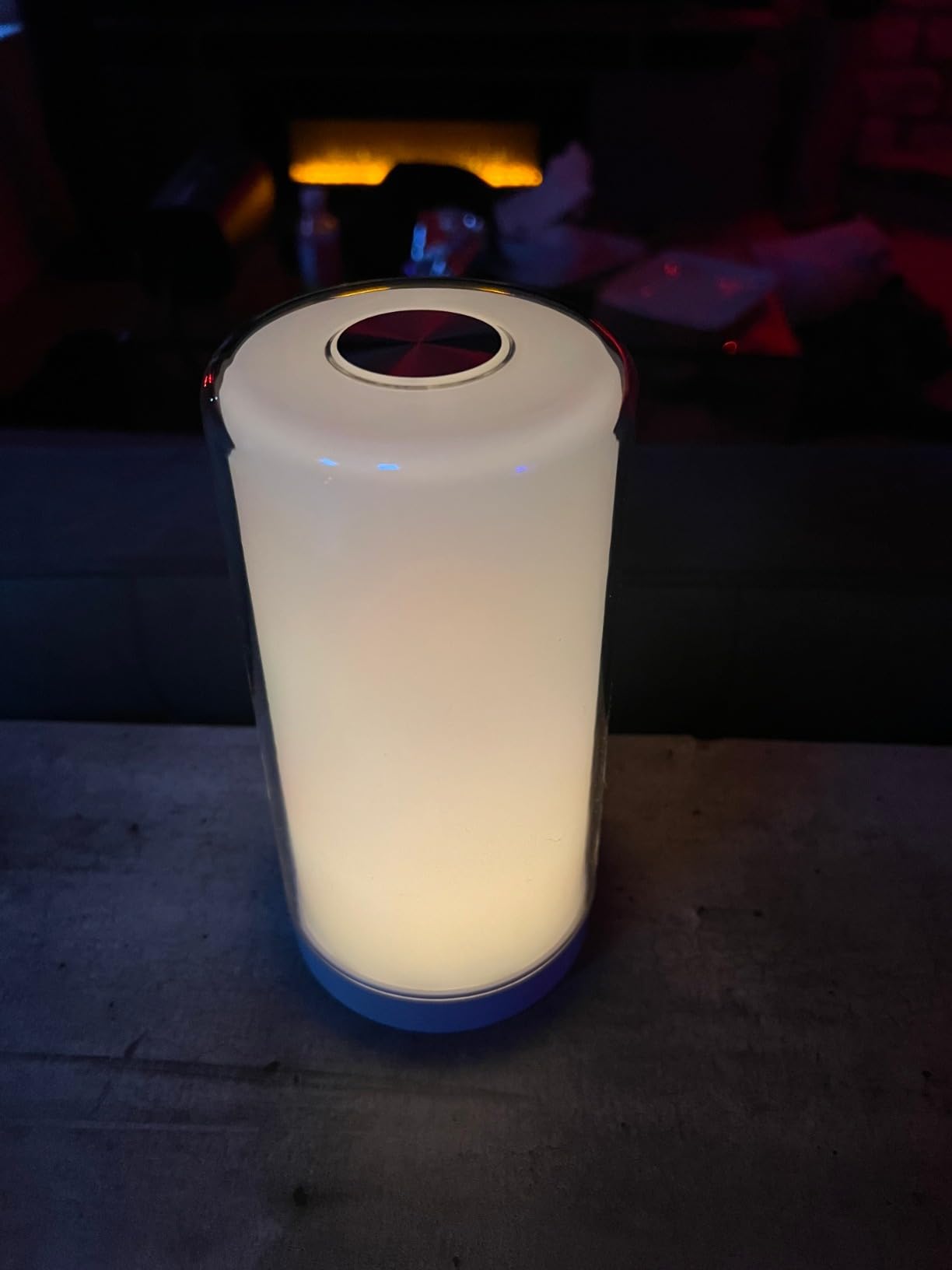
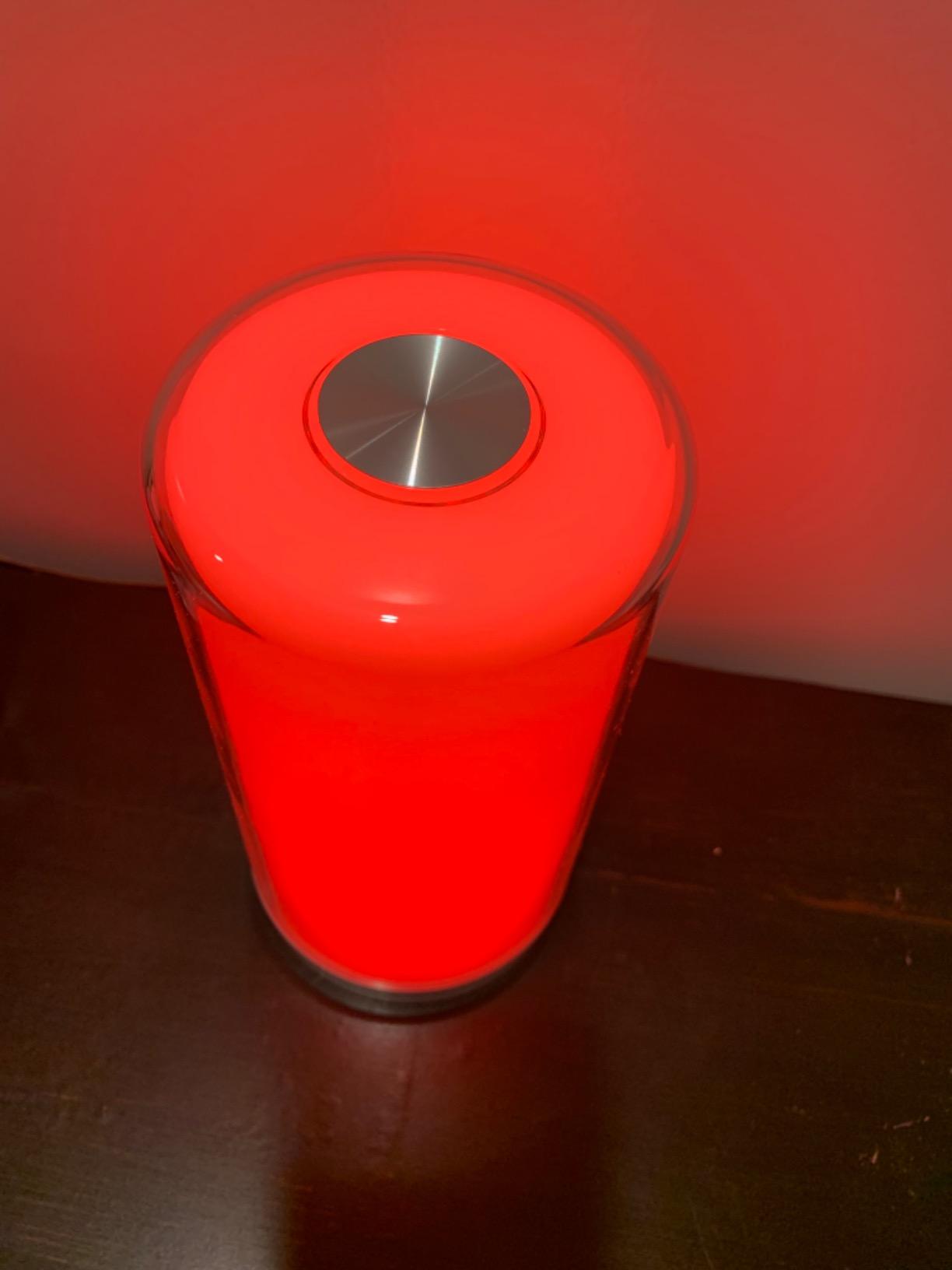
The Meross MSL430 punches well above its weight. For a lamp at this price, you get HomeKit support, 16 million colors, tunable white from 2700K to 6500K, and a clean cylindrical design that looks good anywhere. I placed it on my bedside table, and the touch-control top blends seamlessly into the smooth exterior. There are no visible buttons, which gives it a minimalist, modern appearance.
The color range is wide on paper, but in practice I noticed that non-white colors appear dimmer than the pure white mode. A deep red, for example, looks rich but not particularly bright. For ambient accent lighting, this is not an issue. But if you are expecting the same brightness in every color, you may feel slightly let down. The tunable white mode, however, is excellent and covers a genuinely useful range from candlelight warmth to daylight cool.
One feature that sets the MSL430 apart from most WiFi lamps: it stores schedules locally on the device. When my internet went down for an afternoon, my morning and evening schedules still ran on time. That is a detail most users will not notice until they need it, and it shows Meross put thought into real-world reliability rather than just feature checkboxes.
The touch interface takes getting used to. A single tap turns the lamp on and cycles through brightness levels, but you need to double-tap to turn it off. I accidentally left the lamp on a few times before my muscle memory caught up. After a week, it became second nature, but it is worth knowing going in.
Smart Home Integration
The MSL430 connects to HomeKit, Alexa, and SmartThings simultaneously. I tested it with all three, and each responded reliably to on/off commands, brightness changes, and color switches. The HomeKit pairing is especially smooth because the lamp appears directly in the Apple Home app without needing a separate Meross account. For Alexa, you will need the Meross skill, which takes about 60 seconds to enable.
Who Should Consider This Lamp
The Meross MSL430 is an excellent value pick for Apple HomeKit users who want a color-capable smart lamp without spending Philips Hue money. It also suits anyone who values local schedule storage and multi-platform support. If you need the most accurate color reproduction or the brightest output, you will get better results from a higher-end option like the Govee or Hue products on this list.
8. Hifree Smart Table Lamp – Best Budget Smart Lamp
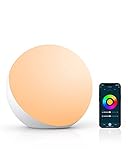
Hifree Smart Table Lamp, Dimmable Desk Lamp with App/Voice Control, LED RGB Color Changing Touch Lamp, Night Lamp for Bedroom Compatible with Alexa
7W LED
RGB Color
2700K-6500K
Bluetooth+WiFi
Smart Life App
Pros
- Affordable entry into smart lighting
- Alexa and Google Assistant compatible
- Anti-blue light for eye protection
- 8 scene modes with music sync
Cons
- No Apple HomeKit support
- Bluetooth can have occasional delays
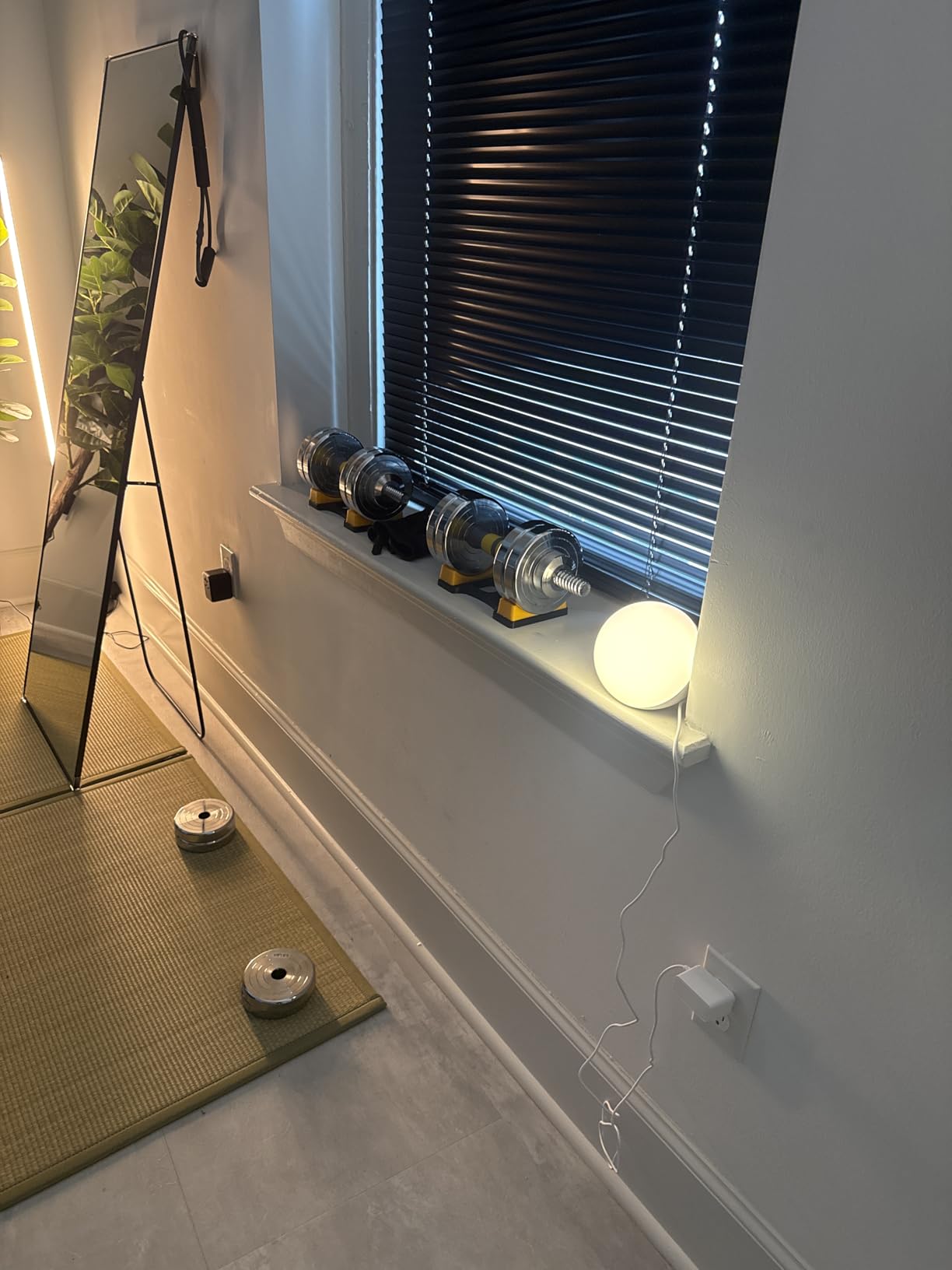
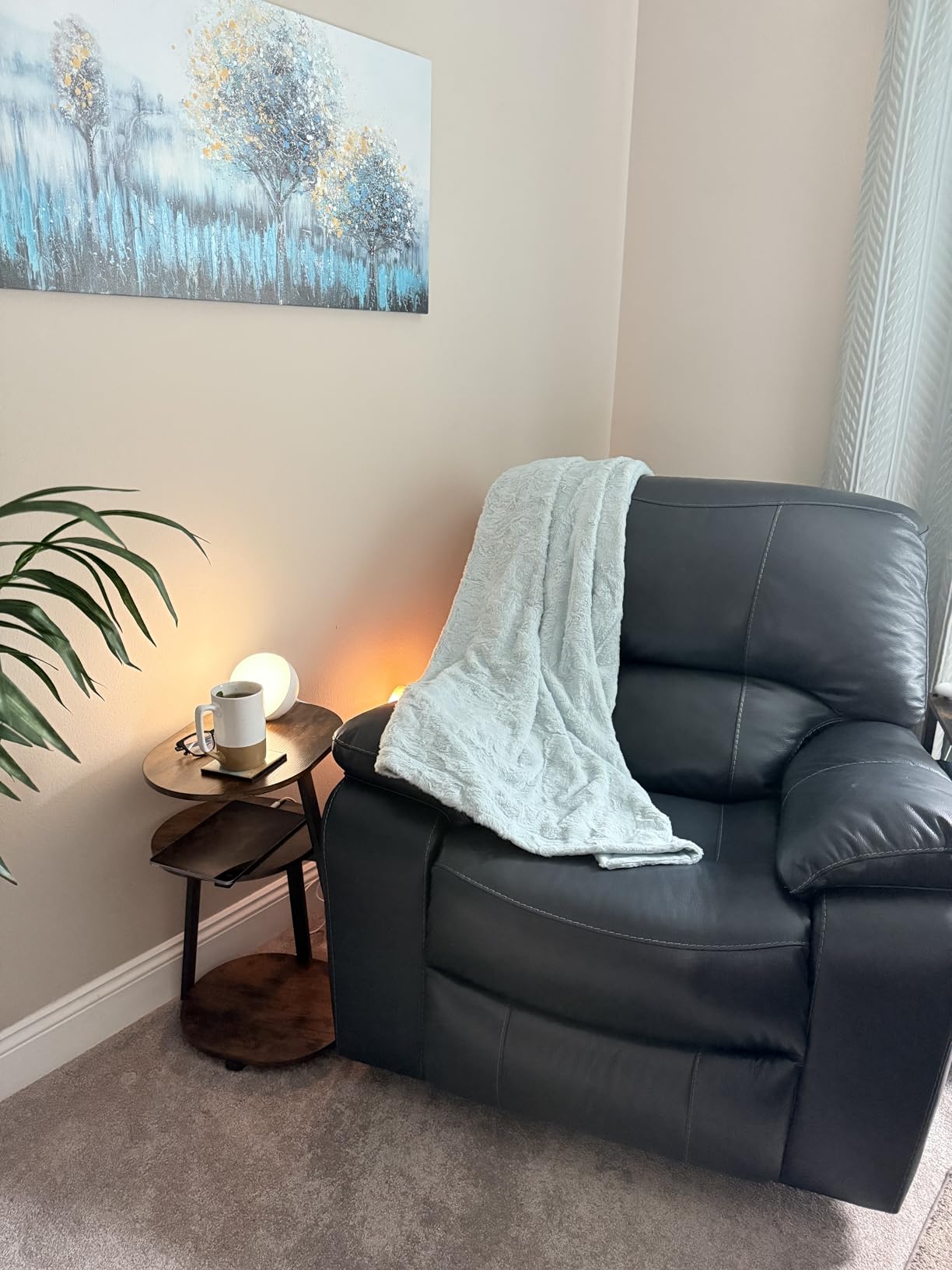
The Hifree Smart Table Lamp proves that you do not need to spend a lot to get a capable smart lamp. At under 30 dollars, this compact round lamp connects to Alexa and Google Assistant, offers 8 scene modes, and includes an anti-blue light feature that makes it suitable for kids’ rooms and bedtime reading. I tested it on my nightstand for two weeks.
Setting up the Hifree through the Smart Life app was straightforward. I connected it to my 2.4 GHz WiFi, linked it to Alexa, and was controlling it with voice commands within five minutes. The RGB colors are vibrant enough for ambient lighting, and the warm white mode is comfortable for reading before sleep. The compact 5-inch diameter means it fits easily on a crowded nightstand.
The music sync feature uses the lamp’s microphone to detect audio and flash colors in time with the beat. It works reasonably well with pop and electronic music, though the response time lags slightly behind the actual beat. For the price, it is a fun feature that adds some life to a room. The 8 preset scenes cover the most common moods: reading, night light, romantic, colorful, and more.
The anti-blue light mode is a practical addition. When activated, the lamp shifts to a warmer color temperature that reduces blue light exposure, which can help with sleep quality if you use the lamp in the evening. The toy-grade ABS plastic housing feels durable enough for daily use, though it does not have the premium heft of aluminum or metal lamps on this list.
Limitations to Know
The Hifree does not support Apple HomeKit, so iPhone users who rely on the Home app will not be able to integrate it into their existing automations. The Bluetooth connection occasionally has a half-second delay when adjusting brightness from the app. Using WiFi control or Alexa voice commands bypasses this issue entirely.
Who Should Consider This Lamp
The Hifree Smart Table Lamp is the best budget option for anyone who wants to try smart lighting without a big investment. It works well for bedrooms, dorm rooms, and kids’ spaces where you want color effects and basic app control. If you are building a serious smart home system with HomeKit or need professional-grade brightness, consider stepping up to the Meross MSL430 or Govee options instead.
9. YIEELOG Smart RGB Table Lamp – Best Lamp with Charging Ports

Smart RGB Dimmable Table Lamp Compatible with Alexa&APP&Remote Control, Gray
9W LED
2700K-6500K
USB-C+USB-A+AC Outlet
Phone Stand
WiFi
Pros
- USB-C
- USB-A
- and AC outlet for charging devices
- Built-in phone stand on base
- 16 million colors with tunable white
- Remote control with good range
Cons
- USB ports only charge when lamp is turned on
- No setup instructions included in box
The YIEELOG Smart RGB Table Lamp solves a problem most desk lamps ignore: where do you charge your phone? This lamp has a USB-C port, a USB-A port, and a full AC outlet built into the base. It even has a molded phone stand, so you can prop up your device while it charges. I used it as my primary bedside lamp for two weeks, and the charging convenience is genuinely useful.
The lamp itself produces good color output across the 2700K to 6500K range. The RGB colors are vibrant, and the white modes are clean without visible flickering. I connected it to Alexa through the Smart Life app, and voice commands for on/off and brightness worked without issues. The included remote has a good range and works from across the room, which is handy when your phone is not nearby.
The music sync feature reacts to audio through the app, creating a party-like atmosphere in a dorm room or bedroom. The timer and scheduling functions work as expected. I set a 30-minute reading timer each night, and the lamp dimmed gradually before shutting off. The pull chain adds a traditional touch that lets you operate the lamp without reaching for your phone or remote.
The main drawback is that the USB ports only charge devices when the lamp itself is turned on. If you switch the lamp off, your phone stops charging. This means you cannot use it as an overnight charger unless you leave the lamp running. The workaround is to leave the lamp on at its lowest dim setting, but it is a design choice that limits the charging utility.
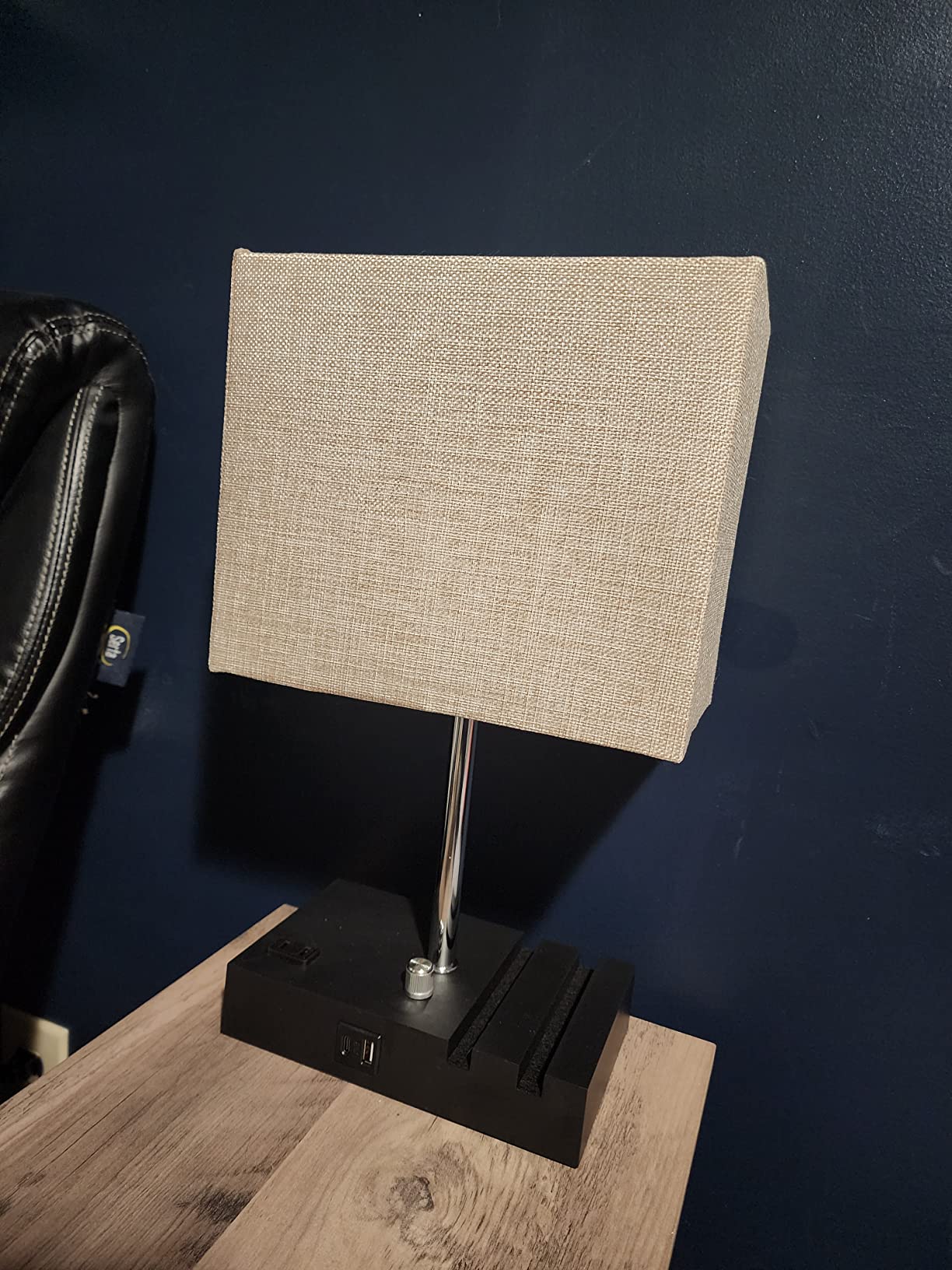
Charging Capabilities
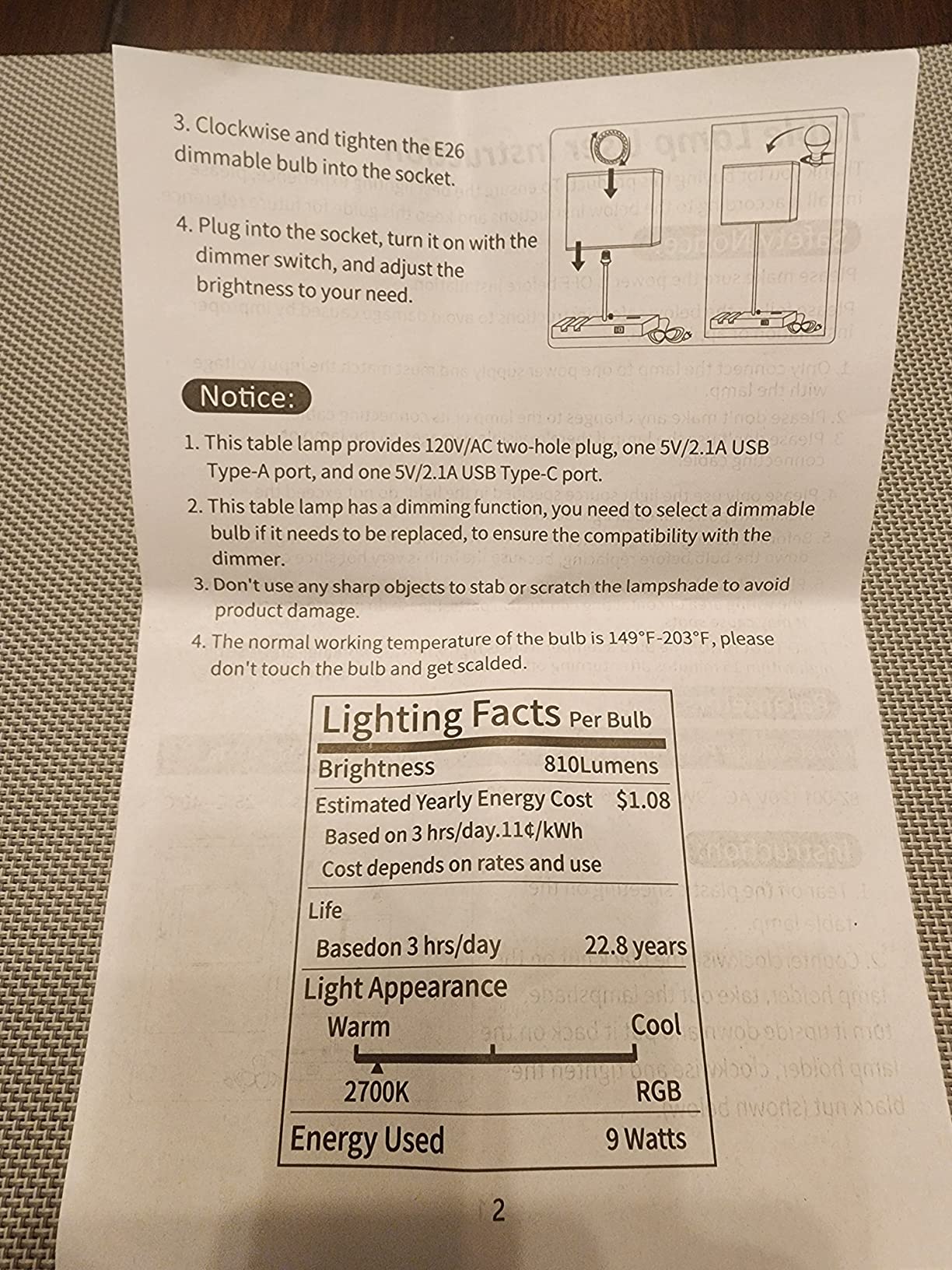
The USB-C and USB-A ports output 5V/2.1A each, which is enough to charge most phones at a standard rate. The AC outlet can handle larger devices like a laptop charger or a tablet. I charged my phone and a Bluetooth speaker simultaneously without any issues. Just remember that everything shuts down when the lamp turns off.
Who Should Consider This Lamp
The YIEELOG is ideal for dorm rooms, small apartments, or any bedside setup where outlet space is limited and you want a lamp that doubles as a charging station. The phone stand is a practical addition that keeps your device visible and accessible. If you need a lamp that charges devices even when turned off, or you want a premium smart home ecosystem experience, look at the Meross or Hue options instead.
10. NEWREACH RGB Smart Table Lamp – Best Bedside Smart Lamp

NEWREACH RGB Smart Table Lamp with Remote Control – Alexa Lamp for Bedroom with Voice & APP Control & Music Sync, Dimmable Nightstand Lamp with Charging Station for Living Room, Alexa Bulb Included
9W LED
16M Colors
2700K-6500K
28-Key Remote
USB A+C+AC Socket
Pros
- USB-A
- USB-C
- and AC socket built in
- 28-key remote with full control
- Fabric lampshade adds warmth
- Easy Alexa pairing
Cons
- Warm white is not a true warm tone
- Remotes can interfere with nearby lamps
The NEWREACH RGB Smart Table Lamp stands out because of its fabric lampshade. While most smart lamps use plastic or acrylic diffusers, the fabric shade on this lamp softens the light in a way that feels warmer and more natural. I placed it on a guest bedroom nightstand, and the textured shade gives the room a cozy, finished look that plastic lamps simply do not match.
The 28-key remote is one of the most comprehensive I have seen on a smart lamp. You can jump directly to specific colors, adjust brightness, set timers, and trigger scene modes without touching the app. The range is good enough to work from across a medium-sized room. I tested Alexa pairing, and the lamp appeared in the Alexa app within 30 seconds of setup.
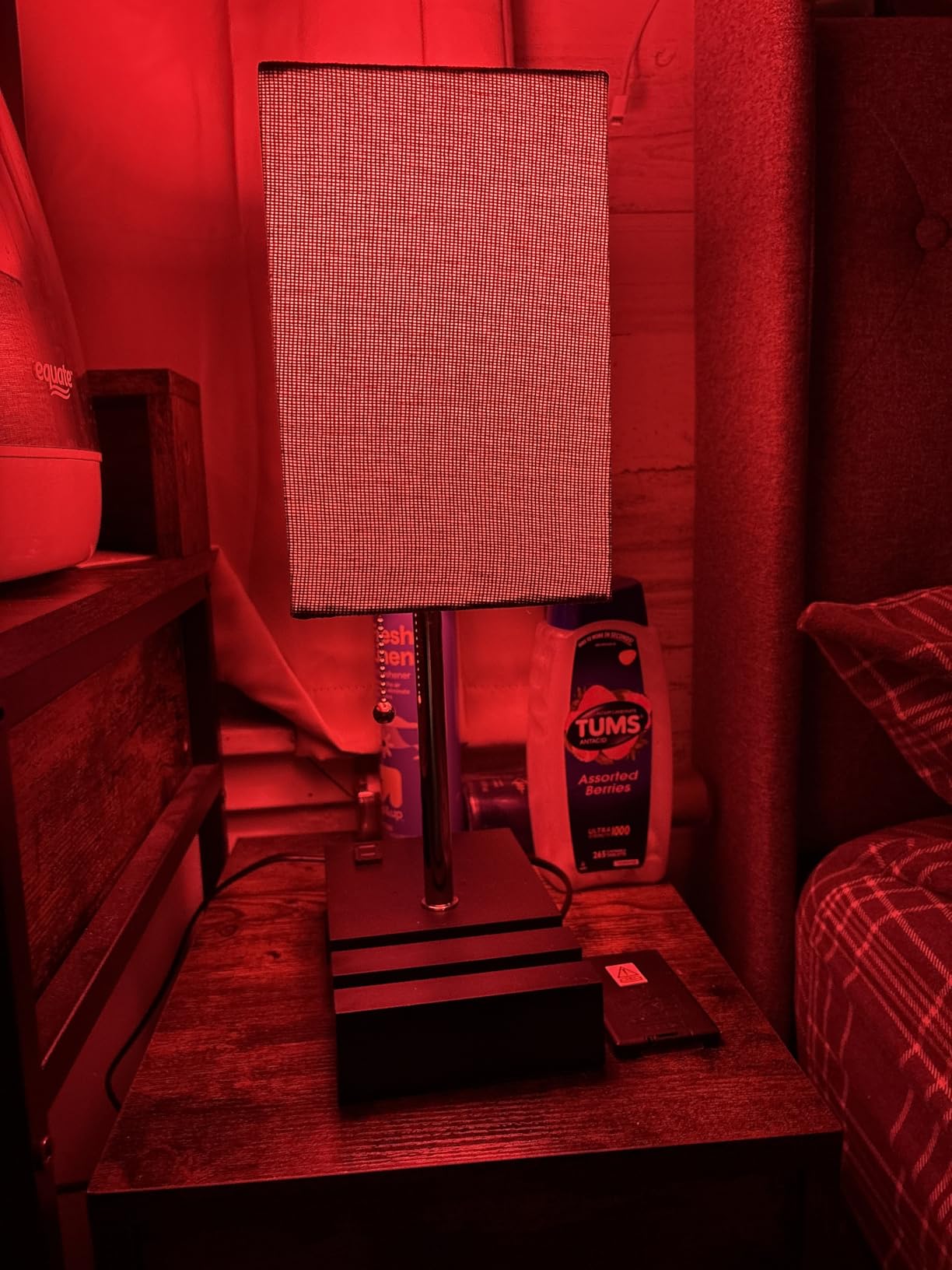
Like the YIEELOG, this lamp includes USB-A, USB-C, and an AC socket for device charging. The USB ports output 5V/2.1A, which handles phone charging adequately. The AC socket can power a small device like a fan or tablet charger. Having all three options on a bedside lamp eliminates the need for a separate charging brick or power strip.
The color accuracy is where this lamp shows its budget roots. The warm white mode leans slightly cool compared to a true 2700K bulb, and the RGB colors do not always match what you select in the app. A deep red, for instance, reads more orange-red on the lamp. For ambient mood lighting, this is acceptable, but color-precise users will notice the difference.
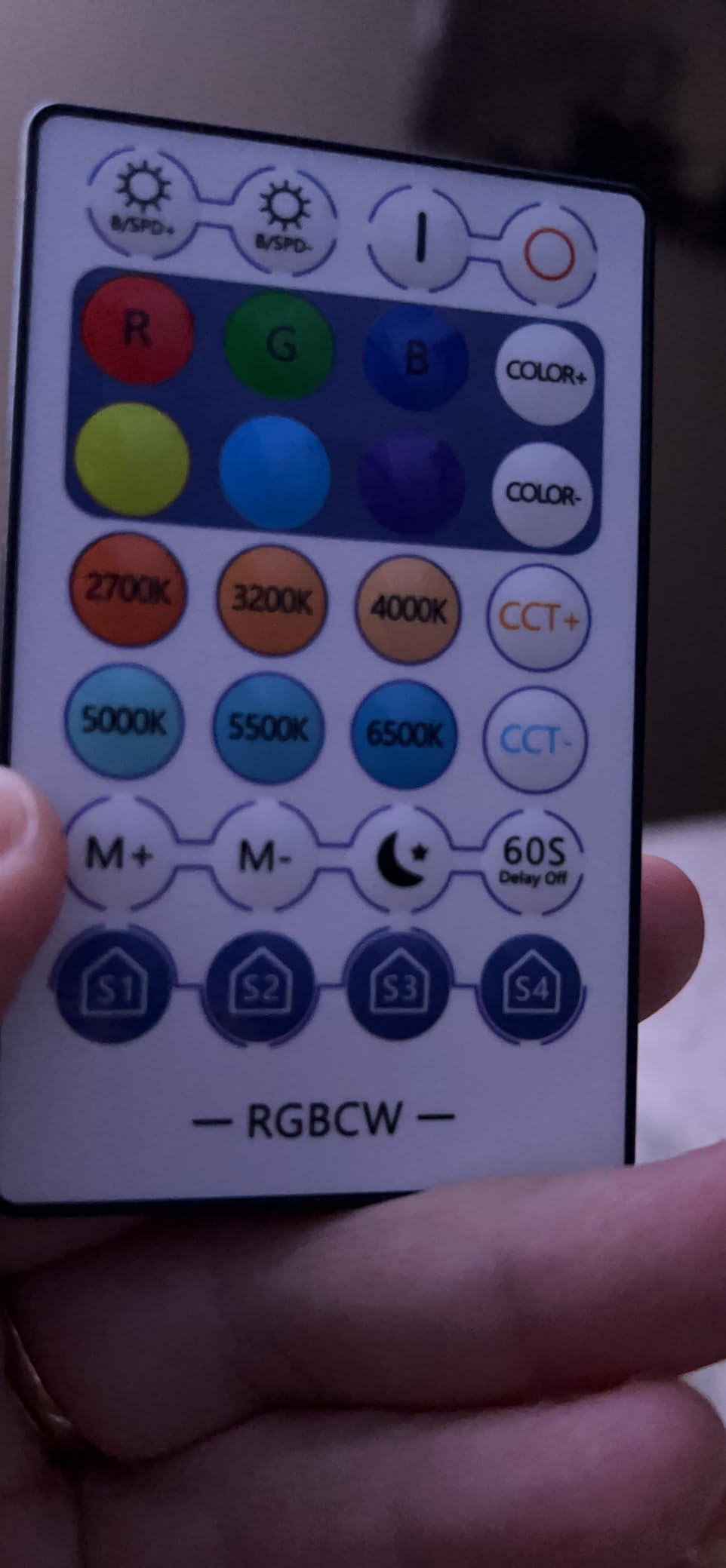
Remote Interference Warning
If you buy two of these lamps for a bedroom setup, be aware that one remote can control both lamps simultaneously. There is no way to pair a remote to a specific lamp. Users on Amazon report this as a common frustration. If independent control matters, use the app or Alexa voice commands for individual lamp control instead of the physical remote.
Who Should Consider This Lamp
The NEWREACH lamp suits anyone who wants a bedside lamp with built-in charging ports and a softer, fabric-shaded aesthetic. It is a practical choice for guest rooms and bedrooms where you want convenience features without a premium price. If you need precise color reproduction or independent multi-lamp control, consider other options on this list.
11. Oviouit 10-in-1 Smart Desk Lamp – Best Multi-Function Desk Lamp

10 in 1 Smart Desk Lamp Led, Desk Light for Colleage Drom Room Office, Eye-Caring Table Lamp with Night Light, Lamp for Desk with 10W Wireless Charger, Dimmable Touch Lamp, Birthday Gifts for Women
10W LED
CRI Over 85
3000K-6000K
10W Wireless Charging
Clock Display
Pros
- 10 functions in one device including wireless charging
- Built-in clock with temperature display
- CRI over 85 for accurate color rendering
- Adjustable arm with 180-degree rotation
Cons
- Light weight can make it unstable when bumped
- Thermometer may be inaccurate by a few degrees
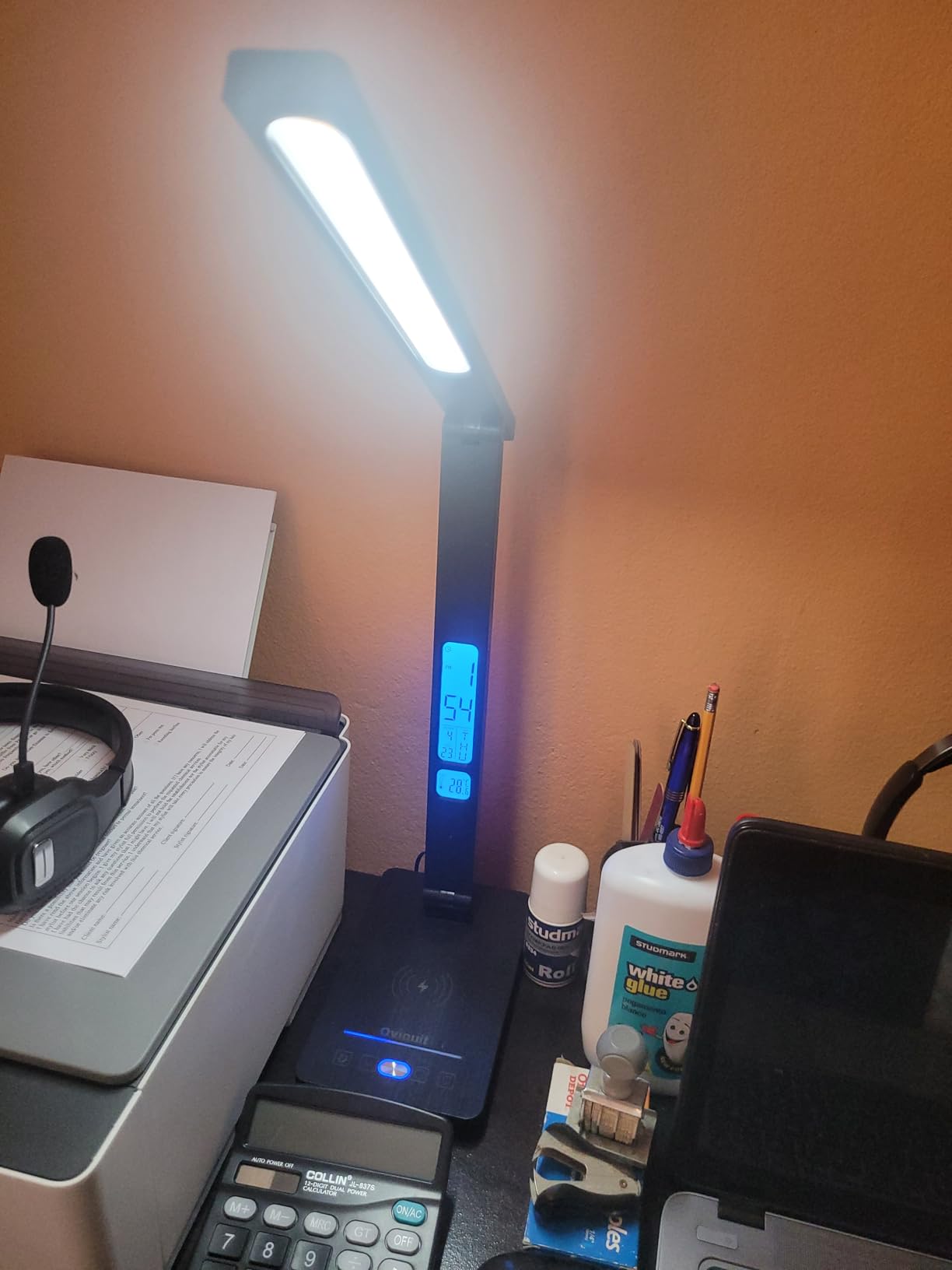
The Oviouit 10-in-1 Smart Desk Lamp is the Swiss Army knife of desk lamps. It combines a desk lamp, night light, alarm clock, temperature display, 10W wireless charger, USB charging port, timer, and multiple brightness and color temperature modes into a single device. If desk space is tight and you want maximum functionality from one device, this lamp delivers.
I tested the Qi wireless charging with my phone in a standard case, and it worked without removing the case. The charging pad sits in the base of the lamp, so you just set your phone down and it starts charging. The 10W output is adequate for overnight charging or keeping your phone topped up during the workday. The USB port on the back provides an additional wired charging option.
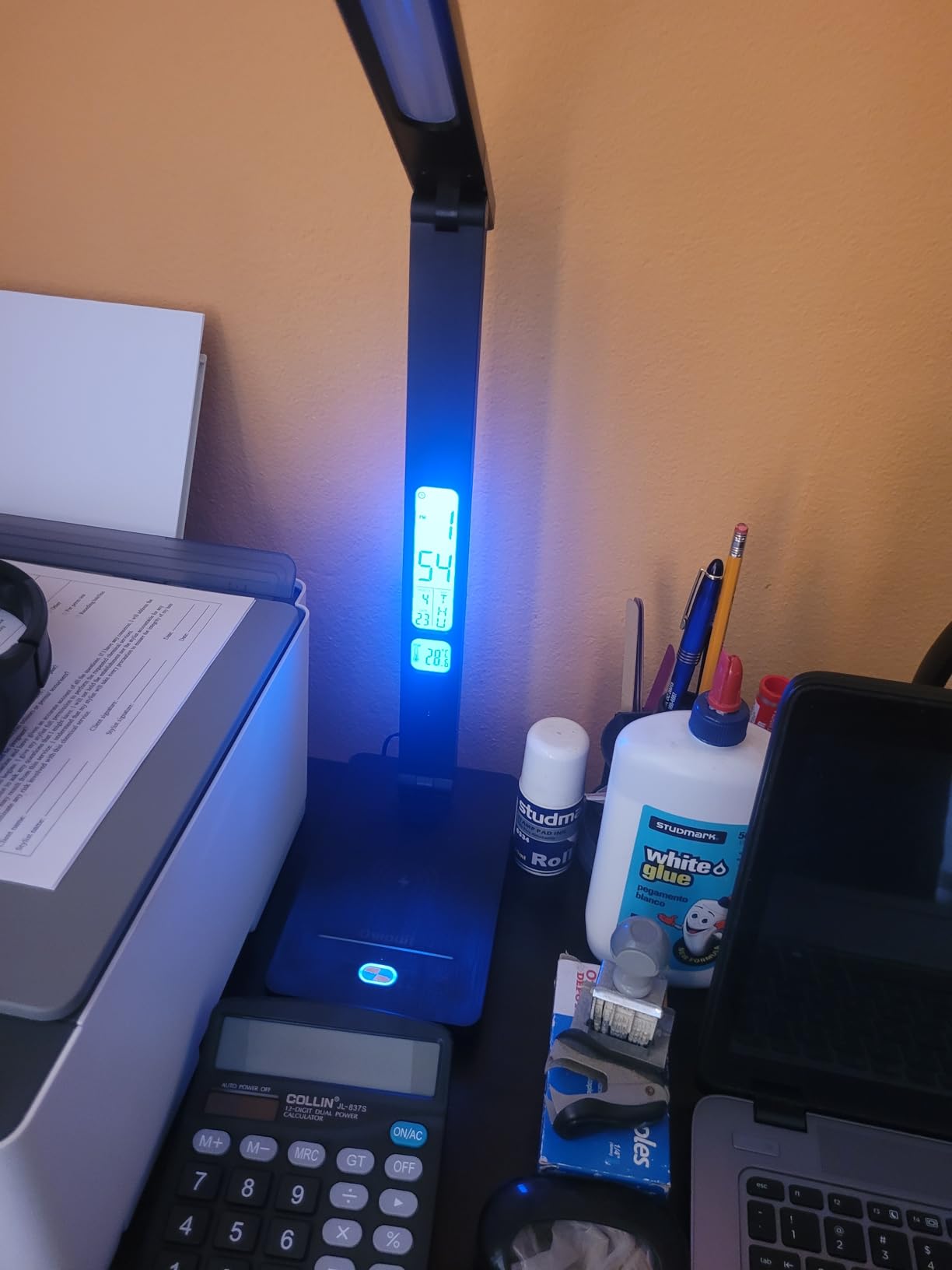
The light quality is surprisingly good for a multi-function device. The CRI rating above 85 means colors appear more accurate under this lamp than under cheaper LEDs. I compared it side by side with a basic LED desk lamp while reading printed materials, and text looked sharper and colors looked more natural under the Oviouit. The 5 brightness levels and 5 color temperature modes cover most common work scenarios.
The clock display on the base shows time, date, and room temperature. The temperature sensor is a nice idea but reads about 5 degrees high compared to a standalone thermometer I placed next to it. The 45-minute auto-off timer is useful for focused work sessions where you want a reminder to take a break. When the timer hits zero, the lamp dims to off as a visual cue.
Desk Space and Stability
The lamp takes up a 7.4 x 4.5 inch footprint, which is reasonable for a multi-function device. However, at 1.98 pounds, it is light enough that an enthusiastic desk bump can shift it. If your desk setup involves frequent adjustments or you have pets that jump on surfaces, the light weight is worth keeping in mind. The adjustable arm rotates 180 degrees and holds its position without drooping.
Who Should Consider This Lamp
The Oviouit 10-in-1 is ideal for students, dorm residents, and anyone with limited desk space who wants a lamp that does more than just light up. The wireless charging and clock functions eliminate the need for separate devices on your desk. If you want a dedicated smart home lamp with voice assistant integration and app-based scene control, this lamp uses touch controls rather than WiFi, so it is not a traditional smart lamp in that sense.
12. Electight Smart RGB LED Desk Lamp – Best RGB Gaming Desk Lamp
Electight Led Desk Lamp with Atmosphere Lighting, Smart RGB LED Desk Lamp
16M Colors
99+ Scene Modes
Music Sync
Foldable Design
WiFi
Pros
- 99+ dynamic scene modes is the most on this list
- Music sync responds quickly to audio
- 4-section foldable arm with 360-degree adjustment
- Remote works without direct aiming
Cons
- Lightweight base can tip when arm is extended
- Newer product with fewer long-term reviews
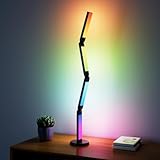
The Electight Smart RGB LED Desk Lamp has the highest customer rating on this list at 4.8 stars, and after testing it I understand why. It offers 99+ dynamic scene modes, which is the largest selection of any lamp I reviewed. The scenes range from subtle breathing effects to fast-paced strobes, and the variety means you will likely find several that match your setup perfectly.
The 4-section foldable arm sets this lamp apart from the fixed-position options like the Govee or Hue products. You can fold it flat for storage, extend it upward for ambient room lighting, or angle it forward for focused desk illumination. The 360-degree adjustment on each section gives you precise control over where the light falls. I used it in multiple configurations during testing and found the flexibility genuinely useful.
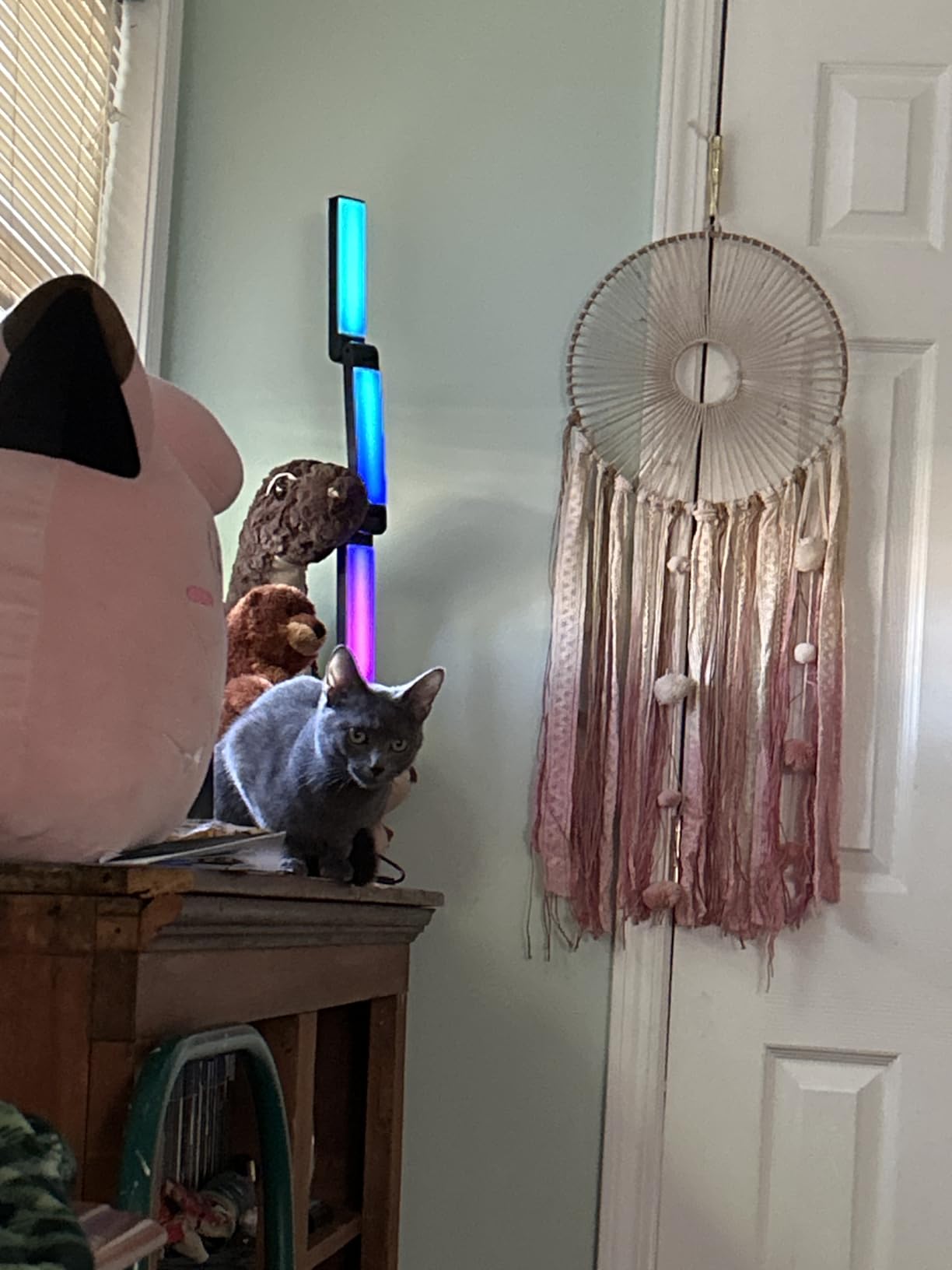
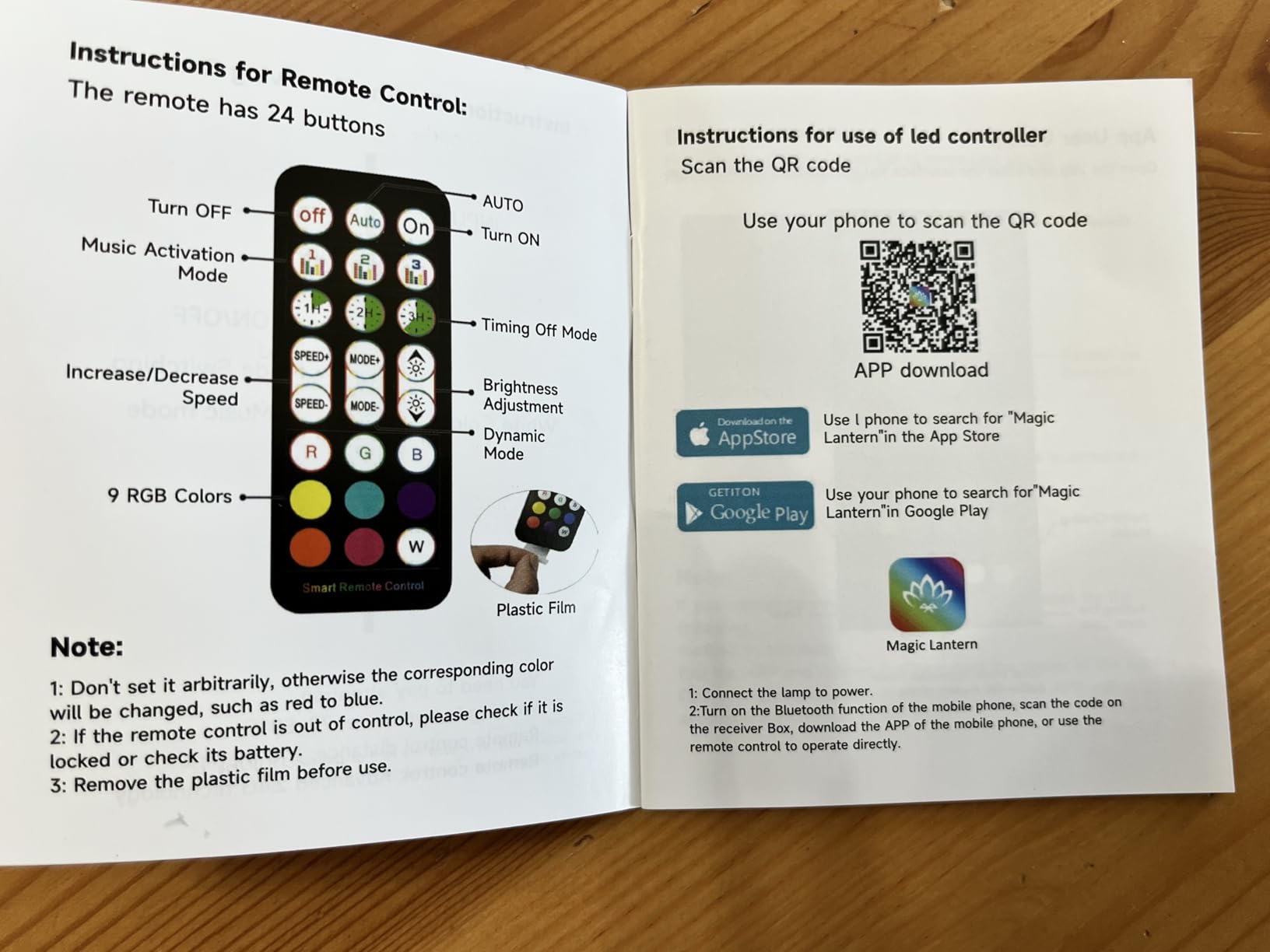
Music sync through the app responds faster than any other lamp on this list. When I played music with pronounced bass drops, the colors shifted within milliseconds. The remote control is another standout feature. It works without needing to aim it directly at the lamp, so you can change scenes from across the room without pointing. This is a small detail that makes a big difference in daily use.
The foldable design also means the lamp can travel. Folded flat, it fits in a backpack alongside a laptop. I brought it to a friend’s gaming night, set it up next to a monitor, and the RGB glow added an immersive touch to the session without requiring any permanent setup. The app control via the Magic Lantern app provides access to the full scene library and color customization tools.
Stability Consideration
The main tradeoff for the foldable design is base stability. At 2 kg total weight, the lamp is reasonably substantial, but if you extend all four arm sections forward at a steep angle, the center of gravity shifts enough that a bump could topple it. I found that keeping at least one section angled backward or keeping the arm at a moderate extension solved this completely.
Who Should Consider This Lamp
The Electight lamp is perfect for gamers, streamers, and anyone who wants maximum scene variety and a foldable form factor. It suits setups where you might want to move the lamp between locations or store it when not in use. With only 36 reviews so far, it is a newer product, so long-term durability data is limited. If you prefer an established track record, the Govee or Hue options offer more review history.
How to Choose the Best Smart Desk Lamp with App Control in 2026?
Picking the right smart desk lamp comes down to understanding your priorities. Do you need focused task lighting or ambient mood effects? Are you invested in a specific smart home ecosystem? Do you want a hub or prefer a standalone WiFi connection? Let me walk you through the key factors that actually matter when making this decision.
Hub vs No-Hub: The Big Question
This is the single most confusing topic for smart lamp buyers, so let me clear it up. Some lamps, like the Philips Hue Bloom and Hue Go, work best with a dedicated hub (the Hue Bridge). The Bridge uses Zigbee, a low-power protocol that is more stable than WiFi and supports up to 50 devices. It also enables advanced automations and remote access when you are away from home.
Hub-free lamps like the Govee, Meross, and Lepro connect directly to your WiFi router. They are simpler to set up because you do not need to buy extra hardware. However, each lamp connects independently to your router, so if you plan to have 10+ smart lights, a hub-based system may be more reliable. For most people with 1 to 3 desk lamps, WiFi-direct works perfectly fine.
Connectivity: WiFi, Bluetooth, or Zigbee
WiFi is the most common connection type for affordable smart lamps. It offers full app control from anywhere and does not require a hub. The downside is that each lamp uses a WiFi slot on your router, which can crowd the network if you have many smart devices.
Bluetooth is used as a backup or primary connection on some lamps. It has a range of about 30 feet and does not require WiFi, but you cannot control the lamp when you are away from home. The Philips Hue products use Bluetooth as a fallback when no Bridge is present.
Zigbee (used by Hue Bridge, SmartThings) is the most reliable protocol for multi-device smart homes. It creates a mesh network where each device extends the range of the others. If you already own a Zigbee hub or SmartThings setup, look for lamps that support it.
Brightness and Color Temperature
For task lighting, look for at least 400 to 500 lumens and a color temperature range of 2700K to 6500K. The lower end (2700K-3000K) produces warm, relaxing light suitable for evening reading. The upper end (5000K-6500K) mimics daylight and helps with focus and alertness during work hours. The Meross desk lamp and Oviouit lamp both cover this full range effectively.
For ambient and accent lighting, brightness matters less than color quality. The Govee RGBIC, Philips Hue Bloom, and Lepro lamps excel at producing rich, saturated colors that fill a room with mood. If you plan to use the lamp primarily for atmosphere, prioritize color quality over lumen output.
Smart Home Ecosystem Compatibility
If you use Apple HomeKit, the Meross MSL430 and Meross desk lamp are your best bets, along with the Philips Hue products when paired with a Bridge. The Govee lamp supports HomeKit through Matter, which also works well but requires a compatible home hub (Apple TV, HomePod, or similar). For Alexa users, almost every lamp on this list works natively. Google Assistant support is similarly widespread. Samsung SmartThings users should look at the Govee (Matter) or Hue (Bridge) options.
App Quality and Reliability
A smart lamp is only as good as its app. In my testing, the Govee Home app and Philips Hue app are the most polished. Both offer intuitive scene creation, reliable scheduling, and responsive real-time control. The Meross app is functional but less feature-rich. The Lepro app has the most features but the most cluttered interface. The Smart Life app (used by Hifree, YIEELOG, and NEWREACH) is decent and widely used across many budget smart home brands.
Eye Comfort Features
Forum discussions on Reddit consistently highlight eye strain as a major concern for desk lamp buyers. Look for these features if long work sessions are your primary use case: high CRI (above 80, ideally above 85 like the Oviouit), flicker-free LED drivers, adjustable color temperature, and anti-blue light modes. The Meross desk lamp with its 46 LED beads and diffuser is specifically designed for eye care, and the Hifree includes an anti-blue light mode at a budget price.
FAQs
What is the best smart lamp?
The Govee RGBIC Smart Table Lamp 2 is the best overall smart lamp thanks to its Matter support across all major ecosystems, 500-lumen brightness, vibrant RGBIC multi-color displays, and 4.7-star rating from over 2,100 reviewers. For those already in the Philips Hue ecosystem, the Hue Bloom and Hue Go are excellent alternatives with proven long-term reliability.
Do smart desk lamps need a hub to work?
Not always. WiFi-based lamps like the Govee, Meross, and Lepro models connect directly to your home router without any additional hardware. However, Philips Hue lamps benefit from a Hue Bridge, which unlocks full automation features, remote access, and more stable Zigbee connectivity. If you are just starting with one or two smart lamps, WiFi-direct models work great without a hub.
What smart desk lamps work best with Apple HomeKit?
The Meross Smart Table Lamp MSL430 and Meross Smart LED Desk Lamp both support Apple HomeKit natively without requiring a separate hub. The Govee RGBIC Smart Table Lamp 2 supports HomeKit through the Matter protocol. Philips Hue lamps work with HomeKit when connected through a Hue Bridge. The Hifree and YIEELOG lamps do not support HomeKit.
What is the best work from home desk lamp?
The Meross Smart LED Desk Lamp is the best choice for work from home setups because it provides focused task lighting with 46 eye-caring LED beads, adjustable color temperature from 2700K to 6000K, and a 180-degree adjustable head. It supports HomeKit, Alexa, Google Assistant, and SmartThings, and includes scheduling for consistent work-day lighting routines.
How do I control a desk lamp with my phone?
Most smart desk lamps connect to your phone through a companion app via WiFi or Bluetooth. After downloading the app and pairing the lamp to your 2.4 GHz WiFi network, you can adjust brightness, change colors, set schedules, and create automation routines. Many lamps also link to voice assistants like Alexa or Google Assistant for hands-free phone control, or integrate with Apple HomeKit for Siri commands.
Final Thoughts on the Best Smart Desk Lamps with App Control
Finding the right smart desk lamp with app control does not have to be complicated. If you want the best overall experience with universal smart home compatibility, the Govee RGBIC Smart Table Lamp 2 is my top recommendation. Apple HomeKit users get the most value from the Meross MSL430, and budget-conscious buyers will be well served by the Hifree Smart Table Lamp.
The best smart desk lamps with app control in 2026 combine reliable WiFi connectivity, intuitive apps, and versatile lighting that adapts to your work and relaxation routines. Whether you choose a focused task lamp or a colorful ambient light, the right pick will make your desk a more comfortable and productive place to spend time. Pick the one that matches your ecosystem and budget, and enjoy the upgrade.