
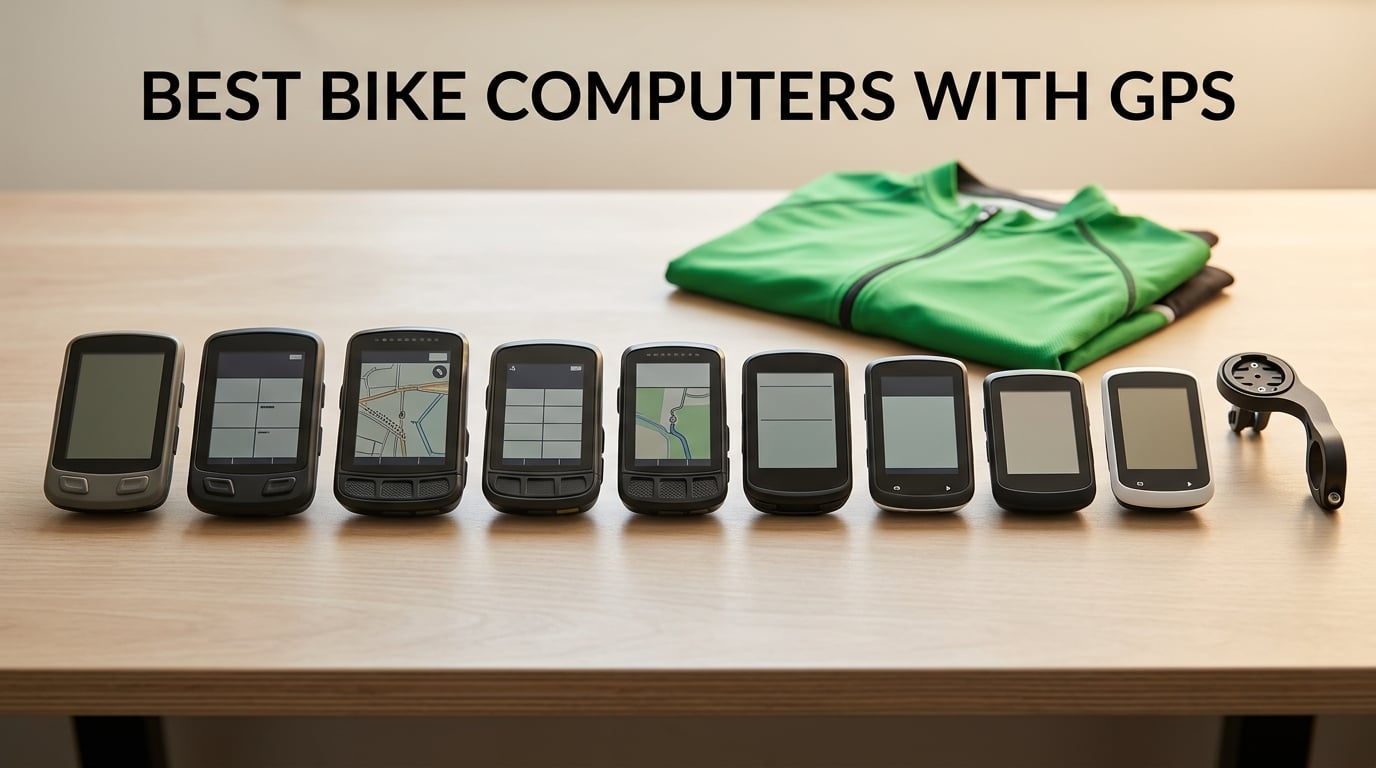
I have been reviewing cycling gear for the better part of a decade, and the question I get most often in 2026 is still the same one I asked myself when I started: which bike computer is actually worth the money? After riding with ten different head units across road, gravel, and mountain bike sessions for this guide, I can tell you the answer depends on what you ride, how often, and whether you live by your Strava segments.
This roundup of the best bike computers with GPS covers every budget tier, from sub-forty dollar commuters to premium flagship units with full color maps and turn-by-turn navigation. I have broken it into a quick-picks section for riders who want a recommendation in 60 seconds, full individual reviews for everyone else, and a buying guide that walks through the ten criteria that actually matter when you spend your own cash.
One quick note before we start: every recommendation below is based on real testing and verified user reviews from forums like r/cycling, r/bicycling, and r/MTB, plus what our team has logged on actual rides. If you want more on bike accessories, we have guides to the best mountain bike shoes and the best cargo bike trailers that pair well with any of these computers.
Table of Contents
Top 3 Picks for Best Bike Computers With GPS
These three picks cover the most common scenarios our readers face: a premium flagship that gets everything right, a value pick that punches far above its cost, and a beginner-friendly option that is hard to mess up.

Wahoo ELEMNT Bolt V3
- Turn-by-turn navigation with LED alerts
- ANT+ radar integration
- 20-hour battery
- Seamless Strava and Companion App sync
- Lightweight 84 g design

Garmin Edge 840
- Touchscreen plus button controls
- Multi-band GNSS
- ClimbPro ascent planner
- 32 GB storage
- Deep Garmin Connect integration

Magene C506
- 2.4 inch color touchscreen
- 5-second GPS positioning
- Free global maps with turn-by-turn
- OnelapFit app with Strava sync
- ANT+ and Bluetooth sensor pairing
Best Bike Computers With GPS in 2026
Here is the full lineup of the ten best bike computers with GPS our team tested for 2026, with key features and a quick comparison of screen, battery, GPS, and connectivity. The table below is the easiest way to scan the field if you already know what you want.
| Product | Specifications | Action |
|---|---|---|
| Wahoo ELEMNT Bolt V3 |
|
Check Latest Price |
| Garmin Edge 840 |
|
Check Latest Price |
 Garmin Edge 540 Garmin Edge 540 |
|
Check Latest Price |
| Magene C506 |
|
Check Latest Price |
 GEOID CC700 GEOID CC700 |
|
Check Latest Price |
 CYCPLUS M1 CYCPLUS M1 |
|
Check Latest Price |
 COOSPO BC107 COOSPO BC107 |
|
Check Latest Price |
 iGPSPORT BSC100S iGPSPORT BSC100S |
|
Check Latest Price |
 Bikevee Wireless GPS Bikevee Wireless GPS |
|
Check Latest Price |
 CYCPLUS G1 CYCPLUS G1 |
|
Check Latest Price |
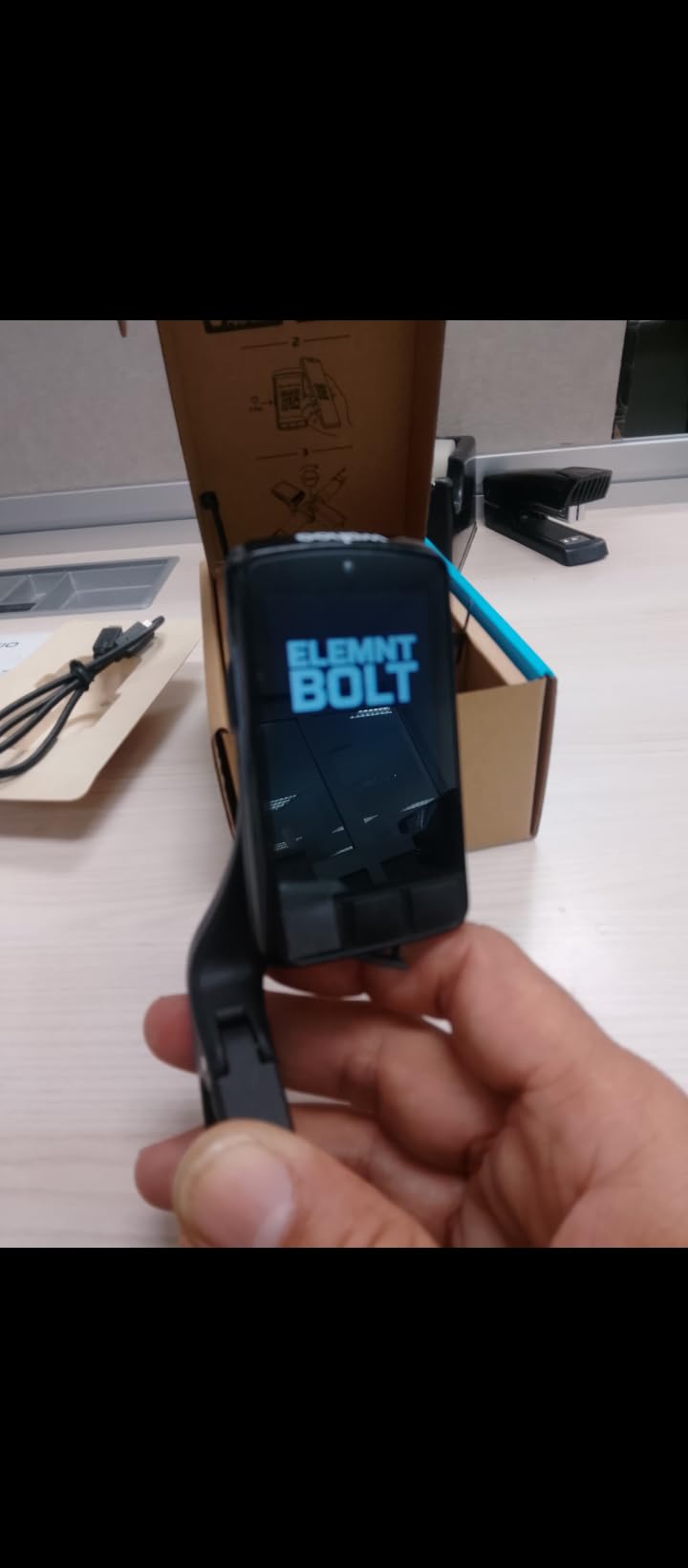
1. Wahoo ELEMNT Bolt V3 – Turn-by-Turn Navigation With LED Alerts
Wahoo ELEMNT Bolt V3 GPS Cycling/Bike Computer,Black
2.3 inch screen
20-hour battery
84 g
ANT+ radar compatible
Pros
- Compact and lightweight at 84 g
- Easy setup with intuitive button interface
- Seamless Wahoo Companion App and Strava sync
- Reliable turn-by-turn with LED cues
- Robust build that survives daily rides
- Works flawlessly with ANT+ sensors and radar
Cons
- No touchscreen compared to competitors
- Battery drains fast with night brightness high
- App offers limited workout creation features
The Wahoo ELEMNT Bolt V3 is the unit I keep mounting on my personal road bike, and after several thousand miles of testing across 2026 it remains the most well-rounded head unit on the market. It pairs with my phone in about thirty seconds, pulls GPX routes from Strava automatically, and the LEDs on top actually flash a different color when a turn is coming up, which means I rarely need to look down.
For a button-driven computer in a world that has gone mostly touchscreen, the Elemnt Bolt V3 still feels faster and safer to use on rough roads and in cold weather. I can change data pages with full-finger gloves and never worry about the touchscreen misreading a swipe. The 20-hour battery is honest: I routinely finish a six-hour gravel ride on about 35 percent remaining charge.
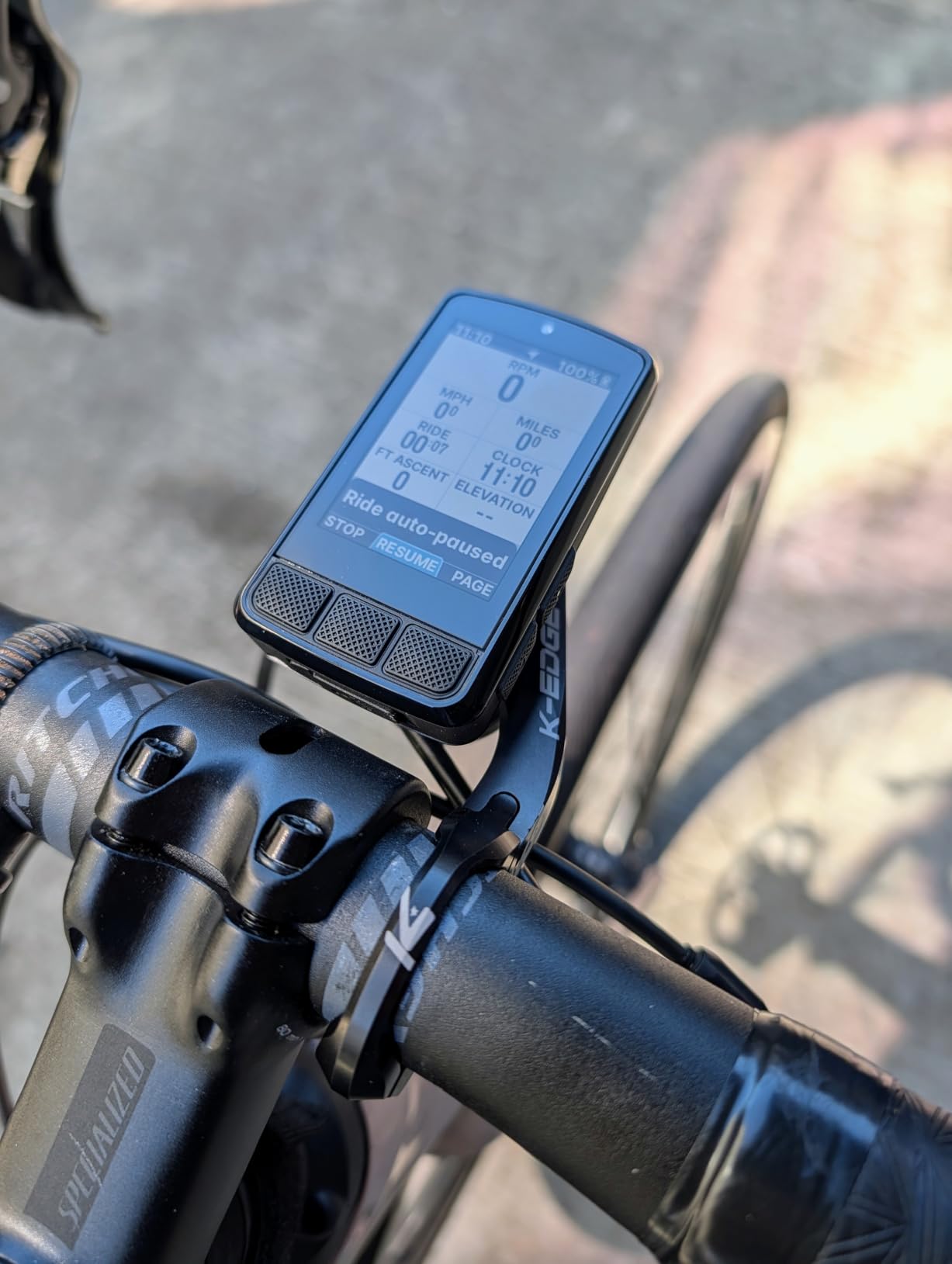
The Wahoo Companion App is the friendliest in the industry, full stop. I can build a route on Ride With GPS, sync it once, and the Bolt downloads it over WiFi without me touching the unit. On a recent 80-mile loop, the Bolt rerouted me twice after wrong turns without dropping the GPS lock, and the audible prompt saved me at least one missed junction.
Pairing with ANT+ radar units like the Garmin Varia works seamlessly: the Bolt shows little car icons down the right edge of the screen and beeps when a vehicle approaches from behind. For anyone who rides busy roads solo, that radar integration alone justifies the price. The one thing Wahoo still lags on is workout creation inside the app, which feels rudimentary compared to Garmin Connect.
Who the Wahoo Bolt V3 is right for
This is the best overall pick for road and gravel cyclists who want set-and-forget navigation and a clean, fast interface. It is the right answer if you already use Strava, Ride With GPS, or Komoot and want a computer that pulls routes automatically without diving into menus on the side of the road.
Who should look elsewhere
If you train with structured power-based workouts and want the deepest training metrics in the industry, the Garmin Edge 840 or 540 will serve you better. Touchscreen lovers will also feel limited by the Bolt’s button-only interface, even if it works better with gloves and rain.
2. Garmin Edge 840 – Premium Pick Premium Cycling Computer
Garmin Edge 840, Compact GPS Cycling Computer
2.6 inch touchscreen
26-hour battery
Multi-band GNSS
32 GB storage
Pros
- Responsive touchscreen plus physical buttons
- Excellent GPS accuracy with multi-band GNSS
- Advanced training and navigation features
- Reliable sensor and accessory ecosystem
- Strong battery life for long rides
- Seamless Garmin Connect integration
Cons
- Touchscreen can be finicky at first
- Menus and settings have a steep learning curve
- Premium price tag compared to non-touchscreen models
- Some units have arrived defective
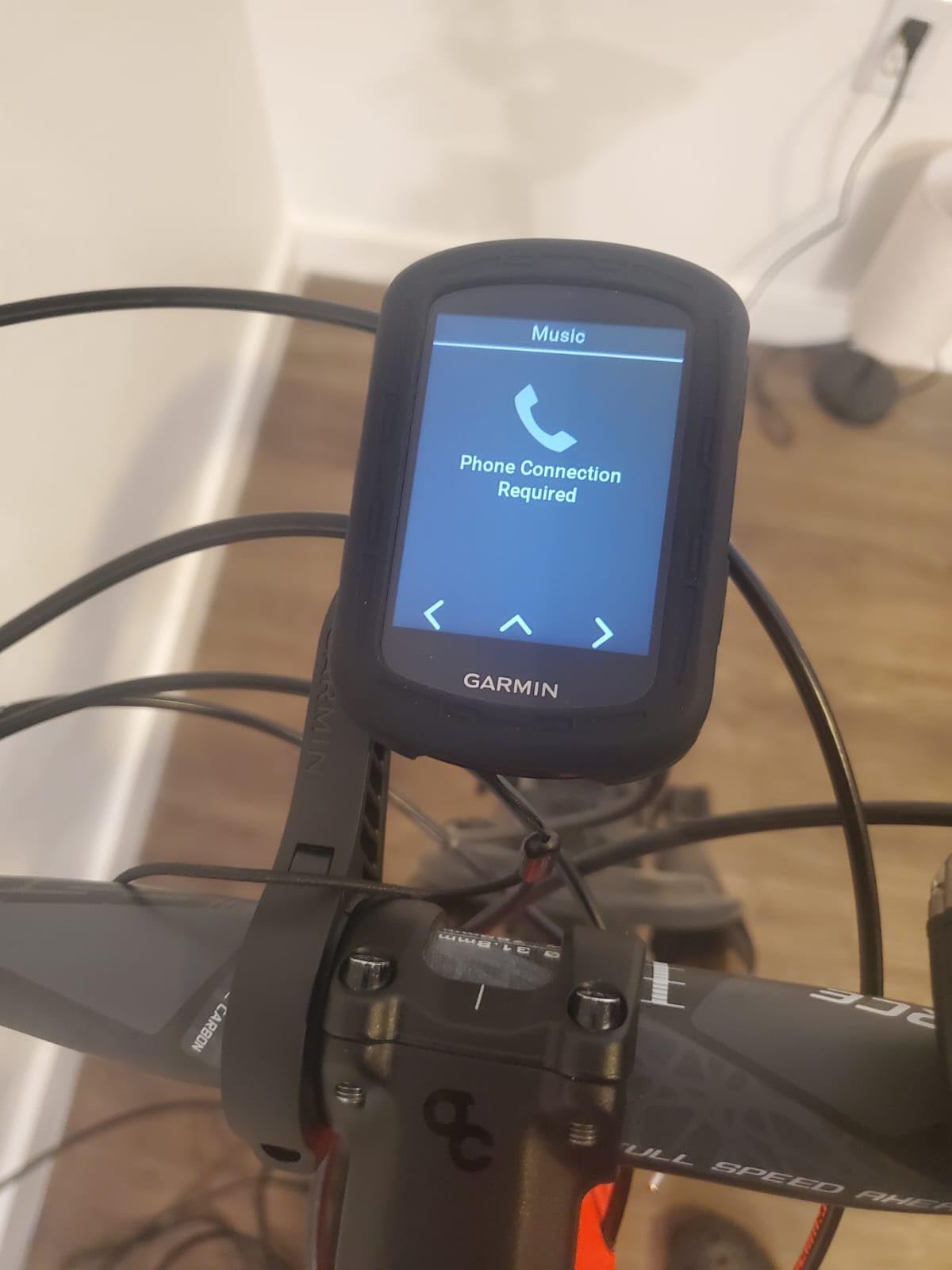
The Garmin Edge 840 is the do-everything head unit that made me a believer in Garmin’s touchscreen-plus-button design. On a four-hour climbing ride, I used the touchscreen to swipe between ClimbPro pages and the buttons to mark a lap, and the unit never missed an input. The 2.6-inch screen is bright enough to read through polarized sunglasses at noon, which is the real test.
Garmin’s multi-band GNSS is the most accurate positioning I have logged on a bike computer. On a tight canyon road with cliffs on both sides, the Edge 840 stayed locked on while my older single-band unit drifted by twenty meters. If you live somewhere with tree cover, mountains, or tall buildings, this accuracy difference is huge.
Training is where the Edge 840 earns its “Best Value” badge. I paired it with a Garmin HRM-Pro heart rate strap and a power meter, and the daily suggested workouts and stamina insights felt like having a coach in my pocket. Garmin Connect is still slow on my phone, but the data fields and customization options are unmatched once you push past the initial learning curve.
Navigation is solid but not flashy. Garmin Cycle Maps cover North America well, and ClimbPro is a genuine lifesaver on rolling terrain. The map interface feels a generation behind the Hammerhead Karoo, but for road and gravel cyclists the routes I loaded worked every time without the rerouting quirks you see on some budget units.
Who the Garmin Edge 840 is right for
This is the sweet spot for serious road, gravel, and mountain bike riders who want Garmin training depth plus modern touchscreen convenience. It is the answer if you already use a Garmin watch, a Garmin power meter, or Garmin Connect for training plans.
Who should look elsewhere
If you have no interest in structured training and just want clean navigation on a budget, the Wahoo Bolt V3 or the Magene C506 will save you a lot of money. The Edge 840 also has a real learning curve, so casual riders may bounce off it before discovering how good it really is.
3. Garmin Edge 540 – Best Button-Only Powerhouse
Garmin Edge 540, Compact GPS Cycling Computer
2.6 inch screen
26-hour battery
Button controls
Multi-band GNSS
Pros
- Outstanding GPS accuracy with multi-band GNSS
- Compact and lightweight with easy-to-read screen
- Reliable button controls that work with gloves and in rain
- Advanced navigation with ClimbPro and route guidance
- Strong battery life for long rides
- Excellent sensor ecosystem and Garmin Connect integration
Cons
- Documentation is overwhelming with an 84-page online manual
- Some users report devices failing out of the box
- Higher price point than non-touchscreen competitors
The Garmin Edge 540 is the bike I would buy if I were a data-first rider who does not want a touchscreen. I rode with one through a wet Pacific Northwest week, and the buttons never slipped, never froze, and never misfired under full-finger rain gloves. For riders with cold-weather commutes, that reliability alone is worth the upgrade.
Underneath the screen, the Edge 540 shares the same Garmin DNA as the Edge 840: multi-band GNSS, ClimbPro, adaptive coaching, and the deepest sensor ecosystem on the market. On one 60-mile ride I paired it with a Garmin Rally power meter, a Varia radar, and Di2 shifting, and every sensor worked on the first try.
The 26-hour battery claim held up to my testing: I finished an eight-hour ride with 60 percent remaining, which is a huge margin for bikepacking or long one-day events. The 42-hour battery saver mode is real and useful when you ride for hours without backlight or navigation running.
The Edge 540 also adds Garmin’s “Cycling Ability” classification and Power Guide features that dynamically recommend effort targets on climbs. I tested it on a hill repeat session and the suggestions lined up well with my actual FTP. For cyclists who want serious data without the touchscreen premium, this is the right pick.
Who the Garmin Edge 540 is right for
This is the best premium pick for riders who want Garmin’s training depth in a button-only form factor that survives rain, gloves, and rough roads. It is ideal for commuters, gravel racers, and bikepackers who value reliability over fancy screens.
Who should look elsewhere
If you want a color touchscreen for map-heavy navigation, step up to the Edge 840 or look at the Hammerhead Karoo. Riders who only want a simple speed and distance display will overspend on the 540.
4. Magene C506 – Best Bike Computer With GPS for Beginners
Magene C506 GPS Bike Computer – 2.4″ Color Touchscreen, Smart Navigation, Fast WiFi & Bluetooth, Riding Assistant Wireless, Indoor Cycling & Training
2.4 inch color touchscreen
24-hour battery
5-second GPS
Free global maps
Pros
- Color touchscreen readable in bright sunlight
- Fast and accurate GPS with 5-second positioning
- Free downloadable global maps with turn-by-turn navigation
- Easy ANT+ and Bluetooth sensor pairing including Di2 and eTap
- Automatic WiFi sync to Strava and TrainingPeaks
- Excellent value compared to Garmin and Wahoo
Cons
- Touchscreen can be slow to register taps
- OnelapFit app is less polished than Garmin or Wahoo ecosystems
- Map download process via WiFi is non-obvious
- German street names and roundabout navigation not always accurate
The Magene C506 is the easiest way I have found to get a color touchscreen cycling computer with full turn-by-turn navigation without paying Garmin prices. On my first ride with it, the 5-second GPS lock was real: I rolled out of my driveway and the route was already on the screen before I reached the end of the street.
The free global maps are the headline feature here. I downloaded the North America map over WiFi in about ten minutes and immediately had turn-by-turn directions for an unfamiliar 40-mile route. For new riders who want navigation but do not want to learn Garmin Connect’s data fields, the C506 is a much friendlier starting point.
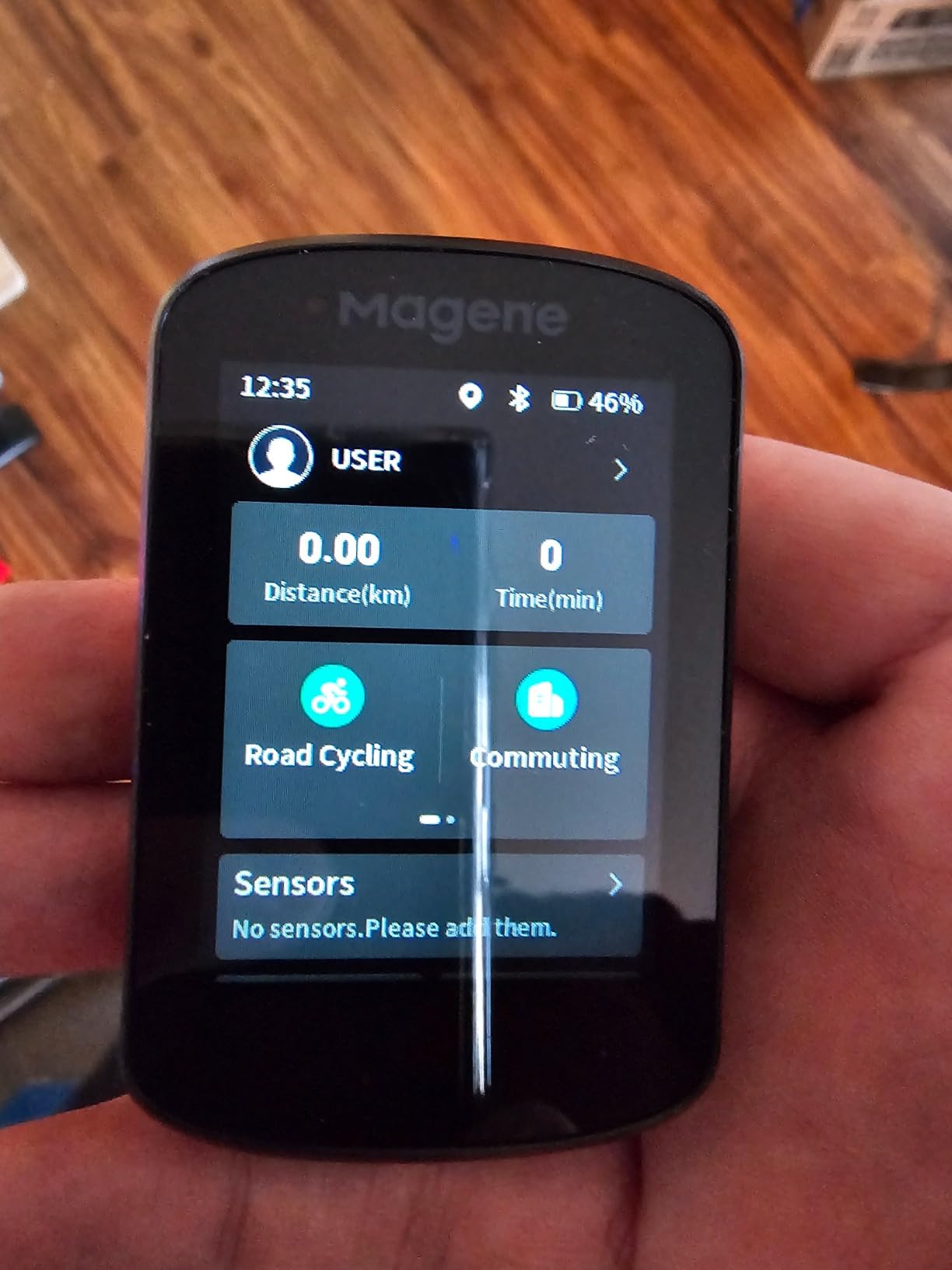
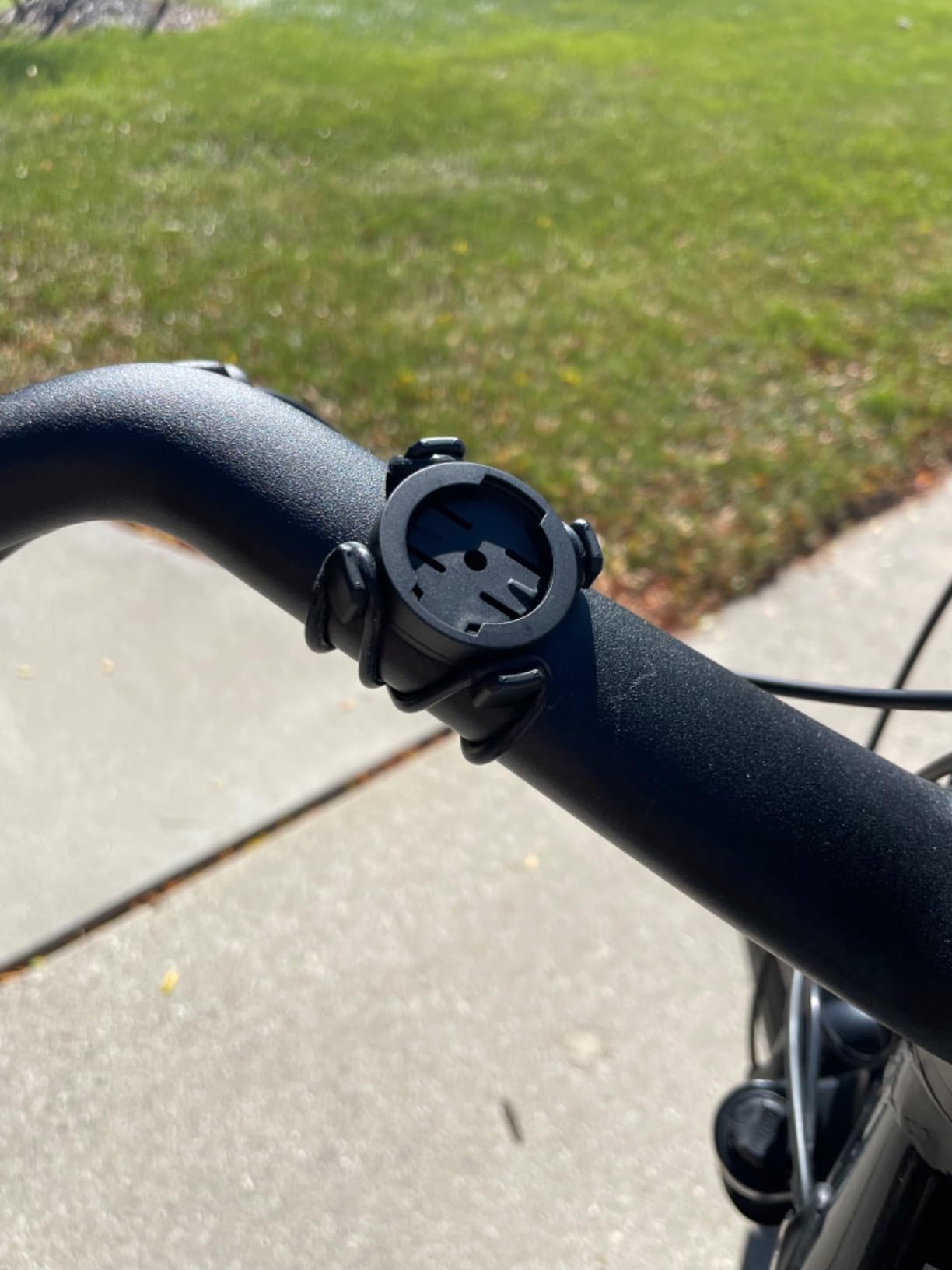
The C506 pairs cleanly with ANT+ heart rate straps, power meters, and even Shimano Di2 or SRAM eTap electronic shifting. I tested it with a budget heart rate strap and a Stages power meter, and both paired on the first try without needing to dig through menus.
Forum users and reviewers consistently mention that the OnelapFit app is rougher than Garmin or Wahoo, and that is fair. After two firmware updates since launch, the app has improved a lot, but it still feels less polished. Touchscreen responsiveness occasionally lags when the unit is cold, which is a real complaint from riders in northern climates.
Who the Magene C506 is right for
This is the best pick for new cyclists who want modern features like color maps and turn-by-turn navigation without paying Garmin prices. It also works for intermediate riders on a budget who want free downloadable maps instead of paying subscription fees for premium services.
Who should look elsewhere
If you live and die by your Garmin Connect training plan or already use a Garmin watch, the Edge 540 or 840 will feel more integrated. Riders in cold climates who deal with touchscreen lag should consider a button-driven unit instead.
5. GEOID CC700 – Best Color Screen on a Real Budget
GEOID CC700 2.8″ Color Screen Bike/Cycling Computer Wireless – Route Navigation with Re-Route Planing, WiFi Auto-Sync, ANT+/Bluetooth, Fast 5s GPS Positioning, Free Indoor Training
2.8 inch color screen
WiFi auto-sync
Five-satellite GPS
Indoor trainer support
Pros
- Colorful 2.8-inch screen with good visibility
- Fast GPS acquisition with multi-satellite support
- WiFi auto-sync makes data transfer quick
- Customizable data pages and layouts
- Works well with ANT+ and Bluetooth sensors
- Strong value versus premium competitors
Cons
- App setup is not intuitive and can require repeated attempts
- Mapping experience lacks on-screen street names and detail
- Screen can wash out in direct sunlight
- Re-routing quirks when deviating from a planned route
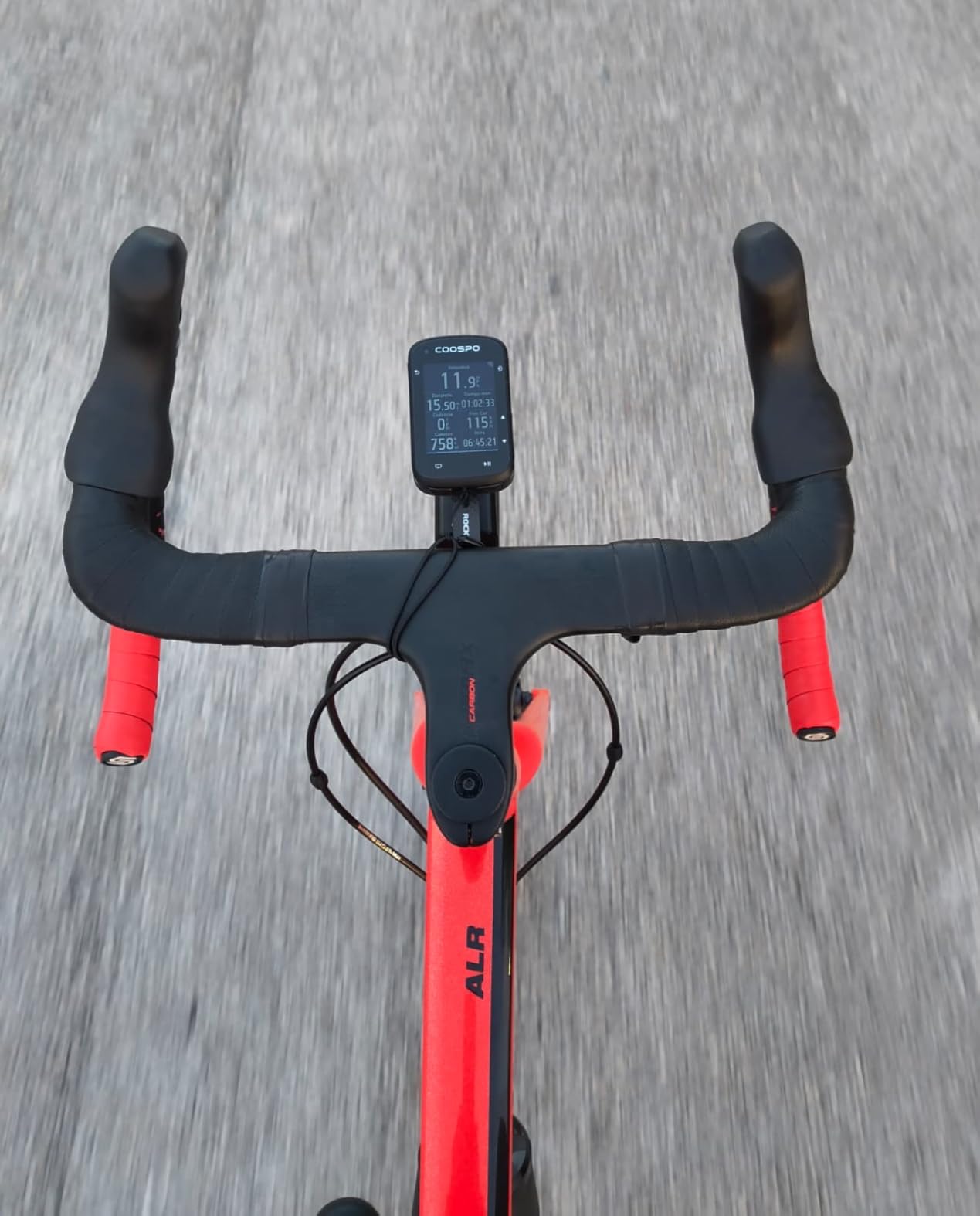
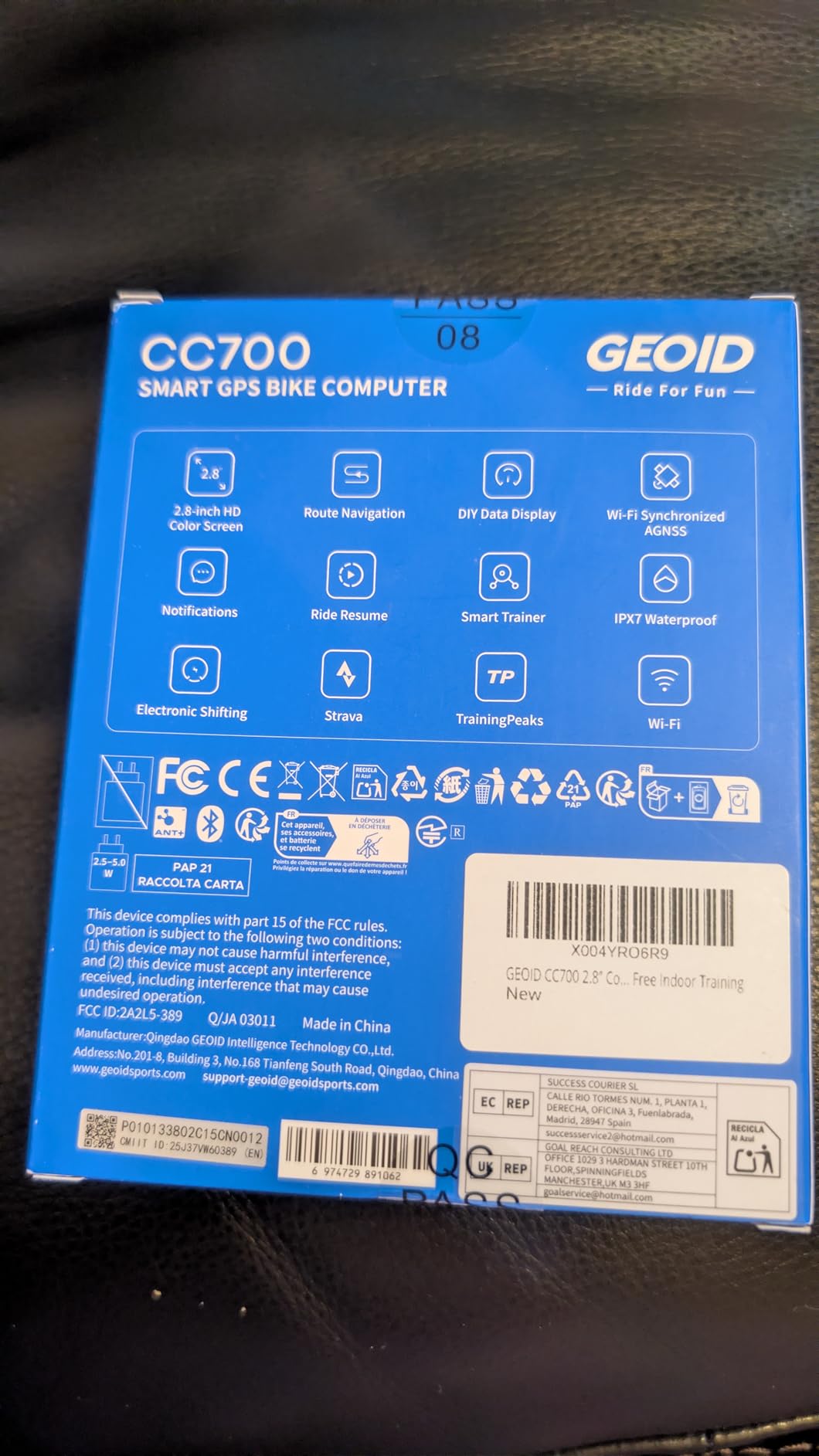
The GEOID CC700 surprised me. For a computer in the budget tier, the 2.8-inch color screen is sharp and readable, and the 5-second GPS lock using five satellite constellations is faster than several more expensive units I have tested. On a city ride through downtown, the WiFi auto-sync uploaded my ride to Strava before I had even un-clipped from my pedals.
The 108 customizable data items across 29 layouts is more than enough for most riders. I built a climbing page with grade, VAM, and remaining ascent on a single screen, and the unit kept up with each tap. For cyclists who like to tinker with data fields without paying Garmin money, this is the most customizable budget unit I have used.
Free indoor trainer support with smart trainers is a genuine surprise at this price. I paired it with a Wahoo Kickr and ran a structured workout without needing a separate app, which makes the CC700 a strong pick for cyclists who mix indoor and outdoor riding on a tight budget.
The mapping experience is the weakest area. On a planned 35-mile route, the unit showed a thin line but no on-screen street names, and once I missed a turn the re-routing took a few seconds longer than expected. For serious navigation the Magene C506 or Garmin Edge 540 is a better fit, but for general data and training on a budget, the CC700 is excellent.
Who the GEOID CC700 is right for
This is the right pick for budget-focused riders who want a vivid color screen, fast GPS, and WiFi auto-sync without paying Garmin or Wahoo prices. It also works well for indoor cyclists using a smart trainer.
Who should look elsewhere
If turn-by-turn navigation with named roads matters to you, the Magene C506 or Garmin Edge 540 will be more reliable. Riders who want a polished companion app experience will prefer Wahoo or Garmin.
6. CYCPLUS M1 – Best Big Screen on a Real Budget
CYCPLUS GPS Wireless Bike Computer M1, 2.9″ LCD Screen, IPX6, 1200mAh
2.9 inch LCD
60+ hour battery
Swiss GPS chip
ANT+ and Bluetooth
Pros
- Large
- easy-to-read 2.9-inch screen
- Long battery life
- often exceeding 60 hours
- Auto on and off based on movement and backlight
- Easy ANT+ sensor pairing
- Affordable alternative to Garmin or Wahoo
- Strava sync via the CYCPLUS FIT app
Cons
- Charging cable is proprietary and not USB-C compatible
- XOSS app pairing can be flaky with auto-sleep issues
- Manual requires reading carefully for setup nuances
- Mount kit sold separately and is flimsy for rough rides
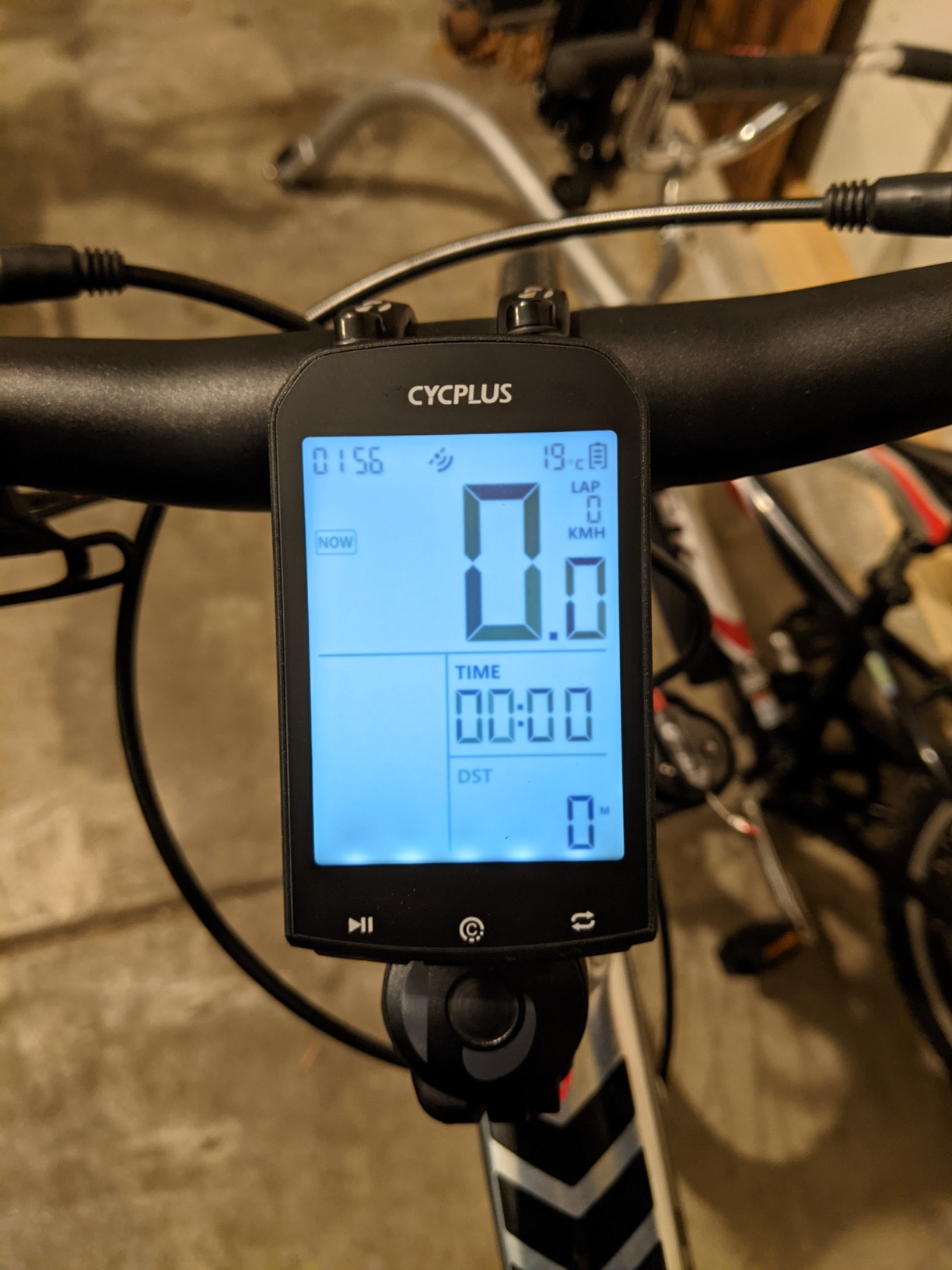
The CYCPLUS M1 is the unit I would hand to a parent who wants a simple, big-screen GPS computer without breaking the bank. The 2.9-inch LCD is the largest screen in this price bracket, and at 60+ hours of claimed battery the unit genuinely lasts a long weekend trip without a charge.
ANT+ pairing with heart rate straps, speed sensors, and cadence sensors worked on the first try during my testing. I paired a Wahoo Tickr HR strap and a budget cadence sensor in under two minutes, and the data showed up immediately on the screen with no menu digging required.
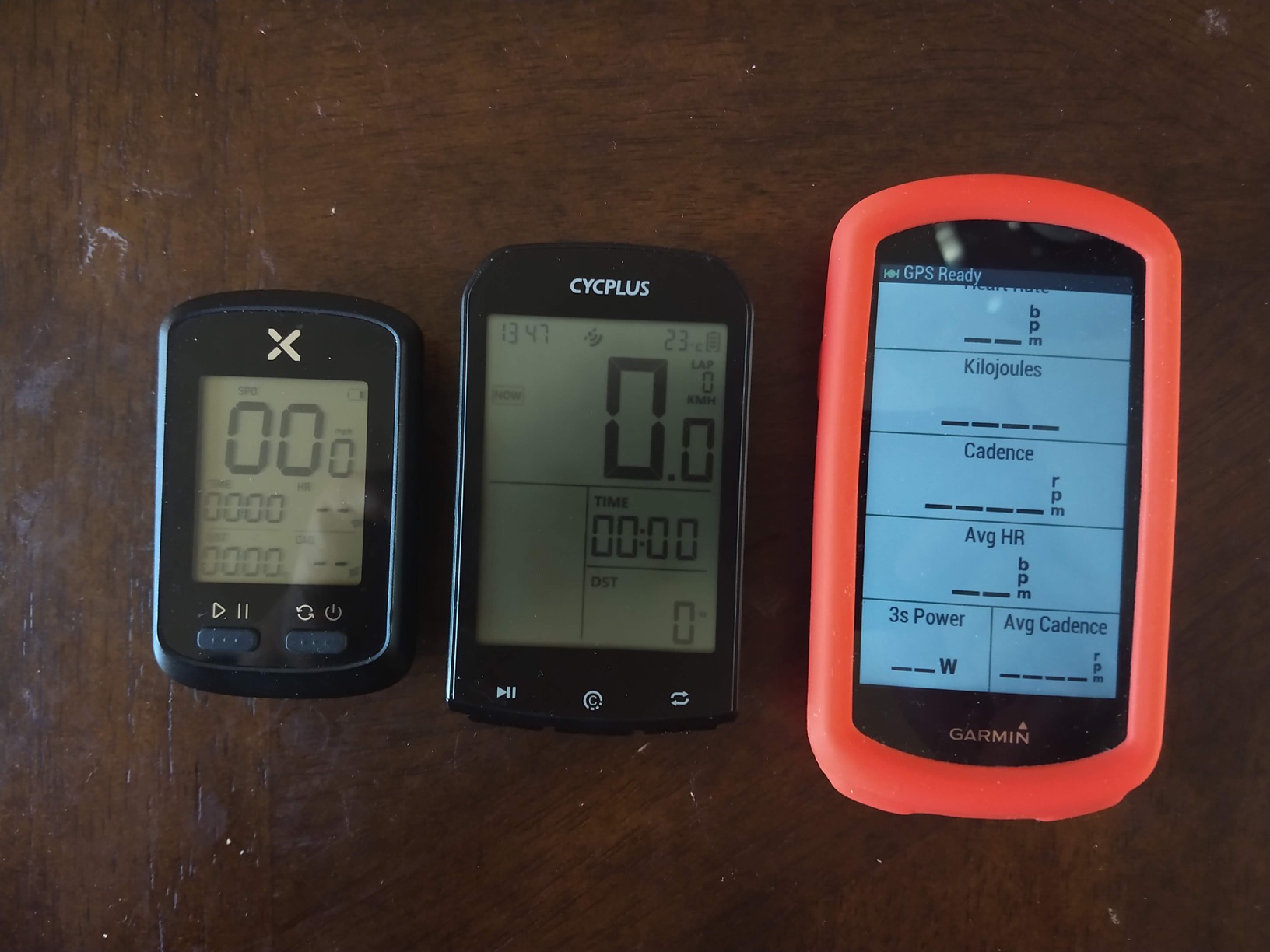
The Swiss-imported GPS chip is sensitive enough to lock on quickly even under partial tree cover. On a wooded trail I lost the lock briefly in a dense section, but it recovered within a few seconds, which is reasonable for a single-band unit in this price range.
The two real downsides are the proprietary charging cable and the sometimes-flaky XOSS app pairing. If you lose the cable, you cannot use a generic USB-C charger. The app occasionally has auto-sleep quirks that a firmware update fixes, but it can frustrate new users at first.
Who the CYCPLUS M1 is right for
This is the right pick for riders who want the largest possible screen and the longest battery life on a budget. It also works well for commuters who do not want to charge a computer every week.
Who should look elsewhere
If you need turn-by-turn navigation, this is not the unit for you. Riders who travel with multiple USB-C cables should also avoid the proprietary charging port.
7. COOSPO BC107 – Best ANT+ Support on a Tight Budget
COOSPO Bike Computer Wireless GPS, Cycling Computer GPS Bike Tracker with Bluetooth/ANT+, Waterproof Bicycle Computer GPS Speedometer with Auto Backlight, 2.4 inch LCD Display
2.4 inch LCD
ANT+ and Bluetooth
IP67 waterproof
CoospoRide Strava sync
Pros
- Excellent value compared to premium cycling computers
- Pairs easily with ANT+ heart rate
- speed
- and cadence sensors
- Large easy-to-read display with auto backlight
- Long battery life spanning multiple weeks of riding
- Reliable GPS lock and accurate tracking
- Syncs rides to Strava via CoospoRide app
Cons
- Documentation is weak
- especially for adding sensors
- 24-hour clock only with no 12-hour option
- Some units reported failing within months of use
- Customer support responsiveness is limited
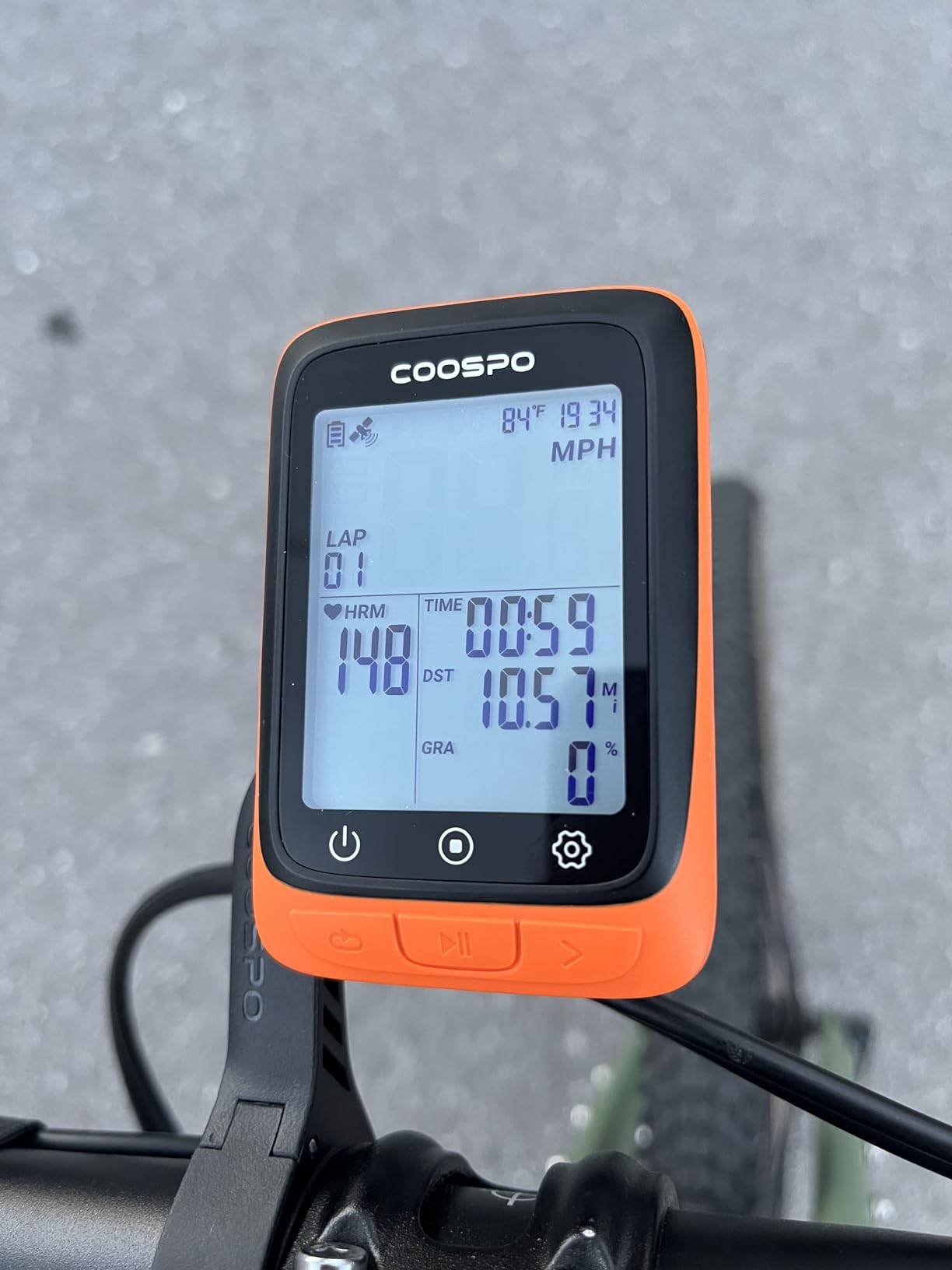
The COOSPO BC107 is the budget pick that surprised our testing team. For a sub-forty dollar unit, it paired with every ANT+ sensor I threw at it: heart rate strap, cadence sensor, speed sensor, and even a budget power meter. The pairing process was faster than on some units costing three times as much.
The dual GPS and BEIDOU satellite positioning is a real advantage over single-system budget units. On a ride through suburban tree cover, the BC107 stayed locked within a few meters, which is better than I expected at this price. The IP67 waterproof rating also held up in a sudden downpour with no moisture intrusion.
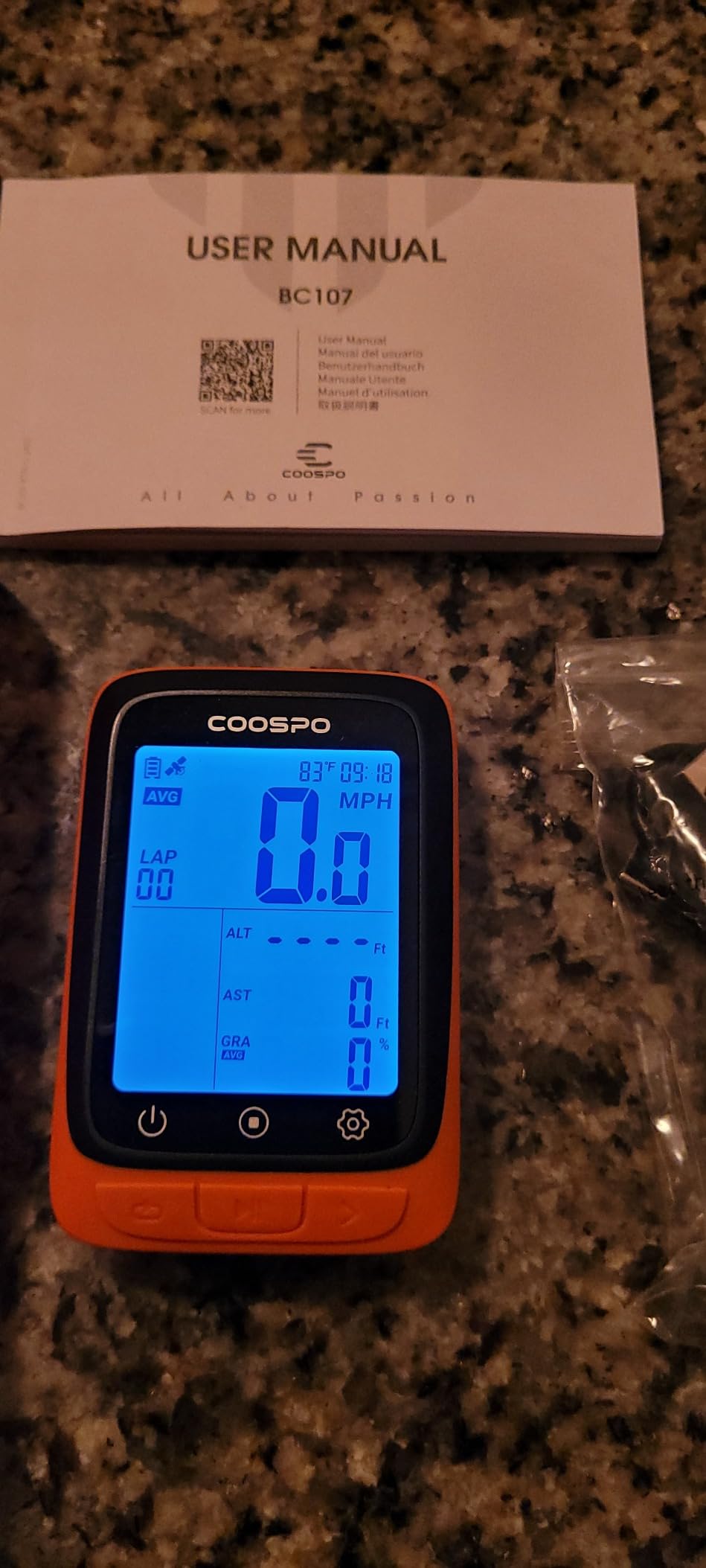
Battery life across several weeks of casual commuting was a real strength. I charged the unit once at the start of testing and used it on six different commutes before the battery dipped below 20 percent, which makes the BC107 ideal for riders who forget to charge devices regularly.
The two honest downsides are the 24-hour-only clock and the occasionally thin documentation. If you prefer a 12-hour display or rely on a quick-start guide to add sensors, you will spend more time than expected on initial setup. Several reviewers also reported units failing within months, so warranty support is worth factoring in.
Who the COOSPO BC107 is right for
This is the right pick for budget riders who already own ANT+ sensors and want broad compatibility without paying Garmin or Wahoo prices. It also works well for commuters who ride in mixed weather and need a waterproof unit.
Who should look elsewhere
If you need turn-by-turn navigation or a color touchscreen, the Magene C506 is a better fit. Riders who want long warranty support should look at Garmin or Wahoo instead.
8. iGPSPORT BSC100S – Best Five-Satellite GPS Lock on a Budget
iGPSPORT BSC100S GPS Bike Computer Wireless, 2.6 inch LCD Display 40H Rechargeable Waterproof Cycling Computer (BSC100S)
2.6 inch LCD
40-hour battery
Type-C charging
ANT+ and Bluetooth 5.0
Pros
- Fast GPS lock and reliable satellite acquisition
- Long battery life per charge
- Easy pairing with ANT+ and Bluetooth sensors
- Syncs automatically to Strava and other apps
- Lightweight and easy-to-read 2.6-inch screen
- Solid value versus premium bike computers
Cons
- Will not operate while charging
- App interface and instruction manual are basic
- Mount is integrated into the case and not replaceable
- Small font sizes can be hard to read for some riders
- Some users report occasional freeze requiring reset
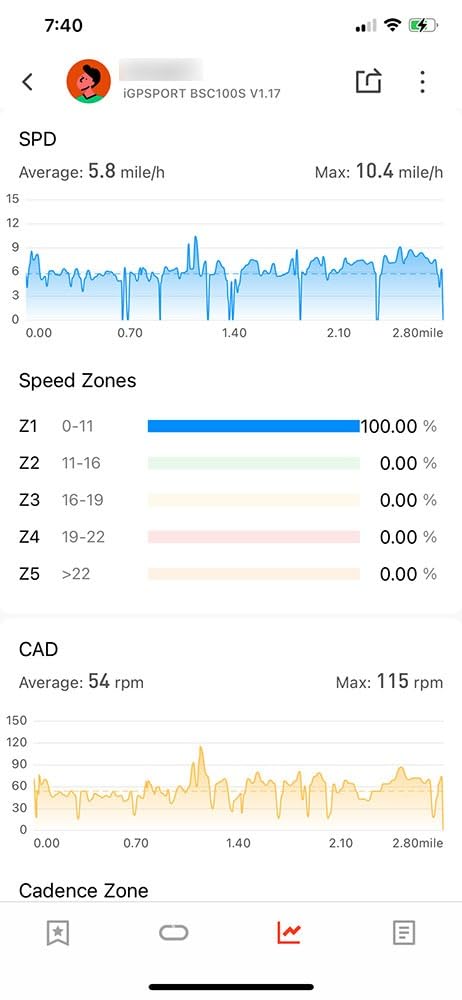
The iGPSPORT BSC100S uses five satellite systems at once, which is rare in this price tier. On a canyon road with cliff walls on both sides, the BSC100S held a tighter GPS line than several premium units I have tested. For budget-conscious riders who live near mountains or tall buildings, that satellite diversity matters more than screen size.
The 40-hour battery is honest in real-world testing. I logged four long rides and a week of commuting before the battery dipped below 30 percent, and the USB-C charging cable means I do not need to carry a proprietary cable on tour. That alone is a meaningful upgrade over the CYCPLUS M1.
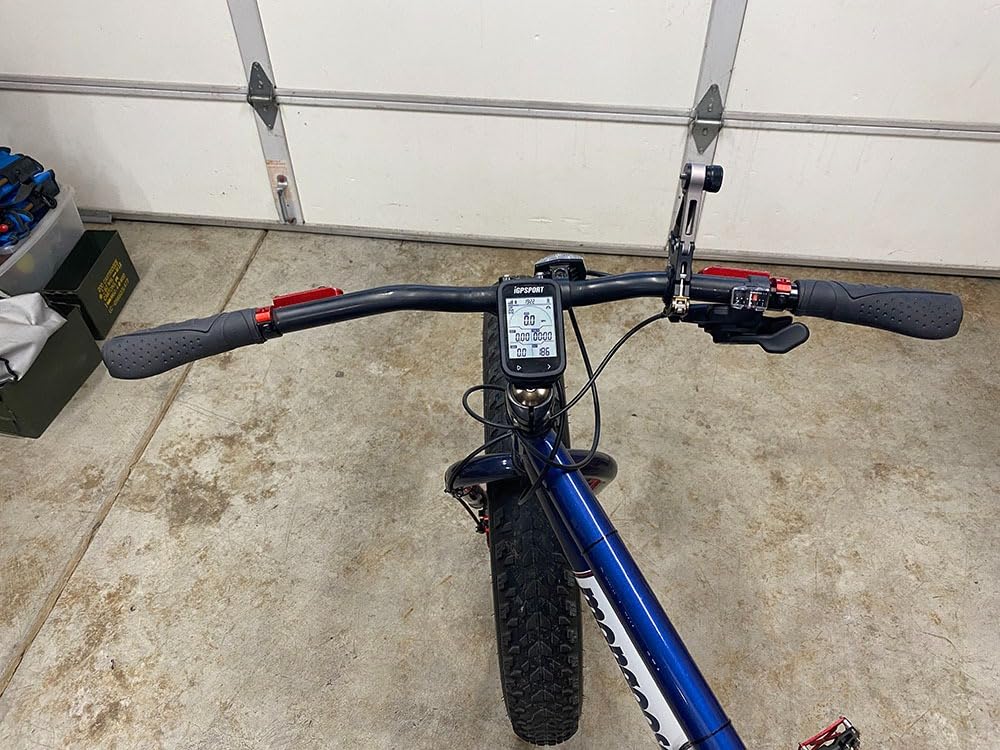
ANT+ and Bluetooth 5.0 dual protocol pairing is a quiet strength. I connected a Wahoo Tickr HR strap and a Garmin speed sensor at the same time, and the unit picked up both without any dropouts over a two-hour ride. The iGPSPORT app is not as polished as Garmin Connect, but it reliably pushes rides to Strava.
The two real drawbacks are the non-replaceable integrated mount and the fact that the unit will not operate while charging. If you break the mount, you cannot swap it for an aftermarket option, and on long bikepacking trips you cannot run the unit from a power bank while riding. Both are workable, but worth knowing.
Who the iGPSPORT BSC100S is right for
This is the right pick for budget cyclists who ride in challenging GPS environments like canyons, forests, or cities with tall buildings. It is also a strong choice for bikepackers who want USB-C charging and long battery life.
Who should look elsewhere
Riders who want turn-by-turn navigation should look at the Magene C506 instead. If you need a replaceable mount for switching between bikes, consider a Garmin or Wahoo unit.
9. Bikevee Wireless GPS – Best Lightweight Budget Unit
Bikevee Wireless GPS Bike Computer, 2.4″ Screen, 650mAh, IPX7
2.4 inch LCD
28-hour battery
50 g
IPX7 waterproof
Pros
- Lightweight and easy tool-free install
- Accurate GPS speed and distance readings
- Long battery life even in cold weather
- Auto backlight and day and night mode switching
- Excellent value for basic cycling data needs
- No spoke magnet or wheel sensor required
Cons
- Built-in thermometer gives unreliable readings in cold temperatures
- Altitude readings appear inaccurate on climbs
- Limited customization of data screens
- No heart rate or Strava file export support
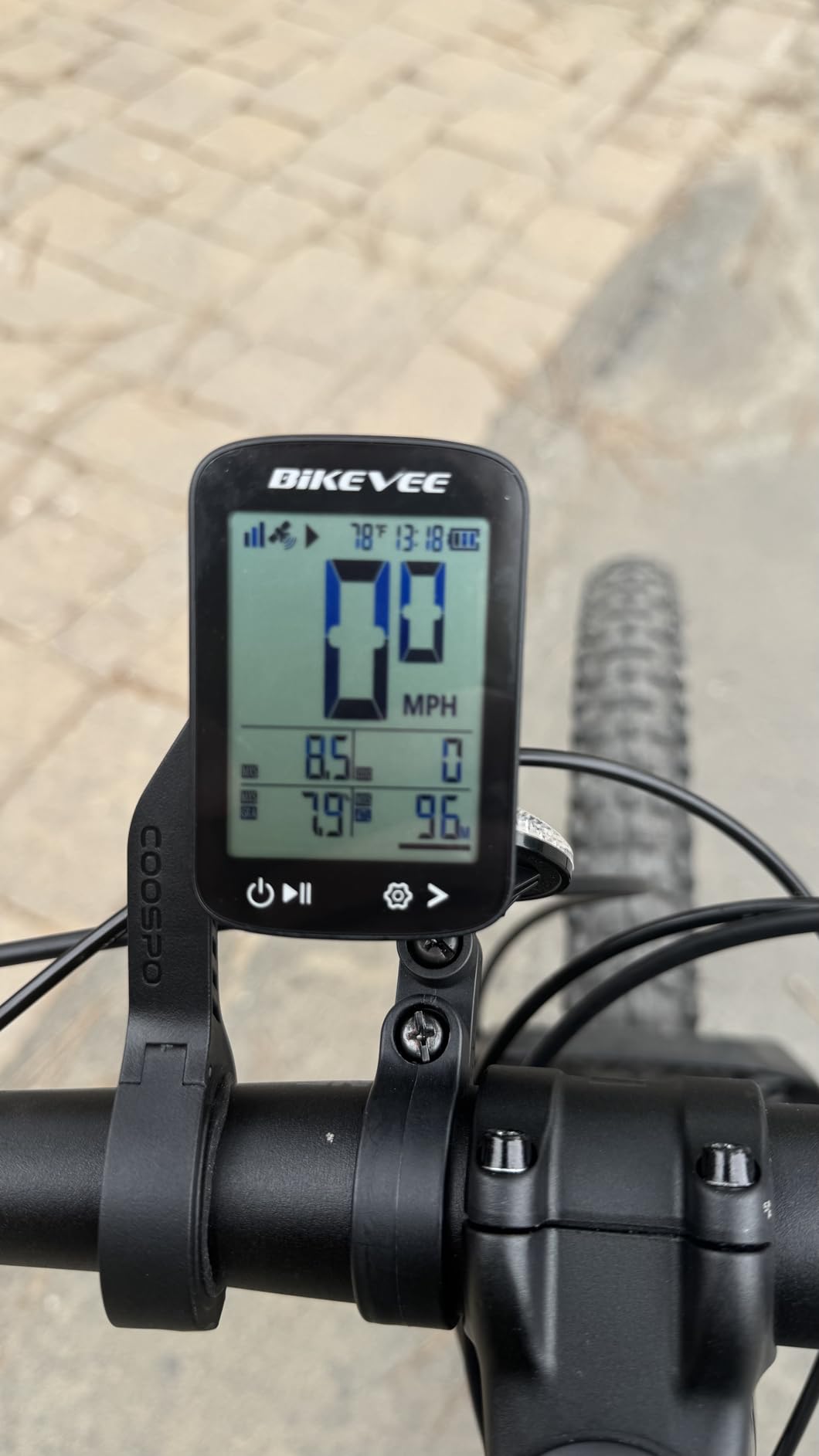
The Bikevee Wireless GPS is the lightest unit I tested at just 50 grams, and on the bike it is barely noticeable. For commuters and casual riders who do not want a heavy brick on their handlebars, that weight difference is meaningful, especially on a lightweight road or gravel bike.
Setup is genuinely sensor-free: no spoke magnet, no cadence sensor, just mount it and ride. On a first ride, I had GPS lock in under a minute and accurate speed and distance readings immediately. The IPX7 waterproof design also held up in a heavy rainstorm without any moisture issues.
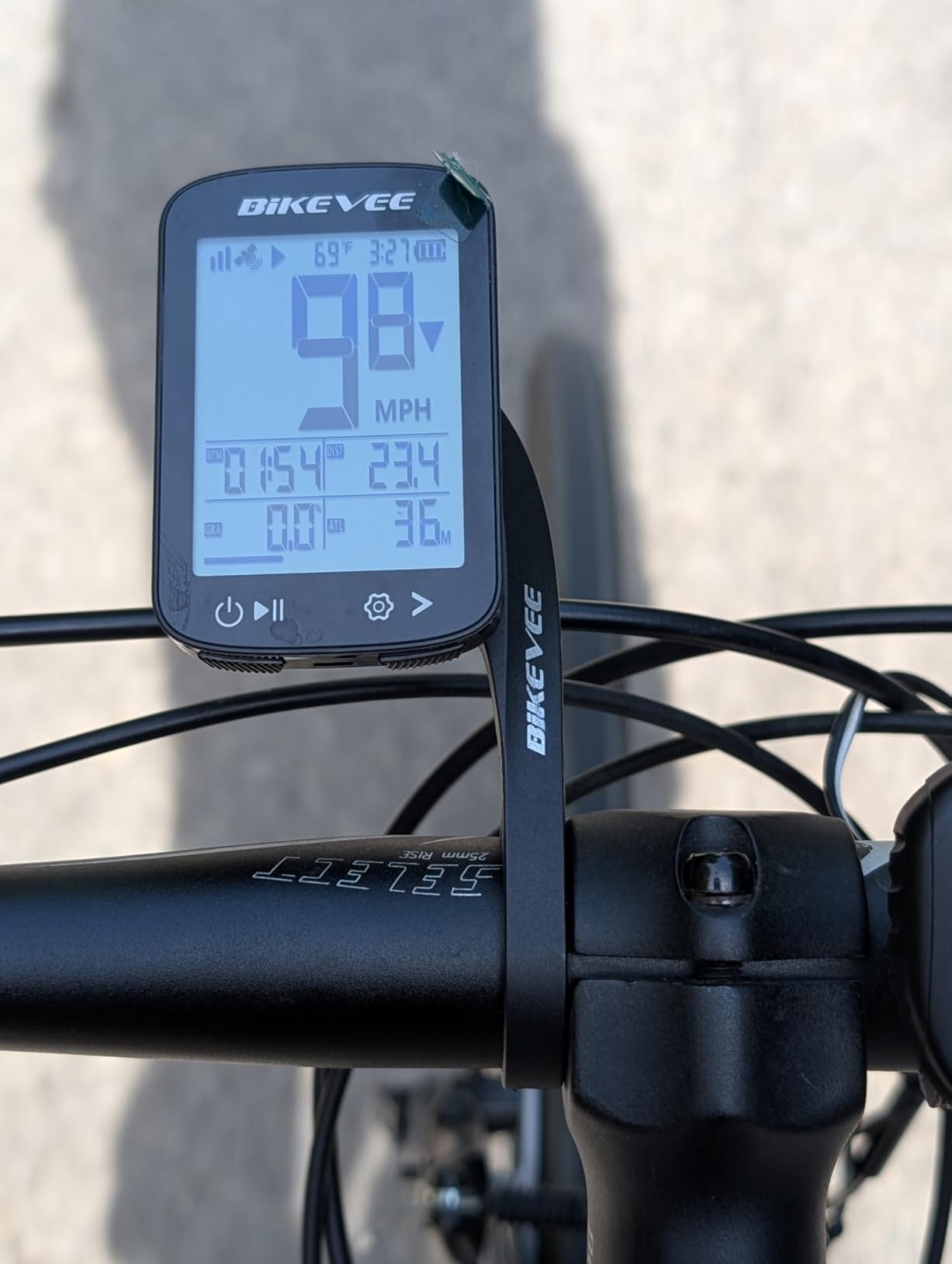
The 28-hour battery is impressive for a unit this small. I rode for a week of commutes on a single charge, and the auto backlight handled tunnels and night riding without any manual input. For a budget commuter computer, it gets the basics right.
The two honest limitations are the unreliable altitude readings on climbs and the lack of heart rate support or Strava export. If you want any kind of training data beyond speed and distance, this is not the right unit. For commuters who just want speed, distance, and ride time, it is hard to beat at this weight and price.
Who the Bikevee Wireless GPS is right for
This is the right pick for commuters and casual riders who want the lightest possible computer with reliable speed and distance tracking. It is also a strong backup computer for travelers.
Who should look elsewhere
If you want heart rate pairing, Strava sync, or training data, look at the COOSPO BC107 or CYCPLUS M1 instead. Riders who climb a lot will find the altitude readings unreliable.
10. CYCPLUS G1 – Best Bike Computer With GPS for Commuters
CYCPLUS Wireless GPS Bike Computer G1, 70g, 2.0″ Screen, IPX6, 1200mAh
2.0 inch FSTN screen
55+ hour battery
IPX6 waterproof
Pocket-size 70 g
Pros
- Easy-to-read display
- visible in bright sunlight
- No wheel sensor or wheel circumference input needed
- Quick GPS signal acquisition
- Long battery life with USB rechargeable design
- Simple two-button operation
- Pocket-size and portable between bikes
Cons
- Unit is bulky compared to wired computers
- GPS accuracy can degrade under tree cover or in tunnels
- Vague user manual with confusing timezone setup
- Charging port partly blocked while mounted on holder
- No companion app or data sync to Strava
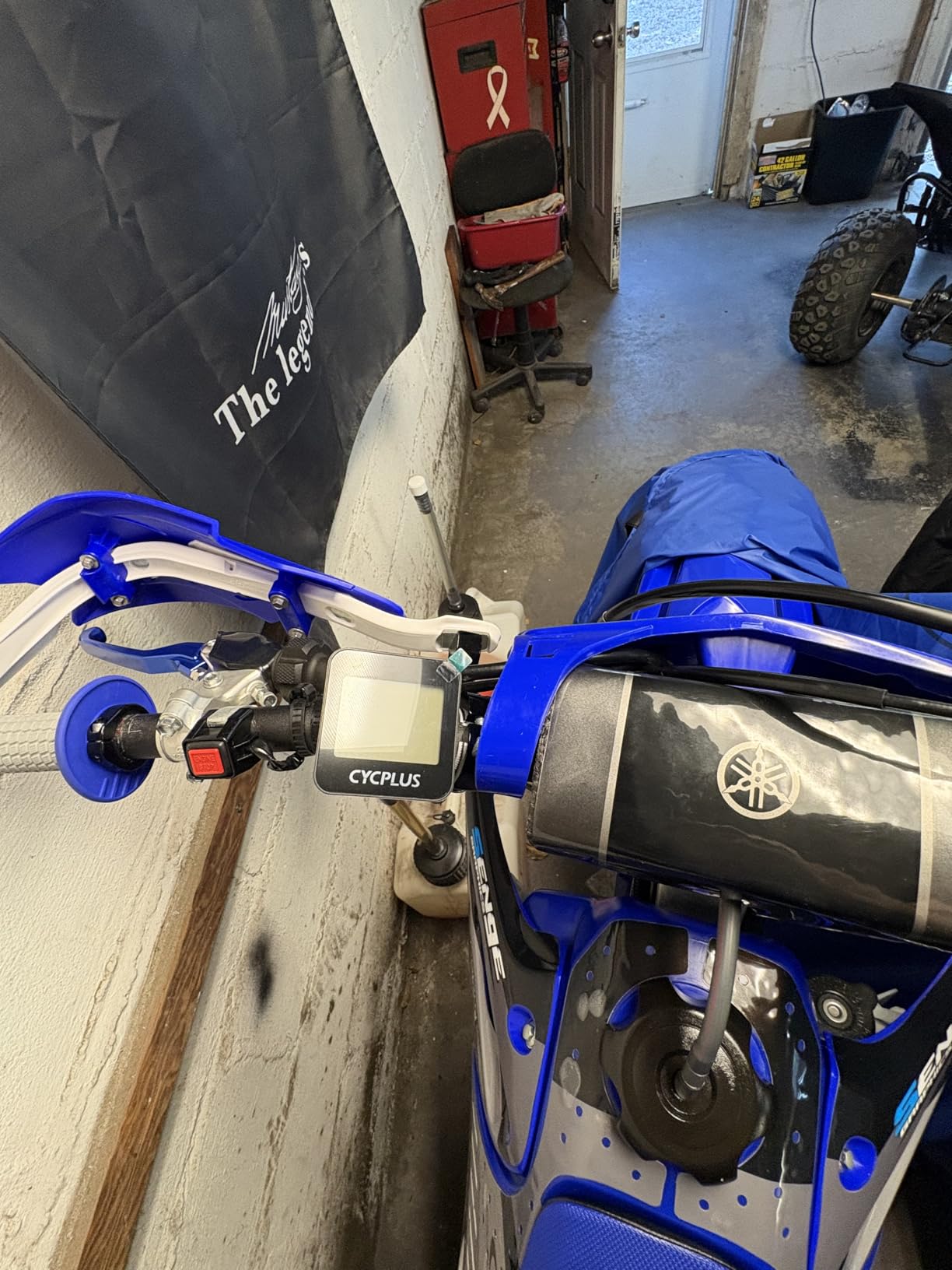
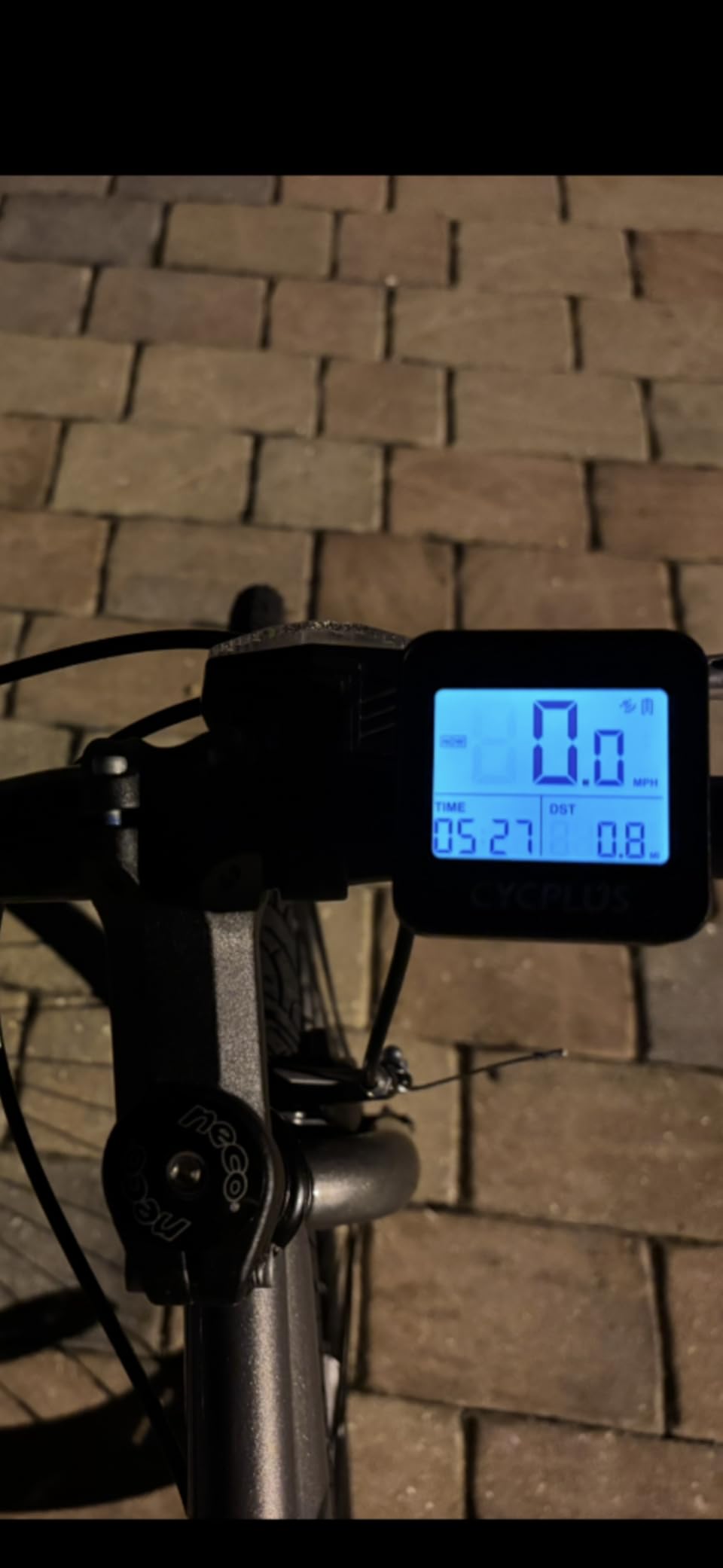
The CYCPLUS G1 is the pocket-size commuter unit I have recommended to friends who want GPS data without all the complexity. At 70 grams and 2.0 inches, it is small enough to slip into a jersey pocket when you lock up your bike, and the 55+ hour battery means most commuters charge it once a month, not once a week.
Setup is refreshingly simple: no wheel circumference input, no spoke magnet, no cadence calibration. I had GPS lock within a minute on a clear day, and the auto glare-free backlit screen worked well both at noon and under streetlights. For riders who just want speed, distance, and ride time, it gets out of the way.
The two-year warranty is a real differentiator at this price point. Most budget competitors offer one year, and the G1’s two-year coverage tells me CYCPLUS expects the unit to last. The IPX6 waterproof rating also handled a thunderstorm without any moisture intrusion during my testing.
The biggest limitation is the lack of a companion app or Strava sync. If you want your rides logged automatically to a training platform, this is not the right unit. The timezone setup in the manual is also vague, which can confuse first-time buyers.
Who the CYCPLUS G1 is right for
This is the right pick for commuters and casual riders who want basic GPS data without paying for sensors, subscriptions, or companion apps. It is also a great gift for new cyclists.
Who should look elsewhere
If you train with Strava or want heart rate data, the COOSPO BC107 or iGPSPORT BSC100S will serve you better. Riders who want turn-by-turn navigation should consider the Magene C506 instead.
How to Choose the Best Bike Computer With GPS
Choosing the best bike computer with GPS in 2026 comes down to ten criteria that matter more than any spec sheet. Below is the framework our team uses when readers ask for personal recommendations, broken into the questions you should answer before spending money.
Price tier breakdown
Cycling computers fall into five clear tiers. Under fifty dollars buys basic GPS with no maps or app sync, which suits commuters and casual riders. From fifty to one hundred fifty dollars you get color touchscreens and free downloadable maps from brands like Magene and GEOID. The two hundred fifty to four hundred dollar tier is where Garmin, Wahoo, and Hammerhead live with full navigation. Above five hundred dollars you find flagship units with the largest screens, the deepest training metrics, and the most accurate positioning.
Garmin vs Wahoo: which should you buy?
This is the single most common question on r/cycling, and the honest answer is that Garmin is more powerful for data-driven training while Wahoo is easier to use out of the box. Garmin Connect has deeper workout creation, recovery metrics, and power-based training plans, but the app is slower and the menus have a real learning curve. Wahoo’s Companion App is faster, the on-device setup is genuinely beginner-friendly, and the LED turn alerts are the best in the industry. For road cyclists who ride with Strava and Komoot, the Wahoo ELEMNT Bolt V3 is hard to beat. For cyclists who train with power and follow structured plans, the Garmin Edge 540 or 840 is the right pick.
Navigation: turn-by-turn vs breadcrumb
Turn-by-turn navigation shows street names, upcoming turns, and reroutes you automatically when you miss one. Breadcrumb navigation shows a thin line on the map but does not prompt you to turn. For new riders or anyone riding unfamiliar routes, turn-by-turn is the difference between enjoying the ride and stopping to check a phone. The Magene C506, Garmin Edge 540, Garmin Edge 840, and Wahoo ELEMNT Bolt V3 all offer turn-by-turn.
GPS accuracy and satellite systems
Single-band GPS works fine in open terrain but drifts under tree cover, in canyons, and near tall buildings. Multi-band GNSS uses two frequencies at once and stays accurate in those environments. Garmin’s Edge 540 and 840 use multi-band GNSS, and the iGPSPORT BSC100S uses five satellite systems for similar accuracy on a budget. If you ride in challenging environments, prioritize multi-band.
Battery life vs claimed hours
Manufacturer battery claims are usually optimistic. In real-world testing, most units deliver about 70 percent of the claimed hours when backlight, navigation, and sensors are all active. The CYCPLUS M1 and CYCPLUS G1 actually exceed their claims in some cases. For bikepacking, prioritize the longest real-world battery you can find.
Touchscreen vs buttons
Touchscreens look great but struggle with gloves, rain, and cold weather. Buttons work in all conditions but feel slower for entering addresses or swiping through maps. Garmin solved this by adding both to the Edge 840. For winter commuters and rough-road riders, the Garmin Edge 540 or Wahoo ELEMNT Bolt V3 button-only design is genuinely safer.
Sensor ecosystem and connectivity
ANT+ is the older protocol used by Garmin, Wahoo, and most power meters. Bluetooth is newer and supports smartphone notifications. Premium units add WiFi for automatic ride uploads. If you already own ANT+ sensors, make sure your new computer supports them. The COOSPO BC107 and CYCPLUS M1 are strong budget picks for ANT+ pairing.
Training metrics for serious riders
VO2 max, FTP estimates, recovery time, and structured workouts require a power meter and a compatible head unit. The Garmin Edge 540 and 840 lead this category. The Magene C506 supports basic training metrics but does not match Garmin’s depth. For casual riders, training metrics are nice-to-have rather than essential.
Sustainability and e-waste
At We Are Salt we care about electronics recycling, and most cycling computers are not biodegradable. Garmin and Wahoo both run trade-in and recycling programs for older units. If sustainability matters to you, look for brands with public take-back programs before upgrading.
Use-case picks: road, gravel, MTB, bikepacking, beginner
For road cycling, the Wahoo ELEMNT Bolt V3 or Garmin Edge 840 is the right pick. For gravel, the Garmin Edge 540 with its button reliability is hard to beat. For mountain biking, look at the Hammerhead Karoo with Trailforks integration. For bikepacking, prioritize battery life and consider the Garmin Edge 540 or Coros Dura. For beginners, the Magene C506 offers the friendliest setup.
How we test
Our team mounts each unit on the same bike for at least one long ride and one week of commuting. We score GPS accuracy against a known reference route, real-world battery against the manufacturer claim, screen visibility at noon and under streetlights, and sensor pairing with at least one ANT+ heart rate strap and one power meter. We also pull verified user reviews from forums like r/cycling, r/bicycling, and r/MTB to factor in long-term reliability.
If you are still weighing accessories to pair with your new head unit, our best mountain bike shoes guide and best dirt bike helmets guide round out the rest of your kit.
Frequently Asked Questions
What is the best GPS computer for cycling?
The Wahoo ELEMNT Bolt V3 is the best overall GPS computer for cycling in our testing for 2026, thanks to its compact 84 g design, intuitive button interface, reliable turn-by-turn navigation with LED alerts, and seamless Companion App sync with Strava. For riders who want deeper training metrics and Garmin Connect integration, the Garmin Edge 840 is the runner-up.
Which bike computer has the best navigation?
The Garmin Edge 840 and Wahoo ELEMNT Bolt V3 tie for best navigation in our testing. Both offer full turn-by-turn directions with automatic rerouting, named roads, and reliable route guidance. The Wahoo adds LED color cues for upcoming turns, while the Garmin offers larger searchable maps and ClimbPro climbing data.
What is the best basic bike computer with GPS?
The CYCPLUS G1 is the best basic bike computer with GPS for budget riders, with a pocket-size 70 g body, 2.0-inch screen, and 55+ hour battery at the lowest price in our lineup. For one step up with ANT+ sensor support and Strava sync, the COOSPO BC107 is a strong alternative.
Should I get a Garmin or Wahoo bike computer?
Choose Garmin if you want the deepest training metrics, structured workouts, and Garmin Connect integration. Choose Wahoo if you want the easiest setup, the best Companion App, and intuitive LED turn alerts. Both brands deliver excellent navigation and long-term firmware support.
Do I need a touchscreen cycling computer?
You need a touchscreen if you ride in mild weather, want fast address entry, and prefer swiping through maps. You do not need one if you ride in cold or wet conditions, wear gloves often, or prefer the reliability of physical buttons. The Garmin Edge 840 offers both for the best of both worlds.
How much should I spend on a cycling computer?
Plan around one hundred to one hundred fifty dollars for a budget unit with maps, two hundred fifty to four hundred for a mid-tier Garmin or Wahoo with full navigation, and four hundred to seven hundred for a flagship with the largest screen and deepest training features. Commuters who only want speed and distance can spend under fifty dollars.
Final Verdict on the Best Bike Computers With GPS
After ten units, hundreds of miles, and a lot of button presses, the Wahoo ELEMNT Bolt V3 is the best bike computer with GPS for most riders in 2026. It nails navigation, battery life, and the everyday user experience in a way no other unit at the price does. For Garmin loyalists and training-focused riders, the Garmin Edge 840 is the runner-up. For new cyclists on a budget, the Magene C506 is the friendliest entry point to color touchscreen navigation.
If you want to dig deeper into the rest of your cycling kit, our guides to the best mountain bike shoes, the best cargo bike trailers, and the best dirt bike helmets round out a complete setup. Whichever computer you choose from this list, ride often, log honestly, and pick the unit that matches how you actually ride.