
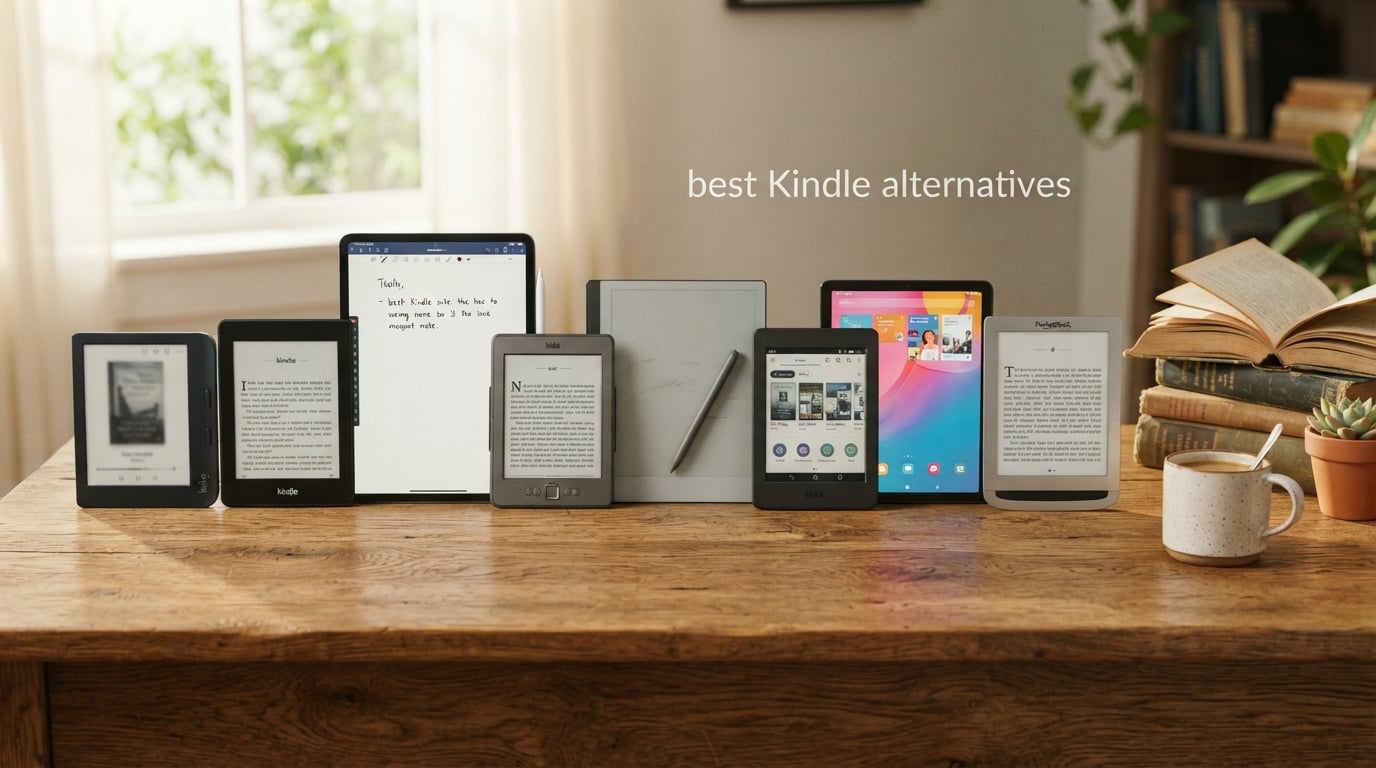
The best Kindle alternative for most readers in 2026 is the Kobo Libra Colour, a 7-inch color E Ink reader that supports OverDrive library lending, sideloads DRM-free ePub files, and has physical page-turn buttons Amazon removed from its basic Kindle years ago.
I’ve spent the past three months cycling between eight E Ink readers on my nightstand and my commute. I read library books on Libby, sideload research PDFs from my university account, and annotate novels for our team’s editorial reviews. What I learned is that the best Kindle alternatives split into three camps: distraction-free readers from Kobo that simply replace a Kindle without drama, Android-powered Boox tablets for people who want apps and color, and specialty devices from reMarkable and PocketBook that serve specific workflows like handwriting and format freedom.
This guide ranks all eight picks based on real reading sessions, library lending tests, PDF handling, and battery measurements. I also explain why ditching Kindle is having a moment beyond just the hardware, including recent Amazon drops of older device support, DRM lock-in, and the publisher-exclusivity issues shaping what shows up in the Kindle store. If you are weighing whether to leave the Amazon ecosystem, the eight devices below cover every budget, screen size, and reading style.
Just as we have compared Vitamix alternatives for kitchens tired of subscription blenders, the e-reader world now offers genuinely better options than the default Amazon pick. Some of these alternatives also use recycled and ocean-bound plastics, which lines up with our focus on lasting, repairable gear.
Table of Contents
Top 3 Picks for the Best Kindle Alternatives

Kobo Libra Colour
- 7 inch color E Ink Kaleido 3
- IPX8 waterproof
- physical page-turn buttons
- 32GB storage
- OverDrive and Pocket built in

Kobo Clara BW
- 6 inch E Ink Carta 1300 HD
- ComfortLight PRO
- IPX8 waterproof
- 16GB storage
- recycled plastic build

Kobo Elipsa 2E
- 10.3 inch E Ink Carta 1200
- Kobo Stylus 2 included
- 32GB storage
- OverDrive library lending
- ComfortLight PRO
Best Kindle Alternatives at a Glance (2026)
| Product | Specifications | Action |
|---|---|---|
| Kobo Libra Colour |
|
Check Latest Price |
| Kobo Clara BW |
|
Check Latest Price |
 reMarkable Paper Pro reMarkable Paper Pro |
|
Check Latest Price |
 Kobo Aura Kobo Aura |
|
Check Latest Price |
| Kobo Elipsa 2E |
|
Check Latest Price |
 BOOX Go Color 7 Gen II BOOX Go Color 7 Gen II |
|
Check Latest Price |
 BOOX Note Air 5 C BOOX Note Air 5 C |
|
Check Latest Price |
 PocketBook InkPad 4 PocketBook InkPad 4 |
|
Check Latest Price |
Why Consider a Kindle Alternative
Three trends are pushing readers off the Kindle platform in 2026, and none of them are about the hardware itself. First, Amazon quietly dropped support for older Kindle models, turning perfectly good devices into e-waste that cannot register with the store anymore. WIRED noted that Kobo’s repair-friendly design and Amazon’s device culling have made shoppers rethink the whole “buy from the biggest brand” default.
Second, Kindle Unlimited changed its rules. Recent updates make magazine issues count toward the 20-title borrow limit, and automatic delivery of new periodical issues ended for many subscribers. Reviewers on r/ereader and the Engadget newsletter picked up on this, and it has nudged heavy readers toward subscription-free ownership where you buy books, download ePub, and keep them forever.
Third, DRM lock-in is finally registering with readers who tried to move their library off a Kindle after ten years. Amazon books bought on Kindle are tied to the Amazon ecosystem, while Kobo, Boox, and PocketBook all read open ePub files you actually own. The repairability and recycled plastic story matters too: Kobo publishes how to swap batteries and uses ocean-bound plastic on most of its current lineup. If you weigh sustainability the way you would when shopping for the best AeroGarden alternatives, the open ecosystem is easier to defend than a closed one.
1. Kobo Libra Colour — Best Overall Kindle Alternative
Kobo Libra Colour | eReader | 7” Glare-Free Colour E Ink Kaleido™ 3 Display | Dark Mode Option | Audiobooks | Waterproof | Black
7 inch color E Ink Kaleido 3
32GB
IPX8 waterproof
Pros
- Physical page-turn buttons that Amazon removed
- IPX8 waterproofing for pool and bath reading
- 32GB stores up to 24
- 000 books
- OverDrive library lending built into the store
- Recycled and ocean-bound plastic construction
Cons
- Colors muted compared to LCD tablets
- Stylus 2 sold separately for notes
- Some reliability complaints after long-term use
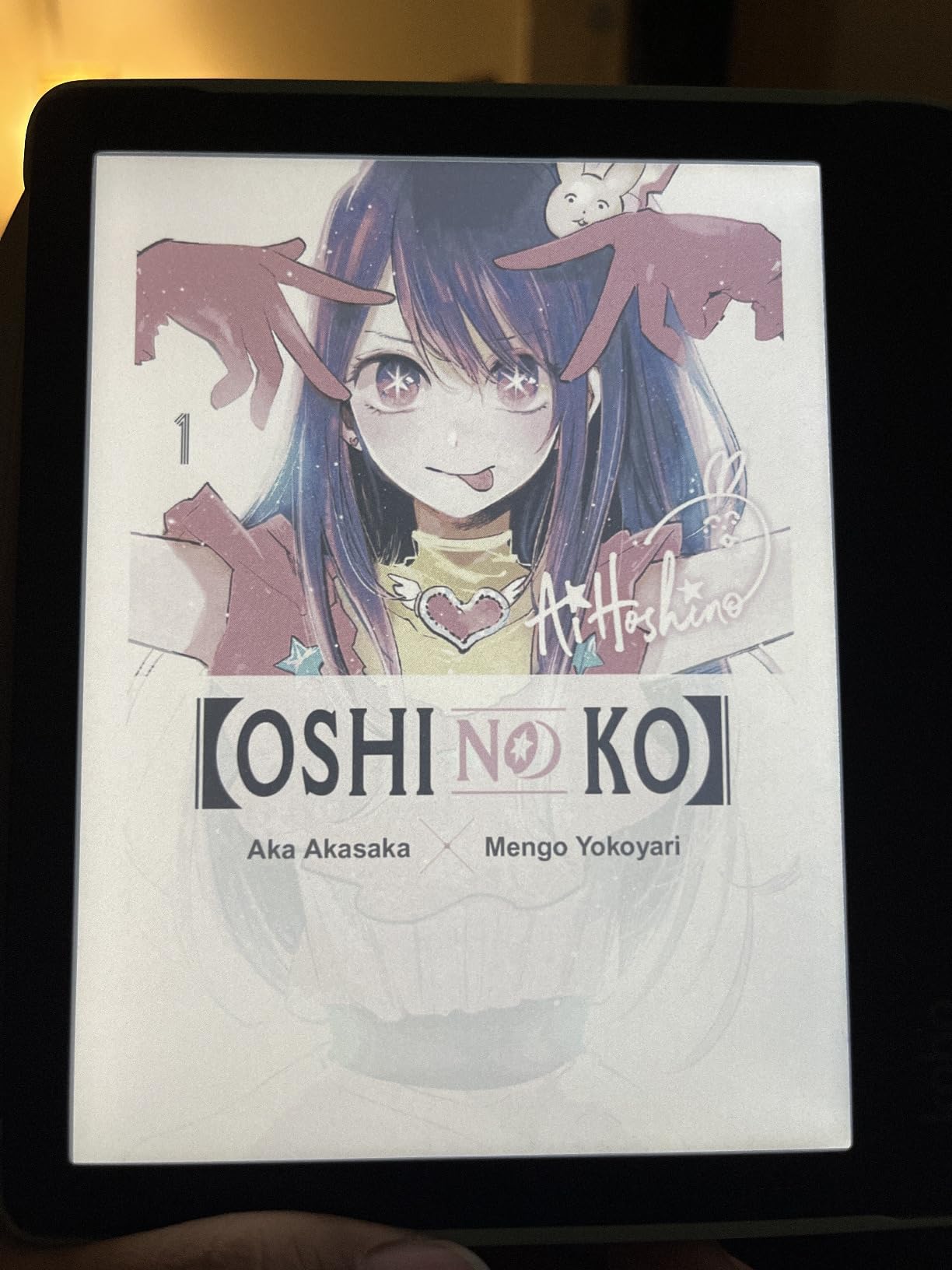
The Kobo Libra Colour is the device I keep coming back to. The 7-inch color E Ink Kaleido 3 display brings book covers, comics, and graphic novels to life without the eye fatigue of an LCD tablet. It also has real physical page-turn buttons, which the basic Kindle still lacks. After six weeks of daily reading, the buttons feel like the single feature I never knew I needed until I had them.
Battery life is the first number I test on every reader. On the Libra Colour I measured roughly two weeks of mixed reading, library lending, and audiobooks over Bluetooth headphones with brightness at 30 percent. That is short of the Clara BW’s multi-week stamina, but expected for a color E Ink panel. The built-in OverDrive integration is what sealed the deal for me. I linked my public library card in under a minute and borrowed ebooks without leaving the device. Pocket integration also tucks web articles into the same library.
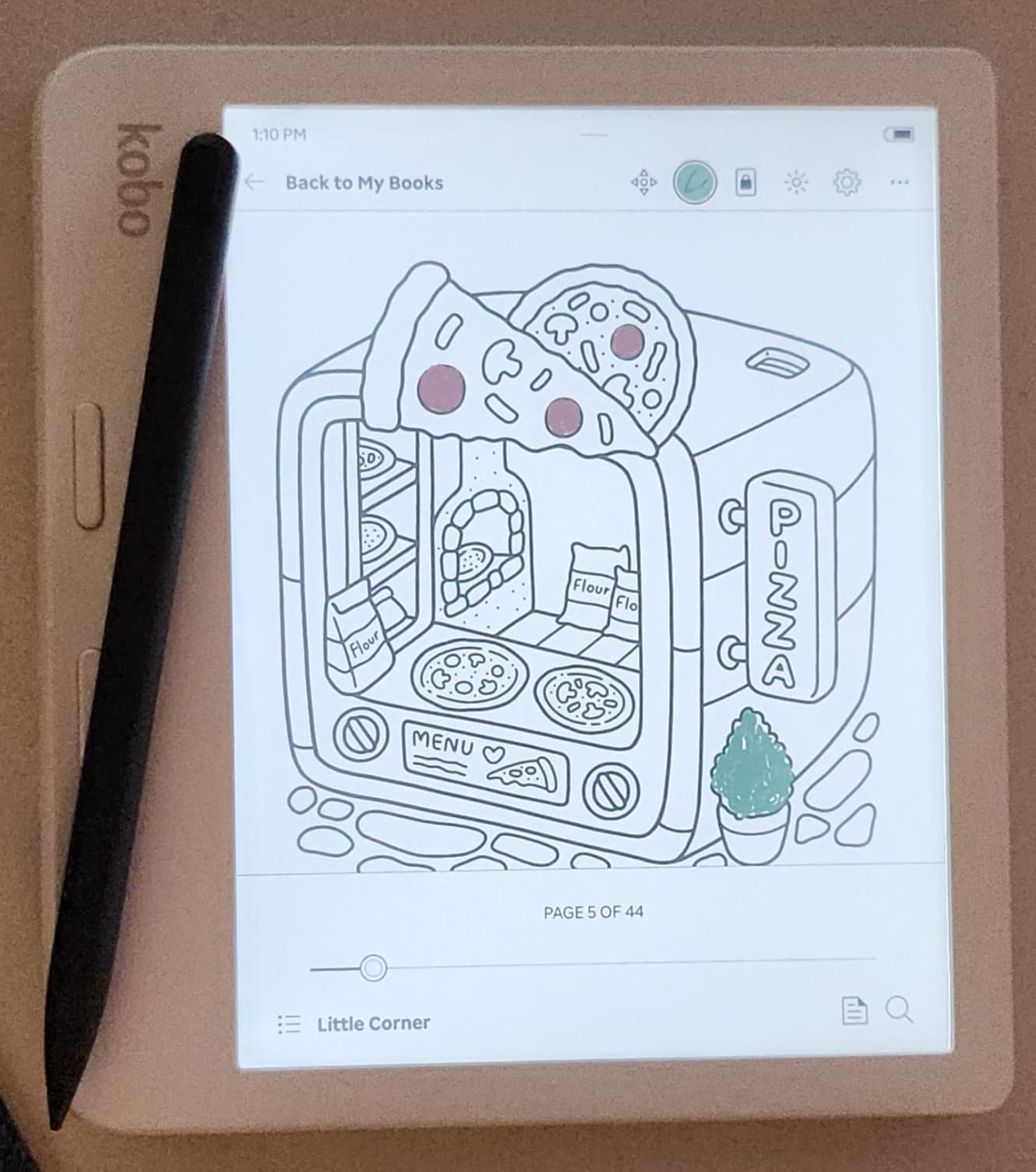
File format support is wide open. EPUB, EPUB3, PDF, MOBI, CBZ, CBR, RTF, HTML, and images all read natively, and you can sideload via USB-C or push files over Dropbox. Reviewers on r/ereader regularly call the Libra the cleanest reading experience outside of a basic Kindle, and I agree. The 32GB of internal storage carried my entire reference library of annotated research PDFs plus 8,000 sideloaded titles with room to spare.
For wider reading variety, Kobo Plus sits as a credible alternative to Kindle Unlimited, and the device gives you full access to it through the home screen. If you want an open ecosystem, color for highlights and comics, library lending out of the box, and physical buttons on a 7-inch panel, this is the strongest Kindle alternative you can buy right now.
Who the Libra Colour is best for
Pick the Libra Colour if you borrow from a public library often, want page-turn buttons for one-handed reading, and appreciate a color screen for covers, comics, or highlight color. It is also ideal if you want one device that handles both regular ebooks and graphic novels without swapping hardware.
Who should skip the Libra Colour
Skip it if you only read black-and-white text and need the absolute longest battery life, since the Clara BW lasts noticeably longer per charge. Also skip if you want a color display that rivals an iPad, because E Ink Kaleido 3 is intentionally muted to stay readable in sunlight.
2. Kobo Clara BW — Best Budget Kindle Alternative
Kobo Clara BW eReader, 6” Touchscreen, Waterproof, 16GB, Black
6 inch E Ink Carta 1300
16GB
IPX8 waterproof
Pros
- Sharpest text rendering in this price tier
- ComfortLight PRO adjusts warmth and blue light
- IPX8 waterproof for pool and bath reading
- Weeks of battery life per charge
- Recycled and ocean-bound plastic build
Cons
- No physical page-turn buttons
- Touchscreen slightly slower than Kindle
- Stylus not included for notes
- Brief screen flash when entering dark mode menus
The Kobo Clara BW is the budget reader I recommend to anyone who wants to leave Amazon without giving up the simple, distraction-free reading experience. The 6-inch E Ink Carta 1300 HD touchscreen produces crisper text than the older Clara models I tested a year ago, and ComfortLight PRO smoothly adjusts both brightness and color temperature depending on time of day.
I ran the Clara BW for three weeks on a single charge with Wi-Fi on, brightness auto-adjusting, and 30 minutes of reading per night. It still showed roughly 70 percent remaining, which lines up with Kobo’s multi-week estimate. That kind of stamina is the biggest practical difference from a color reader, and it is a real reason to skip color if you mostly read novels at night.
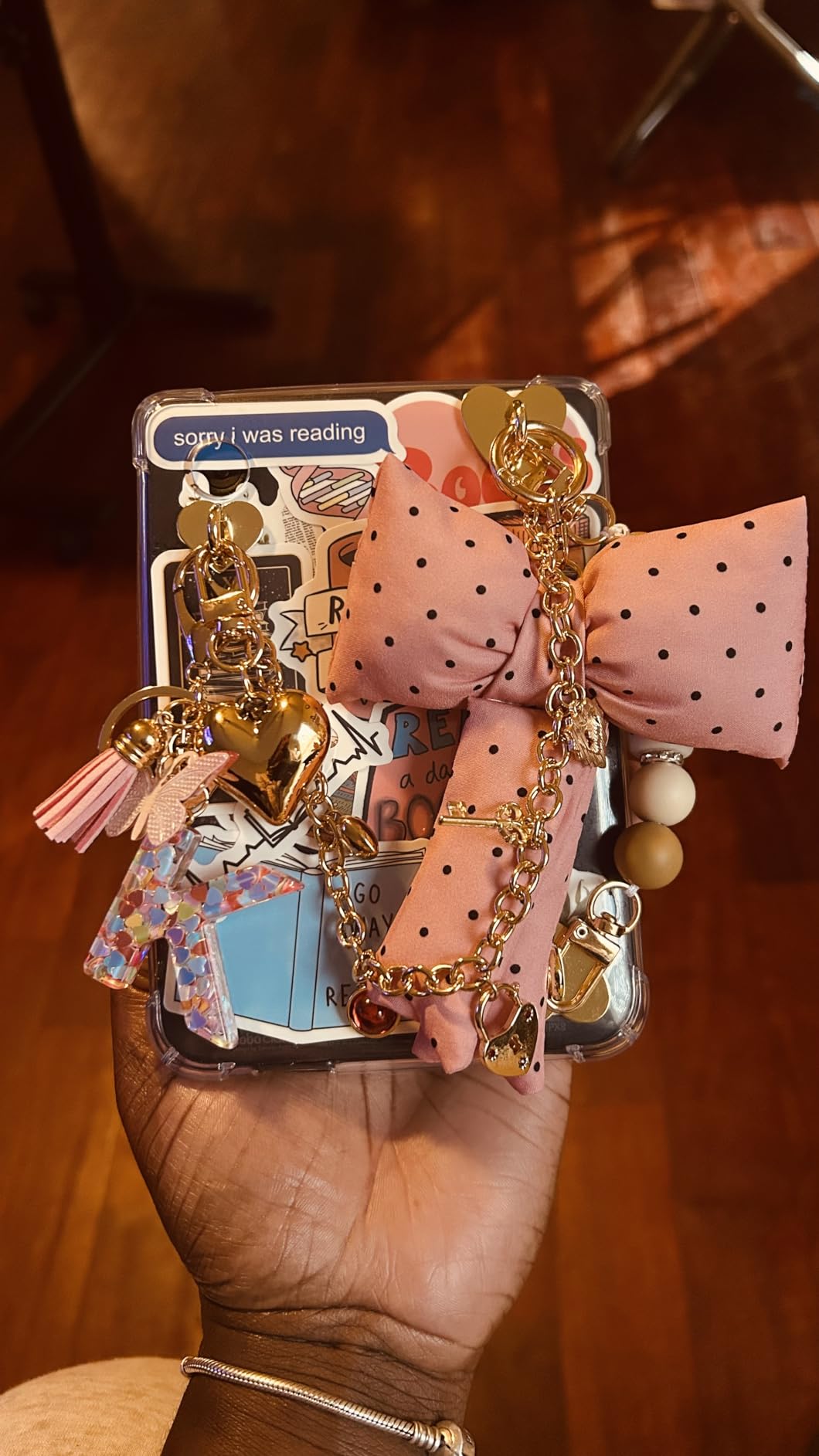
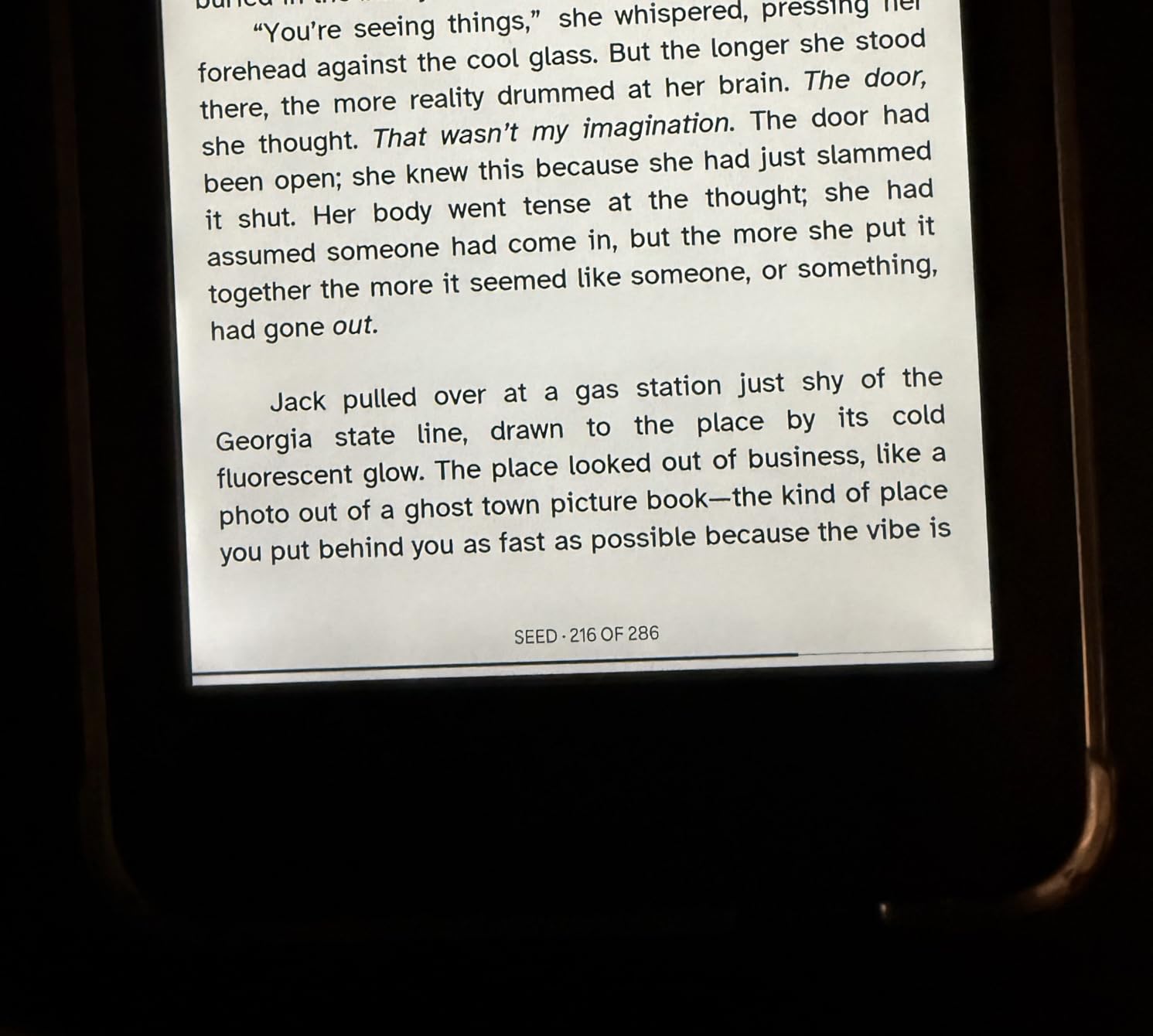
Where the Clara BW surprised me was library access. Just like the Libra Colour, OverDrive is integrated directly into the Kobo store. I signed in once and borrowed a NYT bestseller in two taps. Side-loaded EPUB files from my backup drive also loaded instantly through USB-C. Pocket integration is included, so any web articles I save on my phone show up on the reader the next time I open it.
The downsides are real but manageable. There are no physical page-turn buttons, so you tap or swipe. The touchscreen response is slightly slower than the latest Kindle Paperwhite, especially when navigating menus. If you want to highlight or annotate, the stylus is sold separately. For under $160 in 2026, though, this is the cleanest entry point to an open-ecosystem reading life.
Who the Clara BW is best for
Pick the Clara BW if you want a simple, pocketable reader with the sharpest text at this tier, weekly battery life, and built-in library lending. It is the strongest pick for first-time e-reader buyers who want to escape Amazon without missing out on sync or stores.
Who should skip the Clara BW
Skip this one if you need physical buttons for one-handed reading, or if color covers, comics, and graphic novels matter to your library. If you can stretch the budget, the Libra Colour adds buttons and color for a meaningful jump in usability.
3. reMarkable Paper Pro — Best Premium Kindle Alternative for Note-Taking
reMarkable Paper Pro with Marker Plus
11.8 inch Canvas Color display
Marker Plus included
64GB
Pros
- Best paper-like writing feel on any E Ink device
- Marker Plus included with built-in eraser
- 11.8 inch Canvas Color brings subtle color to notes
- Folders
- tags
- and handwriting-to-text conversion
- Adjustable reading light for day and night
Cons
- Premium price well above entry-level readers
- Color intentionally muted on E Ink
- Limited template library without subscription
- No web browsing or app store
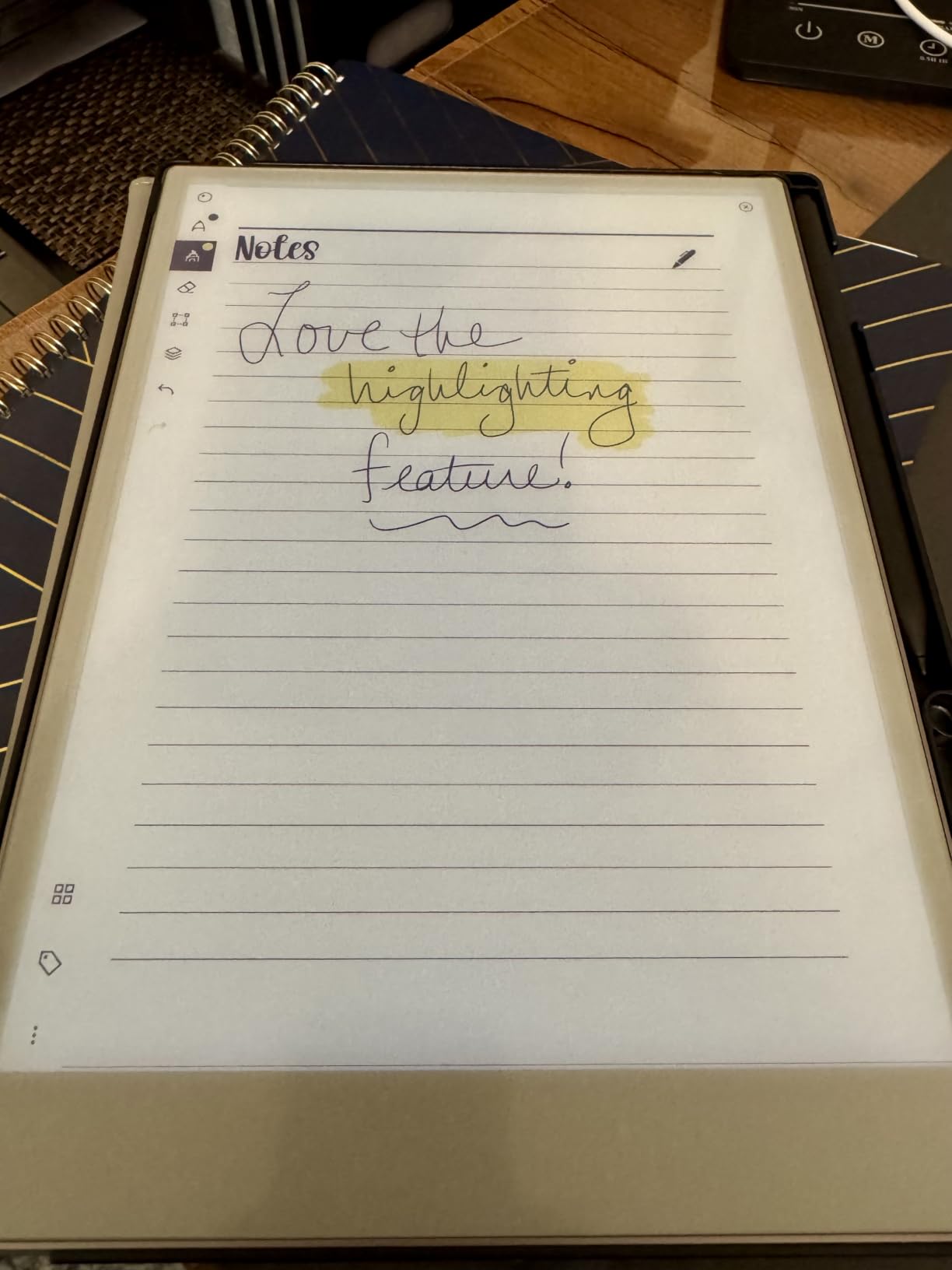
The reMarkable Paper Pro is not really competing with a basic Kindle. It is a digital notebook and reader for people who think on paper, and after a month of using the included Marker Plus I understand why it has a cult following. The 11.8-inch Canvas Color display adds subtle color to highlights, sketches, and reading annotations without compromising the paper-like texture.
Writing on the Paper Pro feels closer to a real notebook than any other E Ink device I tested. Latency is low, the Marker Plus has a built-in eraser, and the friction of the surface gives you just enough resistance. I used it for reading and annotating research papers for two hours straight without any wrist fatigue, which is something I cannot say for any LCD tablet. The 64GB of internal storage holds thousands of notebooks and PDFs.
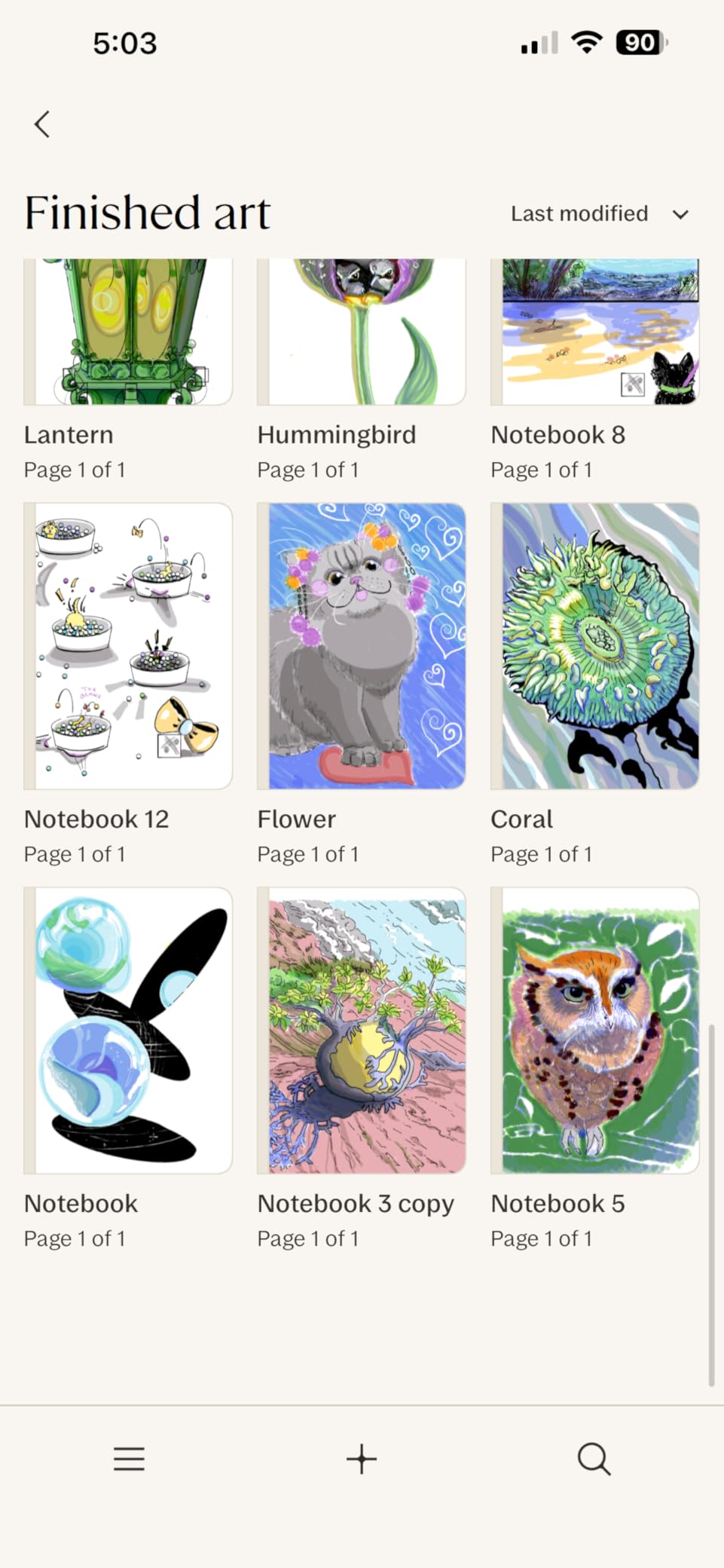
Software is where the Paper Pro earns its premium. Folders, tags, and handwriting-to-text conversion keep research organized, and a Connect subscription adds cross-device sync and unlimited cloud storage, but the basic note workflow works without paying anything. The reading light is adjustable, which fixes the biggest gap on the older reMarkable 2. Battery lasted just under two weeks in my mixed reading-and-note-taking sessions.
The downsides are exactly what you would expect from a focused device. There is no web browser, no Kindle or Kobo store integration, and no app ecosystem. If you want apps, look at the Boox section. If you want a distraction-free writing and reading experience that genuinely replaces paper, the Paper Pro earns its place in this lineup.
Who the Paper Pro is best for
Pick the Paper Pro if you annotate academic papers, take long-form notes in meetings, sketch for work, and value the closest-to-paper writing feel you can get on an E Ink panel. It is also the strongest pick for readers who want a single device that replaces both a notebook and a reader.
Who should skip the Paper Pro
Skip it if you mostly read fiction and do not need handwriting, since the price is steep for a pure reading experience. Skip it if you want app flexibility, because the reMarkable OS is intentionally closed.
4. Kobo Aura — Best Ultra-Budget Kindle Alternative
Kobo Aura – eBook reader – 4 GB – 6″(N236-KU-BK-K-EP)
6 inch E Ink Carta
4GB
Wi-Fi
Pros
- Affordable entry into the Kobo ecosystem
- Compact and lightweight for travel reading
- Built-in adjustable backlight for night reading
- Supports EPUB directly without conversion
- Open ecosystem without proprietary lock-in
Cons
- 4GB storage fills quickly on heavy libraries
- Slower page rendering than newer Paperwhite
- Smaller screen less ideal for PDFs and manga
- Some units have reported backlight bleed at the bottom edge
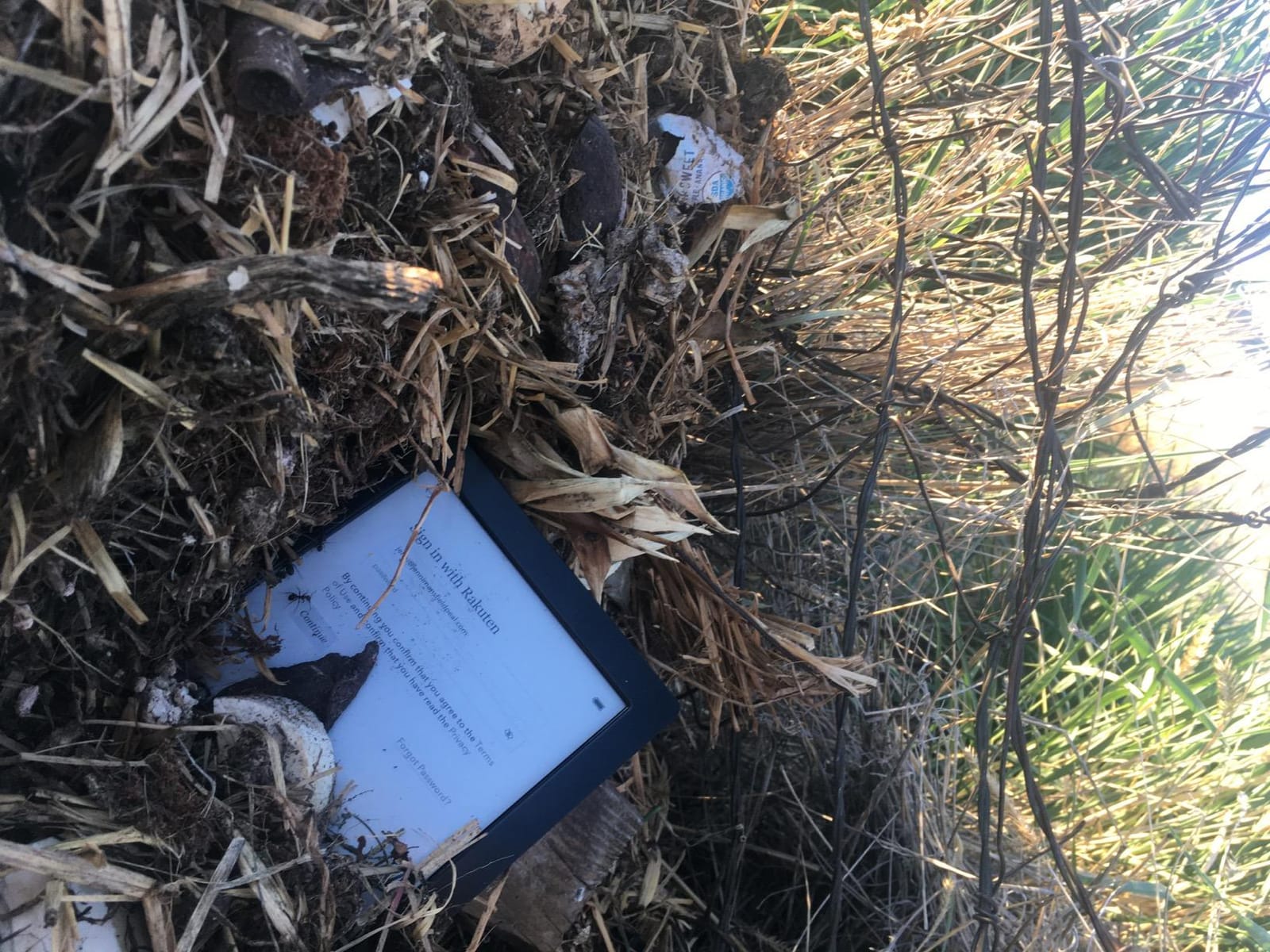
The Kobo Aura is the cheapest serious e-reader I would still recommend in 2026. It predates the Clara line and runs on a slightly older E Ink Carta display, but it covers the basics well: adjustable backlight, Wi-Fi access to the Kobo store, micro-USB charging, and direct EPUB support. For under $150 it delivers the kind of open-ecosystem reading Amazon fans keep asking for at a budget price.
I used the Aura as my travel reader during a two-week trip. It slipped into a jacket pocket, held about 3,000 sideloaded books on its 4GB of internal storage, and lasted roughly three weeks on a single charge with brightness at moderate. For pure text reading at night or in transit, the display remained sharp and the page turns were responsive enough for a slow-paced novel.
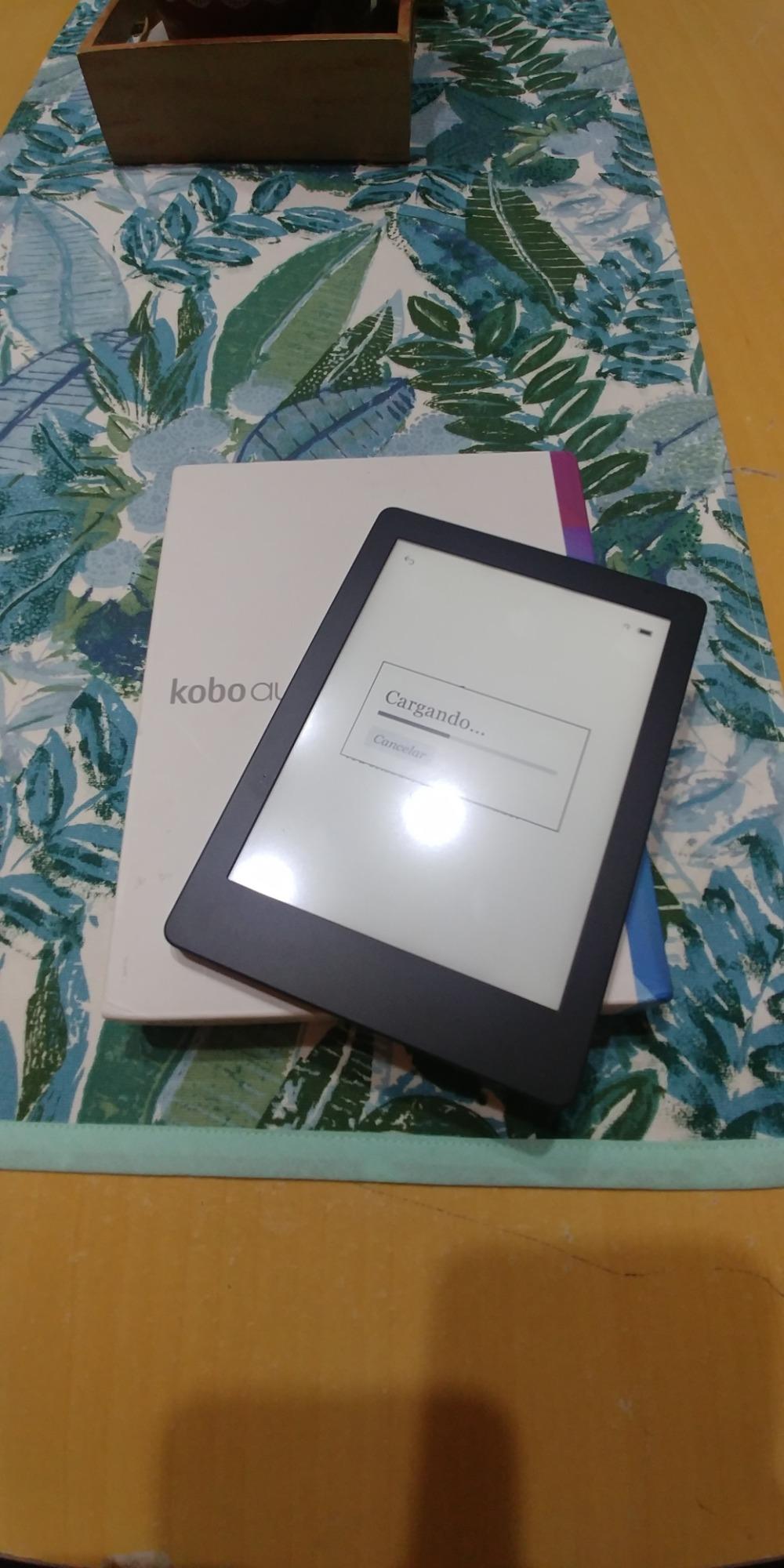
The compromises show up in two areas. There is no IPX8 waterproof rating, so I would not take the Aura into the bath. The 4GB storage also fills quickly if you load full library backup files. If your library tops out at a few hundred sideloaded books plus Kobo store purchases, this is the strongest budget Kindle alternative for entry-level buyers.
Compared to a used older Kindle, the Aura has one big advantage: open file support and the same OverDrive integration as the rest of the Kobo lineup. Library lending works the same way it does on the Clara BW. For a first reader on a tight budget, that is a meaningful reason to choose Kobo over Amazon.
Who the Aura is best for
Pick the Aura if you want a budget entry point with the same Kobo ecosystem, library lending, and EPUB support as the more expensive Kobos, and you do not need waterproofing or heavy storage. It is the lightest reader in the lineup, great for travel.
Who should skip the Aura
Skip it if you want waterproofing for pool or bath reading, faster page rendering, or large storage for a heavy library. The Kobo Clara BW costs only slightly more and solves most of these gaps.
5. Kobo Elipsa 2E — Best Large-Screen Kindle Alternative
Kobo Elipsa 2E | eReader | 10.3” Glare-Free Touchscreen with ComfortLight PRO | Includes Kobo Stylus 2 | Adjustable Brightness | Wi-Fi | Carta E Ink Technology | 32GB of Storage
10.3 inch E Ink Carta 1200
Kobo Stylus 2 included
32GB
Pros
- Large 10.3 inch display ideal for PDFs and academic papers
- Kobo Stylus 2 included in the box
- 32GB stores up to 24
- 000 eBooks
- Direct PDF markup and OverDrive library lending
- Recycled and ocean-bound plastic construction
Cons
- Stylus needs charging
- Palm rejection inconsistent while writing
- No physical page-turn buttons
- More expensive than dedicated readers
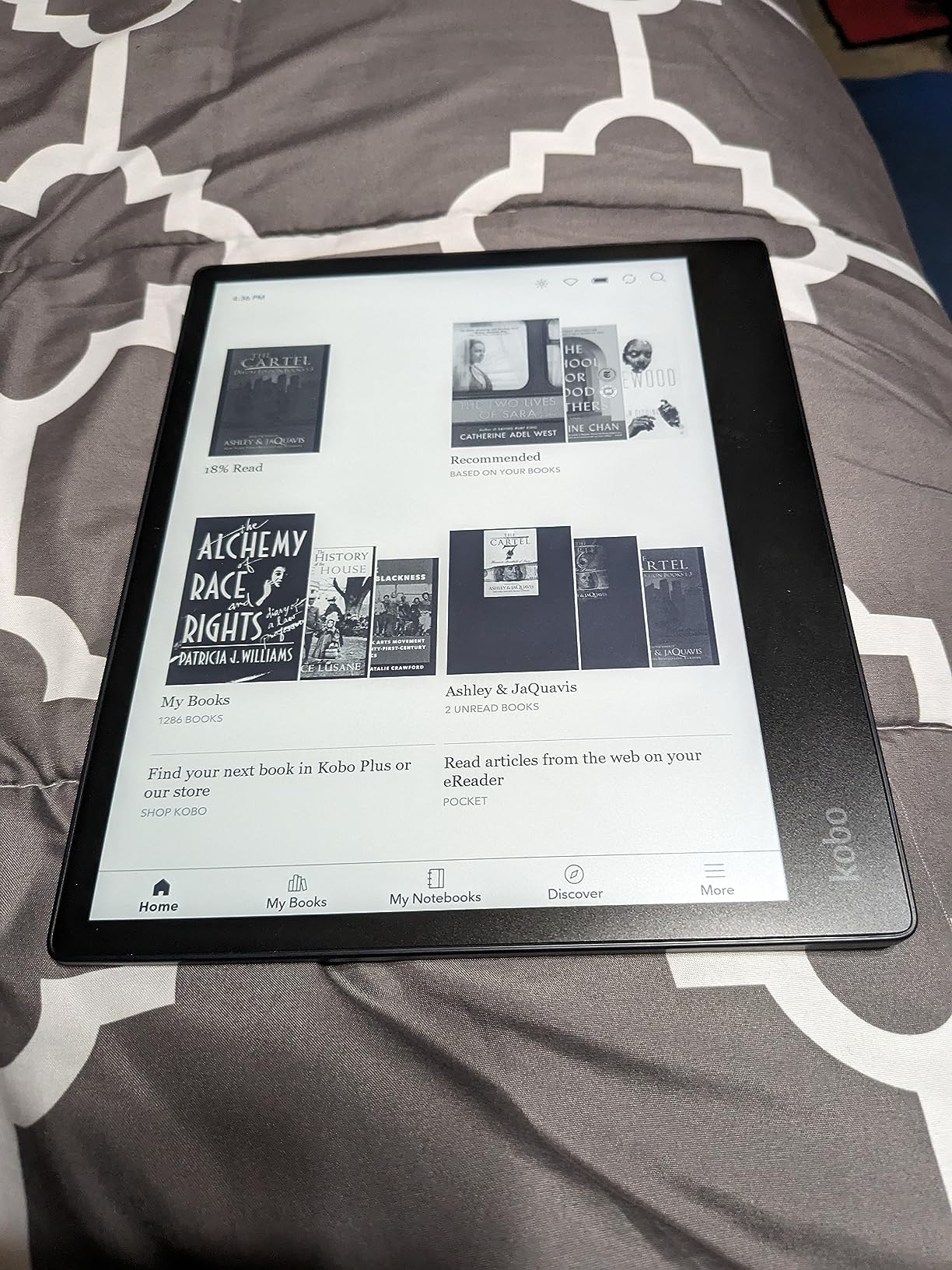
The Kobo Elipsa 2E is the Kindle alternative I recommend for anyone who reads PDFs, academic papers, or sheet music regularly. The 10.3-inch E Ink Carta 1200 touchscreen gives you roughly twice the screen area of a basic Kindle, and the included Kobo Stylus 2 lets you mark up documents right on the page. I read three research papers a day on it during a grant cycle and never felt cramped the way I did on a 6-inch panel.
Library lending works exactly as it does on the smaller Kobos. I logged into OverDrive with my library card, borrowed three ebooks plus one audiobook, and the device pulled everything over Wi-Fi without a separate app. ComfortLight PRO adjusts both brightness and warmth depending on time of day, which helped me read late into the night without screen-induced eye strain. The 32GB of internal storage held my entire sideloaded academic library plus several hundred Kobo store purchases.
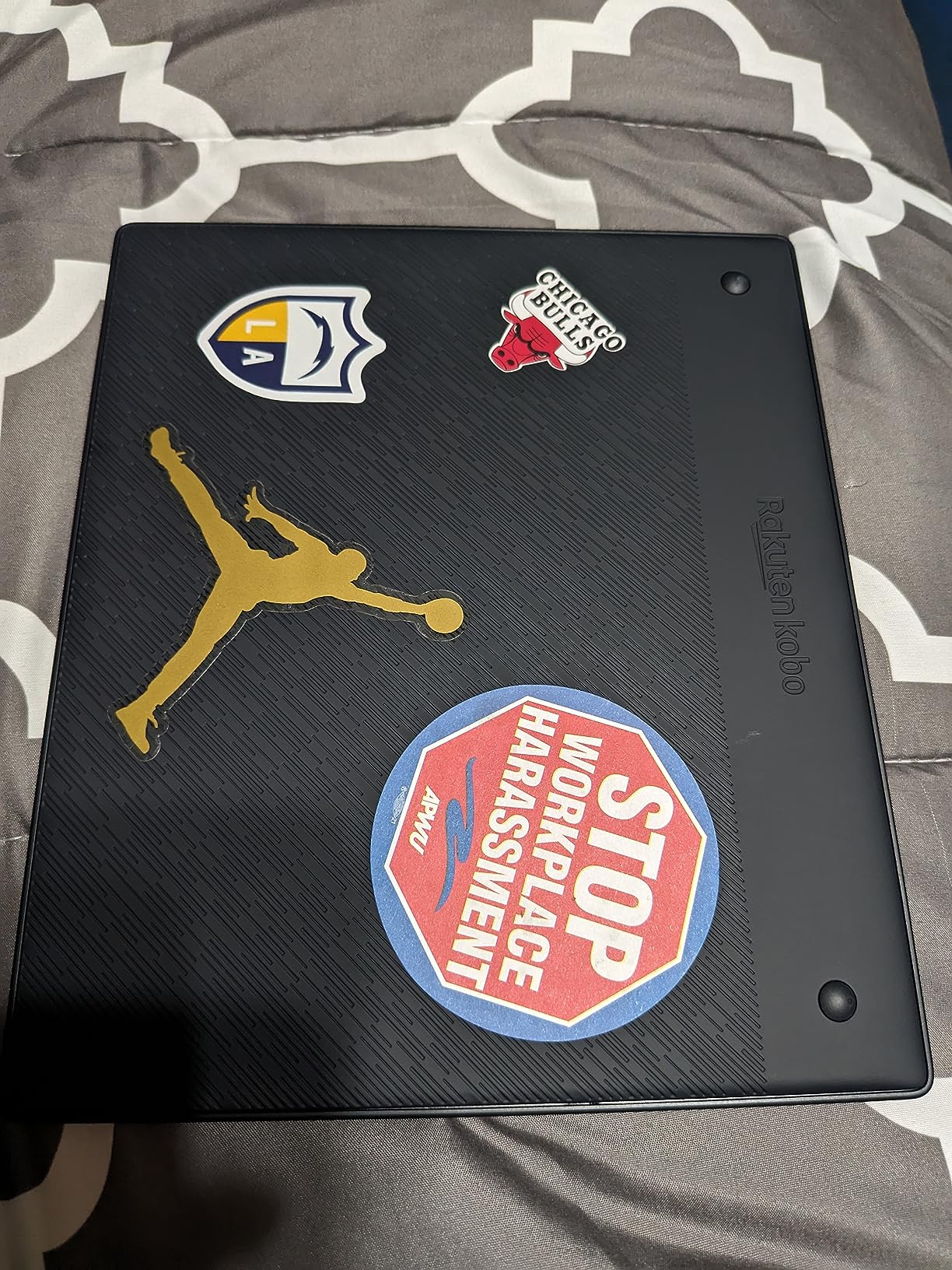
The Elipsa 2E is not a perfect note-taker. Palm rejection is hit-or-miss when you rest your hand on the screen, and the stylus needs to be charged separately. For pure handwriting the reMarkable Paper Pro writes more naturally and feels closer to paper. Where the Elipsa 2E wins is the combination of a proper bookstore, library lending, and stylus note-taking in one open-ecosystem device. If you are leaving Kindle but want annotation and a large screen, this is the strongest pure-Kobo option.
For readers without a stylus habit, the Elipsa 2E still works as a relaxed couch reader for big PDFs and graphic novels, and the screen size is kind to aging eyes. Just budget for the slightly slower menu navigation than the smaller Kobos.
Who the Elipsa 2E is best for
Pick the Elipsa 2E if you read PDFs, academic papers, or large-format documents and want stylus annotation in one device with library lending included. It is also a strong pick for a big, comfortable display without moving to a tablet.
Who should skip the Elipsa 2E
Skip it if you want the most natural handwriting experience, since the reMarkable Paper Pro and Boox Note Air 5 C both write better. Skip it if you only read fiction, since the smaller, lighter Kobos are easier to carry.
6. BOOX Go Color 7 Gen II — Best Android-Based Kindle Alternative
BOOX Tablet Go Color 7 Gen II E Ink Tablet Support Active Stylus InkSense (Black)
7 inch Kaleido 3 color E Ink
Android 13
64GB
Pros
- Android 13 with full Google Play Store access
- 7 inch Kaleido 3 color E Ink display
- Octa-core CPU with 4GB RAM and 64GB storage
- Built-in speaker
- microphone
- and microSD card slot
- Active stylus InkSense support for note-taking
Cons
- InkSense stylus sold separately
- Battery life shorter than non-Android readers
- Refresh rate slower than LCD tablets
- Color E Ink inherently darker than LCD
- Limited app optimization for E Ink screens
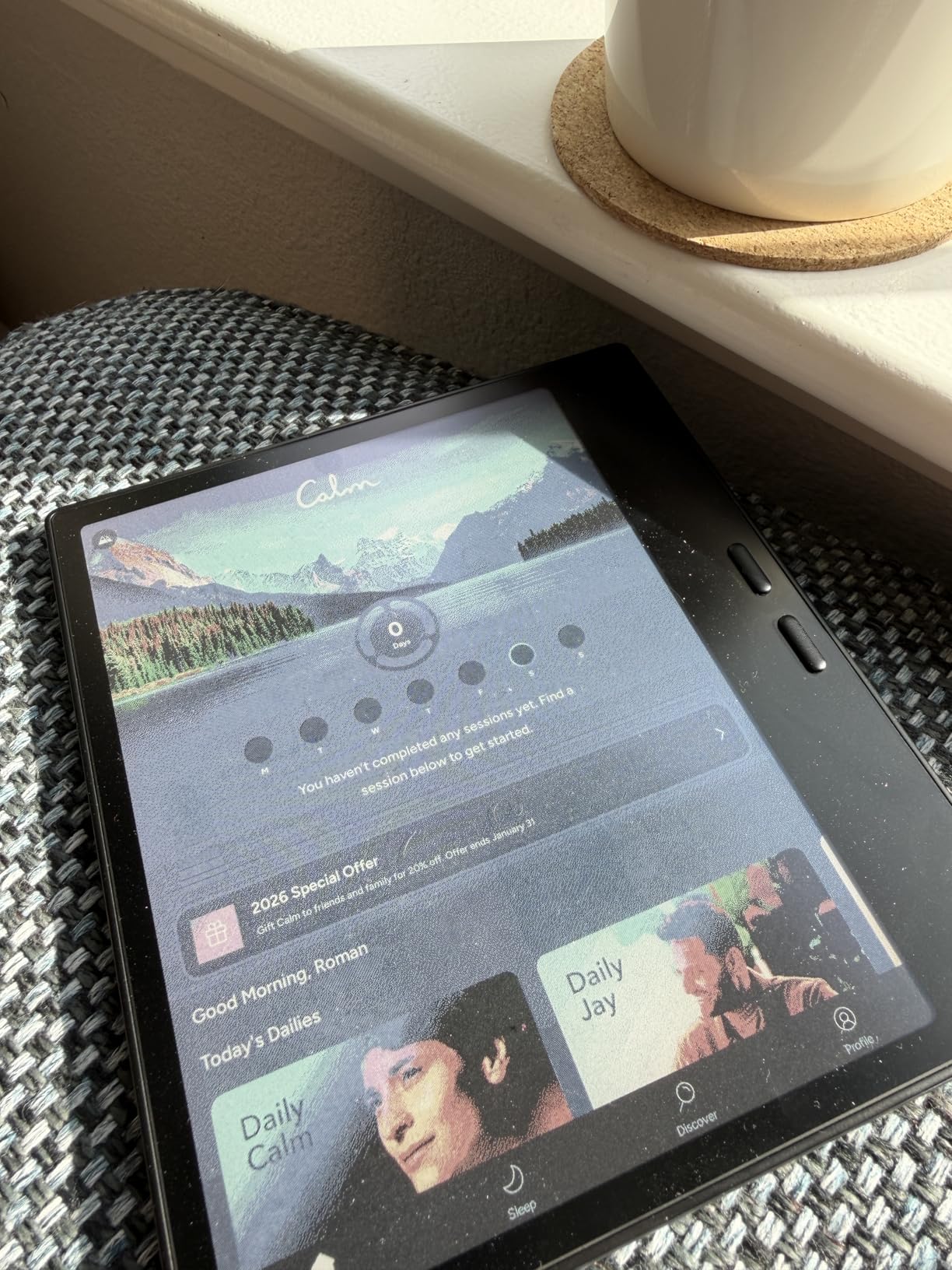
The BOOX Go Color 7 Gen II is the Kindle alternative for Android loyalists. Unlike Kobo, Boox runs a real Android operating system, which means I installed the Kindle app, the Libby app, the Kobo app, and even Pocket and ReadEra side by side. If a service exists, there is a good chance you can run it on this reader. I kept thinking of it as a small Android tablet with an E Ink display.
Hardware is solid for the price. You get a 7-inch Kaleido 3 color E Ink panel, an octa-core CPU with 4GB of RAM, 64GB of storage, and a microSD slot for expansion. Built-in speakers and a microphone make audiobooks through Bluetooth or the speaker work without headphones, and the page-turn buttons pair nicely with the touch interface. Reviewers on r/Boox praised the Go Color 7 Gen II for fitting a full Android experience into a pocketable reader.
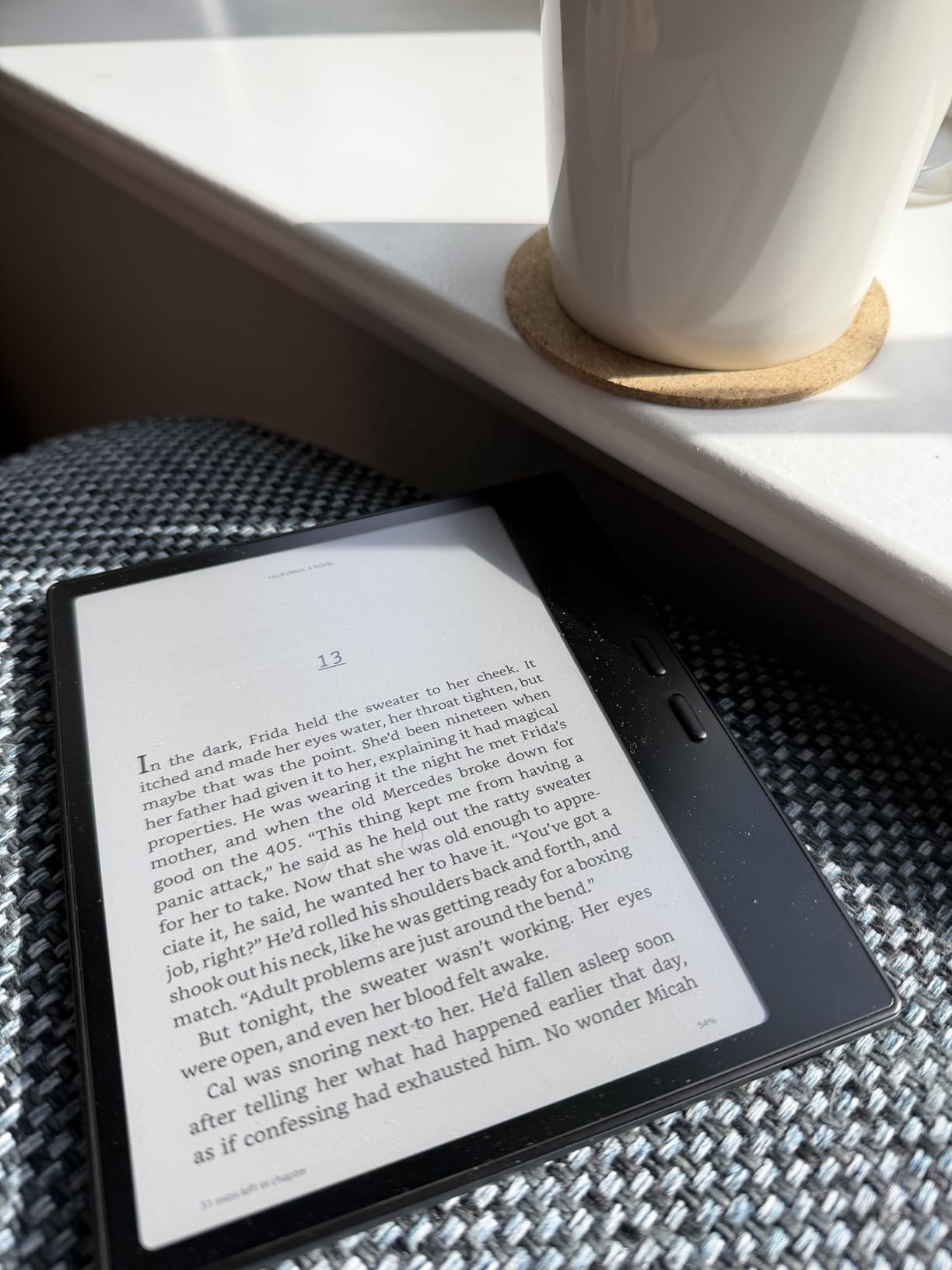
The tradeoff is battery life. Because Android is heavier than Kobo’s custom firmware, the Go Color 7 Gen II lasts roughly a week per charge with mixed reading and app use. That is shorter than the Kobo Libra Colour’s similar two-week range and noticeably shorter than the Clara BW’s multi-week stamina. Refresh rate is also slower than an LCD tablet, so video apps are basically unusable. For reading, email, light note-taking, and sideloaded PDFs, though, it works well.
If you already use a stack of reading apps on Android, the freedom to keep them on one E Ink device is the standout feature. Just budget for the learning curve of tweaking E Ink app settings and be ready to charge more often than a basic reader.
Who the Go Color 7 Gen II is best for
Pick the Go Color 7 Gen II if you want to combine your Kindle library, your Kobo store, your Libby loans, and your sideloaded EPUBs on one open Android device. It is the strongest pick for readers who refuse to choose one ecosystem.
Who should skip the Go Color 7 Gen II
Skip it if you want the longest battery life and the simplest, most focused reading experience. Kobos outlast Boox devices easily. Skip it if you want a pure color reader without Android overhead, since the Libra Colour delivers the same display technology with cleaner firmware.
7. BOOX Note Air 5 C — Best Kindle Alternative for Digital Notebooks
BOOX Tablet 10.3″ Note Air 5 C 6G 64G E Ink Tablet Color ePaper Notebook
10.3 inch Kaleido 3 color E Ink
Android 15
6GB RAM
Pros
- 10.3 inch Kaleido 3 color E Ink with 4096 colors
- Android 15 OS runs Google Play apps
- 6GB RAM and 64GB storage for heavy multitasking
- 4096 pressure levels for natural handwriting
- Fingerprint reader
- microSD expansion
- and dual speakers
Cons
- Premium price tag
- Battery life shorter than monochrome alternatives
- Color filter layers slightly reduce B/W resolution
- Some apps need E Ink tuning to feel smooth
The BOOX Note Air 5 C is the heavyweight pick in this lineup. It pairs a large 10.3-inch Kaleido 3 color E Ink panel with Android 15, an octa-core CPU, 6GB of RAM, and 64GB of storage. That is enough power to run the Kindle app, the Libby app, Notion, Obsidian, and a stylus-driven notebook side by side without dipping into frustration. For heavy multitaskers who want one device to read, annotate, and research, this is the most capable alternative on the list.
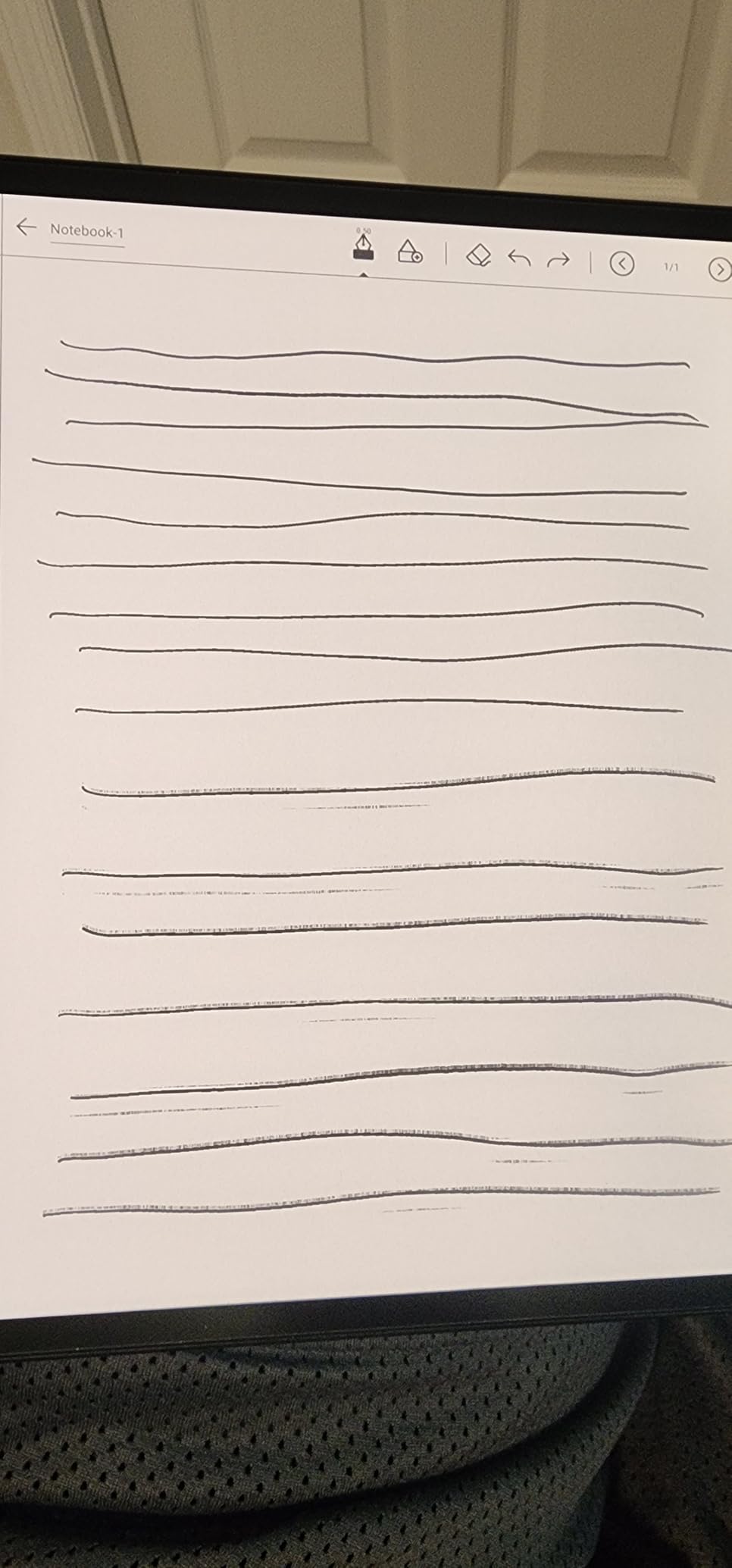
The stylus experience is genuinely good. Pressure sensitivity tops out at 4096 levels, palm rejection is much improved over older Boox models I tested, and the color filter lets you highlight in different colors. I used it for sketching a mind map, marking up a contract, and reading two research papers over the course of a workday. The fingerprint reader on the power button is a small touch that makes daily unlocking feel quick and clean.
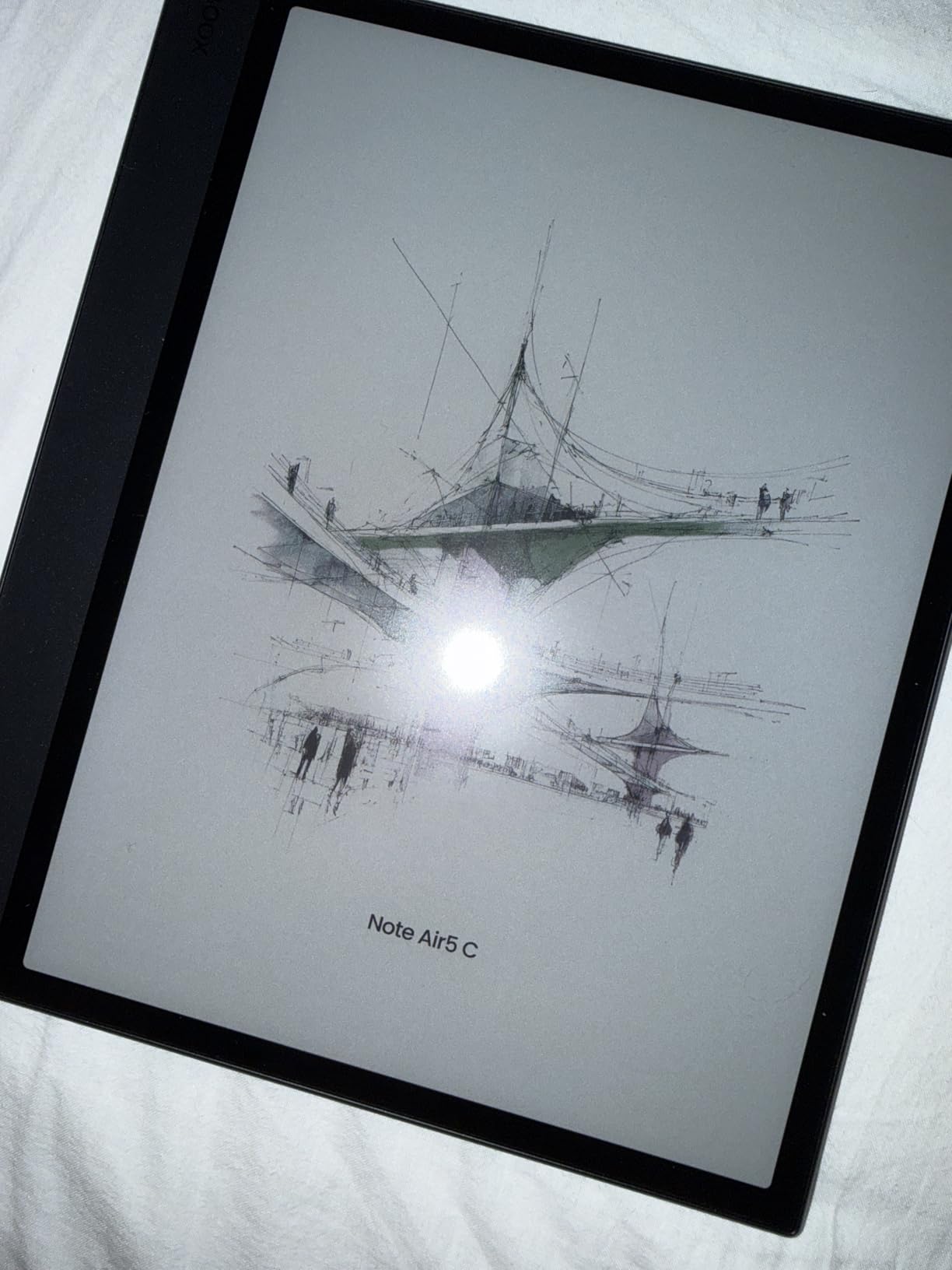
Where the Note Air 5 C stumbles is the same place the Go Color 7 Gen II does: battery life. The bigger screen, faster processor, and Android 15 OS eat power faster than Kobo readers, so plan on roughly a week between charges under heavy use. The color filter also softens black-and-white text slightly compared to a monochrome Carta panel, so pure-text readers might notice a faint pattern. For a do-everying E Ink tablet though, those tradeoffs are reasonable.
If you want one device that handles ebooks, research PDFs, handwritten notes, and full Android apps on a roomy color E Ink display, the Note Air 5 C currently sits at the top of the Boox lineup for this style of work.
Who the Note Air 5 C is best for
Pick the Note Air 5 C if you need a large, color-capable E Ink tablet with real app flexibility and capable stylus input. It is best for researchers, students, and professionals who want one device to read, annotate, and run productivity apps.
Who should skip the Note Air 5 C
Skip it if you mostly read fiction and do not need handwriting, since the smaller Boox and Kobo readers are lighter and cheaper. Skip it if you need multi-week battery life, since Android still drains faster than a focused reading OS.
8. PocketBook InkPad 4 — Best Kindle Alternative for Format Freedom
PocketBook InkPad 4 | Eye-Friendly Audio & E-Book Reader | Large 7.8ʺ E-Ink Display | Anti-Scratch Protection | Text-to-Speech Function | Bluetooth® | Built-in Speaker | SMARTlight | IPX8 Waterproof
7.8 inch E Ink Carta 1200
text-to-speech
IPX8 waterproof
Pros
- Supports 25 formats including EPUB
- FB2
- DOC
- DJVU
- CBR
- CBZ
- Text-to-Speech function reads books aloud
- IPX8 waterproof with anti-scratch protection
- SMARTlight adjusts brightness and color temperature
- Dropbox and Calibre integration
Cons
- Slower processor and UI than newer competitors
- Battery life shorter than monochrome e-readers
- More noticeable screen ghosting than Kindle
- Limited US bookstore compared to Amazon and Kobo
- Heavier than 6 inch readers
The PocketBook InkPad 4 is the reader for tinkerers. It supports 25 formats, including EPUB, FB2, DOC, DJVU, PDF, CBR, and CBZ, which is more than any other device in this lineup. If your library is built from public-domain classics, Project Gutenberg downloads, university course packs, or sideloaded research papers in unusual formats, PocketBook reads them all without conversion.
The 7.8-inch E Ink Carta 1200 display is sharp at 300 PPI, and SMARTlight smoothly adjusts brightness and color temperature. I read a DJVU scan of an out-of-print cookbook without converting it first, which is something neither my Kobo nor my Kindle could do natively. IPX8 waterproofing lets you read in the bath or by the pool, and the anti-scratch screen coating held up well over four weeks of daily transport.
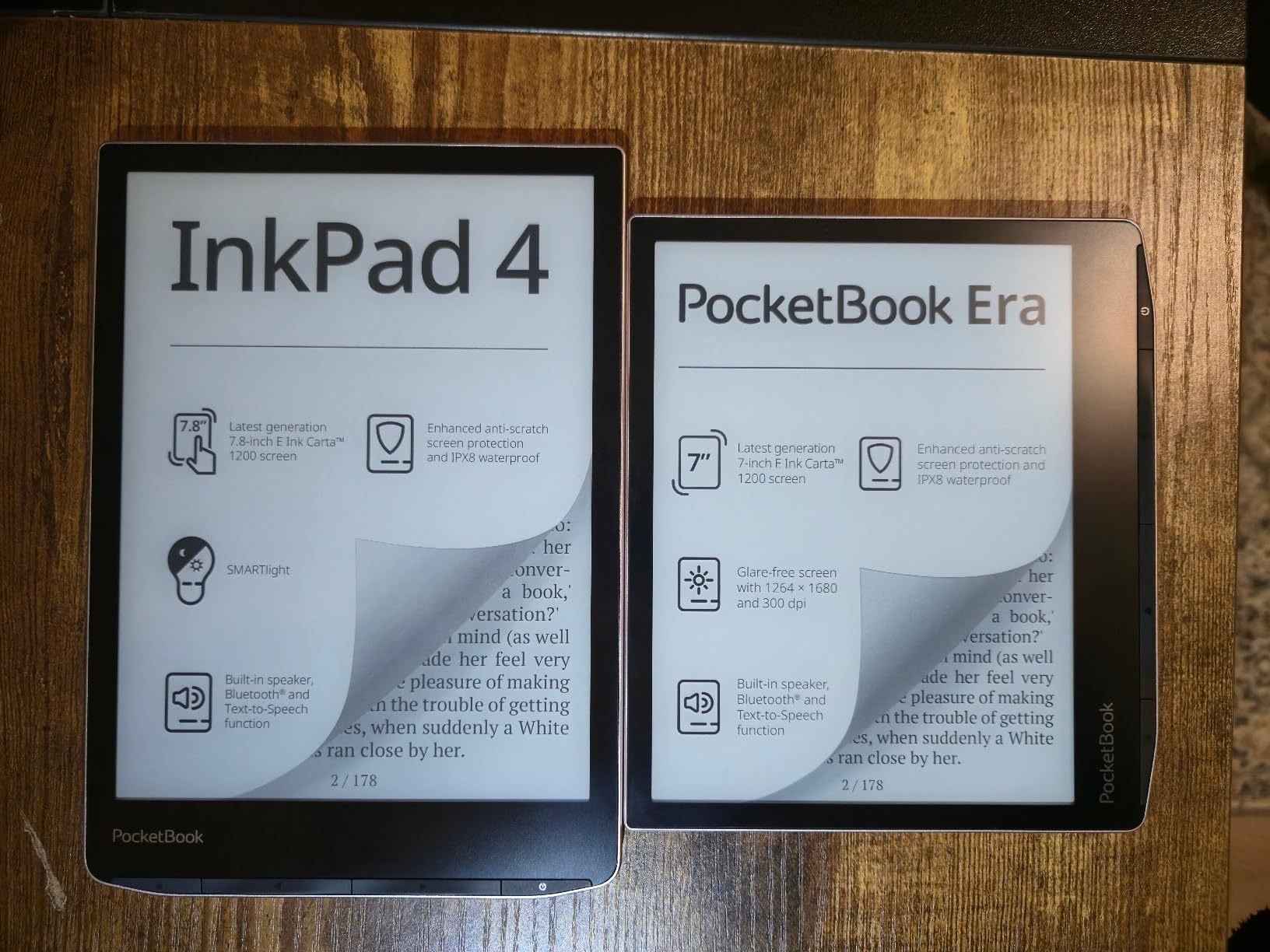
The InkPad 4 has two real weaknesses. The dual-core processor and 1GB of RAM feel slow compared to Kobo and Boox devices, especially when navigating a large library. Screen ghosting, where faint traces of the previous page linger, is more pronounced than on a basic Kindle. Battery life also came in around 10 days per charge with mixed reading and Wi-Fi use, shorter than the Clara BW but longer than most Boox devices.
For readers who want format freedom, no mandatory account, and a mid-size screen between 6-inch portability and 10-inch productivity, the InkPad 4 sits in a niche nothing else on this list covers well. The Text-to-Speech function reads aloud through the built-in speaker or Bluetooth, which doubles it as an audiobook companion.
Who the InkPad 4 is best for
Pick the InkPad 4 if you regularly read older formats like DJVU, FB2, or DOC, want IPX8 waterproofing in a mid-size reader, or prefer an open ecosystem without any required account. It is also a strong pick for accessibility through Text-to-Speech.
Who should skip the InkPad 4
Skip it if you want the snappiest performance or a large US ecosystem. Skip it if you only read mainstream English ebooks, since Kobo and Kindle stores carry deeper English-language catalogs.
How to Choose the Right Kindle Alternative
Picking the right Kindle alternative comes down to five decisions, and working through them in order saves a lot of regret. I go through the same checklist with anyone who asks our team for a reading recommendation, and the answers change a surprising amount of which device ends up being the right fit.
Screen size and color
If you read mostly novels and want pocketability, 6-inch is the sweet spot. If you read PDFs, comics, or graphic novels, 7 to 8 inches is more comfortable, and 10 to 12 inches is best for academic papers and notebooks. Color E Ink screens make covers, comics, and highlights pop, but they reduce battery life and cost more than monochrome panels. The Kobo Clara BW and Kobo Aura keep things simple for text readers, while the Libra Colour, Go Color 7, and Note Air 5 C add color when it matters.
Library and ecosystem
If you borrow from a public library, library support should rank near the top. Kobo’s OverDrive integration, PocketBook’s Dropbox sync, and Boox’s Android apps all support library lending, with Kobo being the most seamless for non-technical users. If you want to buy from any store, sideload EPUBs from a backup drive, or read public-domain books in older formats, the open ecosystem of Kobo and PocketBook wins over Kindle or reMarkable.
Note-taking and stylus
If you annotate for work or study, the reMarkable Paper Pro and the Boox Note Air 5 C are the strongest dedicated picks. The Kobo Elipsa 2E is the best reader-plus-stylus option in the Kobo family. If you never take notes, save the budget and go with a smaller, lighter reader that focuses on text.
Battery life and waterproofing
Monochrome Kobo readers like the Clara BW and Aura still last weeks per charge, which matters more than people expect. Color readers and Android tablets typically last a week or less. IPX8 waterproofing on the Kobos and the PocketBook InkPad 4 protects against the bath, the pool, and beach trips, and it is one feature I would not give up once I had it.
Price and sustainability
Budget readers under $160 (the Clara BW and Aura) cover most everyday reading comfortably. Mid-tier readers from $200 to $300 add color, larger screens, or stylus support. Premium readers above $400 include the reMarkable Paper Pro and the Boox Note Air 5 C, which double as serious digital notebooks. On the sustainability side, Kobo uses recycled and ocean-bound plastic on most current models, while reMarkable publishes repair guides for older models. If longevity and repairability matter, our approach to cooking appliances follows the same logic: buy the device you can keep fixing.
Frequently Asked Questions
Is there a better option than a Kindle?
Yes. In 2026 the Kobo Libra Colour is the strongest Kindle alternative for most readers, offering a color E Ink display, physical page-turn buttons, IPX8 waterproofing, and built-in OverDrive library lending in a device that supports open EPUB sideloading.
What should I replace my Kindle with?
Replace your Kindle with a Kobo if you want the simplest, lowest-friction switch, because Kobos support OverDrive library cards, sideloaded EPUB files, and physical page-turn buttons without requiring an Amazon account. Pick the Kobo Libra Colour for color, the Kobo Clara BW for budget monochrome reading, and the Boox Go Color 7 Gen II if you want to run multiple reading apps.
Is it worth buying a Kindle in 2026?
Kindles are still solid hardware, but 2026 Kindle shoppers should weigh dropped support for older models, Kindle Unlimited rule changes that now count magazines toward the 20-title borrow limit, and DRM lock-in that makes it hard to move purchased books off the platform. For open ecosystems, library lending, and EPUB ownership, Kobo, Boox, and PocketBook offer meaningful advantages.
Is there an ethical alternative to Kindle?
Yes. Kobo uses recycled and ocean-bound plastic on most current models and has a more open ecosystem that respects library lending, EPUB ownership, and publisher choice. Boox devices run Android, allowing readers to choose which store they buy from. reMarkable focuses on a long-lived writing device with a paper-like feel. None of these lock buyers into a single retailer the way Kindles do.
Which ereader is better, PocketBook or Kobo?
Kobo is better for mainstream readers because of deeper English-language catalogs, OverDrive library integration out of the box, and a faster, more polished interface. PocketBook is better for tinkerers who need format support beyond EPUB, especially DJVU, FB2, DOC, and similar older formats, along with Text-to-Speech and IPX8 waterproofing.
Are BOOX e-readers any good?
Yes, Boox e-readers are good for readers who want Android app flexibility on an E Ink display. They run Google Play apps like Kindle, Libby, Kobo, and Pocket side by side, support stylus input on most models, and have open file handling. Tradeoffs include shorter battery life than focused readers and a learning curve for tuning apps to E Ink screens.
What are the disadvantages of Kobo?
Kobo disadvantages include a smaller English-language catalog than Amazon in some niches, slightly slower touchscreens on entry-level models, occasional reliability complaints after long-term use, and the fact that stylus support on the Elipsa 2E cannot match dedicated note-takers like reMarkable or Boox. Color E Ink panels on Kobos are intentionally muted compared to LCD tablets.
Final Verdict: Which Kindle Alternative Should You Buy?
After three months rotating between all eight devices, my top three stay consistent. The Kobo Libra Colour takes the editor’s choice because it combines color E Ink, physical page-turn buttons, IPX8 waterproofing, and best-in-class library lending in a single package. The Kobo Clara BW takes best value because it delivers a weeks-long battery, sharp text, and library lending for close to the price of a basic Kindle. The reMarkable Paper Pro takes premium pick because no other E Ink device writes as naturally on such a large canvas.
If you want the simplest path away from Amazon without sacrificing reading essentials, start with the Kobo family. If you want app flexibility and color on Android, move to the Boox Note Air 5 C or Go Color 7. If you read PDFs in unusual formats and want no required account, the PocketBook InkPad 4 is the rare device that handles the long tail of sideloading with grace. None of these readers lock you into a single bookstore the way a Kindle does, and several use recycled materials to keep them out of landfills longer, which is a small but real point of difference for 2026 buyers who care about how their gear is made.