
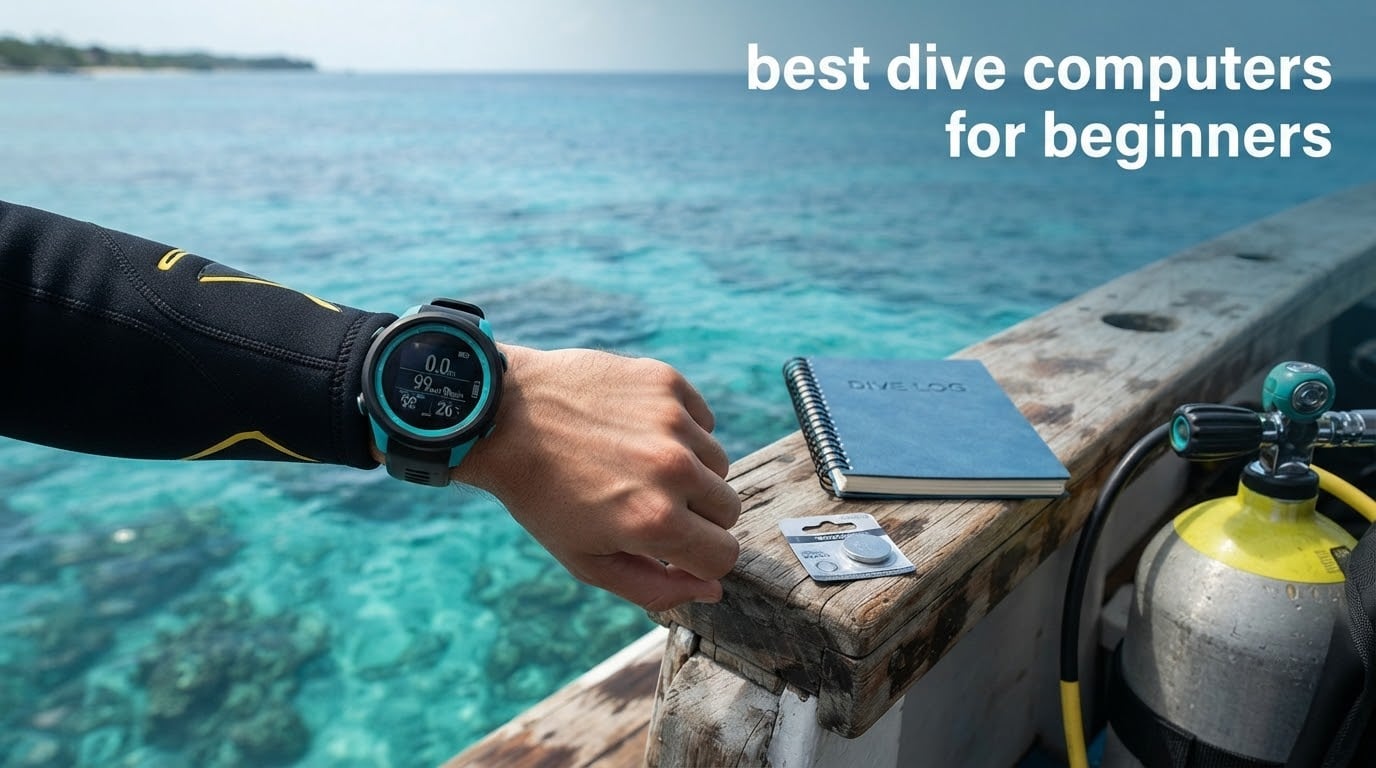
A dive computer is a wrist or console device that continuously measures your depth, dive time and nitrogen loading underwater, then calculates your remaining no-decompression limit in real time. That single sentence is the whole reason to carry one: it replaces hand-run dive tables with a number you can glance at in three seconds while you are managing buoyancy, air supply and the actual dive.
Choosing your first one is where most new divers get stuck. The shop shelf is full of watches that differ mainly in which algorithm they run, how deep they are rated and whether the battery is a coin cell or a rechargeable slab, and none of that is obvious from the box. This guide is about the best dive computers for beginners, which we narrowed to eight units that are readable, uncomplicated and honest about what a first-year diver actually needs.
We did not chase every feature on the spec sheet. We read the manuals, weighed the interface complexity, and looked hard at what reviewers complain about after months of use rather than after the first ten minutes in a swimming pool. Forum regulars on r/scuba repeatedly name Cressi, Suunto and Mares as trusted, and they keep saying the same thing about how to choose: buy the most readable computer that will not be embarrassing to wear, and ignore everything you are not using yet.
One more thing before we start. Air integration, GPS, maps, three-gas trimix and full-colour smartwatch screens are not mistakes, but they are not priorities either for a diver with around twenty logged dives. You can add every one of those features later without changing how safe the dive was. Buy for legibility and reliability, and treat the rest as future upgrades.
If your interest is broader than scuba, our picks for the best dive watches for everyday wear cover the styling side, and the Certina DS Action Swiss dive watch reviews are worth a read if you want something that doubles as a dress watch between dives.
Table of Contents
Top 3 Picks for the Best Dive Computers for Beginners

CRESSI Leonardo 2.0 G2
- Single-button control
- Air Nitrox and Gauge modes
- Visual and audible alarms
- USB and infrared log transfer

Cressi Donatello
- Air nitrox and freedive modes
- Single-button interface
- No-fly time tracking
- Bluetooth and IR log sync

CRESSI Giotto
- Onboard dive planner
- Three-gas nitrox support
- 70-hour logbook
- Altitude diving mode
Best Dive Computers for Beginners in 2026 Quick Overview
Eight computers, sorted for the things a new diver cares about: whether the display can be read at depth, how many modes are supported, what the battery situation is, and how much the thing weighs on your wrist. Two of these are freediving watches rather than scuba computers, and we label them clearly so you do not buy one by mistake.
Widths, weights and battery types below come straight from the manufacturer data for each model.
| Product | Specifications | Action |
|---|---|---|
| CRESSI Leonardo 2.0 G2 Dive Watch |
|
Check Latest Price |
| Cressi Donatello Scuba Dive Computer |
|
Check Latest Price |
| CRESSI Giotto Dive Computer |
|
Check Latest Price |
 SEAC Partner Freediving Computer SEAC Partner Freediving Computer |
|
Check Latest Price |
 SUUNTO D5 Dive Computer SUUNTO D5 Dive Computer |
|
Check Latest Price |
 SALVIMAR One Plus Wrist Computer SALVIMAR One Plus Wrist Computer |
|
Check Latest Price |
 Mares Puck 4 Wrist Dive Computer Mares Puck 4 Wrist Dive Computer |
|
Check Latest Price |
 Suunto D4i Novo Diving Watch Suunto D4i Novo Diving Watch |
|
Check Latest Price |
1. CRESSI Leonardo 2.0 G2: the easiest first dive computer to live with
CRESSI Leonardo 2.0 G2 Dive Watch, One-Button Air Nitrox Gauge, White/Black
LCD 44 mm display
Single-button control
Air Nitrox and Gauge modes
70 hour average battery life
Pros
- One-button menu that is learnable in a single pool session
- Three modes covering air nitrox and gauge
- Audible and visual alarms for ascent rate and time
- USB and infrared transfer to phone and PC
- Over 3500 owner ratings on record
Cons
- Bulky plastic case compared with slimmer wrist computers
- Modest log storage for divers who want detailed records
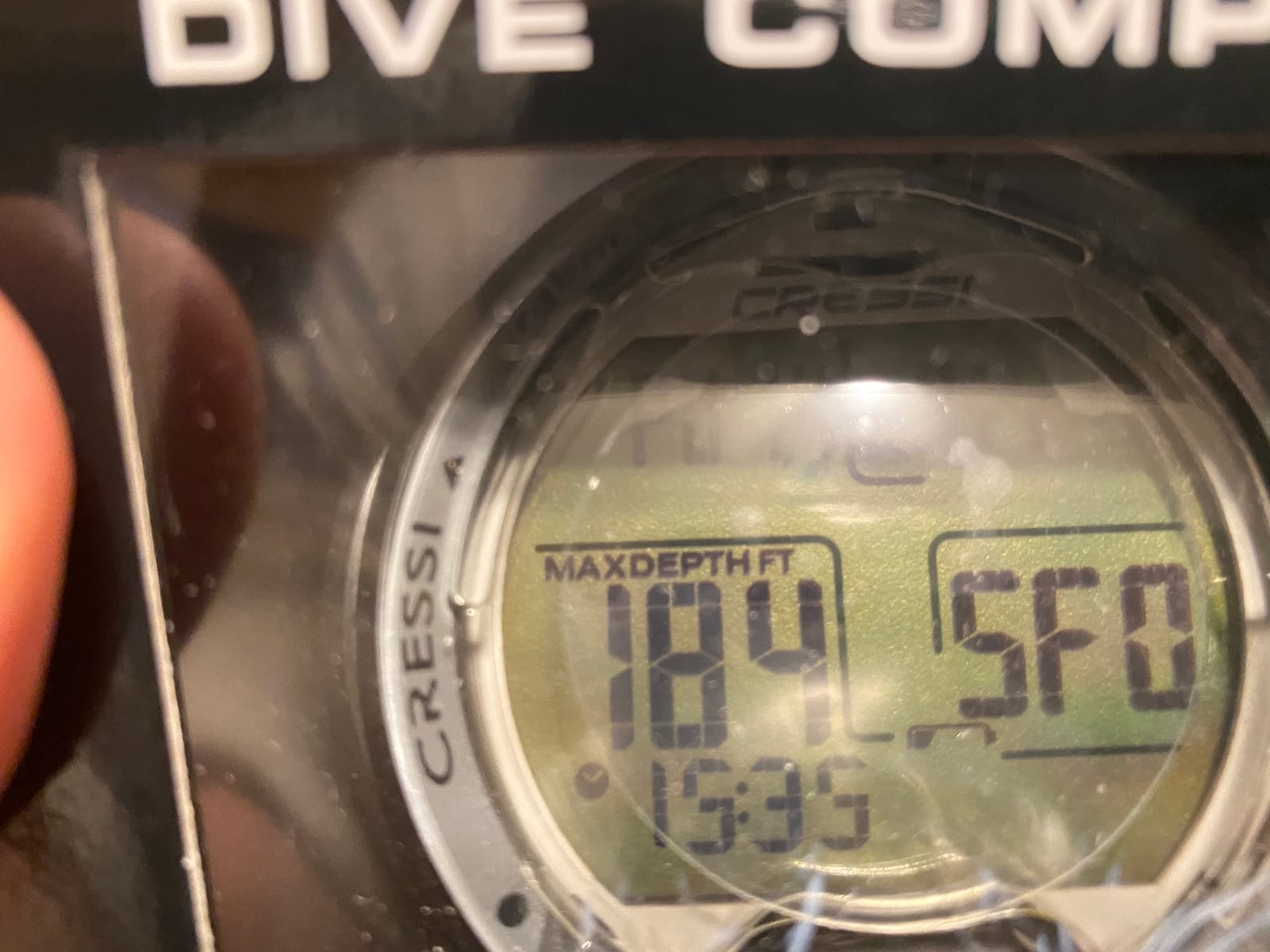
The Leonardo 2.0 sits at number one in Digital Diving Gauges on the sales rankings, and with more than 3500 ratings on record it is the model most new divers meet first, usually from a rental fleet or an introductory course. The reason holds up after time with it: there is one button, and pressing it does something predictable. That sounds almost insulting until you have tried to change a setting on a four-button computer while wearing gloves and looking at a small screen in green water.
Three modes cover essentially everything an Open Water diver does. Air and Gauge are the ones you will use most, and Nitrox is there the day you take an Enriched Air course, so you are not replacing the computer in your first season. Alarms fire both visually and audibly, which matters more than it sounds: a beeping watch is easier to notice through a hood than a flashing icon.
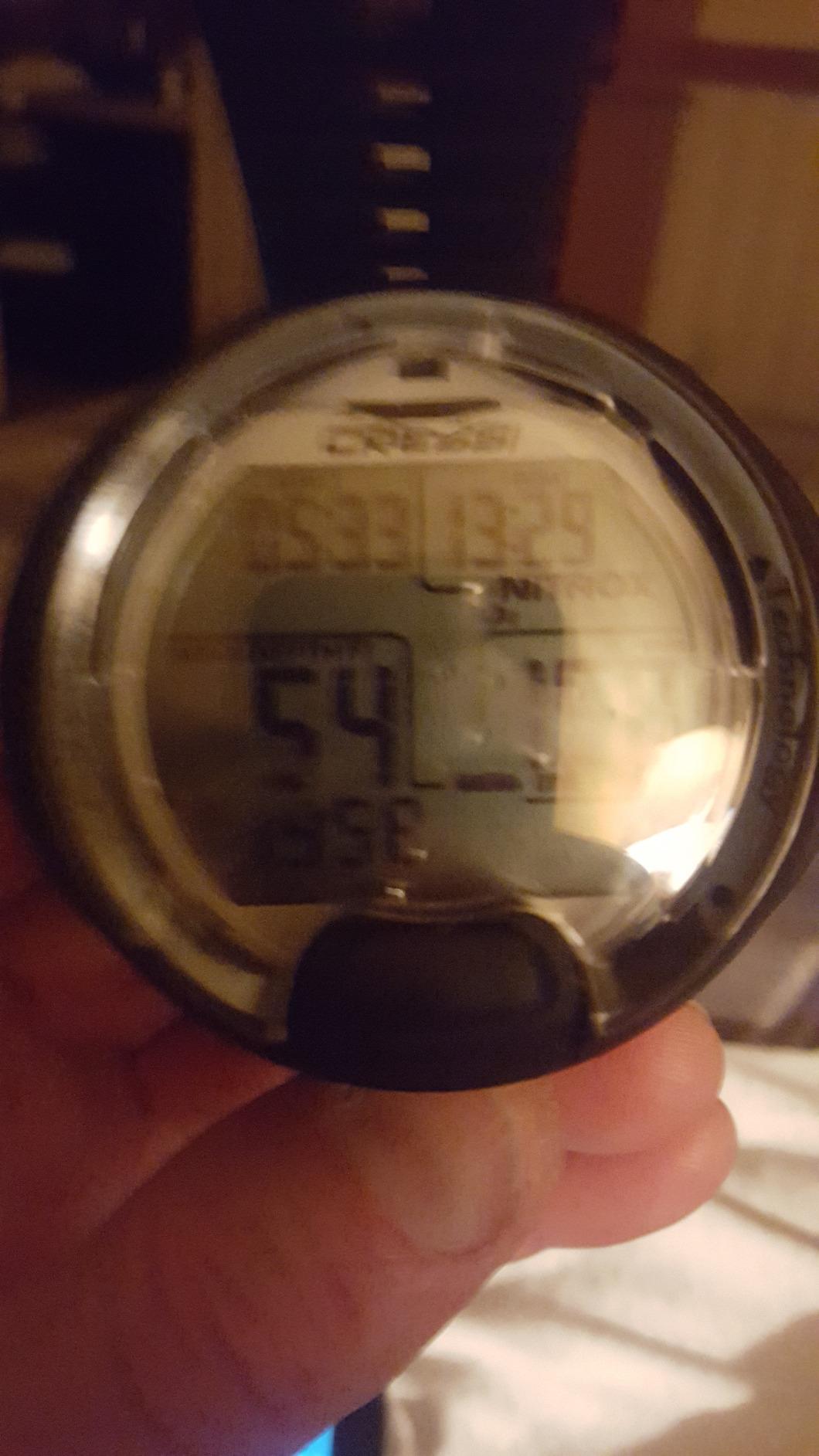
Transfer is the quiet strength. USB and infrared let you move the log to a phone or laptop without hunting for a proprietary cradle, and it pairs with both iOS and Android. The 70-hour average battery figure in the technical data is for a watch that is switched off between dives; leave it in dive mode all weekend and you will be looking for a charger sooner.
The honest weakness is bulk. This is a plastic case measuring 4 by 4 by 4 inches and weighing 200 g, which on a small wrist is noticeable under a wetsuit seal. It sits at the shallow end of what this tier offers, so if you already know you will be logging deep multilevel dives for a decade, this is not the last computer you will buy.
When the Leonardo 2.0 suits you
It suits anyone who wants one computer to cover certification dives, a nitrox course and a few years of weekend diving without ever opening the manual. Its ranking at the top of Digital Diving Gauges is a genuine signal: this is the unit schools and rental fleets hand to people who have not read the instructions.
The single-button layout also makes it a good first unit for divers with larger hands or reduced dexterity, because you never have to hold a rocker and a confirm key at the same time.
When to look elsewhere
Skip it if you have a small wrist and care about how a computer sits under a wetsuit, or if you want adjustable decompression settings rather than a fixed, conservative default. The plastic case also collects scratches faster than a metal body, which matters if you mind the look of your gear after a year of boat handling.
2. Cressi Donatello: air, nitrox and freedive in one light case
Cressi Donatello Scuba Dive Computer, Single-Button Interface, Black/Silver
129 g round case
150 m water resistance
Air nitrox and freedive modes
Bluetooth and IR connectivity
Pros
- 129 g round case keeps it light on the wrist
- Air nitrox and freedive modes combined
- Tracks no-fly time and logs both gas types
- Deep stops you can select yourself
- Bluetooth syncs to the Cressi app
Cons
- Moisture reported under the bezel by a few owners
- Menu flow needs practice before it feels natural
- Slow warranty response reported by some buyers
The Donatello is the pick for a diver who does one scuba trip a year and then spends the rest of the year in the water on a single breath. Freedive mode here is genuinely usable rather than a token function, and the round case at 129 g sits lighter on the wrist than most plastic entry watches.
Reviewers repeatedly describe the same experience: strap it on, push one button, dive. It activates on submersion, handles the gas you set, and logs the dive when you surface. If you have never dived with a computer before, that low-friction setup is worth a lot more than an extra menu option.
Connectivity is better than the entry tier suggests, with both Bluetooth and infrared available for reviewing logs on a phone, PC or Mac. The technical data lists a 320 mAh lithium cell and a two-year limited warranty, and the 150 m water resistance goes deeper than most recreational diving requires.
The recurring complaint in reviews is moisture appearing under the bezel after extended use, plus some frustration with how long customer service takes to resolve warranty issues. Neither appears in the majority of reviews, and the 73 percent five-star share suggests they are edge cases rather than a pattern. The menu flow also takes a few dives before it stops surprising you.
Why divers who freedive pick it
When a computer handles freedive and scuba in the same body, you stop thinking about which device goes on which trip. The Donatello suits a diver who wants a wrist computer for the shallow stuff and a working dive computer for the boat, without maintaining two boxes of gear.
Selecting your own deep stops also makes it a better training tool than a fixed-configuration watch, because you decide when to begin the stop rather than letting the default decide for you.
Where it falls short
It is the wrong choice for divers who want a real decompression planner with user-set algorithm parameters, or for anyone who plans to keep a decade of detailed profiles. Log review on a phone is convenient, but it is not a substitute for a planner on the watch or a desktop program.
3. CRESSI Giotto: the pick when you want a planner on your wrist
CRESSI Dive Computer, Giotto, 70 hr Logbook, Altitude Diving, Black/Pink
Stainless steel case with silicone band
Onboard dive planner
Three gas mixes
70 hour logbook
Pros
- Onboard planner shows no-decompression times for many depths
- Oxygen mix programmable from 21 to 99 percent
- 70 hours of log storage with PC download
- Altitude diving support
- Stainless steel case feels solid
Cons
- Large case on smaller wrists
- Non-removable raised cover traps water droplets
- Isolated reliability complaints with slow warranty turnaround
The CRESSI Giotto’s differentiator is the planner built into the watch. Before you enter the water you can scroll through depths and read the no-decompression time for each one, which means you can build a profile that fits the actual dive site rather than a guess. Most of the alternatives in this tier send you to a phone app for that, and plenty of divers never open the app.
It also supports up to three gas mixes per dive with an oxygen setting programmable from 21 to 99 percent, rated to 150 m, and includes an altitude mode for trips where you are not starting at sea level. Monitoring goes deeper still, to roughly 393 feet according to the manufacturer data, well past the depth most recreational divers ever reach.
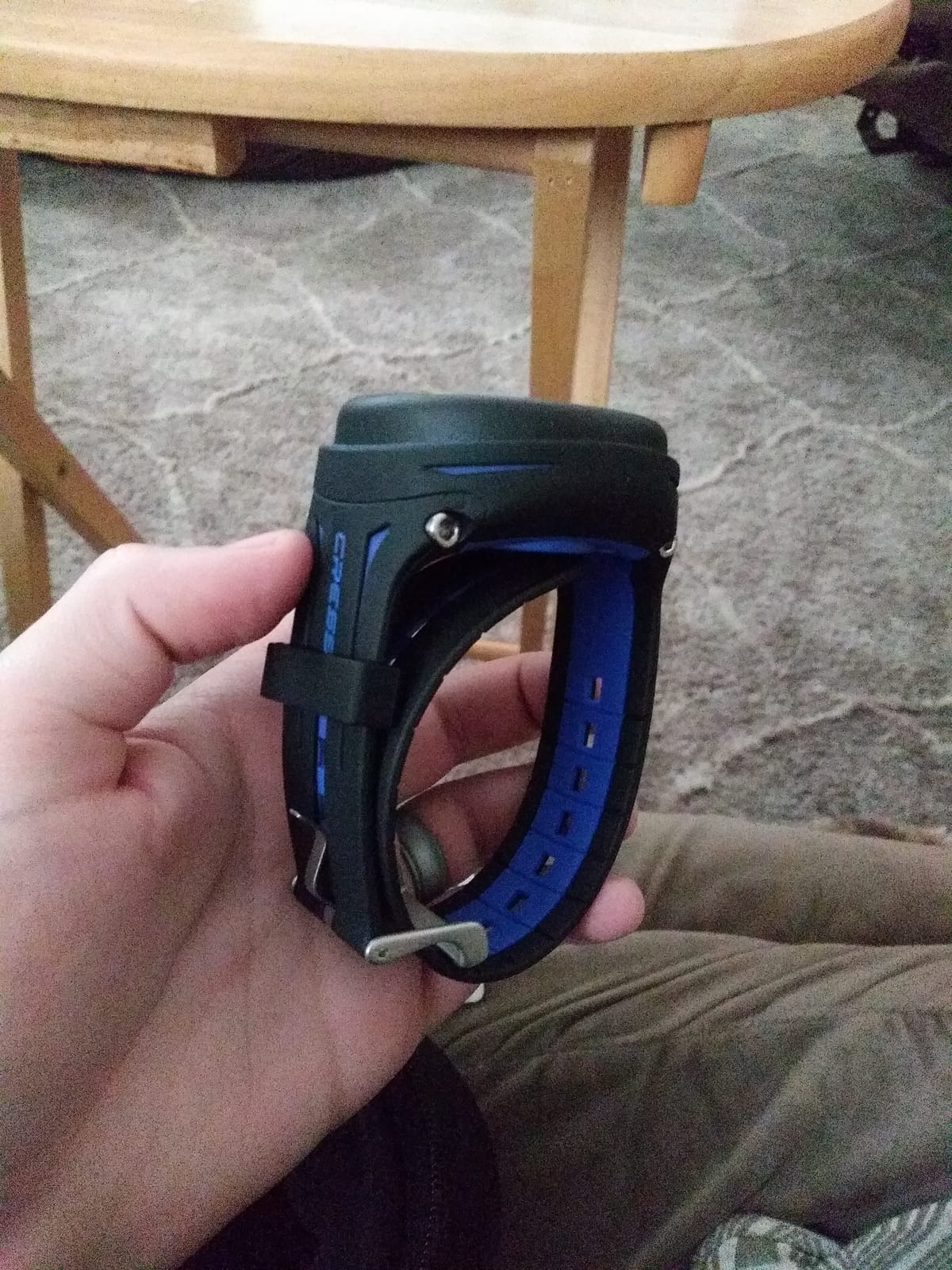
The stainless steel case sets it apart physically from the plastic watches here. It is heavier and better balanced than the plastic watches, and at 0.15 kg it does not feel like a toy on a long surface interval. The silicone band and buckle closure are standard sizes, so swapping straps is easy.
Where it gets awkward is size. The case is round and generous, and reviewers with smaller wrists say it reads as oversized under a wetsuit sleeve. The raised, non-removable face cover is the other recurring gripe because it traps droplets that catch the backlight. A handful of reviews also report early failures and multi-week warranty waits.
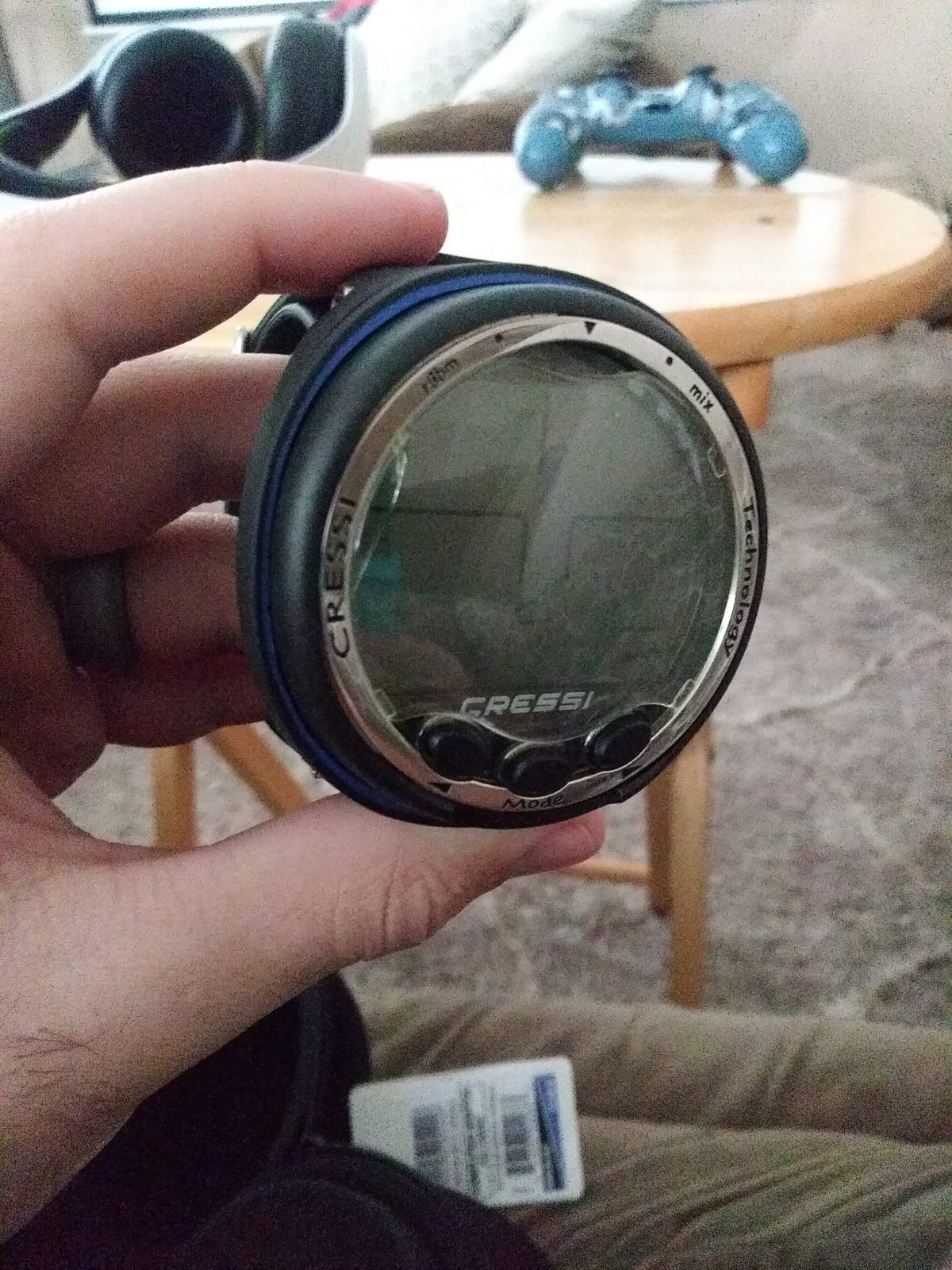
What the onboard planner changes
It turns the computer from a reporter into a planning tool. Divers who like to sit out a table before each dive can check several depth options in a few seconds, which shortens the pre-dive conversation and removes a source of disagreement with your buddy about how long you can stay down.
For a beginner, seeing a range of no-decompression times at different depths is also the fastest way to understand why the number keeps changing as you descend.
Reasons to pass
Pass if you dive on a small wrist with a snug wetsuit seal and care about the profile under your cuff. The trapped-droplet issue also bothers people who dive in cold water with a hood, since a fogged or splashed screen is harder to clear with gloves on.
4. SEAC Partner: a freediving watch, not a scuba computer
SEAC Partner, Wrist-Mount Freediving Computer, Black, one Size
Standard CR2032 coin cell
100 m water resistance
Backlit display
Records 99 sessions
Pros
- Standard CR2032 coin cell you can replace yourself
- Backlit display for low light and dusk sessions
- Automatic surface interval detection
- Simple menu for a first wrist device
- 100 m water resistance with a 20 mm or 22 mm strap
Cons
- No decompression or no-fly calculation so it is not a scuba computer
- Factory maximums assume freediving limits
- Small depth digits on screen
- Reports of water ingress and early failures
Read this section as a boundary, not a recommendation for scuba training. The SEAC Partner tracks depth, dive time and surface interval, and it does that well for a person learning to hold their breath. It performs no decompression calculation and gives you no no-fly timer, so it does not replace a dive computer on a certification dive or any dive with a cylinder.
What it does offer is the reason a lot of people buy it: a standard CR2032 coin cell rather than a proprietary rechargeable pack. Spare cells fit in a watertight pouch and cost almost nothing, which removes battery logistics from a two-week trip, something a sealed rechargeable forces you to plan around.
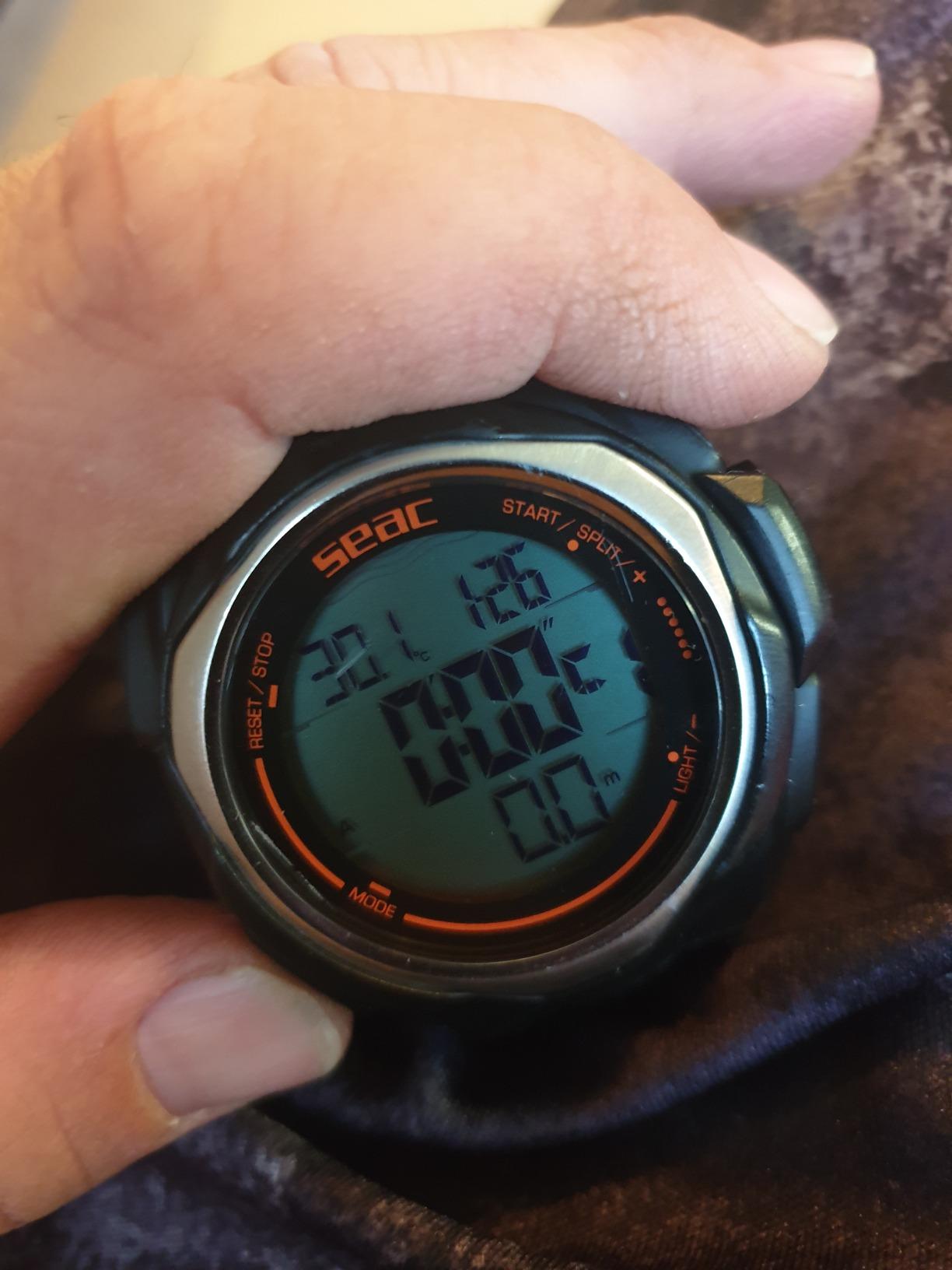
The backlit display and automatic surface interval detection are the parts freedivers care about most. The manufacturer data also notes a 100 m water resistance rating and storage for up to 99 sessions, with 20 mm and 22 mm lug widths so it fits a standard strap.
Two things catch new buyers out. The factory maximums are set for freediving rather than scuba, so the timer beeps unless you reconfigure it, and the depth digits are physically small. Reviews also contain a recurring durability theme, with water ingress and failures within months mentioned often enough that we would not rely on it alone on a long trip.
Who this is genuinely for
Spearfishers, snorkelers and freedivers training a stopwatch discipline will get what they need from it. Anyone who wants a backup depth gauge in a rucksack for shallow water work will also find it useful for that narrow job.
It also works as a practice device. New divers often feel awkward about borrowing an instructor’s computer, and owning something simple removes that hesitation while they learn to read depth and time.
Why it must not be your only computer
There is no nitrogen model behind the numbers, which means there is no no-decompression limit and no lockout protection. A freediving watch cannot tell you whether you have absorbed enough nitrogen to need stops on the way up, and that is the entire safety function of a dive computer.
5. SUUNTO D5: the pick if a colour screen matters to you
SUUNTO D5 Dive Computer, Color Display 100m Waterproof, All Black
Colour display with vibration alarms
100 m water resistant
Wireless tank pressure support
Digital compass
Pros
- Excellent on-screen visibility in low light and clear water
- Lightweight for a full-colour computer
- Three-button menu that is quick to learn
- Vibration alarms noticeable through a thin strap
- Suunto app makes post-dive review straightforward
Cons
- Rechargeable battery gives roughly 6 to 8 hours of use
- Low-battery banner obscures the display
- Only two watch faces out of the box
- Screen can be hard to read for poor eyesight
The D5 is the one full-colour computer in this roundup, and the reason it reads so well underwater is not resolution, it is contrast. Reviewers single out visibility in low light and in clear water as the standout strength, which matters when you are checking a number at 20 metres with your eyes already tired.
Three buttons drive the menu and the logic is straightforward enough to learn in a session. Vibration alarms are a nice touch, since you feel them through a thin strap when a visual alert alone would be easy to miss, and the digital compass adds surface navigation without needing a second instrument.
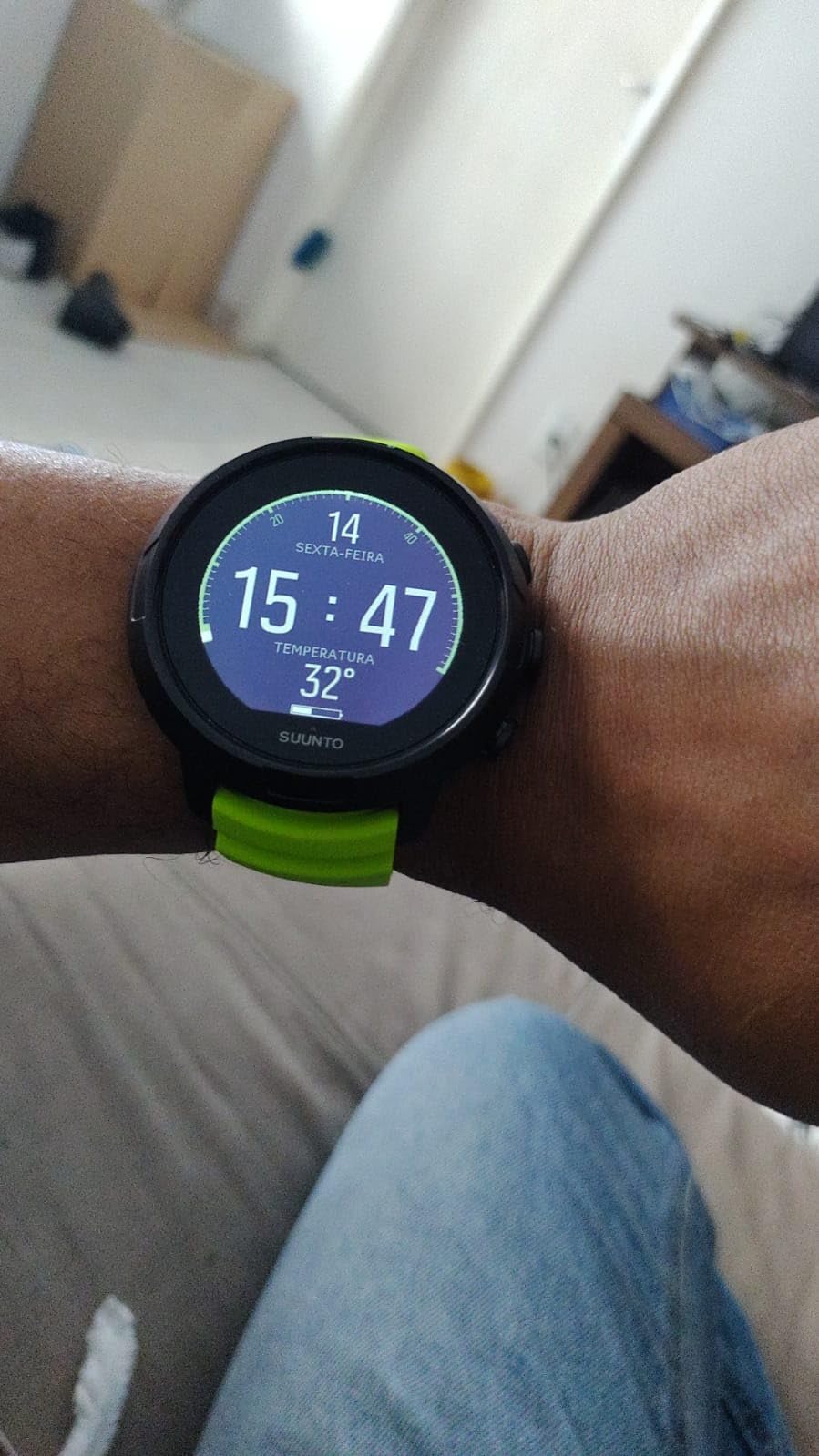
Wireless tank pressure support is the headline spec, and it is worth being honest about the timing. Beginners do not need to know their surface air consumption rate, and an extra tank sensor is a separate purchase and another charging routine. It is a good reason to grow into this watch rather than a reason to start with it.
The rechargeable battery is the real constraint. Reviewers report roughly 6 to 8 hours of use and a low-battery banner that covers part of the display, and some note that deeper watch face customisation needs desktop software. At 0.15 kg the unit itself is light, and the black paint shows scratches with use.
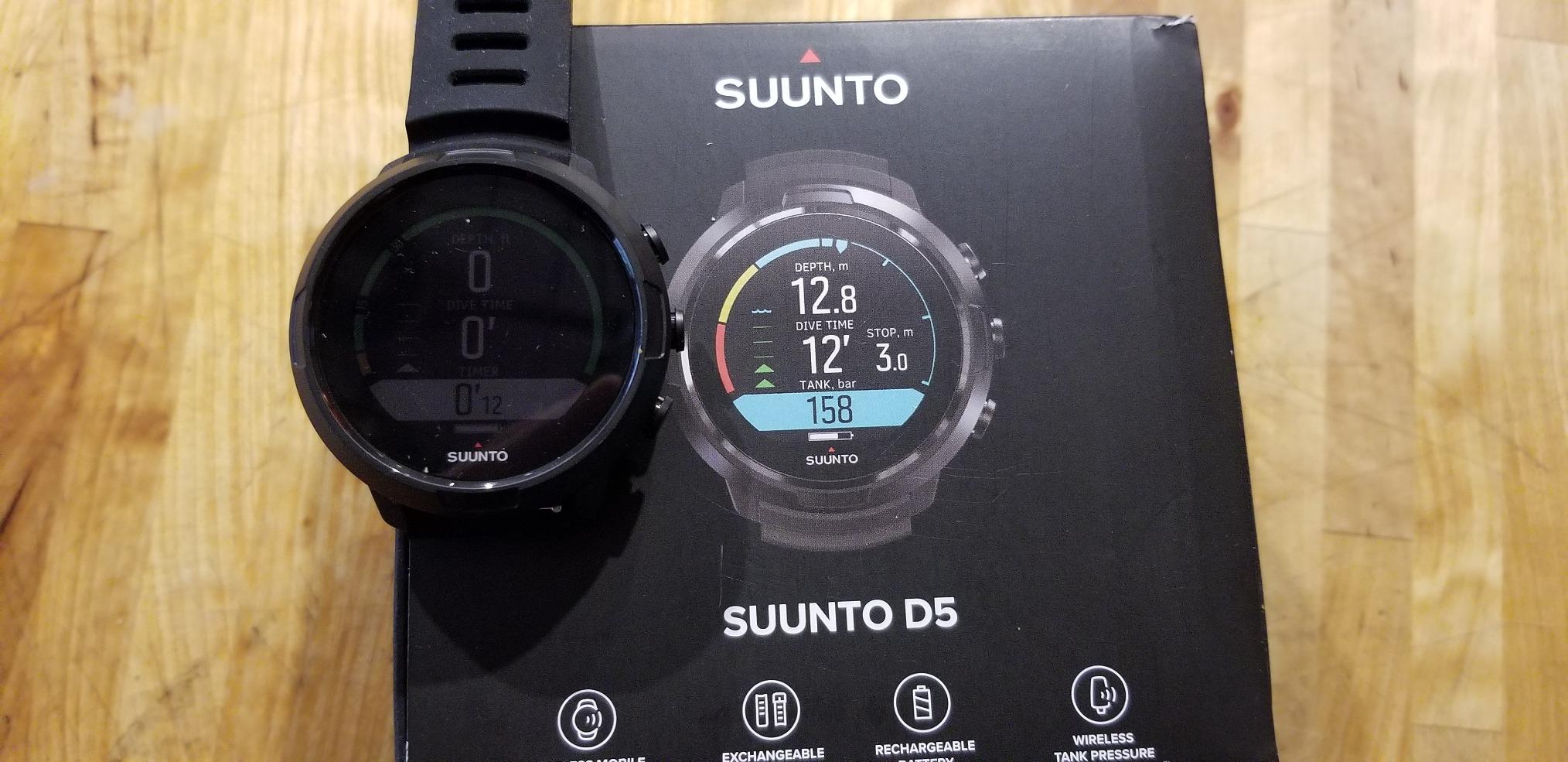
Where a colour display earns its place
Colour helps most in three situations: night dives and deep dives where a backlight is the only illumination, cold water where you are watching a screen through a mask and a hood, and any dive where you want the data to look obviously like data rather than a wall of identical segments.
It is also well suited to the jump from scuba to freediving, since the screen can present surface intervals and recovery information without you memorising segment positions.
Reasons to choose something simpler
Choose a coin-cell watch if you take long liveaboard trips or multi-week itineraries, because a battery you can replace anywhere removes a whole category of trip planning. The D5 is also the wrong first computer for a diver who struggles to read small type, where a high-contrast monochrome screen is easier than a bright colour panel.
6. SALVIMAR One Plus: a freediving watch that works on land
SALVIMAR One Plus Freediving Watch-Style Wrist Computer – Snorkeling Underwater Dive Computer for Freediving and Spearfishing
64 g stainless steel case
Mineral glass crystal
100 m water resistant
EL backlight
Pros
- Accurate depth tracking to 100 m with temperature data
- EL backlight readable in low light and deep water
- Programmable depth and time alerts with recovery timing
- Stopwatch countdown world time and five alarms
- Compact housing suits freediving and spearfishing
Cons
- Not suitable for multilevel scuba across multiple locations
- Setup takes practice to understand every mode
- Small on-screen text and digits
- Occasional freezing or factory reset reports
This is the pick for a diver whose scuba computer lives in a rucksack and whose wrist carries something that also tells the time on a Tuesday. The steel case, buckle strap and mineral glass make it look like a normal watch between dives, and the stopwatch, countdown, world time and five programmable alarms mean most people keep wearing it after the tank is empty.
Underwater it does the freediving job properly. Depth is tracked to 100 metres alongside dive time, surface interval and water temperature, the EL backlight stays readable in low light, and you can set programmable depth and maximum-time alerts plus a surface recovery countdown.
At 64 g it sits light on the wrist, which is a real advantage when you are doing repetitive deep freedive sessions and counting seconds between dives. The one-year manufacturer warranty is short, so treat it as a shallow-water and travel tool rather than a long-term one.
The limitation is stated clearly in the reviews: it is not suitable for multilevel, multi-location scuba dives. Menus need a few sessions before every mode makes sense, some text and digits are small, and a small number of owners report the watch freezing or resetting to factory settings.
Why divers keep it on between dives
A watch that looks like a sports watch gets worn, and a watch that gets worn is the one you will notice is missing before a flight. That habit is genuinely useful: it is how people avoid turning up to a boat with a computer whose battery died or whose firmware was left on the wrong setting.
For spearfishers and snorkellers it also removes the awkwardness of strapping on a bulky wrist computer for a 40-metre dive and then taking it off again.
Where it falls short for scuba
It cannot support a multi-level dive profile across a full day of repetitive dives, so treat it as the companion to a real computer rather than a substitute. If you are on the Open Water path and your only device is going to be a wrist unit, buy from the scuba list in this guide instead.
7. Mares Puck 4: the pick when you want to adjust the algorithm yourself
Mares Puck 4 Wrist Dive Computer | Entry-Level Watch-Style One Button Control Underwater Scuba Diving Computer, Black/Blue
Buhlmann ZH-L16C with gradient factors
Chip-on-glass segment display
Up to three gases
Bluetooth to the Mares app
Pros
- Buhlmann ZH-L16C with user-adjustable gradient factors
- Clear chip-on-glass segment display at depth
- Single-button navigation suits new divers
- Built-in decompression planner and digital logbook
- Bluetooth transfer of dive data to a phone
Cons
- Segment display shows less at a glance than a colour screen
- Steeper learning curve for the button-driven menus
Most entry-level watches run a fixed conservative model and hide the maths. The Puck 4 runs Buhlmann ZH-L16C and lets you set the gradient factors yourself, which means you can make the computer more or less cautious depending on your fitness, experience and the conditions. That is a real safety tool once you understand it, and a distraction before you do.
The chip-on-glass segment display is the reason it stays readable at depth. A full segment field in high contrast beats a colour screen that washes out, and reviewers consistently praise clarity as the first thing they notice. Single-button control keeps the underwater interface simple even though the setup menus take more exploring.
It supports up to three gases, including air, nitrox and a bottom timer mode, and includes a decompression planner and digital logbook with a resettable average depth. Bluetooth moves the data to the Mares app, and 75 percent of its reviews are five star, the highest five-star share of the eight watches here.
The trade-offs are honest ones. A segment display simply does not show as much at a glance as a colour panel, so you read the screen rather than scan it, and the button-driven menu system has a steeper learning curve than the Cressi watches above.
How to use gradient factors without overthinking it
Treat the adjustment as a two-position dial rather than a tuning exercise. Leave the default on early dives, and only make it more conservative if you are cold, tired, diving deep repeatedly or carrying a camera that keeps you at depth. Going the other way should wait years.
Write the two values in the back of your logbook. When a number surprises you on a dive, knowing exactly which setting you used is how you start to reason about your own gas management instead of guessing.
Who should skip it
Skip it if menu depth bothers you. There are computers in this list where the only thing you need to learn is which button opens the next screen, and if that matters to you right now, the Puck 4 will cost you an afternoon you would rather spend in the water.
8. Suunto D4i Novo: a compact watch that covers four modes
SUUNTO D4i Novo Diving Watch, White
Air Nitrox Freedive and Gauge modes
Graphical dive logs
49 x 22 display
50 m water resistance
Pros
- Accurate readings in a compact case
- Four dive modes plus timer and watch functions
- Easy to learn once the user guide is read
- Works as both a dive computer and an everyday watch
- Wireless tank pressure available as an add-on
Cons
- Dim backlight that is hard to activate
- Rechargeable battery needs frequent charging and can arrive low
- Feels slightly heavy and bulky for all-day wear
- Some owners report failures within the warranty period
The D4i Novo is one of the more compact full dive computers in this guide, and it does the thing a lot of divers want: scuba, freediving and everyday timekeeping on one wrist without a bulge under the cuff. The 49 by 22 display is small but legible, and the strap is a standard silicone band.
All four modes are there: air, nitrox, freedive and gauge, plus timer and watch functions. Wireless tank pressure reading is supported through a separately sold Suunto transmitter, so you can add air integration later and it will not be a wasted purchase.
The learning curve is the usual Suunto shape: read the guide once, then it makes sense, and graphical dive logs mean reviewing a profile on a computer is straightforward rather than a chore.
Two things keep it from the top of the list. The backlight is dim and described by several reviewers as hard to activate, which is a real problem on night dives. And the rechargeable battery needs frequent charging, with some owners reporting the watch arriving partly charged, and at 8 ounces the listed weight is the highest of the watches here, which reviewers say makes it feel bulky for all-day wear.
When compact beats feature-rich
Under a wetsuit sleeve on a small wrist, a smaller case is not a cosmetic preference. It is the difference between a computer you forget you are wearing and one you keep adjusting. If you dive in a borrowed or rental suit, that matters more than any menu feature.
It also suits a diver who freedives in the morning and dives an afternoon charter, because switching modes takes a button press rather than a decision about which device to strap on.
Where it falls short
Night divers should skip it. A backlight you struggle to trigger is a genuine safety cost in low visibility, and it is the one weakness that appears repeatedly across reviews. The 50 m water resistance also sits below the rest of this group, which matters if you are heading somewhere cold and deep.
What to look for in a beginner dive computer
Jargon is the main reason people stall at the dive shop counter, and almost none of it matters on your first hundred dives. Here is the short version.
Readability above all: a large, high-contrast display with an easy backlight
At least air and gauge modes, plus nitrox if you may take the course
Depth rating of at least 60 m or 196 ft, ideally 100 m
A battery you can replace yourself, or a stated number of dive hours
Simple controls you can operate in gloves, ideally one button
A lockout policy you understand before you ever need it
RGBM or Buhlmann: does the algorithm name matter?
Two families dominate. Suunto’s RGBM is a real-time model with fixed, generally conservative settings, and it appears in the Leonardo, the D5 and the D4i. Buhlmann ZH-L16C, as used in the Mares Puck 4, is a gradient model where conservatism is expressed as adjustable gradient factors.
For a beginner, both are safe when you set sensible personal limits. RGBM asks less of you and gives you less control. Buhlmann asks you to understand two numbers and gives you the ability to make a computer more cautious when you need it.
Feelings about the algorithm name are a genuine source of anxiety, so buy the computer whose conservatism you understand rather than the one with the most impressive model name. A dive you finish with margin is safer than a dive you finish with the tightest possible number.
Display and backlight
Read the number at depth, not in a shop. Depth digits, remaining time and ascent warnings should be distinguishable through a scratched mask in green water, and the backlight should trigger with a single press. The SALVIMAR and the Suunto D4i both fall short here; the Cressi watches and the Mares Puck 4 do not.
Depth rating and modes
Look for at least 60 m or 196 ft, and treat 100 m as the sensible target for recreational diving. A computer that is rated to 30 m is a freediving or snorkelling device, whatever its marketing says. For modes, air and gauge cover you, nitrox covers the most common upgrade course, and freedive mode only matters if you plan to use it.
Battery: coin cell or rechargeable
There is no better answer, only a better fit. A coin cell costs pennies, can be bought in any town on earth and never needs a charger, which suits liveaboards and multi-country trips. A rechargeable gives you weeks of use from one charge and better onboard logging, which suits a diver who dives most weekends and travels light.
The SEAC Partner and the Salvimar One Plus are the coin-cell picks, and the Suunto models are the rechargeable ones. Whichever you choose, check the alarm for a low battery before you leave home rather than at the boat ramp.
Lockout, the part nobody explains
If a computer detects a violation, such as an ascent rate that is too fast or a missed decompression stop, it may lock out and refuse to calculate another dive for a period, commonly 24 hours. That feels punitive and it is exactly the opposite: the lockout prevents you from diving while your tissues still hold a load the model is not willing to clear.
Best practice is to read your computer at least at the first stop of every dive, on the bottom, and at every change of depth. If a lockout ever appears, read the manual, log the event, and talk to your instructor or buddy before doing anything else.
How to set up your dive computer before your first dive
Almost none of the roundups we looked at covers this properly, and it is where a lot of new-diver uncertainty comes from. The computer is not a watch that works out of the box. It is a calculation device, and it needs five settings before it can protect you.
Set the time, date and altitude. Confirm the time zone and the current altitude if you are diving above sea level, because an incorrect altitude reading skews the whole model.
Confirm the measurement system and the maximum depth. Check that your computer shows feet or metres the way you think it does, and that its own maximum-depth limit is set above the depth you intend to reach.
Set the gas correctly. If you are diving on air, confirm 21 percent. If you take an Enriched Air course, set the real mix rather than the fill percentage printed on the label.
Apply your personal limits. Enter your conservative maximum depth, your maximum bottom time and your maximum ascent rate. These override the model and are the single most useful safety feature on the device.
Test it in shallow water. Enter on a pool dive or a shallow checkout dive, read the display at depth with a mask on, trigger the backlight, and practice the button sequence you will need at a stop.
Do all of that before you are asked to do it in 12 metres of green water with a class of divers around you. It takes twenty minutes and it removes almost all of the anxiety that makes a first dive computer intimidating.
Rent first or buy first?
For Open Water certification you will almost always be given a computer or use the instructor’s, and that is a genuine way to learn. The rental fleet teaches you one thing well: how to read depth, time and remaining no-decompression limit while you are doing something else.
What a rented computer does not teach you is your own settings. Personal limits, gas selection and conservatism get set once and then stay set for years, so the buying decision is really the setting decision. Our view is to rent through certification, then buy before your first trip where a failure would be costly.
Buying secondhand is reasonable for a proven model with a fresh battery, but ask for proof of the battery change date, check the seal, and confirm the firmware is current. Avoid an unknown seller with a sealed unit that has been underwater for years on an old battery.
Two final reasons people buy early: a computer that is uncomfortable to wear stays in a drawer, and divers consistently recommend asking their instructor and dive buddies what they actually use. A rented computer for a season answers the same question for free.
Battery waste, repairability and how long a computer should last
A dive computer is a small battery, a sensor, a screen and a case. If it is built to be opened, replacing a cell is a two-minute job with a coin cell and a screwdriver, and the device stays in service for a decade. If it is sealed, a flat battery becomes a dealer visit or a disposal.
That is the environmental argument, and it is simpler than it sounds. Every sealed rechargeable pack that ends its life is a small piece of electronic waste, and a coin cell is a small piece of hazardous waste unless it goes to a proper collection point. Choosing a watch with a replaceable cell and available spare parts keeps one device in service instead of three over ten years.
The habit that matters is small: when a dive computer reaches the end of its life, the battery, strap and case are all separable on the models designed for it, so none of that needs to go in general waste. Check what your local recycling scheme accepts for small electronics and coin cells before you replace a set.
Longevity is the practical version of the same idea. Cressi and Suunto both make entry models with multi-year manufacturer warranties and stated spare part availability, and a computer that still works in a decade keeps one device in your dive bag instead of three over the same period.
Frequently Asked Questions
What is the best simple dive computer for beginners?
The Cressi Leonardo 2.0 G2 is the simplest place to start. It uses a single button, covers air, nitrox and gauge modes, and fires both audible and visual alarms. For divers who also freedive, the Cressi Donatello adds a freedive mode in a lighter 129 g case at the same level of complexity.
Which dive computer is the easiest for beginners to read?
Readability is a physical property, not a feature, so check the digits and backlight yourself. The Cressi Leonardo 2.0, Cressi Giotto and Mares Puck 4 use large high-contrast segment fields that stay legible at depth. The Salvimar One Plus and Suunto D4i Novo have smaller digits, and the D4i backlight is dim and hard to trigger underwater.
Do beginners need a dive computer?
Yes. A dive computer continuously measures depth, time and nitrogen loading and shows your remaining no-decompression limit in real time, which removes the mental arithmetic from every dive. Most training agencies and dive operators require one on every dive, and a computer will also flag a fast ascent rate before it becomes a problem.
What is the difference between a watch dive computer and a console dive computer?
A watch computer is worn on your wrist, is always with you, and is what most recreational divers use. A console computer is a larger unit on a retractor cord from your tank, with a bigger screen and often more buttons, and it is common in technical and cave diving. For a beginner, the wrist unit is simpler because you never have to look for it.
What depth rating should a beginner dive computer have?
At least 60 m or 196 ft, and 100 m is the sensible target for recreational diving. A lower rating means the device is a freediving or snorkelling watch rather than a scuba computer, as with the SEAC Partner. Some listed models rate deeper than you will ever dive, which is harmless but not a reason to choose one.
What is the 120 rule in diving?
The 120 rule is a common recreational safety guideline: no deeper than 120 feet, and no longer than 20 minutes on a single dive. It is a conservative limit used to keep dives simple, not a decompression rule. Your dive computer will allow deeper and longer dives, so treat 120 feet as a personal ceiling you set for yourself rather than a limit the computer enforces.
The Best Dive Computer for Your First Year of Diving
For one recommendation among the best dive computers for beginners in 2026, take the CRESSI Leonardo 2.0 G2. It carries more owner ratings than anything else in this roundup, a one-button interface, three modes and alarms you can feel. Divers who freedive as well as scuba should look at the Cressi Donatello, and anyone who wants to plan on the watch itself should step up to the CRESSI Giotto.
Buy the computer you will actually wear, set your personal limits before the first dive, and read it at every stop. If you also want a watch for the boat and the office, our guide to the best bike computers with GPS covers the same habit of trusting a screen for the number that matters.