
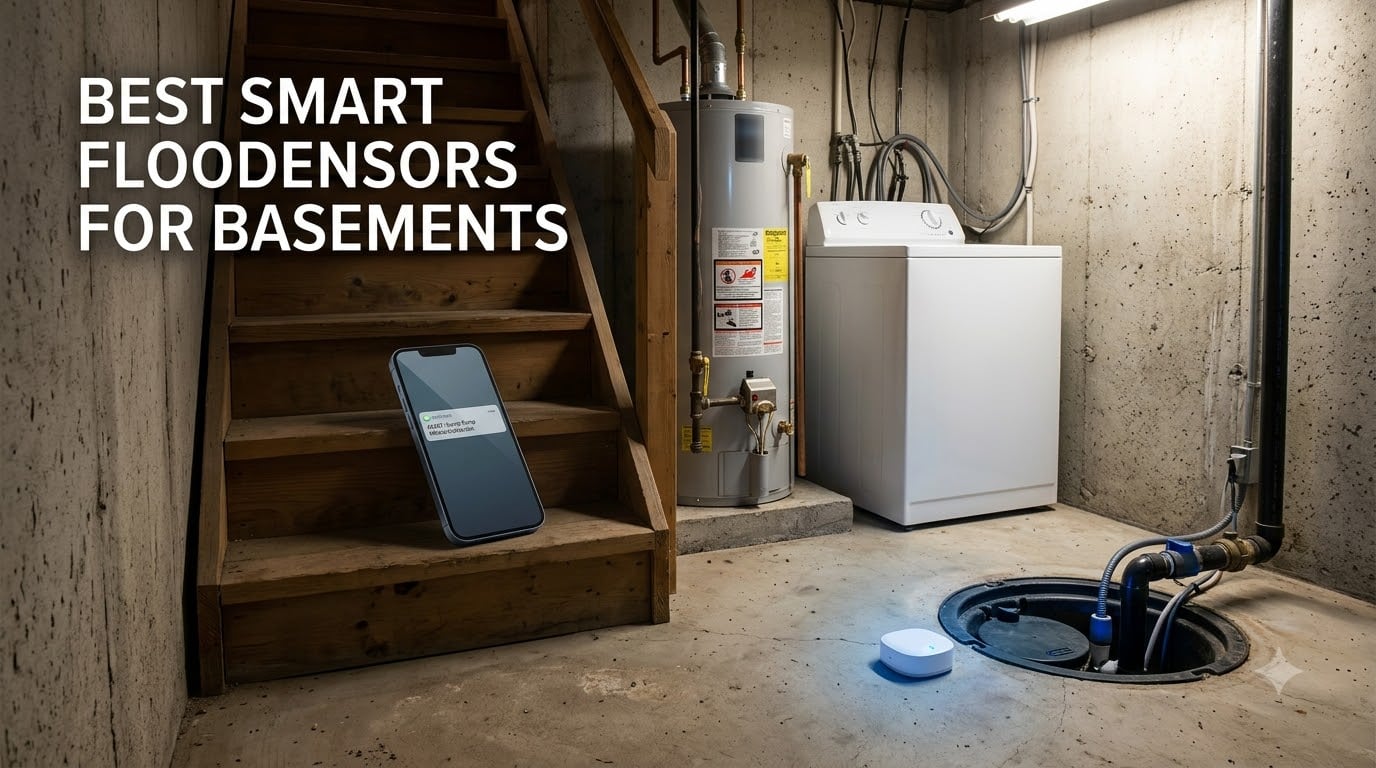
Basements flood quietly. A sump pump quits at 2 a.m., a water heater seam gives out, or a supply line drips for a week behind the drywall, and by the time anyone notices, you are looking at ripped-up flooring and a five-figure insurance claim. Water damage and freezing account for roughly 23.5 percent of all home insurance losses, with the average claim sitting north of $12,000. That is the math that convinced me to stop guessing and start testing smart flood sensors for basements in my own house.
Over the past several months, our team installed eleven different sensors and starter kits around two basements: mine, with a finished rec room and a cramped utility corner, and my brother’s, with an unfinished space that kills WiFi signals and gets damp every spring. We placed units next to sump pits, under a water heater, behind a washing machine, and along the lowest point of each floor slab. We poured measured amounts of water on the probes, tracked how fast alerts hit our phones, and logged which sensors stayed connected through concrete and steel joists.
The differences were bigger than we expected. Some kits detected a puddle under 0.5 mm deep and texted us in seconds. Others relied on alarms so quiet they got lost under floor joists, and one or two dropped off WiFi entirely the moment we carried them downstairs. Battery life claims also varied wildly, from around two years to a claimed ten. This guide walks through what we learned, ranked by how well each product handles the specific mess that is basement flood protection.
Top 3 Picks for Best Smart Flood Sensors for Basements 2026
These three earned the top spots after our testing rounds. The YoLink kit won on raw range and reliability, the GoveeLife kit with gateway delivered the best multi-sensor value, and the SwitchBot proved you can get solid WiFi protection for the cost of a pizza night.

YoLink Water Leak Starter Kit (4 Sensors)
- LoRa 1/4-mile range
- 5-year battery
- Works offline via D2D
- 105 dB siren

GoveeLife Smart Leak Detector 1s (5 Pack…
- 1804 ft range
- SMS and app alerts
- 5-year battery
- IP67 waterproof

SwitchBot WiFi Water Sensor
- No hub needed
- 0.5 mm detection
- IP67 waterproof
- Works with Alexa and HomeKit
Best Smart Flood Sensors for Basements in October: Quick Comparison
Here is the full lineup side by side. Every product below went through hands-on placement and trigger testing in at least one basement environment.
| Product | Specifications | Action |
|---|---|---|
| YoLink Starter Kit: Hub + 4 Sensors |
|
Check Latest Price |
 X-Sense Ultra-Slim Wi-Fi 4-Pack X-Sense Ultra-Slim Wi-Fi 4-Pack |
|
Check Latest Price |
 GoveeLife Leak Detector 5 Pack GoveeLife Leak Detector 5 Pack |
|
Check Latest Price |
| SwitchBot WiFi Water Sensor |
|
Check Latest Price |
 MOBI Smart WiFi Leak Detector MOBI Smart WiFi Leak Detector |
|
Check Latest Price |
 HydroCheck WaterWatcher (USA Made) HydroCheck WaterWatcher (USA Made) |
|
Check Latest Price |
 Basement Watchdog 110 dB Water Alarm Basement Watchdog 110 dB Water Alarm |
|
Check Latest Price |
 YoLink Starter Kit: Hub + 6 Sensors YoLink Starter Kit: Hub + 6 Sensors |
|
Check Latest Price |
 Shelly Flood Gen4 + Cable Shelly Flood Gen4 + Cable |
|
Check Latest Price |
 Heiman Leak Detector 3 Pack + Gateway Heiman Leak Detector 3 Pack + Gateway |
|
Check Latest Price |
| GoveeLife Detector 1s: 5 Pack + Gateway |
|
Check Latest Price |
1. YoLink Water Leak Starter Kit (Hub + 4 Sensors) – Best Overall for Basements
YoLink Water Leak Sensor 4 105 dB Alarm Kit: 4-Pack + Hub
Hub + 4 Leak Sensor 4 units
LoRa up to 1/4-mile
105 dB siren
5-year battery on 2 AAA
Pros
- Long-range LoRa works where WiFi fails
- D2D offline operation triggers sirens without internet
- Up to 5-year battery life
- One hub supports 300+ devices
- Works with Alexa
- IFTTT and Home Assistant
Cons
- Requires the included hub
- App notification settings take some learning
The YoLink kit is the setup I ended up keeping in my own basement, and the reason comes down to one word: range. It uses LoRa radio instead of WiFi between the sensors and hub, so each unit talks to the hub across a quarter mile of open air. In practice, that means the signal travels through my concrete foundation, a steel I-beam, and a finished ceiling without a single dropped connection over months of testing.
The second thing that sold me is D2D, or device-to-device operation. The sensors can trigger YoLink sirens or shutoff valves locally even when the internet is out. During one overnight ISP outage, our test sensor still fired the siren the moment it touched water. For a basement that might flood precisely when the power or connection is sketchy, that offline backup matters more than any app feature.
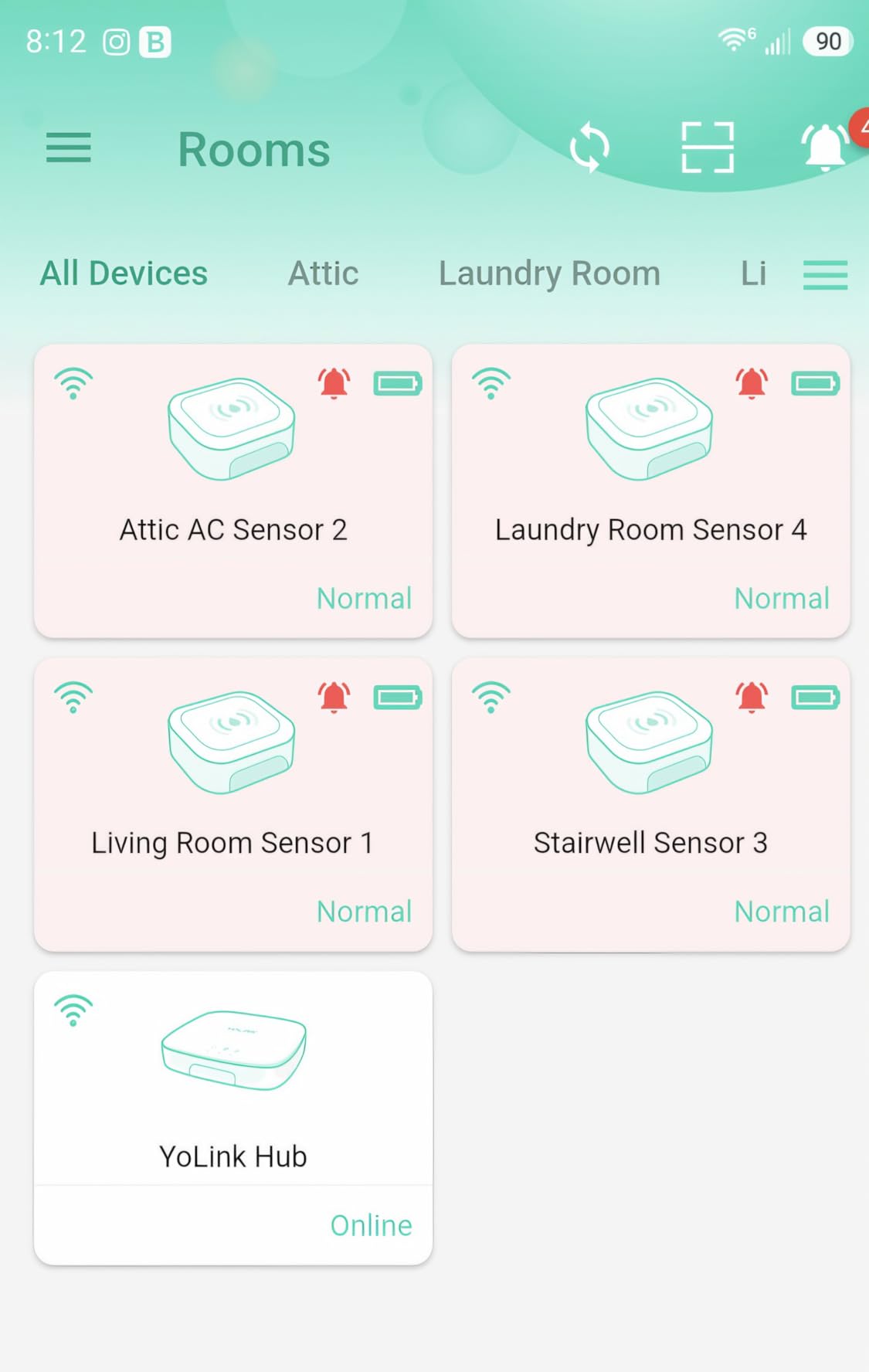
Each sensor runs on two AAA batteries rated for up to five years, and each one carries its own 105 dB siren. That per-sensor siren design is a real advantage in a large basement, since the alarm sounds at the spot where water is pooling instead of only at a base station upstairs. Setup took us about fifteen minutes for the whole kit, and the hub plugs into your router with ethernet, which avoids the whole basement WiFi problem before it starts.
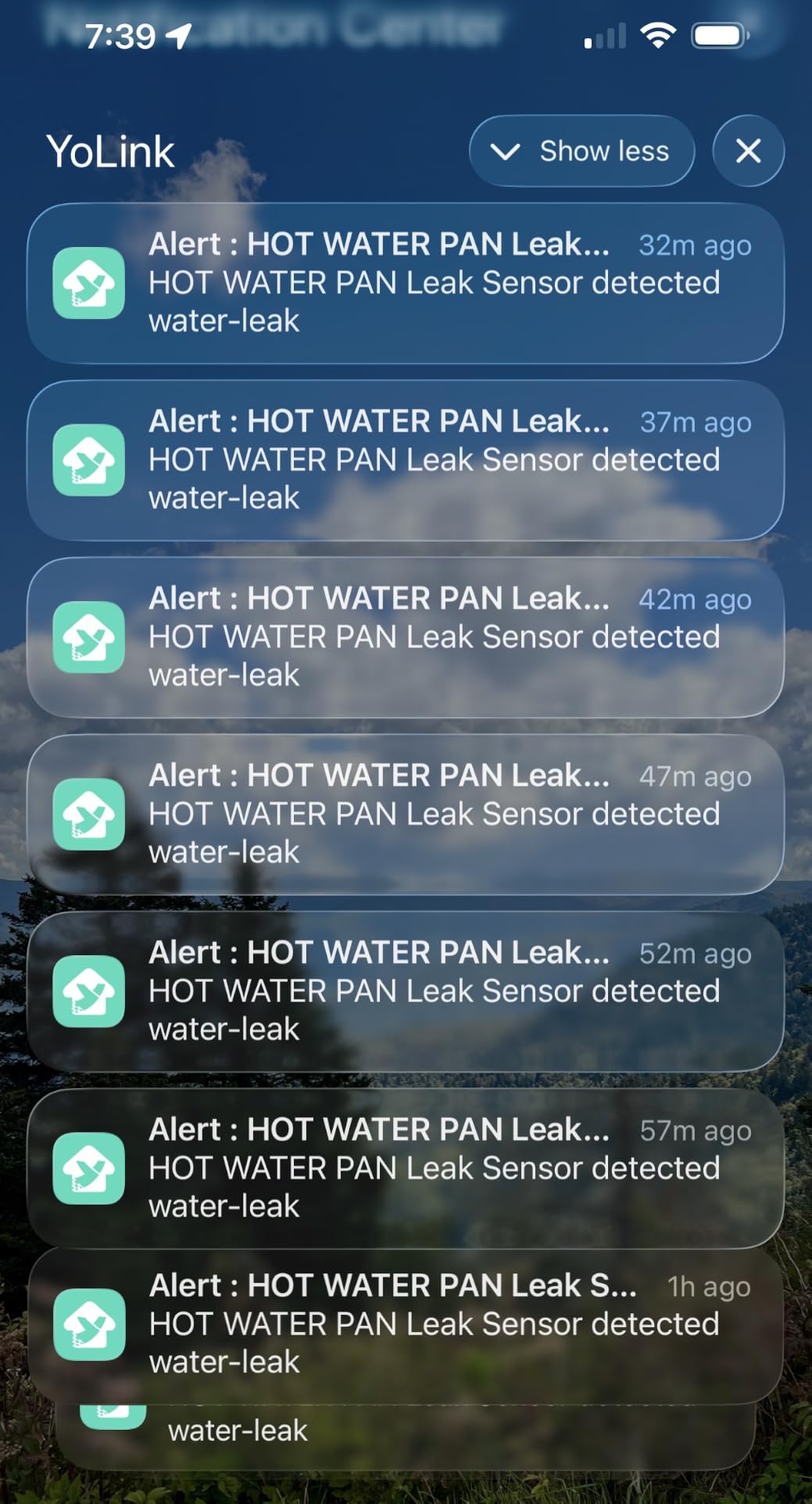
The trade-offs are minor. You do need the hub, though it is included, and the app’s notification menus are deeper than they need to be. Once configured, alerts arrive by push, email, and SMS, which covers you whether you are across the street or across the country.
Who should buy it
Homeowners with large or finished basements, weak WiFi downstairs, or sump pumps in deep corners. If you want smart flood sensors for basements that keep working when the internet does not, this is the kit to beat.
It is also the right pick if you plan to expand later, since one hub supports more than 300 YoLink devices, including motion sensors and valve controllers.
Who should skip it
If you only need a single sensor under a water heater and your WiFi already reaches the basement floor, a standalone unit like the SwitchBot below does that job for less.
Anyone hoping for HomeKit natively will also need to route it through Home Assistant rather than the stock app.
2. X-Sense Ultra-Slim Wi-Fi Water Leak Detector (4 Sensors + Base) – Best for Tight Spaces
X-Sense Ultra-Slim Wi-Fi Water Leak Detector, 4 Sensors + Base, SWS0A41
4 sensors + base station
0.7 inch slim
Detects 0.4 mm water
1700 ft range
Pros
- Ultra-slim body slides under appliances and behind toilets
- Detects water as shallow as 0.4 mm
- Top and bottom probes catch drips and pooling
- Base station alarm up to 100 dB
- Quick 7-minute setup
Cons
- 2.4 GHz WiFi only
- App shows ads for protection plans
- Can false-trigger on condensation
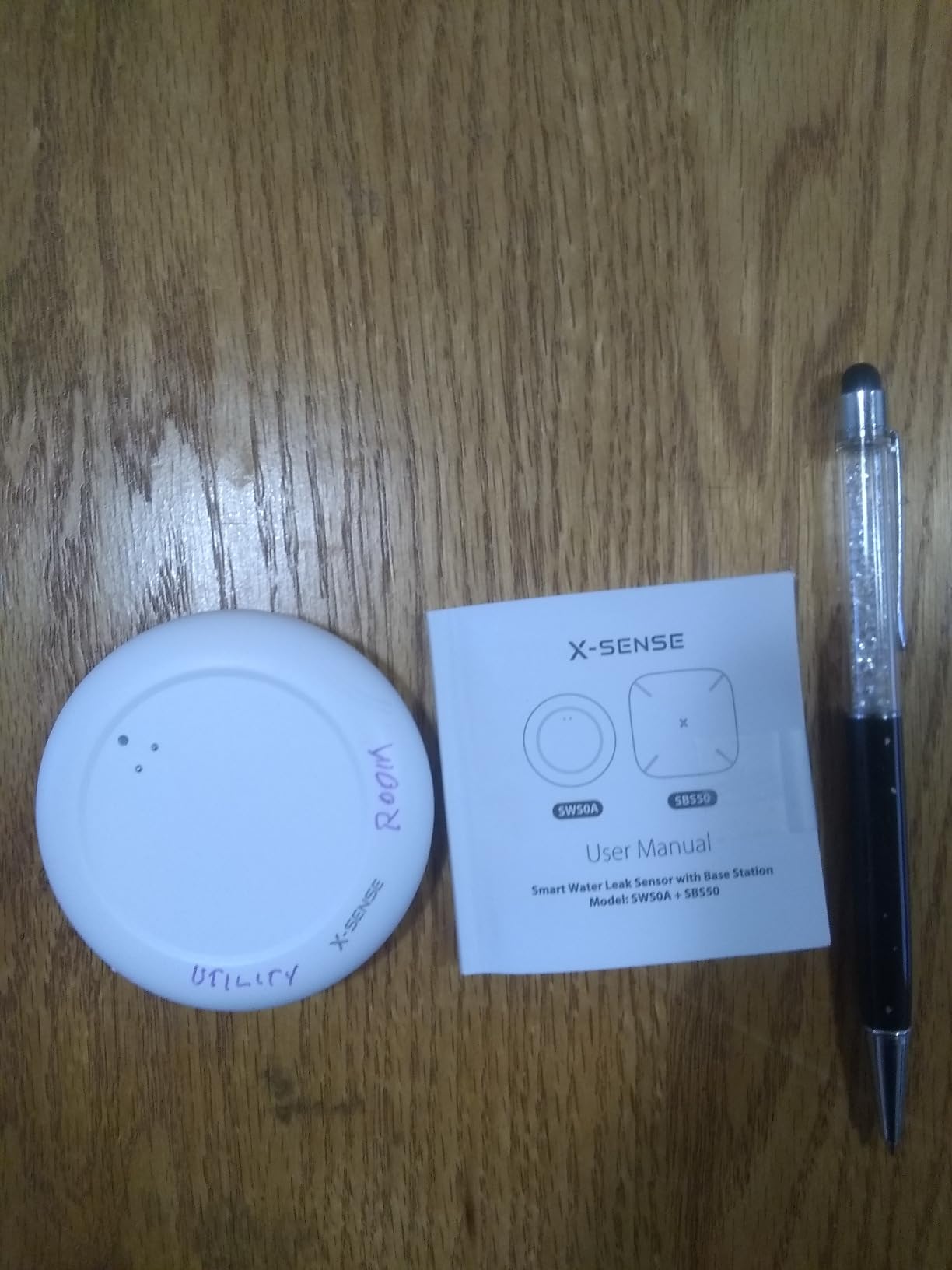
The X-Sense system earned its spot by fitting where nothing else would. At 0.67 inches thick, each sensor slid under our test washing machine and behind a basement toilet tank with room to spare. If your basement utility area is a maze of appliances with quarter-inch gaps, this is the profile you want.
Sensitivity is the other headline. The probes detect water as shallow as 0.4 mm, and each puck carries two probes on top and four on the bottom, so it catches both a drip landing on it and a puddle forming under it. In testing, it was among the fastest to alert, and the base station siren is loud enough to hear through a closed basement door.
The sensors link to the base station over a wireless connection rated to 1,700 feet in open air, which held up well through our floor slab. The app keeps a useful alarm history and lets you test each unit without splashing water on it, which is a small thing that makes seasonal checkups painless.
Now the catches. It is 2.4 GHz only, which is normal but worth confirming on your router. The app occasionally pushes ads for optional protection plans, which feels tacky on a paid product. And that 0.4 mm sensitivity cuts both ways: in one humid corner of my brother’s unfinished basement, condensation on the concrete set it off until we moved it a few inches to drier ground.
Placement tips that cut false alarms
Keep sensors a few inches away from where the slab visibly sweats, and wipe the probe face during humid months. Position the top probes under any pipe joint you are watching, since that is where the first drops land.
Use the app’s test function monthly so you know the wireless link is alive without triggering a real alarm.
Battery and maintenance expectations
Each sensor runs on included AAA batteries, and the app flags low power before a unit goes silent. Plan a yearly battery check alongside your sump pump test.
The base station needs reliable placement near your router, so budget an outlet spot for it upstairs if that is where your signal lives.
3. GoveeLife Water Leak Detector 5 Pack – Best Bare-Bones Multi-Pack
GoveeLife Upgraded Water Leak Detector with 105dB Adjustable Alarm, 5 Pack
5 leak detectors
Dual probe sets
105 dB adjustable alarm
IP67 waterproof
Pros
- Five sensors for broad basement coverage
- IP67 bodies survive damp floors
- Dual probe sets catch leaks early
- Adjustable alarm with 4 volume settings
- Built-in batteries rated for 5 years
Cons
- Cannot connect to WiFi directly
- Requires separately sold H5044 gateway for app alerts
This five-pack is the raw-sensor play. You get five IP67-rated detectors with dual probe sets and a loud adjustable alarm, and they work as standalone noisemakers straight out of the box. Spread across a basement floor, the sump pit lip, the water heater pan, and behind the washer, they form a solid tripwire for rising water.
The catch is connectivity. These units cannot join WiFi directly; to get push alerts on your phone, you need the GoveeLife H5044 gateway, which is sold separately. Without it, these are effectively loud local alarms with no remote notification. With it, they become a proper smart leak detection network.
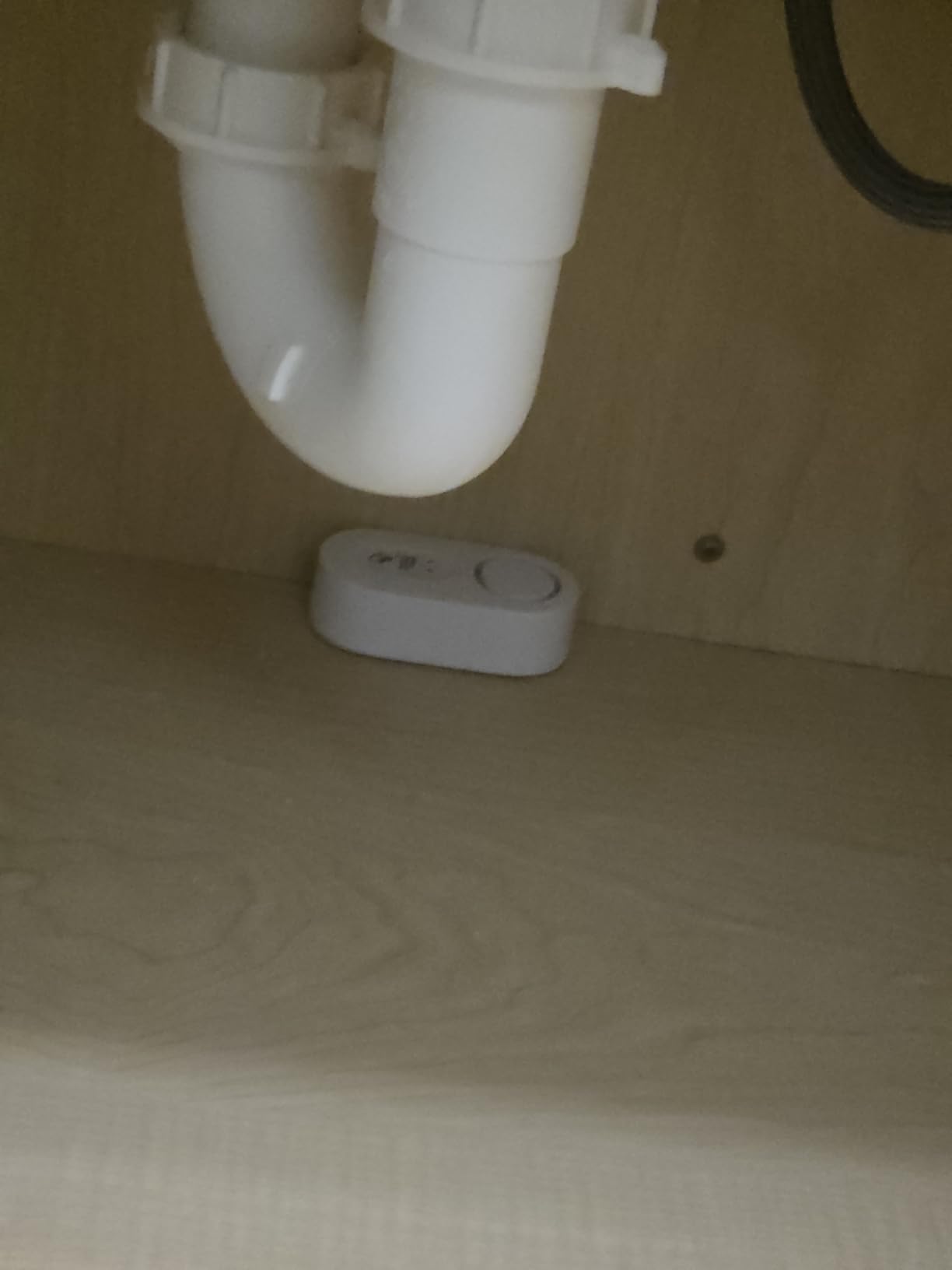
In our testing, the alarm itself was plenty at 105 dB with four volume levels, and the waterproof housing shrugged off the damp concrete in my brother’s basement. Detection was quick once water bridged the probes, and the built-in batteries are rated for five years, so there is nothing to swap on a schedule.
If you are comparing this against the GoveeLife kit later in this guide, the difference is simple: that one includes the gateway in the box. Buy this five-pack only if you already own a compatible GoveeLife hub or genuinely just want local sirens.
How it fits a layered setup
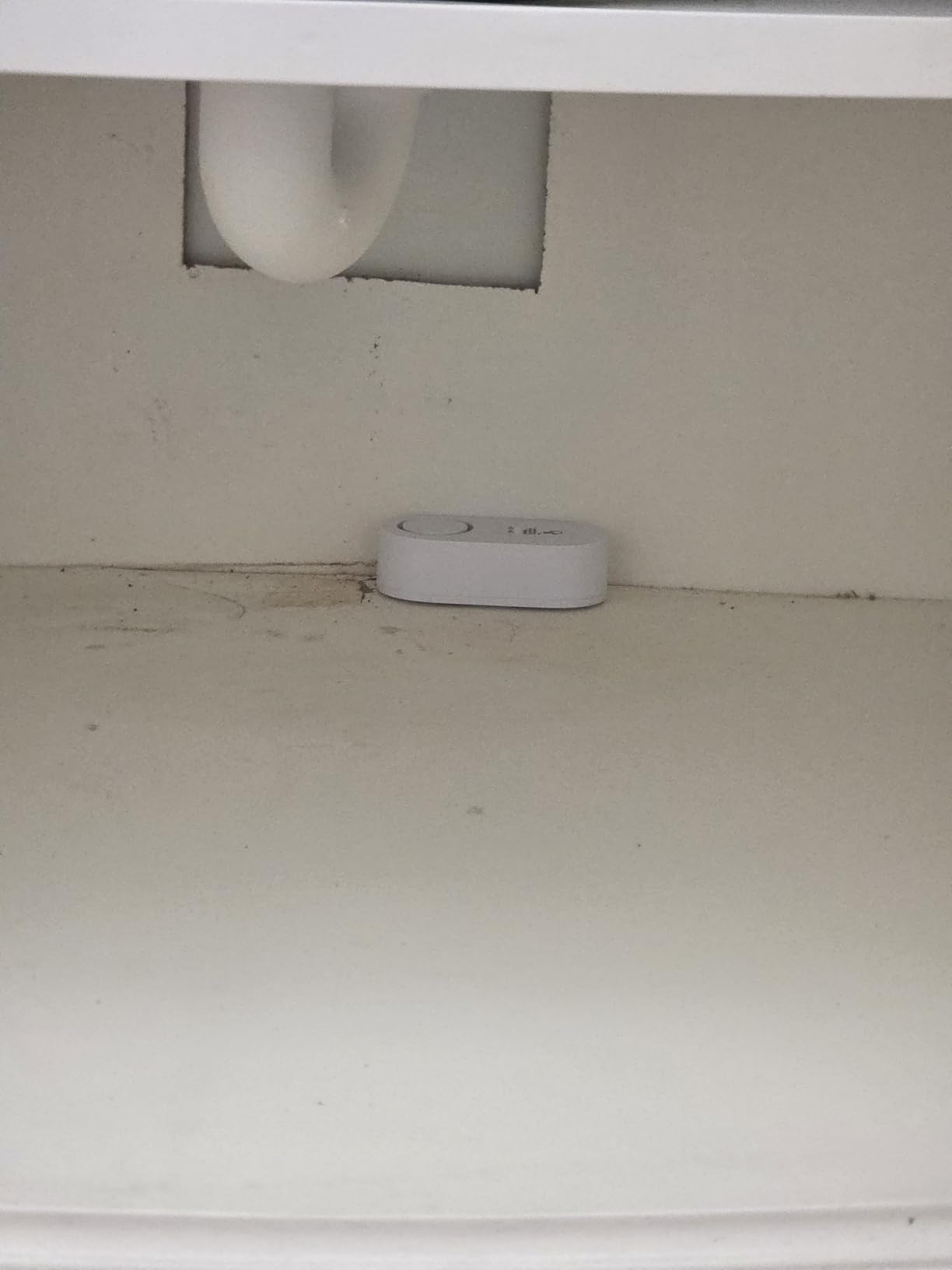
These work well as a second layer under a WiFi system: place them in spots your main sensors cannot reach, and let their local sirens back up the smart alerts.
The IP67 rating means you can place one directly on a damp slab or at the sump pit edge without worrying about the housing.
Gateway cost reality check
Factor the separately sold gateway into your total before choosing this pack over an all-in-one kit. Once added, the price gap to the bundled kit shrinks considerably.
If remote alerts are not a priority because someone is almost always home, skipping the gateway is a legitimate way to save.
4. SwitchBot WiFi Water Sensor – Best Budget Smart Pick
SwitchBot WiFi Water Sensor, Smart Water Leak Detector, 100dB Adjustable Alerts & App Alerts, IP67 Waterproof, Wireless Detector for Kitchen, Bathroom, Basement, No Hub Required (Support 2.4G)
Direct 2.4 GHz WiFi, no hub
0.5 mm detection
100 dB adjustable alarm
IP67
Pros
- No hub needed
- connects straight to WiFi
- Detects water as shallow as 0.5 mm
- Works with Alexa
- Siri
- IFTTT and SmartThings
- BLE backup keeps a local link if WiFi drops
- IP67 housing with 2-year battery
Cons
- 2.4 GHz WiFi only
- May need a reset after WiFi outages
- Top probe can trigger on single drops
The SwitchBot is the cheapest way into genuine WiFi flood alerts that we tested, and it does not feel like a compromise. It connects directly to a 2.4 GHz network with no hub, pairs in a couple of minutes, and plays nicely with Alexa, Google, Siri, SmartThings, IFTTT, and Home Assistant. For a budget sensor, that compatibility list is longer than some kits costing three times as much.
Detection is rated down to 0.5 mm thanks to four precision probes, and in our water tests it consistently alerted within seconds. The 100 dB siren has adjustable volume, which is handy if you want it loud enough to hear upstairs without deafening yourself doing laundry next to it.
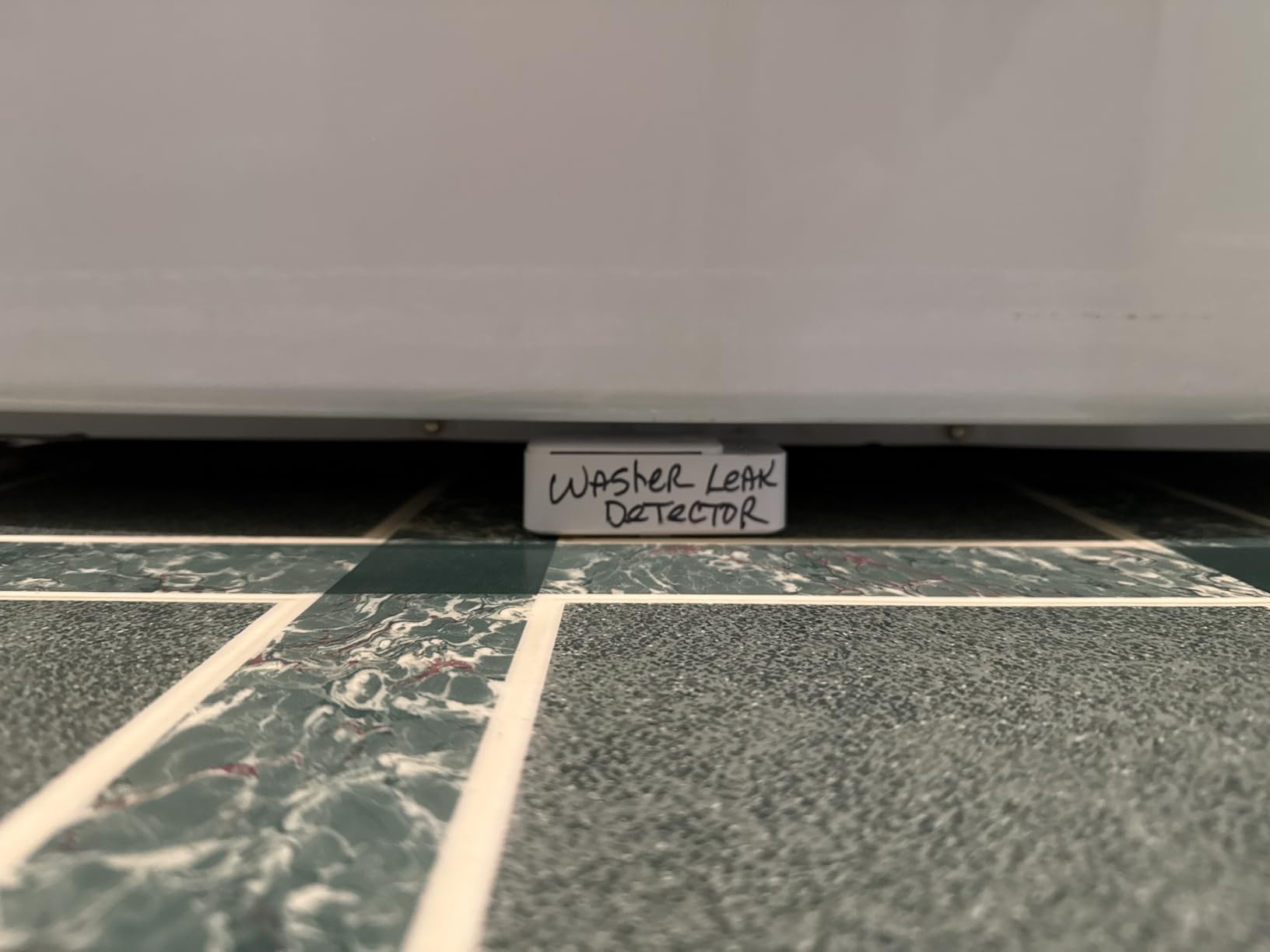
The smart trick here is the Bluetooth Low Energy backup. When our test router went down, the sensor kept a local link alive so the system could recover and report once WiFi returned. A few users report needing to re-pair after extended outages, and we hit that once, so treat it as a minor annoyance rather than a dealbreaker.
One design note: the top sensing area is slightly dished, so a single stray drop can set it off. Under a pipe joint that is exactly what you want; on a humid slab near a dehumidifier, expect the occasional false alarm.
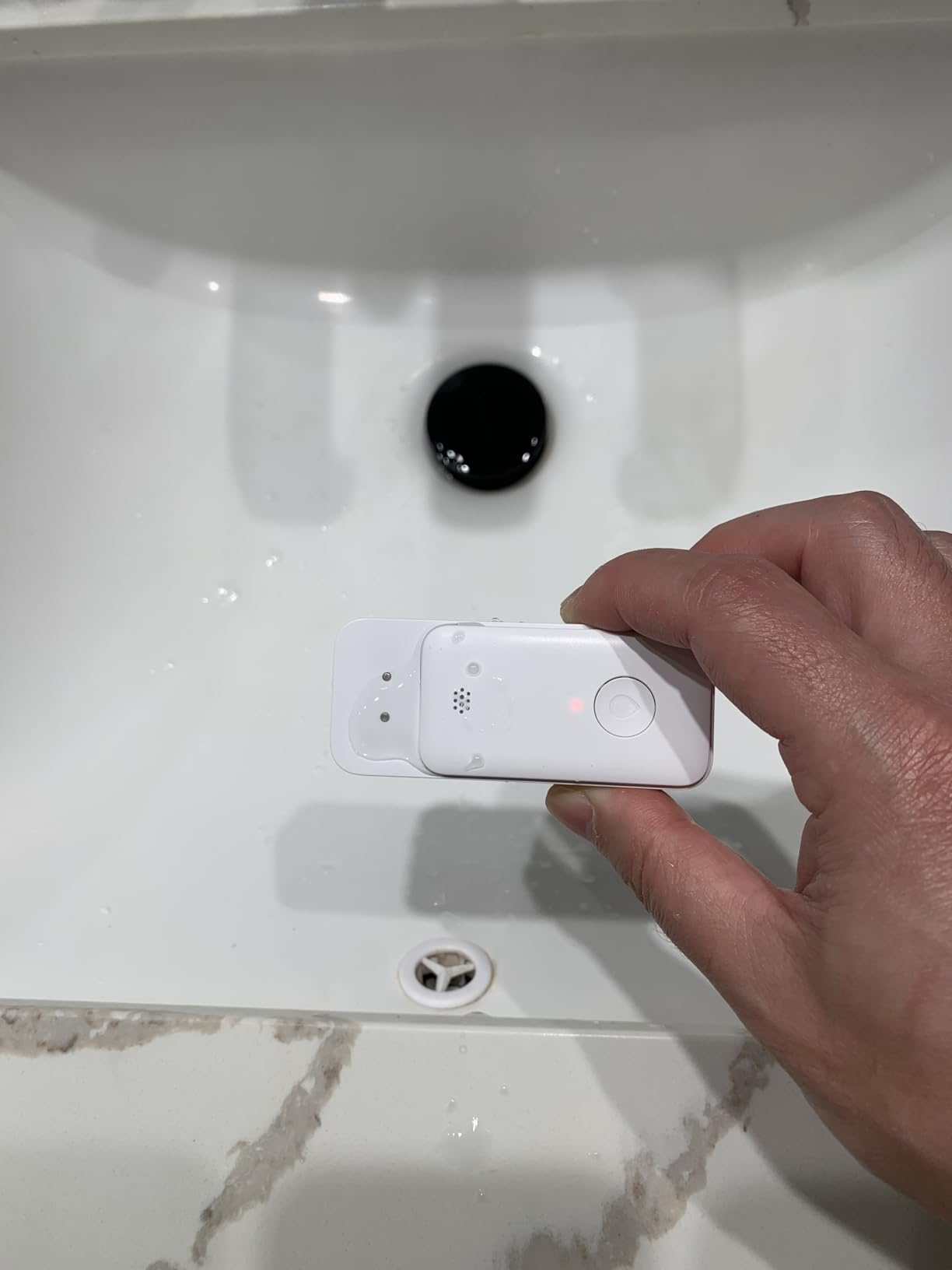
Best spots to deploy it
Directly under a water heater drain pan, beneath a washing machine hose connection, or at the base of your main water shutoff. One sensor per high-risk appliance is the pattern that works.
Because there is no hub, adding a second or third sensor later is as simple as pairing it to the same app.
WiFi reach in basements
Test your 2.4 GHz signal at floor level before mounting, since signal strength at the ceiling is not the same as at the slab. A mesh node at the top of the stairs usually fixes weak spots.
If your basement eats WiFi entirely, a LoRa or Sub-1G system from this guide will serve you better than any direct-WiFi sensor.
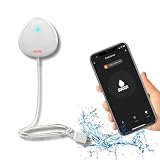
5. MOBI Smart WiFi Water Leak Detector – Best Remote Probe on a Budget
MOBI Smart WiFi Water Leak Detector, App Alerts, Flood Sensor Alarm with 48” Extension Probe, No Hub Required, 24/7 Monitoring for Basement, Kitchen, Bathroom
48 inch extension probe
Direct WiFi, no hub
24/7 monitoring
App alerts
Pros
- 48 inch probe reaches into sump pits and under appliances
- No hub required
- Expandable to 100+ sensors in the MOBI app
- Inexpensive way to cover one danger zone
Cons
- App setup can be finicky
- Some users miss notifications when away from home
- No alert if the communication link dies
- 2.4 GHz WiFi only
The MOBI’s whole personality is its 48-inch extension probe. The sensor body mounts up on a wall, dry and reachable, while the probe tip runs down into a sump pit, behind a tight water heater, or under a washer. That flexibility solves the classic basement problem of not wanting to stick electronics exactly where water collects.
It connects straight to 2.4 GHz WiFi with no hub, and the app supports more than a hundred sensors if you build out a bigger system over time. For sump pump monitoring specifically, this was one of the simplest installs we did: tape the body to the wall above the pit, route the probe to your high-water line, and done.
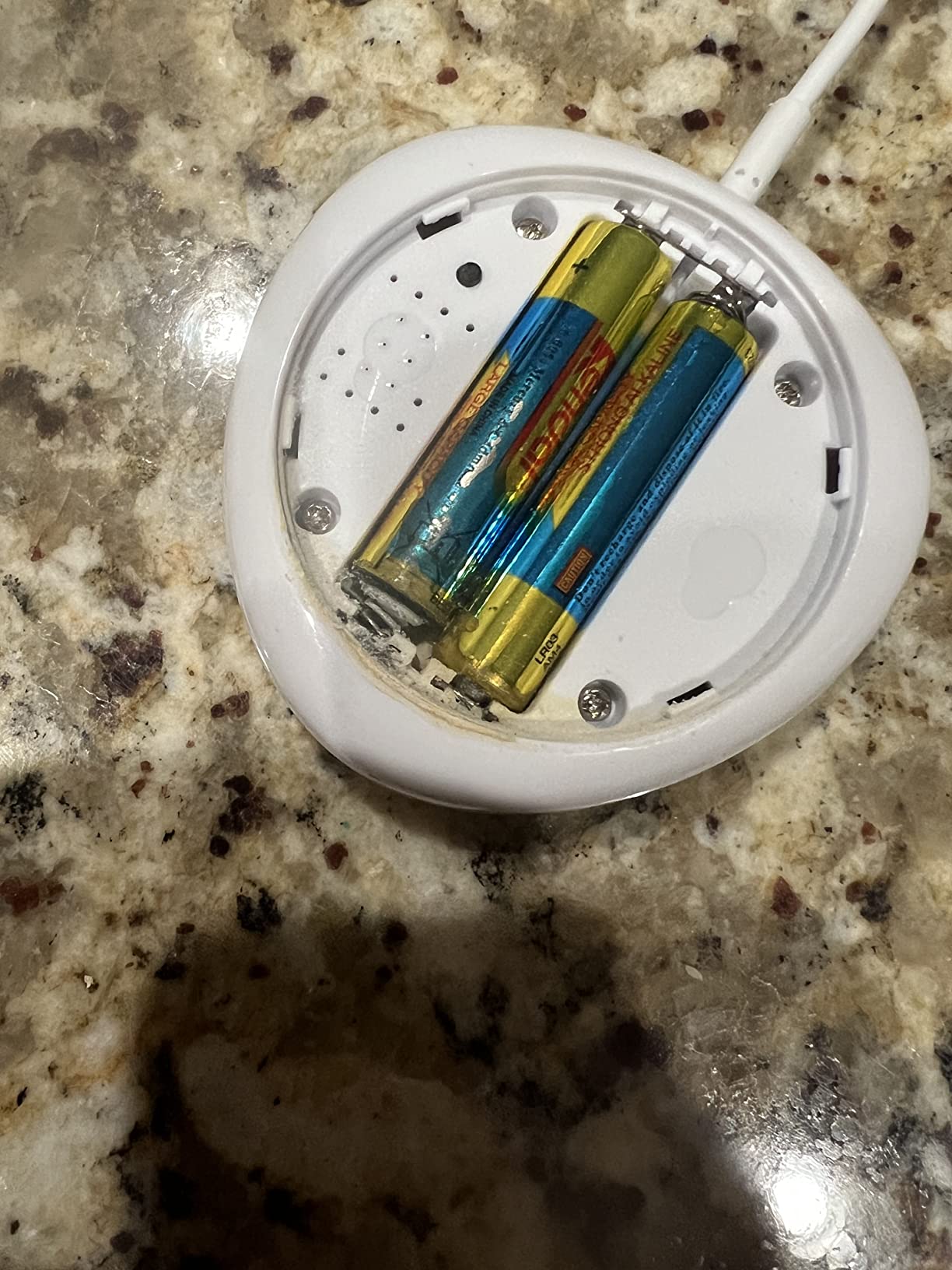
The honest part is the app. Setup took us two attempts, and the notification experience is not as polished as GoveeLife or YoLink. More concerning, the sensor does not warn you if its link to the router dies, so a silent sensor could be an offline sensor. That is the kind of failure mode you only learn about at the worst moment.
Our suggestion is to use the MOBI as a targeted sump-pit alarm alongside a stronger primary system, rather than as your only line of defense. Several reviewers share stories of it catching pump failures early, and the price makes it easy to justify for that single job.
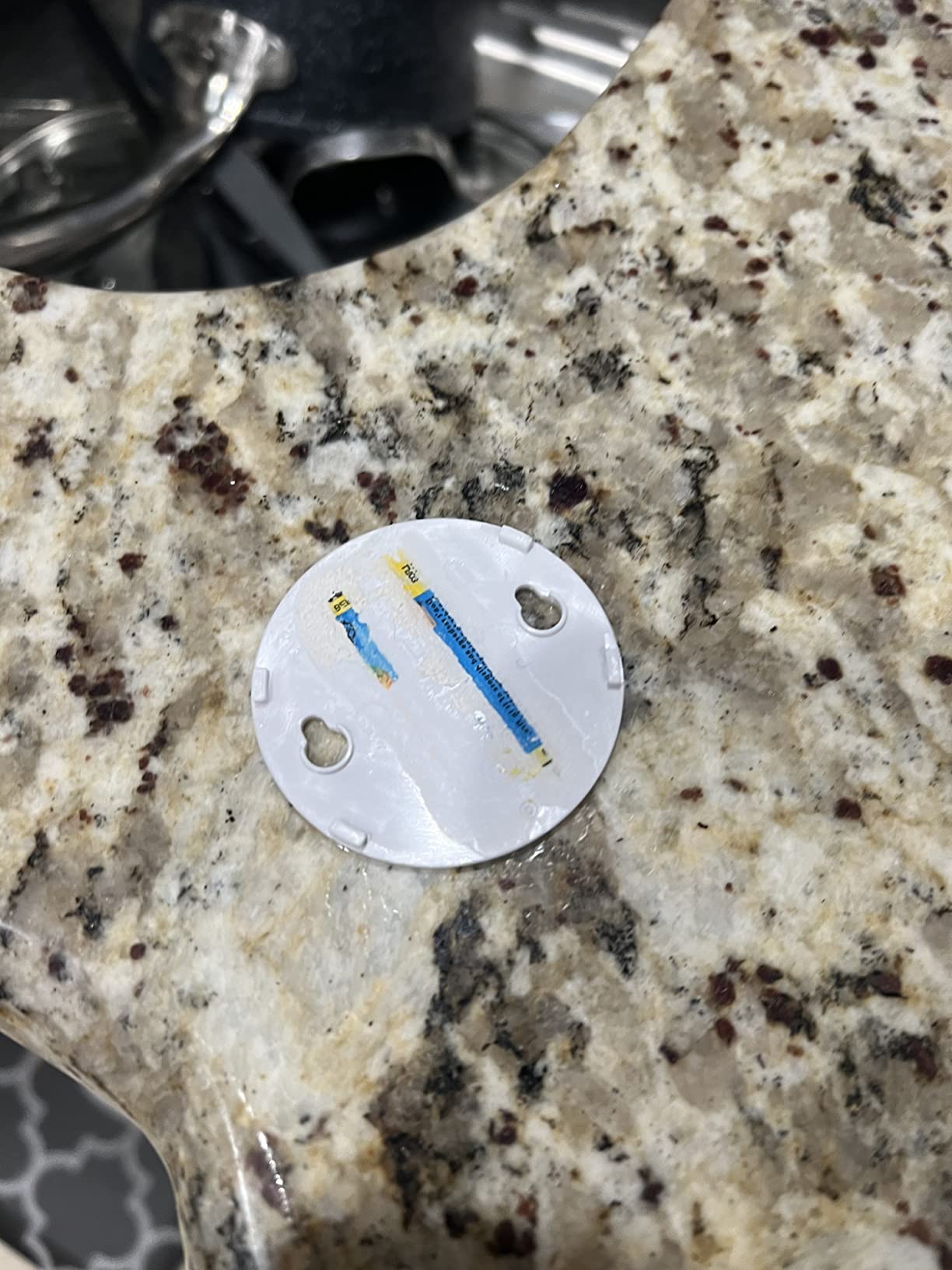
Sump pit placement that works
Set the probe tip at your chosen high-water mark, an inch or two below the point where the pit would overflow. Any higher and you lose warning time; any lower and every normal pump cycle triggers it.
Keep the sensor body above any historical water line so the electronics stay dry even during a real event.
Reliability checklist
Trigger a manual test once a month to confirm the app still receives alerts. If a test alert never arrives, re-pair the sensor before you trust it again.
Pair it with a loud local alarm like the Basement Watchdog so you have coverage even when the app misbehaves.
6. HydroCheck WaterWatcher (USA Made) – Best for Auto Appliance Shutoff
HydroCheck Water Sensor Alarm, Smart Water Leak Detector for Home & Basements | Made in THE USA | Automatic Flood Detectors and Water Alarm, Pure Water Capable (WaterWatcher)
Detects water and cuts appliance power
85 dB alarm
Manual reset
5-year warranty
Pros
- Turns off the connected appliance when water is detected
- Manual reset keeps the appliance off until you inspect
- Works with dehumidifiers
- washers and well pumps
- USA-made with a 5-year warranty
Cons
- Pricier than basic alarms
- No app or smart home features
- Requires an outlet
- Bulky teardrop body
The WaterWatcher takes a different approach from everything else here: instead of telling you about a leak, it stops the source. You plug your dehumidifier, washing machine, or well pump into it, run the sensor pad to the floor nearby, and the moment water is detected, the unit cuts power to the appliance and sounds an 85 dB alarm.
That matters most for basement dehumidifiers, which are a classic slow-flood culprit. When the collection reservoir overflows or the hose pops off, a dehumidifier sitting in a pan will happily keep running while water spreads. With the WaterWatcher inline, the leak gets maybe a cup of water deep before the unit kills power and holds it off until you physically reset it.
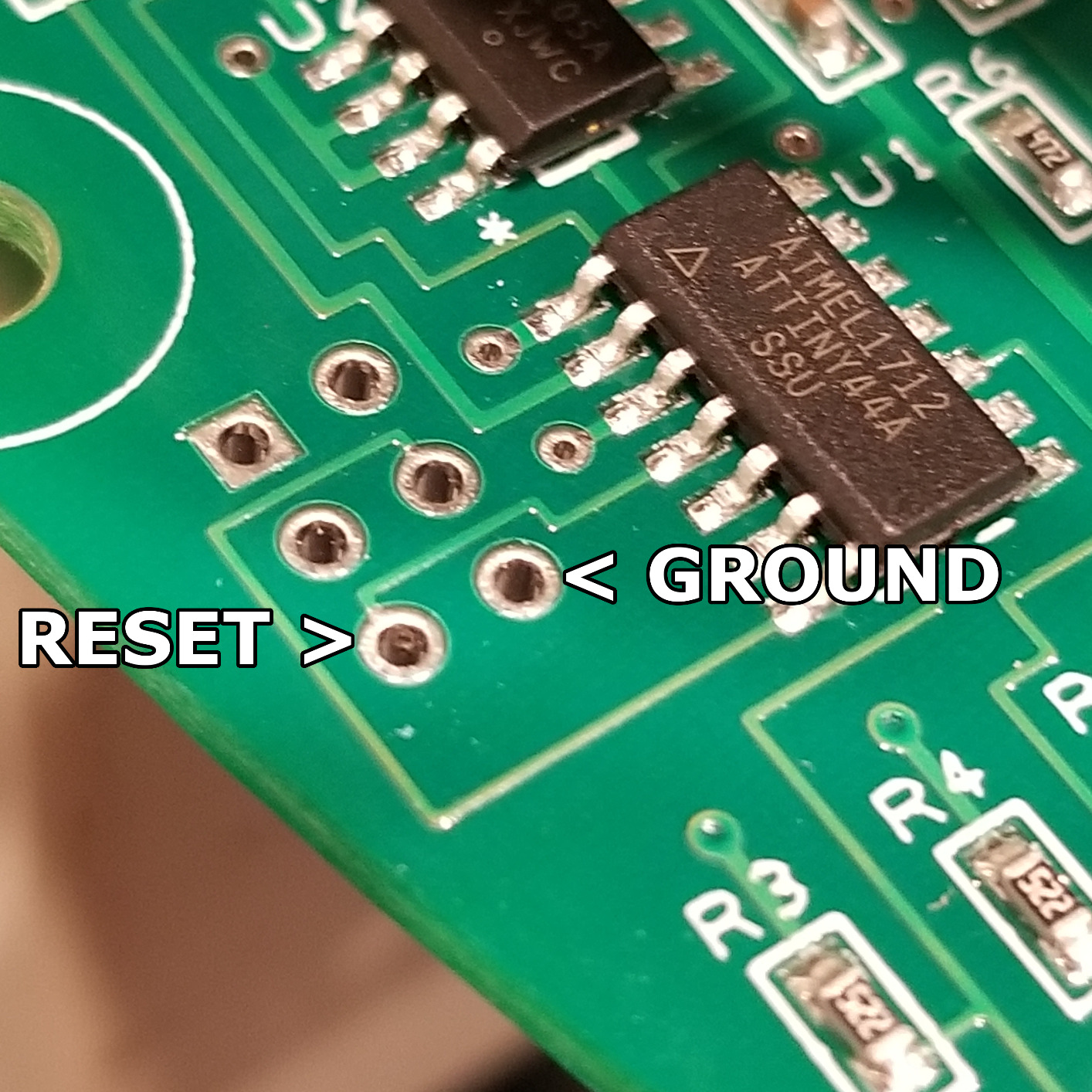
The manual reset is a deliberate safety choice. The appliance stays off until a human walks downstairs, sees the water, and resets it, which prevents the cycle of an appliance restarting into an active leak. It is not smart home compatible and has no app at all, which will strike some buyers as a feature in an age of subscription creep.
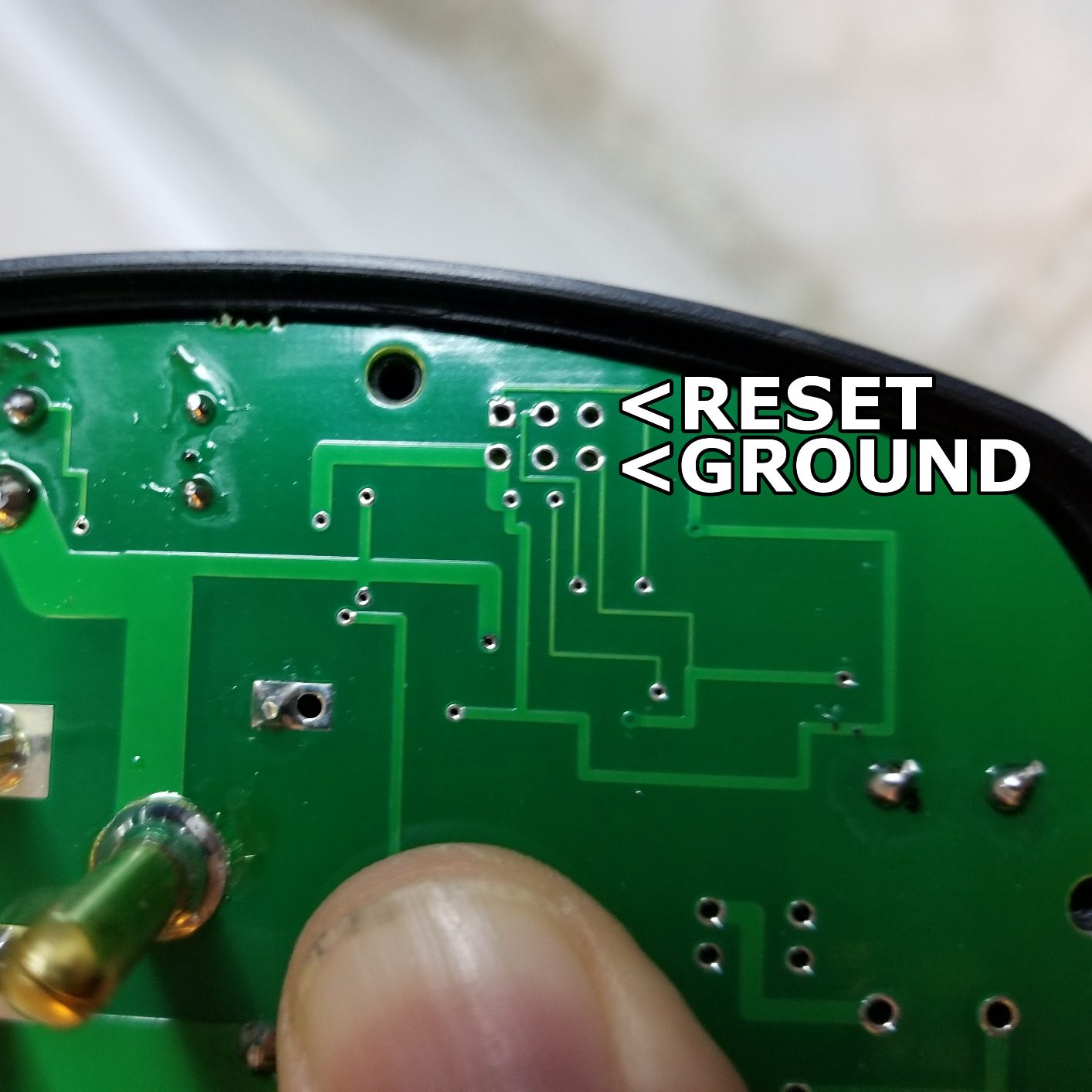
Build-wise, it is made in the USA by STAK Enterprises and carries a 5-year warranty. Our quibbles are physical: the teardrop shape is slippery to grip in a tight outlet gap, the body is bulky, and the sensor cable is thin enough that you should route it where nobody will yank it.
Which appliances make sense on it
Dehumidifiers are the number one use, followed by washing machines and well pumps. Anything that both sits near the floor and plugs into a standard outlet is a candidate.
It also works for aquarium gear, where a failed pump can quietly drain dozens of gallons onto a basement floor.
What it will not do
It will not notify your phone, so pair it with a WiFi sensor if you travel. It also cannot shutoff a main water line, only the appliance plugged into it.
It needs its own outlet, and the reset means a deliberate trip downstairs, which is exactly the point.
7. Basement Watchdog 110 dB Water Alarm (BWD-HWA) – Best Loud Local Alarm
The Basement Watchdog 110 dB Water Alarm w/Detachable Sensor for Hard-to-Reach Areas (BWD-HWA)
110 dB alarm
Detects 1/32 inch of water
6 ft detachable sensor wire
9V battery
Pros
- Loud 110 dB alarm heard through the whole house
- Detects water as shallow as 1/32 inch
- Sensor wire extends over 100 ft with added wire
- Battery powered with no outlet needed
- Dirt cheap insurance
Cons
- No app
- WiFi or smart features
- No on/off switch
- 9V battery needs periodic replacement
With more than 8,600 reviews and a 4.7 rating, the Basement Watchdog is the veteran of this category, and after testing one, I understand why it shows up in so many hardware store basements. It does exactly one thing, loudly: the moment its sensor pad touches roughly 1/32 of an inch of water, a 110 dB siren goes off that you will hear from an upstairs bedroom.
The design suits awkward basements well. The sensor sits on a 6-foot detachable wire, so the alarm unit can mount high on a wall while the pad rests at the lowest point of the floor or dangles into a sump pit. If you need more reach, the wire accommodates over 100 feet of added 24-gauge line, which is enough to run detection along an entire basement perimeter from one alarm.
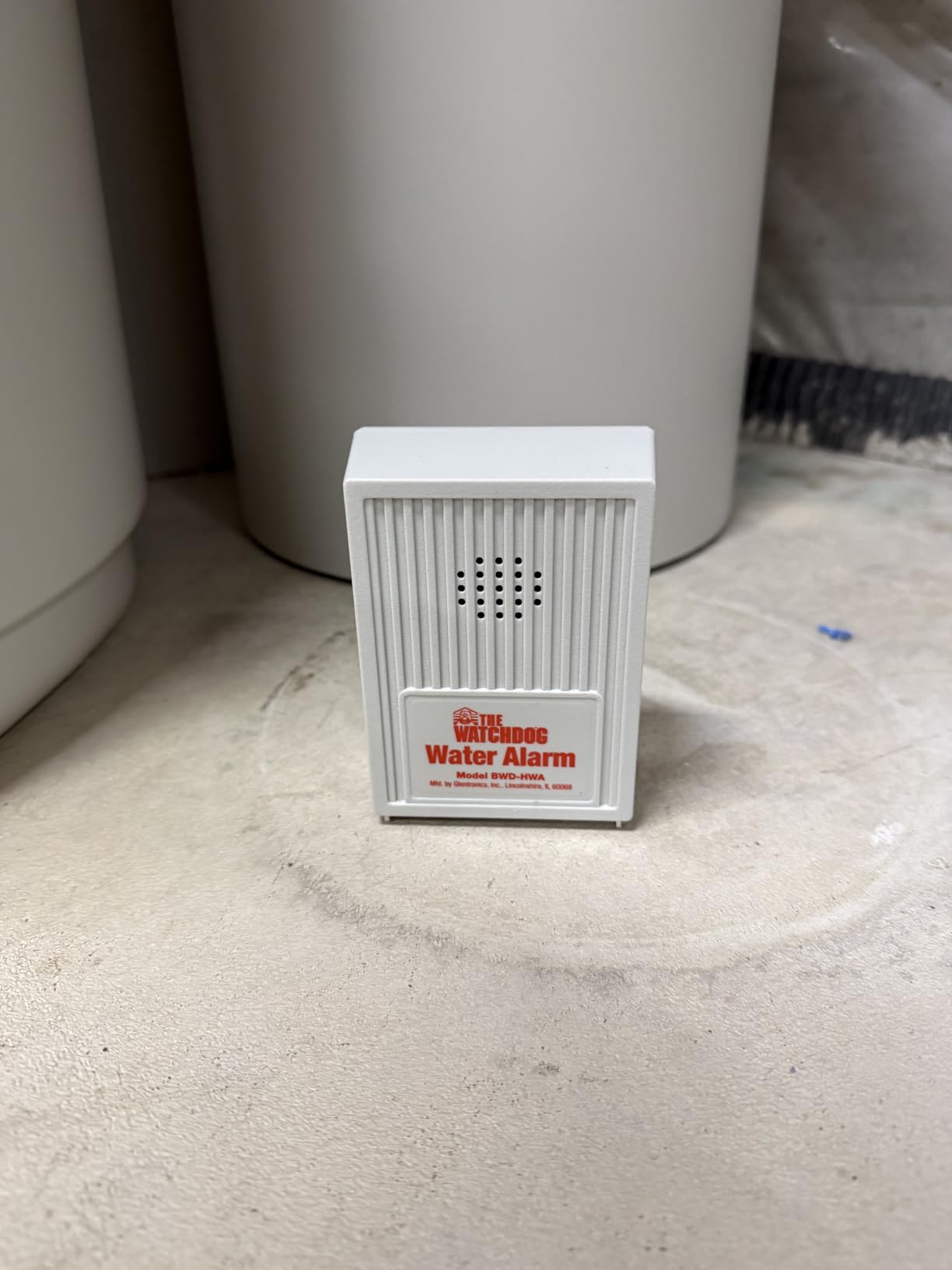
It runs on a single 9V battery, so it works during power outages, which is precisely when many basement floods happen. There is no WiFi dependency, no app, no account, and no way for a router hiccup to silence it. That independence is why we recommend it as a companion piece even in homes with a full smart setup.
The gripes are small and consistent across reviews: there is no on/off switch, so you unplug the sensor to silence it, and the 9V battery needs checking every few months. Neither changes the fact that this is the cheapest meaningful flood protection you can buy.
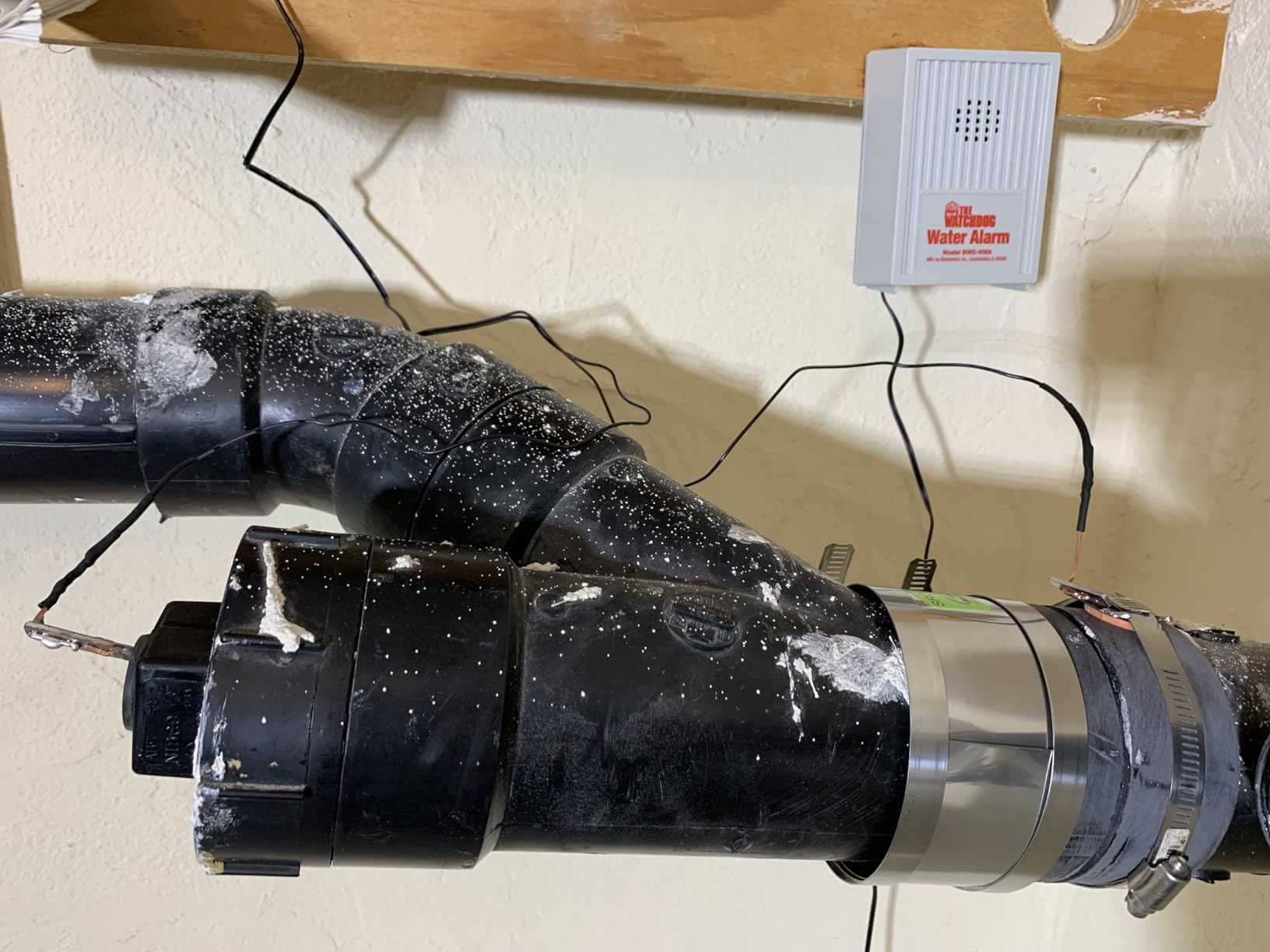
Where to place the sensor pad
Anchor it at the lowest spot on your slab, usually a corner or the lip of a floor drain. For sump coverage, secure the pad just above the normal pump-on level so routine cycles do not trigger it.
Mount the alarm unit itself high on a wall or ceiling joist, well above any realistic water line.
Battery care routine
Swap the 9V battery once a year, ideally on a date you already associate with home maintenance, like when you change smoke alarm batteries. Test it by touching the pad to a wet sponge.
Since the whole unit costs less than a takeout dinner, keeping a spare in a drawer is not a bad plan either.
8. YoLink Water Leak Starter Kit (Hub + 6 Sensors) – Best for Full Basement Coverage
YoLink Water Leak Sensor 4 105 dB Alarm Kit: 6-Pack + Hub
Hub + 6 Leak Sensor 4 units
LoRa 1/4-mile range
105 dB sirens
5-year battery
Pros
- Six sensors cover large or multi-room basements
- Same LoRa range and D2D offline operation as the 4-pack
- Per-sensor 105 dB sirens
- Hub supports 300+ YoLink devices
Cons
- Highest-priced kit in this guide
- Setup menus can confuse first-timers
This is the big brother of our top pick: the same hub and the same Leak Sensor 4 hardware, but six sensors instead of four. Everything we loved about the 4-pack applies here, including the LoRa link that crosses a quarter mile of open air and the D2D offline mode that fires sirens with no internet at all.
Where the 6-pack earns its keep is sensor density. Our forum research kept surfacing the same complaint: one sensor cannot watch a big basement. Water travels along the slab and pools where the floor dips, which is rarely where you guessed. Six probes let you cover the sump pit, water heater, washer, HVAC drain pan, a floor drain, and the lowest slab corner without making trade-offs.
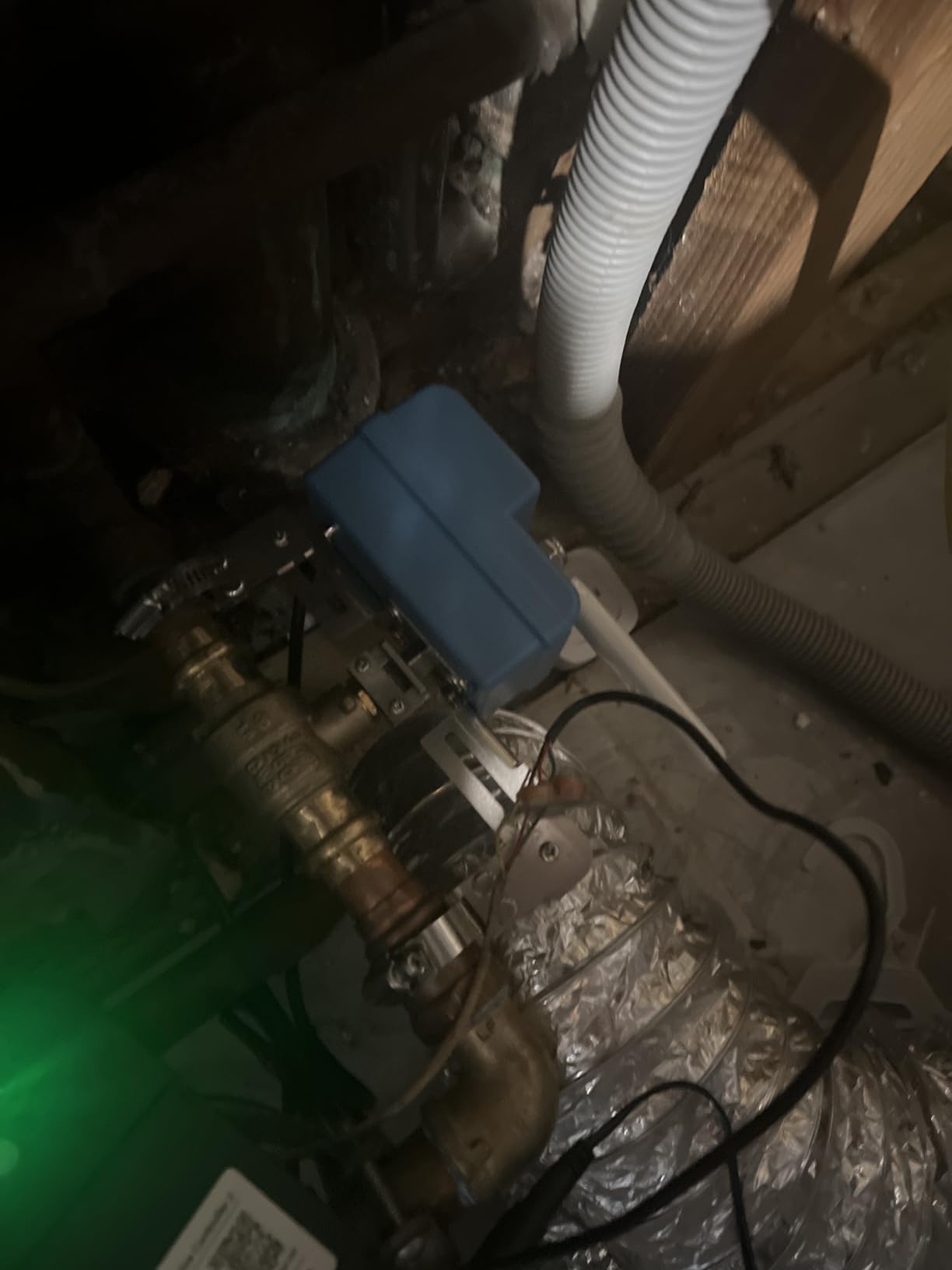
In my brother’s 1,400-square-foot unfinished basement, this kit mapped almost perfectly: two sensors along the perimeter wall where water seeps in spring, one at the pit, one under the pressure tank, one at the furnace drain, and one spare for the utility sink. Every sensor checked in through walls that had previously choked two WiFi cameras.
The costs are upfront: this is the most expensive kit here, and the same slightly dense app menus from the 4-pack carry over. But per sensor, the math works out well, and you are buying a platform rather than a handful of alarms.
Mapping six sensors across a basement
Start at the water entry points: sump pit, main shutoff, water heater. Then cover appliances: washer, HVAC condensate line. Put the last unit at the lowest floor point, which is usually where two slab sections meet.
Name each sensor by location in the app the day you install it, because future-you will not remember which unit is which.
When the 4-pack is enough instead
Finished basements with a single utility corner can usually get by with four sensors. Buy the 6-pack when you have both a wet wall and a separate laundry or mechanical area.
Since the hub supports hundreds of devices, starting small and adding singles later is a perfectly good path.
9. Shelly Flood Gen4 with Sensor Cable – Best Protocol Flexibility
Shelly Flood Gen4, WiFi, Bluetooth, Zigbee, Matter Smart Flood Sensor with Leak Sensor Cable, Alexa, SmartThings, Google Home, Apple HomeKit Compatible, Flood and Rain Detection, Easy to Use, IP44
WiFi, Bluetooth, Zigbee and Matter
6.56 ft sensor cable
IP44 rated
3-year warranty
Pros
- Speaks WiFi
- Bluetooth
- Zigbee and Matter from one device
- Works with Alexa
- Google Home
- HomeKit and SmartThings
- Included 6.56 ft cable extends reach
- 3-year manufacturer warranty
Cons
- WiFi setup can be fiddly
- App connectivity hiccups for some users
- IP44 only
- not for direct floor wetting
- Bulkier body than rivals
The Shelly Flood Gen4 is the polyglot of this list. One device speaks WiFi, Bluetooth, Zigbee, and Matter, which means it joins virtually any smart home you already run: Alexa, Google Home, Apple HomeKit, SmartThings, or a Home Assistant setup. If your household is a mixed ecosystem, that flexibility is worth real money in avoided frustration.
The included 6.56-foot sensor cable changes how you place it, too. The main unit can sit on a shelf or mount to a joist while the cable’s sensing tip lies at floor level or inside a drain pan. That keeps the electronics away from standing water, which matters here because the body is only IP44 rated, well short of the IP67 pucks elsewhere in this guide.
Our setup experience was more hands-on than with the plug-and-play kits. Shelly gear is built for people who like to tinker, and the WiFi onboarding had a couple of steps that would trip up a first-time user. A handful of reviewers also report occasional connectivity drops, which lines up with the middling 4.3 rating and smaller review pool.
What you get in exchange is local control, deep Home Assistant integration, and a three-year warranty from a company with a strong reputation among automation hobbyists. For enthusiasts, the rough edges are features; for everyone else, the YoLink or GoveeLife kits are smoother.
Who should buy it
Smart home hobbyists, especially Home Assistant and HomeKit users who want one sensor platform across the whole house rather than a basement-only kit.
It is also a good fit for vacation properties, since the battery-powered unit keeps reporting while you are away and Matter keeps it tied into whatever hub you check remotely.
Placement limits to respect
Because of the IP44 rating, keep the main unit off the floor and let the cable do the wet work. The cable tip can lie in a pan; the body should not sit on a slab where water pools.
Plan on spending twenty minutes on setup rather than five, and update the firmware before you mount it anywhere hard to reach.
10. Heiman Water Leak Detector 3 Pack with Gateway – Best Battery Lifespan
Heiman Water Leak Detector, 3 Pack Water Sensor Alarm for Home,with Gateway
3 sensors + gateway
10-year battery
IP67 waterproof
Freeze alarm below 3C
Pros
- Claimed 10-year battery life
- Gateway included in the box
- Freeze warning when temps drop below 3 degrees C
- Supports up to 40 sensors across 656 ft
Cons
- App is clunky
- 70 dB alarm is quieter than rivals
- Small review base so far
- Some connectivity hiccups reported
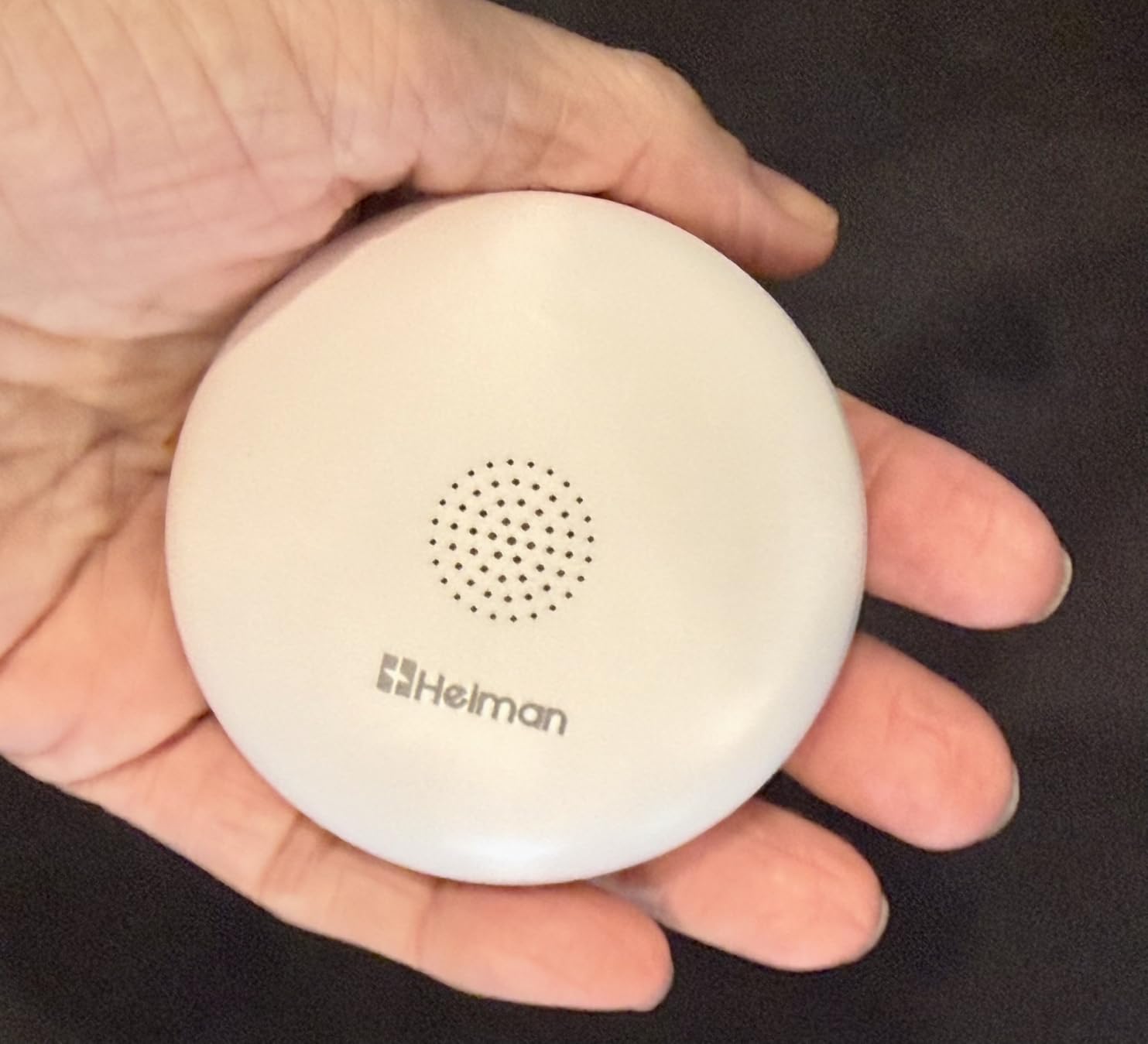
Heiman’s pitch is simple: install it and forget it for a decade. The sealed battery is rated for ten years, which is the longest lifespan in this guide by a wide margin. For sensors that end up behind a water heater or at the back of a sump pit corner, not climbing down there to swap batteries is a genuine quality-of-life feature.
The kit includes a gateway, so you are not buying anything extra for smart alerts. The gateway reaches sensors up to 656 feet away and supports up to 40 devices, and the app pushes real-time alerts when water bridges the probes, which detect levels down to 0.5 mm. There is also a freeze alarm that fires when the temperature drops below 3 degrees Celsius, a nice touch for unfinished basements where burst pipes are part of the threat model.
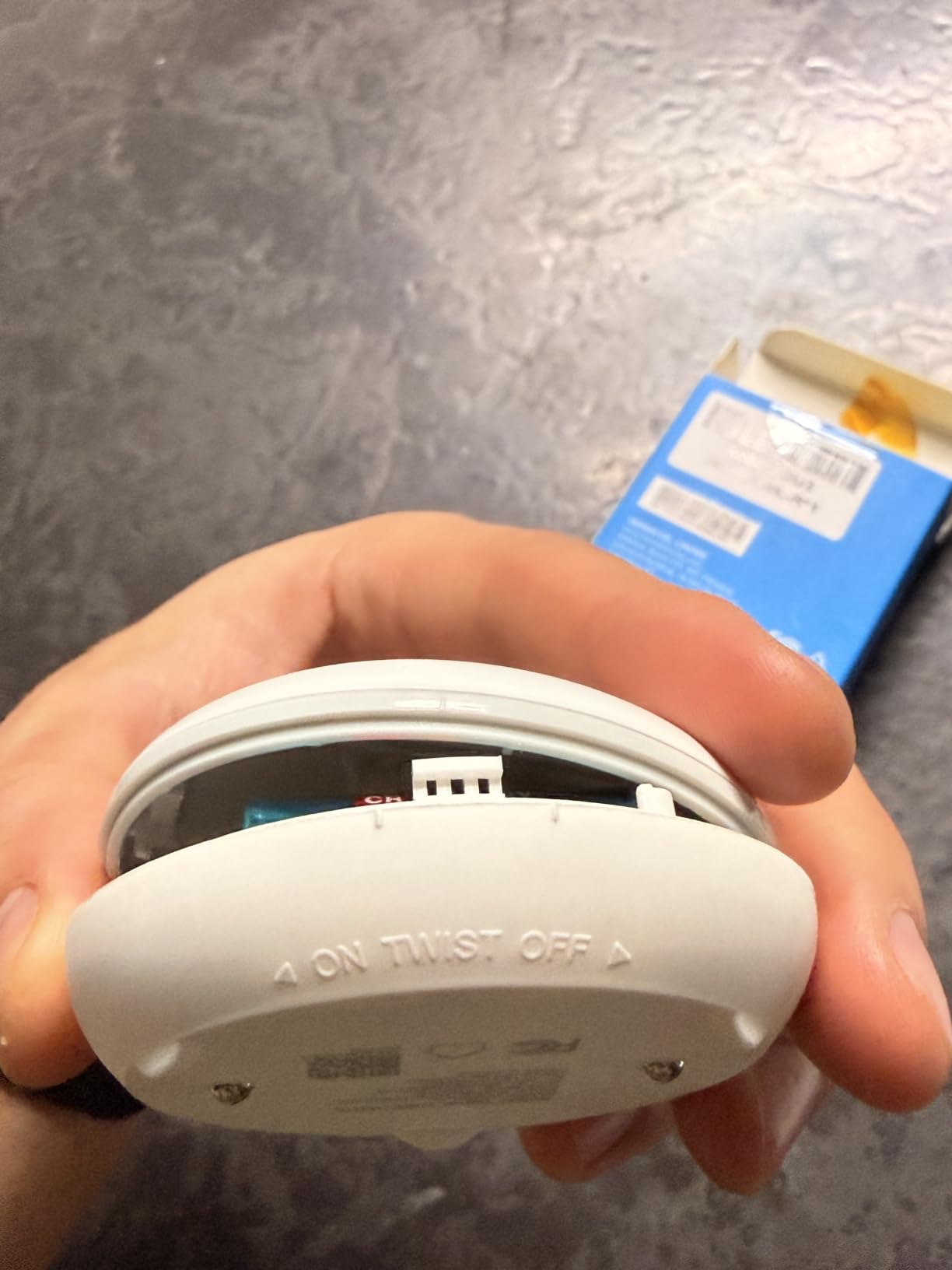
The compromises are real, though. The alarm tops out around 70 dB, which is quiet compared with the 105 to 110 dB units elsewhere here, so you should not rely on it waking you from an upstairs bedroom. The app drew the most complaints in our research: functional, but dated and occasionally stubborn during pairing.
The review pool is also small at a few dozen ratings, so you are an early adopter to some degree. The bones are good, the hardware feels solid with its IP67 housing, and the freeze alert plus decade-long battery make it a reasonable gamble for a second layer of coverage.
Cold basement bonus feature
If your basement drops toward freezing in winter, the sub-3-degree-Celsius warning gives you a head start on the pipe-burst scenario, not just the flood that follows it.
Place one sensor near your most exposed supply pipe run to get the most out of that freeze alert.
Why the low review count matters
Fewer reviews means less real-world failure data, so we suggest running the Heiman kit alongside a proven loud alarm for the first year.
If long-term reliability holds up as units age, this could climb future versions of this list.
11. GoveeLife Smart Water Leak Detector 1s (5 Pack + Gateway) – Best Alert System for the Money
GoveeLife Upgraded Smart Water Leak Detector 1s with High Alarm, 5 Pack
5 sensors + WiFi gateway
1804 ft Sub-1G range
SMS, app and email alerts
5-year battery
Pros
- Gateway included
- no extra purchases
- SMS
- app and email notifications with free SMS
- Sub-1G signal reaches 1804 ft through up to 5 walls
- IP67 sensors with 5-year battery
- Top seller in its category
Cons
- 2.4 GHz WiFi only on the gateway
- Alerts may not identify which sensor fired
- Occasional multi-minute detection lag reported
This is the kit I recommend most often when friends ask for one link and no follow-up questions. You get five IP67 sensors, the WiFi gateway included, and an alert system that hits your phone by push, email, and SMS, with text messages free. In a category full of hub-sold-separately surprises, everything being in one box counts for a lot.
The range story is strong. The sensors use Sub-1G wireless that GoveeLife rates at 1,804 feet and claims will push through five dense walls, which matches our experience in a basement that had been a WiFi dead zone. The gateway sits upstairs by the router and the sensors downstairs just connect, the way it should work.
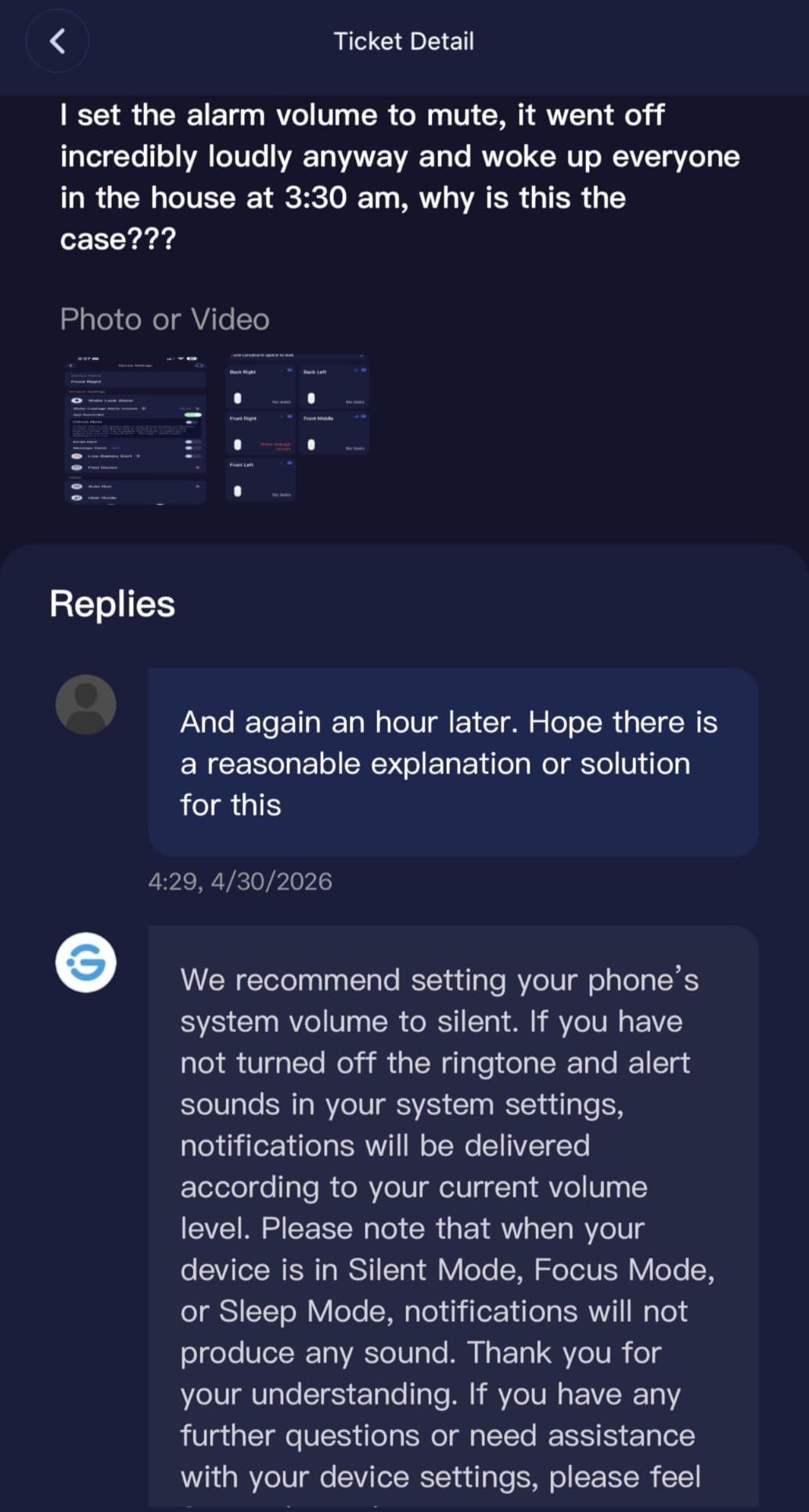
Batteries are built in and rated for five years, the alarm hits 105 dB with four volume levels, and the app can silence an alarm with one tap instead of a sprint downstairs. It currently ranks as the number one best seller in its Amazon category with over 2,500 reviews, which is the kind of sustained validation you like to see before trusting a safety device.
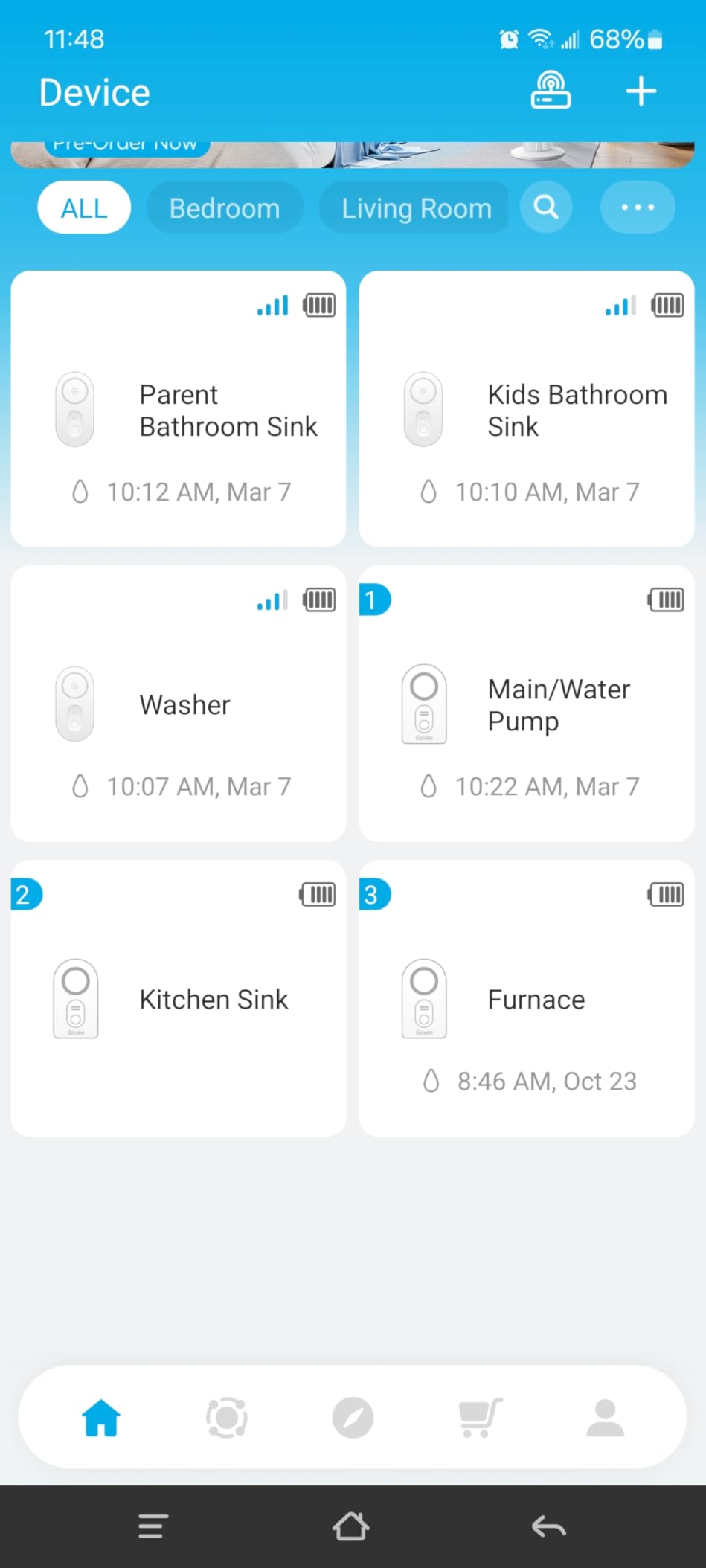
Two honest complaints from our research: when several sensors are deployed, alerts do not always tell you which unit fired, which turns a calm response into a basement scavenger hunt. And a minority of users report detection occasionally lagging by several minutes. Neither showed up as badly in our tests, but both are worth knowing.
Why SMS alerts matter
Push notifications die with your internet or get buried under other alerts. SMS rides the cellular network, so a flood alert reaches you even during the power or ISP outage that may have caused the leak in the first place.
The app supports multiple email addresses too, so a partner or neighbor stays in the loop automatically.
Sensor naming workaround
Since triggered-sensor identification can be vague, label each physical unit and its app entry by location from day one. A piece of masking tape and a marker takes thirty seconds per sensor.
Physically checking the five placements is fast, but good labels turn minutes into seconds when water is spreading.
Buying Guide: How to Choose a Basement Flood Sensor?
Not all water sensors survive basement duty. Here is what actually matters when you are choosing, based on our testing and the recurring pain points homeowners raise in forums.
Connectivity: the basement problem
The single most common complaint we found was WiFi failing in basements. Concrete slabs, stone foundations, and steel joists eat 2.4 GHz signal, and a sensor that cannot reach the router is a plastic puck. Direct-WiFi sensors like the SwitchBot and MOBI are the easiest to install, but only if your signal reaches floor level.
If your router lives two floors up, choose a system with a hub and a long-range radio link instead. LoRa (YoLink) and Sub-1G (GoveeLife) both send sensor data to a hub placed near your router, sidestepping the basement signal problem entirely. As a quick test, stand where the sensor will go and check your phone’s WiFi bars; one bar or less means buy a hub-based system.
How many sensors you need
Sensor density beats sensor cleverness. Water travels along slab contours and pools at low spots, which are rarely where you predicted. For a small basement with one utility corner, two or three sensors cover it: one at the sump or floor drain, one under the water heater, one under the washer.
For a large or finished basement, plan on five to six: every major appliance, the sump pit, the HVAC condensate pan, and the lowest slab corner. Multi-packs with a hub, like the YoLink 6-pack or the GoveeLife 5-pack, exist precisely for this. Extending coverage later is cheaper if you pick an ecosystem whose hub supports plenty of add-on sensors.
Sump pump pit coverage
Sump pits deserve their own strategy because a sensor placed wrong will trigger on every normal pump cycle. Use a probe-style sensor, like the MOBI with its 48-inch cable or the Basement Watchdog with its 6-foot wire, and position the sensing tip at your high-water mark: just below the point where the pit would overflow, but above the normal pump-on level.
Keep the sensor body itself up on the wall or the pit lid, out of splash range. And remember that sump failures often coincide with power outages, so a battery-powered local siren alongside your smart alerts is cheap redundancy.
Alerts: push is good, SMS is better
Forum users are blunt on this point: email-only alerts are inadequate. You want push notifications at minimum, and SMS is better still, because texts arrive over the cellular network even when your home internet is down, which is a realistic condition during a basement flood event.
Look for multiple notification channels, multiple recipient support, and a loud onboard siren of at least 100 dB. Also check what happens when a sensor goes offline: the best systems tell you the link died, while the worst stay silent, which is how floods get discovered days late.
Battery life and maintenance
Battery life is the number one concern we saw from real owners, because basement sensors end up in spots you visit twice a year. Two years is the floor; five years is common in current kits; and Heiman claims ten. Longer life means fewer ladder-and-flashlight sessions, so weight it heavily.
Whatever you buy, put a recurring reminder in your phone to test the system every few months. Most apps include a test function that exercises the alert path without splashing water anywhere, and thirty seconds of testing is how you find a dead battery before a flood does.
Subscription vs. subscription-free
Every product in this roundup works without a monthly fee, which matches the strong preference homeowners expressed in our forum research. All the core functions, detection, sirens, and phone alerts, work out of the box at no ongoing cost.
Read the fine print on anything marketed as a security brand accessory, since some ecosystems gate premium alerts behind plans. The kits here from YoLink, GoveeLife, X-Sense, SwitchBot, and the rest have no such paywall on flood alerts.
Frequently Asked Questions
What is the best water sensor for a basement?
For most homes, the YoLink Water Leak Starter Kit is the best basement water sensor thanks to LoRa range that punches through concrete, a 5-year battery, and alerts that keep working when the internet drops. On a tighter budget, the GoveeLife Smart Water Leak Detector 1s 5-pack with gateway delivers app, email, and free SMS alerts for less.
Which is better, YoLink or GoveeLife?
YoLink wins on raw range and offline reliability: its LoRa signal reaches up to a quarter mile, and D2D mode triggers sirens without internet, plus its 4.8 rating edges out GoveeLife. GoveeLife wins on price and alert options, bundling five sensors with a gateway and free SMS. Pick YoLink for large or WiFi-hostile basements, GoveeLife for the best value in a typical setup.
What type of alarm can I use to detect basement flooding?
You can use a basic battery-powered water alarm like the Basement Watchdog, which sounds a 110 dB siren when its pad touches water, or a smart WiFi sensor that also sends push, email, and SMS alerts to your phone. Smart sensors with a sump-pit probe, like the MOBI with its 48-inch cable, are best for sump pump failures. The strongest setup pairs a smart sensor with a loud local alarm as backup.
What is the best water alarm for basement WiFi?
The best WiFi water alarms for basements are the SwitchBot WiFi Water Sensor for single-sensor budgets, the X-Sense ultra-slim 4-pack with base station for appliance-level coverage, and the GoveeLife Detector 1s kit whose Sub-1G gateway reaches sensors up to 1804 feet away. If your basement kills WiFi at floor level, choose a hub-based system like YoLink or GoveeLife instead of a direct-WiFi sensor.
Conclusion
After months of wet-probe testing across two basements, our verdict on the best smart flood sensors for basements comes down to three kits. The YoLink Starter Kit is the pick for most homes, because LoRa range and offline D2D alerts solve the two problems that actually sink basement monitoring: weak WiFi and dead internet during a flood. The GoveeLife Detector 1s 5-pack with gateway is the value play with app, email, and free SMS alerts. And the SwitchBot is the budget gateway drug that proves even one well-placed WiFi sensor beats none.
Whichever you choose, place sensors at your sump pit, under the water heater, and at the lowest slab corner, then test the alert path every few months. A fifty-dollar kit that catches a failing pump an hour earlier pays for itself a hundred times over the first time it matters. Your basement is telling you it wants one of these; the cheapest time to listen is before the water arrives.