
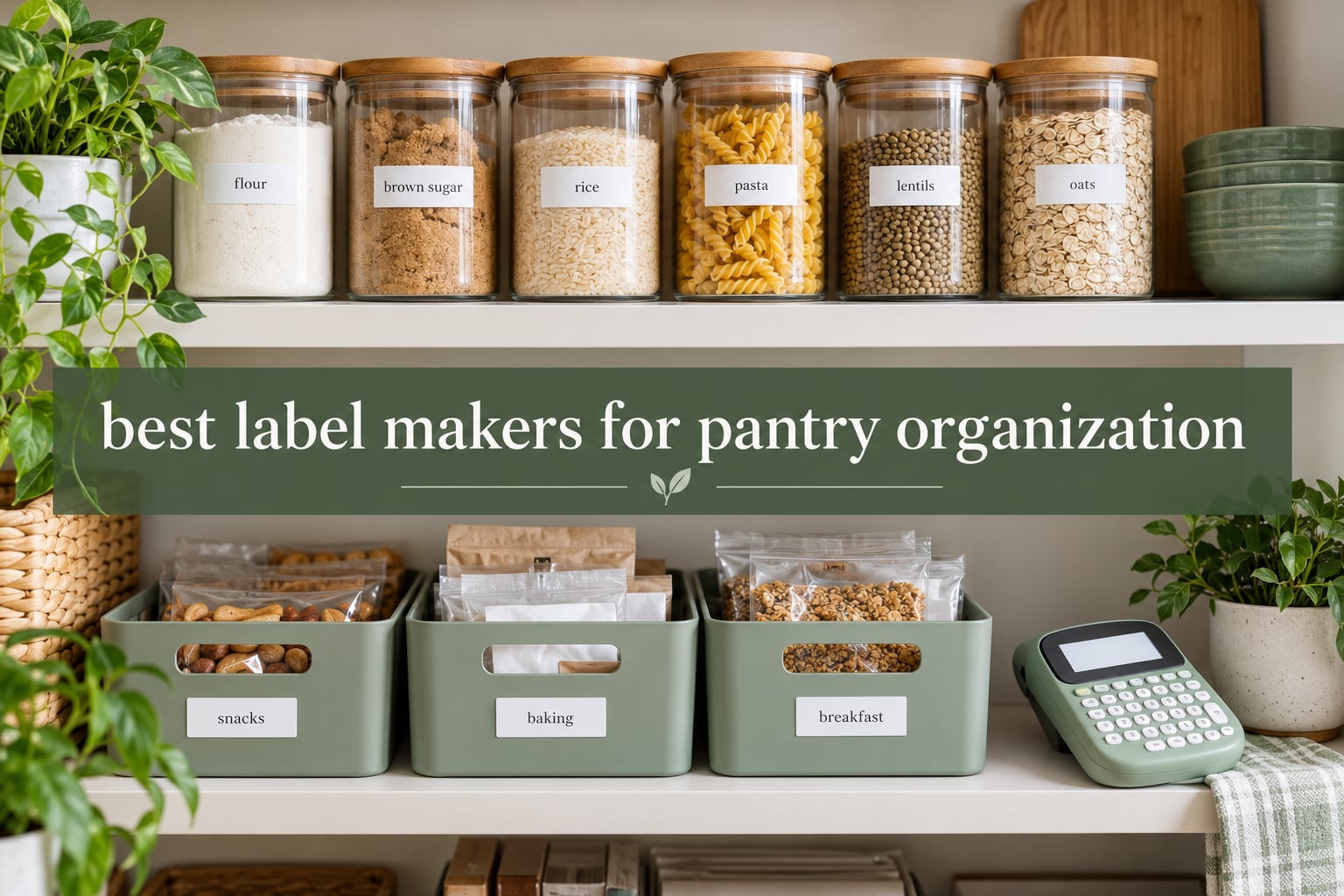
The best label maker for pantry organization is the DYMO LetraTag 100H. It runs completely standalone with no app, no phone and no computer, and the box ships with three tape styles so you can cover glass canisters, plastic bins and freezer containers from day one. If you want app design tools instead of a keypad, the SUPVAN E10 is the stronger long-term buy.
A pantry label maker has one job that matters more than anything else: the label has to still be readable after a humid summer, a splash of water and a few months of use. That single requirement rules out a lot of hardware. It is also why we weighed tape material and adhesive as heavily as print speed when we put this list together.
We spent weeks labeling our own shelves, decanted dry goods into glass canisters, marked best-before dates on leftovers and washed the containers to see what survived. Below are the best label makers for pantry organization we would actually buy, from a keyboard-first standalone unit to pocket-sized Bluetooth printers and one wide-label machine for big canisters.
We also cover what to label first, which tape width matches your jars, and where cheap third-party tape is a false economy. If you are still deciding between hardware and shelves, start with our pantry organizer set picks and then come back here.
Top 3 Picks for Pantry Organization in 2026
Three machines earned a place on the shortlist. The DYMO wins on independence and included tape, the SUPVAN E10 wins on value and continuous tape, and the SUPVAN T50M Pro is the only one here that prints genuinely wide labels for canisters and bins.

DYMO LetraTag 100H
- Standalone
- no app needed
- Includes paper
- plastic and clear tapes
- Graphical preview screen

SUPVAN E10
- Continuous tape
- unlimited label length
- Laminated waterproof labels
- Three tape rolls included

SUPVAN T50M Pro
- 3/4 inch to 2 inch wide labels
- Prints from phone
- tablet or PC
- Auto label size detection
All 8 Label Makers at a Glance
Here is the full lineup with the specs that actually change a pantry decision: tape width, whether the machine works without a phone, and what happens when a label gets wet.
| Product | Specifications | Action |
|---|---|---|
| DYMO LetraTag 100H |
|
Check Latest Price |
 Phomemo D30 Phomemo D30 |
|
Check Latest Price |
 Nelko P21 Nelko P21 |
|
Check Latest Price |
| SUPVAN E10 |
|
Check Latest Price |
| SUPVAN T50M Pro |
|
Check Latest Price |
 NIIMBOT D110 NIIMBOT D110 |
|
Check Latest Price |
 Brother PT-M95 Brother PT-M95 |
|
Check Latest Price |
 SUPVAN E11 SUPVAN E11 |
|
Check Latest Price |
1. DYMO LetraTag 100H Review – The Standalone All-Rounder
DYMO Label Maker Machine with 3 Tapes – 100H LetraTag Handheld, Includes 3 LT Label Tapes, Perfect for Home & Office Organization
Standalone handheld
No app or phone required
Includes paper, plastic and clear tapes
5 font sizes and 8 box styles
Pros
- Works with no phone
- app or computer
- Three tape styles included in the box
- Graphical display previews before printing
- Sturdy enough to survive drops
- Magnetic holder for metal shelving
Cons
- Tape edges can lift after a few months
- Alphabet-ordered keyboard slows typing
- Backing is hard to start peeling
- Needs four batteries
The LetraTag 100H is the machine we keep reaching for in our own kitchen. You type on the keypad, the graphical screen shows you the label, and the tape prints. There is no phone in the loop, which means it works when your phone is dead, when the battery is flat, or when someone else in the household needs to relabel a jar without your help.
It runs on four batteries and auto-offs when idle. The body weighs 16 ounces, which is light enough to hold one-handed over a high shelf while the other hand steadies the jar. Reviewers describe it as the label maker that finally gets a household organized, and canning and spice-rack labelling come up constantly in that feedback.
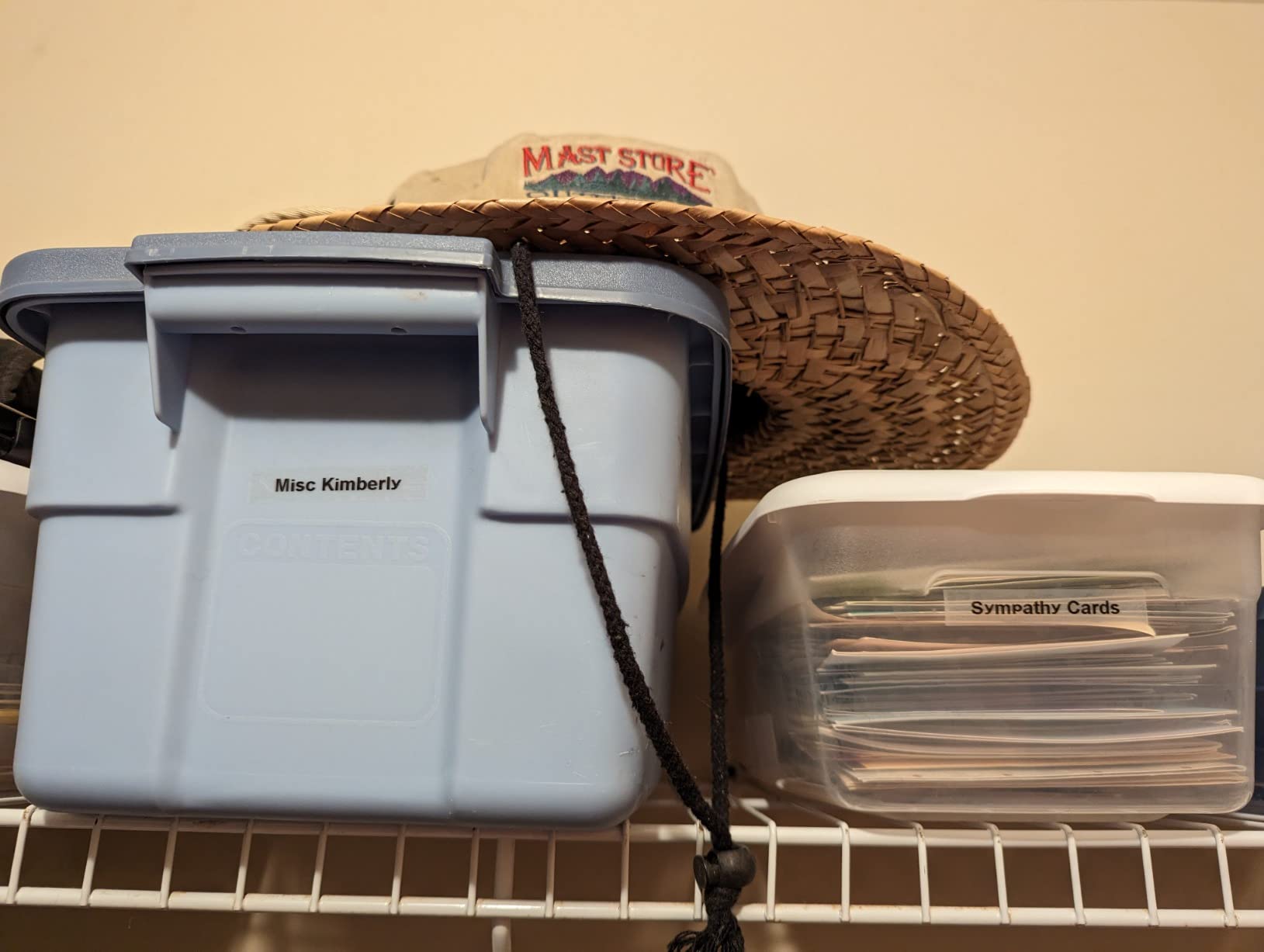
The included tapes are the quiet advantage. You get one paper cassette, one plastic cassette and one clear black-on-white cassette, all half-inch wide. For a first pantry pass that is enough to label glass canisters, plastic bins and a shelf edge without buying a single refill.
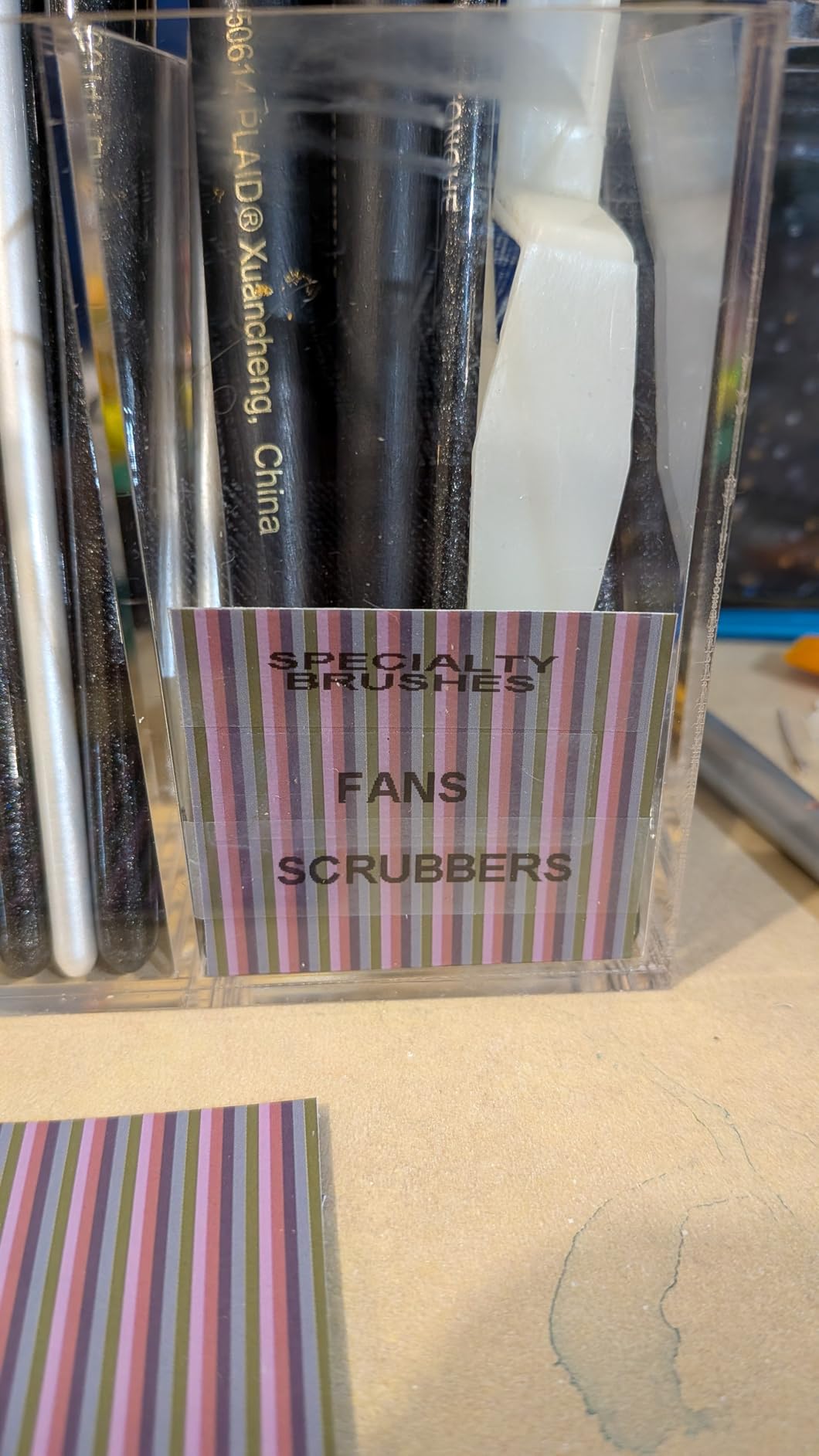
What you give up is adhesive strength. Reviewers consistently note that edges lift over time and corners peel on some containers, which matches the most common complaint we found in forums about thermal labels on plastic. Wipe the surface with a damp cloth and let it dry fully before you press the label down. That single habit fixed most of our lifting edges.
Who the LetraTag 100H suits
This is the pick for anyone who wants a pantry system that every household member can use. A shared kitchen with two adults and teenagers is exactly the case where a keypad beats an app, because nobody has to unlock a phone and wait for Bluetooth to pair before labelling a snack bin.
It is also a strong fit for people who decant dry goods into glass. The half-inch tape width wraps a straight glass jar side without bridging the curve badly, and the clear cassette gives you black-on-clear labels that disappear into the jar.
Where it falls short
The keyboard runs in alphabetical order rather than QWERTY, so typing “flour” takes longer than it should. Users coming from a phone keyboard notice it within a minute, and it matters more on a whole-pantry project than on a single jar.
The peeling backing is a genuine annoyance on narrow labels. Start the corner with the edge of a spoon or a butter knife rather than your thumbnail, and it comes away cleanly every time.
2. Phomemo D30 Review – The App Design Powerhouse
Phomemo D30 Label Maker Machine with Tape, Bluetooth Mini Label Printer
Bluetooth 4.0 mini printer
Rechargeable 7 watt-hour battery
203 DPI direct thermal
0.55 inch max media size
Pros
- Half the size of a traditional label maker
- 4000+ icons and 1000+ app templates
- Works with continuous or fixed tape
- No ink or toner costs
- QR code and barcode generation
Cons
- Black text only
- 0.55 inch max width limits long names
- Needs a phone app every time
- Higher share of one-star reviews
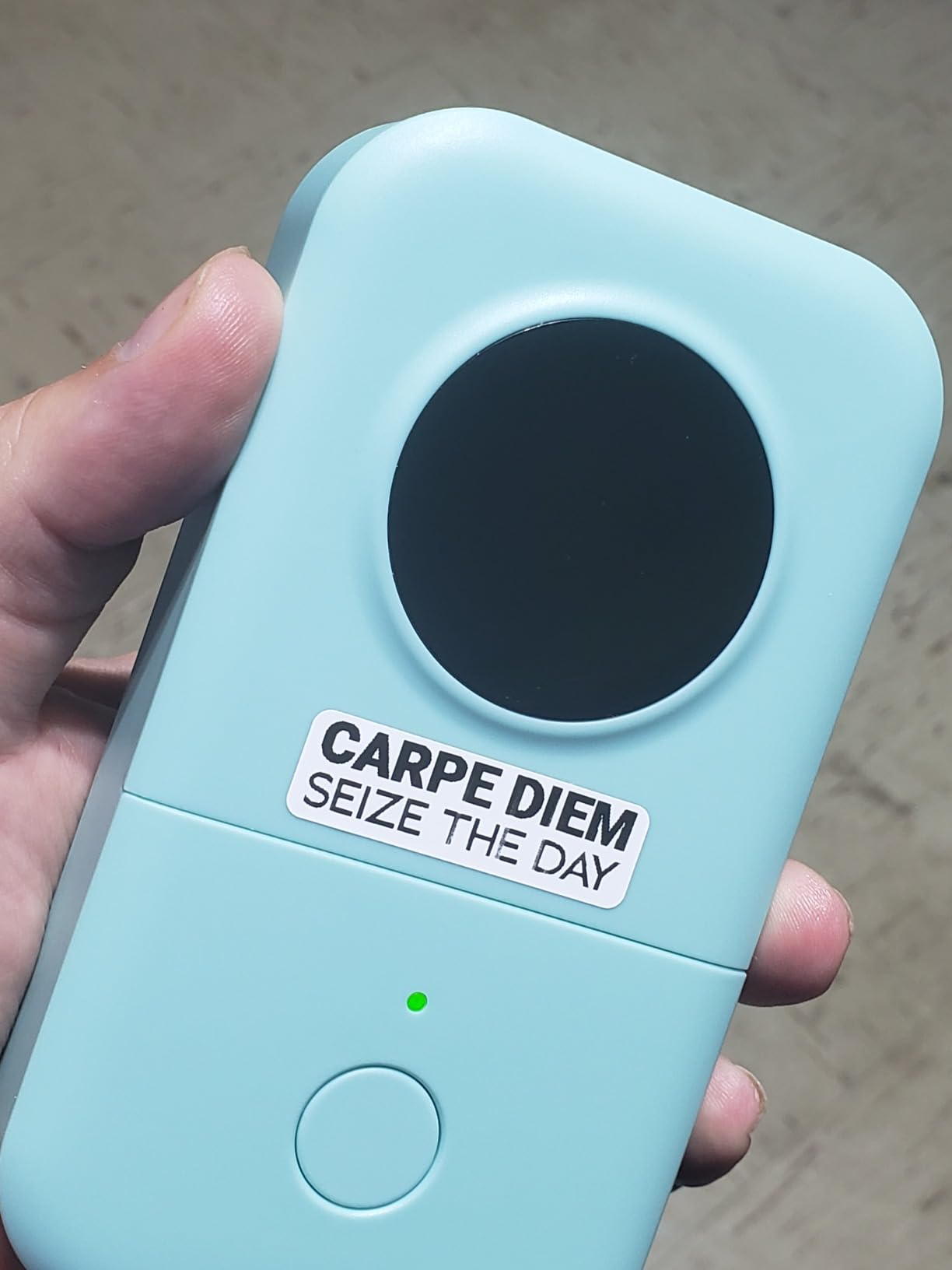
The D30 is about the size of a phone and considerably thicker. It is the pick for anyone who wants their pantry labels to look designed rather than typed, because everything happens in the Print Master app. We have used it for expiry labelling on meal prep containers and it handles the job well.
The body runs at 203 DPI monochrome direct thermal and prints up to 40 pages per second. It weighs 160 grams and runs on a built-in rechargeable battery, so there is no battery drawer to think about and no ink cost for the life of the machine.
The app library is the real product. You get more than 4000 icons, 800 borders, 600 fonts, over a thousand templates, OCR text scanning, QR and barcode generation, and Excel batch import. For a household that labels a lot at once, importing a spreadsheet of decanted dry goods and printing the whole batch in one go is a genuine time saver.
Two limits shape your decision. The maximum media size is roughly 0.55 inch, so a long pantry name such as “ORGANIC ROLLED OATS” will not sit comfortably on one line. And it needs your phone every single time, which removes it from any list that values standalone use.
Who the D30 suits
It suits people who care about how the shelf looks. Date stamps, icons and QR codes linking to a recipe or a bulk-buy list turn a plain jar into an organised one, and no keypad machine in this group offers that library.
It is also the easiest of the Bluetooth models to carry around. You can keep it in a kitchen drawer and pull it out at the shop, in the car, or wherever you are decanting, since the only other thing you need is your phone.
Where it falls short
The one-star share is the highest of the app-driven models here, and the complaints cluster around pairing failures and app stability rather than the printing itself. If your phone is old or your system is not well supported, budget a second device rather than an hour of troubleshooting.
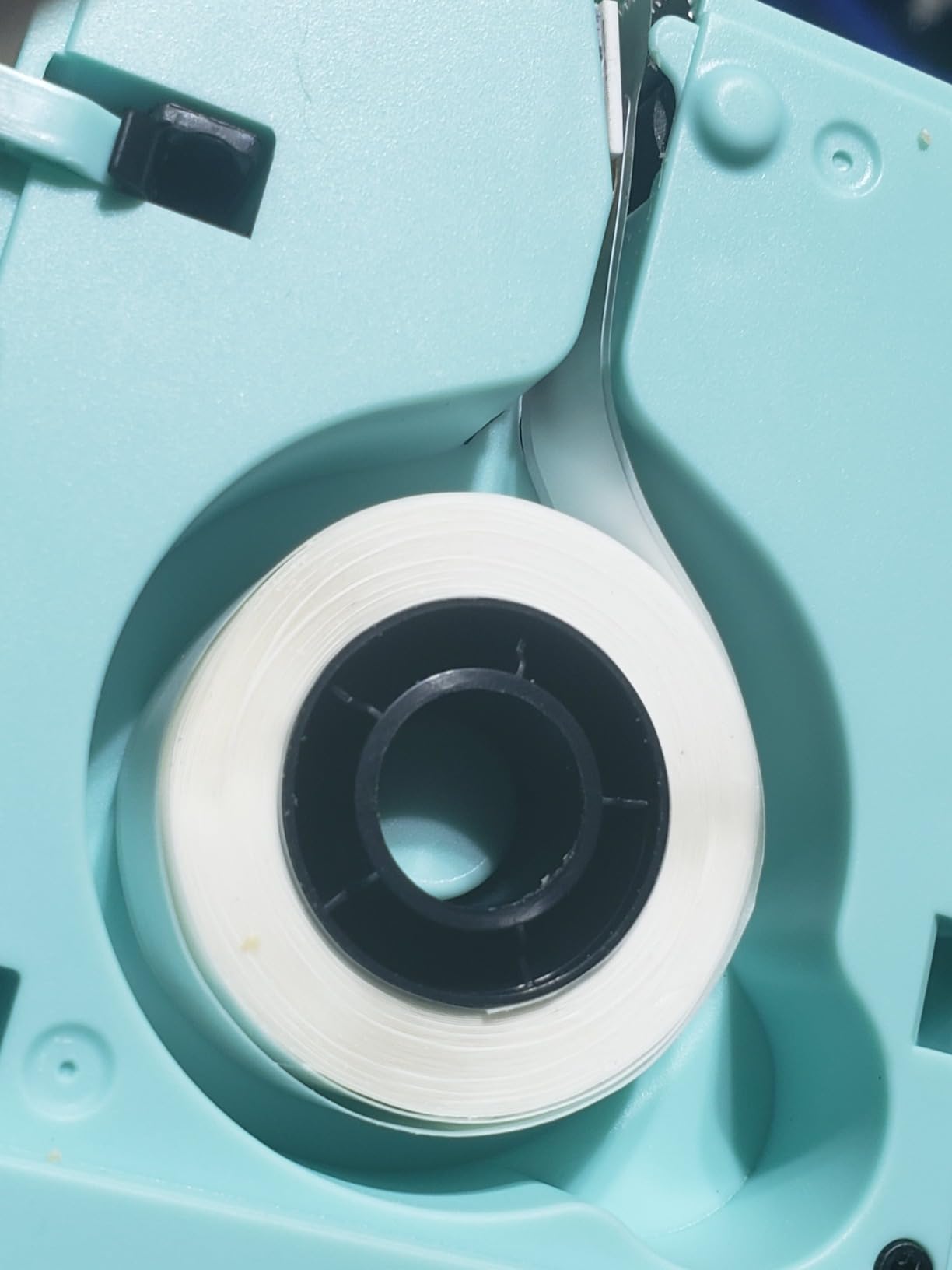
Reviewers also flag difficulty loading and peeling labels from the backing on some units. It is the same narrow-roll problem as other mini machines: the tape is stiff enough to curl before you get it onto a jar.
3. Nelko P21 Review – Fixed-Length Labels for Everyday Jars
Nelko P21 Label Maker Machine with Tape, Bluetooth Label Printer, White
Bluetooth app printer
Rechargeable battery
203x203 DPI BPA-free thermal
Fixed label sizes to 14x75 mm
Pros
- Very light at 11.5 ounces
- Crisp 203 DPI output on containers
- Large app library with 29 languages
- Rechargeable instead of batteries
- Waterproof labels for food storage
Cons
- No continuous tape support
- Phone only
- Not compatible with some Android 14 phones
- Charging adapter not included
The P21 is the tidiest small unit we tested for a kitchen drawer. At 11.5 ounces it is the lightest machine here, and it prints at 203 DPI in monochrome direct thermal, which is sharp enough for small text on a spice jar lid.
Where it separates from the D30 is tape handling. The P21 takes fixed lengths of 15×30, 12×40, 14×40, 14×50 and 14×75 mm, so you can batch print a full sheet of uniform labels without trimming anything.
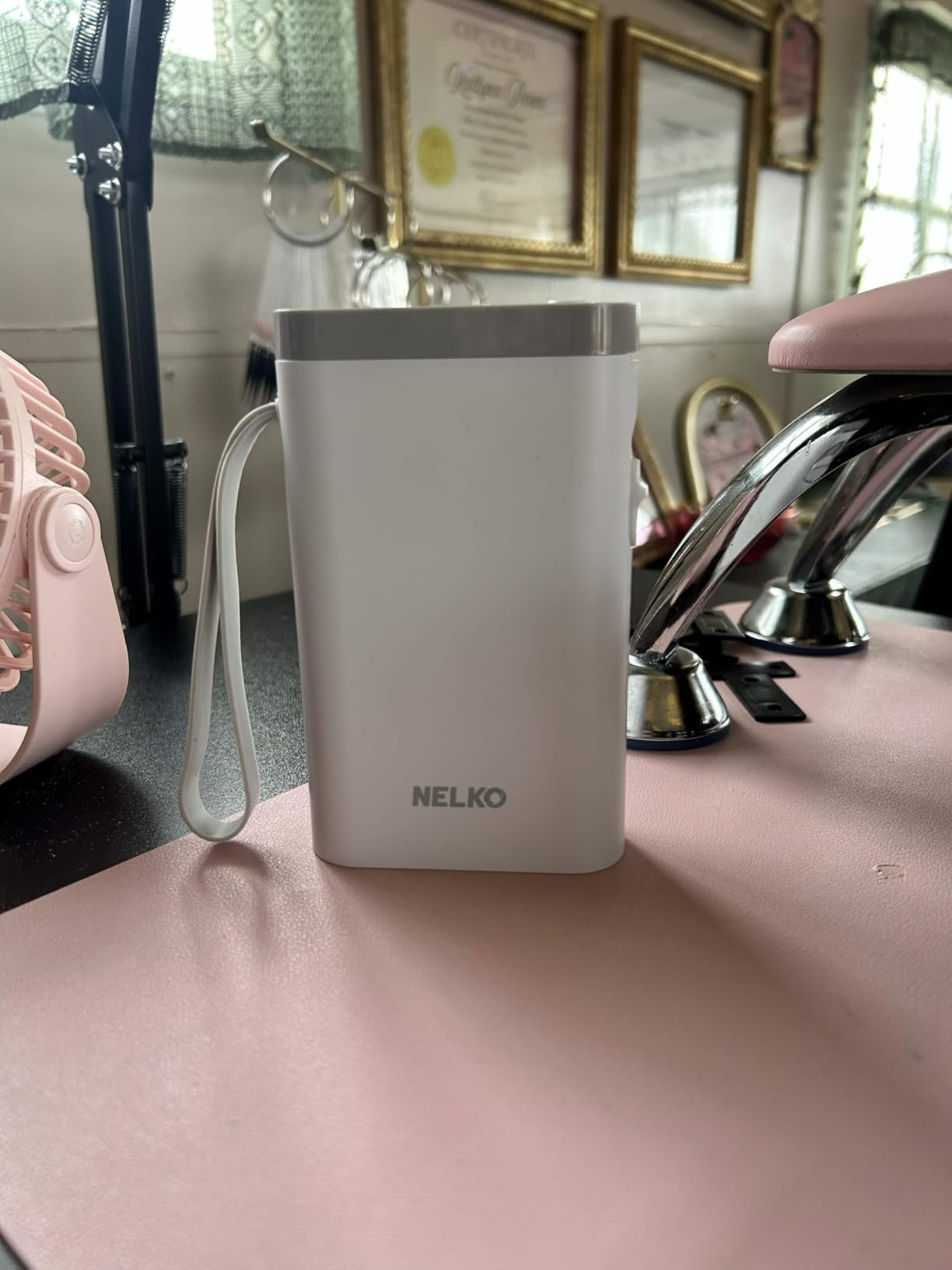
Reviewers consistently praise print clarity and the app’s template depth for pantry work. It also supports QR codes, barcodes, images and timestamps, which covers best-before dating in a single tap rather than typing a date by hand.
The decisive limitation is the absence of continuous tape. If you name a container something long, you cannot extend the label to fit it, and you are left shrinking the font until it reads. For short names like “RICE” or “LENTILS” that never comes up.
Who the P21 suits
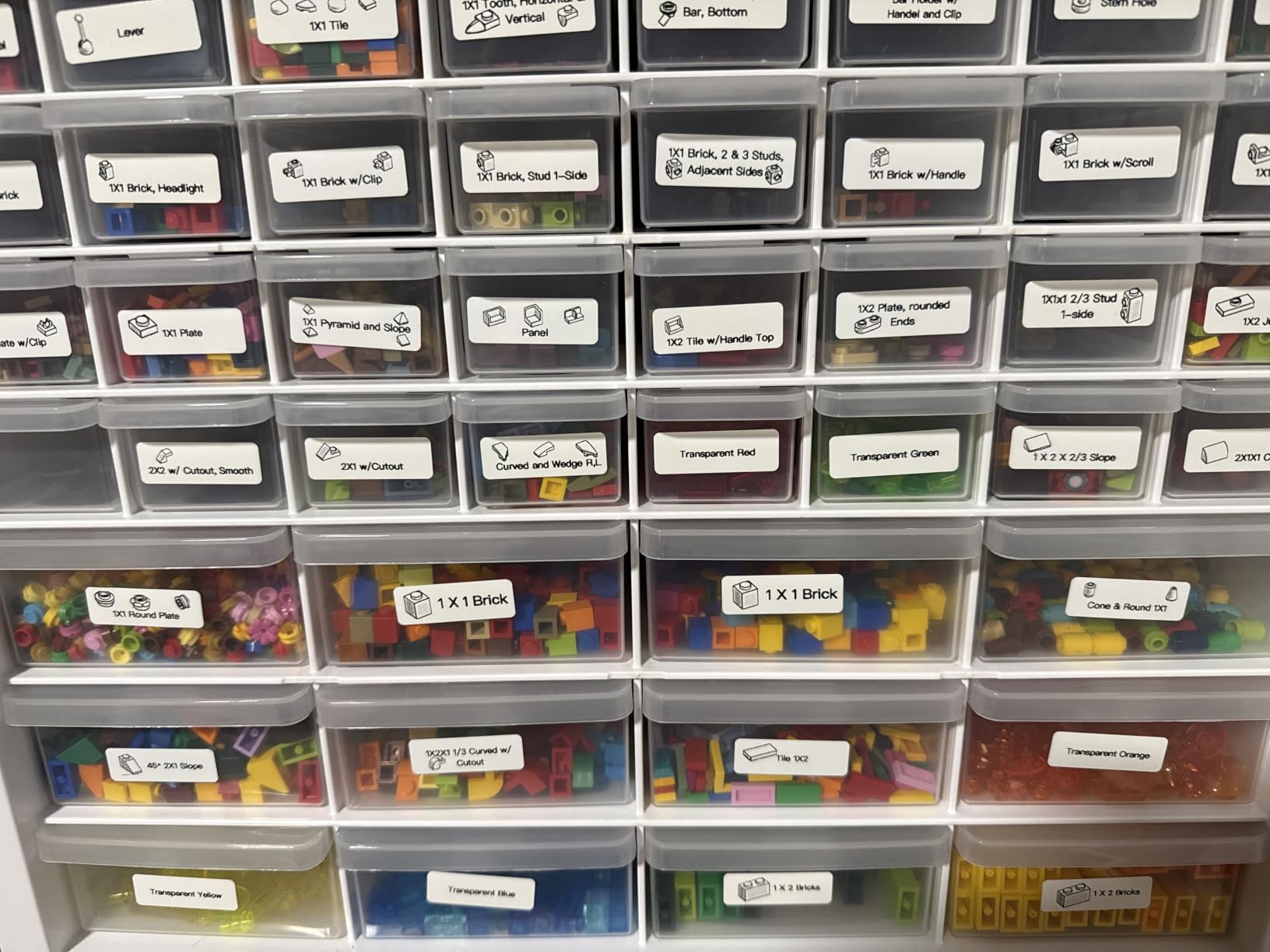
It suits a kitchen with many small containers of a similar size. Matchbox tins, small spice jars and lunch boxes all take the same 12×40 mm label, so a single batch of 30 covers the whole shelf and everything looks uniform.
It is a good first machine too. The app pairs quickly with both iOS and Android, the rechargeable battery removes the battery ritual, and the review base is large enough that you can find answers to most setup problems quickly.
Where it falls short
Compatibility is worth checking before you commit. The P21 does not work with Google phones running Android 14, and iOS users need the current app version. Check your own phone against the listing before you start a whole-pantry project.
It is phone only, with no computer support, and the charging adapter is not in the box. Both are small annoyances that only surface on the day you try to do something at a desk.
4. SUPVAN E10 Review – Best Value Continuous-Tape Workhorse
SUPVAN E10 Bluetooth Label Maker Machine with 3 Tapes, Green Bundle
Bluetooth thermal printer
Continuous and die-cut tape
Three white continuous rolls included
Laminated waterproof labels
Pros
- Continuous tape removes any length cap
- Split backing makes peeling easy
- Preview window warns of cut-off text
- Built-in cutter
- Free app with no registration
Cons
- Cannot auto-cut a batch of labels
- Default print density leaves white streaks
- Weaker adhesion on curved bottles
- Scissors needed between labels
The E10 is the value pick, and the reason is continuous tape. Because the label length is not fixed by the roll, you can print “ORGANIC RED LENTILS 500G” on a single line without shrinking the font until it disappears.
It handles both continuous rolls and die-cut labels, prints at 203 dpi in monochrome direct thermal, and weighs 167 grams with a built-in rechargeable battery. Three rolls of white continuous label tape are in the box, which is more consumable than most competitors give you.
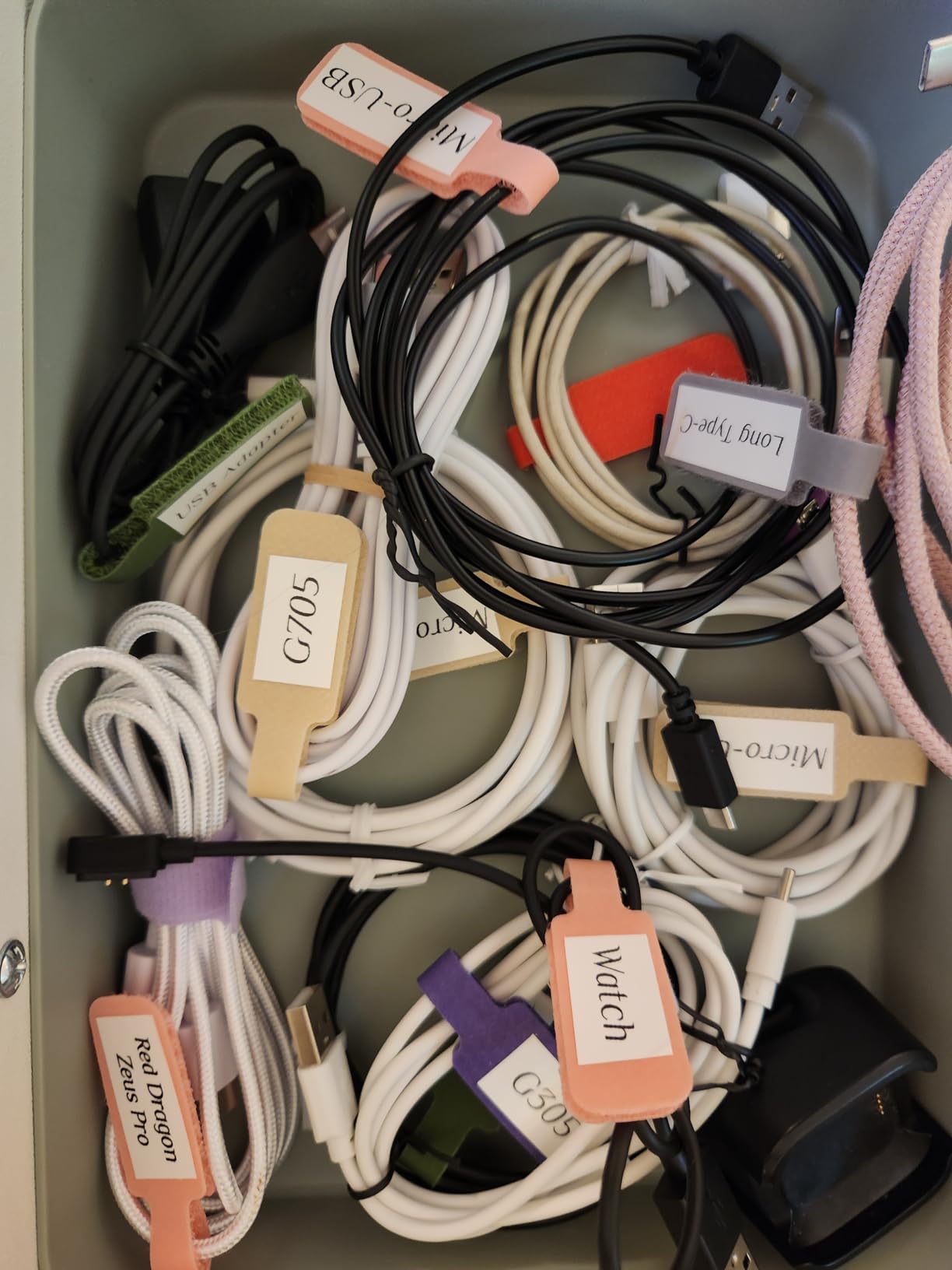
The laminated stock is the part that matters in a pantry. The listing describes the labels as waterproof, oil-proof, anti-scratch and heat-resistant, and reviewers who have used them on food storage report they remove without leaving residue. That is a different claim from “laminated”, and it is the one to care about when a label sits next to a spill.
Two design details save real time. The backing splits down the centre so you can position half the label before peeling the rest, and a preview window warns you when text will be cut off, which stops reprinting waste.
Who the E10 suits
It suits bulk buyers and anyone decanting dry goods. Label length is unlimited, so a tall glass canister with a long product name and a date gets one clean strip instead of two stubby labels.
It is also the pick for a family that labels weekly rather than once. Rechargeable battery, a free app with no registration and a generous tape bundle keep the running effort low.
Where it falls short
It cannot cut between labels during a batch print, so a pile of twenty jars means twenty snips with scissors. That is fine for a weekend project and tedious for an ongoing habit.
Raise the print density from the default of 4 to around 9 or the text comes out with white streaks. Adhesion also weakens on curved surfaces such as bottles, so flat faces of canisters work better than round jar shoulders.
5. SUPVAN T50M Pro Review – Wide Labels for Canisters and Bins
SUPVAN T50M Pro Bluetooth Label Maker Machine with Tape, Black
Bluetooth plus USB to PC
3/4 inch to 2 inch wide labels
203 dpi direct thermal
One 40x30 mm tape included
Pros
- Widest tape range in this group
- Prints from a laptop or PC as well as a phone
- Auto label size detection
- Enhanced image processing
- Free app with no registration
Cons
- Heaviest unit at 433 g
- Only one small tape roll included
- PC connection needs a USB cable
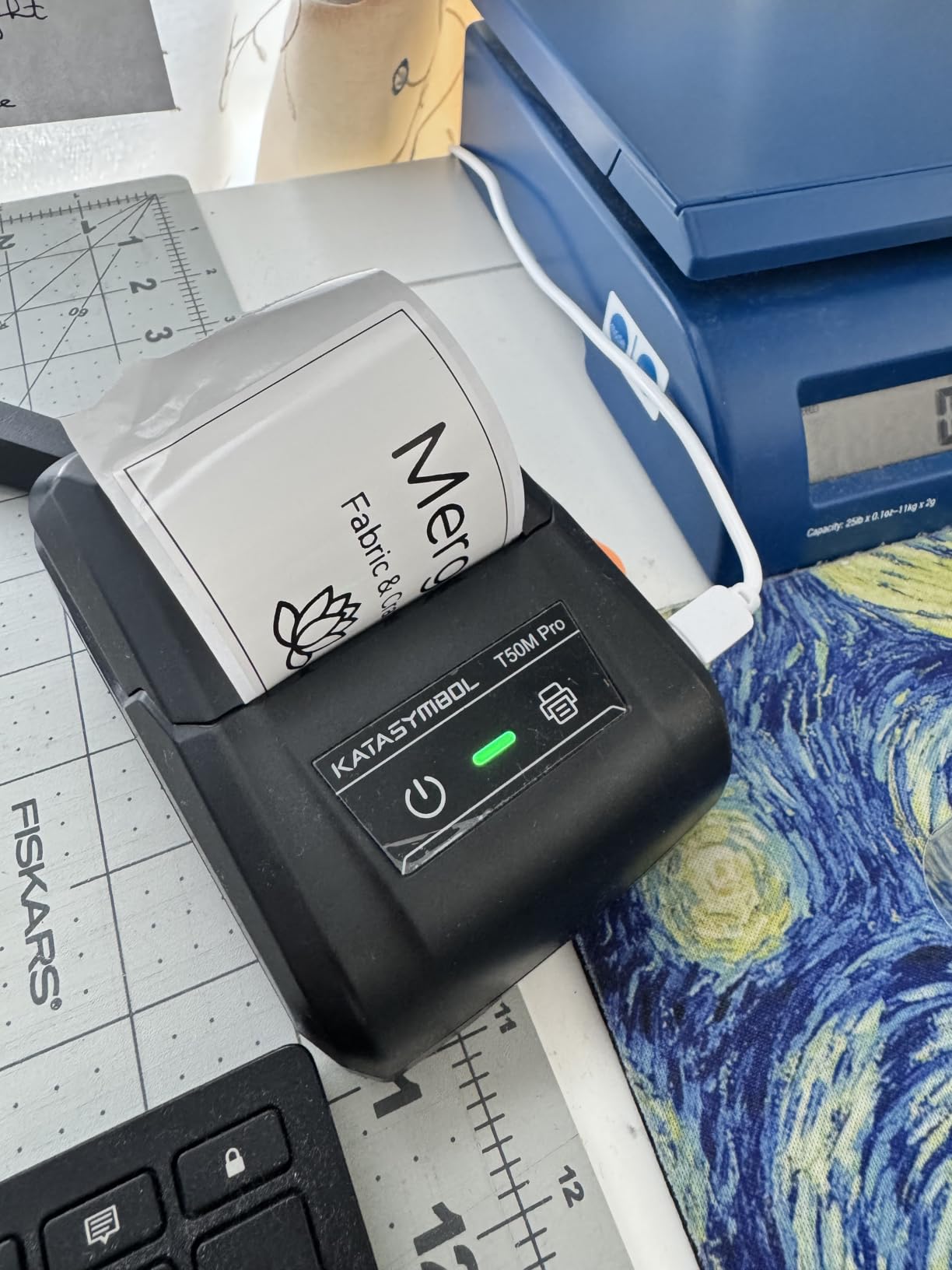
If your pantry includes big storage canisters, square Tupperware-style bins or pantry drawer boxes, tape width becomes the deciding feature. The T50M Pro prints from three-quarter inch all the way to 2 inches wide, which no other machine in this group can do.
It prints at 203 dpi monochrome direct thermal with enhanced image processing, so logos and QR codes come out clean on a wide label. Print speed is listed at up to 60 pages per minute with a one-second first print.
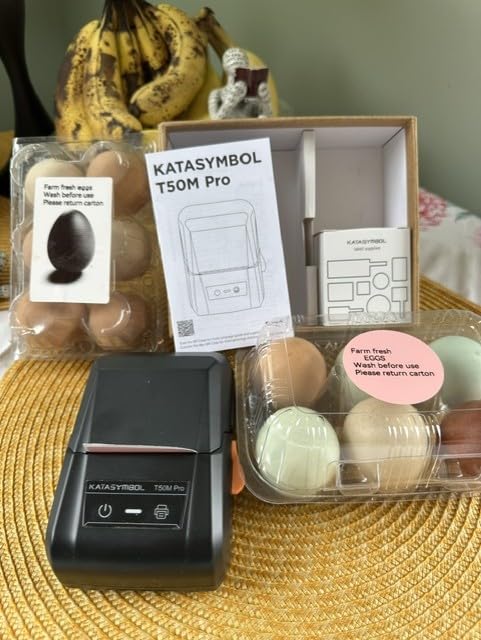
This is the only machine here that connects to a laptop or PC as well as a phone. If you keep a master list of your pantry inventory in a spreadsheet, you can drive labels straight from the computer over USB while the Bluetooth app handles the phone workflow when you are standing at the shelf.
Auto label size detection means you load a roll and the machine works out the width, which removes one of the settings that catches people out on cheaper models.
Who the T50M Pro suits
It suits households with wide containers. A 3/4 inch label wraps around a large glass jar and leaves room for a date, and the 2 inch ceiling covers storage bin fronts where you want a full title rather than an abbreviation.
It also suits anyone running a small kitchen business out of the same space. Buyers single out the broad tape compatibility and computer printing as the reasons to pay more than the mini models.
Where it falls short
At 433 grams it is the heaviest unit here and not pocket-friendly. It lives on a counter or a shelf, not in your bag.
Only one small 40×30 mm roll is included, so you will need refill tape before you label more than a handful of items. Treat that as part of the real cost rather than a surprise later.
6. NIIMBOT D110 Review – Built for Best-Before Dating
NIIMBOT D110 Upgrade Mini Label Maker, Bluetooth Thermal Printer for Daily
Bluetooth thermal printer
Auto-detects loaded tape roll
One-button date and time stamp
203x203 DPI BPA-free thermal
Pros
- Auto-identifies the loaded tape roll
- One-button date stamping for food
- Waterproof and oil-proof refills
- Recharges fully in two hours
- Batch printing supported
Cons
- Smartphone only
- no computer
- Monochrome text only
- Some app extras cost extra
- App needs refinement
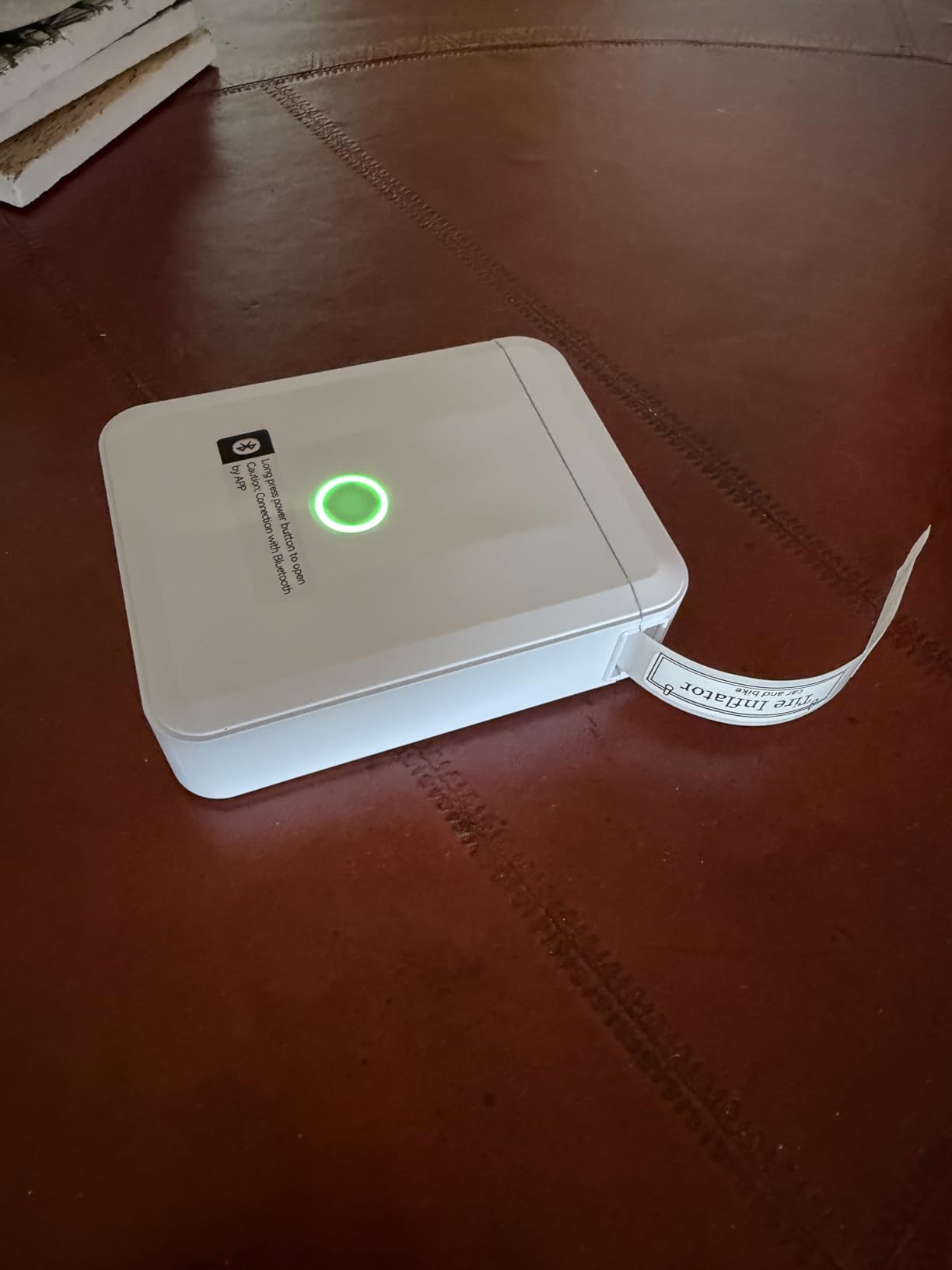
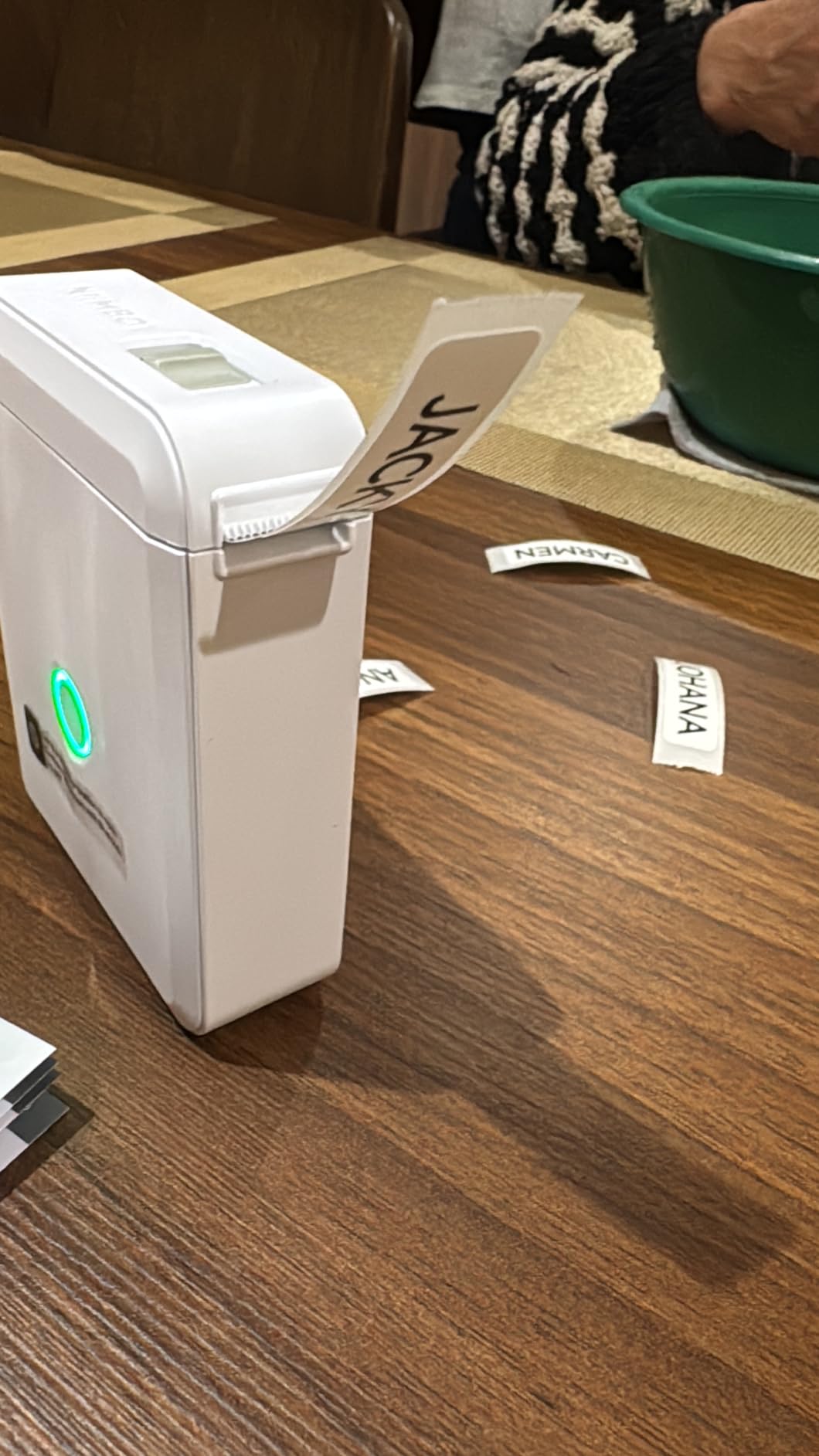
The D110 solves one problem better than anything else here: dating food. A single button stamps the current date and time, so leftover containers and decanted dry goods get an accurate label without you typing anything.
It prints at 203 by 203 DPI BPA-free direct thermal, runs at up to 40 pages per minute and weighs 149 grams. The intelligent identification feature auto-detects the loaded roll, which removes the guesswork when you swap between clear, colourful, gift and round tapes.
Refill tapes are described as waterproof and oil-proof, and buyers describe them as suitable for kitchen containers. The rechargeable battery takes about two hours for a full charge, which covers a heavy labelling session and then some.
Batch printing support is useful here as well. If you decant ten identical containers of the same dry good, you set the label once and print the run.
Who the D110 suits
It suits households that care about waste. A clear date on every jar tells you what to eat first and stops the “what is this brown powder” problem at the back of the shelf.
It also suits anyone who swaps tape types constantly. The auto-detect means the machine adapts to clear tape for glass and patterned tape for a colour band without a menu dive.
Where it falls short
It is smartphone only. There is no computer or laptop printing, so if your labelling plan starts in a spreadsheet you will need to retype items on your phone.
Text is monochrome, so colour comes from patterned tape rather than the print itself. A few app extras, such as custom icons, carry a small in-app cost.
7. Brother PT-M95 Review – Real Keyboard, No App
Brother PT-M95 P-Touch Monochrome Label Maker Bundle (4 Label Tapes Included),White
Standalone QWERTY keyboard
80 character LCD display
9mm and 12mm genuine Brother tape
Three full 12mm tapes included
Pros
- Standard QWERTY keyboard
- Most tape in the box
- 80 characters visible before printing
- Batteries last months
- One-year warranty with phone support
Cons
- Only two font sizes
- Cartridges need exact positioning
- Non-laminated tape is hard to peel
- No AC adapter
- Not Bluetooth enabled
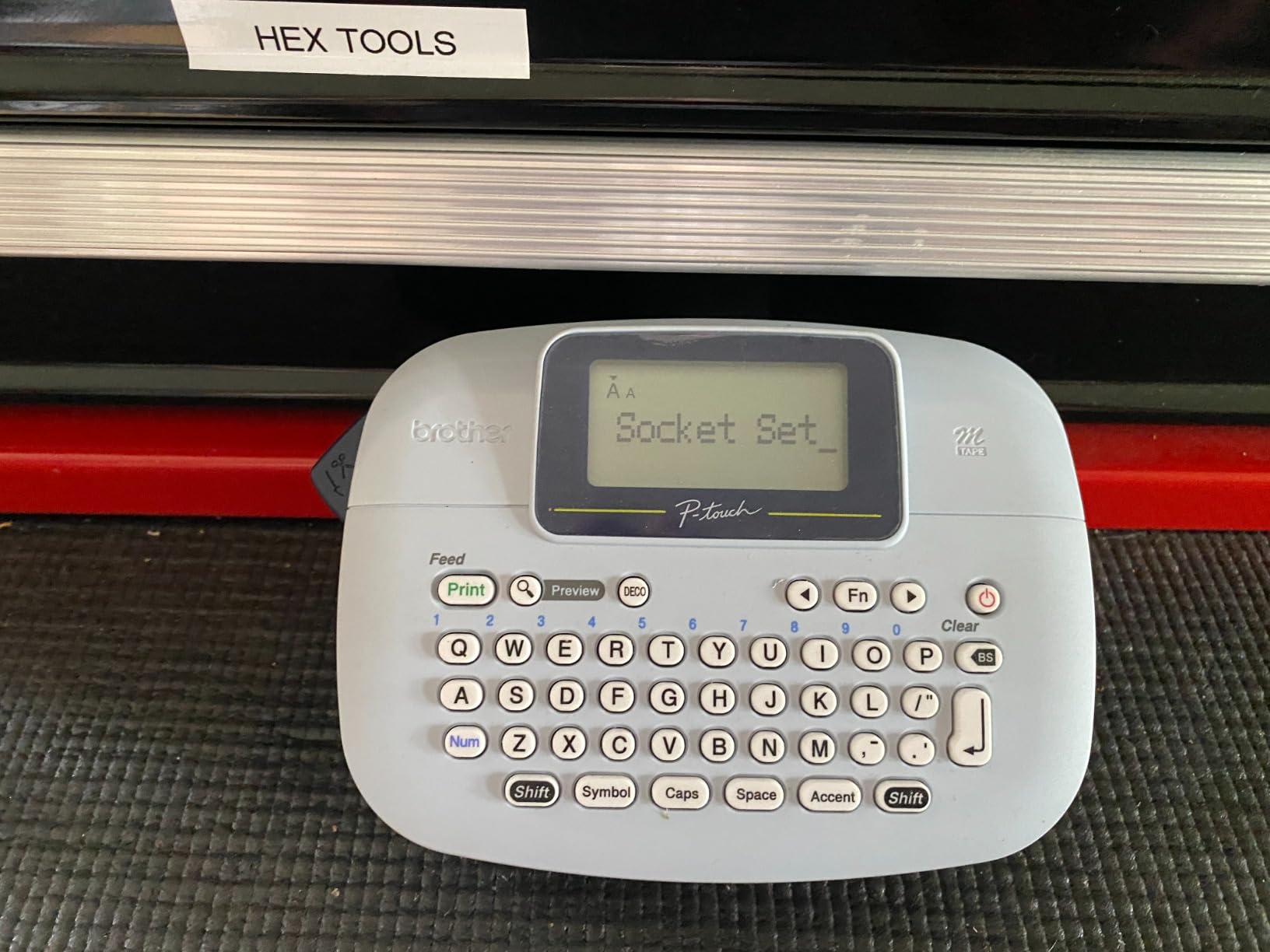
The PT-M95 is the Brother option in this group and the most conventional. It is a handheld unit with a QWERTY keyboard and an easy-view LCD that shows up to 80 characters at once, so you can read a long label before committing tape to it.
The bundle includes a sample 12mm tape plus three full-length 12mm rolls at 26.2 feet each. That is the most consumable included with any machine we looked at, which matters when you are labelling an entire pantry in one weekend.
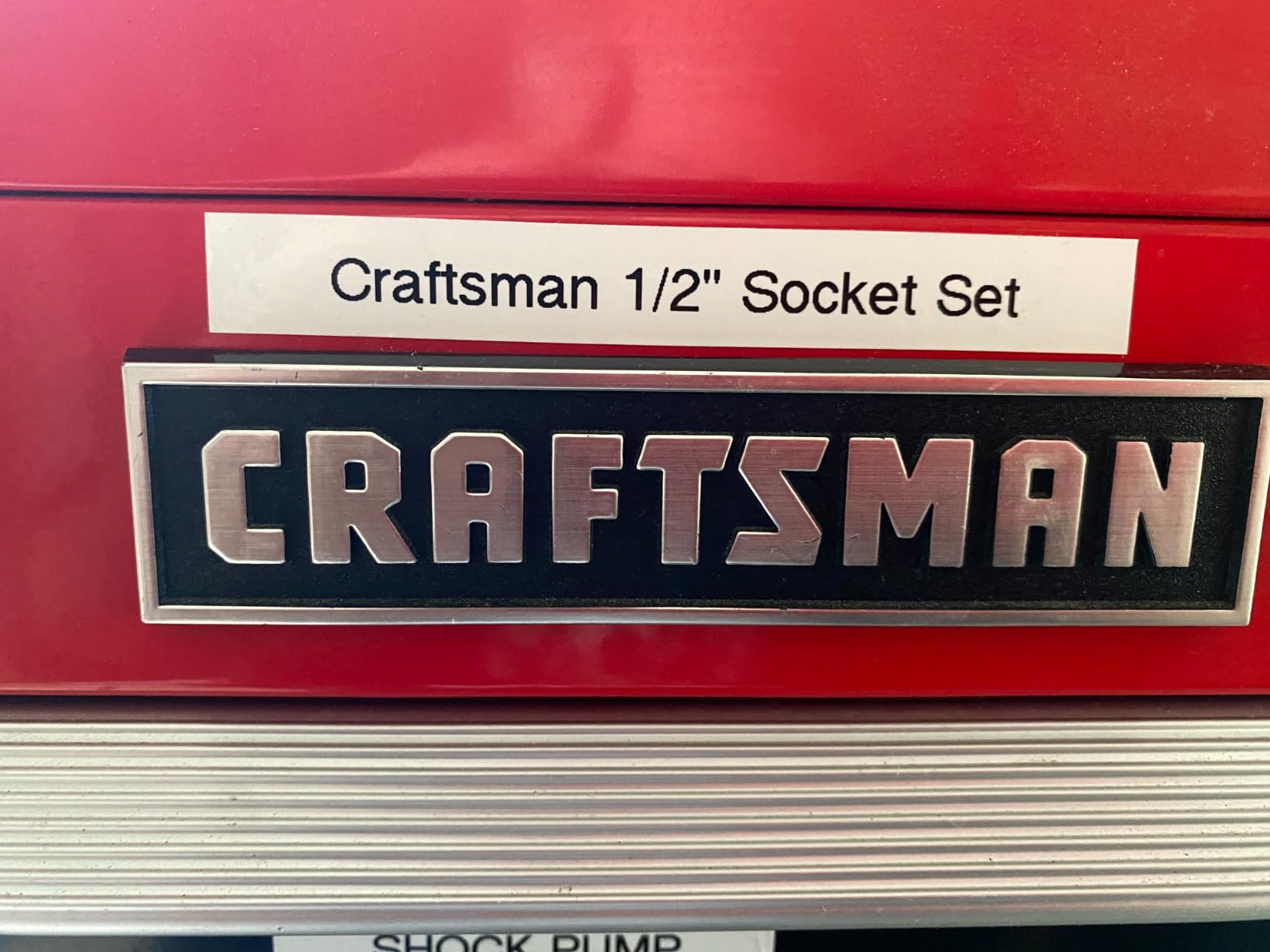
It runs on four AAA batteries and prints at 7.5 pages per minute, with memory for up to three label files and a label length function for adding blank space. Cartridges load from the top and the body is 9.12 ounces.
The honest drawback is the tape. These are genuine Brother M tapes and they are not laminated, which is a problem in a humid pantry or near a sink. Plan to add a laminated 12mm tape to your setup if the containers get splashed.
Who the PT-M95 suits
It suits anyone who types faster with two thumbs than with one finger on a screen. Long, awkward pantry names go in quickly on a QWERTY keyboard, and the character preview means you rarely reprint.
It also suits anyone who wants zero app dependency and long battery life. Reviews on this listing are heavily oriented toward long-term ownership, with owners comparing it to the older PT-65 and noting the M95 is lighter and easier to load.
Where it falls short
Two font sizes is a real restriction. Large and small are the only options unless you use half or double width, so a shelf of labels set at different sizes takes longer to make consistent.
Cartridges are described as finicky and need exact positioning to install, and the non-laminated tape is hard to peel before sticking. Budget a few minutes to get used to it.
8. SUPVAN E11 Review – Keyboard and App in One Body
SUPVAN E11 Keyboard & Bluetooth Label Maker Machine with 4 Tapes
On-device keyboard plus Bluetooth app
Continuous and die-cut tape
0.2 inch minimal margin
1200 mAh rechargeable battery
Pros
- Only dual-input machine in this group
- Keyboard route skips the app for simple labels
- Smallest margin saves tape per label
- Four tapes included
- Weighs 8 ounces
Cons
- Smallest review base here
- On-device keyboard suits short text only
- Slower at 28 pages per minute
- Computer use not mentioned
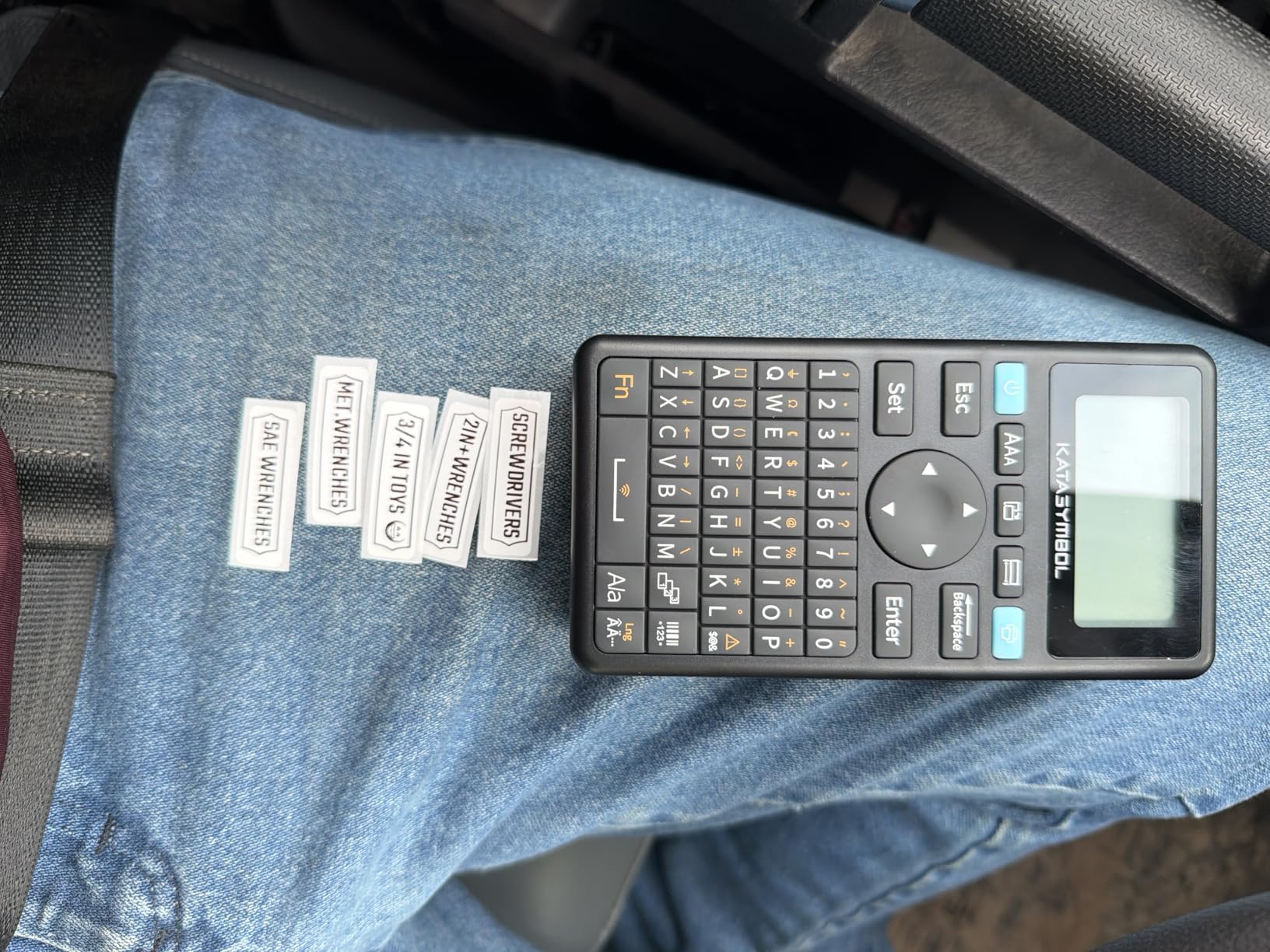
The E11 is the only machine here that gives you both routes. There is an on-device keyboard for fast, repeated labels and a Bluetooth app for designed ones, and you switch between them on the same body without pairing a phone first.
In practice the keyboard wins for a pantry project. When you are printing thirty near-identical jar labels, typing straight into the machine is far faster than picking up your phone each time, and buyers use the keyboard path for exactly this kind of high-volume labelling.
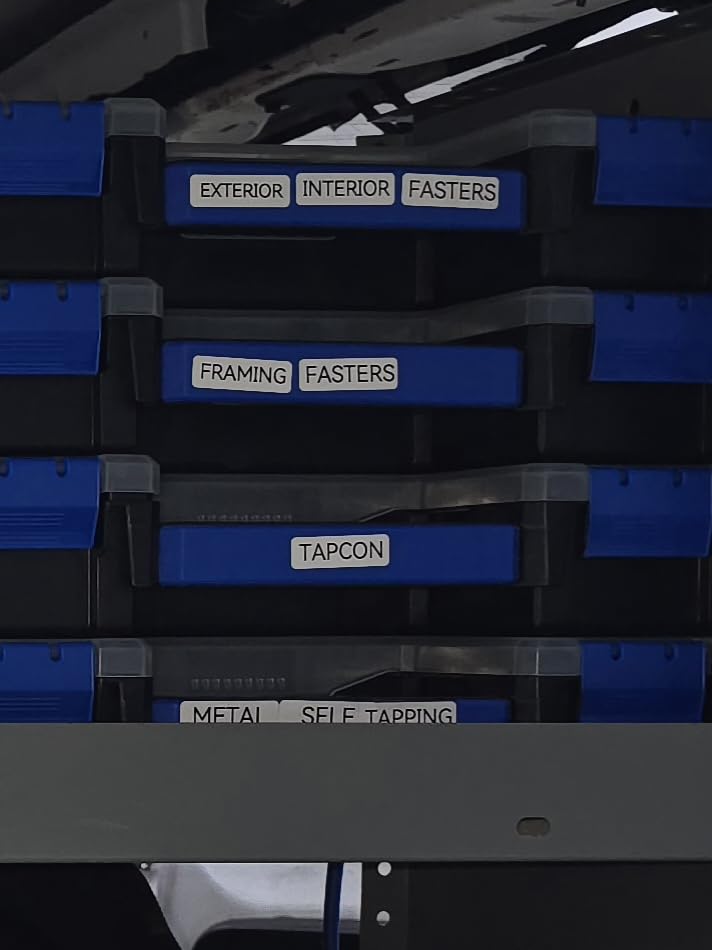
The minimal margin printing is the quiet cost saving. A 0.2 inch margin is roughly one-fifth the size of typical machines, so noticeably less tape is wasted at the edges of every label. Over a year of weekly labelling that adds up.
It works with both continuous and die-cut labels, prints at 203 dpi monochrome direct thermal at 28 pages per minute, and runs on a 1200 mAh rechargeable battery rated at about a month per charge. The body weighs 8 ounces.
Who the E11 suits
It suits a shared kitchen where some people will use the app and some will just type. Both routes are available on one device, so nobody has to be talked through downloading anything.
It is also a strong pick for a low-waste goal. Four tapes are included, two continuous 15mm rolls and two die-cut 12mm rolls, and the small margin means each label uses less material.
Where it falls short
The review base here is the smallest in this group, so long-term durability feedback is thinner than for the established models. Expect less field history on the cartridge mechanism and the adhesive.
The on-device keyboard is a small physical layout, which suits short text only. And at 28 pages per minute it is the slowest printer here, which you will feel during a large batch.
How to Build a Pantry Labeling System That Sticks
Hardware is the easy half. The half that determines whether labels are still legible in six months is which surfaces you stick them to and how you prepare them.
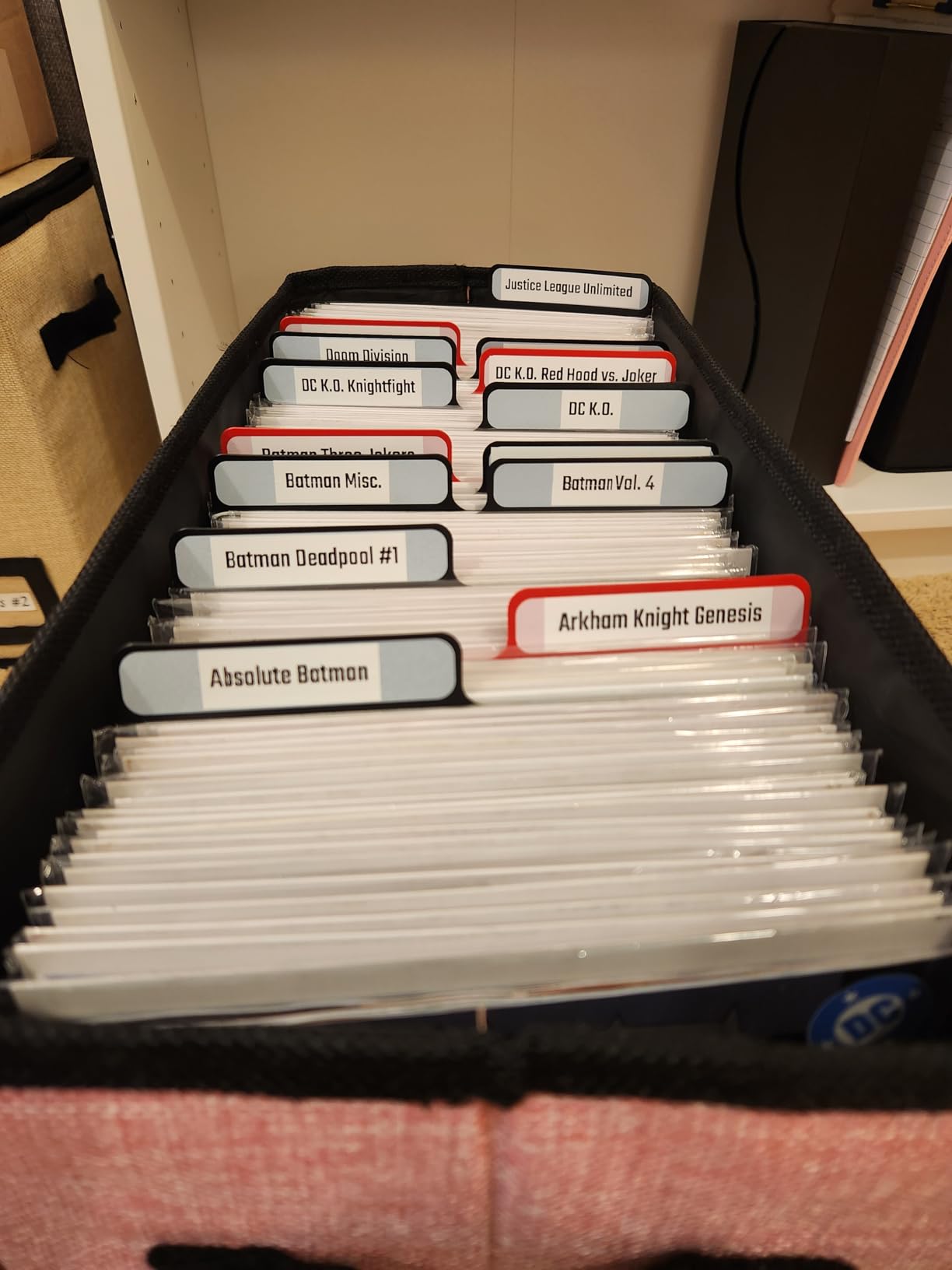
Start with dry goods. Rice, lentils, flour and oats generate the most duplicate purchases. Decant into matching glass canisters, label the contents plus the decanting date, and put the oldest at eye level.
Then spices. Clear tape on a spice jar reads well against the contents. Use the one-button date stamp if you have a machine that offers it.
Then snack bins. Uniform fixed-length labels look tidier here because every bin is the same size. This is where the Nelko P21 or a die-cut roll earns its place.
Then bulk and open items. These need the widest label you can manage, which is where a 3/4 inch or wider machine earns its cost.
Freezer and fridge last. Use waterproof or oil-proof tape only. We have a separate pantry storage guide that covers where the containers themselves should live.
Surface preparation matters more than any machine. Wipe the container with a damp cloth, let it dry completely, then press the label down firmly along its full length with a thumbnail or the flat of a spoon. Forum users report this single step is the difference between labels that last years and labels that peel off in weeks.
Match the tape to the surface. Laminated plastic tape holds best on smooth glass and hard plastic. It grips less reliably on curved bottle shoulders and textured containers, so put the label on the flat face and keep it off the curve.
What to Look for in a Label Maker for Pantries
Tape width comes first. Half-inch tape works for spice jars and small canisters. Three-quarter inch and up is what you want for storage bins and large jars. If your names are long, continuous tape beats any width increase because you choose the length yourself.
Tape material decides longevity. A laminated or plastic-backed tape carries a waterproof and oil-resistant claim that survives a splash and a wipe. A paper laminate looks the same on the shelf and fails faster once it is wet. The Brother PT-M95 in this list ships with non-laminated tape, which is the one thing to plan around.
Standalone or app-connected is a workflow decision, not a quality one. Print quality at 203 dpi is nearly identical across this group. What differs is friction. A keyboard machine is fastest when you are labelling many identical jars in a row, and an app machine is faster when you want dates, icons and QR codes. If more than one person in your home labels things, standalone wins.
Consumables are the real running cost. Every machine here is inkless, so the only ongoing spend is tape. Name-brand cartridges are the expensive part of ownership, and off-brand rolls are the cheap part, but third-party tape is where durability claims quietly fall apart. We would rather eat the cost of named tape than relabel a pantry twice.
Check width against your jar curvature. A wide label on a small jar bridges the curve and its corners lift within weeks. If your containers are narrow, prefer several narrower labels over one wide one that bows away from the glass.
Check phone compatibility before you commit. The app-driven models here list explicit exclusions, including one that does not support Android 14 on Google phones. Two minutes of checking saves a returned machine.
DYMO vs Brother for Kitchen Labels
Brother is the stronger brand with the better character display and the more tape in the box, and its PT-M95 gives you a true QWERTY keyboard with 80 characters visible. DYMO wins on the tape it includes: the LetraTag 100H bundle carries paper, plastic and clear cassettes, so you can handle more container types before buying anything.
For a pantry specifically, the DYMO is the easier first purchase. The Brother tape in this bundle is not laminated, and laminated stock is the difference between a label that survives a humid kitchen and one that curls at the corners.
Both are standalone machines with no app, both run on batteries, and both carry a one-year limited warranty. If you already own Brother M tape, stay with Brother. If you are starting from nothing, the DYMO bundle is the more useful box.
For a wider look at how these machines handle non-food labelling, our home organization label maker guide covers the same form factors from a different angle, and our shipping label printer picks cover the industrial end of the market.
Frequently Asked Questions
What is the best label maker for a pantry?
The DYMO LetraTag 100H is our pick for a pantry. It runs standalone with no app or phone, and the bundle includes paper, plastic and clear tapes so you can cover glass canisters, plastic bins and freezer containers immediately. If you want designed labels with icons and QR codes, choose an app-driven machine such as the SUPVAN E10 instead.
Are labels from a label maker waterproof?
It depends entirely on the tape, not the machine. Laminated or plastic-backed tape is generally waterproof and oil-resistant and will survive a splash and a wipe. Standard paper laminate fades and curls when wet. Buy tapes that state a waterproof or oil-resistant claim, and avoid any tape described only as laminated.
Which label maker is best for waterproof labeling?
Pick a machine that pairs with laminated or plastic-backed tape rather than judging the printer itself. The SUPVAN E10, NIIMBOT D110 and Nelko P21 all ship with or support waterproof and oil-proof refills. For the widest waterproof label area on big canisters, the SUPVAN T50M Pro prints up to 2 inches wide.
Are Dymo or Brother label makers better?
Brother builds the stronger machine with a larger character display and a true QWERTY keyboard, and its bundles often include more tape. DYMO wins for a first pantry project because tape type is included in the box, which matters because Brother tape in some bundles is not laminated. Choose DYMO to start from nothing and Brother if you already own Brother M tape.
What is the difference between a label maker and a label printer?
A label maker is a small handheld or desktop thermal printer you type on, with a built-in keyboard or a phone app. A label printer is the broader category, including industrial machines that print shipping labels on large rolls at high volume. Every label maker in this guide is a label printer; the reverse is not true.
How do I stop labels peeling off plastic containers?
Clean the surface with a damp cloth and let it dry fully before applying the label. Press along the whole length with a flat finger or the back of a spoon rather than one spot. Use laminated tape, and keep the label on the flat face of the container instead of a curved shoulder, since corners lift fastest where the tape bridges a curve.
Conclusion: The Best Label Makers for Pantry Organization in 2026
For most households, the DYMO LetraTag 100H is the right buy: it needs no phone, it comes with paper, plastic and clear tape, and everyone in the kitchen can use it. Choose the SUPVAN E10 if you want continuous tape and laminated waterproof stock, the NIIMBOT D110 if dating food is the main job, and the SUPVAN T50M Pro if your containers are wide.
Whatever you pick, clean the surface first and buy waterproof tape. That is what makes these best label makers for pantry organization picks last more than a season.