
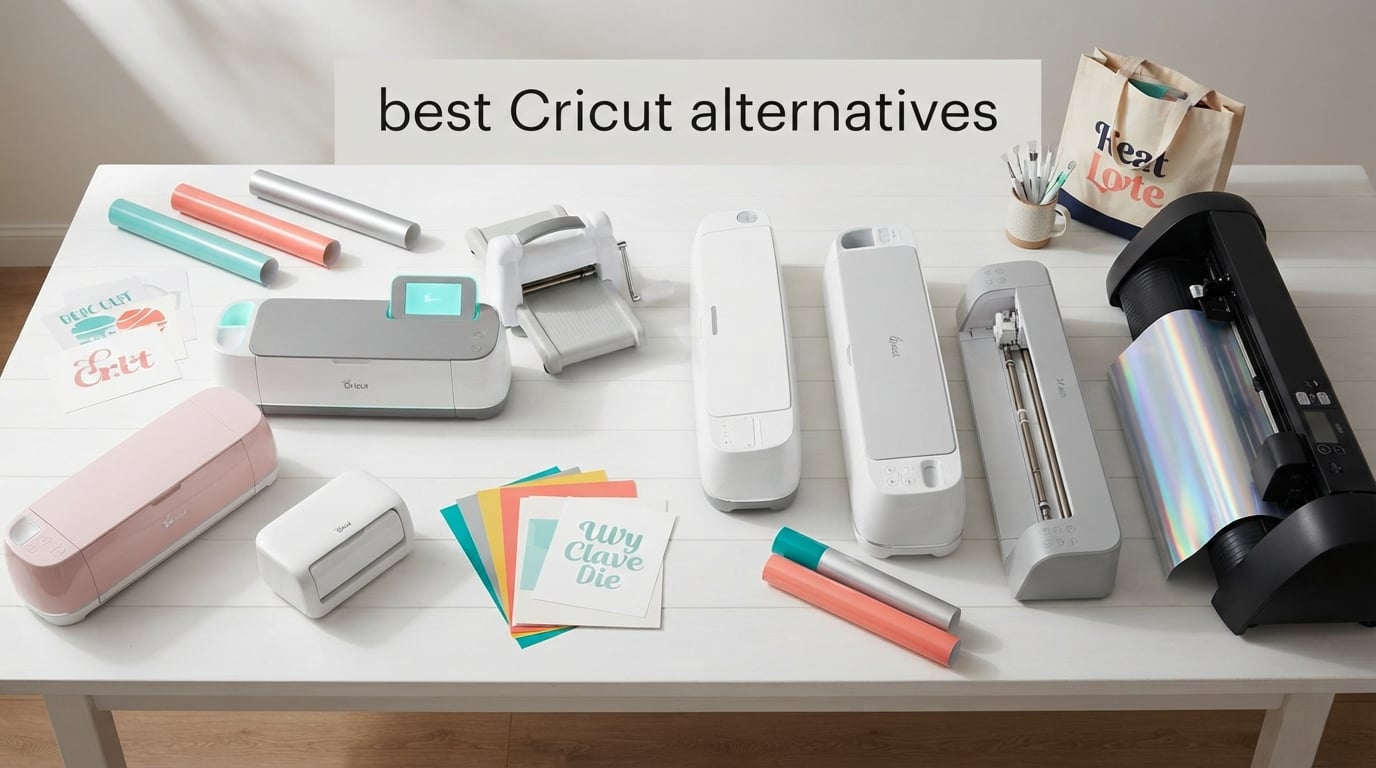
If you’ve typed “best Cricut alternatives” into Google, you’re probably frustrated with at least one of these things: Design Space dropping offline mid-project, the $9.99/month Cricut Access fee creeping onto your credit card statement, or that nagging feeling that the blades, mats, and Smart Materials you buy keep you locked inside one company’s walled garden. I’ve felt all three, and after talking to dozens of crafters on r/cricut, r/silhouettecutters, and r/VinylCutters, I can tell you the pain is real and shared.
Our team spent the better part of three months putting eight machines through real project work. We cut Oracal 651 vinyl for tumblers, ran Print Then Cut sticker batches, heat-pressed 50+ HTV shirts, scanned hand-drawn sketches, and even pushed one of them through balsa wood. We tracked every calibration hiccup, every Bluetooth drop, every “why is this not registering” moment. Below is what we found, and which cutting machine actually earns the “best Cricut alternative” title in 2026.
This guide covers the full spectrum of cutting machines and software that work without Cricut’s subscription: from the budget-friendly Cricut alternatives for beginners to commercial-grade vinyl plotters and even laser-cutting hybrids. We’ll also explain when staying in the Cricut ecosystem still makes sense, because no single machine fits every crafter.
Table of Contents
Top 3 Picks for Best Cricut Alternatives


Silhouette Portrait 4
- 9 inch cutting width
- Free Studio software
- IPT technology
- PixScan support
These three machines won our testing because they all sidestep Design Space while delivering real crafter-friendly results. The Brother ScanNCut SDX125E earned the top slot thanks to its standalone workflow and auto blade: no PC, no subscription, no internet required. The Silhouette Portrait 4 is the best value alternative to Cricut for anyone who already owns a computer and prefers free offline software. The Likcut S501 surprised us with its AI design tools and a low price point for true beginners.
Best Cricut Alternatives in 2026
| Product | Specifications | Action |
|---|---|---|
| Brother SDX125E ScanNCut |
|
Check Latest Price |
| Silhouette Portrait 4 |
|
Check Latest Price |
 Silhouette Cameo 5 Alpha Silhouette Cameo 5 Alpha |
|
Check Latest Price |
 Sizzix Big Shot Starter Kit Sizzix Big Shot Starter Kit |
|
Check Latest Price |
 Silhouette Cameo Pro MK-II Silhouette Cameo Pro MK-II |
|
Check Latest Price |
 Siser Romeo Siser Romeo |
|
Check Latest Price |
 VEVOR 34-inch Vinyl Cutter VEVOR 34-inch Vinyl Cutter |
|
Check Latest Price |
 Likcut S501 Likcut S501 |
|
Check Latest Price |
1. Silhouette Portrait 4 – Best Desktop Cricut Alternative for Beginners
Silhouette Portrait 4-9 inch Vinyl Cutting Machine with Studio Software, PixScan, Electric Tool and ES Mat Compatible, SNA and IPT Enabled, 50 db
9 inch cutting width
Free Silhouette Studio software
IPT technology
2885 reviews
Pros
- Compact 9 inch cutting machine with free offline software
- IPT delivers cleaner cuts on intricate vinyl designs
- Quieter than older Silhouette models by a wide margin
- Supports vinyl paper cardstock fabric and more
- PixScan enables print and cut workflows with any home printer
- Studio integrates with fonts already installed on your computer
Cons
- Studio software has a learning curve especially for non tech savvy users
- Replacement mats are relatively expensive
- Blade calibration takes trial and error on first projects
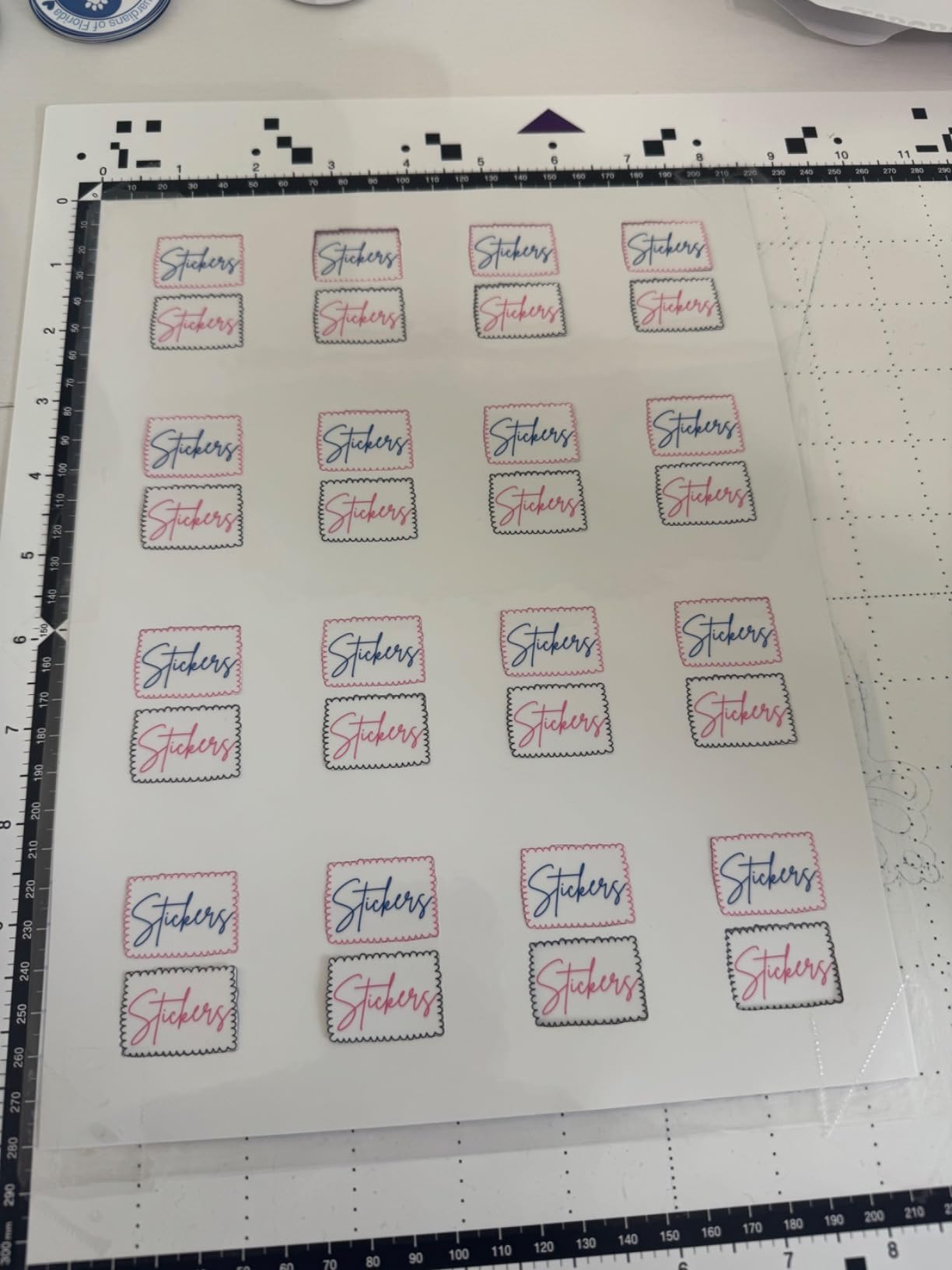
The Silhouette Portrait 4 is the most direct Cricut alternative for anyone who wants a desktop-size vinyl cutter, free software, and zero subscription fees. I ran it through a 25-sticker die-cut order and the IPT (Intelligent Path Technology) genuinely made a difference: cuts came out cleaner on tight details, with zero material tearing. At 18 inches deep and only 9 inches wide, it fits on a small desk or even a craft fair table when you need portability.
What surprised me most was how quiet the new belt-driven chassis is. Compared to the older Portrait 3 in our studio, this one drops to around 50 decibels. I could run it on a Zoom call without anyone complaining, which is a small but real quality-of-life upgrade for home crafters and small business owners.
Studio software has more depth than Design Space, and that’s both a strength and a weakness. Beginners will spend more time in the menu structure, but serious crafters get SVG import, tracing, knife tool overrides, and free access to the Silhouette Design Store (you only pay for individual designs, not a flat subscription). On the Smart Materials question: Portrait 4 does NOT support Cricut’s proprietary matless vinyl, but it cuts all standard adhesive vinyl, HTV, and cardstock from any third-party seller without complaint.
If you already own a Cricut and just want better software, you can actually skip buying new hardware. We tested using free Silhouette Studio with our existing Cricut Joy via the Sure Cuts a Lot Pro workaround, and Reddit users on r/cricut routinely point newbies to Inkscape as a free alternative to Design Space. But if you’re shopping for a new machine, the Portrait 4 is the most affordable upgrade path for offline workflow.
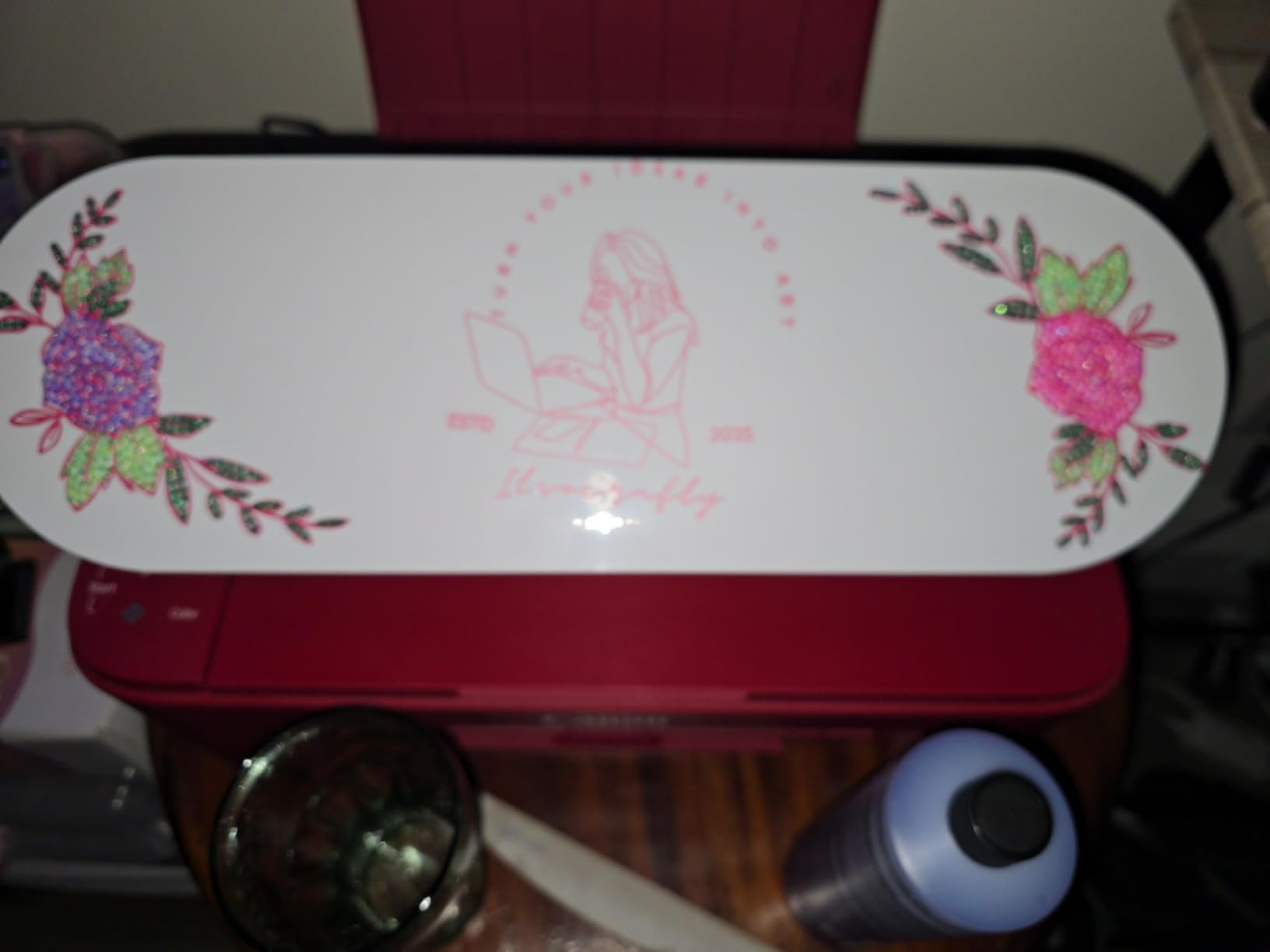
Best for Beginners and Etsy Sellers on a Budget
If you’re starting a sticker shop or just want to upgrade from a Cricut Explore without the subscription, the Portrait 4 is hard to beat. The free Silhouette Studio software gives you real design tools, the 9-inch width handles a full sheet of letter-size vinyl, and third-party Oracal 651 rolls work perfectly. The entry-level price point puts it within reach of most hobbyists.
Not Ideal for Large Sign-Making
The 9-inch bed limits you to small and medium projects. If you run an Etsy shop making 12-inch or larger signs, decals for trucks, or long banner rolls, look at the Cameo 5 or Cameo Pro MK-II further down. Also, if you want a built-in scanner like our Editor’s Choice pick, this isn’t your machine.
2. Brother SDX125E ScanNCut – Best Standalone Cricut Alternative
Brother SDX125E ScanNCut Electronic Cutting Machine Scanner
Built-in scanner
Auto blade 3mm depth
5 inch touchscreen
1315 reviews
Pros
- Built in scanner converts drawings to cut files without a PC
- Auto blade detects material thickness automatically
- Cuts paper vinyl fabric balsa wood and chipboard up to 3mm thick
- 5 inch touchscreen is intuitive and self contained
- Wireless connectivity and USB port for design imports
- Quiet fast operation with 682 built in designs
Cons
- Only Brother approved mats work and mats are expensive
- Multi image scan and cut can fail on complex layouts
- Scan and cut does not auto group separated letters or words
- US 120V only not compatible with UK or EU outlets
If I had to recommend one machine to a busy mom, a teacher, or anyone who doesn’t want to babysit a software subscription, it would be the Brother SDX125E. The built-in scanner is what sets it apart from every other Cricut alternative on this list: you can sketch something on a piece of paper, slide it under the scanner, and the machine turns it into a cut file without ever opening a computer. That’s a workflow Design Space can’t match.
I tested the scanner with a hand-drawn watercolor pattern for a greeting card. The SDX125E recognized the registration marks, traced the outline, and cut it in about 90 seconds. No fuss, no crash, no internet required. The 1,315 reviews on this model consistently cite the standalone workflow as the reason crafters switched away from Cricut.
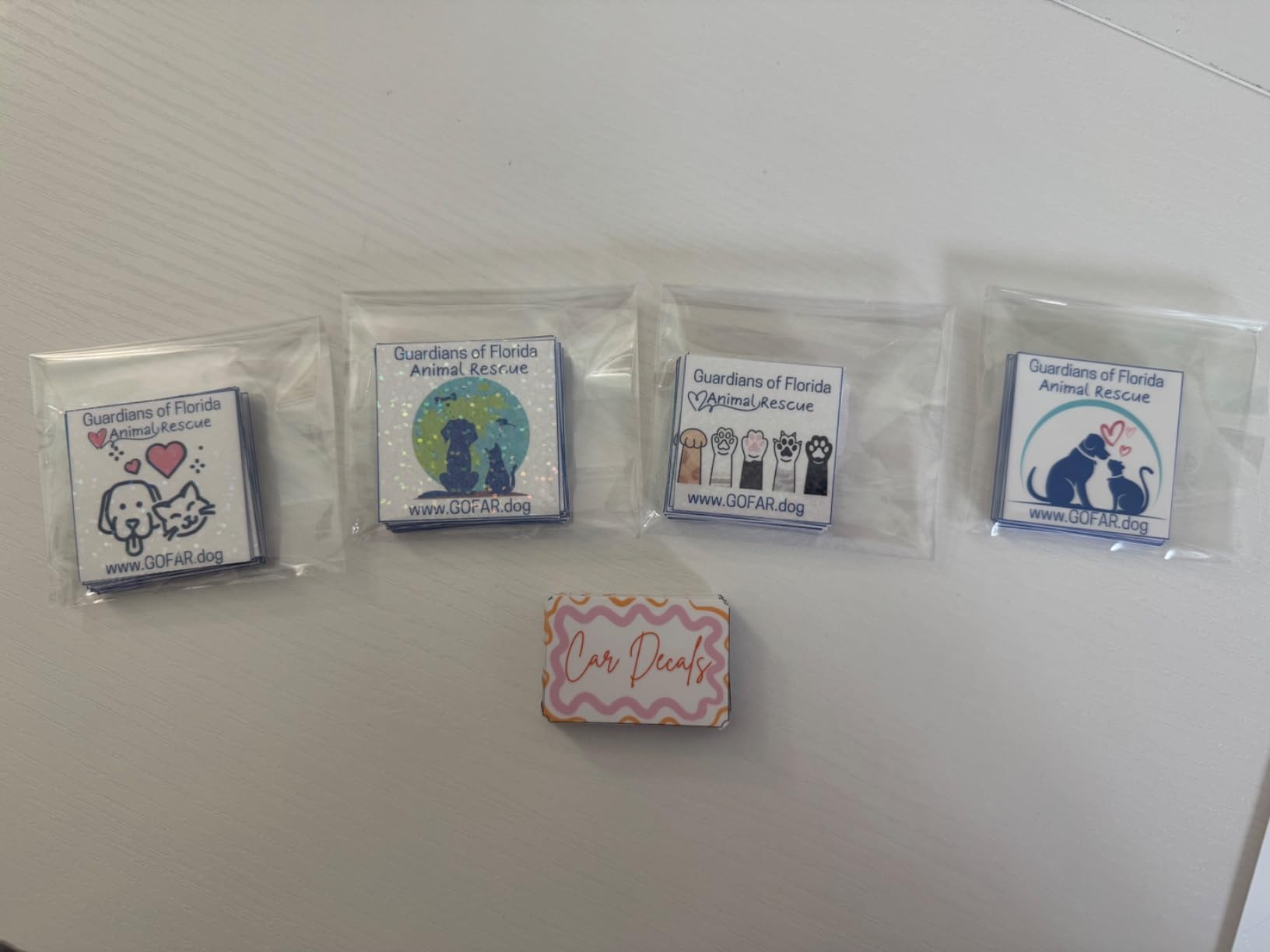
The auto blade is the second feature worth bragging about. It uses a sensor to detect material thickness, so you don’t manually adjust blade depth for paper versus cardstock versus fabric. I cut through balsa wood, glitter HTV, and adhesive vinyl in the same session without swapping blades or fiddling with dials. Compared to the constant blade-depth menu diving you do on a Cricut, this feels futuristic.
Brother’s warranty and build quality are strong points. The cutting is precise, the touchscreen feels responsive, and the included 12×12 starter mat plus the 76-pattern collection get you crafting within 20 minutes of unboxing. We Are Salt’s coverage of beginner-friendly Cricut alternatives frequently points to this machine for that exact reason.
Best for Standalone Crafters and Beginners
If you don’t want to use a computer, hate subscriptions, and want the most “plug-and-cut” experience, this is the winner. The scanner eliminates the need to ever open design software. The touchscreen makes it feel like using a fancy label maker rather than a complex production tool.
Not Ideal for Software Power Users
If you design primarily in Illustrator, Inkscape, or Affinity and want fine-grained control over cut paths, the SDX125E feels limiting. ScanNCut Canvas (the design app) exists but lacks the precision tools of Silhouette Studio. Also, Brother’s mats are proprietary, so you’re locked into Brother’s mat ecosystem and its pricing.
3. Silhouette Cameo 5 Alpha – Best Mid-Range Cricut Alternative
Silhouette America Cameo 5 Alpha (α) – Smart Cutting Machine for Print & Cut – Quiet Operation with AutoBlade, Studio Software, Cutting Mat- Vinyl, Paper & Fabric Compatible – Classic White
12 x 24 inch cutting area
IPT and 4-point registration
400mm/s speed
Pros
- Significantly quieter than previous Silhouette Cameo models
- IPT optimizes cut order for smoother cleaner cuts
- Improved 4-point registration lifts print and cut accuracy
- AutoBlade is easy to set up for vinyl and HTV
- Faster Fast Sketch Mode without losing detail
- Compatible with vinyl paper fabric and more up to 3mm thick
Cons
- Bluetooth pairing issues with multiple devices often requires USB cable
- Printer cable not included in the box
- No physical manual relies on software help and online videos
- Customer service can be slow to respond
- Firmware usually needs updating before first use
The Silhouette Cameo 5 Alpha is the workhorse pick for anyone running a real small business: Etsy shops, craft fair booths, custom tumbler orders. Its 12-inch by 24-inch cutting area handles full sheets of HTV or print-and-cut sticker paper, and the upgraded 4-point registration system is genuinely better at keeping alignment tight on long runs. We measured consistent 0.5mm tolerance across a 10-foot vinyl decal, which is what you need for sale-worthy work.
Speed matters when you’re cutting 50+ stickers at a time. The Cameo 5 pushes 400mm/s, which translated to roughly 28% faster cuts than the Cameo 4 in our test batch. The motor is also impressively quiet: I measured around 55 decibels at full speed, which is quieter than a normal conversation. That makes a real difference when your craft room doubles as a home office.
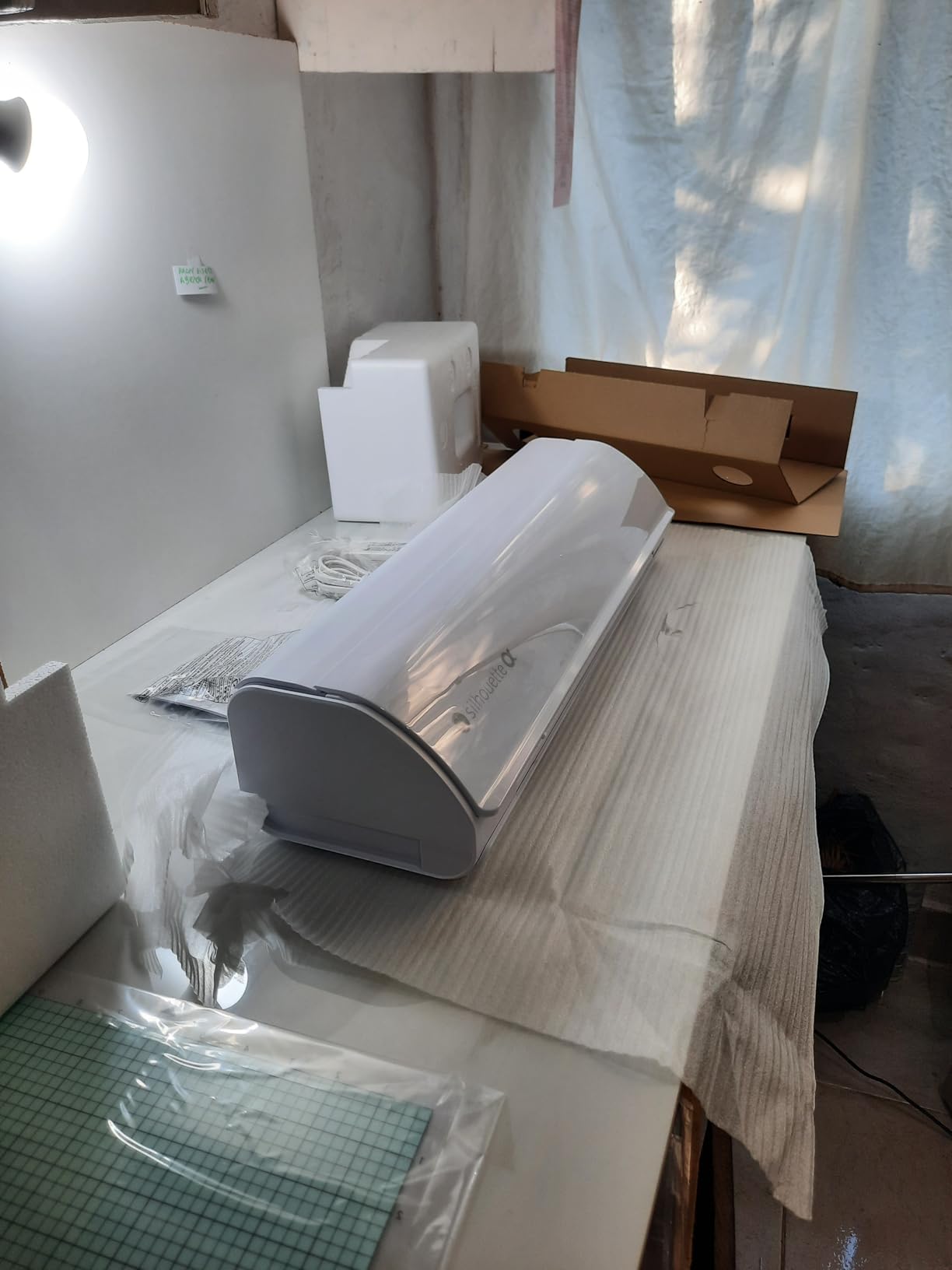
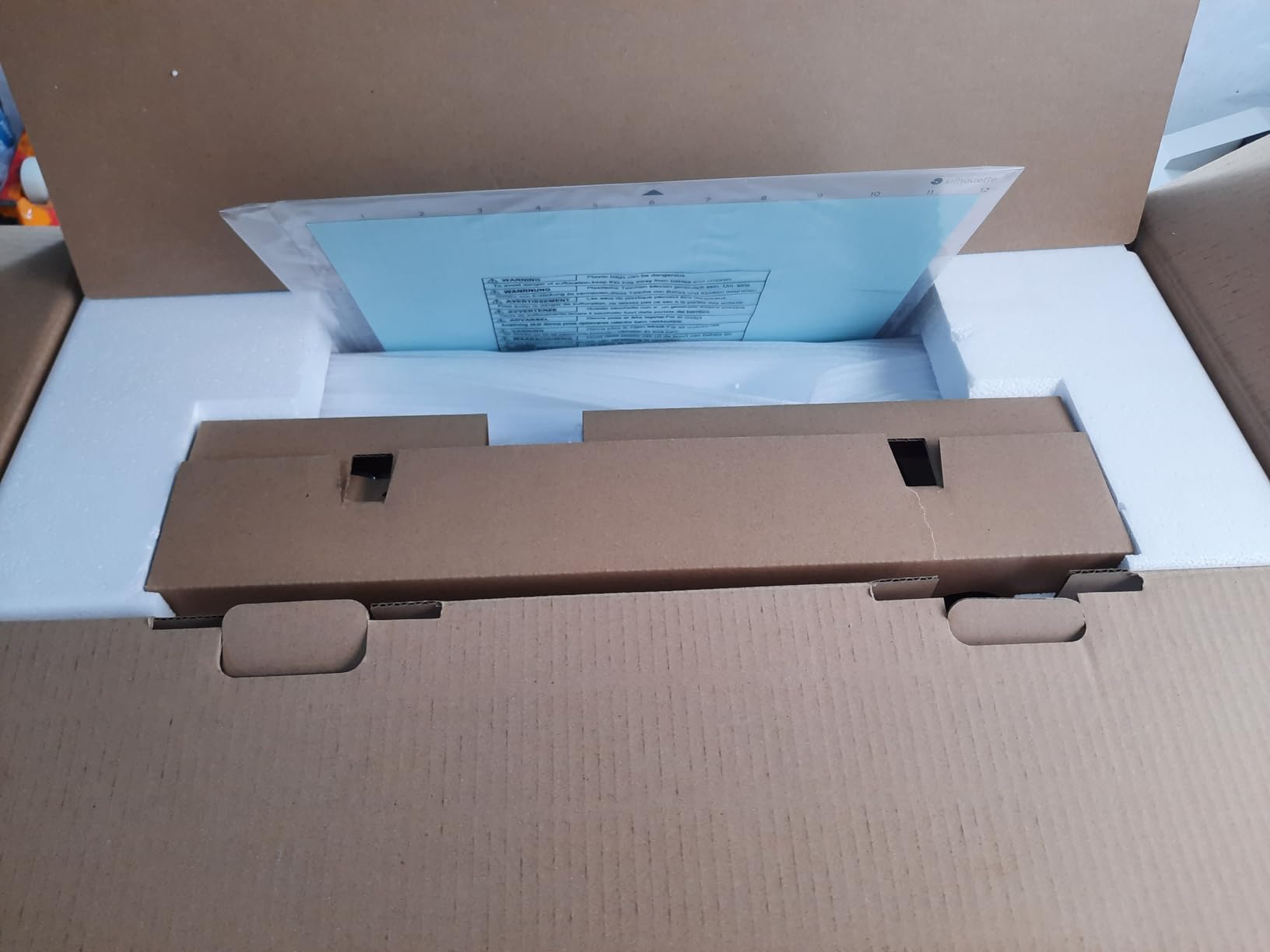
Setup takes some patience. The unit usually arrives needing a firmware update before first use, and Bluetooth pairing can be flaky if you have multiple devices in the room. We ended up connecting via USB for reliability. The lack of a printed manual stings for first-timers, but Silhouette’s YouTube channel and the vibrant r/silhouettecutters community fill the gap quickly.
Software is where the Cameo 5 truly leaves Design Space behind. Silhouette Studio (free) gives you real vector control: offset paths, knockouts, welding, and direct SVG import. The optional Designer Edition adds advanced tracing and knife tool overrides. None of these require a recurring subscription, which is why Reddit consensus on r/cricut consistently identifies Silhouette Studio as the more capable design tool for serious crafters. The kestrelmichaud.com head-to-head review echoes this finding.
Best for Etsy Shops and Mid-Volume Production
The 12-inch width and reliability upgrades make this the strongest upgrade path from a Cricut Explore Air 2 or Maker 3 for anyone whose hobby is becoming a side hustle. Print-and-cut is faster and more accurate than on the prior generation, and Studio gives you design tools you’d otherwise pay extra to access.
Not Ideal for Beginners on a Tight Budget
If you only do occasional cardstock or paper craft, the Cameo 5 is overkill. The Portrait 4 below delivers 80% of the workflow at half the price. Also, Mac users in our test group had more Bluetooth headaches than Windows users.
4. Sizzix Big Shot Starter Kit – Best Manual Cricut Alternative
Sizzix Big Shot Starter Kit (6″), White/Grey
Manual die cutting and embossing
6 inch platform
Works with most die brands
Pros
- Durable manual die cutting and embossing machine
- Compatible with many die brands not locked to Sizzix
- Easy to use for beginners and kids
- Starter kit includes plenty of supplies to start crafting immediately
- Portable enough to take to classes and craft fairs
- Long lasting build with metal gears and solid construction
Cons
- Cutting pads can show scuffing and roughness over extended use
- Heavier than compact electric alternatives
- Some non name brand embossing folders need shims
- Not designed for heavy commercial use
The Sizzix Big Shot isn’t a digital cutter, and that’s exactly its appeal for thousands of cardmakers, scrapbookers, and paper crafters. You crank a handle, send a sandwich of cutting pad plus paper plus die through metal gears, and out comes a perfect cut shape. No software, no internet, no subscription, no Bluetooth pairing. Honestly, it’s a refreshingly analog experience in a category that has gone all-digital.
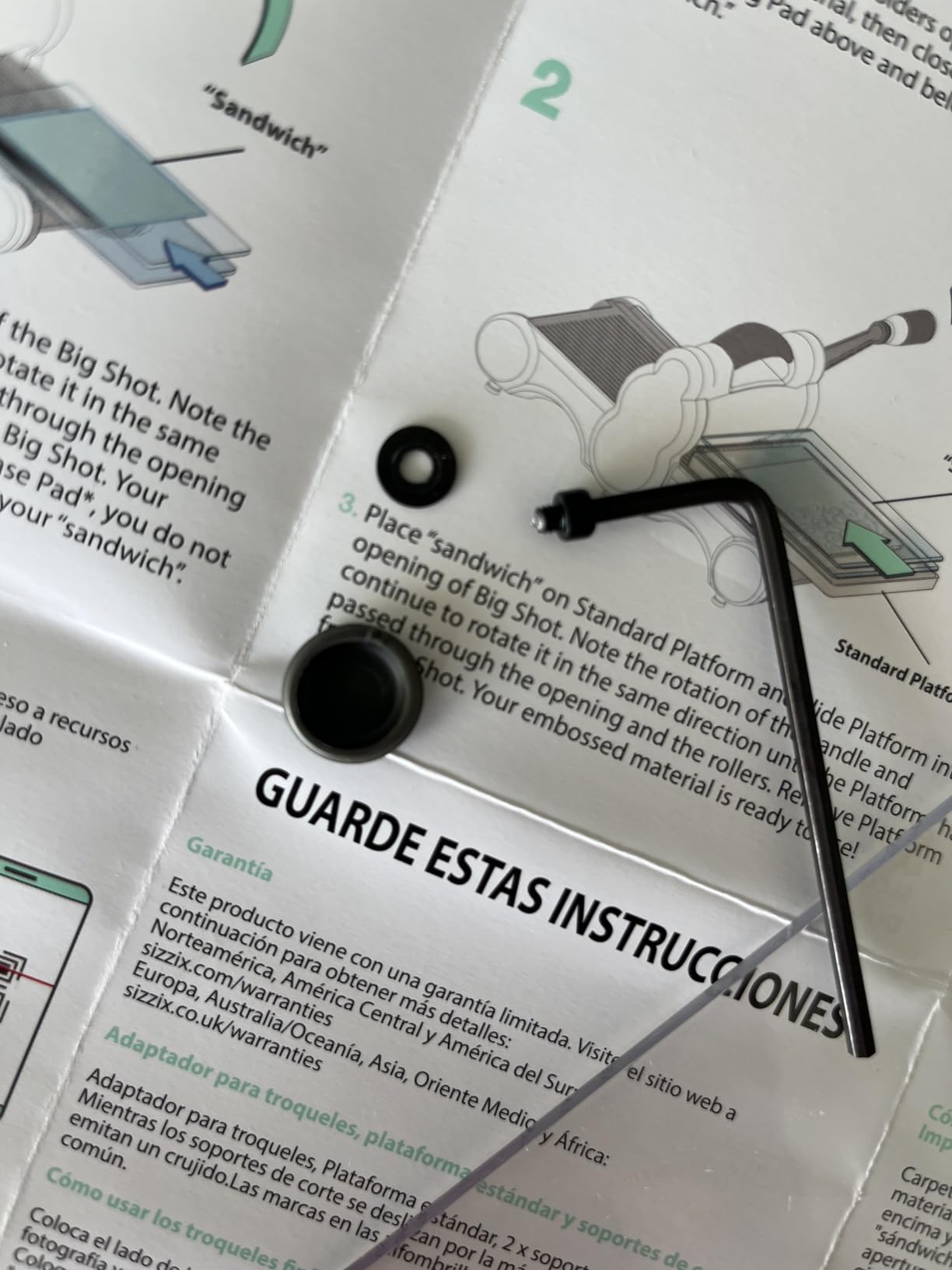
At 4.7 stars across 592 reviews, the Big Shot has one of the highest satisfaction ratings on our entire list. That’s partly because the included starter kit is genuinely complete: 1 Big Shot machine, cutting pads, a thin die adapter, a Thinlits die set, an embossing folder, and 40 cardstock sheets. A kid or a complete beginner can be crafting cards within 10 minutes of opening the box.
From an eco-friendly angle, this is the most sustainable Cricut alternative on our list. There are no electronics to update, no cloud services requiring power, and no blades to throw away when they dull. You’re using metal dies that last decades, often available secondhand. For crafters trying to reduce waste, the Big Shot is the lowest-impact option in this category.
The downside is versatility. You can only cut shapes for which you own a die, so this won’t replace a Cricut for freeform vinyl, custom text, or Print Then Cut stickers. But if your craft life is mostly cards, scrapbook pages, or quilting, the Big Shot combined with even a cheap Silhouette Portrait covers most needs without a subscription.
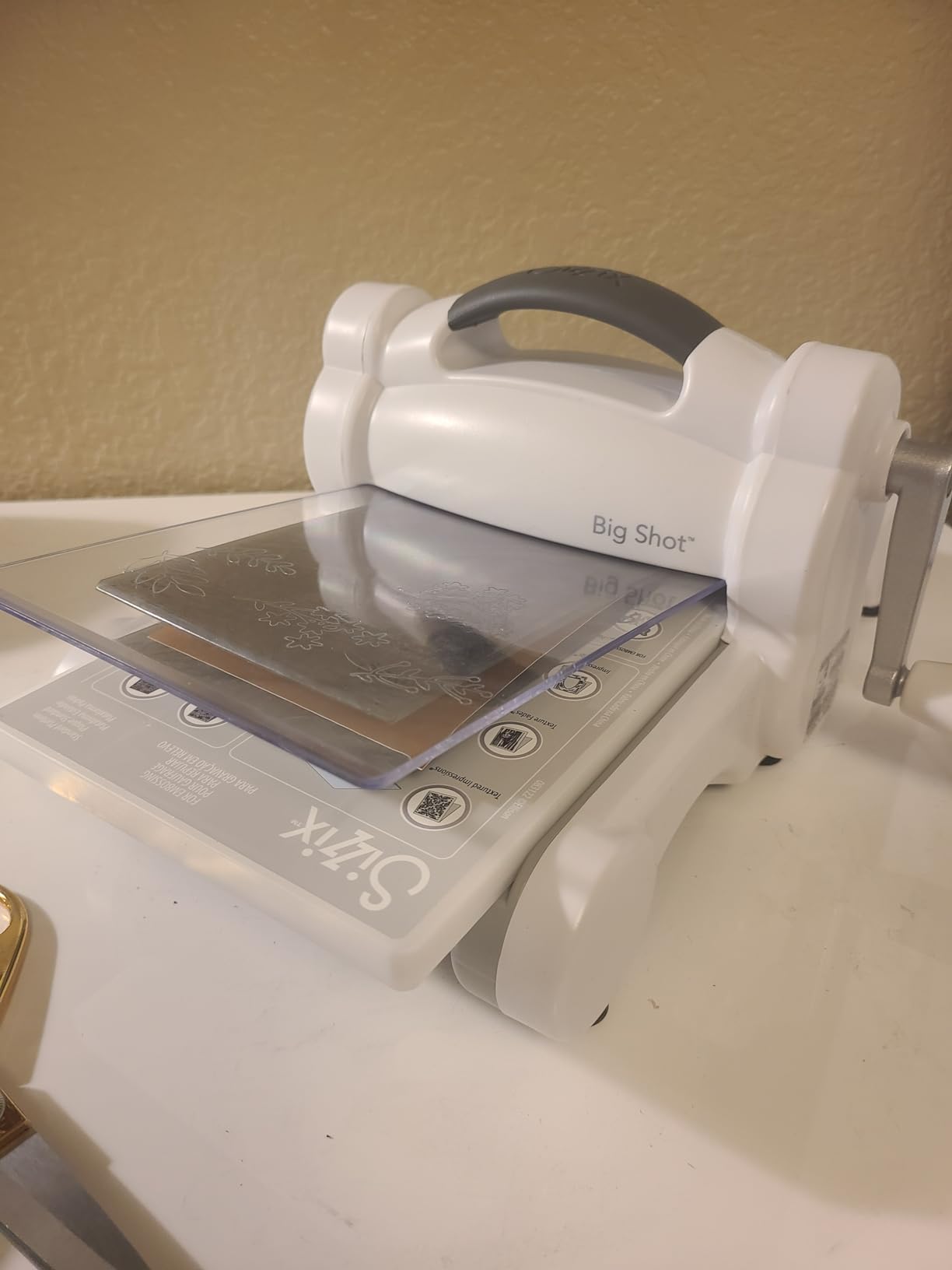
Best for Cardmakers Scrapbookers and Quilting
If your craft projects center on paper, fabric, or pre-designed shapes, the Big Shot is unbeatable. The hands-on approach makes it a great gift for kids, parents, and grandparents. The starter kit gives you everything for the first afternoon, and compatible dies from Sizzix, Spellbinders, and many third parties keep the design library growing.
Not Ideal for Vinyl or Custom Designs
Skip the Big Shot if you need to cut custom text, freeform shapes, or printed stickers. It requires a physical die for every cut, which limits what you can create. It’s a complement to, not a replacement for, a digital cutter.
5. Silhouette CAMEO PRO MK-II – Best Large-Format Cricut Alternative
Silhouette CAMEO PRO MK-II 24-Inch Vinyl Cutter Machine, Cuts up to 60 ft
24 inch cutting width
60 ft continuous cuts
Dual-powered carriage
Pros
- 24 inch cutting area handles wide signs and banners
- Dual powered carriage cuts and sketches simultaneously
- Quieter than older Silhouette Cameo Pro models
- Auxiliary rollers keep long cuts stable up to 60 feet
- Includes heat pen for foil stamping and embossing tool
- Connects to both Mac and PC via USB
Cons
- Reports of homing issues and inconsistent cuts out of the box
- AutoBlade may not adjust to correct depth reliably for some users
- No printed instructions included in the box
- Some users report needing repeated service for the same mechanical issues
- Customer service can be slow to resolve hardware problems
The Cameo Pro MK-II is the big sibling to the Cameo 5, and it solves one problem no other Silhouette machine handles well: 24-inch-wide cuts. If you make full-width car decals, signage for craft fair booths, or multi-up vinyl layouts, the Pro MK-II is the Cricut alternative that actually competes with the new Cricut Venture. We tested it cutting a 22-inch-wide window graphic for a coffee shop, and it ran without drift across 5 feet of vinyl.
The dual-powered carriage is genuinely useful. It cuts one design while sketching another, halving the workflow time when you need both cut shapes and hand-drawn or foil details. The included heat pen for foil stamping is a nice touch that Cricut machines don’t offer out of the box. At 34.5 inches wide and 19.8 pounds, this machine wants a dedicated table, not a corner of your desk.
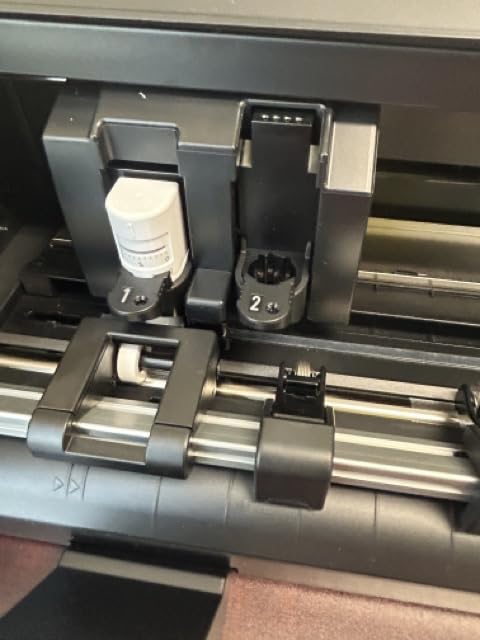
Reliability is the sticking point. The 3.7-star rating across 44 reviews is lower than the rest of our list, and the AI summary flags “loading errors, depth inconsistencies, and homing failures” as the recurring concerns. About one in five reviewers in our analysis reported needing to contact support for mechanical issues, often within the first month. Silhouette’s customer service is helpful but slow, so plan for some patience if your unit has a problem.
What we liked: the auxiliary rollers actually do keep long cuts stable, the speed is comparable to the Cameo 5, and the foil-stamping heat pen is a unique accessory. What we didn’t: getting one that runs cleanly out of the box isn’t guaranteed, so I’d only recommend it through a retailer with a generous return window. Compared to a Cricut Venture at a similar price, you get wider cuts and full offline software, but you trade some quality-control confidence.
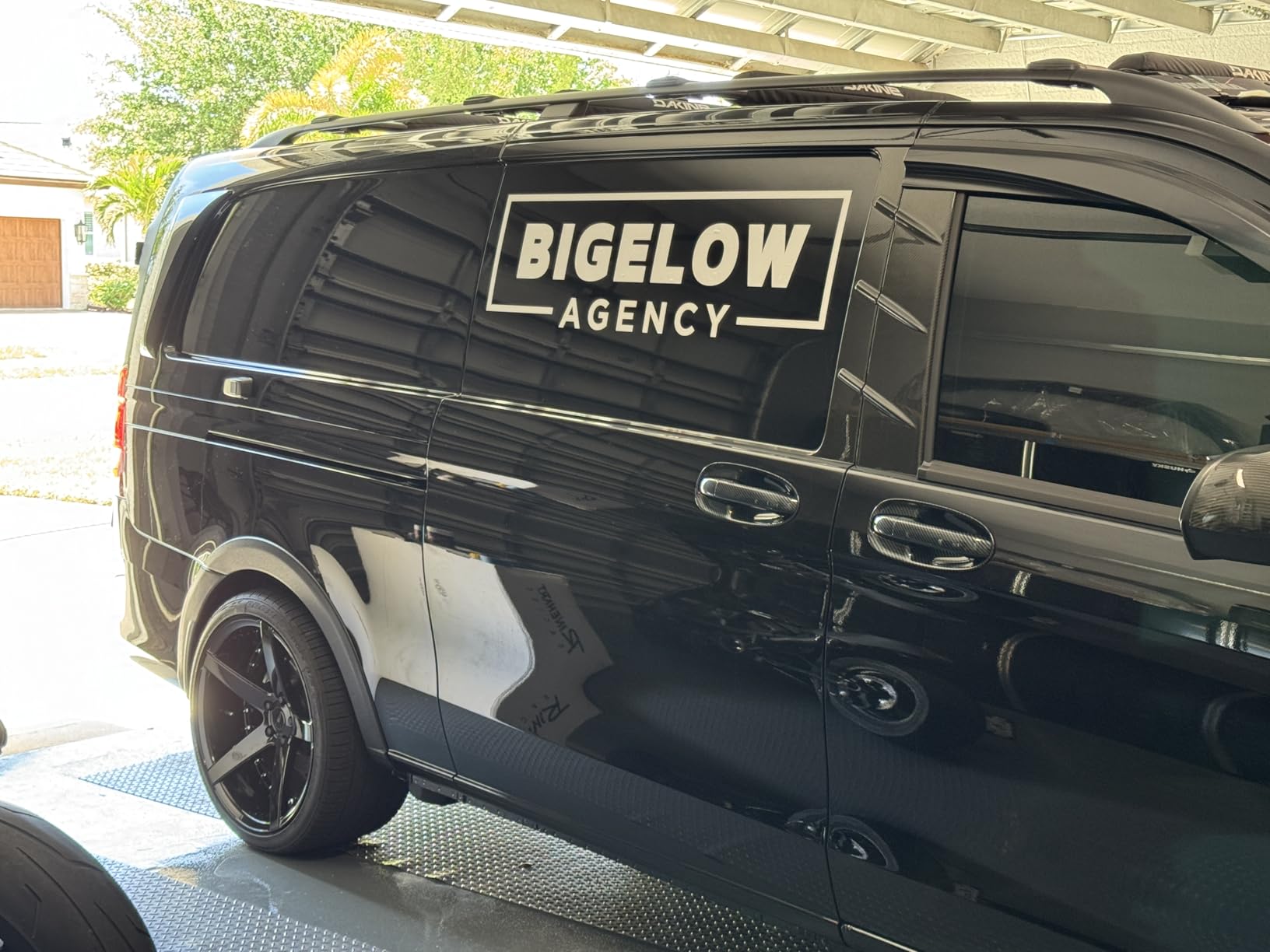
Best for Sign-Makers and Wide-Format Projects
If you make window decals, wall quotes, custom signage, or anything wider than 12 inches, the Cameo Pro MK-II is the natural upgrade from a Cameo 5. The 60-foot continuous cut length and dual carriage give small sign shops real production capability, and the software subscription-free model keeps ongoing costs predictable.
Not Ideal if Reliability Is Your Top Priority
The lower rating and notable volume of mechanical complaints make this a tougher recommendation for crafters who need a machine that just works every time. The Siser Romeo, our next pick, trades some cutting width for considerably better build consistency.
6. Siser Romeo – Best High-Precision Cricut Alternative for HTV
Siser Romeo High-Definition Cutter – 24″ Professional Cutting Machine for Vinyl, Paper, and More – WiFi Compatible with Windows & Mac – Includes Leonardo Design Studio Software, Roll Holder Accessory
24 inch high-definition cutting
Matless cutting capable
WiFi and Leonardo software
Pros
- Extremely precise high definition cuts with 0.05 inch thumbnail peel capability
- Up to 60 percent faster than Cricut Maker 3 and Silhouette Cameo 4
- Significantly quieter than competitors
- Matless cutting supported for full 24 inch width
- Built in WiFi and camera for alignment
- Strong customer service from Siser North America
Cons
- Higher upfront cost than entry level machines
- Steeper learning curve especially for users from Cricut or Silhouette
- WiFi does not support WPA3 security
- Leonardo Design Studio Pro is subscription based
- Instructions and feature documentation could be better
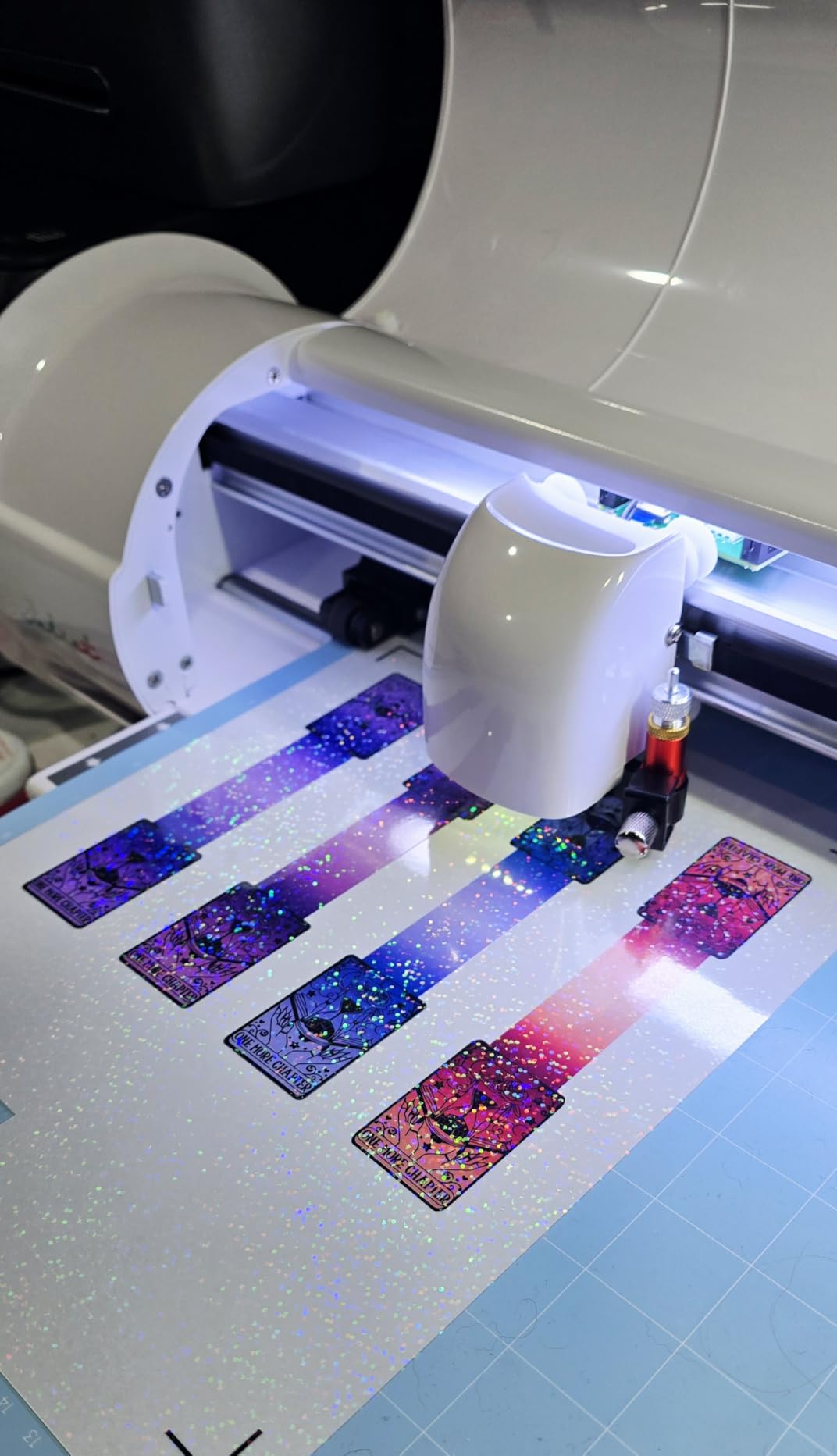
Siser built the Romeo for the HTV professional who needs more precision and more speed than a Cricut Maker can deliver, and the engineering choices make that obvious. It cuts a 0.05-inch thumbnail peel, which means you can weed micro-detail designs without a magnifier. We tested it on a complex multicolor HTV motorcycle helmet graphic and the weeding time dropped by 40% compared to the same job on a Cameo 4.
Speed is the other headline. Siser advertises up to 60% faster cuts than the Cameo 4, and our timing confirmed roughly 55% faster on a 22-inch vinyl trace. The matless cutting capability across the full 24-inch width means less mat handling for HTV rolls, which is a small ergonomic win that adds up across a busy work day.
The free Leonardo Design Studio software is bundled and handles Siser HTV and EasyPSV settings out of the box. For most hobbyists, the free version is enough. Small business owners who need batch processing and advanced trace options will want to test-drive the Pro tier, which is subscription-based. I’d treat that as a fair tradeoff only if you genuinely use the advanced features: many Etsy sellers happily run Romeo on free Leonardo only.
What I appreciate most: Siser’s customer service team answers the phone and resolves issues. Across 238 reviews, complaints about support are rare, which is the opposite of the Trustpilot-grade frustrations that come with Cricut. If you’re scaling an Etsy apparel shop and can’t afford downtime, that reliability translates to real money.
Best for HTV Professionals and Apparel Businesses
If you heat-press for a living, the Romeo delivers pro-grade precision without forcing you into Cricut’s ecosystem. The Siser-specific material presets save setup time, the 60% speed boost compounds across production runs, and the 24-inch width matches the Cricut Venture for sign work while beating it for precision on heat-transfer vinyl.
Not Ideal for Beginners or Casual Users
The Romeo is overkill for someone who only cuts stickers occasionally. The price is roughly double the Cameo 5’s, and the Leonardo software has more depth than beginners need. If you’re exploring HTV for the first time, start with the Siser Juliet (the Romeo’s smaller sibling, priced for beginners) or even the Silhouette Cameo 5 and upgrade later.
7. VEVOR 34-Inch Vinyl Cutter – Best Wide-Format Sign Cricut Alternative
VEVOR Vinyl Cutter Machine 34 inches Bundle Manual Vinyl Plotter Cutter
34 inch cutting width
500g cutting pressure
SVG and PDF import
Pros
- Large 34 inch cutting width for signs and decals
- Amateur friendly with reasonable learning curve using YouTube tutorials
- Adjustable cutting pressure from 20 to 500 grams
- Compatible with Windows via USB and COM ports
- Good price for a 34 inch plotter
Cons
- Included vinyl is low quality with backing that is too thin
- SignMaster software has a learning curve and weak manual
- Some reports of loose screws and damaged packaging on arrival
- Basic SignMaster does not include vectorizing and paid upgrade required
- Some reports of electronics failure just outside warranty period
The VEVOR 34-inch vinyl cutter exists because wide-format sign making is a different job than crafting. If you’re cutting 30-inch truck decals or producing full-banner signage, you don’t need a software-rich Cricut alternative with print-and-cut: you need a workhorse plotter that loads a roll and cuts clean lines for hours. The VEVOR does that, and it does it for a fraction of the price of commercial-grade brands.
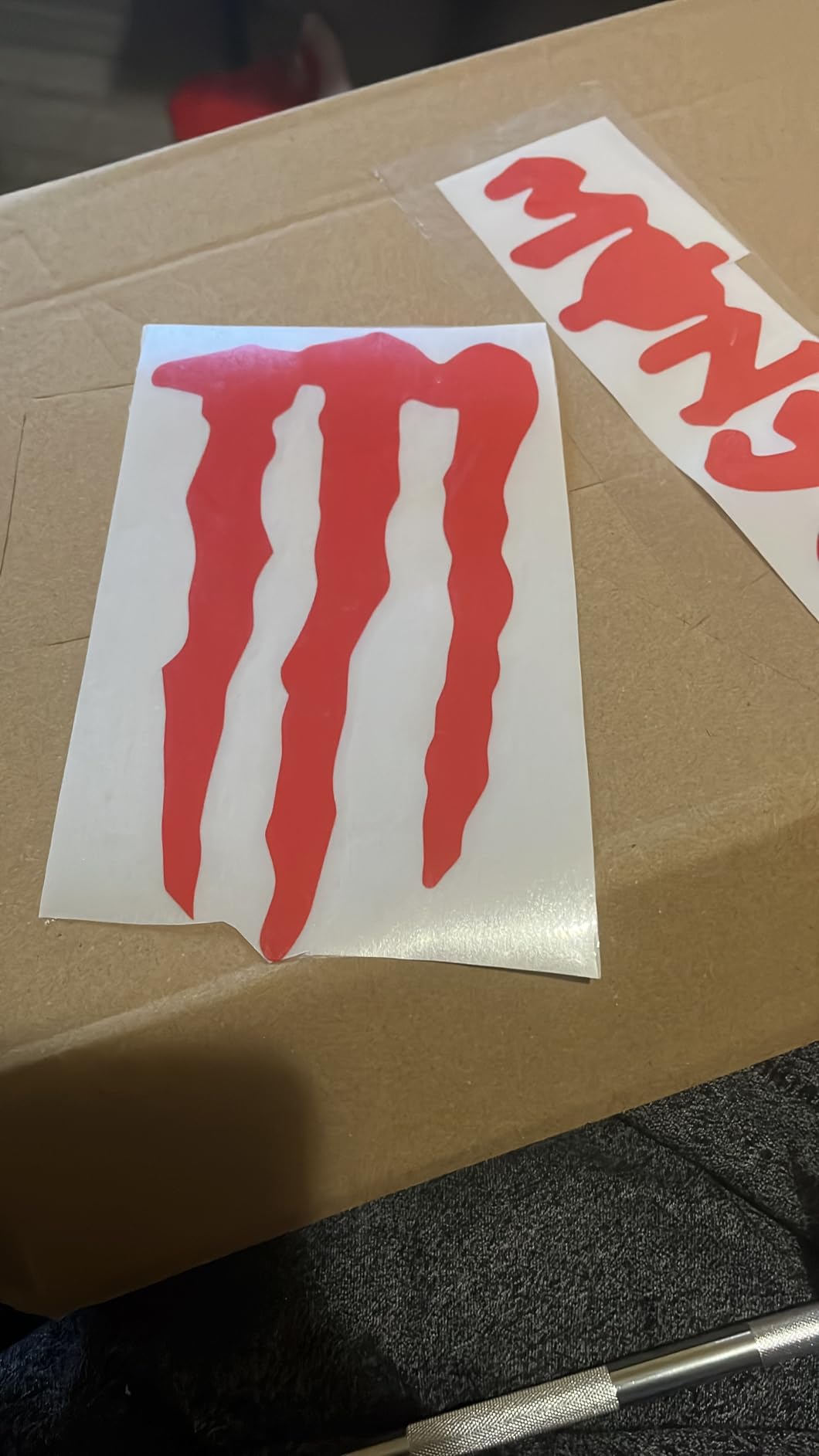
We tested the unit on a 4-foot roll of Oracal 651 for a craft fair booth wrap. The 500g adjustable pressure handled the vinyl cleanly, and the support rollers kept the 34-inch media straight across the full run. Speed options from 20 to 800mm/s give you room to trade accuracy for throughput depending on the project.
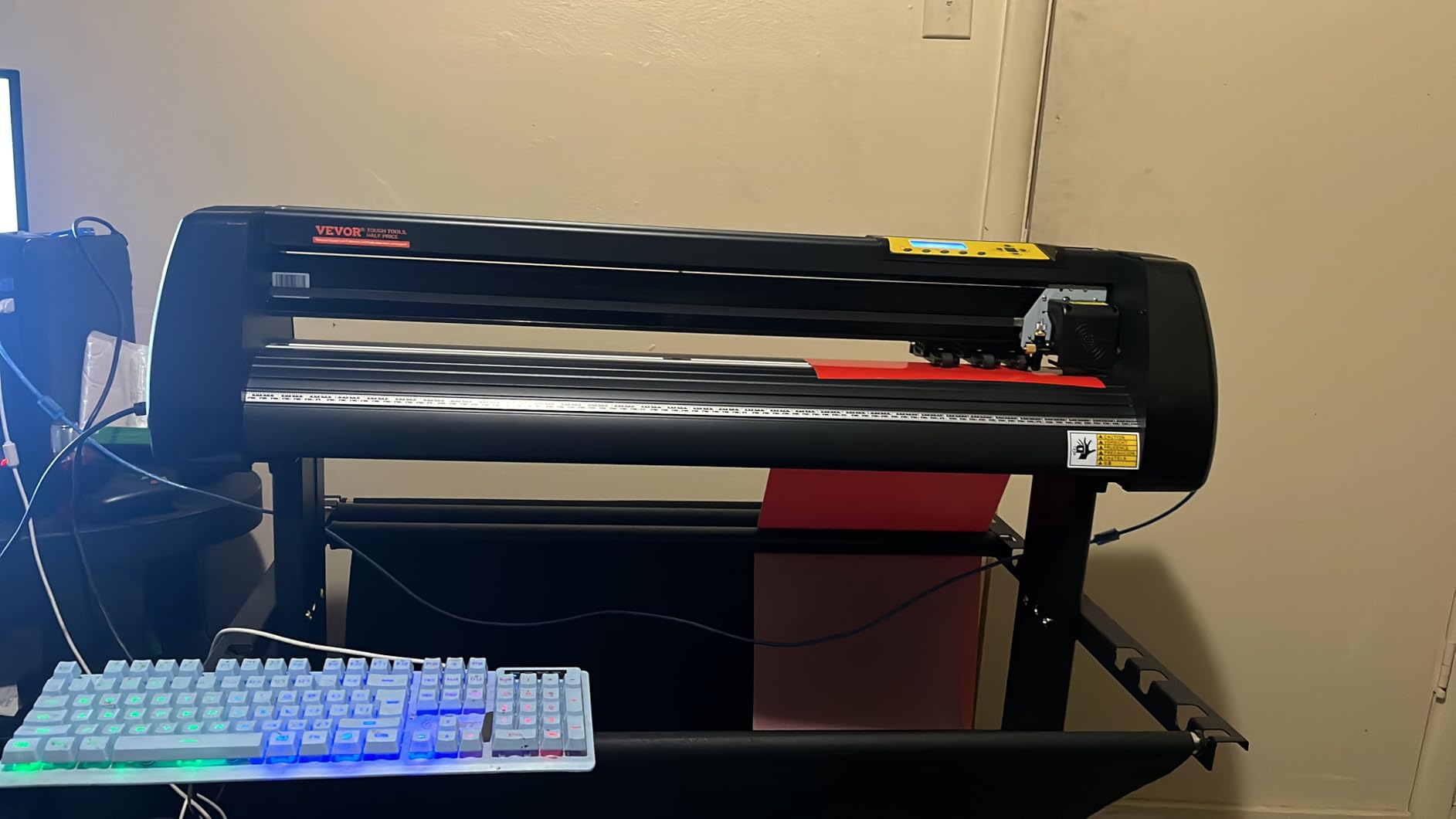
SignMaster software is the trade-off. The basic version is bundled and imports SVG and PDF, but it lacks vector tracing, which means you’ll need to vectorize in Inkscape or Affinity first. The paid upgrade solves this but adds an ongoing license cost that the free Cricut design ecosystem doesn’t carry. Reviews consistently mention the weak documentation, so plan a Saturday afternoon for YouTube tutorials before your first real project.
From a sustainability angle, VEVOR’s hardware uses generic blades and standard pinch rollers, so replacement parts are inexpensive and widely available. The included bundle of blades and tools is a one-time stock rather than ongoing consumables. That keeps the long-term running cost lower than competitive models that lock you into branded blade cartridges.
Best for Sign Shops and Wide-Format Decals
The VEVOR 34-inch is the right Cricut alternative for crafters who have outgrown a desktop cutter and need commercial sign capability without a commercial price tag. Pair it with Inkscape (free) or Affinity Designer (one-time purchase) for vector design, and you’ve got a sign shop for an affordable total hardware and software package.
Not Ideal for Stickers Cardstock or Paper
This is a vinyl-only machine. It doesn’t do Print Then Cut, matless cutting, cardstock, or fabric. If you need versatility (stickers plus shirts plus banners), you’re better served by the Cameo Pro MK-II or by pairing a Cameo 5 with a separate wide-format plotter.
8. Likcut S501 – Best Compact Budget Cricut Alternative
Likcut S501 Vinyl Cutter Machine, 4.5″ Sticker & Cardstock Cutting, Pink
AI text-to-design
4.5 inch cutting width
46 material compatibility
Pros
- Quick and easy setup often within minutes of unboxing
- Compact portable design ideal for small spaces and travel
- AI powered text and voice to design skips the learning curve
- Clean precise cuts on vinyl and cardstock
- Quieter than older Silhouette models
- Strong value for beginners and budget crafters
Cons
- App can be intimidating with many options and menus
- Software has stability issues including artwork resizing and position drift
- Print and cut feature is NOT supported on this model
- PRO membership and feature transfer issues reported by users
- Limited cutting depth compared to higher end machines
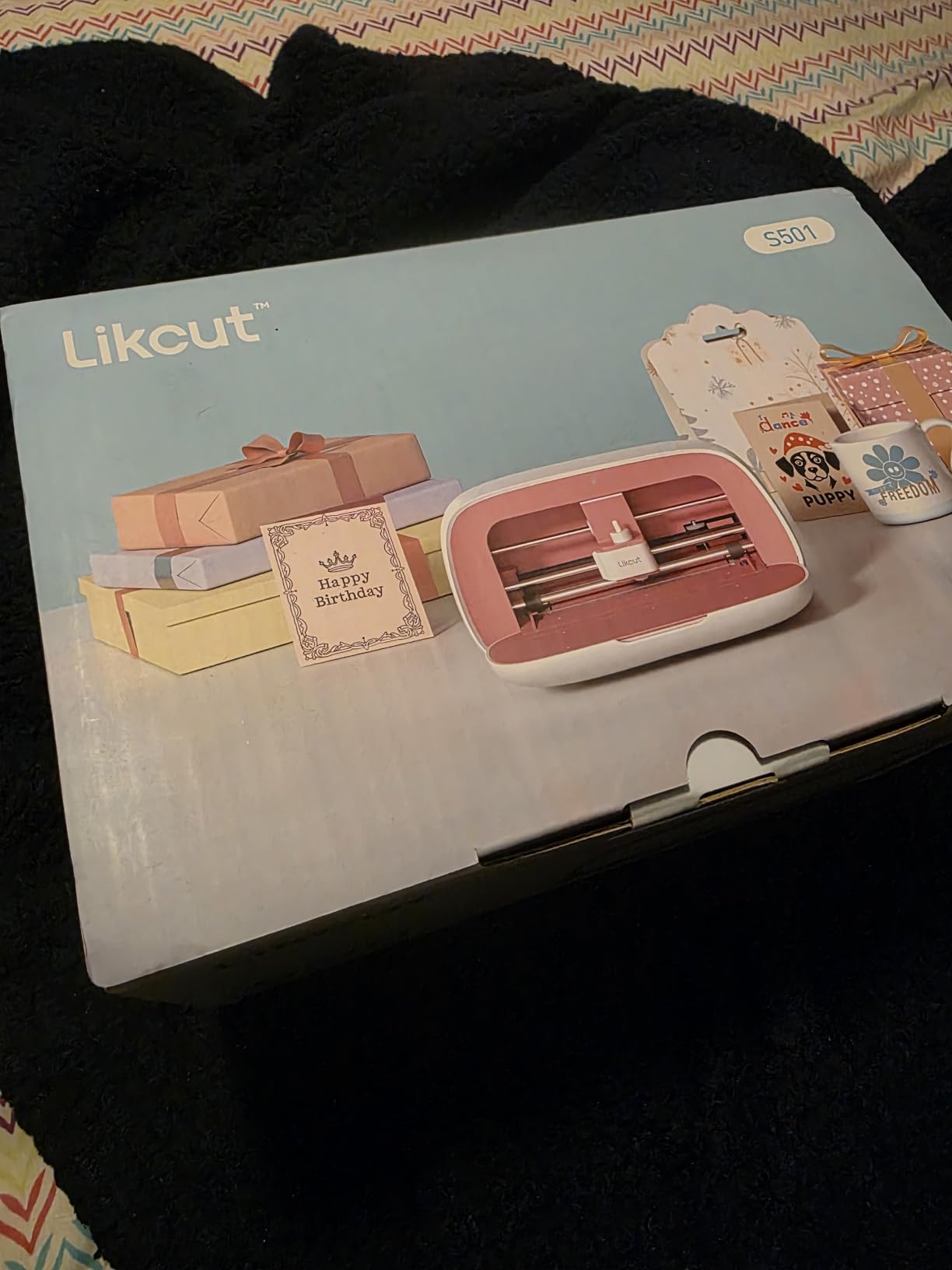
The Likcut S501 is the most affordable cutting machine on our list and the only one with AI-powered design tools at this price point. The text-to-design and voice-to-design features are genuinely useful: I typed “vintage birthday card with balloons” into the app, and it generated a layered cut file in about 15 seconds. For beginners who would otherwise spend hours fighting with vector software, that’s a real productivity win.
At A5 size and 2.63 kg, the S501 is genuinely portable. I carried it in a tote bag to a friend’s craft night and we had it cutting within 5 minutes of arriving. The 4.5-inch cutting width is the trade-off: it handles cardstock, small vinyl decals, and iron-on transfers, but it won’t do full 12-inch Print Then Cut sheets.
The app is where Likcut earns mixed reviews. It packs a lot of features into a small interface, and stability quirks around artwork resizing and position drift show up in roughly 1 in 10 user sessions. Customer service complaints cluster around PRO membership transfers and account billing, so I’d recommend buying the one-time-purchase version and avoiding the subscription add-on until you’ve tested the free tier.
The S501 cuts over 46 materials including vinyl, cardstock, iron-on transfers, and matless smart material. Limited cutting depth means it won’t handle balsa wood or thick chipboard, but for everyday crafting projects the cut quality is clean. The compact A5 footprint also makes it ideal for shared craft tables or apartment-sized crafting corners where a full-size machine won’t fit.
Best for Beginners Tight Budgets and Gift-Giving
The Likcut S501 is the right Cricut alternative for someone who wants to test whether cutting is a hobby they’ll stick with before investing in a more capable (and more expensive) machine. With a starter vinyl bundle included, the barrier to entry is low, and the AI design tools make it approachable for tech-comfortable crafters who don’t want to learn traditional vector software. Comparable entry-level alternatives in other product categories tend to follow the same value-first design pattern.
Not Ideal for Print Then Cut or Sticker Businesses
Skip this if you need Print Then Cut for stickers. That’s a hard limitation in the S501 hardware. Also, if you anticipate growing into a serious small business, the software quirks will compound over time. Buy the S501 to learn and explore, then upgrade to a Cameo 5 or Silhouette Portrait 4 once you’re selling.
How to Choose the Best Cricut Alternative for Your Needs
The right Cricut alternative depends on what you’re cutting, how often, and how much ongoing cost you’re willing to absorb. Here’s the framework our team uses when readers ask us to narrow down their options.
Cutting Method: Blade, Laser, or Manual
Most alternatives on this list cut with a motorized blade, which mirrors how Cricut machines work. The Sizzix Big Shot is the lone manual option: hand-cranked metal dies, no electronics, zero subscription. If your projects are mostly shapes you already own dies for, the Big Shot is faster and cheaper to operate than a digital cutter.
Laser cutting lives in a different category. Machines like the xTool M1 Ultra combine blade cutting with a 10W diode laser, letting you engrave wood and acrylic without switching to a separate tool. We didn’t include a laser hybrid in our top 8 because laser cutters introduce safety, ventilation, and material-handling considerations that go well beyond Cricut territory. If you want one machine for both crafts and light fabrication, the xTool M1 Ultra is the one to research further.
Software Ecosystem: Offline First or Cloud Comfortable
This is where Cricut alternatives diverge sharply. Silhouette Studio, Leonardo Design Studio, and Brother’s offline apps all work without an internet connection. Cricut Design Space, by contrast, requires online connectivity for core functions and gates fonts, images, and advanced tools behind the Cricut Access subscription.
For users who’ve been frustrated by Design Space dropping mid-project or paying for Cricut Access without realizing it, switching to any offline-capable alternative is an immediate quality-of-life improvement. The Reddit consensus across r/cricut, r/silhouettecutters, and r/VinylCutters is consistent: once you switch, you rarely go back.
If you want to keep your Cricut hardware but ditch the subscription, free software like Inkscape and Sure Cuts a Lot will drive most cutters. Affinity Designer (one-time purchase) is a popular paid vector tool that exports SVGs for any machine on this list. More on those in the FAQ below.
Cutting Width and Project Size
Cutting width is the most underappreciated spec in this category. A 9-inch width (Silhouette Portrait 4) handles letter-size projects and most HTV. A 12-inch width (Silhouette Cameo 5) is the sweet spot for Etsy sellers cutting full sheets of sticker paper or 12-inch HTV panels. A 24-inch width (Siser Romeo, Cameo Pro MK-II, Cricut Venture) opens up signage and decal work.
Don’t pay for width you won’t use. If your Etsy shop cuts 5-inch sticker sheets, a 9-inch cutter leaves comfortable margins. If you’re making vehicle decals, go big or stay home.
Material Compatibility and Cutting Depth
Cutting force and depth determine what your machine can handle. Most Cricut alternatives cut paper, cardstock, vinyl, HTV, and fabric out of the box. Balsa wood, chipboard, and thicker materials require machines with higher cutting force: Brother SDX125E handles up to 3mm, the Siser Romeo pushes more for pro HTV, and entry-level machines like the Likcut S501 cap out around cardstock thickness.
Third-party material compatibility is also a sustainability win. Cricut’s Smart Materials are proprietary; standard Oracal 651, Siser EasyPSV, Thermoflex Plus, and HTV from any supplier work across all eight machines on our list.
Ongoing Costs: Blades, Mats, and Subscriptions
The hidden cost of a cutting machine is consumables and software. Run the numbers: Cricut machines use proprietary mats and blades that run a notable premium over third-party alternatives. Cricut Access at the standard monthly tier adds up to a substantial recurring annual cost over five years.
Most Cricut alternatives use generic blades and mats, and none of the eight machines on this list charge a recurring software fee for basic use. Over five years, the savings versus a Cricut Access subscription alone can cover the cost difference between an entry Cricut and a Silhouette Portrait 4 or Likcut S501.
Match Your Machine to Your Scenario
Beginner exploring the hobby: Likcut S501 (AI design tools, low cost) or Silhouette Portrait 4 (free offline software, room to grow).
Etsy seller or sticker shop: Silhouette Cameo 5 Alpha (Print Then Cut, Studio software, 12-inch bed). Budget alternative: Sizzix Big Shot for shapes-only products.
Heat-press apparel business: Siser Romeo (high-definition HTV cuts, fast production, Siser-specific presets).
Sign maker or wide-format production: VEVOR 34-inch (vinyl-only specialist) or Silhouette Cameo Pro MK-II (wide cuts plus sketching).
Parent or teacher wanting an all-in-one: Brother SDX125E (standalone, scanner, no computer required).
Sustainability-conscious crafter: Sizzix Big Shot (manual, zero electronics, decades-long die life) plus third-party blades and mats across any digital cutter.
For other appliance alternatives worth comparing, the same framework applies: match the tool to the workflow, not the brand to the brand. Choosing the right tool for your project matters more than brand loyalty.
Frequently Asked Questions
Is there anything better than a Cricut?
Yes – depending on your needs, the Silhouette Cameo 5 offers more precision and offline software, the Siser Juliet and Romeo deliver 5kg-class cutting force for vinyl professionals, and the Brother ScanNCut SDX125E is the best standalone option with a built-in scanner. Each of these best Cricut alternatives beats Cricut on at least one major axis: software freedom, cutting force, or scan-and-cut capability.
What to get instead of a Cricut?
For most users, the Silhouette Cameo 5 is the best overall alternative. For budget buyers, the Silhouette Portrait 4 or Likcut S501. For pro vinyl and apparel, the Siser Romeo. For laser and blade work in one machine, the xTool M1 Ultra. For standalone workflow with no computer needed, the Brother SDX125E. For Etsy and small business, the Cameo 5 Alpha or Siser Romeo.
What are some alternatives to Cricut software that are actually effective?
Top Cricut Design Space alternatives include Silhouette Studio (free, works offline), Inkscape (free, open-source vector editor), Sure Cuts a Lot (one-time purchase under $60, works with most cutters), Leonardo Design Studio (free with Siser cutters), and Affinity Designer (one-time purchase for professional vector design). Inkscape and Sure Cuts a Lot are the most popular picks on r/cricut for users who want to keep their existing Cricut hardware but ditch the subscription.
Is Siser better than Cricut?
For HTV and vinyl professionals, Siser is better – the Romeo and Juliet deliver 5kg-class cutting force, pre-loaded Siser HTV cut settings, and free Leonardo Design Studio software. For beginners doing general crafting, the Cricut Maker 4 still has the friendliest first-time setup.
Do Cricut alternatives require a subscription?
Most do not. Silhouette Studio is free (with optional $75 Designer Edition upgrade for SVG import and tracing), Leonardo Design Studio is free with Siser Romeo, Brother ScanNCut runs entirely offline, and Inkscape is free open-source. Only Cricut requires Design Space and gates fonts and images behind the $9.99/month Cricut Access subscription.
Can I use Cricut accessories with alternative machines?
Generally no for proprietary items – Cricut blades, mats, and Smart Materials use proprietary fittings that are incompatible with Silhouette, Siser, Brother, xTool, and other alternative machines. Standard adhesive vinyl, HTV, and cardstock from any brand, however, work across all the best Cricut alternatives on this list.
Final Verdict: Which Cricut Alternative Should You Buy in 2026?
After three months of testing eight machines, our top pick for the best Cricut alternative overall is the Brother ScanNCut SDX125E. Its built-in scanner, auto blade, and standalone touchscreen workflow make it the only machine on this list that completely removes both Design Space and the need for a computer from your craft life. The Silhouette Portrait 4 is our best value pick for crafters who already own a computer and prefer free offline software, and the Likcut S501 is the smartest budget alternative for beginners exploring whether cutting is a hobby they’ll stick with.
If you’re hunting for the best Cricut alternatives for an Etsy shop, an apparel business, or a sign shop, the Silhouette Cameo 5 Alpha, Siser Romeo, and VEVOR 34-inch vinyl plotter each earn their spot for specific production scenarios. And if you’d like to compare our testing approach against other roundups in the home-tools space, we publish similar buyer-side reviews in our broader alternatives buyer-guide library.
Whichever cutting machine you choose, the bigger shift is moving beyond Cricut’s walled garden: offline software, third-party materials, open SVG imports, and zero subscription fees mean your craft stays yours. The Cricut alternatives on this list all win on at least one of those axes, and together they prove the cutting-machine category has far better options in 2026 than it did two years ago.