
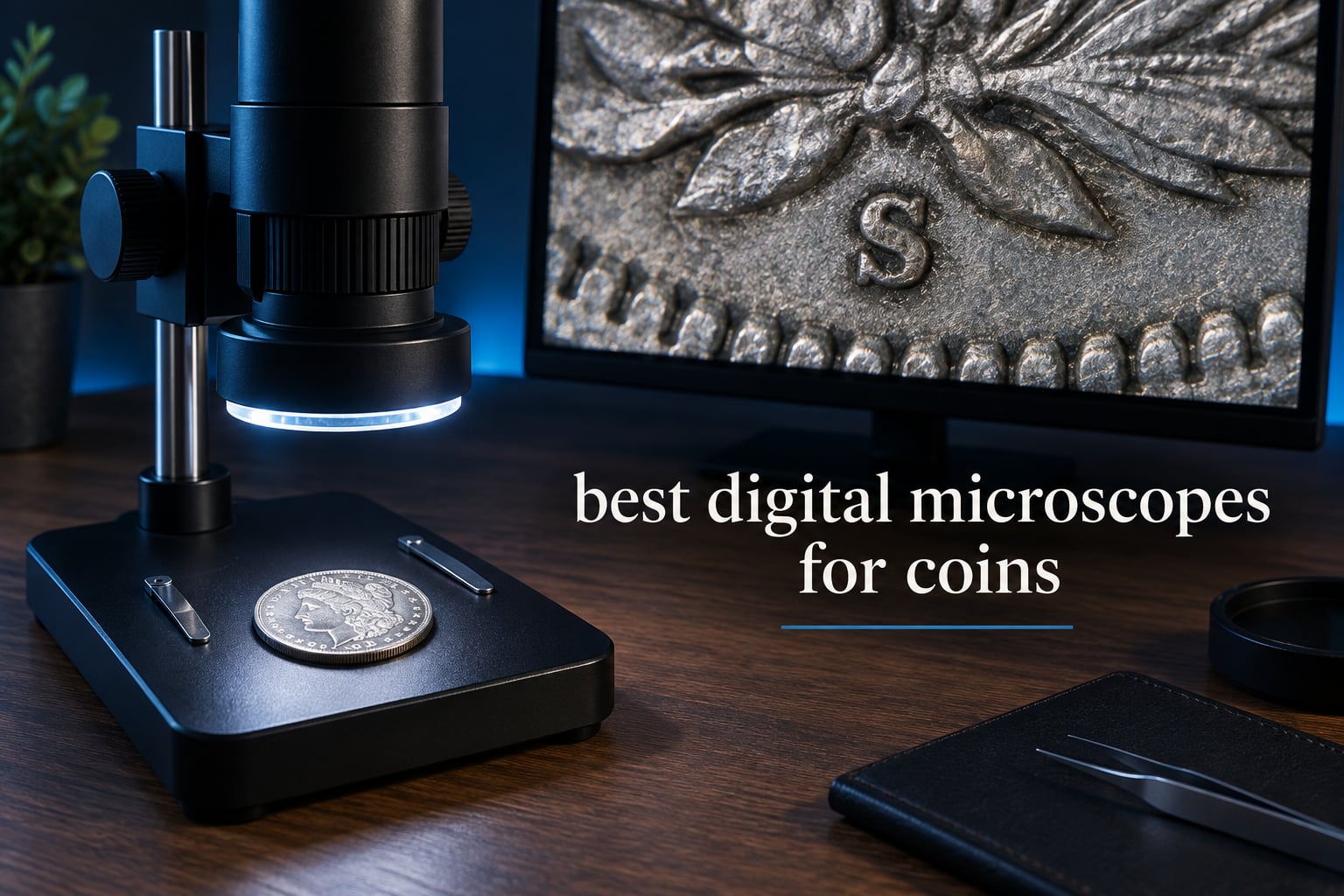
Every collector eventually hits the same wall. A loupe shows you a date, a mintmark, maybe a doubled die if the light is right, but the moment you want to judge luster breaks, hairline fields or a repunched mintmark you are leaning over a piece of glass with one eye closed and a dime-sized window of light. A digital microscope solves the eye strain problem and adds something a loupe cannot: a record. You can shoot both sides and the edge, date the file, and put it in an attribution record you can still look at next year.
Here is the short answer we get asked for most, so we will not bury it. For looking at coins, the useful range is roughly 30x to 100x of genuine optical magnification, and anything advertised as 1000x or 2000x on a consumer scope is mostly digital zoom. Buy for field of view, lighting control and a rigid stand first. Magnification headline numbers are the least reliable specification in this entire category.
What follows is our 2026 roundup of the ten best digital microscopes for coins, spanning handheld LCD units, USB screenless cameras and fixed desk stands. We looked at published specifications, sensor output, stand geometry and working distance, and we weighted the owner feedback pools heavily because in this category the spec sheet tells you very little about what you will actually see. Where a claim looks inflated, we say so.
One thing to clear up before we start: a digital microscope is a documentation and inspection tool, not a grading tool. It cannot tell you the color or luster of a coin. We explain that properly further down, because it is the mistake that costs beginners the most money.
We keep this list updated through 2026, and specifications in this category change often. Every product here earned its place on evidence, not on brand familiarity.
Top 3 Best Digital Microscopes for Coins in 2026
If you only read one section, read this one. These three cover the three genuinely different use cases: a general-purpose scope with the deepest owner feedback, a mid-range workhorse for documentation, and a coin-specific tool with a built-in scale. The full ten-model breakdown follows underneath.

Elikliv EDM4 4.3-inch LCD Coin Microscope
- 4.3-inch 720P LCD
- 8 adjustable LED lights
- Windows and Mac PC view
- Rechargeable battery

TOMLOV DM9 7-inch LCD Coin Microscope
- 7-inch LCD
- 12MP stills and 1080P video
- Metal stand
- 16GB card included

WKR 4.3-inch 1080P Coin Microscope
- 4.3-inch 1080P IPS
- 50X-1000X zoom
- 8 LED lights
- 0.4-3.15 inch focus range
Every Digital Microscope for Coins at a Glance
All ten models in one place, with the spec that matters most for each one. Use this table to narrow the field, then read the individual reviews for the real trade-offs. Nothing here is a sponsored placement.
| Product | Specifications | Action |
|---|---|---|
| Elikliv EDM4 4.3-inch LCD Coin Microscope |
|
Check Latest Price |
| TOMLOV DM9 7-inch LCD Coin Microscope |
|
Check Latest Price |
 TOMLOV DM4W with Weighing Scale TOMLOV DM4W with Weighing Scale |
|
Check Latest Price |
| WKR 4.3-inch 1000X Coin Magnifier |
|
Check Latest Price |
 Andonstar AD246S-M 3 Lens 2160P Andonstar AD246S-M 3 Lens 2160P |
|
Check Latest Price |
 Andonstar AD210 10.1-inch LCD Andonstar AD210 10.1-inch LCD |
|
Check Latest Price |
 SKYEAR 4.3-inch 1000X Coin Microscope SKYEAR 4.3-inch 1000X Coin Microscope |
|
Check Latest Price |
 LINKMICRO LM210 10.1-inch Full View LINKMICRO LM210 10.1-inch Full View |
|
Check Latest Price |
 TOMLOV DM9 Max 10.1-inch TOMLOV DM9 Max 10.1-inch |
|
Check Latest Price |
 Elikliv EM4K 8-inch 4K Microscope Elikliv EM4K 8-inch 4K Microscope |
|
Check Latest Price |
1. Elikliv EDM4 4.3-Inch LCD Coin Microscope – Best Overall
Elikliv Microscope, LCD Digital Coin Microscope 1000x, Coin Magnifier with 8 Adjustable LED Lights, PC View Compatible with Windows/MacBook, EDM4, 4.3-Inch
4.3-inch 720P LCD
Up to 1000x
8 adjustable LED lights
Windows and Mac
3 hour battery
Pros
- Largest owner feedback base in the category
- 4.3-inch 720P HD LCD gives a clear real-time view
- Eight adjustable LED fill lights for even illumination in a dim room
- PC view works on Windows and MacBook for a bigger image
- Rechargeable battery gives roughly 3 hours of cord-free use
Cons
- Headline magnification only reached at very short working distances
- No memory card included so you need to buy storage for captures
The EDM4 is the scope we end up recommending to people who ask a single question: which one should I just buy. It is not the most advanced unit here, and it would be dishonest to pretend otherwise. What it is, is the most proven. Around 10k owner ratings sit behind this model, which means the weaknesses are well known and the surprises have already been found by other collectors.
Out of the box it is a 4.3-inch 720p LCD unit with eight adjustable LED fill lights and a height-adjustable stand. You can put a coin on, dial the brightness, and get a usable image in under a minute. The PC view function on Windows and MacBook is the feature we did not expect to care about and now use constantly, because the LCD is small enough that a 24-inch monitor shows far more of the coin at once.
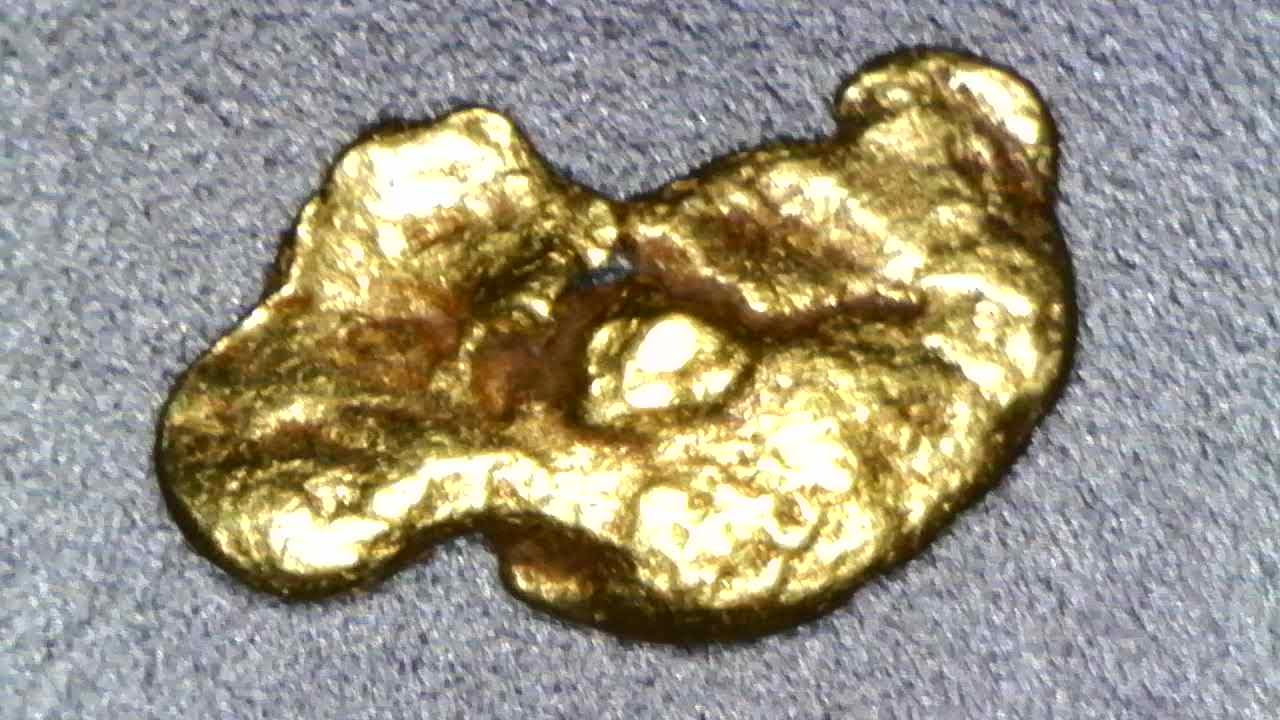
Two honest limitations. First, the 1000x figure is only reached when the lens is almost touching the coin, which on a reflective surface puts you right into glare territory. In practice we work this scope between 30x and 200x, where the image is actually sharp. Second, real magnification shifts with screen size and camera distance, so a frame captured on the LCD and a frame captured through the PC connection are not identical.
No memory card is included. Owners planning to build a documentation habit should add an SD card before their first session rather than after their first hundredth coin. There is also a real, if modest, plastic-and-metal chassis that flexes slightly if you push the stage while focused. Treat the stand gently and it holds focus indefinitely.
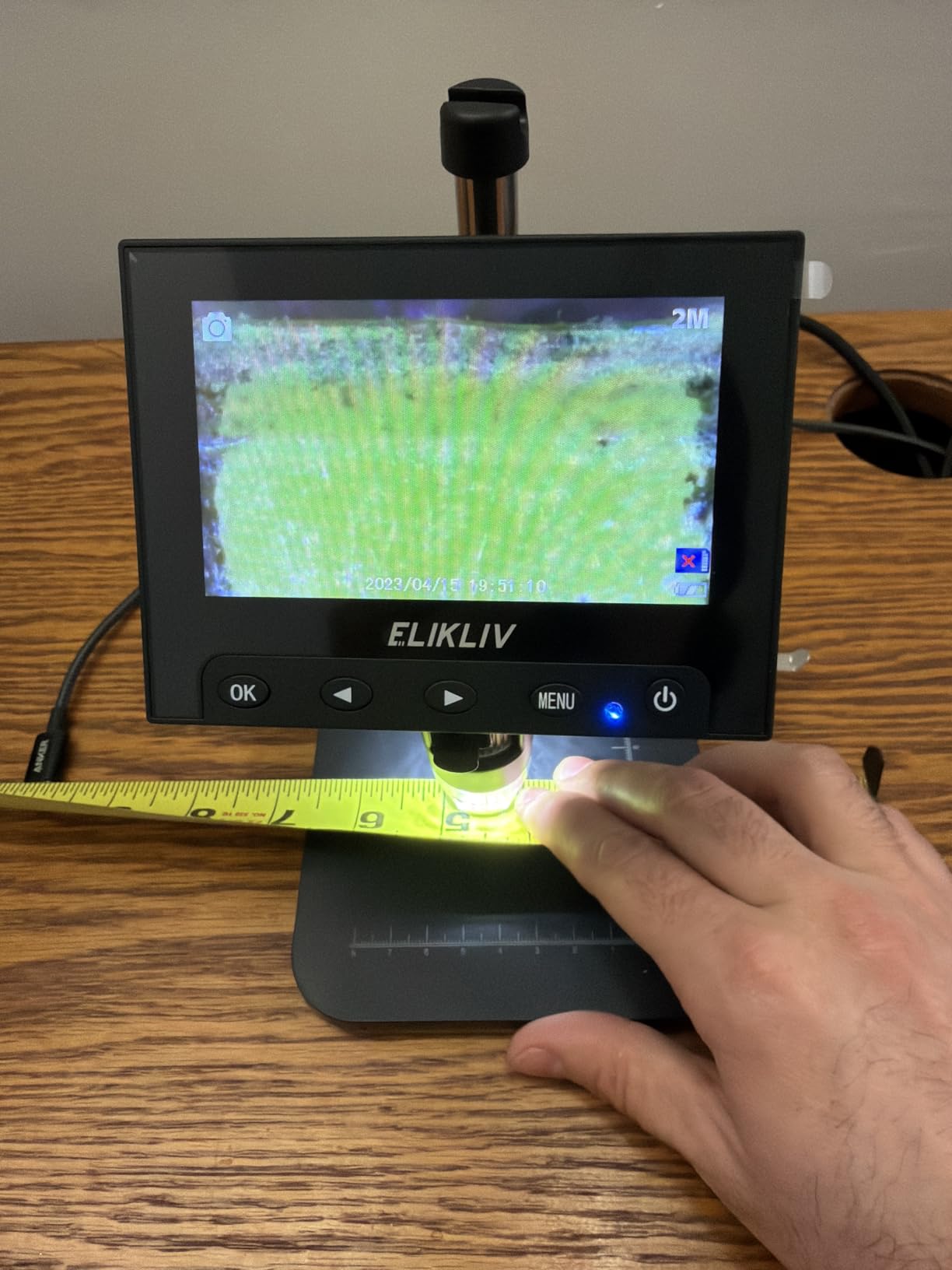
What the 8 adjustable LED lights actually do for a coin
Eight lights sounds like marketing, but on a coin it is the difference between a usable image and a white blob. A single overhead source on polished metal returns the light straight back at the lens. Multiple angled sources fill in around that hotspot, so the fields, the rim lettering and the relief all read at once.
The controls let you dial individual brightness rather than just switching the ring on and off. For a worn circulated piece we usually drop two of them to roughly half. For a proof with a strong cameo, we run the full set low. That level of control is what lets you keep color and luster in the frame instead of burning them out.
Where the 4.3-inch screen will frustrate you
The screen is fine, not generous. For a large format coin you will be panning constantly, and a 4.3-inch panel makes that more tiring than it needs to be. This is the single reason the desk stands in this list exist.
The fix is the PC view cable. Plugged into a Windows or MacBook machine, the same sensor feeds a monitor you control, and suddenly a full silver dollar fits on one screen with room to zoom. If your workflow involves big coins or long sessions, budget for a large display and use the microscope as a camera rather than a screen.
2. TOMLOV DM9 7-Inch LCD Coin Microscope – Best Value
TOMLOV DM9 7″ Digital Microscope: 1080P 1200X Coin Microscope Magnifier, 12MP Ultra-Precise Focusing LCD Soldering Microscopes for Adults, PC View, 16GB
7-inch LCD
Up to 1200x
12MP and 1080P
Metal stand
16GB card included
Pros
- Seven-inch screen is comfortable for long sessions
- Solid metal base and 8.5-inch stand stay steady at high power
- 12MP stills and 1080P video capture real coin detail
- Eight built-in LEDs plus two flexible gooseneck lamps reduce shadow
- 16GB microSD card included so it works out of the box
Cons
- Bulkier than handheld scopes due to the metal construction
- Smaller field of view than the 10.1-inch displays in this roundup
The DM9 is the pick for anyone who has been using a 4.3-inch handheld and moved away from it for one specific reason: they could not see enough of the coin. A seven-inch screen is a genuine step up, and combined with the metal base it feels like an instrument rather than a gadget.
Documentation is where this one earns its keep. Twelve megapixel stills and 1080p video, with a 16GB card already in the box, means you can shoot an obverse, reverse and edge sequence on a single date and archive it. For attribution records and for listing coins you have sold, that consistency matters more than raw magnification.

The lighting arrangement is the standout. Eight LEDs around the lens plus two flexible gooseneck arms is a lot of light for a coin, and the goosenecks can be aimed to kill the specular hotspot that ruins so many reflective-surface shots. Turn the ring down, swing one gooseneck to about 45 degrees, and you get a much flatter, more readable image than any single-source setup.
Where it disappoints is size and field of view. The metal construction and 8.5-inch stand make it a desk fixture, and a seven-inch panel still frames a large coin more tightly than the 10.1-inch models further down this list. If you mostly handle cents and small silver, it is fine. If you deal in dollars, weigh the wider screens carefully.

Why 12MP stills matter more than 1200x
Because you can crop a 12MP image and still resolve a mintmark, while a blown-up 1200x electronic zoom gives you soft, pixelated mush that resolves nothing. Digital magnification adds no information. Sensor resolution adds real detail you can crop back out of.
The practical rule we use: capture at the highest still resolution the unit offers, focus at moderate magnification, and zoom afterwards in editing software. Working live at maximum zoom on any of these scopes wastes your time.
Gooseneck lights versus a fixed LED ring
A fixed ring gives you even but flat illumination. Gooseneck arms give you control, and control is what removes glare on curved reflective metal. The cost is setup time and a little more thought about each coin.
For mixed collections where surfaces vary wildly, the arms are worth it. For a single type of coin under fixed conditions, dial the ring and save the effort. The DM9 offers both, which is why it keeps showing up as a long-term recommendation in collector threads.
3. TOMLOV DM4W Digital Microscope with Weighing Scale – Best for Weighing
TOMLOV DM4W Microscope with Weighing Scale: 4.3″ Digital Coin Microscope with Screen, Error Coin Magnifier with Lights, Weight Scale for Collectors, Jeweler, Students, Compatible with Windows/Mac
0.1g built-in weighing scale
4.3-inch HD IPS screen
10X-200X
8-inch stand
Pros
- Only scope here with a built-in 0.1g precision weighing scale in grams ounces and carats
- True-colour 4.3-inch IPS screen with a 178-degree viewing angle
- Tall 8-inch stand with an enlarged base and metal support rod stays stable
- USB output to macOS and Windows for larger-screen viewing
Cons
- Magnification ceiling of 200x is well below the headline figures on cheaper scopes
- 4.3-inch screen limits the field of view on larger coins
No other microscope in this roundup weighs anything, and that matters more in numismatics than it does in any other collecting field. Weight is one of the first screening tools for counterfeits and for worn counterfeit reproductions. A scale built into the base means you weigh a suspect coin in the same motion in which you inspect it, without a second tool and without writing the number down.
Optically it is modest. The zoom range tops out at 200x, which would look unimpressive on a spec sheet and would not matter at all next to a mintmark. For doubled die markers, repunched dates and die state checks, 200x with a good screen is genuinely sufficient.
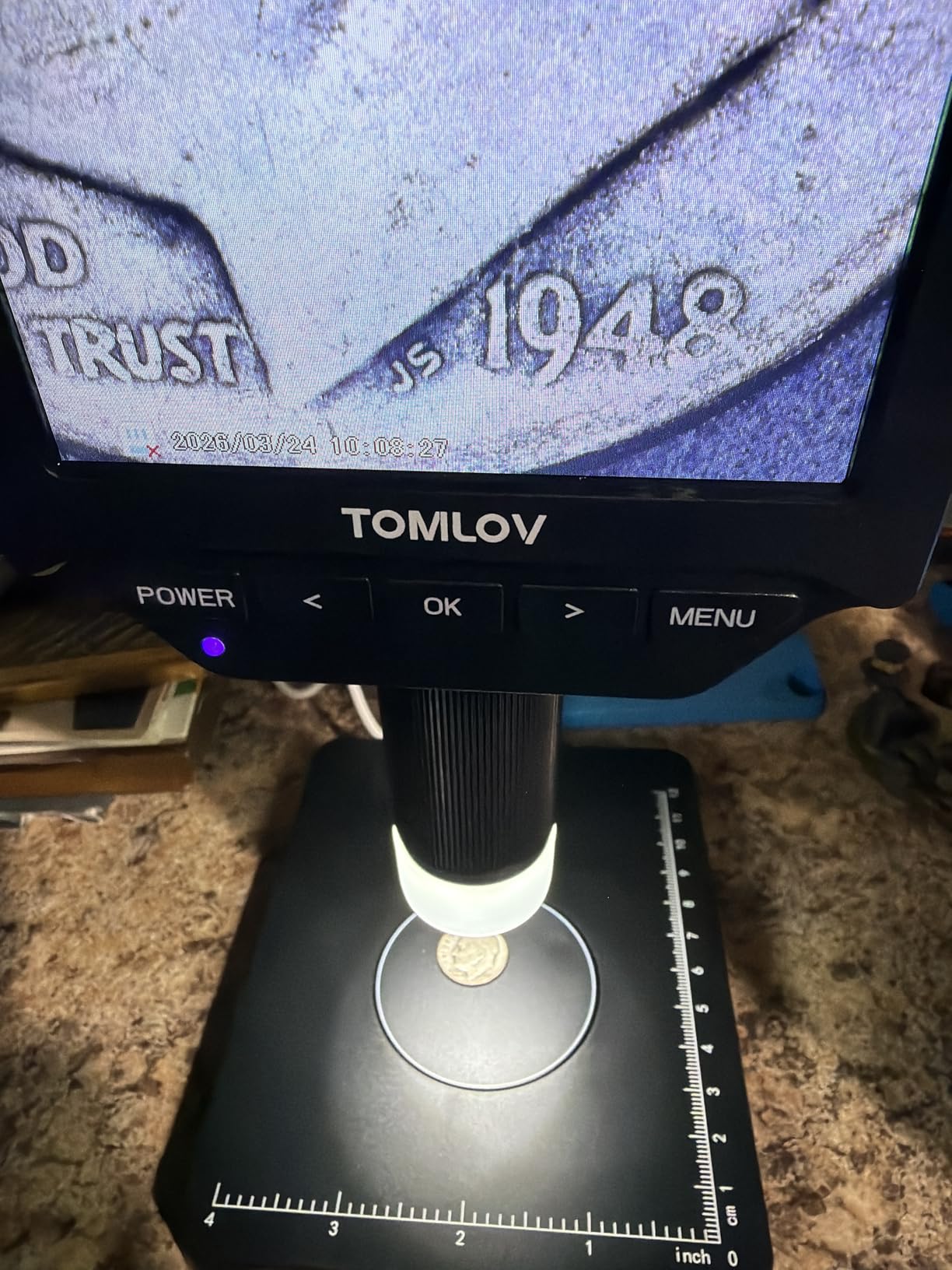
The screen is the surprise. It is a true-colour IPS panel with a 178-degree viewing angle, which is unusual at this size and which reduces the color shift you get on a cheap TN panel when you lean to one side. For a collector trying to judge toning and surface color, that panel is a real advantage, even while the monitor-based workflow still limits how much color you should trust.
The stand is the other quiet strength. An eight-inch stand on an enlarged base with a metal support rod resists the flex that ruins focus hold on lighter plastic frames. When you nudge a coin into position, the image stays where you put it. That single detail affects how many coins you will examine in an evening more than any other spec on the list.
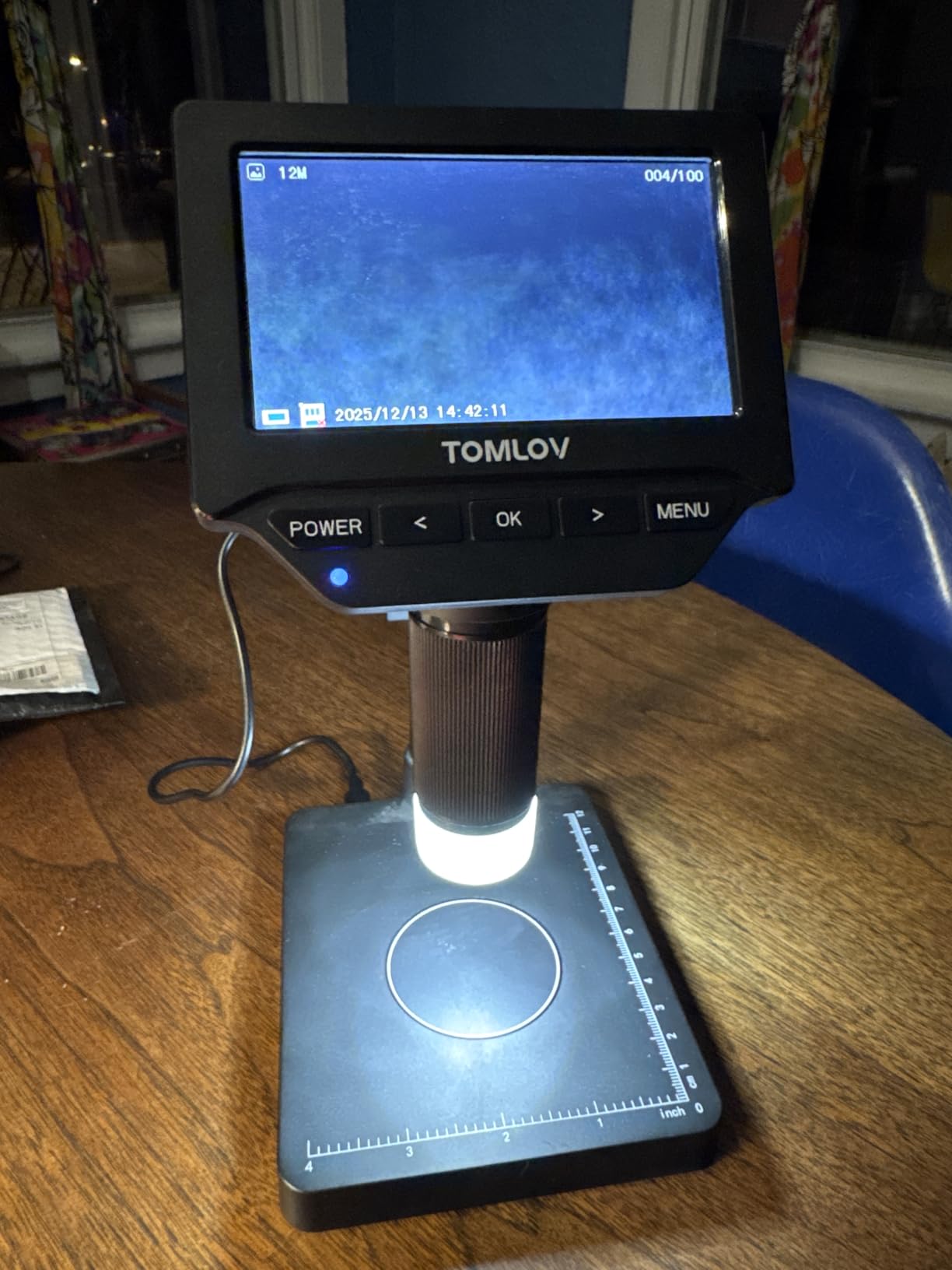
How a built-in scale changes the inspection routine
The workflow becomes one loop instead of two. Place the coin, weigh it, examine both sides, roll it onto its edge. A coin that reads a plausible weight but shows no edge detail is suspicious. A coin with beautiful surfaces and a weight that is well outside the expected range for its type is more suspicious still.
It is a screening tool, not a verdict. A scale narrows the list of coins worth a closer look; it does not authenticate anything on its own. Combine it with die marker checks and edge reeding counts and you have a reasonable first pass.
Who should accept the 200x ceiling
If your collecting is about varieties, mintmarks, die markers and repunched dates, accept it without hesitation. Every one of those features lives comfortably inside 200x.
If you are chasing fine surface texture, luster microstructure or hairlines at the limit of what the eye can see, look higher up this list. Be aware too that a 200x electronic zoom on a 4.3-inch screen is not the same as 200x optical, so treat the ceiling as a rough guide rather than a promise.
4. WKR 4.3-Inch 1000X Coin Magnifier – Best Budget Pick
WKR Coin Microscope, 4.3″ LCD USB Digital 1000X 1080P Coin Magnifier
4.3-inch 1080P IPS
50X-1000X zoom
8 LED lights
0.4-3.15 inch focus range
Pros
- Sharp 1080P live image on a 4.3-inch IPS screen with accurate color
- Eight adjustable LEDs give even bright illumination
- Stand covers a 0.4-3.15 inch focus range so most coins fit
- Rechargeable battery runs about 3.5 hours or it can run on USB
Cons
- Focus and height need re-adjusting for nearly every new coin
- Supplied USB cable is short for PC viewing
- Battery takes a very long time to charge
This is the entry point that works. It has a 1080p sensor and a genuine IPS panel, which puts it ahead of the very cheapest LCD scopes where the image goes washed out the moment you move off-axis. For a first digital microscope, or a second one for a second desk, it is hard to argue with the fundamentals.
Color accuracy comes up repeatedly in owner feedback, and it is the feature we would put first for a scope at this level. A coin that looks purple under a cheap panel looks purple because the panel is wrong, not because the metal is. Getting toning and oxidation right on screen is the whole point.
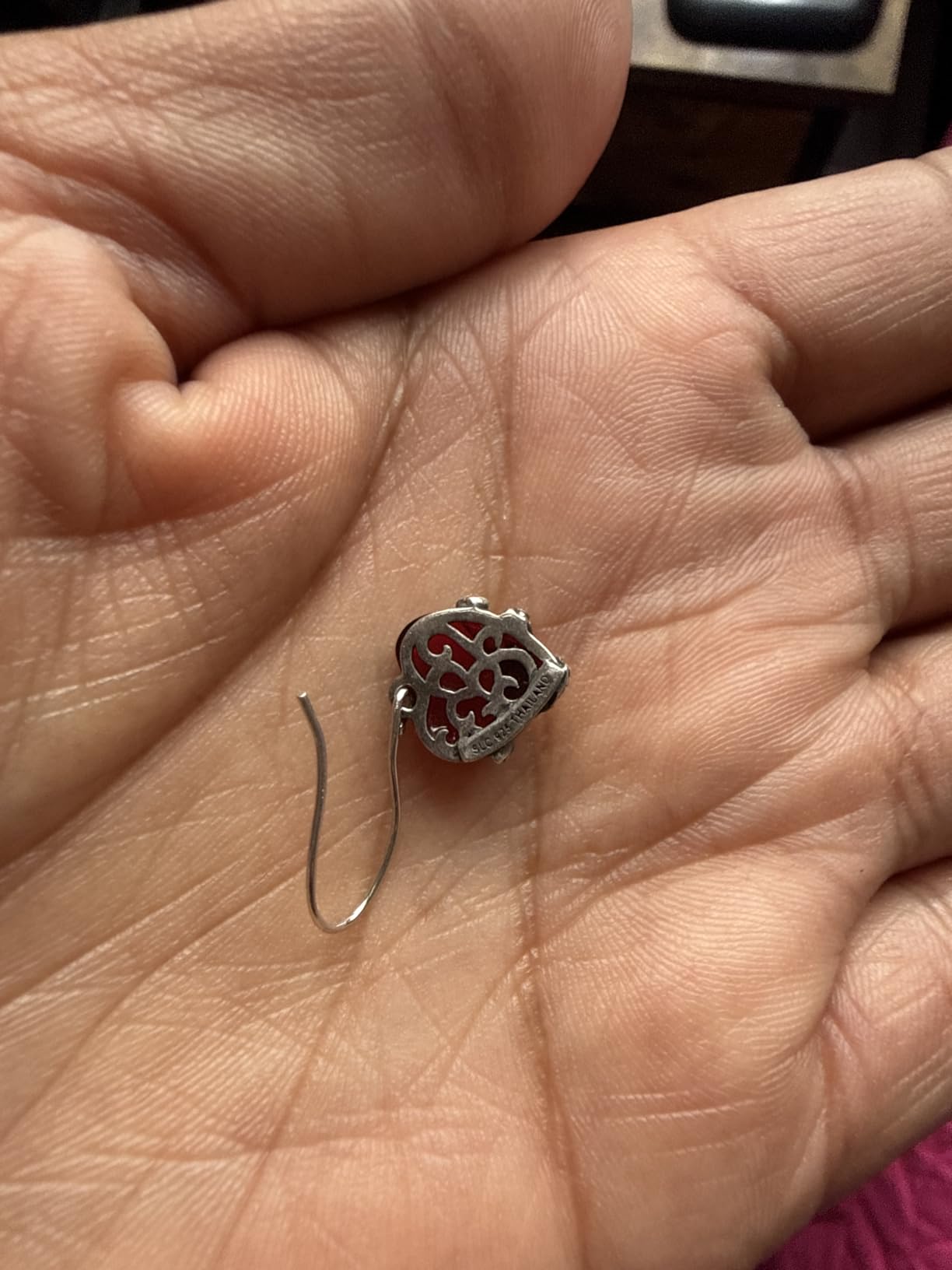
The eight adjustable LEDs have brightness control, and turning them down is how you avoid a blown-out center on a proof surface. The stand adjusts through a 0.4 to 3.15 inch focus range, which covers everything from a small cent to a chunky silver dollar without swapping the base.
The friction is the refocusing. Owners report needing to reset height and focus for nearly every coin, which is normal for a lightweight plastic frame and irritating at scale. The short USB lead and a slow charge cycle are the other recurring gripes. Charge it overnight and treat the cable as a desktop-only accessory.
What you lose by going this cheap
You lose stand rigidity, and with it focus hold. Any contact with the stage moves the image. On a plastic frame at this level that is unavoidable, and it is the reason serious collectors end up moving up the list within a year.
You also lose storage for video. There is roughly 200 photos of built-in memory, which is enough for a quick reference but not for a growing archive. Budget for an SD card as part of the purchase rather than as an afterthought.
Is 1080P enough resolution for error hunting?
For most error hunting, yes. A doubled die, a repunched mintmark or a misplaced date occupies enough of the field of view to be obvious at 1080p with even lighting. Problems appear only when you want to zoom deep into a single field, and at that point the answer is a higher-resolution sensor, not more magnification.
Buy a card, use the batteries, and set up a repeatable lighting position. Those three habits extract most of the capability this scope has.
5. Andonstar AD246S-M 3 Lens 2160P – Best for Multi-Lens Work
Andonstar AD246S-M 3 Lens 2160P HDMI Digital Microscope 2000x for Adults
Three interchangeable lenses
2160P UHD video
HDMI output
Pro boom arm stand
Pros
- Three interchangeable lenses cover whole-coin viewing soldering and slides
- 2160P video with HDMI output to a large monitor
- Adjustable pro boom arm stand gives a large work envelope
- Measurement software for sizing objects on a Windows PC
- Wireless remote for capture zoom and color adjustment
Cons
- Lenses are swapped by removing and reinstalling screws
- Corded power and 2.25 kg weight make it a bench-only setup
- Seven-inch screen is smaller than the 10.1-inch displays in this roundup
The AD246S-M is the only unit here that solves full-coin framing with optics rather than a bigger screen. It carries three lenses: one covering roughly 4.5x to 180x for whole objects, one at 450x to 510x for surface work, and a low-power one for soldering. That first lens is the coin answer, and it is why this scope frames a whole dollar in a single shot.
Image output is genuinely strong for the category. 2160p video over HDMI into a monitor gives you a large, sharp, bright image with no laptop in the chain, and the measurement software will size a feature on screen and report the number. That is useful for documenting a planchet or a damaged area precisely.
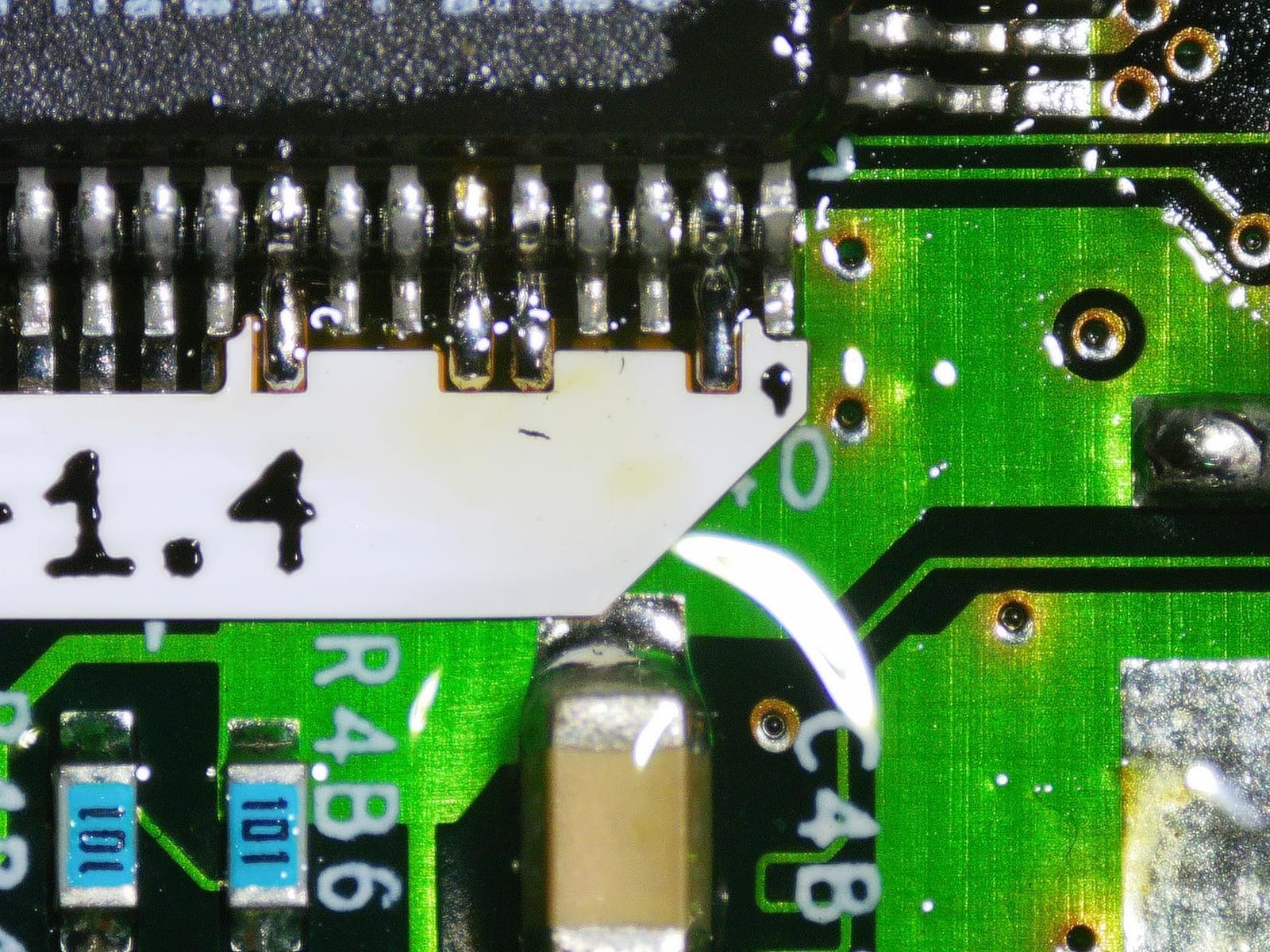
Eight LED intensity levels and a 32GB card are both included, and the wireless remote lets you trigger capture and shift magnification without touching the stand. Every one of those details is about not disturbing the image at the exact moment you were about to lose it.
There is a real cost. Swapping lenses means removing and reinstalling screws, so a workflow that changes lens per coin is a workflow that stops. The 2.25 kg weight, the corded power and the boom arm footprint make this a fixed bench. Plan your sessions around it rather than trying to bring it to a show.
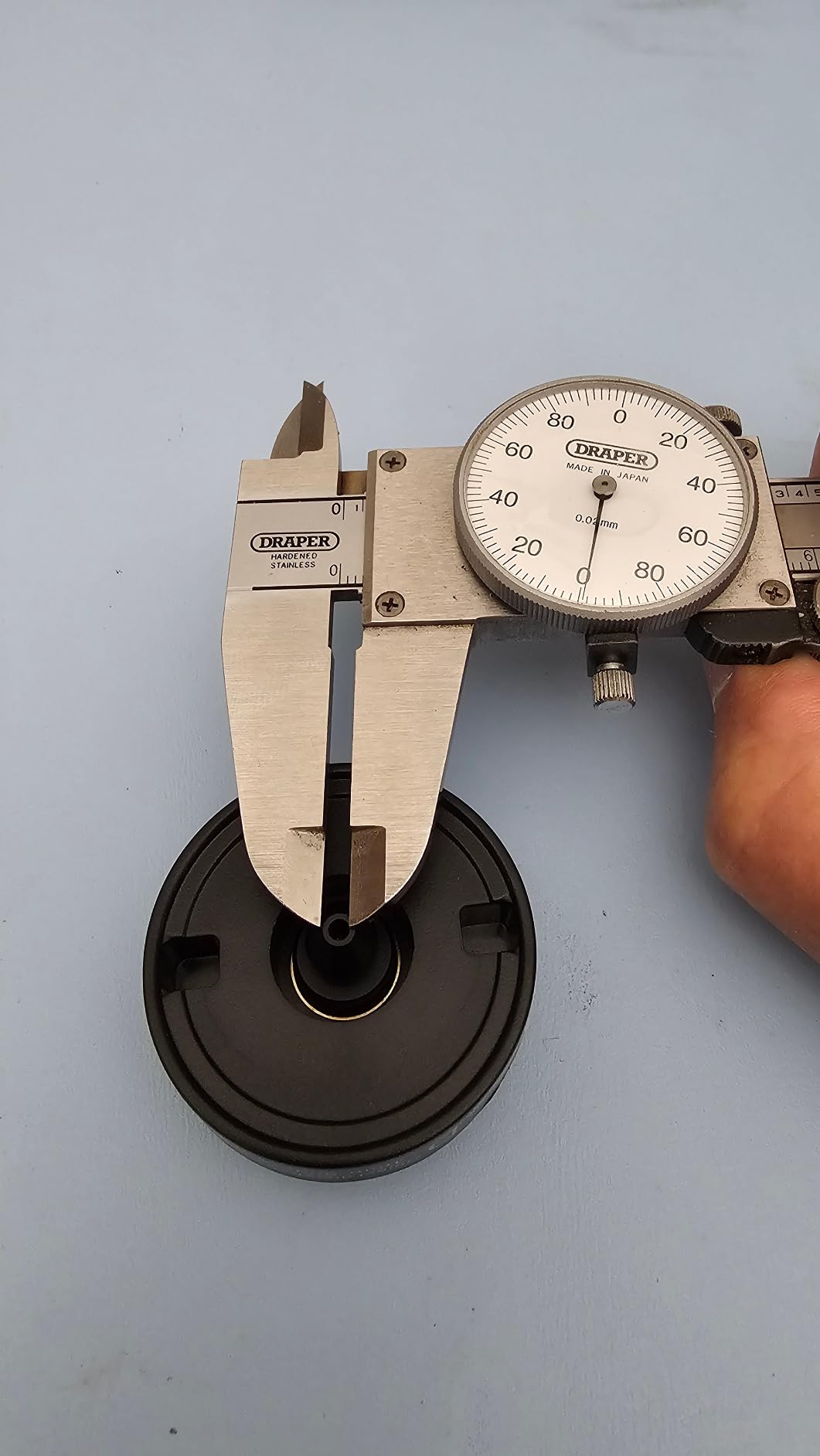
Why a low-power lens beats a large screen for framing
Framing is a function of field of view, and field of view is a function of the lens, not the display. A wider screen showing the same narrow field just shows a bigger picture of a corner of the coin. Only changing the optical setup gets the whole piece in one frame.
That is also why extension tubes and base swaps keep coming up in collector threads. If your scope cannot see the whole coin, no amount of screen real estate fixes it. Confirm the low-power framing before you buy, and confirm it with the largest coin you actually collect.
When the screwdriver required is too much
If you expect to alternate between a whole-coin view and a 500x surface view dozens of times an evening, screw swaps will exhaust you. The fix is workflow: one lens for the session, changed deliberately at a break rather than between coins.
Collectors who mostly photograph or document can live with it. Collectors who vary their magnification constantly should look at a scope with a continuous zoom instead, even if the field of view is narrower.
6. Andonstar AD210 10.1-Inch LCD – Best for a Desk Setup
Andonstar AD210 10.1 Inch LCD Digital Microscope for Soldering, Coin
10.1-inch Super IPS
Up to 260x
10.2 inch working distance
Top side and bottom LED light
Pros
- 10.1-inch IPS display with a 178-degree viewing angle shows a whole silver dollar
- 10.2 inch working distance stand clears coins up to 38.1 mm
- Stand reaches 12.6 inches with direct vertical movement
- Top side and bottom LED illumination
- 32GB SD card and card reader included
Cons
- Corded electric design requires a nearby outlet
- 260x maximum magnification is modest for surface texture
- 1.92 kg weight makes it a fixed desk unit
The AD210 is built around one problem that most of this list treats as an afterthought: neck strain. A ten-point-one inch IPS panel at a 178-degree viewing angle means you can sit back, tilt the screen, and still see the image. Owners consistently single this out as the reason their sessions got longer.
The working distance is the second headline. Ten-point-two inches of clearance under the lens, adjustable from about 1 cm to 26 cm, means a coin sits comfortably below the objective with room for your fingers. You place it, you do not crowd it. On reflective metal, being able to move a coin without touching the stage also protects your focus.
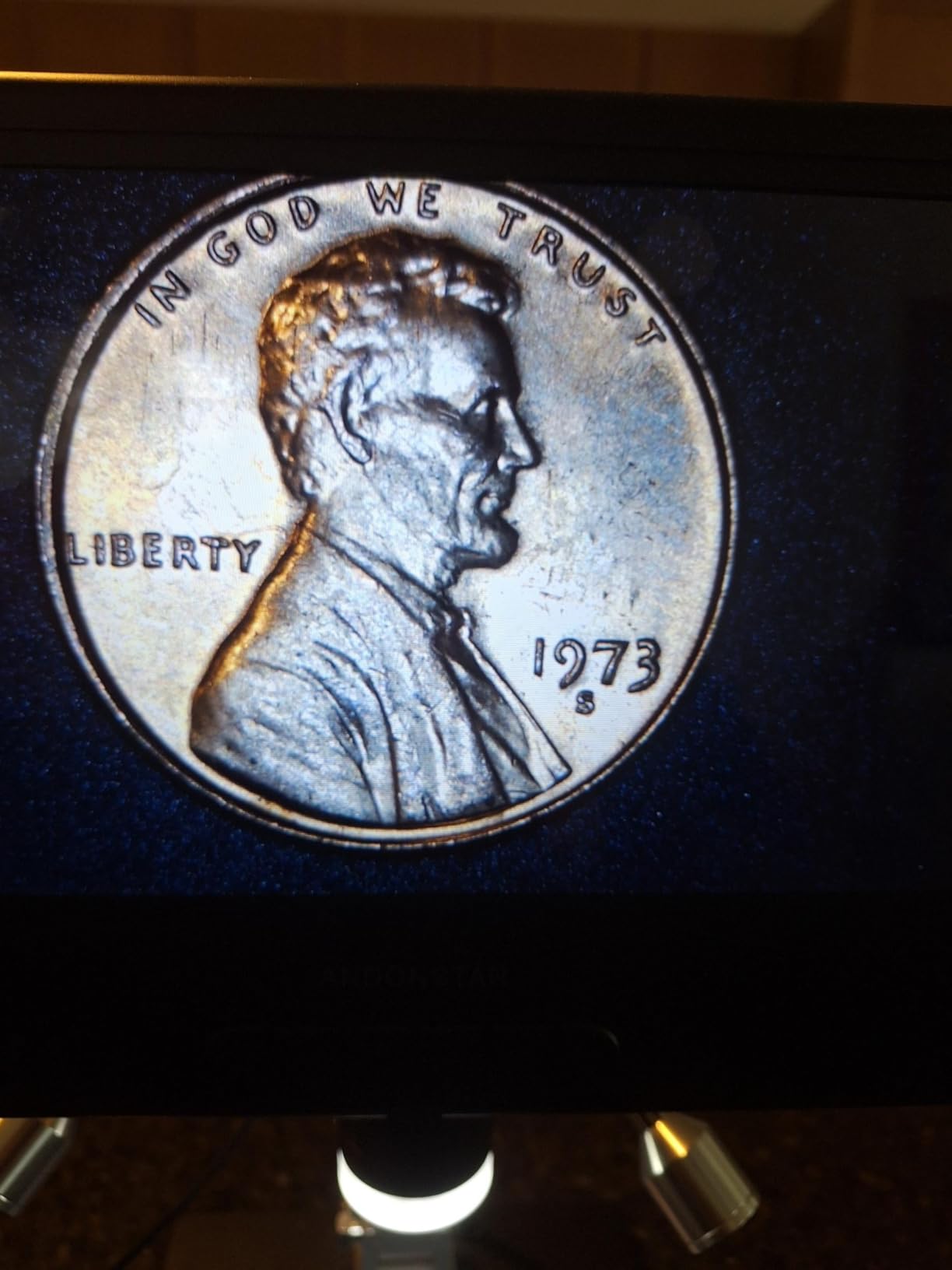
Three illumination types are available, including a bottom light stage for slides. For coins, the top and side options do the useful work, and having all three means you can kill a reflection by changing the light rather than by moving the coin.
The 260x ceiling is genuinely modest, and 1.92 kg plus a corded supply means it stays where you put it. A remote control handles capture and zoom without touching the screen, which on a large panel is more useful than it sounds, since a bumped panel shifts the image for everything in the room.
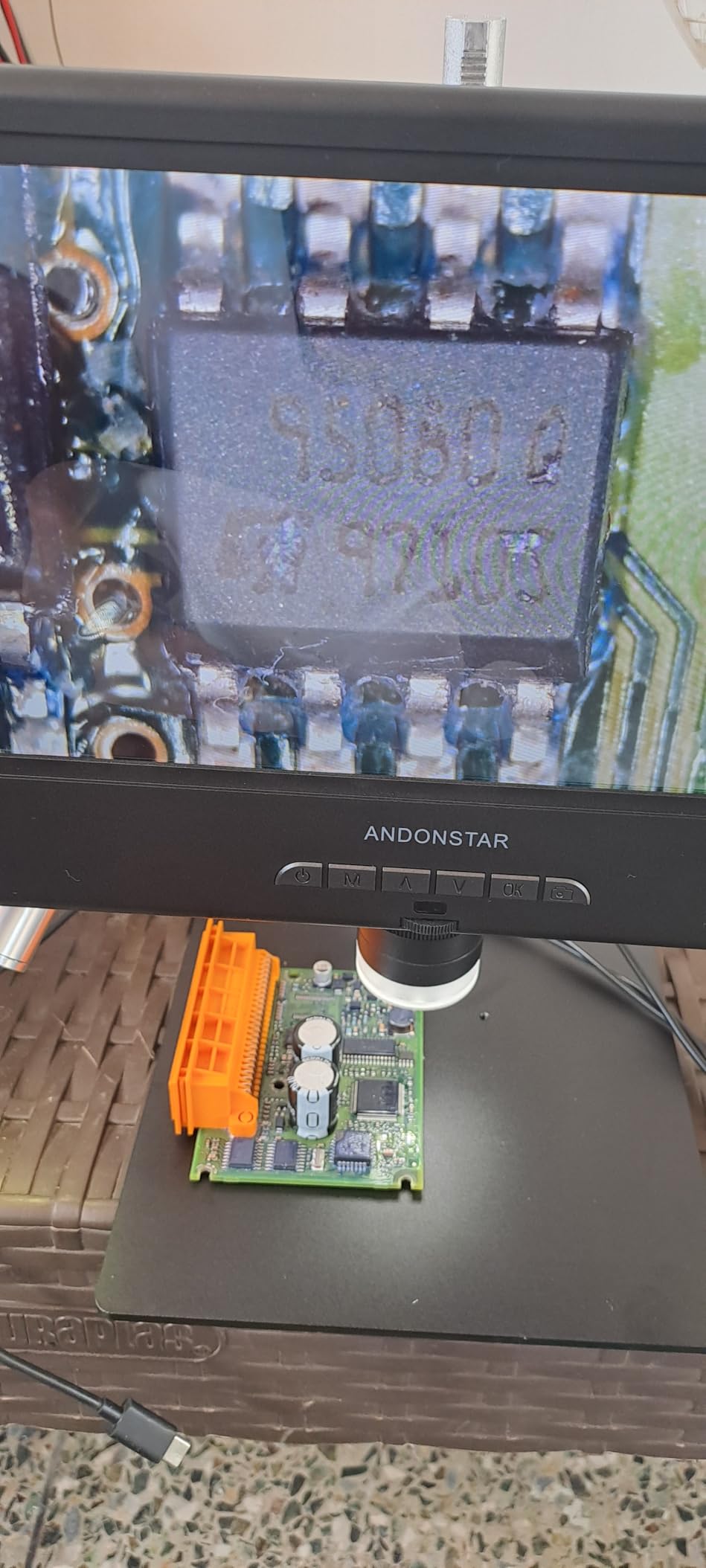
Screen size versus optical power: where to spend
Screen size and magnification solve different problems. A large screen with low power lets you see the whole coin comfortably. High power with a small screen gives you detail on a corner and constant panning. Buy for the coin you collect most, not the feature that sounds impressive.
Collectors working mostly on cents, nickels and small silvers should spend on the screen and the working distance. Collectors chasing specific die markers on larger issues should spend on optical power and accept a smaller panel.
Bottom illumination and why coins rarely need it
Bottom light is for transparent or translucent samples, which is why the AD210 includes a stage and a slide kit. A coin is opaque metal, so a light from below contributes almost nothing to the image and will only bounce stray light back up into the lens.
Treat it as a general-purpose feature. For numismatic work, put your effort into the top and side sources and use their controls to shape the reflection.
7. SKYEAR 4.3-Inch 1000X Coin Microscope – Best for Handheld Work
4.3″ Digital Microscope for Adults, SKYEAR Coin Microscope 1000X Magnification with 8 Ajustable LED Fill Lights, USB Microscope for Windows/MacOS, Coin Collection Supplies-Black
4.3-inch HD LCD
50X-1000X
8 dimmable LED lights
Handheld or desktop
Pros
- Two-in-one design switches between handheld and stand use
- Coarse and fine focus tuning locks onto a coin surface quickly
- Eight dimmable LED fill lights reduce shadows and dark spots
- Works with Windows and macOS software for larger viewing
- Two-year warranty
Cons
- USB powered so it needs a computer laptop or adapter
- Internal storage holds only about 100 photos and video needs a separate SD card
- Actual zoom varies with screen size distance and lighting
Every scope on this list is a desk instrument. The SKYEAR is the one that is not, and for a collector who wants to check a coin at a show, in an armchair, or in a pile that is not yet on the desk, that flexibility is worth more than any resolution figure.
Coarse and fine focus is the detail that makes handheld work bearable. Turning one ring gets you close and the second gets you sharp, so you are not constantly pulling the stage to hunt for the focal plane. A rough stand would make handheld inspection a frustration, and this is a stand-plus-handheld design rather than a stand-only one.
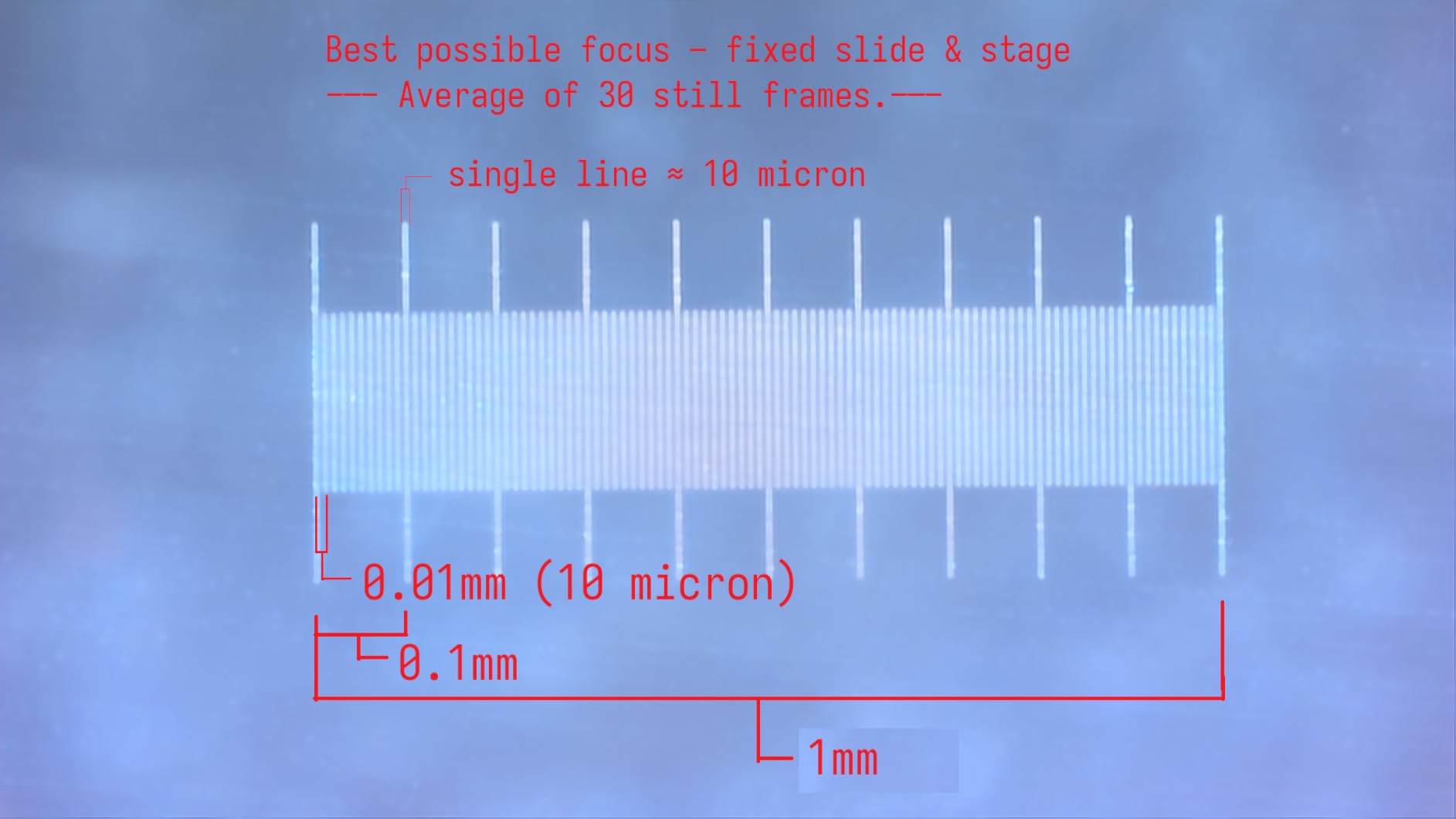
The eight dimmable fill lights are adjustable individually, which is how you control a hotspot when the lens is close to a shiny surface. Turning a couple of them down rather than the whole ring is the difference between a readable rim and a white streak.
USB power is the catch. There is no battery, so the scope needs a laptop, a desktop or a wall adapter, which removes much of the spontaneous-use advantage. Internal storage is about 100 photos and video needs an SD card you supply. The two-year warranty is a genuine plus at this level.
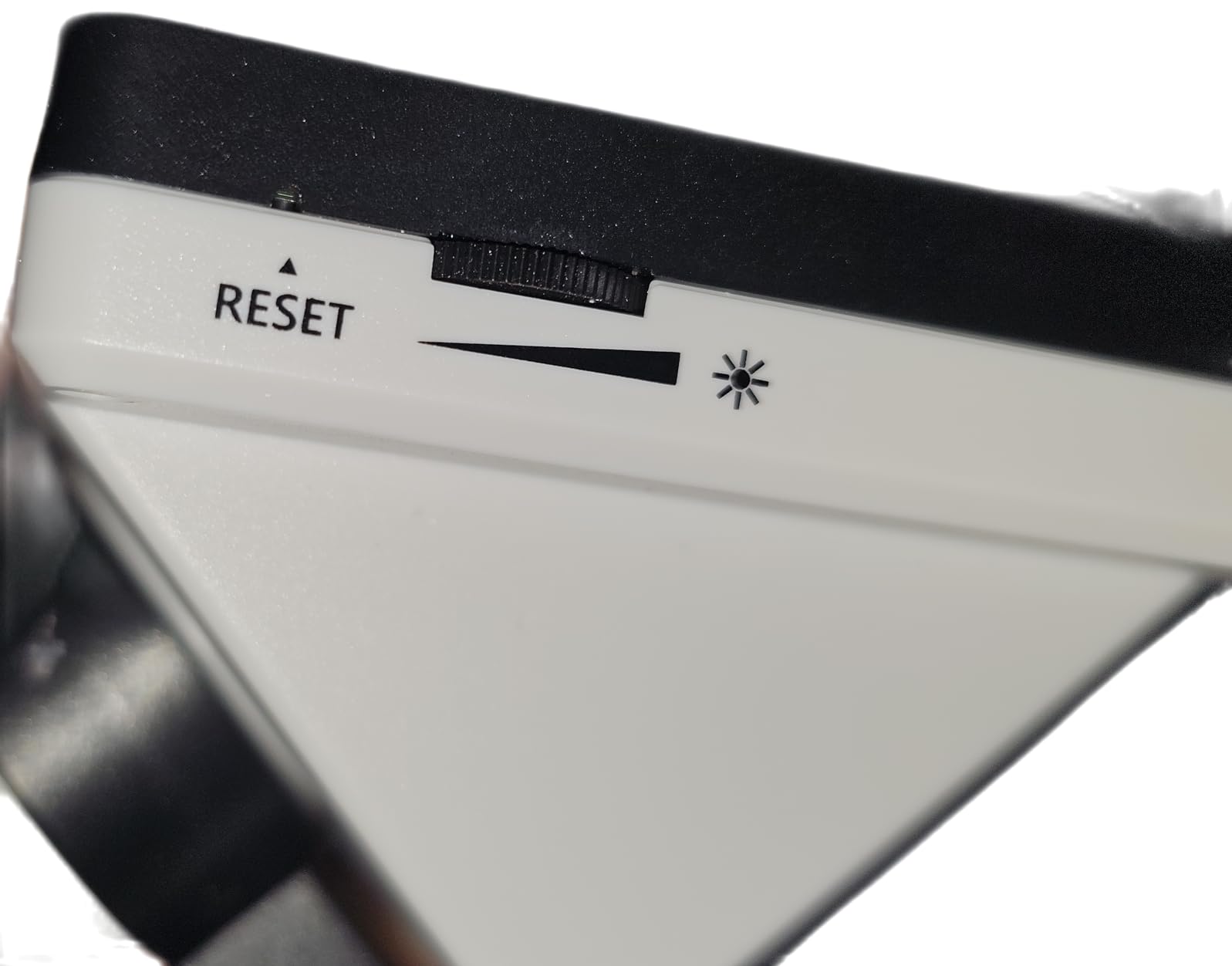
Handheld or on the stand: when to use which
Handheld for a quick look. Bring it up to the coin, fill the frame, check the date and the mintmark, and put it down. That takes seconds and it is how you triage a roll without setting anything up.
Stand for anything you plan to keep. Variety confirmation, edge inspection and any image you intend to save all belong on the stand, because the one thing handheld work cannot do is hold perfectly still while you press the shutter.
Why the 1000x figure is the least useful number on the box
Because it is reached at a distance where the lens nearly touches the coin, and at that distance depth of field collapses and glare peaks. You will see a large, soft, badly lit image. Owners note that actual zoom varies with screen size, shooting distance and lighting, which is exactly the behaviour of an electronic multiplier.
Work this scope between 30x and 150x. That is where the eight lights, the fine focus and the IPS-quality image all line up to give you something you could photograph.
8. LINKMICRO LM210 10.1-Inch Full View – Best for Whole-Coin Framing
LINKMICRO LM210 10.1” Digital Microscope Magnifier Full Silver Coins View
10.1-inch rotatable IPS
Full silver dollar in one frame
Up to 260x
Geared metal stand
Pros
- Frames an entire silver dollar or half dollar in a single image
- 12.6 inch all-metal stand with precision fine-adjustment gears
- Rotatable 10.1-inch IPS screen reduces neck and eye strain
- Advanced lighting with 8 top LEDs and dual flexible side lights
- 32GB SD card card reader and wireless remote included
Cons
- 260x maximum magnification is low for surface texture work
- 1.5 kg metal build is not portable
- Requires a power outlet rather than running on battery
Framing is the number one complaint collectors raise about cheap coin scopes, and the LM210 is designed specifically to end it. A whole silver dollar or half dollar fits in one frame, without repositioning, without stitching and without the constant panning that ruins a close inspection.
The stand is the reason that works. Twelve-point-six inches of metal with precision fine-adjustment gears means the focus change is small, controlled and repeatable, so a framing you found once stays found. The screen rotates, so you can bring the image toward you rather than bending over the stage, and long sessions stop hurting your neck.
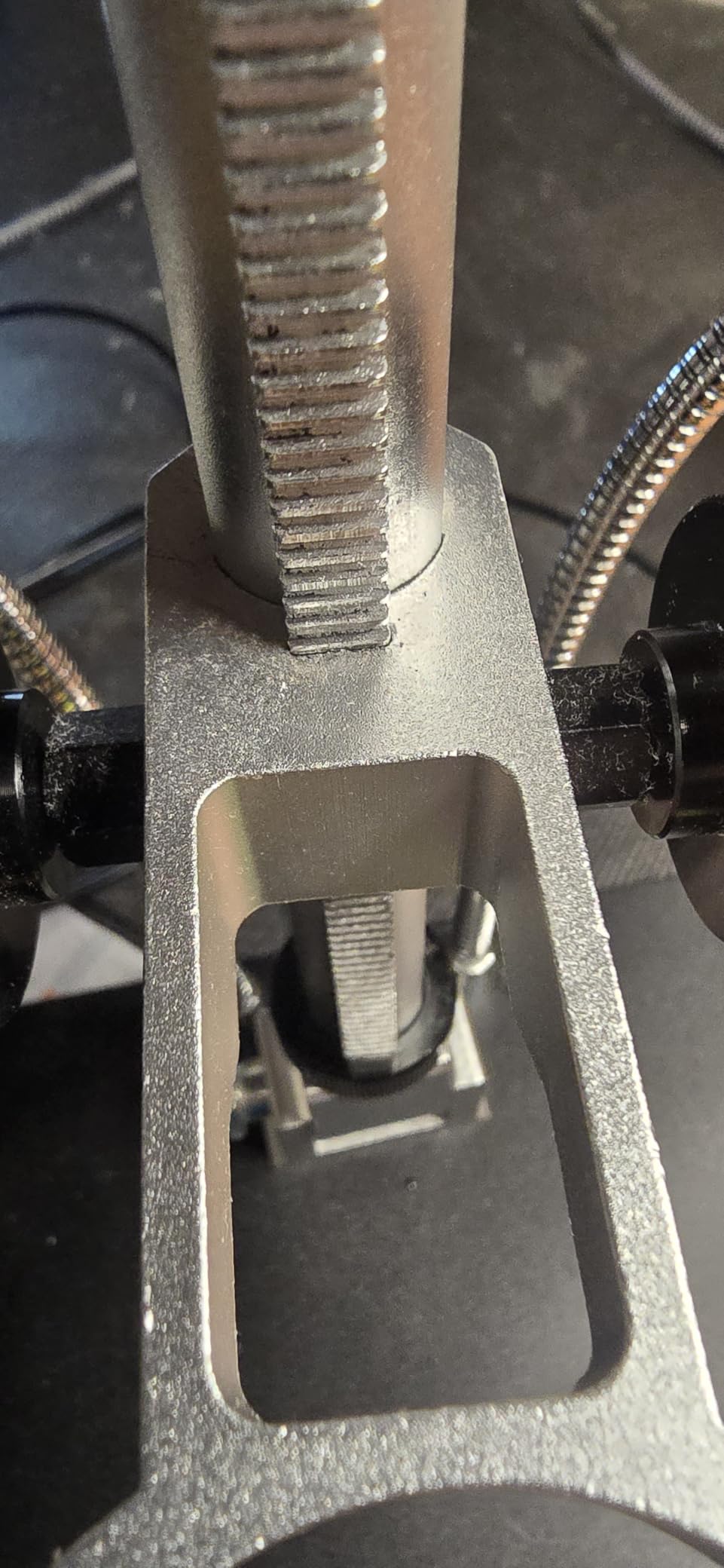
Lighting is a three-part system: eight top LEDs, dual flexible side lights and a bottom-lit slide holder. The side arms are the elements that matter for metal. Aim them low and wide and the specular blowout on a curved field largely disappears, which is the difference between seeing a surface and seeing a white smear.
At 260x the ceiling is modest, and at 1.5 kg with a power supply this is a desk instrument. The 32GB card, card reader and wireless remote are all included, and the manufacturer offers lifetime technical support, which is unusual at this level.

The geared stand and focus hold
Focus hold is the quiet quality that determines whether you inspect forty coins in an evening or four. A light stand bends when you place a coin, the image moves, and you refocus. A rigid metal frame with a fine gear barely moves, so the image you framed stays framed while you study it.
Once you have worked on a geared stand, plastic frames feel broken. This is not a luxury, it is a working-speed upgrade that pays for itself quickly for anyone who inspects coins regularly.
What whole-coin framing buys you
Context. Most die varieties are a feature in relation to everything around it, and a frame containing the entire coin lets you judge a doubled die against the full design, check strike across all four quadrants, and compare rim color to field color in one look.
It also changes photography. A whole-coin reference shot at low power, taken first, gives you the orientation you need for every close-up that follows. Collectors who shoot both sides for listings tell us this single habit removes most of their retakes.
9. TOMLOV DM9 Max 10.1-Inch – Best for Image Detail
TOMLOV DM9 Max Digital Microscope: 20MP 10.1″ 1500X HD IPS Coin Microscope Magnifier for Error Coins with Screen, LCD Soldering Microscopes for Adults, 10 LED Lights, PC/TV Compatible, 16GB
10.1-inch HD IPS
Up to 20MP and 1080P
5X-1500X range
12.6-inch stand
Pros
- Up to 20MP stills at 6096x3424 and 1080P video with audio
- 10.1-inch IPS screen with a 178-degree viewing angle that rotates
- Ten lights in total including eight dimmable ring LEDs and two gooseneck lamps
- 12.6-inch stand on a 7x8 inch base gives real workspace for a coin
- Wireless remote avoids shaking the view
- 16GB card pre-installed and a two-year warranty
Cons
- Headline 1500X is an electronic zoom figure with real optical power measured far lower
- Some owners report base LED lights failing to charge after a few weeks
- Screen can wobble on the stand even when tightened
When raw image detail is the goal, this is the strongest specification in the roundup. Still capture runs up to 20MP at 6096×3424, with 1080p video carrying audio. That headroom means you can capture at moderate magnification and crop into a field afterward, which produces far better results than trying to hold 1500x live.
The 12.6-inch stand on a 7×8 inch base gives a proper work area, so a full-size coin fits with room around it. Ten lights give unusually fine control: eight dimmable LEDs around the lens plus two gooseneck side lamps, and a wireless remote for magnification and capture so you never touch the screen mid-shot.
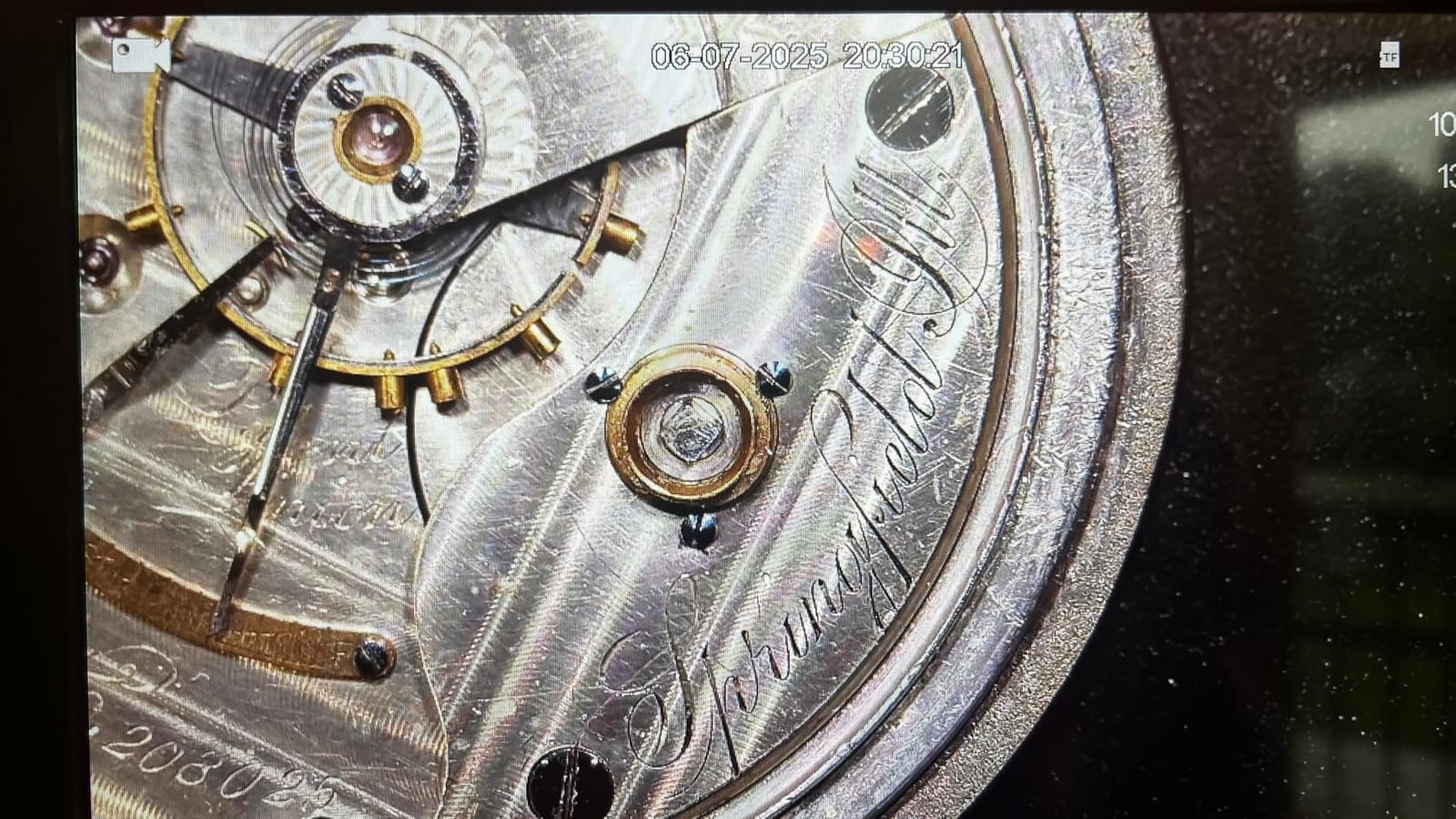
Then the honesty check. One owner, describing forty-five years as a microscopist, measured the real optical magnification at roughly 45X rather than the advertised 1500X. That single report reframes the whole category: the number on the box is an electronic multiplier, and the useful optical range is far narrower.
Other feedback includes base LED lights that stopped charging after a few weeks, and a screen that can still wobble on the stand with the grub screw tightened. Neither is a dealbreaker, but both argue for checking the unit early and keeping the remote as your primary control.
Reading a magnification claim honestly
Optical magnification is produced by the lens. Digital magnification is produced by enlarging the pixels the sensor already captured. Only the first reveals anything new, and no consumer microscope in this roundup offers 1000x of real optical power.
The honest framing is a usable optical range of roughly 30x to 100x on most units, with the digital figure on the box representing the maximum electronic enlargement layered on top. Judge the optical end, then ignore the rest.
When 20MP stills actually earn their keep
When you crop. A 20MP frame of a full coin, cropped to a single field, still resolves hairline texture and relief that a live zoomed view blurs into mush. That matters for attribution records, for listing photos and for documenting a variety you may want to submit.
It also matters for honesty. A soft, over-zoomed image tells you less than a sharp one at lower magnification, and it makes weak evidence look strong. Capture sharp, crop later.
10. Elikliv EM4K 8-Inch 4K Microscope – Best for 4K Video
Elikliv EM4K 4K Coin Digital Microscope, 8″ 52MP HDMI Soldering Microscopes
4K 30fps and 52MP stills
8-inch 1280x800P IPS
HDMI and USB
Base extends to 6.3 inches
Pros
- Highest specification in the roundup with 4K 30fps video and 52MP stills
- Premium sensor with around 30 percent higher image precision
- Wide colour coverage including 100 percent sRGB and HDR ranges
- HDMI and USB output for a larger view on any monitor
- Ten-inch stand with a base that extends to 6.3 inches for full-coin framing
Cons
- Smallest review base in the roundup at 198 ratings
- 5 pound metal build and stand are firmly desk-bound
- Eight-inch screen is smaller than the 10.1-inch displays in this roundup
The EM4K is the enthusiast end of the list. A 4K sensor running 30fps, stills up to 52MP, and a sensor the manufacturer claims delivers roughly 30 percent more image precision than a standard one. Wide colour coverage at 100 percent sRGB, 99 percent RGB, 400 HDR and 99 percent NTSC matters more than it sounds, because metal tone is the first thing a cheap sensor gets wrong.
Output paths are good. HDMI and USB mean the same image can go to a large monitor, a computer, or several displays at once, so a laptop is optional. The stand reaches ten inches and the base extends to 6.3 inches, which is how this unit gets a full coin into frame despite the modest eight-inch panel.
Read that with care though. The base extends to a stated 6.3 inches, which handles most coin sizes, but a large dollar on some mounts is still a two-shot job. And 2000x at the top of the range is the same electronic multiplier story as every other scope here.
The clearest caution is the review base. At 198 ratings this is the least validated product in the roundup, so you are buying largely on the specification sheet. A five-pound metal build and a ten-inch stand mean it is also firmly anchored to one desk, and a rechargeable battery plus AC power gives you some freedom of placement.
When 4K video is worth paying for
When the output goes somewhere other than your own screen. Recording 4K and 30fps gives you room to crop, to reframe, and to follow a slow focus pull in post without the softness that comes from recording a magnified live view. For anyone building a video library, that is real value.
For still-frame inspection of a single coin it is largely wasted. A 12MP or 20MP still from a cheaper scope will tell you the same story about a mintmark at a fraction of the cost.
Buying on a thin review base
Check what the warranty actually covers before you commit, and confirm the return window, because with 198 ratings there is no large body of owner experience to fall back on. Verify the sensor resolution and output modes on arrival, before you need them.
If your budget allows uncertainty, pick a model with thousands of ratings. If you have decided you want the best image this category produces, this is it, and the specification backs the ambition.
How to Photograph a Coin Under a Digital Microscope Without Glare
Glare is the reason most coin microscope photos look terrible, and it is almost entirely a lighting problem rather than a hardware problem. Collectors ask about this on nearly every forum and it is answered almost nowhere, so here is the sequence we actually use.
First, kill the ambient light. Close the blinds, turn off the overhead, and let the microscope be the only source. Every stray reflection in the room is a highlight you cannot control.
Second, set the ring low before you place the coin. A full-brightness LED ring on polished metal returns light straight into the lens and clips the fields to white. Start at roughly a quarter brightness and raise it only if the image is genuinely too dark.
Third, use the side lights, and angle them wide. If your scope has gooseneck lamps, bring them down to roughly 45 degrees and out to the sides rather than close to vertical. Angled light crosses the relief and reveals texture. Straight-down light bounces back at you.
Fourth, place the coin flat and clear the stage before focusing. Do not rest the lens on the coin and do not push the stage to rotate it. Nudge the coin by its edge, then use the focus ring rather than the height adjustment to fine-tune. If you need to move the height, do it before you care about the image.
Fifth, capture in order and capture everything. Obverse, then reverse, then roll the coin to the edge for the reeding, then a low-power whole-coin frame for reference. Label the files with the date, the mintmark and the die markers you can see.
Sixth, check the color before you save. If the fields look pure white on the screen, drop the brightness one more step and shoot again. A blown highlight is lost data, and no amount of editing puts the luster back into a flat white patch.
One handling note that applies to every step: never clean a coin, and hold it by the edge. Residue from fingers, from the stage and from a cleaning attempt all damage surfaces, and none of it is reversible.
Digital Microscope vs Loupe vs Handheld: Which Type Do You Need?
The honest answer is that a loupe and a digital microscope do different jobs, and the best setup for most collectors is both. A 10x triplet loupe is the tool for judging overall grade, luster and eye appeal, because it shows you the entire coin at once with your own eyes and your own brain interpreting the light. A digital microscope is the tool for detail, documentation and saving your eyes over a long session.
Collectors on r/coinerrors describe the common pattern clearly: a loupe for key-date and variety hunting, a microscope added mainly to reduce eye strain, with a budget in the region of a hundred dollars. That is a sensible split, and it is why our number one pick is a proven mid-range unit rather than the most expensive one.
A handheld scope at around 100x fixed power sits in between. It is genuinely useful in a coin show room where you cannot set up a stand, and useless for anything requiring a stable, documented image. We would not build a documentation workflow around one, but we would not leave home without a coin either.
The question collectors most often ask is whether a digital microscope can replace a loupe for grading. It cannot, and the reason is physical rather than technical. A monitor renders a coin as backlit pixels with an arbitrary white balance. Surface color, strike and luster read incorrectly or not at all, because they depend on how light behaves across the metal as your eye moves. Grading services work with the coin in hand under controlled directional light for exactly this reason.
What a digital microscope does well, and what a loupe does poorly: repeatable images of both sides and the edge, dated and archived, of a coin you can examine for hours without fatigue, and repeatable comparison between two examples of the same date and mintmark.
If you are also assembling a first kit, our guides to stereo microscopes and student microscopes cover the entry-level magnification questions, and our biological microscopes guide explains the lens and lighting fundamentals that transfer straight across to coin work.
Buying Guide: What Actually Matters for a Coin Microscope
Magnification reality first, because every other decision depends on it. Optical magnification comes from the lens and is limited by sensor quality. Digital magnification is an electronic enlargement that adds no information and produces a soft, pixelated image. The useful range for coins is roughly 30x to 100x optical. When a listing says 1000x or 2000x, assume a long working distance of a few centimetres and a maximum real optical power far below that. The owner who measured the TOMLOV DM9 Max found about 45x of true magnification against an advertised 1500x, and nothing in the technical data suggests his unit was unusual.
Field of view and full-coin framing come next, and this is where most cheap scopes fail. If the coin does not fit in the frame, you will spend your session panning, and panning is where blurry, inconsistent images come from. Three things fix it: a low-power lens, as on the Andonstar AD246S-M; a larger screen, as on the LINKMICRO LM210 and the Andonstar AD210; or an extension tube that increases working distance and widens the view. Test with the largest coin you collect, not the smallest.
Lighting is the difference between a usable image and a white smear on reflective metal. Look for adjustable brightness, and ideally individual control over multiple sources. A ring light gives even but flat results. Side or gooseneck lamps angled low give you the control to shape a reflection. Several collectors report that extra movable lights made glare worse before anyone told them to aim them properly, so treat light placement as a technique you will learn, not a feature you switch on.
Stand stability and focus hold determine how many coins you will examine in a year. A rigid metal frame with a wide base and a fine-adjustment gear holds position. A light plastic stage moves when you place a coin, and you will refocus constantly. Working distance matters for the same reason: enough clearance that you can get your fingers and the coin under the lens without touching the frame.
Screen versus USB is a workflow decision. A built-in LCD means cord-free, portable, show-ready inspection with no software and no drivers. A USB microscope needs a computer, and a USB microscope is better for listing photos because you capture straight into your editing workflow on a large monitor. Several USB-only scopes cannot show an image without a host device, so test the software on your actual machine before buying.
Sensor and capture. Resolution above roughly 8MP is enough for most inspection work if you capture at moderate magnification and crop afterward. Storage matters more than people expect: many budget units hold about 100 photos internally and need a separate card for video. Check what is in the box before you plan an archive.
Counterfeit detection deserves a realistic framing. A digital microscope can reveal repunched mintmarks, wrong metal color under a good sensor, softened rims, incorrect reeding and clumsy lettering. It cannot weigh, cannot test composition, cannot measure magnetic response and cannot confirm authenticity on its own. It narrows the list for further checks. For a genuine verdict, use a recognized grading service.
Finally, coin handling. Never put a coin face down on the stage, never rest the lens on a coin, never clean one, and always handle by the edge. A soft stage is convenient but it collects residue. A treated cotton swab you do not use is worse than nothing.
Frequently Asked Questions
What magnification is best for looking at coins?
For most coin work, 30x to 100x of genuine optical magnification is the useful range. That is enough to read a mintmark, resolve a doubled die, see die markers and check reeding. Headline figures of 1000x or 2000x on consumer scopes are digital zoom, which enlarges existing pixels and reveals no new detail. Judge the optical range, ignore the electronic figure, and capture at moderate magnification then crop.
What digital microscope is best for coin collectors?
The Elikliv EDM4 is our top pick for most collectors because it combines a 4.3-inch 720p LCD, eight adjustable LED lights and a rechargeable battery with the deepest owner feedback in the category. For whole-coin framing on larger issues, the LINKMICRO LM210 or the Andonstar AD210 fit a silver dollar in one frame. For weighing alongside inspection, the TOMLOV DM4W has a built-in scale.
Do I need a digital microscope or a loupe for coins?
You need both, because they do different jobs. A 10x triplet loupe is the right tool for judging overall grade, luster and eye appeal, since it shows the whole coin under your own controlled light. A digital microscope is the right tool for detail, repeatable photography and long sessions without eye strain. Grading should stay with a loupe; documentation and die study belong on a screen.
Is a digital microscope good for grading coins?
Not on its own. A monitor renders a coin as backlit pixels with an arbitrary white balance, so surface color, strike and luster do not read true. A digital microscope is excellent for screening details such as repunched mintmarks, incorrect reeding and softness, and for dating and archiving images. For an authenticated grade, submit the coin to a recognized grading service.
Can a digital microscope detect counterfeit coins?
Partly. A good scope can reveal repunched mintmarks, wrong metal color, softened rims, incorrect reeding and clumsy lettering, which flags a coin for further checks. It cannot weigh, test metal composition or measure magnetic response. Treat it as a screening tool that narrows the list, then confirm suspicious pieces through other tests or a professional grading service.
Which Digital Microscope for Coins Should You Buy?
Our best digital microscopes for coins list in 2026 starts with the Elikliv EDM4, because a deeply proven general-purpose scope beats a lightly reviewed specialist one for most collectors. Add the TOMLOV DM4W if weighing coins matters to your workflow, the LINKMICRO LM210 or Andonstar AD210 if you need a whole dollar in one frame, and the TOMLOV DM9 if documentation drives your collecting.
Pair whichever you choose with a 10x triplet loupe, keep the loupe for grade and the microscope for detail, and spend your first session learning where the light goes. That last habit is worth more than any specification on any of these boxes.