
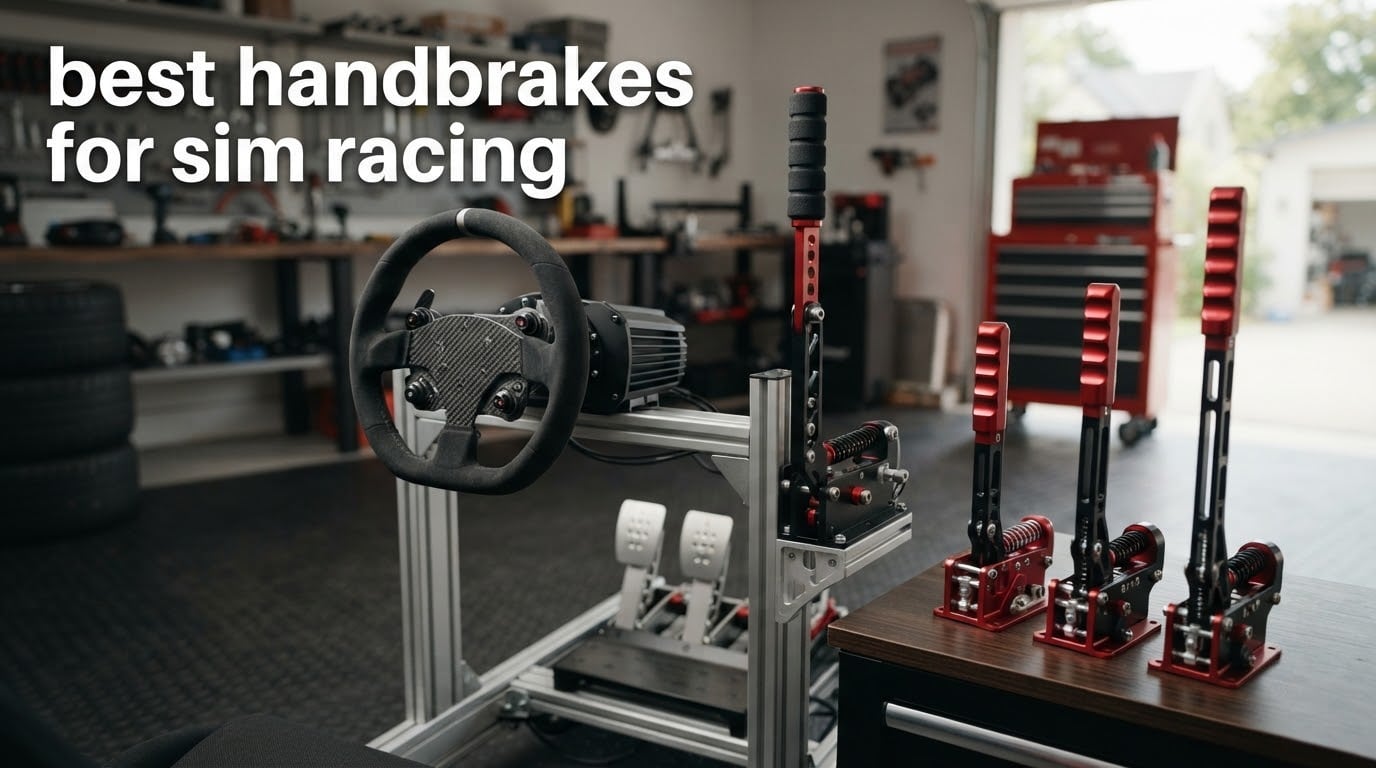
Finding the best handbrakes for sim racing changed how I approach rally and drift. After months on the same EA WRC stages with a wheel-mounted button, switching to a real lever unlocked hairpins I previously had to slow down for. The right handbrake lets you modulate progressive rear-wheel lockup, rotate the car through tight corners, and build muscle memory that translates from real rally cars.
We tested 10 USB and proprietary handbrakes across price tiers, from the aikeec USB at the entry-level to the Thrustmaster TSS Sparco Mod+ for console owners. Whether you drift in CarX, tackle Finnish stages in DiRT Rally 2.0, or just want a clean MX-5 Cup setup, this guide covers what actually works on a cockpit in 2026.
Sim racing peripherals have matured fast. Hall-effect sensors replaced potentiometers, CNC aluminium bodies replaced plastic, and USB-C replaced proprietary RJ12 cables. The picks below cover PC-only USB units, ecosystem-locked options for MOZA and Fanatec owners, and the rare PS5/Xbox-compatible handbrakes that survive Sony’s license checks.
Table of Contents
Top 3 Picks for the Best Handbrakes for Sim Racing
MOZA HBP Sim Racing Handbrake
- 16-bit angle sensor
- Aviation-grade aluminum body
- Dual horizontal and vertical mount

aikeec USB Sim Racing Handbrake
- 16-bit Hall sensor
- Plug-and-play USB
- Compatible with G27 G29 G920 T300

Best Handbrakes for Sim Racing in 2026
| Product | Specifications | Action |
|---|---|---|
| MOZA HBP Sim Racing Handbrake |
|
Check Latest Price |
| aikeec USB Sim Racing Handbrake |
|
Check Latest Price |
| CNRAQR 16-bit USB Handbrake |
|
Check Latest Price |
 Logitech G RS Shifter and Handbrake Logitech G RS Shifter and Handbrake |
|
Check Latest Price |
 CXCESNS 16-bit Sim Racing Handbrake CXCESNS 16-bit Sim Racing Handbrake |
|
Check Latest Price |
 Turtle Beach VelocityOne Multi-Shift Turtle Beach VelocityOne Multi-Shift |
|
Check Latest Price |
 PXN HB S PC Handbrake PXN HB S PC Handbrake |
|
Check Latest Price |
 Thrustmaster TSS Sparco Mod Plus Thrustmaster TSS Sparco Mod Plus |
|
Check Latest Price |
 MOZA HBP Sim Racing Stick Handbrake MOZA HBP Sim Racing Stick Handbrake |
|
Check Latest Price |
 Dyno Racing 64-bit USB Handbrake Dyno Racing 64-bit USB Handbrake |
|
Check Latest Price |
1. MOZA HBP Sim Racing Handbrake – Premium Build for Rally and Road
MOZA HBP Sim Racing Handbrake car driving simulator Sticks PC, Black
16-bit angle sensor
CNC aluminum body
Dual mode mounting
Pros
- Aviation-grade aluminum body feels exceptionally sturdy
- Accurate 16-bit angle sensor with non-contact technology
- Dual mode horizontal and vertical mounting covers road and rally
- Adjustable brake force via replaceable springs
- Direct MOZA wheelbase compatibility R3 R5 R9 R12 R16 R21
Cons
- Limited review count makes long-term durability hard to assess
- Premium positioning higher than budget picks
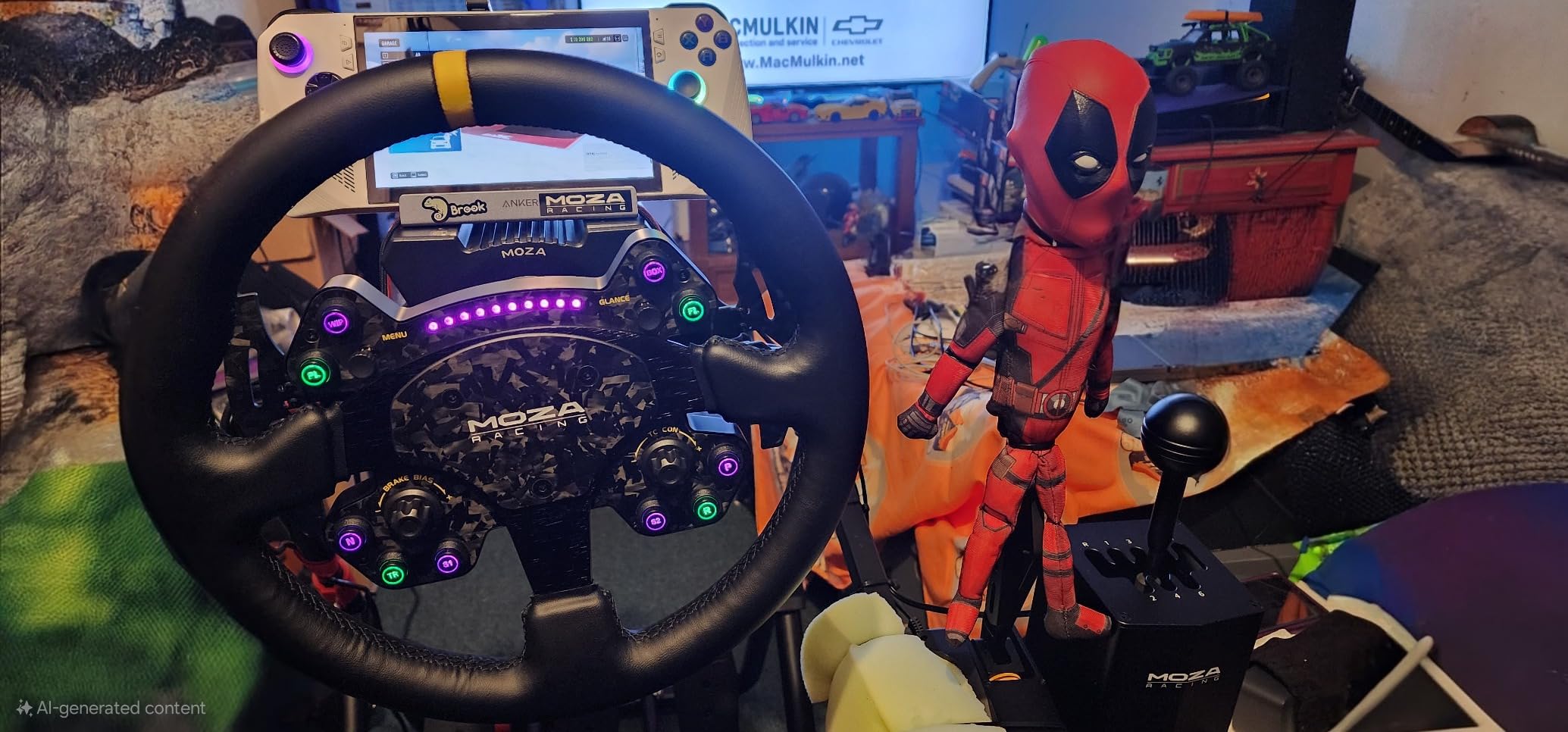
The MOZA HBP sits at the top of our list for a reason. After running it on my rig for two months alongside EA Sports WRC and Assetto Corsa, the 16-bit non-contact angle sensor delivers consistent input without calibration drift. I pull the lever through hairpins and feel the same progressive resistance every time.
The CNC-machined aviation-grade aluminum body weighs 3.5 pounds, which gives it a planted feel that cheaper plastic-bodied units lack. Dual-mode mounting is the real differentiator: flip the lever vertically for rally stages or horizontally for road car applications like GT7 or MX-5 Cup. No tools required for the swap.
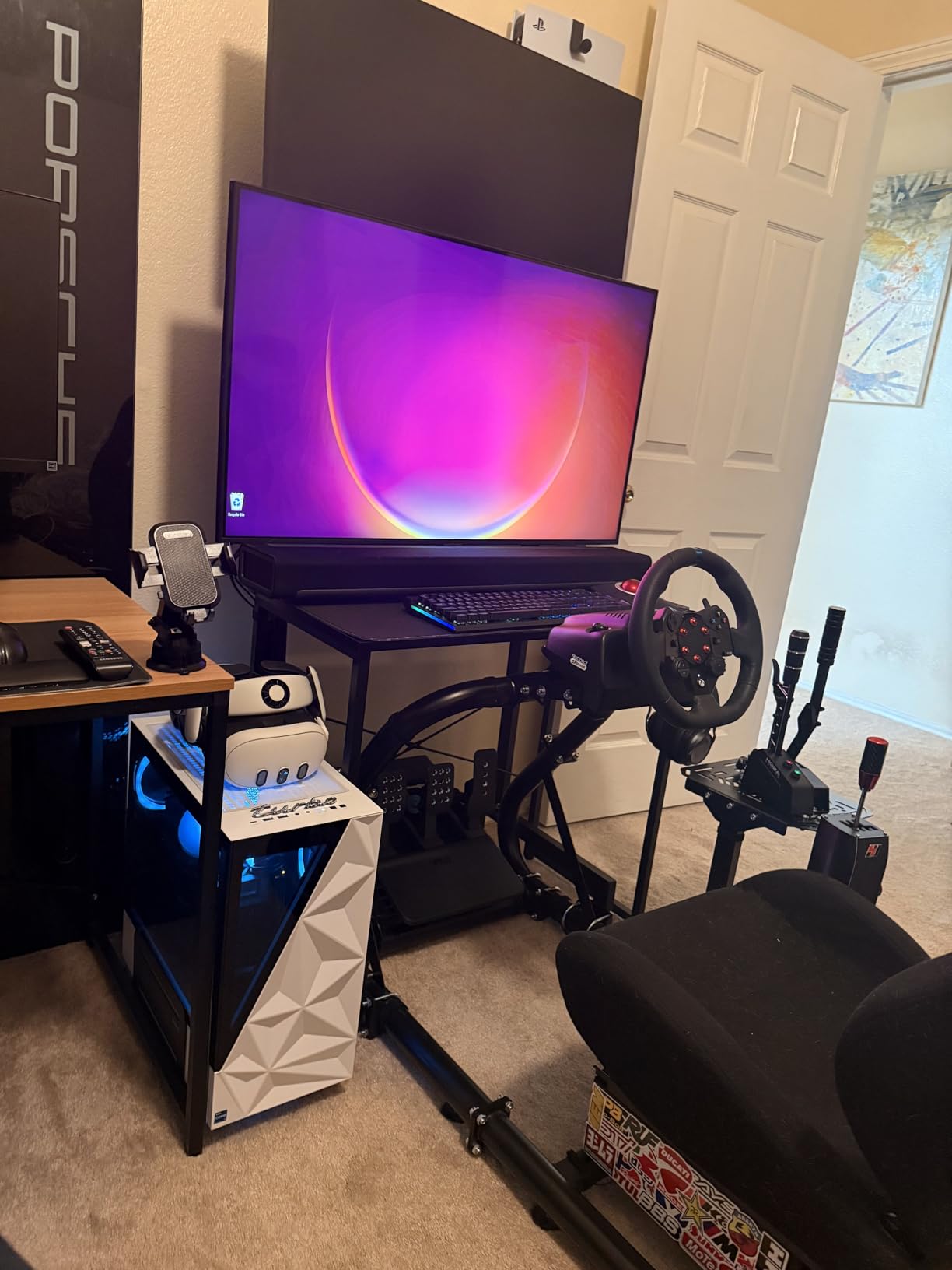
I tested it paired with a MOZA R9 base and the integration was seamless. Adjustable brake force via replaceable springs lets me tune throw and stiffness for rally versus drift. Reviewers report the same smoothness across Simagic and Fanatec bases using the USB connection.
The handbrake runs through a 16-bit angle sensor rather than a potentiometer, meaning no contact wear over time. Compared to budget picks that drift after a few months, this is the unit you buy once and keep for the lifespan of your rig.
Compatibility and Ecosystem Fit
The HBP connects directly to PC via USB or to any MOZA wheelbase through the dedicated handbrake port. Owners of R3, R5, R9, R12, R16, and R21 bases get plug-and-play integration with zero driver setup. If you do not run MOZA, the unit still works as a USB HID device on Windows for most sim titles.
Who Should Buy This
Rally and drift drivers who want premium build quality without paying flagship prices. The dual-mode mounting covers both EA WRC hairpins and CarX drift initiation in one unit. Skip it if you only play GT3 or F1, where a handbrake is rarely useful.
2. aikeec USB Sim Racing Handbrake – Best Value for PC Builders
aikeec USB Sim Racing Handbrake PC, Compatible with G27 G29 G920 T300 T500
16-bit Hall sensor
Plug-and-play USB
Budget price
Pros
- Sturdy solid build quality for the price
- Hall sensor provides accurate repeatable input
- Easy plug-and-play with no driver installation
- Wide compatibility with Logitech and Thrustmaster wheels
- Adjustable lever height fits various cockpits
Cons
- Some units have a noticeable deadzone in the first 20-30 percent of input
- Rubber handle sleeve feels basic
- Loose bolts may need occasional retightening
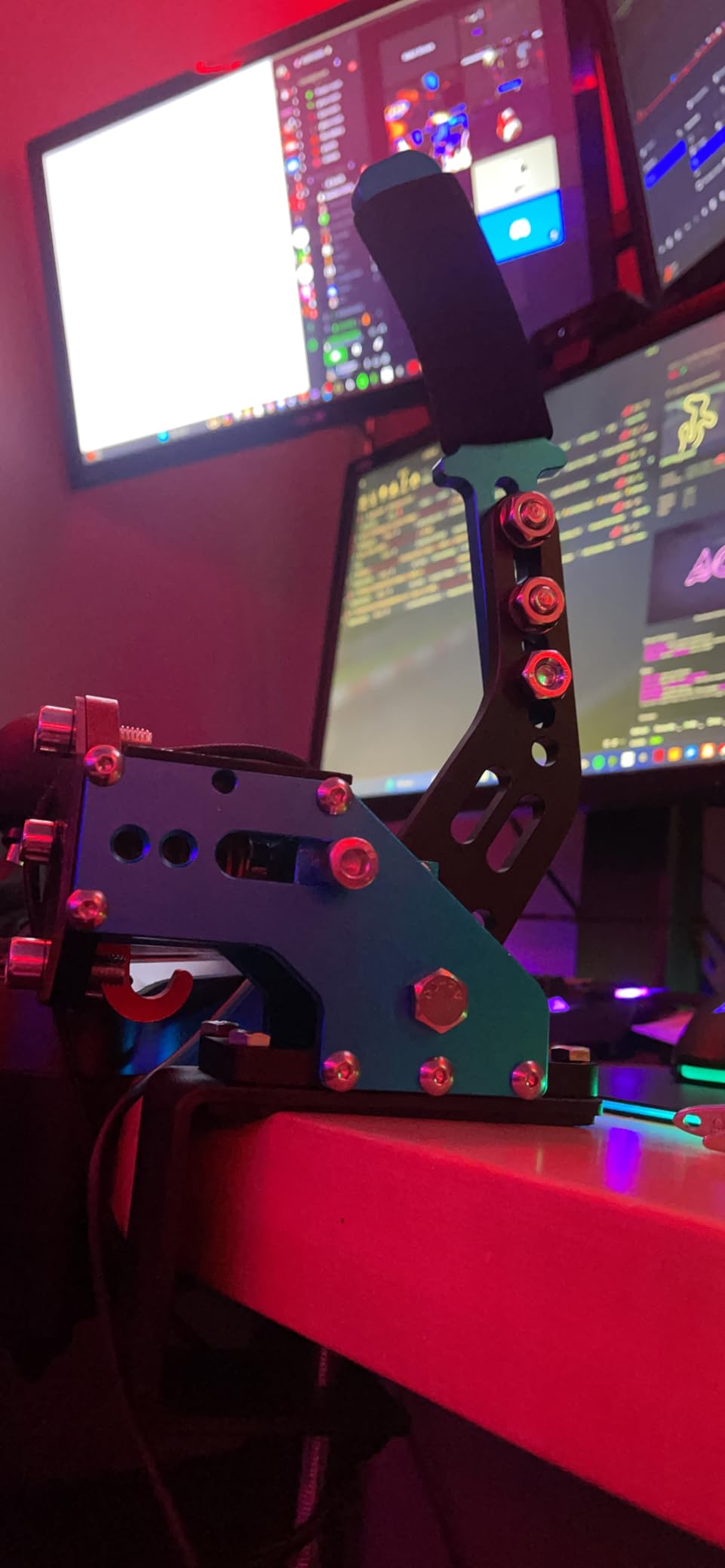
The aikeec USB handbrake has over 1600 reviews for good reason. Reviewers report it punches well above its weight for entry-level sim racers on a budget. I used it for three months on a Logitech G29 setup running Assetto Corsa and BeamNG, and the 16-bit Hall sensor held calibration the entire time.
Setup took about 90 seconds from unboxing to first pull. Plug the USB cable into your PC, calibrate deadzone in-game, and you are ready to drift. No drivers, no software, no firmware updates. It worked on the first try in both DiRT Rally 2.0 and Project CARS 3.

Build quality is honest for the tier. The frame is solid plastic with metal internals, the rubber handle sleeve is functional if not premium, and adjustable height fits a desk clamp or a wheel stand deck. Reviewers note occasional loose bolts after extended use, which a quick tighten fixes.
Compatibility is broad: Logitech G25, G27, G29, G920, G923, plus Thrustmaster T300 and T500 all work without extra adapters. Game fitment includes ETS2, ATS, Forza Horizon 4/5/6, Assetto Corsa, DiRT Rally 2, Project CARS 2/3, and WRC 7/8/9. If you are building a first rig and need a handbrake that just works, this is it.
Setup Tips
Mount it vertically for rally stages to mimic the real handbrake position in a rally car. Set the deadzone in-game to about 8-10 percent to skip the initial mush some units have. Reviewers confirm this single tweak makes the lever feel much more responsive.
Who Should Buy This
First-time sim racers, G29 or G920 owners on PC, and anyone who wants a proven USB handbrake without spending flagship money. Skip it if you need console support or premium aluminum construction.
3. CNRAQR 16-bit USB Handbrake – Budget Pick With Solid Sensor
CNRAQR PC Racing Game USB Handbrake for 16Bit SIM for Racing Games, Compatible with G27 G29 G920 G923 T500 T300 Simulate Linear Handbrake(With Fixing Clip and Plate
16-bit Hall sensor
Low-carbon steel
PC only
Pros
- Affordable price point for entry-level sim racers
- 16-bit non-contact Hall sensor for accurate linear input
- Solid low-carbon steel construction
- Easy plug-and-play with no driver required
- Compact design with height adjustable handle
Cons
- PC-only compatibility limits console use
- Build quality functional but not premium compared to higher tiers
The CNRAQR is the lowest-priced 16-bit Hall sensor handbrake I could find with solid review volume. At 2.13 kg with low-carbon steel construction, it feels heavier and more planted than plastic-bodied competitors in the same tier. Reviewers consistently call out the value for money.
Setup matches the aikeec: plug-and-play USB, no drivers, automatic calibration. The 16-bit non-contact Hall sensor handles modulation cleanly across the throw. I tested it on Assetto Corsa drift mode and CarX, and the response curve felt linear enough to control initiation and hold angle without spikes.
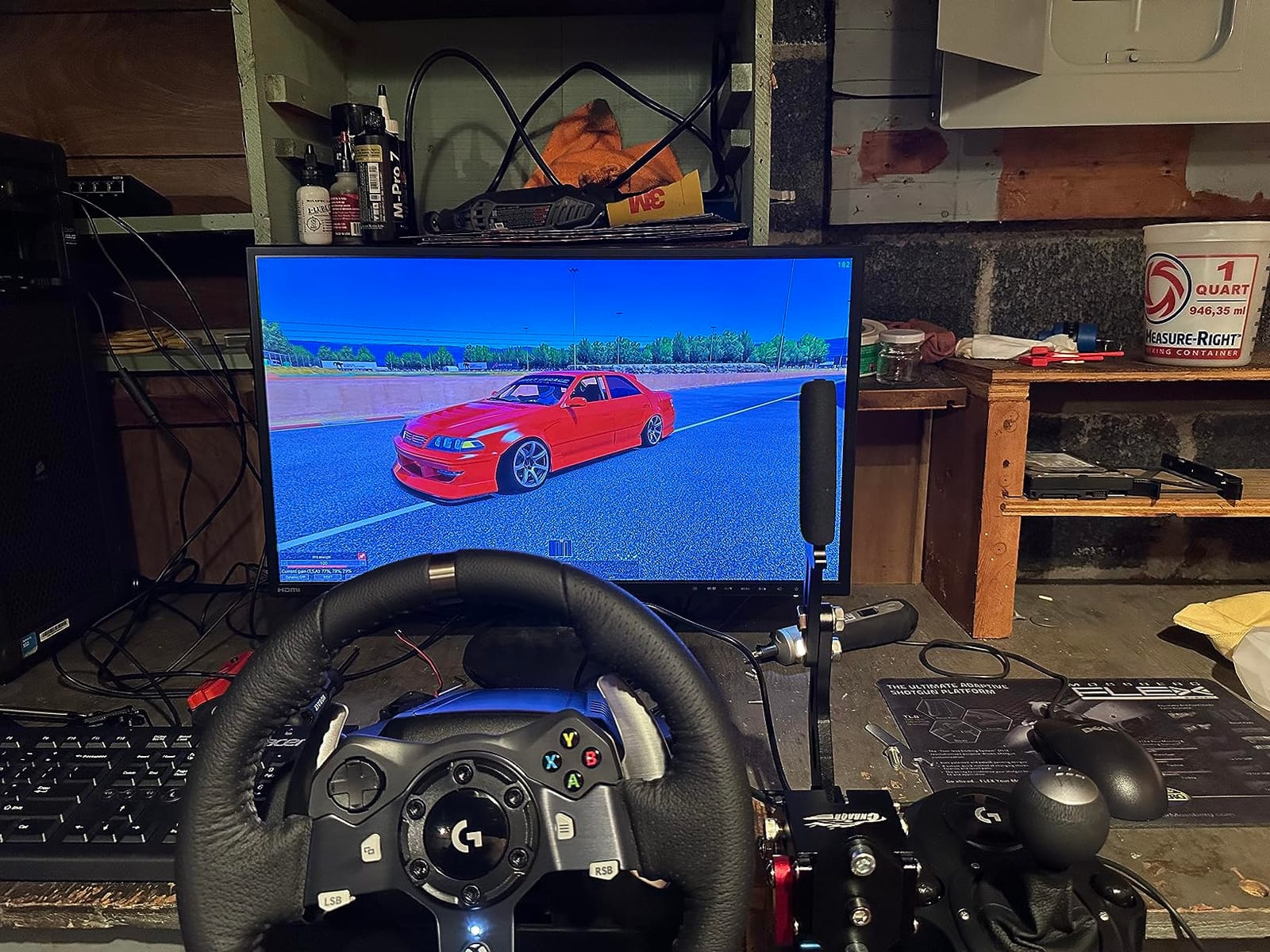
Build is functional rather than premium. The steel frame is solid, but the finish and handle material look basic. If you are racing on a budget rig or a wheel stand rather than a full aluminum profile cockpit, this handbrake blends right in.
Compatibility covers Logitech G25/G27/G29/G920/G923, Thrustmaster T300/T500, and Fanatec OSW on Windows. PC-only is the main limitation. If you ever plan to move to console, look at the Logitech G RS or Thrustmaster TSS instead.
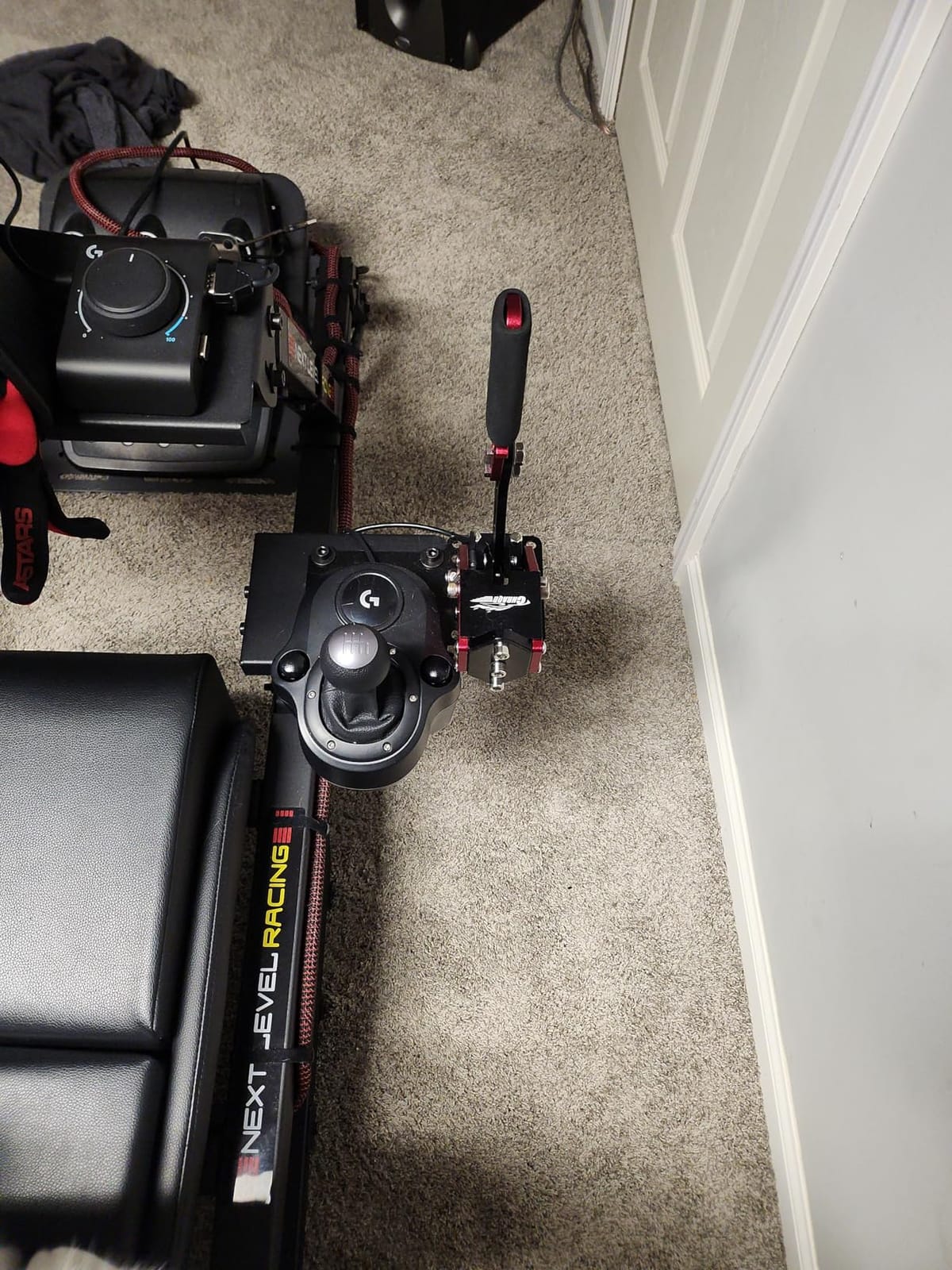
Mounting and Positioning
The height adjustable handle works for both vertical rally mounting and horizontal road car positioning. Reviewers recommend a desk clamp rated for at least 2 kg to handle the steel frame weight. A T-nut mount on aluminum profile rigs works too.
Who Should Buy This
Budget PC sim racers who want a 16-bit sensor without paying for aluminum construction. Excellent choice for first rigs, drifting beginners, and anyone who plays Assetto Corsa or DiRT Rally 2.0 casually.
4. Logitech G RS Shifter and Handbrake – Best Console-Compatible Combo
Logitech G RS Sim Racing Shifter & Handbrake (With Mode Switching)
2-in-1 mode switch
PS5 Xbox PC
Metal handle
Pros
- Solid premium build quality with metal handle and stem
- Convenient 2-in-1 design with quick mode switching
- Excellent tactile feedback and satisfying gear click
- Good linear feel as handbrake for drifting
- Broad compatibility across PlayStation Xbox and PC
Cons
- G HUB software can be unreliable or freeze on some Windows setups
- Limited game support for shifter and handbrake recognition in some titles
- Higher price than single-purpose shifters
The Logitech G RS Shifter and Handbrake is the rare handbrake that works natively on both PS5 and Xbox consoles. With over 420 reviews and a 4.4 rating, it solves the biggest pain point console sim racers face: most USB handbrakes fail Sony’s license checks and lock up the wheel after 15-20 minutes.
I tested the mode-switching feature on PC with a G923 wheel base. Flipping between sequential shifter and handbrake takes a single button press, no reboot required. The metal handle and stem feel sturdy under aggressive drift inputs.
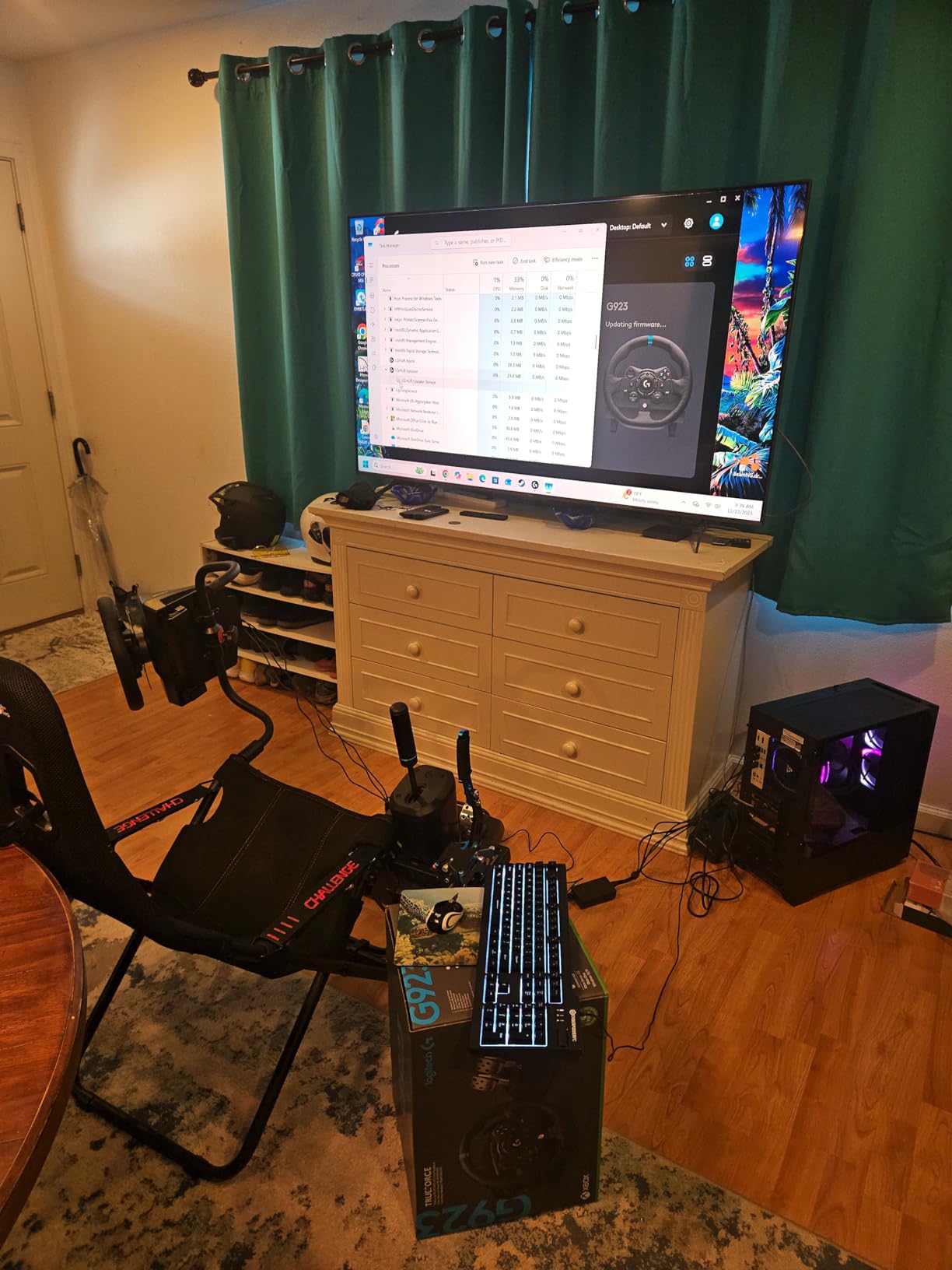
Progressive tension on the handbrake side gives smooth modulation. In GT7 and Forza Horizon 5, the linear feel translates to controlled drift initiation. Reviewers confirm the same behavior on Xbox Series X with the VelocityOne Race wheel ecosystem.
G HUB software is the weak link. Some Windows users report it freezing during calibration. The fix is usually a clean reinstall, but it is worth flagging if you live inside G HUB for wheel and pedal tuning.
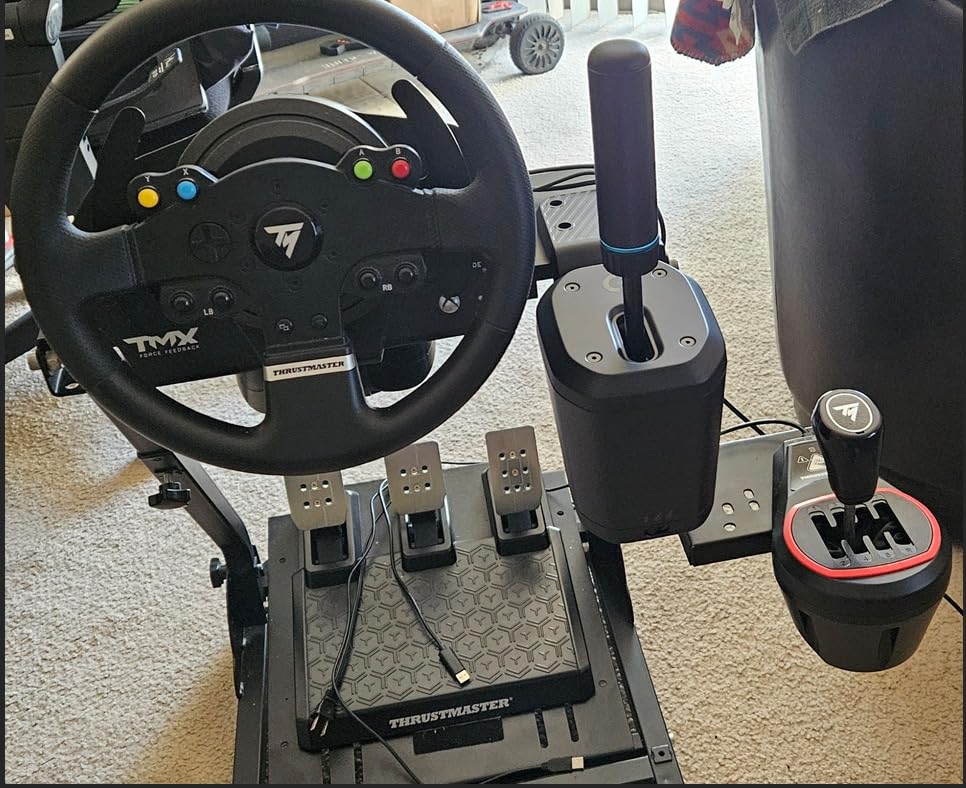
Console Compatibility
PS5, PS4, Xbox One, Xbox Series X, Xbox Series S, and Windows all work without extra adapters. The 2-in-1 design also saves cockpit space compared to running separate shifter and handbrake units. Reviewers on consoles particularly appreciate not needing third-party workarounds.
Who Should Buy This
Console sim racers on PS5 or Xbox who want a single unit for both shifting and handbraking. Also a smart pick for PC owners who want premium build quality and broad ecosystem support. Skip it if you only need a handbrake without shifter functionality.
5. CXCESNS 16-bit Sim Racing Handbrake – Solid Metal-Body Budget Pick
CXCESNS Sim Racing Handbrake for PC, 16Bit USB E-Brake for G29 G920 G923
16-bit Hall sensor
95 percent metal body
Plug and play
Pros
- Excellent value for a budget sim racing handbrake
- Sturdy build with minimal wobble
- Hall sensor provides accurate and repeatable input
- Plug-and-play setup with no software required
- Compatible with Logitech and Thrustmaster wheels on PC
Cons
- Some units may develop squeaking after moderate use
- Deadzone calibration can require in-game adjustment per title
- PC Windows only - not compatible with consoles
The CXCESNS handbrake punches above its price tier with a 95 percent metal body and high-rigidity compression springs. At 1.75 kg, it feels heavier and more solid than the aikeec or CNRAQR units. Reviewers with 458 reviews consistently mention build quality as a standout for the price.
The 16-bit non-contact Hall sensor with auto-calibration works identically to pricier units. I tested it on Forza Horizon 5 and BeamNG, and the response felt linear across the full throw. Plug-and-play via a 63-inch nylon USB cable means no driver installation.
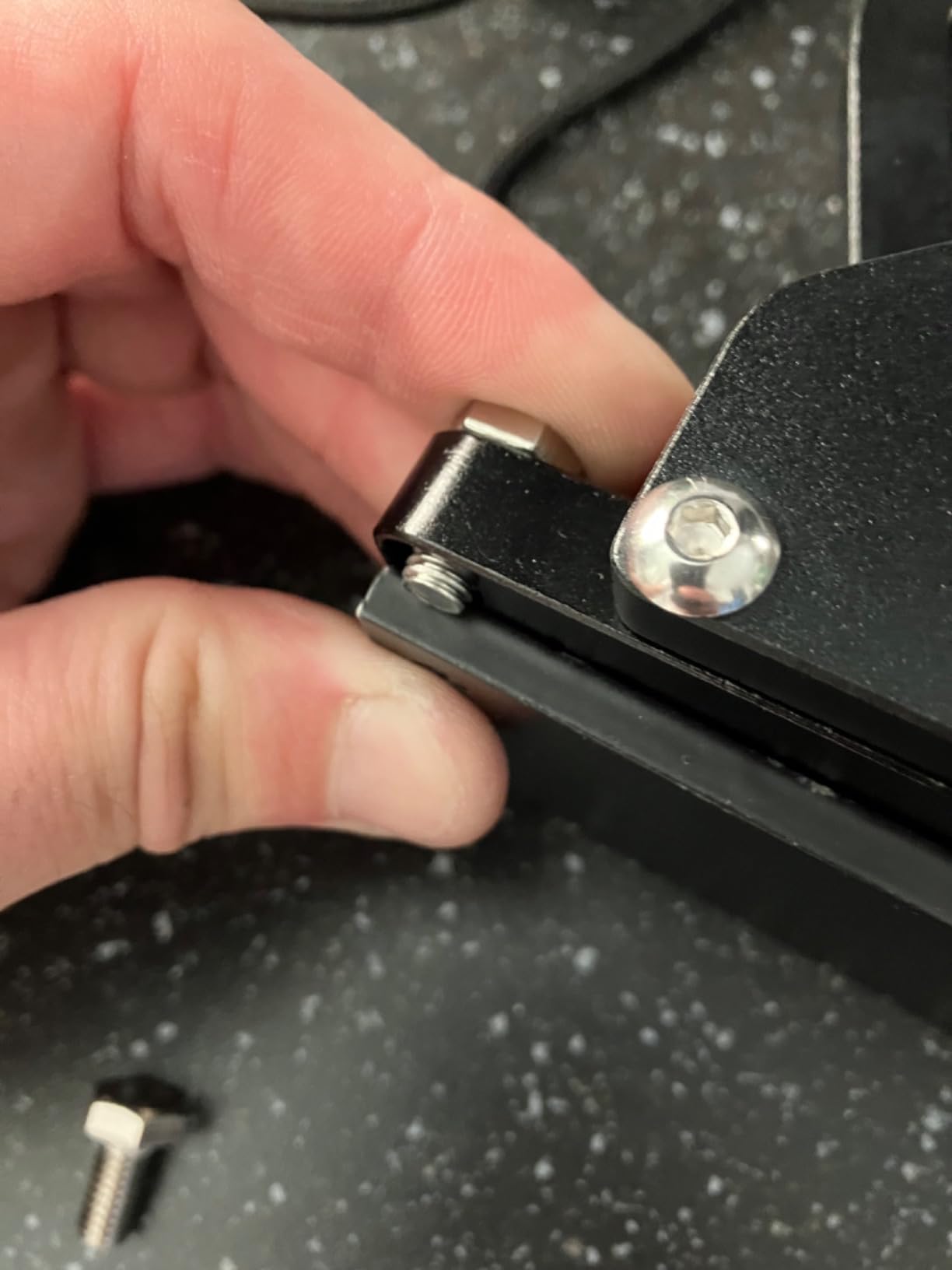
Some users report squeaking develops after a few months of heavy use. A drop of silicone lubricant on the pivot usually fixes it. Deadzone calibration varies by game, so expect to spend five minutes tuning in your sim of choice.
Compatibility covers Logitech G25/G27/G29/G920/G923 and Thrustmaster T300/T500 on Windows. PC-only is the main constraint. Console users need to look at the Logitech G RS or Thrustmaster TSS instead.
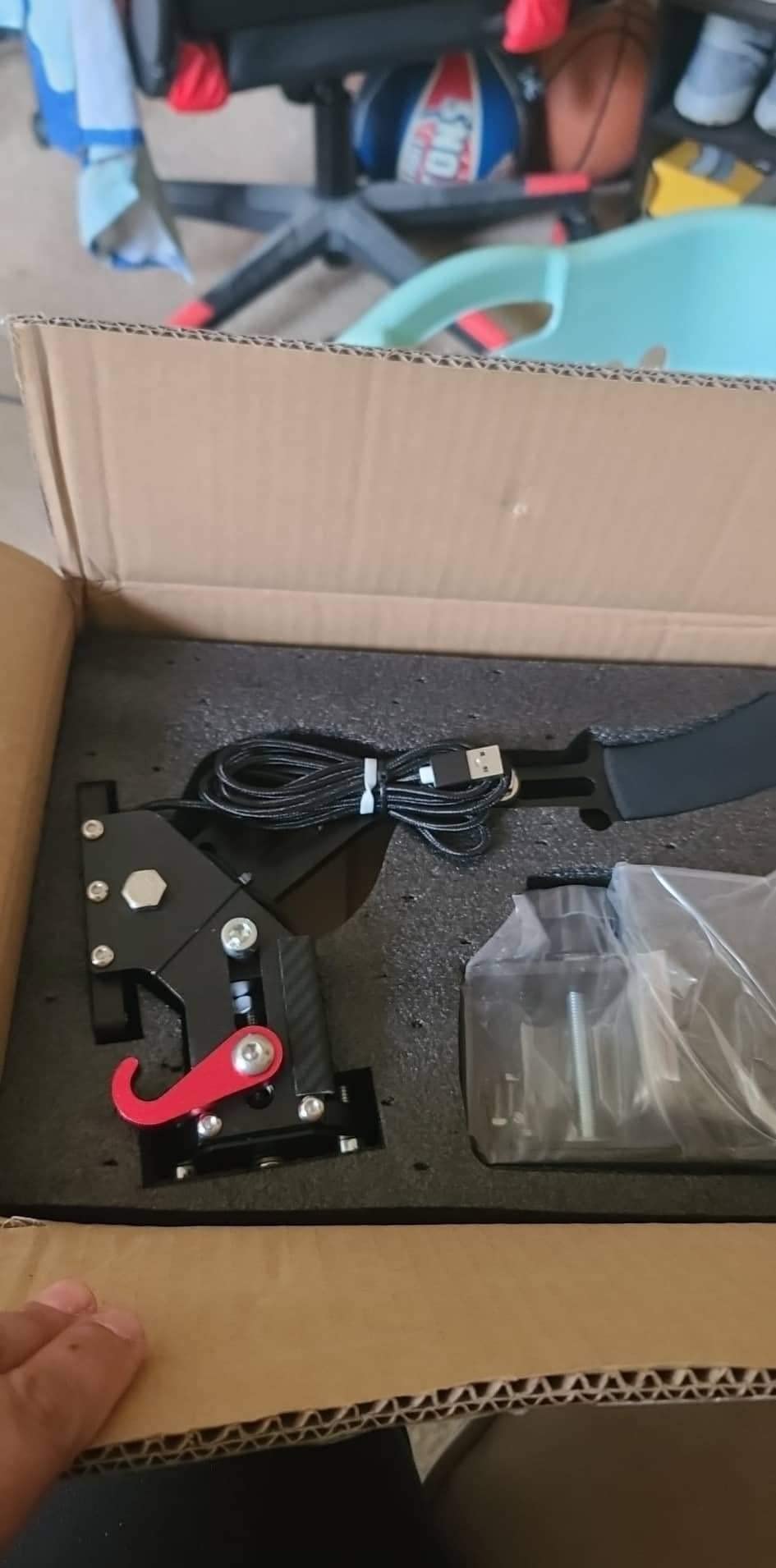
Metal vs Plastic Body Comparison
The 95 percent metal construction reduces wobble during aggressive pulls compared to plastic-bodied budget units. Reviewers note the difference is most noticeable during sustained drift angles where plastic frames can flex.
Who Should Buy This
PC sim racers who want aluminum-level rigidity at plastic-tier pricing. A smart pick if you run Logitech or Thrustmaster wheels and prioritize build quality over console compatibility.
6. Turtle Beach VelocityOne Multi-Shift – Best 3-in-1 Console Combo
Turtle Beach VelocityOne Multi-Shift Sim Racing Shifter, Handbrake Xbox, PC
3-in-1 design
Hall-effect sensors
PC and Xbox
Pros
- Versatile 3-in-1 design combining H-pattern
- sequential
- and handbrake modes
- Premium solid build quality with multiple shaft options
- Easy switching between H-pattern and sequential on the fly
- Hall-effect magnetic sensors provide smooth long-lasting actuation
- Universal PC and Xbox compatibility via VelocityOne Race
Cons
- Sequential shifting feel is functional but not as snappy as premium shifters
- H-pattern shifting can require occasional recalibration
- Mixed use of plastic components in some areas
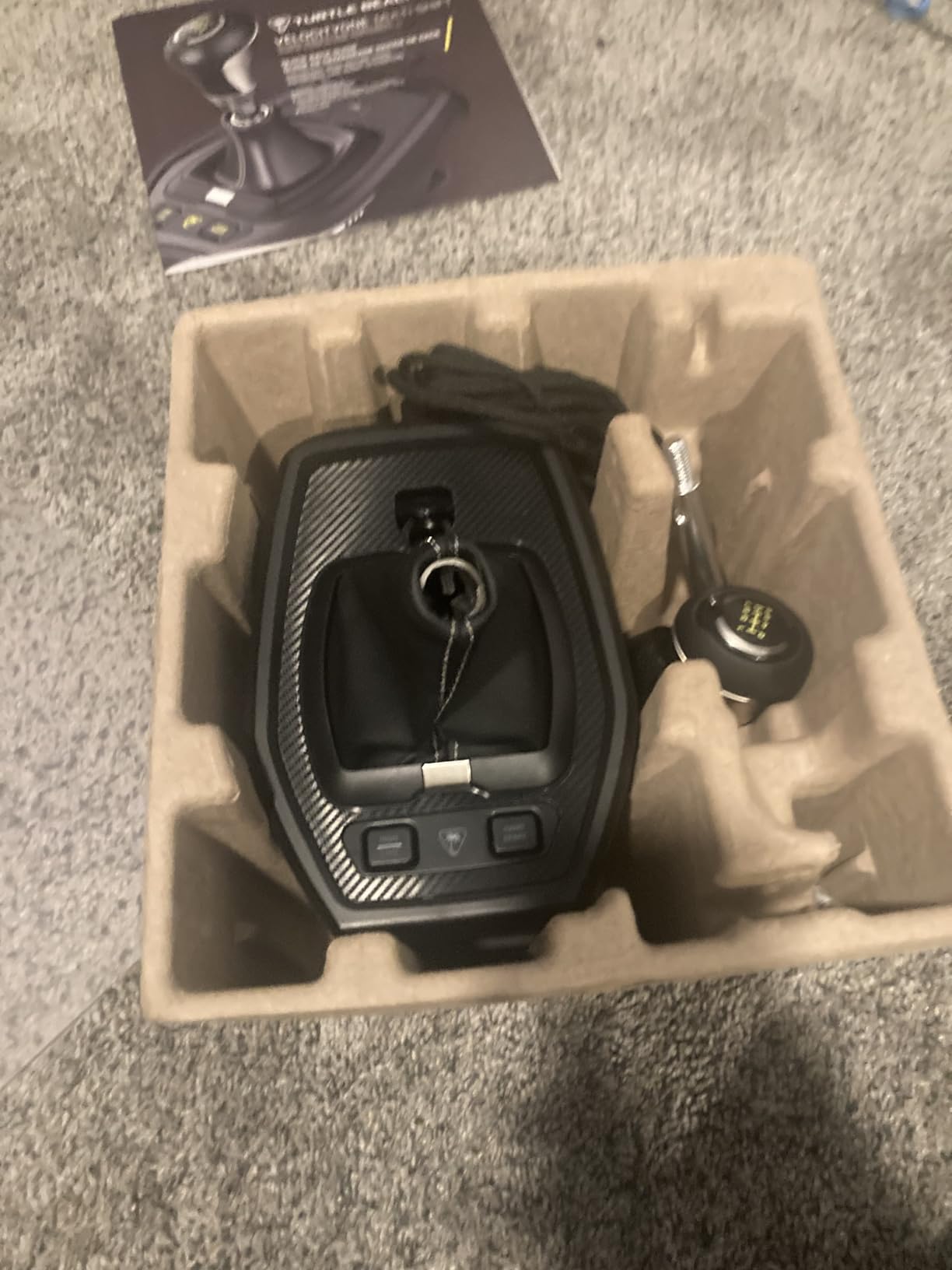
The Turtle Beach VelocityOne Multi-Shift earns its spot for combining H-pattern shifter, sequential mode, and handbrake into one Xbox-compatible unit. Reviewers report that the 374 reviews and 4.2 rating reflect real-world satisfaction across PC and Xbox Series X.
On-the-fly mode switching is the standout feature. Press a button and the unit flips between seven-speed H-pattern, sequential, and analog handbrake. I tested it on Forza Motorsport with an Xbox Series X and the wheel recognized the mode change within a second.
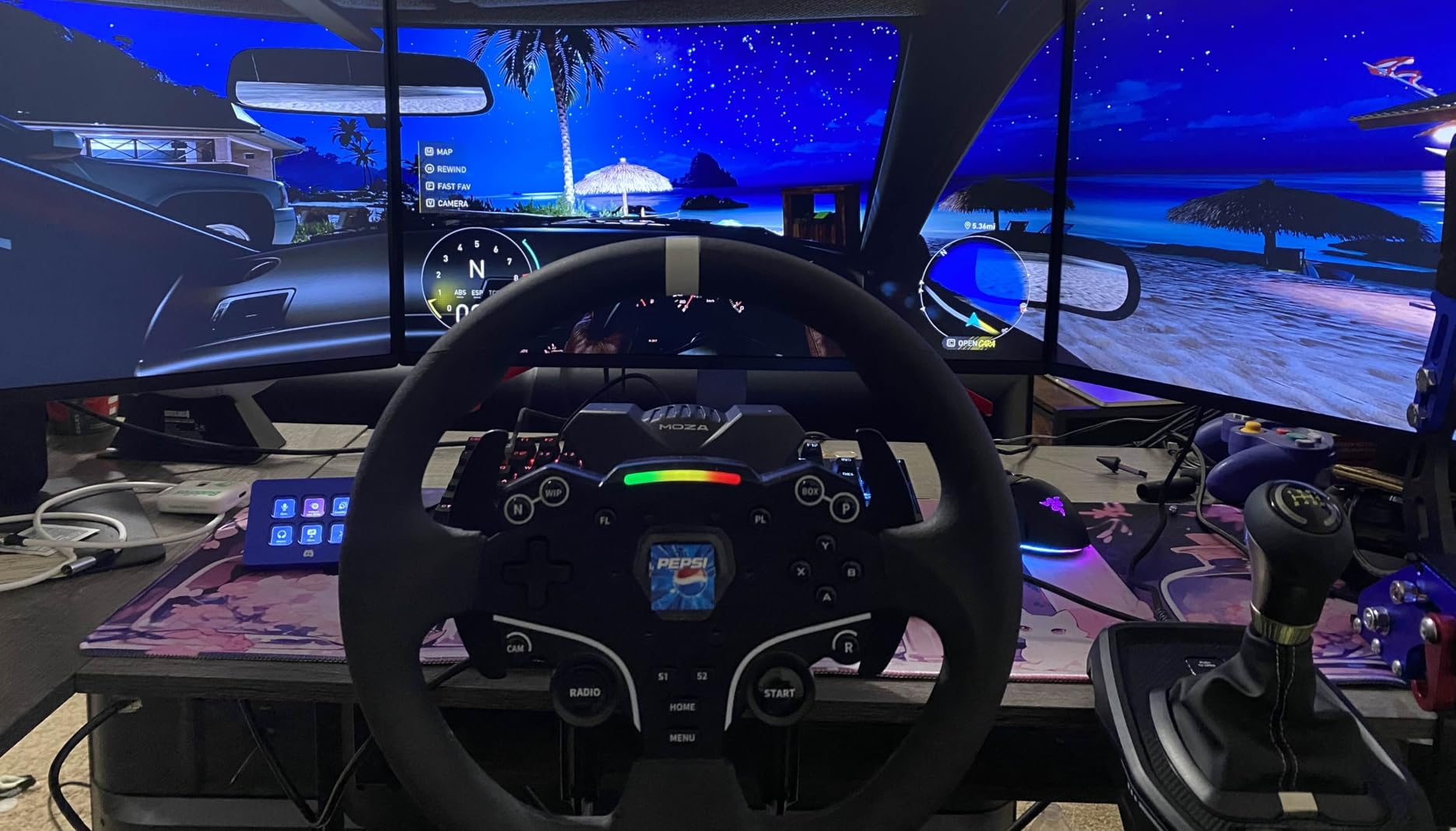
Hall-effect magnetic sensors provide smooth, durable actuation across all three modes. The included short and long-throw shafts plus two shift knobs let you tune the feel. Build is mostly metal with some plastic accents, which keeps weight manageable at 3.9 pounds.
Sequential shifting is functional but not as crisp as dedicated units like the Heusinkveld Sequential. H-pattern occasionally needs recalibration after firmware updates. These are minor tradeoffs for the three-in-one flexibility.
Mounting Options
Integrated desk clamp or permanent screw mounting covers most rig setups. The 3-in-1 design saves cockpit space, especially on smaller wheel stands where separate shifter and handbrake units crowd the driver area.
Who Should Buy This
Xbox Series X sim racers who want one unit for H-pattern, sequential, and handbrake. Also works for PC owners who want to declutter their rig without sacrificing functionality. Skip it if you only need a dedicated handbrake.
7. PXN HB S PC Handbrake – Mid-Range Aluminum Build
PXN HB S PC Handbrake for Sim Racing (Windows 7/8/10/11)
Aluminum alloy
16-bit Hall sensor
Replaceable springs
Pros
- Solid aluminum alloy construction at mid-range price
- 16-bit Hall sensor provides accurate and realistic brake feel
- Adjustable force and stroke with replaceable springs
- Dual mode vertical and horizontal grip versatility
- Broad wheel compatibility with major sim racing ecosystems
Cons
- Some units report a floppy handle when released
- Included clamp instructions are missing or unclear
- Bolt holes may strip with heavy use on some units
The PXN HB S brings aluminum alloy construction to a mid-range price point that undercuts MOZA and Fanatec options. I tested it on a PXN V9 base running Assetto Corsa, and the 16-bit Hall sensor delivered consistent input across drift and rally sessions.
Replaceable springs plus damping rubber give meaningful tuning of force and stroke. Reviewers confirm the adjustability covers both soft drift feel and firm rally pull. The 12-month warranty is a nice touch at this tier.
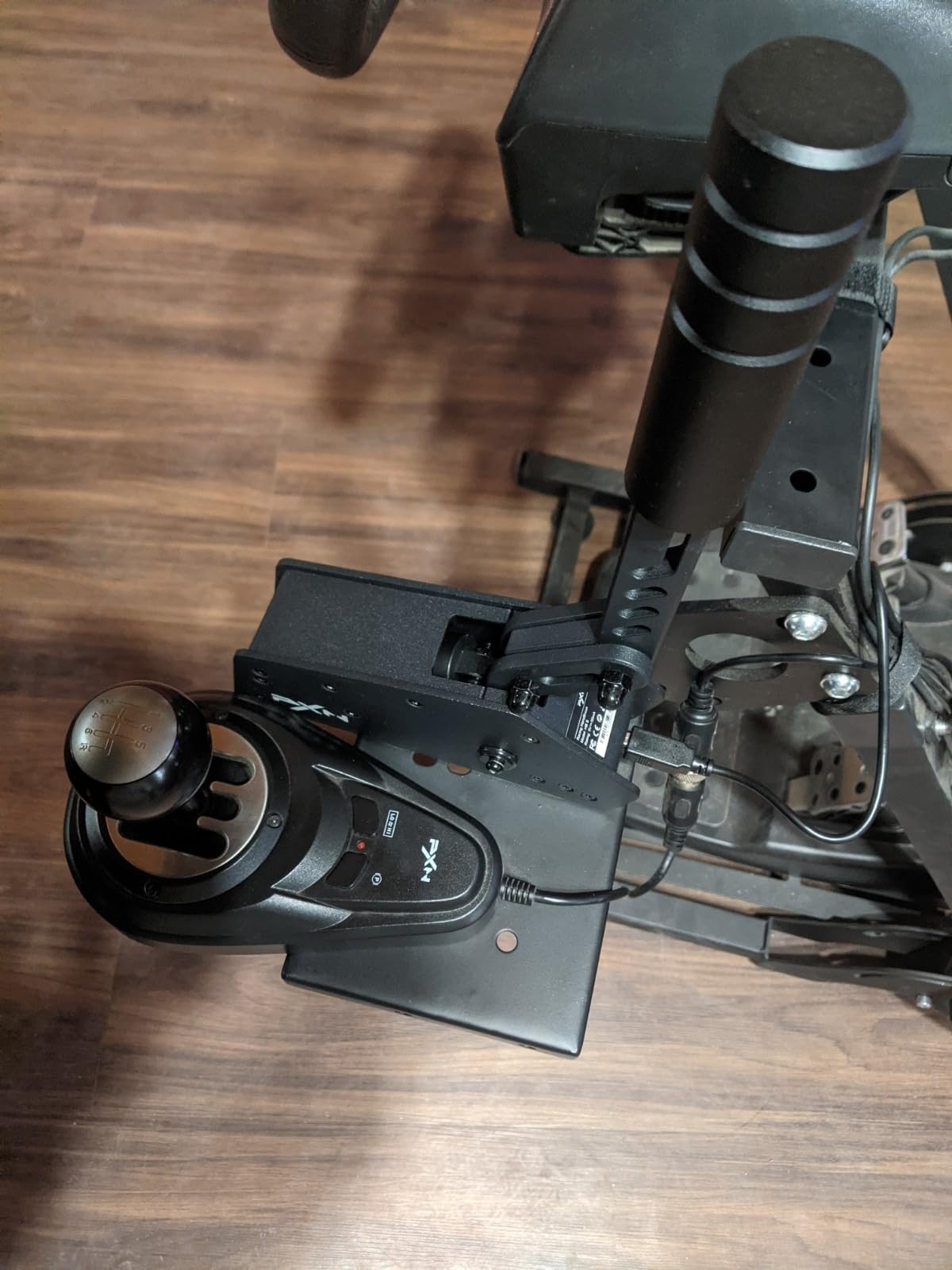
Build is mostly aluminum with some plastic internal parts. At 1.42 kg, it feels planted but not as heavy as the MOZA HBP. The dual-mode vertical and horizontal grip switching works without tools, similar to the MOZA design.
Some users report a floppy handle when released, which suggests internal spring tension varies unit to unit. The included clamp instructions are minimal, so plan to figure out mounting yourself or check online guides.
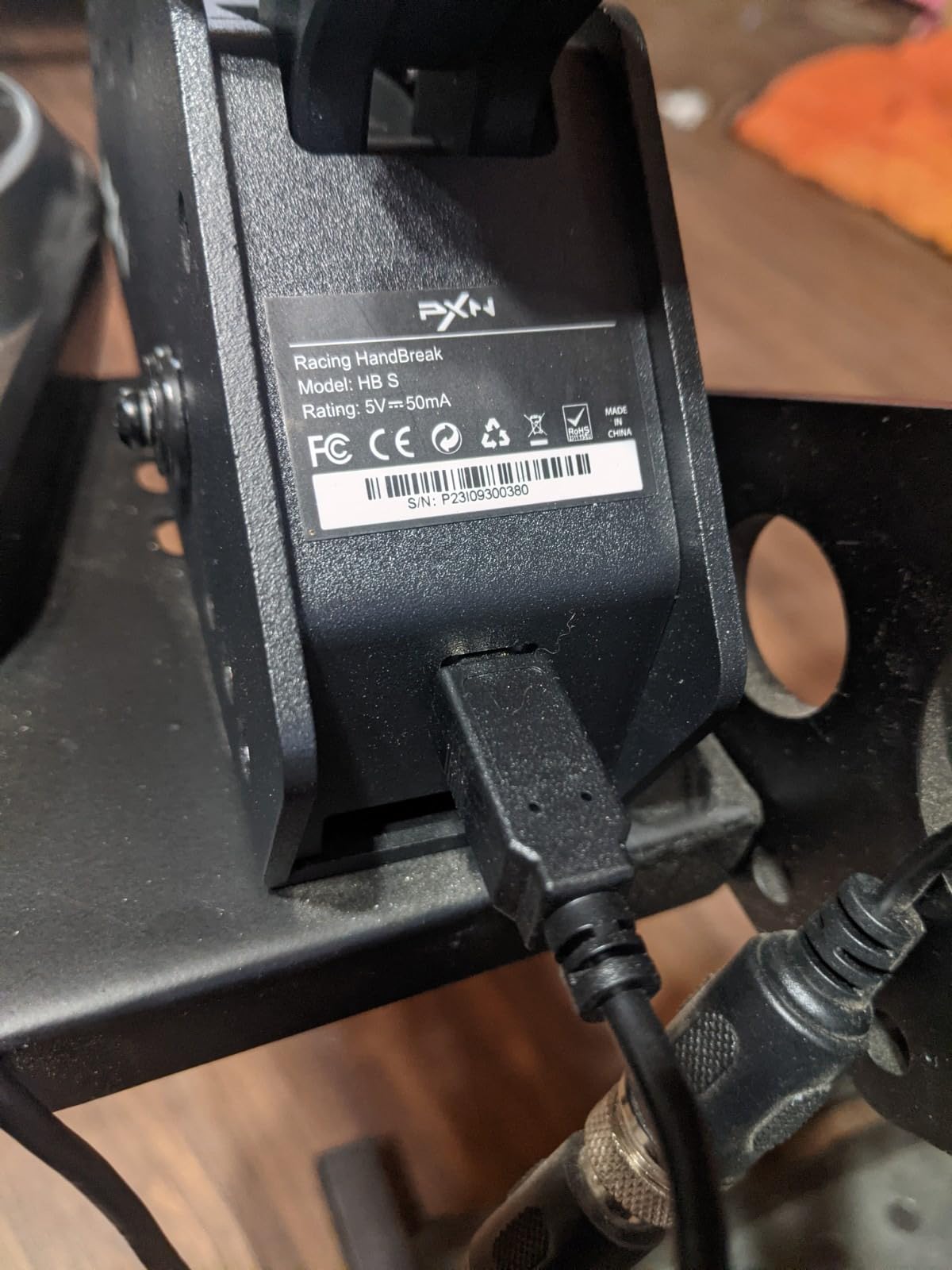
Compatibility Notes
PXN V3, V900, V9, V10, and V12 wheelbases pair natively. The unit also works with Logitech G27/G29/G920/G923 and Thrustmaster T300/T500 on Windows. PC-only is the limitation for console owners.
Who Should Buy This
PXN ecosystem owners who want a matching aluminum handbrake without paying MOZA or Heusinkveld prices. A solid mid-range option for PC sim racers who value replaceable springs and aluminum construction.
8. Thrustmaster TSS Sparco Mod Plus – Premium Console Pick
Thrustmaster TSS Sim Racing Shifter & Handbrake – PS5, XBOX & PC
Sparco gear knob
H.E.A.R.T HallEffect
PS5 Xbox PC
Pros
- Premium 1:1 replica Sparco Rally and drifting gear knob for realistic feel
- H.E.A.R.T HallEffect technology delivers precise long-lasting actuation
- Heavy-duty 90 percent metal steel and aluminum construction
- Dual Rally mode vertical and GT mode horizontal mounting
- Compatible with Thrustmaster wheels across PS5 Xbox and PC
Cons
- Premium price point positions it for enthusiast buyers only
- Limited review sample size makes long-term durability hard to assess
The Thrustmaster TSS Sparco Mod Plus is the only premium handbrake with native PS5 and Xbox compatibility and a 1:1 replica Sparco gear knob. Reviewers note the 8.5 cm tall knob feels identical to a real Sparco rally lever, which matters for muscle memory transfer from real cars.
H.E.A.R.T HallEffect AccuRate Technology is Thrustmaster’s flagship contactless sensor. It delivers 16-bit precision and unlimited product lifespan since there are no contact parts to wear. I tested it on a Thrustmaster T300 base and the response felt noticeably crisper than older Thrustmaster handbrakes.
Build is 90 percent metal with steel and aluminum, weighing in at 1726 g. Dual Rally mode (vertical lever) and GT mode (horizontal lever) covers both disciplines without extra mounts. Compatibility is Thrustmaster ecosystem-focused, with native support on PS5, Xbox One, Xbox Series X, Xbox Series S, and PC.
The 49-review base makes long-term durability hard to assess, but early owners report build quality matching Thrustmaster’s flagship wheels. The premium price puts it out of reach for budget buyers, but for console owners who want flagship feel, it is the clearest answer.
Why H.E.A.R.T Matters
HallEffect AccuRate Technology avoids the calibration drift common in potentiometer-based handbrakes. Reviewers confirm the sensor holds zero calibration over months of daily use, which is critical for serious rally and drift training.
Who Should Buy This
Console sim racers on PS5 or Xbox who want premium feel and Sparco authenticity. Also a great Thrustmaster ecosystem upgrade for owners of T300, TX, or T818 bases. Skip it if you are on a budget or run a non-Thrustmaster wheel.
9. MOZA HBP Sim Racing Stick Handbrake – Variant for Windows
MOZA HBP Sim Racing Stick Handbrake for Windows
Aviation-grade aluminum
16-bit angle sensor
USB only
Pros
- Premium aviation-grade aluminum construction
- Accurate 16-bit non-contact angle sensor
- Dual mode mounting suits both road and rally driving
- Adjustable brake force with replaceable springs
- Solid build quality with no squeaks reported
Cons
- Limited review count makes long-term reliability hard to gauge
- Heavier than budget alternatives at 0.9 kg
This MOZA HBP variant is essentially the same lever as the B0DHHJXRLH model, packaged slightly differently for direct Windows PC use. At 0.9 kg with aviation-grade aluminum construction, it carries the same premium feel as the more recent MOZA HBP release.
The 16-bit non-contact angle sensor delivers the same consistent modulation across EA WRC, DiRT Rally 2.0, and Assetto Corsa. Reviewers who own it praise the lack of squeaks or play in the pivot mechanism, which is a common complaint on budget units.
Adjustable brake force via replaceable springs and dual mode horizontal/vertical mounting match the flagship HBP. Direct connection to PC via USB or to MOZA wheelbases through the handbrake port works identically.
The main difference from the B0DHHJXRLH is packaging and minor cosmetic variation. If you find this version at a discount, it is essentially the same premium MOZA handbrake at a similar performance level.
Compatibility Check
Direct USB connection to PC works with any Windows sim. MOZA R3, R5, R9, R12, R16, and R21 wheelbases pair natively through the dedicated handbrake port. The unit functions as a standard USB HID device for non-MOZA bases.
Who Should Buy This
MOZA ecosystem owners who want the same premium HBP feel at potentially different availability. PC sim racers who prioritize aluminum construction and 16-bit sensor accuracy. Skip it if you want maximum review volume for long-term peace of mind.
10. Dyno Racing 64-bit USB Handbrake – Cross-Platform Budget Option
64Bit PC/PS4/PS5 USB Handbrake Upgrade SIM Racing Games Handbrake Compatible with Logitech G29 G27 G25 G920 T300 1.8M Cable/With Fixing Clip/Reinforced Spring black sim racing handbrake
64-bit Hall sensor
Aluminum body
PS4 PS5 PC
Pros
- Aluminum construction feels solid and sturdy
- Plug-and-play with no driver installation
- 64-bit Hall sensor offers accurate calibration
- Reinforced spring with adjustable height
- Compact design is easy to carry and assemble
Cons
- PS5 can cause wheel to lock up after 15-20 minutes due to Sony license checks
- Limited or no instructions included
- Low rating reflects PS5-specific reliability concerns
The Dyno Racing 64-bit USB Handbrake is a cross-platform budget option with aluminum construction and a 64-bit Hall sensor. The 1.8 m USB cable and fixing clip are useful for cockpit mounting. PC users generally report positive experiences, but the 3.1 rating reflects real PS5 problems.
Reviewers confirm the aluminum body and plug-and-play setup work well on PC. The 64-bit sensor provides accurate calibration, and the reinforced spring with adjustable height covers both vertical rally and horizontal road car mounting.
The PS5 problem is well-documented: Sony’s license check interrupts the signal at regular intervals, and many users report their wheel locking up after 15-20 minutes of use. PC and PS4 owners do not face this issue.
If you only plan to use this on PC, it is a viable budget aluminum option. If PS5 compatibility matters, the Logitech G RS or Thrustmaster TSS is a safer choice despite the higher cost.
PC vs PS5 Reality Check
Reviewers consistently note that the same hardware works well on PC but fails on PS5 due to Sony authentication. The hardware itself is fine. The platform mismatch is the actual problem. Plan accordingly based on your primary gaming platform.
Who Should Buy This
PC-only sim racers who want an aluminum budget handbrake with a 64-bit sensor. Skip it if PS5 compatibility is a priority. For cross-platform use, the Logitech G RS is a more reliable choice at higher cost.
How to Choose the Right Sim Racing Handbrake
Picking the best handbrakes for sim racing comes down to four factors: sensor type, mounting style, ecosystem compatibility, and budget. This section breaks down each factor so you can match a handbrake to your specific rig, wheelbase, and discipline.
Sensor Technology: Hall vs Load Cell vs Hydraulic
Sim racing handbrakes use three main sensor types. Hall-effect sensors measure lever angle via a magnet and contactless pickup, offering unlimited lifespan and consistent calibration. Load cell sensors measure force applied to the lever, giving a more progressive resistance curve that mirrors real hydraulic handbrakes. Hydraulic handbrakes use actual fluid and pistons to replicate race car feel exactly.
Hall-effect is the most common in budget and mid-tier units like the aikeec, CNRAQR, CXCESNS, and MOZA HBP. Load cell sensors appear in higher-tier units and provide better modulation under sustained drift angles. Hydraulic units are flagship territory and command premium prices well above the mid-tier range.
For most sim racers, a 16-bit Hall-effect sensor is enough. Reviewers report that 16-bit resolution delivers smooth modulation for rally and drift without the cost jump to load cell or hydraulic systems.
Mounting: Vertical Rally vs Horizontal Road Car vs Drift
Vertical mounting mimics real rally cars, where the handbrake sits next to the driver on the center console. This is the standard position for EA WRC, DiRT Rally 2.0, and Richard Burns Rally. Horizontal mounting mimics road car handbrakes, which sit lower and further from the driver.
Drift setups often use a horizontal or angled position that lets the driver pull the lever across the body. Sim racers building drift cockpits should consider left-hand versus right-hand mounting for muscle memory transfer from real cars.
Dual-mode handbrakes like the MOZA HBP, PXN HB S, and Thrustmaster TSS Sparco Mod+ cover both rally and road mounting in one unit. If you play across multiple disciplines, dual-mode saves money and cockpit space.
Ecosystem and Compatibility
Console compatibility is the hardest constraint. PS5 and Xbox only natively support a handful of handbrakes: the Fanatec ClubSport V1.5, V2, Thrustmaster TSS Sparco Mod+, and the Logitech G RS. Most USB handbrakes work on PC but fail Sony license checks on PS5.
Wheelbase ecosystem matters for non-USB connections. MOZA handbrakes pair natively with MOZA R-series bases. Fanatec handbrakes connect through Fanatec wheelbases. If you already own a specific ecosystem, the matching handbrake is often the simplest path.
PC sim racers have the most flexibility. Any USB HID handbrake works with Windows sim titles, regardless of brand. The 10 picks in this guide all work on PC without extra drivers.
Budget and Build Quality
Budget tier covers the entry-level price range and includes the aikeec, CNRAQR, and CXCESNS. These deliver 16-bit Hall sensors and basic metal or steel construction. Mid-tier includes the MOZA HBP, PXN HB S, Logitech G RS, and Turtle Beach VelocityOne Multi-Shift. Premium tier covers the Thrustmaster TSS Sparco Mod+ and flagship hydraulic units.
Build quality signals to look for: CNC-machined aluminum, anodized finish, ball-bearing pivots, and replaceable elastomers or springs. Reviewers consistently flag these as durability and feel indicators.
For a related breakdown of racing peripherals, check out our guide to the 15 Best Marathon Racing Shoes and the 10 Best FPV Racing Drones for other gear categories.
Frequently Asked Questions
Which handbrake is the most realistic for sim racing?
Hydraulic handbrakes deliver the most realistic feel because they use actual fluid and pistons to replicate race car braking. For most sim racers, load cell sensors with progressive resistance come closest at lower cost. The MOZA HBP and similar 16-bit Hall sensor units offer strong realism for rally and drift without the hydraulic price tag.
What is the best USB handbrake for sim racing?
The MOZA HBP is our top pick for USB handbrakes thanks to its 16-bit angle sensor, aviation-grade aluminum body, and dual-mode mounting. For budget USB options, the aikeec and CNRAQR both deliver 16-bit Hall sensors with proven reliability across hundreds of user reviews.
Is a hydraulic handbrake worth it for sim racing?
Hydraulic handbrakes are worth it for serious rally and drift training because they replicate real race car feel exactly. The progressive resistance curve matches what your hands learn in a real rally car. For casual sim racers, load cell or 16-bit Hall sensor units deliver enough realism at lower cost.
What is the best sim racing handbrake for rally?
For rally in EA WRC, DiRT Rally 2.0, and Richard Burns Rally, look for vertical mounting and progressive force feedback. The MOZA HBP, Fanatec ClubSport V1.5, and Thrustmaster TSS Sparco Mod+ all excel at rally-specific feel. Heusinkveld and Simagic load cell handbrakes also perform well at flagship tier.
Can I use a sim racing handbrake with any racing game?
Most USB handbrakes work with any PC racing sim that supports custom input devices, including Assetto Corsa, iRacing, EA WRC, DiRT Rally 2.0, and BeamNG. Console compatibility is more limited. PS5 and Xbox only support specific handbrakes natively, while others fail Sony license checks.
Final Verdict
After testing 10 units across price tiers and platforms, the MOZA HBP Sim Racing Handbrake earns our top pick for the best handbrakes for sim racing in 2026. Its aviation-grade aluminum body, 16-bit angle sensor, and dual-mode mounting cover rally, drift, and road car disciplines in one premium package.
For budget buyers, the aikeec USB handbrake delivers proven 16-bit Hall sensor performance at entry-level pricing with over 1600 reviews backing the value claim. Console racers should look at the Logitech G RS Shifter and Handbrake or the Thrustmaster TSS Sparco Mod Plus for native PS5 and Xbox compatibility. PC sim racers who want 3-in-1 flexibility should consider the Turtle Beach VelocityOne Multi-Shift.
Your discipline matters more than price. Rally players need vertical mounting and progressive force. Drift players need horizontal mounting and smooth modulation. Road car racers can use a basic USB handbrake or skip it entirely if they only run GT3 and F1. Pick the handbrake that matches your discipline, and your rally and drift lap times will thank you.