
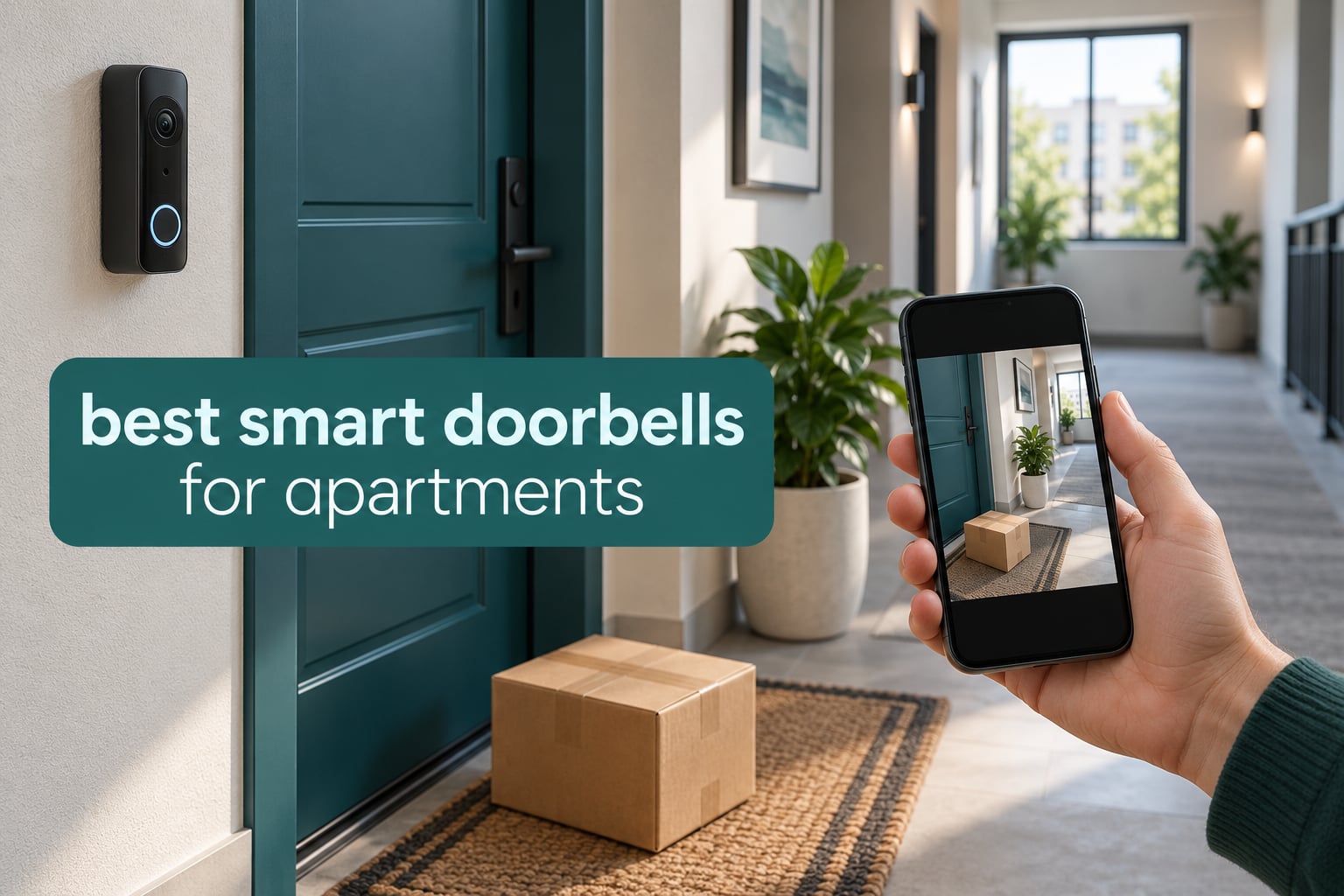
Yes, you can put a doorbell camera in an apartment, provided your lease does not forbid it, you get written permission from your landlord or property manager, and you aim the camera so it never records a neighbour’s door or a shared hallway. Most apartment leases treat a doorbell as a modification, and a camera that captures common areas is the fastest way to get a removal notice.
That is the short answer, and it is the question behind almost every search for the best smart doorbells for apartments. The harder part is finding hardware that suits a rental: something that mounts without a drill, runs on a battery because most units have no doorbell transformer, stores video without a monthly bill, and comes off the door cleanly when you move out.
We spent October 2026 going through twelve current video doorbells on exactly those criteria. Each one below gets a no-drill verdict, a storage verdict, and a note on what the camera will and will not capture in a shared corridor. Our broader picks for renters with no-drill options and for doorbells that work without a subscription line up with the shortlist here.
Table of Contents
Are Doorbell Cameras Allowed in Apartments?
Usually yes, with conditions. A tenant in most US jurisdictions may install a device on their own door, but three things decide whether it stays there: the lease, written landlord consent, and whether the field of view stays off other people’s property.
Read the lease first. Look for clauses on modifications, alterations, drilling, and exterior hardware. A single line about “unapproved alterations” is enough for most landlords to act.
Get permission in writing. An email from the property manager that names your unit and the device covers you at move-out. Verbal agreement is the most common source of deposit disputes we see discussed in renter forums.
Keep the frame on your own door. Use a privacy zone or an angled mount so a wide lens does not sweep the hallway, the fire door, or the neighbour’s mat.
Illegal capture is the line you must not cross. A camera that deliberately records a neighbour’s unit is a different legal problem from a doorbell pointed at your own doorstep, and that is why every recommendation in this guide has an adjustable mount or privacy controls.
Top 3 Smart Doorbells for Apartments (October 2026)

aosu 5MP Ultra HD Video Doorbell
- 5MP head-to-toe view
- 8GB local storage
- no subscription
- battery or wired

Blink Video Doorbell with Sync Module
- Head-to-toe HD view
- Sync Module included
- two-year advertised battery
- Alexa

All 12 Picks at a Glance
| Product | Specifications | Action |
|---|---|---|
| aosu 5MP Ultra HD Video Doorbell |
|
Check Latest Price |
| Blink Video Doorbell with Sync Module Core |
|
Check Latest Price |
| Ring Battery Doorbell 2K |
|
Check Latest Price |
 Google Nest Doorbell Battery Google Nest Doorbell Battery |
|
Check Latest Price |
 eufy Security Video Doorbell E340 eufy Security Video Doorbell E340 |
|
Check Latest Price |
 Tapo 2K Doorbell D210 with Chime Tapo 2K Doorbell D210 with Chime |
|
Check Latest Price |
 BOIFUN Video Doorbell Camera J1 BOIFUN Video Doorbell Camera J1 |
|
Check Latest Price |
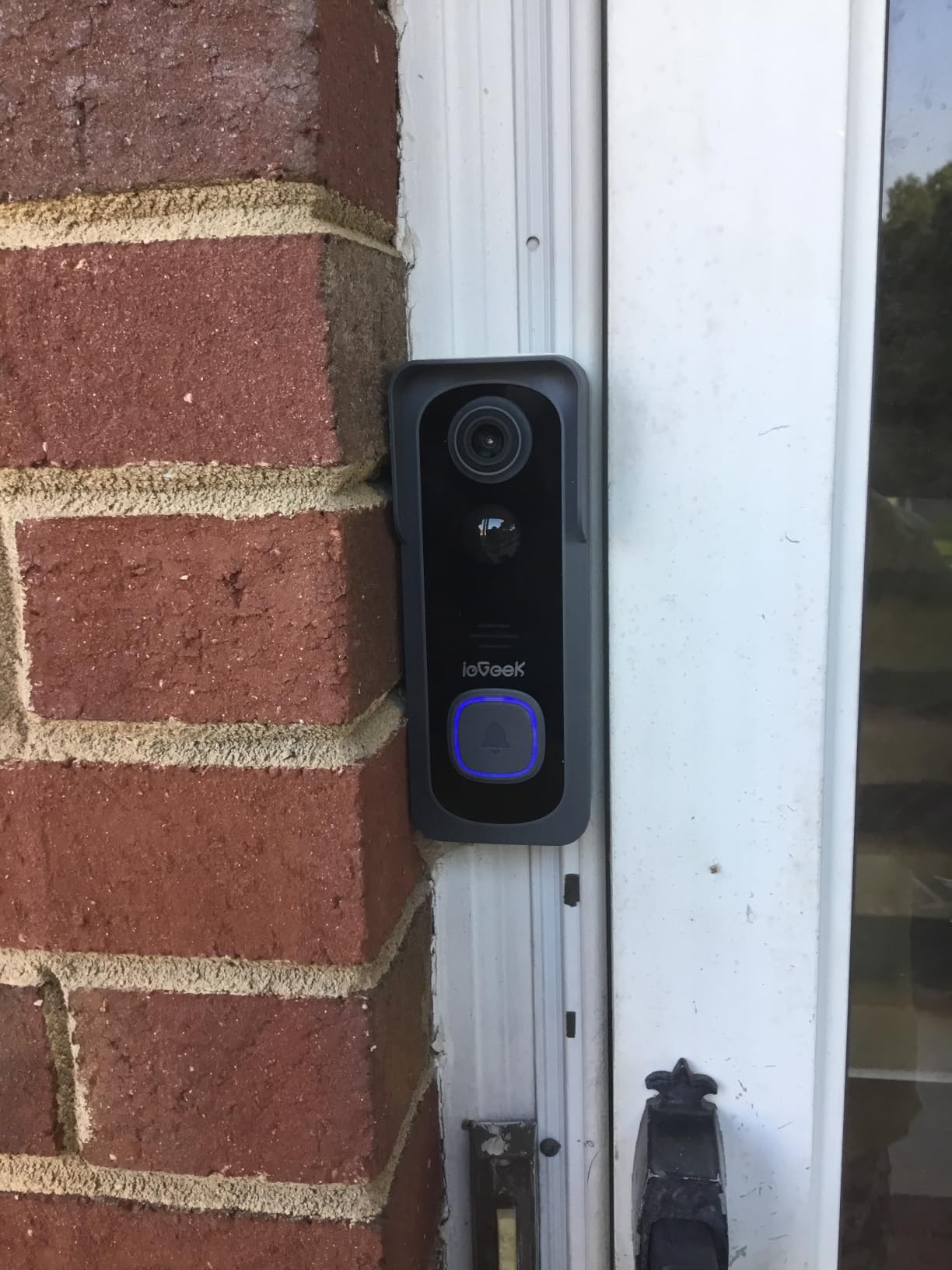
 ieGeek Bell J9 Doorbell Camera ieGeek Bell J9 Doorbell Camera |
|
Check Latest Price |
 MUBVIEW J9 Doorbell Camera MUBVIEW J9 Doorbell Camera |
|
Check Latest Price |
 Arlo Video Doorbell 2K 2nd Gen Arlo Video Doorbell 2K 2nd Gen |
|
Check Latest Price |
 Wyze Battery Video Doorbell Wyze Battery Video Doorbell |
|
Check Latest Price |
 XTU 2K Wireless Doorbell Camera XTU 2K Wireless Doorbell Camera |
|
Check Latest Price |
1. aosu 5MP Ultra HD Video Doorbell – Best Overall for Apartments
aosu 5MP Ultra HD Wireless & Wired Video Doorbell Camera
5MP sensor
166 degree head-to-toe
8GB local storage
Battery or wired
IP65
Pros
- 5MP clarity day and night
- 8GB built-in storage with no subscription
- Triple-sensor detection cuts false alerts
- Works on battery or wired power
- Dual-band 2.4 and 5 GHz WiFi
Cons
- App layout is clunky to navigate
- Playback can be choppy
- Base station has no SD card slot
This is the model I keep coming back to for apartment doors. The 5MP sensor is the highest resolution in this group, and the 7-piece optical glass lens with 4:3 vertical framing actually shows a person from head to shoes without tipping the camera down.
The reason it wins for renters is storage. The 8GB built-in memory on the included base unit records on a 60-day loop with no subscription and no cloud account, so nobody can turn your recordings off and nobody can ask you to pay to see a package theft.
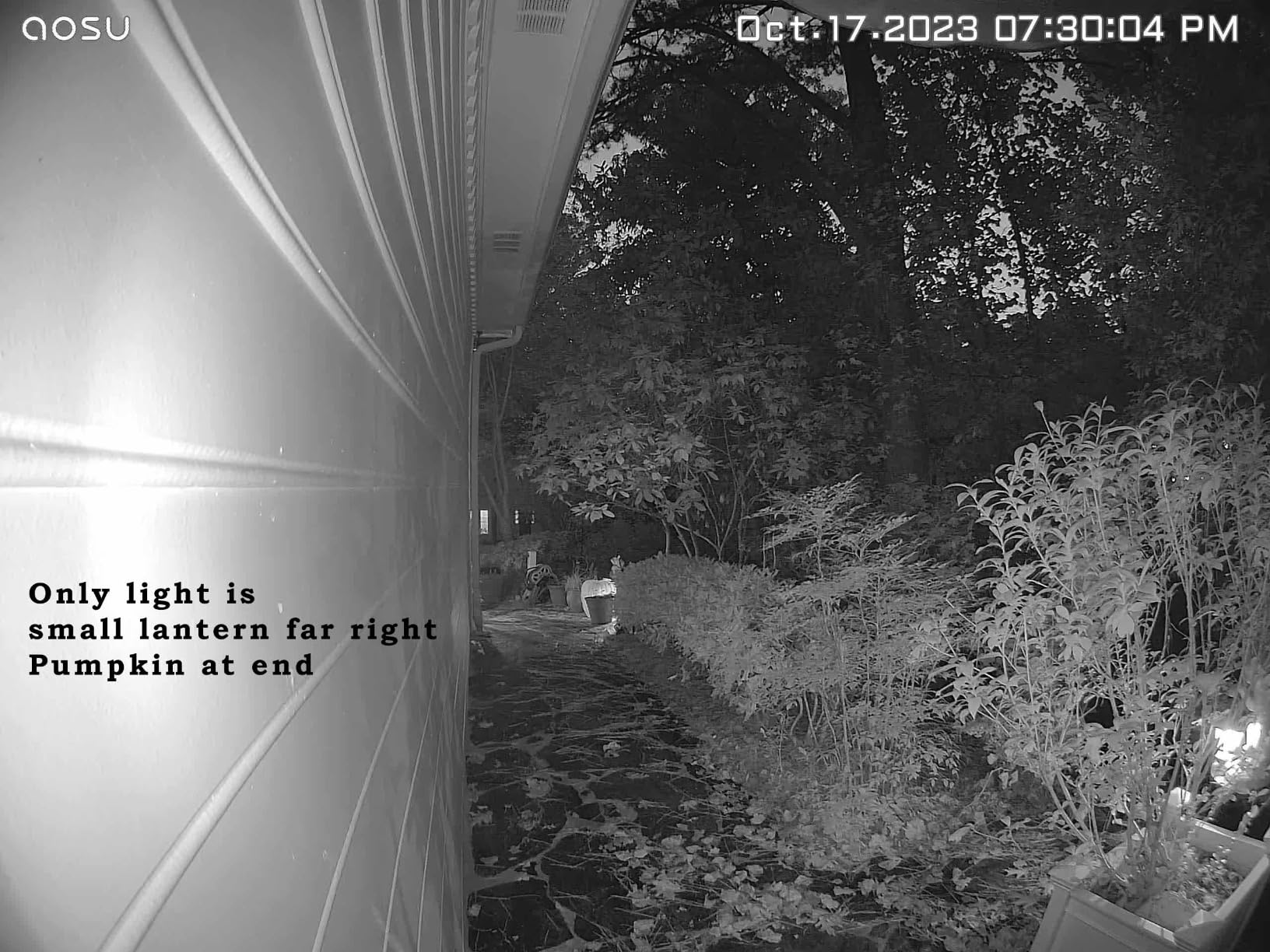
It also runs on a rechargeable battery or continuous wired power, which matters if your building eventually gives you transformer access. Reviewers commonly report that after tuning the sensitivity, false alerts drop sharply because the radar plus PIR plus AI human detection triple has to agree before it notifies you.
The dual-band radio matters more than it sounds. Apartment concrete walls often starve a 2.4 GHz-only doorbell, and this unit supports both 2.4 and 5 GHz, which is the difference between instant alerts and a dead feed.
Two caveats stand out from owner feedback. The app is described as clunky, and playback sometimes stutters, so it is not the app you want if you live-click through incidents all day. Reviewers also note a weak signal at the door drains the battery faster and causes dropouts, so test your signal before committing.
A separate complaint comes up repeatedly: the unit is taller than most competitors, so third-party weatherproof cases generally do not fit it. In a covered corridor that rarely matters. Outdoors on an exposed wall, factor it in.
Why it suits an apartment door
The head-to-toe framing means you can identify a person at your threshold instead of just catching a shoulder and a parcel, which is the whole value of a doorbell in a building where you rarely see who is outside. Night color vision reaches 23 feet, so a face is still readable in a dim stairwell.
The 6x optical zoom is a genuine help in towers where the corridor is long and the lift lobby is around a corner. It is also useful for reading a name badge at a package room rather than a blurry silhouette.
Where it falls short for renters
Recording saves locally but the base unit has no SD card slot, so 8GB is all you get. For a 12-month lease with heavy foot traffic that loop can overwrite useful footage sooner than you would like.
Saved clips also do not capture the audio of your own reply in a two-way conversation, which is an odd omission in a device whose main job is conversation. And if your building’s WiFi is weak at the door, expect frustration before you expect features.
2. Blink Video Doorbell with Sync Module Core – Best Budget System
Blink Video Doorbell – Head-to-toe HD view, two-year battery life, and simple setup. Sync Module Core included – System (White)
Head-to-toe HD view
Two-year advertised battery
3 AA lithium included
Sync Module Core hub
Infrared night vision
Pros
- Sync Module Core included in the box
- Completely wire-free install
- Head-to-toe framing suits package deliveries
- Quick beginner-friendly setup with mounting template
Cons
- Bulky doorbell body
- Only records motion-clipped events
- App feels sparse compared with rivals
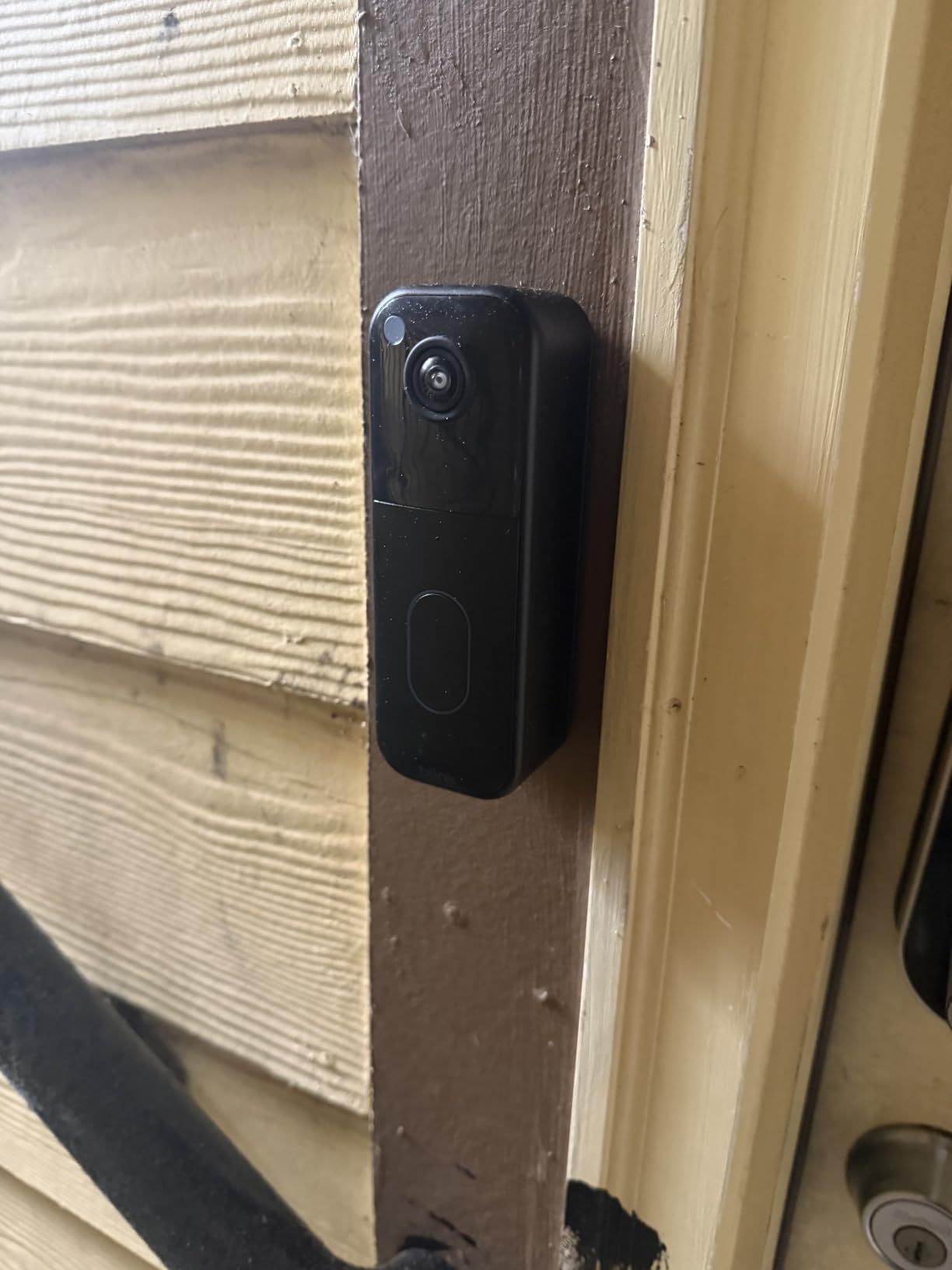
The Blink system is the one I recommend when someone tells me they have never installed smart home hardware. The box contains the doorbell, three AA Energizer lithium batteries, the Sync Module Core hub, a USB-C cable, a mounting kit, and a corner mount.
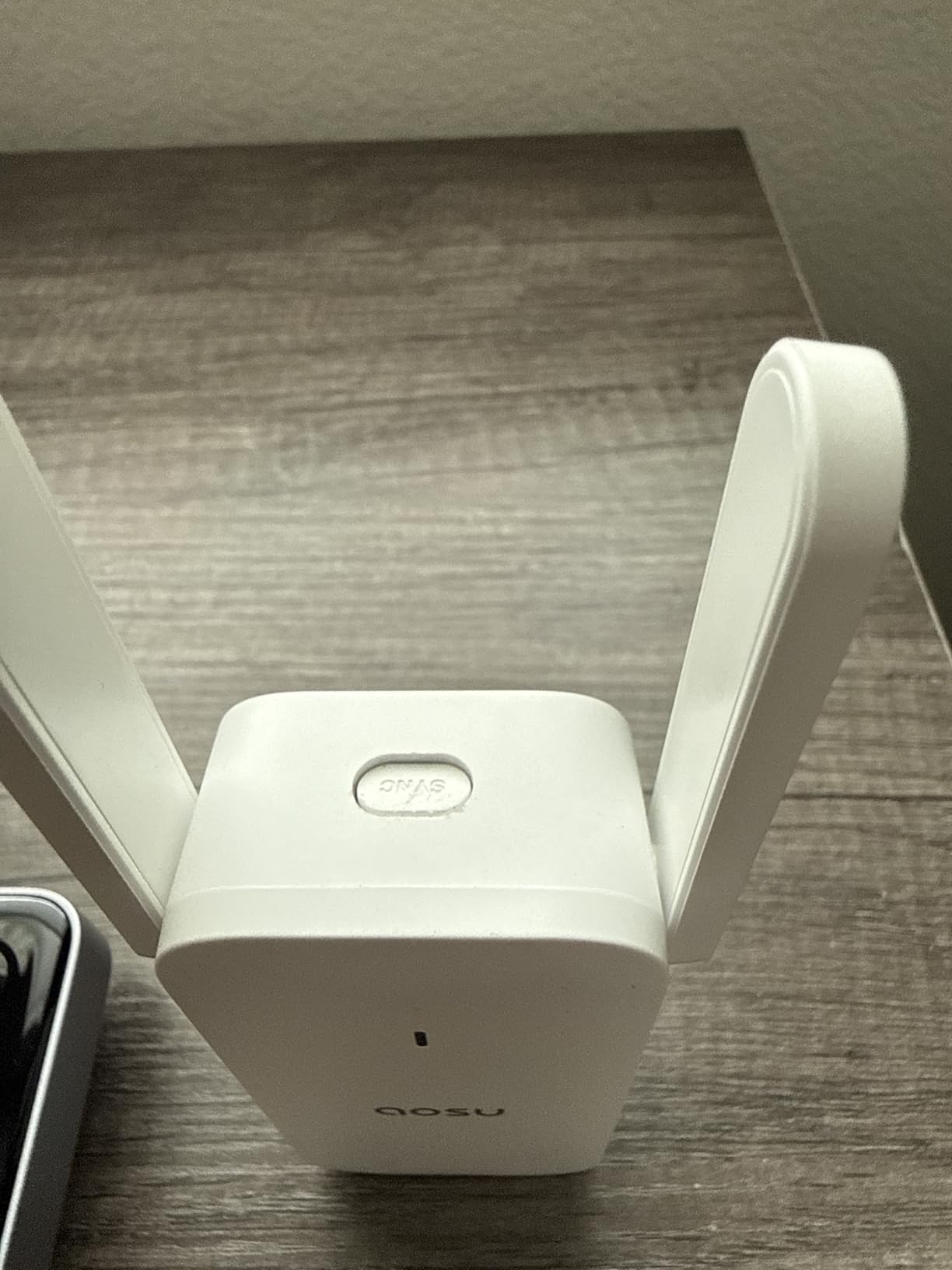
That completeness matters in an apartment because the hub is the whole system. Blink doorbells do not talk to your WiFi directly, and the Sync Module has to sit somewhere inside with power and a good signal to the door.
Up to two years of advertised battery life on three AAs is among the longest figures claimed in this roundup, and the head-to-toe view is the right shape for package deliveries rather than a wide letterbox crop most cheaper doorbells use.
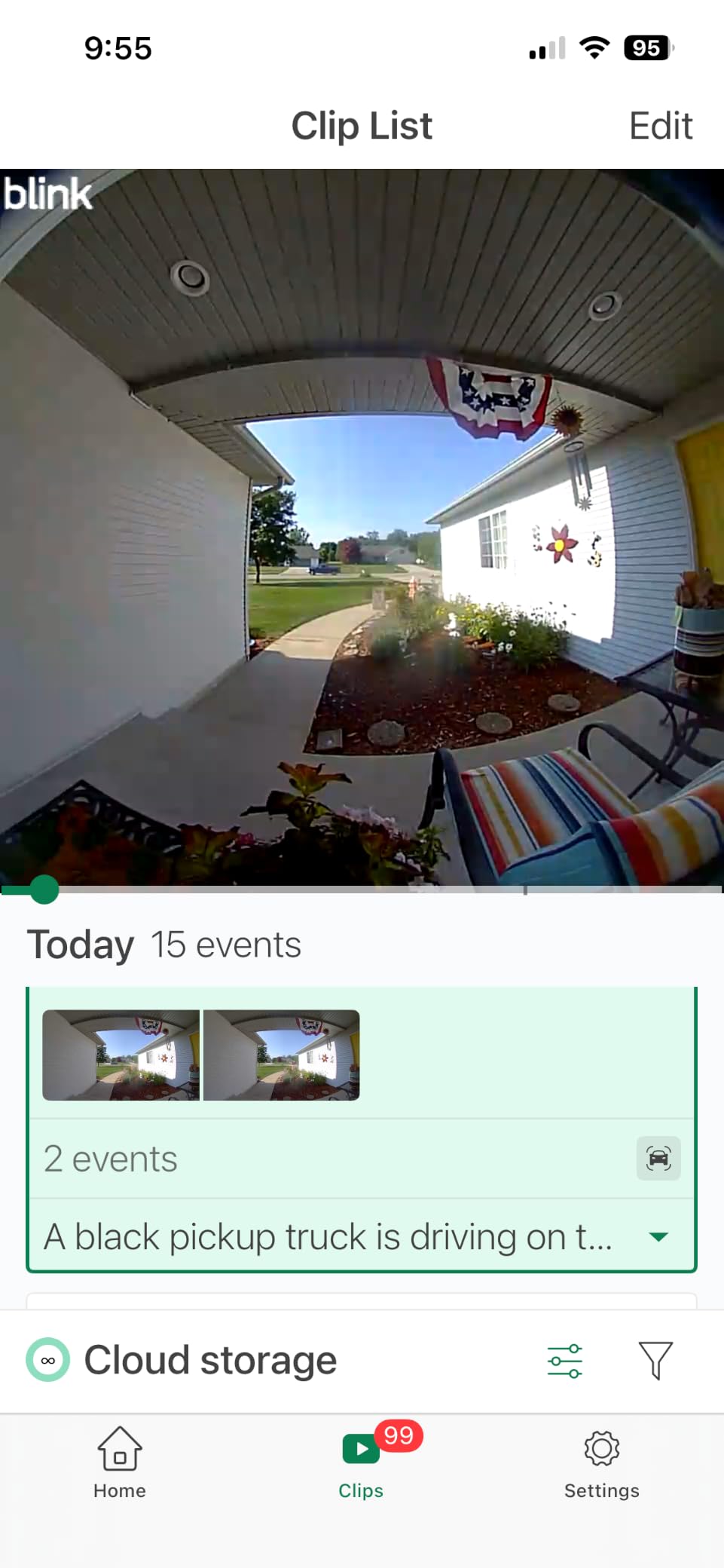
Two-way talk through the Blink app performs adequately, and infrared night vision covers a typical unlit corridor. The mounting template included in the box means you can position it before you peel any adhesive.
Owners do report two consistent weaknesses. The unit itself is physically larger and bulkier than most competitors, which matters on a narrow door frame, and there are no lock-screen clip previews, so every alert means opening the app.
Several reviewers also report the doorbell cycling offline and online with weak signal readings in high-traffic buildings. And battery life falls well short of the advertised two years where the entry sees a lot of footfall, which is exactly the shared lobby situation.
What works in a rental
It is genuinely wire-free, which means no landlord conversation about transformers and no electrician. If you can move between units, the whole system packs into a box and the Sync Module is the only piece you need to re-pair.
The corner mount is the quiet hero here. On a door angled away from the corridor, it lets you point the head-to-toe view at your own threshold rather than down the shared hall.
Where the trade-off bites
It records motion-clipped events rather than continuous video, so anything that happens between clips is simply gone. That is a meaningful gap if you are trying to reconstruct a package theft rather than just get a notification.
Blink Moments and person detection sit behind a Blink Subscription Plan, sold separately, with a free 30-day trial of cloud storage. Live view and alerts work without it, which keeps the base case free, but the smart detection does not.
3. Ring Battery Doorbell 2K – Best Value with Strong Zoom
Ring Battery Doorbell 2K (newest model) Retinal 2K with wide-angle video, up to 6x Enhanced Zoom, Two-Way Talk, and Built-In Battery, Speckled Gray
Retinal 2K sensor
Up to 6x enhanced zoom
Detachable USB-C battery
Two-Way Talk
Alexa
Pros
- Noticeably sharper image than older Ring battery models
- 6x zoom makes faces readable at distance
- Fully wireless for apartment installs
- Well-known app with clear two-way talk
Cons
- Clip history and AI alerts need Ring Protect
- Charging cable not included
- Camera is dark while the battery charges
The current Ring battery doorbell is the first in the range that feels like a genuine image quality jump rather than a refresh. The Retinal 2K sensor with wide-angle video is visibly sharper than the battery models it replaces, and that is the single most common thing reviewers mention.
The 6x Enhanced Zoom is the feature that earns it a place here. In a long apartment corridor or a package room, being able to crop into a distant figure is the difference between a useful clip and a mystery.
Installation is fully wireless with a detachable built-in battery that recharges over USB-C, and the removal tool is included. That combination is the reason a lot of apartment dwellers end up here in the first place.
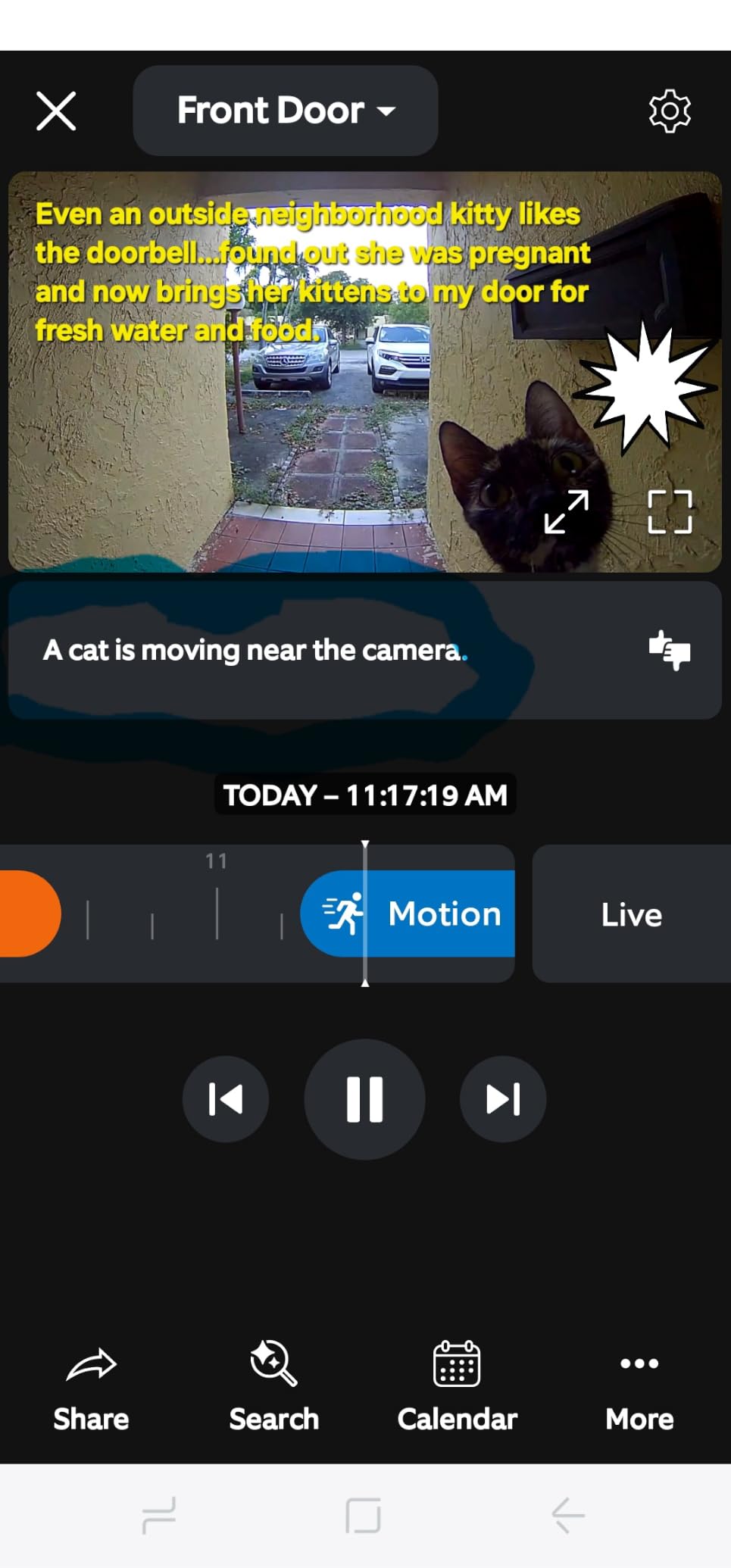
Live View and Two-Way Talk are straightforward, real-time motion notifications arrive reliably, and Alexa integration with Echo Dot and Echo Show is as smooth as it gets for voice visitors.
The friction point is the subscription. Rewind, AI-powered alerts, and additional history all require Ring Protect, and for a renter on a 12-month lease that is a real cost for footage you will mostly look at once.
Reviewers also flag two smaller annoyances. The charging cable is not included, and because the camera is battery-only, it goes dark the entire time the battery is off the mount charging.
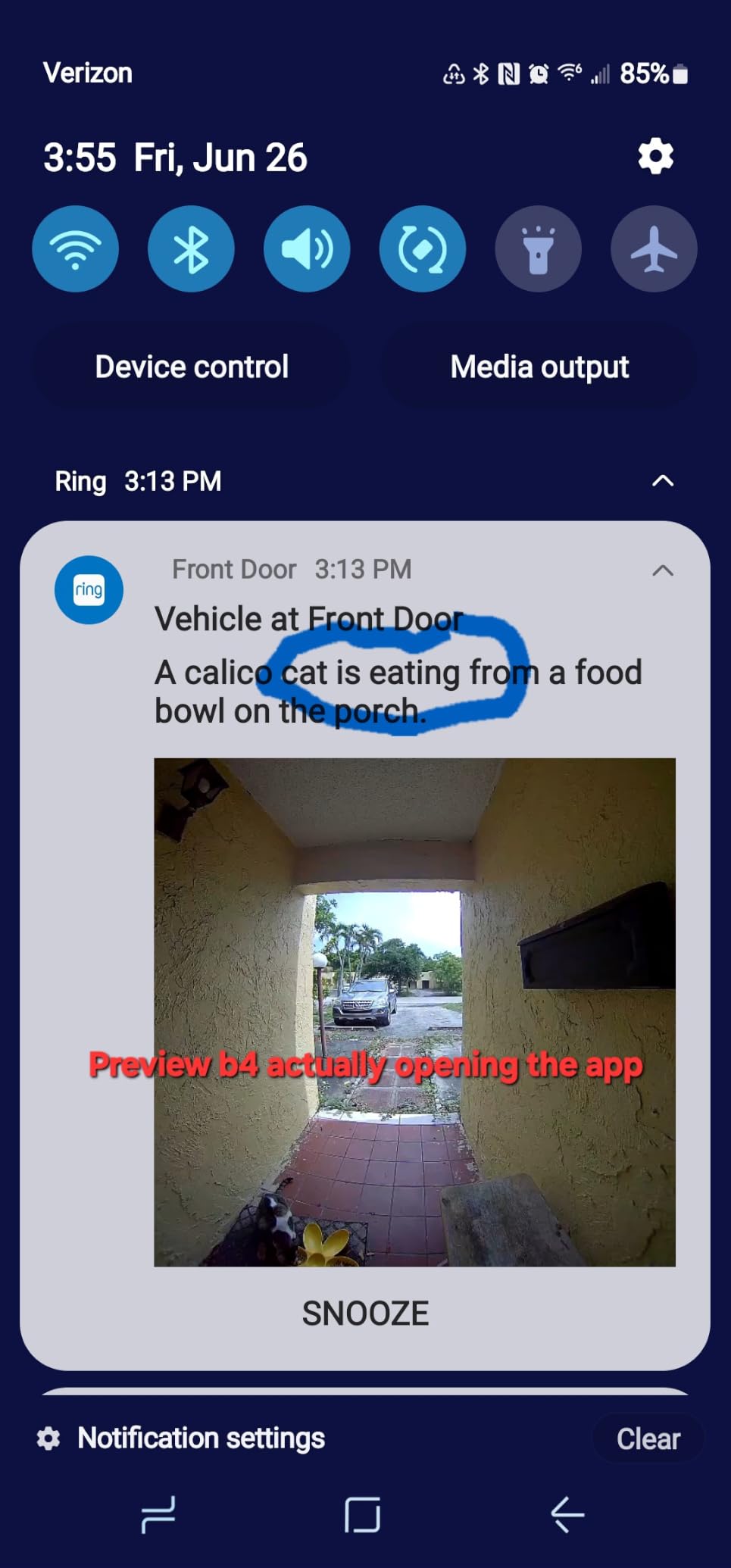
Where Ring fits an apartment
It is one of the easiest units to remove and re-aim, and the wide-angle view combined with zoom gives you a reasonable chance of keeping the frame on your own door. If you already run Echo devices, the setup path is the shortest of anything here.
The detachable battery means you can swap a dead battery in a couple of minutes without tools, which beats taking the whole unit off the door in a corridor.
Where the paywall changes the maths
Without Ring Protect you get live view and real-time alerts, but clip history and the AI alert detail are the parts that actually help you identify someone after the fact. For a short stay that may be fine. For a full lease it usually is not.
We wrote more about this in our guide to doorbells without a monthly fee, which covers the local storage alternatives in this list.
4. Google Nest Doorbell Battery – Best for Google Home Renters
Google Nest Doorbell (Battery) – Snow
145 degree field of view
960x1280 sensor
Battery powered
IP54
1 hour outage storage
Pros
- On-device person and package detection with no subscription
- Truly wire-free battery install
- About an hour of events stored during an outage
- Works with Google Home and Gemini
Cons
- Narrower field of view than most rivals
- Only three hours of free event history
- Battery runtime varies widely by traffic
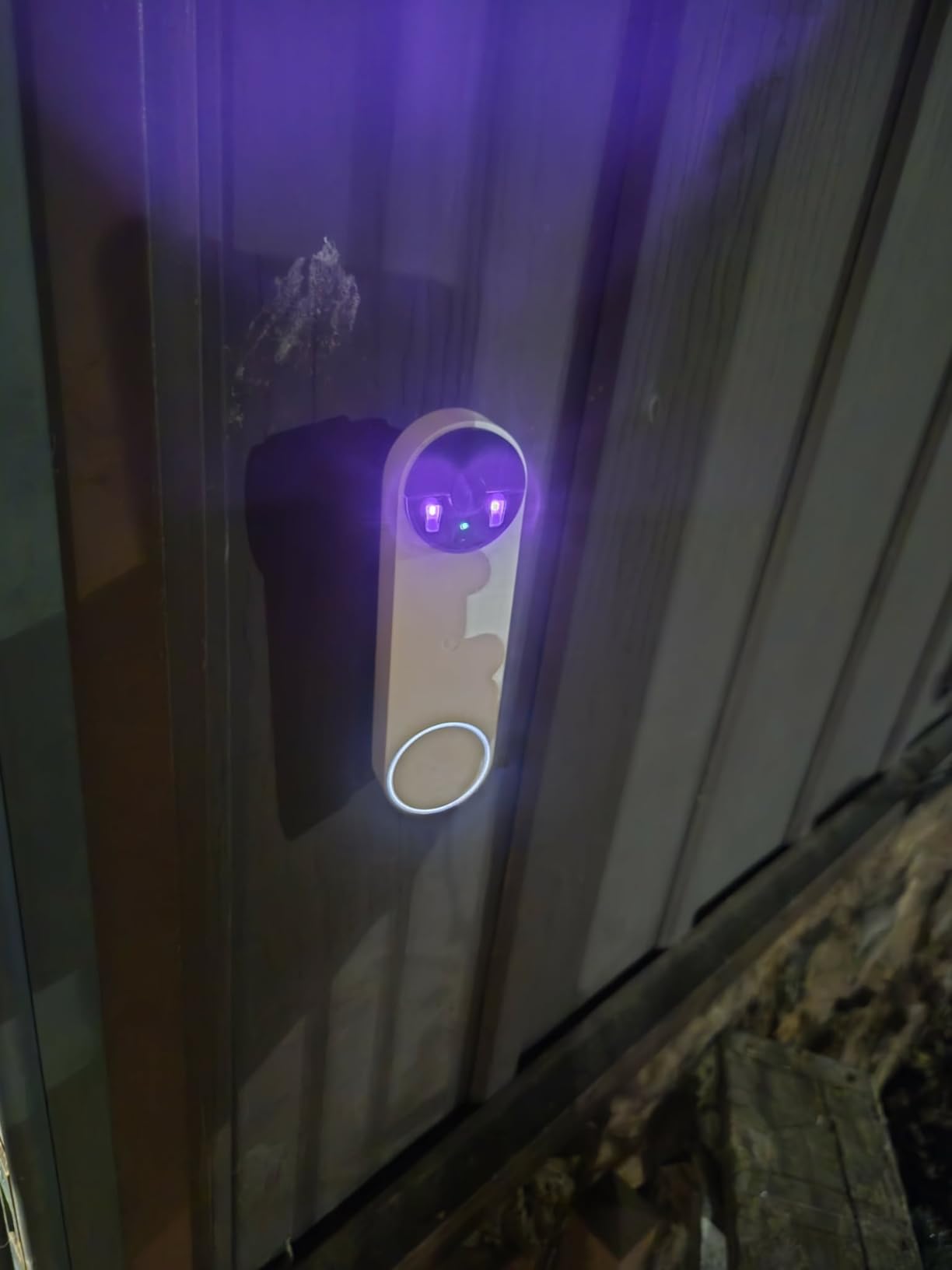
The Nest battery doorbell runs its detection on the device itself rather than in the cloud: person, package, animal, and vehicle are distinguished with no subscription attached. That is the whole appeal for anyone who resents paying for AI features.
It also stores roughly one hour of recorded events during a WiFi or power outage, which matters in a building where the lift lobby network is unreliable. A doorbell that can show you what happened during a network drop is worth more than one that goes blank.
Installs wired or wire-free, and the battery works with any door, which makes it a safe pick for a rental where you cannot confirm the wiring situation. The base plate, charge cable, wall anchors, and wire connector are all in the box.
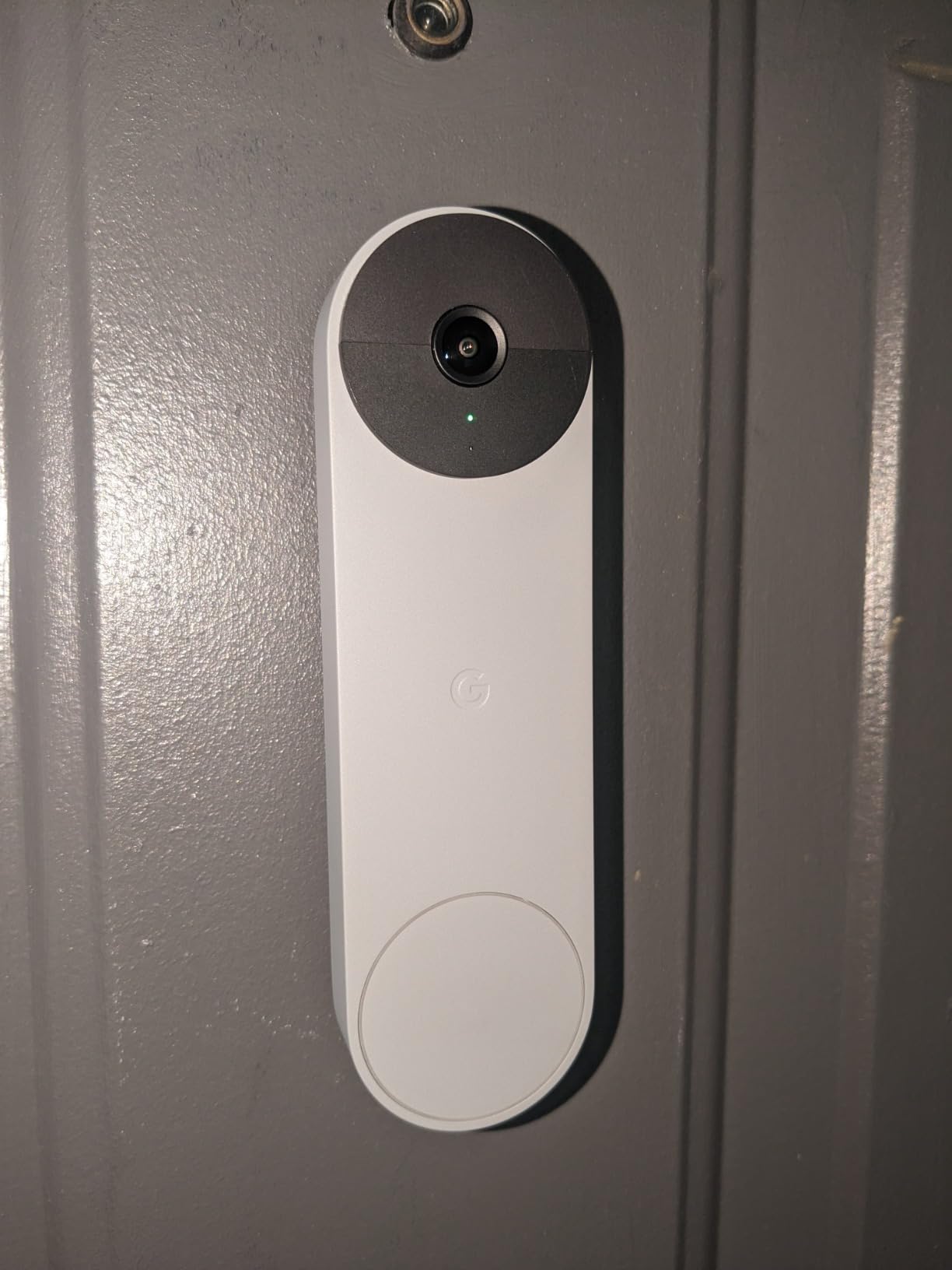
Live HD video with HDR and night vision looks good, and two-way audio is clear enough to talk to a visitor through the door. Reviewers also report practical battery life of roughly three to eight weeks depending on traffic and settings.
The field of view is 145 degrees, on the tighter side for this group. That is a genuine trade-off: you get a narrower frame that is easier to keep off your neighbours, but someone can partly dodge the camera at the edge.
Free history is only three hours of events unless you pay for Nest Aware, which extends it to up to 60 days. The battery model also never records continuous 24/7 video even with a subscription, so the plan buys retention rather than coverage.
Why apartment residents pick it
The subscription-free smart detection is the headline. You get person and package alerts with nothing to unlock, and many residents cite that as the entire reason they chose it over a competitor.
The narrower angle quietly helps in a shared corridor. A 145-degree view pointed at your own door captures less of the hallway than a 180-degree lens does, which reduces both the legal and the social risk.
Where it disappoints
Battery runtime varies a lot, and some owners are charging it weekly in busy buildings. Glare from a nearby outdoor light can also hurt night visibility, which is common where a corridor light sits directly above the door.
Owners also report occasional false positives when the camera reacts to its own light changes at night. If your hallway has a sensor-controlled light, set the zones carefully before you trust the alerts.
5. eufy Security Video Doorbell E340 – Best for Package Watching
eufy Security Video Doorbell E340, Dual Cameras, 2K FHD
Dual cameras
2K FHD
8GB eMMC local storage
16 to 24V wired option
IP65
Pros
- Package camera closes a blind spot other brands leave
- No subscription and no monthly fee
- Color night vision to 16 feet
- Battery swaps in seconds
- Works wireless or wired
Cons
- Requires a HomeBase or eufy base unit
- App loads slowly and sometimes misses events
- Battery tops out near two months
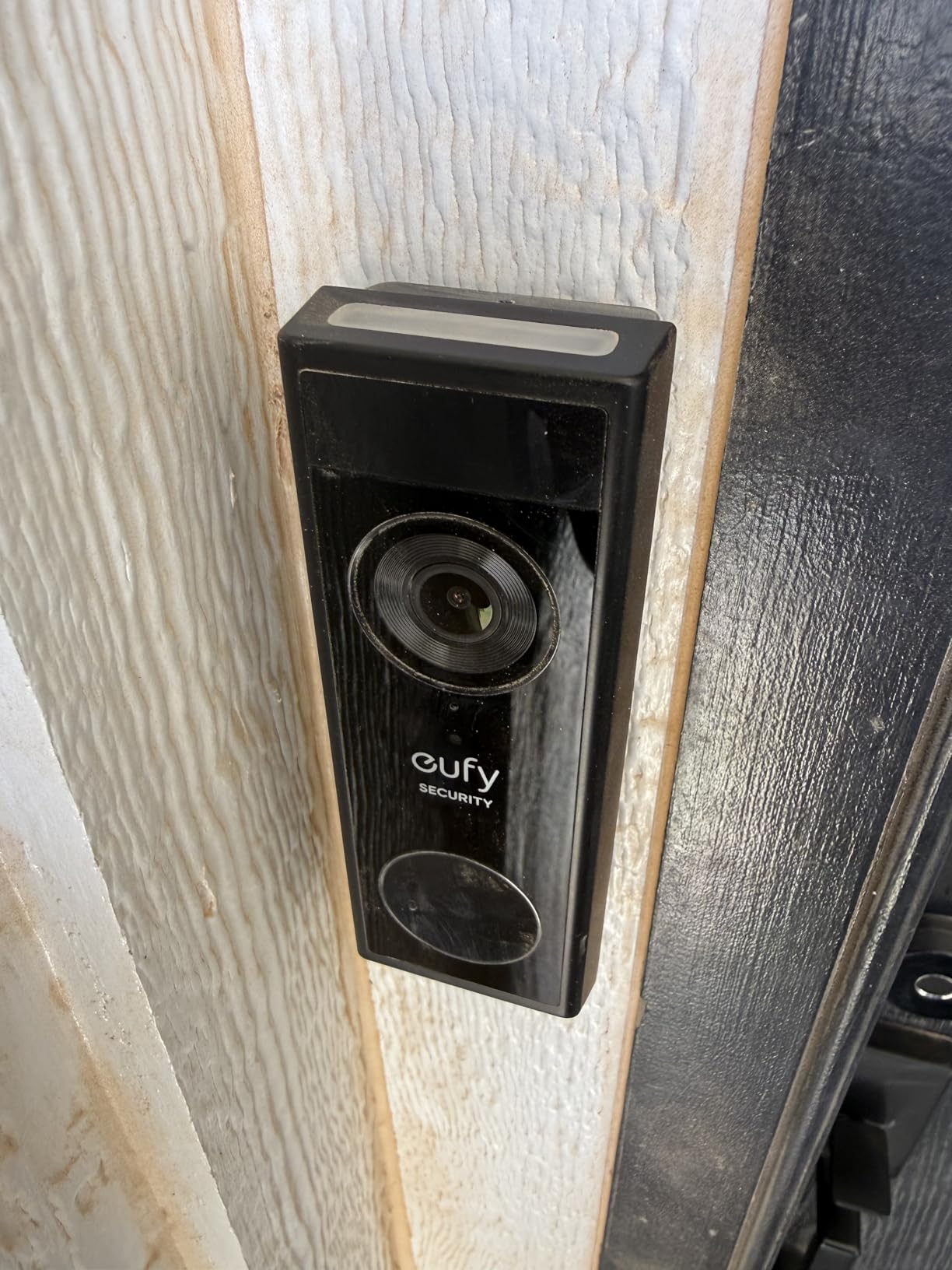
The E340 is the only pick here with two cameras: one facing forward for visitors and one angled down at the doorstep for packages. In an apartment building with a package room or a mat just outside your door, that second lens is the feature you will care about most.
Video is 2K FHD with dual-light color night vision reaching 16 feet, and human and package detection including forgotten-delivery alerts. Reviewers repeatedly single out how much better it filters passing cars than comparable Ring models.
Storage is 8GB of built-in eMMC with no subscription and no monthly fee, and the quick-release rechargeable battery means you can swap power in seconds instead of taking the unit off the door.
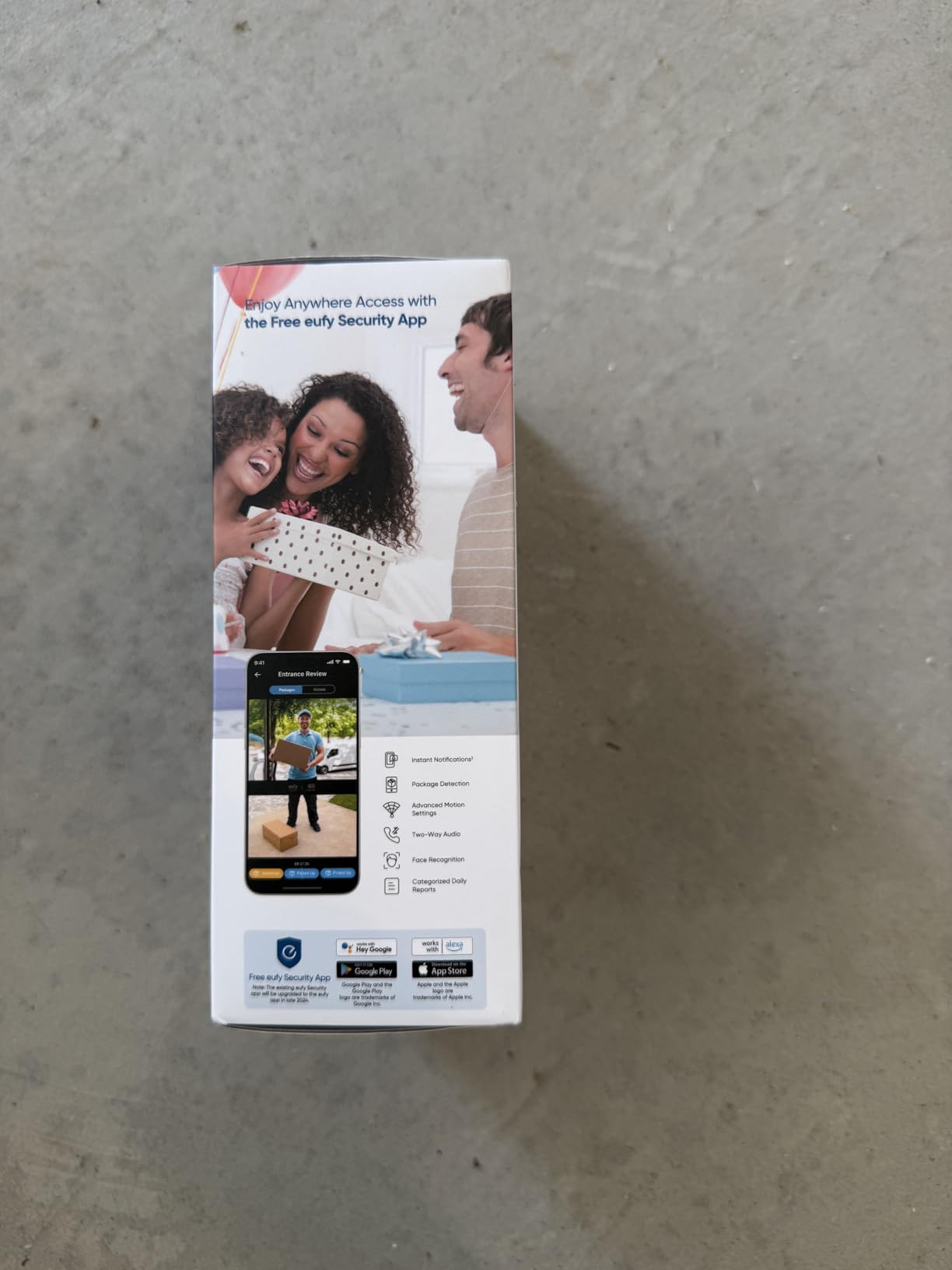
It runs wireless or wired on 16-24V, includes a 15-degree mount adapter for angled doors, and pairs with an existing mechanical chime, eufy HomeBase 2 or 3, the eufy Minibase Chime, Alexa, and Google Voice Assistant.
The catch is setup. It has to be paired through a HomeBase or eufy base unit and cannot connect directly to WiFi, so you need somewhere indoors to put a hub. In a small flat that is one more box to find a plug for.
Reviewers also report slow app notifications that sometimes miss events, and real-world battery life closer to two months than the stated four. There are complaints about overheating and shutting down in direct sun, and about the large button only registering a press on its upper portion.
Where the dual camera earns its place
Package theft is the reason many apartment residents buy a doorbell at all, and a single forward lens simply cannot see a parcel sitting at your feet. The downward camera closes exactly that gap without moving the unit off-centre.
The 15-degree adapter helps on doors that swing toward a wall, letting you get a straight look at the threshold rather than an oblique angle of your own doorframe.
Where the base unit gets annoying
Missing a notification because the app was slow defeats the purpose of a doorbell. In a building with heavy foot traffic, you want alerts that land in under a second, and this is not consistently that.
The field of view is 160 degrees, narrower than Ring’s and it still triggers on passing vehicles. Narrowing the zones is the fix, and it takes a few minutes of testing before the app stops nagging you.
6. Tapo 2K Doorbell D210 with Chime – Best for a Loud Indoor Chime
Tapo 2K Wireless Smart Video Doorbell w/Chime, 160° Ultra-Wide View, D210
2K sensor
160 degree diagonal view
Battery 6400mAh
Included indoor chime
IP65
Pros
- 2K clarity and a 160 degree view at a modest cost
- microSD up to 512GB removes any subscription need
- Ring Call answers the door like a phone call
- Excellent app responsiveness
- Four to six months of battery reported
Cons
- Battery only with no wired option
- Video can wash out in direct sunlight
- microSD card not included
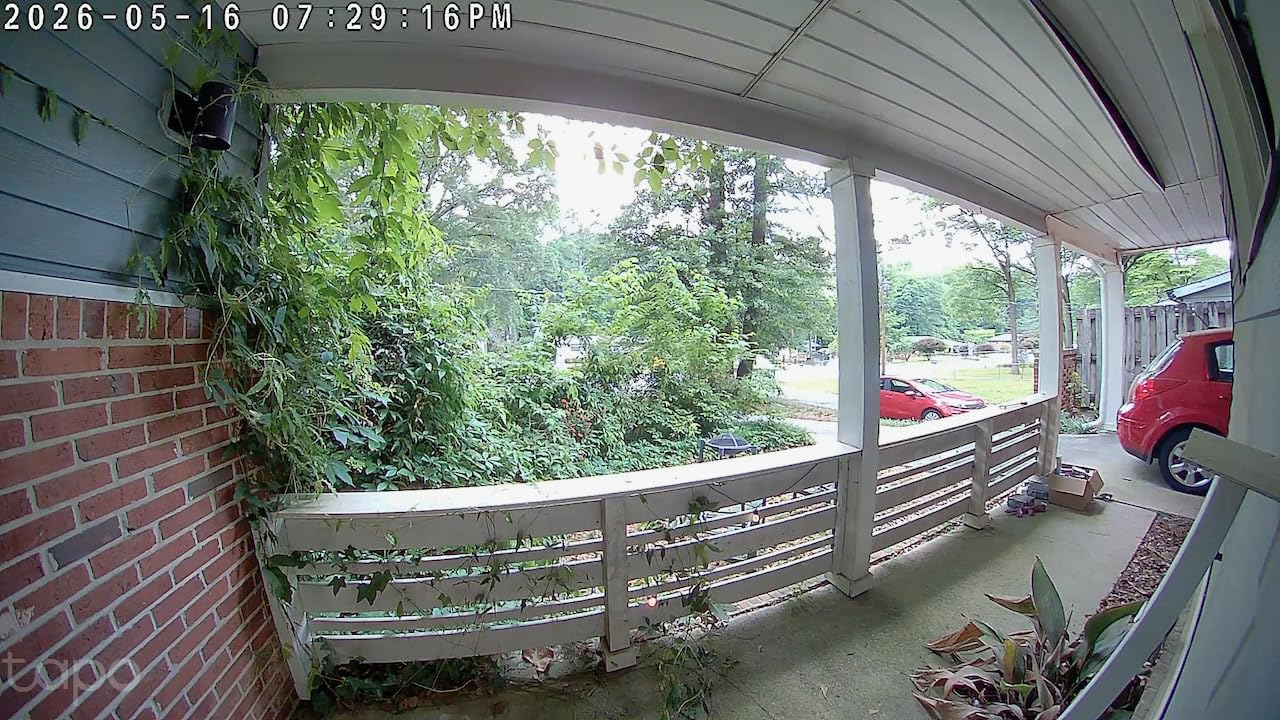
Many apartments have no in-unit chime wiring, so a visitor presses the button and hears nothing. The Tapo D210 answers that with an included indoor chime with selectable ringtones, and reviewers single out how loud it is for the size.
The Ring Call feature is the sleeper hit. Instead of opening the app, the doorbell places an app-based call you answer like a phone call, which is faster when you are in the kitchen with your hands wet.
Video is 2K over 2.4GHz with a 160-degree diagonal field of view and head-to-toe framing, plus a motion-activated spotlight for full color night vision. A 15-degree angled mounting wedge is included for doors that sit off-square to a corridor.
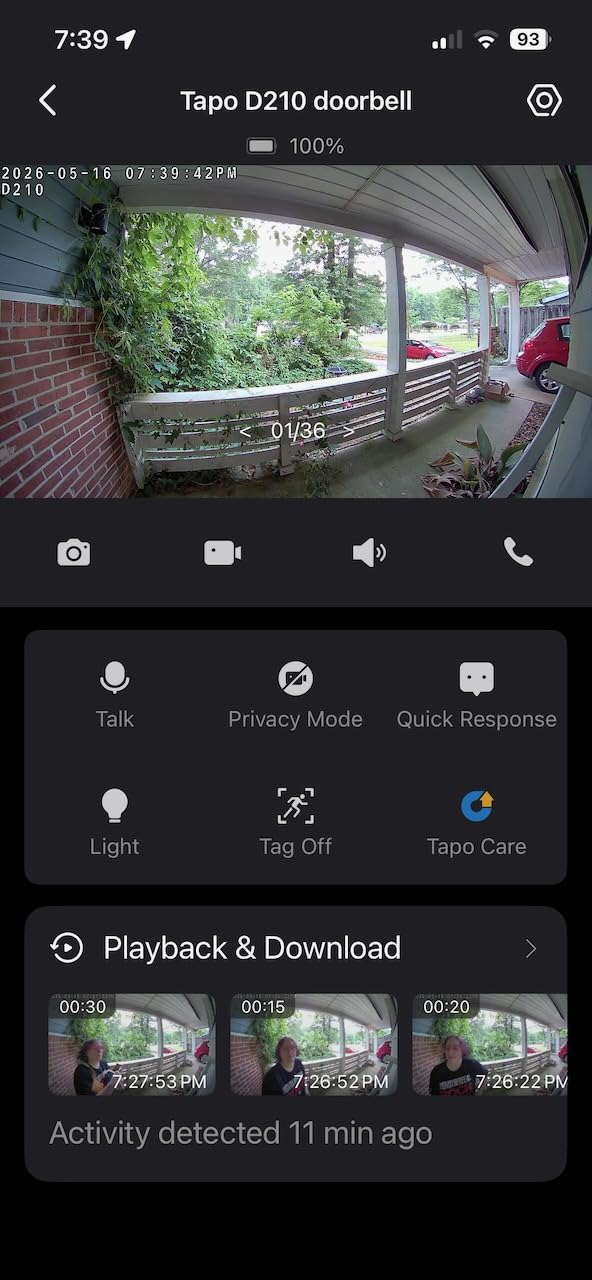
microSD storage up to 512GB keeps recording local and free, and optional Tapo Care cloud gives 30-day history if you want it. Activity zones and person detection cut down false notifications, and two-way audio includes preset quick responses.
Reviewers frame this as strong value for the category, with strong battery life of four to six months between charges. App responsiveness is excellent with no lag loading clips, which is not something we can say for every brand here.
The limits are specific. It is battery-only and cannot be wired to existing doorbell wiring for continuous power, and the microSD card is not included. Video can also wash out in direct sunlight or bright outdoor lighting.
Why renters land on the D210
The included chime removes the most common apartment complaint about video doorbells, which is that nobody inside ever hears the press. Having the hardware in the box means you are not hunting for a compatible accessory.
Encryption is handled properly too, with AES 128-bit and TLS 1.2, and it works with Alexa and Google. For a shared building you will also be glad the activity zones let you cut the street out of the frame.
Where it falls down
Notifications can arrive late and occasionally miss a delivery entirely, which is the one failure a package-security device cannot afford. The Ring Call feature can also conflict with Alexa and ring on several devices at once.
Ground-level package coverage has a blind spot compared with the dual-camera eufy, so if your building leaves parcels on the mat rather than in a room, check the angle carefully.
7. BOIFUN Video Doorbell Camera J1 – Best No-Subscription Starter
BOIFUN Video Doorbell Camera Wireless – No Subscription Required, 2K HD
2K HD
166 degree field of view
IP65
2.4GHz only
2 year warranty
Pros
- Crisp 2K video day and night
- No subscription required
- No-drill adhesive install
- Included portable chime
- Real-time alerts arrive with essentially no lag
Cons
- Battery is not removable
- 2.4GHz WiFi only
- Motion detection can miss fast approaches
The BOIFUN J1 is one of only a few picks here that states no-drill adhesive installation as a designed feature rather than an accessory, and it adds a built-in tamper-detection alarm. For a rental door, that pairing is the reason it made this list.
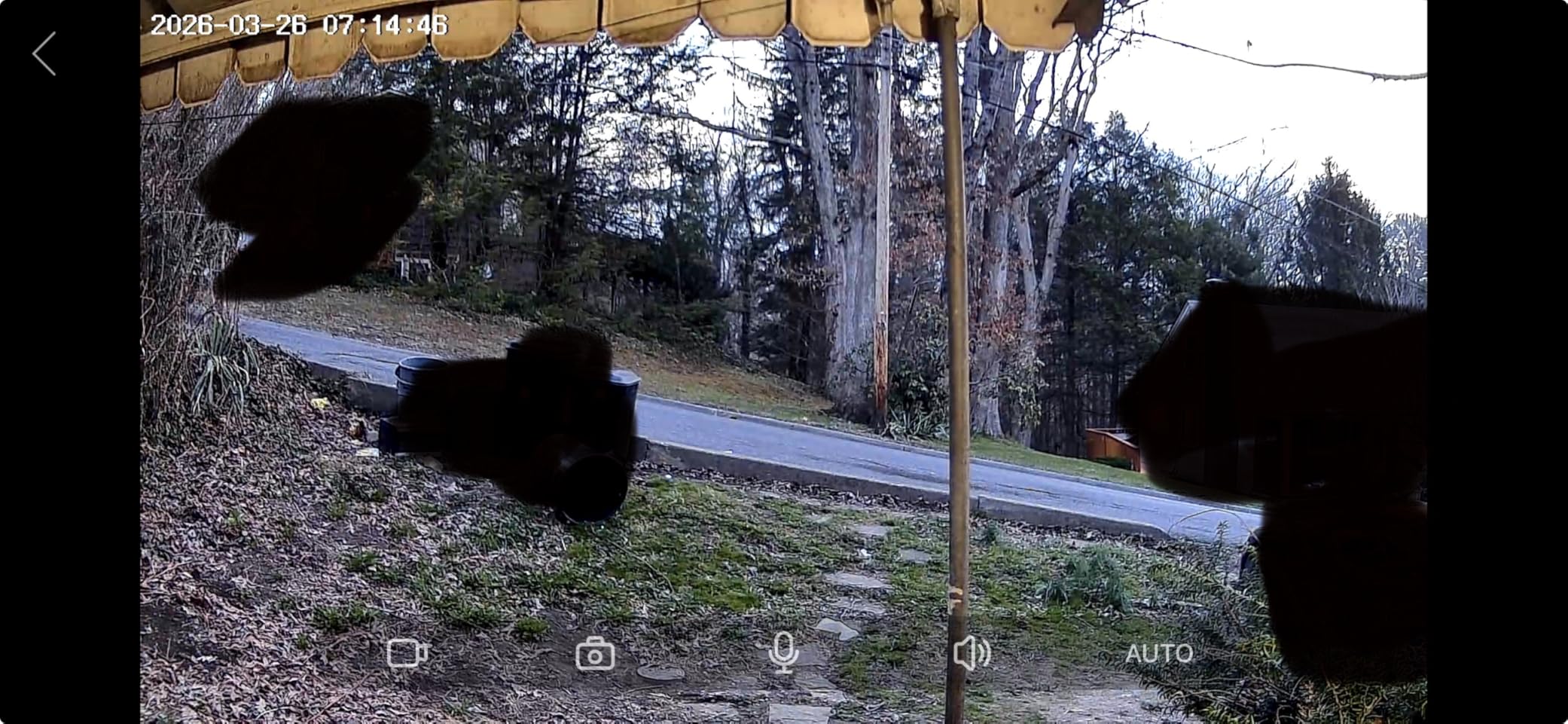
Video is 2K HD with a 166-degree field of view on an f/2.5 aperture, and night vision uses HDR with invisible 940nm infrared reaching 10 meters. That wide angle covers most of the approach to your door.
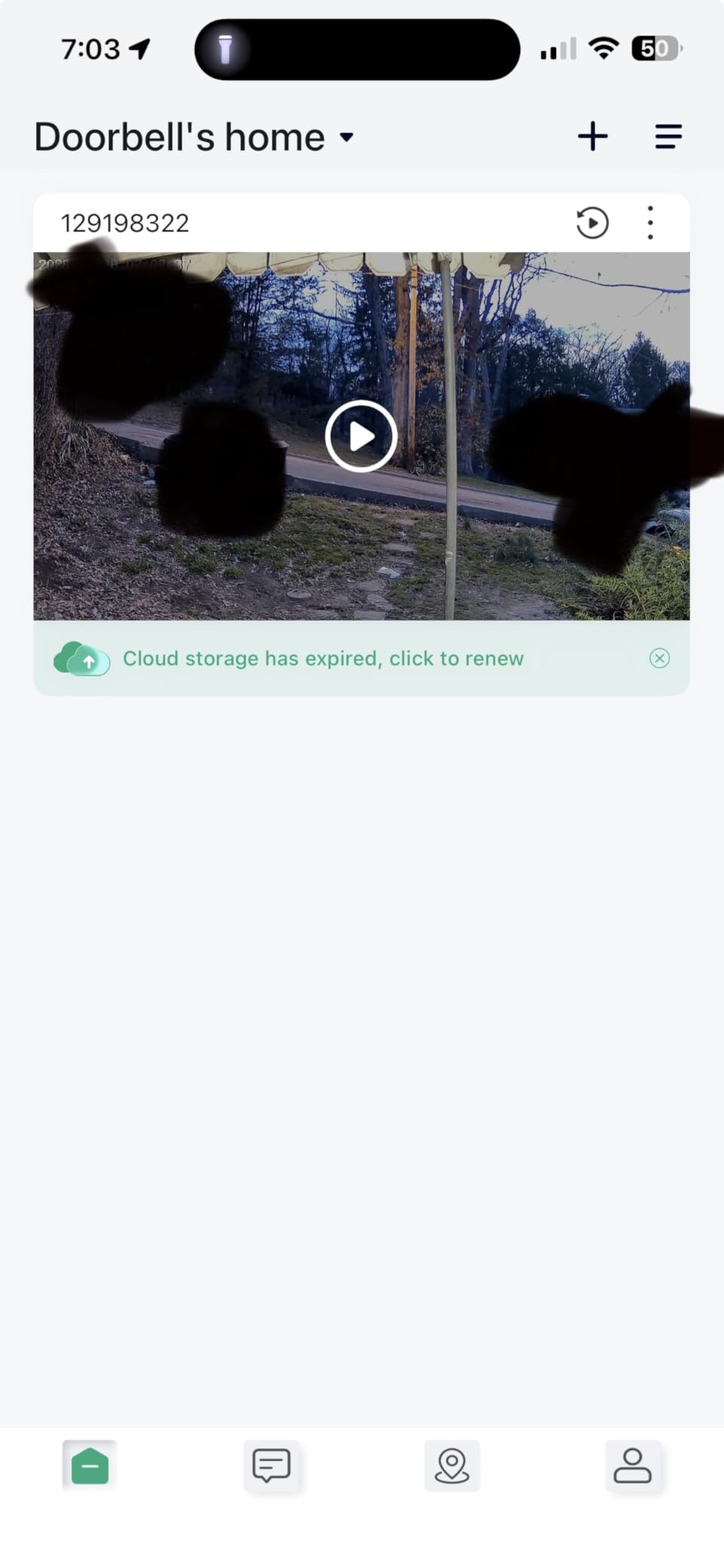
No subscription is needed for alerts, two-way audio, human detection, or playback, and microSD storage up to 128GB handles the recording. The card is not included, which is the one thing to plan for.
Owners consistently praise build quality and the included portable indoor chime that can be moved from room to room. Real-time alerts arrive with essentially no lag, and two-way audio is loud and clear, which is more than several competing brands manage.
There is a 2-year warranty and 30-day returns, and the lab-rated battery figure is up to 60 days with 30 daily activations. Real corridors generate far more than that, so treat the number as a ceiling rather than a promise.
The main compromise is that the battery is built in and not removable, so the whole unit comes off the door to charge. It is also 2.4GHz only, and setup can fail outright if the router sits far from the entry.
What makes it renter-friendly
Adhesive mounting with a tamper alarm means no screws into a door you do not own and some warning if someone tries to pull it off. The 166-degree view is wide enough to see a courier approaching from the stairwell.
Two-way audio with no subscription means you can talk to a visitor or a delivery driver without ever unlocking the door, which is the basic use case in most apartment buildings.
Where it strains
Because the battery is fixed inside, you cannot swap a fresh pack in. On a unit that is easy to remove this is a nuisance; on a door in a busy corridor it means a window with no coverage at all.
2.4GHz-only connectivity is a genuine limitation on newer dual-band routers, and motion detection sometimes misses people walking or approaching quickly. Enable live streaming sparingly, since owners report it drains the battery faster.
8. ieGeek Bell J9 Doorbell Camera – Best for Two-Way Anonymity
ieGeek Doorbell Camera Wireless No Subscription, 2K HD Ultra-Wide View, PIR Motion Detection 2-Way Talk, Wireless Video Doorbell with Chime, Support Local & Cloud Storage, Only 2.4GHz WiFi, Grey
2K HD
166 degree viewing angle
Battery 5200mAh
128GB microSD support
Starlight night vision
Pros
- Lifetime free basic cloud storage
- Clear 2K image day and night
- Voice changer for two-way talk
- Anti-theft bracket included
- Fast notifications
Cons
- No wedge mount for angle adjustment
- Included chime is weak and not rechargeable
- Battery life drops in cold climates
The ieGeek Bell J9 is the pick I would suggest to someone who lives alone and does not want a visitor to recognise their voice. The two-way audio has a voice changer plus up to three pre-recorded replies, which is genuinely rare at this level.
It is also one of the few models where the cloud is not a trap. You get lifetime free basic cloud storage, and an optional 128GB microSD for local recording if you would rather keep everything on the device.
Video is 2K HD with a 166-degree viewing angle and infrared night vision to 32 feet, which is one of the longer night ranges in this roundup. PIR motion detection reaches 16 feet and alerts in about three seconds.
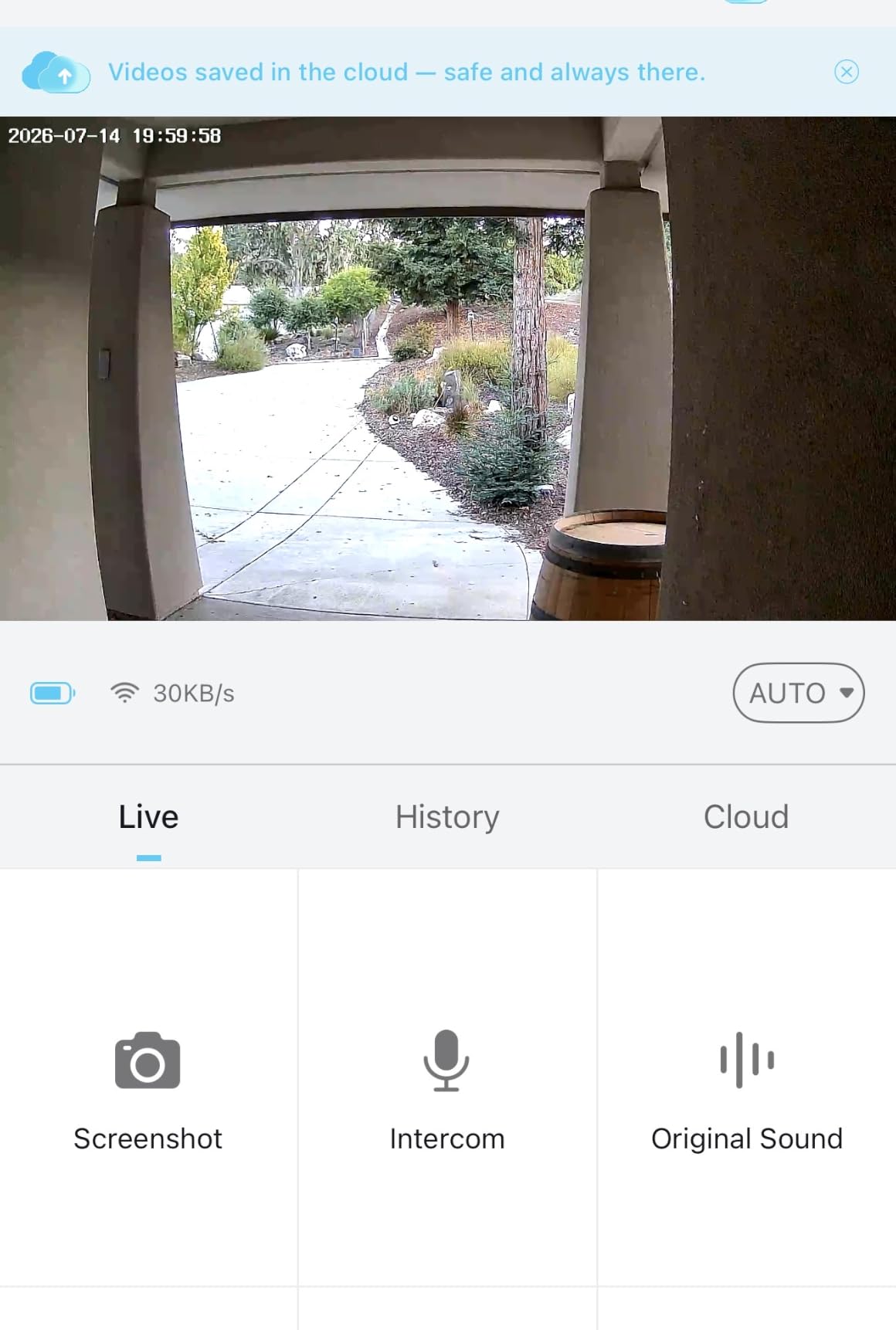
Setup in the ieGeek Cam app is simple, notifications are fast, and multi-account sharing uses a QR code to add a housemate or partner without handing over your password. An anti-theft bracket is included, and Alexa is supported.
The weak spot is mounting flexibility. No wedge mount is included, so you cannot easily adjust the mounting angle to crop a shared corridor, and on a door that sits at an angle to the hall that is a problem worth knowing about before you buy.
Owners report the included chime runs on replaceable batteries, is weak in volume, and cannot be recharged or plugged in. Battery life also degrades noticeably over time, with some people charging weekly after a year, and it drops to two or three weeks in cold climates.
Why it works for solo residents
The voice changer alters how you sound during a two-way conversation, and the three pre-recorded replies let you answer a doorbell without speaking at all. For someone who wants to screen visitors without identifying themselves, that is a real feature rather than a gimmick.
Free cloud plus optional local card means you can start with nothing and add storage later, which spreads the cost across a lease instead of paying monthly from day one.
Where it holds you back
No 5GHz support and no wired installation option means this is a battery-only, 2.4GHz device. If your building router is far from the door, or you are on a modern mesh network that steers clients, expect setup friction.
The 5200mAh battery is rated around 40 days at 20 triggers per day, and unheated corridors accelerate that. The app can also be slow and occasionally shows the wrong clip after a notification, which undermines the point of an alert.
9. MUBVIEW J9 Doorbell Camera – Best for Solo Residents
MUBVIEW Doorbell Camera Wireless with Chime,1080P Battery Video Doorbell
1080P sensor
120 degree field of view
PIR human detection
IP65
Lifetime free cloud
Pros
- No subscription with free cloud looping
- Two-way intercom with a voice changer
- Multiple cameras and users in one app
- Indoor chime is loud in a small apartment
Cons
- Narrow 120 degree viewing angle
- Chime runs on replaceable AAA batteries
- Video can lag by 10 seconds or more
The MUBVIEW J9 shares the same model name as the ieGeek unit above, and the two are worth separating. Where the ieGeek leads on resolution and night range, the MUBVIEW leads on app depth and multi-device management.
Recording is free for life with 7-day loop recording on the cloud, and microSD local storage up to 128GB is supported as well. The card is not included. Two-way intercom comes with a voice changer, which is useful for elderly or solo residents who do not want to be recognised.
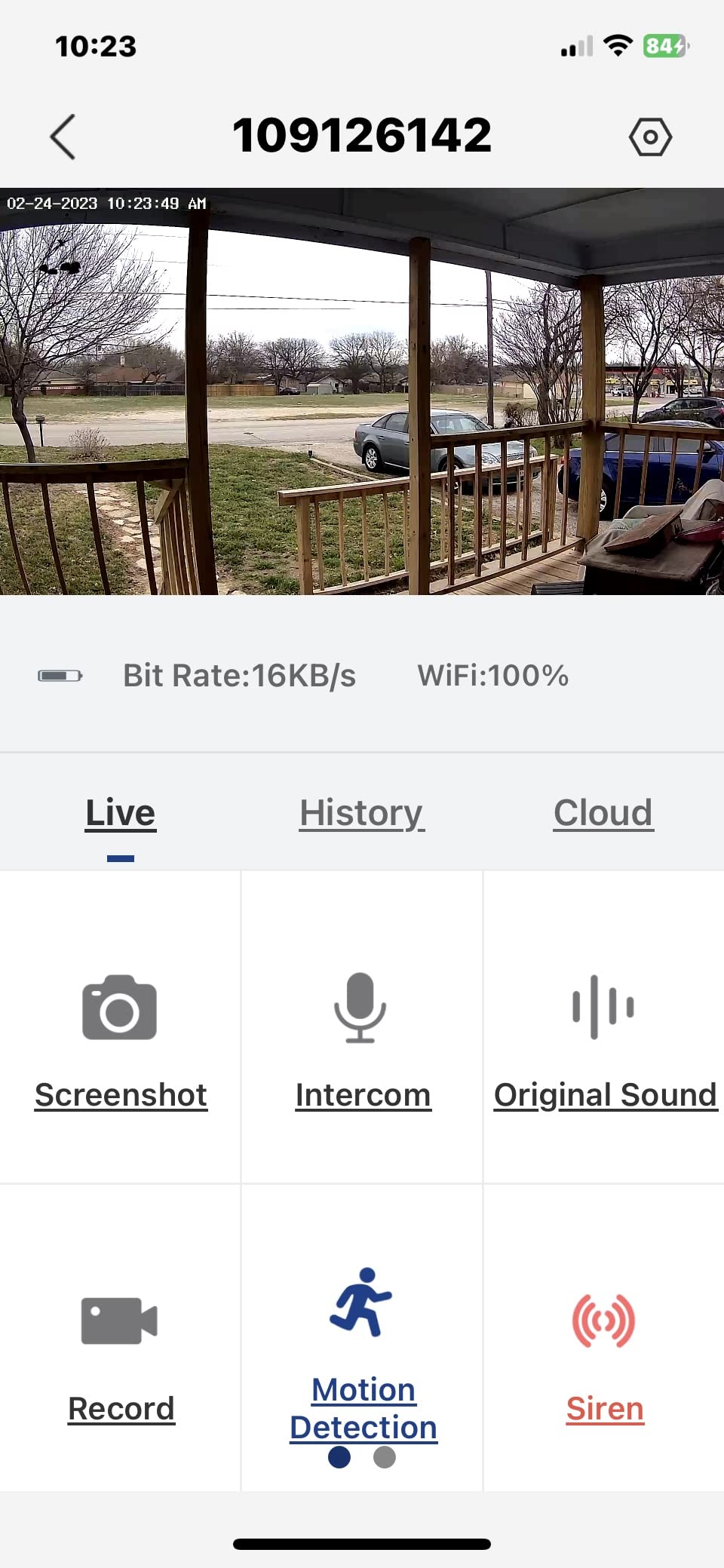
Sensor is 1080P with a 120-degree viewing angle and infrared night vision, plus PIR human detection with five levels of sensitivity and motion zone settings you can tighten for a corridor.
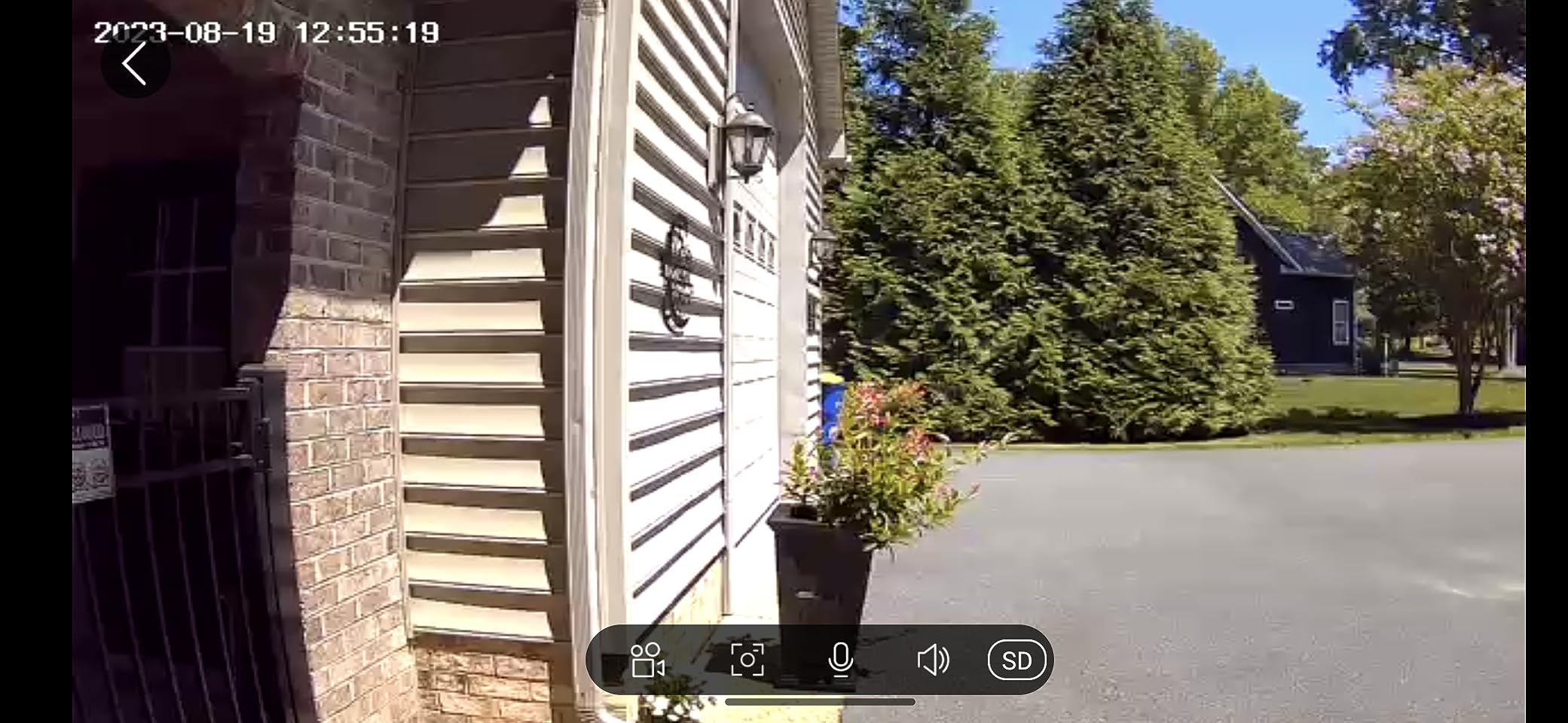
The app is the selling point here: multiple cameras and multiple users can be managed in one place, and motion alerts are largely instantaneous with good daytime picture quality. The indoor chime is loud enough to hear across a small apartment, which solves the silent-doorbell problem cheaply.
Reviewers are positive about the plug-and-play setup and about an app full of monitoring options for the money. Customer support also gets regular mention for responding quickly.
The 120-degree viewing angle is among the narrowest in this roundup, and that is a real limitation if someone stands at the edge of your door. Battery life varies widely, with some owners reporting only about ten days per charge, and the chime takes replaceable AAA batteries rather than being rechargeable or plug-in.
Where it fits an apartment
The narrow 120-degree angle is a liability outdoors but an advantage indoors. On an apartment door with a shared corridor outside, a tight frame makes it far easier to stay off your neighbours, and this model lets you set motion zones and sensitivity in five steps.
Several doorbells under one account is useful in a two-unit condo or a shared main entry, which is the workaround multifamily residents describe in home automation forums when there is only one entrance.
Where the compromises show
Video can be delayed by ten seconds or more, and clips are hard to locate in the app, so do not rely on this for anything time-critical. Battery consistency is the other weak point, and a door in an unheated hallway drains faster than the advertised multi-year figure suggests.
The supplied screws are reportedly weak and the adhesive can be hard to remove, which matters if you plan to take the unit off the door at move-out. Printed instructions are also very small, so budget five minutes for setup.
10. Arlo Video Doorbell 2K – Best for a Wide Hallway View
Arlo Video Doorbell 2K (2nd Gen) Wireless or Wired – 1-Cam
2K HDR video
180 degree field of view
Color night vision to 25 feet
IP65
Battery powered
Pros
- A very wide 180 degree field of view
- 2K HDR stays clear day and night
- Privacy zones and custom activity zones
- Works without a subscription for live viewing
- Excellent zero-delay two-way audio
Cons
- Battery is not swappable
- No wired option included in the box
- Records are not continuous
The Arlo 2K pairs a 180-degree field of view with 2K HDR head-to-toe video and color night vision to 25 feet, capturing a full-body view of anyone approaching from either side of a corridor.
For apartment residents, custom activity zones and privacy zones are the most important detail on this card. The privacy zone is the single most effective tool for making sure a wide lens does not sweep your neighbour’s door.
It works without a subscription for live streaming and basic alerts, and person, package, pet, and vehicle recognition is available. An Arlo Secure plan unlocks 60-day history and the full AI detection after the trial.
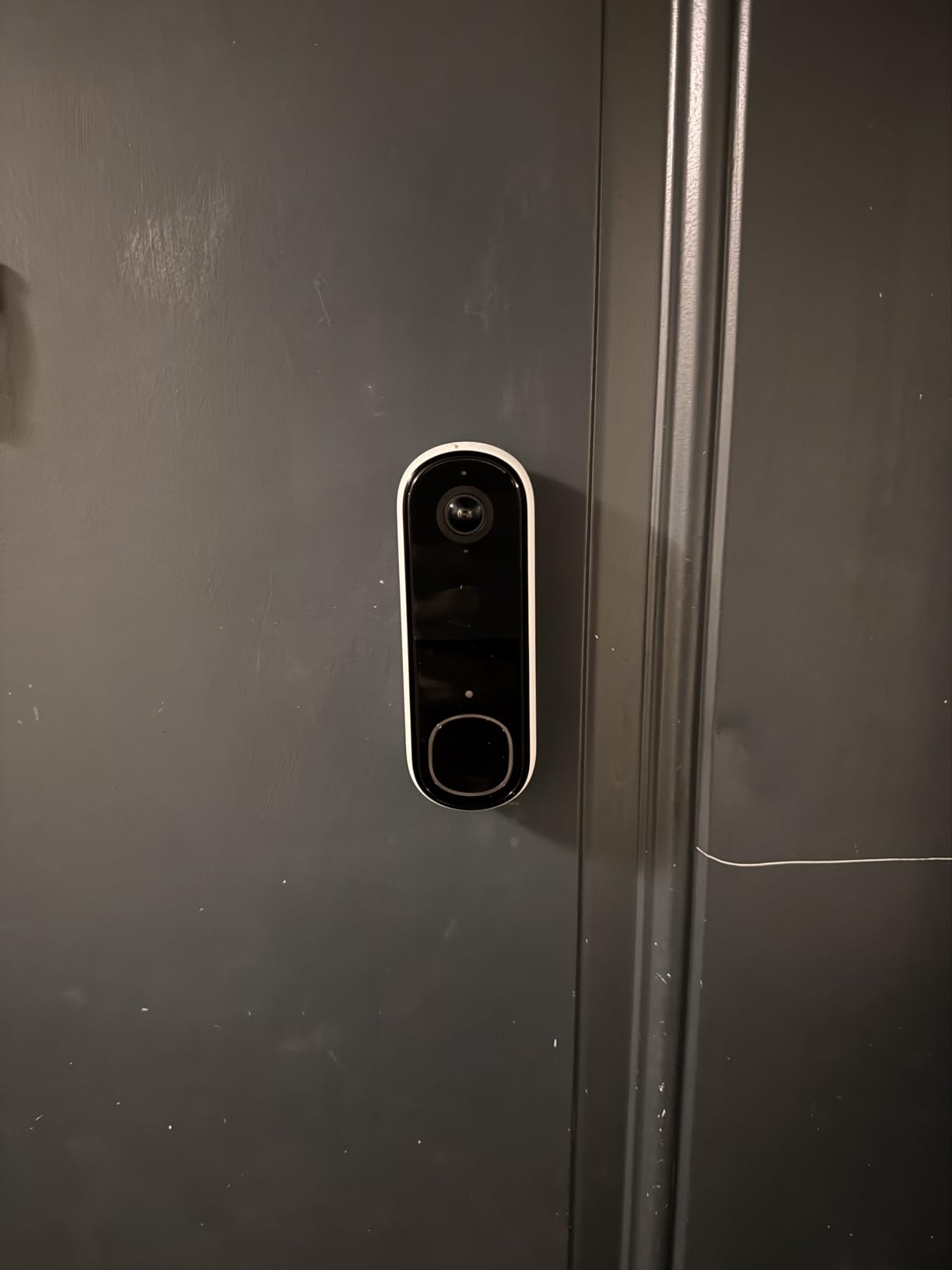
Two-way audio is excellent with no delay, which is praised repeatedly in reviews and is among the most natural-sounding conversations through the door in this group. Quick replies and video calls to your phone are also included, and there is a remote siren control.
Setup is quick and the unit is a normal, unobtrusive size at 1.45 by 1.85 by 5.63 inches. Ecosystem support is broad: Alexa, Apple Home, Google Home, SmartThings, and IFTTT all work.
The battery is not swappable, so the whole unit has to come off and be reattached to charge. No wired option is included in the box, meaning wiring must be bought separately if you want continuous power, and recording is not continuous.
Why the wide angle can be a feature
In a building where the corridor turns or the lift lobby sits to one side, 180 degrees is the difference between seeing who is there and seeing a slice of wall. Combined with 2K HDR, faces stay readable at the edges where narrower lenses lose them.
Privacy zones let you mask the exact wedge that covers a neighbour’s door. Set that zone before you move in, not after a neighbour knocks on your door.
Where the trade-off shows
A wide lens is a wide lens. Even with privacy zones, reviewers report difficulty finding a way to record without a high volume of motion notifications, and the hardware is subscription-gated for the features that reduce that volume.
Some buyers also report the product not working in certain countries. Check regional app and service support before buying if you are outside the main markets.
11. Wyze Battery Video Doorbell – Best for One-Minute No-Drill Setup
Wyze Battery Video Doorbell Wireless Camera, 1536×1536 HD+ with Color Night Vision, 2-Way Audio, 1:1 Head-to-Toe View, Person/Vehicle/Package Monitor, Wire-Free/Wired Option, 1 Minute Easy Setup
1536x1536 HD plus
150 by 150 head-to-toe view
Color night vision
microSD up to 256GB
Detachable USB-C battery
Pros
- 1:1 head-to-toe view shows packages at the door
- Starlight sensor gives clear color at night
- One-minute Bluetooth setup with no drilling
- microSD up to 256GB keeps recording local
Cons
- Battery recharge needed far more often than advertised
- No chime included
- Google Home integration is limited
The Wyze doorbell sets up quickly with no screws. Bluetooth instant setup gets you to a live feed in about a minute, and corner and flat back plates are included for angled or square doors.
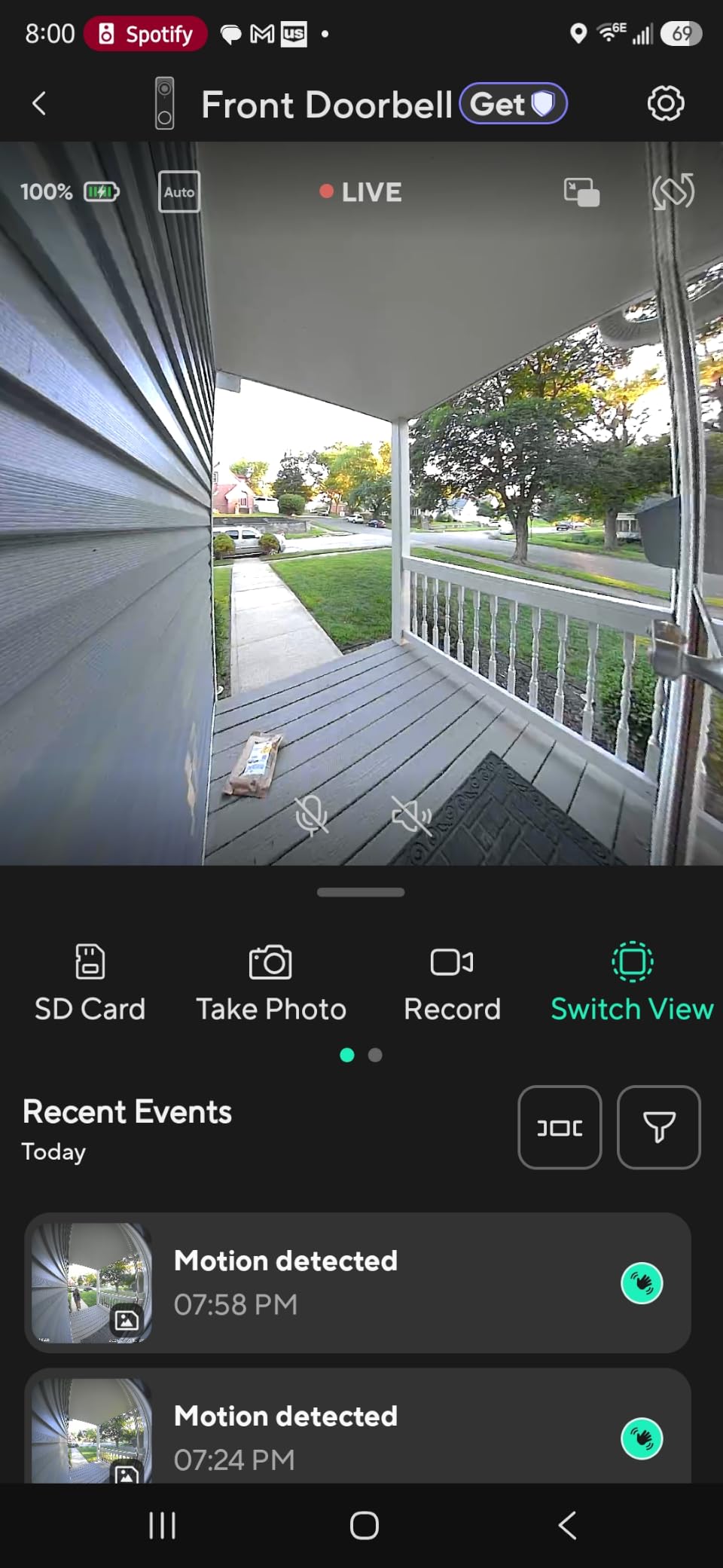
The square 150 by 150-degree field of view is a 1:1 head-to-toe perspective rather than the usual wide rectangle, so a parcel sitting right against your door is actually in frame. 1536×1536 HD+ video with a starlight sensor delivers clear color at night.
It is wire-free or hardwired, which means you can start on battery in a rental and move to continuous power later if the building ever allows it. The built-in USB-C battery detaches for charging, so the camera stays mounted while it tops up.
microSD support up to 256GB keeps recording local with no monthly fee, and with a card added and the unit hardwired you get 24/7 local recording. Tap-to-use auto-responses, person, vehicle, and package monitoring, and a voice deterrence prompt are all built in.
Reviewers report reliable WiFi even at 25 feet through a couple of walls, which is exactly the apartment scenario. Alexa, Google Assistant, and IFTTT are supported.
The dominant complaint is battery life. Owners report needing to recharge every two weeks in some cases, far short of the advertised six months, and without a microSD card only still images are stored unless you use a Cam Plus plan. No chime is included, so a Wyze chime has to be bought separately.
Why it suits a rental install
No screw needed is stated outright, and a corner plate is in the box, so you can mount on a door that does not belong to you and still aim the square view at your own threshold. That combination is hard to find elsewhere in this list.
The detachable USB-C battery also means you are not taking the camera off the wall to charge, which is the detail that decides whether a renter keeps using the device or gives up on it.
Where it falls short
Google Home integration is limited, and doorbell calls do not reach a Google Home display. If your building runs on Google Home, the Nest doorbell earlier in this list is the smoother fit.
There is no sound detection and limited accessibility features for blind users. USB-C power cannot be used while the unit is mounted, so charging requires the detachable battery. The chime being a separate purchase is the omission most renters notice first.
12. XTU 2K Wireless Doorbell Camera – Best for Adjustable Angles
XTU 2K Wireless Doorbell Camera with Chime, No Subscription, Alexa
2K HD
120 degree lens
IP65
128GB microSD
No-drill mount included
Pros
- No subscription needed
- Adjustable camera direction via multi-angle bracket
- Day and night clarity including fog and low light
- Bluetooth pairing in under 3 minutes
- Includes a wireless indoor chime
Cons
- Battery drains within a couple of days for some owners
- Motion detection unreliable near freezing
- Adhesive strips failed for some buyers
The XTU J10 is the pick for anyone whose door sits at an awkward angle to a shared hallway. The included multi-angle mounting bracket lets you adjust the camera direction after mounting, which is the single most useful thing you can do to keep a wide lens off a neighbour’s door.
No-drill options are offered two ways, with heavy-duty adhesive strips or corrosion-resistant screws, so you can choose based on what your door surface allows. Recording is subscription-free through microSD up to 128GB, though the card is not included.
Video is 2K HD with a 120-degree wide-angle lens and night vision to 33 feet, one of the longer night ranges here. Customizable motion sensitivity and detection zones use AI learning to reduce false alerts over time.
Bluetooth-assisted pairing takes under three minutes, and the app supports family sharing so a partner or housemate can be added directly. Two-way audio, a siren, and personalized 10-second voice messages are included along with a wireless indoor chime.
Reviewers like the value, the adjustable viewing angle, and the ability to record without paying anything monthly. Customer support is also called out for responding quickly and persistently.
The cold-weather problem is the one apartment residents notice. Reviewers report motion detection becoming unreliable near freezing and, for some, stopping entirely after less than a year. Battery can also drain within a couple of days for some owners over time.
Why angle control matters most here
Apartment corridors are rarely square to your door. A bracket that lets you pivot the camera after mounting is the difference between a clean shot of your own doorstep and a wide frame with a neighbour’s door in the corner.
Night vision to 33 feet also makes it one of the better options for a long, poorly lit hallway or an outdoor walkway where the person is still several steps away when they press the button.
Where it will disappoint
Notifications are described as incessant, and owners report that changing sensitivity does not reduce them as much as they would like. That is a bigger problem in a shared building where every passerby becomes an alert.
Sound quality in two-way audio is described as poor, and some buyers report the adhesive mounting strips failing with no alternative mount that fits their door. In an unheated stairwell, expect the detection reliability complaints to get worse before spring.
Why Renters Are Moving Off Ring
The short answer is that the useful parts of a Ring doorbell increasingly sit behind a plan, while the alternatives keep local recording permanently free. In r/homeautomation threads, renters consistently report switching for exactly those two reasons.
Look at where the gate sits. The Ring battery doorbell in this list streams live and sends real-time motion alerts for free, but clip history, rewind, and AI alert detail require Ring Protect. For a renter who wants to check one clip after a package goes missing, that is a poor trade.
The second reason is continuity. Several eufy and Google models record to built-in storage or a microSD card with no account and no plan, which means your footage does not disappear if you cancel an app, change phone, or stop paying attention for a month.
The third is battery and mechanical design. The Ring unit here has a detachable battery, which is a genuine improvement, but several cheaper rivals also use detachable packs, and a camera that goes dark while charging is a problem in a building where you cannot check the door twice a day.
None of this means Ring is a bad choice. If you already run Echo devices and want the smoothest app, it remains a reasonable pick. Just decide with your eyes open about which features the plan unlocks.
What to Look for in a Doorbell Camera for an Apartment
Start with the mount, because it is the only thing you cannot change later. Look for a no-drill adhesive option, a wedge or multi-angle bracket in the box, and a plate that lets you pivot the camera after it is stuck to the door. Our wireless video doorbell guide covers the power side of this in more depth.
Next, decide where the video lives. Local storage means a microSD card or built-in memory and no monthly bill. Cloud storage means more convenient sharing and longer retention, usually for a subscription. A tenant on a 12-month lease will usually come out ahead with local storage.
Power is the third filter. Battery-only means no wiring conversation and no transformer access needed, which suits almost every apartment. Wired gives continuous power and never goes dark, but it usually needs a transformer your landlord has to agree to install. Several picks here, including the aosu, the eufy E340, and the Wyze, accept either.
Field of view needs to match the architecture. A narrow lens like the Nest at 145 degrees or the XTU at 120 degrees is easier to keep off neighbours. A wide lens like the Arlo at 180 degrees sees more but needs a privacy zone set properly on day one.
WiFi is where apartment installs fail most often. Concrete walls and building mesh networks punish 2.4 GHz-only devices, and several picks in this list support dual-band. Test the signal at the door before you commit, and prefer a detachable battery so a weak signal does not also mean a dead camera.
Night performance matters in unlit corridors. Color night vision with an infrared or starlight sensor is far more useful than plain infrared in a stairwell, because you can tell a package courier from a neighbour at a glance. Check the stated night range against how far your corridor actually runs.
Chime support is the detail renters regret missing. If your building has no in-unit chime wiring, a visitor pressing the button makes no sound unless the doorbell ships with or supports an indoor chime. The Tapo D210 and BOIFUN J1 both include one; the Wyze does not.
Our general video doorbell roundup for home covers the wired and outdoor cases if you move from a flat to a house, and our portable dishwasher picks for apartments covers the other appliance most rental searches start with.
Move-Out Checklist: Taking the Doorbell Down Without Losing Your Deposit
The way you remove it matters more than the model. Photograph the door and frame before you install anything, and keep the original screws and any wall anchors in a small bag with your move-in paperwork.
Adhesive mounts are the main risk. Warm the strip with a hair dryer for thirty seconds before pulling, work the edge slowly, and never yank straight off, which is what leaves the crescent marks that cost people deposits.
Reset the device to factory settings before you hand it over or sell it, and remove any microSD card with your footage on it. Then send the landlord a short email confirming the door is back to its original condition and attaching the before photos.
If you used a wedge or angle bracket, note which orientation you chose and take a photo of it while it is still mounted. Recreating a camera angle on a reinstall is far harder than re-painting a small scuff.
Frequently Asked Questions
Can you put a doorbell camera in an apartment?
Usually yes. Check your lease for clauses on modifications and drilling, get written permission from your landlord or property manager, and angle the camera or use a privacy zone so it never records a neighbour’s door or a shared hallway. A camera deliberately aimed at another unit is a different legal problem from one pointed at your own doorstep.
Are doorbell cameras allowed in apartments?
In most cases a tenant may install a doorbell on their own door. The three conditions that decide whether it stays are the terms of your lease, written consent from the landlord, and whether the field of view stays off other people’s property and common areas.
Do you need landlord permission to install a Ring doorbell?
In most leases, yes. Exterior hardware and any drilling fall under modification and alteration clauses, so an email from the property manager naming your unit and the device is worth far more than a verbal yes. Keep that email for your move-out inspection.
Can I put a Ring doorbell on a rented property?
You can, provided your lease does not prohibit exterior hardware and you have written permission. A battery-powered model that mounts with the included adhesive or screws avoids wiring and transformer approval, which removes most of the objections a landlord raises.
Can I put a camera on my apartment door?
Yes, as long as it points at your own threshold. Use the privacy zones or an angled mount included with most models to mask a neighbour’s door and the common hallway, since a wide lens on a corridor door captures far more than the doorstep by default.
What is the best doorbell camera without a monthly fee?
Look for local storage: the aosu 5MP with 8GB built-in memory, the eufy E340 with 8GB of eMMC, the Tapo D210 with microSD up to 512GB, and the Wyze with microSD up to 256GB all record without a subscription. The Google Nest battery doorbell also runs its person and package detection with no plan attached.
Which Ring doorbell should I buy for my apartment?
For a rental, the battery model is the practical one because it needs no transformer and comes off the door cleanly. The current Ring Battery Doorbell 2K adds a Retinal 2K sensor and up to 6x Enhanced Zoom, which helps identify people at a distance in a long corridor. Budget for Ring Protect if you want clip history and rewind, since those are the features the plan unlocks.
Why are people ditching Ring doorbells?
The most common reason is that clip history, rewind, and AI alert detail sit behind a subscription while several rivals keep local recording permanently free. Renters also cite reliability of local storage, since their footage does not disappear if they change phone or stop using an app. Some prefer a wider ecosystem choice with Apple Home, Google Home, or no vendor account at all.
Conclusion
The aosu 5MP Ultra HD is the best smart doorbell for apartments overall, because 5MP head-to-toe video and 8GB of built-in local storage solve the two things apartment residents care about most: identifying whoever is outside and keeping a monthly bill out of the equation. It runs on battery or wired power, so it survives a rental where wiring is not an option.
If your budget is the deciding factor, the Blink system with the included Sync Module Core gives you a complete wire-free setup with a head-to-toe view. If you run Google Home, the Nest battery doorbell does person and package detection on the device with no subscription at all. And if packages on the mat are the problem you are solving, the eufy E340 is the only pick here with a second camera aimed at the ground.
Whichever one you choose, do the unglamorous work first: read the lease, get the permission in writing, set the privacy zones before the first delivery arrives, and check your WiFi signal at the door. Those three steps decide whether your new doorbell stays on your door for the whole lease or becomes a deposit problem at move-out.
As of 2026, all twelve models above were reviewed on renter suitability: no-drill mounting, storage cost, angle control, and how cleanly the unit comes off the door.