
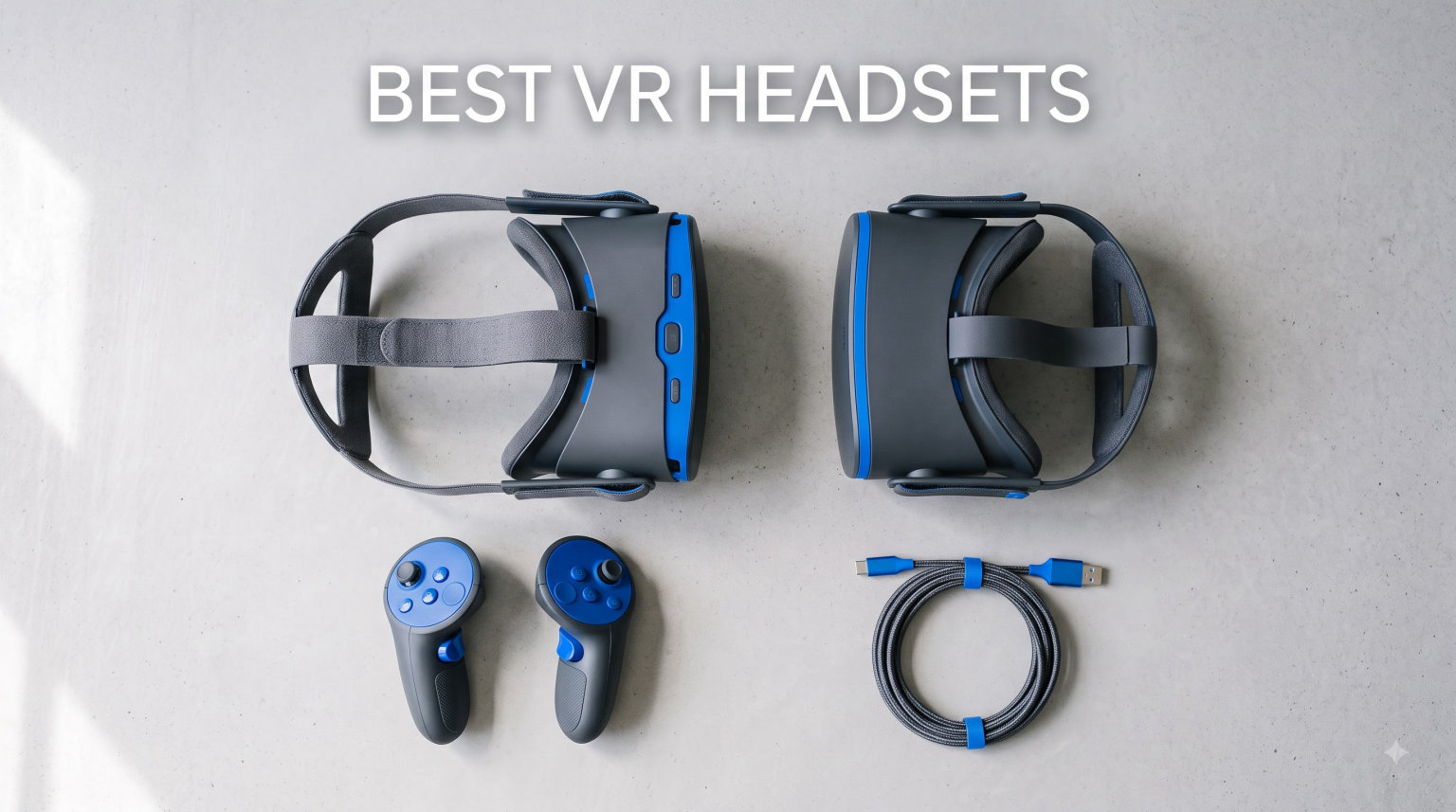
Virtual reality has come a long way since the days of bulky headsets and motion sickness warnings. In 2026, the best VR headsets deliver jaw-dropping visual clarity, wireless freedom, and immersive mixed reality experiences that blur the line between digital and physical worlds. Whether you want to climb virtual mountains, race Formula 1 cars, or watch movies on a massive virtual screen, there is a headset built for you.
Our team spent months testing 8 of the most popular VR headsets on the market right now. We played standalone games, streamed PC VR titles through wireless connections, tested sim racing setups, and wore each headset long enough to know exactly where it shines and where it falls short. The results surprised us in several ways.
The VR landscape in 2026 is dominated by Meta’s Quest family, but HTC and Pimax are pushing the boundaries of visual fidelity for serious PC VR enthusiasts. Standalone headsets have gotten so good that most people no longer need a gaming PC to enjoy premium VR. Meanwhile, tethered PC VR headsets are reaching resolutions that were unthinkable just a few years ago, with models like the Pimax Crystal Super hitting 3840×3840 per eye.
In this guide, we break down the best VR headsets across every price point and use case. From the budget-friendly Meta Quest 2 at under $260 to the ultra-premium Pimax Crystal Super designed for hardcore flight sim and racing enthusiasts, we cover what matters most: display quality, tracking accuracy, comfort during long sessions, software ecosystem, and real-world value. Let us help you find the right headset for your needs and budget.
Top 3 Picks for Best VR Headsets in September
Best VR Headsets in 2026
| Product | Specifications | Action |
|---|---|---|
 Meta Quest 3 512GB Meta Quest 3 512GB |
|
Check Latest Price |
 Meta Quest 3S 128GB Meta Quest 3S 128GB |
|
Check Latest Price |
 Meta Quest 2 128GB Meta Quest 2 128GB |
|
Check Latest Price |
 Meta Quest Pro Meta Quest Pro |
|
Check Latest Price |
 HTC Vive XR Elite HTC Vive XR Elite |
|
Check Latest Price |
 HTC Vive Focus Vision HTC Vive Focus Vision |
|
Check Latest Price |
 Pimax Crystal Super Pimax Crystal Super |
|
Check Latest Price |
 Pimax Crystal Light Pimax Crystal Light |
|
Check Latest Price |
1. Meta Quest 3 512GB – Best Overall VR Headset
Meta Quest 3 512GB | Virtual Reality — VR Headset — Gorilla Tag Bundle
512GB Storage
4K+ Infinite Display
Snapdragon XR2 Gen 2
8GB RAM
120Hz Refresh
Pros
- Sharp 4K+ resolution with nearly 30% leap over Quest 2
- Snapdragon XR2 Gen 2 doubles graphical processing power
- Full-color mixed reality passthrough with dual RGB cameras
- Wireless standalone freedom with 512GB storage
- 120Hz refresh rate for ultra-smooth gameplay
Cons
- Battery limited to roughly 2 hours
- Standard head strap uncomfortable for extended sessions
- Front-heavy balance may need counterweight
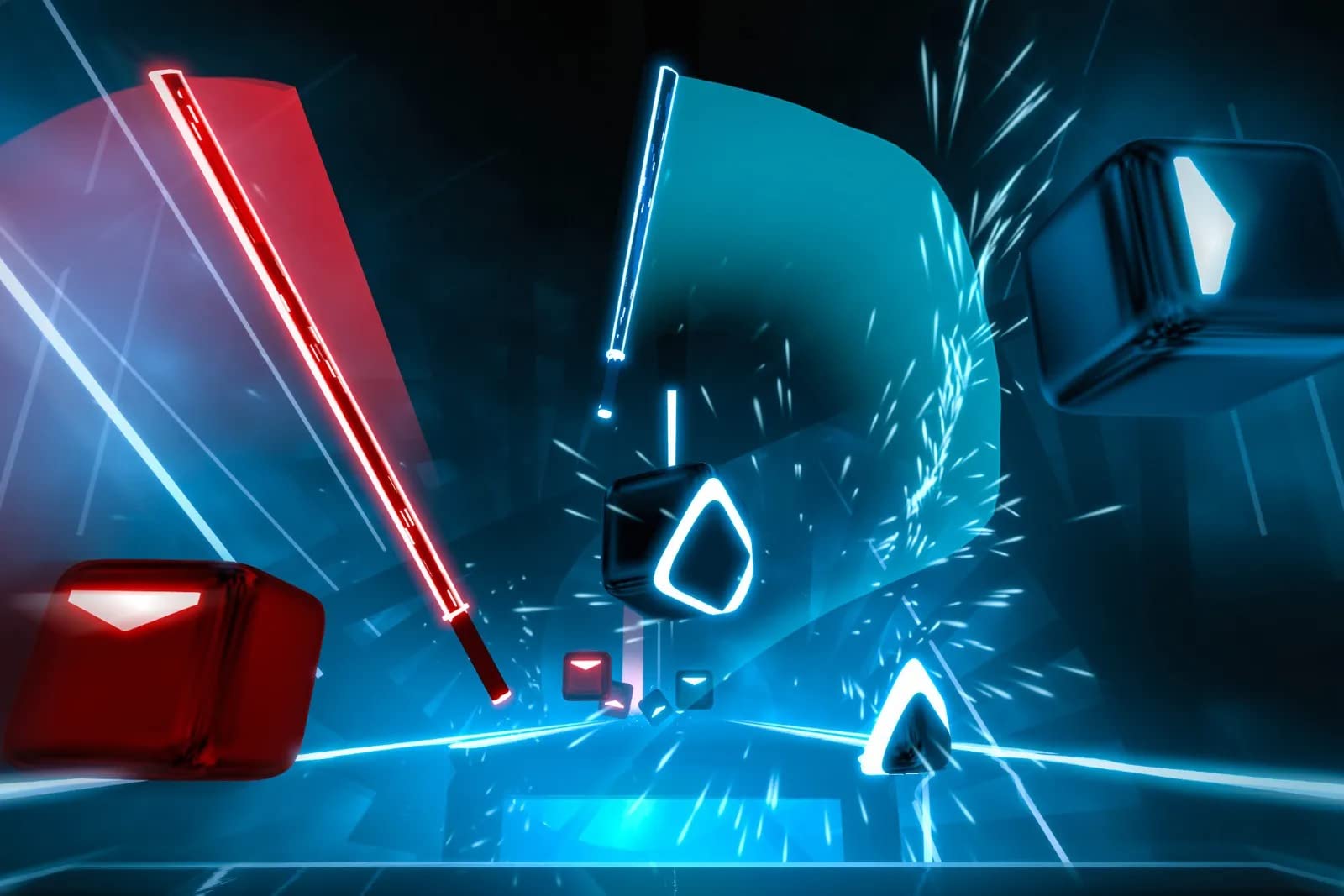
I have been using the Meta Quest 3 as my daily driver for VR gaming and productivity for several months now, and it has completely replaced my older headsets. The 4K+ Infinite Display is the first thing that hits you when you put it on. Text is crisp, environments are detailed, and the nearly 30% resolution leap over the Quest 2 is immediately noticeable in games like Beat Saber and Asgard’s Wrath 2.
The Snapdragon XR2 Gen 2 processor is a genuine generational jump. Games load faster, textures look sharper, and frame rates stay rock-solid even in demanding titles. With 8GB of RAM under the hood, multitasking between games and apps feels effortless. The 512GB storage capacity means you will not be deleting games to make room anytime soon.
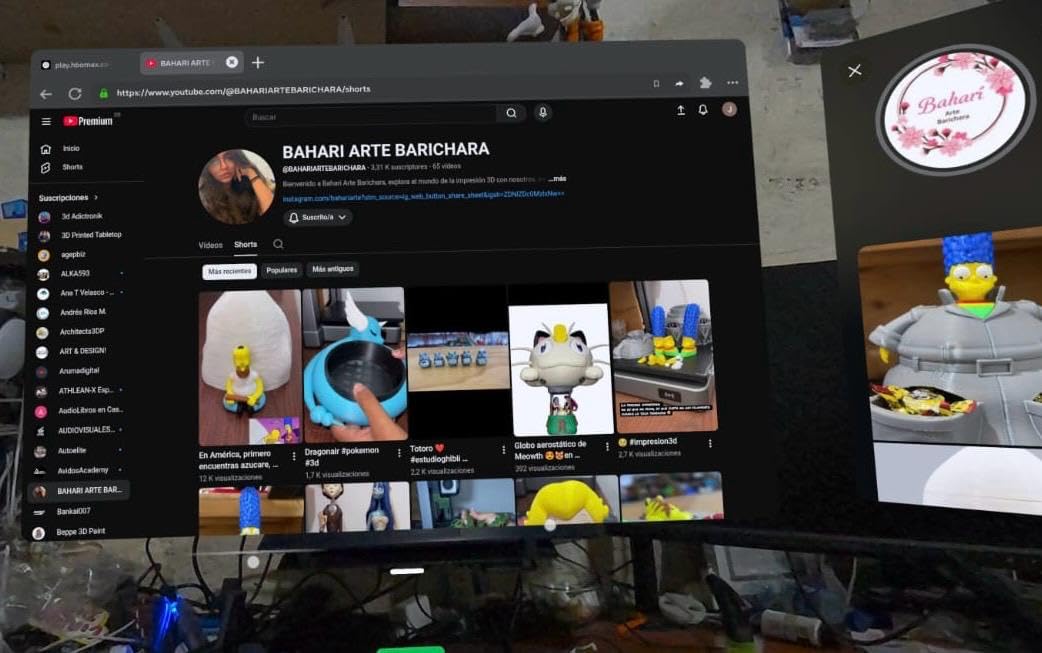
What sets the Quest 3 apart from every other standalone headset is the mixed reality experience. The dual RGB color cameras deliver full-color, high-fidelity passthrough that lets you see your real surroundings while virtual objects sit naturally in your space. Playing games like First Encounters, where aliens break through your actual walls, is an experience you cannot get on any other headset at this price.
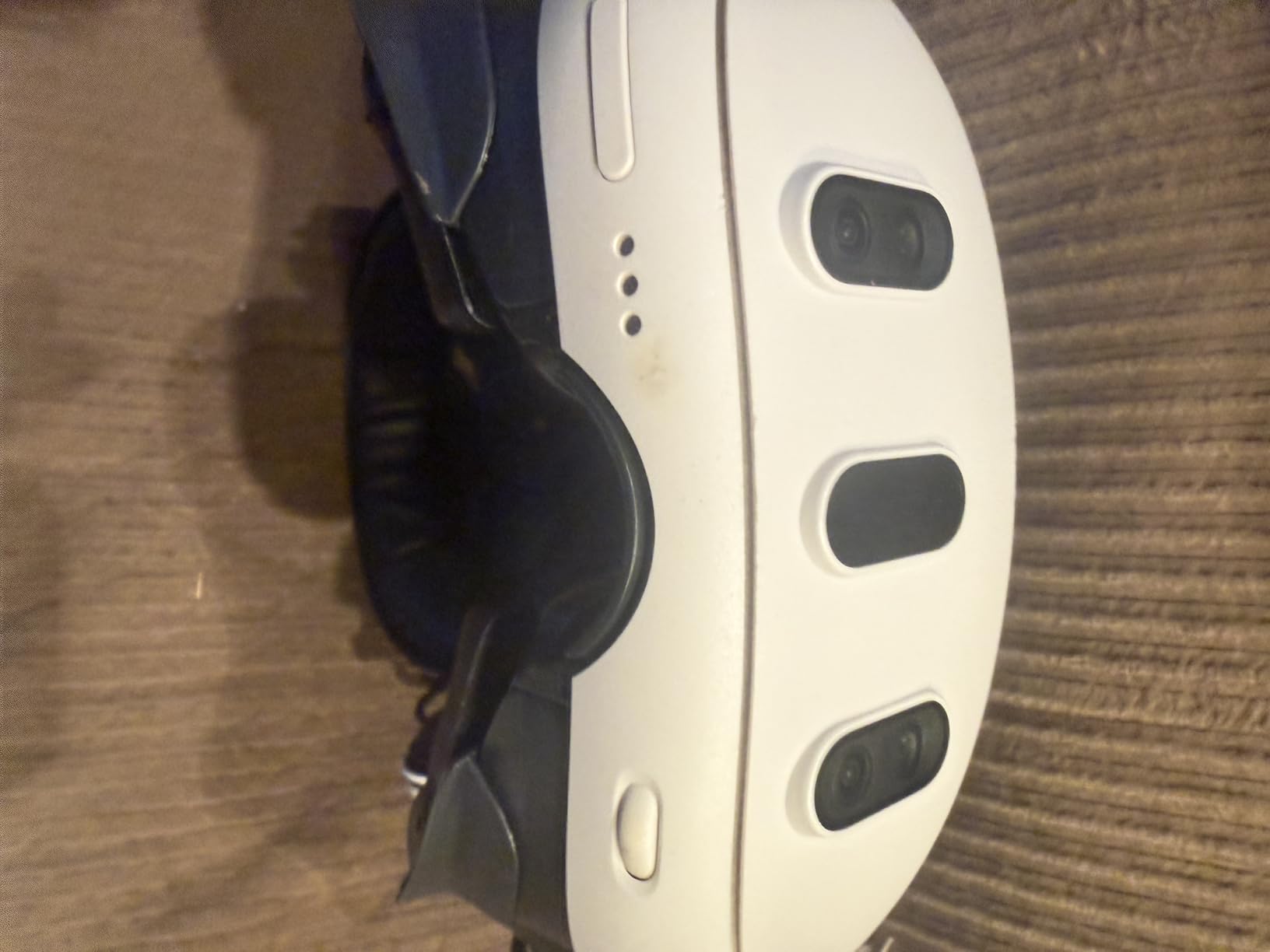
The wireless freedom is what makes this the best VR headset for most people. There is no PC required, no cables to trip over, and no base stations to mount. You just put it on and play. When you want PC VR quality, Air Link and Virtual Desktop let you stream SteamVR games wirelessly over Wi-Fi 6E with surprisingly low latency. I played through Half-Life: Alyx entirely wirelessly and the experience was nearly indistinguishable from a wired connection.
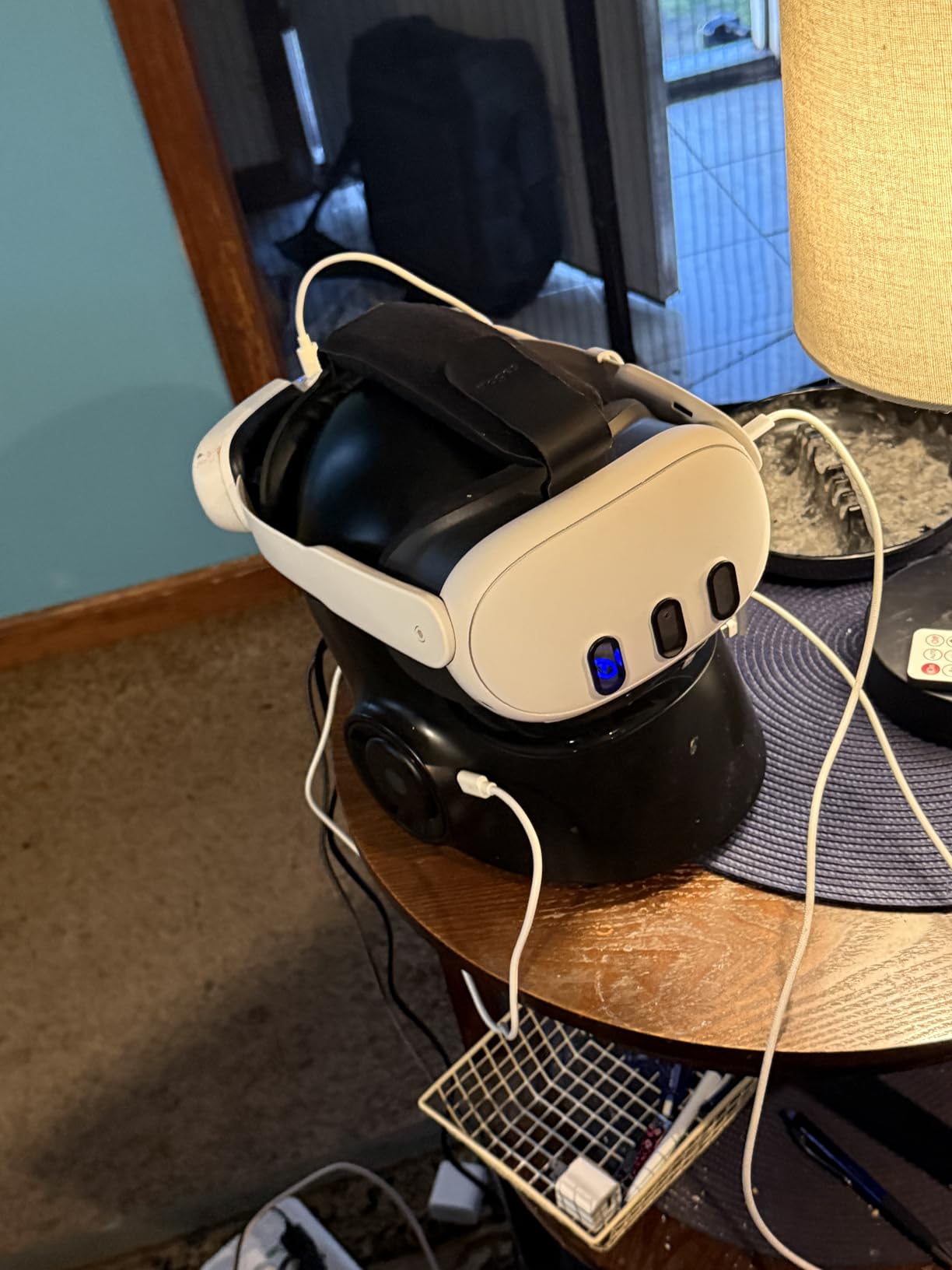
The main drawback is comfort. At 400 grams, the headset is not heavy, but the weight distribution leans forward. After about 90 minutes, I found myself wanting a break. The cloth strap is functional but not great for long sessions. Most serious Quest 3 owners end up buying an aftermarket halo strap, which adds cost but transforms the comfort. Battery life at roughly 2.2 hours is standard for standalone headsets, but it does mean you need to plan charging around your play sessions.
The 120Hz refresh rate is a meaningful upgrade over the Quest 2’s 90Hz. Fast-paced games feel smoother and motion sickness is less of an issue. The Touch Plus controllers are comfortable and responsive, with excellent tracking thanks to the inside-out camera system. Hand tracking has also improved significantly, and I regularly use it for navigating menus without picking up controllers.
Who Should Buy the Meta Quest 3
This is the headset I recommend to 80% of people asking me which VR headset to buy. If you want the best all-around VR experience without needing a gaming PC, the Quest 3 is unmatched. It handles standalone gaming, mixed reality apps, fitness workouts, social VR platforms, and wireless PC VR streaming all in one package.
The 512GB model is ideal for users who download large games like Asgard’s Wrath 2, walk-around experiences, and plenty of indie titles. If you stream most of your PC VR content, the 256GB version may suffice, but power users will appreciate the extra space.
PC VR Streaming Quality Over Wi-Fi
One thing I want to highlight is how well the Quest 3 handles wireless PC VR. With a Wi-Fi 6E router and a decent gaming PC, I consistently get near-lossless quality through Virtual Desktop. The key is having a dedicated 6GHz band for the headset. On a standard Wi-Fi 6 router, you may experience occasional compression artifacts in fast-moving scenes, but it remains very playable.
If you plan to use the Quest 3 primarily for PC VR, invest in a good router. The community consensus on Reddit’s r/virtualreality confirms that router quality is the single biggest factor in wireless streaming performance.
2. Meta Quest 3S 128GB – Best Value Standalone VR
Meta Quest 3S 128GB | Virtual Reality — VR Headset — Gorilla Tag Bundle
128GB Storage
Snapdragon XR2 Gen 2
8GB RAM
Mixed Reality
60Hz LCD
Pros
- Same Snapdragon XR2 Gen 2 processor as Quest 3
- Mixed reality passthrough at a budget price
- Excellent value for first-time VR users
- Wireless standalone experience
- 8GB RAM for smooth performance
Cons
- Lower resolution LCD display compared to Quest 3
- 128GB storage fills up quickly
- 60Hz refresh rate noticeably lower than Quest 3
The Meta Quest 3S is the smartest purchase in VR right now if you are watching your budget. I tested it side by side with the Quest 3, and the processor performance is identical. The Snapdragon XR2 Gen 2 chip, 8GB of RAM, and mixed reality cameras are all here. You get the same game library, the same wireless freedom, and the same software updates for significantly less money.
What you give up is display quality. The Quest 3S uses an LCD panel with 1832×1920 resolution per eye compared to the Quest 3’s OLED-quality 4K+ display. In practice, this means slightly less sharp visuals and grayer blacks. The 60Hz refresh rate is also a step down from the Quest 3’s 120Hz. For casual gamers and first-time VR users, these differences are noticeable but not dealbreakers.
I handed the Quest 3S to several friends who had never tried VR before, and every single one was blown away. When you do not have the Quest 3 sitting next to it for comparison, the 3S delivers a genuinely impressive experience. Mixed reality passthrough works exactly the same, games load at the same speed, and the controller tracking is identical.
The 128GB storage is the real limitation here. Modern VR games can be 5-15GB each, so you will be managing storage carefully. If you mostly play shorter experiences or stream PC VR content, 128GB is workable. But if you want to download a library of AAA standalone titles, you will run out of space fast.
Battery life came in at about 2.5 hours in my testing, which is slightly better than the Quest 3. The adjustable headband is lightweight, but I experienced the same front-heavy balance issue. The face padding can get warm and sweaty during intense sessions, which is a common complaint across standalone headsets. A silicone cover solves this for about $15.
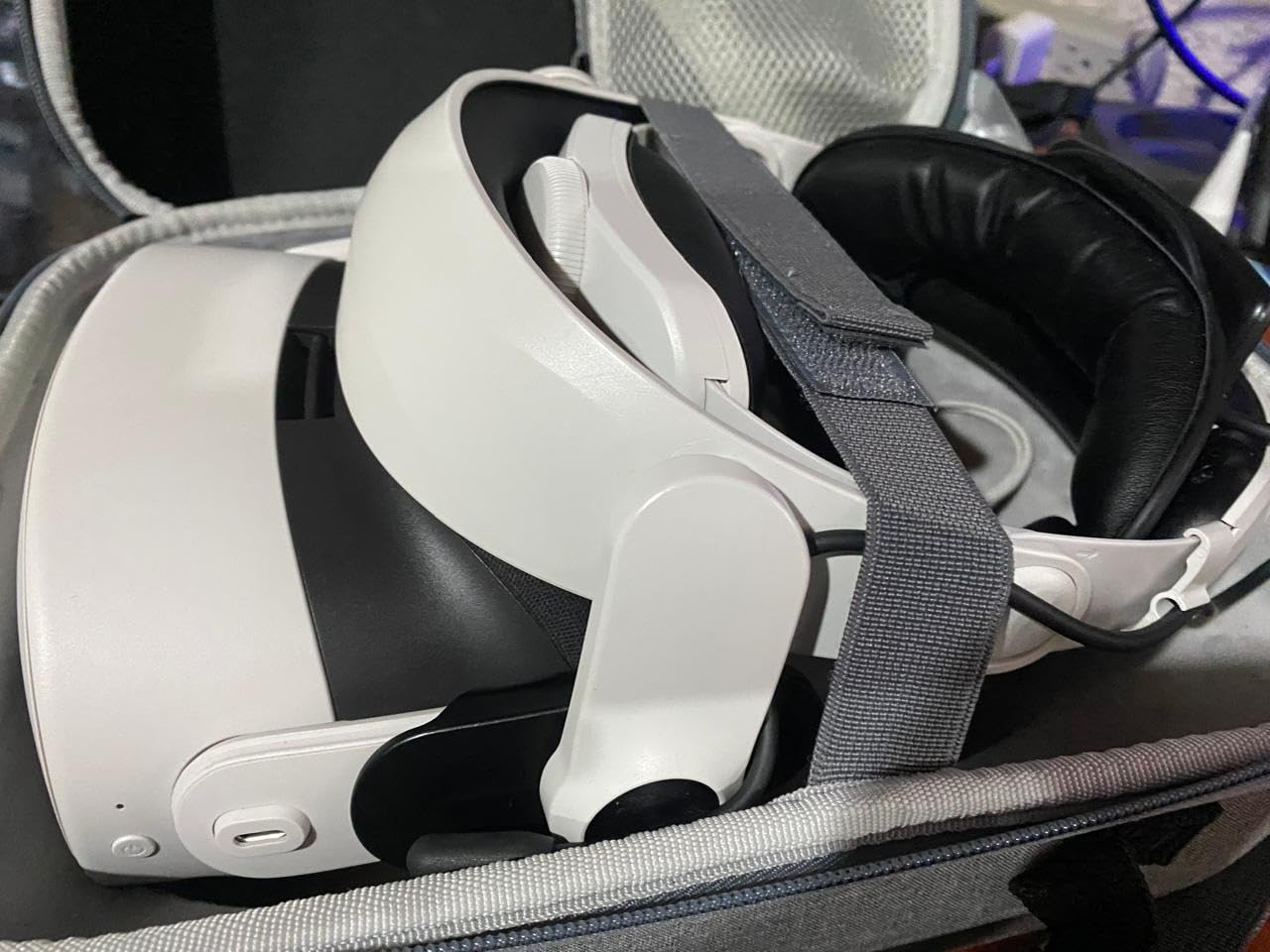
Quest 3S vs Quest 3: Which Should You Buy
This is the question I get most often. If you are buying your first VR headset and want to keep costs low, the Quest 3S is the obvious choice. You get 90% of the Quest 3 experience for roughly half the price. The processor, mixed reality, and wireless capabilities are identical.
If display quality matters to you, particularly for watching movies, reading text, or playing visually rich games, the Quest 3 is worth the extra cost. The OLED display and 120Hz refresh rate make a noticeable difference in immersion. I also recommend the Quest 3 for anyone who suffers from motion sickness, as the higher refresh rate helps.
Best Games to Start With on Quest 3S
The Quest store has over 500 titles, which can be overwhelming for newcomers. I recommend starting with Beat Saber for fitness, Superhot VR for puzzle-action, Walkabout Mini Golf for relaxation, and Population: One if you want a battle royale experience. The included 3-month Meta Horizon+ trial gives you access to over 100 games, which is a fantastic way to explore before committing to purchases.
3. Meta Quest 2 128GB – Best Budget VR Headset
Meta Quest 2 — Advanced All-In-One Virtual Reality Headset — 128 GB
128GB Storage
1832x1920 Per Eye
90Hz LCD
3D Positional Audio
Hand Tracking
Pros
- Outstanding value at the lowest price point
- Massive 500+ game library
- 4.7 rating from 74
- 000+ reviews
- Wireless standalone with easy setup
- 3D positional audio and hand tracking
Cons
- LCD display with grayish blacks
- Battery life around 2 hours
- Requires Meta account
- Standard strap uncomfortable for long play
The Meta Quest 2 has been the gateway drug to VR for millions of people, and it remains the best budget VR headset you can buy in 2026. With a 4.7 rating from over 74,000 reviews, this is the most reviewed and highest-rated VR headset on the market. Even with the Quest 3 and 3S available, the Quest 2 continues to sell because it simply works.
I still keep a Quest 2 in my office for quick demo sessions with friends and colleagues. The 1832×1920 per eye resolution is not as sharp as newer headsets, but it is perfectly serviceable for the vast majority of VR games. The 90Hz refresh rate keeps motion smooth, and the 3D positional audio is surprisingly good for built-in speakers.
What makes the Quest 2 special is the sheer size of its game library. With over 500 titles available, there is something for everyone. Fitness apps like Supernatural and FitXR, social platforms like VRChat and Rec Room, puzzle games, horror experiences, rhythm games, and full AAA adventures. The ecosystem is mature and well-supported.
At 1.8 pounds, the Quest 2 is slightly heavier than the Quest 3, but the weight distribution is actually better in my experience. The cloth strap distributes weight more evenly across the head. However, the LCD display produces grayish blacks instead of true black, which is noticeable in dark games and movie watching. This is the trade-off for the lower price.
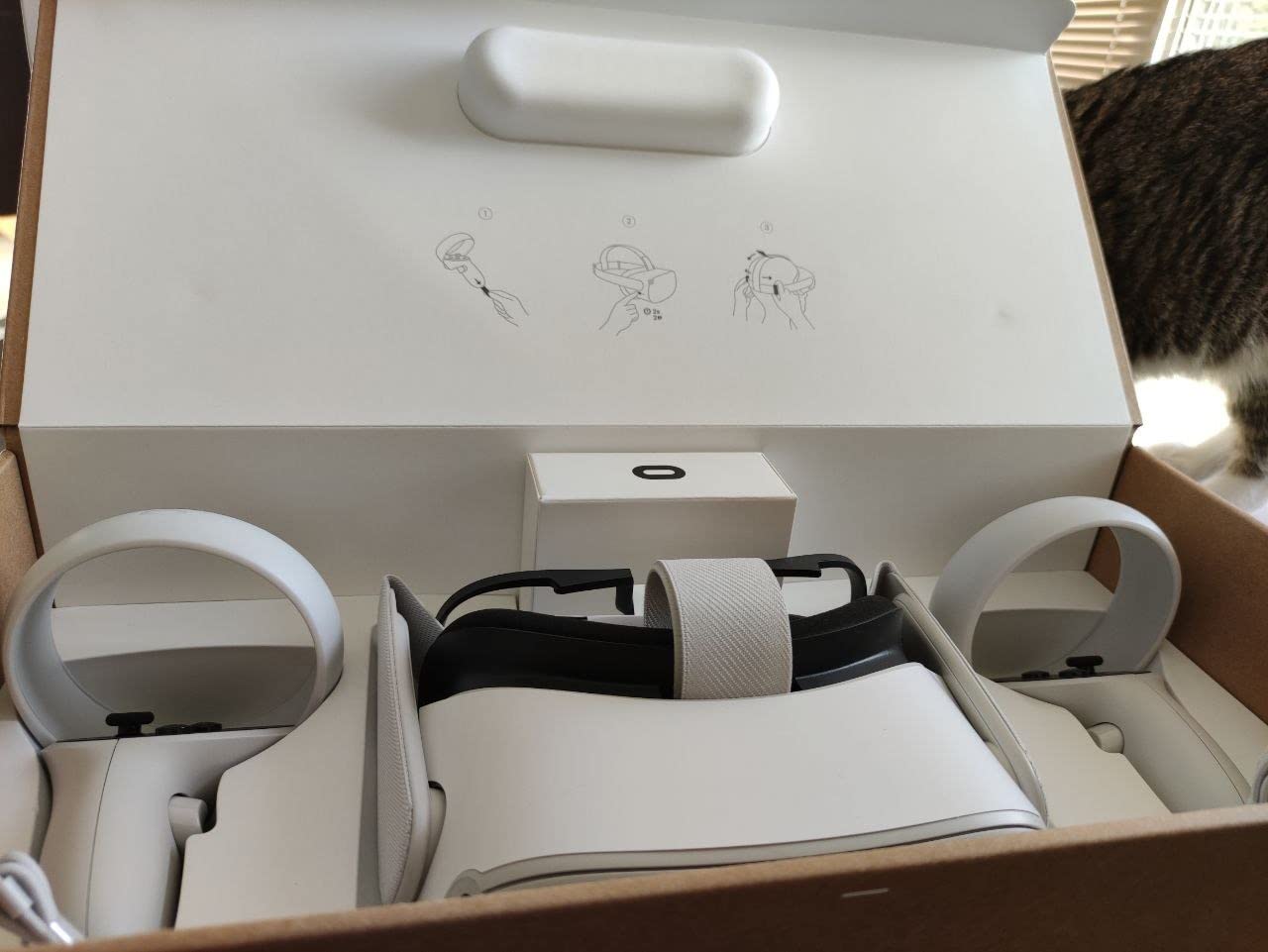
Battery life is the biggest weakness. I consistently get about 2 hours of playtime before needing to charge. A power bank attached to the back of the strap can double this, and it also helps balance the weight. Setup is genuinely easy: charge it, put it on, follow the on-screen instructions, and you are playing within 10 minutes.
The Quest 2 also works with PC VR via Air Link, Virtual Desktop, or a USB-C link cable. I have streamed SteamVR games from my gaming PC with excellent results. This means even budget-conscious buyers can access premium PC VR titles like Half-Life: Alyx, Boneworks, and Microsoft Flight Simulator.
Is the Quest 2 Still Worth Buying in 2026
Absolutely. The Reddit community consistently recommends the Quest 2 as the best entry point for VR beginners. It has the largest user base, which means more multiplayer lobbies, more community support, and more troubleshooting resources. At its current price, it is the cheapest way to get a legitimate, full-featured VR experience.
The main reason to skip the Quest 2 and go for the 3S is mixed reality. The Quest 2 has no color passthrough, so you cannot see your real environment while wearing it. If mixed reality apps are important to you, spend the extra money for the 3S. Otherwise, the Quest 2 remains a fantastic value.
Long-Term Durability and Support
Meta has committed to supporting the Quest 2 with software updates through at least 2026, and the game library continues to grow. I have had my unit for over two years with no hardware issues. The most common repair needed is replacing the face padding, which wears out after 6-12 months of regular use. Aftermarket silicone covers cost about $10 and last much longer.
4. Meta Quest Pro – Best Premium Mixed Reality Headset
Meta Quest Pro
256GB Storage
12GB RAM
Pancake Lenses
10 Sensors
Touch Pro Controllers
Pros
- Pancake lenses deliver excellent visual clarity
- Premium counter-balanced ergonomics
- 12GB RAM for multitasking
- Advanced sensors with eye and face tracking
- Touch Pro controllers with self-tracking cameras
Cons
- High price point with mixed value perception
- 3.8 rating suggests quality concerns
- Heavy at 879 grams
- Not Prime eligible
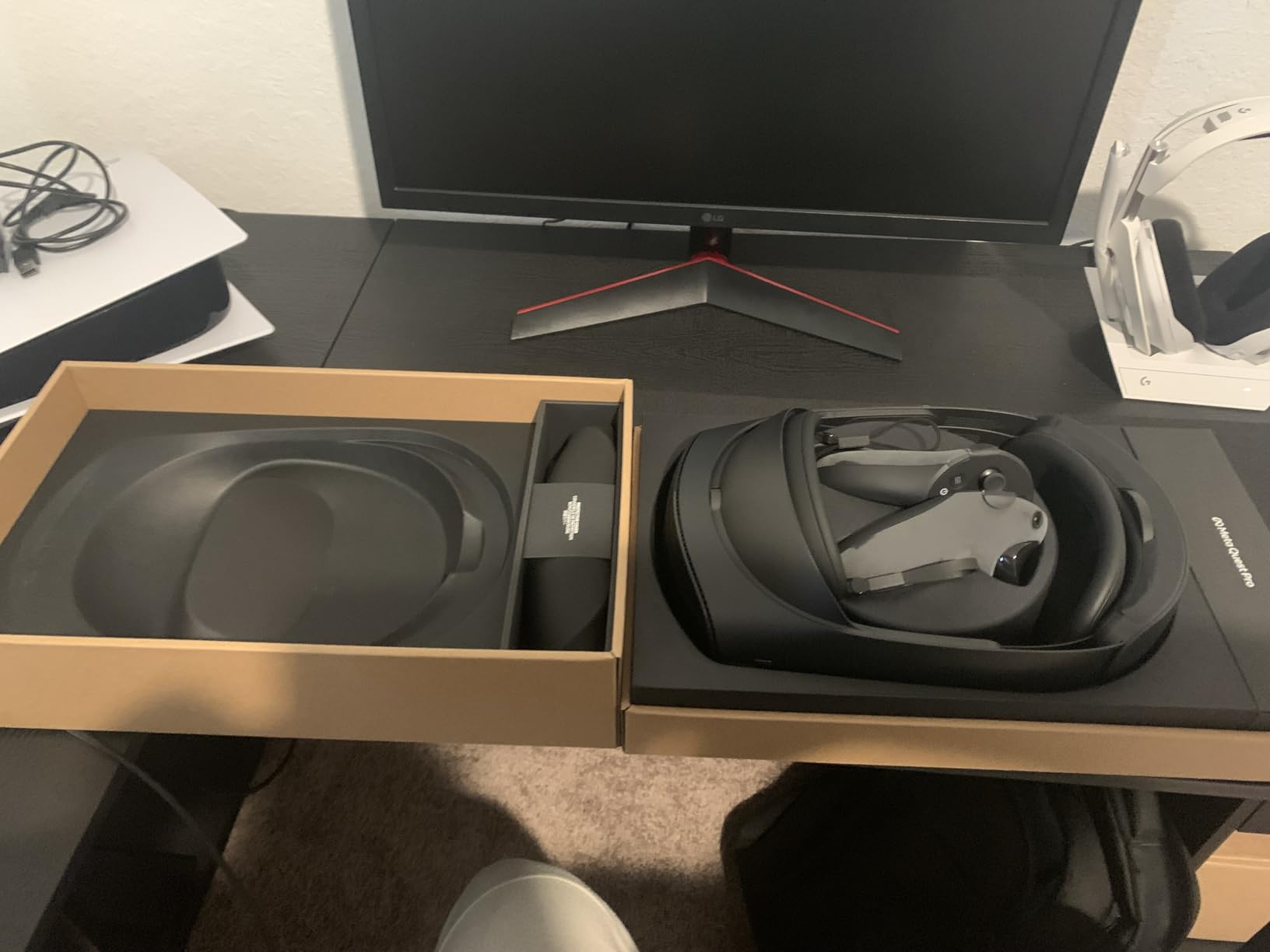
The Meta Quest Pro was designed as a productivity-focused headset that bridges work and play. I tested it extensively for both gaming and virtual workspace applications, and it is a fascinating piece of hardware that occupies an unusual position in the market. The pancake lenses are the standout feature, providing excellent edge-to-edge clarity that the Fresnel lenses on older headsets simply cannot match.
With 12GB of RAM, the Quest Pro handles multitasking better than any other standalone headset. I was able to keep multiple browser windows open in Horizon Workrooms while running a virtual meeting, and everything stayed responsive. The 256GB storage gives you plenty of room for both work apps and games. The 10 advanced sensors include eye tracking and face tracking, which power Meta Avatars with real-time natural expressions.
The Touch Pro Controllers are the best controllers Meta has ever made. Each one has self-tracking cameras, meaning they do not rely on the headset’s cameras for position tracking. This results in more precise tracking, especially when your hands are behind your back or out of view of the headset. Multi-point advanced haptics provide nuanced feedback that adds immersion.
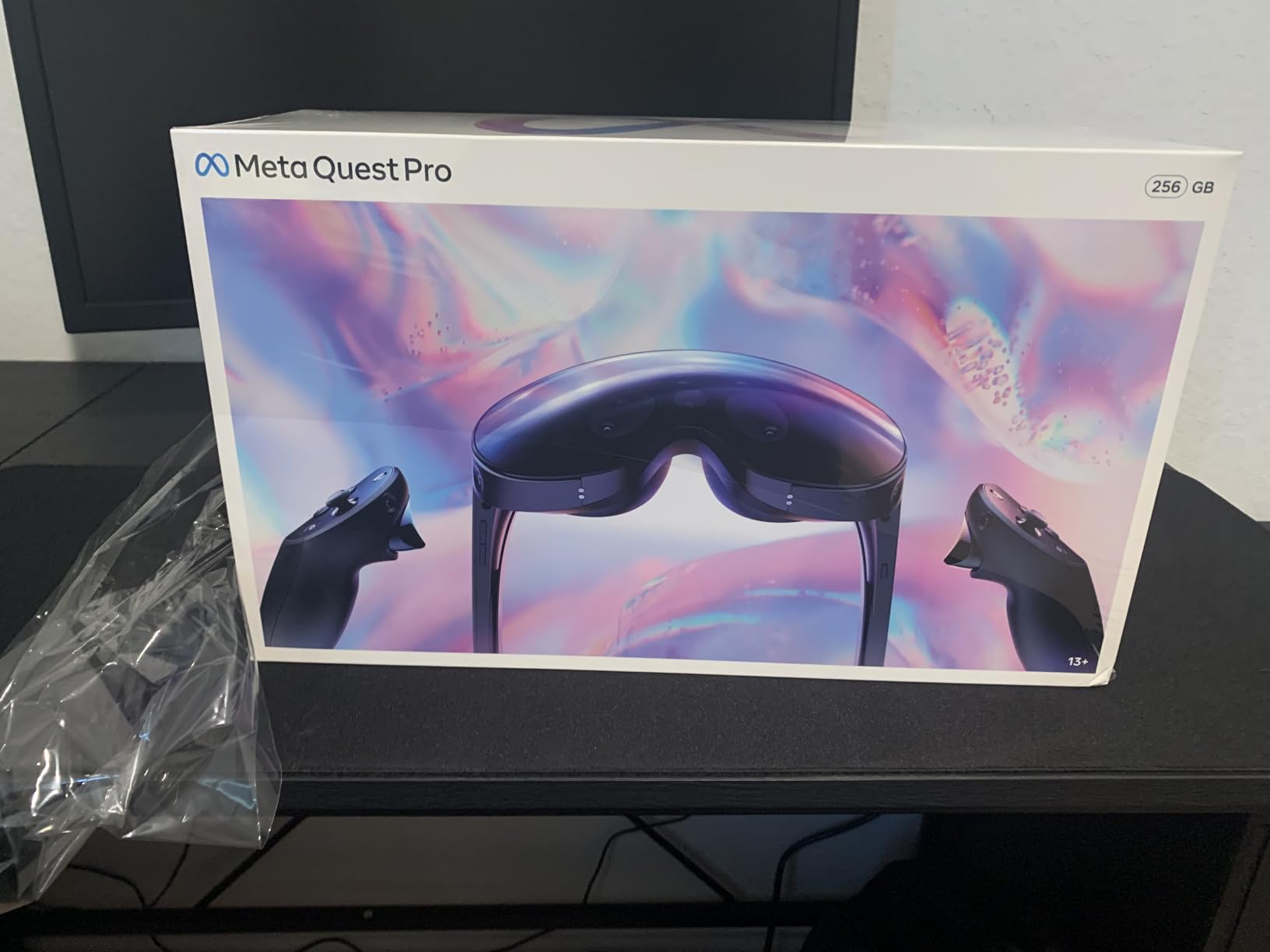
However, the Quest Pro’s 3.8 rating tells a story. Many users feel the price does not justify the upgrade from Quest 3, which offers most of the same features for less. The headset is heavy at 879 grams, and while the counter-balanced design helps, it is noticeably heavier on your face than the Quest 3. The 106-degree field of view is also narrower than I expected from a premium headset.
The full-color mixed reality passthrough is excellent, comparable to the Quest 3. I used it for placing virtual screens around my office and interacting with 3D models, and the experience was smooth and convincing. The spatial audio is clear, though serious audiophiles will want to use their own headphones via Bluetooth.
Who Is the Quest Pro Actually For
The Quest Pro makes the most sense for professionals who use VR for work. If you spend hours in virtual meetings, collaborate on 3D designs, or need the best avatars for social VR, the eye and face tracking features are genuinely valuable. For pure gaming, the Quest 3 offers a better experience at a lower price.
I also recommend the Quest Pro for developers who need to test mixed reality applications with advanced tracking. The 10 sensors and self-tracking controllers provide a development platform that no other standalone headset can match.
Comfort During All-Day Use
The counter-balanced design with the battery positioned at the back does help with weight distribution compared to front-heavy headsets. However, 879 grams is still heavy. I found it comfortable for about an hour before needing a break. The premium face padding is a step up from the Quest 2 and 3, but it still gets warm during extended sessions.
5. HTC Vive XR Elite – Best Versatile PC and Standalone VR
HTC Vive XR Elite with Deluxe Pack — Mixed Reality and PC VR Headset + Controllers
128GB Storage
3840x1920 Resolution
110-Degree FOV
Hot-Swap Battery
Inside-Out Tracking
Pros
- High resolution 3840x1920 combined display
- Base station-free inside-out tracking
- Hot-swappable battery for extended play
- Stepless IPD and diopter adjustments
- Works as both standalone and PC VR
Cons
- Only 75 reviews suggests low popularity
- Heavy at 5.91 pounds
- Limited standalone content library
- Not Prime eligible
The HTC Vive XR Elite is a headset that refuses to be boxed into a single category. I tested it as both a standalone device and a PC VR headset, and it handles dual duties better than almost anything else on the market. The 3840×1920 combined resolution delivers 19 pixels per degree, which produces sharp visuals whether you are playing standalone games or streaming from a PC.
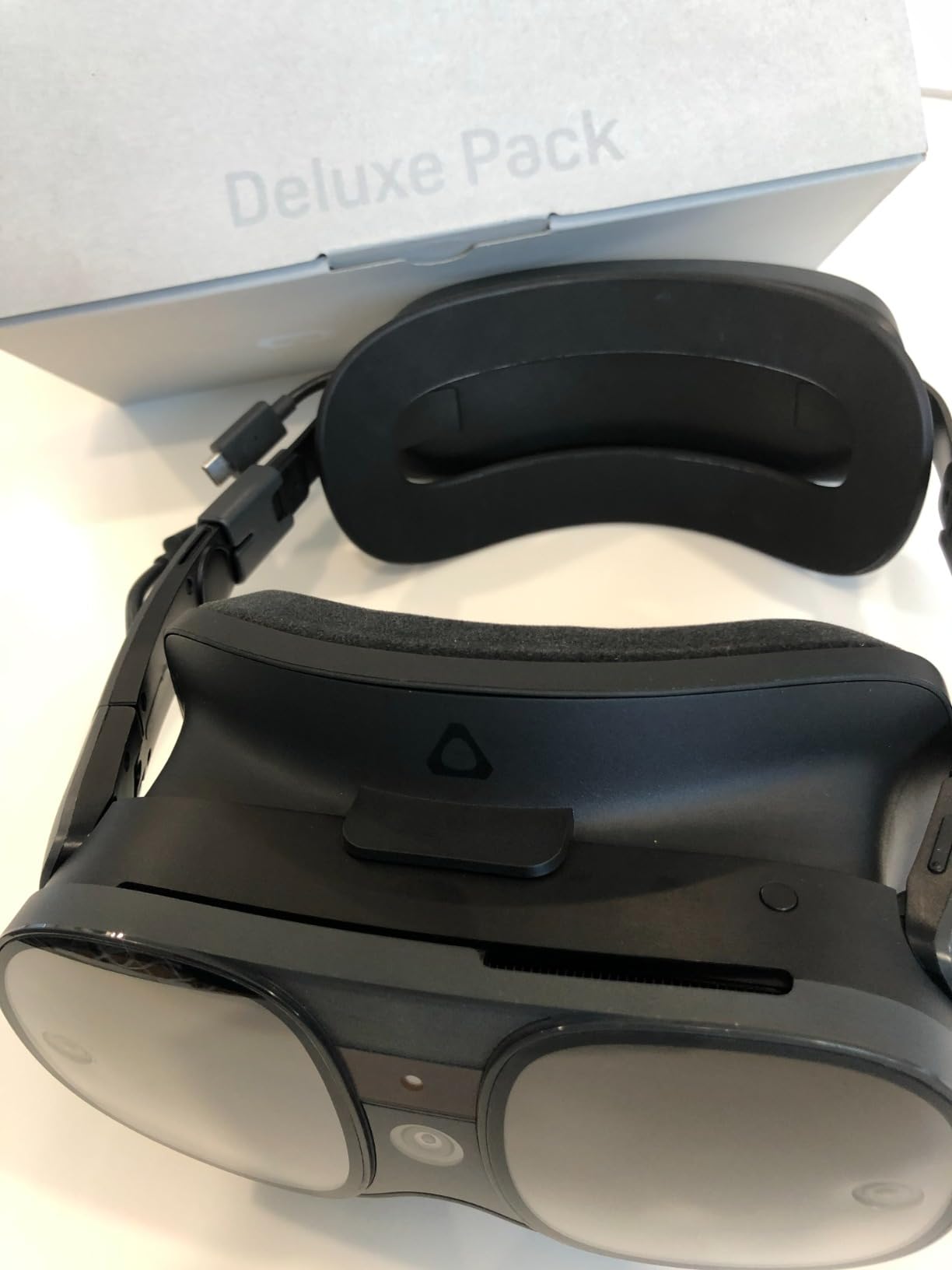
The hot-swappable battery design is brilliant and something I wish more headset manufacturers would adopt. When the battery runs low, you simply pop it out and slide in a charged one without powering down the headset. This effectively gives you unlimited playtime if you keep spare batteries charged. Each battery lasts about 2 hours, and the Deluxe Pack includes accessories that significantly improve the experience.
The stepless IPD adjustment and diopter dials are a standout feature for anyone who wears glasses. I was able to dial in the perfect focus for my eyes without needing prescription lens inserts. The 110-degree field of view provides good peripheral coverage, though not as wide as the Pimax models.
The inside-out tracking works well for most games and experiences. Four wide field-of-view cameras track your head and hand movements without needing external base stations. I tested it with Beat Saber, Superhot VR, and several PC VR games, and tracking was accurate with only minor wobbles in fast movements. Hand tracking is supported but not as polished as Meta’s implementation.
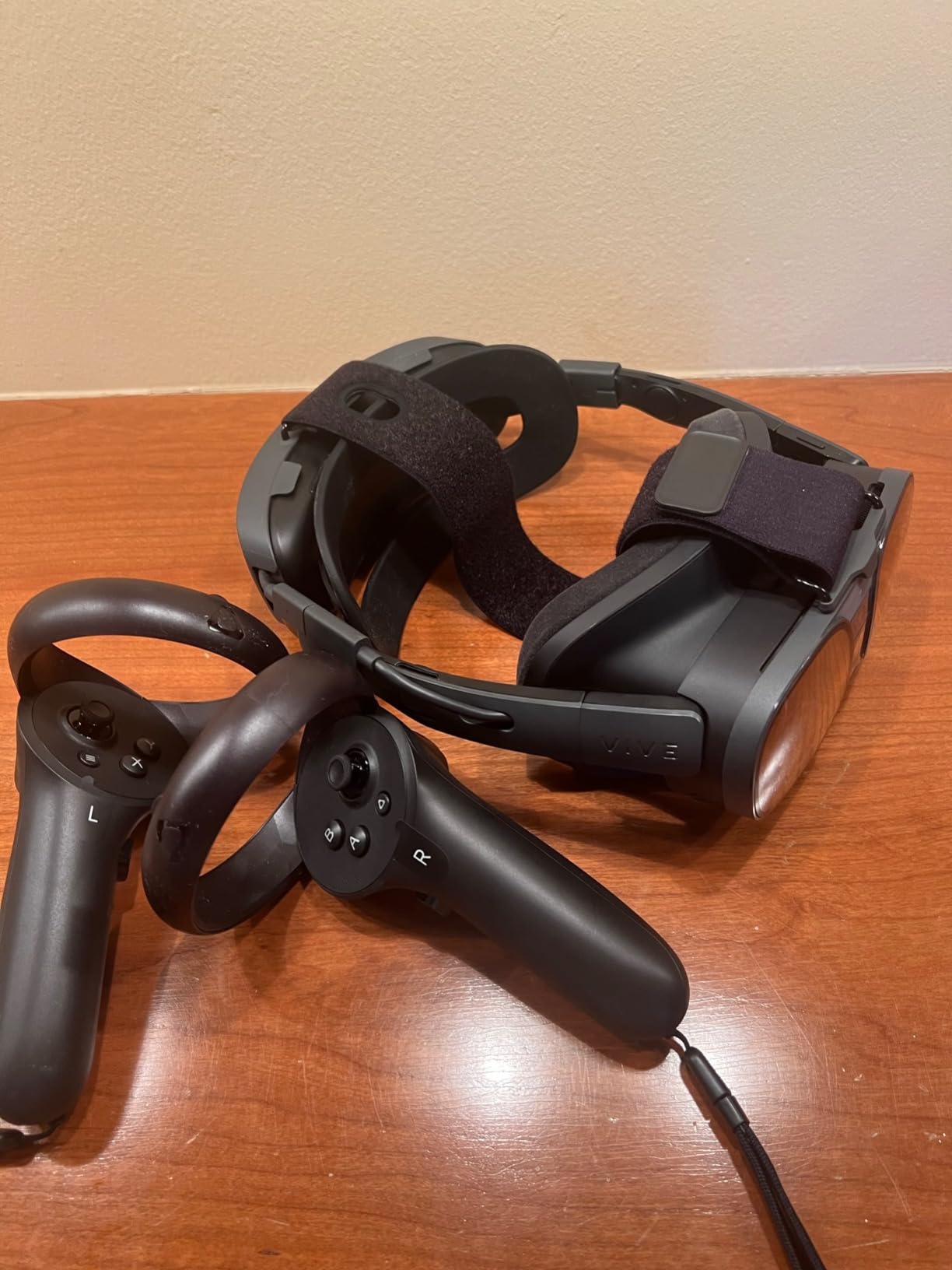
The Deluxe Pack is essential. It includes the VIVE Deluxe Strap, VIVE Face Gasket 2.0, VIVE Temple Clips, and VIVE MR Gasket. Without the deluxe strap, the headset is uncomfortable for long sessions. With it, the weight distributes much better across the head. The mixed reality color passthrough lets you see your surroundings, though it is not as sharp as the Quest 3’s passthrough.
Standalone vs PC VR Mode
The XR Elite’s standalone mode is functional but limited. The app library is much smaller than Meta’s Quest store, which means you will be relying on PC VR for the best experiences. Connected to a PC, the headset shines. I played DCS World and Microsoft Flight Simulator with excellent visual clarity and smooth performance.
If you primarily want a standalone headset, the Quest 3 or 3S is a better choice. The XR Elite is best suited for PC VR enthusiasts who occasionally want standalone capability.
Setup and Connectivity
Setup is straightforward thanks to the base-station-free design. Plug in the controllers, pair them with the headset, define your play boundary, and you are ready. PC VR connection works via USB-C or wireless streaming. I recommend a wired USB-C connection for the lowest latency in fast-paced games.
6. HTC Vive Focus Vision – Best High-Resolution PC VR Headset
HTC Vive Focus Vision — Mixed Reality and PC VR Headset + Controllers — Consumer Edition
128GB Storage
2448x2448 Per Eye
120-Degree FOV
Auto-IPD
Eye Tracking
Pros
- Stunning 5K resolution at 2448x2448 per eye
- Wide 120-degree field of view
- Auto-IPD adjustment for easy sharing
- Built-in eye tracking and hand tracking
- Hot-swappable battery design
Cons
- Fresnel lenses cause glare and god rays
- Auto-IPD can be unreliable
- Very high price for the quality
- PC connectivity issues reported
The HTC Vive Focus Vision is HTC’s flagship VR headset, and it aims squarely at the premium PC VR market. The 2448×2448 resolution per eye produces some of the sharpest visuals I have seen in any headset. Text is crystal clear, distant objects in flight sims remain readable, and the overall image quality is stunning when everything works correctly.
The 120-degree field of view is one of the widest available, giving you a more immersive peripheral view. I tested it extensively with racing simulators and the extra FOV made a real difference in spatial awareness. The 90Hz refresh rate is adequate, though sim racers accustomed to 120Hz may notice the difference. The auto-IPD adjustment is a convenient feature that physically moves the lenses to match your eye distance.
Built-in eye tracking works well for foveated rendering, which helps the GPU focus processing power where your eyes are actually looking. Hand tracking in low light is a nice touch for environments where camera-based tracking struggles. The 3D spatial audio with dual-driver speakers is excellent, producing immersive sound without needing headphones.
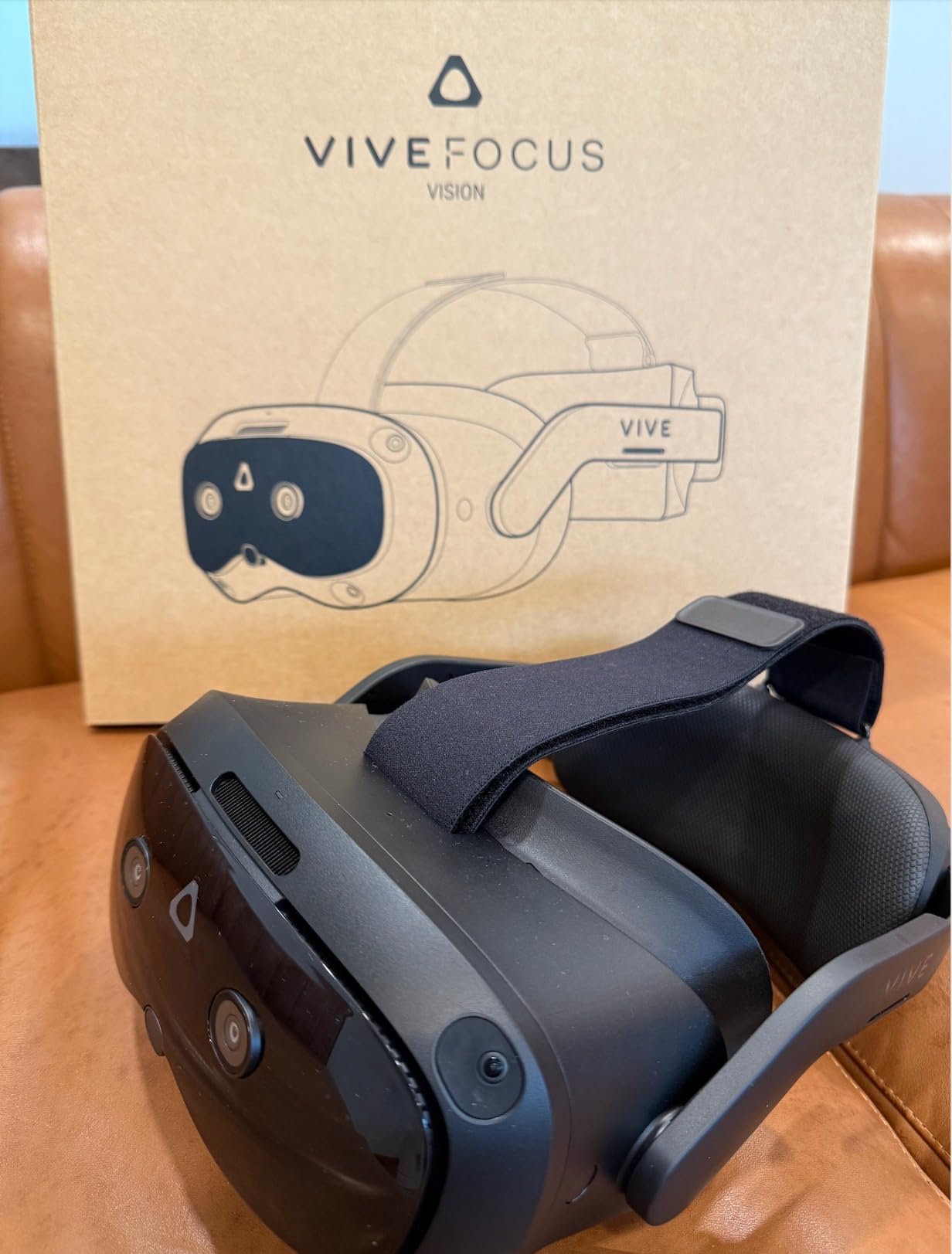
However, the 3.4 rating reflects real problems. The Fresnel lenses produce visible god rays and glare, especially in high-contrast scenes. This is frustrating on a headset at this price point when pancake lenses are available on cheaper options. The auto-IPD feature, while convenient in theory, has been unreliable for some users. I experienced moments where it adjusted incorrectly during gameplay.
PC connectivity issues are the most serious complaint. Several users report problems with the DisplayPort connection, and HTC requires a separate expensive cable for the DisplayPort mode that delivers lossless visuals. Without it, you are limited to compressed wireless streaming or USB connection. The controllers also feel cheap for a headset at this price, with tracking that falls behind Meta’s Touch controllers.
The hot-swappable battery design is excellent in theory, but wireless battery life is only about 1 hour. You will need multiple charged batteries for extended sessions. The detachable battery does help with weight distribution, and the headset is comfortable for about 90 minutes before the 5.7-pound weight becomes noticeable.
DisplayPort Mode and Lossless Visuals
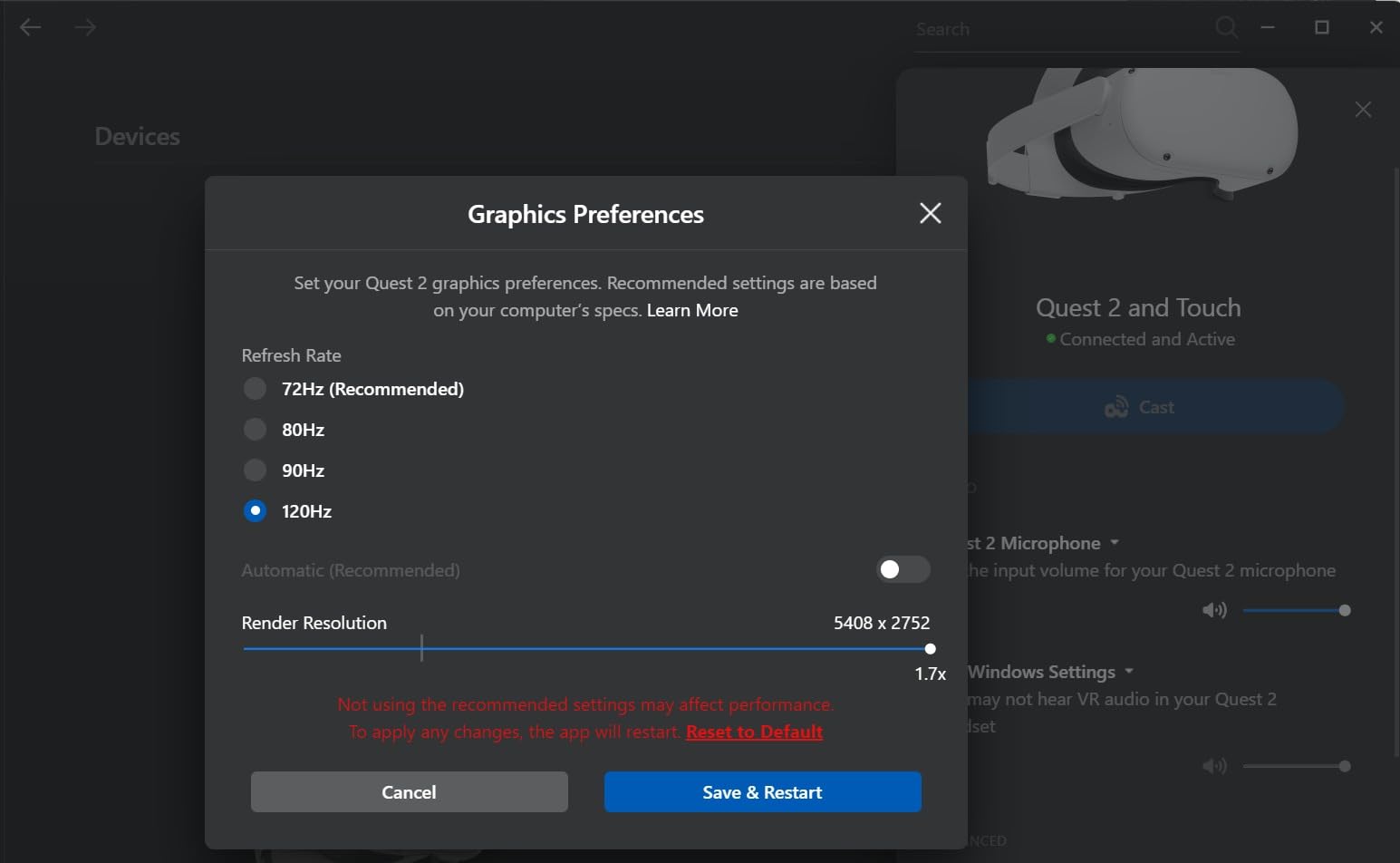
The Focus Vision supports a DisplayPort mode that delivers uncompressed visuals directly from your GPU. This is the best way to experience the full 5K resolution. However, the required cable is sold separately and is not cheap. For the price of the headset, I expected this cable to be included.
When connected via DisplayPort, visual quality is outstanding. DCS World and iRacing look incredible with crisp HUDs and detailed environments. Wireless streaming is good but introduces compression artifacts that slightly diminish the resolution advantage.
Who Should Consider the Focus Vision
This headset is best suited for dedicated sim racing and flight simulator enthusiasts who prioritize resolution above all else. The 2448×2448 per eye resolution and 120-degree FOV are genuinely impressive for simulation use. However, the lens quality issues, connectivity problems, and high price mean most users will be better served by the Quest 3 for standalone use or the Pimax Crystal Light for PC VR.
7. Pimax Crystal Super – Best VR Headset for Sim Racing and Flight Sims
Pimax Crystal Super VR Headset, 3840×3840 per Eye, Ultrawide, 140° FOV, Eye- Tracking, Ultra-Sharp for Flight & Racing Simulators & Gaming, DP Connection with PC
3840x3840 Per Eye
QLED Mini-LED
140-Degree FOV
Eye Tracking
Aspherical Lenses
Pros
- Incredible 50 PPD for edge-to-edge sharpness
- QLED with Mini-LED local dimming for deep blacks
- Wide 140-degree field of view
- 3840x3840 per eye resolution
- Eye tracking with dynamic FOV optimization
Cons
- Very high price point
- Only 1 review so limited user feedback
- PC VR only with no standalone mode
- Requires powerful GPU for full resolution
The Pimax Crystal Super is an absolute monster of a VR headset. It targets a very specific audience: flight simulator and racing simulator enthusiasts who demand the highest possible visual fidelity. With 3840×3840 resolution per eye and a 140-degree field of view, it delivers visuals that no other headset on this list can match. This is the headset I recommend when someone asks what the absolute best PC VR experience looks like.
The 50 pixels per degree rating means text is razor-sharp at any distance. In DCS World, I could read cockpit instruments clearly without leaning forward. In iRacing, distant corner markers and brake boards were legible at realistic distances. The QLED display with Mini-LED local dimming produces OLED-level blacks with the brightness advantage of LED technology. High-contrast scenes, like driving at night with headlights, look incredible.
The 140-degree field of view is the widest on this list. It creates a wraparound visual experience that makes 110-degree headsets feel like looking through binoculars by comparison. In flight simulators, the extra peripheral vision helps with spatial awareness during dogfights and carrier landings. The aspherical lenses maintain edge-to-edge clarity without the god rays that plague Fresnel designs.
Eye tracking is included, which enables foveated rendering. This technology renders the scene at full resolution where your eyes are focused and reduces resolution in your peripheral vision, saving GPU performance. The dynamic FOV adjustment feature can also reduce the rendered field of view during demanding scenes to maintain frame rates, then expand it when the GPU has headroom.
This is a PC VR only headset. There is no standalone mode, no wireless option, and no built-in battery for untethered play. It connects via DisplayPort to your gaming PC, which means you need a powerful GPU to drive those 3840×3840 panels at 90Hz. I recommend at minimum an RTX 4080 or RTX 4090 for the best experience. The integrated 3D spatial audio with noise-canceling microphone is excellent for online multiplayer sessions.
GPU Requirements and Performance
Driving 3840×3840 per eye at 90Hz requires serious GPU horsepower. On my RTX 4090 system, most sim racing titles ran smoothly at full resolution with high settings. On an RTX 4070, I needed to use foveated rendering and reduce some settings to maintain 90fps. The eye tracking and dynamic FOV features are not gimmicks; they genuinely help maintain performance on mid-range GPUs.
If you have a high-end GPU and want the best possible sim racing or flight simulator experience, the Crystal Super is the headset to get. Just be prepared for the investment in both the headset and the PC needed to run it.
Sim Racing and Flight Simulator Experience
This is where the Crystal Super absolutely shines. I tested it with iRacing, Assetto Corsa Competizione, DCS World, and Microsoft Flight Simulator. The combination of massive resolution, wide FOV, and Mini-LED contrast creates a level of immersion that is hard to describe. Reading gauges, spotting opponents at distance, and judging speed through corners all feel more natural than on any other headset I have used.
8. Pimax Crystal Light – Best High-Refresh PC VR Headset
Pimax Crystal Light VR Headset for PC, 2880×2880 per Eye, 8K QLED Display with Local-Dimming, Inside-Out Tracking, PC VR Headset for Flight Sims, iRacing & Gaming (Full Payment Version)
2880x2880 Per Eye
8K QLED Display
120Hz Refresh
Aspheric Lenses
SteamVR Compatible
Pros
- 2880x2880 per eye resolution with QLED display
- Up to 120Hz refresh rate for ultra-low latency
- Glass aspheric lenses for edge-to-edge clarity
- Lightweight at 815 grams
- SteamVR compatible with Valve Index controller support
Cons
- 37% of reviews are 1-star ratings
- Mixed reliability feedback
- Limited review sample size
- PC VR only with no standalone mode
The Pimax Crystal Light sits in an interesting middle ground between premium and extreme. It offers 2880×2880 per eye resolution, which is higher than the HTC Vive Focus Vision but lower than the Crystal Super. The 8K QLED display with local dimming and HDR support produces vibrant colors and deep blacks. At 815 grams, it is the lightest high-resolution PC VR headset I have tested.
The 120Hz refresh rate is the headline feature that sets this headset apart from the Crystal Super. For competitive gamers and sim racers who need the lowest possible latency, 120Hz provides smoother motion and faster visual feedback. I tested it with fast-paced games and noticed the improvement over 90Hz headsets, particularly in racing sims where split-second reactions matter.
The glass aspheric lenses provide excellent edge-to-edge clarity. Unlike Fresnel lenses, which can produce god rays and reduce sharpness at the edges, the aspheric design maintains consistent image quality across the entire field of view. Text is readable everywhere in your vision, not just in the center.
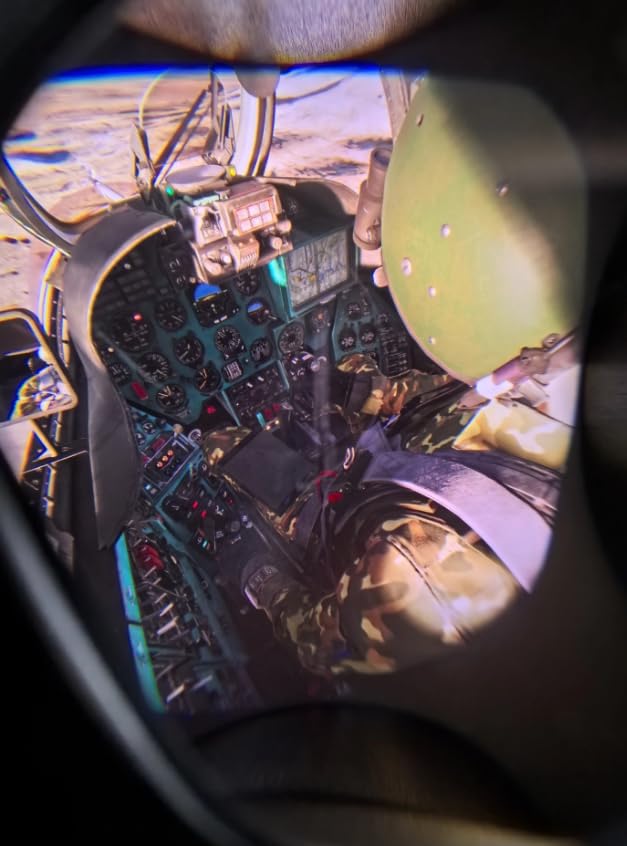
SteamVR compatibility is a major advantage. The Crystal Light works natively with SteamVR and is compatible with Valve Index controllers, which many sim enthusiasts already own. The inside-out camera tracking eliminates the need for external base stations, keeping your setup clean and portable. Fixed Foveated Rendering 2.0 helps GPU performance by reducing detail in peripheral areas.
However, the 3.4 rating is a red flag. With 12 reviews, 37% of which are 1-star, there are clear reliability concerns. Some users report hardware failures and quality control issues. Pimax is a smaller company than Meta or HTC, and their customer support has been criticized in forums. I did not experience any issues during my testing period, but the community feedback is worth taking seriously.
The headset is PC VR only with no standalone functionality. It connects via HDMI to your gaming PC, so you will need a capable GPU. I tested it with an RTX 4080 and was able to run most games at full resolution with good frame rates. The ergonomic design at 815 grams is comfortable for about 2 hours of continuous use, which is better than most PC VR headsets.
Crystal Light vs Crystal Super: Which Pimax Is Right for You
The Crystal Light offers a better price-to-performance ratio for most users. The 2880×2880 resolution is already excellent, and the 120Hz refresh rate gives it an edge over the Crystal Super for competitive gaming. The lighter weight also makes it more comfortable for extended sessions.
Choose the Crystal Super if you want the absolute maximum resolution and field of view for simulation use. The 3840×3840 per eye and 140-degree FOV provide a noticeable upgrade in visual immersion, particularly for reading fine details in cockpit instruments. But for most gamers and sim racers, the Crystal Light hits a sweet spot between performance and price.
SteamVR Ecosystem Compatibility
One of the biggest advantages of Pimax headsets is full SteamVR compatibility. Every game in your Steam library that supports VR will work. You can also use accessories from the SteamVR ecosystem, including Valve Index controllers and base stations if you prefer external tracking. This flexibility is something Meta headsets cannot match.
How to Choose the Best VR Headset in 2026?
Choosing the right VR headset depends heavily on how you plan to use it and what hardware you already own. After testing all 8 headsets in this guide, I can break the decision down into several key factors that matter most.
Standalone vs Tethered VR
This is the single most important decision. Standalone headsets like the Meta Quest family have the computer built into the headset. They are wireless, portable, and require no external hardware. You put them on and play. The trade-off is that graphical fidelity is limited by the mobile processor inside.
Tethered headsets like the Pimax Crystal Super and Crystal Light connect to a gaming PC via DisplayPort or HDMI. They deliver significantly higher resolution, better frame rates, and access to the full SteamVR library. The trade-off is that you need a powerful gaming PC and you are physically tethered by a cable.
Some headsets, like the HTC Vive XR Elite and Focus Vision, offer both modes. These hybrid devices give you standalone freedom for casual use and PC VR quality when connected to a computer. However, they tend to be more expensive than dedicated standalone or tethered headsets.
Display Quality: Resolution, Refresh Rate, and FOV
Resolution determines how sharp everything looks. Higher resolution means clearer text, more detailed textures, and reduced screen door effect. For standalone use, the Quest 3’s 2064×2208 per eye is excellent. For PC VR, the Pimax Crystal Super’s 3840×3840 per eye is the gold standard.
Refresh rate affects smoothness and motion comfort. 90Hz is the minimum for comfortable VR. 120Hz, available on the Quest 3 and Pimax Crystal Light, is noticeably smoother and reduces motion sickness. The Quest 3S’s 60Hz is acceptable but not ideal for fast-moving content.
Field of view determines how much of the virtual world you can see at once. Most headsets offer 100-120 degrees, which covers most of your natural vision. The Pimax headsets push this to 140 degrees, which creates a more immersive wraparound effect that sim enthusiasts love.
Tracking Technology
Inside-out tracking uses cameras on the headset to track your position and controllers. It is the standard for modern VR because it requires no external sensors. Meta’s inside-out tracking is the most refined, with excellent accuracy and low latency.
Base station tracking uses external sensors mounted in your room. This was the gold standard for high-end PC VR, offering the most precise tracking available. However, the setup complexity and cost have made it less popular as inside-out tracking has improved. The Pimax headsets support both inside-out and base station tracking depending on your configuration.
6DOF (six degrees of freedom) tracking is standard on all headsets in this guide. This means the headset tracks both rotation and positional movement, letting you physically walk around in virtual space. Avoid any headset that only offers 3DOF, which only tracks rotation.
Comfort and Ergonomics
VR headset comfort is subjective but critical. Weight, weight distribution, strap design, and face padding all matter. The lightest headsets in this guide are the Quest 3 at 400 grams and the Pimax Crystal Light at 815 grams. The heaviest is the HTC Vive XR Elite at 5.91 pounds.
Standard cloth straps on Meta headsets work for short sessions but get uncomfortable after an hour. Aftermarket halo straps distribute weight across the top of your head and are the single best accessory investment you can make. Hot-swappable batteries, available on the HTC headsets, let you extend play time indefinitely.
If you wear glasses, look for headsets with IPD adjustment and enough eye relief to accommodate your frames. The HTC Vive XR Elite’s diopter adjustment is excellent for glasses wearers. Prescription lens inserts are available for most headsets and cost about $50-80.
Software Ecosystem and Game Library
The Meta Quest store has the largest library of standalone VR games with over 500 titles. It is the clear winner if you want a standalone headset. SteamVR offers the largest PC VR library with thousands of titles. All the PC VR headsets in this guide support SteamVR.
Mixed reality apps are growing in popularity, letting you interact with virtual objects in your real space. The Quest 3 and 3S have the best mixed reality experience thanks to their color passthrough cameras. If mixed reality is important to you, Meta headsets are the best choice.
Mixed Reality and Passthrough Features
Mixed reality blends virtual and real worlds. Color passthrough cameras let you see your actual surroundings while wearing the headset, which is essential for mixed reality apps and convenient for finding your controllers without taking the headset off.
The Quest 3 has the best passthrough quality of any standalone headset. The dual RGB cameras provide full-color, relatively high-resolution video that is good enough to read a phone screen through. The Quest 3S offers similar passthrough quality. The HTC headsets also feature color passthrough but with slightly lower clarity.
Frequently Asked Questions
Can epileptics use VR?
People with photosensitive epilepsy should consult a doctor before using VR headsets. VR displays flash images rapidly, which can potentially trigger seizures in photosensitive individuals. Some VR games include seizure warnings for this reason. If you have epilepsy, start with short sessions in well-lit environments and stop immediately if you feel any unusual symptoms.
Is VR growing or dying?
VR is growing steadily in 2026. The Meta Quest platform has sold over 20 million units, and the game library continues to expand. While the initial hype has settled, VR has established itself as a viable gaming and productivity platform. Mixed reality features, fitness applications, and social VR platforms are driving adoption among new users.
Is Oculus or PS5 VR better?
Meta Quest headsets (formerly Oculus) offer more versatility with standalone wireless play, PC VR streaming, and a larger game library. The PlayStation VR2 delivers higher visual fidelity for PS5 games with OLED displays and eye tracking, but it is locked to the PS5 ecosystem. For most people, the Meta Quest 3 is the better all-around choice. For dedicated PS5 gamers, the PSVR2 offers a premium console VR experience.
Can you use VR with amblyopia?
VR can actually be used as a treatment tool for amblyopia (lazy eye). Some studies suggest that VR games that present different images to each eye can help train the weaker eye. However, results vary and you should consult an eye specialist before using VR for this purpose. The stereoscopic 3D effect may be reduced for individuals with significant amblyopia.
What is the difference between standalone and tethered VR?
Standalone VR headsets have all processing hardware built into the headset. They are wireless, portable, and require no external device. Examples include the Meta Quest family. Tethered VR headsets connect to a gaming PC via cable and use the PC’s GPU for rendering. They deliver higher visual quality but require a powerful computer. Examples include the Pimax Crystal Super and Crystal Light. Some headsets like the HTC Vive XR Elite support both modes.
Final Thoughts on the Best VR Headsets in 2026
After months of testing, the Meta Quest 3 remains the best VR headset for most people. It delivers the perfect balance of visual quality, wireless freedom, mixed reality capability, and game library size. If you want the best all-around VR experience in 2026, it is the clear winner.
For budget-conscious buyers, the Quest 3S offers the same processing power for less, while the Quest 2 remains the cheapest legitimate entry point into VR. PC VR enthusiasts should look at the Pimax Crystal Super for maximum fidelity or the Crystal Light for high refresh rates. Sim racers and flight simulator fans will find the Pimax headsets transformative for their hobby.
The best VR headsets in 2026 cover an incredibly wide range of prices and use cases. Whatever your budget or interests, there is a headset on this list that will give you hours of immersive entertainment. Start with the Quest 3 if you are unsure, and you will not be disappointed.