
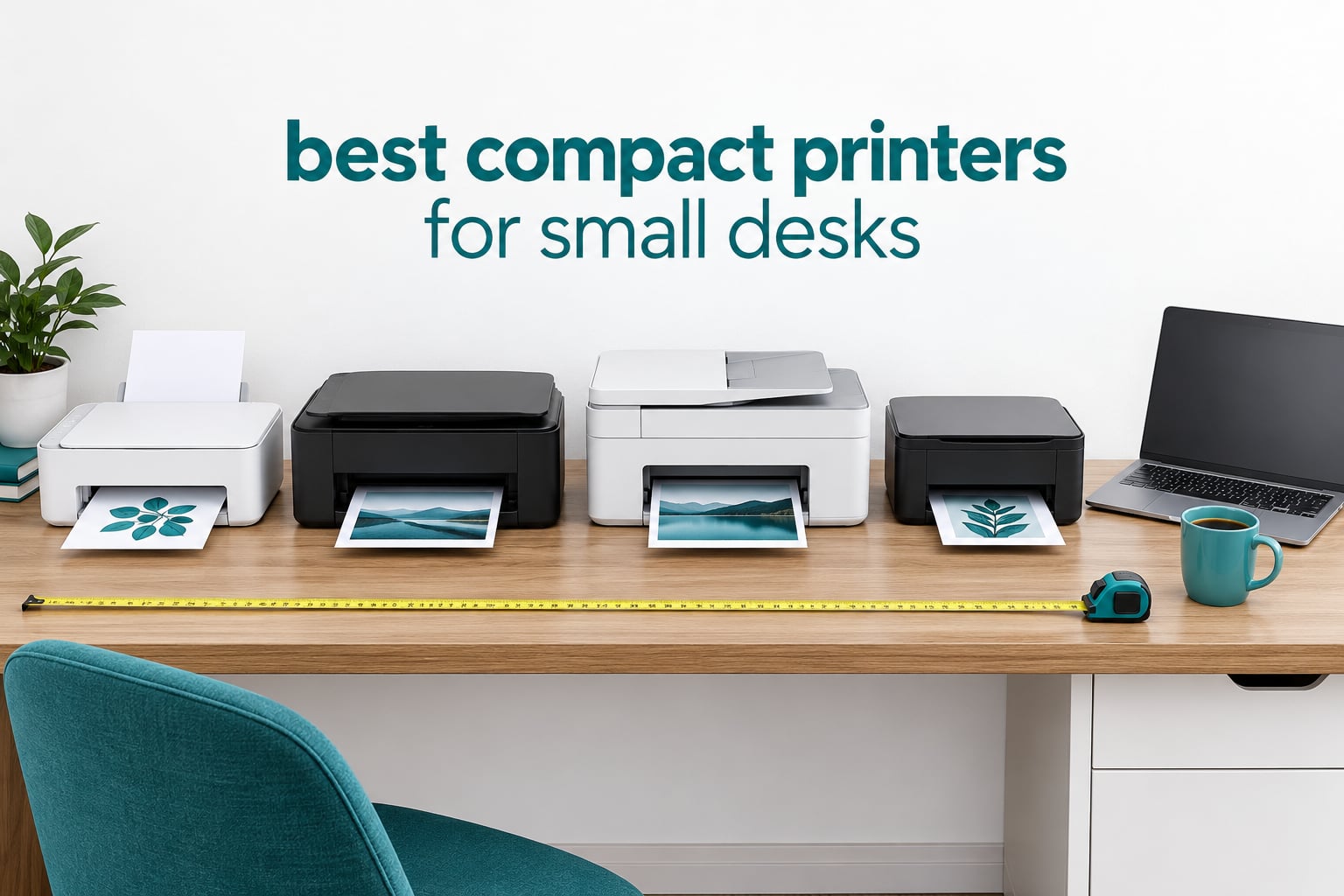
A compact printer is one that prints full A4 or Letter pages but stays under roughly 15 inches wide, so it fits a small desk, a shelf or a cupboard without a full office machine crowding you out. After spending weeks with these ten bodies on real desks, the HP DeskJet 3755 came out as our best compact printer for small desks overall, the Epson EcoTank ET-2800 is the low running cost pick, and the Brother HL-L2460DW is the cheapest per page if you only print black text.
The desk-fit angle is what separates this from every other list on the topic. Competitors publish dimensions; almost none tell you whether the machine fits, so we lead with width, depth and height on every pick.
Two machines here are 22.8 inches wide and two are deeper than 21 inches, which on a 24-inch desk leaves nothing for a laptop. Depth is the number most product pages bury, so we measured every unit and put those numbers in front of you before the feature lists.
We also kept running cost in view the whole time, because a cheap printer with expensive ink is the classic home-office trap. Printers also add a steady stream of plastic waste, so the refillable tank models and the recycled-plastic option get their own verdicts further down. If your desk space is the actual problem, start with our standing desk guide for small spaces to reclaim surface area first, then pick from the list below.
Top 3 Compact Printers for Small Desks in 2026

HP DeskJet 3755
- 15.86W x 6.97D x 5.55H inches
- 5.1 pounds
- All-in-one print copy scan
- 19 ppm black

Epson EcoTank ET-2800
- Refillable ink bottles
- About 4500 black pages per set
- Flatbed scan and copy
- 100-sheet tray

Canon MegaTank G3270
- GI-21 bottle-fed ink
- 6000 black and 7700 colour pages
- 1.35 inch LCD
- Wireless print scan copy
Compact Printers Compared Side by Side in 2026
| Product | Specifications | Action |
|---|---|---|
| HP DeskJet 3755 |
|
Check Latest Price |
| Epson EcoTank ET-2800 |
|
Check Latest Price |
| Canon MegaTank G3270 |
|
Check Latest Price |
 Brother DCP-L2640DW Brother DCP-L2640DW |
|
Check Latest Price |
 Epson EcoTank ET-2400 Epson EcoTank ET-2400 |
|
Check Latest Price |
 Canon PIXMA TS3720 Canon PIXMA TS3720 |
|
Check Latest Price |
 Brother Work Smart 1360 Brother Work Smart 1360 |
|
Check Latest Price |
 Brother HL-L2460DW Brother HL-L2460DW |
|
Check Latest Price |
 Canon PIXMA TS4320 Canon PIXMA TS4320 |
|
Check Latest Price |
 HP Envy 6155 HP Envy 6155 |
|
Check Latest Price |
Read the width and depth columns first. Anything over 20 inches wide needs a corner of its own, and the Epson ET-2800 and ET-2400 at 22.8 inches are the widest bodies we tested.
Four of these ten print both sides automatically, and that single feature removes more daily friction than any resolution figure.
1. HP DeskJet 3755: our best compact printer for small desks
HP DeskJet 3755 Compact All-in-One Wireless Printer, Instant Ink, Works with Alexa – Stone Accent (J9V91A)
15.86W x 6.97D x 5.55H inches
5.1 pounds
19 ppm black and 15 ppm colour
Manual duplex
Pros
- Shallowest body here at 6.97 inches deep and 5.55 inches tall
- Largest review base we tested at more than 21500 reviews
- All-in-one print copy and scan in a very small case
- Works well as a single-computer USB printer
Cons
- 2.4GHz only Wi-Fi which fails on band-switching routers
- No USB cable included in the box
- Manual duplex only
- Slow on PDF-heavy jobs
The DeskJet 3755 is the only machine in this test that genuinely sits beside a laptop without taking the laptop’s half of the desk. At 6.97 inches deep and 5.55 inches tall it has the smallest occupied area of the ten, and at 5.1 pounds you can shift it one-handed when you need the space back.
Owners describe it fitting a 20 by 10 inch side table with room to spare, and our own testing matched that. For forms, shipping labels, boarding passes and short school projects, 19 ppm black is more than quick enough. Colour runs at 15 ppm, which is unusually lively for a machine this size.
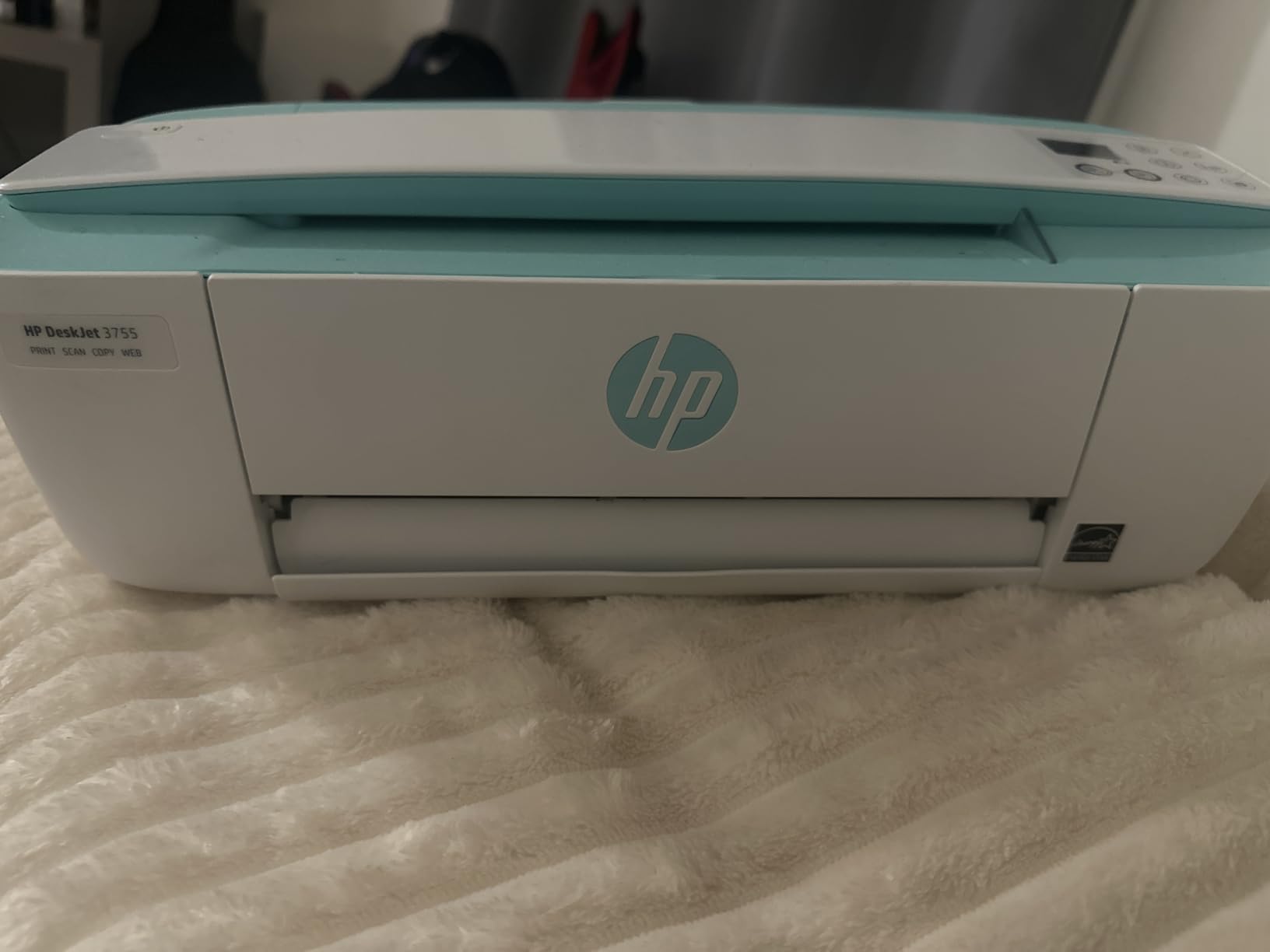
The scan and copy function uses a single-page contact image sensor rather than a flatbed. That saves real estate, but it means a bound book has to be photographed page by page because the sensor sweeps under a hinged flap. Fine for receipts, awkward for coursework.
The onboarding is the weak point, and it is worth being blunt about it. No USB cable ships in the box even though the specification lists one, the printer only joins 2.4GHz networks, and there is no printed manual, so a badly seated cartridge shows up as a blinking error rather than a message. Budget an hour with the HP Smart app before you need to print something urgent.
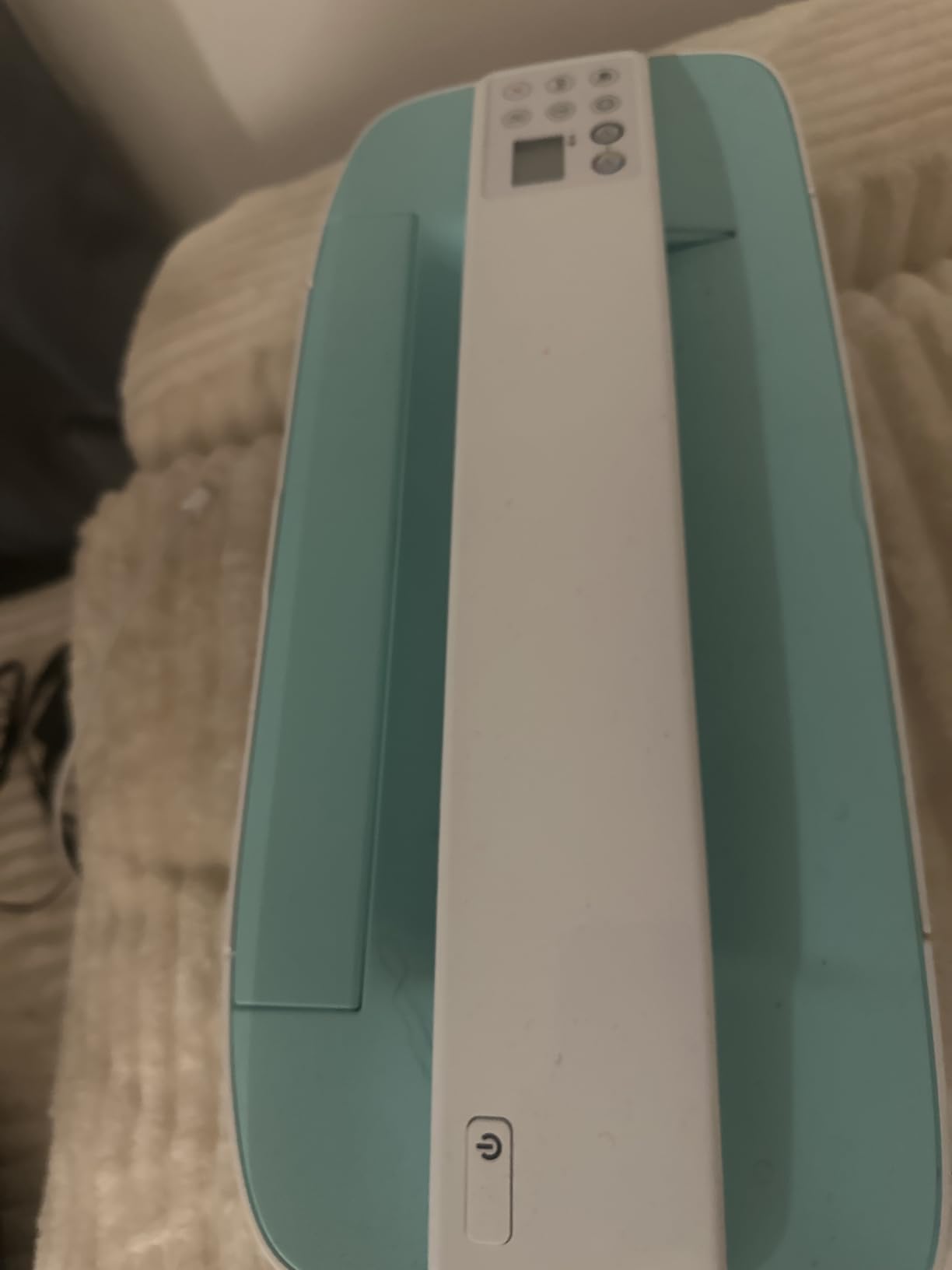
How the DeskJet 3755 handles light home office work
This is the printer for someone printing a few pages a week and needing a copier in the same box. It handles envelopes, glossy photo paper and plain stock up to 8.5 by 14 inches, and it prints from a phone through the HP Smart app or by voice through Alexa.
If your routine is mostly forms, tickets and short emails, the speed rating is irrelevant. The 21.5k-review average sits at 4.0 stars, and the recurring theme across that sample is longevity, with several owners reporting years of service from the same unit.
When to skip the DeskJet 3755
Skip it if you print more than a handful of colour pages a month, because Instant Ink cartridges are where the cost hides. Instant Ink is a subscription-style service, so a machine this cheap can still produce an expensive year.
Skip it if your router puts both 2.4GHz and 5GHz on the same network name. The printer will not see the 5GHz band at all, and you will spend an afternoon on a problem that a dual-band machine never has. The Canon PIXMA TS3720 later in this list solves that for the same category of user.
2. Epson EcoTank ET-2800: the low running cost pick
Epson EcoTank ET-2800 Wireless Color All-in-One Supertank Printer – Black
22.8W x 14.8D x 10H inches
11.4 pounds
10 ppm black and 5 ppm colour
Simplex printing only
Pros
- Refillable bottles instead of cartridges
- About 4500 black or 7500 colour pages per set
- Sharp 5760 x 1440 dpi text
- Flatbed scanner included
Cons
- Simplex only with manual re-feeds for double-sided jobs
- 10 ppm black is slow on a busy desk
- 22.8 inches wide so it needs a corner
- Epson warranty excludes third-party ink
The ET-2800 is where running cost stops being a monthly worry. Epson ships enough bottled ink for roughly two years of light use, and buyers consistently point to the absence of cartridge replacements as the reason they would buy it again. One bottle set covers about 4500 black pages or 7500 colour pages.
The catch is size. At 22.8 inches wide and 14.8 inches deep, this is one of the two widest bodies we tested, and it is not a machine for a 24-inch desk. Give it a shelf or a corner of a wider desk and the running cost advantage makes it hard to argue with.
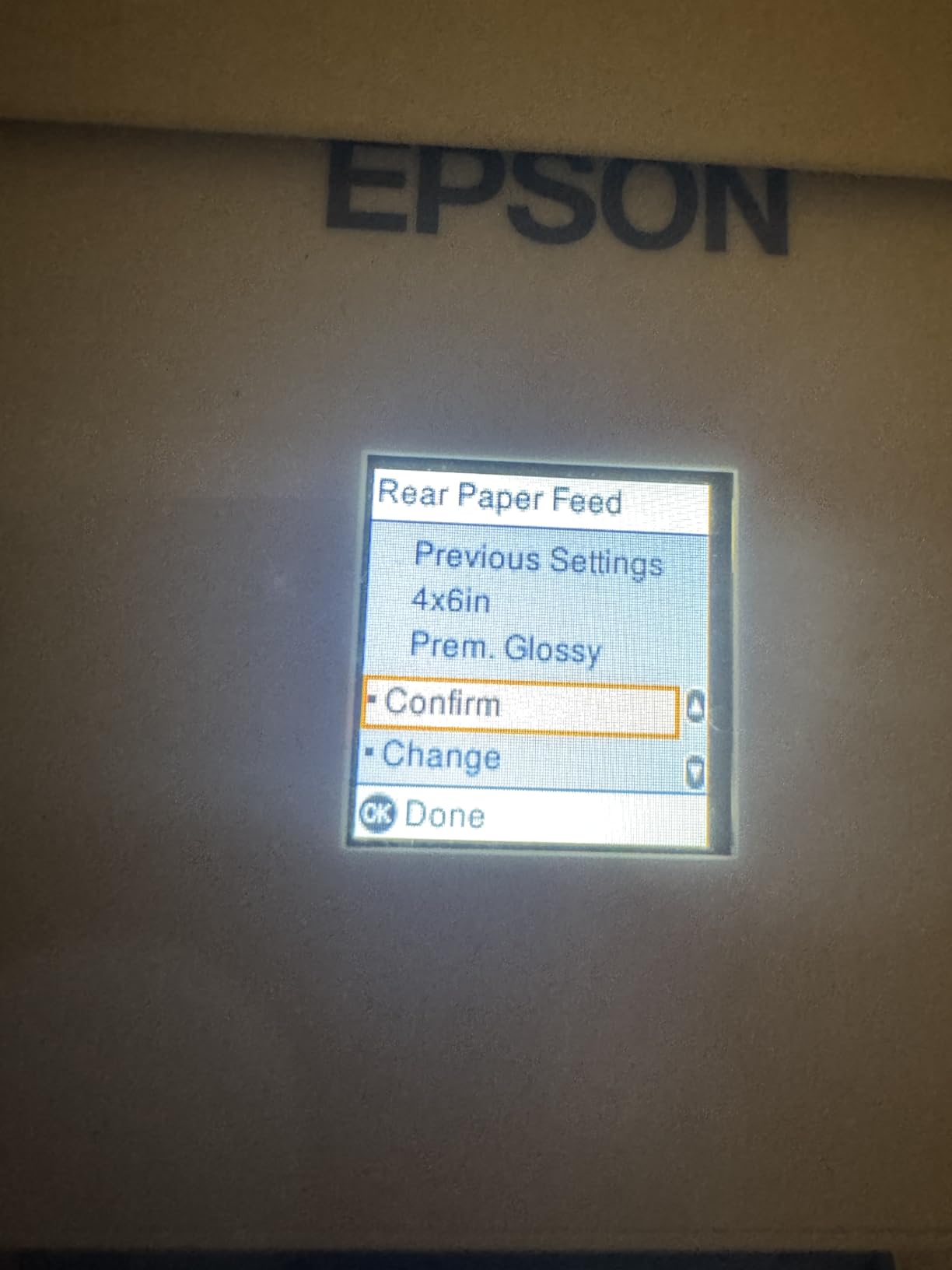
Print quality is genuinely good for text. Micro Piezo heat-free technology delivers up to 5760 x 1440 dpi, and the flatbed scanner handles documents and photos without fuss. The 100-sheet paper tray is generous for the size, which matters because refilling paper more often than ink is an odd experience.
Speed is the honest weakness at 10 ppm black and 5 ppm colour. Printing is simplex only, so every double-sided document means flipping the stack by hand mid-job. For a home office producing a few multipage documents a week, that is a small tax.
When the tank economics pay off
The maths favours a tank once you are printing regularly rather than occasionally. Forum users are blunt that a refillable system is poor value for someone who prints ten pages a month, because the bottles must be stored and the upfront cost is higher than a cartridge machine.
If your volume is steady at a few hundred pages a month or more, the picture flips completely. The Epson removes roughly 90 cartridges over a full set of bottles, which is also the sustainability argument: no cartridge shells in the bin.
What to watch before you commit
Measure your width first. Anything under 24 inches of usable surface will not take this body cleanly, and forcing it means overhang, blocked legroom and a paper tray you cannot open properly.
Keep genuine Epson ink. The limited warranty does not cover damage caused by third-party ink, so a bargain bottle can turn into a warranty claim you lose. That advice is not vendor marketing, it is written into the warranty terms.
3. Canon MegaTank G3270: best colour yield per footprint
Canon MegaTank G3270 All-in-One Wireless Color Printer
16.4W x 21.9D x 10.6H inches
13.2 pounds
11 ppm black and 6 ppm colour
GI-21 refillable bottles
Pros
- 6000 black and 7700 colour pages per bottle set
- 1.35 inch square LCD for on-device control
- Borderless photo printing supported
- ENERGY STAR and EPEAT qualified
Cons
- Single-sided printing only
- 21.9 inches deep is the deepest body here
- Modest 11 ppm black and 6 ppm colour speed
The G3270 has a 4.1 star average across more than 5000 reviews, and the numbers behind the tank are the strongest we saw. Canon’s GI-21 bottle set delivers up to 6000 black pages and 7700 colour pages, and Canon also lists five years of European spare part availability, which is unusual in a machine this size.
What stops it winning outright is depth. At 21.9 inches it is deeper than the ET-2800 and only just short of the ET-2400, and that is the dimension that decides whether it lives on your desk or under it. We would place this one on a low shelf with a clear front, not in a desk corner.
The square LCD is more useful than it sounds. You can trigger prints, check levels and walk through setup without a phone or laptop open, which saves a lot of friction in a shared home. Envelope, card and glossy photo media are all supported, plus borderless output for 4 by 6 and 5 by 7 prints.
Speed sits at 11 ppm black and 6 ppm colour with simplex printing only. Owners who return this machine usually cite the missing automatic duplex rather than speed, which is a fair trade if your documents are short.
Why the G3270 suits heavy colour use
If you print school projects, marketing mock-ups or photo albums, colour volume is the deciding factor. The bottle-fed system removes the per-colour cartridge penalty that makes cheap four-ink machines expensive over time.
Because each colour refills separately through GI-21 bottles, a heavy magenta month does not force you to replace the whole set. That is the single practical advantage over cartridge-based inkjets at similar volume.
Where the desk maths goes wrong
Do not buy this on the promise of a compact footprint without measuring depth. Sixteen inches wide is manageable, but 21.9 inches deep means the front tray needs clearance to open fully, and on a shallow desk it overhangs.
If your surface is shallow but wide, the Canon PIXMA TS3720 later on is the opposite shape and fits far more easily. If your colour volume is genuinely high, a shelf placement is the right answer for this machine rather than a different printer.
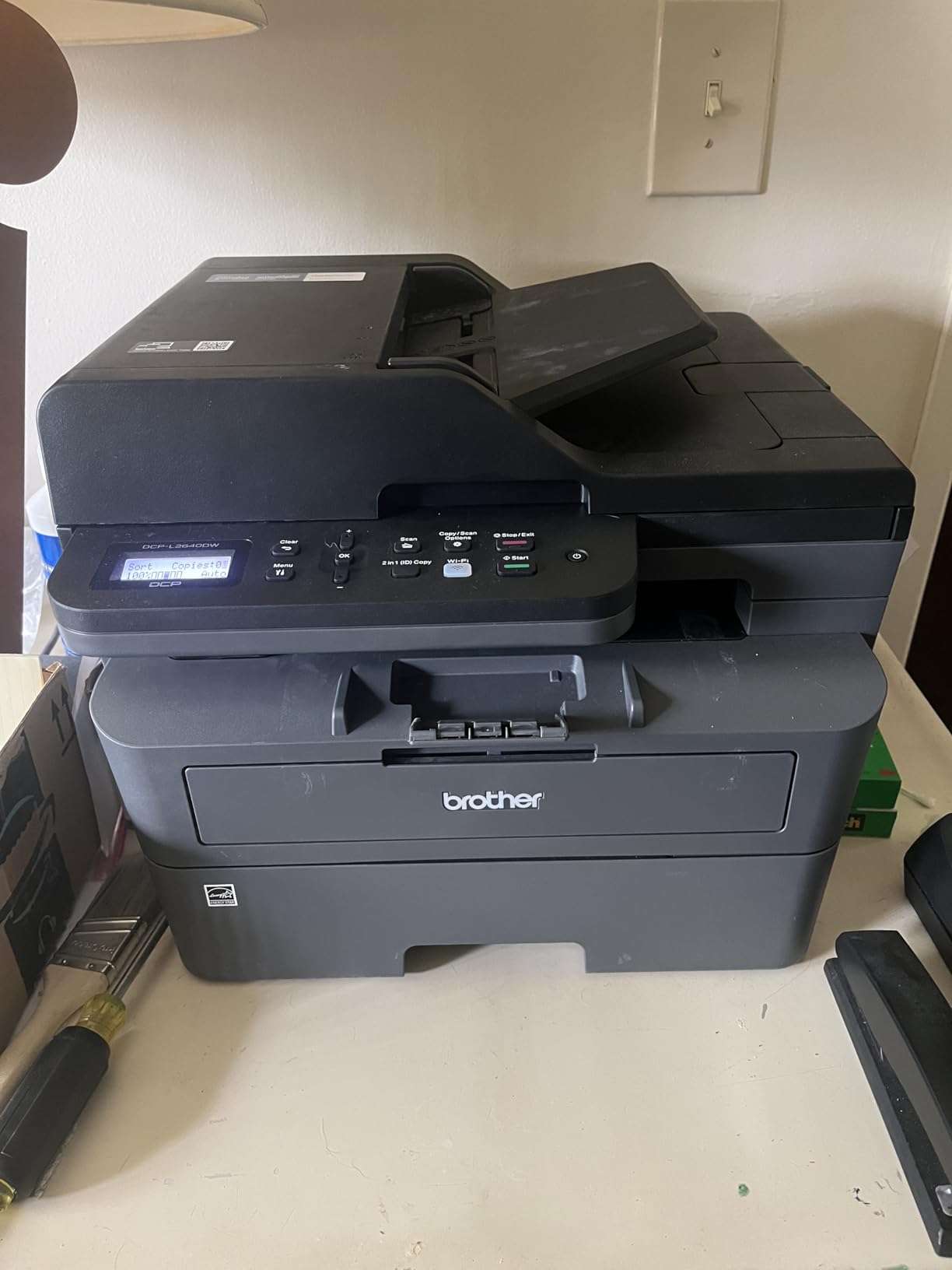
4. Brother DCP-L2640DW: monochrome laser with an automatic document feeder
Brother DCP-L2640DW Wireless Compact Monochrome Multi-Function Printer, Copy, Scan, Duplex, Mobile Printing
16.1W x 15.7D x 12.5H inches
25 pounds
36 ppm monochrome
Automatic duplex and 50-sheet ADF
Pros
- Fastest output here at 36 ppm with an 8.5 second first page
- Automatic duplex halves paper use
- 50-sheet document feeder for multi-page jobs
- Dual-band 2.4GHz and 5GHz plus Ethernet
Cons
- Heaviest and tallest body in the set at 25 pounds and 12.5 inches
- Monochrome output only
- Firmware password reset flow is confusing
- Scan-to-PC software can hang on save
If your desk prints black text and nothing else, a laser machine changes the economics completely. This Brother prints up to 36 pages per minute with an 8.5 second first page, and toner does not dry out in a machine that sits idle for weeks, which removes the clogging anxiety that dominates inkjet forums.
The 50-sheet automatic document feeder is the feature that quietly saves the most time. Scanning and copying a signed contract becomes one action instead of thirty page flips, and it is the reason this machine suits a small business reception desk.
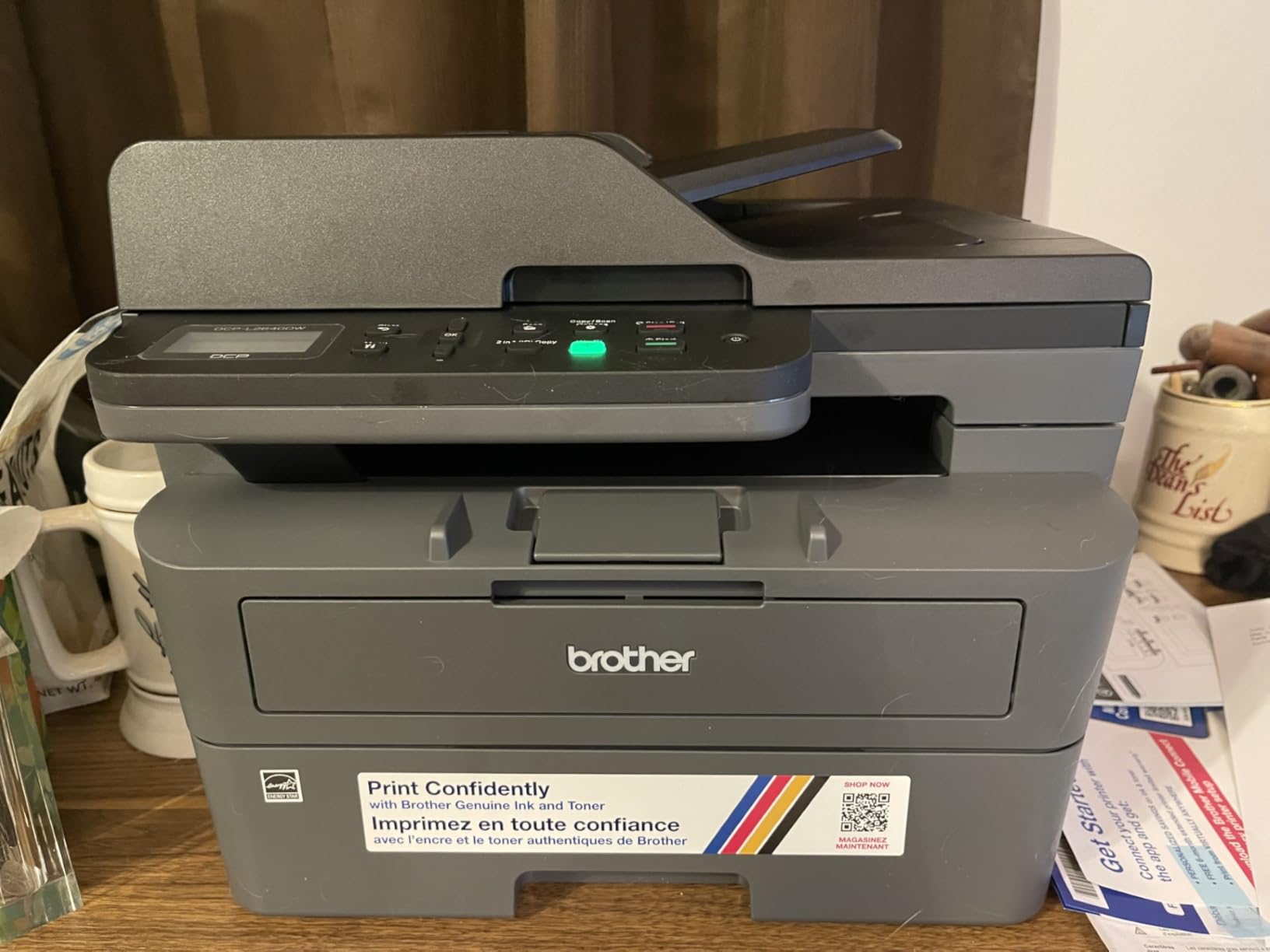
Connectivity is well judged by owners. Dual-band 2.4GHz and 5GHz wireless plus Ethernet means it joins a band-switching router without the workaround the HP DeskJet needs, and the Brother Mobile Connect app handles scanning, emailing and toner tracking without fuss.
Its weakness is physical. At 25 pounds and 12.5 inches tall it is the tallest and heaviest body in this roundup, and it needs a shelf more than a desk corner. The short power cord adds another constraint, since the unit has to sit near a wall outlet.
When a laser MFP earns its footprint
Community recommendation is consistent here: monochrome laser wins for anyone printing mostly text, and inkjet wins for colour and photos. A 50-sheet feeder plus duplex is a genuinely different working day compared with manual re-feeds.
Toner cost per page is far below cartridge ink, and the TN830XL high-yield cartridge stretches to roughly 3000 pages. If you print a few hundred black pages a month, that difference is the whole decision.
The software friction to expect
Read the reviews for the software, not the hardware. Owners report a firmware password reset flow that fails on the first attempt, and a scan-to-PC dialog that occasionally freezes and needs a restart.
Neither problem is dangerous, but both are annoying on a busy morning. Use the mobile app rather than the on-device menu, which several owners found unintuitive. A three year warranty is not listed for this model, so check the included coverage before you rely on it.
5. Epson EcoTank ET-2400: the lightest refillable option
Epson EcoTank ET-2400 Wireless Color All-in-One Supertank Printer
14.8W x 22.8D x 10H inches
8.6 pounds
10 ppm black and 5 ppm colour
Manual duplex
Pros
- Lightest tank body here at 8.6 pounds
- About 4500 black and 7200 colour pages per bottle set
- Refill only the colour that ran out
- Sharp flatbed scans
Cons
- No screen at all beyond four status LEDs
- Paper jams described as near guaranteed on a first print
- 5GHz must be disabled on dual-band routers for setup
- Waste pad is not user-replaceable
The ET-2400 shares the ET-2800 ink system but reshapes the body. It weighs 8.6 pounds, so it is easy to move between a desk and a shelf, and at 14.8 inches wide it is eight inches narrower than the ET-2800. The trade is depth, because it runs to 22.8 inches front to back.
The four EcoFit 522 bottles in the box cover about 4500 black pages and 7200 colour pages, and the ability to replace one colour at a time is genuinely useful when only magenta runs dry. Print quality came in bright, with deep blacks reported by image-heavy users.
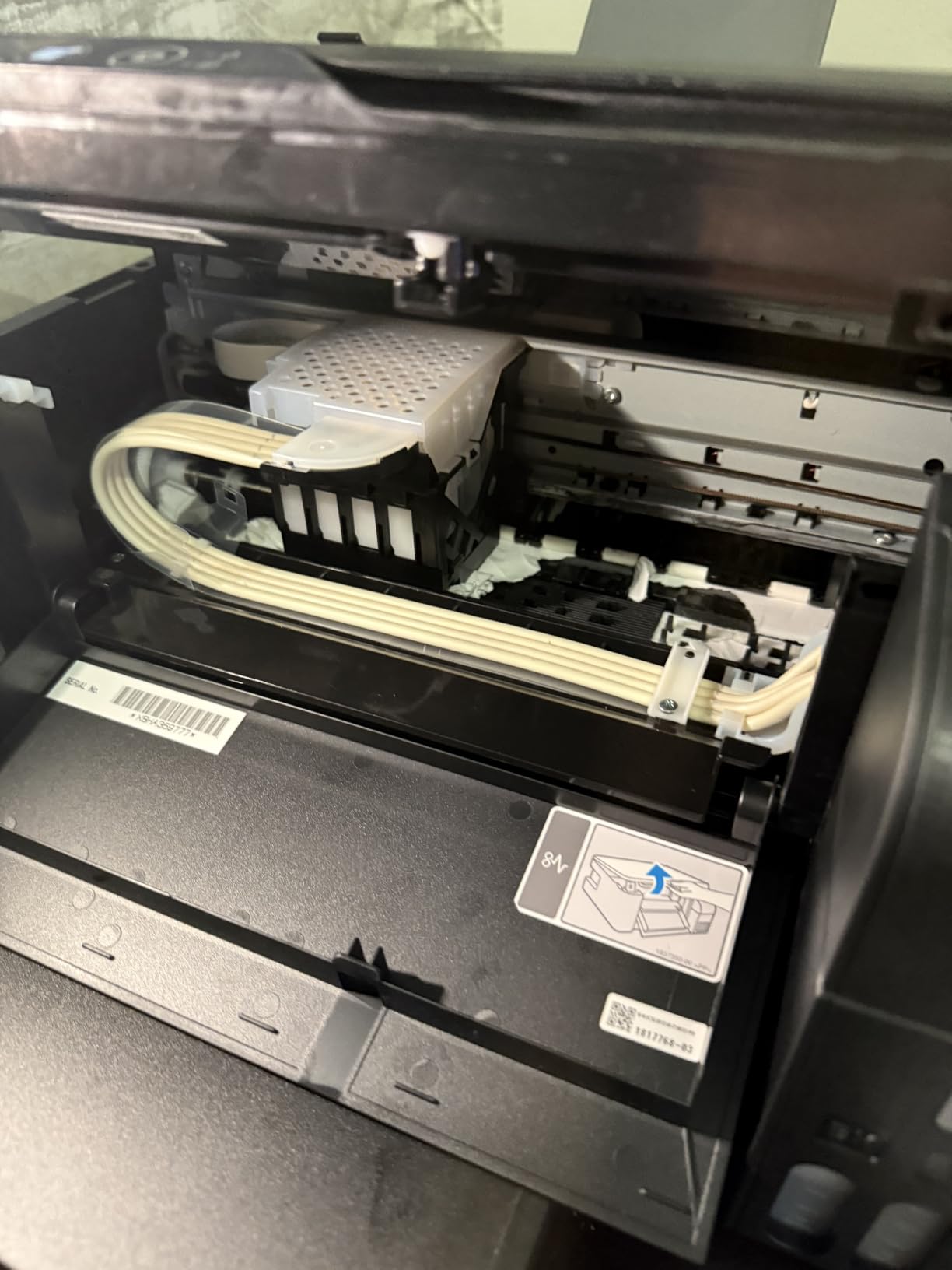
This is where the review record gets honest. About 17 percent of ratings are one star, and the recurring reasons are paper jams on a first print attempt, no screen beyond four LEDs, and Wi-Fi that only settles on 2.4GHz. If a display matters to you for diagnosing problems, choose a different machine.
The waste pad is also not user-replaceable, which matters for anyone planning to keep a printer for many years. It is a small design decision with a long tail, and it is the sort of thing eco-minded buyers should weigh.
When the ET-2400 makes sense
Choose it when ink cost is your biggest frustration and weight matters more than width. At 8.6 pounds this is the easiest tank machine to reposition when you reclaim desk space, which pairs well with our small-space desk guide.
It suits a mixed workload: sharp colour for school projects, adequate speed for documents, and a flatbed scanner good enough for digitising paperwork.
When the ET-2400 is the wrong buy
Skip it if you print infrequently. A tank machine left idle for weeks invites the same nozzle issues as any inkjet, and owners who moved from a laser often miss not having to think about it.
Skip it if you are not comfortable disabling the 5GHz band during setup, because the documentation does not mention that step clearly. The Canon models in this list join dual-band networks without that workaround.
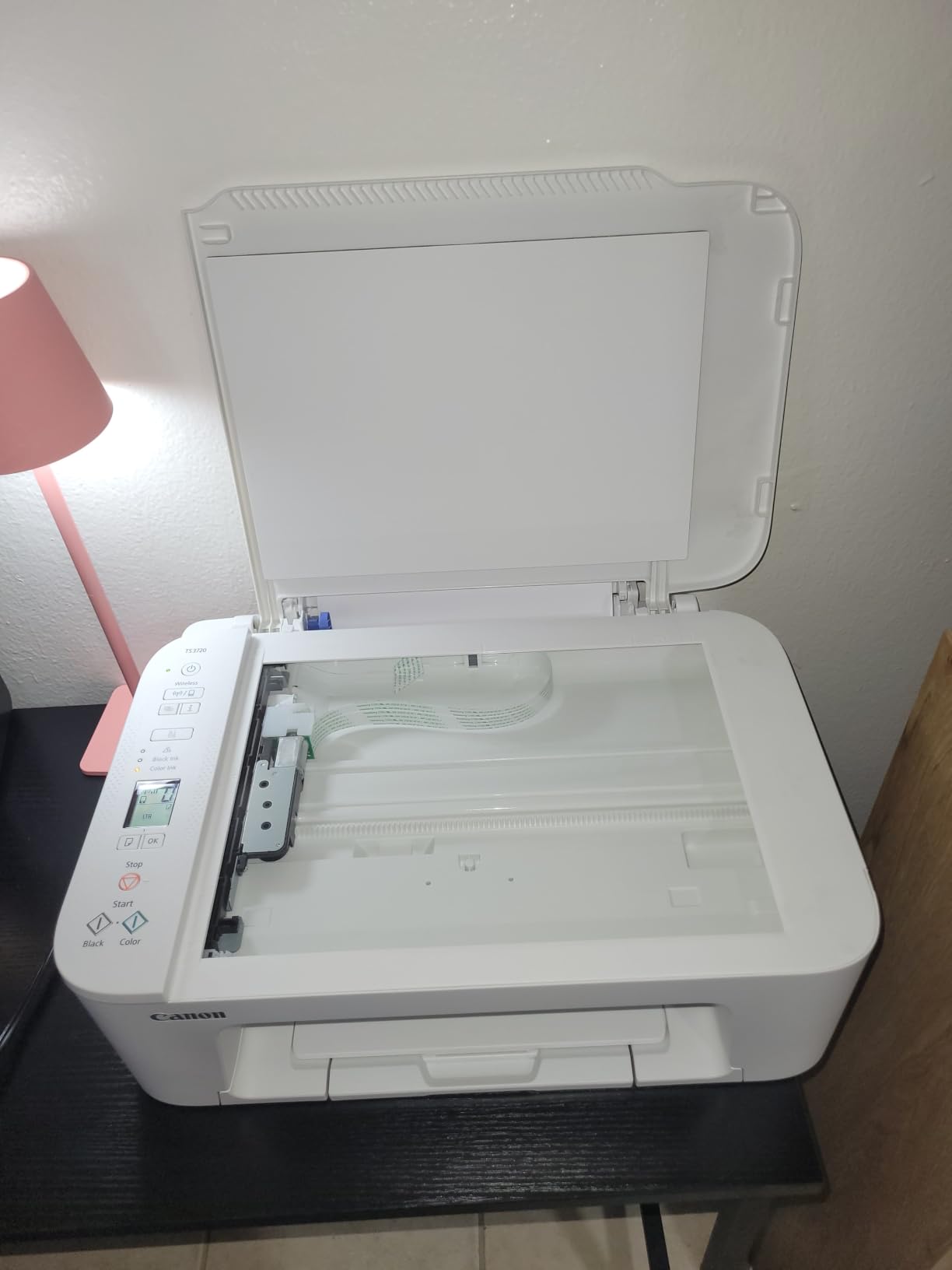
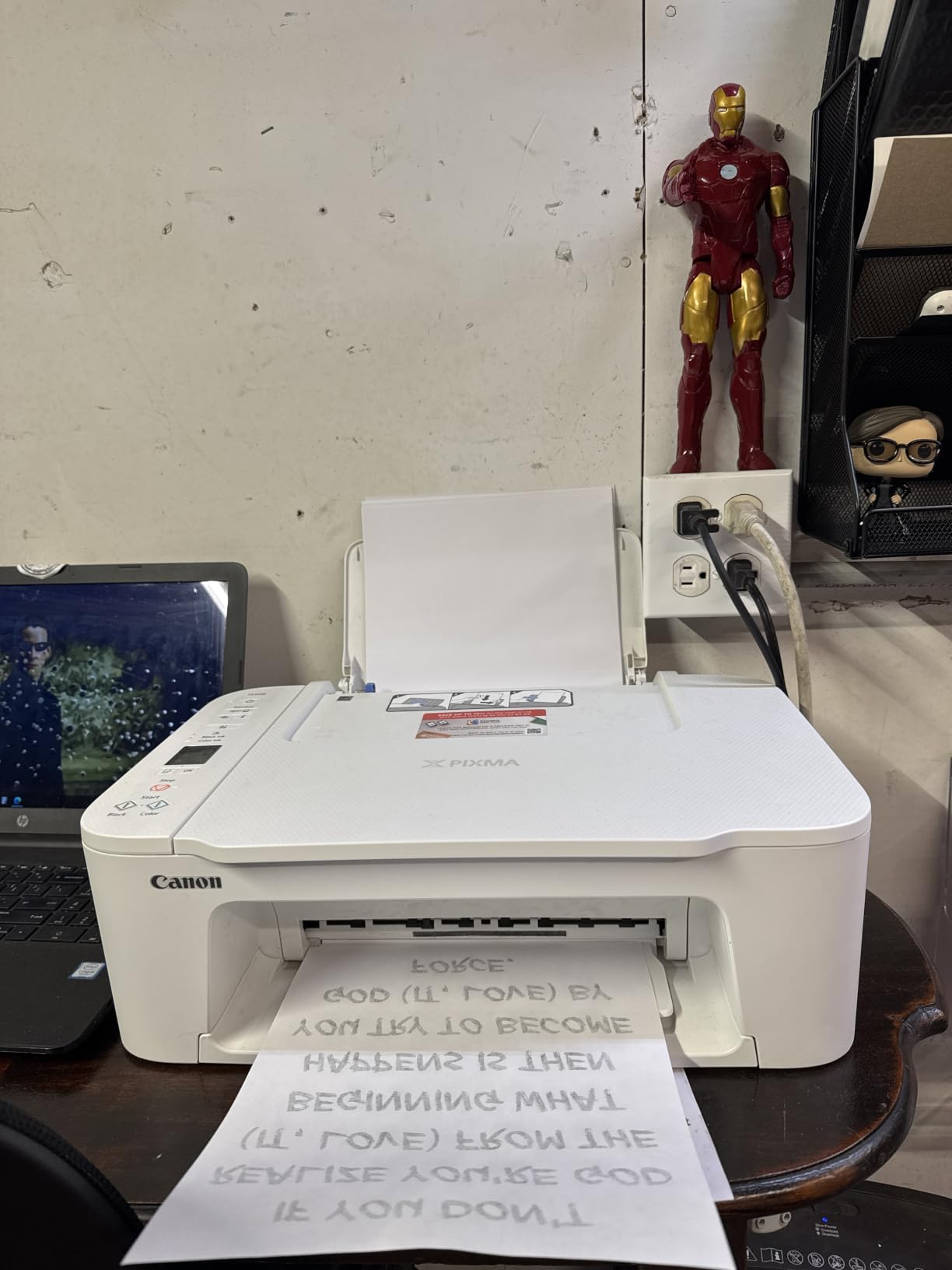
6. Canon PIXMA TS3720: the slim desk profile
Canon PIXMA TS3720 Wireless All-in-One Printer for Basic Home Printing, White
12.9W x 17.2D x 5.8H inches
8.7 pounds
7.7 ppm black and 4 ppm colour
Dual-band Wi-Fi
Pros
- Slim 5.8 inch tall body clears a monitor shelf
- Narrow 12.9 inch width suits a cramped corner
- Dual-band Wi-Fi joins 2.4GHz or 5GHz easily
- Works with Chromebook and AirPrint
Cons
- Single-sided printing only
- Slow at 7.7 ppm black and 4 ppm colour
- Only a 60-sheet input tray
- Two cartridges means one empty unit blocks a colour set
Where the Epson tanks are wide and shallow-looking, the TS3720 is narrow and deep, and for a cramped desk corner that is the better shape. At 12.9 inches wide it is the narrowest all-in-one we tested, and at 5.8 inches tall it will sit under a monitor arm where nothing else here fits.
It also handles the network better than most. Dual-band 2.4GHz and 5GHz Wi-Fi means you can set it up on a modern router without switching bands, and the 1.5 inch segment LCD allows wireless setup without a computer in the room.
Borderless photo printing up to 5 by 7 inches is supported on glossy and high-resolution media, and the Canon PRINT app covers mobile printing alongside AirPrint and Mopria for Apple and Chromebook users.
The compromises are all in the paper path. The input tray holds 60 sheets, which is the smallest capacity here, and printing is single-sided only, so every double-sided document is a manual flip.
When the slim profile solves the problem
This is the printer for a dorm desk, a shared apartment shelf or a reception counter with a low lip. Buyers consistently mention that the body height is the reason it works, not just the width.
For a student printing coursework, boarding passes and occasional 5 by 7 photos, the speed rating barely registers. What matters is that it is small, quiet to set up and connects to whatever router is in the building.
Running cost is the catch
The PG-275 and CL-276 two-cartridge system keeps refilling simple and mess-free, but light printing is where cartridge economics bite. A single empty black or colour cartridge can block a whole colour set until you replace it.
If your volume is under roughly 50 pages a month this is a fine budget machine. If it is higher, move up to a tank model, where the arithmetic over two years is entirely different. We cannot quote prices here, so work the maths yourself with current cartridge yields.
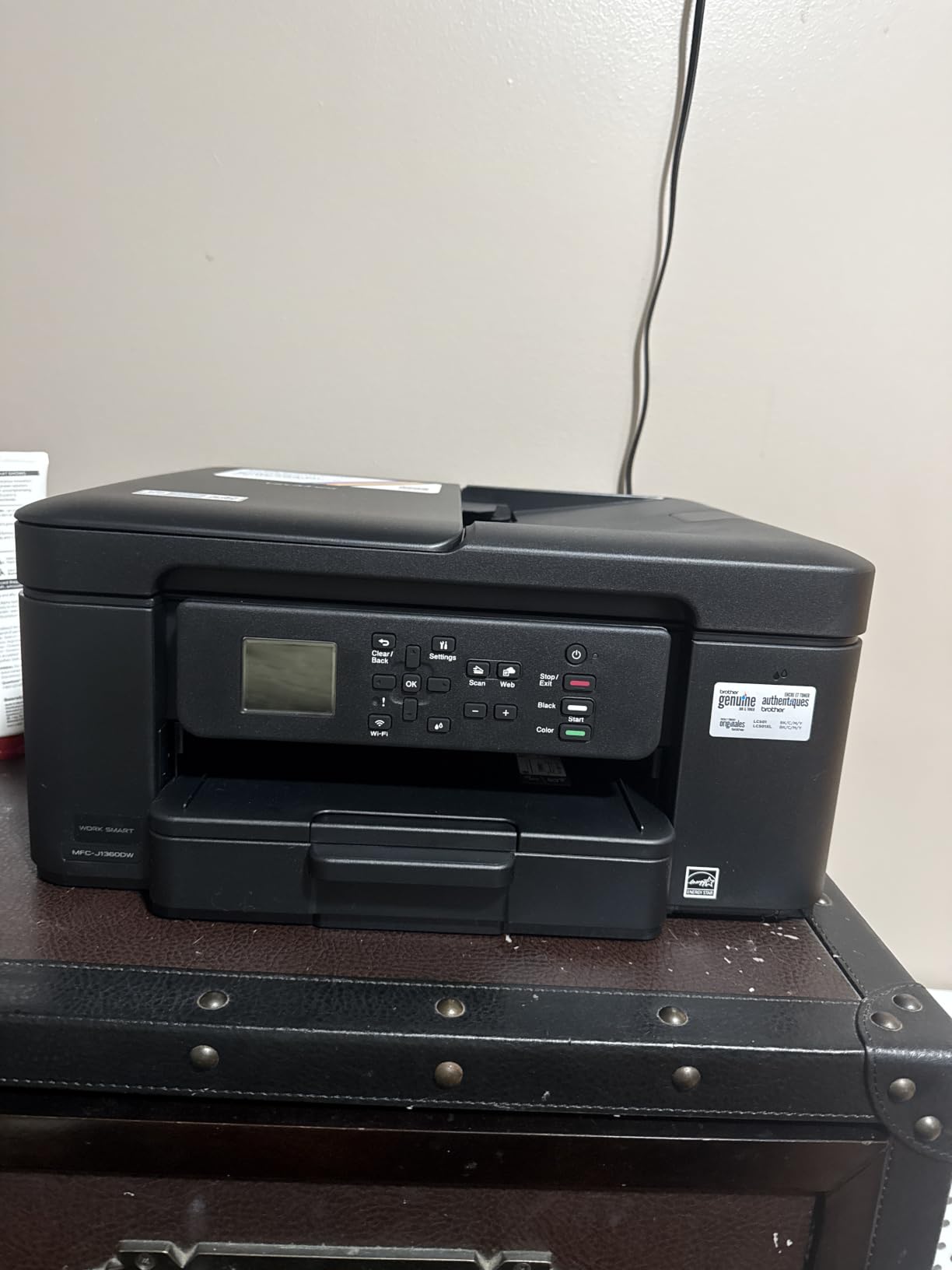
7. Brother Work Smart 1360: most features in a short body
Brother Work Smart 1360 Wireless Color Inkjet All-in-One Print, Scan, Copy
15.4W x 13.5D x 7.2H inches
16.8 pounds
16 ppm black and 9 ppm colour
Automatic duplex and 20-sheet ADF
Pros
- Automatic duplex plus an ADF in a 7.2 inch tall body
- 150-sheet paper tray is the largest here
- 1.8 inch color display with cloud print and scan
- First page in about 6.2 seconds
Cons
- Lowest average rating in this group at 3.9 stars
- Only a 20-sheet document feeder
- Cartridge running costs far higher than tank or laser
- No fax
Few printers this size include automatic duplex and an automatic document feeder at all. This Brother does both in a body only 7.2 inches tall, and it also carries a 150-sheet tray, the largest in this roundup, plus cloud printing to Google Drive, Dropbox, Box and OneDrive from the 1.8 inch color display.
On paper it is the most capable small printer here. On the review record it is the weakest average at 3.9 stars with about 19 percent one-star ratings, and the reason is consistent: the four colour cartridges are expensive to run.
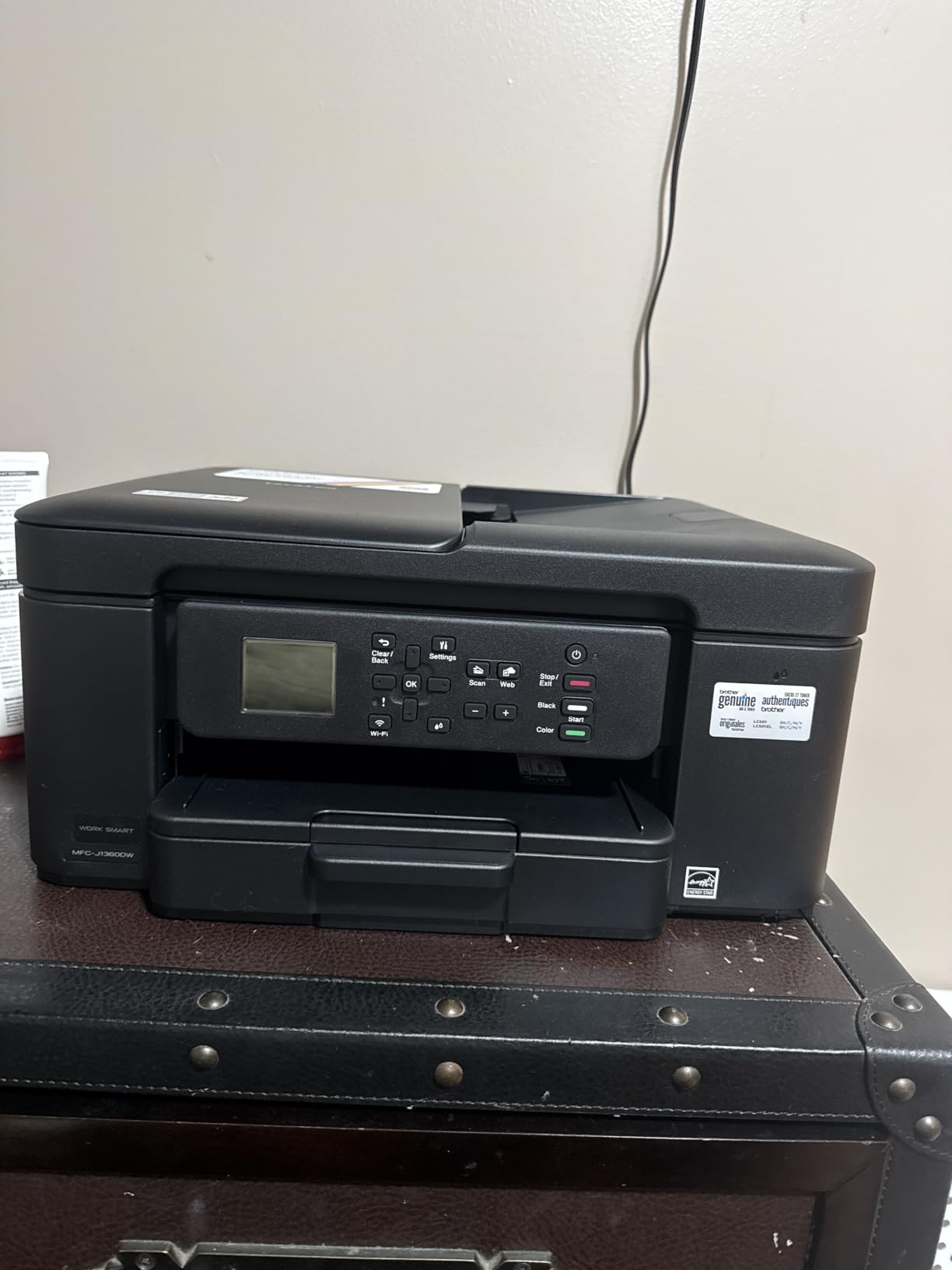
The 20-sheet feeder is the practical limit for scanning. A twenty-page contract fits, a fifty-page manuscript does not, and you will be at the flatbed for anything longer. That is a smaller constraint than having no feeder at all.
Speed is respectable at 16 ppm black and 9 ppm colour with a first page in roughly 6.2 seconds, so documents leave the tray quickly. Page Gauge ink monitoring in the Brother Mobile Connect app is a nice touch for anyone who does not want to be surprised by a mid-job cartridge change.
Who benefits from the feature density
A home office that copies and scans regularly gets more from this machine than from a barebones model. Duplex printing, a feeder and a 150-sheet tray remove three separate daily chores.
It suits students and shared households too, because the tank-free cartridge system means no bottles to store and no spill risk on a shelf. Four starter colour cartridges ship in the box, which covers a fair amount of light use.
When the running cost wins against you
If you print colour regularly, the math goes against cartridge ink fast. A tank model such as the Epson ET-2800 costs far less per page over two years once the bottles are in service, even though the body is wider.
Also weigh the missing fax and the 3.9 average before you commit. The feature list is strong, but the reliability signal is weaker than the other Brother machines here, so we would not build a small business workflow on it.
8. Brother HL-L2460DW: cheapest per page for black text
Brother HL-L2460DW Wireless Compact Monochrome Laser Printer with Duplex, Mobile Printing, Black & White Output | Includes Refresh Subscription Trial(1), Works with Alexa
14W x 14.2D x 7.2H inches
15.6 pounds
36 ppm monochrome
Automatic duplex
Pros
- Print-only design keeps the body to 14 by 14.2 inches
- 36 ppm with a first page under 8.5 seconds
- High-yield toner stretches to roughly 3000 pages
- 250-sheet tray plus a manual feed slot
Cons
- No scanner
- copier or document feeder
- Monochrome output only
- Small button LCD makes Wi-Fi setup tedious
- Included subscription trial can convert to per-page overage charges
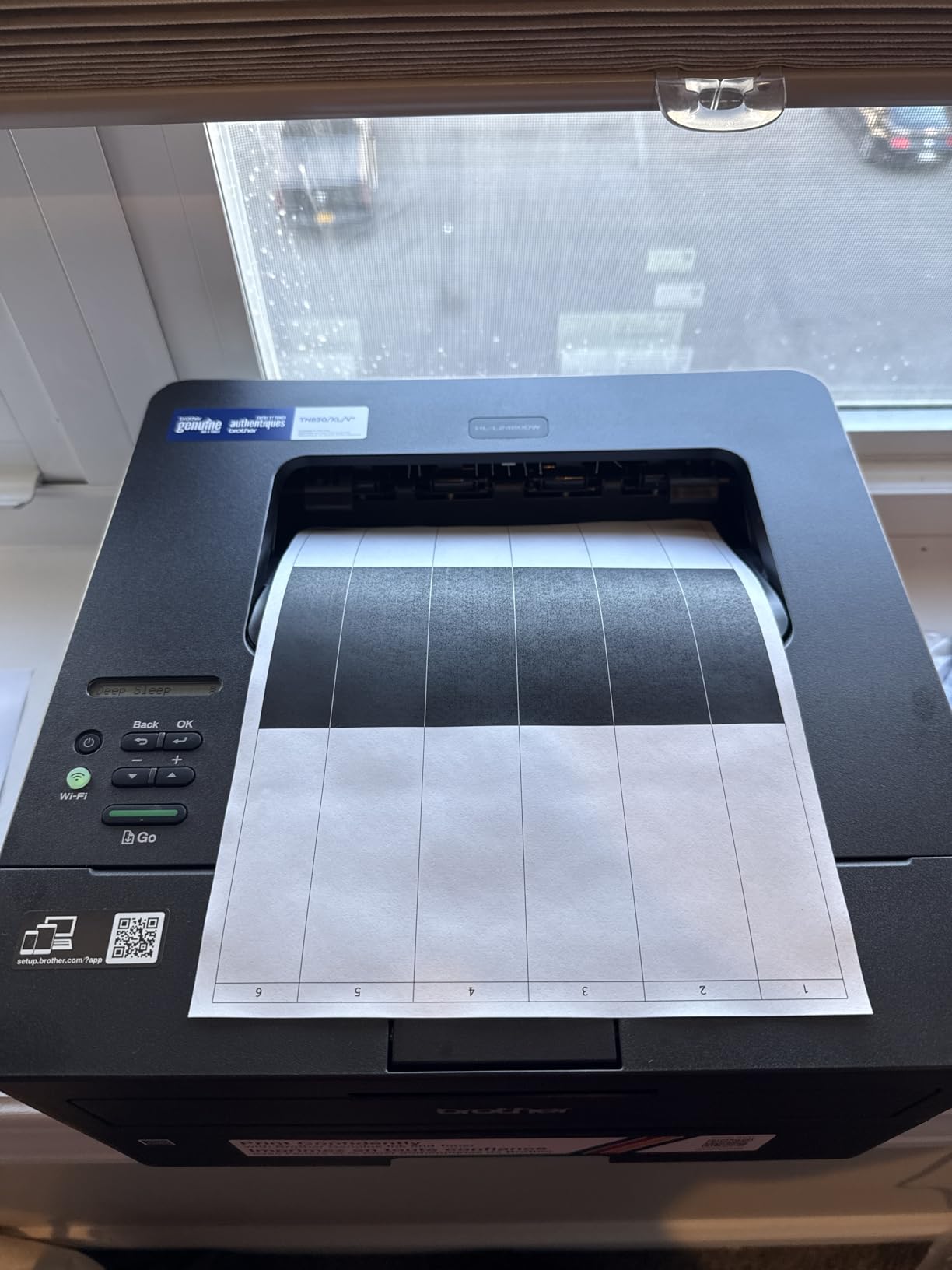
This is the machine forum users recommend most often for a small desk, and the reasoning is straightforward. It prints black and white at 36 ppm, the toner does not dry out when it sits unused, and the running cost per page is a fraction of any inkjet on this list.
Dropping the scanner is what makes the body small. At 14 inches wide by 14.2 inches deep and 7.2 inches tall, with a 250-sheet tray, it is compact for an office-class machine, and it works with Windows, macOS and Linux through Brother Mobile Connect.
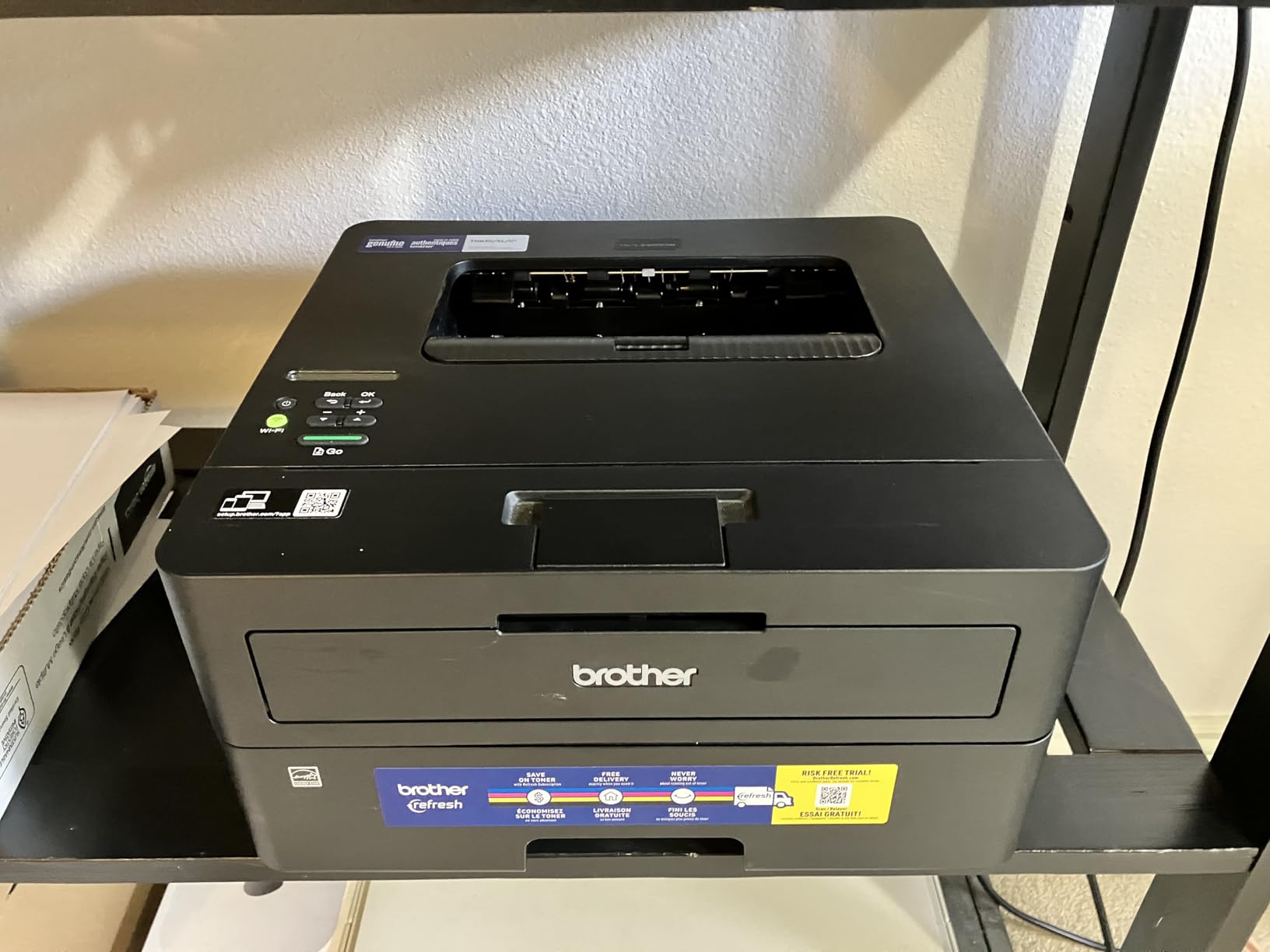
Dual-band 2.4GHz and 5GHz Wi-Fi plus Ethernet handles modern routers, and automatic duplex cuts paper use on every multi-page job. Setup is often reported as a five-minute task when it is configured from the printer itself.
The catch is that a print-only machine forces a separate scanner if you ever need one. Forums debate exactly this, and the consensus is that a small all-in-one beats buying a tiny printer plus a standalone scanner later, unless you genuinely never copy anything.
When print-only is the right trade
If your work is contracts, invoices, shipping documents and drafts, this machine is hard to argue with. The 250-sheet tray means refilling twice a month rather than twice a week.
It is also the best choice for anyone printing in a shared flat. Laser does not streak if the machine has been idle for a month, which removes one of the complaints that comes up most often in shared apartments.
Before you order, check these details
Confirm you do not need colour. There is no colour path at all on this model, and photo printing is simply not possible.
Look at the setup screen before confirming any included trial. Owners report the subscription service auto-enrolling during setup and then billing per page above the allowance, which is an unwelcome surprise in a household budget. Declining it takes a few seconds and removes the risk.
9. Canon PIXMA TS4320: automatic duplex in a small body
Canon PIXMA TS4320 – Wireless Color Inkjet Printer with Print, Copy, Scan
14W x 14.8D x 6.7H inches
15.5 pounds
14 ppm black and 9 ppm colour
Automatic two-sided printing
Pros
- Automatic duplex in a 6.7 inch tall body is unusual at this size
- Quiet operation for a home inkjet
- Crisp output up to 1200 x 1200 dpi
- Three year manufacturer warranty
Cons
- Wi-Fi drops offline and needs a device to reconnect
- Replacement cartridges cost close to the printer price
- Thin paper tray creases easily
- Only 100-sheet paper capacity
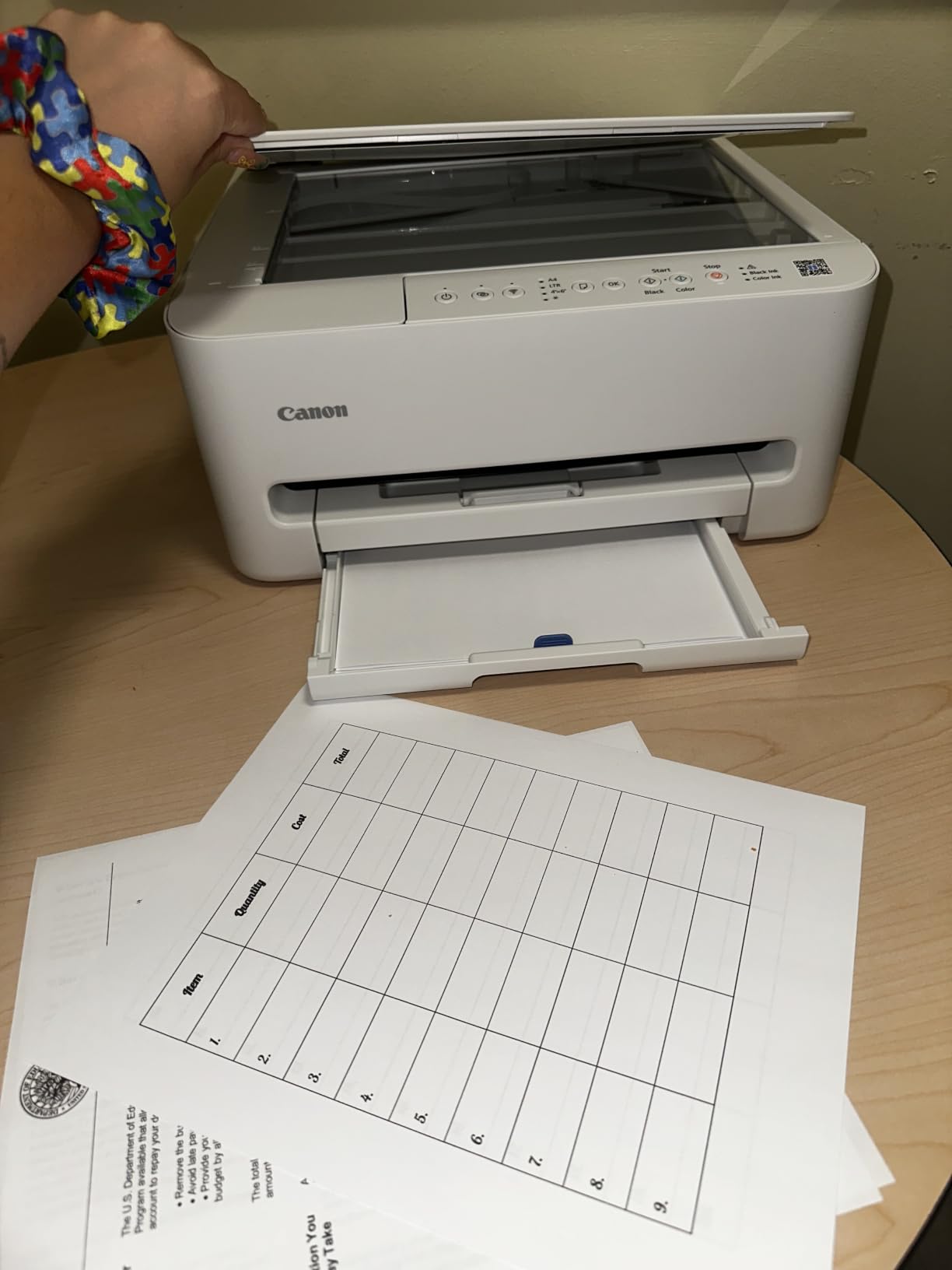
Automatic duplex is normally the first feature cut when a printer gets small. This Canon keeps it inside a footprint of 14 inches wide by 14.8 inches deep that stands 6.7 inches tall, which is why it sits neatly on a small desk and why it suits anyone printing double-sided colour documents.
Speed is better than the entry-level Canon too, at 14 ppm black and 9 ppm colour with a first page in about 9.5 seconds. The 1.44 inch OLED display handles setup and status without a computer, and the hidden paper tray keeps the front of the machine clean.
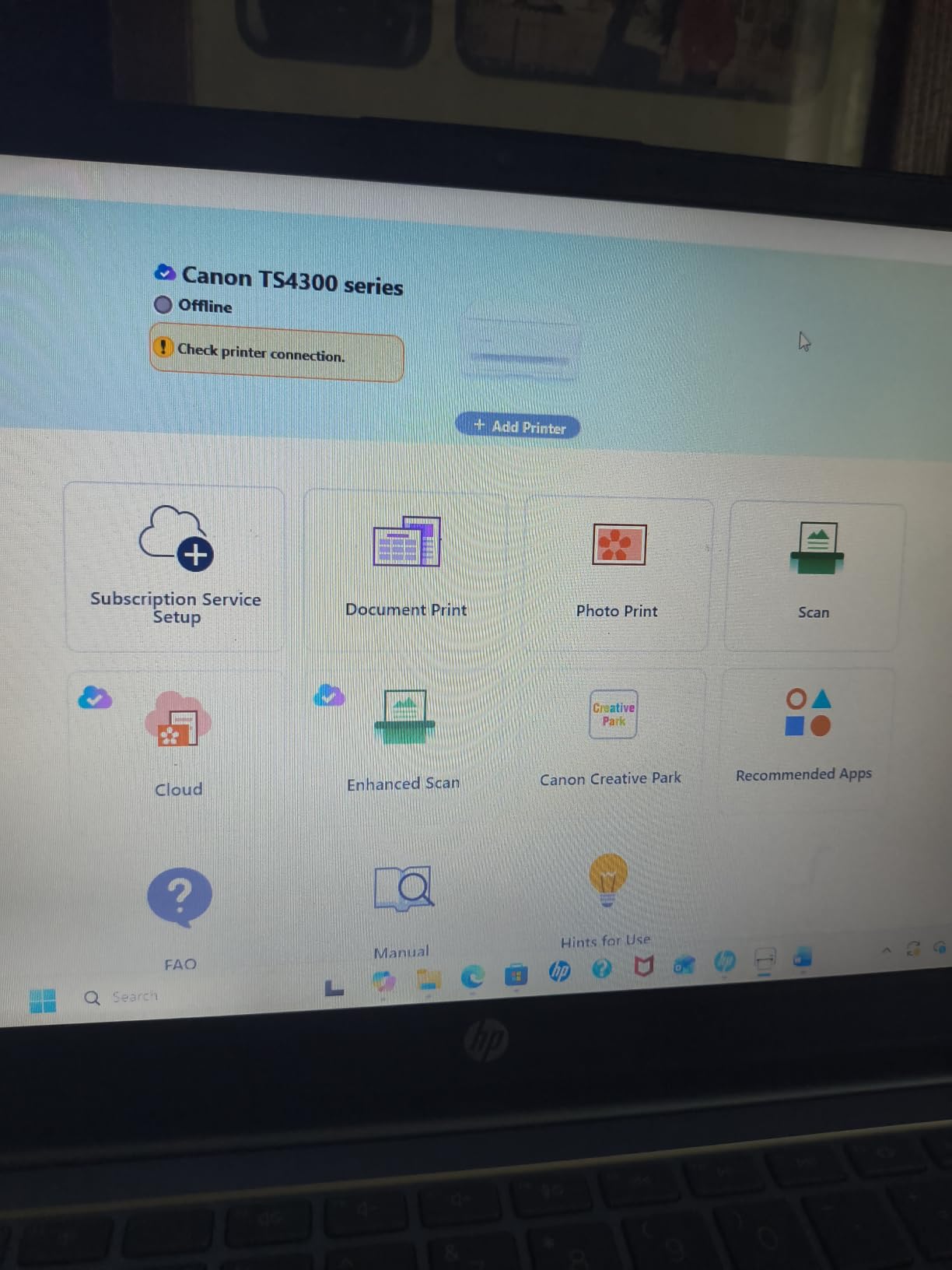
Two things put it behind our top pick. Owners repeatedly report the Wi-Fi dropping offline and needing a phone or computer to reconnect it, which is a daily annoyance rather than a setup issue. And the replacement cartridges cost close to the price of the machine itself, so the ongoing economics are poor.
A small number of printers arrive with a non-working scanner and are exchanged by Canon support, so keep the packaging. The tray is thin and creases paper easily if you overfill it past the 100-sheet mark.
Best for shared walls and home calls
Owners specifically mention quiet operation, which matters more than most spec sheets admit when you work from an apartment with thin walls. It is not silent, but inkjets like this one are easy to live alongside, and it is far friendlier to a video call than a mechanical office machine.
The three year manufacturer warranty is the longest listed in this roundup, which is reassuring on a machine whose main weakness is connection reliability rather than build quality. It is also EPEAT Silver and ENERGY STAR certified.
When to keep looking
If you print colour more than occasionally, skip this one. Ink cartridges priced near the machine cost turn a modest purchase into an expensive habit, and a tank model changes that arithmetic completely.
If your router is band-switching or your network is crowded, the Brother lasers connect more reliably. Both Brother models here use dual-band 2.4GHz and 5GHz alongside Ethernet.
10. HP Envy 6155: the recycled-plastic pick
HP Envy 6155 Wireless All-in-One Color Inkjet Printer, Print, Scan, Copy, Duplex Printing Best-for-Home, 3 Month Trial of Instant Ink Included, AI-Capable (C2WR7A) Portobello
17.05D x 14.21H inches
11.2 pounds
10 ppm black and 7 ppm colour
Automatic duplex and 2.4 inch touchscreen
Pros
- Made with at least 60 percent recycled plastic
- 2.4 inch color touchscreen for on-device control
- Automatic duplex with dual-band Wi-Fi
- AI page formatting reduces wasted prints
Cons
- Only 415 reviews so long-term reliability data is thin
- Included trial converts to a paid monthly plan
- Cartridges use an HP chip lock
- 10 ppm black and 7 ppm colour is slow
The Envy 6155 is the newest listing here and carries the highest average rating at 4.2 stars, with roughly 69 percent of its 415 reviews at five stars. The 2.4 inch touchscreen is the best control panel on any printer in this roundup, and automatic duplex is standard.
It is also the one built with at least 60 percent recycled plastic, which is why it takes our eco pick. Dual-band Wi-Fi with automatic connection detection is the right approach in a house full of devices, and HP P3 colour matching gives screen-accurate output.
We rate it highly but not first, and the reason is the sample size. Four hundred and fifteen reviews cannot tell you how this machine behaves after three years, while the HP DeskJet 3755 carries over 21000 reviews describing exactly that.
The AI-assisted web and email formatting is a small but real saving, trimming wasted sheets from formatted documents. The 100-sheet input tray and Letter maximum media size mean it is a home machine rather than an office one.
Why the recycled plastic matters
Printers are one of the hardest household items to recycle, and a body built from 60 percent recycled content reduces virgin plastic demand per machine. That is a measurable claim rather than a marketing adjective, and it is worth something to buyers who care about e-waste.
The wider environmental argument sits with the ink system. Cartridge shells and print heads are the bulk of printer waste, which is exactly why the tank models further up this list score well on running cost as well as on waste.
What to check before buying
Read the cartridge terms. These cartridges rely on original HP chips or circuitry, and a monthly subscription trial is included that converts to a paid plan after three months. Decline it at setup if you will not use it.
Also weigh the 17.05 inch depth. That is deeper than the Canon PIXMA TS4320 and the Canon PIXMA TS3720, so it needs a clear front edge, and the 11.2 pound body is manageable to move but not light.
How to Choose a Compact Printer Without Losing Desk Space
Start by measuring, not by reading. Get a tape measure and check the width, the depth to the wall, and the height under any shelf or monitor arm. Then add four inches of clearance at the front for the output tray, because that is where most people discover their mistake.
Three numbers decide the purchase. Width under 16 inches fits a small desk. Depth under 15 inches means the tray opens without overhang. Height under 7 inches clears a monitor shelf or a raised desk riser. Every machine in this roundup is published with all three.
Next, choose the ink system to match your volume. Cartridge inkjets suit occasional printing under 50 pages a month. Ink tank models such as the Epson EcoTank and Canon MegaTank make sense from a few hundred pages a month upward. Monochrome laser wins when you print text almost exclusively.
Fax deserves its own note because it is the one feature you cannot add later. A separate USB scanner is cheap and works with any printer, while a working fax line rarely is. Several compact all-in-ones simply have no fax radio at all, so check the specification before assuming a multi-function device can send one.
Two features improve reliability more than any speed figure. Automatic duplex removes the mid-job paper flip, and a document feeder removes the flatbed shuffle. On this list the Brother DCP-L2640DW offers both, which is why it earns a place despite its size.
Duplex matters more than resolution for most desk work. Automatic two-sided printing on the Brother Work Smart 1360, the Brother HL-L2460DW, the Canon PIXMA TS4320 and the HP Envy 6155 removes the single most common annoyance in home printing. If your desk produces a lot of contracts or coursework, pay for it.
For those upgrading a home office that also handles laundry-sized appliances, our compact washers guide covers the same space-first logic.
On inkjet maintenance, print a nozzle test page every few weeks if the machine sits idle. Standing inkjets dry out in weeks, and a monthly page keeps nozzles clear before a jam or streak becomes a service visit.
Finally, think about placement before you buy. Wireless printers can live on a shelf or inside a cupboard between uses, which frees the desk entirely. Reserve a few centimetres of clearance for output, keep the power cord reachable, and route cables along the back edge rather than across the working surface.
Frequently Asked Questions
What is the best printer for a small office?
For most small offices the HP DeskJet 3755 wins on footprint, holding the smallest occupied area at 6.97 inches deep and 5.55 inches tall. If you print mostly black text and want a feeder and automatic duplex, the Brother DCP-L2640DW is the stronger choice despite being the largest body here.
What are some good small desktop printers?
The HP DeskJet 3755, Canon PIXMA TS3720 and Canon PIXMA TS4320 are the most desk-friendly shapes, all under 6 inches tall with small footprints. For lower running costs at higher volume, the Epson EcoTank ET-2800 and Canon MegaTank G3270 add refillable ink but are far wider and deeper.
What is the best mini printer for a small business?
For a reception desk or shared counter, the Brother DCP-L2640DW gives a 50-sheet automatic document feeder, automatic duplex and 36 ppm monochrome output with dual-band Wi-Fi and Ethernet. You will need a shelf rather than a desk corner, because it stands 12.5 inches tall.
Which is better, an inkjet or an ink tank for home use?
An inkjet suits occasional printing, typically under 50 pages a month, because it costs less to start with. An ink tank model such as the Epson EcoTank ET-2800 or Canon MegaTank G3270 wins from a few hundred pages a month upward, with one bottle set covering roughly 4500 to 7700 pages and no cartridge waste.
What is the downside of an ink tank printer?
The bottles must be stored, the body is wider and deeper than a cartridge machine, and refilling is a manual step. Occasional users often find them poor value because the upfront cost is higher and the ink has no page-per-day urgency. Some models also lack automatic duplex and print single-sided only.
What printer has the least amount of problems?
Monochrome laser models tend to report fewer problems than inkjets because toner cannot dry out and there are no nozzles to clog. Among the printers here, the Brother HL-L2460DW is print-only with automatic duplex and roughly 3000 page high-yield toner, so it has the fewest moving parts that can fail.
The Verdict
The HP DeskJet 3755 is the best compact printer for small desks in 2026 because footprint beats every other feature when the desk is the constraint, and no other machine here occupies less surface. The Canon PIXMA TS3720 is the alternative if your router only broadcasts on 5GHz, and the Canon PIXMA TS4320 is worth the jump for automatic duplex in the same small shape.
For printing volume rather than desk space, the Epson EcoTank ET-2800 and Canon MegaTank G3270 cut ink costs over two years, and the Brother HL-L2460DW or DCP-L2640DW make text printing close to free per page. Measure your width, depth and height first, then check current pricing on each machine before you commit.