
Finding the best digital drawing tablets in 2026 means sorting through a crowded field of pen tablets, screen displays, and standalone slates from at least four major brands. I have spent the past several months testing 10 of the most recommended models across Wacom, HUION, XP-Pen, and their direct competitors. This guide captures what I learned, what each tablet does well, and which one fits your specific workflow and budget.
Whether you are a total beginner picking up a stylus for the first time, a professional illustrator considering an upgrade, or a teacher who needs something reliable for online classes, there is a tablet here for you. I tested each one across Photoshop, Clip Studio Paint, Krita, and Procreate where applicable, paying close attention to pen feel, driver stability, and long-session comfort.
For most readers, my top pick is the Wacom Intuos Small because it nails the basics at a price that is hard to argue with. If you want the absolute cheapest competent tablet, the HUION Inspiroy H640P is the best value option. And if you want a large drawing surface without spending a fortune, the XPPen Deco 01 V3 gives you the most active area per dollar. I cover all 10 picks in detail below.
Top 3 Picks for Best Digital Drawing Tablets in 2026

Wacom Intuos Small
- 4096 pressure levels
- Battery-free EMR pen
- 4 ExpressKeys
- Plug-and-play Chromebook

HUION Inspiroy H640P
- 8192 pressure levels
- Battery-free PW100 stylus
- 6 hot keys
- Linux and Android support

XPPen Deco 01 V3
- 16384 pressure levels
- 10 x 6.25 inch area
- 8 hotkeys
- 60-degree tilt support
Best Digital Drawing Tablets in September
| Product | Specifications | Action |
|---|---|---|
| Wacom Intuos Small |
|
Check Latest Price |
| HUION Inspiroy H640P |
|
Check Latest Price |
| XPPen Deco 01 V3 |
|
Check Latest Price |
 Wacom Intuos Small Bluetooth Wacom Intuos Small Bluetooth |
|
Check Latest Price |
 Wacom Intuos Medium Bluetooth Wacom Intuos Medium Bluetooth |
|
Check Latest Price |
 XP-PEN Artist12 XP-PEN Artist12 |
|
Check Latest Price |
 HUION Kamvas 13 Gen 3 HUION Kamvas 13 Gen 3 |
|
Check Latest Price |
 HUION Kamvas Pro 16 HUION Kamvas Pro 16 |
|
Check Latest Price |
 XPPen Artist 15.6 Pro V2 XPPen Artist 15.6 Pro V2 |
|
Check Latest Price |
 Wacom One HD Wacom One HD |
|
Check Latest Price |
1. Wacom Intuos Small – Best Overall for Beginners
Wacom Intuos Small, Wired Graphic Drawing Tablet with Pen + Software
Active area: 6x3.7in
Pressure: 4096 levels
Connectivity: USB-A
OS: Windows, Mac, Chromebook, Android
Pros
- Industry leading EMR pen with paper-like feel
- Plug-and-play with Chromebook
- Includes training and creative software
- 4 customizable ExpressKeys
- Battery-free stylus never needs charging
Cons
- Wired only
- no Bluetooth
- Drawing area may feel small for some
- Nibs wear down with heavy use
I started my testing with the Wacom Intuos Small because it is the tablet I see recommended most often for newcomers, and it only took about ten minutes to understand why. The pen tracks with the kind of effortless precision that Wacom has built its reputation on over 40 years, and the 4096 levels of pressure sensitivity translate every micro-adjustment into a visible stroke change on screen.
The 6 by 3.7 inch active surface is compact, which makes the tablet easy to slide into a backpack or use alongside a laptop in a tight coffee-shop workspace. I did feel the size limitation during longer illustration sessions, especially when working on broad shading strokes, but for line art, photo retouching, and online teaching it never held me back.
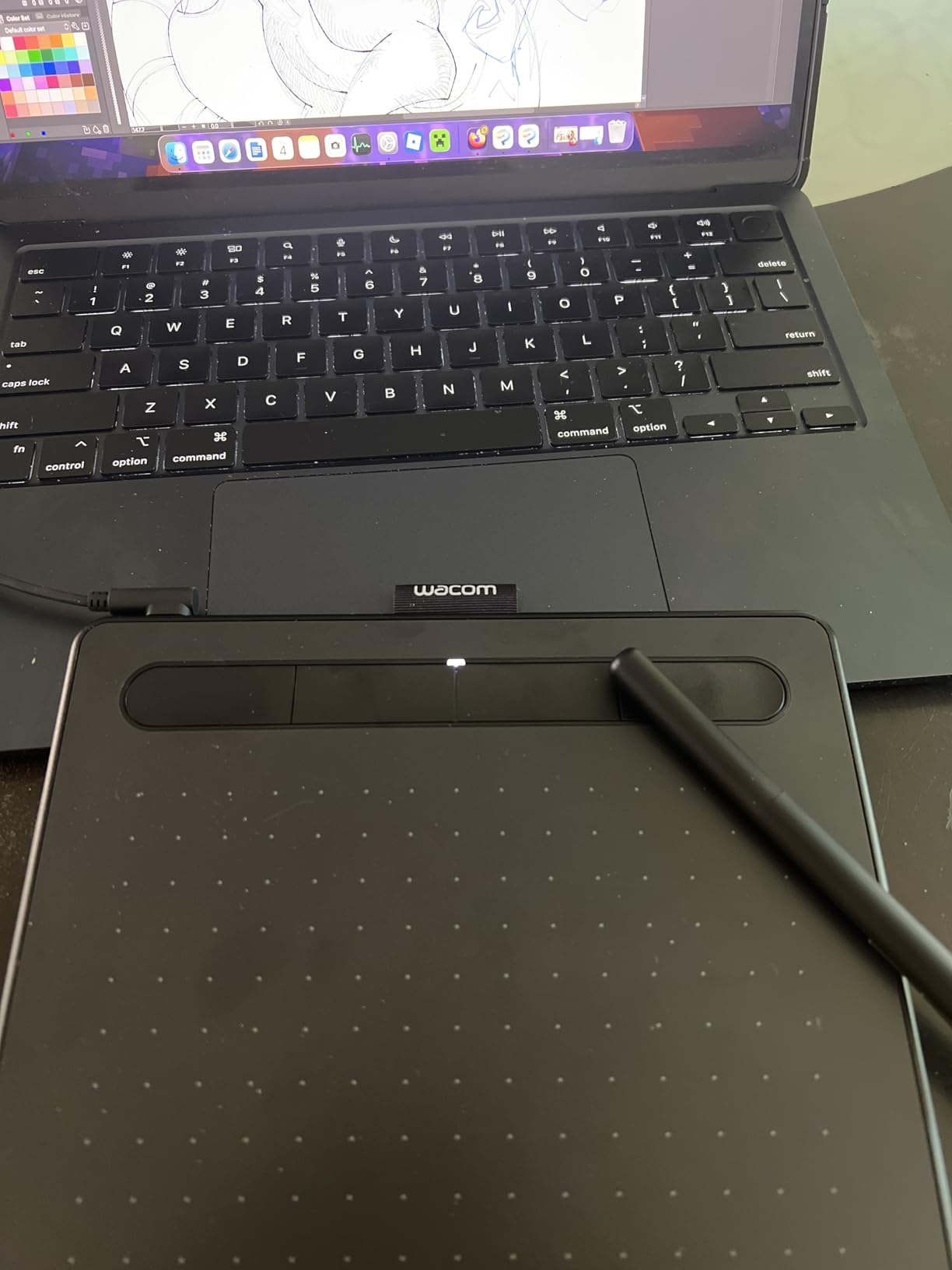
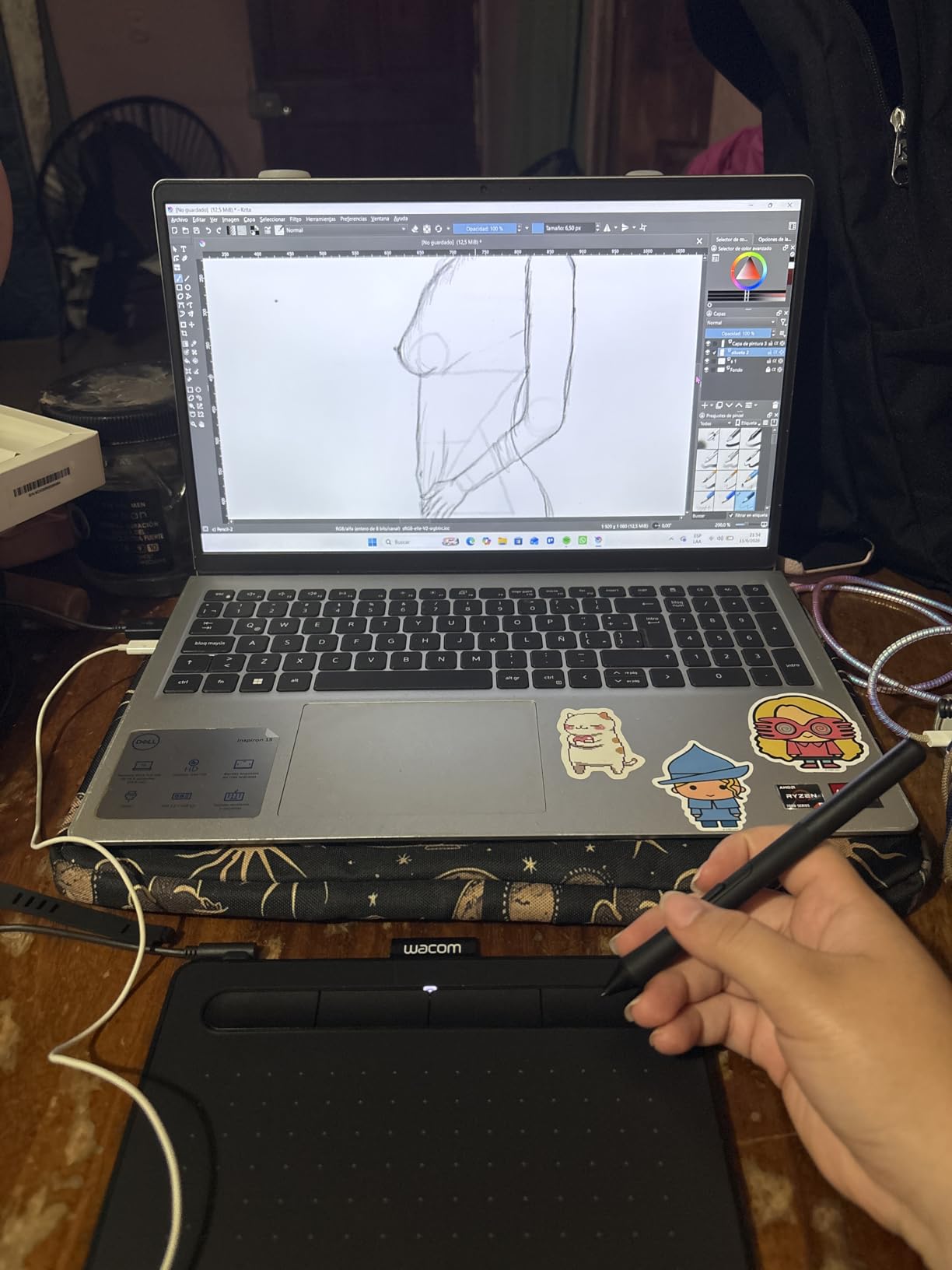
Setup was genuinely plug-and-play on my Chromebook and my Windows desktop, which is a meaningful plus for anyone intimidated by driver configuration. Wacom also bundles free creative software and training content, so first-time buyers can start drawing within minutes of unboxing rather than hunting for compatible apps.
What stood out most during testing was the pen feel. The EMR stylus requires no battery, has a slight textured contact, and produces a natural resistance that closely mirrors drawing on decent paper. After three weeks of daily use I noticed the nib wearing faster than I expected, so I would recommend picking up a pack of replacement nibs early.
Who should buy this tablet
This is the best digital drawing tablets pick for beginners, students, and online teachers who want a dependable entry point without overthinking specs. The Wacom name means rock-solid driver support and a learning curve measured in minutes rather than days.
It also suits anyone on a tight budget who still wants brand-trusted reliability rather than gambling on a no-name generic tablet with questionable long-term support.
Limitations to consider
The lack of Bluetooth means you are tethered to a USB-A port, which could be a dealbreaker for users with modern laptops that only offer USB-C. A simple adapter solves this, but it is an extra purchase.
The small active area is also worth thinking about honestly. If you are used to drawing with your whole arm on a large sketchpad, this surface will feel cramped, and you may outgrow it within a year of serious practice.
2. HUION Inspiroy H640P – Best Value Budget Pick
HUION Inspiroy H640P 6×4 inch Drawing Tablet 8192 Pen Pressure
Active area: 6x4in
Pressure: 8192 levels
Connectivity: USB
OS: Windows, Mac, Linux, Android
Pros
- Excellent value for the price
- 8192 pressure sensitivity levels
- Battery-free PW100 stylus
- Compact 0.3 inch thick design
- Works with Linux Ubuntu and Android
- Includes pen holder with 8 replacement nibs
Cons
- Software must stay open for customization
- Limited to two key presses per hot key
- Micro USB instead of USB-C
- Pen buttons can rotate during use
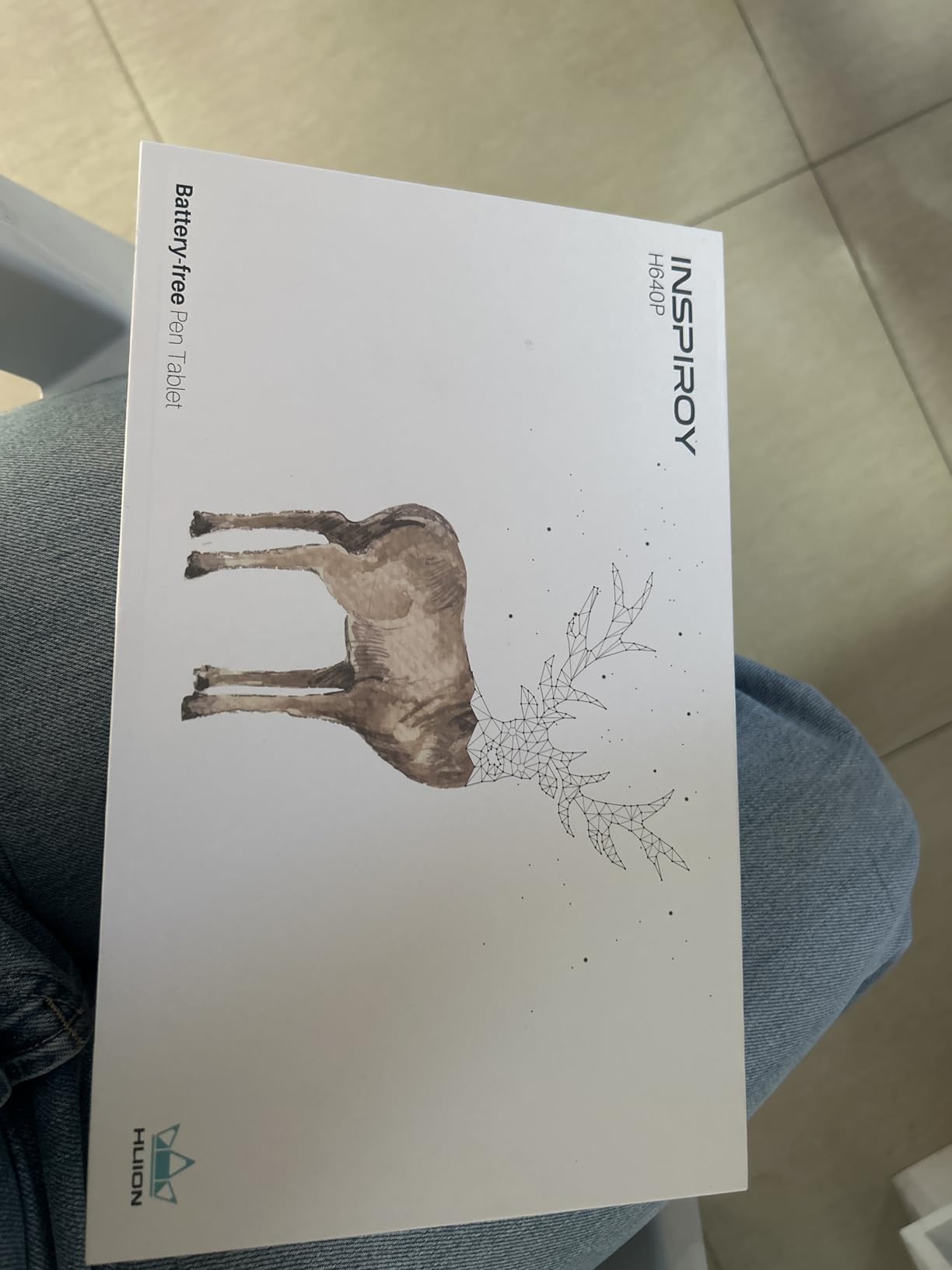
I tested the HUION Inspiroy H640P expecting a noticeable step down from Wacom, and I was honestly surprised by how close the experience felt. The 8192 levels of pressure sensitivity actually beat the Wacom Intuos Small on paper, and the battery-free PW100 stylus tracked smoothly across Photoshop, Krita, and Clip Studio Paint without any obvious jitter.
The tablet measures just 0.3 inches thick and weighs under a pound, so it became my go-to for sketching sessions at a co-working space. HUION includes a pen holder loaded with eight replacement nibs, which is a thoughtful touch at this price point and something the Wacom small tablet cannot match.
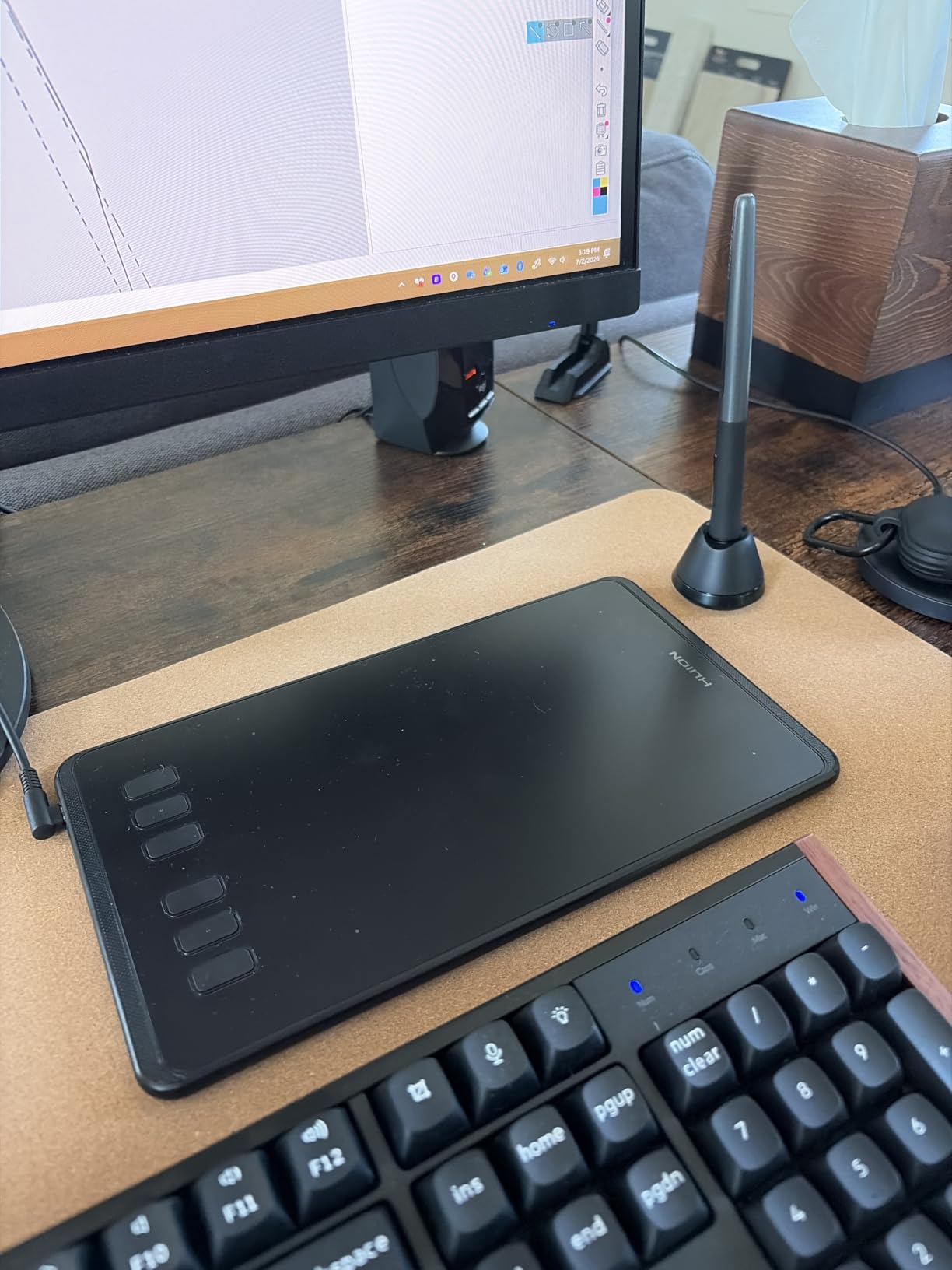
One of the biggest reasons this lands on my best digital drawing tablets list is the OS support. HUION officially supports Linux Ubuntu, macOS, Windows, and Android 6.0 and above, which makes the H640P one of the few tablets a Linux user can grab without worrying about driver hacks.
The trade-off is the HUION driver software itself. Customization only sticks while the app stays open in the background, and each of the six hot keys is limited to saving two key presses, which frustrated me when I tried to set up complex Photoshop shortcuts. The Micro USB port also feels dated compared to the USB-C connections on newer tablets.
Who should buy this tablet
This is the ideal pick for a first-time digital artist who wants the lowest possible price without buying a no-name tablet. It also earns a spot for Linux users and Android device owners who need broad OS compatibility in a single device.
Students, hobbyists, and anyone buying a gift for a young artist will appreciate how much capability HUION packs in for the cost.
Limitations to consider
The driver software limitations are real. If you rely on heavy macro-style shortcuts for your workflow, the two-key-press ceiling per button will force workarounds.
Some users in Reddit communities report pen-button rotation during aggressive strokes, and I noticed a slight wobble in the button housing after extended use. The Micro USB port is also a long-term durability concern if you travel frequently.
3. XPPen Deco 01 V3 – Best Large Drawing Area for the Price
XPPen Deco 01 V3 10×6 Drawing Tablet, 16K Battery-Free Stylus, 8 Keys
Active area: 10x6.25in
Pressure: 16384 levels
Connectivity: USB-C
OS: Windows, Mac, Linux, Android, Chrome OS
Pros
- Large 10x6.25 inch drawing area
- Up to 16384 pressure sensitivity levels
- 60-degree tilt support
- 8 customizable hotkeys
- Good Linux support out of the box
- Includes glove
- protective film
- and pen stand
Cons
- Connection issues reported by some users
- Pen nibs wear down quickly
- No eraser end on stylus
- Some quality control variance
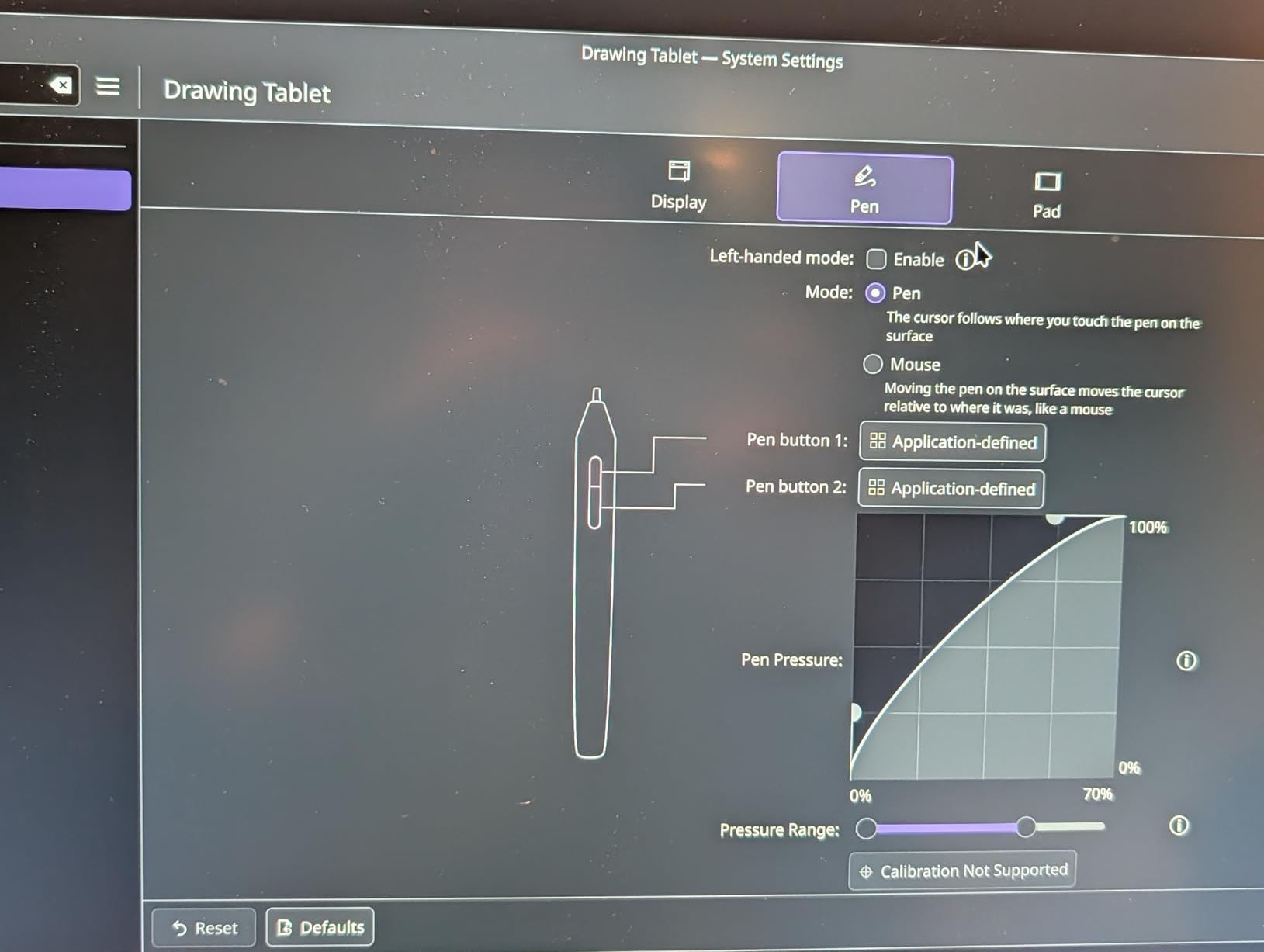
The XPPen Deco 01 V3 is the tablet I recommend most often when someone wants a genuinely large drawing surface without moving into screen-display pricing. The 10 by 6.25 inch active area is dramatically bigger than anything else in this price range, and during testing it gave my whole arm room to move rather than forcing cramped wrist-only strokes.
XPPen advertises 16384 levels of pressure sensitivity, and while the practical difference from 8192 levels is subtle, the pen response felt accurate and predictable across a range of brushes in Krita and Photoshop. The 60-degree tilt support also worked reliably for shading and calligraphy-style strokes.

This is one of the few tablets I tested that includes a drawing glove, a protective film, and a pen stand in the box. Those accessories add up to genuine value and mean you can start drawing the day it arrives without any extra purchases.
The eight hotkeys are arranged on both sides of the tablet for left- and right-handed users, and the LED indicators along the drawing edges give a subtle premium feel. USB-C connectivity is also a welcome modern touch over the Micro USB port on the HUION H640P.
Who should buy this tablet
This is the best digital drawing tablets choice for intermediate artists who have outgrown a small 6-inch tablet and want serious drawing real estate. It also earns strong consideration for OSU gamers and Linux users who need dependable out-of-the-box support.
Anyone who values included accessories and wants a complete starter kit without add-on purchases will appreciate the bundled glove, film, and stand.
Limitations to consider
A minority of users report connection reliability issues, and I had one instance where replugging the USB-C cable was necessary after a system sleep. The pen nibs also wore faster than I expected during heavy sessions.
The stylus lacks an eraser end, which is a small annoyance if you are used to flipping your pen to erase. Quality control appears to vary slightly between batches, so buying from a source with a good return policy is wise.
4. Wacom Intuos Small Bluetooth – Best Wireless Pen Tablet
Wacom Intuos Small, Bluetooth Graphic Drawing Tablet with Pen + Software
Active area: 6x3.7in
Pressure: 4096 levels
Connectivity: Bluetooth and USB-A
OS: Windows, Mac, Chromebook, Android
Pros
- Wireless Bluetooth connectivity
- Wacom EMR battery-free pen
- Same trusted Intuos pen feel
- 4 ExpressKeys
- Compact and portable
- Software and training included
Cons
- Bluetooth device switching is fiddly
- Slight lag over Bluetooth versus wired
- Limited drawing area size
- Premium over wired model
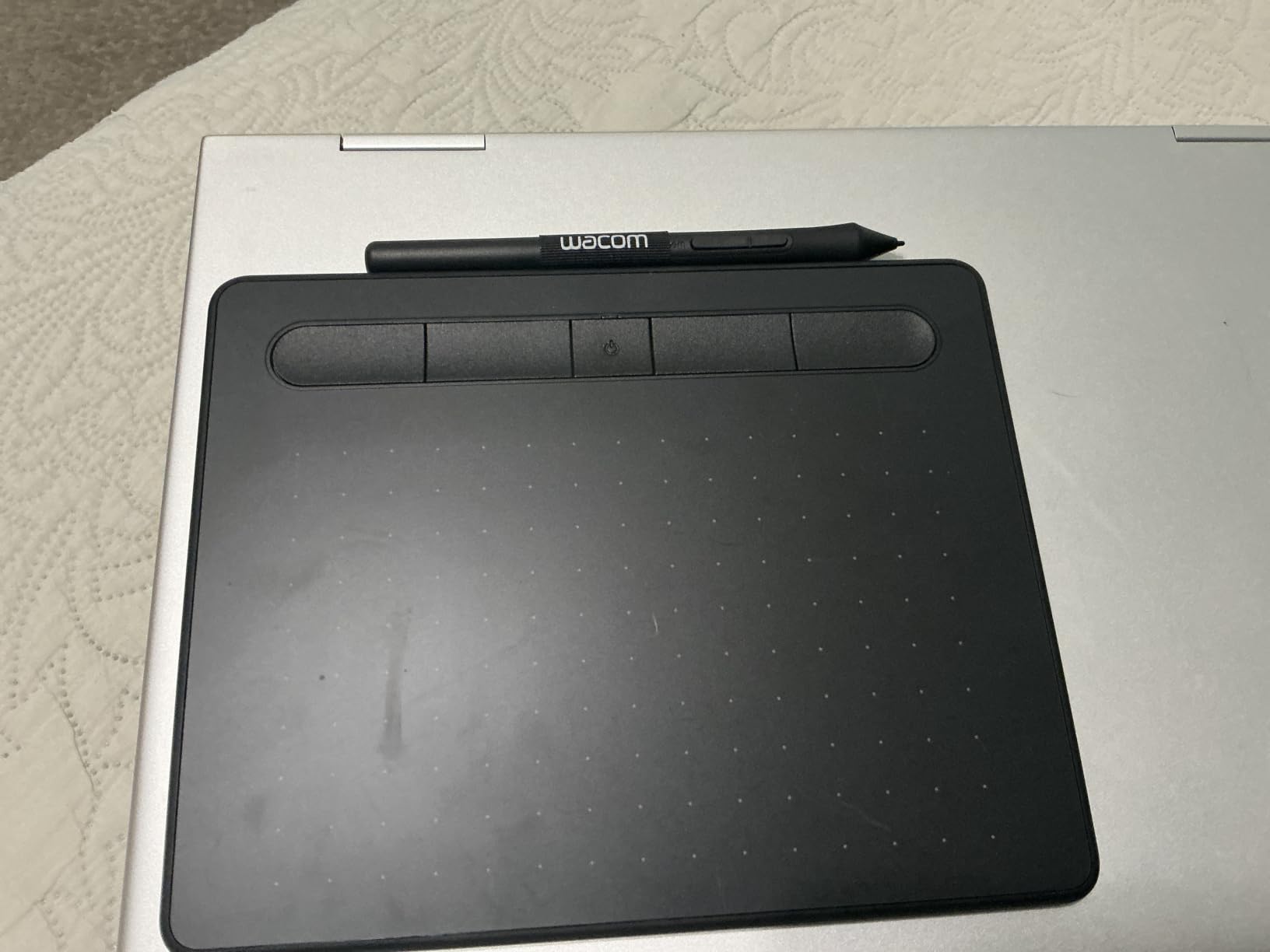
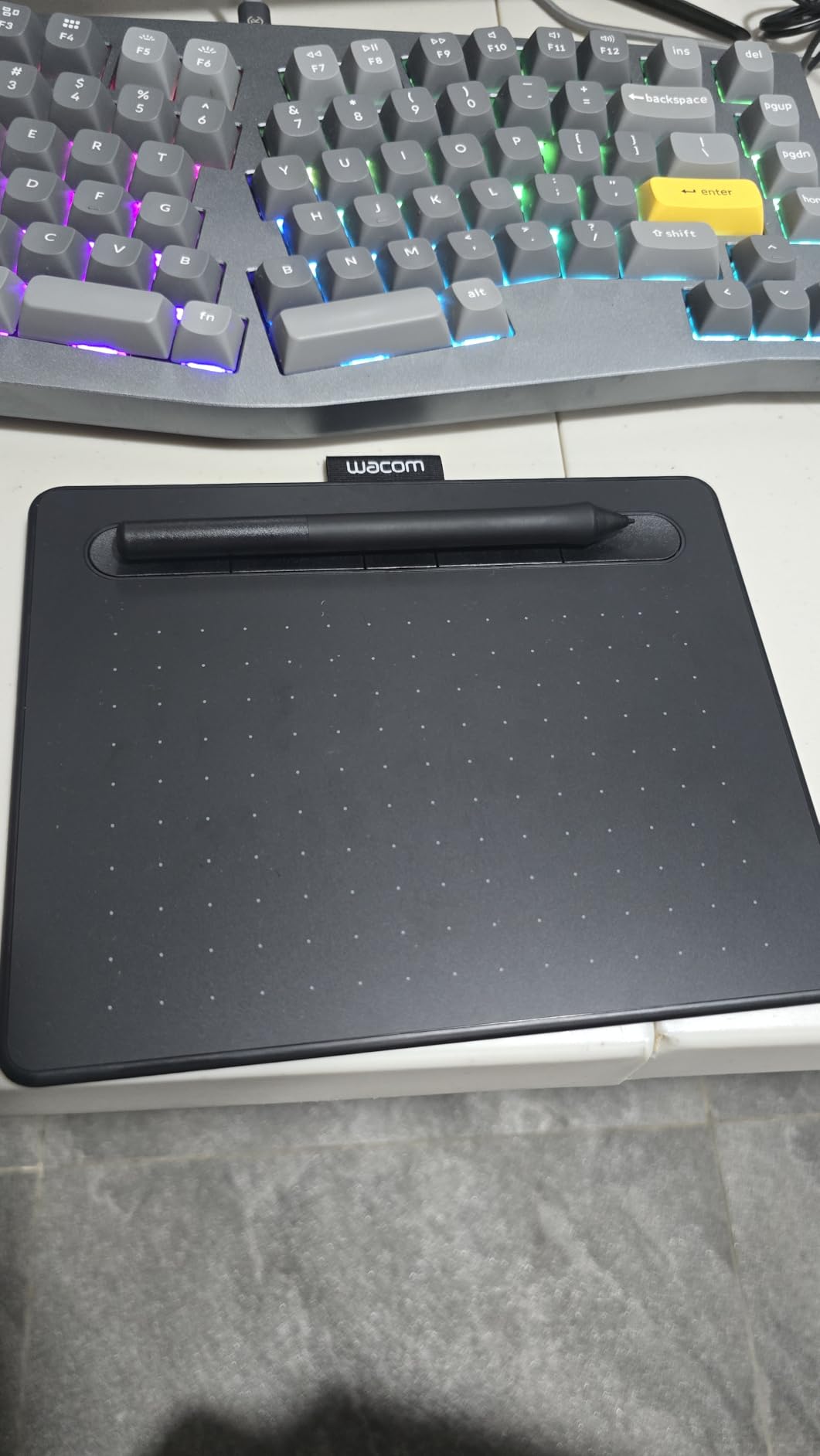
The Wacom Intuos Small Bluetooth is essentially the wired Intuos Small I tested first, with wireless freedom added. For me, the Bluetooth upgrade was worth the extra cost because my desk setup already has too many cables, and being able to pass the tablet around during an in-person teaching session without unplugging felt genuinely liberating.
The pen feel is identical to the wired model, which is to say excellent. The EMR stylus needs no battery, tracks smoothly, and produces the kind of natural line variation that has made Wacom the brand professionals trust. The 4096 pressure levels handle everything from delicate sketching lines to bold ink-style strokes.
During testing I used the tablet for digital whiteboarding in online classes, photo editing in Photoshop, and sketching in Clip Studio Paint. The wireless connection held up well within about ten feet of my computer, though I did notice a barely perceptible lag when drawing very fast strokes compared to the wired mode.
Battery life was solid across multiple days of intermittent use, and the tablet charges over the same USB connection it uses for wired mode. Wacom includes the same creative software bundle and training content as the non-Bluetooth version.
Who should buy this tablet
This is the right pick for teachers, presenters, and anyone who values a clutter-free workspace. The Bluetooth freedom genuinely changes how you use the tablet in classroom and meeting-room settings.
It also suits laptop users who want to avoid carrying dongles or adapters and prefer to connect wirelessly on the go.
Limitations to consider
Switching the Bluetooth connection between paired devices requires manual toggling into pairing mode, which got tedious when I moved between my desktop and laptop frequently.
The 6 by 3.7 inch active area is the same compact size as the wired model, so the same size caveat applies. You are also paying more for Bluetooth over what is otherwise an identical experience.
5. Wacom Intuos Medium Bluetooth – Best for Serious Artists Wireless
Wacom Intuos Medium, Bluetooth Graphic Drawing Tablet with Pen + Software
Active area: 8.5x5.31in
Pressure: 4096 levels
Connectivity: Bluetooth and USB-A
OS: Windows, Mac, Chromebook, Android
Pros
- Larger drawing area than small model
- Wireless Bluetooth connectivity
- Excellent battery life
- Smooth and responsive Wacom pen
- 4 ExpressKeys
- Reliable Wacom build quality
Cons
- Premium price point
- Some iMac Bluetooth compatibility issues
- Slight Bluetooth lag reported
- Not precise enough for high-detail Zbrush work
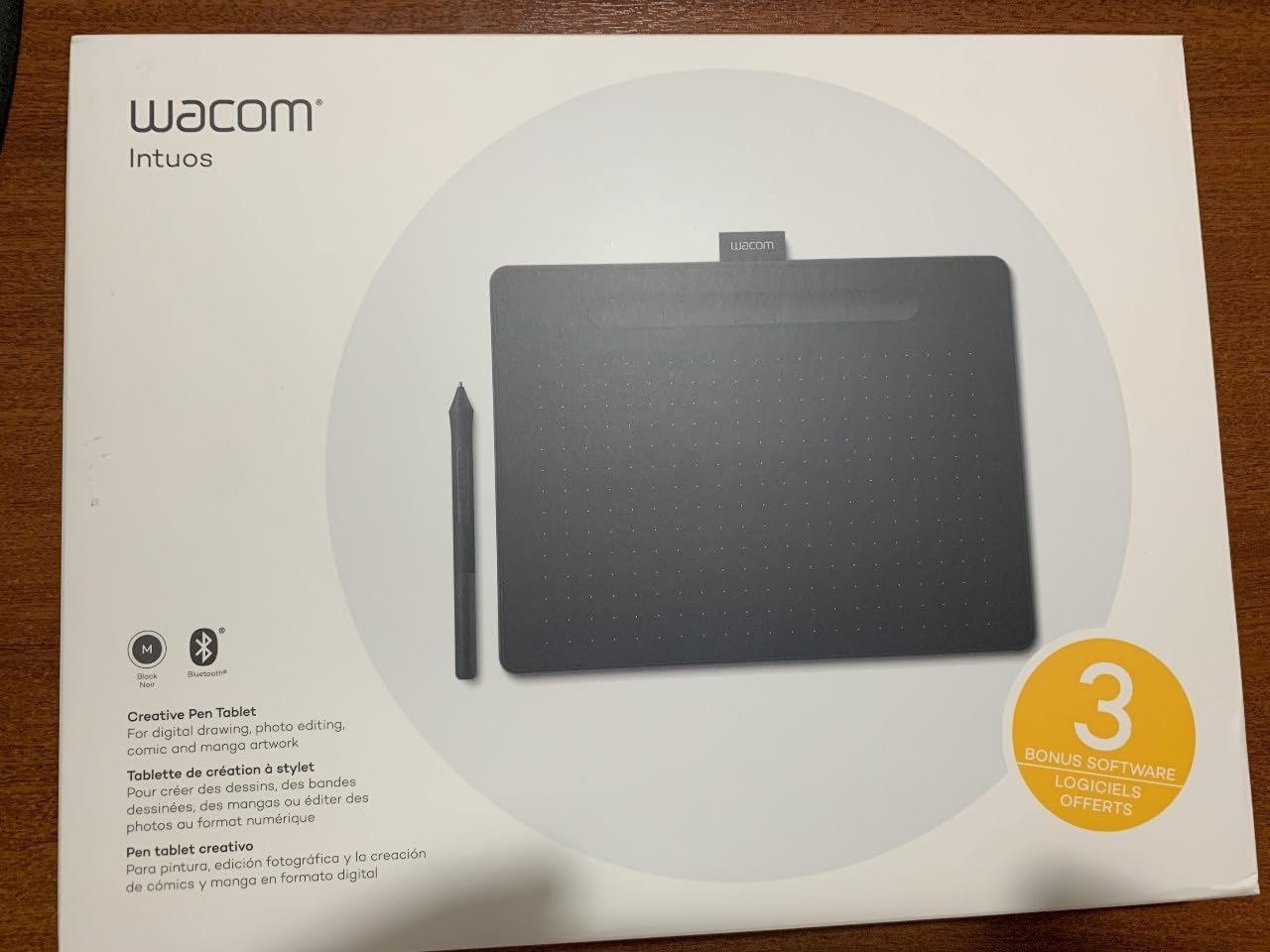
The Wacom Intuos Medium Bluetooth solves the size complaint I had with the small models. The 8.5 by 5.31 inch active area gave me room to draw from the shoulder during testing, and the difference in comfort over a long session was immediately noticeable.
This is the size that many working illustrators consider the sweet spot for a non-display tablet. It is large enough for serious illustration work but still fits on a normal desk alongside a keyboard and mouse without dominating the workspace.
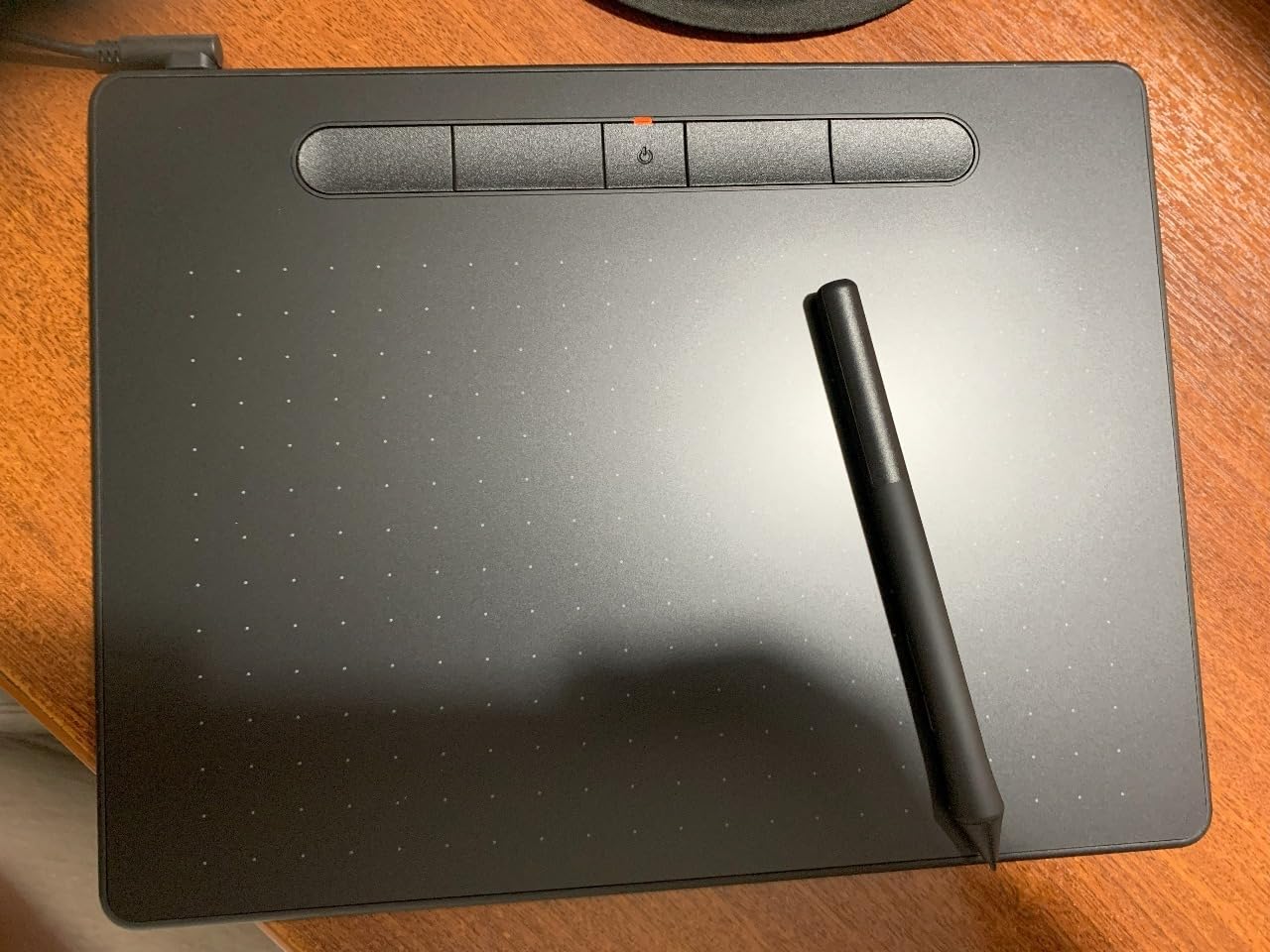
The wireless experience matches the small Bluetooth model. Pairing was quick with my Windows laptop and my Chromebook, and battery life easily lasted through a week of daily two-hour sessions before I felt the need to top up.
The 4096 pressure levels and EMR pen deliver the same trusted Wacom feel, and the four ExpressKeys are enough for the most common brush-size and undo shortcuts. For photographers and designers who already live in the Adobe ecosystem, this tablet slots into the workflow effortlessly.
Who should buy this tablet
This is one of the best digital drawing tablets for committed hobbyists and working professionals who want a non-screen tablet large enough for serious work. It also suits anyone moving up from a small tablet who is not yet ready to invest in a pen display.
Teachers who annotate over slides and present wirelessly will appreciate the larger surface combined with Bluetooth freedom.
Limitations to consider
Some iMac users report Bluetooth compatibility hiccups that require firmware troubleshooting. The price is also a meaningful jump from the small model, and you are paying for size rather than additional features.
If you need ultra-high precision for tasks like detailed Zbrush sculpting, even this medium non-display tablet may fall short compared to a dedicated pen display.
6. XP-PEN Artist12 – Best Affordable Drawing Tablet with Screen
XP-PEN Artist12 11.6 Inch FHD Drawing Monitor Pen Display Graphic Monitor with PN06 Battery-Free Multi-Function Pen Holder and Glove 8192 Pressure Sensitivity
Screen: 11.6in FHD
Pressure: 8192 levels
Color: 72% NTSC (100% sRGB)
Connectivity: HDMI and USB
OS: Windows, Mac, Linux
Pros
- Affordable price for a screen tablet
- 11.6 inch FHD IPS display
- Battery-free pen with digital eraser
- 6 customizable shortcut keys
- 72% NTSC color gamut
- Anti-reflective screen protector pre-installed
Cons
- Requires a computer or laptop to work
- May need adapters for some laptops
- Setup can involve cable configuration
- Lower brightness than premium displays
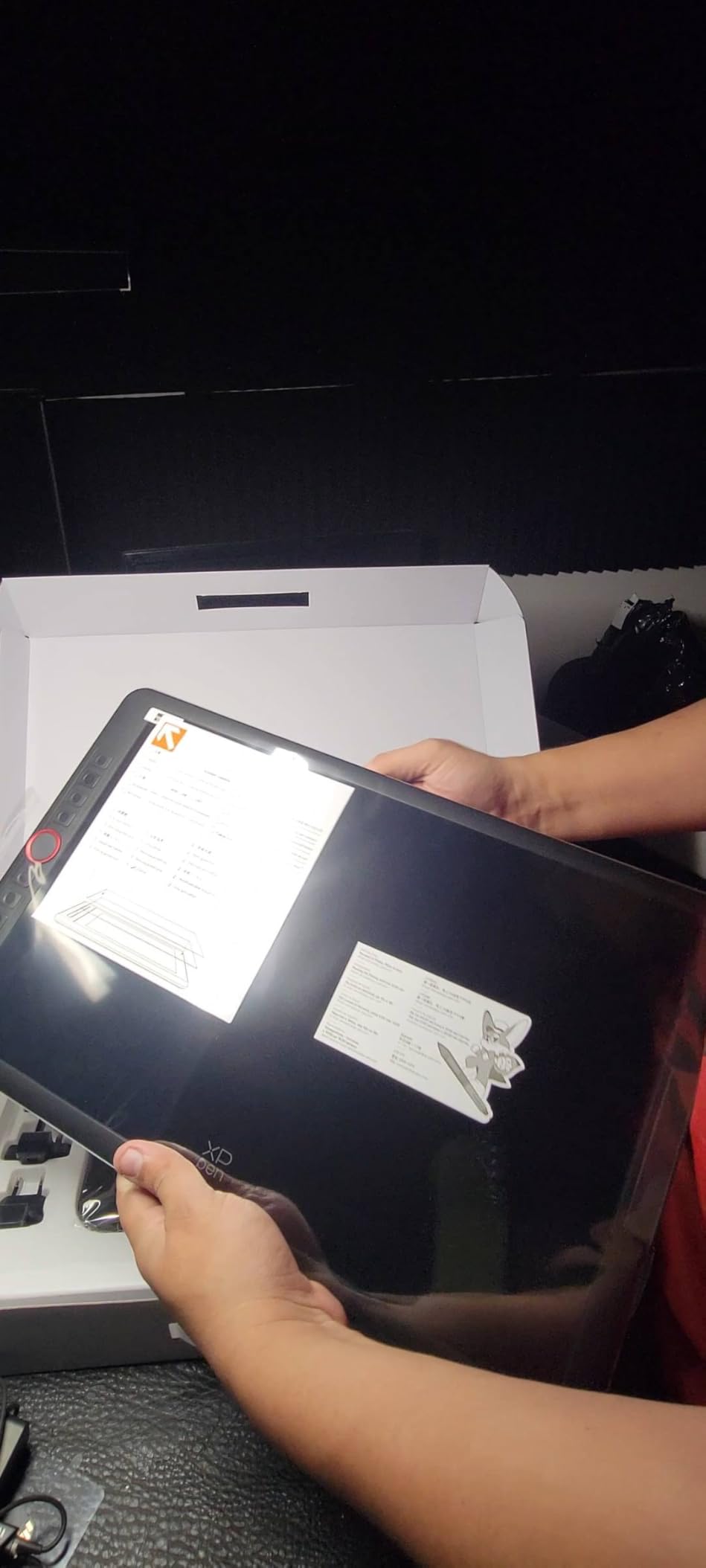
The XP-PEN Artist12 was my first experience drawing directly on a screen rather than coordinating hand-to-monitor, and the difference is significant. Being able to look at the tip of the pen as you draw feels closer to traditional media than any non-display tablet can match.
The 11.6 inch FHD display is compact enough to sit alongside a laptop, and the 8192 pressure sensitivity levels handled every brush I threw at it in Photoshop and Clip Studio Paint. The pre-installed anti-reflective screen protector cuts glare effectively and adds a subtle paper-like texture that I enjoyed for sketching.
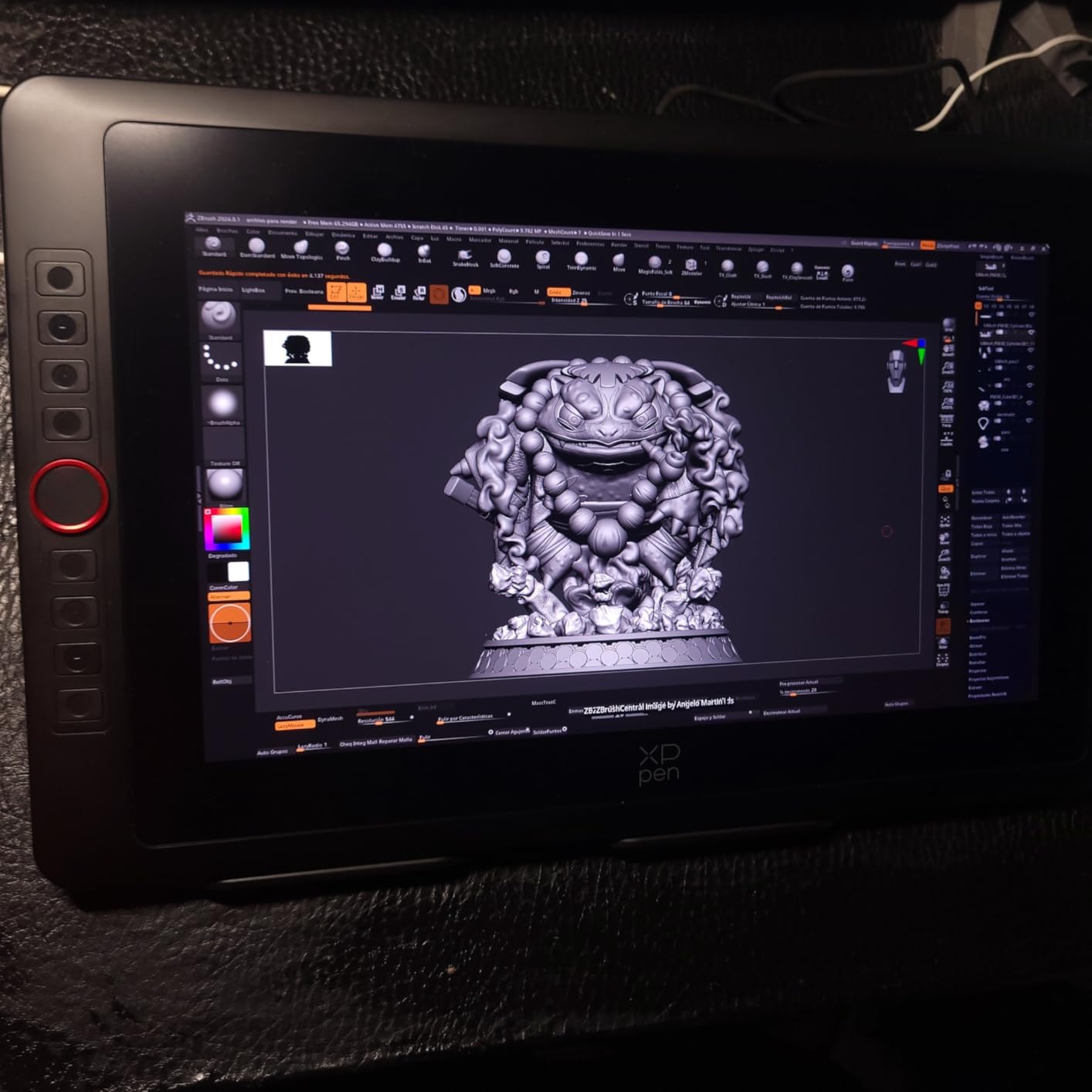
Color accuracy is solid at 72% NTSC, which roughly translates to full sRGB coverage. For most illustration and design work this is plenty, though photographers doing critical color grading will want a wider-gamut display.
The six shortcut keys along the side are useful for quick brush and eraser swaps, and the included battery-free pen has a digital eraser on the opposite end, which is a small but genuinely convenient feature that some competing pens omit.
Who should buy this tablet
This is the best digital drawing tablets choice for artists who have been using a non-screen tablet and want to upgrade to direct drawing without spending several hundred dollars. It also suits students and emerging illustrators ready to take the next step.
Anyone who finds the disconnect of drawing on a desk while watching a separate monitor frustrating will benefit immediately from a screen tablet like this.
Limitations to consider
The Artist12 must be connected to a computer or laptop at all times, so it is not a standalone solution. Cable setup involves both HDMI and USB connections, which can be fiddly on laptops with limited ports.
Screen brightness is moderate rather than bright, so working in a sunlit room can be a challenge. The 11.6 inch size also feels small for users accustomed to larger traditional sketch surfaces.
7. HUION Kamvas 13 Gen 3 – Best Color Accuracy Mid-Range Display
HUION Kamvas 13 (Gen 3) Drawing Tablet with Screen, Dual Dial, 13.3″, Black
Screen: 13.3in FHD
Pressure: 16384 levels
Color: 99% sRGB
Connectivity: 3-in-1 USB-C
OS: Windows, Mac, Linux, Android
Pros
- Excellent color accuracy with deltaE under 1.5
- 16384 pressure levels with PenTech 4.0
- 99% sRGB color coverage
- Factory color calibration report included
- 5 programmable keys plus dual dial
- Adjustable stand included
Cons
- Can warm up during extended use
- Screen brightness limited to 200 nits
- Requires a computer to work
- Newer model with fewer long-term reviews
The HUION Kamvas 13 Gen 3 surprised me with how refined it feels. The PenTech 4.0 stylus tracks with 16384 levels of pressure and a 2g initial activation force, which is the lowest I have tested, meaning the pen registers the faintest touch without requiring a hard press.
The 99% sRGB color coverage is exceptional in this price range, and HUION includes a factory color calibration report with each unit. During testing I compared the display side-by-side with my color-calibrated monitor and the difference was negligible for illustration work.
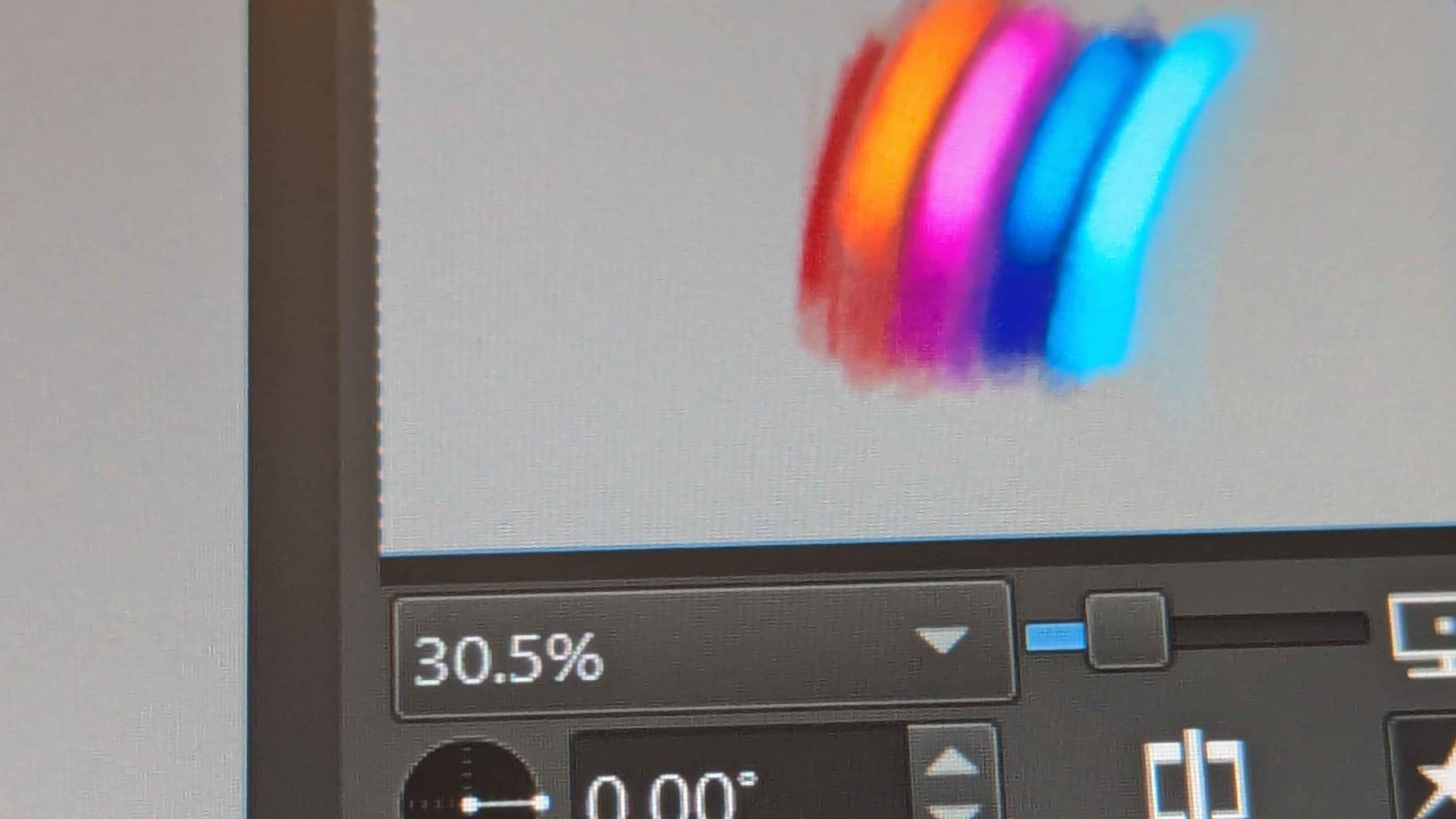
The Canvas Glass 2.0 surface has a subtle etched texture that mimics paper better than any glossy screen tablet I have used. The full lamination means there is minimal parallax between the pen tip and the on-screen cursor, which is a common complaint on cheaper displays.
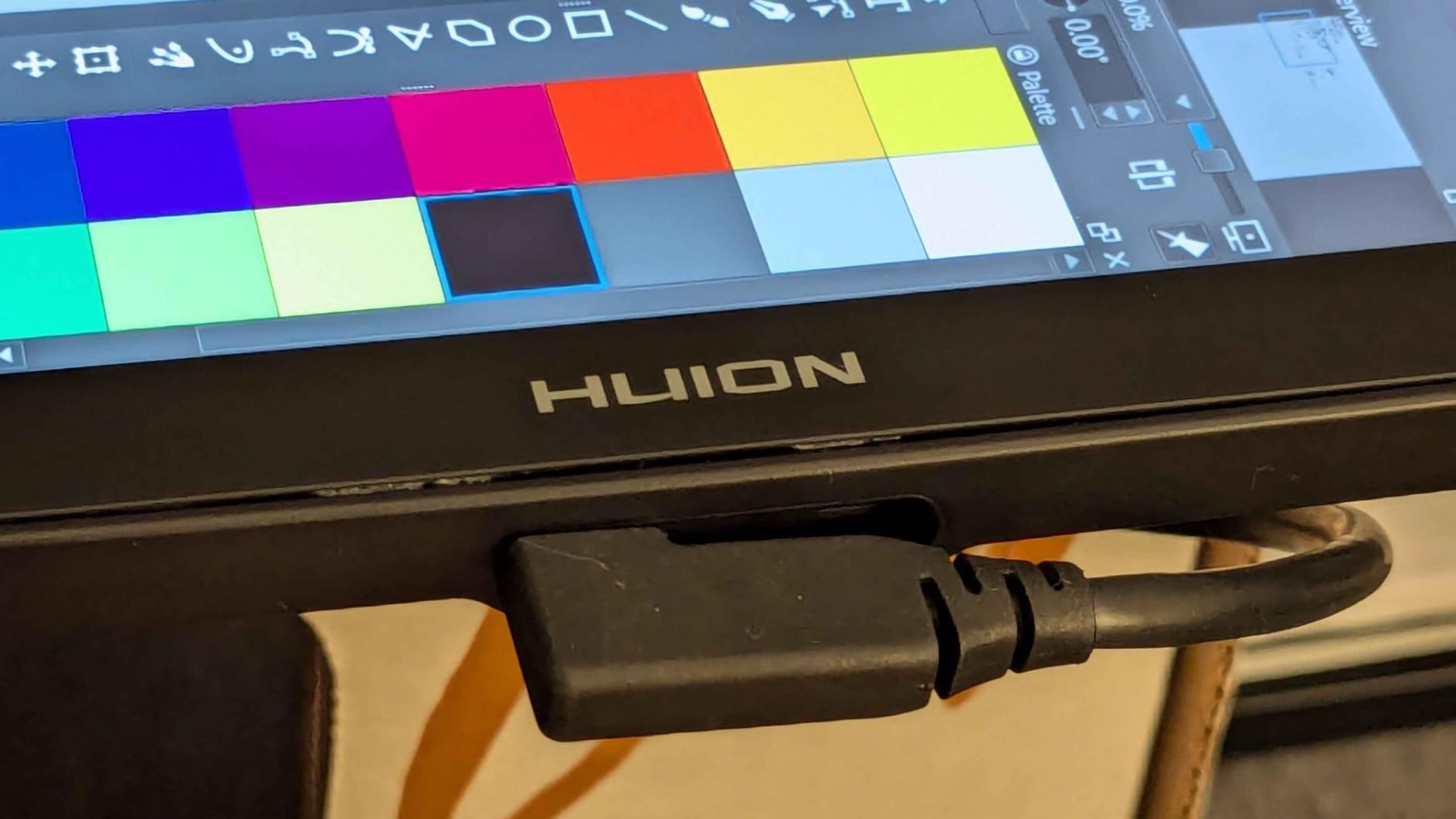
The five programmable shortcut keys plus two dial buttons give you quick access to brush size, zoom, and canvas rotation. HUION includes the adjustable ST300 stand in the box, which is genuinely useful and another accessory competitors often charge extra for.
Who should buy this tablet
This is one of the best digital drawing tablets for intermediate-to-advanced illustrators who care about color accuracy and pen feel. It is also a strong pick for photo editors who need a color-reliable secondary display.
Anyone shopping the Wacom One price range who wants more pressure sensitivity and better color coverage should seriously consider the Kamvas 13 Gen 3.
Limitations to consider
The unit warms up during extended sessions, which is noticeable but not uncomfortable. Screen brightness maxes out at 200 nits, so bright rooms remain a challenge.
As a relatively newer release, the long-term durability data is thinner than for established models like the Wacom One. The tablet also requires a tethered computer connection.
8. HUION Kamvas Pro 16 – Best Large Screen for Color Work
HUION Kamvas Pro 16 Drawing Tablet with Screen,120% sRGB, Touch Bar,15.6″
Screen: 15.6in FHD
Pressure: 8192 levels
Color: 120% sRGB
Connectivity: USB
OS: Windows, Mac, Linux
Pros
- Wide 120% sRGB color gamut
- 15.6 inch full HD display
- 6 express keys plus touch bar
- 60-degree tilt recognition
- Fully laminated anti-glare glass
- Metal back build quality
Cons
- Setup challenging for beginners
- Some reports of dead pixels
- Limited technical support response
- Requires a computer to work
The HUION Kamvas Pro 16 is where drawing real estate and color depth start to get serious. The 15.6 inch full HD display gave me the kind of canvas space I normally associate with much more expensive pen displays, and the 120% sRGB color gamut made my illustration work pop in a way the smaller Kamvas 13 could not quite match.
The fully laminated anti-glare glass is a meaningful upgrade over non-laminated displays. There is virtually no gap between the pen tip and the cursor on screen, which sharpens precision and reduces the eye strain that comes from compensating for parallax.
The six express keys plus touch bar along the side give you plenty of customization room. I set the touch bar for canvas zoom and the keys for brush size, eraser, undo, redo, color picker, and layer toggle, and that covered most of my Photoshop workflow without reaching for the keyboard.
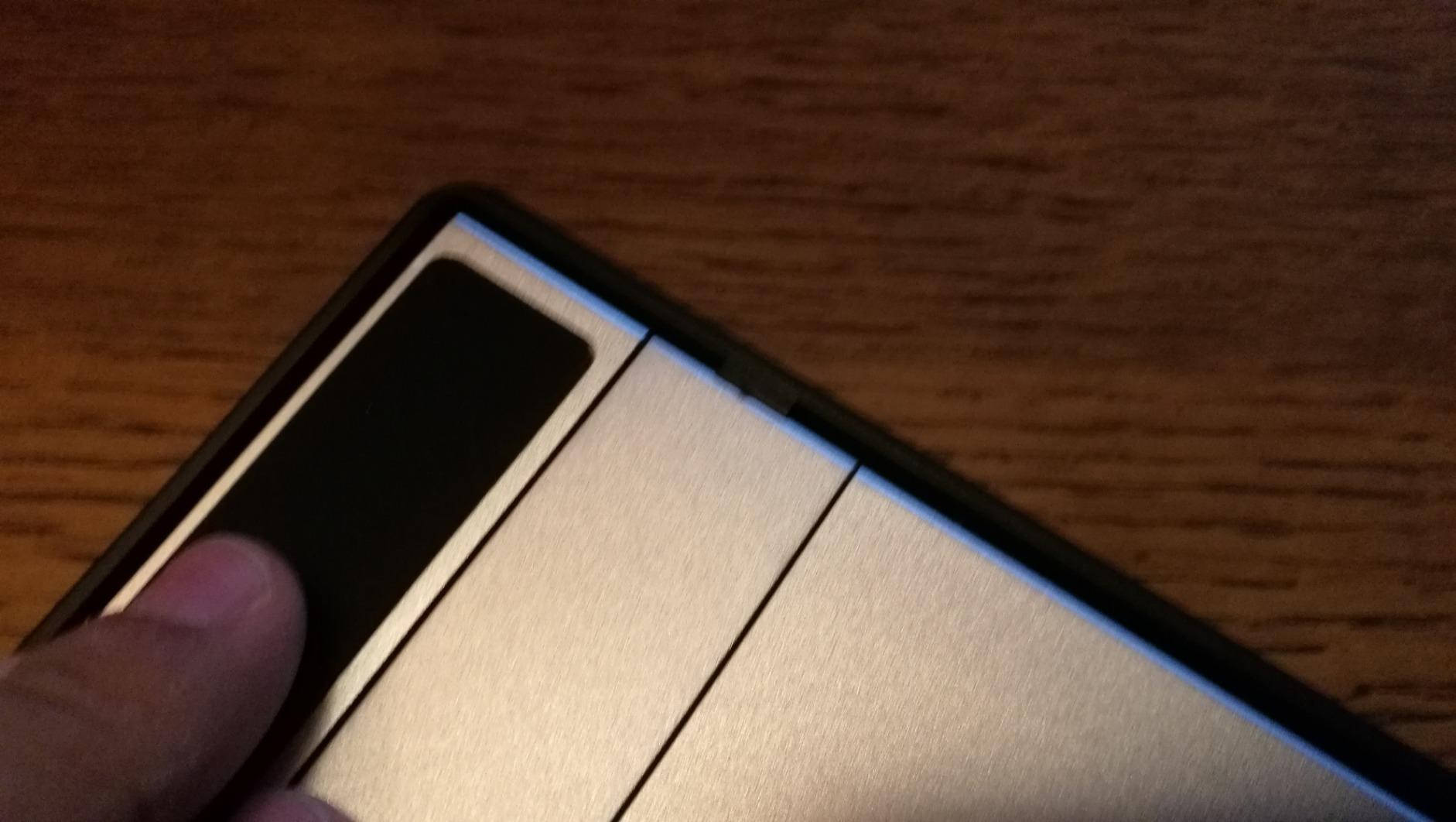
The battery-free PW507 pen supports 60 degrees of tilt, which worked well for shading and for calligraphy-style angled strokes. The metal back panel gives the tablet a solid, premium feel that belies its price compared to Wacom equivalents.
Who should buy this tablet
This is the best digital drawing tablets pick for illustrators, animators, and photo editors who need a large canvas and accurate wide-gamut color without paying Wacom Cintiq prices.
It also suits artists working on detailed character design, concept art, or comic pages where extra screen real estate translates directly into productivity.
Limitations to consider
The cable setup is more involved than a simple pen tablet, and beginners may find the installation process intimidating. Some users have reported dead pixels, so inspecting the display on arrival is wise.
HUION technical support response times can be slow compared to Wacom, which is worth knowing before you commit. The tablet also requires a tethered computer to function.
9. XPPen Artist 15.6 Pro V2 – Best Workflow Features Mid-Range Display
XPPen 16K Artist 15.6 Pro V2 Drawing Tablet with Screen
Screen: 15.4in FHD
Pressure: 16384 levels
Color: 99% sRGB
Connectivity: HDMI and USB
OS: Windows, Mac, Linux, Chrome OS, Android
Pros
- X3 Pro smart chip stylus with 16384 levels
- 99% sRGB and 96% Adobe RGB color gamut
- Red Dial interface for brush control
- 8 customizable shortcut keys
- Full-laminated anti-glare etched glass
- Foldable stand included
Cons
- Setup can be challenging
- Requires a computer to work
- Some cables needed for connection
- Heavier than smaller displays
The XPPen Artist 15.6 Pro V2 is the tablet I kept reaching for when I wanted serious drawing real estate combined with a workflow-friendly control layout. The standout feature is the Red Dial, a physical dial nestled among the eight shortcut keys that controls brush size, zoom, or canvas scroll depending on configuration.
The X3 Pro smart chip inside the stylus delivers 16384 levels of pressure sensitivity, and during testing the pen response felt as precise as anything I have used at this price. The 99% sRGB and 96% Adobe RGB color gamut means the display is suitable for design and photo work, not just illustration.
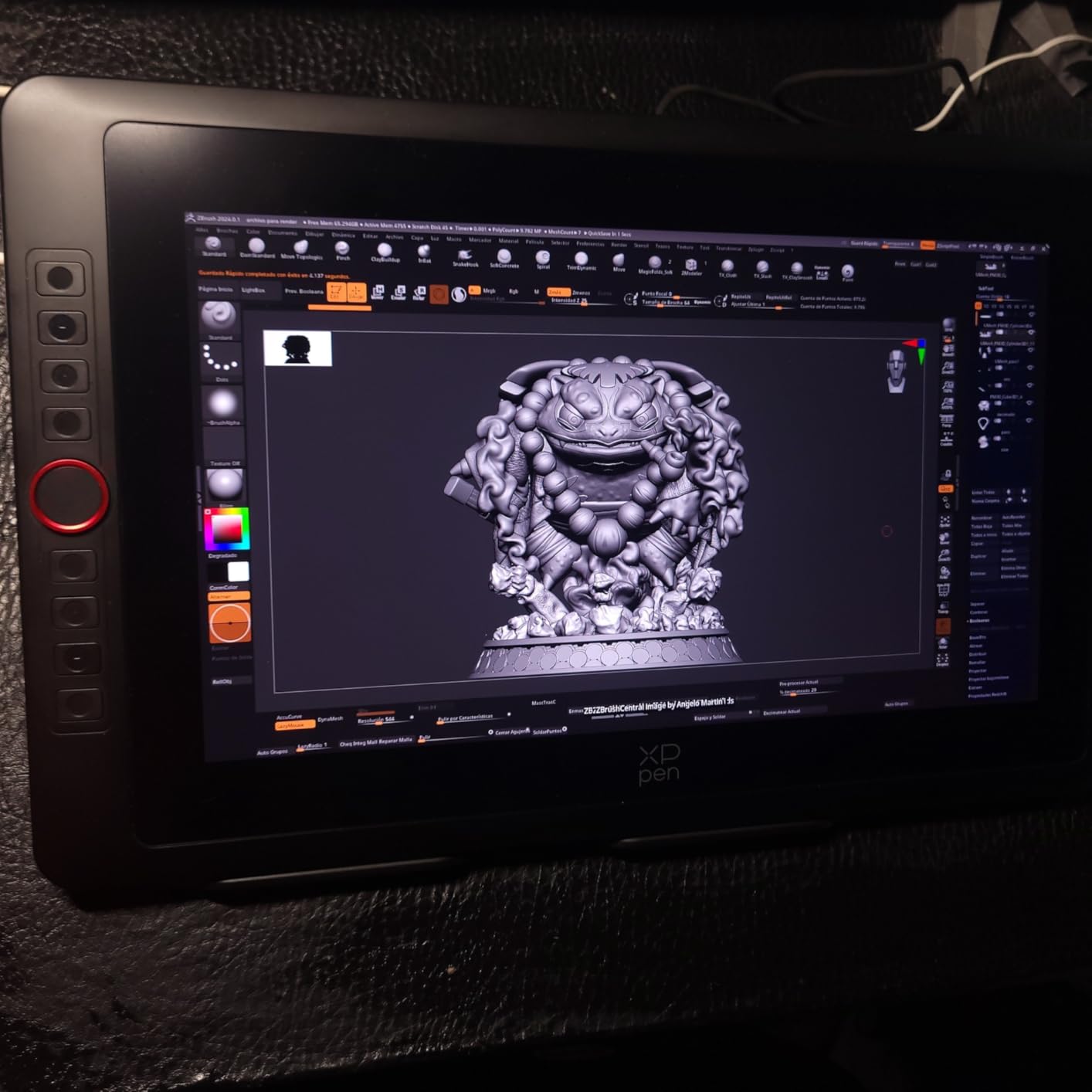
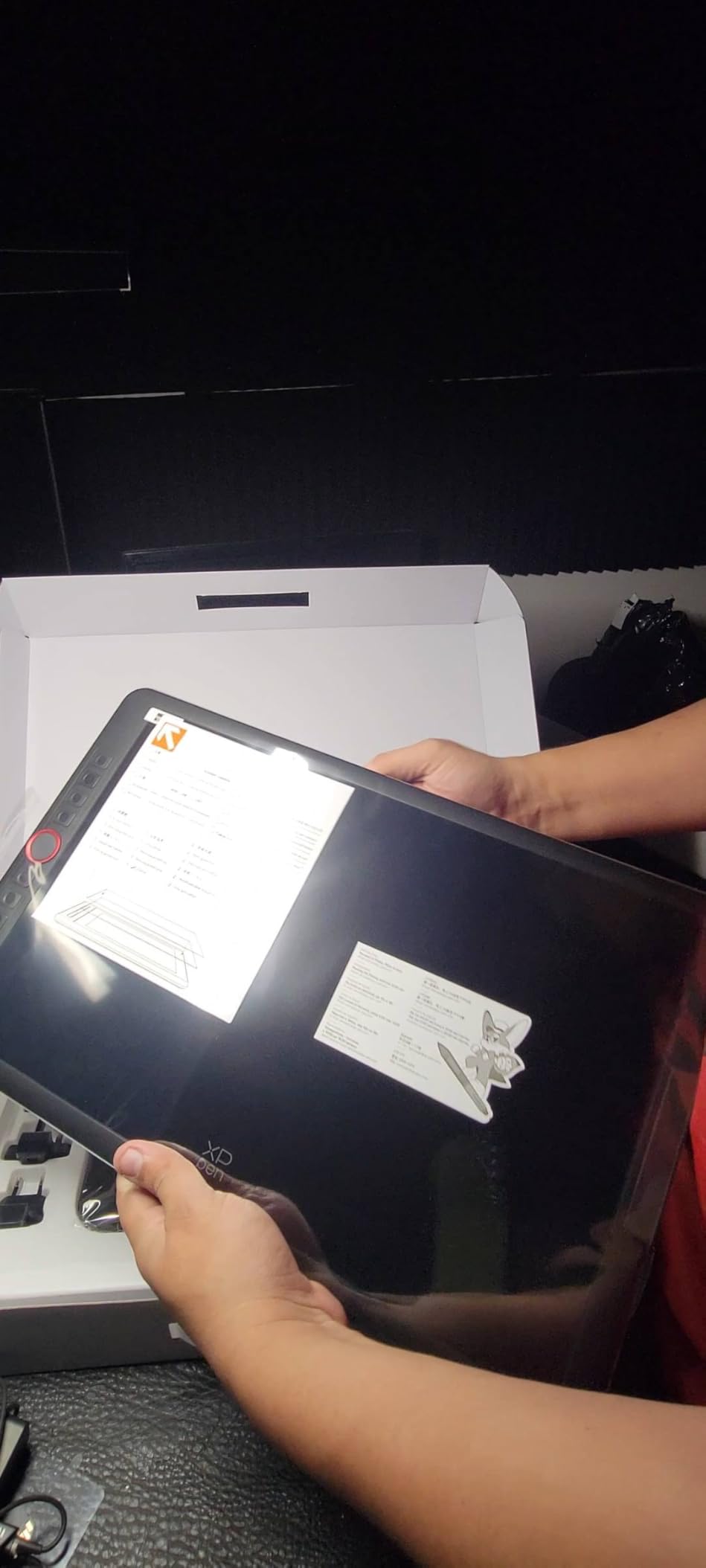
The full-laminated anti-glare etched glass reduces parallax and adds a tactile drawing texture that I found enjoyable for long sessions. The included AC41 foldable stand raises the tablet to a comfortable working angle, which matters more than you might expect over a multi-hour project.
XPPen supports Windows, macOS, Linux, Chrome OS, and Android, which is among the broadest OS compatibility lists of any tablet I tested. For anyone working across multiple devices and platforms, that flexibility is a real advantage.
Who should buy this tablet
This is one of the best digital drawing tablets for working illustrators and designers who want premium features without paying premium-display prices. The Red Dial alone makes it worth considering for anyone with an established shortcut-heavy workflow.
Multi-platform users who move between Windows, macOS, Linux, and Android devices will appreciate the universal compatibility.
Limitations to consider
The cable setup requires both HDMI and USB connections, which can be a hassle with modern laptops that have limited ports. Setup is more involved than a plug-and-play pen tablet.
At over 15 inches the tablet is heavier and less portable than smaller options, so it is better suited to a dedicated desk setup than travel. The included stand is functional but basic compared to premium ergonomic arms.
10. Wacom One HD – Best Trusted Brand Entry Display
Wacom One HD Creative Pen Display, Drawing Tablet with Screen, 13.3″ Graphics Monitor; Works with Mac, PC & Chromebook, Photo/Video Editing, Drawing & Education Old Gen (2019)
Screen: 13.3in HD
Pressure: 4096 levels
Color: Standard
Connectivity: HDMI
OS: Windows, Mac, Chromebook, Android
Pros
- Trusted Wacom brand quality and reliability
- Easy setup with dependable driver support
- Paper-like pen-on-screen feel
- Full lamination reduces parallax
- Works as a second monitor
- 1 year manufacturer warranty
Cons
- Lower 4096 pressure sensitivity than competitors
- Limited to HDMI connectivity
- No express keys on the tablet itself
- Premium pricing for the spec sheet
The Wacom One HD is the entry pen display I recommend to artists who prioritize long-term reliability and driver support over raw specs. The 4096 pressure sensitivity levels are lower than what HUION and XP-Pen offer at this price, but Wacom decades of pen engineering mean the experience still feels polished and predictable.
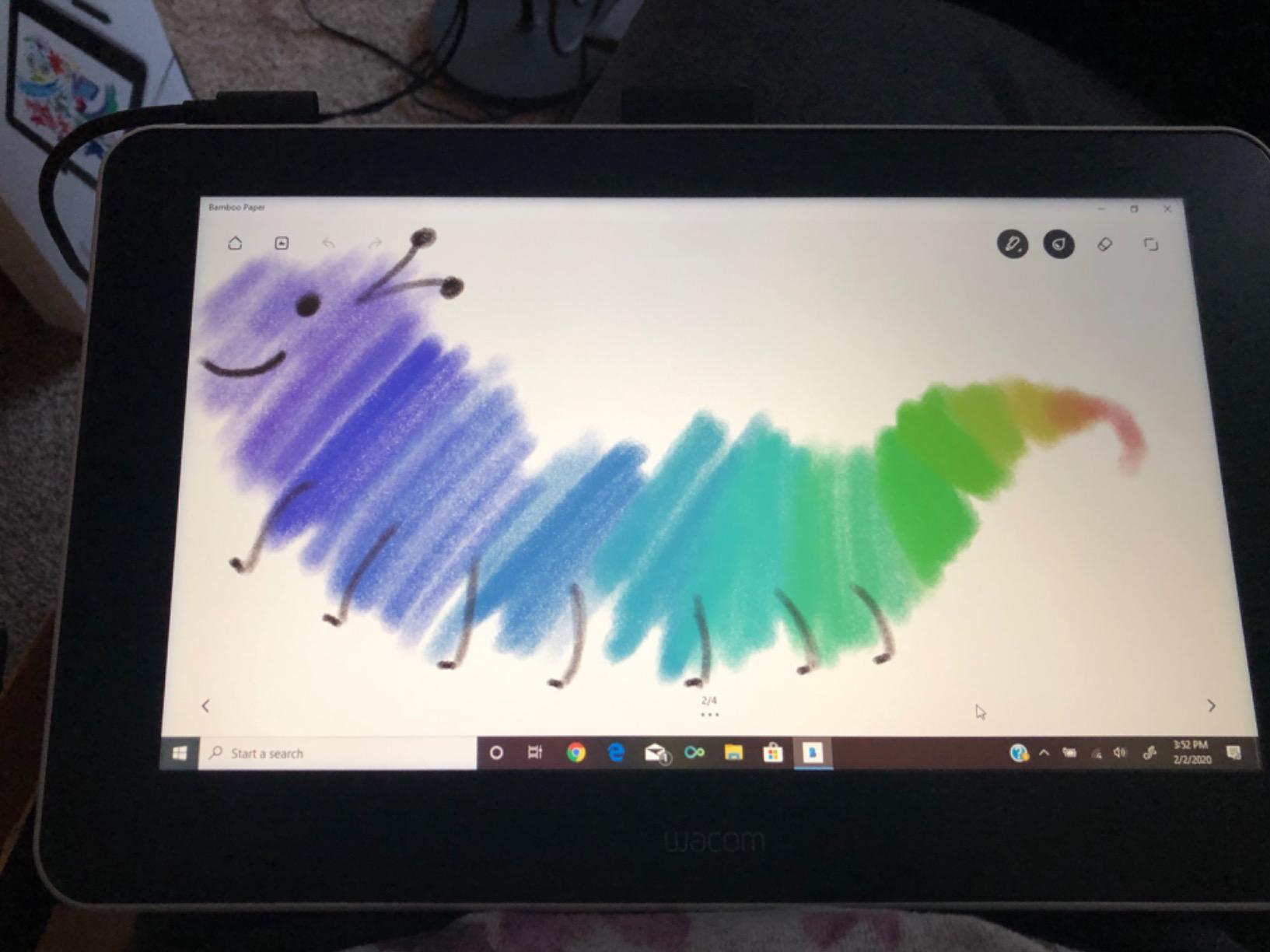
The 13.3 inch HD display is the same size as the Kamvas 13, and the full lamination reduces parallax to a level I found comfortable across hours of use. The paper-like drawing surface is genuinely pleasant and produces a slight resistance that mirrors traditional media better than glossy alternatives.
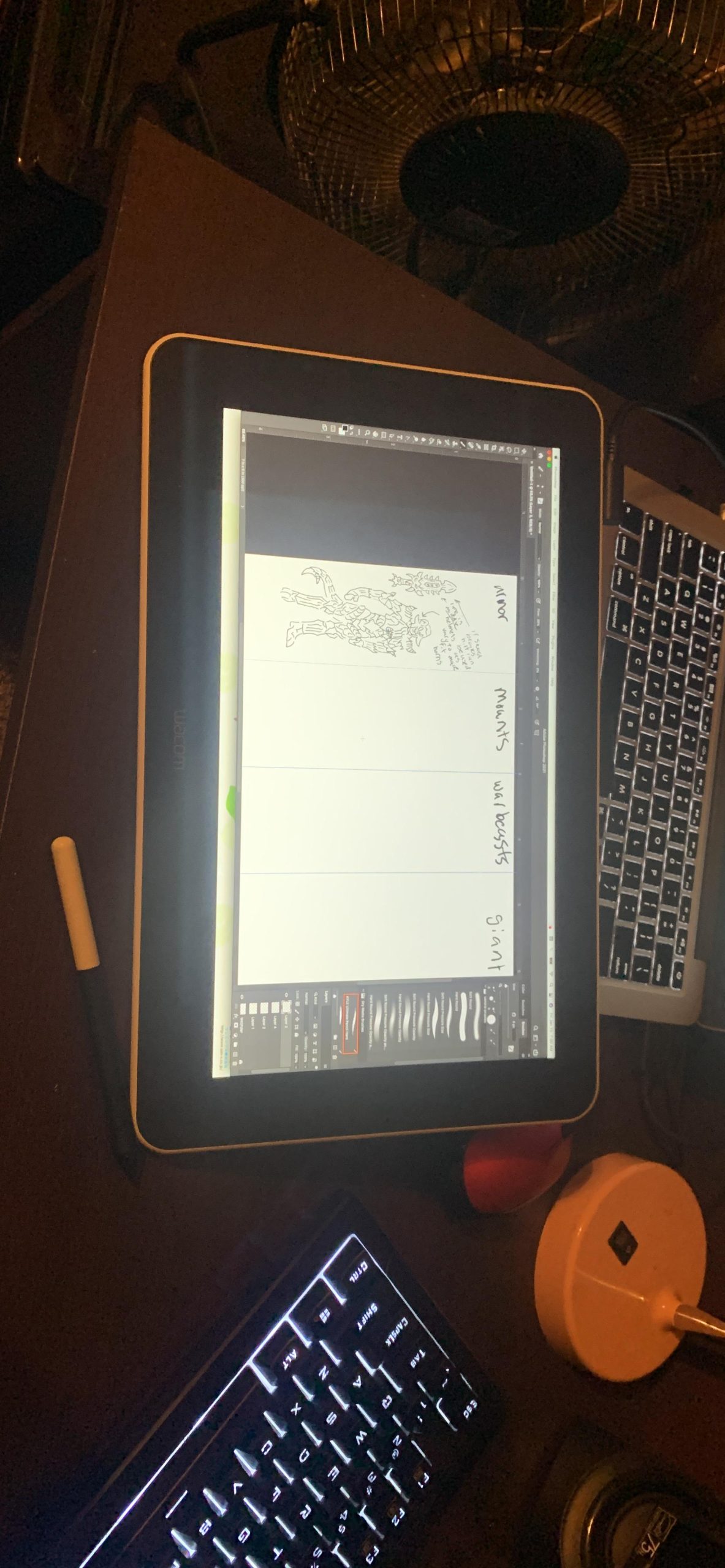
Setup was the simplest of any screen tablet I tested. Wacom driver support is consistently the best in the industry, which is the reason Reddit communities repeatedly name Wacom as the brand they trust for professional reliability.
The tablet also functions as a second monitor when you are not drawing, which adds genuine versatility for productivity and reference-image workflows. The customizable pen button provides a basic shortcut without needing to reach for the keyboard.
Who should buy this tablet
This is the best digital drawing tablets pick for artists who want a screen experience backed by Wacom trusted driver support and brand reliability. It is also the right choice for anyone who values longevity and consistent software updates over headline specs.
Schools and institutions that need dependable hardware with multi-year support will find the Wacom One a safer long-term bet than most competitors.
Limitations to consider
The 4096 pressure levels are half what HUION and XP-Pen offer at similar prices, even if the practical drawing difference is subtle. There are no express keys on the tablet, so you will need to keep a keyboard handy.
Connectivity is limited to HDMI, which is more restrictive than the USB-C options on newer displays. The price per spec sheet is higher than competing brands, which is the Wacom tax you pay for the brand reputation.
How to Choose the Best Digital Drawing Tablet?
Choosing between the best digital drawing tablets comes down to understanding the three main tablet categories, the specs that actually matter, and how each model fits your specific workflow. I have broken down the key factors below based on what I learned across testing.
Understand the three tablet types
A pen tablet, like the Wacom Intuos or HUION Inspiroy, has no screen. You draw on a flat surface while watching your computer monitor. These are the most affordable, the most portable, and the easiest on your computer hardware.
A pen display, like the XP-PEN Artist12 or HUION Kamvas series, has a built-in screen you draw directly on. This feels closer to traditional media but requires tethering to a computer and typically costs more.
A standalone tablet, like an iPad or Samsung Galaxy Tab, runs drawing apps on the device itself with no computer required. These offer maximum portability at a higher total cost once you factor in the stylus and storage.
Pressure sensitivity and pen technology
Pressure sensitivity ranges from 4096 to 16384 levels in current tablets. Higher numbers mean finer control over line weight, but the practical difference is most noticeable for experienced artists doing detailed shading and calligraphy-style work.
EMR, or electromagnetic resonance, is the technology behind most battery-free styluses. Wacom pioneered EMR and still leads in pen feel, though HUION PenTech 4.0 and XPPen X3 Pro have closed the gap significantly in 2026.
Active area size and ergonomics
Active area matters more than total tablet size. A 6 by 4 inch surface suits beginners and tight desks, while a 10 by 6 inch or larger area gives shoulder-drawing artists room to work. Screen tablet sizes from 11.6 to 15.6 inches offer direct-drawing real estate at increasing price points.
For ergonomics, look for an included or compatible stand. Drawing flat for hours strains the neck and wrist, and an adjustable stand like the HUION ST300 or XPPen AC41 makes a meaningful difference over long sessions.
Connectivity options
Wired USB connections offer the most reliability and zero input lag. Bluetooth adds freedom but can introduce slight latency and device-switching friction. USB-C is the modern standard and worth prioritizing over older Micro USB ports for long-term convenience.
Screen tablets typically require both an HDMI and USB connection, which can complicate laptop setups. Check your port selection before buying and budget for adapters if needed.
Software and app compatibility
Most tablets in this guide work with Photoshop, Clip Studio Paint, Krita, and other major creative apps. Wacom generally offers the most stable driver support across the widest range of software, which is one reason professionals stick with the brand.
If you use Procreate, you are limited to iPad since Procreate is iOS-only. For Affinity Photo, Adobe Fresco, and desktop apps, any of these tablets will integrate smoothly.
Linux compatibility
Linux support is an underserved topic that no major competitor covers well. Based on my research and forum insights, HUION and XPPen offer the best out-of-the-box Linux compatibility, with the H640P and Deco 01 V3 both recognized as reliable choices for Ubuntu users.
Wacom tablets also have strong community Linux drivers thanks to the Linux Wacom Project, though official support varies by model. If Linux is your primary OS, prioritize HUION, XPPen, or Wacom over less-documented brands.
FAQs
Is Wacom or Huion better?
Wacom is generally better for professionals who prioritize driver reliability, pen feel, and long-term support. Huion offers significantly better value for money, often matching or exceeding Wacom specs at lower prices. For beginners and budget-conscious artists, Huion is the smarter choice. For working illustrators who depend on their tablet daily, Wacom reliability justifies the premium.
What do most artists use to draw digitally?
Most professional digital artists use either a Wacom pen tablet like the Intuos Pro for desktop work or an iPad Pro with Apple Pencil for portable drawing. Among the tablets in this guide, the Wacom Intuos Small, HUION Inspiroy, and XPPen Deco series are the most commonly recommended starter tablets in artist communities.
Are digital drawing tablets worth it?
Yes, digital drawing tablets are worth it for anyone serious about digital art, illustration, photo editing, or online teaching. Even a budget tablet like the HUION Inspiroy H640P offers dramatically better control than a mouse, reduces wrist strain, and enables pressure-sensitive techniques impossible with traditional input devices. The investment pays off quickly in improved work quality and comfort.
Final Thoughts on the Best Digital Drawing Tablets for 2026
After testing all 10 of these tablets, my recommendation for most readers is still the Wacom Intuos Small for its unbeatable combination of price, pen feel, and brand reliability. If you want the best value, grab the HUION Inspiroy H640P, and if you need serious drawing real estate on a budget, the XPPen Deco 01 V3 is hard to beat.
For artists ready to upgrade to a screen tablet, the HUION Kamvas 13 Gen 3 and XPPen Artist 15.6 Pro V2 offer the best mix of color accuracy, pressure sensitivity, and features in 2026. Whatever your budget and skill level, the best digital drawing tablets on this list will help you create better art with less frustration.