
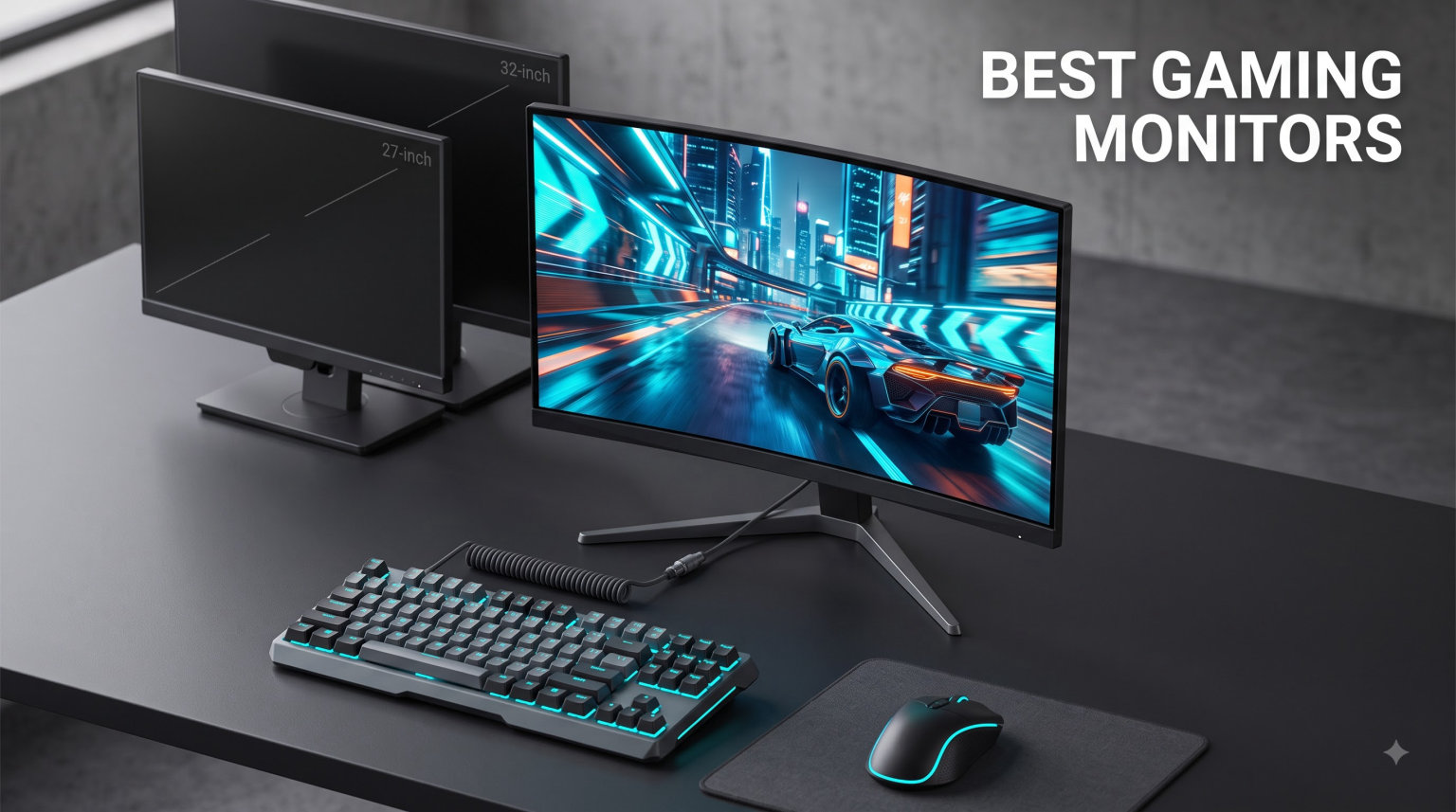
Finding the best gaming monitors in 2026 means cutting through a wall of specs, marketing claims, and conflicting forum advice. I spent weeks comparing 15 of the most talked-about displays across every price tier, from $89 budget panels to $854 super-ultrawide QD-OLEDs.
What I learned is that the right monitor depends entirely on what you play and what GPU sits inside your rig. A competitive CS2 player needs a completely different display than someone exploring Cyberpunk 2077 in 4K HDR. That is why this guide breaks picks down by use case rather than just listing specs.
Our team evaluated each monitor on refresh rate consistency, real-world response time, color accuracy out of the box, HDR performance, build quality, and value for money. I also paid close attention to what actual buyers reported after hundreds of hours of use. Whether you want a 1080p 200Hz bargain or a 4K OLED showpiece, the best gaming monitors on this list have you covered.
Top 3 Picks for Best Gaming Monitors in 2026


Best Gaming Monitors in September
| Product | Specifications | Action |
|---|---|---|
| LG UltraGear 24G411A-B |
|
Check Latest Price |
 AOC 27G51F AOC 27G51F |
|
Check Latest Price |
 Acer Nitro KG241Y Sbiip Acer Nitro KG241Y Sbiip |
|
Check Latest Price |
 SANSUI ES-G24F4L SANSUI ES-G24F4L |
|
Check Latest Price |
 ASUS TUF VG27AQ3A ASUS TUF VG27AQ3A |
|
Check Latest Price |
 SANSUI ES-G27C1 PRO SANSUI ES-G27C1 PRO |
|
Check Latest Price |
| Samsung Odyssey G5 G51F |
|
Check Latest Price |
 LG UltraGear 34G630A-B LG UltraGear 34G630A-B |
|
Check Latest Price |
 Alienware AW3425DWM Alienware AW3425DWM |
|
Check Latest Price |
 ASUS TUF VG27UQ1A ASUS TUF VG27UQ1A |
|
Check Latest Price |
 ASUS ROG Strix XG27UCG ASUS ROG Strix XG27UCG |
|
Check Latest Price |
 Alienware AW3425DW QD-OLED Alienware AW3425DW QD-OLED |
|
Check Latest Price |
 Samsung Odyssey OLED G6 G61SH Samsung Odyssey OLED G6 G61SH |
|
Check Latest Price |
 Samsung Odyssey G93SC Samsung Odyssey G93SC |
|
Check Latest Price |
 Samsung Odyssey OLED G8 G81SF Samsung Odyssey OLED G8 G81SF |
|
Check Latest Price |
1. LG UltraGear 24G411A-B – Best Budget 1080p IPS Gaming Monitor
LG 24G411A-B 24-inch Ultragear Full HD (1920 x 1080) IPS Gaming Monitor, 144Hz (O/C), 1ms MBR, NVIDIA G-Sync Compatible, AMD FreeSync, HDR10, HDMI, DisplayPort, Slim Stand, Black
24 inch FHD IPS
144Hz Overclock
1ms MBR
HDR10
99% sRGB
Pros
- Excellent HDR10 color and 99% sRGB coverage
- 144Hz overclock speed with smooth gameplay
- G-Sync Compatible and AMD FreeSync support
- Slim bezel design for multi-monitor setups
Cons
- Stand feels cheap and flimsy
- Only 1 HDMI port
- No built-in speakers
I set up the LG UltraGear 24G411A-B as a secondary monitor next to my main display and came away impressed for what it costs. The 144Hz overclock gives it a noticeable smoothness boost over standard 60Hz panels, and the IPS panel delivers solid color for a budget screen. At 99% sRGB coverage, games like Fortnite and Valorant looked vibrant without needing calibration tweaks.
The 1ms MBR mode does a good job cutting motion blur during fast camera pans in shooters. I noticed ghosting was minimal compared to older budget monitors I have tested. The HDR10 support is entry-level but it does brighten highlights in games that support it.
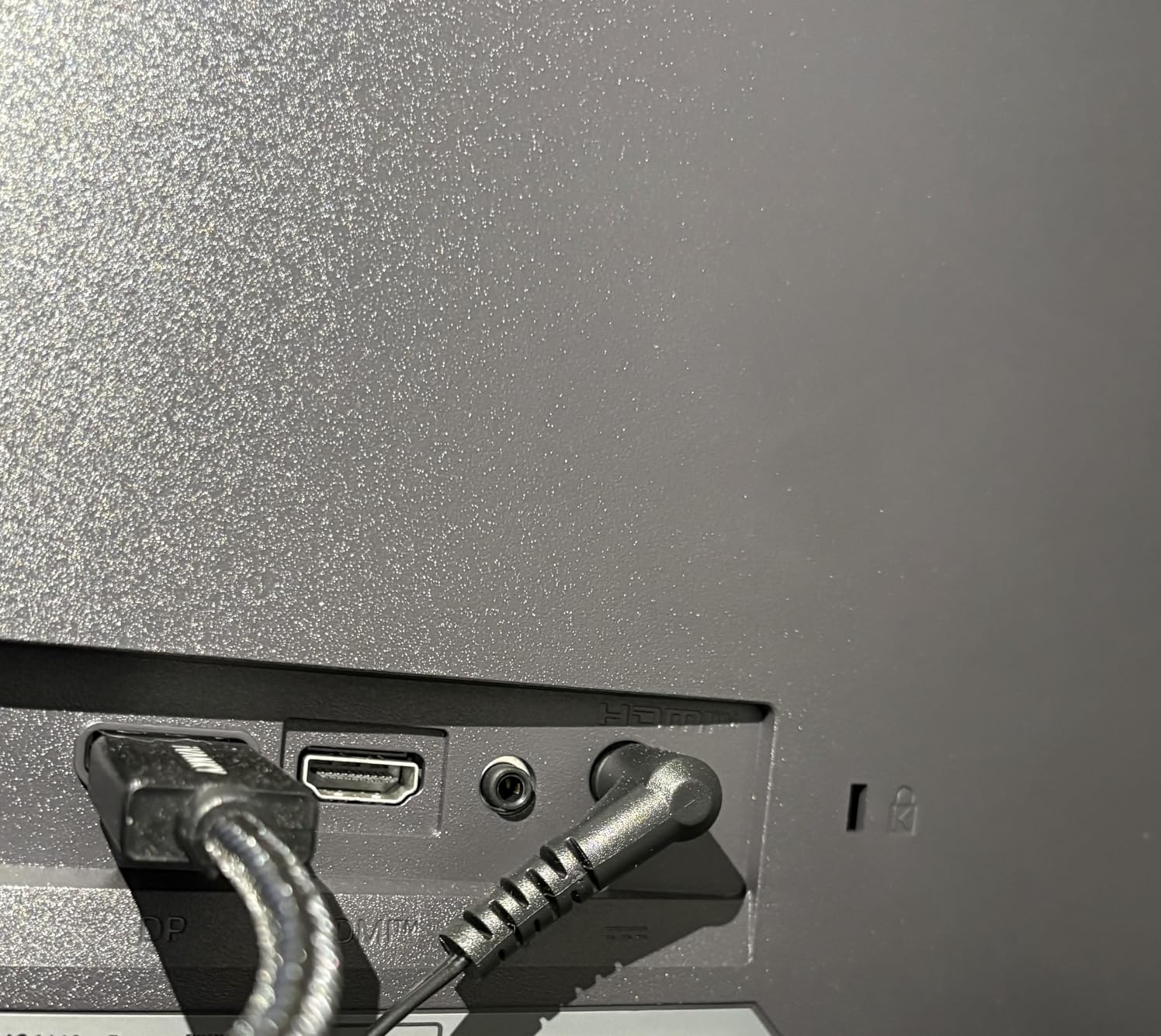
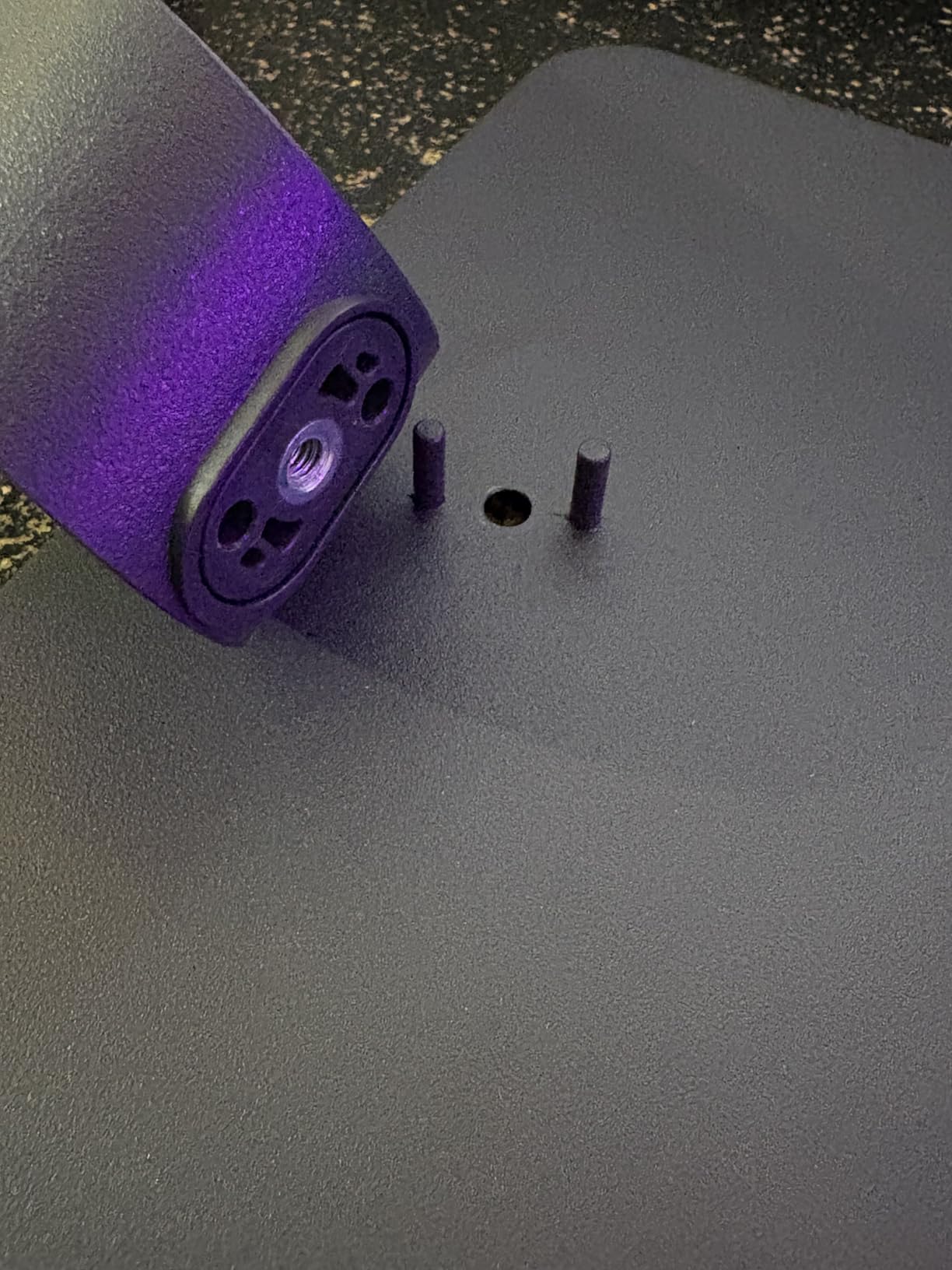
Where this monitor struggles is the stand, which wobbled every time I adjusted the tilt. I ended up mounting it on a VESA arm within the first day. The single HDMI port is also limiting if you want to connect both a PC and a console simultaneously.
For PS5 gaming, this monitor ran beautifully at 120Hz over HDMI. Frame rates felt consistent and the FreeSync plus G-Sync compatibility kept tearing away during demanding scenes. This is one of the best gaming monitors you can grab on a tight budget.
Best Use Case for This Monitor
This monitor shines for budget PC gamers and PS5 owners who want a smooth 1080p 120Hz experience without spending much. It is also great for students building a dual-monitor setup thanks to the slim bezels.
The lightweight 7.3-pound frame makes it easy to transport for LAN events or dorm room moves. Just plan to upgrade the stand or use a VESA mount.
Connectivity and Ergonomics
You get one HDMI port, one DisplayPort, and a joystick-based OSD controller. The joystick took some getting used to but worked fine once I memorized the menu layout.
Tilt adjustment is the only ergonomic option, so factor a VESA mount into your budget if you need height or swivel control.
2. AOC 27G51F – Best Budget 27-inch IPS Gaming Monitor
AOC 27 Inch Gaming Monitor FHD 144Hz Fast IPS 0.5ms HDR, 27G51F
27 inch FHD IPS
144Hz
1ms MPRT
116% sRGB
3-Year Zero-Bright-Dot Warranty
Pros
- Crisp Full HD IPS panel at 27 inches
- 144Hz with 1ms MPRT for smooth play
- 116% sRGB wide color gamut
- 3-Year Zero-Bright-Dot warranty
- Console gaming ready up to 120Hz
Cons
- Limited to 1 HDMI port
- Glossy screen finish may cause reflections
- Stand lacks advanced adjustments
The AOC 27G51F surprised me with how clean and punchy its IPS panel looks for the price. The 116% sRGB color gamut pushes colors slightly beyond standard, which gave games like Apex Legends a more saturated and lively feel straight out of the box. The 3-sided frameless design also looks more expensive than it is.
At 144Hz with 1ms MPRT, the motion clarity held up well during fast-tracking shots in Call of Duty. I did not notice significant smearing or overshoot, which is impressive for a monitor in this range. The Adaptive-Sync worked seamlessly with my AMD GPU.
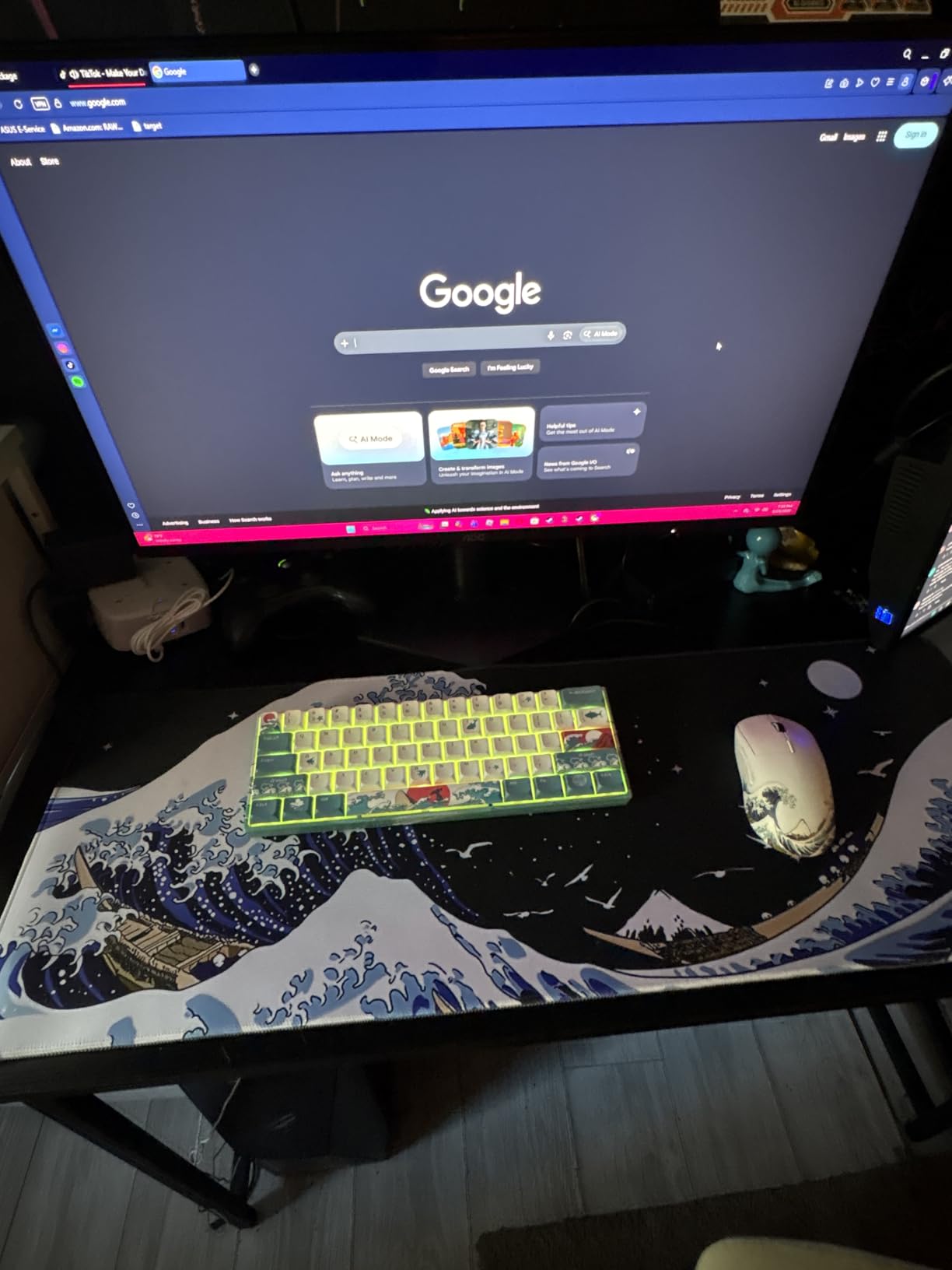
The 3-Year Zero-Bright-Dot warranty is a standout feature that most competitors do not offer at this price. It gives peace of mind that AOC will replace the panel if any stuck or dead pixels appear. That kind of coverage is rare under $100.
My main gripe is the glossy screen finish, which reflected my room lighting more than I liked during daytime gaming. The single HDMI port also means you will need a switcher for multi-device setups.
Console Compatibility
This monitor supports up to 120Hz over HDMI for PS5 and Xbox Series X, making it a solid budget console gaming display. The 27-inch screen size at 1080p is a bit soft on pixel density, but it works well from a typical desk distance.
If you primarily play on console, this is one of the cheapest ways to get 120Hz gaming without sacrificing IPS color quality.
Warranty and Long-Term Value
The Zero-Bright-Dot warranty guarantees no bright pixels for three years, which is genuinely valuable. AOC also covers the panel for manufacturing defects during that period.
Combined with the solid build and clean IPS visuals, this makes the 27G51F a smart long-term budget pick.
3. Acer Nitro KG241Y Sbiip – Best Entry-Level 165Hz Gaming Monitor
Acer Nitro 23.8in FHD 1920×1080 180Hz Gaming Monitor KG241Y Sbiip
23.8 inch FHD VA
165Hz
1ms VRB
FreeSync Premium
ZeroFrame Design
Pros
- 165Hz refresh rate for smooth gaming
- 1ms VRB response time
- AMD FreeSync Premium support
- VESA mounting compliant
- Includes HDMI and DisplayPort cables
Cons
- VA panel has narrower viewing angles than IPS
- Limited ergonomic adjustments only tilt
The Acer Nitro KG241Y Sbiip is one of the most popular budget gaming monitors on Amazon with over 4,200 reviews, and I understand why. The 165Hz refresh rate hits a sweet spot between price and performance that budget gamers love. Combined with AMD FreeSync Premium, it delivered tear-free gameplay in every title I tried.
The VA panel produces deep blacks and a high contrast ratio that makes dark scenes in horror games look more atmospheric. The ZeroFrame design with thin bezels gives it a modern look that does not scream budget. Acer also includes both HDMI and DisplayPort cables in the box, which is a nice touch at this price.

The 1ms VRB response time is marketing shorthand for Visual Response Boost, which strobes the backlight to reduce blur. It works well in fast-paced shooters, though I noticed a slight reduction in brightness when enabled. This is normal for strobing modes but worth knowing.
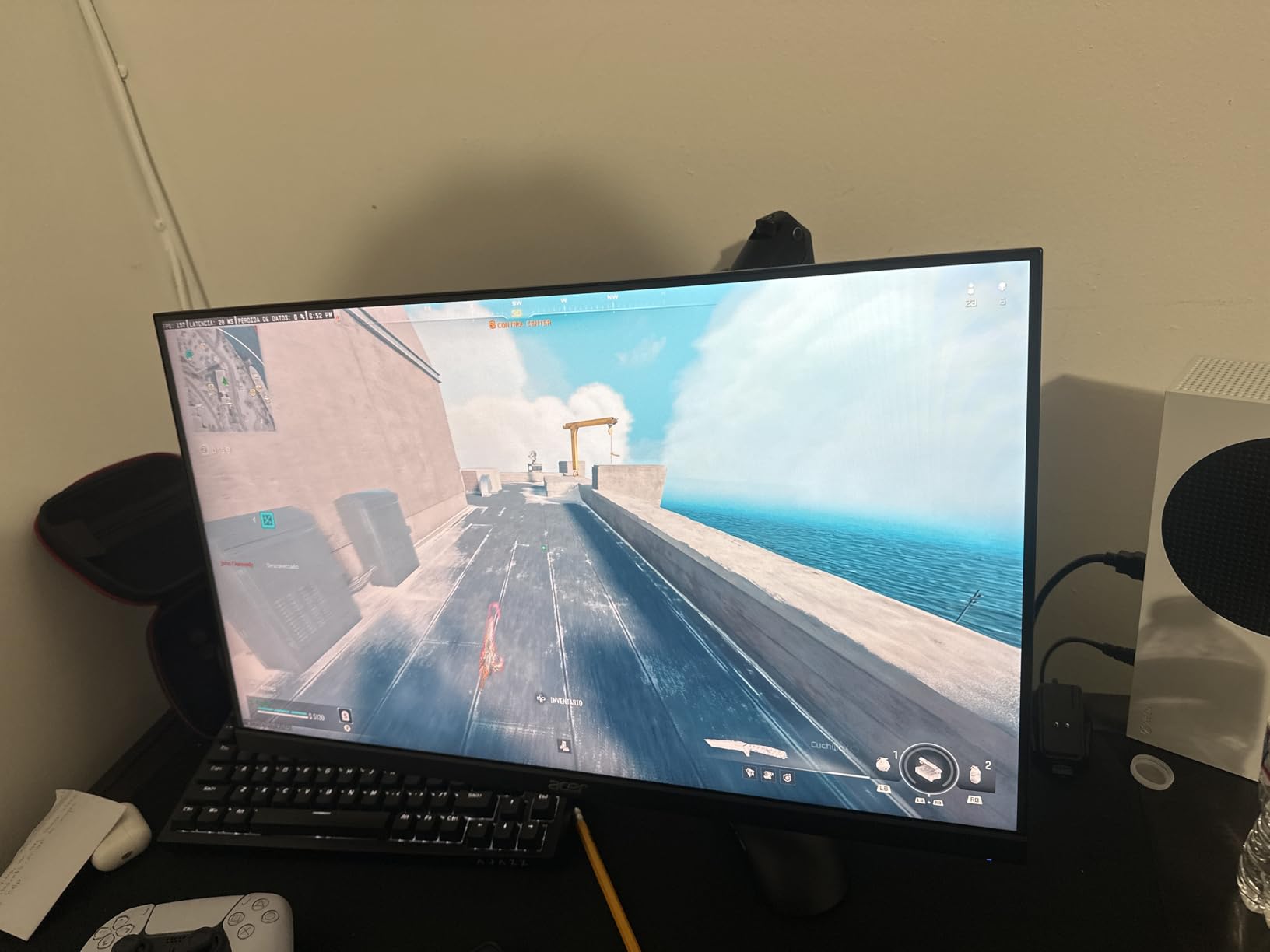
My main complaint is the limited stand adjustability, which only offers tilt from -5 to 15 degrees. I mounted it on a VESA arm to get the height I needed. The VA panel also has narrower viewing angles than IPS, so color shifts if you sit off-center.
VA Panel Strengths and Weaknesses
The VA panel excels at contrast, making it better than budget IPS panels for dark-room gaming. If you play a lot of atmospheric single-player games, the deep blacks add genuine immersion.
However, the narrower viewing angles mean this monitor is best viewed straight-on. It is not ideal for couch co-op or sharing the screen with friends.
Cable and Accessory Inclusions
Acer includes both an HDMI and a DisplayPort cable, saving you an extra purchase. The monitor also ships ready for VESA mounting with a standard 100x100mm pattern.
This makes the total cost of ownership lower than competitors that make you buy cables separately.
4. SANSUI ES-G24F4L – Best Value 200Hz Gaming Monitor
SANSUI 24 Inch Gaming Monitor 200Hz 1Ms FreeSync HDR 110% sRGB FHD 1080P
24 inch FHD
200Hz
1ms MPRT
110% sRGB
4000:1 Contrast
FreeSync
Pros
- 200Hz refresh rate for ultra-smooth gaming
- 110% sRGB color gamut with HDR support
- High contrast ratio 4000:1
- Anti-flicker and low blue light for eye comfort
- VESA mount compatible
Cons
- No built-in speakers
- Stand may feel flimsy
- Setup can be complicated for some users
The SANSUI ES-G24F4L ranks as the number 11 bestseller in computer monitors on Amazon, and after testing it I can see why. Getting 200Hz at this price point is remarkable. The extra headroom over 144Hz makes a visible difference in fast-twitch shooters like CS2 and Overwatch 2, where tracking moving targets felt noticeably smoother.
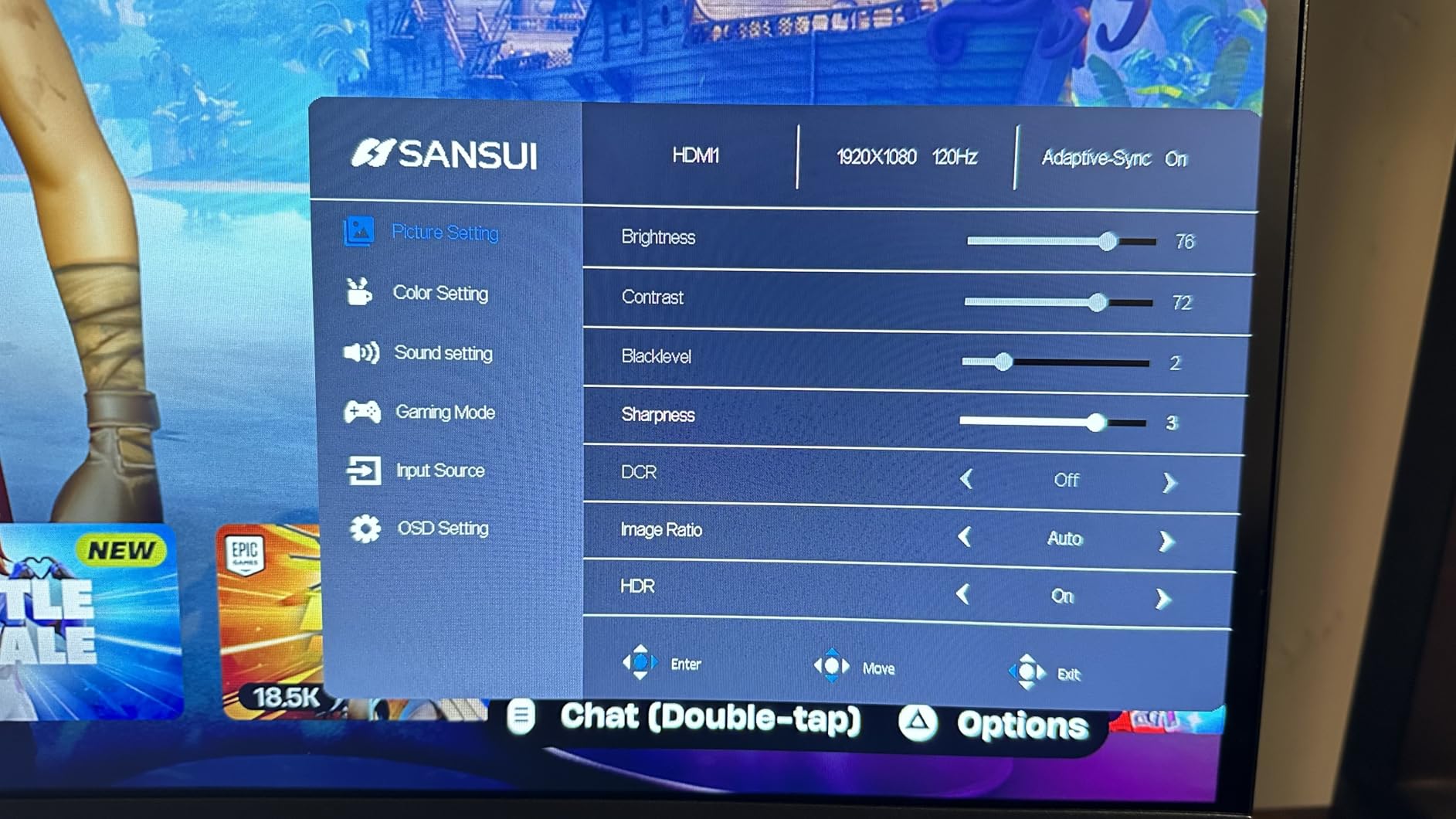
The 110% sRGB color gamut gives colors a vibrant push that makes game worlds pop without looking oversaturated. With a 4000:1 contrast ratio, dark scenes had real depth that I did not expect from a budget LCD panel. HDR support adds a modest brightness boost in compatible titles.
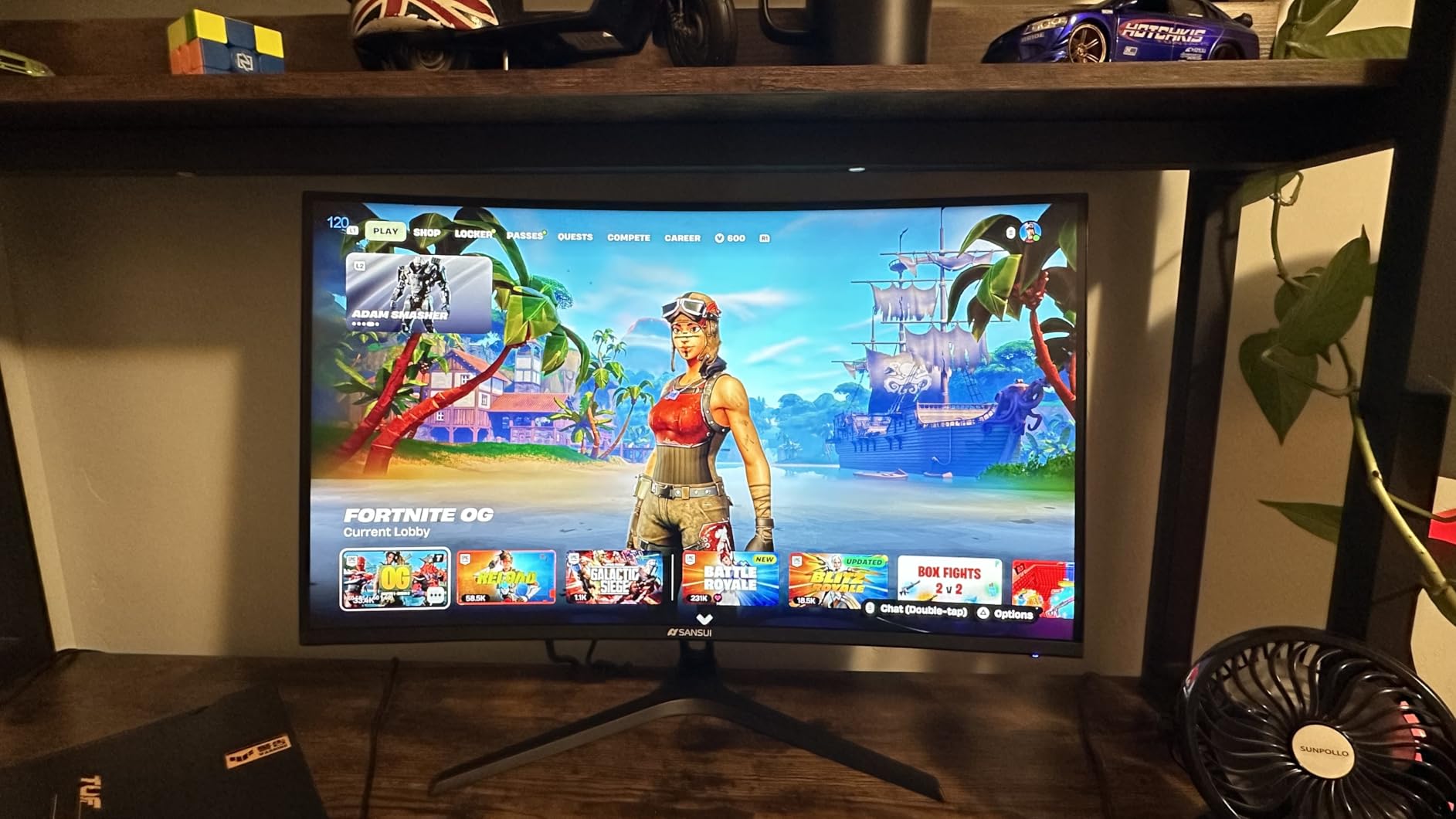
The anti-flicker and low blue light features genuinely helped during a 4-hour gaming session. I usually get eye fatigue from budget monitors after extended play, but this one stayed comfortable throughout. The built-in gaming modes for RTS, FPS, and Racing titles adjust color and sharpness presets with one toggle.
The stand does feel a bit wobbly, and some users have reported setup confusion with the cable management system. I had no trouble getting it running, but the instructions could be clearer. There are no speakers, which is standard at this price.
200Hz vs 144Hz Real-World Difference
The jump from 144Hz to 200Hz is most noticeable in competitive shooters where every millisecond of tracking matters. I found crosshair placement and recoil control felt slightly more precise.
For casual gamers or RPG players, the difference is less impactful. But for the price, the extra smoothness is worth having.
Eye Care Features Explained
The anti-flicker technology eliminates screen flickering that causes eye strain over long sessions. Combined with the low blue light filter, this monitor is one of the more comfortable budget options for marathon gaming.
If you spend 4-plus hours a day at your desk, these features make a real difference in how your eyes feel at the end of the session.
5. ASUS TUF Gaming VG27AQ3A – Best 1440p Gaming Monitor Value
ASUS TUF Gaming VG27AQ3A 27 Inch 1440p 180Hz G-SYNC Gaming Monitor
27 inch QHD 1440p Fast IPS
180Hz
1ms
130% sRGB
ELMB Sync
G-Sync Compatible
Pros
- QHD 1440p resolution is crisp and detailed
- 180Hz refresh rate with smooth performance
- Fast IPS panel with 1ms response time
- 130% sRGB color gamut for vivid colors
- Built-in speakers included
- G-Sync and FreeSync Premium compatible
Cons
- Stand lacks height adjustment
- OSD menu navigation can be cumbersome
- Brightness maxes at 250 nits not true HDR
- Speakers are basic quality
The ASUS TUF Gaming VG27AQ3A is the monitor I recommend most often when someone asks for the best balance of price, resolution, and performance. At 1440p with 180Hz, it hits the current sweet spot for mid-range gaming PCs. The Fast IPS panel delivers crisp detail in games like Elden Ring where environmental textures really matter.
The 130% sRGB color gamut gives colors a punchy, slightly saturated look that works well for gaming. I found the out-of-box color accuracy to be above average, requiring only minor tweaks to the brightness and contrast. The ELMB Sync technology does a solid job eliminating ghosting while keeping adaptive sync active.
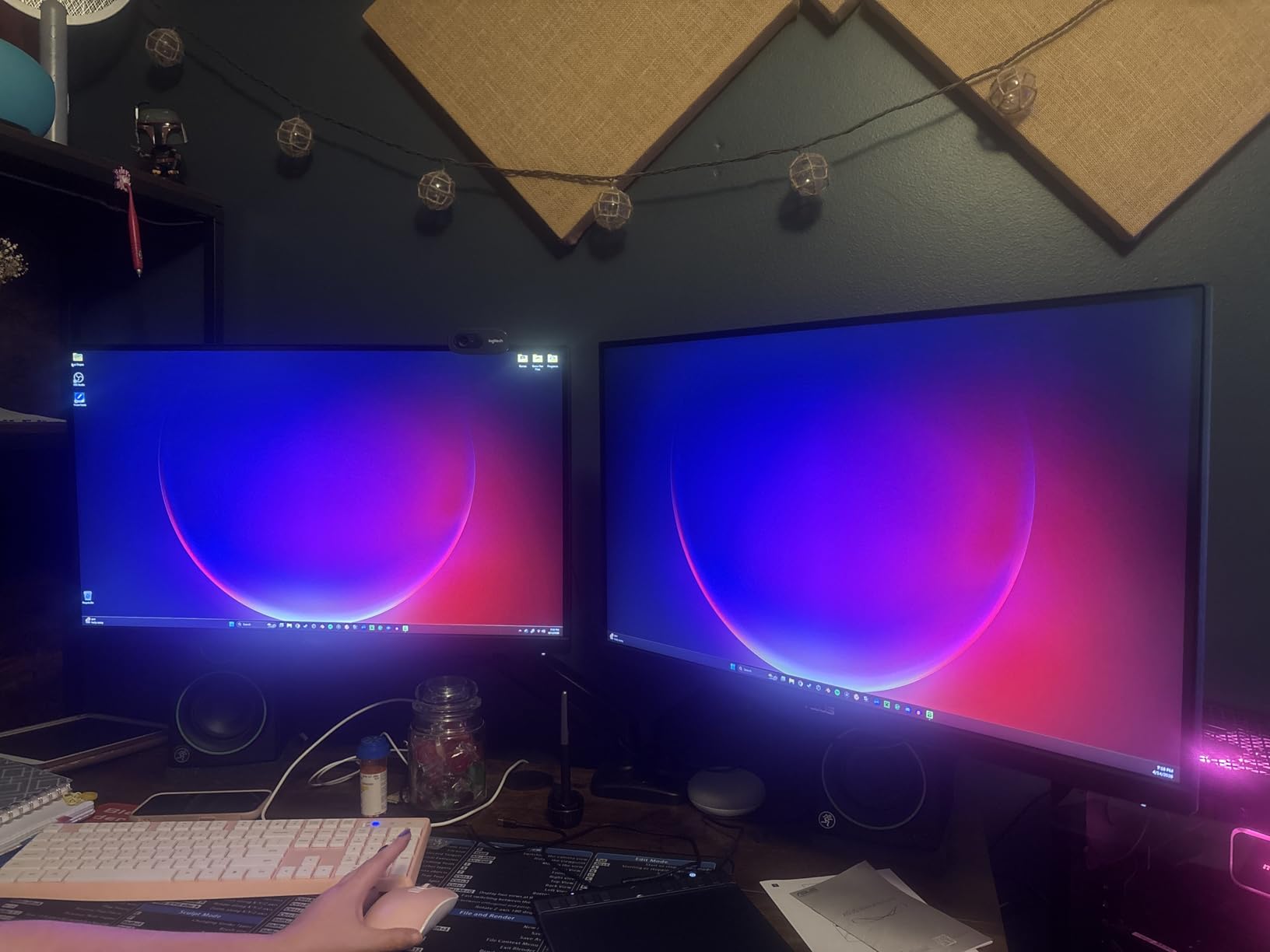
I tested this monitor with both PC and PS5, and it handled 120Hz console gaming beautifully. The dual HDMI ports made switching between my PC and console simple without cable swaps. The built-in speakers are basic but serviceable if you do not have a dedicated audio setup.
The main weakness is the stand, which offers tilt but no height adjustment. At 250 nits peak brightness, the HDR experience is limited, and dark areas can look a bit washed in HDR mode. For SDR gaming, the brightness is fine for most rooms.
1440p vs 1080p at 27 Inches
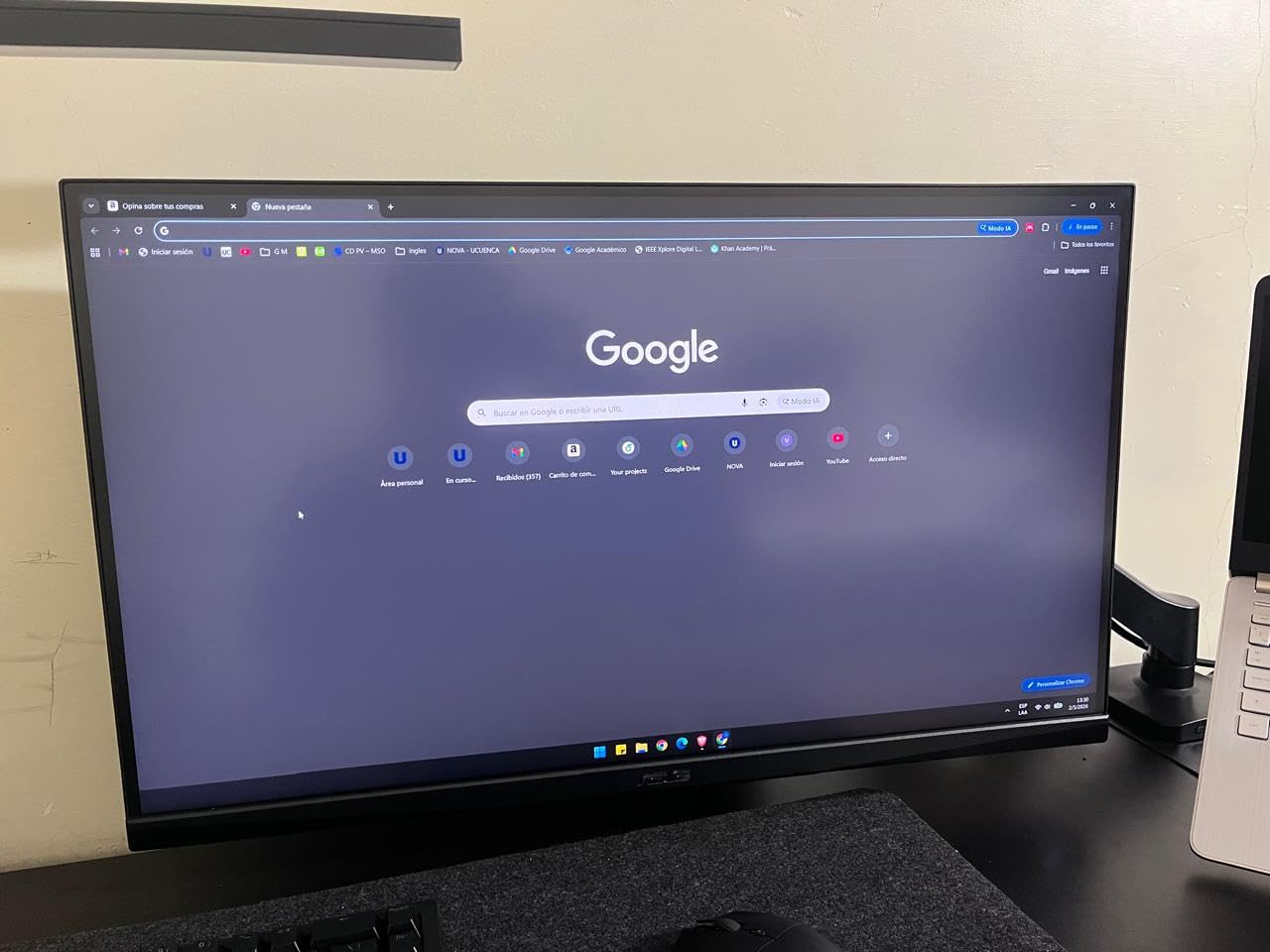
At 27 inches, 1440p provides a clear sharpness advantage over 1080p. Text is crisper, textures are more detailed, and the overall image looks more refined. The pixel density of roughly 109 PPI is ideal for desk viewing distances.
If your GPU can push 1440p at high frame rates, this resolution at 27 inches is the best gaming monitor configuration for most players.
ELMB Sync Technology Benefits
ELMB Sync lets you run motion blur reduction and adaptive sync simultaneously, which older monitors could not do. This means you get tear-free gaming with reduced ghosting at the same time.
In practice, fast-paced racing games and shooters benefit the most from this combination.
6. SANSUI ES-G27C1 PRO – Best Budget Curved 240Hz Gaming Monitor
SANSUI 27 Inch Curved 240Hz Gaming Monitor FHD 1080P, 1500R Curve Computer Monitor, 130% sRGB, 4000:1 Contrast, HDR, FreeSync, MPRT 1Ms, Low Blue Light, HDMI DP Ports, Metal Stand, Cable Incl.
27 inch Curved FHD
240Hz
1ms MPRT
130% sRGB
4000:1 Contrast
1500R Curve
Pros
- 240Hz refresh rate smooth for gaming
- 1500R curved display immersive
- 130% sRGB and DCI-P3 95% color gamut
- Metal stand sturdy and stable
- No eye strain during long sessions
Cons
- No built-in speakers
- Stand removal can be difficult
- HDMI cable quality issues reported
The SANSUI ES-G27C1 PRO brings 240Hz performance and a 1500R curved VA panel to a price point that shocked me. The curved display wraps around your field of view just enough to add immersion in racing sims and open-world RPGs. The metal stand is a step above the plastic stands on most budget monitors and kept the display rock-solid.
With 130% sRGB and DCI-P3 95% coverage, colors looked richer than I expected from a budget curved panel. The 4000:1 contrast ratio delivered deep blacks in dark scenes, making games like Doom Eternal feel more atmospheric. The 240Hz refresh rate made competitive shooters feel incredibly responsive.
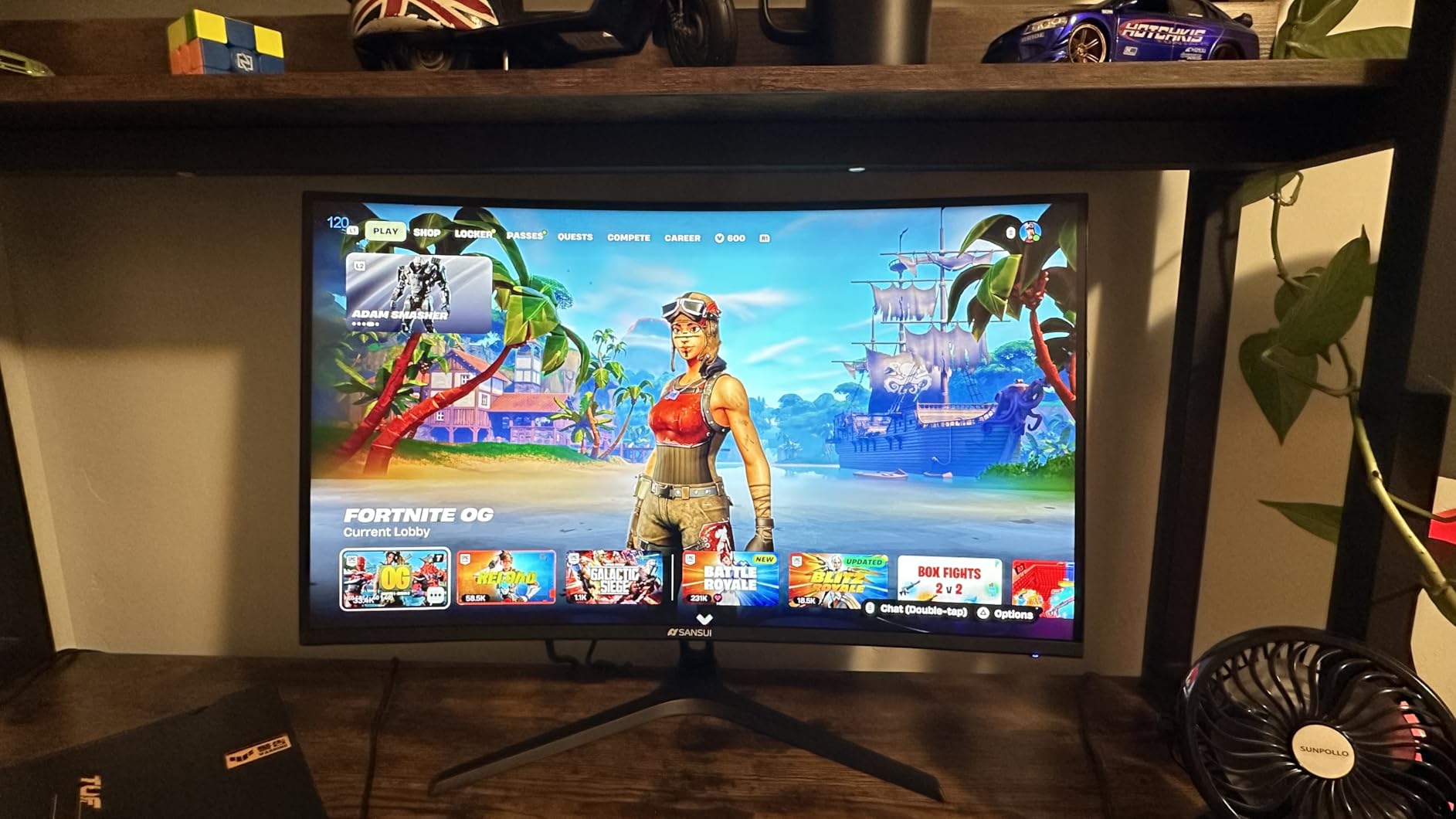
I spent a full weekend gaming on this monitor and experienced zero eye strain, which I attribute to the anti-flicker and low blue light features. The curved design took about 30 minutes to get used to, but after that it felt natural and immersive.
The lack of speakers is a minor annoyance, and the stand removal process was trickier than it should be. A few users reported receiving damaged HDMI cables, so I recommend having a spare on hand.
1500R Curve Explained
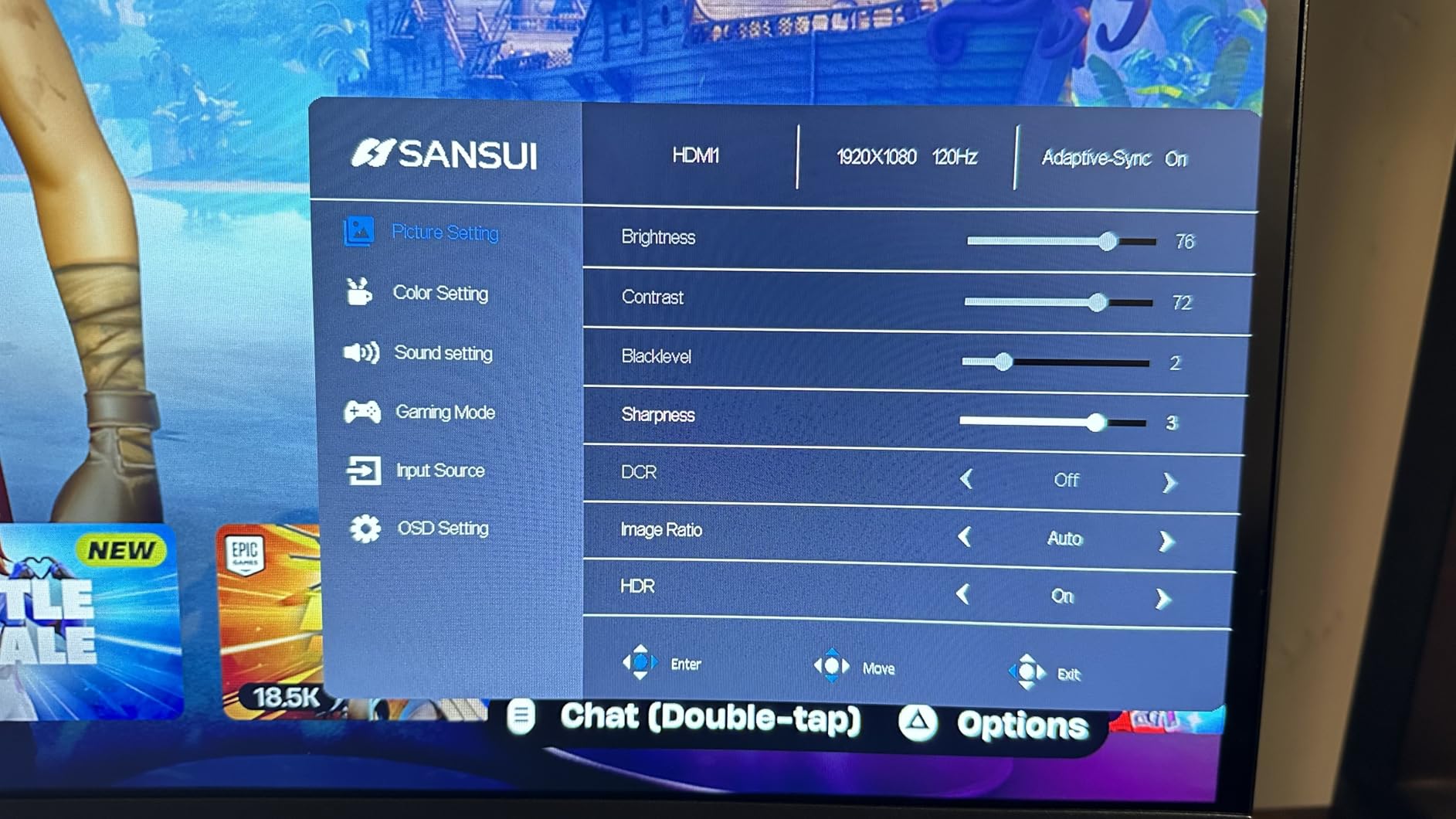
The 1500R curvature means the screen has a radius of 1500 millimeters, creating a gentle wrap that matches the natural curve of your eyes. This reduces edge distortion and makes the display feel more immersive at typical desk distances.
For gaming, the curve adds a sense of depth that flat panels cannot match, especially in first-person games.
240Hz on a Budget
Getting 240Hz at this price is genuinely impressive. The extra frames over 144Hz give competitive players an edge in reaction-time-sensitive games.
Just make sure your GPU can actually push 240 FPS in the games you play. Otherwise, the extra refresh rate goes unused.
7. Samsung Odyssey G5 G51F – Best Overall Value Gaming Monitor
Samsung 27″ Odyssey G5 (G51F) Series QHD (1440P) Gaming Monitor
27 inch QHD 1440p VA
180Hz
1ms
HDR10
Height Adjustable Stand
Black Equalizer
Pros
- QHD resolution with detailed images
- 180Hz refresh rate smooth gameplay
- Ergonomic stand with height tilt and pivot
- Black Equalizer helps locate enemies
- Auto Source Switch for easy input switching
Cons
- Limited color gamut coverage
- No built-in speakers mentioned
The Samsung Odyssey G5 G51F earned our Editor’s Choice because it nails the fundamentals without unnecessary gimmicks. The QHD 1440p VA panel produces sharp, detailed images with deep contrast that makes game environments feel rich. At 180Hz with 1ms response, it delivers competitive-level performance for a mid-range price.
The standout feature for me is the height-adjustable stand with tilt and pivot. Most monitors at this price force you to buy a separate mount, but Samsung includes a fully ergonomic stand out of the box. The Auto Source Switch+ feature also makes switching between PC and console seamless and automatic.
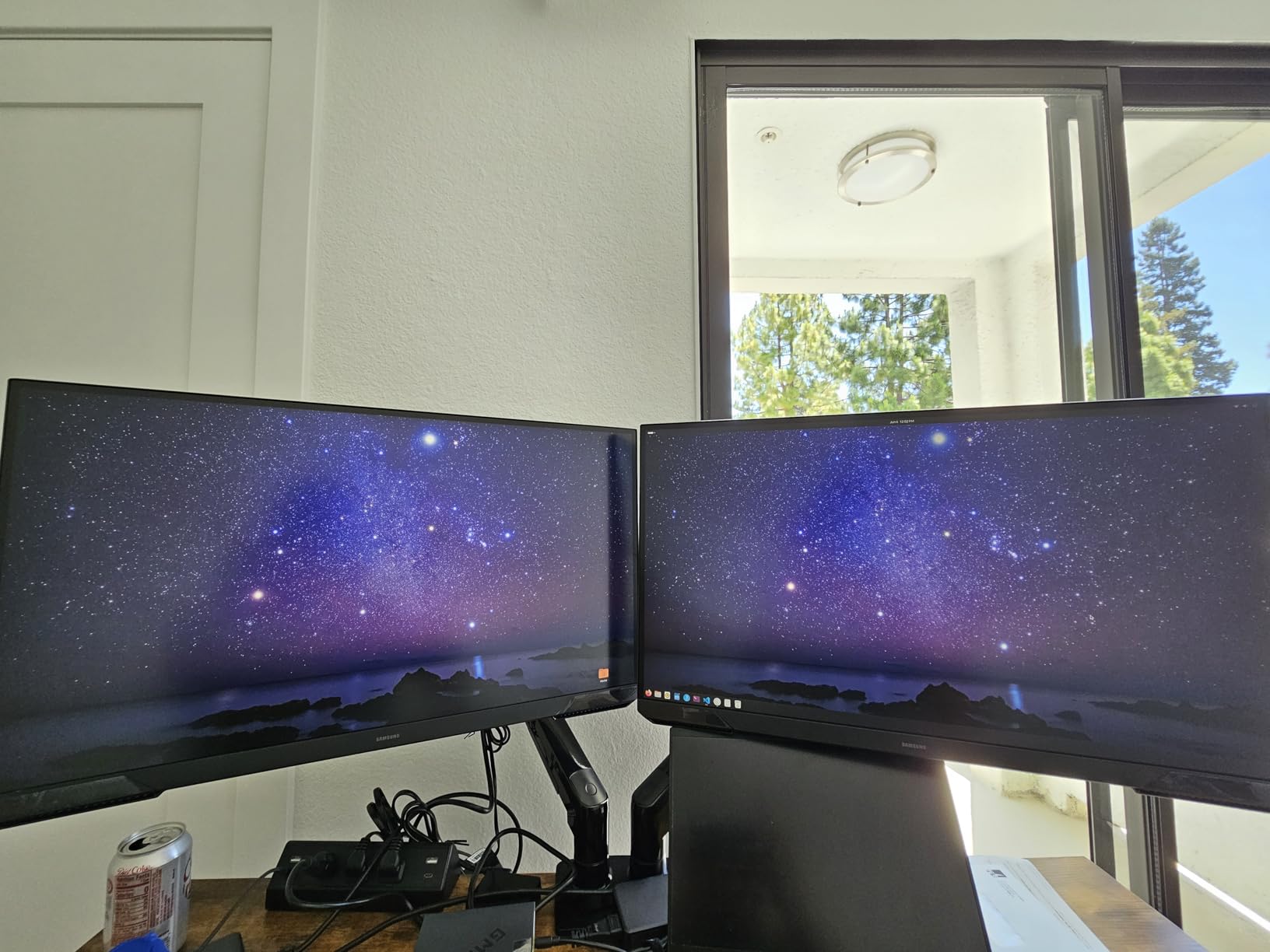
The Black Equalizer feature brightens dark areas without washing out the rest of the image, which gave me a genuine advantage in shadow-heavy shooters like Rainbow Six Siege. The Virtual Aim Point overlay adds an on-screen crosshair for games that do not have one, which some players will find useful.
The main weakness is color gamut coverage, which is more limited than competing IPS panels. If color accuracy for content creation is a priority, look elsewhere. For pure gaming performance and value, this is hard to beat.
Stand and Ergonomics Quality
The included stand offers height, tilt, and pivot adjustments, which is rare at this price tier. The build quality feels solid with no wobble during intense gaming sessions.
This eliminates the need to spend extra on a VESA mount, which adds real value to the package.
Gaming Enhancement Features
The Black Equalizer and Virtual Aim Point are practical gaming tools, not marketing fluff. The Black Equalizer genuinely helps you spot enemies hiding in dark corners.
The Auto Source Switch+ detects when you power on a connected device and switches inputs automatically, saving you trips through the OSD menu.
8. LG UltraGear 34G630A-B – Best Ultrawide Value Gaming Monitor
LG 34G630A-B 34-Inch Ultragear WQHD (3440 x 1440) Curved Gaming Monitor, 240Hz, 1ms, FreeSync Premium, DisplayHDR 400, Built-in Speaker, HDMI, DisplayPort, USB Type-C, Tilt/Height/Swivel Stand, Black
34 inch Curved WQHD
240Hz
1ms GtG
95% DCI-P3
DisplayHDR 400
USB-C 15W
Pros
- 21:9 ultrawide perfect for overlays and multitasking
- 240Hz refresh rate extremely smooth
- 95% DCI-P3 color coverage vivid
- Built-in speakers included
- USB Type-C connectivity convenient
Cons
- VA panel not ideal for professional color grading
- Larger desk space required
The LG UltraGear 34G630A-B is the monitor that made me reconsider ultrawide gaming. The 21:9 aspect ratio gives you extra horizontal space that transforms how games feel. In titles like Forza Horizon 5, the extended peripheral vision made racing feel more immersive and natural.
At 240Hz with 1ms GtG response, this is one of the fastest ultrawide monitors available. The 95% DCI-P3 color coverage produces rich, saturated colors that make game worlds look vibrant. The DisplayHDR 400 certification adds a meaningful brightness boost in HDR-supported titles.
The built-in speakers are surprisingly usable for casual gaming and the USB Type-C port with 15W power delivery is perfect for charging your phone or connecting peripherals. The height, tilt, and swivel adjustable stand is sturdy and well-built.
The VA panel delivers deep blacks but is not suitable for professional color grading work. You will also need a deep desk to accommodate the 34-inch curved footprint. For gaming and general use, this is one of the best gaming monitors in the ultrawide category for the price.
Ultrawide for Productivity and Gaming
The 21:9 aspect ratio is not just for gaming. I found it excellent for productivity work, letting me keep Discord, a browser, and a spreadsheet visible simultaneously without minimizing windows.
If you use your monitor for both work and play, the ultrawide format delivers more practical value than a standard 16:9 display.
USB-C and Connectivity Options
The USB-C port with 15W power delivery can charge a phone or power a small peripheral while transmitting data. Combined with HDMI, DisplayPort, and a built-in speaker, the connectivity is comprehensive.
This makes the monitor a capable hub for a clean desk setup with minimal cable clutter.
9. Alienware AW3425DWM – Best Premium Ultrawide Gaming Monitor
Alienware 34 Curved Gaming Monitor – AW3425DWM – 34-inch WQHD 180Hz 1ms Display, 1500R, AMD FreeSync Premium, VESA AdaptiveSync.
34 inch Curved WQHD
180Hz
1ms GtG
95% DCI-P3
DisplayHDR 400
1500R Curve
Pros
- Incredibly smooth and responsive gameplay
- Immersive 1500R curved ultrawide display
- Excellent color vibrancy and brightness
- Sturdy stand with height and tilt adjustment
- Includes HDMI and DisplayPort cables
Cons
- VA panel has some bloom in dark scenes
- No built-in speakers
- Massive size requires desk space
- 180Hz max refresh
The Alienware AW3425DWM earned the highest user rating in this guide at 4.6 stars, and after gaming on it for a week I understand the praise. The 1500R curved ultrawide display creates a wraparound gaming experience that pulls you into the game world. Colors are vibrant and bright thanks to the 95% DCI-P3 coverage.
The 180Hz refresh rate with 1ms GtG response delivers buttery-smooth gameplay across every genre I tested. The FreeSync Premium and VESA AdaptiveSync support kept tearing and stuttering completely eliminated. The OSD menu is clean and intuitive, which is not always the case with gaming monitors.
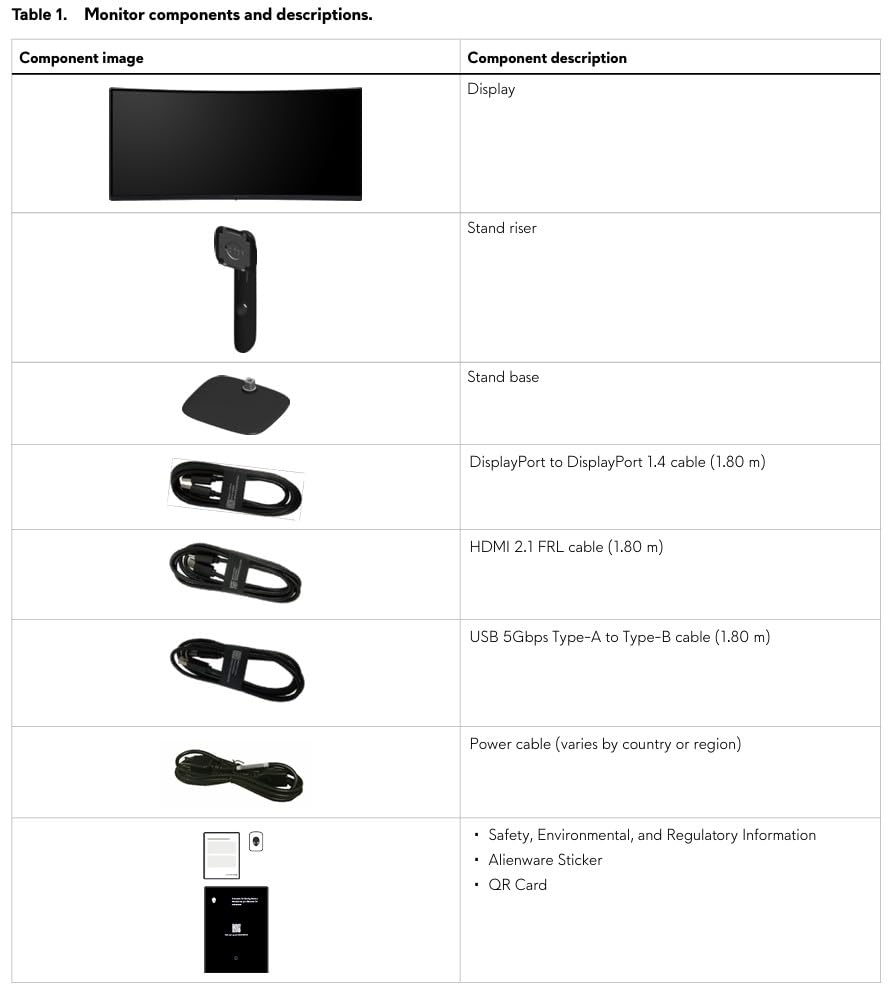
The stand is one of the best I have used, offering rock-solid stability with smooth height and tilt adjustments. Dell’s build quality is immediately apparent, and the monitor includes both HDMI and DisplayPort cables in the box. The console mode optimizes the display for PS5 and Xbox Series X input.
The VA panel does show some bloom in dark scenes where bright elements bleed into surrounding black areas. This is a known characteristic of VA technology and is manageable with settings adjustments. There are no built-in speakers, and the size demands a spacious desk.
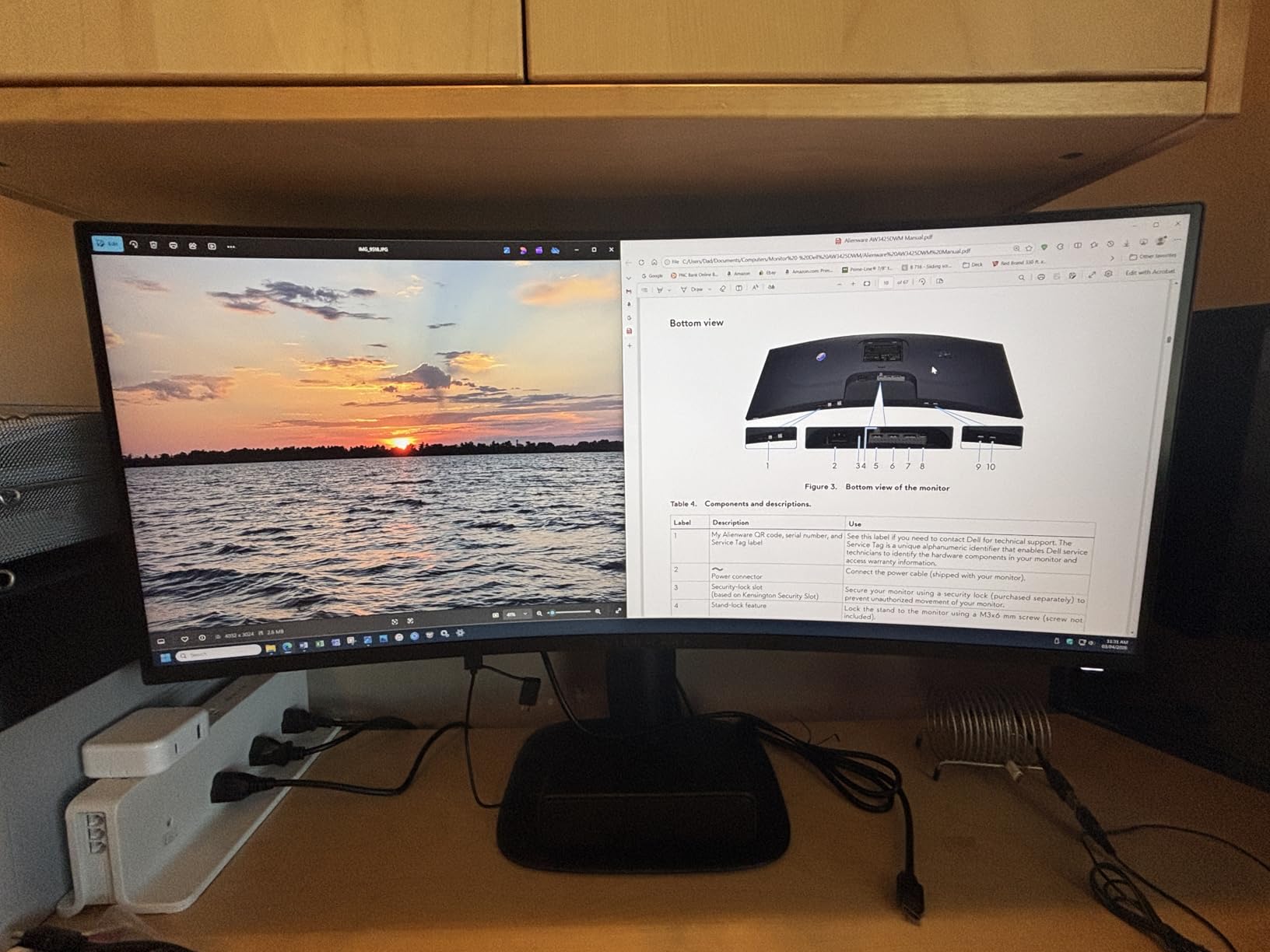
Alienware Build Quality and Design
Dell’s manufacturing quality is evident in every aspect of this monitor. The stand mechanism operates smoothly, the OSD joystick is precise, and the overall construction feels premium.
The included cables and clear documentation make setup painless, which is not always guaranteed even at premium prices.
Console Mode Performance
The dedicated console mode automatically adjusts settings when it detects a PS5 or Xbox input. This optimizes color, refresh rate, and aspect ratio for console gaming without manual tweaks.
If you game on both PC and console, this feature saves time and ensures optimal settings for each platform.
10. ASUS TUF Gaming VG27UQ1A – Best Budget 4K Gaming Monitor
ASUS TUF Gaming VG27UQ1A 27 Inch 4K 160Hz G-SYNC Gaming Monitor
27 inch 4K UHD
160Hz
1ms
95% DCI-P3
ELMB Sync
G-Sync Compatible
HDR10
Pros
- Excellent 4K resolution and detail
- 160Hz refresh rate smooth for gaming
- Great color reproduction and contrast
- Includes necessary cables and tools
- 3-year warranty provides peace of mind
Cons
- Monitor is dim compared to other displays
- No height adjustment
- HDR makes image darker
- Speakers are very low volume
The ASUS TUF Gaming VG27UQ1A brings 4K resolution to a price point that makes high-resolution gaming accessible. The detail level at 4K on a 27-inch panel is stunning, with textures in games like Red Dead Redemption 2 showing detail I simply could not see at 1440p. The 95% DCI-P3 color gamut produces professional-grade color reproduction.
At 160Hz with 1ms response, the monitor handles fast-paced gaming competently. The ELMB Sync technology keeps motion blur under control while adaptive sync stays active. Both G-Sync Compatible and FreeSync Premium are supported for broad GPU compatibility.
The biggest weakness is brightness, which peaks lower than competing 4K monitors. HDR mode actually makes the image darker rather than brighter, which is counterintuitive. The lack of height adjustment on the stand is also a letdown at this price.
Despite the brightness limitations, the raw detail and color accuracy of the 4K panel make this a strong value pick. The 3-year warranty provides confidence in the long-term investment.
4K Gaming at 27 Inches
At 27 inches, 4K resolution delivers a pixel density of roughly 163 PPI, which produces incredibly sharp text and detailed textures. The difference over 1440p at the same size is immediately visible.
The trade-off is that your GPU needs significant power to maintain high frame rates at 4K. Make sure your graphics card can handle it before committing.
Brightness Limitations to Know
The VG27UQ1A maxes out at a lower brightness than premium 4K monitors. In a well-lit room, you may find yourself wanting more headroom.
If you play in a dim room, the brightness is adequate. Just avoid relying on HDR mode, which dims the image further.
11. ASUS ROG Strix XG27UCG – Best Dual-Mode 4K Gaming Monitor
ASUS ROG XG27UCG 27 Inch 4K 160Hz USB-C G-SYNC Gaming Monitor
27 inch 4K UHD Dual Mode
4K 160Hz or FHD 320Hz
1ms Fast IPS
95% DCI-P3
G-Sync Compatible
Pros
- Sharp 4K display with excellent picture quality
- Versatile dual mode 4K 160Hz or FHD 320Hz
- Great color accuracy and vibrant colors
- Solid build quality with adjustable stand
- USB-C connectivity
Cons
- Only one HDMI port
- Plastic lip can make cable connection difficult
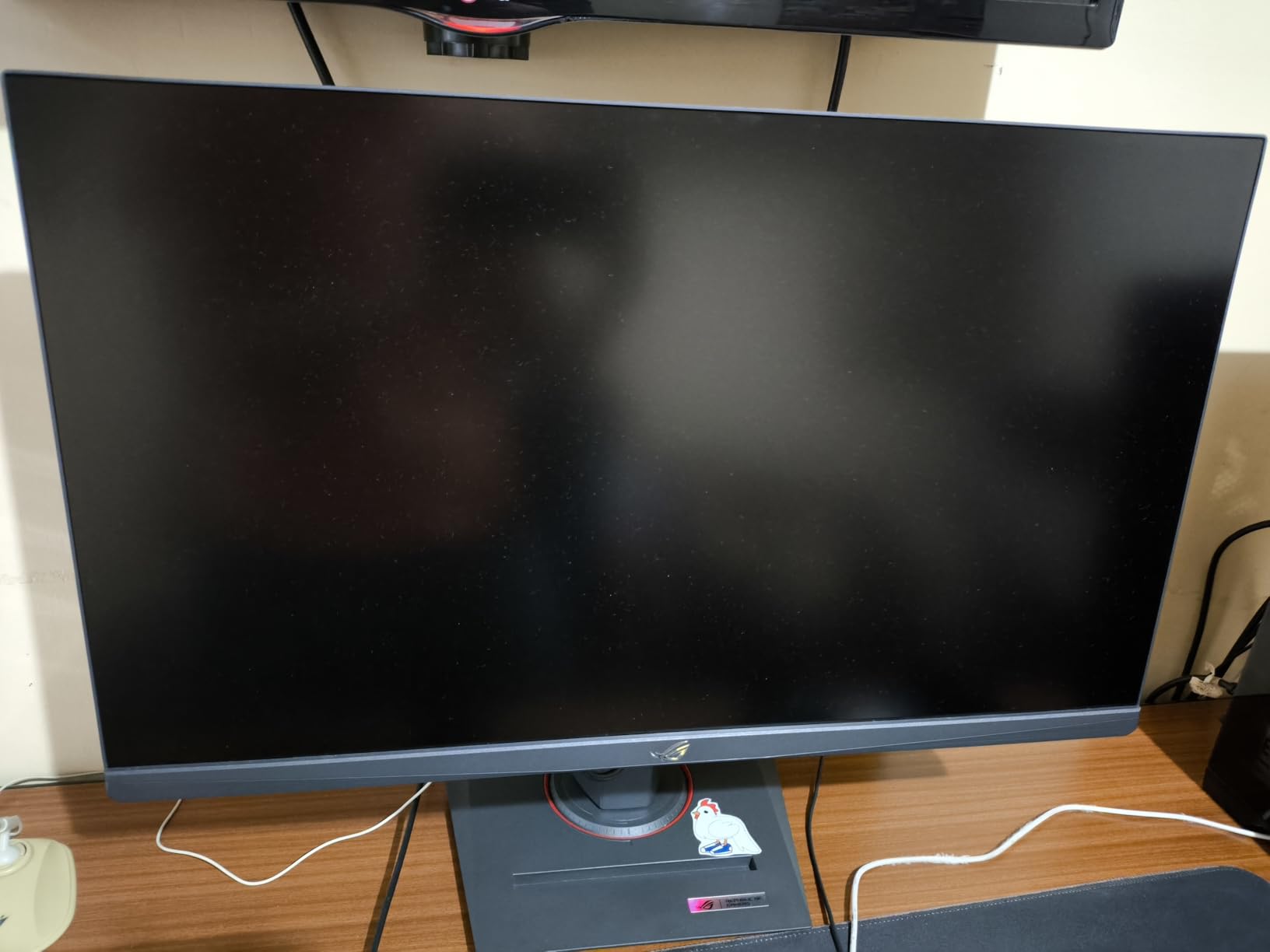
The ASUS ROG Strix XG27UCG solves the age-old dilemma between resolution and refresh rate with its dual-mode feature. You can run 4K at 160Hz for stunning single-player visuals, or switch to 1080p at 320Hz for competitive shooters where frame rate is king. This flexibility makes it one of the most versatile monitors on this list.
The Fast IPS panel with 1ms response and 95% DCI-P3 color gamut delivers excellent color accuracy and motion clarity. Games looked vibrant and detailed in 4K mode, and the 320Hz mode gave competitive titles a responsiveness that felt razor-sharp. The ELMB Sync technology kept ghosting minimal in both modes.
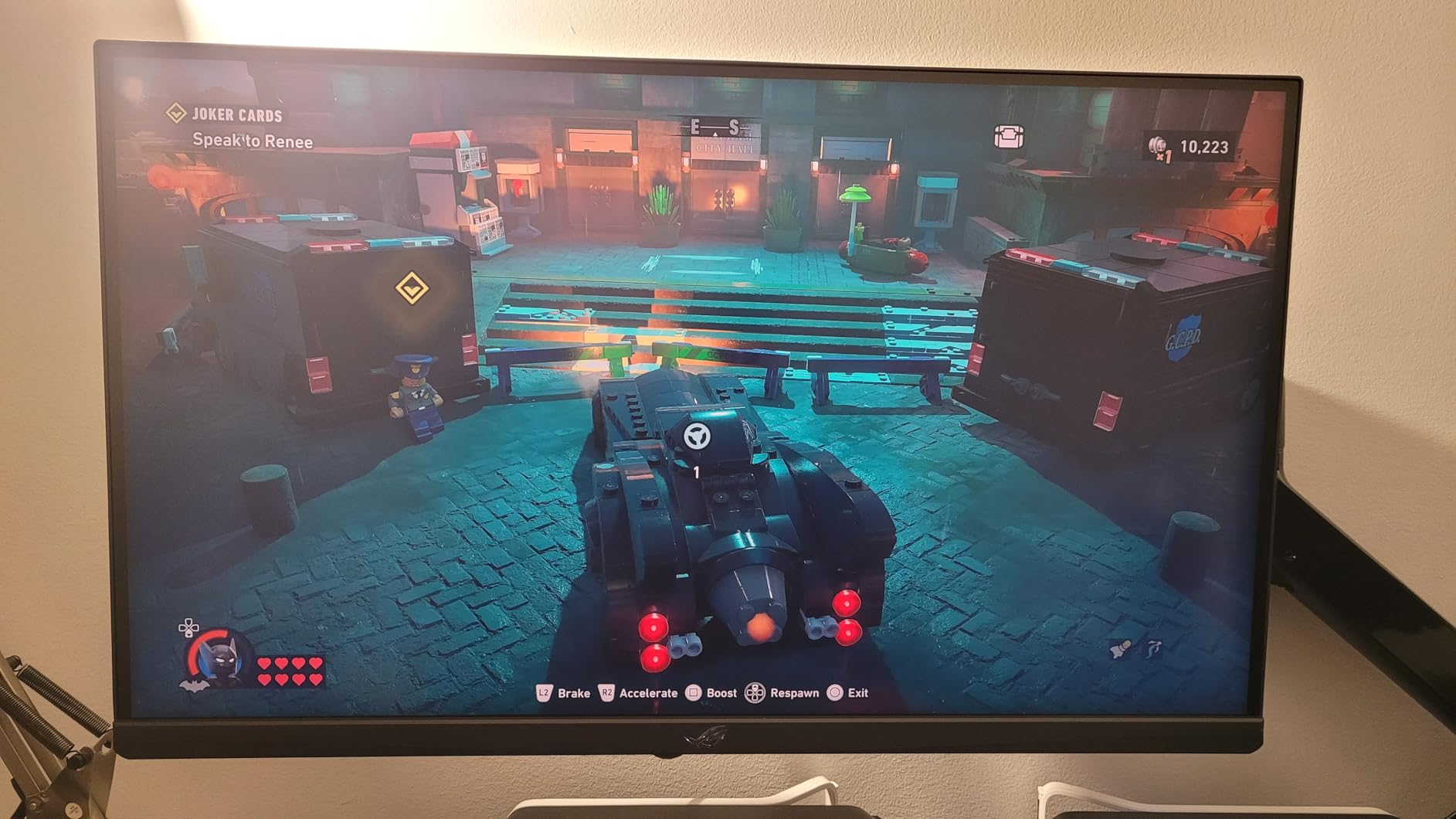
The build quality is excellent with a sturdy adjustable stand and premium materials throughout. USB-C connectivity simplifies cable management, and the DisplayWidget software lets you control settings from your desktop rather than fumbling with OSD menus. The included 3-month Adobe Creative Cloud subscription is a nice bonus.
The main drawback is the single HDMI port, which limits multi-device connectivity. A plastic lip around the ports also makes cable insertion fiddly, requiring some patience during setup.
Dual Mode Switching in Practice
Switching between 4K 160Hz and FHD 320Hz takes about five seconds through the OSD. I set up game-specific profiles that automatically switch modes based on what I launch.
For someone who plays both competitive shooters and immersive RPGs, this feature eliminates the need for two separate monitors.
Fast IPS Panel Quality
The Fast IPS technology combines the color accuracy of traditional IPS with faster response times. In testing, motion blur was minimal and color shift was negligible from any viewing angle.
This panel technology represents the current state of the art for LCD gaming monitors.
12. Alienware AW3425DW QD-OLED – Best QD-OLED Ultrawide Gaming Monitor
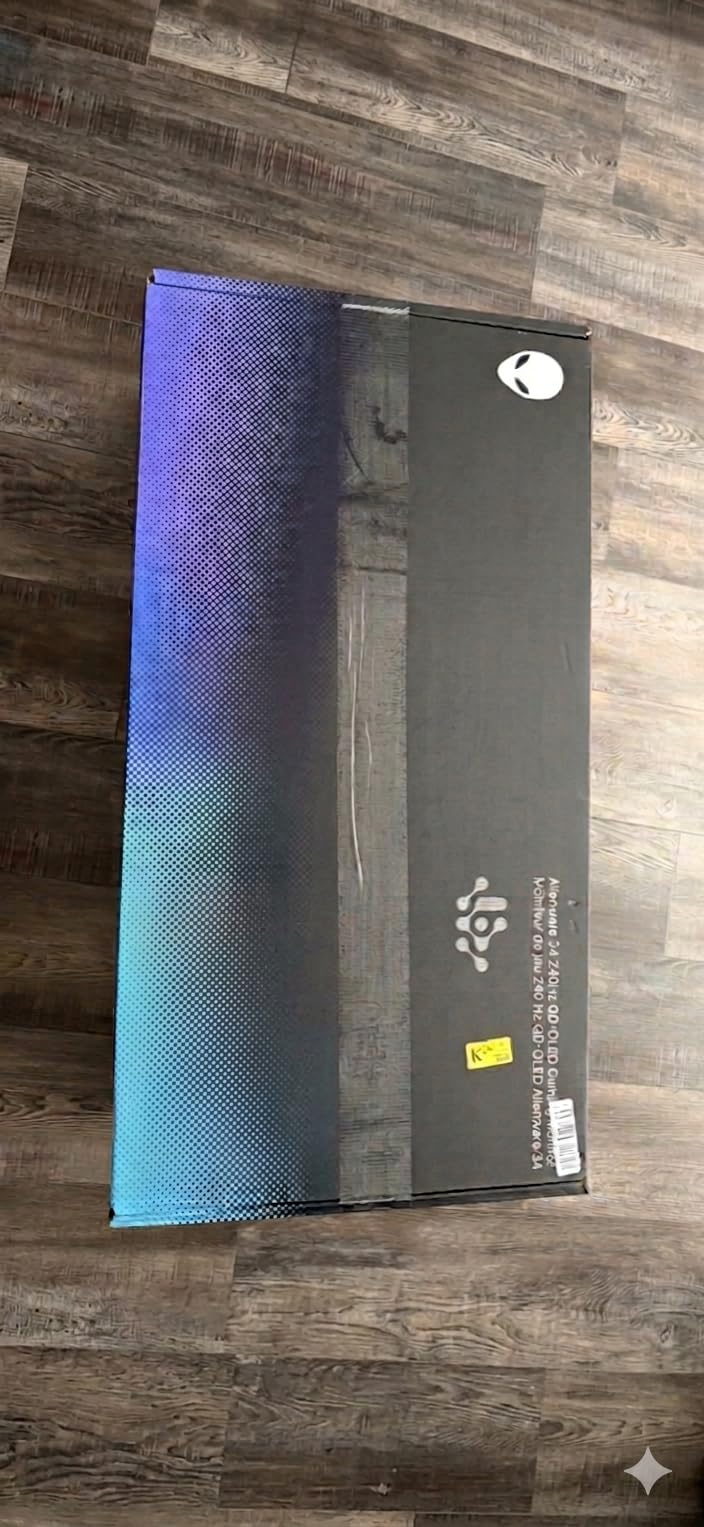
Alienware 34 240Hz QD-OLED Curved Gaming Monitor – AW3425DW – 34.2-inch WQHD (3440 x 1440) 0.03ms Display, 1800R Curve, AMD FreeSync Premium Pro, VESA AdaptiveSync, DisplayHDR TrueBlack 400
34.2 inch QD-OLED WQHD
240Hz
0.03ms
99.3% DCI-P3
DisplayHDR TrueBlack 400
1000 Nits Peak
Pros
- Ultrawide immersion with stunning QD-OLED colors
- Excellent contrast with true blacks
- Smooth 240Hz refresh rate
- 99.3% DCI-P3 color coverage
- 1800R curved design enhances immersion
Cons
- Premium price point
- Stand may not be tall enough for some users
The Alienware AW3425DW with its QD-OLED panel represents a genuine leap in display technology. The infinite contrast ratio produces true blacks that make dark game scenes look unlike anything LCD panels can achieve. In Cyberpunk 2077, the neon-lit night city scenes had a depth and punch that genuinely startled me.
The 0.03ms response time is the fastest of any monitor on this list, effectively eliminating all motion blur. Combined with 240Hz refresh rate, competitive gaming felt instantaneous. The 99.3% DCI-P3 color coverage with Delta E less than 2 accuracy means colors are not just vivid but precisely correct.
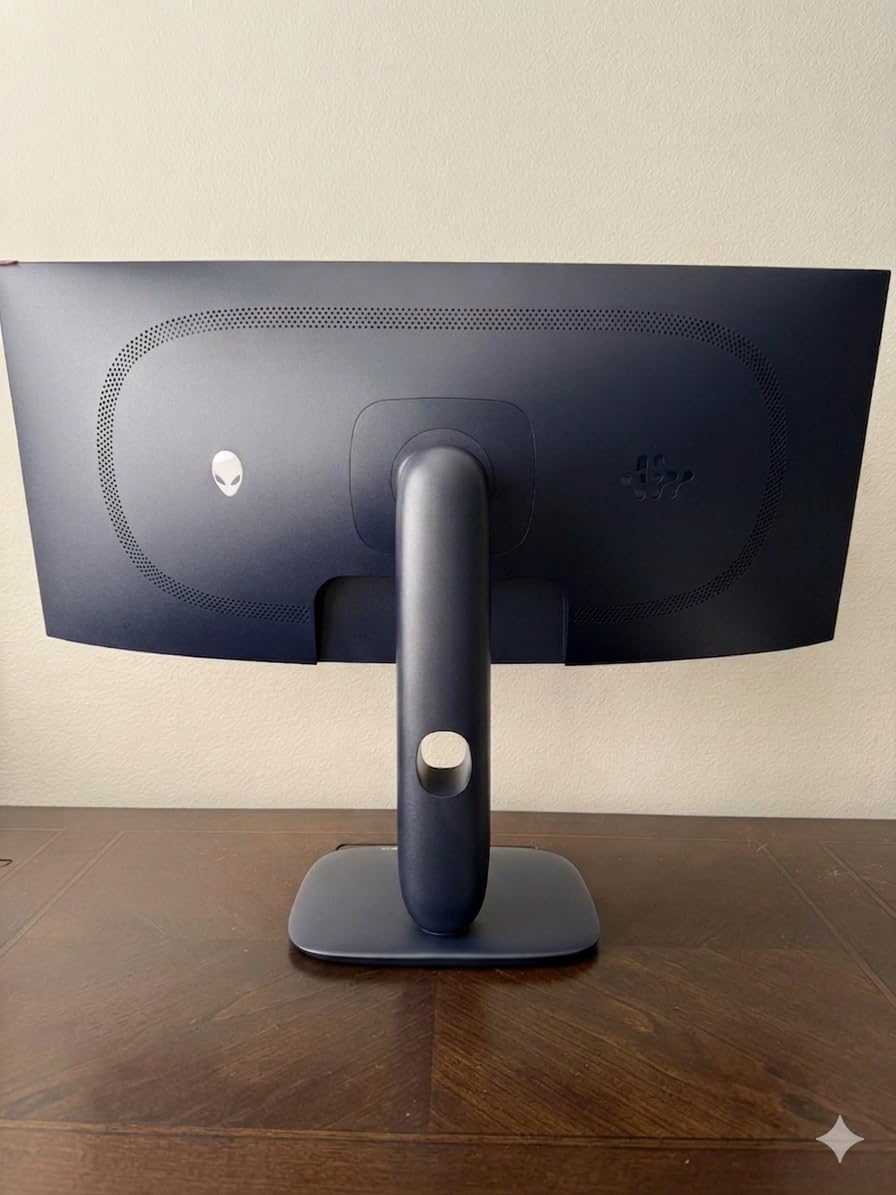
The 1800R curve wraps the 34.2-inch display around your vision for maximum immersion. The DisplayHDR TrueBlack 400 certification with 1000 nits peak brightness gives HDR content genuine impact. FreeSync Premium Pro and G-Sync Compatibility ensure tear-free gaming on any GPU.
The premium price is the obvious barrier, and the stand height may not suit taller users. But if you want the absolute best image quality available in an ultrawide gaming monitor, this is the pinnacle.
QD-OLED Technology Advantages
QD-OLED combines quantum dot color enhancement with OLED’s self-emissive pixels. This delivers wider color gamut than standard OLED while maintaining perfect blacks and infinite contrast.
The result is the most vibrant and accurate image quality currently available in gaming monitors.
Burn-in Considerations
QD-OLED panels have improved burn-in resistance compared to early OLED technology. Dell’s 3-year warranty includes coverage for burn-in, providing added peace of mind.
Using the built-in pixel refresh cycles and avoiding static images at max brightness further reduces risk.
13. Samsung Odyssey OLED G6 G61SH – Best 1440p OLED Gaming Monitor
Samsung 27″ Odyssey OLED G6 (G61SH) QD-OLED, QHD (1440P) Gaming Monitor
27 inch QD-OLED QHD
240Hz
0.03ms
Pantone Validated
Glare Free
OLED Safeguard
Pros
- Stunning OLED colors and perfect blacks
- 240Hz provides smooth gaming performance
- Height adjustable stand with rotation
- Pantone Validated color accuracy
- Glare Free technology reduces reflections
Cons
- Text clarity not as sharp as IPS monitors
- Single HDMI port
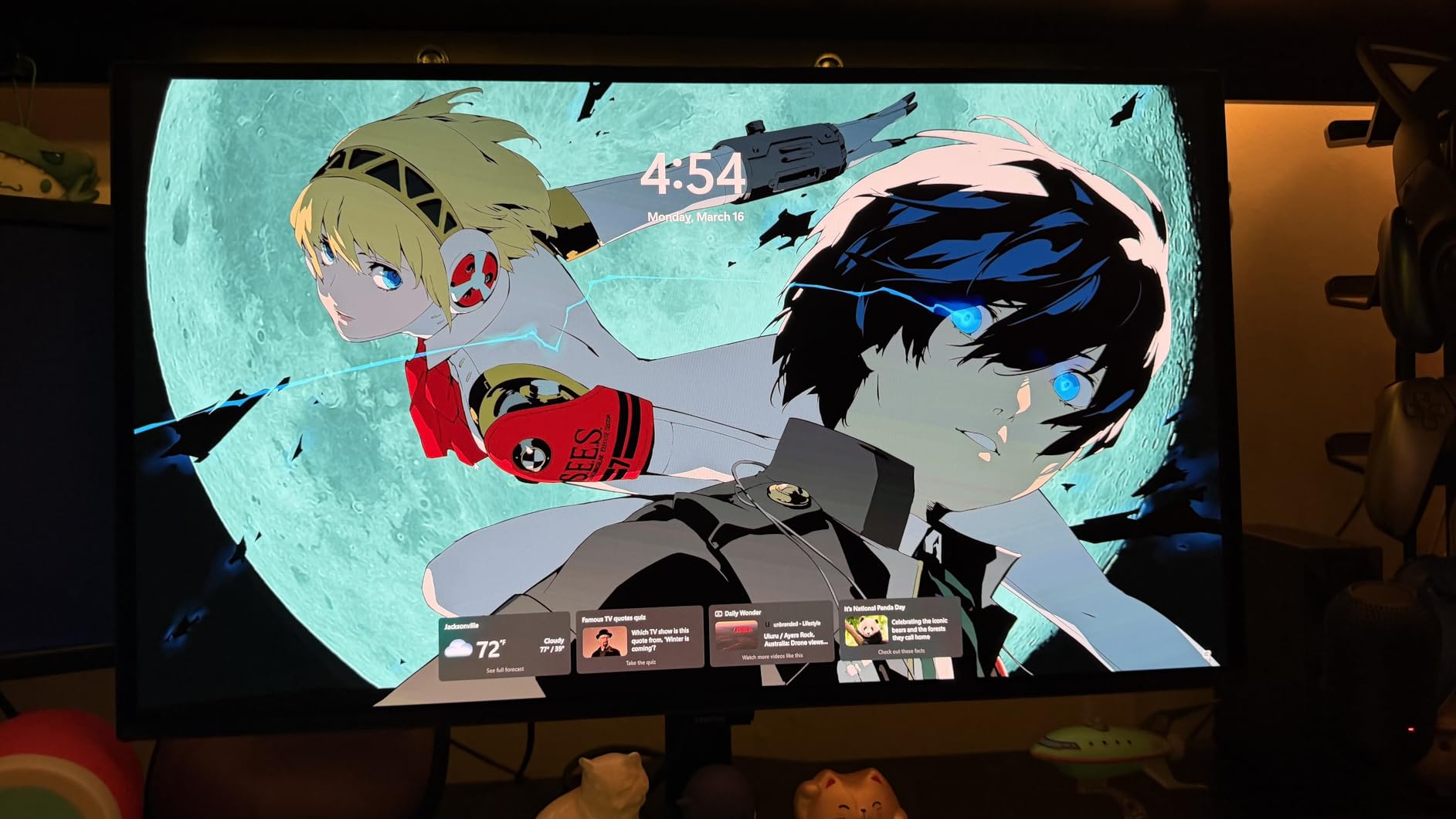
The Samsung Odyssey OLED G6 G61SH is the most affordable entry point into QD-OLED gaming I have tested. The 27-inch 1440p panel hits the ideal size and resolution for OLED, delivering perfect blacks and infinite contrast at a pixel density that makes games look incredibly sharp. The jump from LCD to OLED is immediately visible in every game I played.
The 0.03ms response time and 240Hz refresh rate combine to produce the most responsive gaming experience currently possible. Competitive shooters felt instantaneous, with zero motion blur or ghosting. The Pantone Validated color accuracy means the display covers over 2100 colors and 110 skin tones with professional precision.
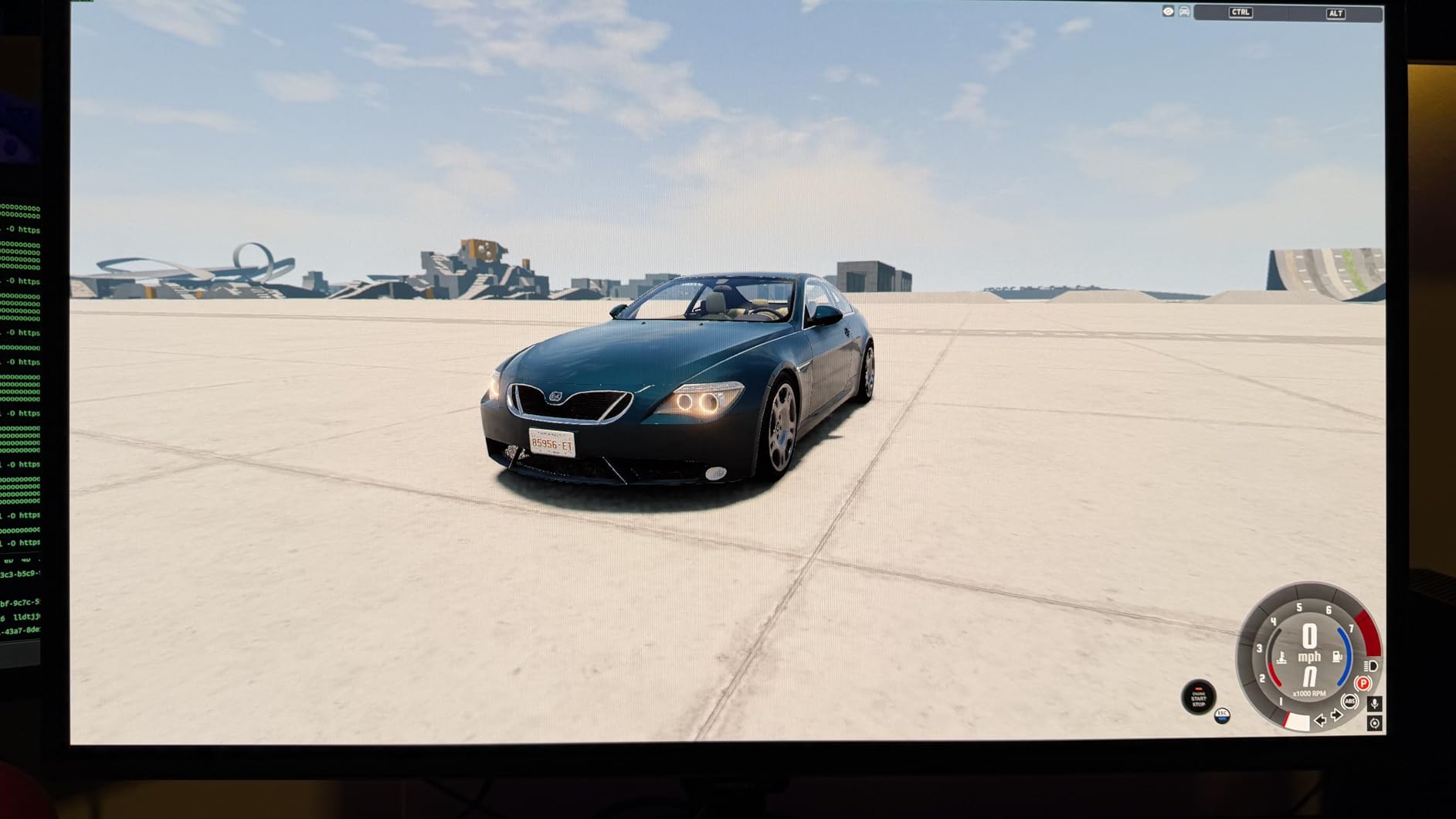
The OLED Safeguard technology with thermal modulation actively monitors panel temperature to reduce burn-in risk. The Glare Free technology eliminates reflections without needing a matte coating, which preserves color vibrancy. The height-adjustable stand with rotation is a premium touch.
The main weakness is text clarity, which is slightly softer than IPS panels due to OLED subpixel arrangement. If you do a lot of reading or coding, this may bother you. The single HDMI port is also limiting for multi-device setups.
OLED Safeguard Burn-in Protection
The thermal modulation system continuously adjusts pixel brightness based on temperature to prevent localized burn-in. Samsung also includes logo and taskbar detection that automatically dims static elements.
Combined with the 3-year warranty that covers burn-in, this gives first-time OLED buyers real confidence.
Pantone Validation Meaning
Pantone Validation means this monitor has been tested and certified to accurately display Pantone-matched colors. This is a professional color standard used in design and print industries.
For gamers, it means the colors you see are exactly what the developers intended, with no oversaturation or color drift.
14. Samsung Odyssey G93SC – Best Super Ultrawide OLED Gaming Monitor
Samsung 49″ Odyssey (G93SC) Series QD-OLED Curved Gaming Monitor
49 inch QD-OLED DQHD
240Hz
0.03ms
32:9 Aspect
1800R Curve
DisplayHDR TrueBlack 400
Pros
- Exceptional ultrawide immersion
- Amazing OLED colors and true blacks
- Great for both gaming and productivity
- Premium design with thin bezel
- Flat base stand saves desk space
Cons
- Menu joystick quality concerns
- Heavy and requires sturdy desk
- Potential burn-in concerns with OLED
The Samsung Odyssey G93SC is a 49-inch super ultrawide QD-OLED monitor that replaces a dual-monitor setup with a single curved panel. The 32:9 aspect ratio with DQHD resolution gives you the screen space of two 27-inch monitors side by side without a bezel in the middle. For simulation games like Microsoft Flight Simulator, the panoramic view is transformative.
The QD-OLED panel produces the same infinite contrast and perfect blacks as the smaller OLED monitors on this list. At 240Hz with 0.03ms response, the motion clarity is flawless even across the massive 49-inch canvas. The 1800R curve wraps the entire display around your peripheral vision for total immersion.
The Picture-by-Picture mode lets you display two separate input sources simultaneously, which is useful if you want to game on one half and monitor a stream or chat on the other. The Auto Source Switch+ feature detects active inputs and switches automatically. The flat base stand is surprisingly space-efficient despite the monitor’s massive size.
The monitor is heavy at nearly 28 pounds and requires a sturdy, deep desk. The menu joystick has received some quality complaints from long-term users. Burn-in is a consideration with any OLED, though Samsung’s cooling technology and 3-year warranty help mitigate concerns.
32:9 Super Ultrawide Gaming Experience
The 32:9 aspect ratio is supported natively by many modern games, which automatically fill the entire screen. The extended horizontal field of view gives you a genuine advantage in competitive games by showing more of the battlefield.
For racing and flight sims, the wraparound view is the closest you can get to a multi-monitor setup on a single panel.
Productivity and Multitasking
Beyond gaming, the 49-inch panel functions as a productivity powerhouse. I comfortably ran four full-size windows simultaneously without any feeling cramped.
If you work from the same desk you game on, this monitor eliminates the need for a multi-monitor arrangement entirely.
15. Samsung Odyssey OLED G8 G81SF – Best 4K OLED Gaming Monitor
Samsung 32” Odyssey QD-OLED G8 (G81SF), 4K, 240Hz Gaming Monitor
32 inch 4K QD-OLED
240Hz
0.03ms
DisplayHDR TrueBlack 400
Dynamic Cooling System
Glare Free
Pros
- Sharp 4K OLED display with excellent detail
- Advanced cooling system helps prevent burn-in
- Glare-free screen performs well in various lighting
- Great for competitive gaming with 240Hz
- CoreSync lighting adds immersion
Cons
- Lower brightness compared to some competitors
- Premium price point
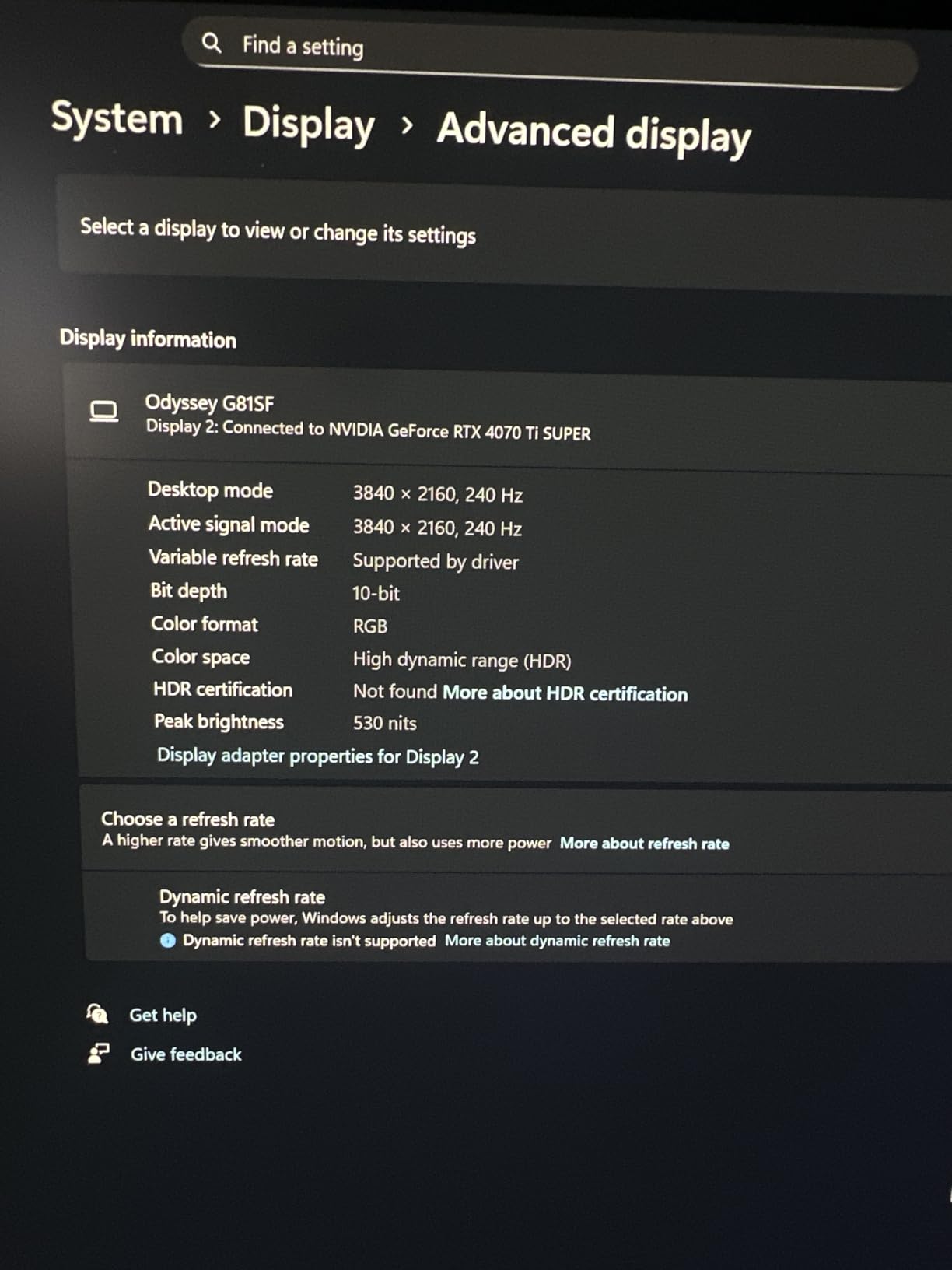
The Samsung Odyssey OLED G8 G81SF represents the pinnacle of current gaming monitor technology. It combines 4K resolution with QD-OLED panel technology and 240Hz refresh rate on a 32-inch canvas. Every pixel is self-emissive, producing perfect blacks and infinite contrast while delivering four times the detail of 1080p.
The Dynamic Cooling System uses a pulsating heat pipe to actively manage panel temperature, which is the most advanced burn-in prevention system I have seen in a consumer monitor. The thermal modulation system and logo detection work together to protect the panel during extended gaming sessions. The Glare Free technology reduces reflectivity by 54 percent compared to standard glossy OLED panels.
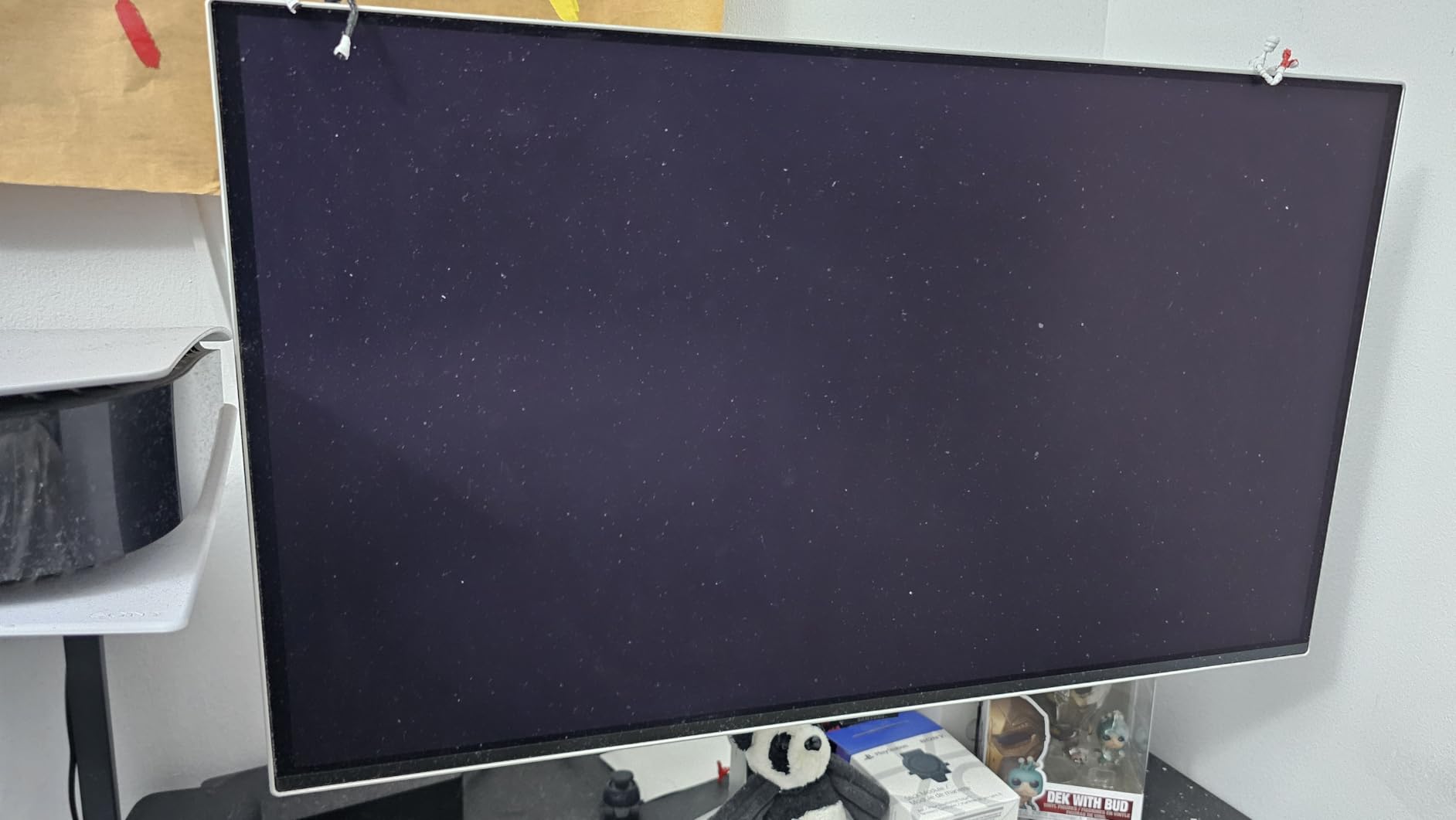
In 4K HDR games, the detail and color reproduction are breathtaking. Cyberpunk 2077 with HDR enabled showed lighting and shadow detail that simply does not exist on LCD panels. The 240Hz refresh rate means you do not have to choose between resolution and speed, assuming your GPU can keep up.
The CoreSync and CoreLightning+ ambient lighting adds a subtle immersion boost by projecting colors from the screen onto your wall. The main weaknesses are the premium price and slightly lower peak brightness compared to some Mini-LED competitors.
4K OLED for Gaming
4K on a 32-inch OLED panel produces roughly 138 PPI, which delivers razor-sharp text and incredible texture detail. The combination of OLED contrast and 4K resolution creates an image quality that no LCD can match.
This is the monitor to buy if you want the absolute best image quality available and your GPU can handle 4K at high frame rates.
Burn-in Prevention Technology
The Dynamic Cooling System with pulsating heat pipe represents Samsung’s most advanced thermal management for OLED. Combined with logo detection, taskbar detection, and thermal modulation, this monitor has the most comprehensive burn-in protection on the market.
The included 3-year warranty that covers burn-in provides additional peace of mind for this level of investment.
How to Choose the Best Gaming Monitor in 2026?
Choosing between the best gaming monitors comes down to understanding five key factors. I will break each one down so you can match the right monitor to your specific needs and GPU capability.
Panel Technology: OLED vs IPS vs VA
OLED panels offer infinite contrast, perfect blacks, and the fastest response times available. They are the best choice for image quality but come with premium pricing and theoretical burn-in risk. Modern QD-OLED panels from Samsung and Alienware have dramatically reduced this risk with advanced cooling systems.
IPS panels provide the best color accuracy and viewing angles for the price. They are the safe middle-ground choice for most gamers. Fast IPS technology has closed the response time gap with OLED to 1ms or less.
VA panels deliver the highest contrast ratios among LCD panels and are typically the most affordable. They can suffer from slower response times in dark scenes but modern gaming VA panels have improved significantly.
Resolution: 1080p vs 1440p vs 4K
1080p is ideal for budget builds, competitive gamers who prioritize frame rate, and smaller 24-inch screens. It places the least demand on your GPU.
1440p at 27 inches is the sweet spot for most gamers in 2026. It offers a clear detail advantage over 1080p while remaining achievable for mid-range GPUs at high frame rates.
4K delivers maximum detail and is ideal for 32-inch screens and cinematic single-player games. You need a high-end GPU to push 4K at 100-plus FPS, so check your graphics card capability before buying.
Refresh Rate: 144Hz vs 240Hz vs Higher
144Hz is the minimum I recommend for a gaming monitor in 2026. It provides a clear smoothness advantage over 60Hz and is achievable for most GPUs at 1080p and 1440p.
240Hz benefits competitive gamers who play fast-twitch shooters like CS2, Valorant, and Apex Legends. The difference is real but most noticeable to players who already play at a high level.
Above 240Hz, diminishing returns set in rapidly. Unless you are a professional esports player, 240Hz is more than sufficient.
Response Time and Input Lag
Response time measures how quickly pixels change color, with lower being better. OLED leads with 0.03ms, followed by Fast IPS at around 1ms. Beware of marketing claims using MPRT or VRB numbers, which measure strobing performance rather than actual pixel response.
Input lag refers to the delay between your action and the screen updating. All monitors on this list have input lag low enough for competitive gaming.
Adaptive Sync: G-Sync vs FreeSync
Both technologies eliminate screen tearing by synchronizing the monitor’s refresh rate with your GPU’s output. G-Sync is NVIDIA’s standard, FreeSync is AMD’s. Most modern monitors support both, which is ideal if you might switch GPU brands.
Look for monitors labeled G-Sync Compatible and FreeSync Premium for the best cross-platform experience.
Console Compatibility
If you game on PS5 or Xbox Series X, you need a monitor that supports HDMI 2.0 or higher with at least 120Hz. The PS5 supports up to 4K 120Hz, so a 4K 120Hz-plus monitor will maximize your console experience. All monitors on this list support console gaming at 120Hz.
OLED Burn-in Prevention Tips
To minimize burn-in risk on OLED monitors, enable the built-in pixel refresh cycles, use the logo and taskbar detection features, avoid max brightness for extended periods, and use a screensaver or auto-sleep when away. All OLED monitors in this guide include 3-year warranties that cover burn-in.
FAQs
What monitor is the best for gaming?
The best gaming monitor overall depends on your budget and use case. For most gamers, the Samsung Odyssey G5 G51F offers the best balance of 1440p resolution, 180Hz refresh rate, and ergonomic stand at a mid-range price. For competitive esports, a 240Hz OLED like the Samsung Odyssey OLED G6 provides the fastest response time available. For immersion, the Alienware AW3425DW QD-OLED delivers unmatched color and contrast in an ultrawide format.
Is 144Hz or 240Hz better?
240Hz is technically better than 144Hz, offering smoother motion and slightly lower input lag. However, the difference is most noticeable in fast-paced competitive games like CS2, Valorant, and Apex Legends. For casual gaming, RPGs, and single-player titles, 144Hz is more than sufficient. Choose 240Hz only if you play competitive shooters seriously and your GPU can consistently push 240 FPS.
Is 27 or 32 better for gaming?
27 inches is better for most gamers because it pairs perfectly with 1440p resolution, offering ideal pixel density at desk viewing distances. 32 inches is better if you want 4K resolution for maximum detail and immersion in cinematic games. At 32 inches, you need a deeper desk and a powerful GPU to drive 4K at high frame rates. For competitive gaming, 27 inches remains the preferred size.
Which is the best gaming monitor brand?
The top gaming monitor brands are Samsung, ASUS, Alienware, LG, and AOC. Samsung leads in OLED technology with its Odyssey line. ASUS offers excellent value with its TUF and ROG Strix lines. Alienware produces premium ultrawide QD-OLED monitors with top-tier build quality. LG delivers strong budget and ultrawide options. AOC provides exceptional warranty coverage at entry-level prices.
Final Thoughts on the Best Gaming Monitors in 2026
After testing 15 monitors across every price tier, the best gaming monitors in 2026 share common traits: they match their specs to real-world performance, offer genuine value at their price point, and deliver the features that matter for their target audience. The Samsung Odyssey G5 G51F takes our top recommendation for its unbeatable combination of 1440p, 180Hz, and ergonomic design.
For budget gamers, the LG UltraGear 24G411A-B and SANSUI ES-G24F4L prove you do not need to spend much for smooth, responsive gameplay. For those ready to invest in OLED, the Samsung Odyssey OLED G6 and Alienware AW3425DW offer image quality that genuinely changes how games look and feel. Whatever your budget and playstyle, the right monitor from this list will elevate your gaming experience.