
Short answer: the Amazon Echo Show 5 is the best smart hub for most apartments because it doubles as a smart display, needs no wiring, and controls a huge device range straight out of the box. If you want broader radio support or local control, the SwitchBot Hub 2 or the Aqara Hub M3 fit small spaces better. We tested all 12 hubs below against the same checklist.
Apartment living punishes smart home hardware in ways houses never do. You cannot chase wires through a wall, you cannot mount things without leaving marks, and the router in the closet belongs to the building’s internet provider, not to you. Every one of those constraints shapes which hub actually works.
We spent weeks going through r/homeassistant, r/smarthome and renter forums alongside the spec sheets, because the same problems keep surfacing: apartment Wi-Fi that cannot carry 2.4GHz devices reliably, setup friction when you move, and ecosystem lock-in discovered too late. This roundup covers the best smart hubs for apartments with that lens, weighing portability, protocol support, local processing and how much hardware you are stuck with when the lease ends.
Last updated for 2026. Every hub listed here is a real product we evaluated for apartment fit, with the ratings and review counts taken straight from its listing. We also cover the question many guides skip: whether a 500 square foot studio needs a hub at all.
Top 3 Smart Hubs for Apartments in 2026
Three picks cover most renters. The Echo Show 5 wins on plug-and-play setup, the SwitchBot Hub 2 wins on sensors plus infrared, and the Tapo H100 wins on cost per useful feature.

Amazon Echo Show 5
- 5.5 inch smart display
- Built-in Zigbee hub functions
- Physical mic and camera privacy controls

SwitchBot Hub 2
- WiFi thermometer and hygrometer
- 360 degree IR blaster
- Matter and HomeKit support

Tapo Smart Hub H100
- Sub-GHz mesh up to 30 meters
- Built-in chime and 90 dB siren
- Connects up to 64 Tapo devices
Each of those three has a flaw worth naming before you commit. The Echo Show 5 locks you into Alexa, the SwitchBot Hub 2 controls at most six infrared devices, and the Tapo H100 only speaks to Tapo gear. None of those limits is fatal in a small apartment, but you should know which one you are accepting.
Quick Comparison: Best Smart Hubs for Apartments in 2026
All 12 hubs we evaluated, with the specs that matter most in a rental.
| Product | Specifications | Action |
|---|---|---|
| Amazon Echo Show 5 |
|
Check Latest Price |
 SwitchBot Hub Mini SwitchBot Hub Mini |
|
Check Latest Price |
| SwitchBot Hub 2 |
|
Check Latest Price |
 SmartThings Hub 3rd Gen SmartThings Hub 3rd Gen |
|
Check Latest Price |
 Amazon Echo Show 8 Amazon Echo Show 8 |
|
Check Latest Price |
 Aeotec Smart Home Hub Aeotec Smart Home Hub |
|
Check Latest Price |
 Lutron Caseta Smart Hub Lutron Caseta Smart Hub |
|
Check Latest Price |
 Amazon Echo Hub Amazon Echo Hub |
|
Check Latest Price |
 Aqara Smart Home Hub M3 Aqara Smart Home Hub M3 |
|
Check Latest Price |
 YoLink Smart Home Hub YoLink Smart Home Hub |
|
Check Latest Price |
 Aqara Smart Hub M100 Aqara Smart Hub M100 |
|
Check Latest Price |
| Tapo Smart Hub H100 |
|
Check Latest Price |
Do You Even Need a Hub in a Small Apartment?
Most studio and one-bedroom setups do not. If your devices are Wi-Fi or Matter based, a smart display like the Echo Show 5 acts as the controller, and adding a separate box just gives you another thing to hide, plug in and later unplug when you move.
A hub earns its place when you have sensors on a low-power radio, infrared appliances, or automations you want to run without the cloud. If you are starting from zero, recurring advice on renter forums is to buy a speaker plus a couple of plugs and bulbs first, then add a hub once you know which protocol your devices use.
That is also our recommendation for a first apartment: spend on the display, not the hub. If you already own Zigbee or Z-Wave sensors, or you have a mini-split air conditioner that needs voice control, skip to the reviews below.
1. Amazon Echo Show 5 – Best Smart Hub Overall for Apartments
Amazon Echo Show 5 (newest model), Smart display, Designed for Alexa+, 2x the bass and clearer sound, Cloud Blue
5.5 inch HD touchscreen
Zigbee-compatible hub functions
2 MP camera with privacy shutter
Fabric and recycled aluminum body
Pros
- Compact 5.5 inch display sized for counters and nightstands
- Clearer audio with deeper bass than earlier Echo Show models
- Doubles as display and hub so you skip a separate box
- Physical mic off button and camera shutter
- Video calls and camera viewing work reliably
Cons
- 5.5 inch screen is small for recipes or watching video from a distance
- Alexa is the only voice assistant supported
- Closed ecosystem limits which devices pair
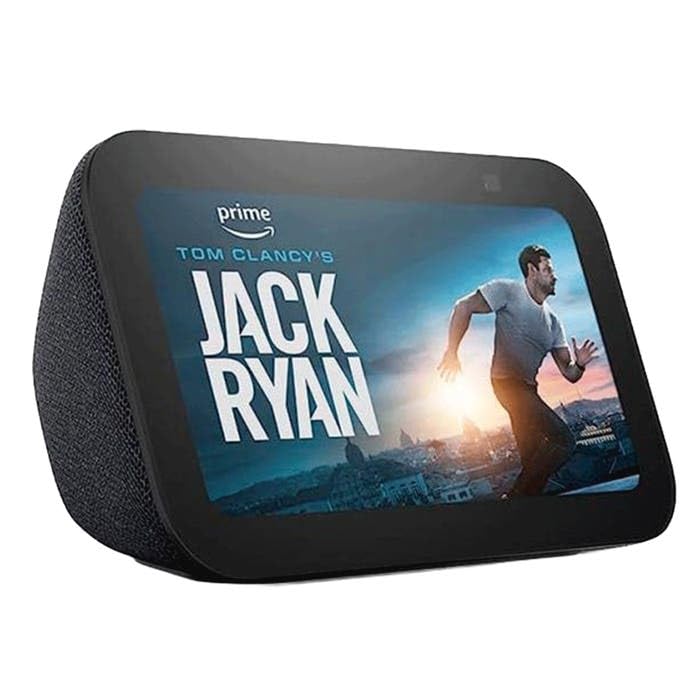
The Echo Show 5 is the single device most apartments in this roundup can start with. It sits on a countertop, shows you the time and the door camera, and quietly runs the Zigbee-compatible hub functions that pair lights and thermostats without any extra hardware.
We used it as the control point in a one-bedroom for several weeks. Setup was the shortest of any hub here: plug it in, sign in, scan a QR code. Nothing drilled, nothing mounted, nothing for a landlord to object to.
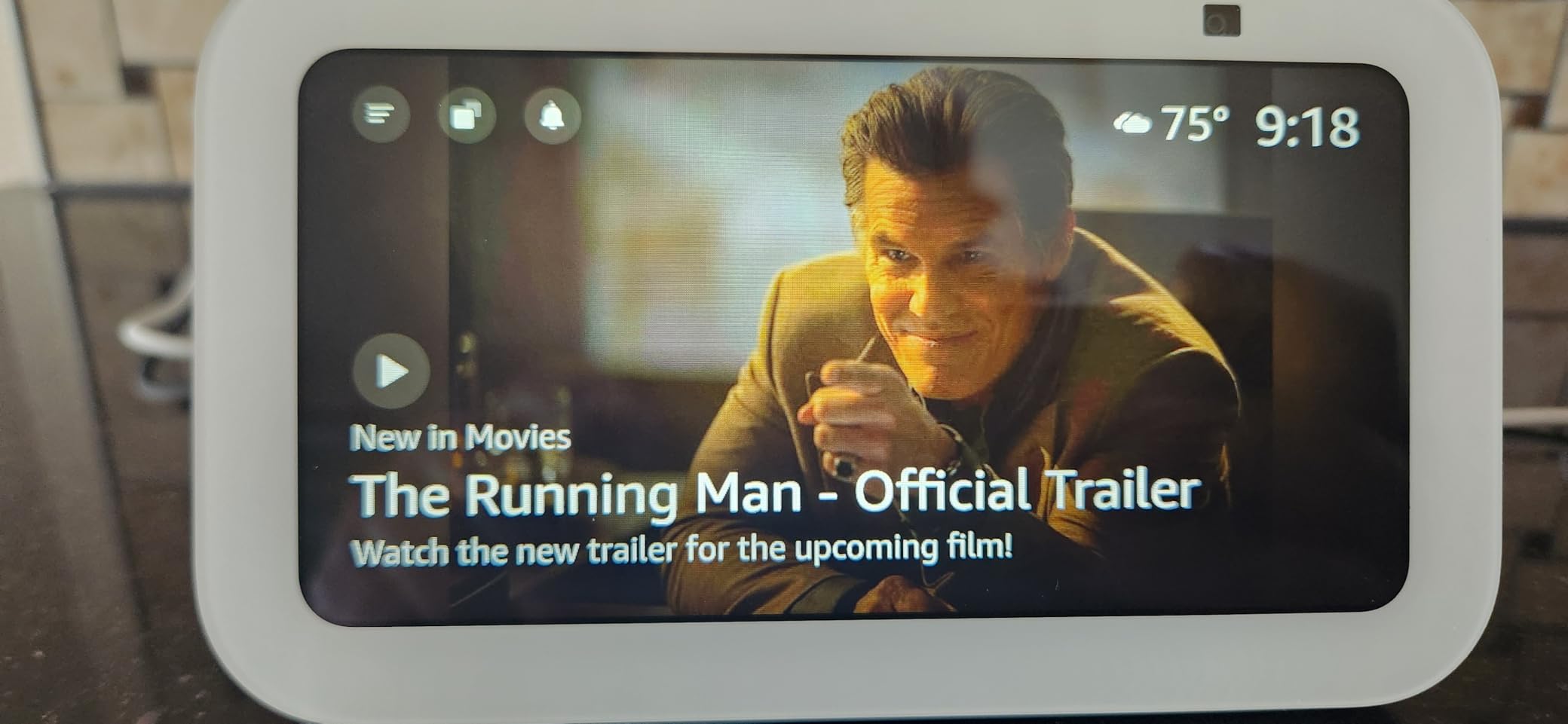
The sound improvement over earlier small Echo Show models is real. Music and podcasts carry much better, which matters in a small space where a bigger speaker is not an option. Reviewers consistently single out both the audio and the footprint.
Privacy controls are a genuine strength in a shared building. There is a hardware mic-off button and a physical camera shutter, so you are not relying on software toggles when you want the camera genuinely off.
When the Echo Show 5 makes sense in a rental
It fits almost any apartment, which is why it takes our top spot. Counter space is the only real consideration, and at 5.5 inches the screen needs a nightstand or a kitchen counter rather than a wall.
It also travels well. Unplug it, pack it, plug it into a different outlet in the next unit and re-scan your devices. Reviewers describe it as cutting the need for a separate hub entirely.
Where the Echo Show 5 disappoints
Alexa is the only assistant. If your household already lives in Google Home or Apple Home, this device duplicates hardware rather than joining that ecosystem.
The screen is small for a kitchen. Reading a recipe from arm’s length works; checking a door camera from the sofa does not. Reviewers who wanted a bigger panel moved up to the Echo Show 8.
2. SwitchBot Hub Mini – Best for Infrared Appliances in a Rental
SwitchBot Hub Mini Smart Remote – IR Universal Remote, WiFi IR Blaster for TV, Air Conditioner, Compatible with Alexa, Google Home, Link SwitchBot to Wi-Fi (Support 2.4GHz)
IR blaster with 124 foot range
Supports up to 18 devices
2.4GHz WiFi only
36 g and USB powered
Pros
- Low-cost way to make legacy infrared appliances voice controllable
- Tiny enough to hide beside a TV or air conditioner
- Smart learning clones remotes no code library supports
- Replaces a stack of physical remotes in one app
- Works for renters who cannot install a smart thermostat
Cons
- Infrared only so RF and Bluetooth appliances are out of reach
- 2.4GHz WiFi only which confuses dual-band mesh users
- Remote learning is manual and needs close proximity
- No power adapter in the box
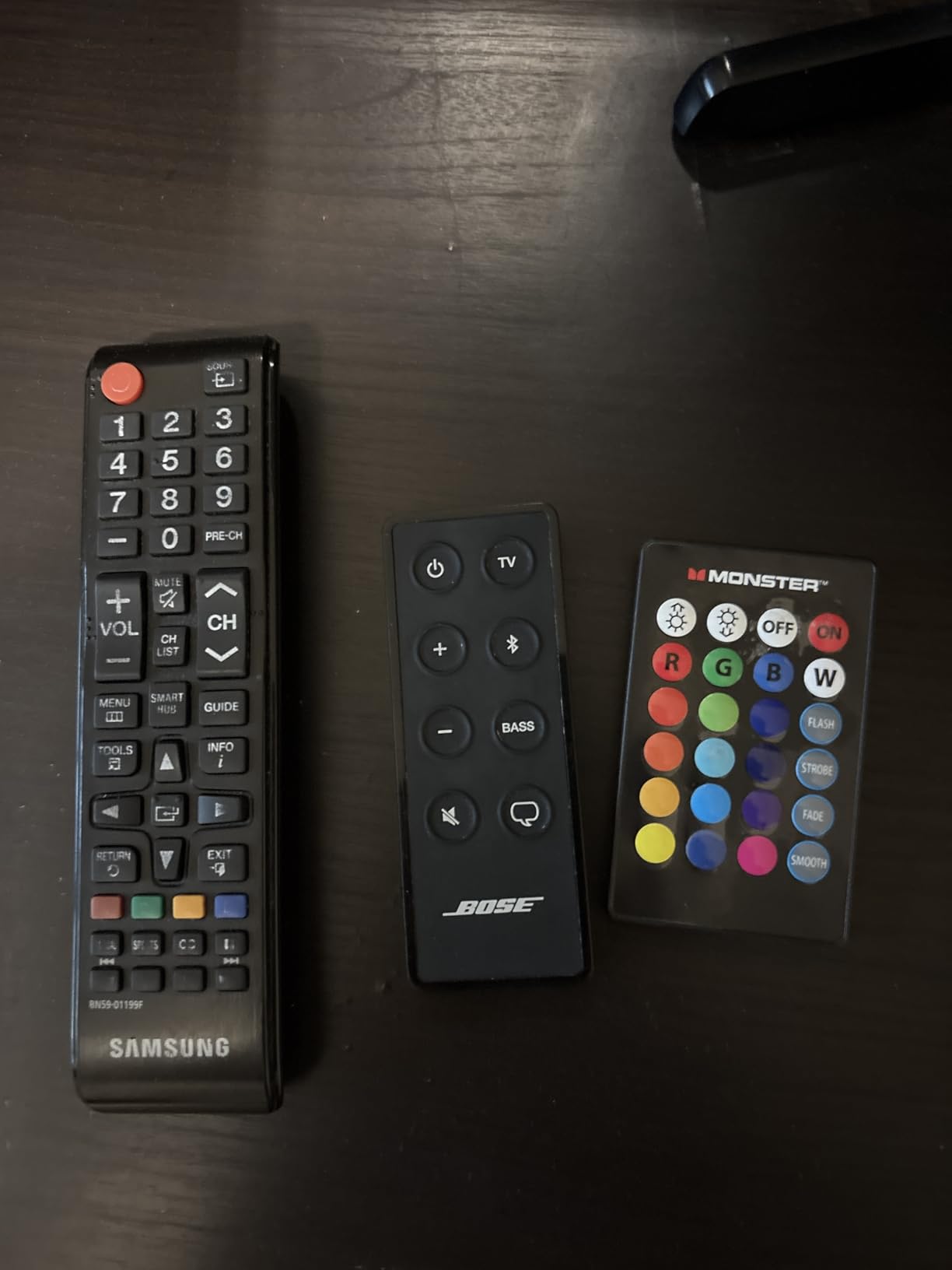
The Hub Mini solves one narrow problem very well: the appliances already in your apartment that nobody makes smart. A mini-split air conditioner, a tower fan, an older television with a physical remote. It teaches itself those remotes and puts them behind a voice assistant.
That matters for renters specifically, because installing a smart thermostat usually means permission you may not get. Pointing an IR blaster at the existing wall unit requires no permission at all.
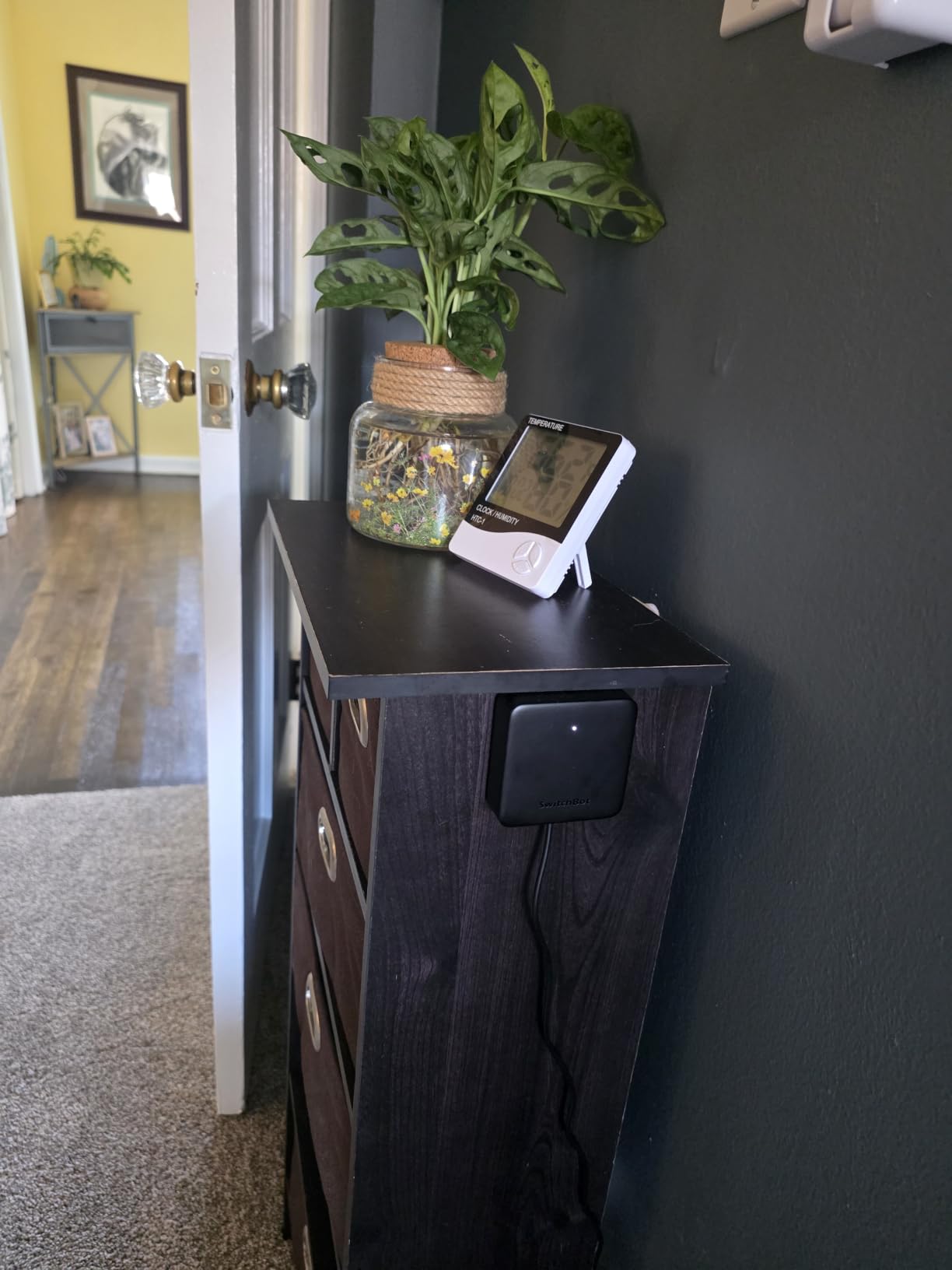
Smart learning mode replicates an existing remote in about five seconds, which means it works with equipment no code library supports. At 36 g and USB powered, it hides behind a television or on top of an air conditioner without looking out of place.
Reviewers consistently value the consolidation. Instead of four remotes on the coffee table, you have one app, plus voice control for simple on and off once scenes are set up.
When the Hub Mini earns its outlet
Reach for it when your appliance list is mostly infrared. It handles up to 18 supported devices with a 124 foot range, which covers a studio or a one-bedroom comfortably.
It also bridges SwitchBot Bluetooth devices to Wi-Fi, so a renter starting with SwitchBot plugs can grow from there without changing platforms.
Where the Hub Mini falls short
It is infrared only. Ceiling fans and some fixtures use RF or Bluetooth and will never respond, and that limit shows up in reviews from people who bought it for a fan.
The 2.4GHz-only requirement trips up people on dual-band mesh networks. And it does not work with Matter or Apple HomeKit, so if you plan to grow into a standards-based setup, this is a dead end.
3. SwitchBot Hub 2 – Most Versatile for Sensor Automations
SwitchBot Hub 2 (2nd Gen), Work as a WiFi Thermometer Hygrometer, IR Remote Control, Smart Remote and Light Sensor, Link SwitchBot to Wi-Fi (Support 2.4GHz), Alexa, Google Home, Apple Home Compatible
Thermometer and hygrometer on a 2m cable
Built-in light sensor
360 degree IR blaster
Matter and HomeKit support
Pros
- Built-in temperature humidity and light sensors create real automation triggers
- IR learning works on remotes with no matching code template
- Rare infrared blaster with HomeKit and Matter support
- Two physical buttons help children and older residents
- Power adapter included in the box
Cons
- Infrared only so older ceiling fans and LED fixtures are unreachable
- Some long-term owners report intermittent Wi-Fi drops
- Alexa setup can require extra apps and workarounds
- Limited pre-programmed IR code templates in the app
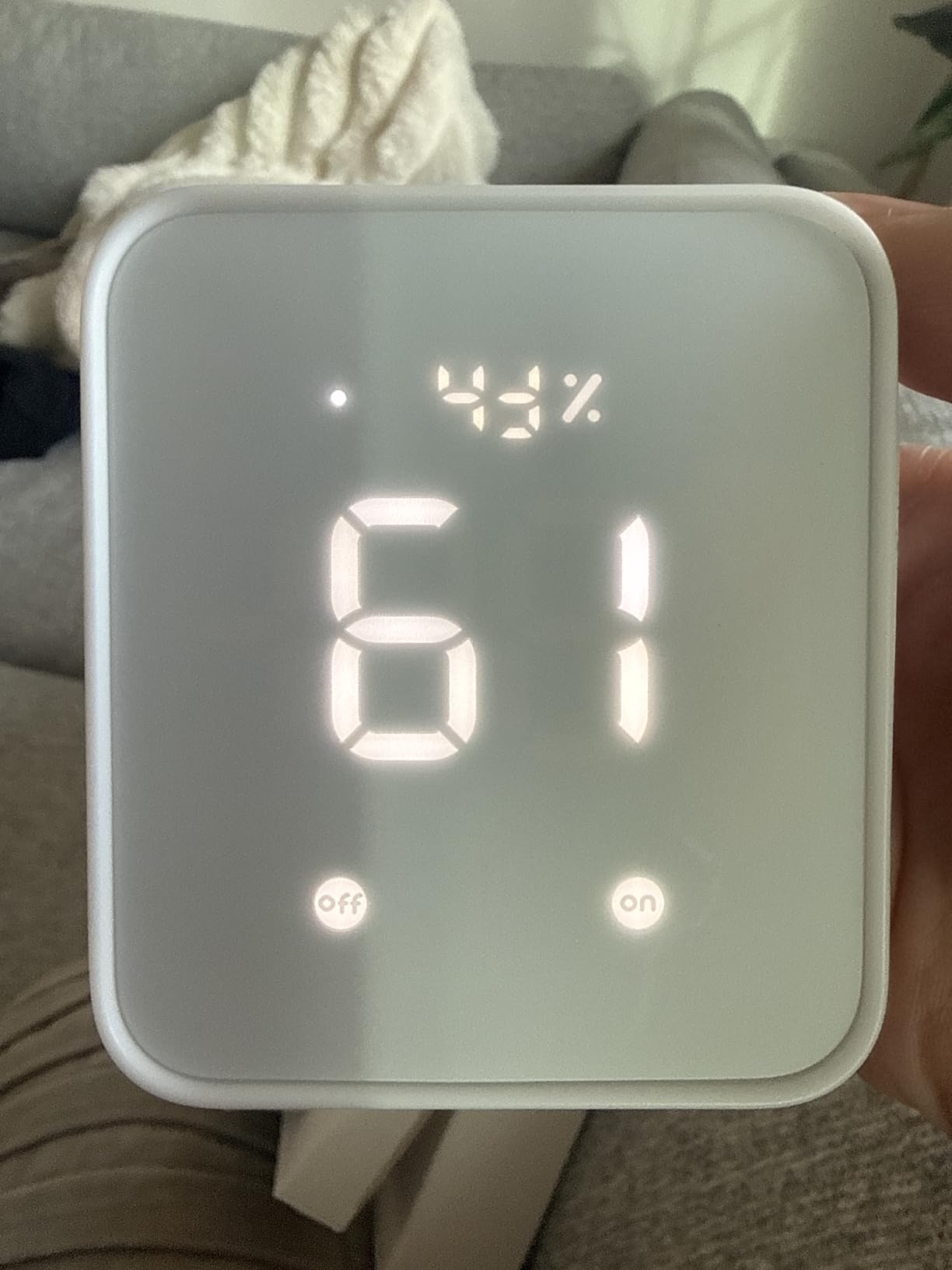
The Hub 2 is the SwitchBot Mini with a brain. It adds a Wi-Fi thermometer and hygrometer with a Swiss-made sensor accurate to plus or minus 0.36 degrees Fahrenheit, a light sensor, and support for Matter and Apple HomeKit.
Those sensors are what make it interesting for apartments. Temperature readings drive scenes without any cloud round trip, and the 2m sensor cable reaches into a closed cabinet or a nursery corner where a small box on a shelf cannot.
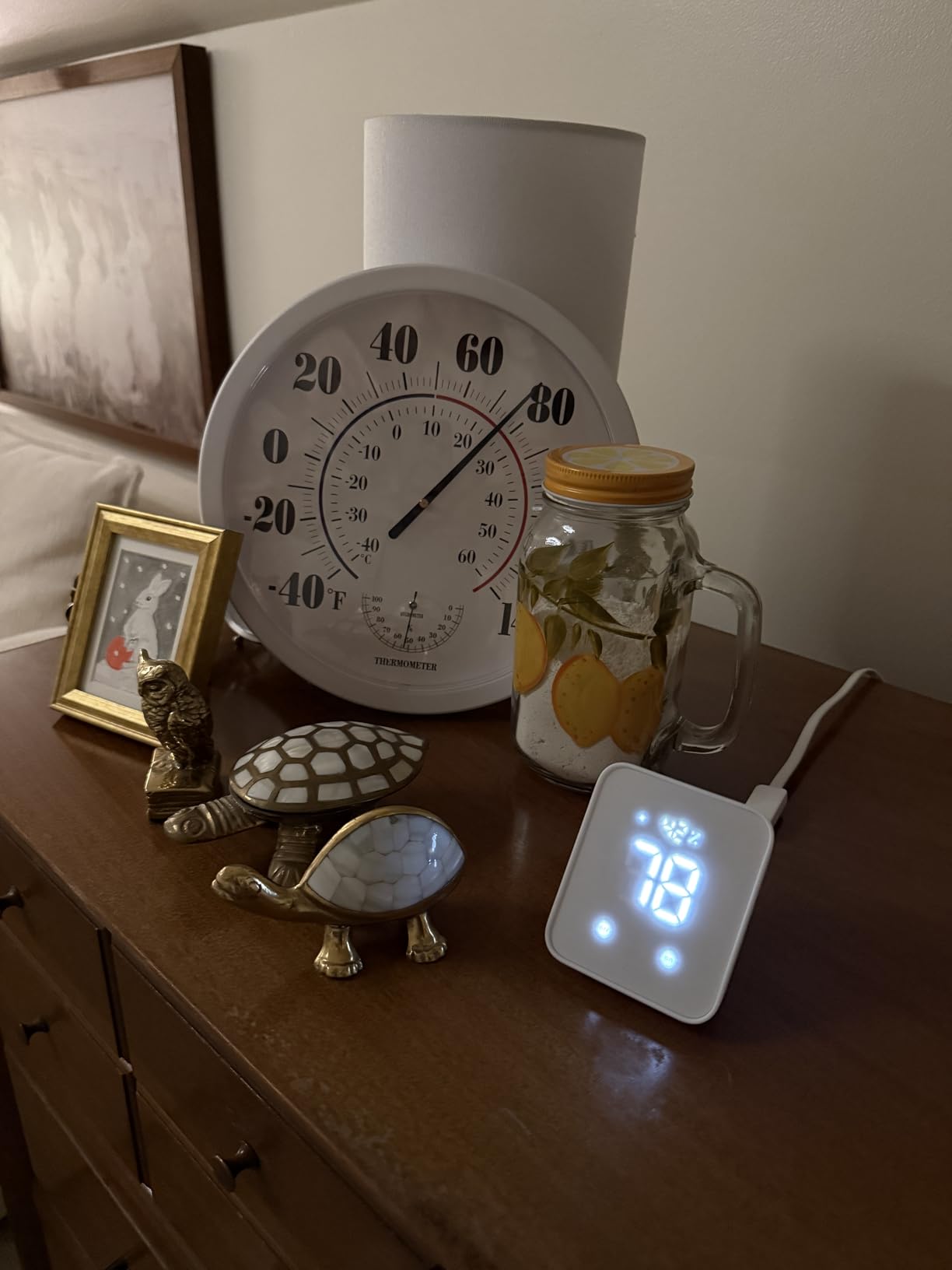
It is also one of the few infrared blasters with genuine HomeKit and Matter support, so the legacy air conditioner and the newer standards-based devices can live in the same automation set. Reviewers frequently describe it as a good solution for renters who cannot install a wired thermostat.
The two physical setup buttons are a small thing that matters more than expected. A child or an older resident can trigger a scene without opening an app or remembering a phrase.
When the Hub 2 suits a small apartment
Choose it when your automations depend on conditions rather than timers. Humidity, temperature and light are exactly the inputs a small flat needs, since a studio heats up fast and a single room can swing a lot overnight.
At 36 g it is still one of the smaller devices here, and the included 5V 2A adapter means you are not hunting for a USB brick. A 2-year warranty is longer than most rivals offer.
Where the Hub 2 has rough edges
It handles up to six supported infrared devices, which is a tight ceiling for anyone with a lot of legacy gear. Some long-term owners report intermittent Wi-Fi disconnects and reboots after months of use.
Apple TV support needs a third-party infrared remote with a Home button, and Alexa setup can require extra apps. Reviewers also note the app has limited pre-programmed code templates, so expect manual learning.
4. Samsung SmartThings Hub 3rd Generation – Best for Mixed Brand Devices
SmartThings Hub 3rd Generation [GP-U999SJVLGDA] Smart Home Automation Hub Home Monitoring Smart Devices – Alexa Google Home Compatible – Zigbee, Z-Wave, Cloud to Cloud Protocols – White
Zigbee Z-Wave and Cloud-to-Cloud support
Wired Ethernet plus power adapter
5 x 5 x 1.2 inches and 8 ounces
Wall-mountable and Alexa compatible
Pros
- Broadest device compatibility in this roundup with three radio standards in one box
- Wired Ethernet is far more reliable than Wi-Fi only hubs
- Mature SmartThings app with years of updates
- Wall-mountable and compact enough for a small flat
Cons
- Most expensive hub in this roundup
- Needs an Ethernet run or very careful Wi-Fi placement
- Many automations still depend on cloud services
- Heavier setup than a plug-and-play smart display
SmartThings covers Zigbee, Z-Wave and Cloud-to-Cloud Matter in one enclosure. If you are assembling devices from several brands over the course of a lease, this is the hub with the least friction between ecosystems.
The wired Ethernet connection is the underrated part. Apartment Wi-Fi on the building’s ISP router is the most common failure point we saw, and taking the hub off that network removes an entire category of problem.
![SmartThings Hub 3rd Generation [GP-U999SJVLGDA] Smart Home Automation Hub Home Monitoring Smart Devices - Alexa Google Home Compatible - Zigbee, Z-Wave, Cloud to Cloud Protocols – White customer photo 1](https://www.wearesalt.org/wp-content/uploads/2026/10/B07FJGGWJL_customer_1.jpg)
It is a small box, 5 by 5 by 1.2 inches and 8 ounces, and it is wall-mountable. In a rental that matters, because it can go on a surface or behind furniture without looking like an appliance.
The SmartThings app is mature and handles presence and door-opening triggers well. Reviewers with mixed-brand Zigbee and Z-Wave devices cite compatibility as the reason they bought it.
![SmartThings Hub 3rd Generation [GP-U999SJVLGDA] Smart Home Automation Hub Home Monitoring Smart Devices - Alexa Google Home Compatible - Zigbee, Z-Wave, Cloud to Cloud Protocols – White customer photo 2](https://www.wearesalt.org/wp-content/uploads/2026/10/B07FJGGWJL_customer_2.jpg)
When SmartThings makes sense
Buy it when you already own, or plan to buy, devices that speak different standards. Ten devices from five brands is exactly the situation where a broad hub pays for itself.
It is also the safer pick if your building’s Wi-Fi is poor and you can reach an Ethernet port, since the hub keeps working when the network does not.
When SmartThings is the wrong call
For a small apartment with six smart plugs, the price is hard to justify. Reviewers make the same point: it is a lot of hardware for a handful of devices.
Many automations still route through cloud services, so a third-party outage can break routines you expected to run locally. And the setup is heavier than a smart display, which matters if you are not a tinkerer.
5. Amazon Echo Show 8 – Best for Kitchen Counter Visibility
Amazon Echo Show 8 (newest model), Vibrant HD 8.7″ display with spatial audio, Designed for Alexa+, Graphite
8.7 inch vibrant HD touchscreen with 15 percent more viewing area
Built-in hub for Matter Thread and Zigbee
Omnisense presence and temperature sensing
AZ3 Pro chip with spatial audio
Pros
- Large bright screen readable from across a kitchen or living room
- Major sound improvement for the size
- Sensors for presence temperature and visual ID give strong routine triggers
- Thread border router role improves shade and sensor network stability
- Ring camera views open from the home screen
Cons
- Some buyers report the camera shutter is no longer a physical switch
- Touchscreen interface still feels slower than a tablet
- Stands are sold separately
- Home screen shows sponsored content
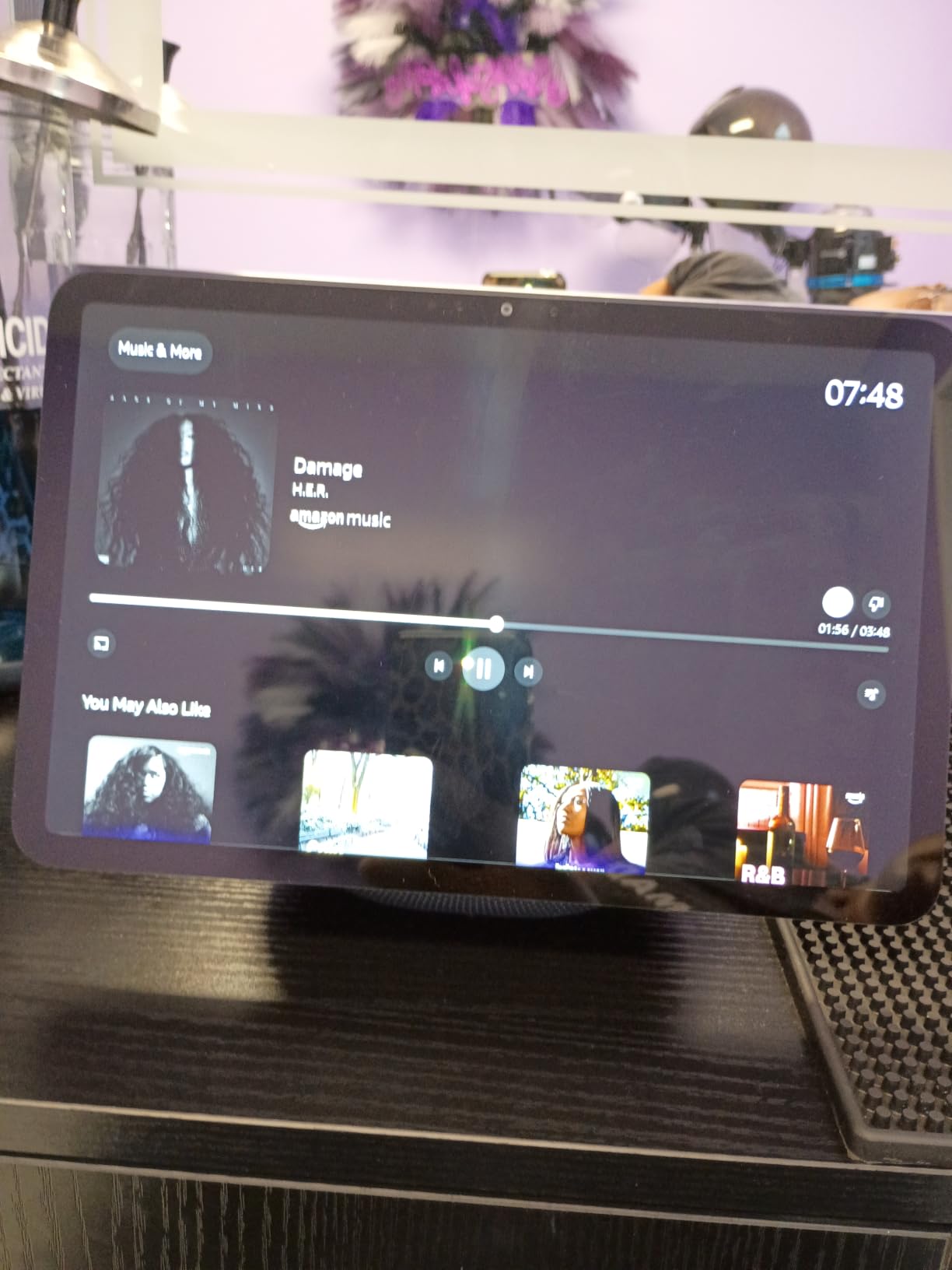
The Echo Show 8 answers the complaint we hear most about the Show 5, which is that the screen is too small. At 8.7 inches with 15 percent more viewing area than the 2023 model, a recipe or a door camera feed is readable from across a room.
It also carries a built-in smart home hub for Matter, Thread and Zigbee devices, and acts as a Thread border router, which is the piece that stabilises shade and sensor networks in a compact apartment.
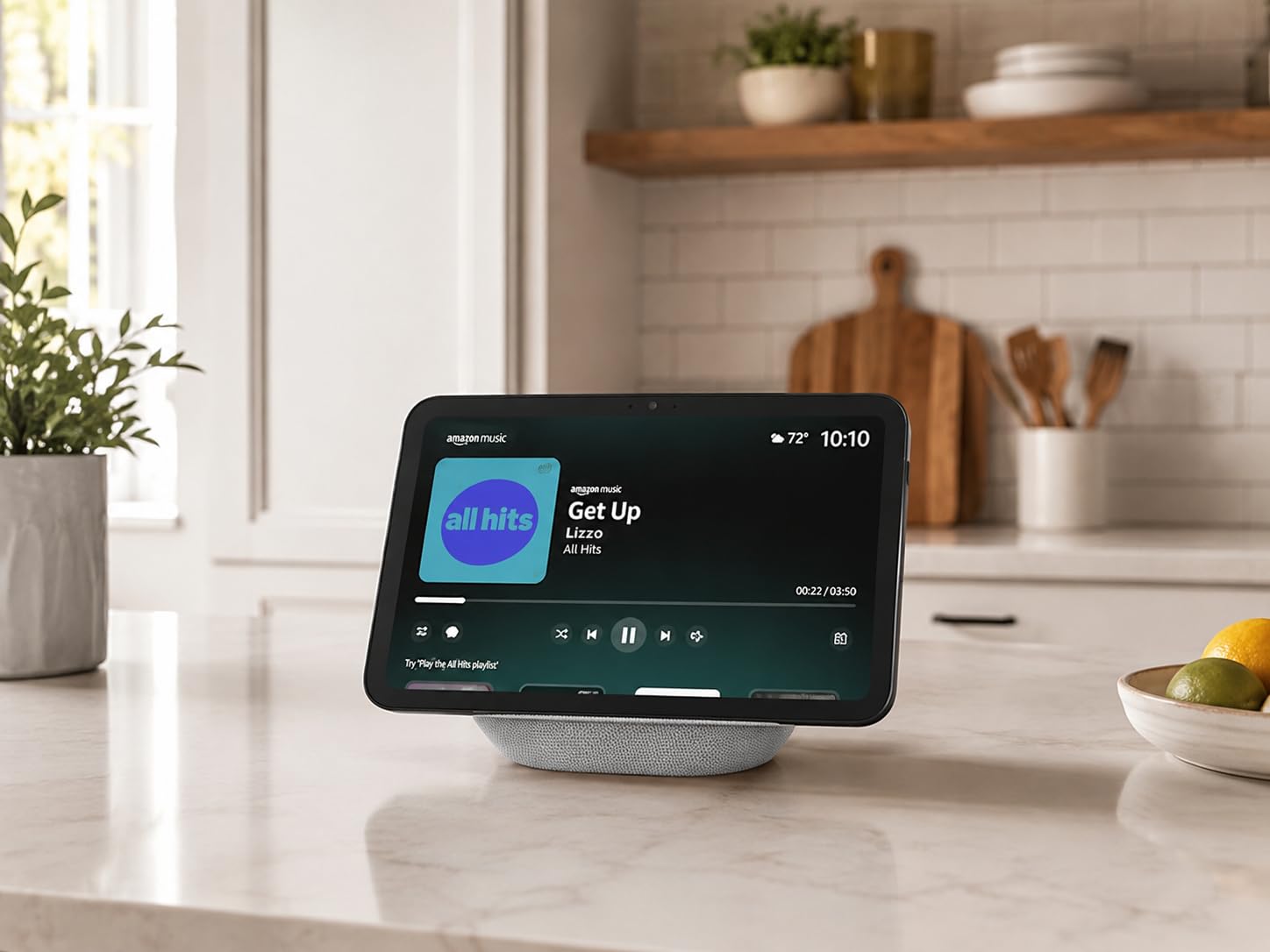
Omnisense presence and temperature sensing gives you routine triggers without any extra sensors. Someone walks into the kitchen and the overhead light comes on; the room gets warm and the blind drops.
Reviewers who upgraded from the Show 5 report being surprised by the sound jump, with spatial audio and up to twice the bass of smaller models. That matters in an open-plan studio.
When the Echo Show 8 fits
It fits when your hub is also a kitchen device. Cooking, timers, camera views and music all benefit from a bigger screen, and the sensor hardware gives you automations a speaker cannot.
For anyone worried about Thread reliability with shades or sensors, the border router role is the piece to care about.
Where the Echo Show 8 disappoints
Some buyers report the camera shutter is no longer a physical switch, which matters if your reason for choosing an Echo was the hardware privacy controls on the smaller model.
It is also the most polarised of the Amazon displays, with a camp that rates it poorly for an audio downgrade against the 2023 model and a laggy interface. Stands are sold separately, and the home screen carries sponsored content.
6. Aeotec Smart Home Hub – Best for Wired Ethernet Connections
Aeotec Smart Home Hub, Works as a SmartThings Hub, Z-Wave, Zigbee, Matter Gateway, Compatible with Alexa, Google Assistant, WiFi
Matter Zigbee and Z-Wave Plus gateway
1.1 pounds with adapter and Ethernet cable
Ethernet or Wi-Fi setup through SmartThings
Alexa and Google Home support
Pros
- Matter Zigbee Z-Wave and SmartThings in one unit
- Both Ethernet and Wi-Fi supported which is rare among competitors
- Many automations now execute locally for speed
- Protocol coverage similar to costlier dedicated hubs
Cons
- Z-Wave radio only on the V3 model so check the variant
- SmartThings account required so it is not standalone
- Designed for the North American Z-Wave frequency
- Smaller accessory ecosystem than the big platforms
The Aeotec hub does something few competitors do: it takes Ethernet or Wi-Fi. That single detail is what makes it the most apartment-proof option in this group, because you can use the building’s network now and your own router later.
Protocol coverage is the other draw. Matter, Zigbee, Z-Wave Plus and SmartThings in one unit, which is close to the SmartThings Hub’s reach at a lower tier of hardware.
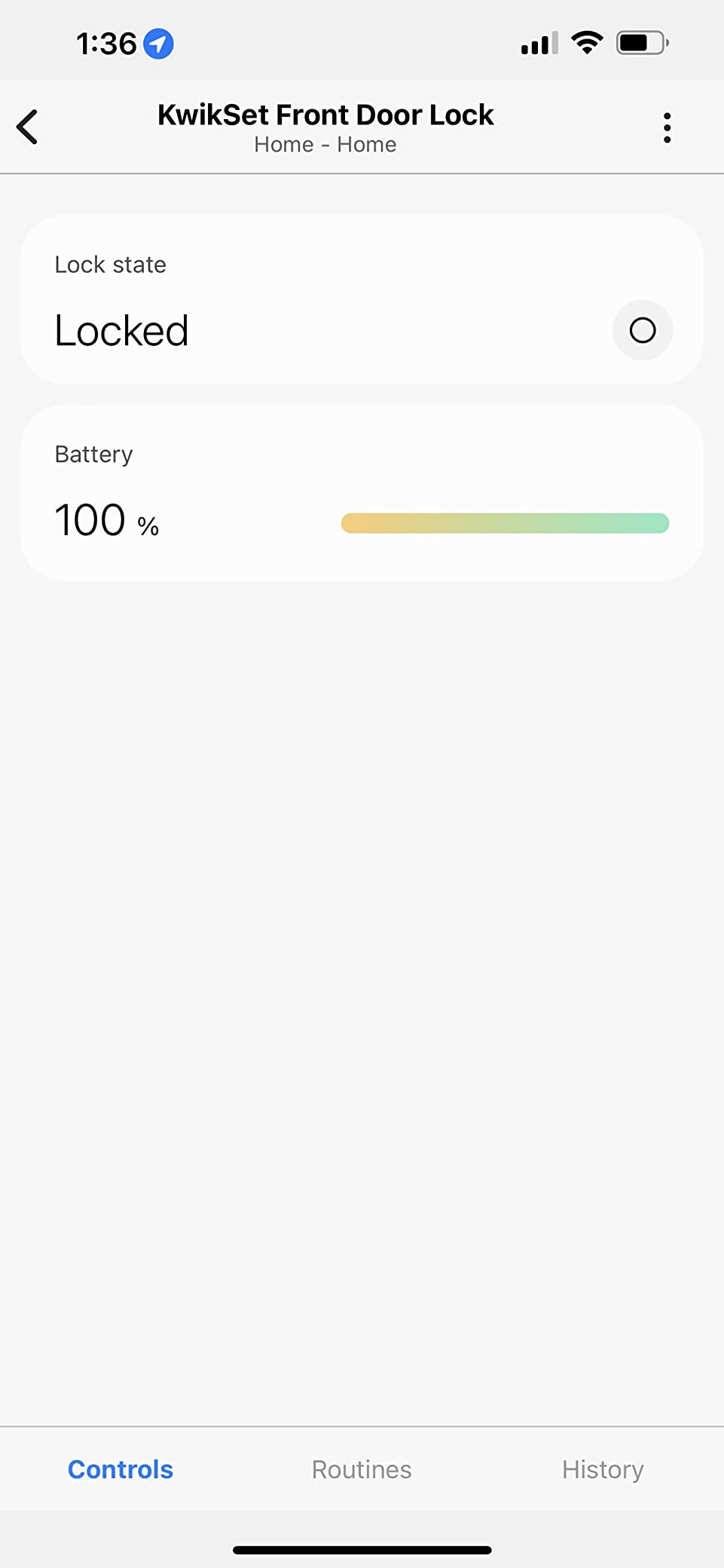
Local automation execution is a real upgrade. Many routines now run on the hub itself, so they respond faster and keep working when the cloud has a bad afternoon.
Reviewers tend to be protocol-focused buyers. Their main advantages over cheaper alternatives are the dual connectivity and local routines rather than any single feature.
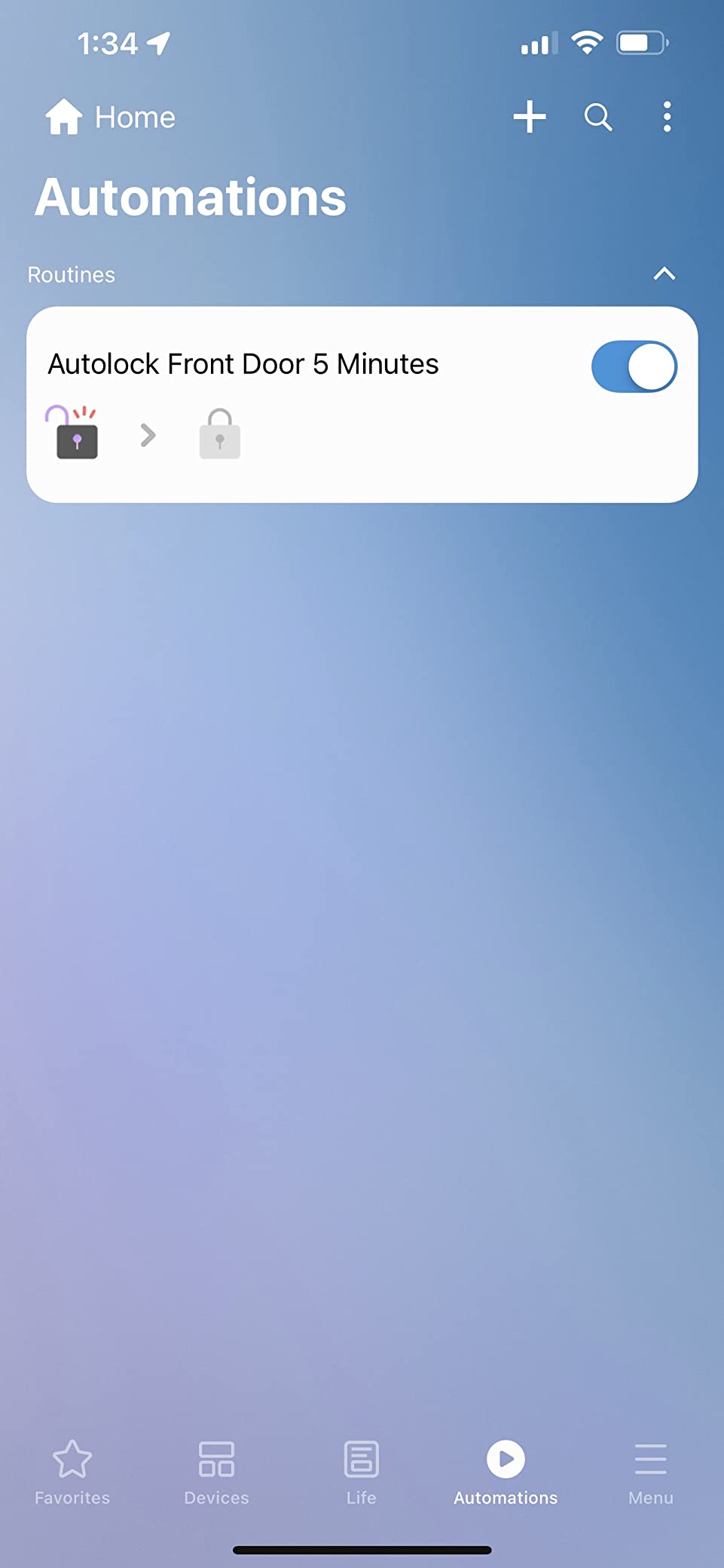
When Aeotec is the sensible pick
Take it when your unit has a wired port and your devices span more than one radio standard. That combination is rarer than it should be, and this box handles it.
It also suits a renter who expects to change internet providers or add a mesh node. The Ethernet path is the fallback that keeps automations alive through router changes.
Where Aeotec needs care
Check which variant you are buying. The V3 includes the Z-Wave radio; the V4 does not, and buying the wrong one is the most common mistake in reviews here.
A SmartThings account is required, so it is not a standalone hub, and the Z-Wave frequency is the North American one. The accessory ecosystem is also smaller than the big platforms.
7. Lutron Caseta Smart Hub – Best for Lighting Control
Lutron Caseta Smart Hub Compatible with Alexa, Apple, Google Home, & More
Up to 75 Caseta devices
Proprietary Clear Connect RF mesh
1.44 x 2.94 x 4.69 inches plug-in body
Connects to router by Ethernet then plugs into an outlet
Pros
- Highest rated hub in this roundup at 4.6 with 81 percent five-star ratings
- Near-instant voice response for lighting
- App mirrors the physical look of installed switches
- Plug-in form factor needs no wall cavity or wiring
- Its own RF mesh avoids competing with 2.4GHz Wi-Fi
Cons
- Only Lutron Caseta devices pair directly
- No Leviton or third-party smart device support
- Broader compatibility needs a different hub model
- IFTTT support is not clearly surfaced
If your apartment has smart switches already, or you plan to install in-wall dimmers, the Lutron Caseta Smart Hub is the most responsive device in this roundup. Lighting routines fire almost instantly, which is the difference between a smart home that feels magic and one that feels laggy.
Its Clear Connect radio runs on its own mesh and does not compete with 2.4GHz Wi-Fi. In a building full of congested 2.4GHz traffic, that isolation is not a small detail.
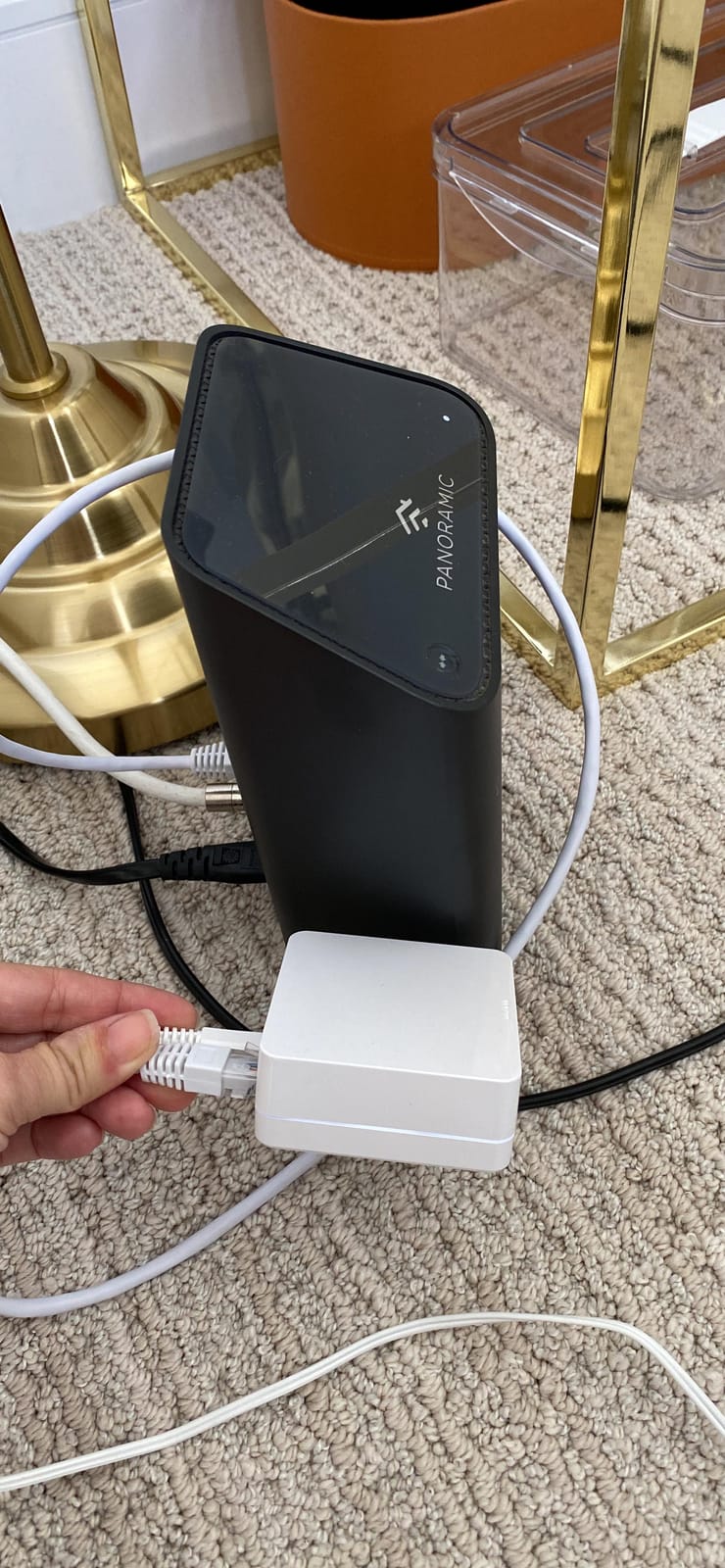
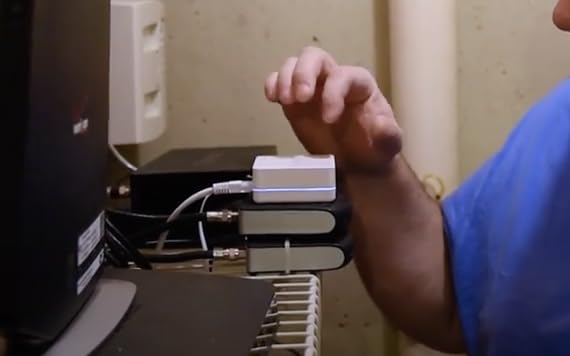
The form factor suits rentals. It connects to your router by Ethernet and then plugs straight into an outlet, so no wall cavity and no wiring are involved. Reviewers describe the app as mirroring the physical switches, which makes the whole thing easy to hand to a housemate.
At 4.6 with 81 percent five-star ratings, it carries the highest score here. Many lighting-focused owners arrived after Wink introduced a subscription.
When Lutron is the right hub
Choose it when lights are the whole job. Up to 75 Caseta devices is more than any apartment needs, and the speed advantage shows up on every single command.
It works with Alexa, Apple HomeKit, Google Assistant, Ring, Sonos and Serena shades, so the lock-in is narrower than the setup suggests.
Where Lutron locks you in
Only Lutron Caseta devices pair directly. Leviton and most third-party smart devices are outside the system, so sensors and locks from other brands are simply not options.
A broader compatibility hub exists in the Caseta line at roughly double the price. And IFTTT support is not clearly surfaced in the app or documentation, which matters if you plan to bridge other services.
8. Amazon Echo Hub – Best Wall-Mounted Control Panel
Amazon Echo Hub (newest model), 8″, Redesigned with customizable control and Alexa+, Compatible with thousands of devices
8 inch wall-mountable control panel
Hub for WiFi Bluetooth Zigbee Matter Sidewalk and Thread
Customizable dashboard with resizable tiles
Microphone off button and no camera
Pros
- Purpose-built wall panel for reaching devices without a phone
- Dashboard customization for grouping and resizing tiles
- Arms and disarms Ring alarm systems for family members
- Thread border router role steadies Matter networks
- Looks intentional mounted on a wall
Cons
- Lowest rating in this roundup at 3.9 with 14 percent one-star reviews
- Interface is slow and widget editing has been reported as unreliable
- Speakers are poor and video viewing is not the use case
- Power and mounting accessories are sold separately
The Echo Hub is the odd one out here. It is not really a display for entertainment or a speaker for music. It is a wall-mounted control panel, and that framing explains both what it does well and where owners get frustrated.
Mounted near the front door, it gives anyone in the household a single place to check locks, arm or disarm a Ring alarm, and see camera feeds without opening a phone app. That is a genuinely different job from a kitchen speaker.
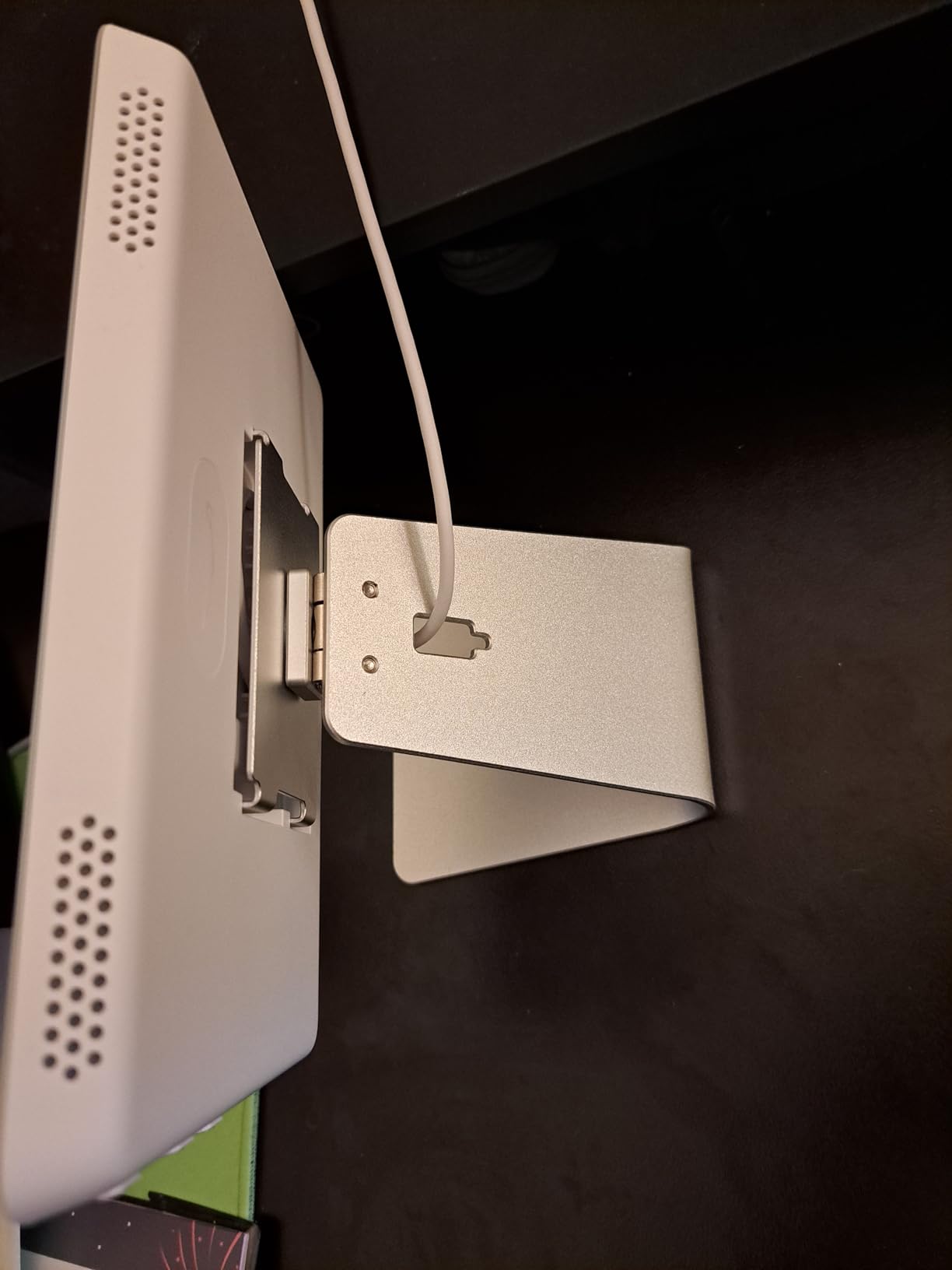
Under the hood it carries a built-in hub for Wi-Fi, Bluetooth, Zigbee, Matter, Sidewalk and Thread, plus a Thread border router role that helps Matter sensor networks settle down faster. There is a microphone off button and no camera at all.
The dashboard supports resizable device tiles so you can group what the household uses most. Made from 27 percent recycled materials, and wall-mountable with table-top stands sold separately.
When the Echo Hub works in a flat
It works when you have an existing smart home and want a shared control surface. Housemates and guests get physical access to the alarm and the lights without your phone, which matters in a busy apartment.
Thread support is the quiet strength. If your Matter devices over Thread are flaky, this panel often stabilises them.
Where the Echo Hub falls short
It carries the lowest rating in this roundup at 3.9, with 14 percent one-star reviews. The interface is slow, widget editing has been reported as unreliable, and speakers are not good for music.
Mounting and power accessories are sold separately, which complicates an install a landlord might want kept clean. One buyer reported units that would not play music or edit widgets at all, so check the return window carefully.
9. Aqara Smart Home Hub M3 – Best for Privacy and Local Control
Aqara Smart Home Hub M3 for Advanced Automation, Matter Controller, IR
Aqara Zigbee plus Thread with Matter bridge
360 degree IR blaster with feedback
4.13 x 4.13 x 1.41 inches
No microphone and no camera with 8GB encrypted storage
Pros
- Rare mix of Zigbee Thread Matter and infrared in one enclosure
- Edge hub design runs automations locally for speed and offline use
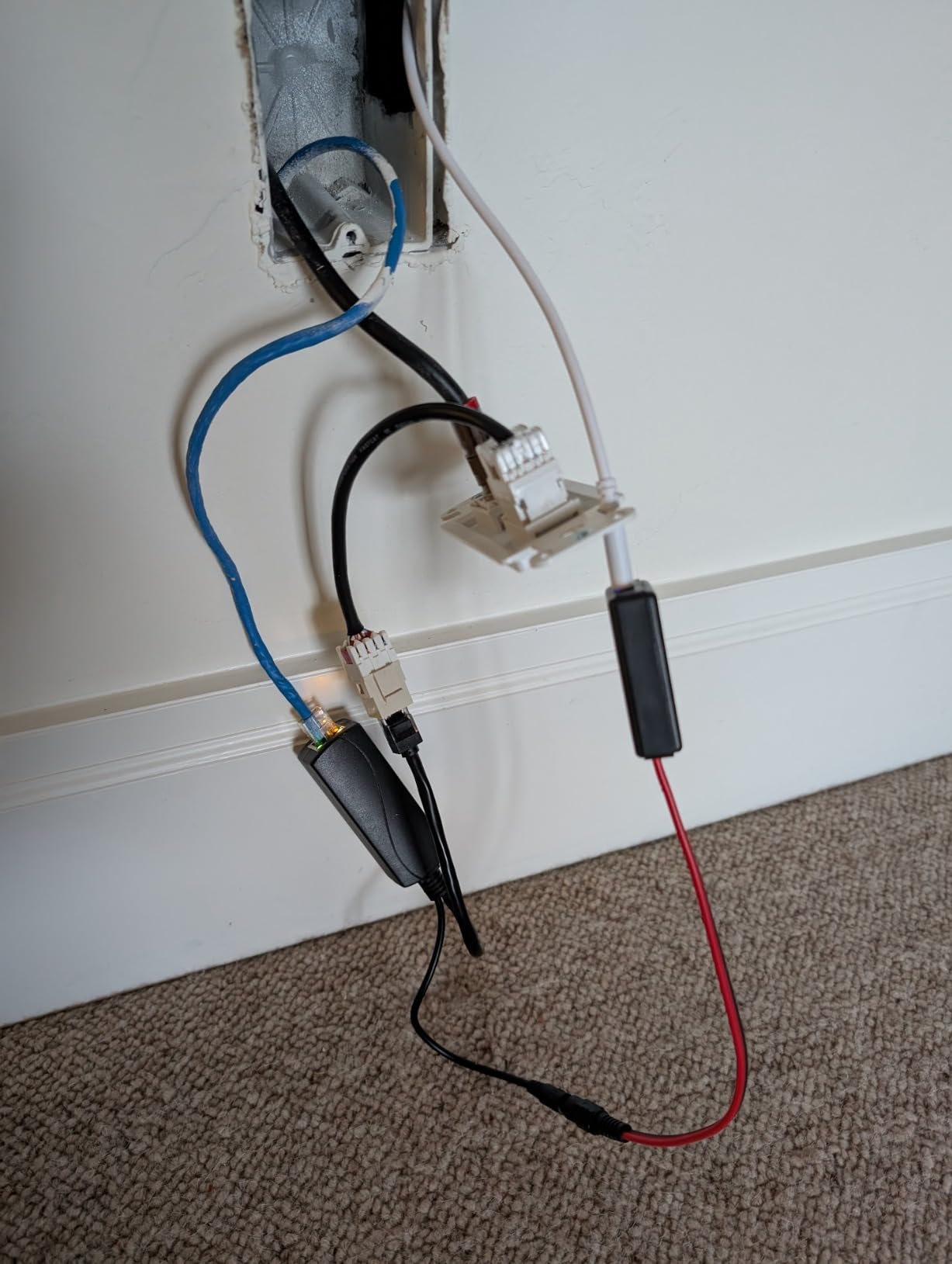
- PoE port and USB-C give clean power and network options
- No microphone or camera which suits a shared building
- Can migrate Zigbee devices and automations from older Aqara hubs
Cons
- Zigbee is Aqara-only so third-party Zigbee devices will not pair
- Power adapter is not included despite the unit needing 2A
- Only one air conditioner can be exposed to Matter
- Reportedly needs to sit 6 to 19 feet from the router
There is no microphone and no camera in the Aqara Hub M3. In a building where walls are thin and neighbours share hallways, a hub that cannot listen is a meaningful design choice rather than a spec-sheet line.
It is also an edge hub, which means automations execute on the device rather than in the cloud. Routines keep working during an internet outage, and they respond faster when the network is busy.
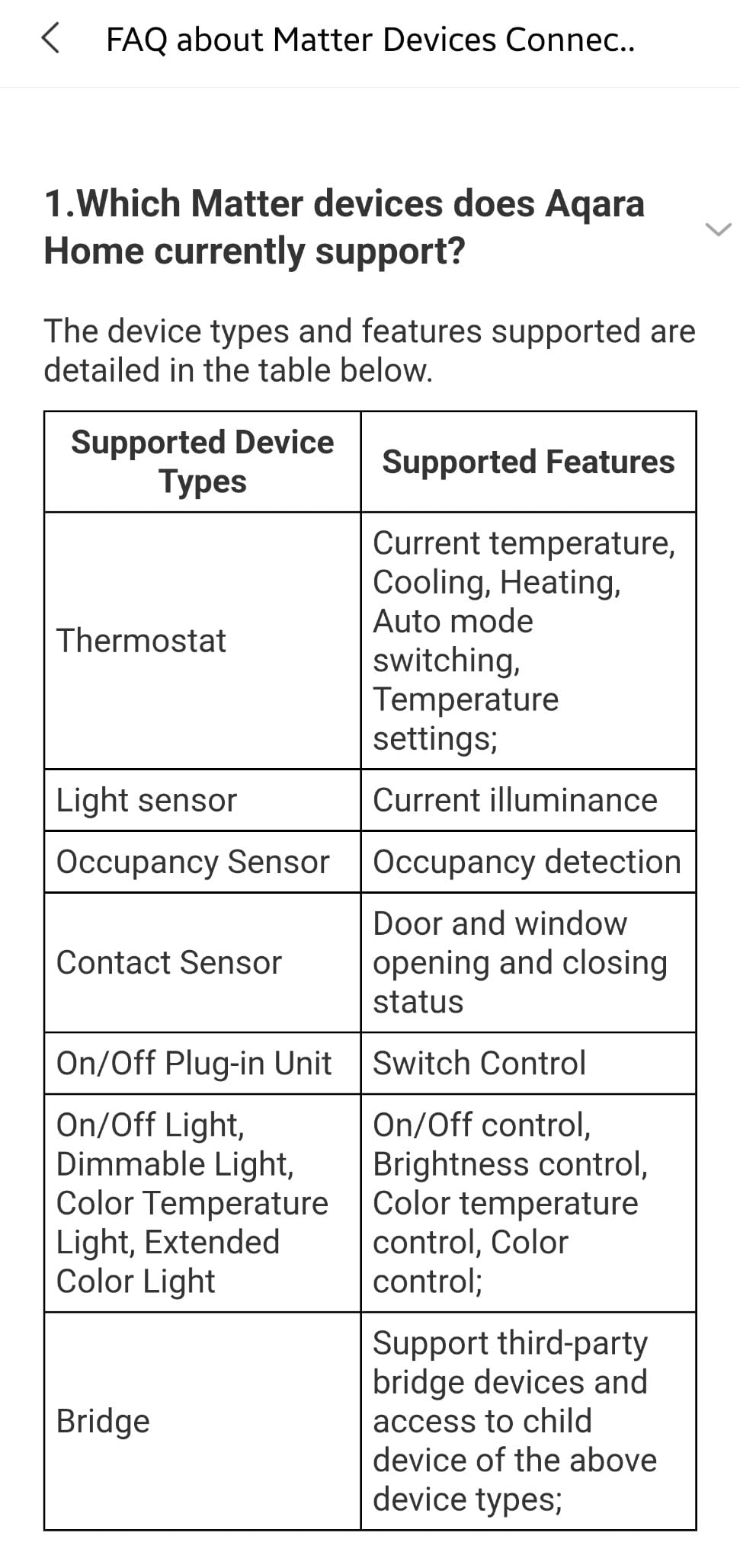
Protocol coverage is unusually broad: Aqara Zigbee, Thread, a Matter bridge and a 360 degree infrared blaster with feedback. Up to 127 Zigbee devices and 127 Thread devices is far more headroom than a small flat needs.
Power options suit an apartment well. A PoE port and USB-C give you clean options where a wall adapter would be awkward, and mounting hardware is included for wall, ceiling or shelf placement.
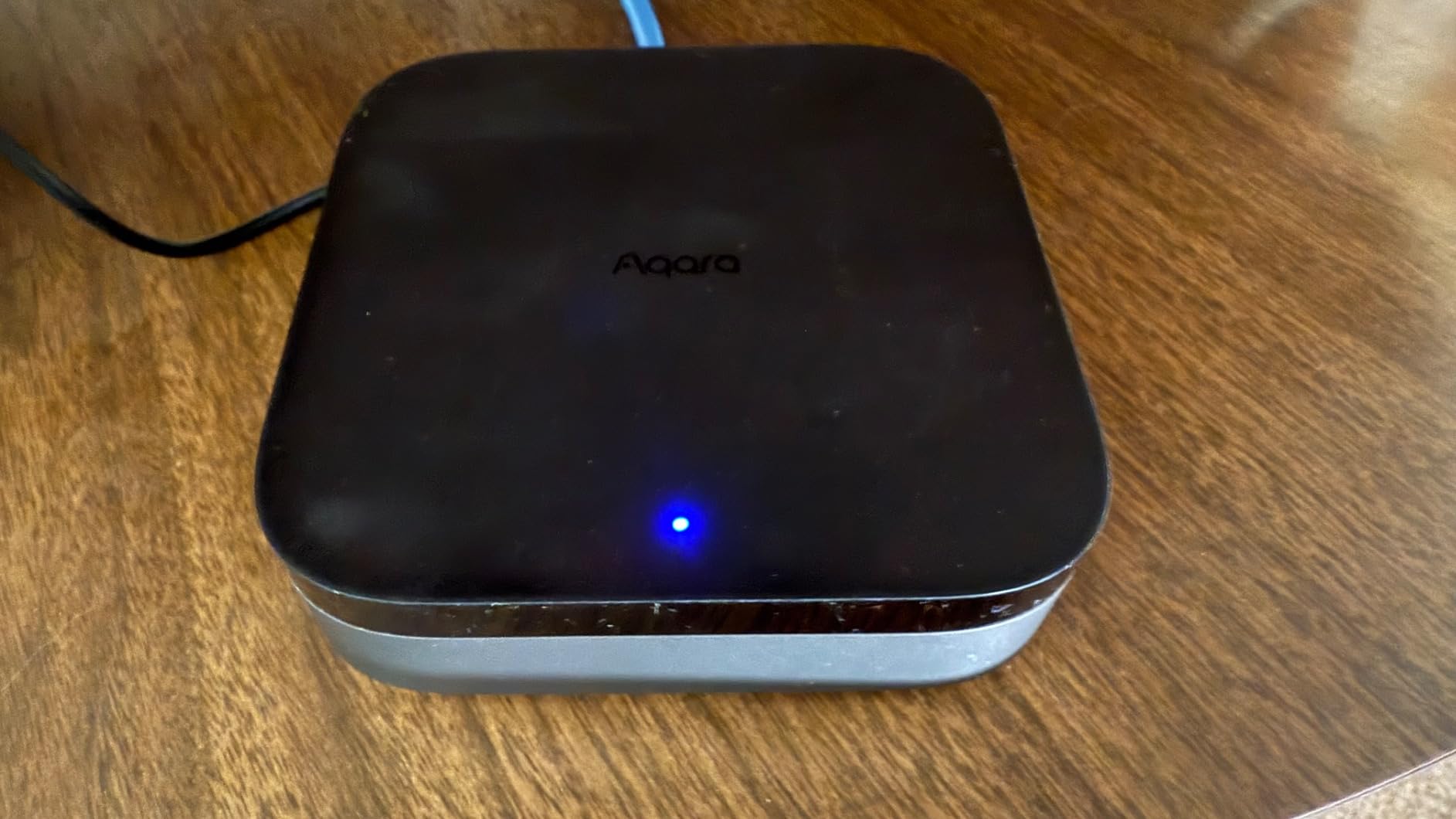
When the M3 makes sense
It fits privacy-minded households and anyone who wants automations to survive a bad internet connection. Eight GB of end-to-end encrypted local storage handles the camera and presence history locally.
Existing Aqara owners can migrate Zigbee devices and automations from older hubs rather than starting again, which saves real time in a first apartment.
Where the M3 frustrates buyers
Zigbee is Aqara-only. Third-party Zigbee sensors, including many popular cheap ones, simply will not pair, and that trips up people who assume the label means open.
The power adapter is not included despite the unit needing 2A, only one air conditioner can be exposed to Matter, and owners report needing to place it 6 to 19 feet from the router for a stable link. Setup also assumes you are migrating from a previous Aqara hub.
10. YoLink Smart Home Hub – Best for Leak Protection
YoLink Smart Home Hub, YS1603
Sub-GHz mesh with up to 0.25 mile range
Wired Ethernet plus Wi-Fi and 5V plug-in power
4.33 x 4.33 x 1.06 inches
Supports leak sensors plugs thermostats and shutoff valves
Pros
- Sensor range reaches through walls metal and multiple floors
- Quick to set up sometimes in under five minutes
- Leak detection and automatic shutoff valves work without internet
- Support has been responsive about replacing faulty units
- Deep monitoring line covering leak temperature smoke garage and energy
Cons
- SMS and email alerts are capped near 15 texts and a few hundred emails
- Works best within the YoLink ecosystem
- Alexa integration reported as awkward by some users
- Base hub has no battery backup without a different variant
If you rent a unit with an above the washer bathroom or an older building with a plumbing history, leak protection is worth more than any voice assistant. The YoLink hub is built around exactly that job.
Its sub-GHz mesh reaches up to a quarter of a mile. That sounds excessive for a studio, but concrete floors and stacked plumbing are the reason sensors placed in a bathroom reach a hub in the kitchen at all.
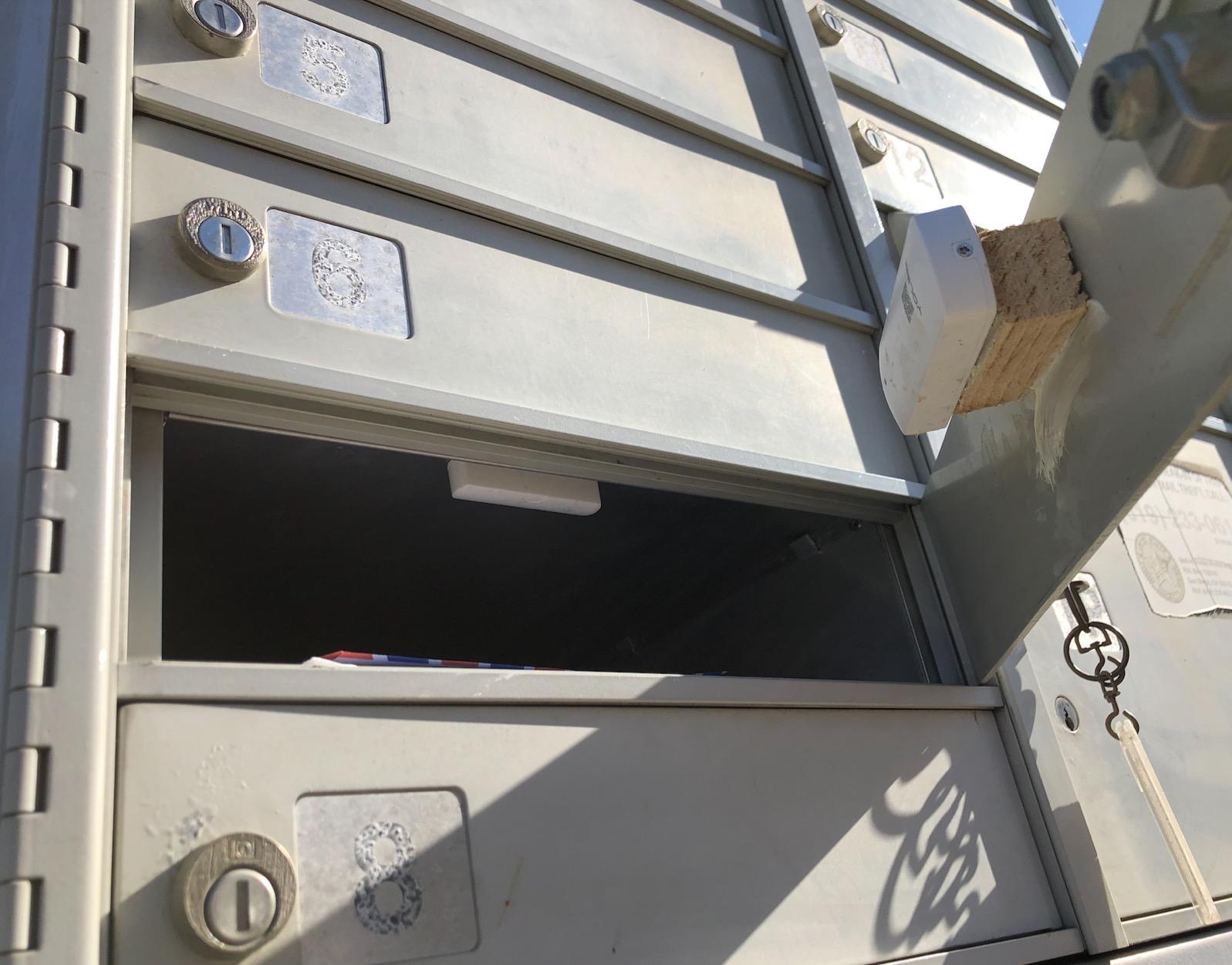
The part renters care about most: leak detection and the automatic shutoff valves keep working without an internet connection. An alert that depends on the cloud is useless when the water is already moving.
Setup is genuinely quick. Owners report going from unboxing to working sensors in under five minutes, and the 4.33 inch square body is small enough for a shelf or a counter.
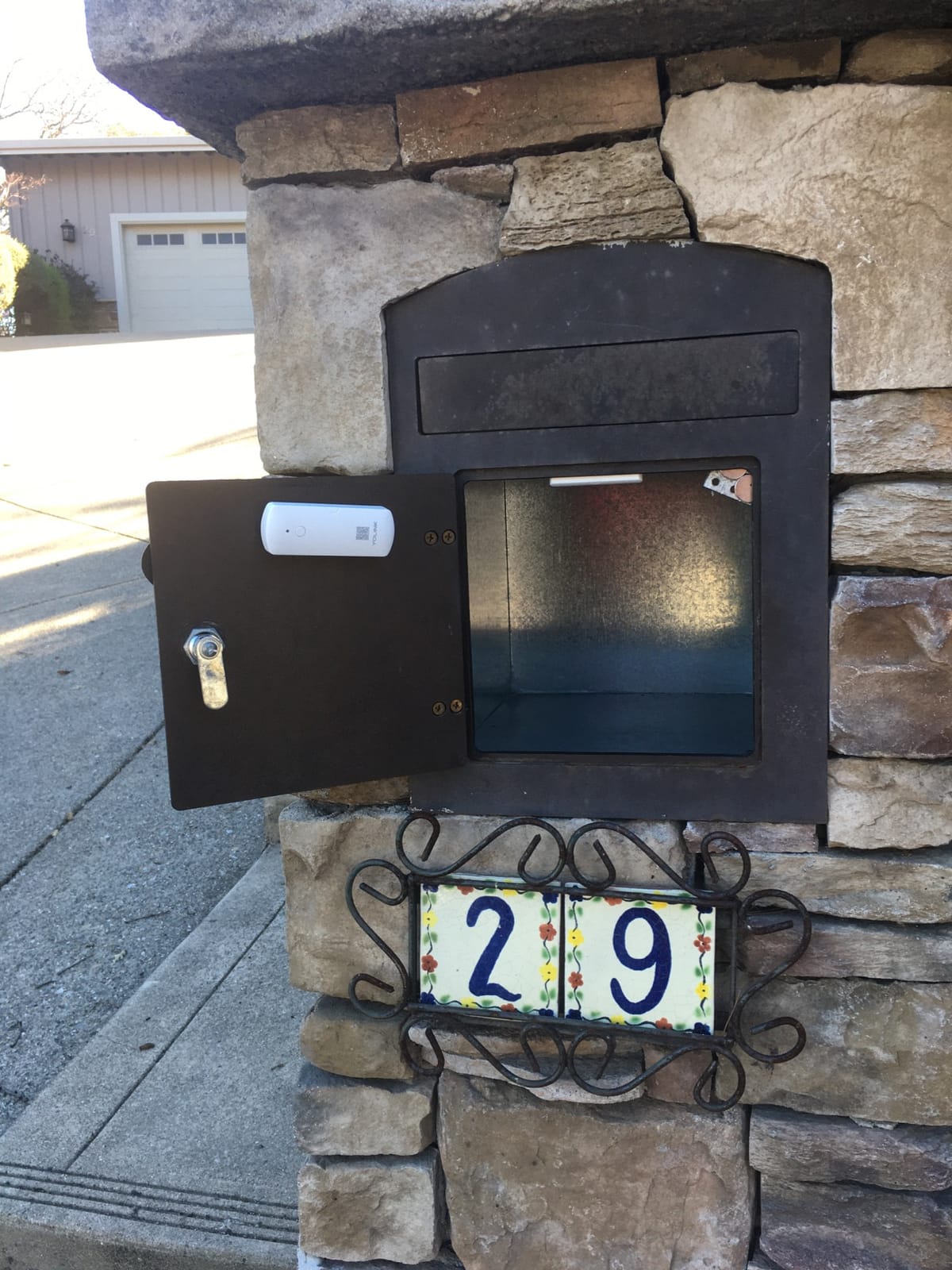
When YoLink is the right buy
Buy it for monitoring rather than control. Water leak, temperature, smoke, garage and energy sensors are the reason it exists, and paired with inline or retrofit shutoff valves it becomes a small insurance policy.
It also works with Wi-Fi or Ethernet, so it can sit near the plumbing and still reach the network.
Where YoLink falls short
Broader compatibility is limited. It works best inside the YoLink ecosystem, and Alexa integration has been reported as awkward by some users.
Notification allowances are capped at roughly 15 texts and a few hundred emails, which becomes a problem if you set every sensor to alert. The base hub has no battery backup; you need the battery backup or cellular variant, and some QR fobs ship with printing the app will not scan.
11. Aqara Smart Hub M100 – Best for Tight Spaces
Aqara Smart Hub M100 for Home Automation, Matter Controller, Wi-Fi
USB-stick sized body with a 210-degree adjustable shaft
Aqara Zigbee and Thread with Matter bridge
2.4GHz Wi-Fi 6 with WPA3
Local automation execution on Linux
Pros
- Roughly USB-stick sized with an adjustable shaft for awkward sockets
- Low-cost way to add a Thread border router and Matter bridging
- Local automations keep running during Wi-Fi or cloud outages
- Reported to fix reliability problems with Aqara Matter-over-Thread sensors
- Works as a Thread border router for Hubitat Apple Home and Home Assistant
Cons
- Lowest five-star share of any hub here with 17 percent one-star ratings
- Zigbee is Aqara-only with no third-party support
- Device cap of 20 Zigbee and 20 Thread devices
- No power adapter included and it must stay continuously powered
The M100 is the smallest thing in this roundup by a wide margin. It is roughly the size of a USB stick, with a shaft that adjusts through 210 degrees so it can sit in a tight socket behind furniture without sticking out.
It is not a general-purpose hub. Treat it as a Thread border router and Matter bridge that you add to a system you already run, rather than the centre of a new smart home.
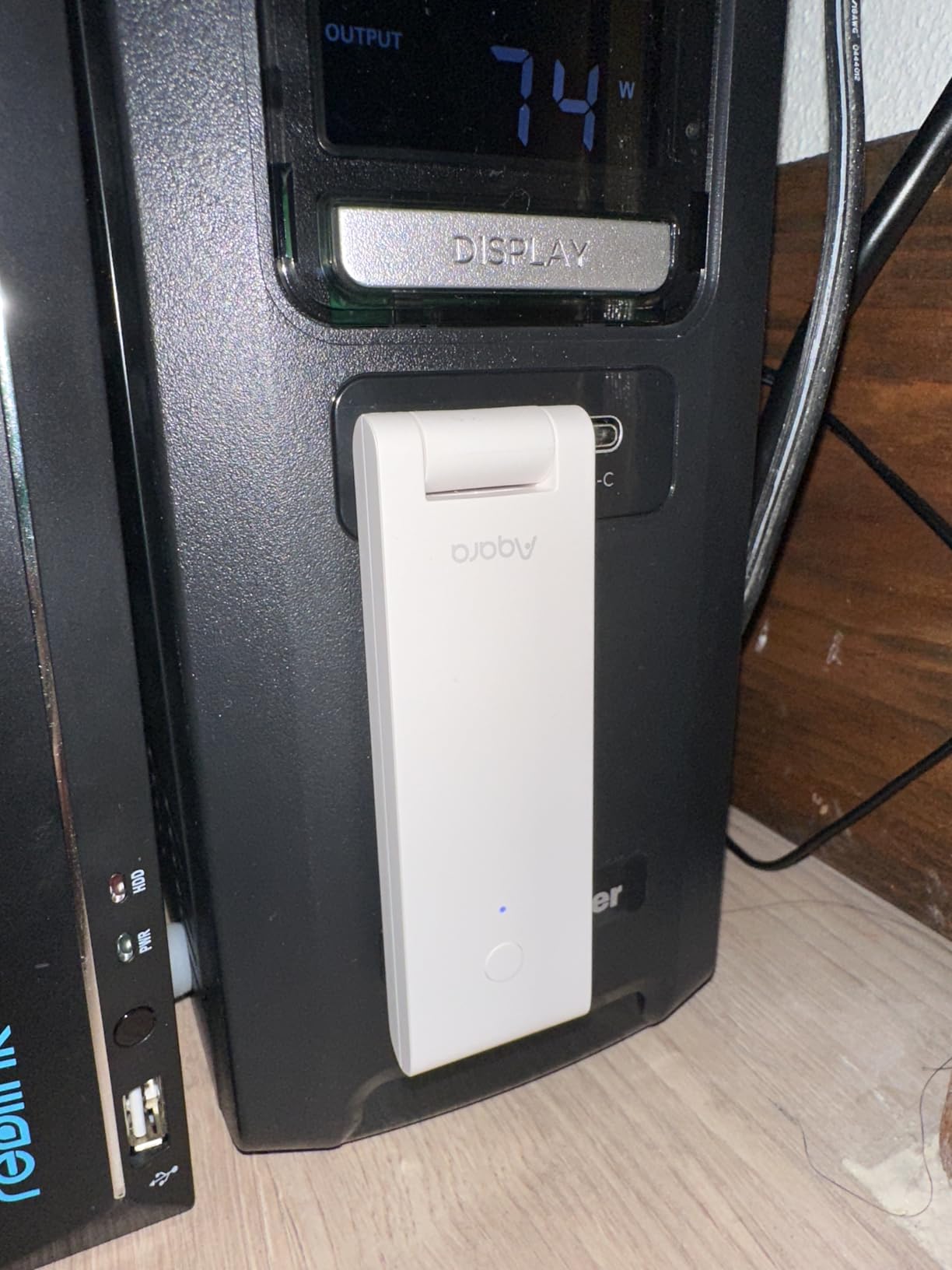
That use case is real. Owners report it fixing reliability problems with Aqara Matter-over-Thread sensors, and it works as a border router for Hubitat, Apple Home and Home Assistant setups where Thread coverage in a small flat is thin.
Automations execute locally, so routines keep running during a Wi-Fi or cloud outage. Coverage is stated for spaces around 1,500 to 2,000 square feet, which covers most apartments.
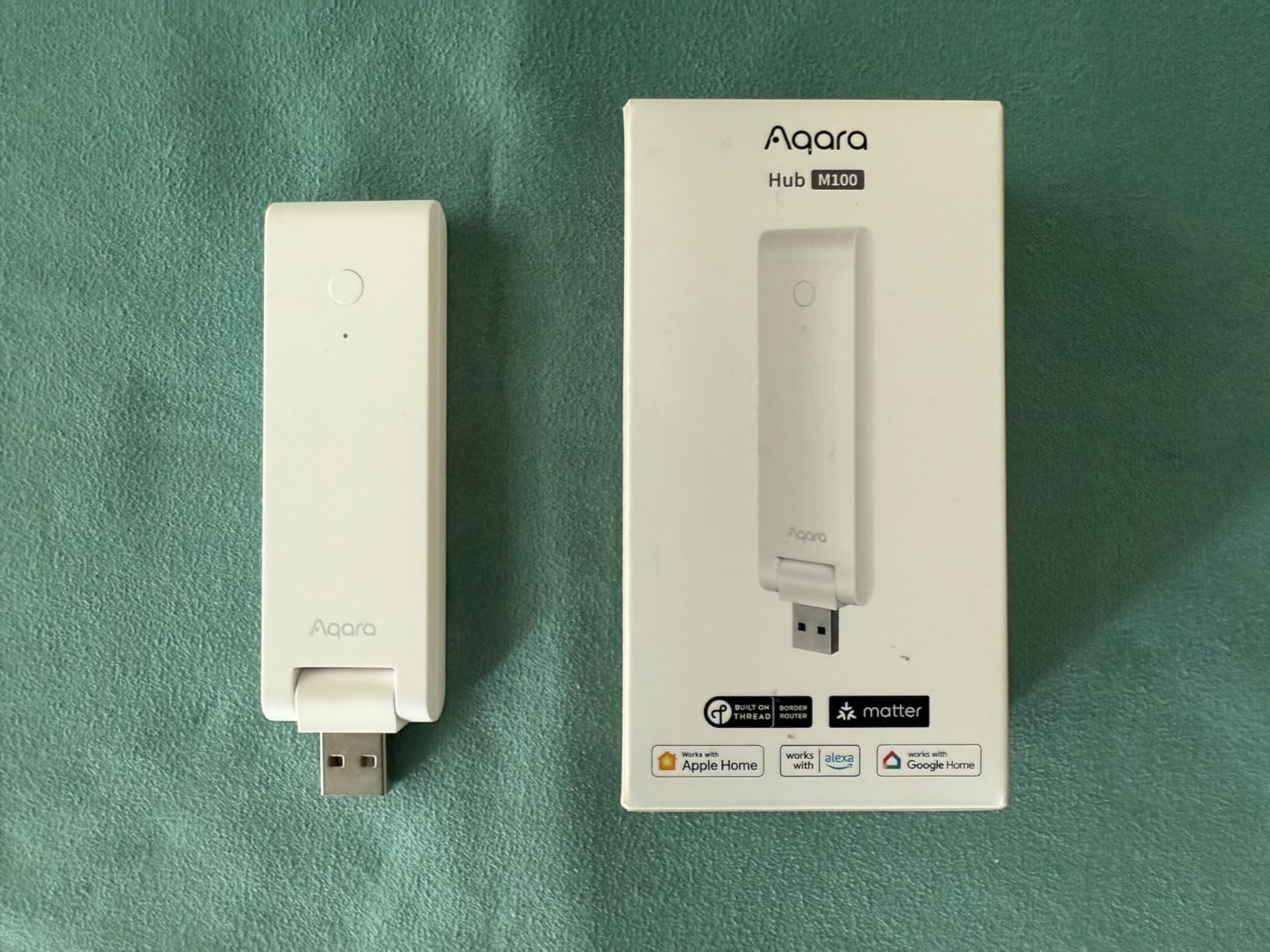
When the M100 earns its place
It earns its place when space is the constraint. Behind a TV, inside a cabinet, or in a socket at the back of a narrow hallway, nothing else in this list fits as neatly.
It is also a cheap upgrade for an existing Aqara system that needs better Thread coverage without a bigger hub.
Where the M100 falls down
It carries the lowest five-star share of any hub here, with 17 percent one-star ratings, and detractors call it largely useless standalone. That matches the pattern in the reviews: it is a companion, not a hub.
Zigbee is Aqara-only, the cap of 20 Zigbee plus 20 Thread devices is low for a whole home, and no 5V adapter is included. Some buyers report Matter devices that refuse to pair or repeatedly drop offline.
12. Tapo Smart Hub H100 – Best Budget Smart Hub for Apartments
Tapo Smart Hub with Built-in Chime, H100, 2.4GHz Wi-Fi Required
Sub-GHz connection up to 30 meters
Connects up to 64 Tapo devices
Built-in chime plus siren up to 90 dB
2.83 x 2.01 x 2.24 inches and 2.4GHz Wi-Fi required
Pros
- Lowest cost hub in this roundup and small enough to hide on a shelf
- Sub-GHz mesh gives longer range and steadier links than Wi-Fi sensors
- Built-in chime and siren turn it into a real apartment alarm
- Connects a generous 64 Tapo devices on one hub
- Sensor battery life lasts up to 10 times longer than Wi-Fi devices
Cons
- Tapo-only ecosystem with no third-party Zigbee or Z-Wave
- Requires a 2.4GHz Wi-Fi network
- Cannot connect Tapo plugs or lighting directly and triggers them indirectly
- Setup limited to the Tapo app
The Tapo H100 is the cheapest hub we evaluated and one of the few that does something concrete for apartment security. The built-in chime plus a siren up to 90 dB gives you an audible alert from a door or window sensor.
That is a meaningful upgrade over a phone notification you will not hear while the shower runs. In a small flat with thin walls, the audible chime is arguably the more useful of the two alerts.
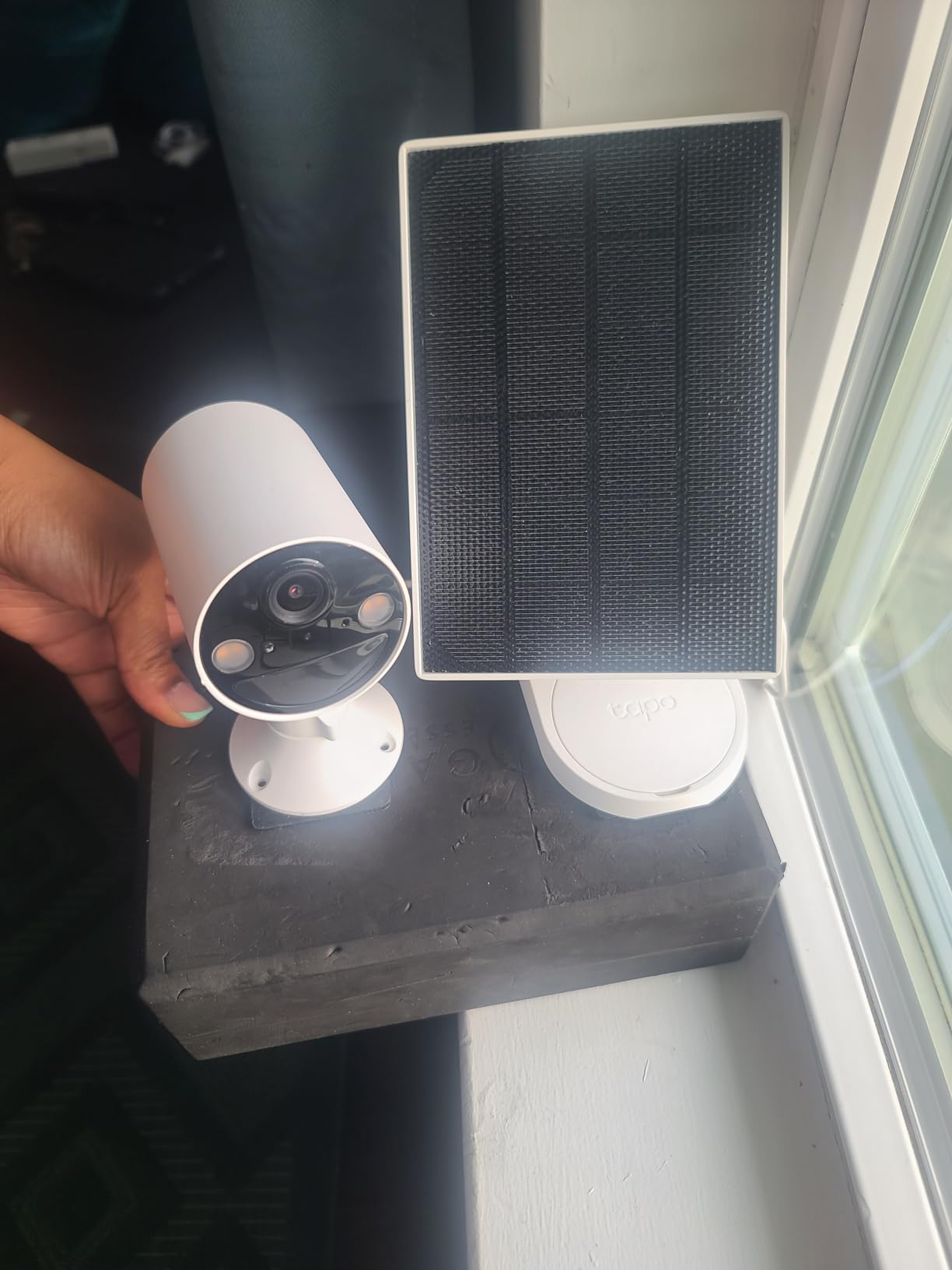
The sub-GHz connection reaches up to 30 meters with fewer interferences than 2.4GHz Wi-Fi, which is why reviewers describe steadier connections than they get from Wi-Fi sensors. One hub handles up to 64 Tapo devices, far more than an apartment needs.
Battery life is the quiet win. The ultra-low-power protocol extends sensor battery life up to ten times versus Wi-Fi devices, so you are not replacing coin cells every few months.
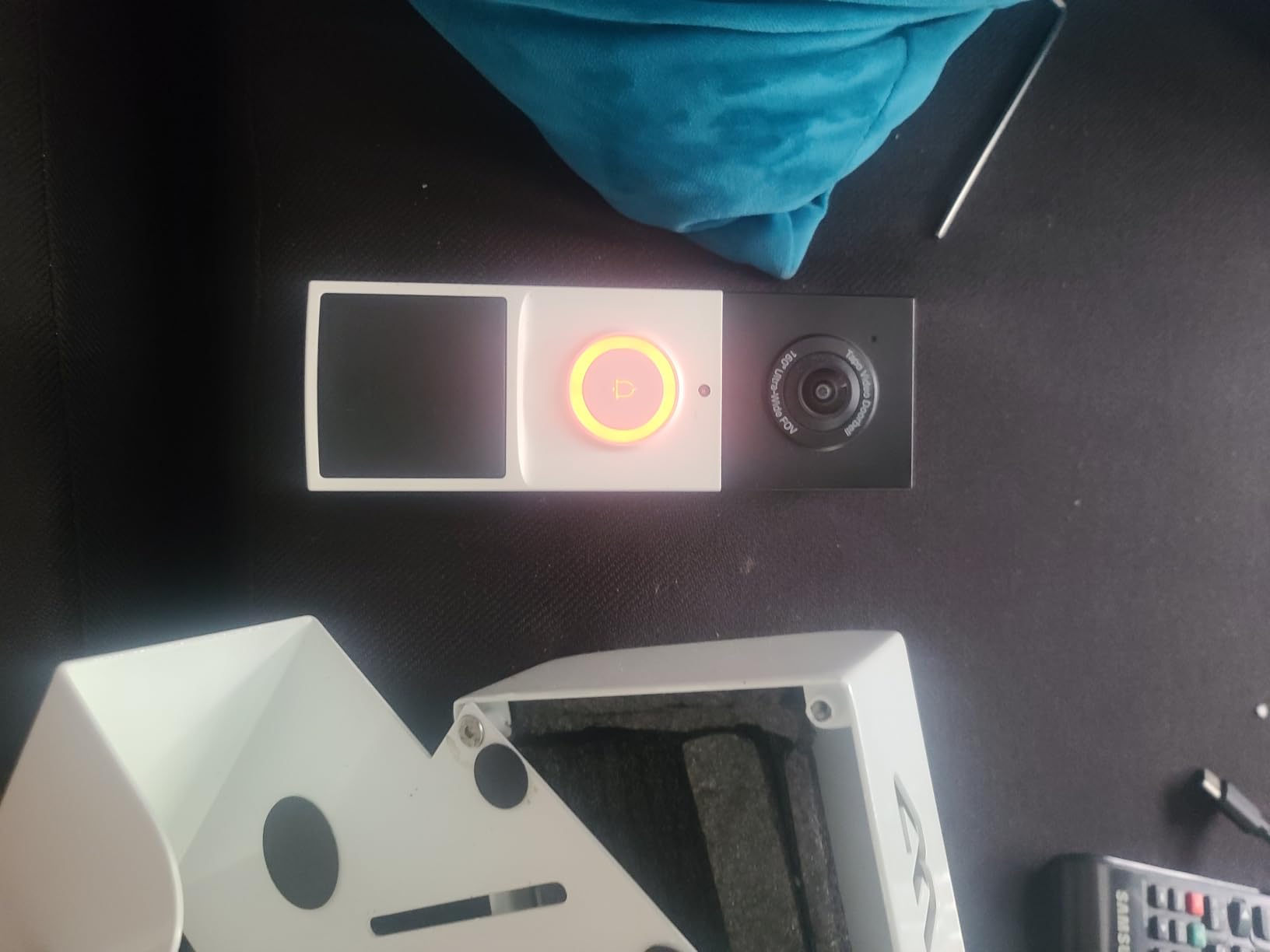
When Tapo H100 fits a rental
It fits small flats on a strict budget where audible alerts matter. At 2.83 by 2.01 by 2.24 inches it disappears on a shelf, and seven years of EU spare part availability is reassuring for a device you might keep for years.
It is a strong companion to Tapo cameras, since door and window sensors can trigger scenes.
Where Tapo H100 falls short
It is a closed ecosystem. No third-party Zigbee or Z-Wave devices pair with it, which means your future devices must be Tapo as well.
It needs a 2.4GHz Wi-Fi network, it cannot connect Tapo smart plugs or lighting directly and only triggers them indirectly, and setup stays inside the Tapo app with no path to a broader system.
How to Choose a Smart Hub for an Apartment
Most buying guides start with price or brand. In a rental, protocol and Wi-Fi come first, because those two decisions decide whether the hub still works when you move or when your landlord changes the building’s internet provider.
Pick your protocol before the brand
Matter is the standard that lets one device work with Alexa, Google Home and Apple Home, and it matters most when you will move. Zigbee and Z-Wave are the older, more reliable low-power radios, and they cover sensors that Matter does not yet handle well.
Infrared is its own category. Only a handful of hubs here include an IR blaster, and that is the difference between voice-controlling an existing air conditioner and replacing it.
If you already own devices, match the hub to them rather than the reverse. Swapping eight sensors to suit a hub costs far more than picking a hub that reads what you already own.
Check your Wi-Fi before you buy
This is the number one blocker in apartment threads. The building’s ISP router is often old, its admin access may be limited, and 2.4GHz is crowded with neighbouring networks in a dense building.
Four practical steps. First, confirm the hub supports 2.4GHz if that is all your router offers, since several devices here are 2.4GHz-only. Second, ask the management company whether your unit has an Ethernet port or a managed network. Third, if signals are weak, a mesh node you own and unplug on moving day fixes most pairing failures.
Fourth, hubs with Ethernet support, like the Aeotec and SmartThings units, let you bypass the building’s network entirely. We covered related apartment setup issues in our guide to smart home security hubs, which covers the camera side of the same problem.
Local control versus cloud
Local control means automations run on the hub itself. Cloud control means a server elsewhere does the work. When your internet drops, local automations keep running.
Local-first hubs in this roundup include the Aqara M3, the Aqara M100 and the Aeotec. For cameras, local storage matters too, and the M3 includes 8GB of end-to-end encrypted local storage.
Check subscription terms before buying any security-oriented hub. Forum users repeatedly flag fees that appear after a free trial, which is a bad surprise in a short lease.
What happens when you move
A Matter device keeps working in the next unit as long as you join it to the new ecosystem, which is the strongest argument for standards-based gear in a rental.
A Zigbee or Z-Wave hub needs unpairing and re-pairing. Unpair before you move rather than after, and expect an evening of work per sensor cluster. Moving is also the moment to reset factory settings on a hub you are passing to someone else.
Wi-Fi hubs are the easiest to relocate: unplug, pack, plug in elsewhere. That alone makes the Echo Show 5 and the Echo Show 8 a strong fit for a 12-month lease.
Lease rules and the security deposit
Plug-in devices are the safe category. Anything that plugs into an outlet leaves no mark when you unplug it, which is the standard most landlords and leases accept without discussion.
Adhesive-mounted sensors need more care, because residue is what prompts deductions. Use the removable 3M adhesive supplied with the SwitchBot units, clean the wall when you remove them, and take photos of the marked spots on move-in day so you can show the landlord the wall was clean.
Anything requiring drilling, in-wall wiring, a new circuit or a panel change belongs in the landlord conversation, not in your weekend. Ask in writing, and get the answer in the lease addendum. We also cover small-space gear decisions in our picks for compact ellipticals for apartments, which faces the same landlord-approval question.
Frequently Asked Questions
Who has the best smart home hub?
For apartments, the Amazon Echo Show 5 is the best overall smart home hub because it works as a display and a hub in one small plug-in box with no wiring. People with mixed-brand Zigbee and Z-Wave devices prefer the SmartThings Hub or Aeotec hub, and renters who want local control and no microphone choose the Aqara Hub M3.
Do apartment renters need a smart home hub?
Most do not, if your devices are Wi-Fi or Matter based, because a smart display such as the Echo Show 5 or Echo Show 8 already controls them and acts as the hub. You need a separate hub when you use Zigbee or Z-Wave sensors, want infrared appliances under voice control, or want automations that keep running without internet access.
What are the top 5 smart home devices for renters?
The five most renter-friendly devices are a smart display such as the Echo Show 5, a smart speaker for voice control, smart bulbs that need no wiring, smart plugs for lamps and appliances, and a sub-GHz hub with sensors such as the Tapo H100 or a leak protection hub like the YoLink. All plug in or stick on with removable adhesive.
Which is better, Google Home Hub or Alexa?
It depends on your phone and household. Alexa covers a wider range of smart home devices and has the strongest built-in hub options in smart displays. Google Home is better for Nest cameras, Google services and Android users. Apple Home wins if every device you own is already HomeKit compatible.
Can landlords access my smart home devices?
A landlord usually has no access to your devices or account because hub and device accounts are tied to your own email and password. A landlord can see the internet service in the unit, and any smart lock you choose may share mechanical keys with property management, so check lock models before installing one.
What is the best wifi for an apartment?
The best apartment Wi-Fi is a router or mesh system you own and control, ideally with Ethernet backhaul and a dedicated 2.4GHz SSID. Keep the hub on 2.4GHz if that is the only band available, avoid the 5GHz-only band for sensors, and ask management whether your unit has a wired port.
Why are people getting rid of Alexa?
The main reasons are privacy concerns, cloud dependence and subscription fees appearing after trial periods. Some users also dislike buying hardware tied to one assistant. Local-first options such as the Aqara hubs and Home Assistant based setups address this by processing automations on the device itself.
Final Verdict: Best Smart Hubs for Apartments in 2026
The Amazon Echo Show 5 is the best smart hub for most apartments because it removes the two things renters fight hardest: wiring and setup time. It doubles as a display, hides in plain sight on a counter, and unplugs cleanly when you move.
Buy the SwitchBot Hub 2 if your automations depend on temperature or humidity, or if you have a legacy air conditioner. Buy the Tapo H100 if audible alerts and a very low outlay matter most, and step up to the SmartThings Hub or Aeotec only when you genuinely have mixed-brand Zigbee and Z-Wave devices.
Whatever you pick, own the router, keep hub unpairing for moving day, and stick to plug-in hardware. We cover more renter-focused gear in our portable dishwasher guide for apartments, which shares the same landlord and space constraints.