
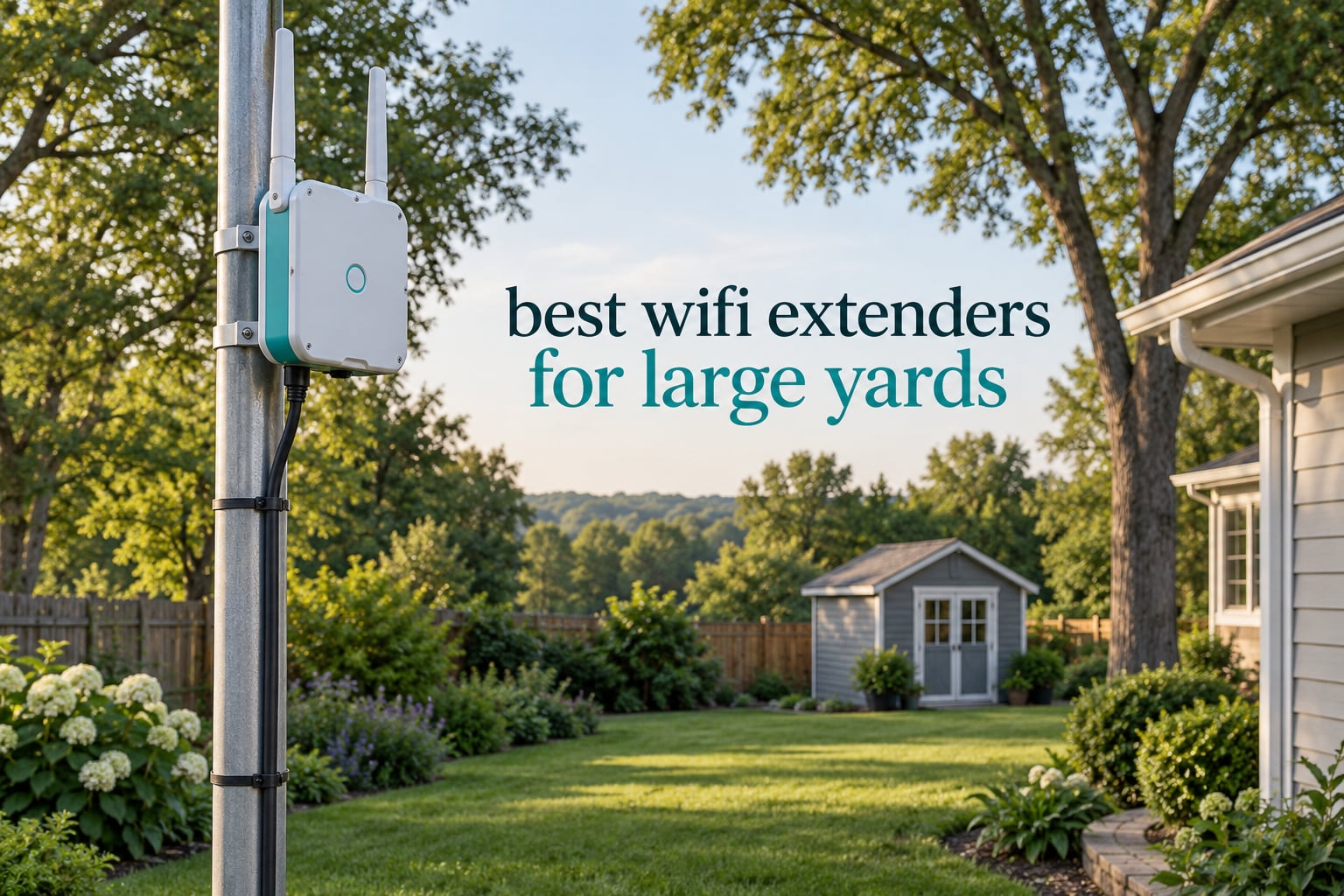
If you have ever carried a laptop out to the far end of your yard and watched the WiFi bars drop to nothing, you already understand the problem. The router inside your house was engineered to push a signal through drywall, insulation, and floors, not across open air, uneven ground, and the length of a property. That is why the search for the best wifi extenders for large yards keeps coming back to the same question: which outdoor unit can actually carry a usable signal to the pool, the barn, the workshop, or the far gate.
We spent the last two months working through ten outdoor units, reading spec sheets, owner reviews, and the long forum threads where owners report what actually happened once the box was mounted. What we found is that most of the marketing language is misleading, and that the gap between advertised range and real yard coverage is much larger than the product pages suggest. This guide is our attempt to close that gap honestly, with the ten options we would actually consider, what each one does well, and where each one falls short.
If the real problem is coverage inside a very large house rather than out in the yard, our guide to the best mesh WiFi systems for large homes is the better starting point. Outdoor units behave very differently from indoor mesh nodes, and picking the wrong category is the single most common mistake we see.
Top 3 Picks for Large Yard WiFi Coverage in 2026

TP-Link Deco X50-Outdoor
- AX3000 dual-band WiFi 6
- IP65 weatherproof
- PoE plus dual Gigabit ports
- Works with Deco mesh

eero Outdoor 7
- WiFi 7 up to 2.1 Gbps
- IP66 weatherproof
- 15000 sq ft outdoor coverage
- 100+ device capacity

WAVLINK AX1800 Outdoor
- IP67 weatherproof
- 4 x 8dBi antennas
- Active and passive PoE
- Up to 256 devices
Best WiFi Extenders for Large Yards (October 2026)
| Product | Specifications | Action |
|---|---|---|
| TP-Link Deco X50-Outdoor |
|
Check Latest Price |
| eero Outdoor 7 |
|
Check Latest Price |
| WAVLINK AX1800 Outdoor |
|
Check Latest Price |
 TP-Link EAP225-Outdoor TP-Link EAP225-Outdoor |
|
Check Latest Price |
 TP-Link EAP650-Outdoor TP-Link EAP650-Outdoor |
|
Check Latest Price |
 WAVLINK BE5100 Outdoor WAVLINK BE5100 Outdoor |
|
Check Latest Price |
 BrosTrend AC1200 Outdoor BrosTrend AC1200 Outdoor |
|
Check Latest Price |
 Cudy AP3000 Outdoor Cudy AP3000 Outdoor |
|
Check Latest Price |
 EnGenius ENH1350EXT EnGenius ENH1350EXT |
|
Check Latest Price |
 NETGEAR WAX610Y NETGEAR WAX610Y |
|
Check Latest Price |
How We Picked These Outdoor Extenders
We built this list around one filter: the unit has to be built for the outside. That sounds obvious, but a large share of products sold under the “range extender” label are plastic indoor repeaters that were never meant to sit on a fence post through a wet winter. Anything without a published IP rating was excluded on the spot.
From there we weighted four things heavily. Weatherproofing, with a preference for IP67 over IP65 because a unit rated for immersion survives a gutter leak that kills an IP65 unit. Power delivery, where PoE support is the single biggest practical advantage because one Ethernet cable handles both power and data. Antenna gain and count, since 8dBi external antennas on a yard unit are the difference between usable and theoretical coverage. And third-party management, because a unit you have to reconfigure through a laptop in the rain is a unit you will not maintain.
Owner feedback shaped the ranking as much as the specs. Across the outdoor networking communities we read, the same complaints recur: units mounted too low, separate network names that stop phones from roaming, and repeaters installed where the inbound signal was already too weak to be worth repeating. We used those threads to separate the units that tolerate real placement from the ones that need ideal conditions.
One note on terminology before we get into the list. Most of what people call a “wifi extender” in outdoor contexts is really an outdoor access point with a wired Ethernet backhaul. That distinction is not cosmetic, and we explain it in full below, because buying the wrong one is the root of most returns we read about.
1. TP-Link Deco X50-Outdoor: Best Overall WiFi Extender for Large Yards
TP-Link Deco X50-Outdoor AX3000 Dual Band WiFi 6 Mesh Add-On Extender
AX3000 dual-band WiFi 6
IP65 weatherproof
2 Gigabit PoE plus ports
0.89 kg
Pros
- Joins any existing Deco mesh with one network name
- IP65 sealed enclosure holds up to year-round weather
- PoE plus means one cable for power and data
- Dual Gigabit ports leave room for a wired device
- HomeShield security and QoS built in
Cons
- Needs a Deco mesh system to deliver its headline benefit
- Only available as a single pack in this listing
- Costs more than a standalone outdoor access point
This is the unit we keep coming back to, and the reason is simpler than any spec sheet. It is one of only two units here that joins a mesh on a single network name, so your phone walks from the house to the patio without manual switching, and that is the feature that separates an outdoor unit people keep installed from one they quietly put in a drawer.
Specs are solid rather than flashy. You get dual-band AX3000 WiFi 6, a 2402 Mbps upstream rate, an IP65 enclosure, and two Gigabit Ethernet ports with 802.3at PoE plus support. It measures 4.78 by 4.33 by 8.48 inches and weighs 0.89 kg, and it ships with pole, wall, and table mounting options.
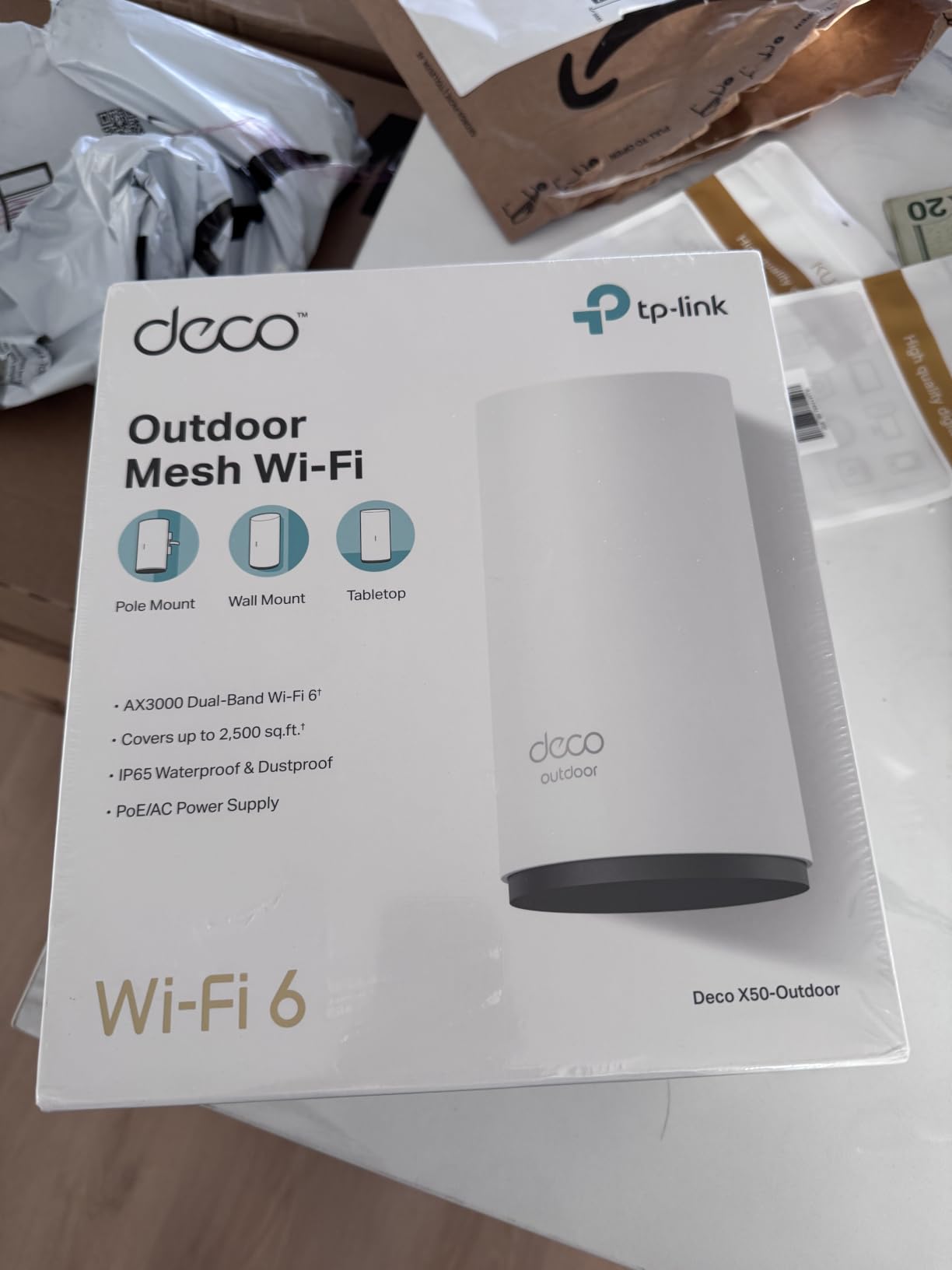
Two things stood out when we read through more than a thousand owner reviews. The first is how rarely the setup process is described as anything other than straightforward, which is largely because the Deco app handles everything and the unit is added to an existing network the same way you would add an indoor node. The second is how consistently owners mention the weatherproofing holding up through full seasons of exposure rather than just surviving a rain shower.
You do need to be honest about the dependency. Without an existing Deco system, this becomes an expensive standalone access point that does not give you the roaming benefit. If your home network is mixed-brand or mesh-free, the WiFi 6 hardware here is still good, but you are leaving the main selling point unused. The warranty is two years and the box supports WPA, WPA2, and WPA3.
What to check before you buy the Deco X50-Outdoor
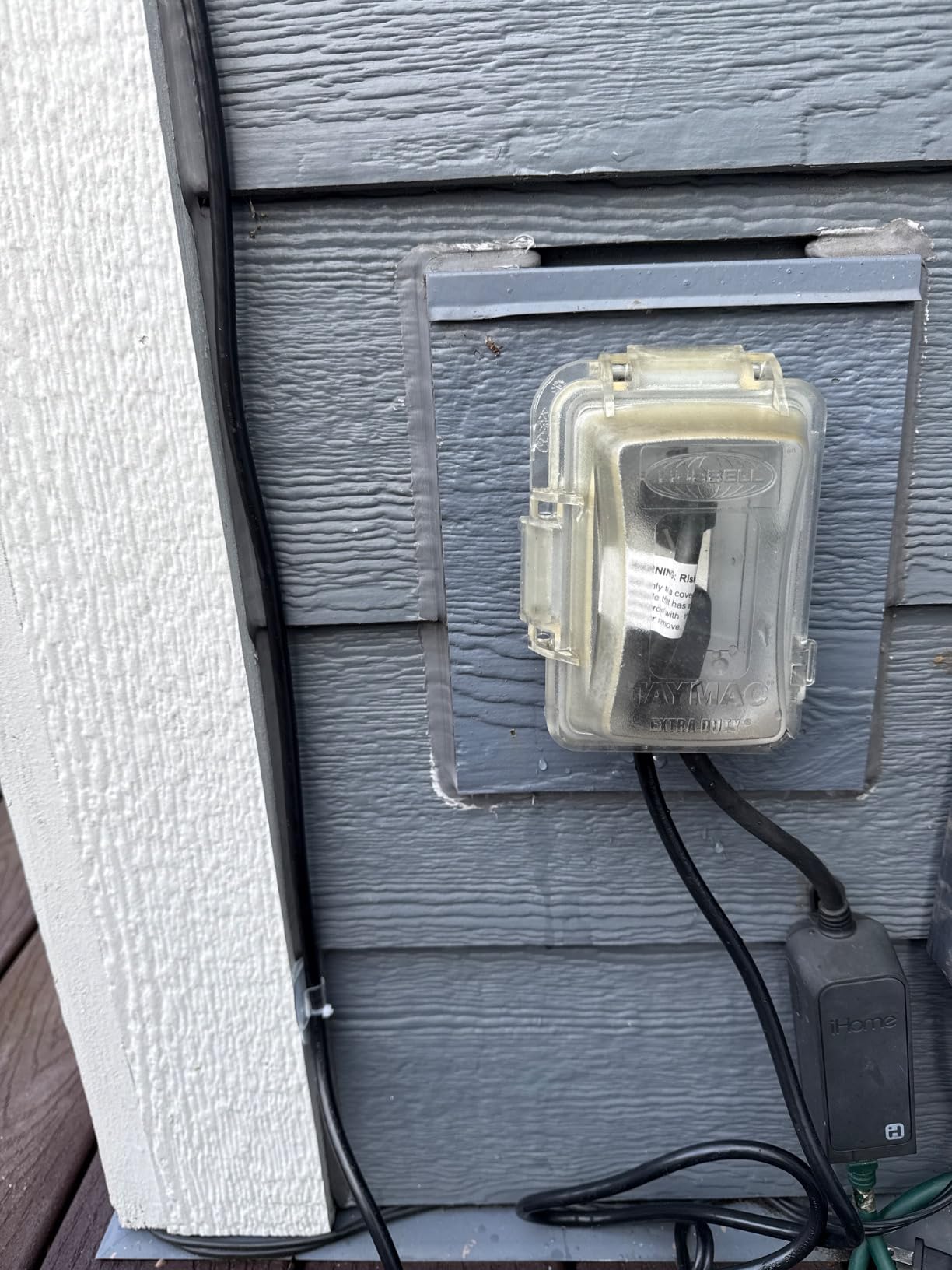
Check whether you already run Deco gear, because that single fact determines whether this is the obvious pick or a poor fit. Owners running an Orbi, eero, or mixed mesh system consistently report that the roaming experience is where the value sits, and that value evaporates outside the Deco ecosystem. Second, confirm you can run a single Ethernet cable to the mounting point, since PoE plus still needs a data path.
Also consider the 2.5 GHz band behaviour in your specific yard. AX3000 is a split allocation rather than a combined number, so the 5 GHz side carries the speed and the 2.4 GHz side carries the reach. If your yard is dense with mature trees, plan on heavy use of the 2.4 GHz band for cameras and sensors, and expect the 5 GHz band to serve the areas with clear sightlines.
Where the Deco X50-Outdoor falls short
The single-pack configuration is a genuine limitation if your property needs two or three outdoor nodes, because adding a second means sourcing it separately and confirming the bundle. The unit is also heavier than most competitors at nearly 0.9 kg, which matters if you are mounting on a thin fence post rather than a pole set in concrete.
Finally, HomeShield and QoS are the whole management story. If you want VLANs, captive portals, or per-client policies, you need a controller-based system instead. For a large yard that is mostly cameras, lights, and a patio television, that limitation rarely comes up.
2. eero Outdoor 7: Best Premium Outdoor Mesh Unit for Huge Yards
Amazon eero Outdoor 7 dual-band mesh wifi router (newest model), Weatherproof rating of IP66, Coverage up to 15,000 sq. ft. outdoors, 1-pack, Includes 30W PoE+ adapter
WiFi 7 dual-band up to 2.1 Gbps
IP66 weatherproof
15000 sq ft outdoor coverage
100+ devices
Pros
- Largest outdoor coverage figure in the group at 15000 sq ft
- WiFi 7 hardware with speeds up to 2.1 Gbps
- IP66 enclosure rated from -40F to 131F
- Works with every earlier eero generation
- TrueMesh and TrueRoam handle roaming
Cons
- Most expensive unit we tested
- Advanced security features sit behind an optional subscription
- Only single and two-pack bundles offered
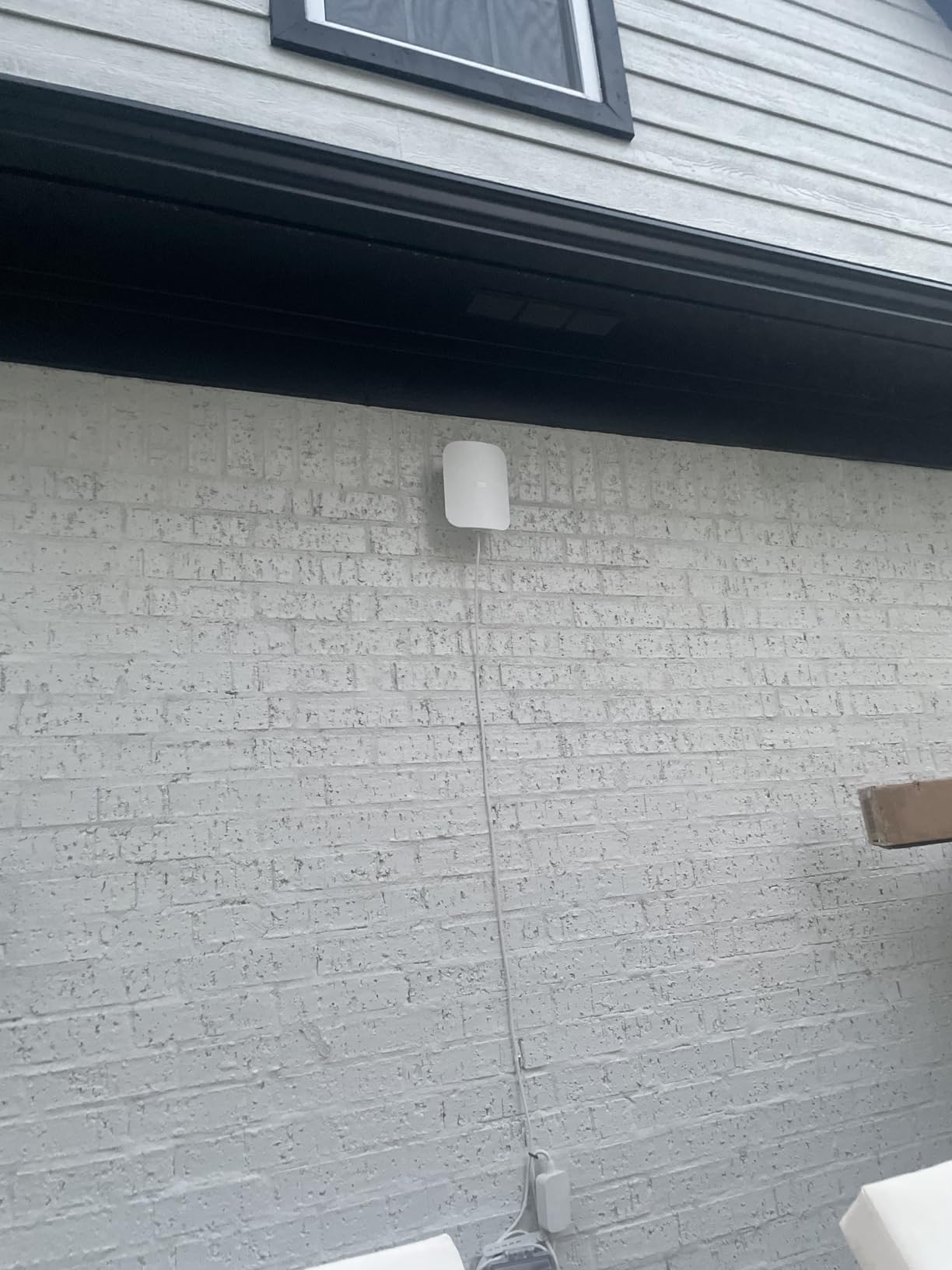
The spec sheet here is the most aggressive in the group. Up to 15,000 square feet of outdoor coverage described as a 70 foot radius, WiFi 7 with speeds to 2.1 Gbps, and an IP66 rating that holds from -40F to 131F. On paper it is the answer for an acre-plus property with a pool, a guest house, and a workshop spread across the far corner.
The 70 foot radius figure is worth pausing on, because it describes a circle around the unit rather than a shape that follows your property. Mount it on a pole near the middle of the yard and you have a real shot at most of the ground you care about. Mount it against the house and you are covering a semicircle of lawn and nothing beyond the far tree line.
Owner reviews concentrate on three things: how easy the app is, how well TrueRoam holds connections while you walk, and whether the outdoor rating survives a full year of exposure. The eero app onboarding is the simplest in our group, and backward compatibility with earlier eero units means a household that already runs eero inside can extend outward without rebuilding anything.
Device capacity is a genuine strength here. With support for 100+ connections, this is one of the few units in our list that comfortably handles a property with several outdoor cameras, smart irrigation controllers, pool automation, and multiple phones and tablets all connecting at once.
What to check before you buy the eero Outdoor 7
Check the power situation at your intended mounting point. It accepts both AC and PoE plus, and a 30W PoE plus adapter is included, which covers most installations. If you plan to run a second unit more than 100 feet from the router, verify the Ethernet run before committing, since PoE over long cable lengths is where outdoor installs usually go wrong.
Also weigh how much you value the newer WiFi 7 standard. The hardware is fast, but the client devices that exploit those speeds are still thin on the ground, so most households with current phones and laptops will see a smaller real gain than the headline number suggests. The practical benefit is headroom, not immediate speed.
Where the eero Outdoor 7 falls short
Cost is the first constraint, and it is a real one. This is the priciest unit we covered, and for a yard that measures 10,000 square feet instead of 15,000 you can often get comparable coverage from a mid-range outdoor access point and spend the difference on outdoor-rated cable and a proper PoE injector.
The optional eero Plus subscription for advanced security is the second limitation, and it applies more to businesses than to homes. There is also a single Ethernet path rather than a multi-port design, so if you want to hardwire a camera directly into the unit you will need a separate switch or a second cable run.
3. WAVLINK AX1800 Outdoor: Best Value Long-Range Outdoor Extender
2026 WAVLINK AX1800 Outdoor WiFi 6 Extender Long Range, IP67 Weatherproof
AX1800 WiFi 6
IP67 weatherproof
4 x 8dBi antennas
300m line of sight radius
Pros
- IP67 rating handles driving rain and temporary immersion
- Four 8dBi fiberglass antennas give real reach
- 6kV lightning and 15kV ESD protection built in
- Works with Starlink through an Ethernet adapter
- Active and passive PoE both supported
Cons
- PoE converter is not weatherproof and stays indoors
- Mesh mode only pairs with other WAVLINK units
- Reports of occasional resets and a few early failures
This is the unit we would hand to a farmer covering a barn and a workshop 300 metres from the house, or to anyone with Starlink who needs to push a signal to a far corner of a property. The headline is the antenna array: four 8dBi omnidirectional fiberglass antennas, which is as much gain as you will find on a consumer outdoor unit.
Underneath, it is AX1800, splitting into 1201 Mbps on 5 GHz and 574 Mbps on 2.4 GHz, with MU-MIMO and OFDMA enabled. The listed range is a 300 metre radius under line of sight, and the enclosure carries an IP67 rating with a -20C to 50C operating range. Device capacity tops out at 256 connections.
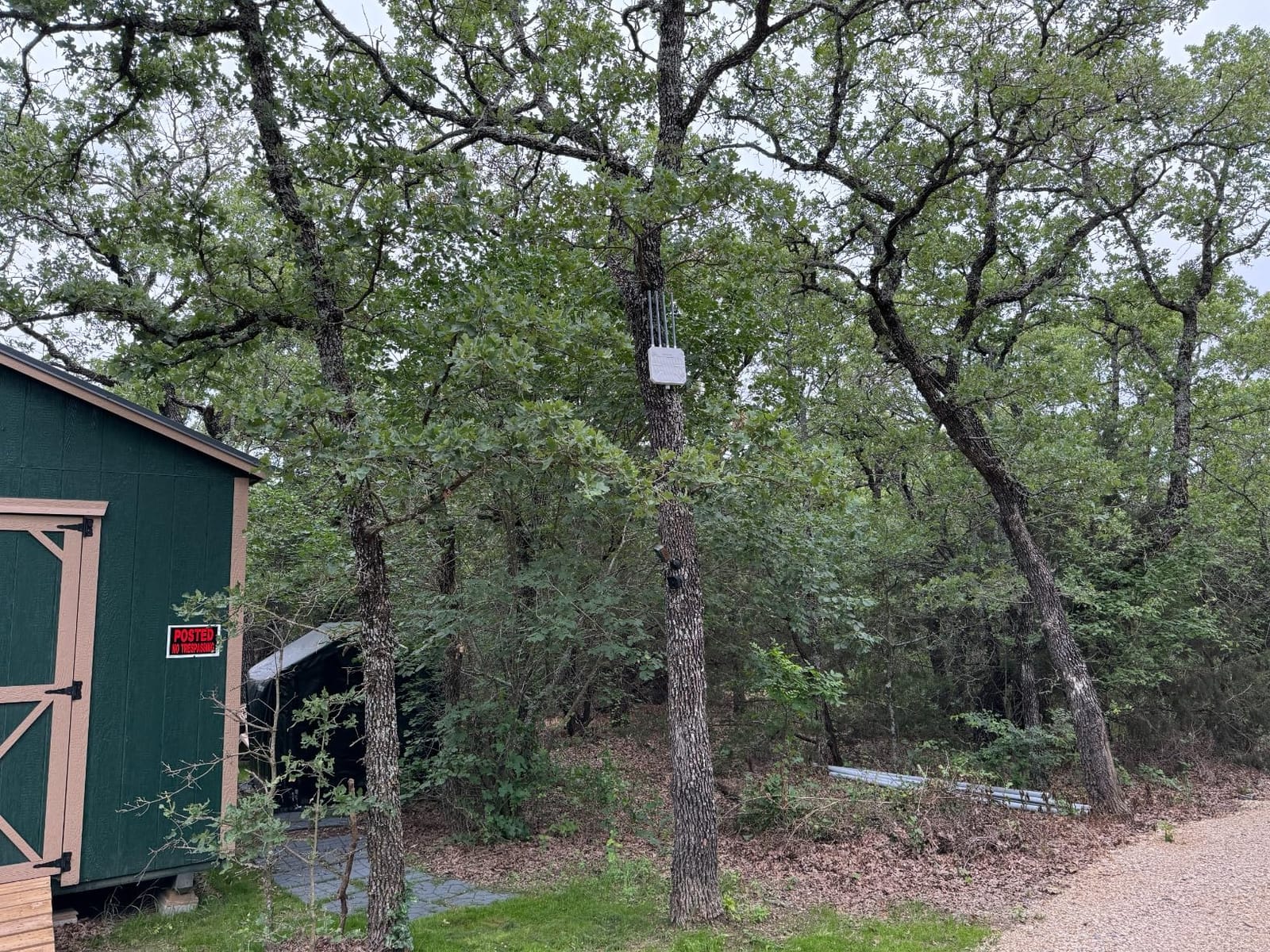
What makes this one interesting is the mode flexibility. It runs as a mesh node, a standalone access point, a router, a repeater, or a combined access point and repeater, which means it can act as the bridge between a house router and a distant building rather than simply repeating a signal. That is the configuration most people assume an extender does automatically, and having it as an explicit option removes a lot of guesswork.
Starlink compatibility is called out by owners who run rural internet, and it works through an Ethernet adapter rather than natively. The box includes a 54V power adapter, a PoE converter, an Ethernet cable, mounting hardware, and cable ties, so you have most of what you need to complete the install in one trip.
What to check before you buy the WAVLINK AX1800
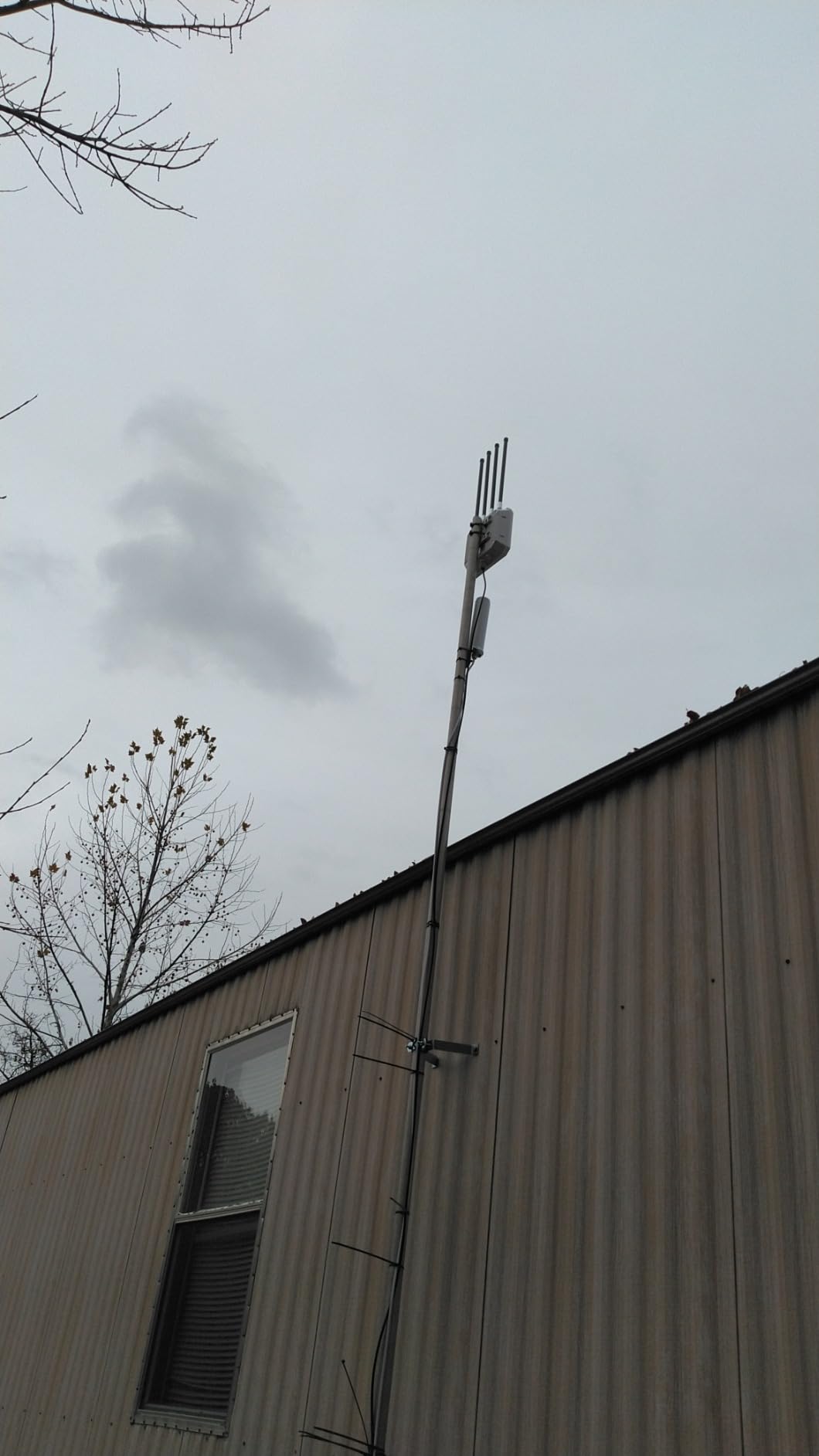
Size up the physical footprint first. At 3.5 by 13 by 17.64 inches and roughly 2.26 kg, this is a large unit with long antennas, and owners frequently mention being surprised by how much space it needs. It wants a pole, a corner of the house, or a dedicated bracket, not a small soffit.
Confirm your mounting point has clear sightlines. Four 8dBi antennas in all directions will not bend around a metal barn wall, a dense hedge, or a stand of mature trees. The 300 metre figure assumes open air, and the difference between open and obstructed ground is the whole ballgame on a property this size.
Where the WAVLINK AX1800 falls short
Reliability is the main concern in owner feedback. A number of reviewers describe needing an occasional reset, and a small number report units failing entirely after several months outdoors. That is worth weighing against the two-year warranty, and it is a fair reason to buy a spare or to keep an eye on the unit after the first season of storms.
The other limitation is ecosystem. The mesh mode only pairs with other WAVLINK products, so if your goal is seamless roaming with an existing network from a different brand, this will not do it. The included PoE converter is also an indoor component, so it needs a dry location within cable reach of the unit.
4. TP-Link EAP225-Outdoor: Best Budget Outdoor Access Point
Omada AC1200 Outdoor Wireless Access Point, w/PoE Injector(EAP225-Outdoor)
AC1200 dual-band WiFi 5
IP65 weatherproof
10/100 LAN port
Lifetime warranty
Pros
- Entry-level cost for basic outdoor coverage
- IP65 enclosure with a lifetime hardware warranty
- Omada SDN integration when you need central management
- Accepts 802.3af
- 802.3at
- and passive PoE
Cons
- Wi-Fi 5 only
- no WiFi 6 or 7
- Single 10/100 Ethernet port limits wired backhaul
- Mesh and roaming need an Omada controller
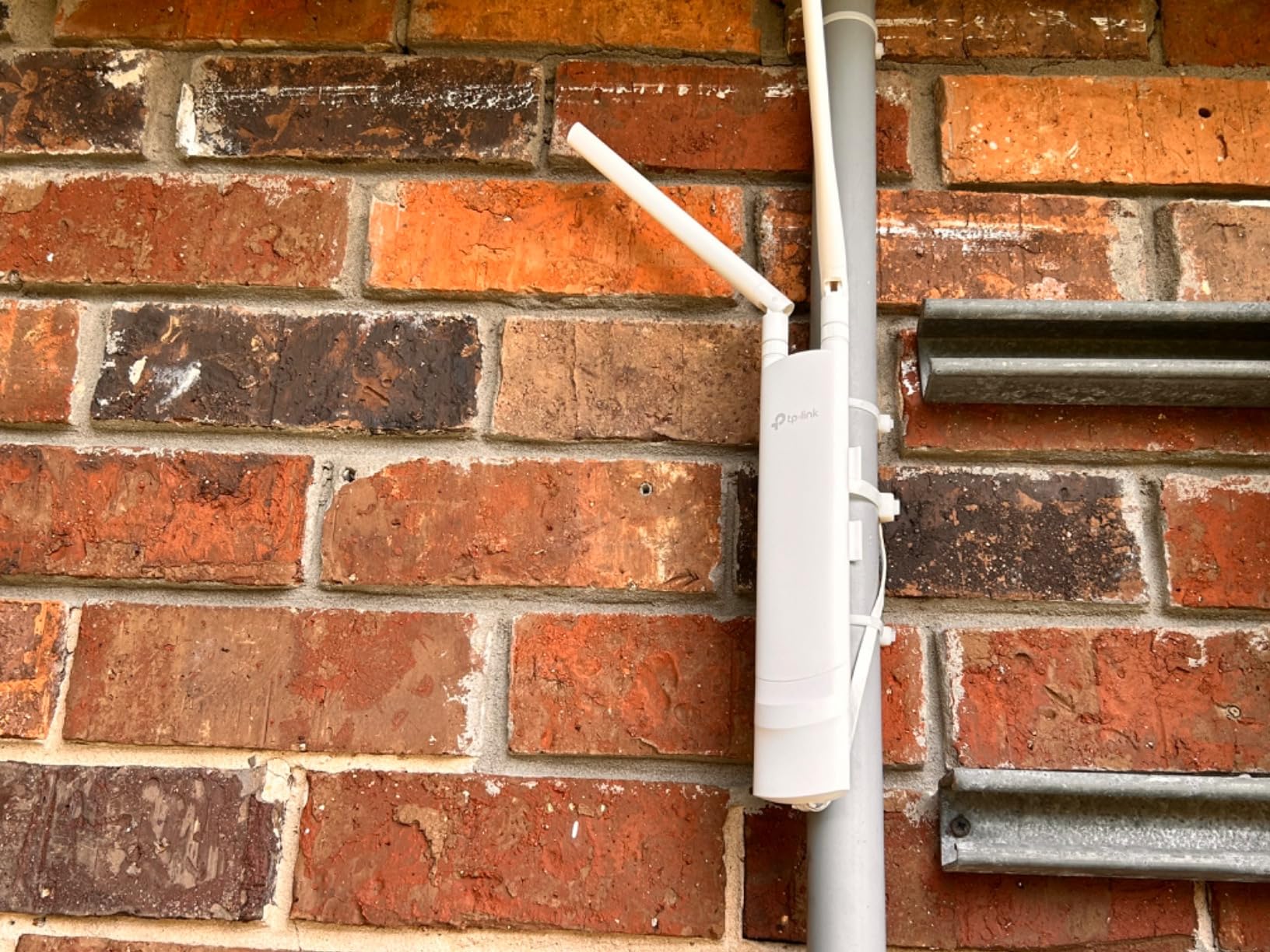
With 4,459 reviews behind it, this is the most proven outdoor unit in the group by a wide margin, and it is also the least expensive of the ten. It is a Wi-Fi 5 AC1200 access point rated IP65, intended for covering a patio, a garage, a pool area, or a shed without breaking the bank on hardware you will eventually replace.
The speed split is 867 Mbps on 5 GHz and 300 Mbps on 2.4 GHz, with 802.11ac Wave 2 MU-MIMO. The listing cites 200m plus range on 2.4 GHz and 300m plus on 5 GHz outdoors, and 128 MB of RAM with up to 16 SSIDs, eight per band. It weighs just 5.92 ounces, which makes it the easiest unit in the set to mount anywhere.
What earns it a place here despite the older standard is the sheer volume of long-term owner reports. Units that have been exposed for five or more seasons without failing are hard to argue with, and the longest warranty commitment in the group. Owners running cameras, smart plugs, and irrigation controllers report that it does exactly that job without drama.
It also works standalone or controller-managed. If you are not ready to run a full network management platform, the basic AP mode is perfectly capable, and you can adopt Omada later without replacing the hardware.
What to check before you buy the EAP225-Outdoor
Check whether you need wired speed from the unit. The single Ethernet port is limited to 10/100 Mbps, which is adequate for basic coverage but becomes a bottleneck for a wired camera, a smart TV in a pool house, or any plan involving a 2.5GbE uplink. That single limitation is the main reason not to buy it for a very large property.
Then check your ecosystem expectations. Mesh, seamless roaming, and band steering are advertised features, but they require an Omada SDN controller. Without one, you are running a good outdoor access point without the roaming behaviour that makes outdoor coverage feel seamless.
Where the EAP225-Outdoor falls short
Wi-Fi 5 is the defining compromise. New client devices increasingly lean on features that arrived with Wi-Fi 6 and 7, so you are buying yesterday’s standard with a strong track record. For a yard full of sensors and cameras, that is still the right trade. For a patio where you intend to stream 4K video, it is not.
The reported coverage figure of 314,159 square metres is an area calculation, not a radius, and it assumes open air. Dense tree cover, a slope, or a fence line between the router and the unit will cut that dramatically, and no amount of spec-sheet range changes that physics.
5. TP-Link EAP650-Outdoor: Best for Business Yards and Long Ethernet Runs
Omada AX3000 Outdoor Wireless Access Point, w/PoE Injector(EAP650-Outdoor)
AX3000 dual-band WiFi 6
IP67 weatherproof enclosure
6 ports including 10G LAN
0.8 kg
Pros
- IP67 enclosure matching the toughest ratings in the group
- Six ports including a 10G LAN for multi-device yards
- WPA3 support with rogue-type enterprise security
- Omada SDN for central management
- Limited lifetime warranty
Cons
- Advanced features such as mesh and roaming need an Omada controller
- Passive PoE only rather than 802.3at
- Newer model with a shorter review history
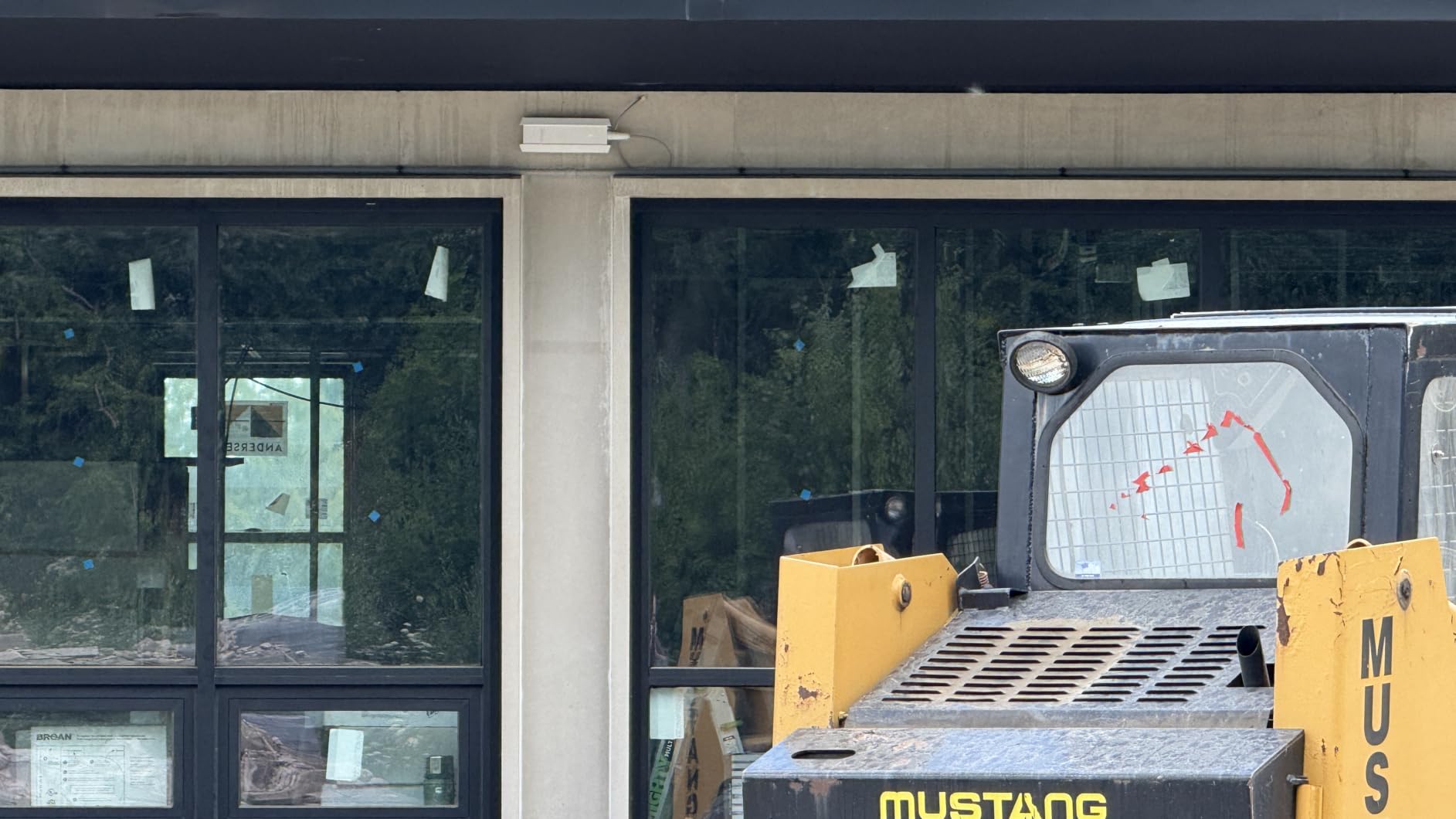
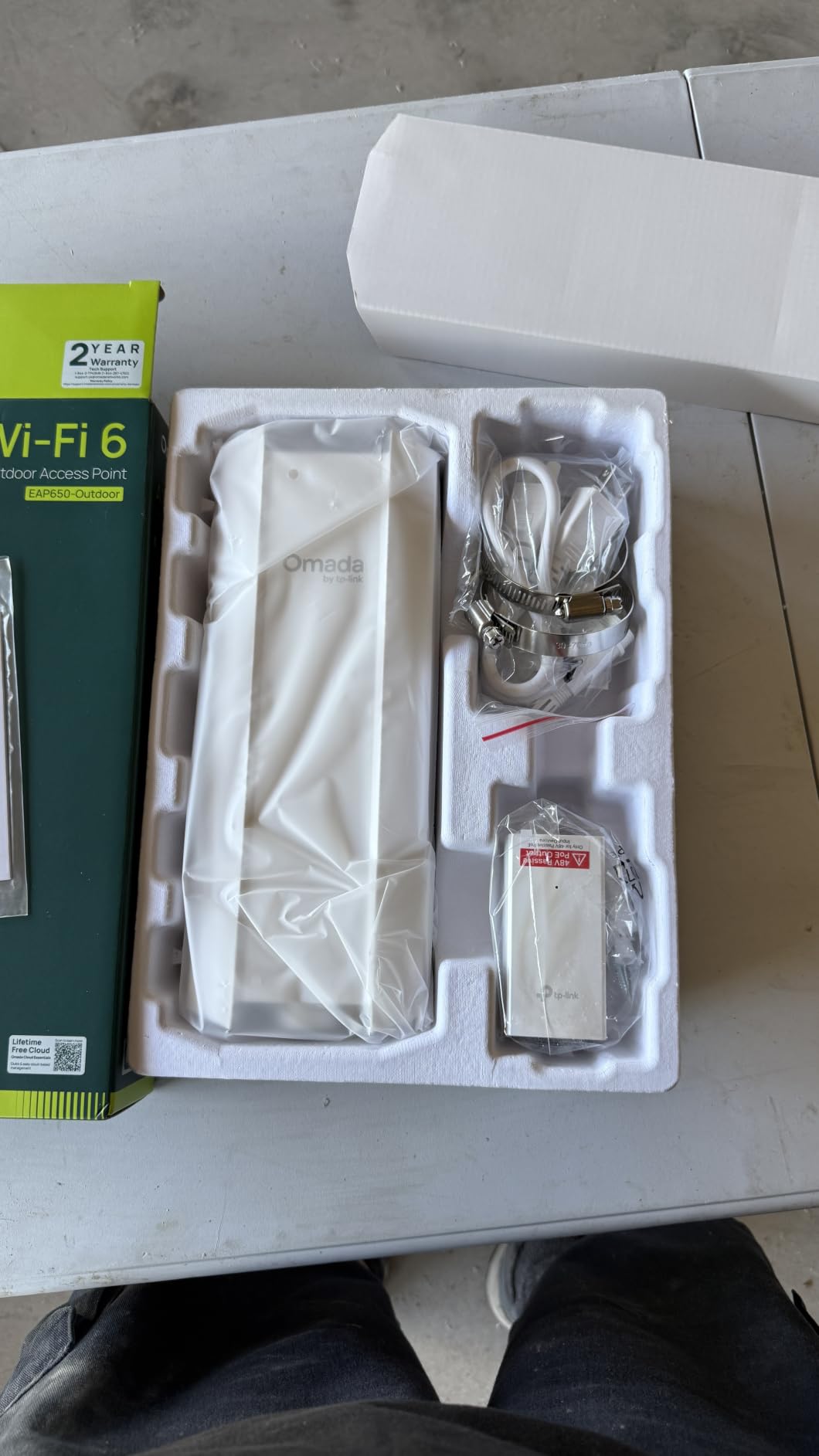
This is the unit to look at when the yard is really a small commercial site. A restaurant patio, a winery lawn, a yard with several buildings, or a property where you are hardwiring multiple devices. The port count is the headline: six ports with a 10G LAN, which means you can wire cameras, a PoE switch, and a second uplink from a single outdoor box.
Wireless performance is AX3000, splitting into 2402 Mbps on 5 GHz and 574 Mbps on 2.4 GHz, using 1024-QAM, HE60, and long OFDM symbols. The enclosure is IP67, better than the IP65 common in this category, and security includes WPA3 alongside Omada features like load balancing, airtime fairness, and band steering. The listed coverage is 3,500 square feet, with a maximum upstream rate of 1500 Mbps.
The 10G port matters more than it first appears. Most yard problems on a busy property are not wireless problems at all, they are uplink bottlenecks, and having headroom on the wired side removes a whole category of troubleshooting. It also means the unit can serve a wired backhaul toward a second building instead of being forced to rely on a wireless repeater hop.
Owners running small businesses and larger homes point to the Omada integration as the deciding factor. Once the unit is adopted into an Omada controller, you can manage it alongside indoor access points, set SSIDs centrally, and get the seamless roaming behaviour that the standalone mode does not provide.
What to check before you buy the EAP650-Outdoor
Check your PoE source carefully. This unit ships with a passive PoE adapter, which is not the same as 802.3at or 802.3af standard PoE. If you intend to power it from a standard PoE switch, verify compatibility before you start, because passive and active PoE are not interchangeable on every switch.
Also budget for the controller if you want the full feature set. Mesh, seamless roaming, and band steering all require Omada SDN. The hardware free-standing mode is good, but you are paying for capability that stays locked until you add the software layer.
Where the EAP650-Outdoor falls short
The review history is shorter than the AC1200 model, at 377 reviews against 4,459, so long-term outdoor durability is less well documented. That matters for a unit intended to sit through many seasons of rain and sun, and it is a legitimate reason to favour the older model if proven longevity is your priority.
At 0.8 kg it is also a substantial unit, and the listed coverage of 3,500 square feet is modest for the class. For a very wide property you will want two units with directional placement rather than one unit trying to cover everything, which changes the wiring plan significantly.
6. WAVLINK BE5100 Outdoor: Best for the Widest Yards with WiFi 7
WAVLINK WiFi 7 BE5100 Outdoor WiFi Extender
BE5100 WiFi 7 4-stream
IP67 waterproof
2.5 Gbps Ethernet port
4 detachable 8dBi antennas
Pros
- Highest wireless throughput in the group at 5100 Mbps
- 2.5 Gbps Ethernet port removes uplink bottlenecks
- Four detachable 8dBi fiberglass antennas
- IP67 with 15KV ESD and 6KV lightning protection
- Up to 256 device connections
Cons
- Most expensive outdoor repeater here
- WiFi 7 client devices are still limited today
- Mesh mode only works with other WAVLINK units
- PoE converter is not weatherproof
If your yard is the largest we covered and your priority is raw capability rather than a low cost, this is the most capable unit here. It runs WiFi 7 802.11be across four streams, splitting into 4323 Mbps on 5 GHz and 688 Mbps on 2.4 GHz, with a total figure of 5100 Mbps and a listed 300 metre radius.
The 2.5 Gbps Ethernet port is the detail that separates it from most outdoor repeaters. When a unit is acting as a repeater, throughput is often limited by the weakest link, and a gigabit port is frequently the limiting link. Moving to 2.5 Gbps removes that ceiling on properties wired with cat6 runs.
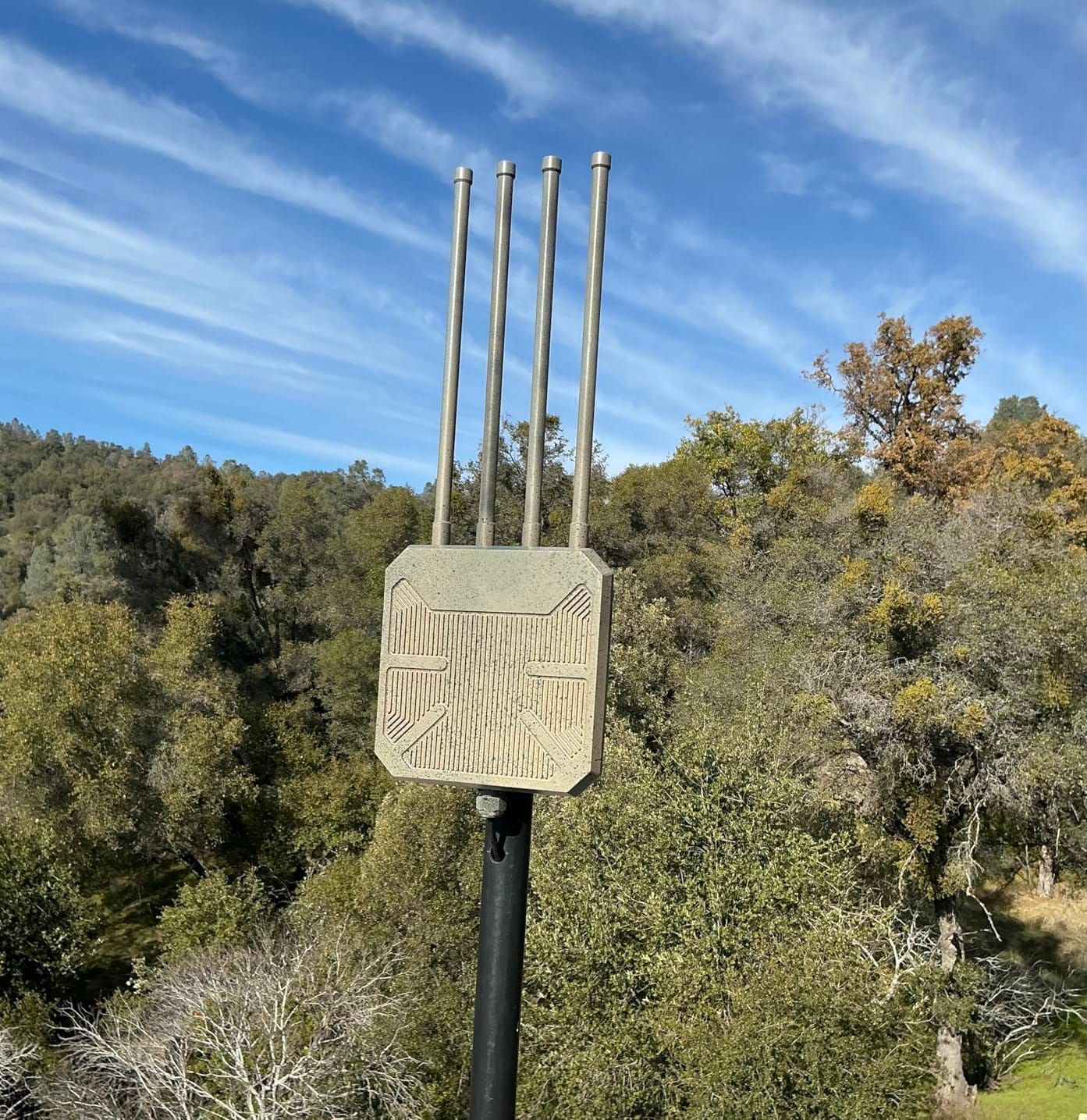
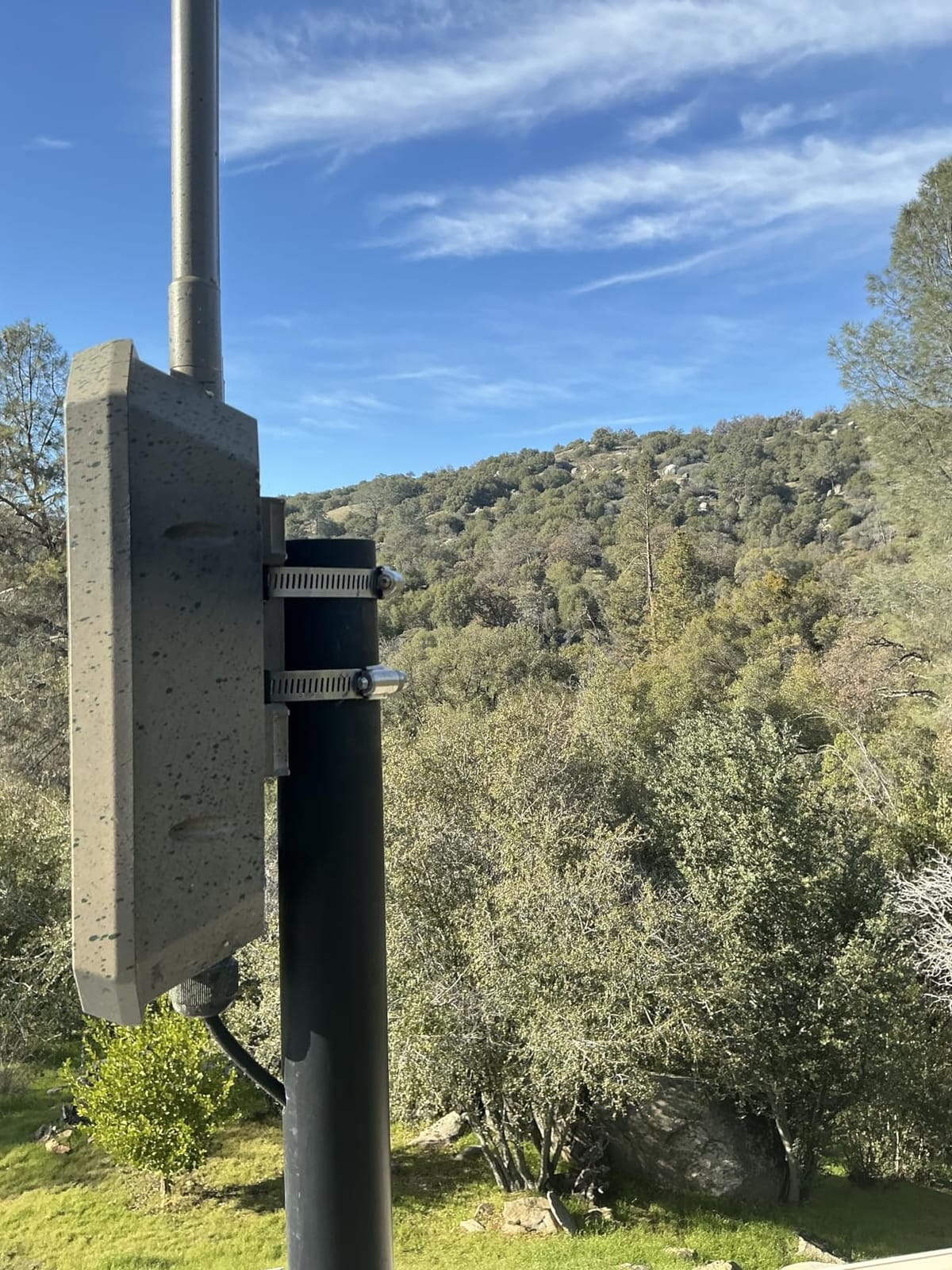
The antennas are detachable, which is a real practical advantage. Four 8dBi omnidirectional fiberglass antennas come standard, but because they unscrew you can swap in directional models if part of your property needs a narrower beam, such as a long driveway or a distant outbuilding. That flexibility is why this unit works well on a very wide site where a single coverage pattern does not fit.
Protection specs are the strongest in the group alongside the AX1800 sibling: IP67 housing, 15KV ESD protection, and 6KV lightning protection, with active and passive PoE both supported. The box includes a PoE adapter, an AC power adapter, an Ethernet cable, a wall mounting kit, and four antennas.
What to check before you buy the WAVLINK BE5100
Check what your devices can actually do with the extra speed. WiFi 7 clients are still uncommon, so most of the benefit is headroom rather than throughput you will notice today. If you are the kind of person who keeps networking hardware for many years, that headroom has real value. If you want a difference you can see this summer, it will not be here.
Check your uplink too. A 2.5 Gbps port only helps if the cable run and the switch behind it support 2.5 Gbps. On a 100 Mbps internet connection, for example, the wireless side is what matters and the port specification is largely irrelevant.
Where the WAVLINK BE5100 falls short
The price is the biggest limitation, and it sits at the top of the range among outdoor repeaters. Reviewers note that paying a premium for a standard that few client devices yet exploit is hard to justify unless you are buying for future-proofing rather than for this season.
The same ecosystem caveat applies as with the AX1800, and the PoE converter is again an indoor component. Owner feedback also reflects the usual pattern for newer models, with 328 reviews giving a shorter history than the established units, and mesh mode limited to WAVLINK gear.
7. BrosTrend AC1200 Outdoor: Best for Sheds, Garages and Budget Cable Runs
BrosTrend AC1200 Outdoor WiFi Access Point Gigabit Long Range, PoE Powered
AC1200 dual-band
IP65 with 6kV lightning protection
Gigabit Ethernet
272 g
Pros
- Gigabit Ethernet port at a budget price point
- Complete install kit with cable gaskets
- mounting bracket
- and grounding screw
- 6kV lightning and 8kV ESD protection
- Works with standard 802.3af
- at
- and bt PoE switches
- Web UI management with no controller required
Cons
- Wi-Fi 5 only
- just two 5dBi antennas
- Single Ethernet port
- Passive PoE injector limits some switch options
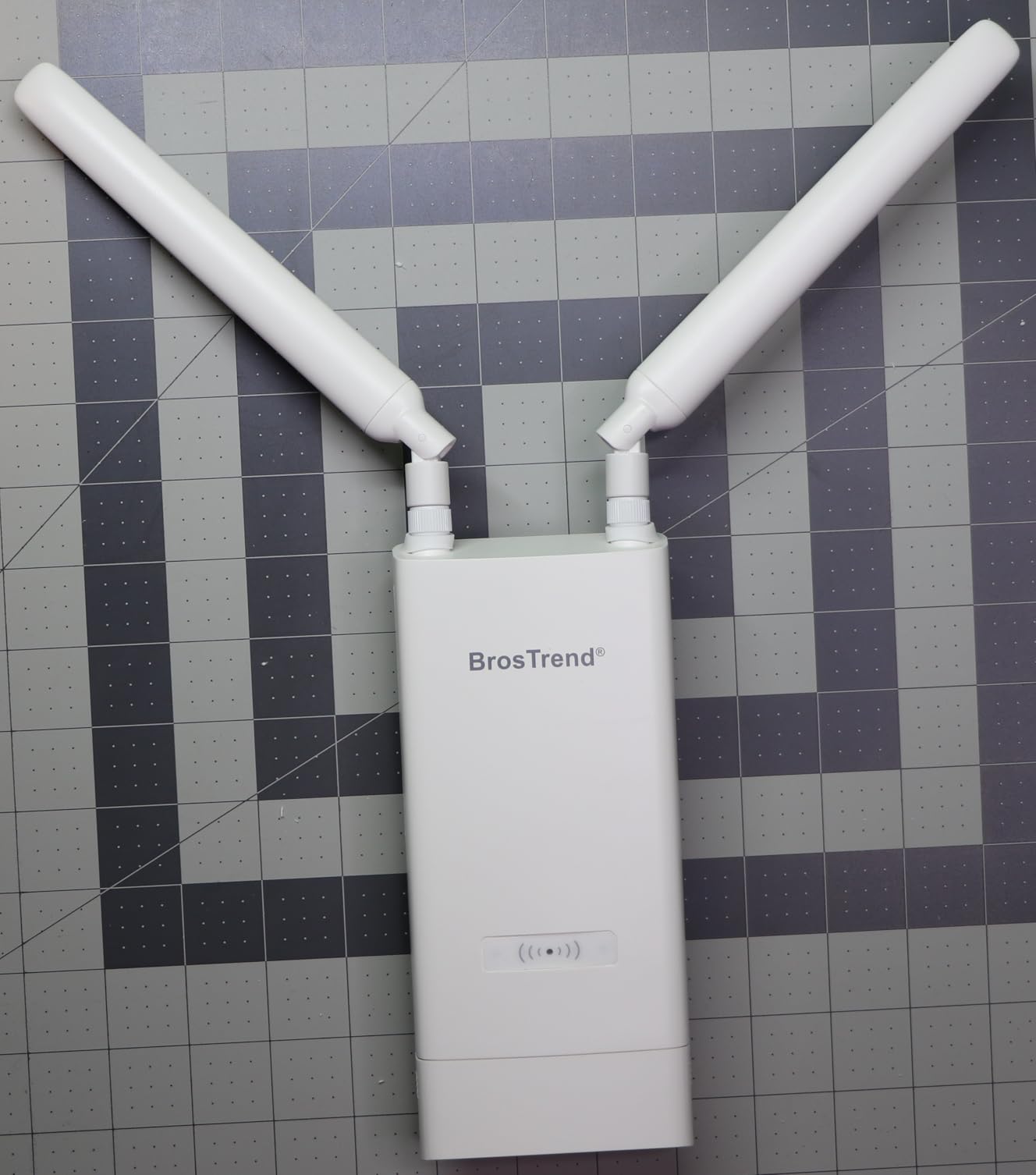
This is the answer for a detached garage or workshop sitting 150 to 200 feet from the house, where the goal is steady coverage for a workbench laptop, a smart door, and a couple of cameras rather than speed. The listed coverage is up to 656 feet, and at 272 g with dimensions of 3.27 by 3.27 by 15.24 inches it is a slim pole-mountable unit.
Wireless performance is AC1200, splitting into 867 Mbps on 5 GHz and 300 Mbps on 2.4 GHz, with 802.11ac Wave 2, 2 by 2 streams, and MU-MIMO. Two adjustable 5dBi omnidirectional antennas with beamforming do the transmitting, and the device handles up to 60 connections, which is plenty for a workshop.
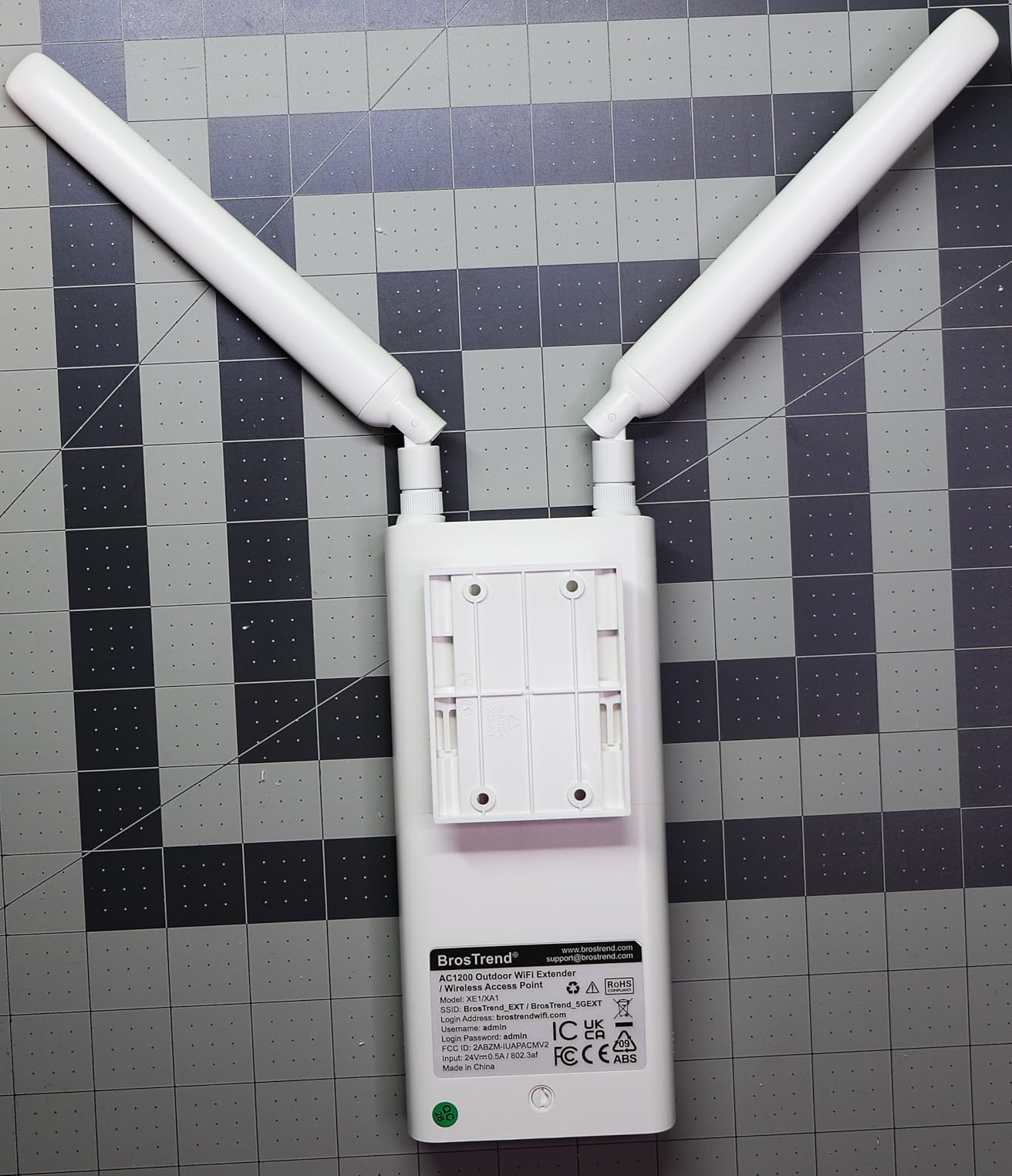
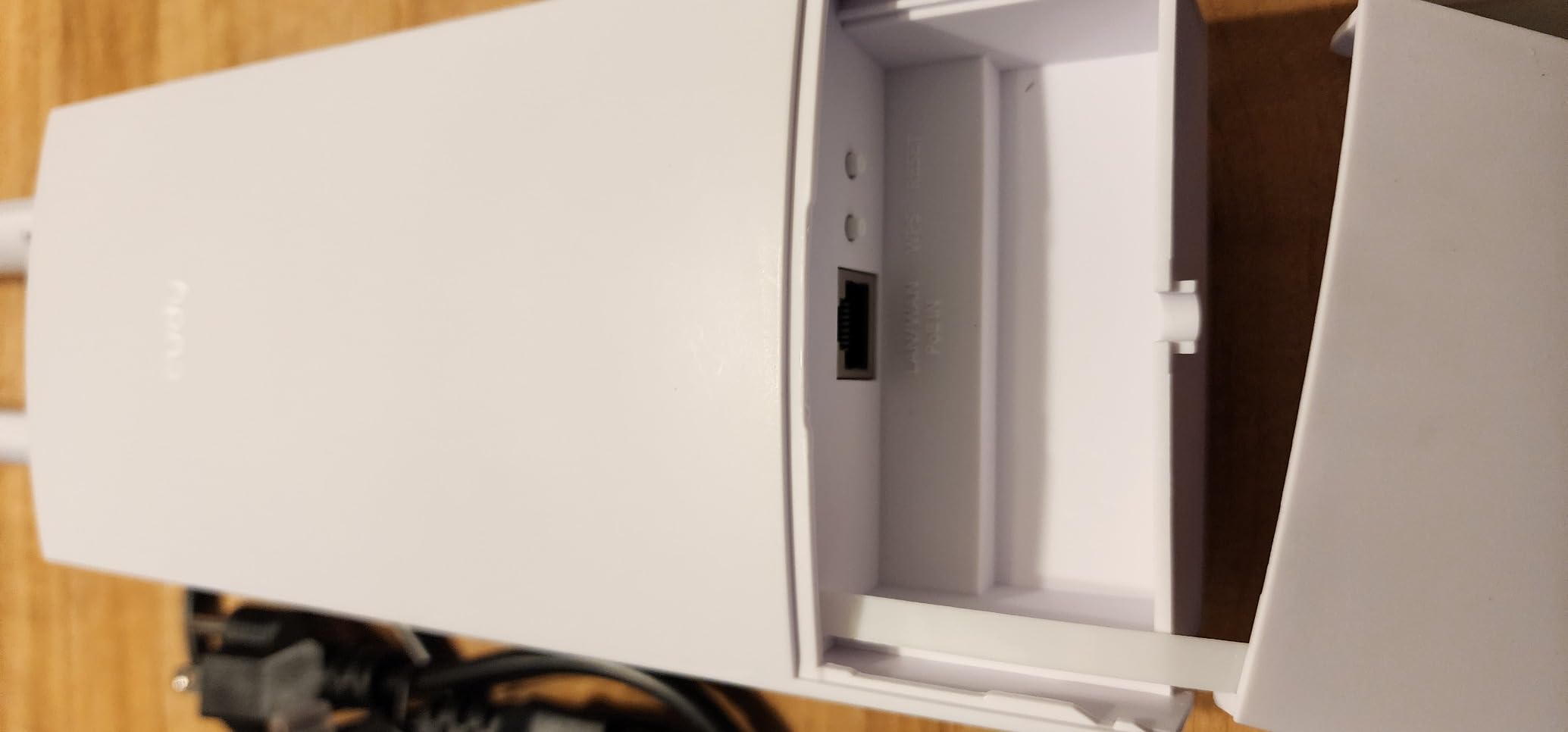
What sets this apart from the other budget unit in the group is the Gigabit port and the completeness of the kit. The box includes the passive PoE injector, two detachable waterproof antennas, pre-attached rubber gaskets, a wall bracket, an outdoor-rated Ethernet cable, cable ties, a grounding screw, an anti-theft screw, and the mounting hardware. Very few installs need a second trip to the hardware store.
Owners also like that the management runs through a plain web interface. There is no controller, no subscription, and no vendor account to create, which for someone who just wants a working access point in the shed is a genuine relief. It also supports 802.3af, 802.3at, and 802.3bt PoE switches, so if you already run a PoE switch you can skip the injector entirely.
What to check before you buy the BrosTrend AC1200
Check the run length against the injector limit. The included passive PoE injector is rated up to 164 feet, and standard PoE switches extend that to about 263 feet. Beyond that, you need a switch in the middle of the run, and that is worth knowing before you trench a 300 foot cable to a barn.
Check how many devices you need at the far end. The 60 connection limit is comfortable for a garage but tight for a property with a dozen cameras. If you are covering a whole yard rather than one building, the two-antenna configuration also gives you less reach than the four-antenna units.
Where the BrosTrend AC1200 falls short
Two 5dBi antennas is the minimum for this category, and it shows at the edge of coverage. Owners using it right at the limit of its 656 foot claim report needing to be near the unit, so the realistic number for a usable connection is well short of the headline figure once trees or a building are involved.
The passive PoE injector is the second limitation, since it will not work with every PoE source, and the single Ethernet port leaves no room for a local wired device without a switch. The review count of 246 is also on the lighter side, so the long-term outdoor record is less documented than it is for the established models.
8. Cudy AP3000 Outdoor: Best for Farm and Ranch Coverage
Cudy AX3000 High-Power Wi-Fi 6 GbE Outdoor Access Point, AP3000 Outdoor
AX3000 dual-band WiFi 6
2.5GbE port
IP65 with 6kV surge protection
2.02 lb
Pros
- WiFi 6 speeds with a 2.5GbE uplink in one unit
- 6kV surge protection on the port
- Works from -22F to 158F
- VPN server and client support across six protocols
- OpenWRT ready for custom firmware
Cons
- Antenna mounts draw some durability criticism
- Setup is less friendly for non-technical users
- OpenWRT installation is reported as difficult
- Regional plug issues in some markets
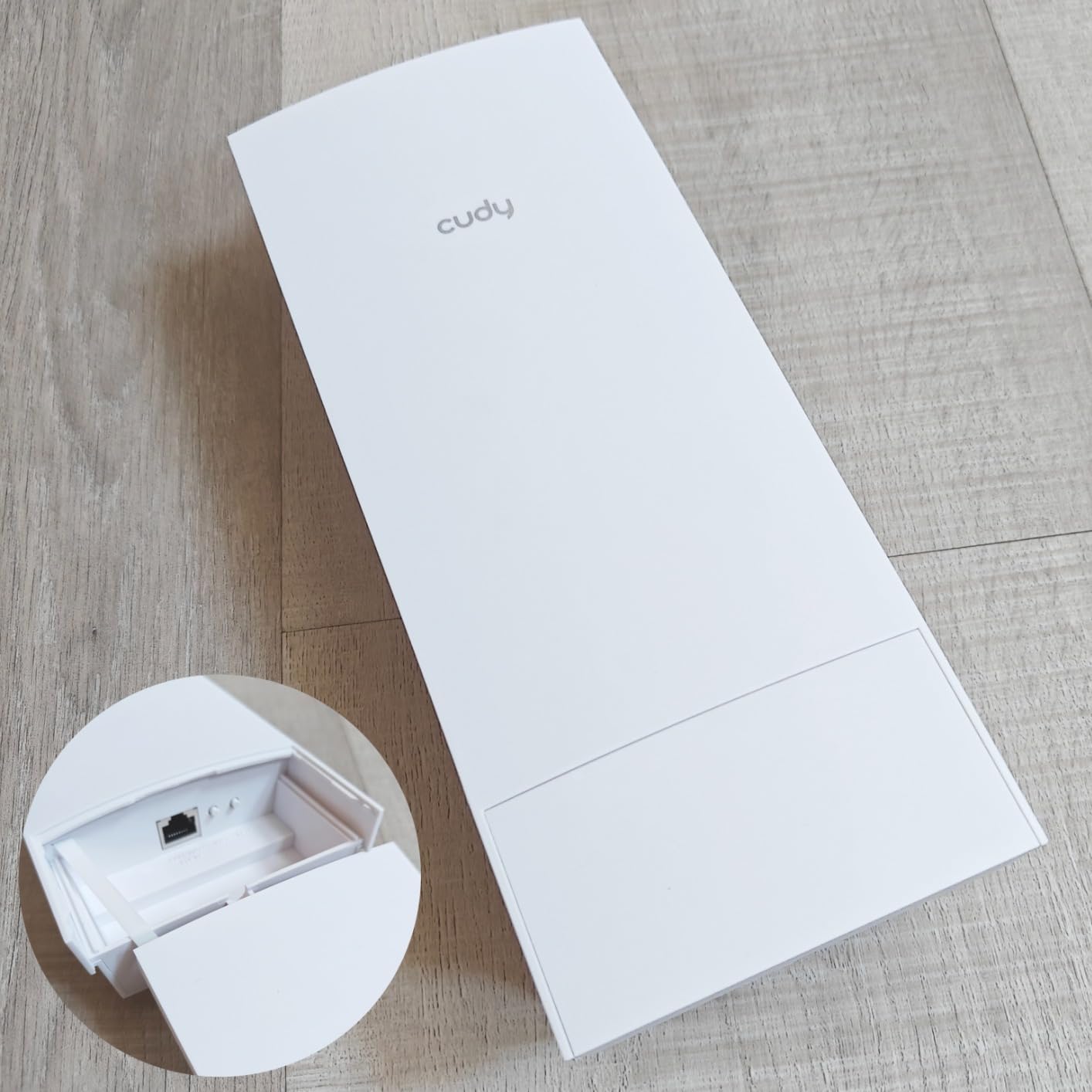
For agricultural and rural deployments, the Cudy AP3000 stands out because of the things it does that consumer units do not. It runs AX3000 WiFi 6 with 160MHz channels, provides a 2.5GbE uplink, carries an IP65 sealed enclosure rated from -22F to 158F, and includes 6kV surge protection on the port. The enclosure measures 3.94 by 2.13 by 9.45 inches and weighs 2.02 pounds.
The feature list reads like a small business access point rather than a home gadget. It supports VPN server and client roles across WireGuard, OpenVPN, IPsec, ZeroTier, PPTP, and L2TP. It is OpenWRT ready if you want to flash custom firmware. It supports multi-SSID with VLAN, client isolation, and a captive portal, and it can be managed through a C200P controller or as a standalone web interface.
OFDMA and MU-MIMO are both present, which matters when you have dozens of devices spread over a large area rather than concentrated in one room. Owners running farms, small campuses, and commercial deployments point to the multi-SSID and VLAN support as the reason it works for them, since they can put cameras, staff devices, and guests on separate networks without extra hardware.
The 2.5GbE port is the quiet advantage here too. A rural property with a 100 Mbps connection will never fill it, but a business with a gigabit symmetric line and a building-to-building run will, and it removes a reason to buy a second piece of switching gear.
What to check before you buy the Cudy AP3000
Check your technical comfort level, because this is the least hand-holding unit in the group. Owners consistently report that the initial setup is more challenging than an app-driven product, and that the OpenWRT route is difficult even for experienced users. If you want something that configures itself, look elsewhere.
Check where the PoE injector can live. The injector is included, but it is an indoor component, so you need a dry spot within cable reach of the mounting point. On a barn or a distant field pole, that means planning the run rather than discovering the limitation after the unit is already mounted.
Where the Cudy AP3000 falls short
Build quality around the antenna mounts draws the most criticism in owner reviews, with some users reporting concerns about long-term water resistance. That is a real consideration for a unit sold for outdoor agricultural use, and it is the main reason to consider a mounting position that keeps the ports and antenna bases out of direct weather where possible.
The review count of 184 is the second thinnest here, and regional plug variations have caused confusion for some buyers. If you are not comfortable tuning an access point yourself, the flexibility that makes this attractive will be wasted on you.
9. EnGenius ENH1350EXT: Best for Harsh Weather and Point-to-Point Links
EnGenius ENH1350EXT Wi-Fi 5 AC1300 Outdoor Access Point – IP67 Weatherproof, Dual-Band Long Range Extender, MU-MIMO, PoE Injector & Mounting Kit Included
AC1300 dual-band
IP67 weatherproof
4 external 5dBi SMA antennas
1.8 lb
Pros
- True IP67 rating described as military-grade protection
- Four external SMA antennas you can replace or re-aim
- Flexible modes including access point
- client bridge
- and WDS
- Complete kit with PoE injector and pole mounting brackets
- Gigabit Ethernet port
Cons
- Wi-Fi 5 only
- One-year warranty is the shortest here
- Costs more than other Wi-Fi 5 units
- Custom routing OS with dated-feeling management software
The EnGenius takes the most traditional approach in this group and is still among the most physically rugged. It carries an IP67 rating described as military-grade, four external 5dBi SMA antennas, and a body designed for permanent outdoor mounting. The antennas are the key: because they are screw-on SMA units, you can replace them or swap in directional models at any time.
Wireless performance is AC1300, splitting into 867 Mbps on 5 GHz and 400 Mbps on 2.4 GHz, with 802.11ac Wave 2 and MU-MIMO. It has a Gigabit Ethernet port, WPA2-PSK and WPA2-Enterprise support, and it runs in access point, client bridge, or WDS mode, which is what makes it useful for a house-to-barn or building-to-building link rather than simple coverage.
The kit is genuinely complete. You get a PoE injector, a 54V power adapter, a power cord, a wall-mount screw set, two 2.4 GHz 5dBi SMA antennas, two 5 GHz 5dBi SMA antennas, and two pole-mounting brackets. For a directional link across a property, swapping two of those omnidirectional antennas for 8dBi directional panels is a few minutes of work and transforms what the unit can do.
Owners with existing EnGenius deployments rate it highly because it slots into the same management approach. Security options including WPA2-Enterprise are relevant for business properties, and the 360 degree coverage with beamforming gives better edge performance than a unit with internal antennas.

What to check before you buy the EnGenius ENH1350EXT
Check that you are comfortable with a Wi-Fi 5 device in 2026. The standard is old, and new client devices are increasingly optimised for Wi-Fi 6 and later. For a barn with sensors and a couple of cameras, that hardly matters. For streaming or a large number of modern devices, it will.
Check the warranty against the alternatives. One year is the shortest in this group, and for a permanently mounted outdoor device that sees rain, sun, and freezing cycles every year, that is a meaningful gap even when the hardware itself is well built.
Where the EnGenius ENH1350EXT falls short
The 4.0 rating is the lowest in our group, and the 165 reviews are the thinnest, so there is the least community evidence about long-term behaviour. Some of that is simply age, but it does mean you are relying more on the enclosure spec and less on observed survival rates.
Management is the other limitation. EnGenius runs its own routing OS, and owners report the controller software feeling dated next to modern app-based ecosystems. If you rely on cloud management or want a polished mobile experience, that is where you will feel it.
10. NETGEAR WAX610Y: Best for Managed Business and Campus Networks
NETGEAR WiFi 6 Wireless Outdoor Access Point (WAX610Y)
AX1800 dual-band WiFi 6
IP55 weatherproof
2.5G Ethernet PoE plus
2.8 lb
Pros
- 2.5GbE PoE plus port for a high-speed uplink
- NETGEAR Insight cloud management included for a year
- WiFi 6 AX1800 with 1201 Mbps upstream
- WPA3 plus network and client isolation
- Up to 200 client devices
- Limited lifetime hardware warranty
Cons
- IP55 rating is lower than the IP65 and IP67 units
- Single Ethernet port with no secondary fallback
- Internal antennas limit reach versus external models
- Insight subscription needed after the first year
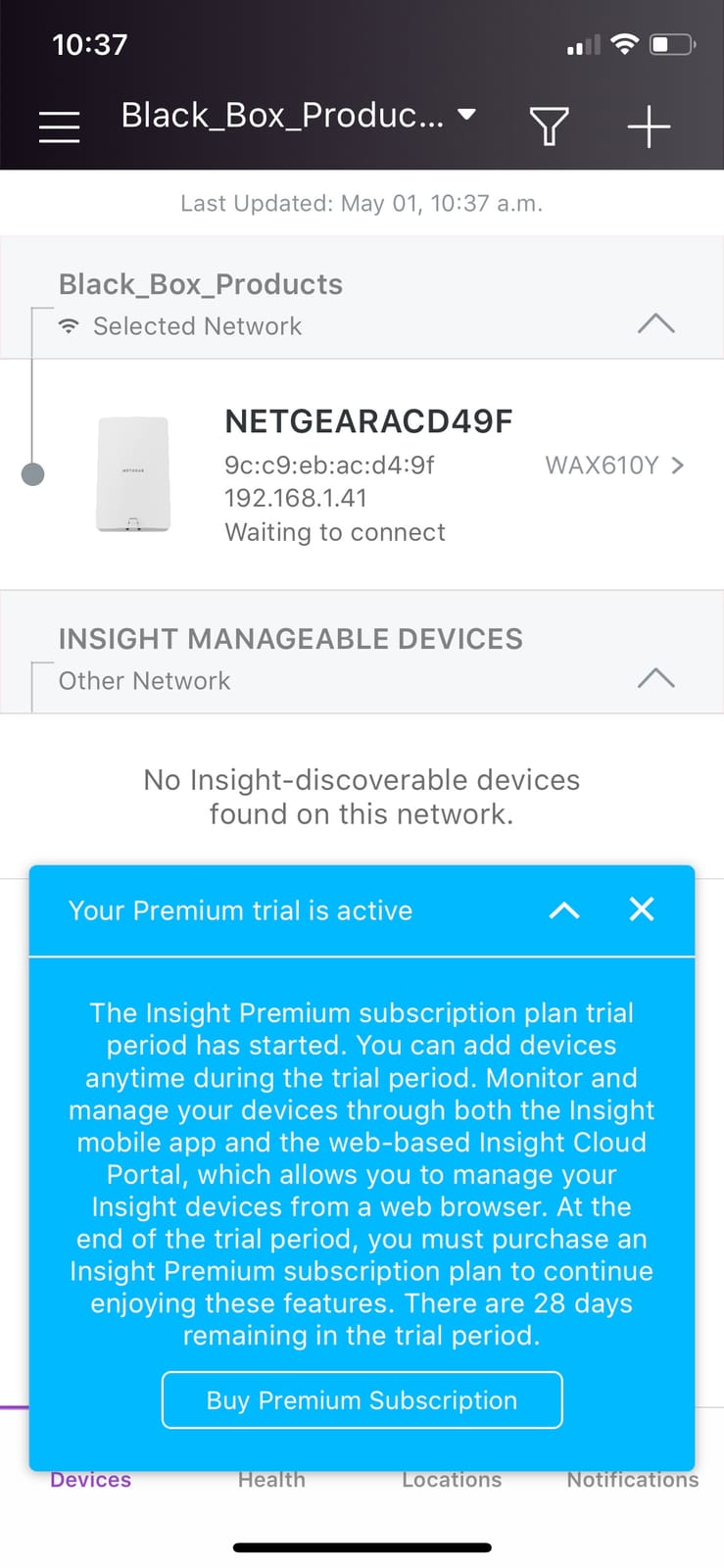
The WAX610Y is the pick when coverage is one requirement and network management is the actual job. It runs AX1800 dual-band Wi-Fi 6 with a 1201 Mbps upstream rate, carries a 2.5GbE PoE plus port, handles up to 200 client devices, and comes under NETGEAR Insight remote management with a year included.
Security tooling is the strongest part of the package for a shared or public space. It supports WPA3, network and client isolation, rogue access point detection, 8 SSIDs with VLAN support, load balancing, band steering, and assisted roaming. The listed coverage is 2,500 square feet, and pole and wall mounting kits are included with a limited lifetime hardware warranty.
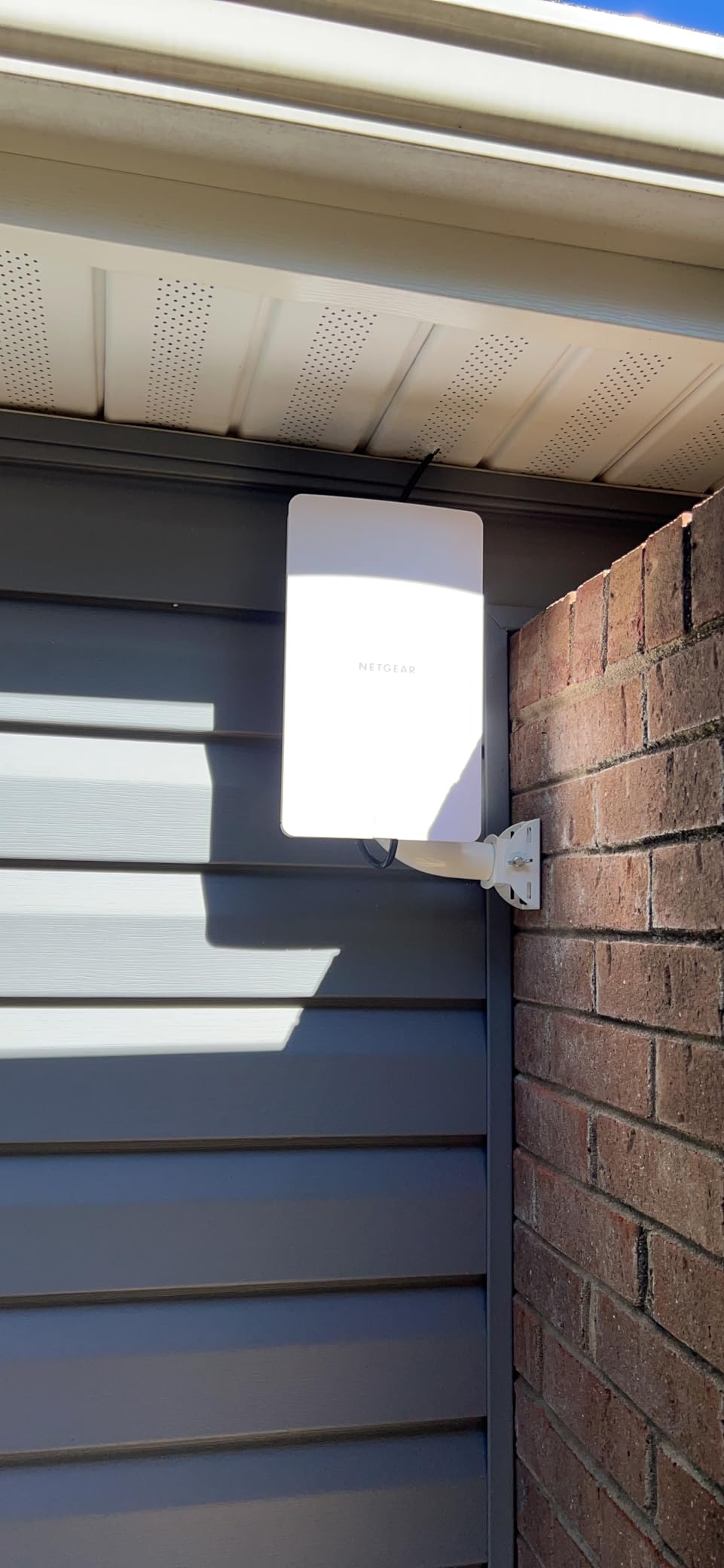
It is also the tidiest install here, weighing 2.8 pounds with no external antennas to aim or weatherproof. That simplicity has real value on a building facade or a parking structure where exposed antenna connectors would be a maintenance liability. Owners running small businesses and hospitality sites report that Insight setup and ongoing monitoring work well for staff who are not network engineers.
The 200 device capacity covers a busy patio, a car park, or a small courtyard with cameras and guest devices comfortably, and the 2.5G port means the uplink will not become the limiting factor on a site with a fast connection.
What to check before you buy the NETGEAR WAX610Y
Check the IP rating against your exposure. IP55 protects against dust and water spray, which suits a sheltered wall or an eave, but it is the weakest rating in this group. Fully exposed pole mounting through driving rain, or any location where water can sit on the housing, calls for an IP65 or IP67 unit instead.
Check the antenna situation too. These are internal antennas, so there is nothing to re-aim. For a narrow property where you want a focused beam down a long driveway, a unit with external antennas gives you far more control over the coverage shape.
Where the NETGEAR WAX610Y falls short
IP55 is the headline weakness, and it is a genuine limitation for a product sold as outdoor. The 141 reviews are the fewest in the group, and owners note the Insight subscription after the first year as a cost that arrives later rather than at purchase.
There is also a single Ethernet port, so there is no fallback link if the 2.5G run fails, and no local ports for hardwired cameras. For a home backyard this is fine. For a public-facing space where availability matters, the redundancy of a multi-port unit would be a better fit.
Yard Size to Coverage: What Actually Reaches Your Property
Marketing language treats every yard the same, but coverage scales with area in a predictable way, and matching your property size to the right hardware saves you from either overspending or being disappointed. The table below maps common yard and property sizes to the type of unit that genuinely covers them, rather than the type that covers them on a clear day with nothing in the way.
The pattern is straightforward. Up to about 5,000 square feet, one IP65 access point with a wired Ethernet backhaul handles the whole area comfortably. Beyond that, the math works against a single unit and you should be adding a second node or switching to external high-gain antennas, because a unit with 8dBi antennas mounted at the right height covers a much larger area than the same unit mounted on a soffit.
Past roughly 2 acres, the honest answer is that no single consumer outdoor extender is the right tool. Multi-unit placement, directional antennas, or a point-to-point bridge between buildings becomes necessary, and that is a different category of project with different expectations.
Obstacles change the picture as much as area does. Mature tree cover, a solid wood fence, a slope, and a metal-sided outbuilding each cut range in their own way, and two of those combined will undo a spec-sheet range claim entirely. Map your property for line of sight before buying, not after mounting.
One useful number to hold onto: the outdoor units here that cite a 300 metre radius assume line of sight in open air. Anything solid in the path halves that, and anything dense cuts it far more. Owners on the outdoor networking forums say the same thing repeatedly, and it matches what we saw in the reviews, that mounting height and sightlines determine success more than the model on the box.
Indoor Extender vs Outdoor Access Point: What You Are Really Buying
An indoor WiFi extender receives your router’s signal over the air and rebroadcasts it, usually on a separate network name. It halves your throughput because the radio is used twice, it needs a mains outlet, and it has no meaningful weather protection. That is a legitimate product for extending coverage to the other side of a hallway.
An outdoor access point is a different device. It connects back to your router over Ethernet, and then broadcasts that wired connection as Wi-Fi outdoors. Because the link to the router is wired, throughput is not halved, and because the enclosure is sealed and rated for weather, it can live on a pole or a wall year round.
The confusion between these two categories causes most of the disappointment we read about. Buyers purchase a plastic indoor repeater because the listing says it extends range, mount it near a window facing the yard, and then find it struggles through wind-driven rain and refuses to reach beyond a modest distance. That is not a defective product. It is the wrong category for the job.
There is a third option that suits large yards particularly well: a repeater with both wireless and wired modes. Several of the units here run access point, repeater, router, and combined modes. In repeater mode, the unit picks up your existing Wi-Fi and extends it without a cable, which is the only configuration that works when there is genuinely nowhere to run Ethernet. In access point mode, it performs much better, and you should use that wherever your property allows.
The practical rule we would apply is simple. If you can run a cable, run a cable. Every wired installation we saw perform better than its wireless equivalent, both in speed and in stability, and the wired approach also gives you a cleaner security story because you are not relaying your password over the air on every hop.
How to Install an Outdoor Extender for Maximum Range
Mount the unit high and in the open. Owners who succeed place units on a pole or the upper part of a wall, above fence height and above most shrub growth. Units mounted at waist height behind a hedge lose most of their apparent range because the foliage absorbs the signal before it reaches your devices.
Check line of sight from the unit to the router, and from the unit to the area you want covered. Those are two different lines of sight, and the second one is the one people forget. A unit can see the house perfectly and still be unable to reach the far corner of the property, which is where a second node or a directional antenna solves the problem.
Plan the Ethernet run before you mount anything. Most of the units here accept standard PoE over cat5e or cat6, but you need outdoor-rated cable, a weatherproof connector at each end, and a plan for where the injector sits, since it is an indoor component. On a run past 164 feet, check whether your injector supports that distance or whether you need a PoE switch closer to the unit.
Think about surge and lightning protection before the first storm. Several units here carry 6kV lightning and 8kV to 15kV ESD protection, which is reassuring but not a substitute for grounding. The units that include a grounding screw, like the BrosTrend, give you somewhere to attach it. Running cable overhead or on a long fence line without grounding is where damage actually happens.
Finally, set the channel plan deliberately if you run more than one outdoor unit. Overlapping units on the same channels interfere with each other, and using different channels for the 2.4 GHz and 5 GHz bands, with the 2.4 GHz band set to 20MHz width for reach, gives noticeably better results on a wide property.
8 Specs That Matter for Large Yard WiFi
The first spec is the IP weatherproof rating. IP65 handles dust and water jets from any direction, IP67 adds protection against temporary immersion, and IP68 is for continuous submersion. For a pole-mounted unit in an open yard, we would not go below IP67, because rainfall driving against the housing for hours is a harsher test than a splash.
Second is PoE support, and it matters more for outdoor use than anywhere else. A single cable carrying both power and data removes the need for a mains outlet at the top of a pole, which in practice means you can mount the unit anywhere on the property rather than only where an electrician can reach.
Third is antenna gain and antenna type. The 8dBi external antennas on the WAVLINK units represent roughly eight times the signal power of a 1dBi internal antenna in a given direction, though the real-world gain is smaller once ground reflections and interference are considered. External and detachable is better, because it lets you re-aim later.
Fourth is the Wi-Fi standard. Wi-Fi 6 is the sensible floor in 2026, with Wi-Fi 7 worth it if you expect to keep the hardware for years. The trap is assuming an AX number describes single-device speed. AX3000 is a combined figure across both bands, and one device connecting on 5 GHz will see roughly a third of it.
Fifth is Ethernet speed on the uplink. A 10/100 port, as on the AC1200 outdoor access point, is enough for coverage but caps your backhaul. A gigabit port is a reasonable expectation, and 2.5GbE, as on the Cudy and WAVLINK BE5100, removes the ceiling for multi-device yards.
Sixth is device capacity. Sixty connections covers a garage, 100 to 128 covers a busy house yard, and 200 or more is what you want for cameras, irrigation, pool equipment, and guests all at once. Underestimating this is a common reason a property ends up needing a second unit.
Seventh is mesh compatibility and roaming. If your outdoor unit broadcasts a separate network name, your phone will not walk between the house and the yard on its own, which is the most common complaint in the forums we read. Units that join an existing mesh, or that support a controller-managed roaming mode, solve this properly.
Eighth is the management platform. App-based management suits a household, while controller-based platforms suit anyone with several units, VLANs, or a need to see every connected device. Both are legitimate; buying hardware that requires a platform you will never set up is not.
When You Do Not Need an Extender at All
If the problem is a large house rather than a large yard, an outdoor unit is the wrong purchase. Running a wall through an outdoor location to cover indoor space is expensive and pointless, and indoor mesh nodes are designed for exactly that problem. Our guide to the best mesh WiFi systems for large homes covers that scenario in full.
If you need to reach a single building 150 to 200 feet away, a point-to-point bridge is usually the correct answer, and it is what the networking forums recommend most consistently. Two units facing each other with directional antennas deliver a wired-speed link, which is faster and far more stable than stretching a single access point to cover the same distance. The EnGenius client bridge mode and the WAVLINK units in this roundup are all capable of that role.
For a very wide property, a mesh of multiple wired access points beats one repeater chain. Each hop in a repeater chain reduces throughput and adds latency, which matters for video calls and gaming. Two or three wired nodes placed deliberately cover more ground and perform better than a single unit repeated twice.
The last case is the indoor repeater near a window. It is a reasonable low-cost experiment and sometimes it is genuinely enough for a small patio, but it is not a solution for a large yard. If that is where you are starting, keep the money and go straight to a weatherproof unit with a wired backhaul.
Frequently Asked Questions
What is the best WiFi extender for a large property?
For most large properties, a weatherproof outdoor access point with a wired Ethernet backhaul is the right answer rather than a plug-in repeater. The TP-Link Deco X50-Outdoor is our overall pick because it joins an existing mesh on one network name, carries an IP65 rating, and runs PoE plus over two Gigabit ports. On very wide ground, look for 8dBi external antennas or plan on a second node.
How do I extend my WiFi 200 feet away?
Run a single outdoor-rated Ethernet cable to a mounted unit at that distance and power it over PoE, which carries data and electricity on the same run. The unit broadcasts your network across the yard with no loss of throughput, because the link back to the router is wired. If trenching is not possible, a point-to-point bridge between two units is the next best option and is far faster than a wireless repeater hop.
What’s the difference between a WiFi extender and a WiFi booster?
The terms are used interchangeably by sellers, but the two real categories are different. A repeater picks up your Wi-Fi over the air and rebroadcasts it, halving throughput because the radio works twice and creating a separate network name. An outdoor access point connects back over Ethernet and broadcasts that wired link, so it keeps full speed and can be weatherproofed. For a large yard, the access point is the correct choice.
How far will a WiFi extender reach outdoors?
The units in our roundup that claim a 300 metre radius assume open air and a clear line of sight. Mature trees, a solid fence, a slope, or a metal-sided outbuilding each reduce that, and two obstacles together can cut it drastically. Treat the published figure as a best case rather than a promise. Mounting height and sightlines change real results far more than the model you choose.
Do outdoor WiFi extenders really work?
Yes, when the unit is genuinely weatherproof, powered over PoE, and mounted high with a clear line of sight. The failures we read about share a pattern: an indoor repeater used outdoors, a unit mounted too low, or a wireless hop placed where the inbound signal was already weak. Any of those three will disappoint. Correct the placement and use a wired backhaul, and outdoor units deliver as advertised.
The Best WiFi Extenders for Large Yards in 2026
Our pick for the best wifi extenders for large yards is the TP-Link Deco X50-Outdoor, because it is the only unit here that solves the two problems people actually have: getting signal across the property, and having phones and laptops move between the house and the yard without switching networks manually. It is IP65 rated, PoE plus powered, and backed by 1,115 owner reviews across many seasons.
For a very wide property, the WAVLINK AX1800 with its four 8dBi antennas and IP67 enclosure is the stronger coverage choice, and the eero Outdoor 7 goes further still with Wi-Fi 7 speeds and a stated 15,000 square feet of outdoor reach. If you already run mesh and want the least expensive proven unit, the TP-Link EAP225-Outdoor is a safe choice, with a lifetime hardware warranty and the largest review history in the group.
Whatever you choose, decide where it goes before you buy it. Check the line of sight in both directions, confirm you can run a single outdoor-rated cable, and only then pick the model. Placement does more for your coverage than any spec on any box.
If the yard is the last part of your property to get sorted, it may be the simplest. Once the hardware is up and the network name matches, streaming at the pool, cameras at the gate, and a workshop out back all stop being separate problems. And if you are still working through the outdoor work, our picks for the best robotic mowers for large yards and the best cordless string trimmers for large yards cover the rest of the property.