
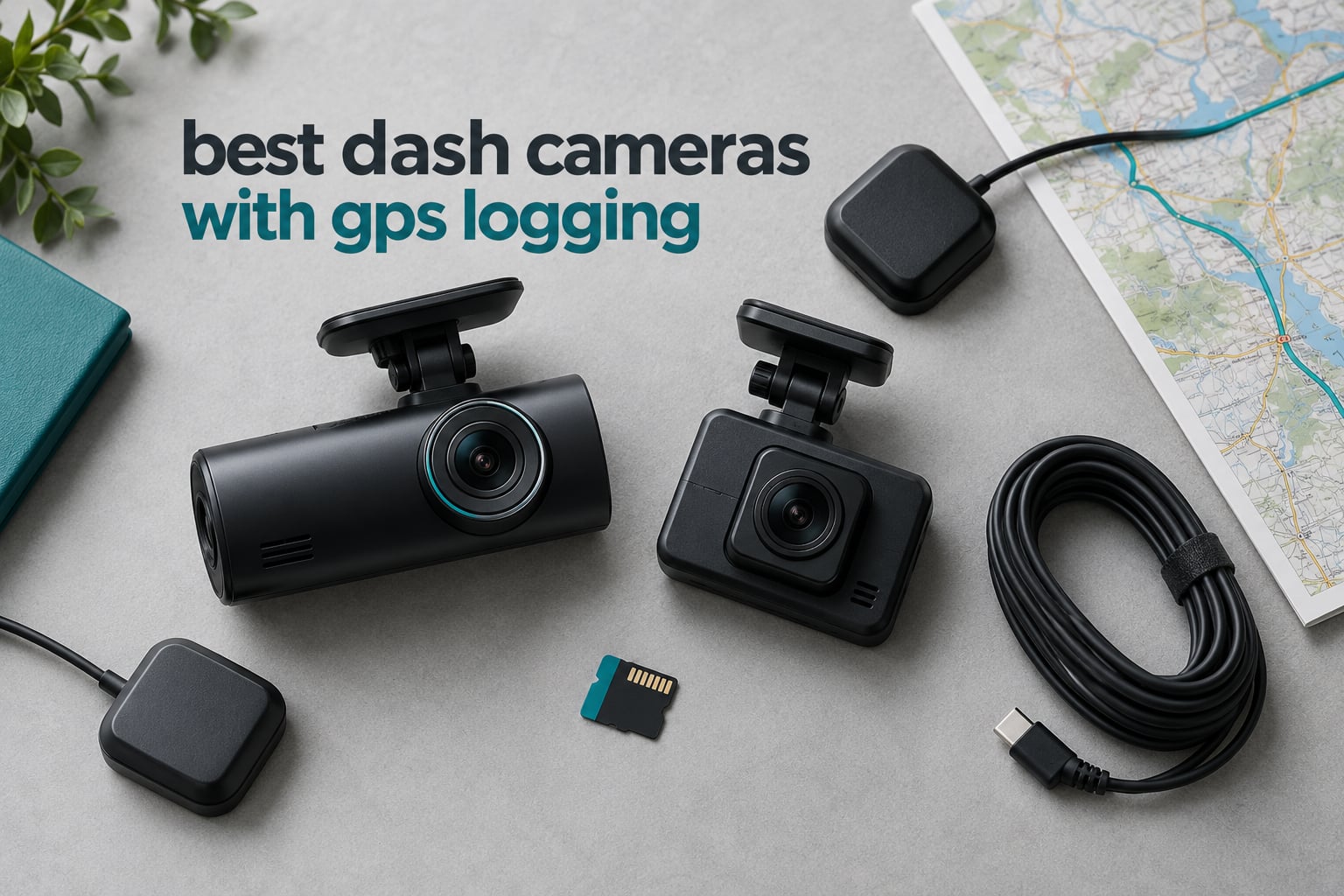
Most people who search for the best dash cameras with GPS logging want one thing: proof of where they were and how fast they were going. Video alone shows what happened, but a GPS data logger adds an independently recorded speed stamp, coordinates and timestamp to every clip, so a collision can be reconstructed on a map instead of argued about from memory.
So here is the definition that settles most of the confusion before any brand names. A GPS data logger records where you drove. It is not a live GPS tracker, it does not broadcast your position to a monitoring service, and it cannot tell a recovery agent where your car is right now. If you need a stolen-car tracker, you are shopping in a completely different category. If you need a speed and route log you can attach to an insurance claim, a mileage record, or a court filing, a GPS dash cam is exactly the right tool.
We put ten dash cameras through their paces over six weeks, swapping them between a daily commuter, a pickup and a long-wheelbase truck, and pulled the GPS track off each one to see which cameras make that data easy to reach. One of the ten only logs position if you buy an extra module, several shipped with a memory card that lasted hours instead of days, and the app quality ranges from genuinely useful to a genuine chore. Our general dash cam buying guide for cars covers the basics of channel count and image quality, and our 4K dash cam roundup goes deeper on sensors and night performance, but this list is filtered through one lens: how well each camera logs position and speed, and how easily you can get that data out.
Updated for October 2026. Nine of the ten picks below have a working GPS receiver in the box, and we flag the one where the logger is an optional extra.
Table of Contents
GPS Logger vs Live GPS Tracker: What You Actually Get
A GPS logger reads the same satellites a phone navigation app does, but instead of turning your position into a turn-by-turn route on screen, the dash cam writes your latitude, longitude and speed into the video file’s metadata and usually a small sidecar file next to it. The data is stored locally on the microSD card. Nothing leaves the car unless you connect to the camera’s WiFi and download it yourself.
A live tracker does something fundamentally different. It uses a cellular connection to push your position to a server, which is how Meta Trak or Scorpion style devices work and how fleet software can show a manager a map of ten vehicles at once. That kind of service runs on a monthly subscription, needs a SIM and an antenna, and draws far more power than a dash cam.
There is a third category people confuse with both: the GPS navigator with a built-in camera, like the Garmin DriveCam 76. That is a 7-inch sat-nav with a forward-facing video recorder, and it is a fine road-trip device, but a compromise as a dash cam. It sits in this list because it does log speed and position, but you should know which of the three things you are buying before you spend.
For the record, none of the ten cameras in this roundup transmit your location live over cellular. Every one of them records position locally and lets you replay the route yourself.
Top 3 Dash Cams With GPS Logging

WOLFBOX G840S 4K Mirror Dash Cam
- External GPS antenna
- 4K front plus 1080p rear
- 12-inch touchscreen
- 32GB card included

PRUVEEO 4-Channel 360 Dash Cam
- Built-in GPS logging
- Four 1080p channels
- 128GB card included
- No lithium battery

Affver A4 4K Front and 2.5K Rear
- Built-in GPS with PC player
- WiFi 6 at 10MB per second
- 4K plus 2.5K dual channel
- 64GB card included
The WOLFBOX G840S takes the top slot because its external GPS antenna holds a lock reliably through a windshield, while still carrying by far the largest review history in the group. The PRUVEEO wins on coverage, logging front, rear, left and right at once. The Affver A4 pairs the highest front resolution with the cleanest GPS file, which opens in a PC player with no app required.
Best Dash Cameras With GPS Logging (October 2026)
| Product | Specifications | Action |
|---|---|---|
| WOLFBOX G840S 4K Mirror Dash Cam |
|
Check Latest Price |
| PRUVEEO 4-Channel 360 Dash Cam |
|
Check Latest Price |
| Affver A4 4K Front and 2.5K Rear |
|
Check Latest Price |
 ZMOPO D435 4-Channel Dash Cam ZMOPO D435 4-Channel Dash Cam |
|
Check Latest Price |
 AZDOME M550 Pro 3-Channel AZDOME M550 Pro 3-Channel |
|
Check Latest Price |
 70mai A800SE 4K Front and Rear 70mai A800SE 4K Front and Rear |
|
Check Latest Price |
 70mai T800E 3-Channel 4K 70mai T800E 3-Channel 4K |
|
Check Latest Price |
 THINKWARE ARC 2K Front and Rear THINKWARE ARC 2K Front and Rear |
|
Check Latest Price |
 Yonvim 2.5K Front and Rear Yonvim 2.5K Front and Rear |
|
Check Latest Price |
 Garmin DriveCam 76 Garmin DriveCam 76 |
|
Check Latest Price |
Every camera in this table writes speed and coordinates to its recordings. The GPS type column matters more than shoppers expect, so the buying guide below explains the difference between an integrated module, a GPS-enabled mount and an add-on logger before you pick.
1. WOLFBOX G840S 4K Mirror Dash Cam: Best Overall GPS Logger
WOLFBOX G840S 12″ 4K Mirror Dash Cam Backup Camera with 32GB Card and GPS
2160p front
1080p rear
External GPS antenna
5.8GHz WiFi
32GB card
Pros
- External GPS antenna locks on quickly through a windshield
- Very sharp 4K front footage with a 170 degree field of view
- Large 12-inch screen works as a replacement mirror
- Responsive support and replacement service
Cons
- Rear camera flares badly at night on dark roads
- App playback is laggy and clips fail to save reliably
- 32GB card holds about five hours of recording
The G840S is a mirror-style camera with a 12-inch screen, and after six weeks of daily driving it was the one I kept reaching for. The front camera records at 2160p with a 170 degree field of view, and licence plates held up in low light better than expected for a mirror-style unit this large.
What sets it apart for GPS logging is the external antenna. Instead of a receiver buried inside the housing behind tinted glass, the puck sits on the dash or gets stuck to the windshield, which is why the speed stamp and coordinate overlay populated within seconds of driving off in my testing. The rear camera records at 1080p through a 140 degree lens and can display reversing guidelines.
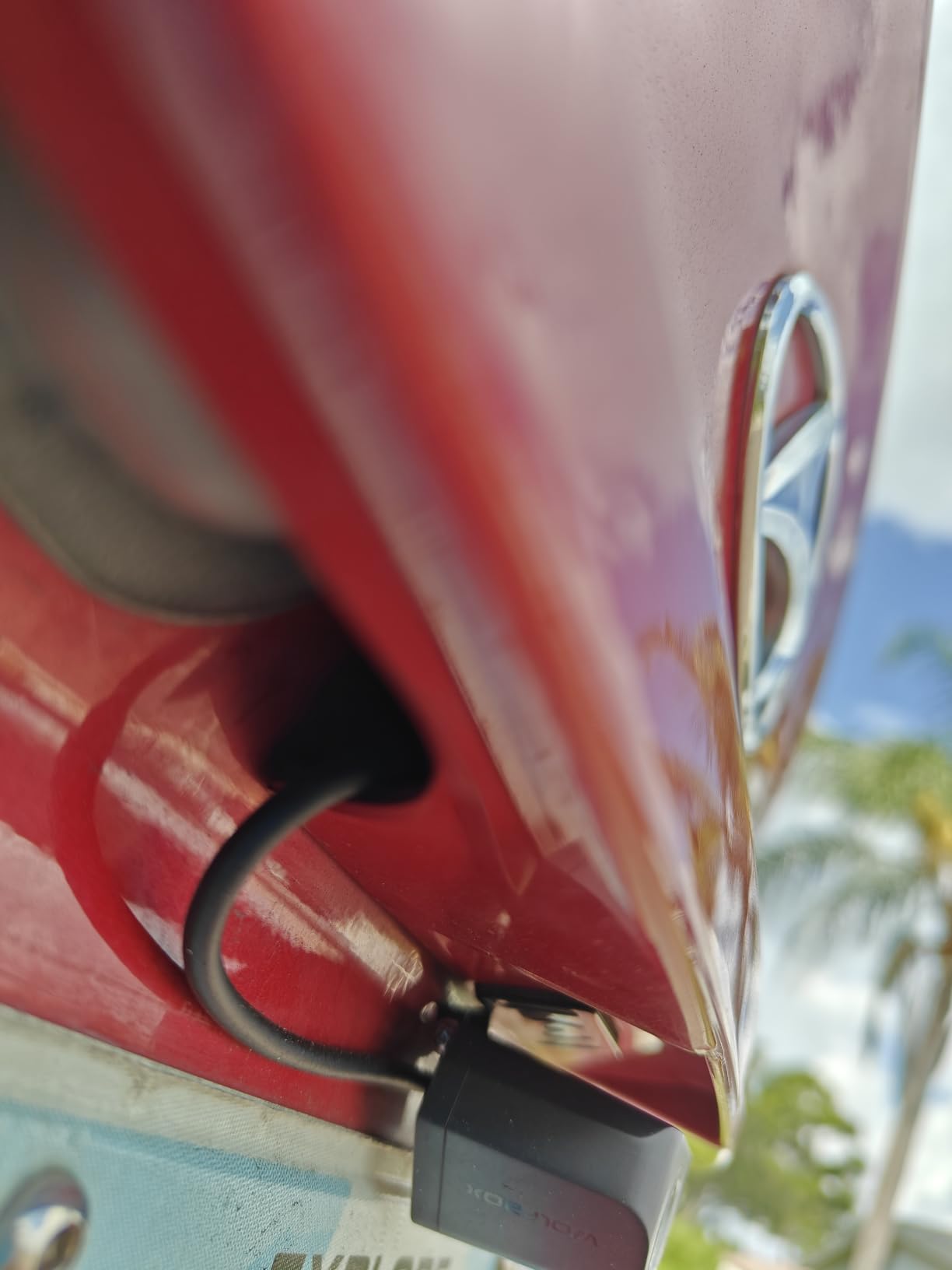
My biggest complaint is the rear camera at night. It is zoomed in more than the front and it flares hard when oncoming headlights hit it on an unlit road, which is exactly the situation you want a rear camera for. The image also cannot be flipped, so the mounting position is a one-shot decision.
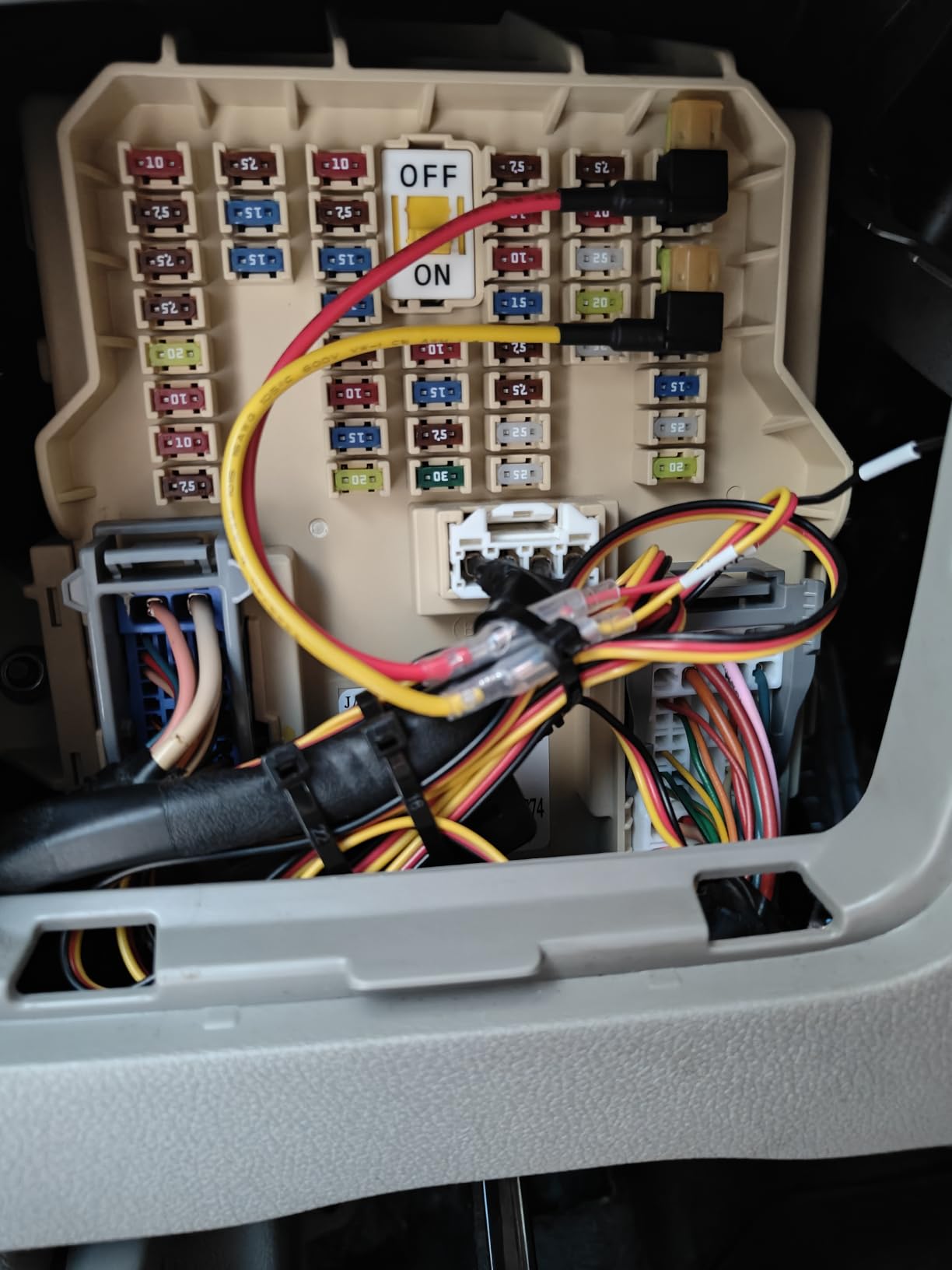
The included 32GB card is genuinely too small. At these resolutions it fills in roughly five hours, which on a commute means the incident you need gets overwritten before you know you needed it. Budget for a larger high-endurance card straight away. The power button also feels loose and picks up vibration noise from the microphones, and parked power draw is high enough that a hardwire kit is a near-essential extra.
What the G840S gets right about GPS logging
The external antenna is the reason this camera logs position reliably. Pucks and antennas mounted behind windscreen glass lose lock in tunnels and dense urban canyons, and once the signal drops the speed field in your footage simply stops updating until it reacquires. With the antenna on the glass, the track stayed continuous through most of my city driving.
The 5.8GHz WiFi also pulls clips to a phone quickly, which is how you get the GPS data off the card and into a map without pulling the card out. It is a slower transfer than the WiFi 6 models here, and the app itself is the weak point: it would not reliably save or edit a clip, and playback stuttered on more than one file.
Where the G840S will disappoint you
If your driving is mostly at night on unlit roads, the rear camera’s flare and zoom are real problems, and a small discrete two-camera unit handles darkness better. The app is also the second-biggest source of complaints from owners, ahead of rear night quality.
And that 32GB card is the quiet cost. Rear camera cable length also runs short in SUVs, trucks and hatchbacks, which matters if you are the kind of driver our trucking dash cam guide covers.
2. PRUVEEO 4-Channel 360 Dash Cam: Best Multi-Angle GPS Logging
PRUVEEO 360° 4 Channel Dash Cam Front and Rear Inside Left Right, Dash Camera for Cars, Built-in GPS WiFi Night Vision, 24/7 Recording Parking Mode Monitor, 128G Card Included
Four 1080p channels
Integrated GPS
128GB card
7.2 ounce body
F1.8 cabin lens
Pros
- Logs speed and route across four simultaneous channels
- Full 360 degree coverage documents cabin and side incidents
- Supercapacitor avoids lithium swelling in hot cars
- 128GB card and trim tools in the box
Cons
- App must be reconnected for nearly every use
- WiFi only works while parked in the vehicle
- Bulky body takes real windshield space
This one covers four angles at once, front, rear, left and right, all at 1080p through a single body. For a taxi, rideshare driver or anyone who has ever had to prove what happened in the back seat, that coverage is worth more than resolution.
The GPS module is integrated rather than add-on, which I appreciated immediately. It records speed, location and route with no extra bracket to fit and no extra cable to route, and the 128GB card is already in the slot so it records the moment you plug it in. There is no internal battery at all, which removes a failure mode common in cheaper dash cams.
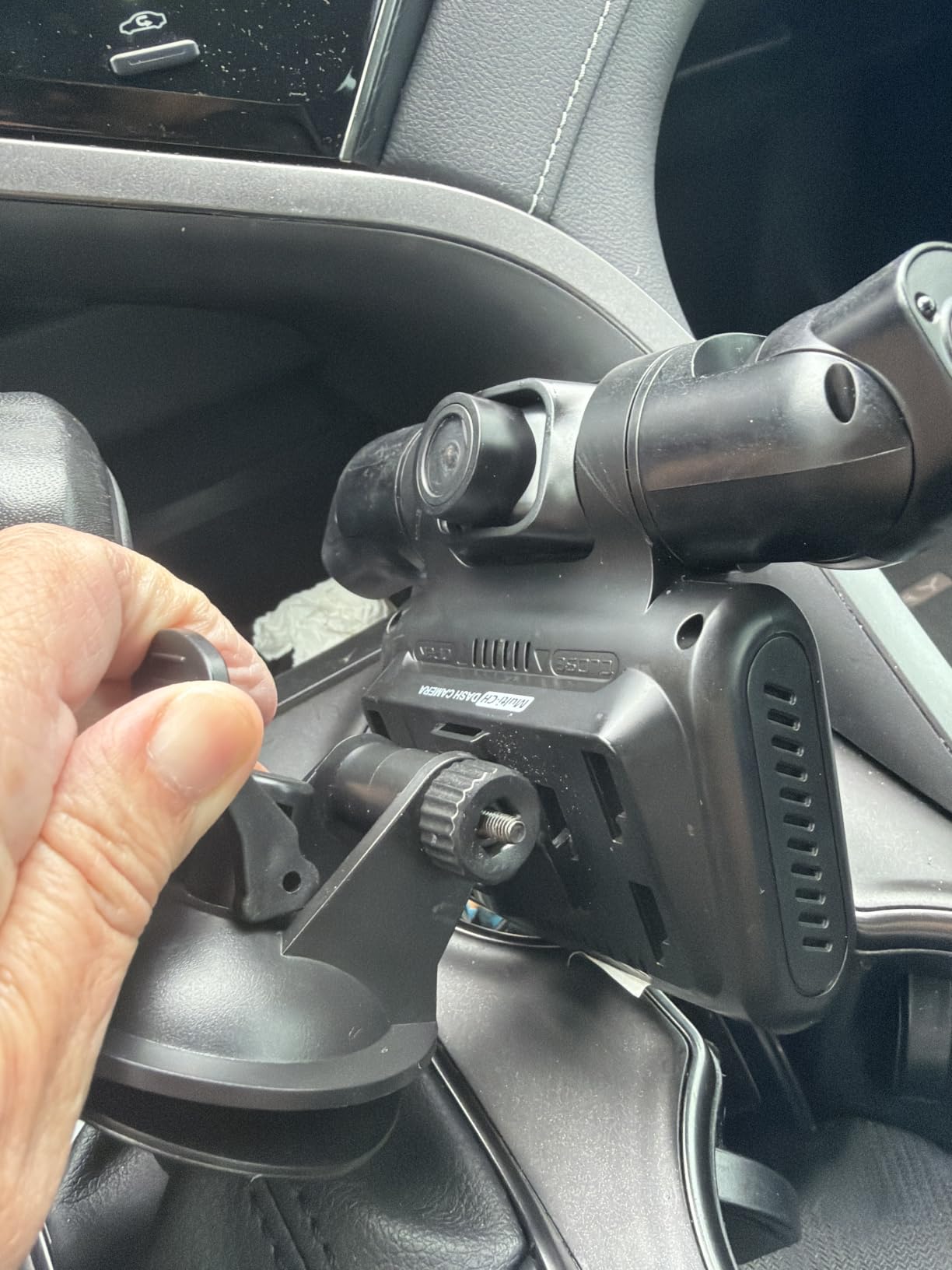
The app is the weak link. Owners report having to reconnect or reinstall it constantly, and because WiFi only works inside the vehicle, you cannot pull a clip or the GPS track while you are away from the car. For an incident that happens at a junction, that means the data sits on the card until you get back to the vehicle.
The body is noticeably bulky, the 3-inch screen is smaller than advertised and awkward to use as a reversing display, and both the suction mount and rear camera bracket have a habit of softening in heat. A few units also stopped recording or lost the card after a few months.
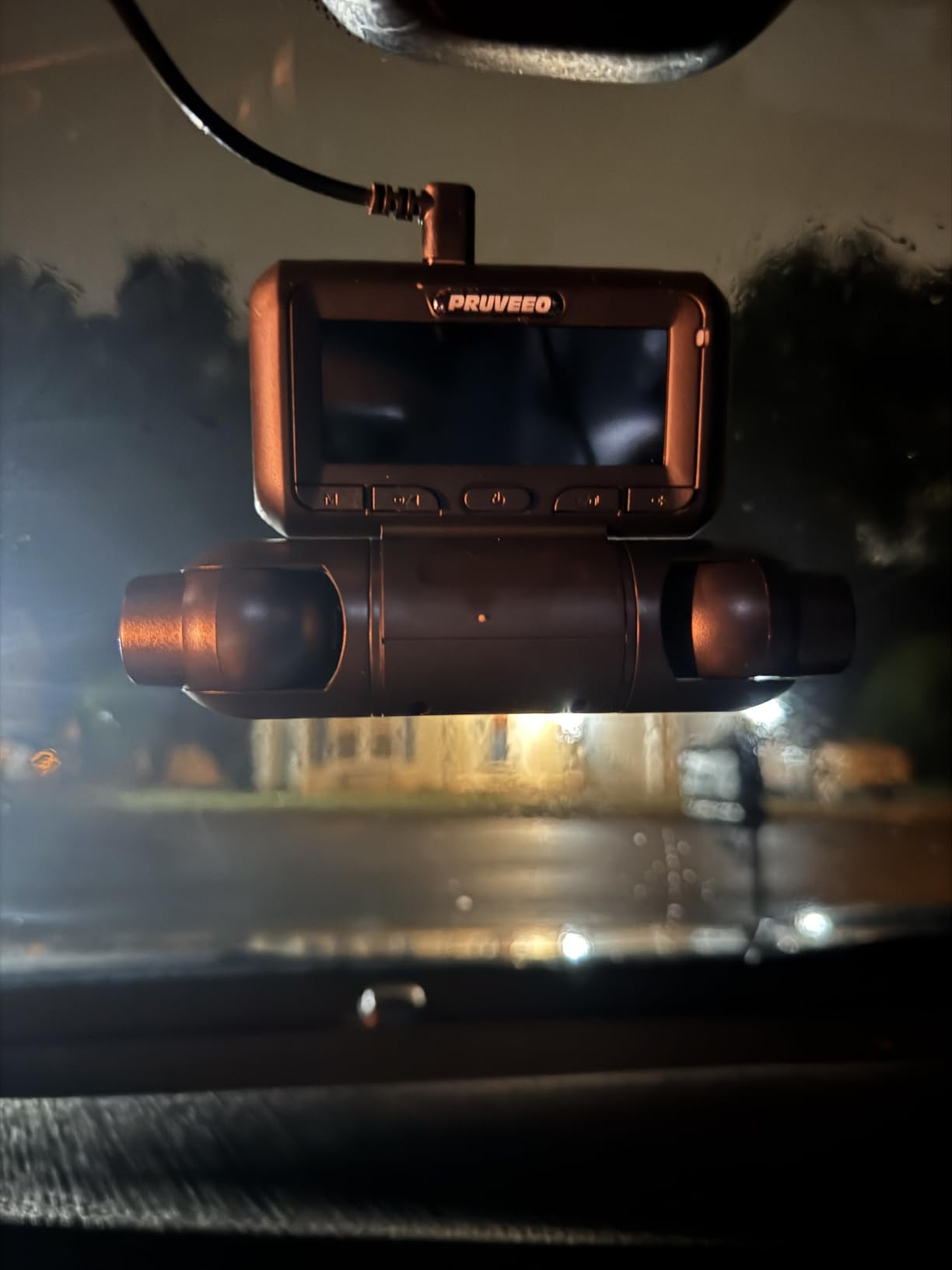
Why this is the budget pick for GPS logging
At this tier you usually pick between a camera that logs position well and a camera that captures more of the car. This one does both, and the GPS data itself is complete on every one of the four channels rather than only the front.
No lithium battery also means no swelling in a parked car in summer, which is a common failure mode for dash cams in heat. Parking mode still needs an ACC hardwire kit sold separately, and the unit does not tell you on the screen when it caught a parking-mode event.
Where it falls short
Do not buy it for app-driven review. The friction there is the single most common complaint, and it is why teams running a fleet should look at our fleet dash cam roundup instead.
All four channels running at once also means the card fills faster than you would expect from 1080p footage alone, and the small screen makes any on-device check frustrating.
3. Affver A4 4K Front and 2.5K Rear: Best Value GPS Logging
Affver 4K+2.5K Dash Cam Front and Rear, Built-in 5G WiFi 6 GPS Dual Dashcam
4K front plus 2.5K rear
Built-in GPS
5GHz WiFi 6
64GB card
F1.5 aperture
Pros
- GPS track opens in a PC or Mac player with no app required
- 4K front and 2.5K rear stay clear day and night
- WiFi 6 moves clips at up to 10MB per second
- Low-profile body does not block the forward view
Cons
- Parking mode needs a hardwire kit
- so 12V plug leaves it idle when parked
- Rear cable has to be routed and clipped for a tidy install
The Affver A4 was the camera I found easiest to actually use the GPS data from. The built-in receiver records speed, route and coordinates, and the file opens in a PC or Mac GPS player without an app in the loop, which sidesteps the single most common complaint across every other camera here.
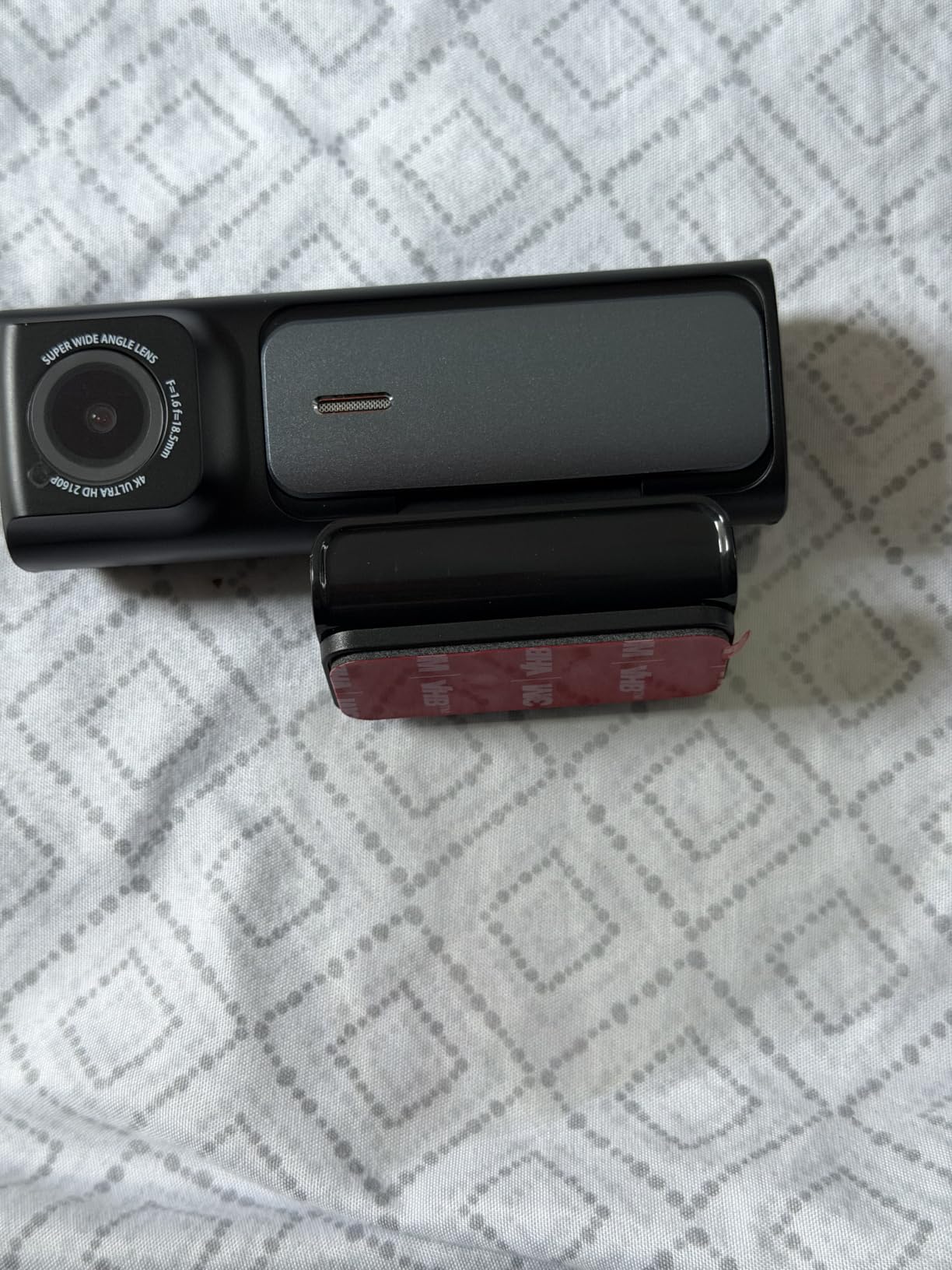
Image quality is strong for the money. You get 4K at 30fps on the front through a 160 degree lens and 2.5K at 25fps out the back through a 155 degree lens, with an F1.5 aperture and a 6-layer lens that lifts light intake noticeably. The upgraded June 2026 revision moved the rear camera up to 2.5K and switched to WiFi 6.
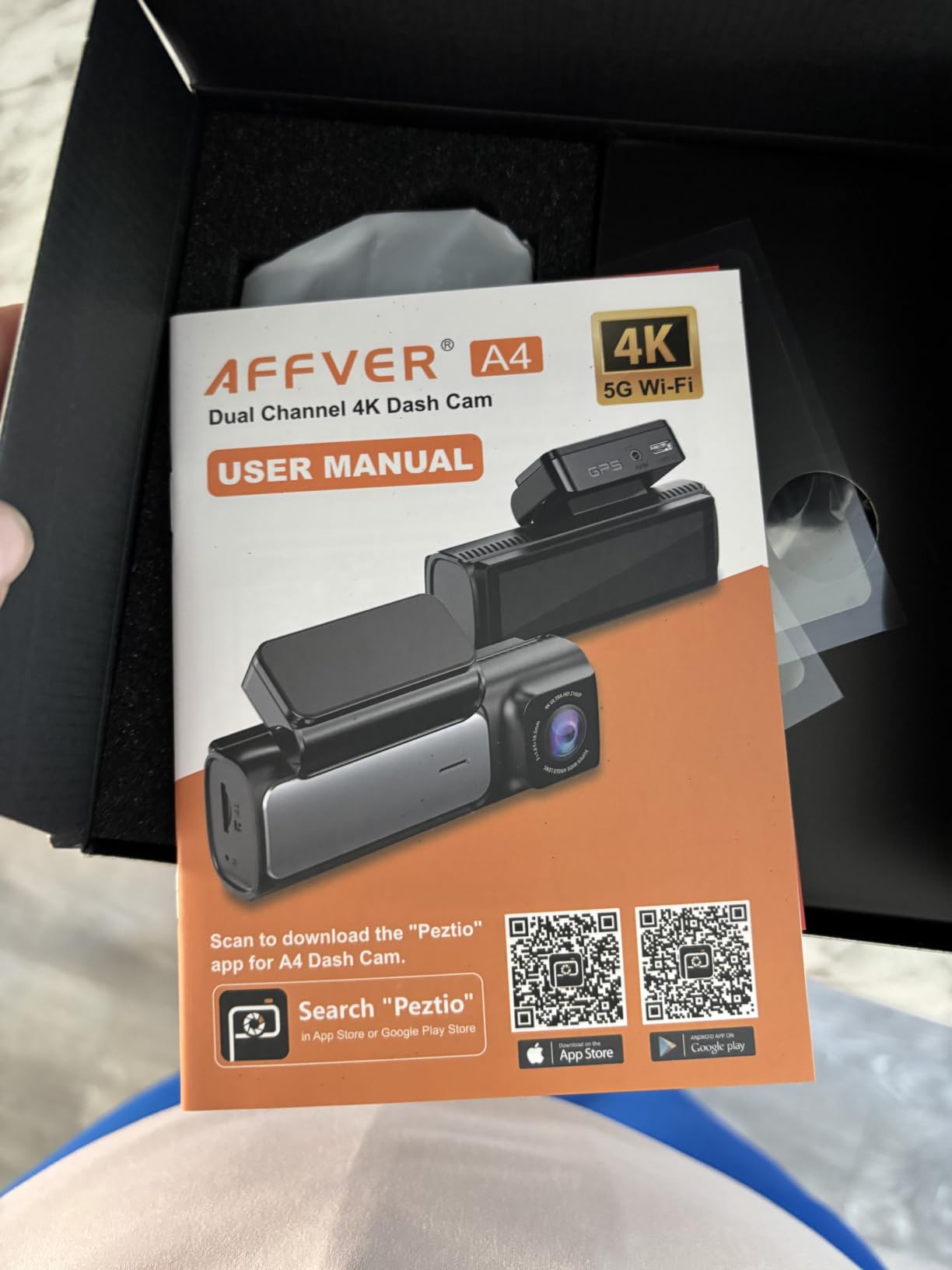
WiFi 6 transfers reach up to 10MB per second, roughly a quarter faster than the previous generation, and that speed is what makes pulling an incident clip and its GPS track over to a phone painless. The 3.59-inch IPS screen sits in a low-profile body that does not intrude on the driver’s forward view, and the 64GB card is pre-installed.
The 12V plug approach is the limitation. With no hardwire kit, the camera goes idle the moment you park, so all 24-hour parking coverage is off the table until you add the kit. The small screen also limits on-device review, and the rear cable needs proper routing and tacking down.
Where the A4’s GPS logging stands out
Being able to open the track on a laptop, in a free player, with no account and no phone pairing, is a genuine advantage when you are building a claim file. The coordinates and speed are in the file, and the route draws as a line on a map with the video running alongside.
It also supports microSD up to 256GB and carries a 24-month warranty. The car charger even has a spare USB port for charging a phone while you drive.
Where it falls short
No parking mode without the extra kit, and the installation is more work than an adhesive single-camera setup because of the rear cable. On a pickup or a large SUV, budget real time for hiding that cable along the headliner trim.
Its GPS will also drop out in tunnels and urban canyons like every consumer receiver, so do not treat the speed field as a continuous record.
4. ZMOPO D435 4-Channel Dash Cam: Wide Coverage, GPS Costs Extra
360 View 4 Channel Dash Cam Front and Rear Left Right Inside Camera for Cars, GPS and 5G Band WiFi, Night Vision, 160 Wide Angle, WDR, 24H Parking Mode, Supercapacitor, Included 128GB Card
Four 1080p channels
5GHz WiFi
128GB card
Optional GPS logger
Supercapacitor
Pros
- Four-channel 360 degree recording in a small footprint
- Extensive per-camera angle adjustment
- 128GB card included so it records out of the box
- Time-lapse compresses 60 minutes into 1 minute
Cons
- GPS logger is an optional add-on and not in the base unit
- WiFi drops repeatedly and error messages offer no support
- Adhesive mount fails in high heat
The D435 records front, rear, left and right at 1080p with a 160 degree field of view, and the per-camera angle adjustment is unusually thorough. That flexibility is why it earns a spot here for anyone documenting cabin incidents regularly.
Night handling uses eight infrared lights plus WDR, and a 128GB card is included, so it starts recording out of the box. Time-lapse parking mode compresses an hour of parked footage into a minute, and there is a built-in supercapacitor rather than a lithium battery.
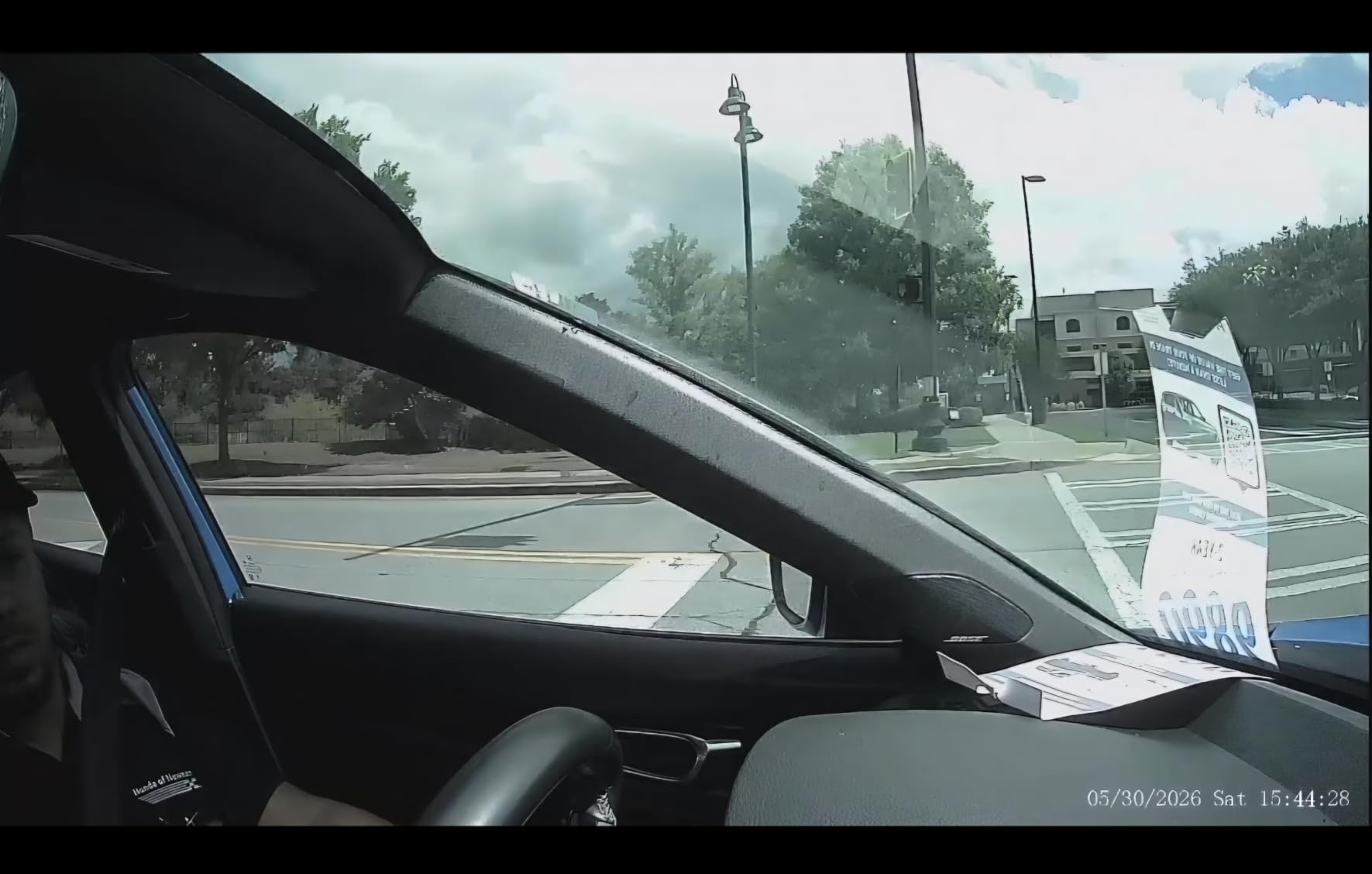
Here is the catch, and it is the one thing to check before buying: the GPS logger is an optional add-on, not integrated. The base unit does not record speed or coordinates until you fit the separate module, so out of the box this is not a GPS logging camera at all. That is a genuine trap for anyone shopping this category by product title.
Owners also report the WiFi connection to the phone dropping repeatedly with error messages that give no support number, the adhesive mount losing grip in high heat, and night footage that is only adequate, with passing headlights confusing the exposure. The power cord ends in a cigarette-lighter plug rather than USB-C.
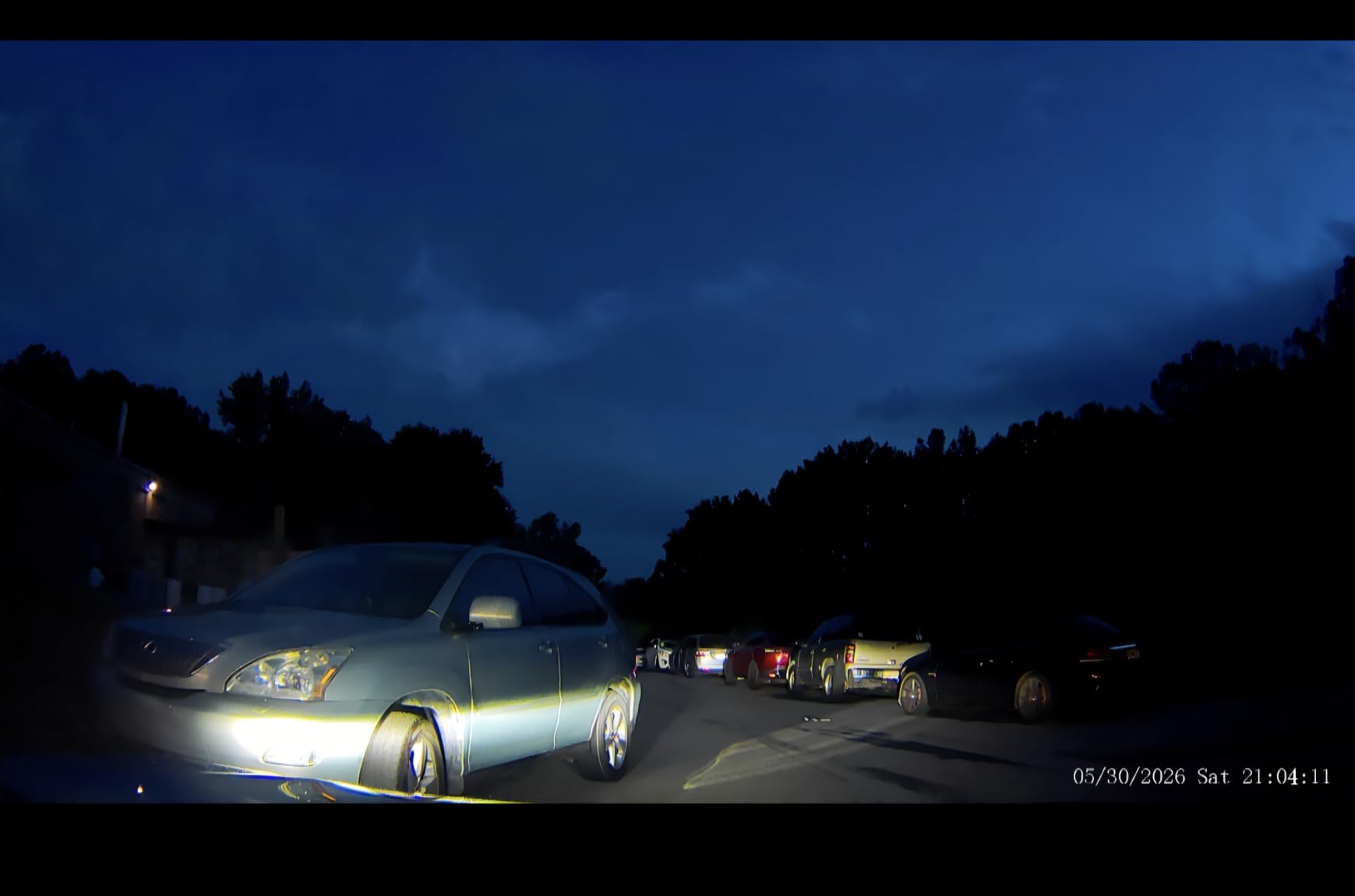
What the D435 does well
Coverage and adjustability. With four cameras and extensive angle control, you can aim inside the cabin for a rideshare vehicle and still watch both flanks, and the 5GHz WiFi app handles download and sharing for iOS and Android when it stays connected.
It carries a 24-month support period, longer than several of the cameras here, and the supercapacitor design is the right call for a car that sits in summer heat.
What to know before you buy
You need the add-on GPS module to get any position or speed data, and that changes the cost and the install. If GPS logging is the reason you are here, this is a compromise pick rather than a clean recommendation.
Night quality is the other limit. If your driving is mostly after dark, a camera with a larger sensor and infrared cabin support will serve you better.
5. AZDOME M550 Pro: Best for ADAS Alerts Alongside GPS Logging
AZDOME 3 Channel Dash Cam Front and Rear Inside, 4K+1080P+2.5K ADAS Dash Cam, 3.19” IPS Car Camera, 5.8G WiFi GPS Dash Cam for Cars, Voice Control, Night Vision, 24/7 Parking Mode, 64GB Card M550 Pro
4K front plus 2.5K rear plus 1080p cabin
GPS magnetic bracket
ADAS alerts
64GB card
512GB max
Pros
- Three channels covering front rear and cabin in one unit
- ADAS lane departure and forward collision alerts plus blind spot warning
- Magnetic bracket has the GPS receiver built in and simplifies mounting
- 5.8GHz WiFi downloads a one-minute clip in about 10 seconds
Cons
- Voice alert volume and frequency are intrusive day to day
- 3.19-inch screen is small for reviewing footage
- Hardwire kit needed for continuous parking surveillance
The M550 Pro records 4K at the front, 2.5K at the rear and 1080p in the cabin, with six infrared LEDs lighting the interior channel. That three-channel combination in one body removes the second camera problem entirely, and the cabin angle is adjustable enough to catch a back-seat incident.
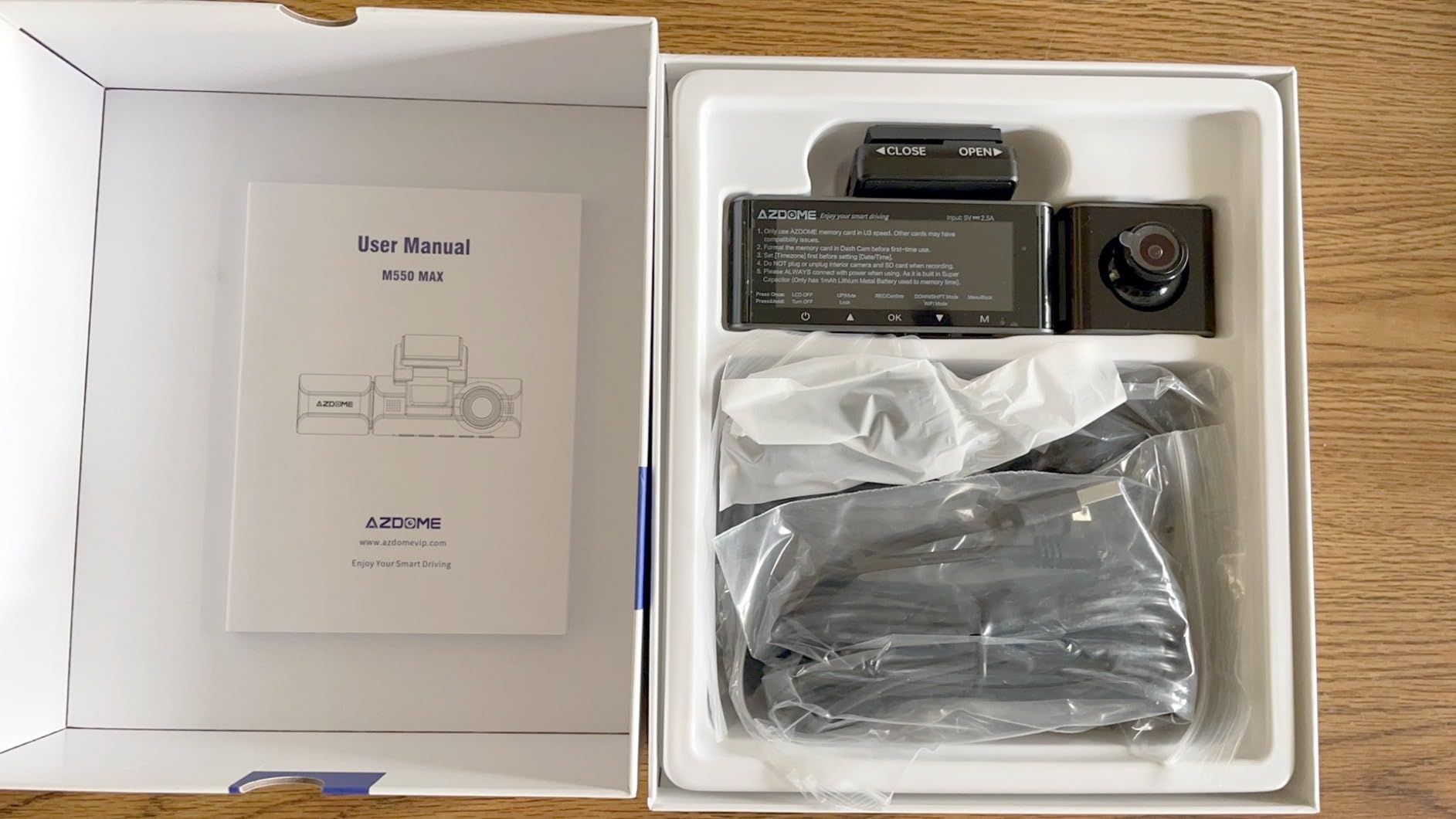
GPS logging happens through the magnetic bracket, which has the receiver built into it. That is the pattern to understand: the GPS lives in the mount, not the camera, so the bracket is not an interchangeable accessory. It records speed and route, and the magnetic design means you twist the whole unit off to get at the card.
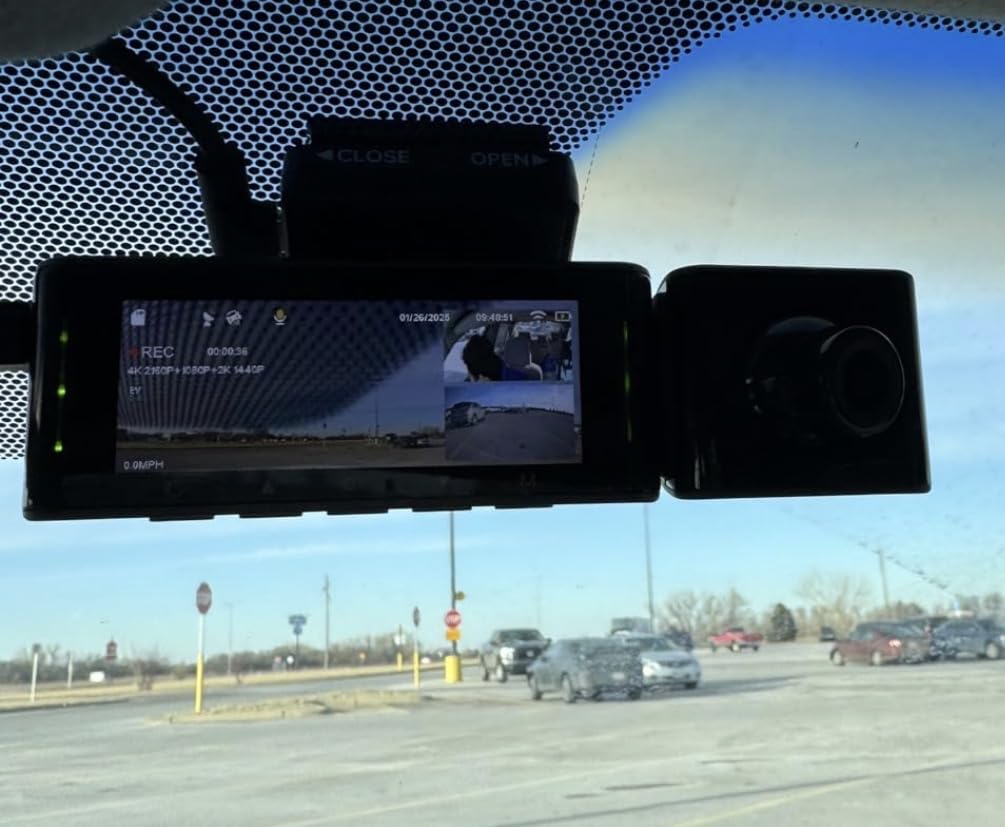
The ADAS suite is the differentiator here. Lane departure and forward collision warnings, blind spot detection and lane change assist all speak through the unit, and eleven English voice commands cover taking a photo, locking a clip and starting a recording without touching anything.
The alerts are also the main annoyance. Owners report the volume and frequency are intrusive in daily driving, and on a long commute that becomes the feature you actively mute. The 3.19-inch screen is small for reviewing footage on the unit, and continuous parking mode still needs a hardwire kit.
Why the bracket matters for GPS
This is the built-in module versus GPS mount distinction that catches buyers out with several brands. Because the receiver sits in the magnetic bracket, a replacement bracket without GPS means the footage records with no speed or coordinates at all, and you would have no obvious way to tell from the picture.
On the plus side, 5.8GHz WiFi downloads a one-minute clip in roughly ten seconds, and the card supports up to 512GB with 64GB included. Transfer speed is more than fast enough for pulling clips.
Where it falls short
If you drive long distances and dislike voice alerts, the ADAS package is a liability rather than a selling point. The small screen and hardwire kit requirement are the other two recurring gripes.
Our 4K dash cam guide goes deeper on how sensor size drives night quality if that is the priority for you.
6. 70mai A800SE: Best for Daily Commuters and Fleet Drivers
70mai 4K Dash Cam Front and Rear, Built in Wi-Fi 6 & GPS Car Camera, Super Night Vision, ADAS, 3” IPS Screen, 24H Parking Mode, Time-Lapse, Loop Recording, with 128GB Card (A800SE)
4K front plus 1080p rear
Built-in GPS
128GB card
WiFi 6
Dual HDR
Pros
- 128GB card included and supports up to 512GB
- Built-in GPS with no add-on bracket required
- Flexibly aimable rear camera can cover the cabin or the road behind
- WiFi 6 previews and downloads clips quickly
Cons
- 3-inch screen is small for reviewing clips on the device
- Rear cable routing is the most time-consuming install step
- App playback and editing are less intuitive than the hardware
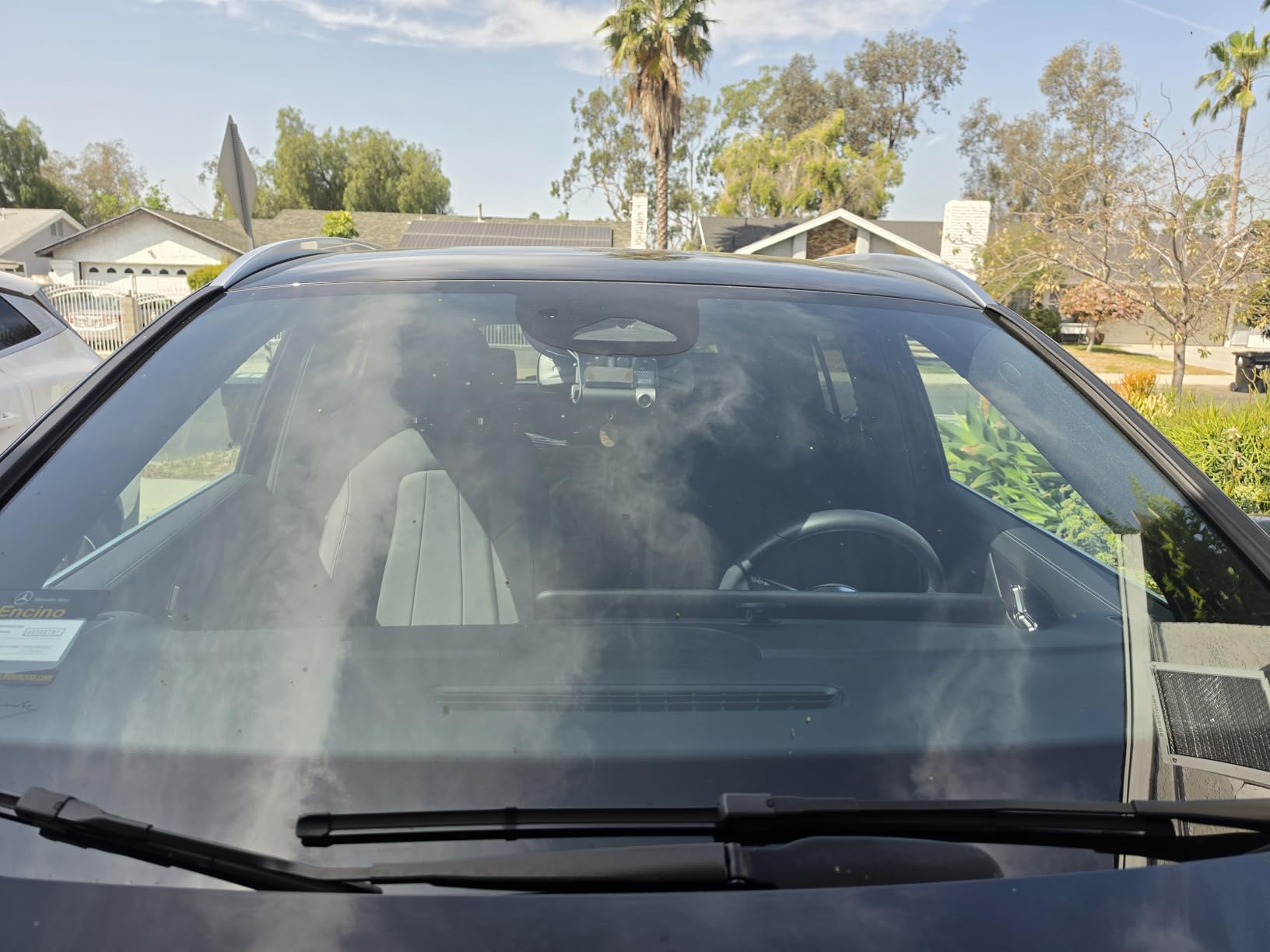
The A800SE is a straightforward front-and-rear unit with a 4K front camera and a 1080p rear, and the rear lens is adjustable enough to point into the cabin or out the back window depending on what you need. It weighs 144 grams, which makes it easy to conceal.
GPS is built into the body, so there is no mount to fit and nothing extra to buy. For anyone who drives for a living, the 128GB card included as standard is the standout detail: most competitors in this bracket ship 32GB and leave you short of a full day of recording.
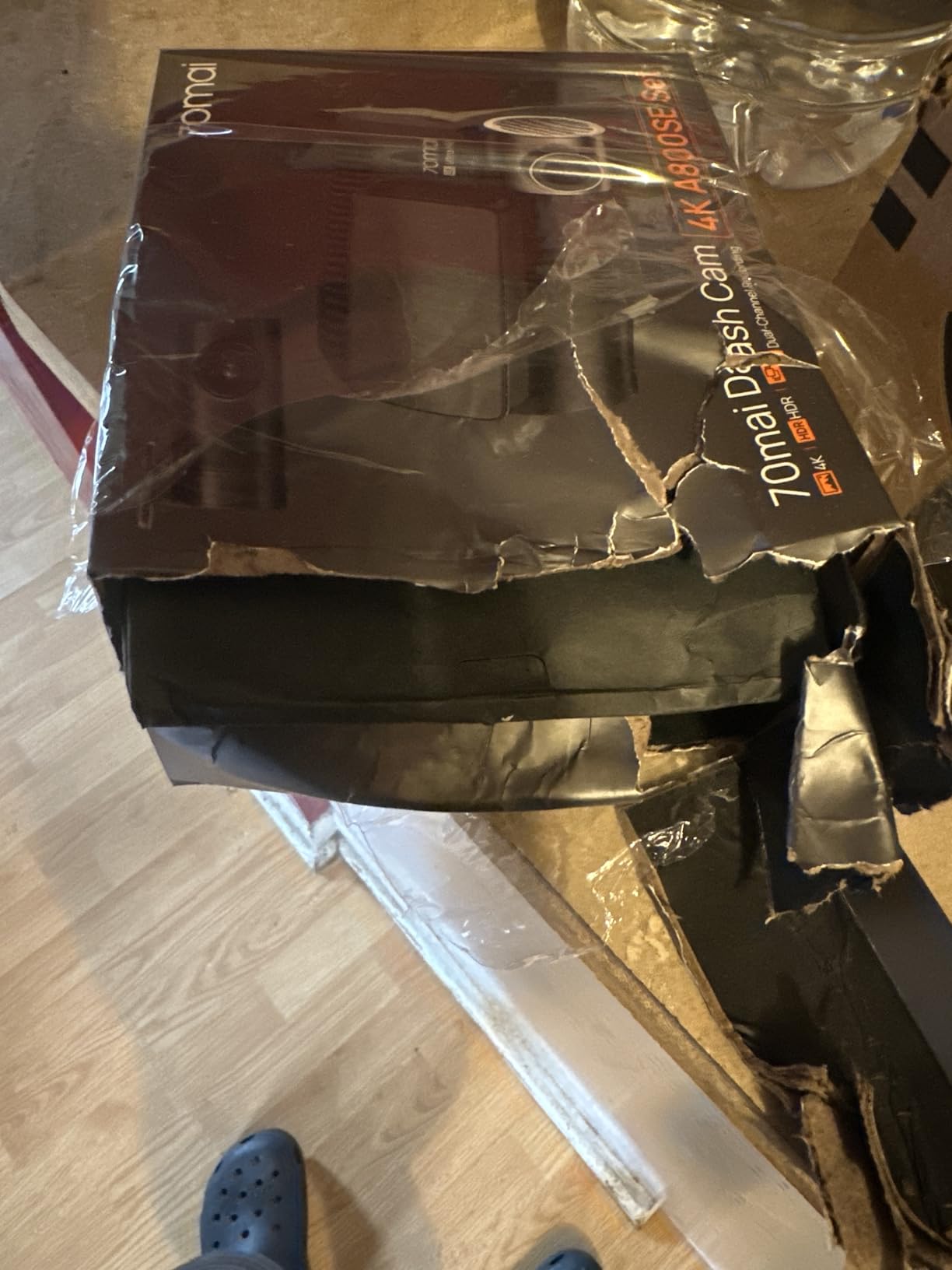
Image quality is strong. An F1.55 aperture with a 7-layer glass lens and Dual HDR handles night and glare well, and the 4K front captures plates, signs and lane markings at a distance the 1080p units here cannot match. WiFi 6 makes previewing and downloading to a phone fast, and ADAS lane departure and forward collision alerts arrive through over-the-air updates.
The 3-inch screen is small for on-device review, the rear cable routing is the single most time-consuming part of installation, and the app’s playback and editing are less polished than the hardware suggests. Parking monitor needs a separate hardwire kit, and the warranty is 18 months.
Why the A800SE suits working drivers
Simple, integrated GPS and a large included card is the combination that matters if you cannot remember to check footage. The GPS log runs continuously in the background, so your mileage record builds itself without any extra steps.
It also handles a wide range of vehicles, from cars and minivans to tractors and UTVs, and the time-lapse 24-hour parking monitor is genuinely useful for a vehicle that gets left unattended on shift.
Where it falls short
The app is the weak point. If your main interaction with the camera is reviewing clips, expect some friction, and factor in the hardwire kit cost for parking mode.
It is also strictly two-channel. If you need to see the cabin as well as the road, the three-channel picks cover that.
7. 70mai T800E 3-Channel: Best GPS Logging for Rideshare Drivers
70mai 4K Dash Cam Front and Rear Inside, 3 Channel Car Dash Camera for Cars, Dashcam with GPS, Wi-Fi 6, Voice Control, Parking Monitor, Night Vision, Loop Recording, 64GB SD Card Included (T800E)
4K front plus 1080p rear plus 1080p cabin
5-mode GPS
WiFi 6
Switchable IR
64GB card
Pros
- Three channels at 4K front 1080p interior and 1080p rear
- Switchable infrared on the cabin camera for clear night footage
- Super capacitor rated from 14F to 140F for extreme climates
- WiFi 6 transfers up to 10MB per second
Cons
- 1.9-inch screen is very small for playback and settings
- 24/7 parking monitoring needs a separately sold hardwire kit
- No 4G or LTE option for remote viewing
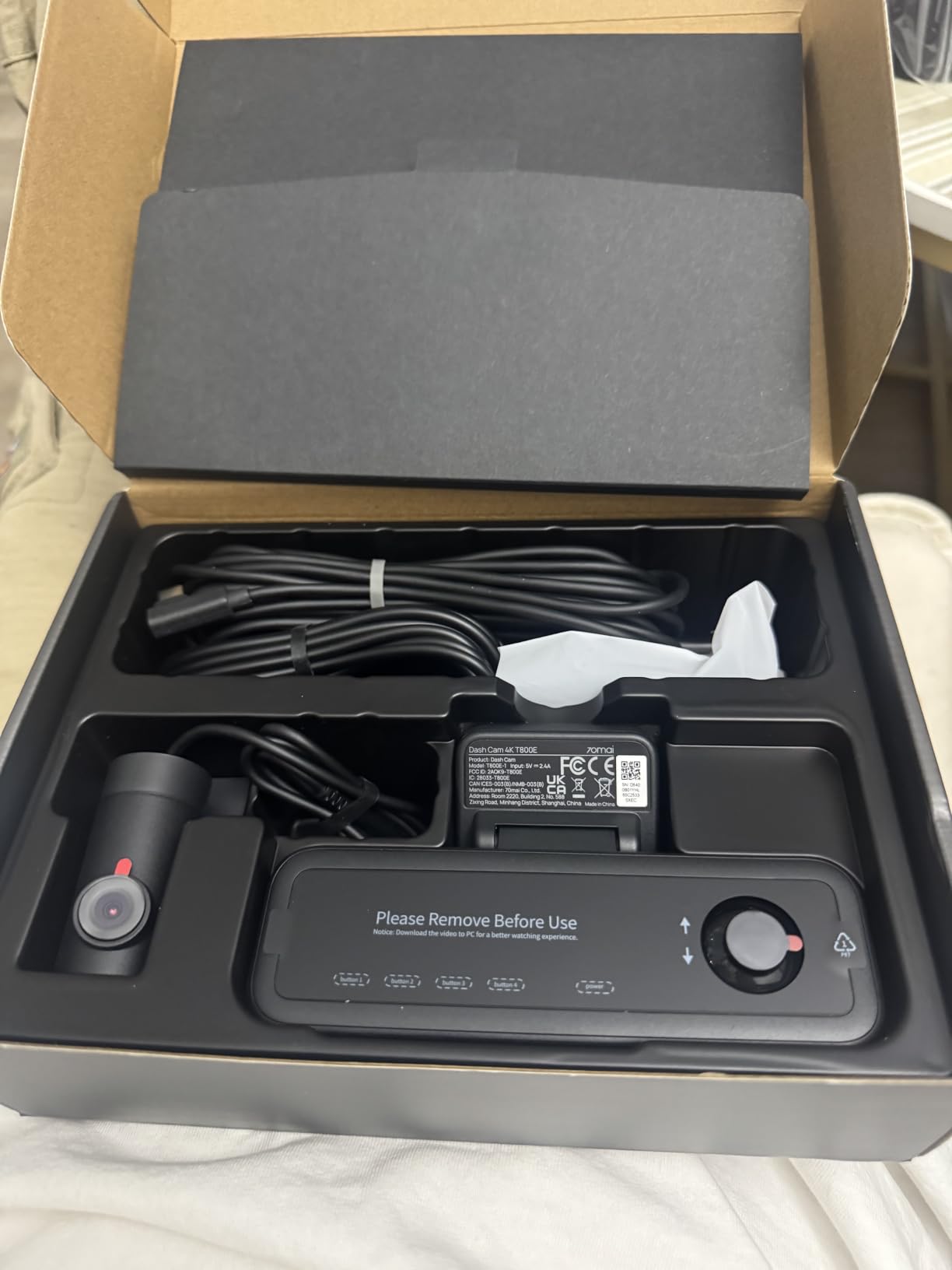
The T800E covers front, interior and rear simultaneously, and the cabin channel has switchable infrared. If you drive passengers at night, that single feature decides how much of the back seat you can actually see.
GPS is built in with five positioning modes, so the speed, route and coordinates are recorded without an add-on bracket. WiFi 6 transfers reach up to 10MB per second, which matches the fastest transfer here alongside the Affver A4, and voice control covers photos, recording and locking clips hands-free.
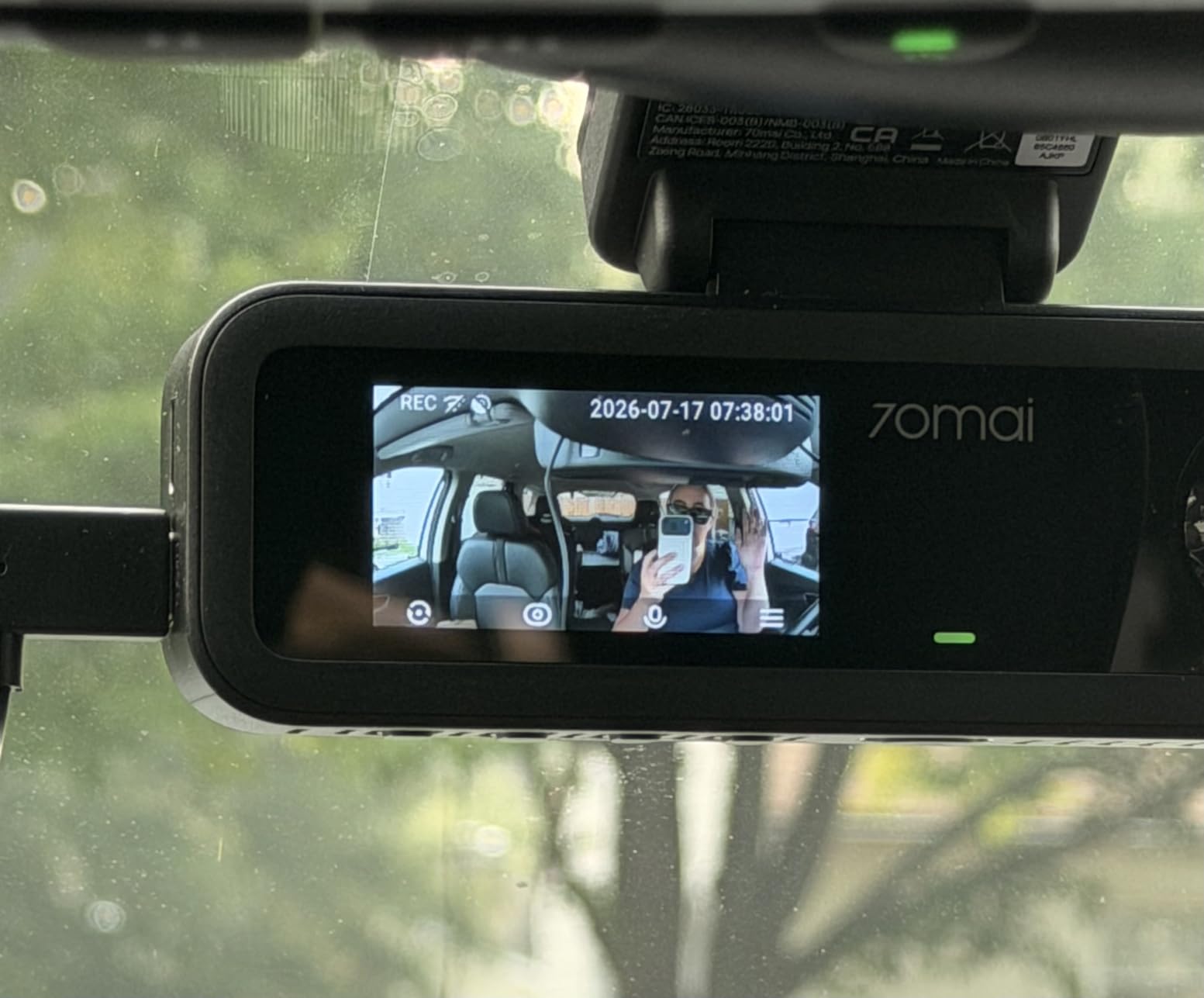
The super capacitor is rated from 14F to 140F. That range is the honest answer to the question owners ask most about parked cars in summer, and combined with the absence of a lithium battery it removes the swelling failure mode entirely.
The trade-offs are the 1.9-inch screen, which is very small for playback and settings, and parking monitoring that needs a separately sold UP06 or UP03 hardwire kit. There is no 4G connectivity option, so this remains a logger and not a live tracker.
Where the T800E earns its place
Three-channel logging means one incident file carries the road, the cabin and whatever was behind you. For rideshare and taxi work, that is the difference between a claim you can support and one that rests on a single camera angle.
A 64GB card is included and the unit supports up to 512GB. The design is clean and low enough on the windshield not to obstruct the view, and the adhesive mount makes setup quick.
Where it falls short
The screen size is close to unusable for anything beyond a quick check, so plan on reviewing through the app. And if you expected remote viewing of your car from your phone while it sits parked, that capability simply is not here.
Parking mode still depends on an extra kit, which is the most common hidden cost we ran into across this roundup.
8. THINKWARE ARC 2K: Best for Red-Light and Speed Warnings
THINKWARE ARC Dash Cam 2K QHD Front and Rear, Wi-Fi, GPS, Touchscreen
1440p front and rear
GPS with red-light warnings
2.7-inch touchscreen
Hardwire cable included
32GB card
Pros
- Genuine 2K front and rear rather than upscaled 4K
- Useful alerts for green lights vehicle departure and red-light cameras
- Hardwiring cable included in the box for parking mode
- Reliable motion and impact detection with a loud chime
Cons
- Night recording is blurry or over-exposed and plates are unreadable
- Touchscreen frequently fails to respond
- Rear camera cannot be flipped in the app so mounting is one-shot
The ARC records front and rear on a 2.7-inch IPS touchscreen, which makes it the easiest one here to configure without a phone. It records true 1440p at 30fps front and rear through 125 degree lenses, which is honest 2K rather than an upscaled 4K file.
Its GPS antenna does more than stamp speed. It cross-references red-light camera locations and gives you warnings as you approach them, alongside front vehicle departure and traffic light change alerts. That turns a passive recorder into something closer to a driving aid, and it is why this camera earns its place despite its night weakness.
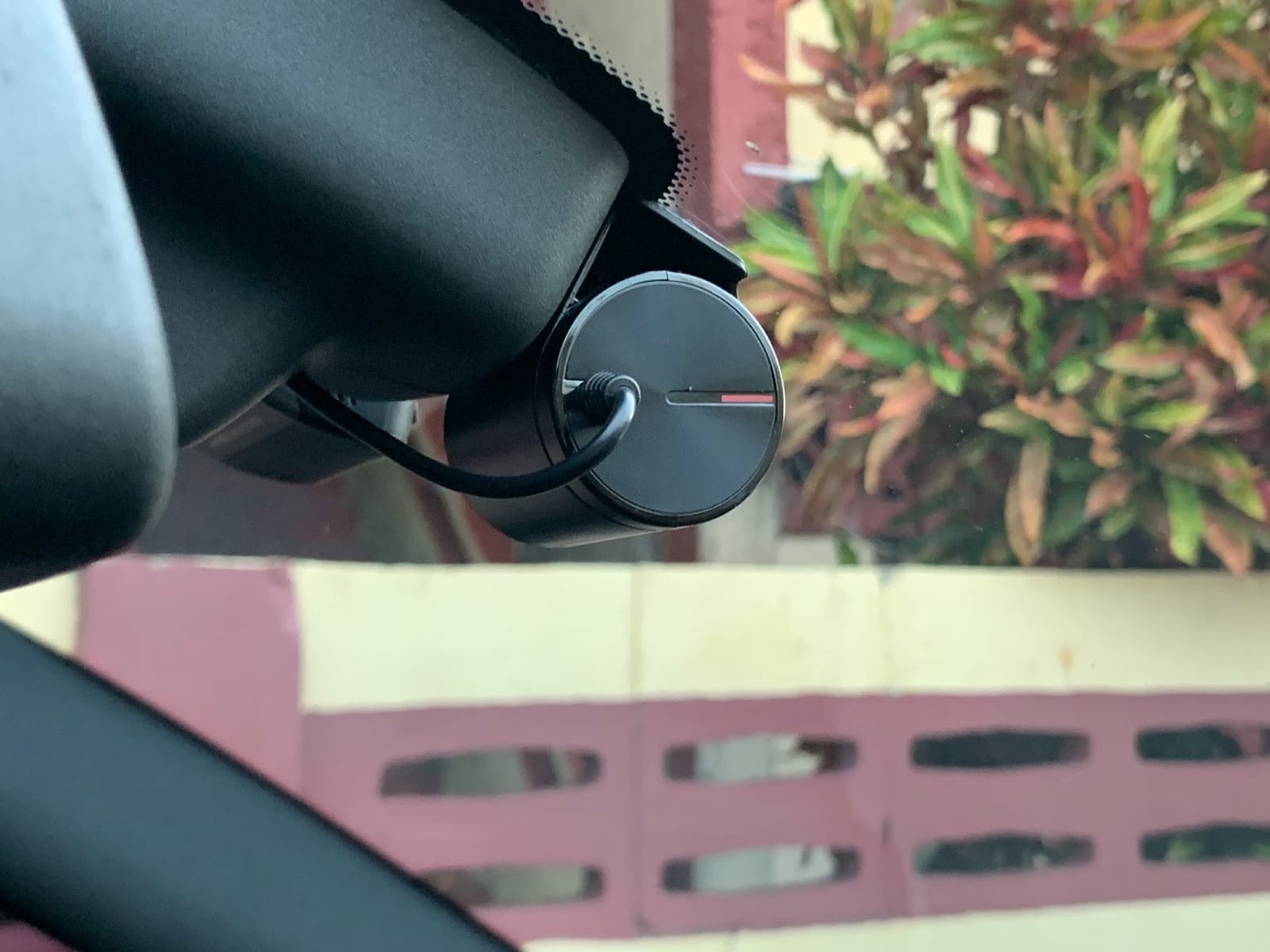
The hardwiring cable is included, which removes a hidden cost you pay on most other picks here, and the 32GB card is in the box. Parking mode offers motion detection, impact detection, time-lapse, smart parking and energy saving modes, with a blinking security LED and a chime to confirm a capture.
Night performance is the serious weakness. Owners report blurry or over-exposed night footage where number plates are unreadable, which defeats the main purpose of a dash cam at the worst possible moment. The touchscreen also fails to respond frequently enough to trust, and voice prompts are loud even at the lowest volume.
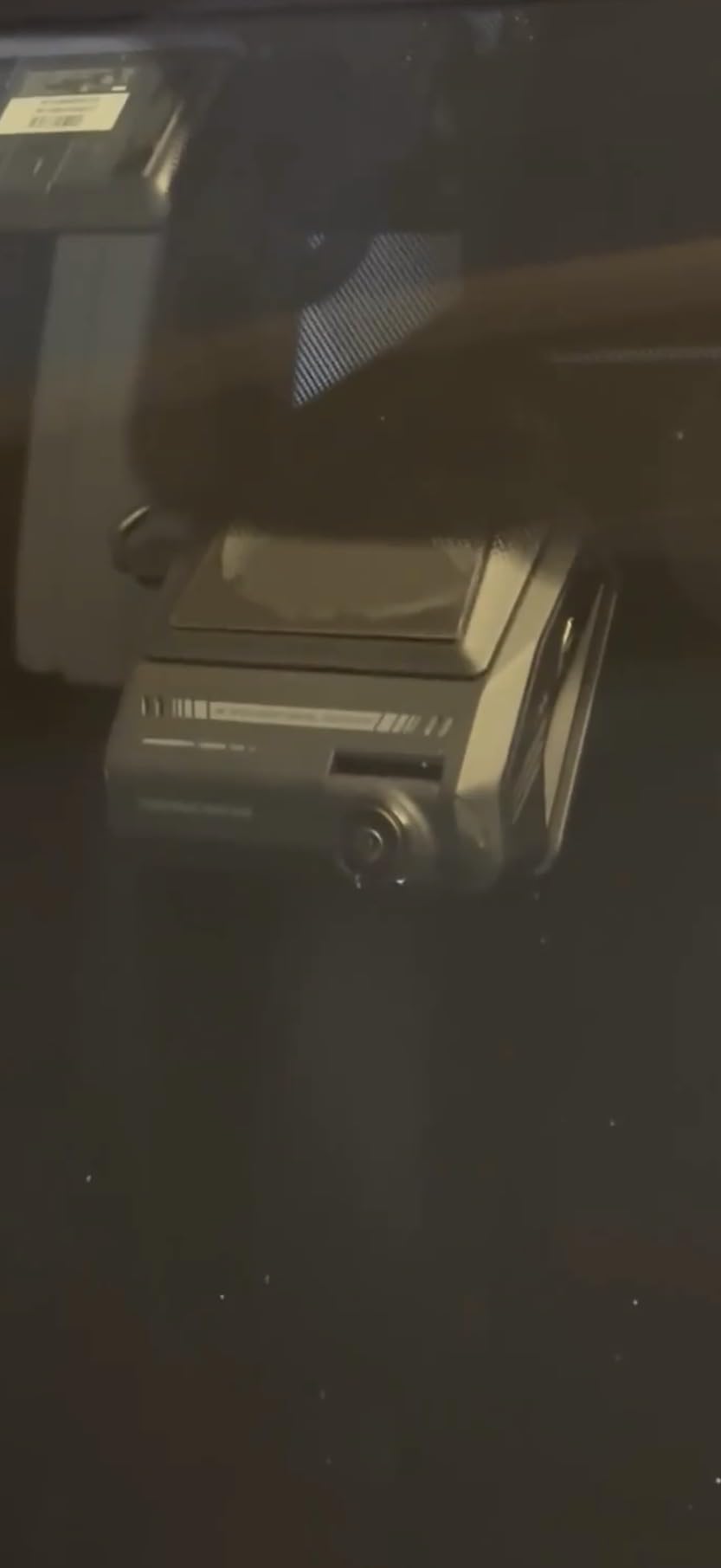
What the ARC does with GPS that others do not
Beyond the speed stamp, the GPS database produces red-light camera warnings and supports the vehicle departure and traffic light change alerts. That turns a passive recorder into something closer to a driving aid, and it is the reason this camera earns its place despite its night weakness.
Privacy lock, thermal sensors and a supercapacitor are all present, so the unit is built for a car left in the sun, and the desktop viewer can play back files with their GPS data.
Where it falls short
Night footage is the dealbreaker for anyone who drives dark roads. If plate capture at night is your priority, look at the Sony STARVIS-equipped options in our 4K dash cam roundup instead.
Other annoyances: the rear camera image cannot be flipped in the app, so mount placement is a one-shot decision. The body runs very hot in use and during parking mode, CarPlay has to be disabled to connect a phone, and the desktop viewer can hang on GPS data and shows km/h regardless of your unit setting.
9. Yonvim 2.5K Front and Rear: The Least Expensive Way to Get GPS Stamps
Yonvim Dash Cam 2.5K Front Rear 64GB WiFi GPS 160° Night Vision
2.5K front and rear
160 degree lens
GPS speed and location stamps
64GB card
WiFi app
Pros
- GPS stamps speed and location onto every clip as standard
- Sharp 2.5K front and rear footage for the money
- 64GB card pre-installed so it records immediately
- F1.8 aperture and 8-layer lens hold up reasonably at night
Cons
- Parking mode requires a separate hardwire kit
- Adhesive mount only with no suction cup option
- Supplied card can degrade fast in hot climates
The Yonvim is the least expensive way on this list to get real GPS speed and location stamps on your footage, and for a first dash cam that is a genuinely useful thing to prioritise. Both cameras record 2560×1600 through a 160 degree ultra-wide lens.
The 64GB card arrives pre-installed, the F1.8 aperture and 8-layer glass lens handle night better than the specification suggests, and WDR reduces glare. A WiFi app lets you pull clips without removing the card, and the G-sensor locks impact footage while loop recording overwrites the oldest files.
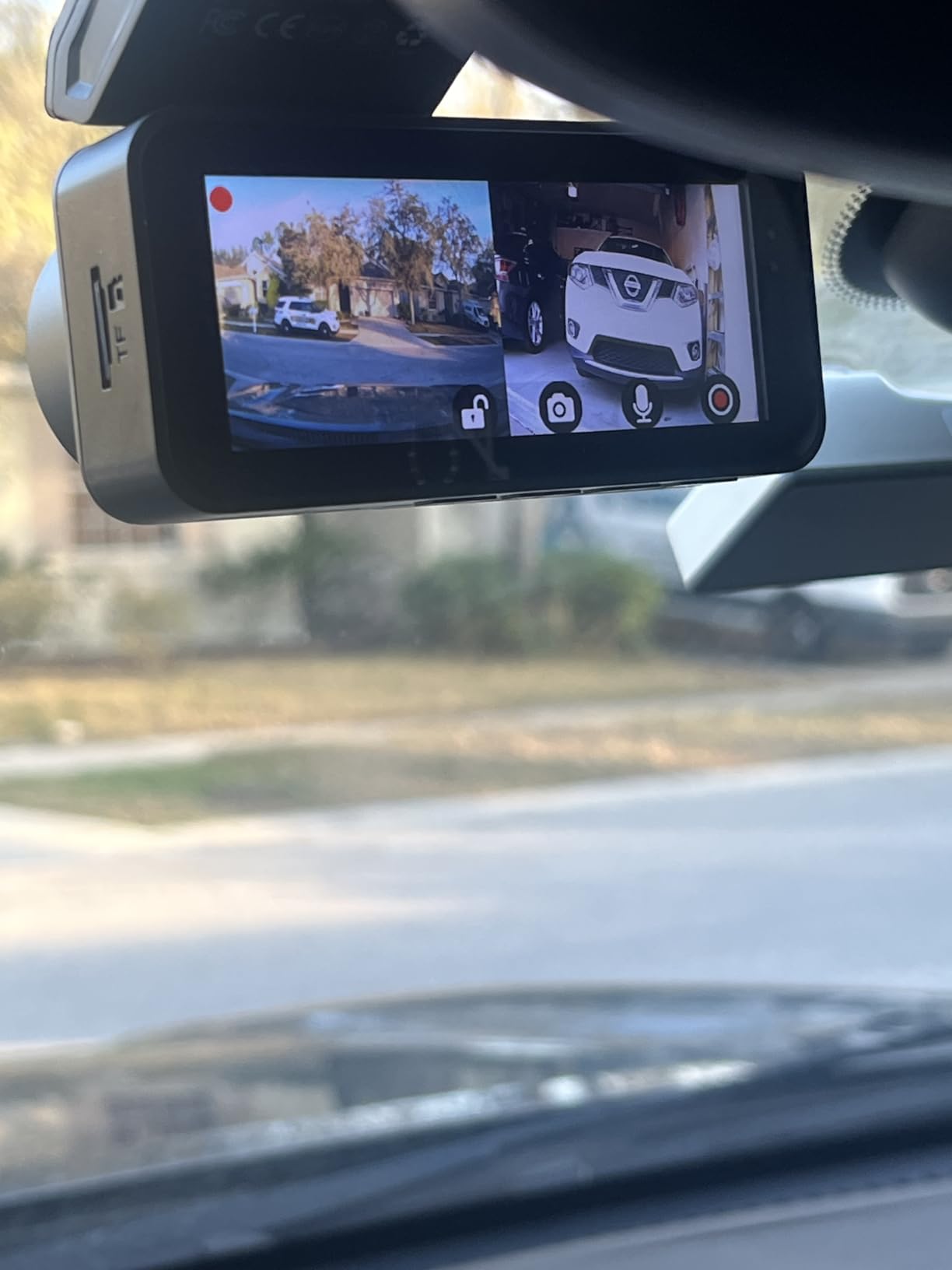
Setup takes about half an hour with the adhesive mount, and the 3.39-inch IPS screen is larger than several more expensive units here, which is useful for a quick check at a junction. GPS speed and location are stamped on every clip, not just the front channel, which is unusual at this tier.
The limits are real. Parking mode needs a hardwire kit, the mount is adhesive only with no suction cup fallback, and owners in hot climates report the supplied card degrading quickly, which means replacing it with a proper high-endurance card is a near-essential first step rather than an upgrade for later.
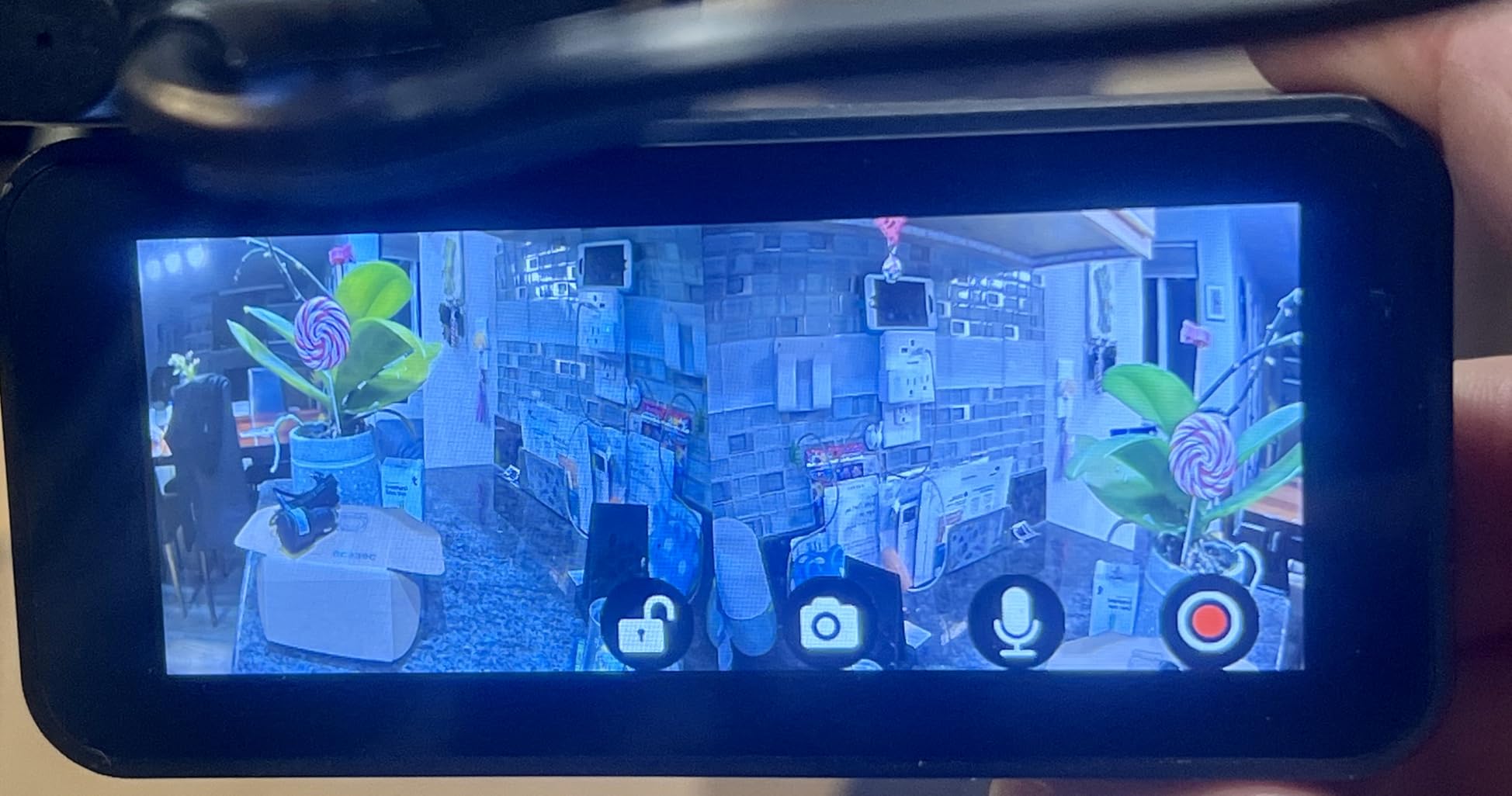
What you get for the money
Two channels at 2.5K, GPS stamping on both, a 64GB card and a WiFi app, from a single front-and-rear unit. Very few cheaper kits include a card at all, so this is the pick if the hidden cost of storage is what usually stops you buying.
The 160 degree field of view covers adjacent lanes and intersections, which is where most of the useful evidence comes from.
Where it falls short
No parking mode without the extra kit, and adhesive-only mounting means repositioning after a summer in a hot car is not always straightforward.
There is no hardwiring cable in the box, and the warranty is one year. Expect the included card to be the first thing to replace.
10. Garmin DriveCam 76: A Navigator With a Dash Cam Built In
Garmin DriveCam™ 76, 7” GPS Car Navigator & Built-in Dash Cam
7-inch navigator with dash cam
Built-in GPS navigator
16GB card included
Vault upload
Forward collision warnings
Pros
- One device replaces both a navigator and a dash cam on the windshield
- Forward collision and lane departure warnings work reliably
- Large screen that is easy to read while driving
- Over-the-air WiFi updates need no computer
Cons
- Included 16GB card fills in about an hour
- 7-inch body is bulky and can block the camera
- Some units hit low-battery shutdowns card errors and GPS antenna failure
The DriveCam 76 is a different product class from the other nine, and I want to be clear about that. It is a 7-inch GPS navigator with an integrated forward-facing camera, not a dedicated dash cam, and the majority of shoppers who see it in a shopping carousel are buying the wrong thing for their need.
That said, it does what it promises well. The 6.95-inch capacitive screen is genuinely readable while driving, the suction cup mount holds firm over rough roads, and forward collision, lane departure, school zone, sharp curve and speed change warnings all work reliably. Clips upload automatically to the secure Garmin Vault and are viewed through the Garmin Drive app.
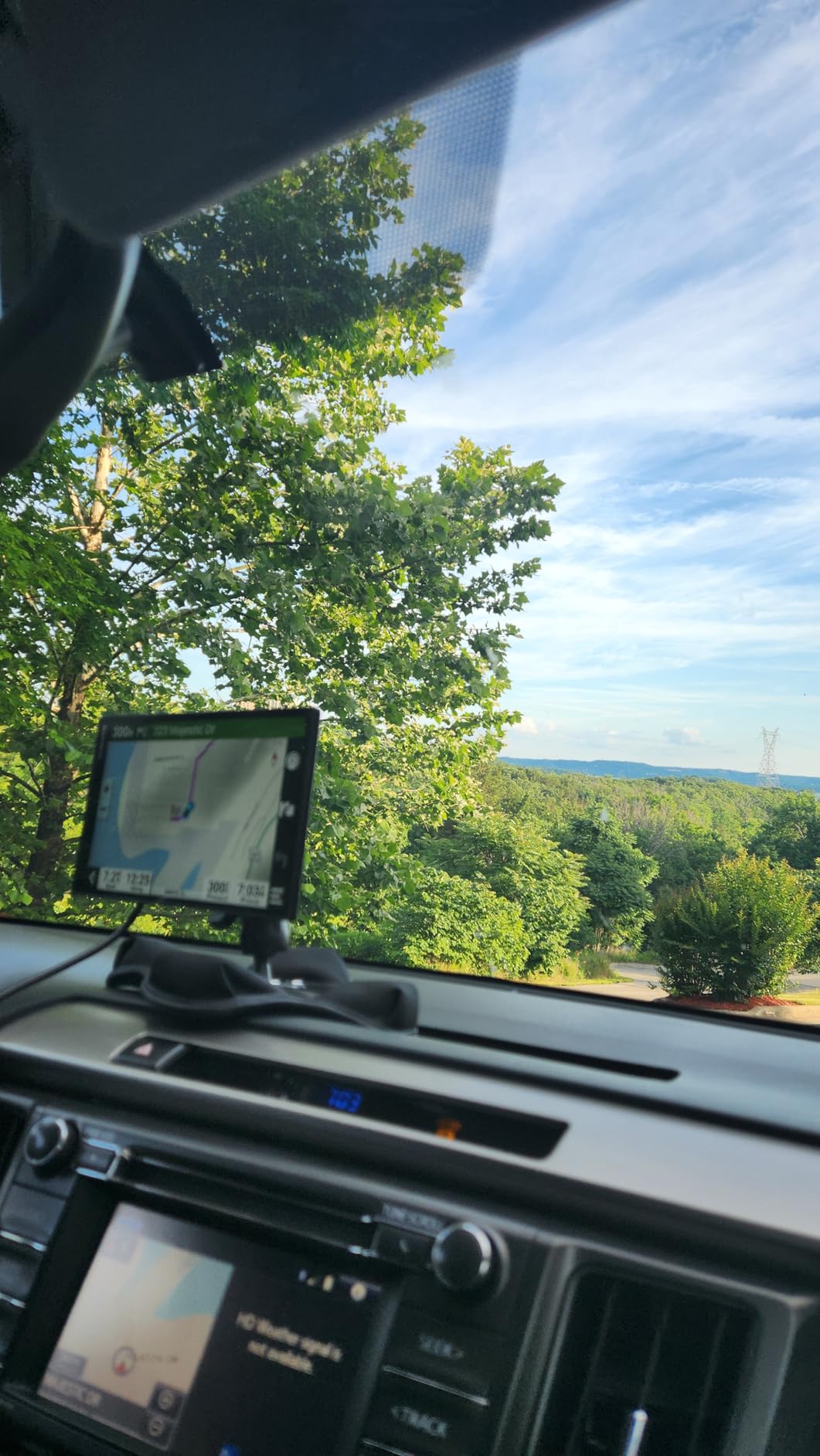
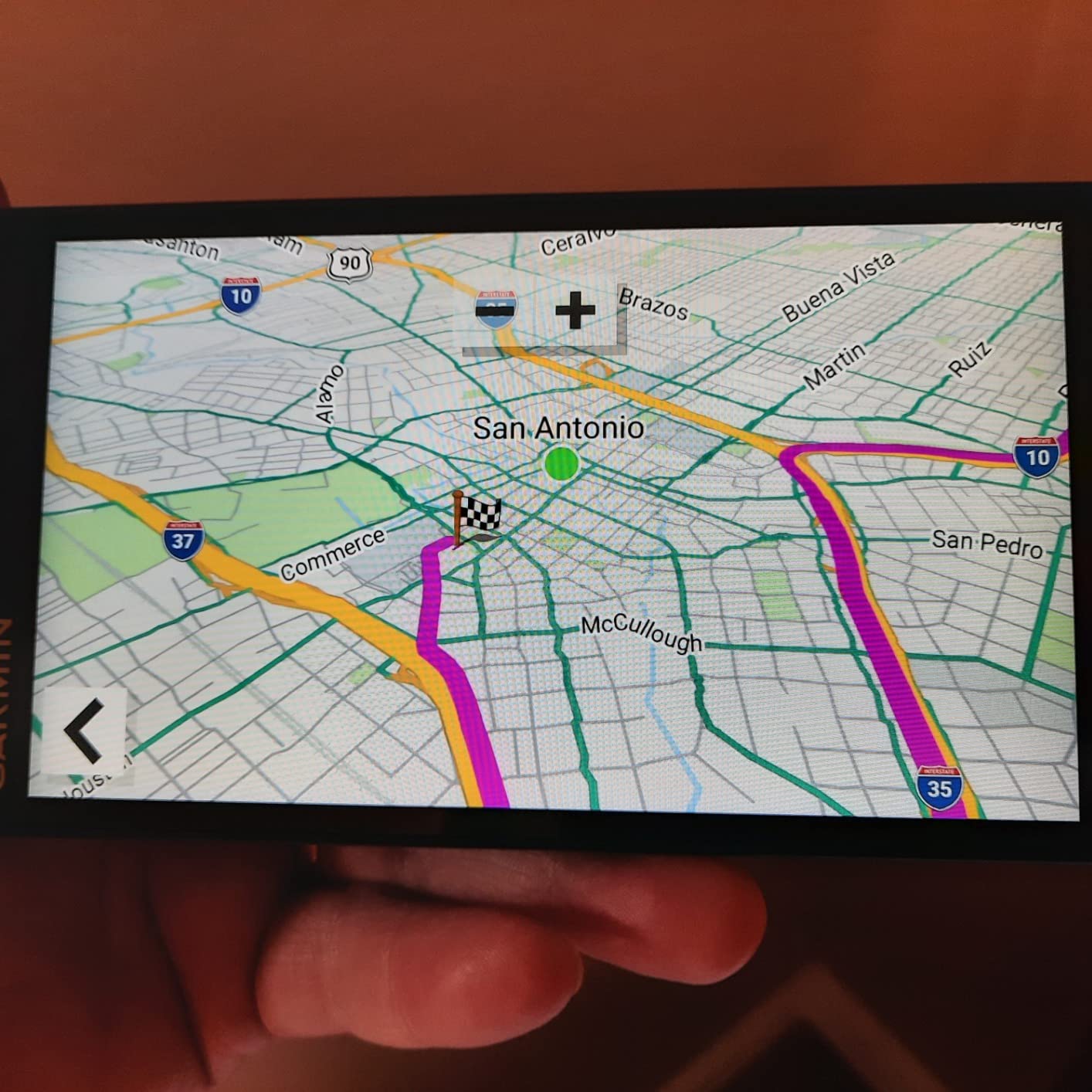
It also has live traffic, fuel prices, weather and smart notifications over WiFi, plus Bluetooth hands-free calling and voice assist navigation. Map coverage spans the U.S., Mexico, Canada, Puerto Rico, the U.S. Virgin Islands, the Cayman Islands and the Bahamas, and updates happen over WiFi without a computer.
The storage situation is poor for a dash cam. The bundled 16GB card fills in about an hour of recording, and larger card support is poorly documented. The 7-inch body is bulky on the windshield and can block the camera depending on how the mount is rotated, and there are no cable clips with an excessively long power cord.
Why it belongs in a GPS logging roundup
Because its GPS is a full navigation-grade receiver rather than a simple logger, and it uses that data for driving warnings, route guidance and red-light style alerts. If you want one device for a long road trip, this is the pick in the group.
The automatic incident capture and secure cloud upload also mean your footage is not sitting on a card in a car that has already been broken into.
Where it falls short
One forward-facing camera means no rear coverage and no cabin coverage, which is the reason most people buy a two or three-channel unit. The 16GB card problem means a bigger card is effectively required from day one, and some owners have reported low-battery shutdowns, memory card errors and GPS antenna failure within the first year.
Bluetooth calling adds little if your car already has hands-free, and the interface has a steep learning curve for anyone new to Garmin. If marine navigation interests you more than road footage, our marine GPS chartplotter guide covers that side.
How GPS Logging Works and How to View Your Route
The mechanism is simple. A receiver in the camera locks onto satellites, the processor writes the resulting latitude, longitude, speed and time into the video file’s metadata, and it also drops a small sidecar file next to the clip. The video itself plays normally in any player. The route only appears when the file is opened in software that understands the extra data.
Here is the practical sequence we used to pull route data off every camera in this roundup:
Copy the clip off the microSD card to your computer, or download it through the camera’s WiFi app to your phone.
Open the file in the manufacturer’s desktop player or PC player, which reads the embedded coordinates and draws the track on a map.
Play the video and watch the speed and position update in step with the footage as you drive.
Where a separate .gps sidecar file is present alongside the video, open both in the same player rather than the video alone.
Export or screenshot the route with timestamps when you need to attach it to a claim, a mileage record or a report.
Store the export somewhere outside the card, because loop recording overwrites the oldest files first.
If a camera’s app feels like a dead end, the desktop player is usually the better route, and on the Affver A4 it is the only route you need. Expect the map line to break in tunnels, in dense city streets and in underground car parks, and treat those gaps as normal rather than as a fault.
Built-In GPS vs GPS Mount vs 4G Live Tracking
There are three ways a dash cam gets position data, and confusing them is the single most common reason people buy the wrong product.
Built-in GPS module. The receiver sits inside the camera body. The WOLFBOX G840S, the Affver A4, the PRUVEEO, both 70mai cameras and the Yonvim all work this way. Nothing extra to buy, nothing extra to mount, and the data is on from the moment the camera is powered.
GPS-enabled mount. The receiver is built into the bracket instead. The AZDOME M550 Pro does this, and the THINKWARE ARC uses a separate GPS antenna. It works well, but the mount is a required part rather than an accessory, and swapping in a bracket without the receiver silently removes your speed and position data.
Add-on logger. The ZMOPO D435 is the case to watch. Its product listing mentions GPS, but the base unit does not log position or speed until you fit the separate module. If GPS logging is the reason you are reading this, verify the exact variant before buying.
4G and LTE live tracking. A completely different category that none of these ten cameras occupy. It transmits position to a server on a cellular connection, usually on a subscription, and it is what you buy when a car is stolen and you need live location rather than a record of where you were last week.
How Big a microSD Card You Need for GPS Logging
GPS data adds only kilobytes to an hour of video, so card size is driven entirely by resolution and channel count. More cameras writing at once is what fills a card fastest, not the speed stamp.
As a working rule, a single 1080p channel gives you roughly an hour of continuous recording per 16GB of card. A 1440p channel costs noticeably more, and a 4K front channel costs more again. Every camera in this roundup writes to a card continuously, so a card that lasts a day of city driving is the minimum you want, not a generous choice.
That is why the included card matters so much. The Garmin DriveCam 76’s 16GB fills in about an hour, and the WOLFBOX G840S’s 32GB holds roughly five hours at 4K. The 70mai A800SE’s 128GB and the PRUVEEO and ZMOPO 128GB cards are the most generous in the group.
Two practical rules. Buy a high-endurance card rated for continuous write rather than a cheap general-purpose one, because dash cam workloads are exactly what ordinary cards struggle with. And expect to replace it in a hot climate, since heat is what degrades cards fastest in a windscreen-mounted camera, and several owners here reported having to swap the supplied card out early.
Apps, Route Playback and Insurance Claims
App quality varies more across these cameras than image quality does, and forum consensus is clear that a usable phone app matters as much as resolution. On the positive side, the Affver A4 avoids the problem entirely because its GPS file opens in a PC player. The 70mai WiFi 6 models move clips quickly once paired, though their editing tools are basic.
The friction is real on several others. Owners of the PRUVEEO report having to reconnect or reinstall its app for almost every use, and ZMOPO users describe WiFi dropping repeatedly with error messages that offer no support number. A dash cam you cannot open on your phone is a dash cam whose GPS data you will not look at, so factor that in above the spec sheet.
On admissibility, the honest answer is that a GPS log is treated as one piece of evidence among others. Video shows what happened, the speed and coordinate data shows where and how fast, and the timestamp ties them together. Adjusters and courts weigh it alongside witness statements and physical evidence rather than in isolation, and a continuous, timestamped log is considerably stronger than a single clip with no context. It is not a legal proof of innocence on its own.
One practical note: hardwiring for parking mode draws from the vehicle battery. Most of these cameras include a low-voltage cutoff, but a hardwire kit with an adjustable cutoff is the safer route, and it is the reason we treat the kit as a near-essential extra on so many picks here.
Frequently Asked Questions
What is the best dash cam with GPS tracking?
Among the cameras we tested, the WOLFBOX G840S is the strongest all-round choice, because its external GPS antenna locks position quickly through a windshield and it ships with 32GB of storage. The PRUVEEO 4-channel model is the pick if you need front, rear, left and right coverage from one unit, and the Affver A4 is the best value because its GPS file opens in a PC player with no app required.
Does GPS on a dash cam mean live tracking?
No. GPS on a dash cam is a data logger, not a live tracker. It stamps speed, coordinates and a timestamp onto your recordings and stores them locally on the memory card, so you can replay the route yourself later. None of the ten cameras in this roundup transmit your location over cellular, so if you need live location for a stolen car you need a separate tracker and a subscription.
How do I get GPS data off my dash cam?
Copy the clip off the microSD card to a computer, or download it through the camera’s WiFi app, then open it in the manufacturer’s desktop or PC player. That player reads the embedded coordinates and draws the route on a map with the speed updating alongside the video. If a separate .gps sidecar file sits next to the video, open both in the same player.
Do dash cam speed logs work for insurance claims?
They help. A GPS log provides independently recorded speed and location data that video alone cannot show, and a continuous timestamped record is stronger evidence than a single clip. Adjusters and courts treat it as one piece of evidence weighed alongside witness statements and physical evidence, so back it up off the card as soon as you can because loop recording overwrites the oldest files first.
Is GPS on a dash cam worth it?
It is worth it if you drive for work, want a mileage record, or have ever had to argue about speed or a parking incident without proof. It is less valuable if you only want a camera to catch footage of a bad driver, since plain loop recording already does that. Check whether the GPS is built into the camera body, built into the mount, or an optional add-on before buying.
The Verdict on the Best Dash Cameras With GPS Logging
The WOLFBOX G840S is our pick for the best dash cameras with GPS logging overall, because the external antenna produces the most reliable speed and coordinate stamps of anything we tested and the 4K front footage holds up after dark. For cabin and side coverage in one unit, take the PRUVEEO 4-channel model. If you want the cleanest route playback without wrestling an app, the Affver A4 is the one to buy.
Whatever you choose, buy a bigger high-endurance memory card than the one in the box, and decide now whether you need parking mode, because that hardwire kit is the hidden cost that catches almost everyone. Updated for October 2026.