
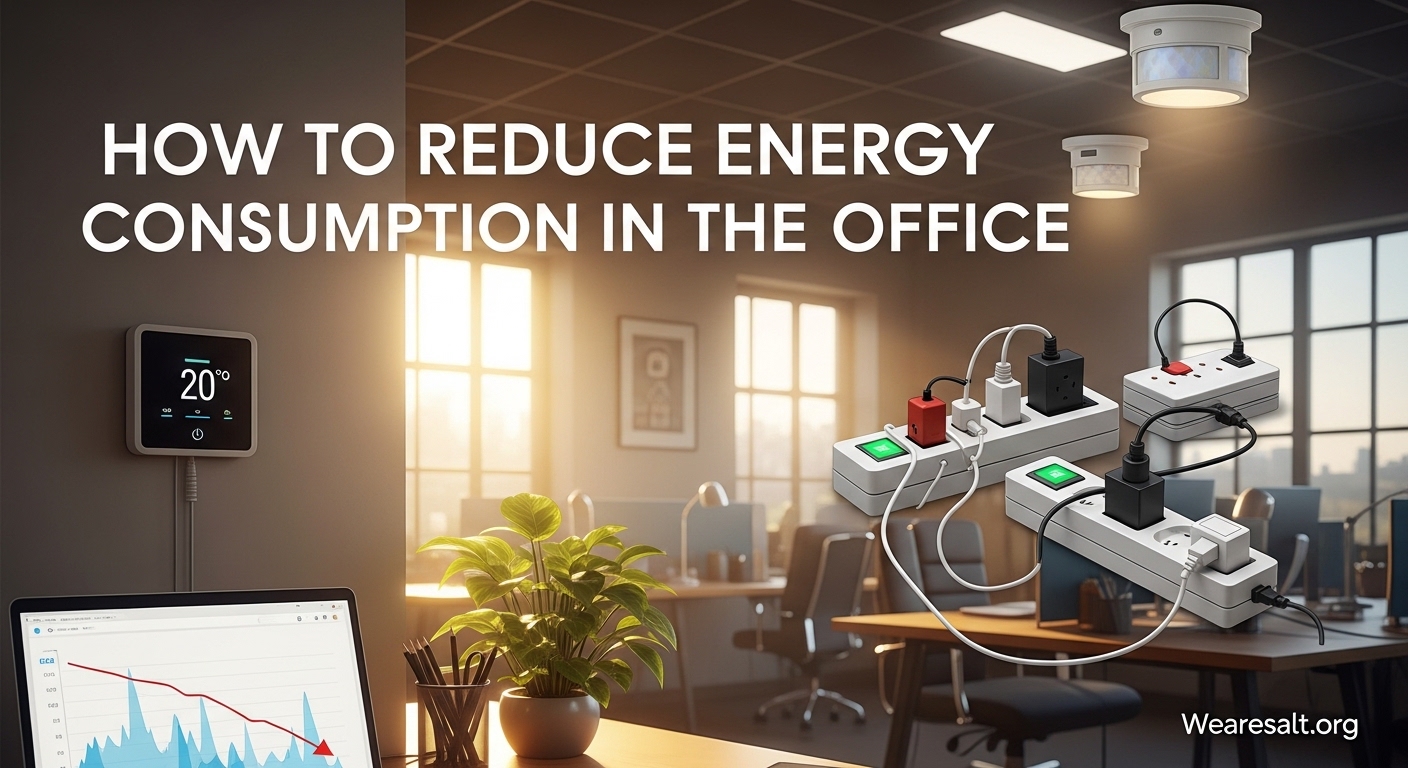
Learning how to reduce energy consumption in the office is one of the smartest moves any business can make in 2026. With electricity costs rising and environmental concerns growing, companies that take action now are seeing immediate benefits on their bottom line and their carbon footprint. I’ve worked with dozens of offices to implement energy-saving strategies, and the results consistently surprise facility managers who didn’t realize how much waste was happening right under their noses.
In this guide, you’ll discover practical, proven strategies to cut your office energy use by 20% to 40% without sacrificing comfort or productivity. We’ll cover everything from zero-cost quick wins you can implement today to strategic equipment upgrades that pay for themselves within months. Whether you manage a small startup office or oversee multiple corporate locations, these techniques scale to fit your needs.
Table of Contents
Understanding Your Office Energy Use
Before you can reduce energy consumption, you need to know where it’s actually going. Most office managers are shocked to learn that heating, ventilation, and air conditioning (HVAC) systems typically account for 40% of total office energy use. Lighting comes in second at roughly 25%, followed by office equipment like computers, printers, and servers at about 20%.
Phantom energy represents one of the biggest hidden drains. This is the electricity devices consume when they’re turned off but still plugged in. Your desktop computer in sleep mode, the coffee maker with its clock display, and phone chargers left in outlets all add up. Research from the Energy Saving Trust indicates phantom energy can account for 5% to 10% of your total bill.
Conducting a simple energy audit helps you prioritize where to focus first. Walk through your office during off-hours and note what’s still running. Check your utility bills for patterns. Many utility companies offer free energy audits that provide detailed recommendations specific to your building. I’ve seen offices discover that their heating was running overnight because of a single faulty thermostat setting that cost them hundreds monthly.
Quick Wins: Immediate Energy Savings
These ten actions require little to no investment and can start saving you money immediately. I recommend tackling these within your first week to build momentum and demonstrate that energy efficiency isn’t complicated.
1. Turn Off Lights When Not in Use
This sounds obvious, but the average office has lights burning in empty conference rooms, storage areas, and private offices constantly. Install reminder stickers near switches. The Energy Saving Trust estimates this simple habit can reduce lighting costs by 10% to 15%.
2. Enable Sleep Mode on All Computers
Configure computers to enter sleep mode after 10 to 15 minutes of inactivity. A computer in sleep mode uses 90% less energy than one sitting idle at full power. This single change can save $15 to $30 per computer annually.
3. Unplug Chargers and Idle Equipment
Phone chargers, laptop adapters, and other power bricks draw electricity even when not charging anything. Create a culture where employees unplug these at day’s end. One office I worked with saved $200 monthly just by eliminating phantom draw from equipment left plugged in overnight.
4. Adjust Your Thermostat by 1 Degree
Lowering your heating by just 1 degree Celsius reduces fuel consumption by approximately 8%. The Carbon Trust confirms that most offices can reduce heating temperatures by 2 degrees without anyone noticing comfort changes. Program setbacks for evenings and weekends.
5. Maximize Natural Light
Rearrange desks and workstations to take advantage of windows. Open blinds fully during daylight hours. Turn off artificial lights in areas with sufficient natural illumination. Daylight harvesting can reduce lighting costs by 20% to 60% in perimeter zones.
6. Close Doors and Windows Properly
Ensure external doors seal tightly. Check that windows close completely. Even small gaps let heated or cooled air escape, forcing your HVAC system to work harder. Draught-proofing is one of the most cost-effective energy measures available.
7. Reduce Printing and Go Digital
Every page you don’t print saves energy. Implement pull printing where documents only print when employees physically release them at the machine. This eliminates forgotten print jobs that waste paper, toner, and electricity powering idle printers.
8. Turn Off Equipment at Night
Monitors, printers, copiers, and scanners don’t need to run 24 hours daily. Unless specific equipment serves critical overnight functions, power it down completely. One company reduced their evening electricity draw by 60% with this policy alone.
9. Clean and Maintain Equipment
Dusty vents, clogged filters, and dirty refrigerator coils make equipment work harder and consume more energy. Add cleaning schedules to your facility maintenance routine. Something as simple as dusting light fixtures can improve output and reduce needed wattage.
10. Create a ‘Last Out’ Checklist
Post a simple checklist near exit doors reminding whoever leaves last to turn off lights, check thermostats, and verify that non-essential equipment is powered down. Accountability prevents the assumption that someone else handled it.
Lighting Optimization Strategies
Lighting represents your second-largest energy expense, but it’s also where technology offers the fastest payback. LED bulbs use up to 80% less electricity than traditional incandescent bulbs and last 25 times longer. When you factor in reduced maintenance costs from fewer bulb replacements, the business case becomes compelling.
Start with your highest-use areas. Convert overhead lighting in main workspaces, conference rooms, and hallways first. I typically recommend a phased approach: replace bulbs as they burn out in low-traffic areas, but proactively upgrade high-use spaces immediately. The energy savings from just converting one conference room that runs 10 hours daily can reach $100 annually.
Occupancy sensors take your lighting efficiency further by ensuring lights only operate when spaces are actually occupied. These devices detect movement and automatically turn lights on when someone enters and off after a set period of vacancy. Installing occupancy sensors in bathrooms, storage rooms, conference rooms, and break areas typically reduces lighting costs in those spaces by 30% to 50%.
Daylight harvesting systems use sensors to measure available natural light and automatically dim artificial lighting to maintain consistent brightness. These systems work exceptionally well in offices with large windows. While more complex to install, they deliver consistent savings year-round by adapting to changing daylight conditions throughout the day and seasons.
Task lighting completes your strategy. Instead of illuminating entire rooms at full brightness, provide adjustable desk lamps for detailed work. This allows you to maintain lower ambient lighting levels while giving employees control over their immediate work environment. Studies show proper task lighting can improve productivity while reducing overall energy consumption.
HVAC and Temperature Control
Your heating and cooling systems work hardest and cost most, but small adjustments yield significant results. The Department of Energy recommends setting thermostats to 68 degrees Fahrenheit in winter and 78 degrees in summer for office environments. Every degree beyond these settings increases energy consumption by approximately 6% to 8%.
Programmable thermostats eliminate the human error of forgetting to adjust temperatures. Set them to reduce heating or cooling during unoccupied hours, including nights, weekends, and holidays. Smart thermostats go further by learning your office patterns and making automatic adjustments. The investment typically pays for itself within one heating or cooling season.
Seasonal maintenance keeps your HVAC running efficiently. Change filters monthly during heavy use periods. Dirty filters restrict airflow and force systems to work harder. Schedule professional maintenance twice yearly, before peak heating and cooling seasons. Technicians clean coils, check refrigerant levels, and identify small problems before they become expensive failures that waste energy.
Zone control systems let you heat or cool only occupied areas. If your east wing works late while the west wing empties at 5 PM, zone controls prevent wasting energy conditioning empty spaces. I worked with a law firm that saved 25% on HVAC costs simply by installing zone controls and adjusting schedules to match actual occupancy patterns.
Don’t overlook simple passive strategies. In summer, close blinds on south and west-facing windows to block direct sunlight. In winter, open those same blinds to capture free solar heat. Ceiling fans can make spaces feel 4 degrees cooler, allowing you to raise thermostat settings without sacrificing comfort. These zero-cost adjustments complement your mechanical systems effectively.
Office Equipment and Power Management
Modern offices run on electricity, but much of that power gets wasted through inefficient habits and outdated equipment. Smart power strips solve the phantom energy problem by automatically cutting power to peripherals when you turn off your computer. When your PC shuts down, the strip powers down your monitor, speakers, desk lamp, and phone charger simultaneously.
Configure power management settings aggressively on all computers. Set monitors to turn off after 5 minutes of inactivity, hard drives after 10 minutes, and the entire system to enter sleep or hibernate after 15 minutes. Windows and macOS both include detailed energy saver panels where you can customize these behaviors. Network administrators can deploy these settings company-wide through group policies.
The debate about turning computers off nightly versus leaving them in sleep mode comes up frequently. For most modern business computers, shutting down completely saves more energy than sleep mode over long periods. However, if your IT department runs overnight updates, coordinate schedules so computers power on briefly for maintenance then shut down again. The energy saved by 16 hours of complete shutdown versus sleep mode adds up significantly across a full office.
Printers, copiers, and multifunction devices consume substantial energy generating heat for toner fusion and maintaining internal temperatures. Enable all power-saving features these devices offer. Set them to enter deep sleep after 30 minutes of inactivity. Configure duplex printing as the default to reduce paper use. Consider reducing the number of printers overall. Many offices have more machines than necessary, each one drawing power continuously.
When it’s time to replace equipment, look for ENERGY STAR certified models. These devices meet strict efficiency standards and typically use 30% to 65% less energy than standard models. The certification appears on computers, monitors, printers, copiers, refrigerators, and even vending machines. The upfront cost premium usually pays back through energy savings within the first year of operation.
Employee Engagement and Behavior Change
Technology upgrades matter, but employee behavior drives sustained results. Getting your team invested in energy conservation multiplies the impact of every technical improvement you make. Start by explaining why energy efficiency matters. Share your actual utility costs and demonstrate how savings could fund other improvements like better coffee, new equipment, or team events.
The traffic-light system helps employees understand what they can turn off. Label equipment with colored stickers: red means never turn off (servers, security systems), yellow means ask before turning off (shared printers, conference room equipment), and green means always turn off when finished (personal monitors, desk lamps, space heaters). This eliminates confusion and empowers employees to take action.
Make energy saving visible and competitive. Create a dashboard showing monthly energy consumption that everyone can see. Set reduction targets and celebrate when you hit them. Some offices run friendly competitions between departments or floors. Gamification works. One marketing agency I advised reduced energy use 18% in three months simply by posting weekly usage charts and offering a pizza party for the team that hit their reduction target first.
Include energy efficiency in onboarding. New employees should learn your office’s energy policies as part of their first day. This establishes habits immediately rather than trying to change behavior later. Provide clear written guidelines about thermostat settings, lighting practices, and equipment shutdown procedures. Post these reminders in break rooms and near common equipment.
Recognize and reward conservation champions. When employees suggest energy-saving ideas that you implement, acknowledge their contribution publicly. Small incentives like preferred parking for a month, gift cards, or extra PTO hours cost little compared to the energy savings they generate. Positive reinforcement builds a culture where everyone looks for opportunities to contribute.
Implementation Timeline: From Immediate to Long-Term
Successful energy efficiency programs happen in phases. Trying to change everything simultaneously overwhelms staff and creates resistance. Here’s a proven timeline that builds momentum while delivering quick wins that fund larger investments.
Week 1: Foundation Actions
Complete your energy audit to understand current consumption. Implement the zero-cost quick wins: adjust thermostat settings, enable computer sleep modes, post ‘last out’ checklists, and maximize natural light usage. Send an all-staff email explaining your energy efficiency initiative and requesting cooperation with new practices. These immediate actions typically reduce consumption 5% to 10%.
Month 1: Low-Cost Upgrades
Install occupancy sensors in bathrooms, storage rooms, and conference areas. Replace incandescent bulbs with LEDs as they burn out. Add smart power strips to workstations. Implement the traffic-light equipment labeling system. Begin your employee engagement campaign with visible dashboards and team communications. By month-end, you should see 10% to 15% cumulative reduction.
Month 3: Equipment Investments
Replace the oldest, least efficient equipment with ENERGY STAR certified alternatives. Upgrade to programmable or smart thermostats. Install LED lighting in high-use areas if you haven’t already. Evaluate zone control options for your HVAC system. Consider professional energy monitoring equipment to track consumption patterns in real-time. Target 20% to 25% reduction by this point.
Month 6 and Beyond: Strategic Projects
With baseline improvements complete and savings documented, pursue larger investments. Install daylight harvesting systems if appropriate for your building. Consider solar panels or renewable energy purchasing programs. Evaluate HVAC replacement if your system is over 10 years old. Explore utility rebate programs and government incentives that can offset upgrade costs. Long-term, aim for 30% to 40% reduction compared to your starting baseline.
Frequently Asked Questions
What is a common method to reduce energy consumption in offices?
The most common and effective method is switching to LED lighting. LED bulbs use up to 80% less electricity than traditional incandescent bulbs and last significantly longer. This single change can reduce lighting costs by 50% or more. Other common methods include installing occupancy sensors that automatically turn off lights in unoccupied rooms, enabling sleep mode on computers, and adjusting thermostat settings to reduce heating and cooling loads.
How can you reduce energy use in the workplace?
Reducing workplace energy use requires a combination of technical upgrades and behavioral changes. Start with zero-cost actions like turning off lights and equipment when not in use, adjusting thermostats by 1 to 2 degrees, and maximizing natural light. Then implement low-cost solutions including LED lighting, smart power strips, and occupancy sensors. Finally, engage employees through awareness campaigns, traffic-light labeling systems for equipment, and recognition programs. The most successful programs address both the equipment that uses energy and the people who control it.
What runs up your electric bill the most?
Heating, ventilation, and air conditioning (HVAC) systems typically account for 40% of office electricity costs, making them the largest single expense. Lighting comes second at about 25%, followed by office equipment and computers at roughly 20%. Within equipment costs, phantom energy from devices left plugged in but turned off can add 5% to 10% to bills unnecessarily. Seasonal variations matter significantly. Summer cooling and winter heating peaks can double or triple baseline consumption. Understanding these patterns helps you prioritize which areas to address first for maximum impact.
What are 4 specific ways to conserve energy in the office?
First, upgrade to LED lighting throughout your office and install occupancy sensors in bathrooms, storage rooms, and conference areas to automatically control lighting. Second, adjust your thermostat settings by 1 to 2 degrees and install programmable thermostats to reduce heating and cooling costs by 6% to 16%. Third, configure all computers to enter sleep mode after 10 to 15 minutes of inactivity and completely shut down non-essential equipment at night. Fourth, implement smart power strips that cut phantom energy draw from monitors, chargers, and peripherals when computers are turned off.
Conclusion
Learning how to reduce energy consumption in the office delivers benefits far beyond lower utility bills. You’ll create a more comfortable workspace, demonstrate environmental responsibility, and free up budget for investments that grow your business. The strategies outlined here work because they combine smart technology with engaged employees working toward shared goals.
Start today with the quick wins that cost nothing. Adjust those thermostats, enable sleep modes, and turn off unnecessary lights. Build momentum with LED upgrades and occupancy sensors. Engage your team and celebrate your progress. Within six months, you could be looking at energy bills 30% lower than where you started.
The best time to start saving energy was yesterday. The second best time is right now. Pick one action from this guide and implement it before you leave the office today. Your budget, your employees, and the environment will thank you.