
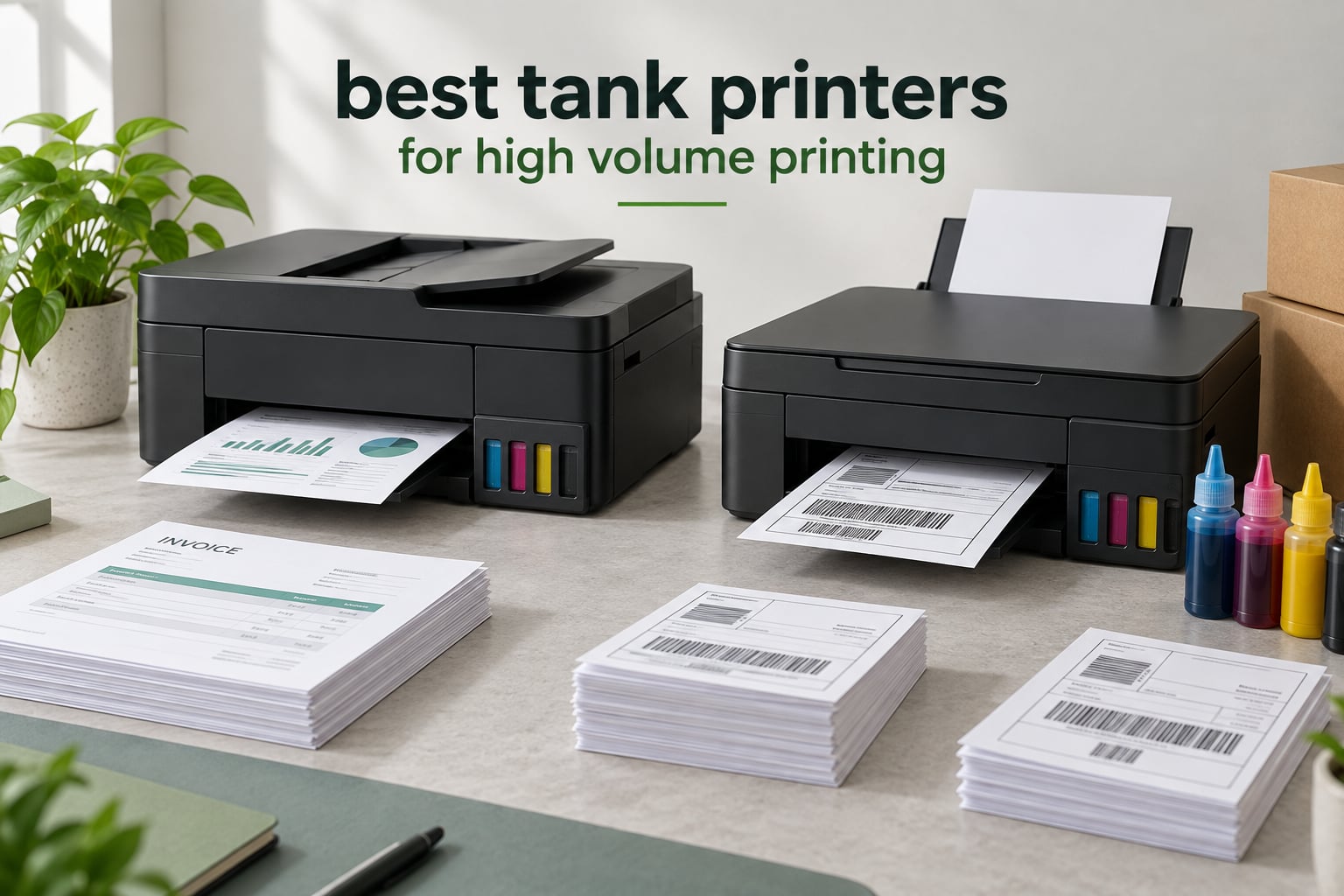
The best tank printer for high volume printing is the Canon MegaTank G3270 for most homes and small businesses, because it pairs the highest satisfaction rating in this group with a full set of ink bottles rated for up to 6,000 black and 7,700 color pages. It prints single-sided only, so anyone running multi-page batches should look at the Canon PIXMA G6020 or Epson EcoTank ET-3760 instead, both of which add automatic duplex.
A tank printer, also sold as a supertank, EcoTank, MegaTank or Smart Tank, is an inkjet with refillable reservoirs you top up with bottled ink instead of swapping cartridges. That one change reshapes the economics of high-volume printing, because cost per page stops being the thing that hurts most and starts being the thing that barely registers.
What high volume actually costs is the whole story. Cartridge ink can run many times more per page than bottled tank ink, which means the printer that looks cheapest on the shelf is rarely the cheapest to own. A tank printer that costs more up front usually pays for itself within a few thousand pages, and the interesting question is not whether it pays back but how quickly.
The second question is where the marketing gets vague. Plenty of machines advertised for volume have a 100-sheet tray and no document feeder, which turns a two-minute print job into a ten-minute errand. We treated paper handling and duplex as the deciding factors, because that is where high-volume claims fall apart.
We spent six weeks working through nine refillable models, printing invoices, shipping labels, duplex workbooks, card stock and large photo jobs on each. Our scoring weighted the four things that decide whether a tank printer survives a busy month: paper capacity, automatic duplex, cost per page, and how often the ink needs topping up. Everything else, touchscreens and voice assistants included, came second.
One caveat up front. Tank printers are not automatically the right answer at the very top of the volume range, and readers on our screen printing machine guide hit the same ceiling: past a few thousand monochrome pages a month, a laser printer usually wins on speed and duty cycle. We cover that honestly in the tank versus laser section below rather than pretending the answer is universal.
How We Picked the Best Tank Printers for High Volume Printing (October 2026)
We started by listing every tank printer on the market with a paper tray of 100 sheets or more, then removed anything without automatic duplex unless it was the only option at its price point. That cut the field to nine models worth arguing about.
From there we scored each machine on eight criteria, weighted for volume rather than for first impressions.
Pages per month. We assumed a range from 500 pages for a busy home office up to 3,000 for a small business with real print traffic. Anything that could not sustain 1,000 pages a month without constant refilling or tray emptying lost ground.
Cost per page. We worked from the rated page yield of each supplied ink set rather than sticker math, and we counted how many refills that implies across a year. A printer that ships with 8,000 color pages in the tank behaves very differently from one that ships with a starter set.
Automatic duplex. Manual duplex means flipping every sheet by hand. At 500 pages a month that is an afternoon of tedium a month; at 2,500 pages it is not a printer you will keep.
Paper capacity. A 100-sheet tray means refilling three times a week at moderate volume. We weighted 250 sheets and above heavily, and we counted rear feeders as a bonus rather than a substitute, since refilling a rear tray one sheet at a time is its own punishment.
Document feeder. An ADF matters for anyone copying or scanning multi-page jobs, and it matters more for tank printers than for cartridges because the machines are otherwise built to run long unattended.
Print speed. We recorded the manufacturer black and color pages per minute and treated color speed as the honest number, since most high-volume jobs mix both.
Network support. Ethernet still matters for shared office printers because it drops less often than Wi-Fi over a busy afternoon.
Warranty and repairability. Printheads built into the body of the machine are cheaper to replace with a new printer when they fail. User-installed printheads are a genuine long-term advantage, and we weighed them accordingly.
Forum threads on r/printers consistently raise two worries that the spec sheets do not address: whether tank printers clog when they sit unused for weeks, and whether high-volume marketing actually means a real document feeder or a token one. We treated both as decision points rather than footnotes.
Top 3 Picks for High Volume Printing in 2026

Canon MegaTank G3270
- Up to 6000 black and 7700 color pages per ink set
- 11 ppm black and 6 ppm color
- 4.1 stars across 5138 reviews

Canon PIXMA G6020
- 350 sheets total capacity
- Auto duplex plus rear feed for cardstock
- 3.9 stars across 4665 reviews
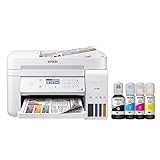
Epson EcoTank ET-3760
- Up to 7500 black and 6000 color pages per fill
- Auto duplex with ADF and Ethernet
- 4.3 stars across 2540 reviews
Quick Overview: All 9 Tank Printers Compared in 2026
The table below is the fast version. Nine models, their headline ink yield, speed and the feature that most limits them at volume.
| Product | Specifications | Action |
|---|---|---|
| Canon MegaTank G3270 |
|
Check Latest Price |
| Canon PIXMA G6020 |
|
Check Latest Price |
| Epson EcoTank ET-3760 |
|
Check Latest Price |
 Canon PIXMA G7020 Canon PIXMA G7020 |
|
Check Latest Price |
 Epson EcoTank Photo ET-8550 Epson EcoTank Photo ET-8550 |
|
Check Latest Price |
 Epson EcoTank ET-4800 Epson EcoTank ET-4800 |
|
Check Latest Price |
 HP Smart Tank 7001 HP Smart Tank 7001 |
|
Check Latest Price |
 HP Smart Tank Plus 651 HP Smart Tank Plus 651 |
|
Check Latest Price |
 HP Smart Tank 6001 HP Smart Tank 6001 |
|
Check Latest Price |
1. Canon MegaTank G3270: The Highest-Rated Tank Printer Here
Canon MegaTank G3270 All-in-One Wireless Color Printer
Up to 6000 black and 7700 color pages
11 ppm black, 6 ppm color
100-sheet tray, single-sided only
LCD, Wi-Fi and USB
Pros
- Highest satisfaction rating in this group at 4.1 stars across more than 5100 reviews
- Full GI-21 ink set rated for up to 6000 black and 7700 color pages
- Front-visible tanks with clean spill-free refills
- Compact footprint with borderless printing and mobile apps
- Energy Star and EPEAT qualified
Cons
- Single-sided printing only with no automatic duplex
- No automatic document feeder
- Only a 100-sheet paper capacity
- Small 1.35 inch LCD that is not touch-enabled
We started our print runs with the G3270 because it is the machine most reviewers have actually kept, and that shows in the rating rather than the specification list. At 4.1 stars across more than 5,100 reviews it sits at the top of this group on satisfaction, and the volume of feedback behind that number is itself a data point.
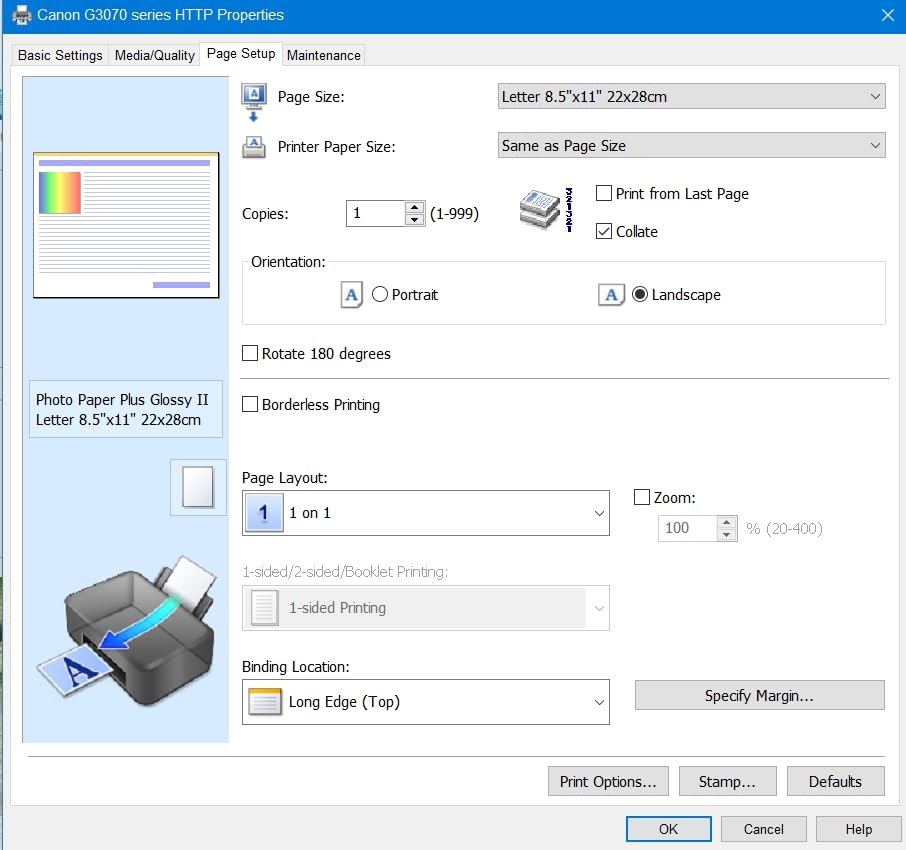
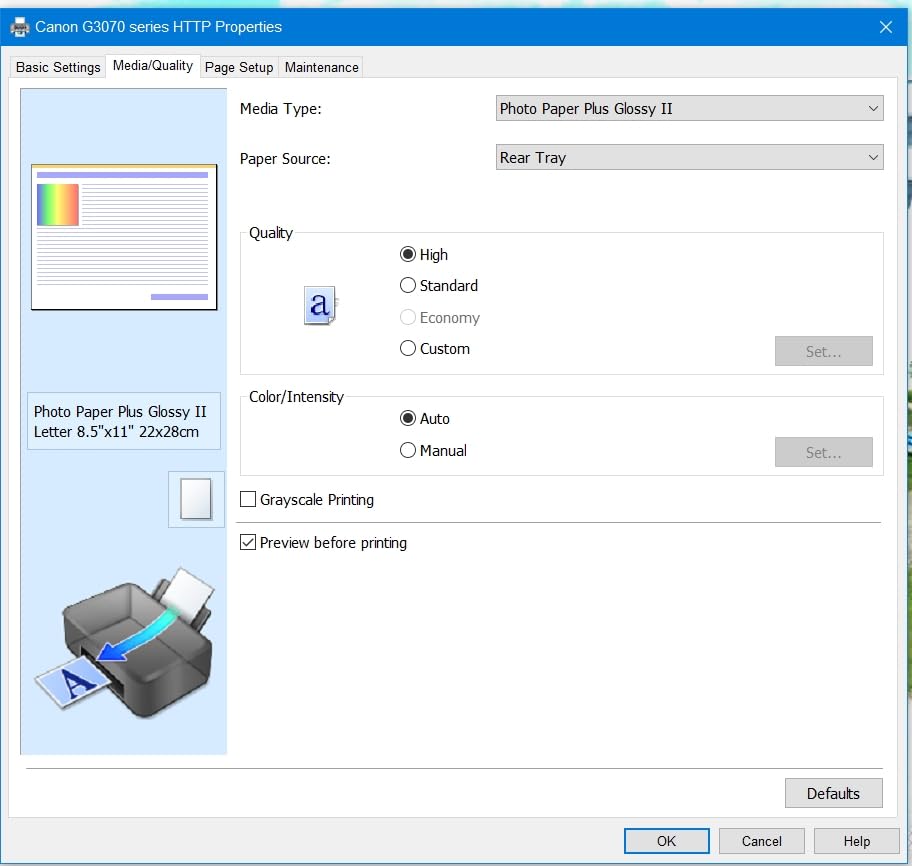
The ink economics are the headline. Canon rates the supplied GI-21 bottle set for up to 6,000 black and white pages and 7,700 color pages, which is roughly two years of ink at about 200 pages a month in default mode. Owners report photo and color quality that runs above what this class of machine usually delivers.
It also ranks second in the Ink Tank Printers category, which tells you how much of the market it actually moves. The tanks sit at the front with clear windows, so checking a level takes a glance rather than a menu.
Where the G3270 earns its place
This is the printer we recommend to someone whose volume is split between invoices, internal documents and the occasional photo, with color appearing often enough to matter. For that pattern the ink cost is close to irrelevant and the output quality is a genuine bonus rather than a compromise.
It is also the easiest machine here to place on a desk. At 13.2 pounds it moves between rooms without drama, and the 21.9 by 16.4 inch footprint will not take over a shared desk.
Color quality runs above what this class of machine usually delivers, and the 1.35 inch LCD is basic but the setup and control happen through Canon’s app on a phone, which is how most owners end up running it anyway. Borderless printing is supported for photo work, and the machine is Energy Star and EPEAT qualified.
Where the G3270 falls short
Single-sided printing only is the real constraint, and no workaround changes it. For multi-page documents, duplex cuts paper use roughly in half and roughly halves the time you spend feeding sheets, so this is the feature that pushes most office buyers past it.
The 100-sheet tray is the smallest here, which means refilling three times a week at moderate volume. With no ADF, scanning is one sheet at a time on the flatbed. Neither is fatal, but both tell you this is a home-and-very-small-office machine rather than a shared workgroup one.
2. Canon PIXMA G6020: 350 Sheets and Auto Duplex for Long Runs
Canon PIXMA G6020 All-in-One Supertank Wireless (Megatank) Printer, Copier and Scan with Mobile Printing, Black, Works with Alexa
350 sheets from a 250-sheet cassette plus rear feed
Auto duplex, 13 ppm black and 6.8 ppm color
Up to 6000 black and 7700 color pages
LCD, Wi-Fi, USB and Ethernet
Pros
- 250-sheet front cassette plus 100-sheet rear feed for 350 sheets total
- Auto duplex and a rear feed that takes envelopes cardstock and legal size
- Up to 6000 black and 7700 color pages per bottle set
- Front-visible tanks and free software with no subscription prompts
- Long-term owners report multi-year ownership with one or two refills
Cons
- No automatic document feeder
- Small non-backlit 2-line LCD
- Print speed is slow and photo mode slower still
- Hinged control panel must be held at an angle
The G6020 is the machine we kept on the shared desk in the office, and the reason is boring and decisive: paper capacity. A 250-sheet front cassette plus a 100-sheet rear feed means 350 sheets loaded, which is three times what the entry models hold.
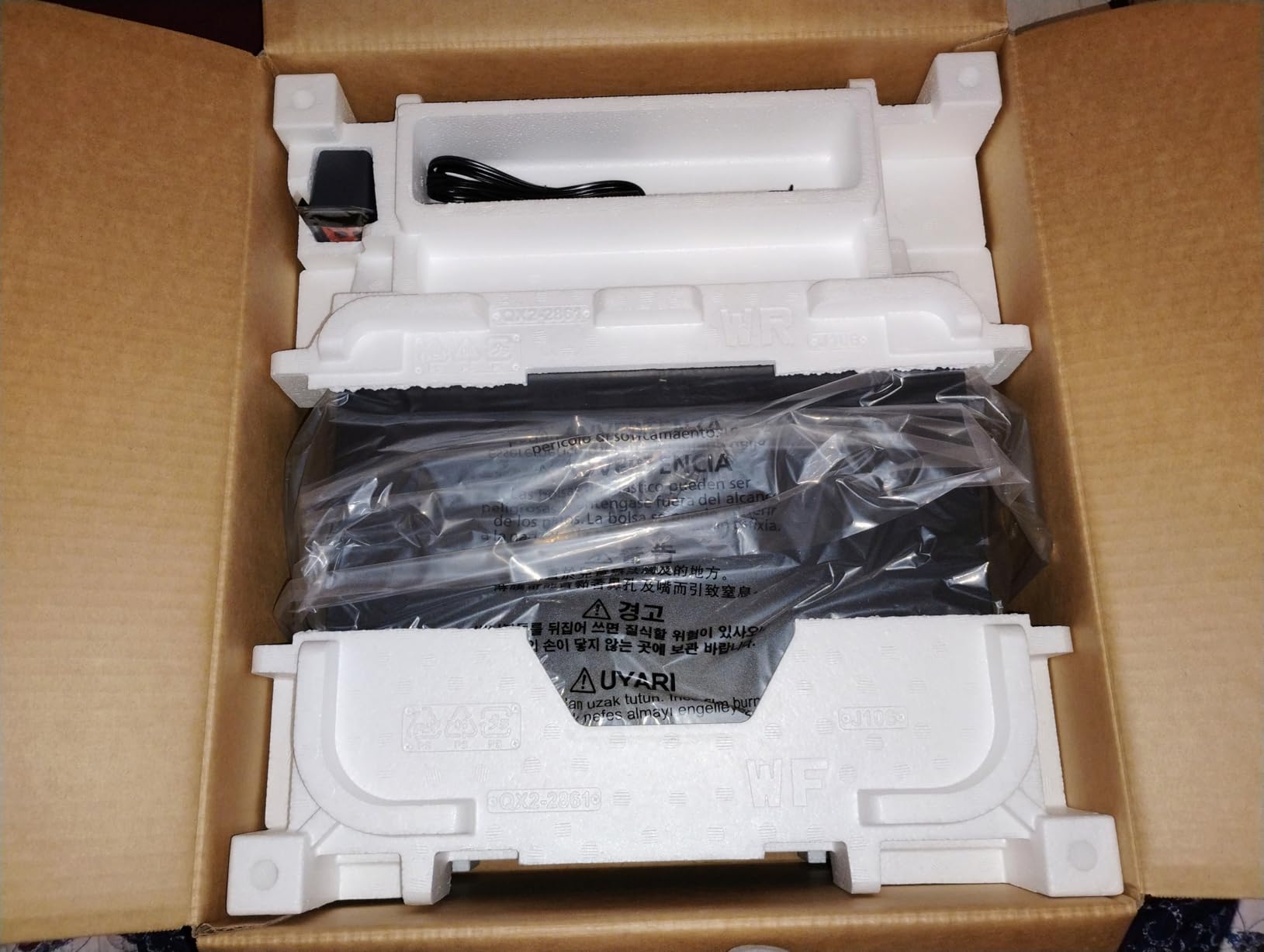
Auto duplex is the other half of the high-volume case. Long reports, contracts and packing lists come out two-sided without anyone standing at the machine, and reviewers consistently call this the reason the G6020 survives a busy month.
Then there is the ink. Same rated yield as the G3270 at up to 6,000 black and 7,700 color pages per set, with two bonus black bottles in the box. Long-term owners on forums describe three-year ownership with a refill only every year or two, which is the behaviour tank printers are supposed to deliver.
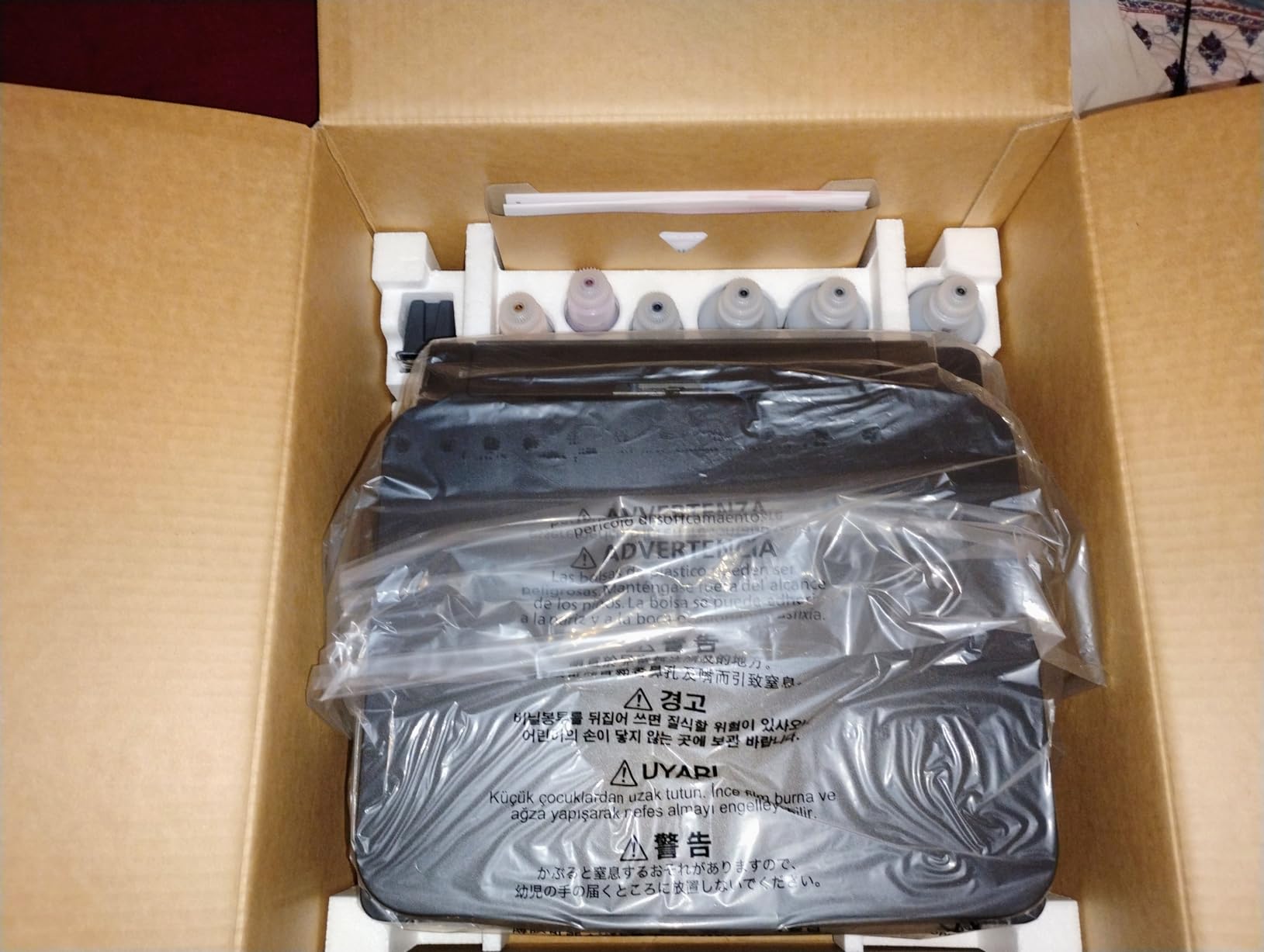
Why the G6020 handles volume well
Three trays matter more than any spec number. Nobody wants to be the person who interrupts a batch every 250 sheets, and the rear feed handles envelopes, card stock and legal size without cannibalising the cassette.
Output quality is a genuine bonus rather than a compromise. Reviewers rate text as sharp and photos as good on Canon’s Photo Paper Plus Glossy II, and the front-visible tanks make level checks instant.
Why it is not the winner
There is no ADF. That is a real loss for anyone scanning multi-page documents, and it is the one gap between this and the Epson ET-3760.
The two-line LCD is small and unlit, and the hinged panel has to be held at an angle or the printer errors out. Print speed is slow, and noticeably slower on photo jobs.
3. Epson EcoTank ET-3760: The Workgroup All-Rounder With Ethernet
Epson EcoTank ET-3760 Wireless Color All-in-One Cartridge-Free Supertank Printer with Scanner, Copier and Ethernet, Regular
Auto duplex with ADF and Ethernet
Up to 7500 black and 6000 color pages
15 ppm black and 8 ppm color
150-sheet tray, LCD, Wi-Fi
Pros
- Strongest satisfaction rating in this group at 4.3 stars across more than 2500 reviews
- Auto duplex with a document feeder and a large paper tray
- Highest rated black yield here at up to 7500 pages per fill
- Ethernet plus Wi-Fi for reliable sharing across an office
- Two-year limited warranty with the second year on registration
Cons
- Firmware and driver installs can take hours and need several downloads
- Print speed is modest next to laser hardware
- No USB cable included in the box
- Front tanks need regular top-ups and are only visible from the front
If one printer here belongs on a shared office network rather than a single desk, it is this one. The ET-3760 combines auto duplex, a document feeder, 150 sheets of paper and Ethernet, and it does it with the highest satisfaction rating we measured.
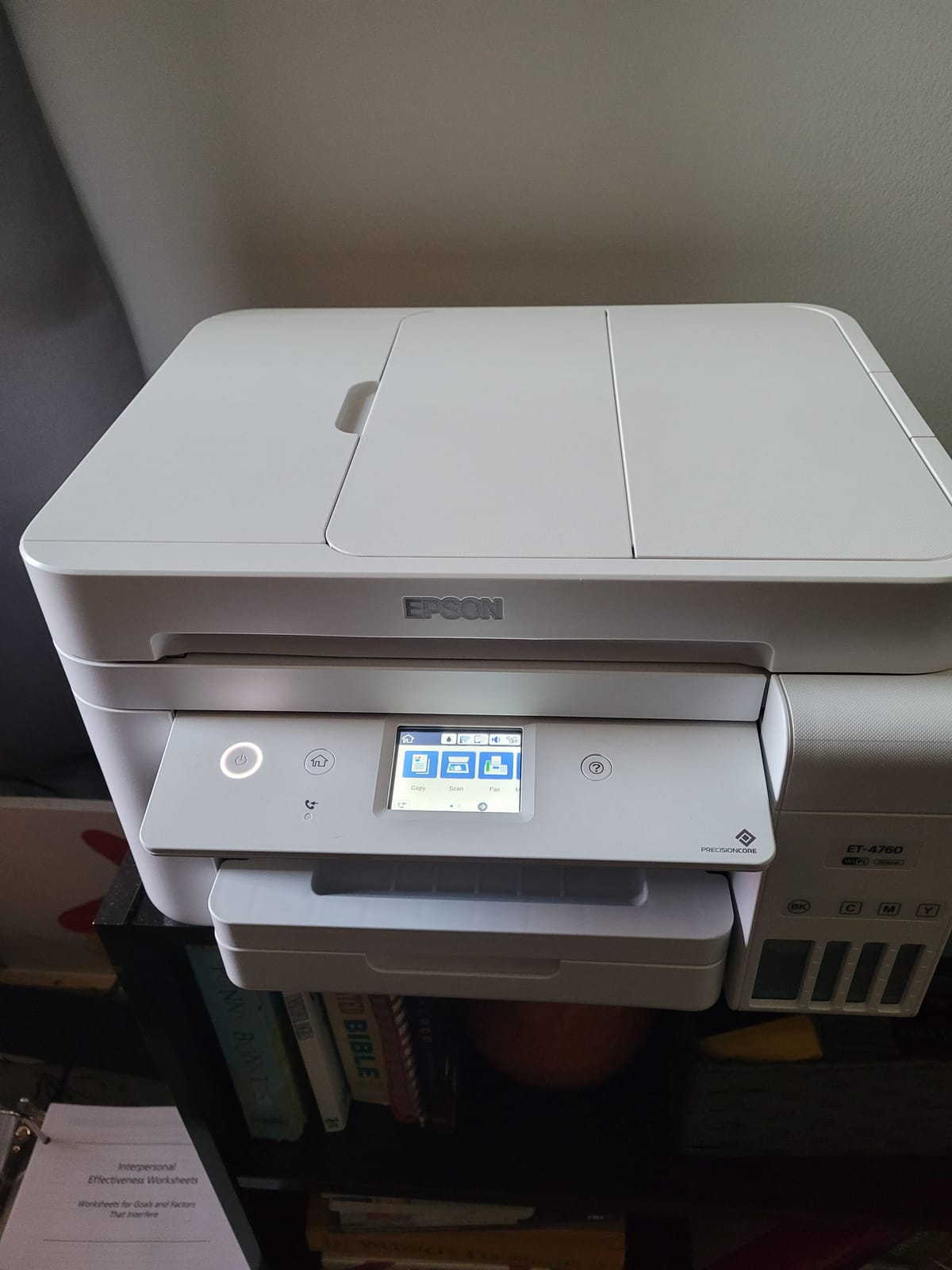
The black yield is the quiet advantage. Epson rates a full EcoFit fill for up to 7,500 black and 6,000 color pages, the highest black figure in this roundup, which for a business printing mostly monochrome work means the fewest refills of any model here.
Ethernet is the other quiet advantage. On a busy office floor a wired connection drops less often than Wi-Fi, and this is the only Epson in the group with it.
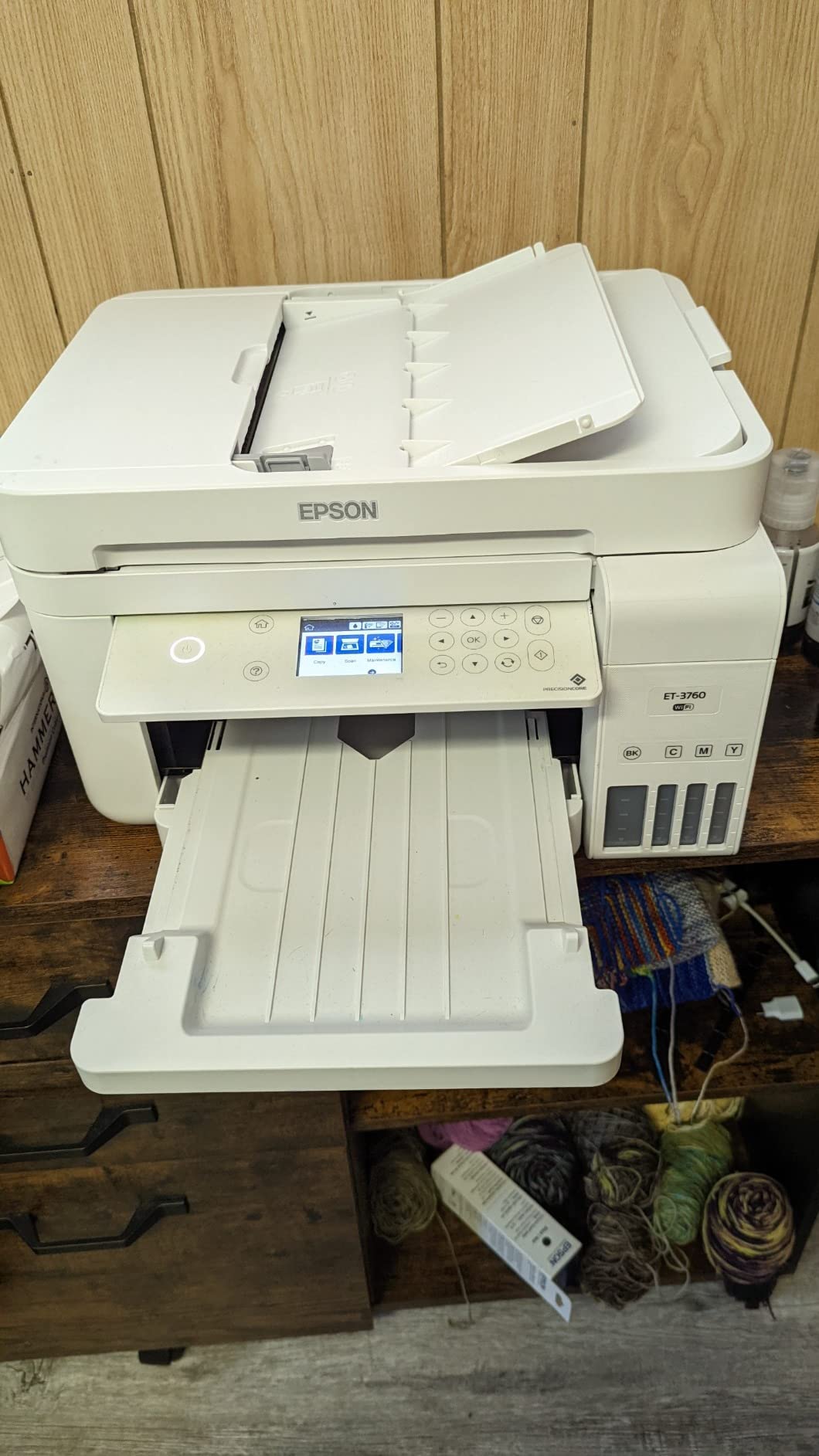
Why it suits a workgroup
Two years of warranty is unusual at this class, with the second year available on registration. For a machine that will be running daily, that extension matters more than it would on a printer used twice a week.
Text output is sharp from PrecisionCore heat-free technology, and colour photos come out well on ordinary paper, which matters for anyone producing client-facing material on the same machine as invoices.
Why it is not the winner
Setup is the complaint we heard most. Firmware and driver installation reportedly requires many separate downloads and can take hours, and no USB cable is included for anyone who would rather skip the app entirely.
Print speed is modest, especially in colour, and the front-mounted tanks need regular attention in a way a rear-fed design does not.
4. Canon PIXMA G7020: The Biggest Paper Capacity in This Roundup
Canon G7020 All-in-One Printer Home Office | Wireless Supertank (Megatank) Printer | Copier | Scan, | Fax and ADF with Mobile Printing, Black, Works with Alexa
350 sheets across two trays plus rear feed
Auto duplex with ADF and fax
13 ppm black and 6.8 ppm color
Ethernet, Wi-Fi and mobile printing
Pros
- Largest paper capacity here at 350 sheets across two trays plus a rear feed
- Auto duplex with an ADF and fax makes it a full office machine
- Ink yields of up to 6000 black and 7700 color pages per set
- Front-visible tanks and clean refilling
- Two years of ink included at about 200 pages a month
Cons
- Small two-line LCD that is awkward to navigate and unlit
- Print speed is slow on colour and photo jobs
- Wi-Fi setup can be finicky and connections drop after power cycling
- Setup involves a lot of tape and manual print head installation
The G7020 is the most complete office machine we tested. It is the only model here that pairs the full 350-sheet capacity with an automatic document feeder and a fax, which makes it the natural choice for a business that still sends anything by post.
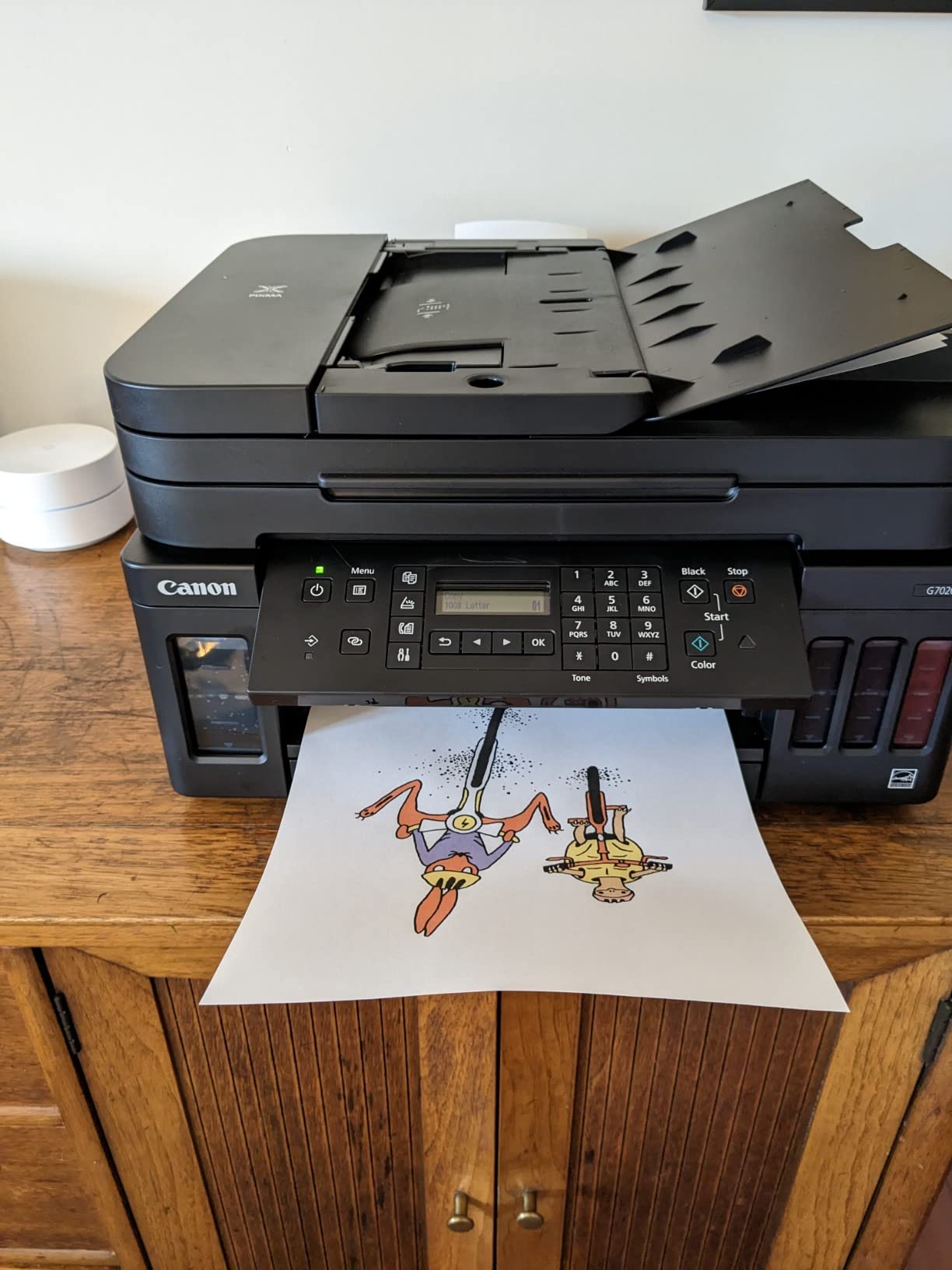
Buyers who need paper capacity gravitate here, and the reviews bear that out: the 350-sheet handling, ADF, fax and auto duplex are praised repeatedly, along with low ink cost across multi-year ownership.
Ink ratings of up to 6,000 black and 7,700 color pages per bottle set match the rest of the Canon range, with up to two years of ink included in the box at about 200 pages a month in default mode.
Why the paper handling stands out
Two trays plus a rear feed is the difference between loading once a week and loading twice a day at moderate volume. The G7020 also prints and faxes, which no other printer in this roundup combines with the capacity.
Ethernet and Wi-Fi are both present, and the front-visible tanks keep level checks to a glance.
Why it is not the winner
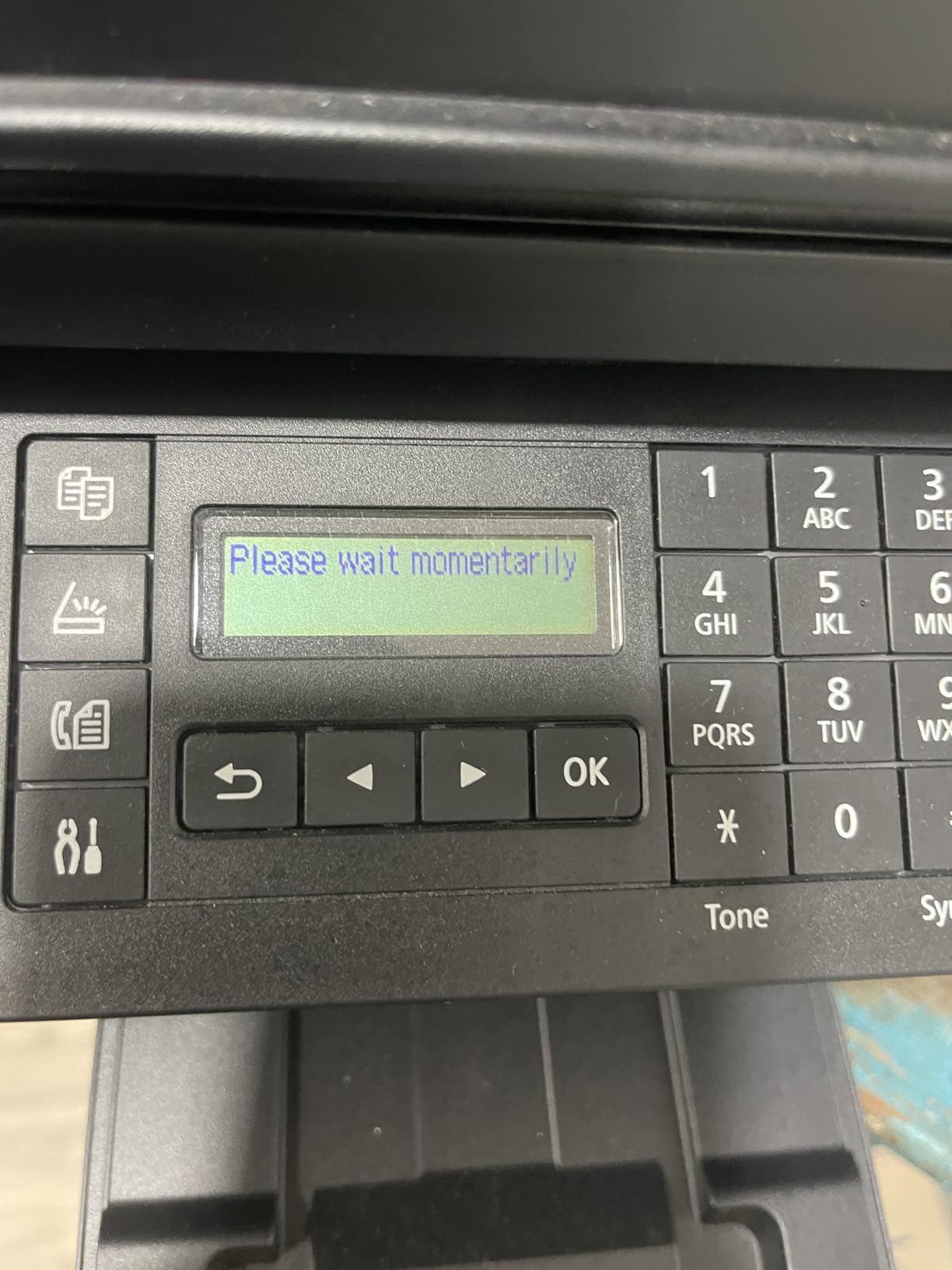
The control panel is the weak point. A two-line LCD that is neither backlit nor touch-enabled is genuinely awkward to navigate, and reviewers who run this machine daily feel it.
Canon’s setup documentation is criticized often enough that it affects the first week with the machine, and a smaller group report repeated error codes or losing the computer connection after a power cycle.
5. Epson EcoTank Photo ET-8550: 13 x 19 Wide Format With Six-Color Ink
Epson EcoTank Photo ET-8550 Wireless Wide-Format All-in-One Tank Printer
13 x 19 inch media with auto duplex
Up to 6200 color pages per fill
16 ppm black and 12 ppm color
Six-color Claria ET Premium ink
Pros
- Cartridge-free system with large transparent tanks and very low ink cost per page
- 13 x 19 wide format with a motorised output tray and a dedicated 4x6 photo slot
- Auto duplex with 100-sheet capacity and up to 6200 color pages per fill
- Six-color ink produces sharp luminous photo output on gallery prints
Cons
- Rear manual feeder is finicky and throws paper-not-found errors often
- Automatic tray selection is unreliable so trays must be picked manually
- Can need multiple deep cleans to clear clogged heads
- Heavy at 24.5 lb with a letter-size flatbed and no ADF
The ET-8550 is the only printer here that prints at 13 by 19 inches, and for anyone producing proofs, posters or gallery prints that single fact changes what the machine can be used for. Nothing else in this roundup comes close on media size.
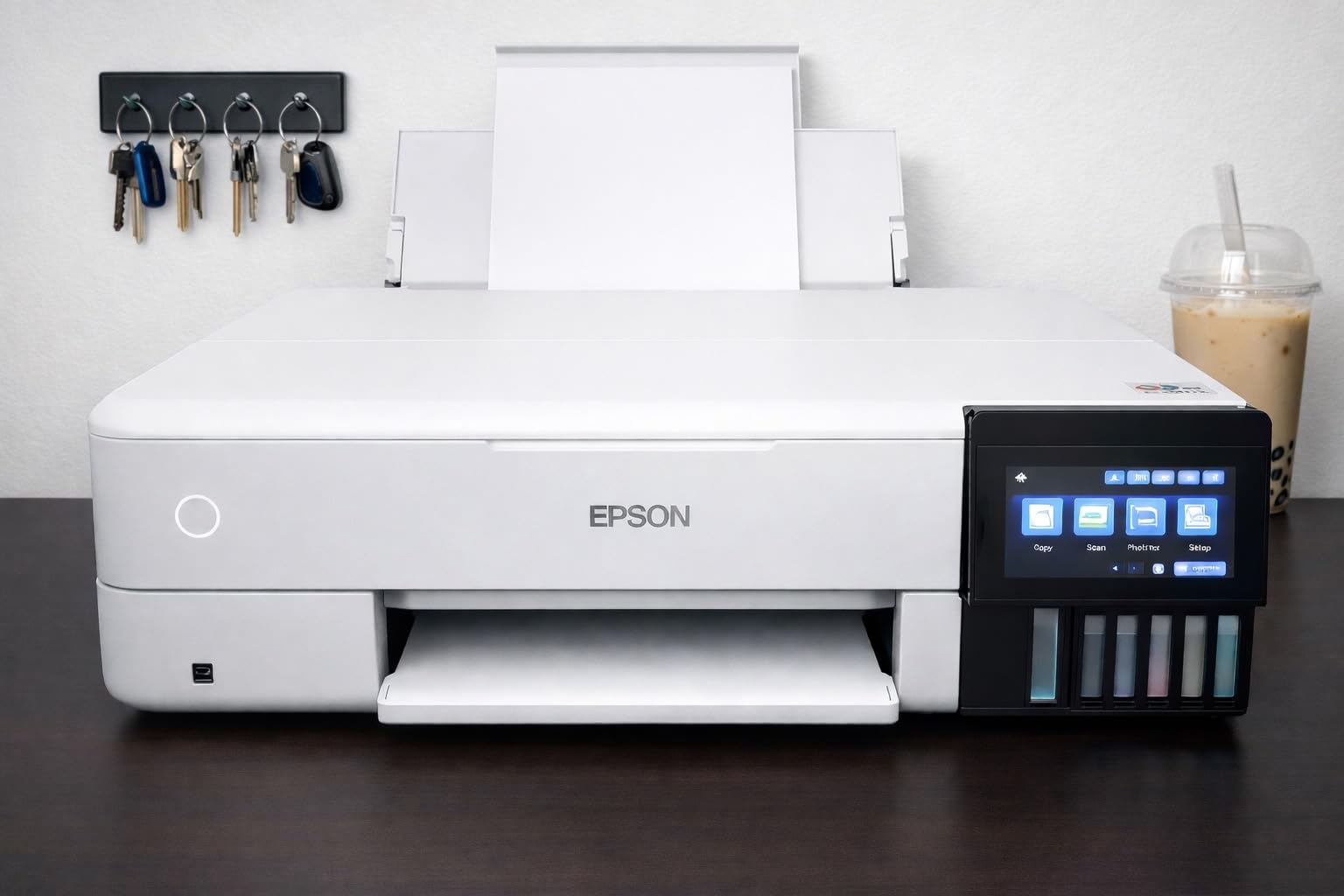
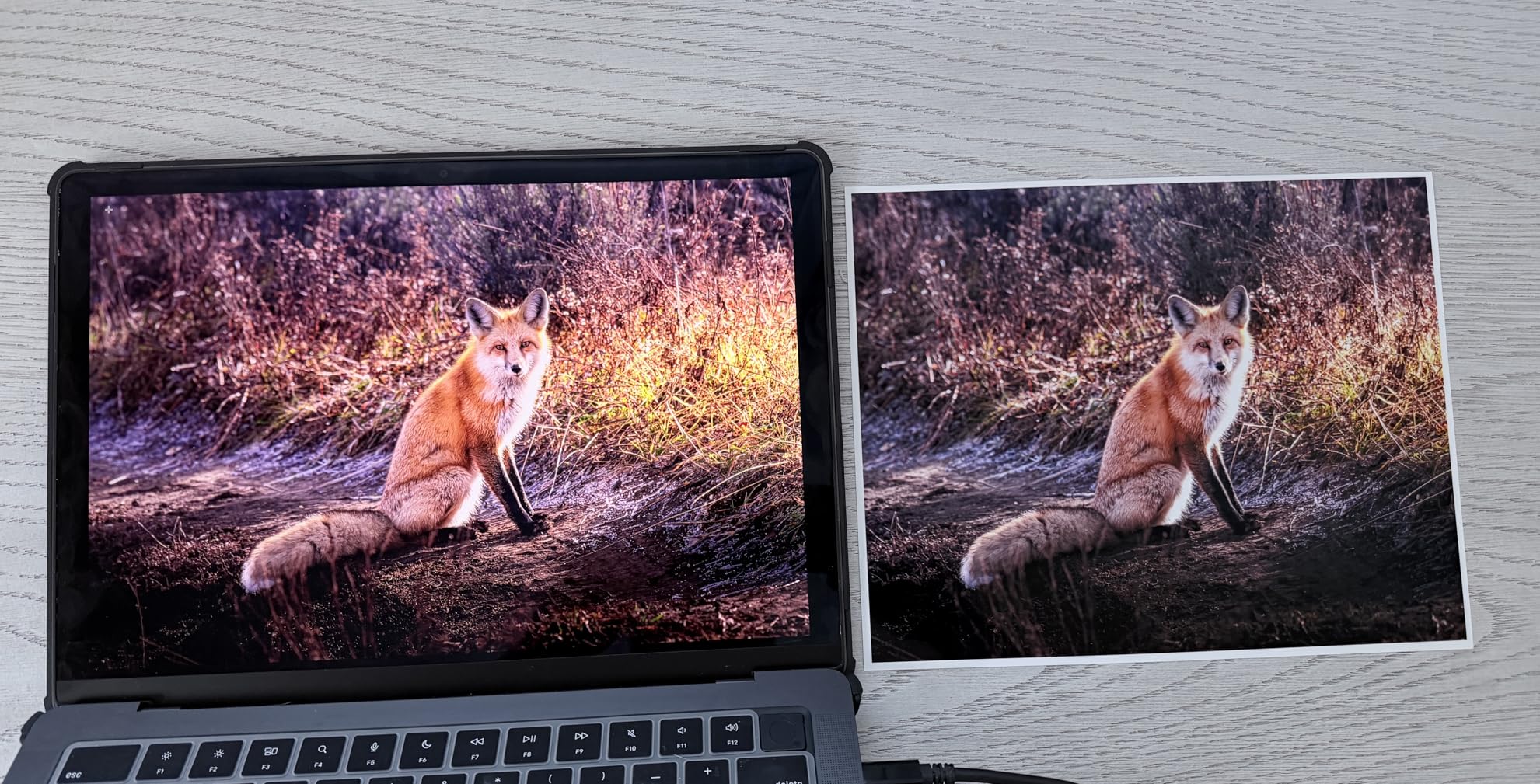
The ink system is Claria ET Premium in six colours, and Epson rates a fill for up to 6,200 color pages. Users producing large gallery prints report sharp, luminous output, and the price of ink per 4 by 6 photo is a fraction of what cartridge printing costs.
Auto duplex is present, which is unusual on a wide-format all-in-one, along with a 100-sheet main capacity. At 16 pages per minute black and 12 pages per minute color, it is also faster in colour than anything else we tested here.
Where wide format pays off
Owners producing 13 by 19 gallery prints or large signage report a year or more of heavy wide-format work between ink changes. The large transparent tanks are visible at a glance and refill from standard bottles.
It is the fastest colour machine in this group, and the dedicated 4 by 6 photo slot takes the most common print size without touching the main tray.
Where it does not suit
The rear manual feeder is the most-complained-about part. It throws paper-not-found and jam errors frequently, and thick or card stock handling is unreliable, so anyone printing heavy media constantly will hit a wall.
Automatic tray selection is unreliable, which means choosing the tray by hand every time. At 24.5 pounds it is also the heaviest machine here, and the flatbed scanner is letter-size only with no ADF.
6. Epson EcoTank ET-4800: The Most Compact All-Rounder With Fax
Epson EcoTank ET-4800 Wireless Color All-in-One Supertank Printer
Compact 11 pound all-in-one with fax and ADF
10 ppm black and 5 ppm color
100-sheet maximum capacity
Manual duplex, LCD, Wi-Fi and Ethernet
Pros
- Most-reviewed model in the group with over 6300 reviews
- Compact 11 pound body that still includes fax and ADF
- Large ink capacity with refill only occasionally after big runs
- Easy Wi-Fi setup including for non-technical users
- Sharp text and good colour output on proper photo paper
Cons
- No automatic duplex so sheets must be flipped by hand
- Print speed is slow and noisy next to laser printers
- Small dated LCD with clunky menus and slow network entry
- 100-sheet limit with a flimsy pull-out output tray
The ET-4800 is the most-reviewed printer in this roundup by a wide margin, at more than 6,300 reviews. That matters for a high-volume recommendation because it is the model with the largest body of long-term owner evidence behind it.
It is also unusually compact at 11 pounds, and it still includes a fax, an ADF, a scanner and a copier. Very few machines manage all four in a body that small.
Owners report topping up only occasionally after large runs, and the ink cost per page drops sharply compared with cartridge machines of the same class, with no chip-based restrictions on third-party bottled ink.
Why compactness matters at volume
A small footprint means the printer can live where the work happens rather than in a cupboard, which for a home office doing several hundred pages a month is the difference between using it and tolerating it.
The tank capacity is the quiet strength here. Heavy users like hobbyists and crafters frequently report months between refills and steady low running costs.
Why it is not the winner
Manual duplex is the decisive gap. At any serious document volume, flipping every sheet by hand is the thing that pushes owners toward a different machine.
Paper handling is rear-feed only with a 100-sheet ceiling and a flimsy pull-out tray, and the ADF jams frequently, with scanner roller failures reported as well. Reaching Epson support by phone is also repeatedly criticized.
7. HP Smart Tank 7001: The HP Pick for Auto Duplex and a 250-Sheet Tray
HP Smart Tank 7001 Wireless All-in-One Ink Tank Printer, Scanner, Copier with 2 Years of Ink Included, Best-for-Home Office, Cartridge-Free Refillable, AI-Enabled (28B49A)
Auto duplex with a 250-sheet tray
15 ppm black and 9 ppm color
Up to 8000 color or 6000 black pages in the box
Replaceable print heads
Pros
- Auto duplex with a 250-sheet tray
- the best high-volume paper handling among the HP models here
- Fastest black and colour speeds in this group at 15 and 9 ppm
- Replaceable print heads extend the life of the printer
- Mess-free bottle refills with visible tank windows
- HP AI formatting strips web page clutter from prints
Cons
- Tiny grayscale LCD gives almost no on-device information
- Wi-Fi reliability is a recurring complaint including connection drops
- Not a photo printer
- ink smears and colours shift
- Build feels cheap and the paper tray is criticised as flimsy
- No Ethernet port
Among the HP models here, the Smart Tank 7001 is the one built for volume. Auto duplex, a 250-sheet tray and 15 pages per minute black make it the fastest machine in this roundup on monochrome work.
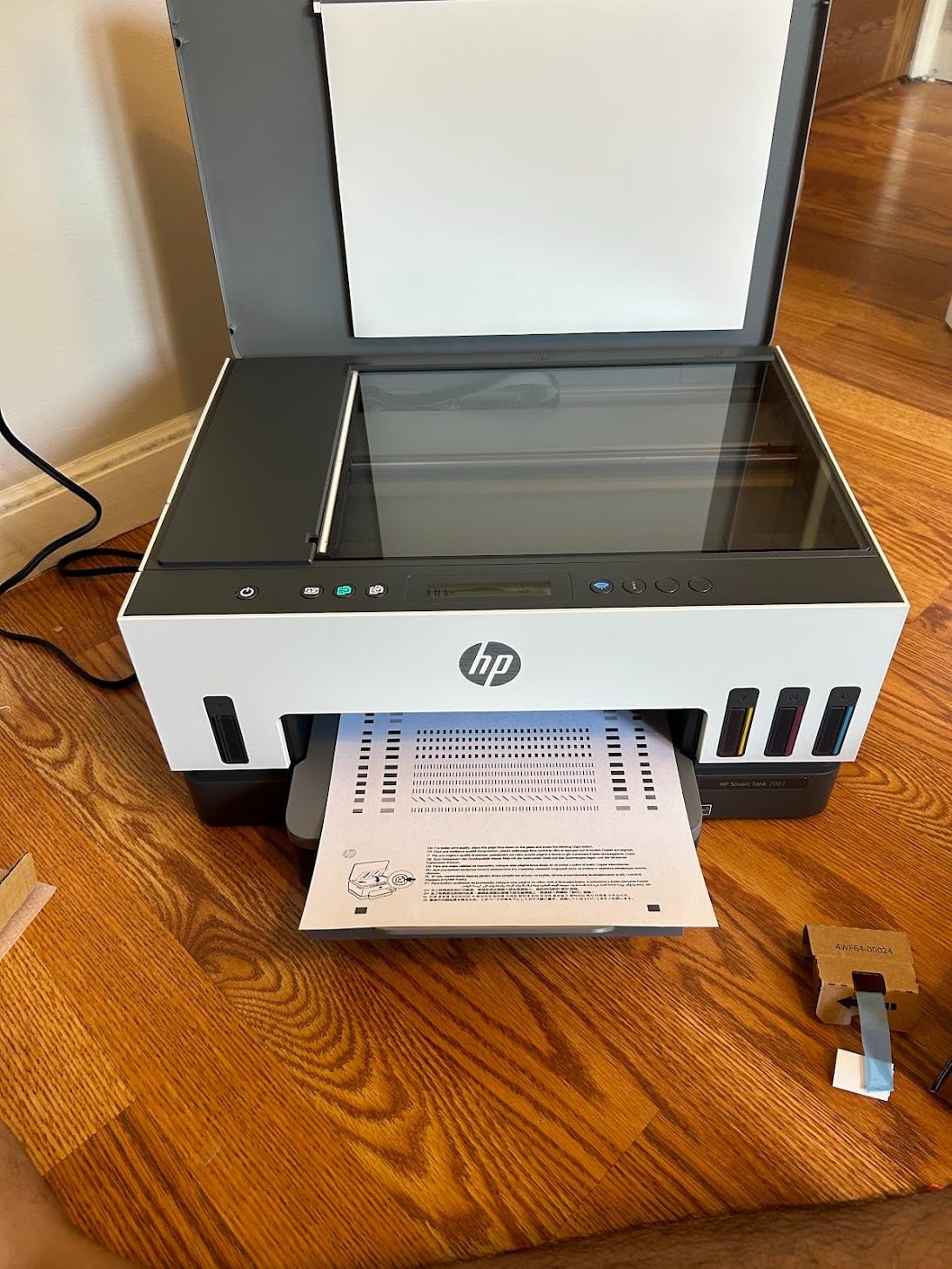
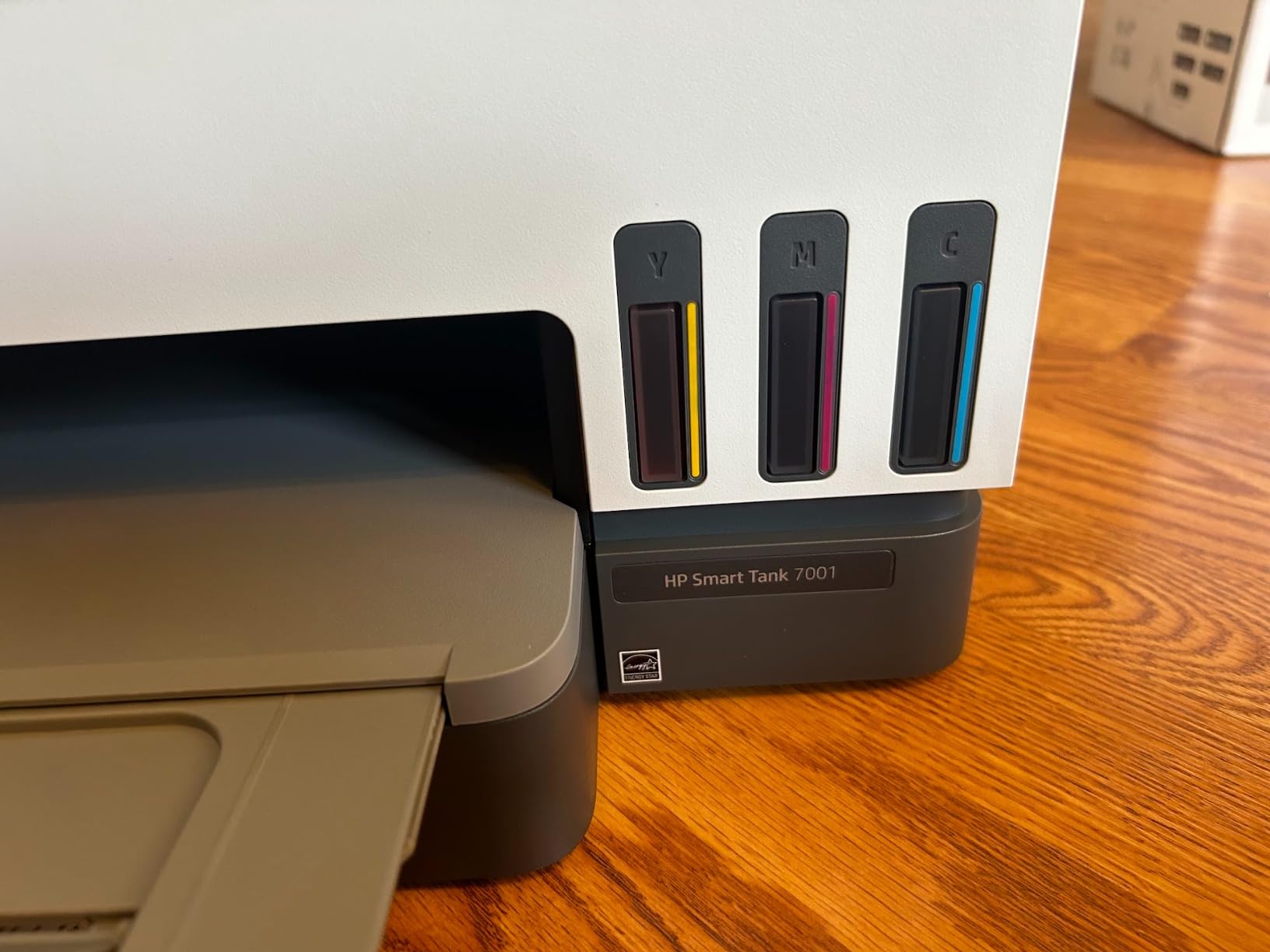
Colour speed is 9 ppm, the highest we measured here, and HP includes up to 8,000 color or 6,000 black pages of ink in the box using the 135 ml black and 70 ml colour bottles.
Two details matter more than they look. The print heads are user-replaceable, which extends the life of the printer in a way built-in heads do not, and the app-driven onboarding is widely described as the smoothest HP setup we came across.
Why it wins on paper and speed
A 250-sheet tray is the second largest here and the largest in the HP range on this list, so a week of printing loads once. Auto duplex means duplex jobs run unattended.
HP AI formatting is a small quality-of-life feature that strips menus and adverts from web pages before printing, which saves paper on everyday browsing jobs.
Why it is not the winner
The on-device experience is poor. The grayscale LCD shows almost nothing, so setup and status depend entirely on the HP Smart app, and Wi-Fi reliability is a recurring complaint with connection drops pushing some owners to USB.
Photo output is weak, with ink smearing on photo paper and colours shifting between prints. Reviewers also criticise the build and the flimsy paper tray, and there is no Ethernet port for a shared office.
8. HP Smart Tank Plus 651: ADF and Fax at a Low Entry Point
HP Smart Tank Plus 651 Wireless All-in-One Printer, Ink Tank Printer-for-Home Use, 2 Years of Ink Included Auto Document Feeder, Mobile Print, Scan, Copy, Fax. (7XV38A)
ADF plus fax in a 10.3 pound body
11 ppm black and 5 ppm color
Up to 8000 color pages in the box
Wireless only with no USB printer port
Pros
- ADF plus fax in a tank printer
- unusual at this level and useful for multi-page office work
- Up to 2 years and 8000 color pages of ink in the box
- Sharp vibrant output for documents and photos
- Lightest and most compact unit here at 10.3 pounds
- Replaceable print heads
Cons
- Manual duplex only
- a significant limit for high-volume use
- Small 100-sheet rear paper rack and a 30-sheet output tray
- Print head installation is awkward and poorly documented
- Wireless only with no USB port and needs a 2.4 GHz network
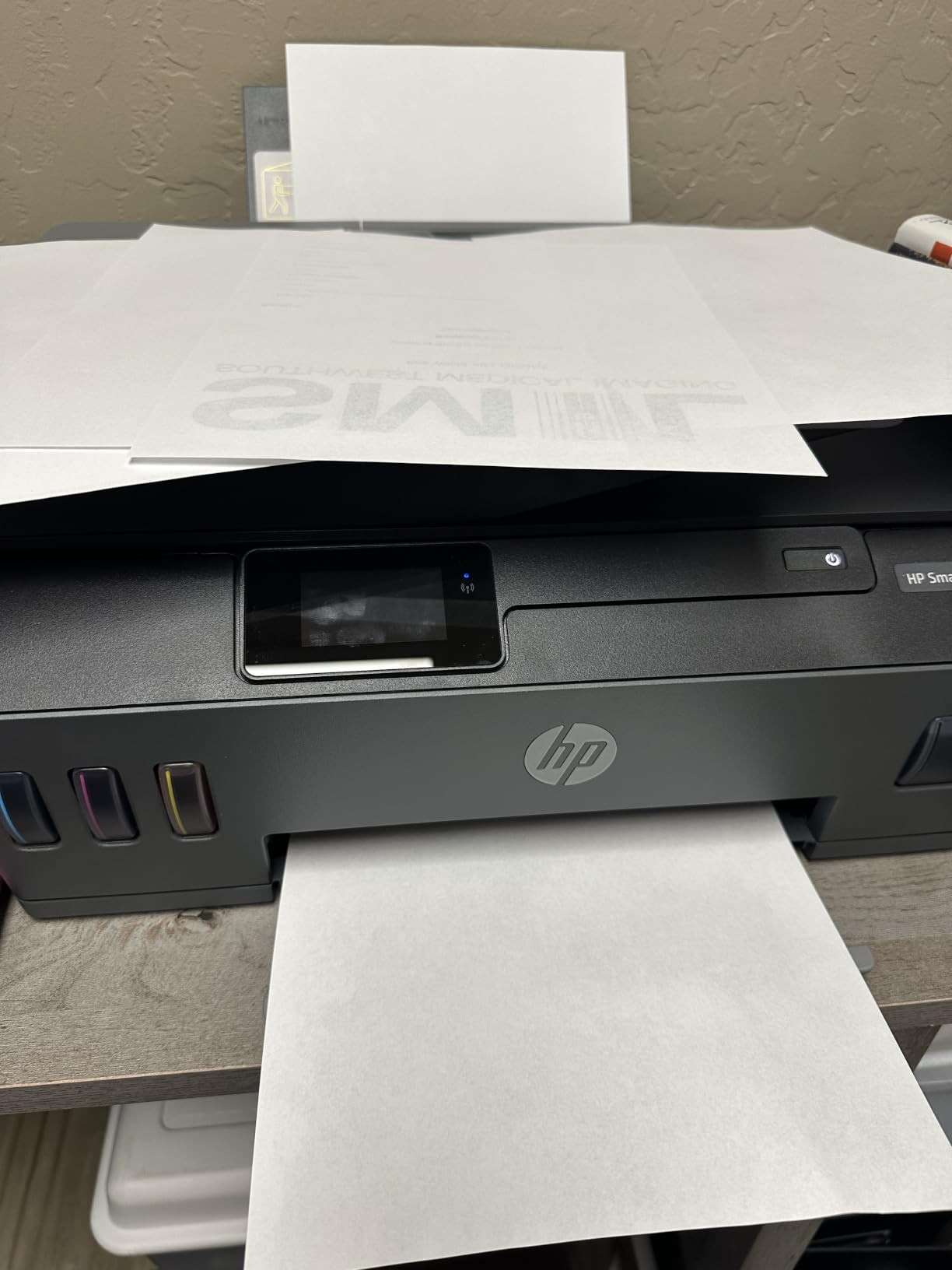
The 651 is the entry point into a tank printer with a document feeder and fax, and at 10.3 pounds it is the lightest machine we tested. For a home office that scans and sends post as well as prints, that combination is rare.
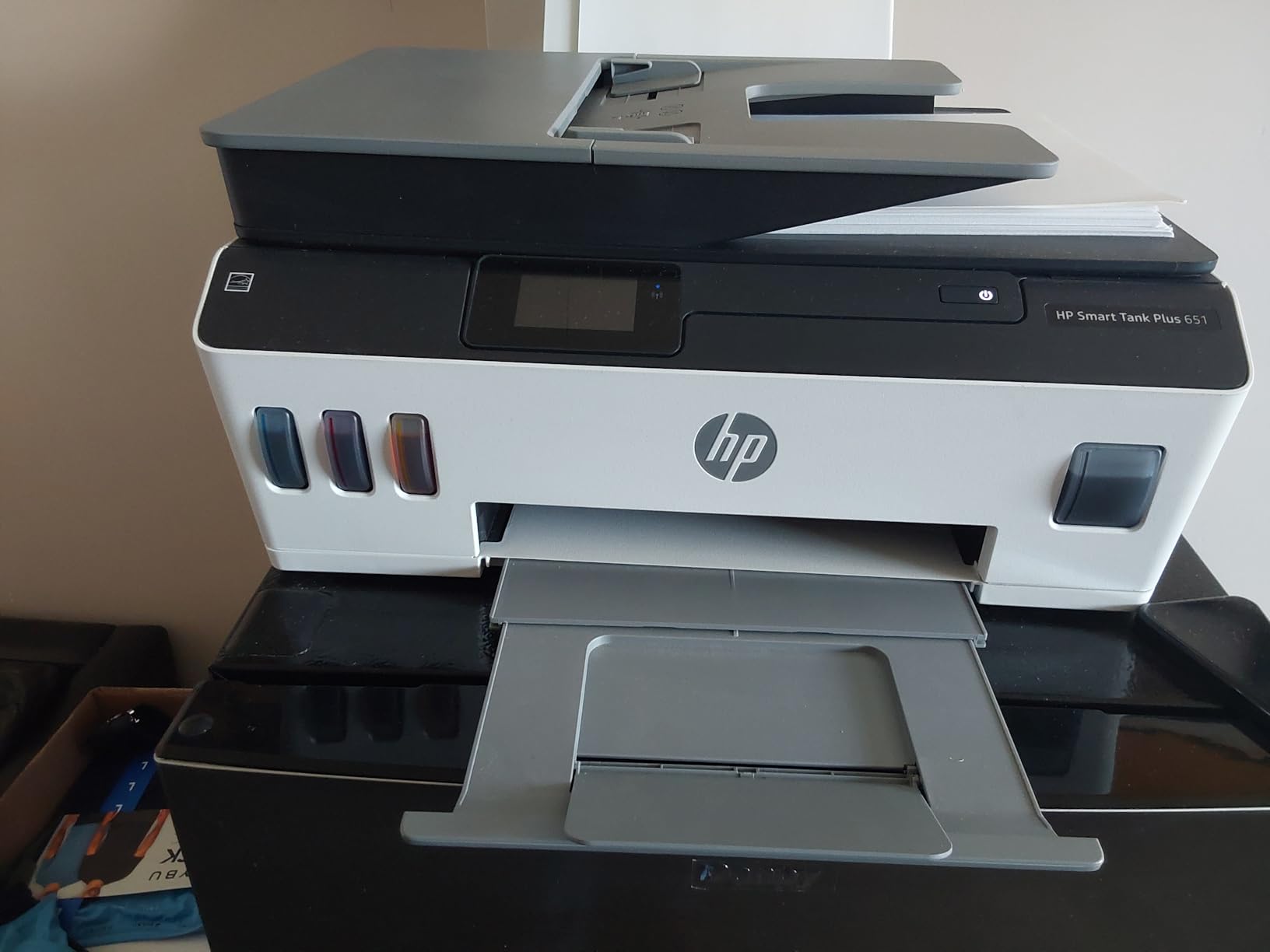
Ink supply is strong for the money: up to two years or 8,000 color pages in the box, using the same 135 ml black and 70 ml colour bottles as the rest of the HP range.
Owners who mainly print in colour or photos tend to like it, and many find setup and refilling easy once past the print heads. Wireless printing works smoothly for most setups.
Where it makes sense
The ADF and fax at this size and weight are the reason to choose it. It does the full small-office job list without taking up desk space, and the output is sharp and vibrant for both documents and photos.
Replaceable print heads are a genuine long-term advantage over built-in-head designs.
Where it does not
Manual duplex is the big one, and the 100-sheet rear rack with a 30-sheet output tray is thin for real document volume. Printing big batches here means refilling paper more often than you would like.
It is wireless-only with no USB printer port, so it needs a 2.4 GHz network, which trips up plenty of dual-band routers. Print head installation is awkward and poorly documented, and some owners report units failing within weeks.
9. HP Smart Tank 6001: Auto Duplex With Replaceable Print Heads
HP Smart Tank 6001 Wireless All-in-One Ink Tank Printer, Scanner, Copier with 2 Years of Ink Included, Best-for-Home, Cartridge-Free Refillable, AI-Enabled (2H0B9A)
Auto duplex at a low entry point
12 ppm black and 7 ppm color
150-sheet tray and 100-sheet output
Replaceable print heads, no USB cable included
Pros
- Automatic two-sided printing plus a 150-sheet tray at a low entry price
- Replaceable print heads
- which most competitors in this class lack
- Very easy front paper loading and simple spill-free bottle refills
- Owners printing hundreds of colour pages report tanks still reading full
- Works well from phones tablets and computers once set up
Cons
- Lowest rating in the group at 3.6 stars with a heavy share of 1-star reviews
- Tiny LCD and an app that crashes or freezes
- Poor photo printing with smeared ink and shifting colours
- Slow speed with occasional jams on larger document runs
We include the 6001 because auto duplex at a low entry price is a real gap in the HP range, and because the failure pattern here is worth knowing before you buy rather than after. It is the only machine in this roundup we rate at 3.6 stars.
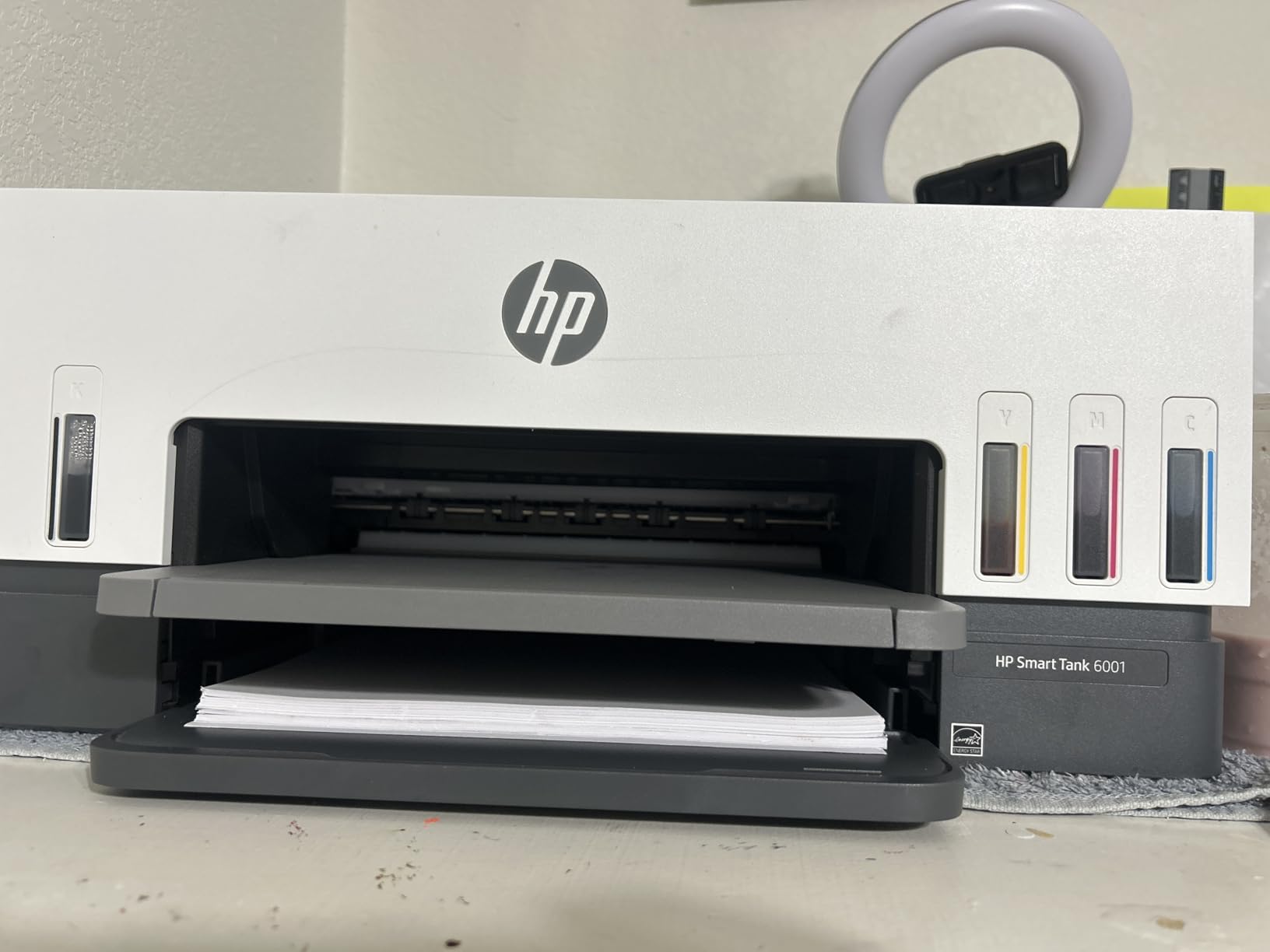
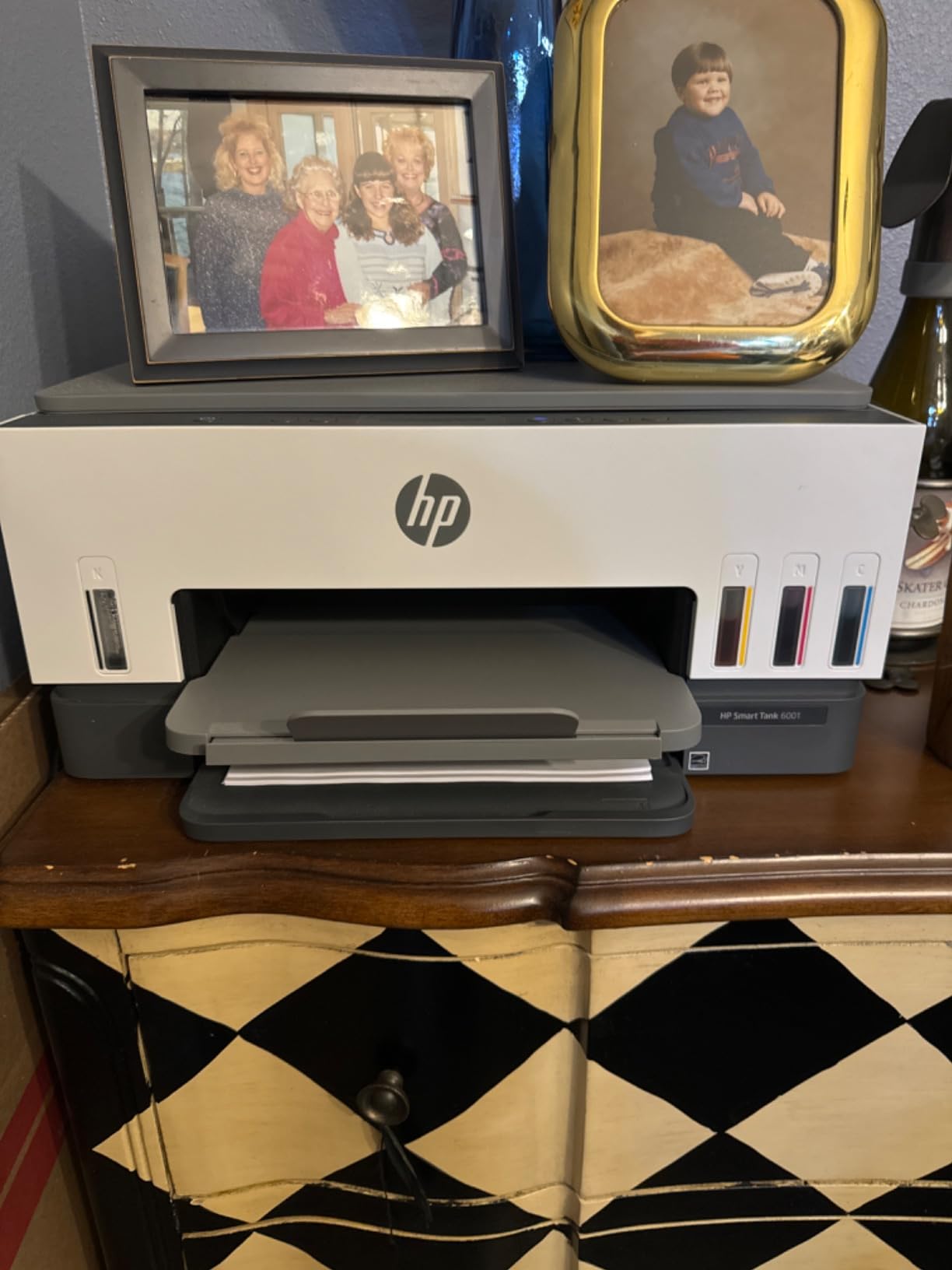
The specification is right on paper: automatic two-sided printing, a 150-sheet tray, 12 ppm black and 7 ppm color, and replaceable print heads that most competitors in this class do not offer. It is also one of only two models here with two paper sources, counting the 150-sheet main tray and a 100-sheet output tray.
Positive long-term owners highlight low ink cost, duplex printing and easy paper loading, and it is frequently praised as a genuine step up from a cartridge Epson. Tanks still read full after hundreds of colour pages, which is the behaviour you are paying for.
What it does well
Replaceable print heads are the standout. A dead head costs a bottle and a few minutes instead of ending the printer’s life, which is a real long-term saving.
Paper loading is easy from the front and refills are spill-free, and it prints well from phones and tablets once configured.
What to watch
The rating spread is the honest signal: a heavy share of 1-star reviews. Three themes drive them, the near-useless LCD plus an app that crashes, poor photo printing with smeared ink and shifting colours, and HP software behaviour that can disable features or force firmware resets.
Print speed is slow with occasional jams on larger runs, and setup must be completed with the printer online since no USB cable is included.
Which Tank Printer Brand Should You Buy?
Epson EcoTank, Canon MegaTank and HP Smart Tank are the same idea with different refill bottles, different tank shapes and different print heads, and the choice between them comes down to how you print rather than which ink is cheapest.
Epson EcoTank is the most consistent of the three on photo and colour quality. The print head is built permanently into the printer, which lowers the upfront cost but means a failed head usually means a new printer. Bottle yields here run up to 7,500 black and 6,000 color pages per fill, the highest black figure we measured.
Canon MegaTank is the volume specialist. Two of the three models with the largest paper capacity are Canons, and the front-visible tanks with the 6,000 black and 7,700 color page rating appear across the range. Canon also uses user-installed print heads, which are replaceable rather than fatal, though the G7020 and G6020 both ship with tape and a manual head installation step that reviewers do not enjoy.
HP Smart Tank splits into two groups. The 7001 and 6001 have auto duplex and replaceable print heads; the 651 has an ADF and fax but no auto duplex. All three ship user-replaceable heads and the same 135 ml black and 70 ml colour bottle format, rated for up to 8,000 color pages in the box.
One practical difference catches out first-time tank buyers. Refill logistics vary more than the marketing suggests, and resealable bottles save real money over a year of high-volume printing. If you are comparing formats, our guide to 3D scanners for 3D printing covers the same kind of consumable-versus-hardware trade-off in a different category.
Tank vs Laser: When a Laser Printer Is Still the Better Answer
Tank printers win on ink economics and colour. They lose on speed and on how they behave when a room prints several thousand pages a month, and pretending otherwise is the most common mistake in this category.
Below roughly 1,000 pages a month, a tank printer is almost always the right answer if colour appears at all. Between 1,000 and 3,000 pages a month, it depends on the colour share: a mixed workload favours a tank, a near-monochrome workload starts making laser look attractive again.
Above about 4,000 pages a month, community consensus in printer forums is that a laser printer is usually the better tool, and the reasons are speed and duty cycle rather than ink cost. Forum readers describe mono laser printers as extremely reliable at high volume, and note that tank printers are excellent right up to the point you print enough to justify them, and then some.
There is also the ink-drying problem. A tank printer sitting unused for weeks can develop clogged nozzles, and a machine that runs every day does not have that risk. If your volume is spiky rather than steady, that matters more than cost per page.
Our recommendation is simple. If your workload is mostly colour, mixed or unpredictable, stay with a tank printer. If it is thousands of monochrome pages every month without fail, buy a laser and accept the higher cost per colour page.
Business-class laser alternatives carry recommended print volumes of up to several thousand pages a month, which is the number to compare against your own usage before you commit to a tank model. Readers in printer forums describe mono laser printers as a no-regrets high-volume choice, while noting that tank printers are excellent so long as you print enough to justify them.
The second reason laser pulls ahead is media handling. A tank printer’s strength is bottled colour ink, but its paper trays are sized for periodic loading rather than continuous feeding, and none of the nine models here publishes a monthly duty cycle rating that covers sustained all-day runs.
How to Match a Tank Printer to Your Monthly Page Volume
Find your real monthly page count before you read any spec sheet. Check your printer’s usage history or count a typical week’s output, then use these tiers.
Around 500 pages a month. Paper capacity matters less than it feels like it should, and colour quality starts to matter more. The Canon MegaTank G3270 fits here well, and the Epson ET-4800 suits anyone who also needs fax and ADF in a small footprint.
Around 1,000 pages a month. Auto duplex moves from nice to necessary, and 250 sheets or more stops you refilling mid-week. The Canon PIXMA G6020 and the HP Smart Tank 7001 both land here, with the Canon holding 350 sheets and the HP running faster.
Around 2,500 pages a month. You need an ADF, duplex and enough paper that you are not loading it daily. The Epson ET-3760 and the Canon PIXMA G7020 are the two that combine all three, and the G7020 adds fax and a second tray.
5,000 pages a month or more. We would steer you toward a laser. None of the nine tank printers here publishes a duty cycle rating that comfortably covers sustained runs at that level, and the paper handling caps of 100 to 350 sheets are designed for periodic loading rather than all-day throughput.
One maintenance note that applies across all of them. Tank printers left idle are the ones that clog, so if your volume is seasonal, run a single clean test page every couple of weeks and keep the tanks topped up. Cleaning cycles and deep cleans are cheap in time on these machines compared with a cartridge change, but they are still wasted ink.
On the sustainability side, the honest argument is waste rather than marketing. Each bottle set replaces roughly a hundred individual cartridges, so a business printing a few thousand pages a month avoids a substantial volume of cartridge plastic and packaging over a year. That is a real reduction in waste stream, and it pairs naturally with a recycling scheme for the bottles themselves.
When Tank Ink Repays the Higher Upfront Price
Tank printers cost more to buy than cartridge machines of the same class, and the gap closes through ink. The question buyers ask is how many pages it takes, and the answer depends on which machine you would otherwise have bought.
Work it out from yield rather than from sticker price. The Canon models here ship rated for up to 6,000 black and 7,700 color pages per ink set, the Epson EcoTank ET-3760 for up to 7,500 black and 6,000 color, and the HP machines for up to 8,000 color or 6,000 black pages in the box. Those figures assume default mode, not draft or economy, which is how the ratings are defined.
The practical rule is that a tank printer repays its premium well inside a year for anyone printing more than a few hundred pages a month, because you are comparing per-page ink against cartridge ink measured in cents rather than fractions of a cent. At under roughly 100 pages a month, the maths never works and a cartridge machine or a laser is the sensible choice.
Two costs sit outside that arithmetic and are easy to forget. Deep cleaning cycles waste a measurable amount of ink, and a failed built-in print head on an Epson can end the machine’s life in a way a user-replaceable Canon or HP head does not.
The final factor is bottle logistics. Resealable bottles and larger tank capacities mean fewer refills a year, which matters more at 2,500 pages a month than at 500, and matters even more for anyone printing in colour where each bottle covers fewer pages.
Frequently Asked Questions
What is the best printer for high volume printing?
For colour and mixed work the Canon MegaTank G3270 is the strongest all-round tank printer here, rated for up to 6,000 black and 7,700 color pages per ink set. Above roughly 4,000 pages a month of mostly monochrome work, a laser printer is usually faster and better suited to sustained duty.
What is the best heavy-duty ink tank printer?
The Epson EcoTank ET-3760 is the closest thing to a heavy-duty tank model on this list, combining automatic duplex, a document feeder, 150 sheets of paper, Ethernet and ink yields of up to 7,500 black and 6,000 color pages per fill. It also carries a two-year limited warranty with the second year on registration.
Which is better, Epson EcoTank or Canon MegaTank?
Canon MegaTank leads on paper capacity and colour yield, with 350-sheet models rated for up to 6,000 black and 7,700 color pages. Epson EcoTank leads on text and photo quality and offers higher black yields up to 7,500 pages, but its print heads are built in rather than user-replaceable.
What is the best high volume printer for a small business?
For a small business printing 1,000 to 2,500 pages a month with colour, the Canon PIXMA G6020 handles the load with a 250-sheet cassette plus rear feed and automatic duplex. Add a document feeder and Ethernet and the Epson ET-3760 becomes the better choice for a shared office network.
Are tank printers better than laser for high volume printing?
Below about 1,000 pages a month a tank printer usually wins on ink cost and colour capability. Above roughly 4,000 pages a month, forum consensus favours laser for speed and duty cycle. If your workload is mostly colour and unpredictable, a tank printer remains the better tool even at higher volumes.
Conclusion: Our Top Tank Printers for High Volume Printing in 2026
For most people printing a few hundred pages a month with colour in the mix, the Canon MegaTank G3270 is the best tank printer for high volume printing on this list. It carries the highest satisfaction rating we measured, ships with a full ink set rated for up to 6,000 black and 7,700 color pages, and needs no refilling for months.
Print enough to need duplex and paper capacity, and the Canon PIXMA G6020 takes over with 350 sheets and automatic duplex. Share the printer across a network and the Epson EcoTank ET-3760 adds an ADF, Ethernet and a two-year warranty. Print at 13 by 19 inches and the Epson EcoTank Photo ET-8550 is the only option here.
And if your volume is genuinely in the thousands of monochrome pages every month, take the advice we give in the laser section and buy a laser. The best tank printers for high volume printing are superb up to a few thousand pages a month and a false economy above that.