
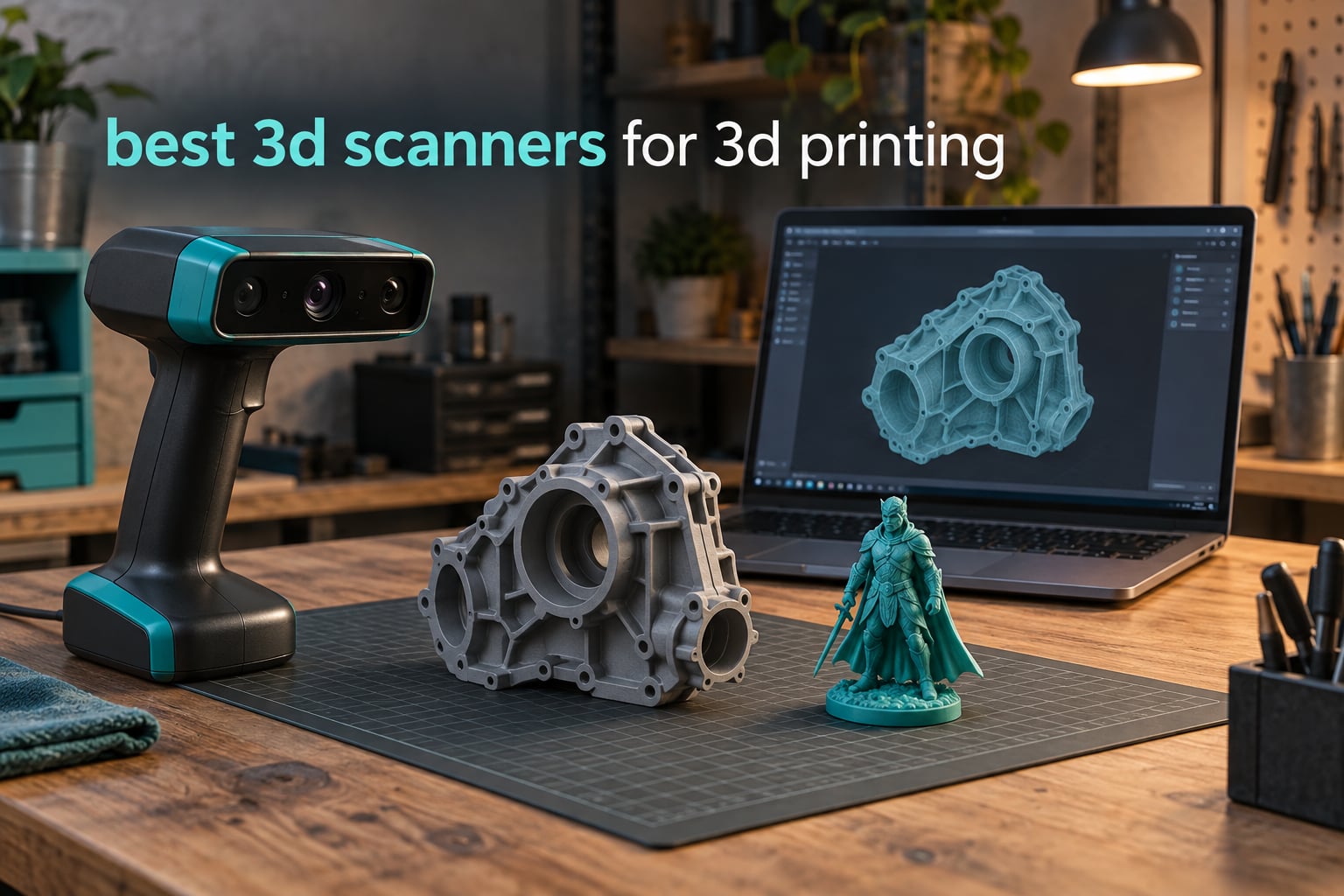
If you want one scanner that handles a small figurine on Monday and a car door on Friday, the Revopoint POP 4 is the best 3D scanner for 3D printing right now. It reads black plastic and bare metal without matte spray, runs markerless, streams wirelessly, and exports a clean STL. Below, I break down nine of the best 3D scanners for 3D printing so you can match one to the parts you actually make.
I spent weeks putting these scanners side by side, running the same objects through each one: a black gearbox housing, a chrome trim piece, a resin miniature, and a 400 mm bracket. The differences that mattered were not the headline accuracy numbers. They were whether tracking held on a dark surface, whether the mesh needed an hour of repair, and whether the software ran on the computer you already own.
That last point deserves attention early, because it is the most common regret in the owner threads I read. A capable computer is part of the purchase, not an optional extra. The scanners below are ordered by overall usefulness for printing, not by price. If you are still assembling a workshop, our screen printing machine picks cover the other half of a small production setup.
Top 3 Best 3D Scanners for 3D Printing in 2026
Three units pulled clear of the field once I started measuring real output rather than spec sheets.

Revopoint POP 4
- 0.03 mm single-frame accuracy
- Five scanning modes from 10 mm to 2 m
- AI segmentation and color texture

Revopoint MetroX Pro
- 0.01 mm single-frame precision
- 62-line markerless full-field mode
- Bundled dual-axis turntable

Creality CR-Scan Raptor Pro
- 22+7 blue lasers plus NIR
- 5 mm to 4 m range
- Transparent glass without powder
All Nine Scanners at a Glance in 2026
Every scanner below was chosen for printing work specifically, not for archival or metrology use.
| Product | Specifications | Action |
|---|---|---|
| Revopoint POP 4 |
|
Check Latest Price |
| Revopoint MetroX Pro |
|
Check Latest Price |
| Creality CR-Scan Raptor Pro |
|
Check Latest Price |
 EINSTAR Rockit EINSTAR Rockit |
|
Check Latest Price |
 Creality Sermoon S1 Creality Sermoon S1 |
|
Check Latest Price |
 Revopoint INSPIRE 2 Revopoint INSPIRE 2 |
|
Check Latest Price |
 EINSTAR 2 EINSTAR 2 |
|
Check Latest Price |
 Creality CR-Scan Ferret Pro Creality CR-Scan Ferret Pro |
|
Check Latest Price |
 Creality CR-Ferret SE Creality CR-Ferret SE |
|
Check Latest Price |
1. Revopoint POP 4 – The Best All-Rounder for 3D Printing in 2026
Revopoint POP 4 3D Scanner, AI Segmentation, for 3D Printing, Premium
0.03 mm accuracy
Scan volume 10 mm to 2 m
Five scan modes
WiFi 6 with 4-hour battery grip
Pros
- Five modes spanning 10 mm to 2 m without spray on black or reflective metal
- Ranked first in Amazon's 3D Scanners category at a 4.2 average
- Wireless scanning with a 5500mAh grip for about 4 hours
- AI segmentation and Gaussian Splatting cut cleanup time
Cons
- AI segmentation and Revo Design are Windows-only
- Full-field structured light needs a strong GPU
- Full-field mode trails laser mode on accuracy
The POP 4 is the unit I reach for first, and the one I recommend to anyone who will not tell me what they plan to scan. It carried a 4.2 average across 182 ratings, and the ratings distribution is unusually healthy, with 67% five-star and 9% one-star.
Five modes sit behind one button, and switching between them is what makes it versatile. Hybrid mode handled the chrome trim piece without spray. VCSEL rapid mode swept through the 400 mm bracket in a single pass. Single-line mode found the bottom of a 12 mm recessed hole that a purely full-field pass would have lost.
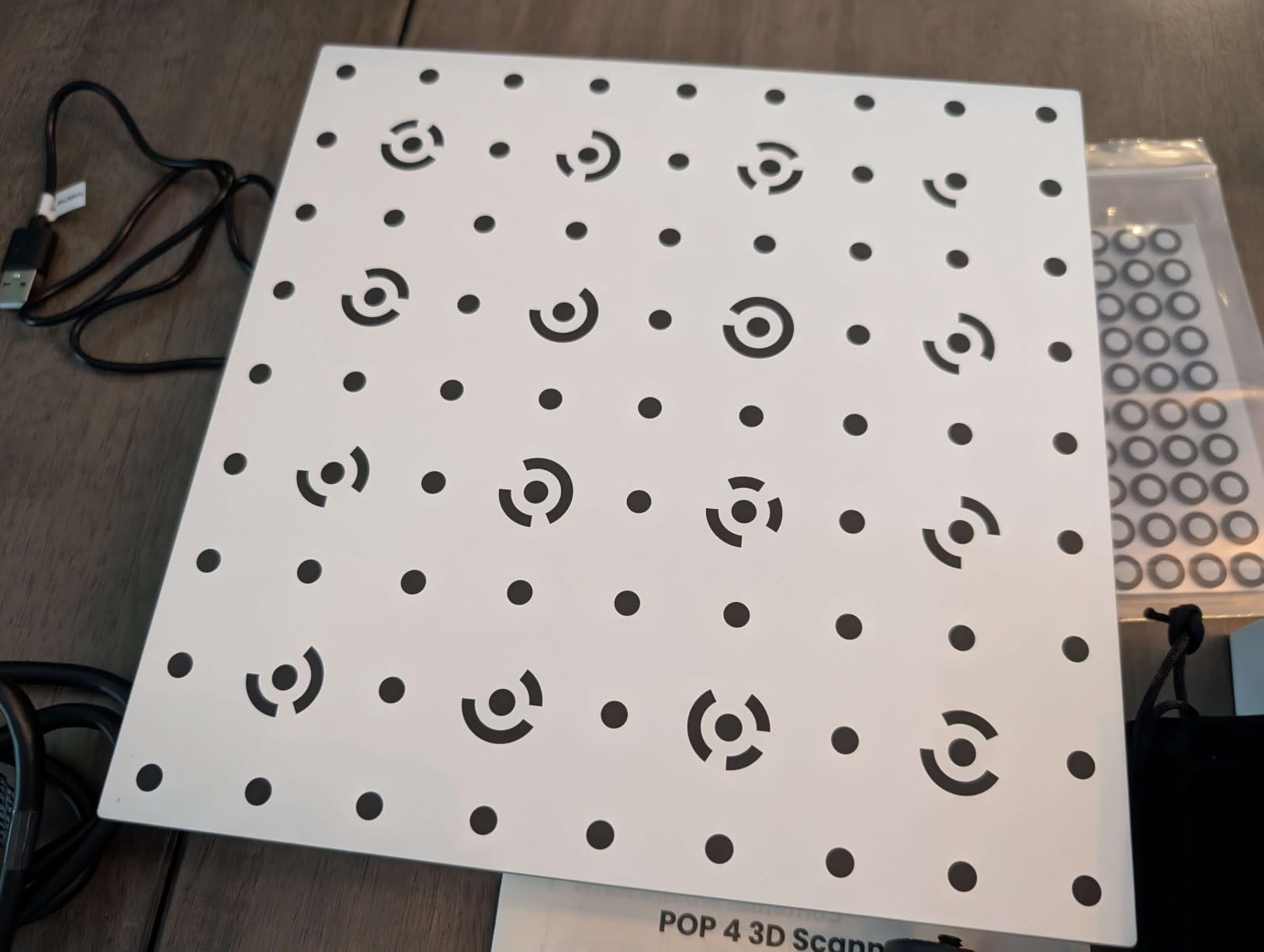
Scan volume runs from 10 x 10 x 10 mm up to 2 x 2 x 2 m, so the same body covers a resin miniature and a motorcycle panel. Accuracy is quoted at 0.03 mm single-frame, with volumetric accuracy of 0.03 mm plus 0.05 mm per metre, which is the honest number to plan around for larger parts.
Two things cost real money here. AI segmentation runs on Windows only, and Revo Design and Revo Measure are separate purchases if you want a CAD-style workflow. Full-field structured light also thins out on anything that is not a discrete GPU.
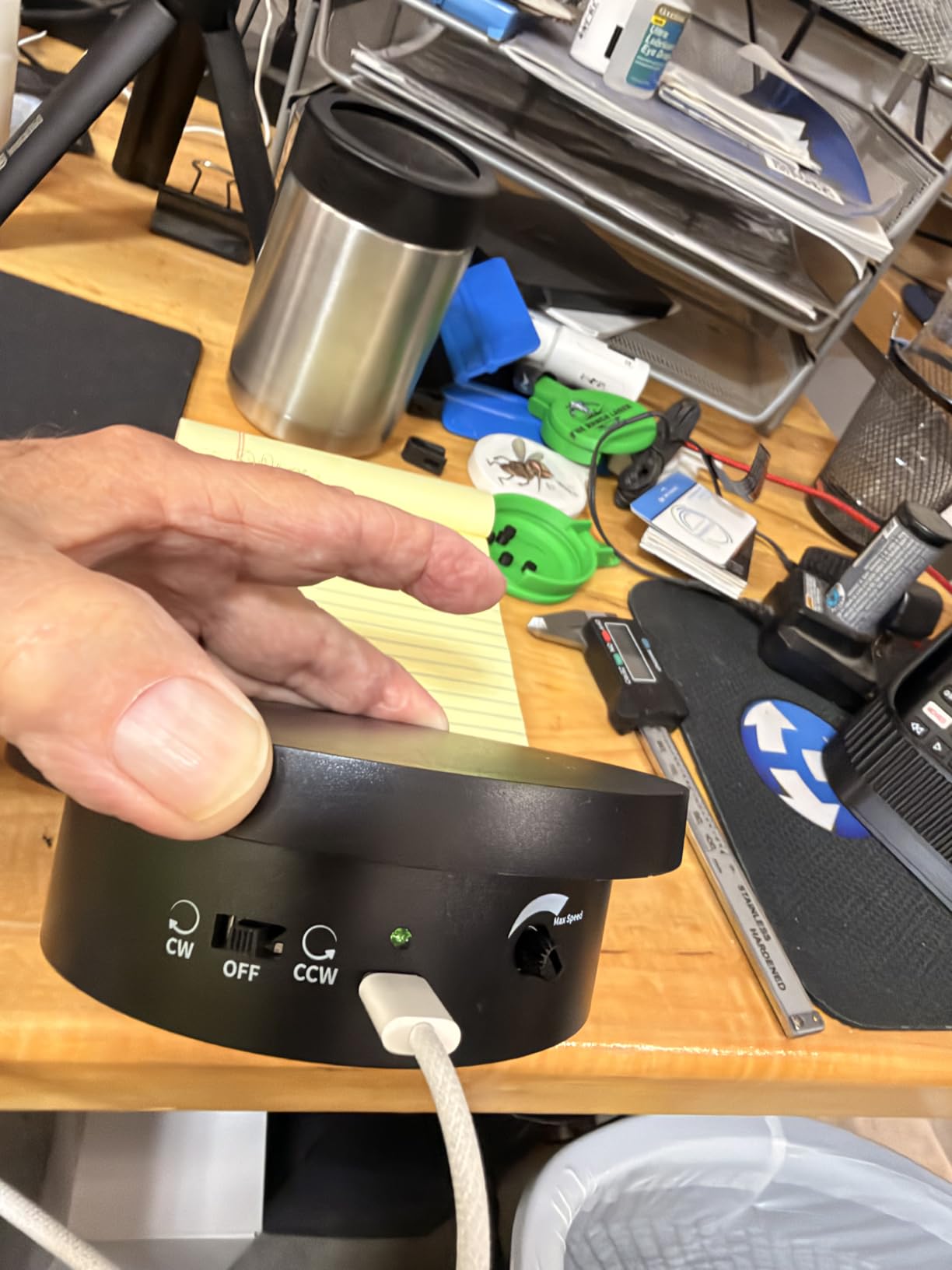
What you gain by choosing it
You get one device that covers small, medium and large work instead of two scanners on a bench. Spray-free handling of black and reflective surfaces removes the single most common step that ruins a print.
The 5500mAh grip gives roughly 4 hours of continuous scanning, and WiFi 6 means the cable stays on the desk while the scanner does the walking.
Where it falls short
The Windows-only software wall matters if you are on a Mac workflow for CAD. Buy the standard package and Revo Design is an extra step before you can take a mesh into a parametric modeller.
Full-field structured light accuracy sits at 0.08 mm, behind its own laser modes, so I switched to multi-line laser whenever a fit mattered more than speed.
2. Revopoint MetroX Pro – The Finest Precision Spec and a Bundled Turntable
Revopoint MetroX Pro 3D Scanner, Blue Laser Scan, for 3D Printing, Advanced
0.01 mm single-frame precision
0.02 mm accuracy
Four scan modes
Dual-axis turntable included
Pros
- Highest precision figure in this group at 0.01 mm single-frame
- 62-line full-field mode at 7 million points per second
- Cross-line and parallel modes handle shiny and dark surfaces without spray
- Turntable
- markers and a latching protective tote in the box
Cons
- Corded operation only
- Deep cavities can cause tracking loss
- Color scanning takes hours of tuning to learn
This is the only unit here where a latching protective tote arrives in the box, and that tells you how the manufacturer positions it. Owners repeatedly describe it as a step up in completeness from the lighter Revopoint lines, and 69% of its 147 ratings are five-star.
Four modes cover the range. Thirty crossed lasers and fifteen parallel lines handle small parts and reflective surfaces. A 62-line full-field blue structured light mode captures up to 7 million points per second markerless. The auto turntable mode rotates a part through a full pass with an HD RGB camera for color.
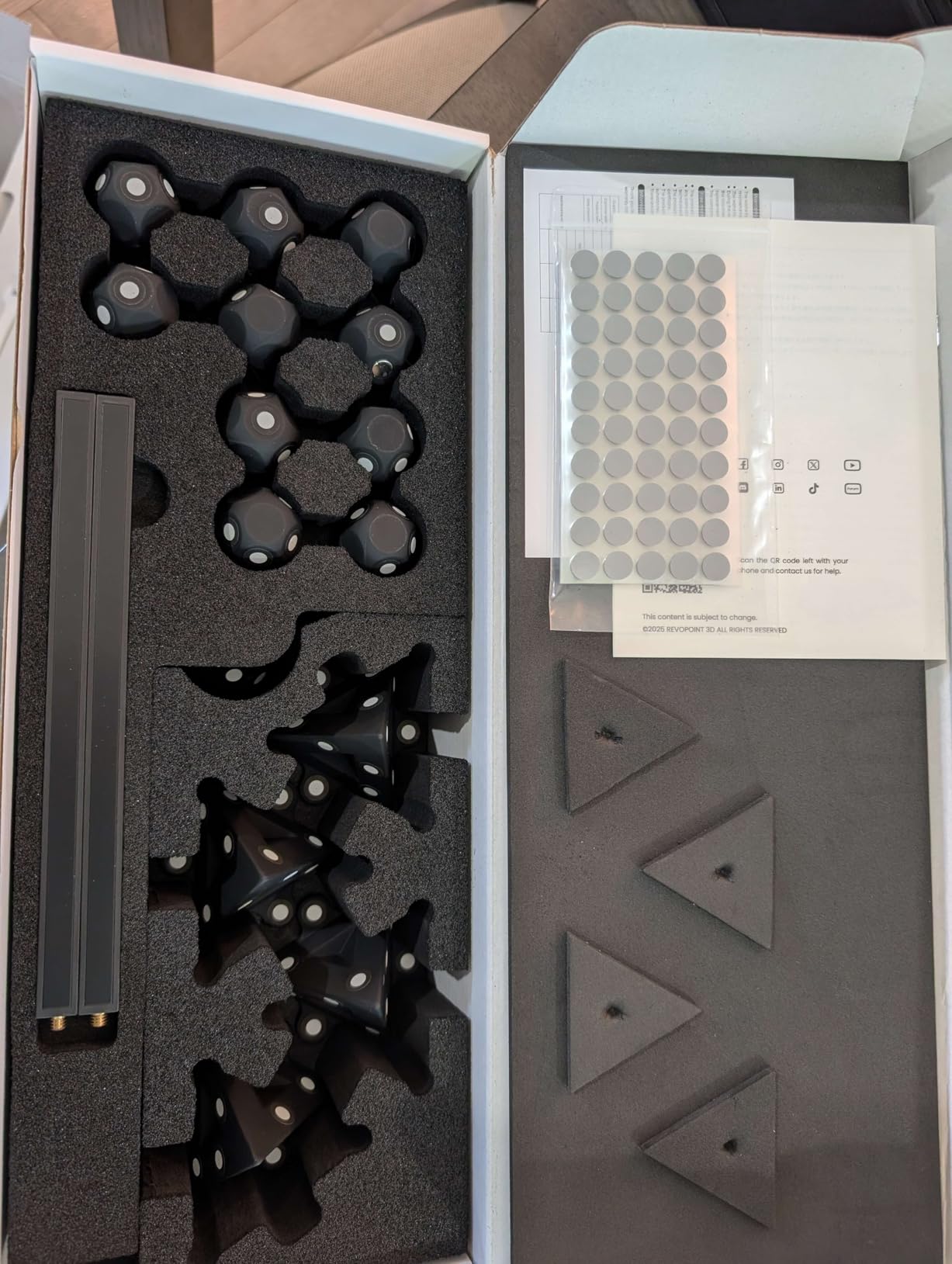
Community owners frequently name this as the laser option to buy inside a mid-range setup, and point out that the turntable is included rather than sold separately. Three tracking modes are available: feature, marker and global marker, so you can work markerless on clean geometry and fall back to markers when a surface gives you nothing.
Single-frame precision is quoted at 0.01 mm with accuracy of 0.02 mm, and volumetric accuracy of 0.02 mm plus 0.04 mm per metre. That is measurement-grade territory, and it is why I used it for the gearbox housing where a slip fit had to stay a slip fit.
What you gain by choosing it
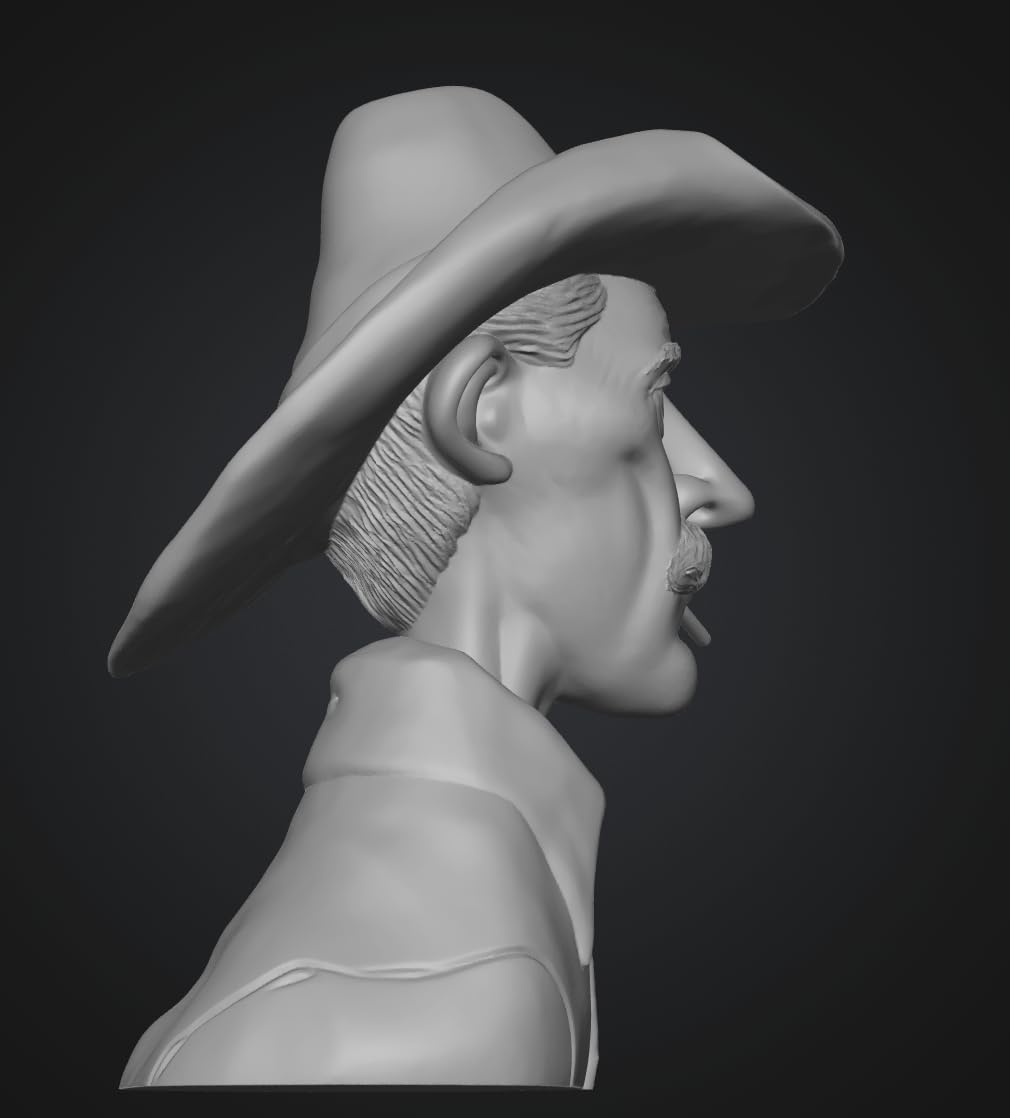
Precision. Nothing else in this list produced cleaner surfaces on the gearbox housing, and the turntable removes an entire category of manual stitching work from your workflow.
Export through Revo Metro covers STL and the reverse-engineering route into separate measurement and CAD tools, so the mesh is not a dead end.
Where it falls short
It is corded. Several owners asked for cordless, and at 14.82 lb including packaging, it is the heaviest unit here before you even pick it up.
Deep cavities cause tracking loss and force a restart, and overlapping scans from different angles still need manual alignment. Budget time for color setup as well; first-time users report hours of tuning.
3. Creality CR-Scan Raptor Pro – Best for Glass, Metal and Full-Body Work
Creality 3D Scanner CR-Scan Raptor Pro for 3D Printing, 22+7 Blue Laser & NIR Handheld Scanner 0.02mm Accuracy, 60fps High-Speed & 5MM to 4M Objects, 24-Bit Full-Color Scanning for Windows macOS
0.02 mm accuracy
22+7 blue lasers plus NIR
5 mm to 4 m range
660,000 points per second
Pros
- Scans black
- metallic and up to 71% transparent glass with no powder
- 5 mm to 4000 mm range with a full-body scan in about 2 minutes
- 22 crossed plus 7 parallel blue lasers with NIR structured light
- Works with Geomagic
- Rhino
- ZBrush
- Maya and SolidWorks
Cons
- Only 22 ratings
- the smallest base in this lineup
- 9.06 lb handheld tires the arm on long sessions
- 32GB RAM and 8GB VRAM recommended on Windows
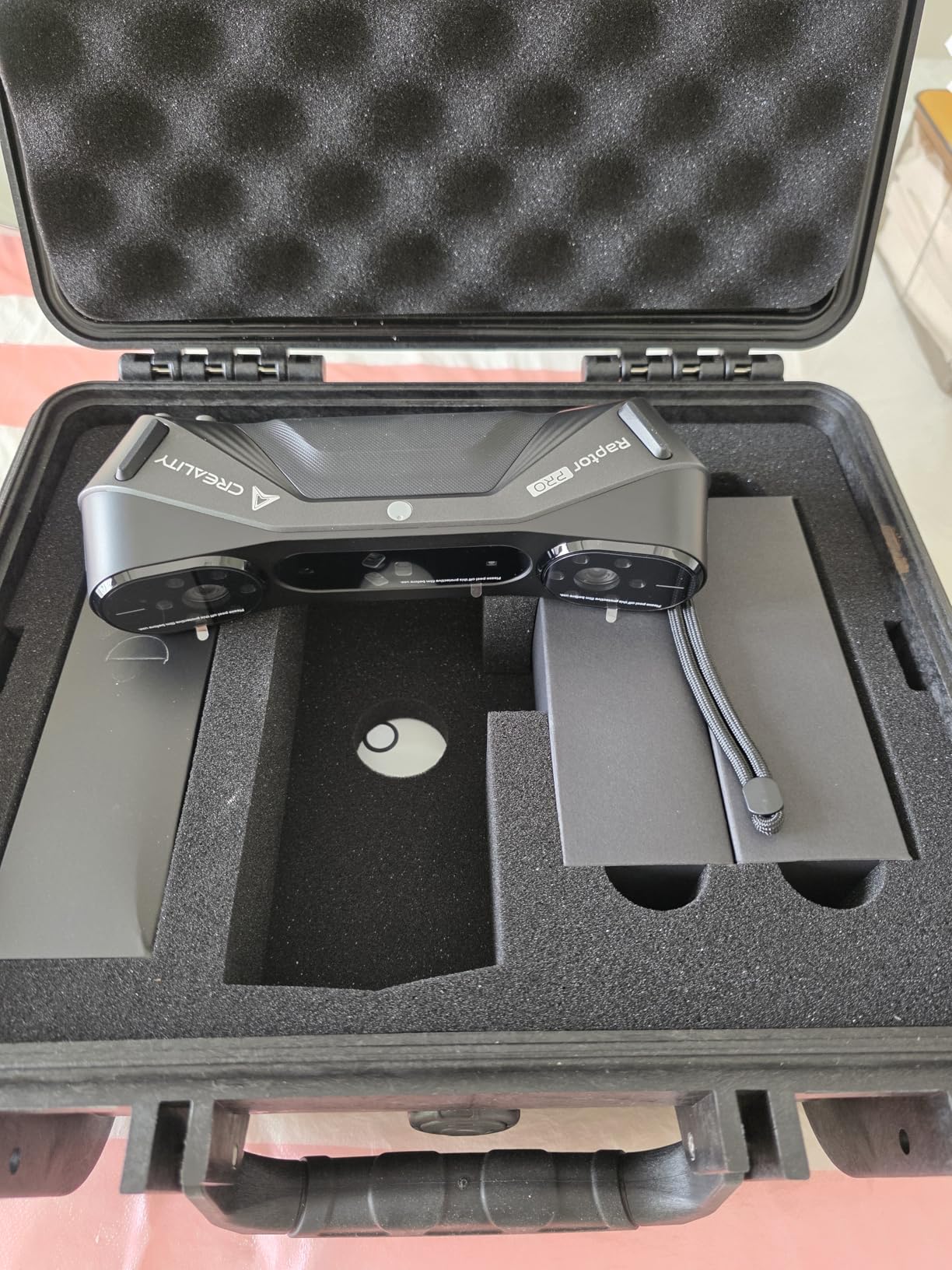
The Raptor Pro is the one to buy if your parts contain glass. It scans black, metallic and up to 71% transparent glass surfaces with no powder, which removes the workaround most owners reach for first when a scan comes back with holes.
Three light sources work together: 22 crossed blue lasers, 7 parallel blue lasers and near-infrared structured light. Capture runs up to 660,000 points per second, with 60 fps laser and 30 fps infrared, and a 24-bit RGB camera handles true color texture.
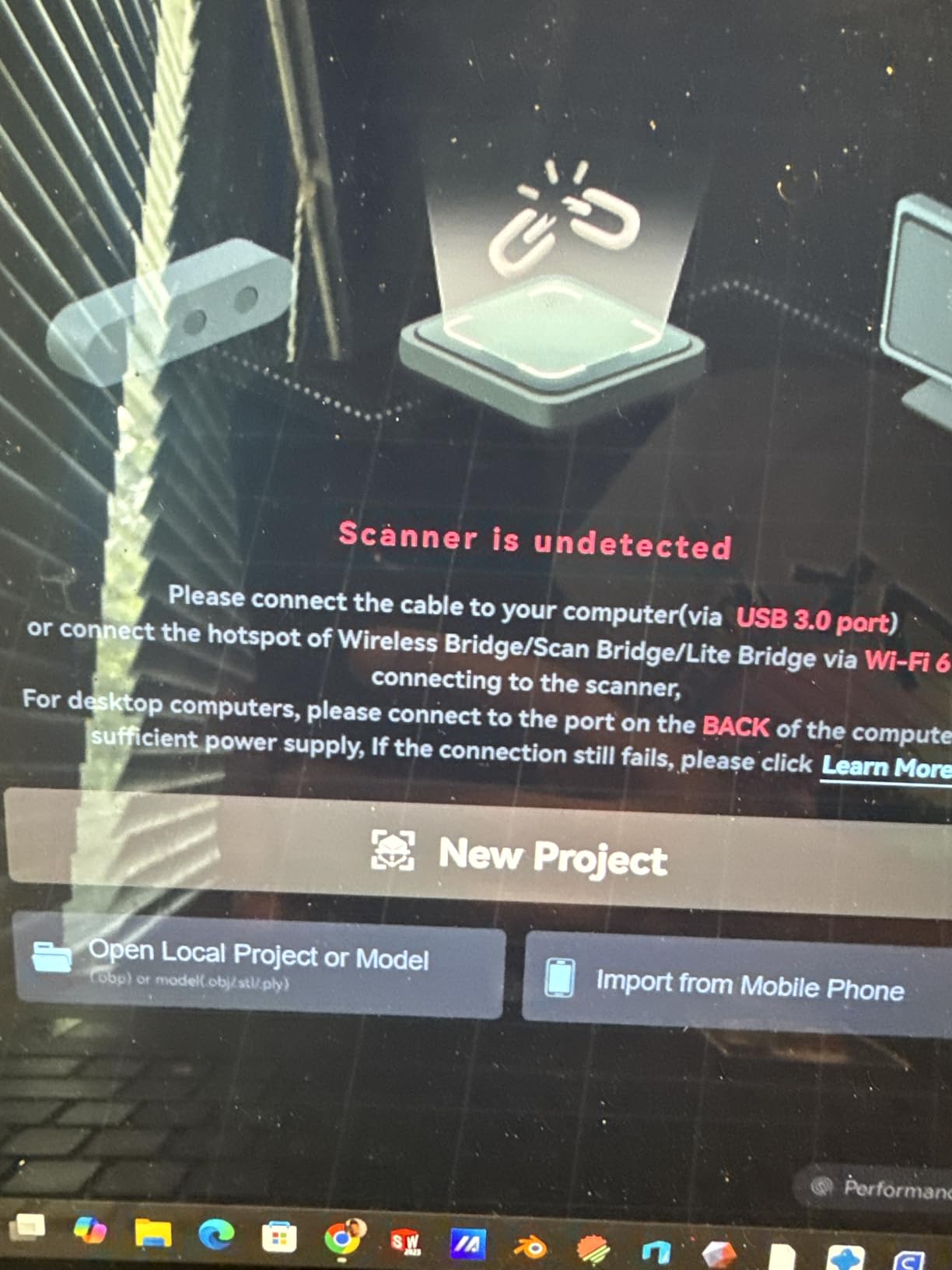
A comparison thread between this scanner and a Revopoint MIRACO PRO, focused specifically on black and metallic objects, runs for pages in the scanning community. That thread is worth reading before you commit, because it is one of the clearest community tests of exactly this failure case.
The 5 mm to 4000 mm range covers a single fingertip to a full car, and the manufacturer claims a full-body capture in roughly 2 minutes. Wireless scanning works with a handle, and outdoor limits reach 50,000 lux in parallel line mode and 100,000 lux in crossed line mode.
What you gain by choosing it
Glass. If you print lenses, transparent housings or display parts, the powder-free transparent capture is the deciding feature, and it is the one thing in this lineup that handles it natively.
You also get a pipeline that already talks to professional tools including Geomagic, Rhino, ZBrush, Maya and SolidWorks, so the mesh lands in your existing software instead of a new environment.
Where it falls short
Twenty-two ratings is a thin base for a purchase this serious. At 9.06 lb, it is the heaviest handheld here, and 12% two-star ratings point to some software and setup friction.
Wireless scanning depends on an optional handle, and the recommended Windows configuration of 32GB RAM with an 8GB VRAM GPU is a real machine, not a laptop.
4. EINSTAR Rockit – The Lightest Cordless Handheld in the Lineup
EINSTAR Rockit Wireless Handheld 3D Scanner for Full Color 3D Design
Hybrid blue laser and VCSEL infrared
3-hour cordless battery
1.1 lb body
STL, OBJ, PLY, 3MF, ASC export
Pros
- Cordless 3-hour battery removes the tether mid-scan
- 1.1 lb is the lightest cordless body in this group
- Hybrid blue laser and VCSEL infrared in one handheld
- Exports STL
- OBJ
- PLY
- 3MF and ASC
Cons
- The oldest design in this group
- 3-hour battery is shorter than newer wireless units
- Spray-free performance reduces rather than removes the need for matte spray
The Rockit is the handheld I can hold up for a full session without my wrist complaining. At 1.1 lb with a built-in rechargeable battery giving about 3 hours of cordless work, it is the most comfortable cordless unit here by a wide margin.
It pairs blue laser lines with VCSEL infrared in one body. The laser side handles fine detail and mid-size parts, the infrared side handles larger subjects, and a built-in color camera captures texture. Exports cover STL, OBJ, PLY, 3MF and ASC, which is the broadest format list in the lineup.
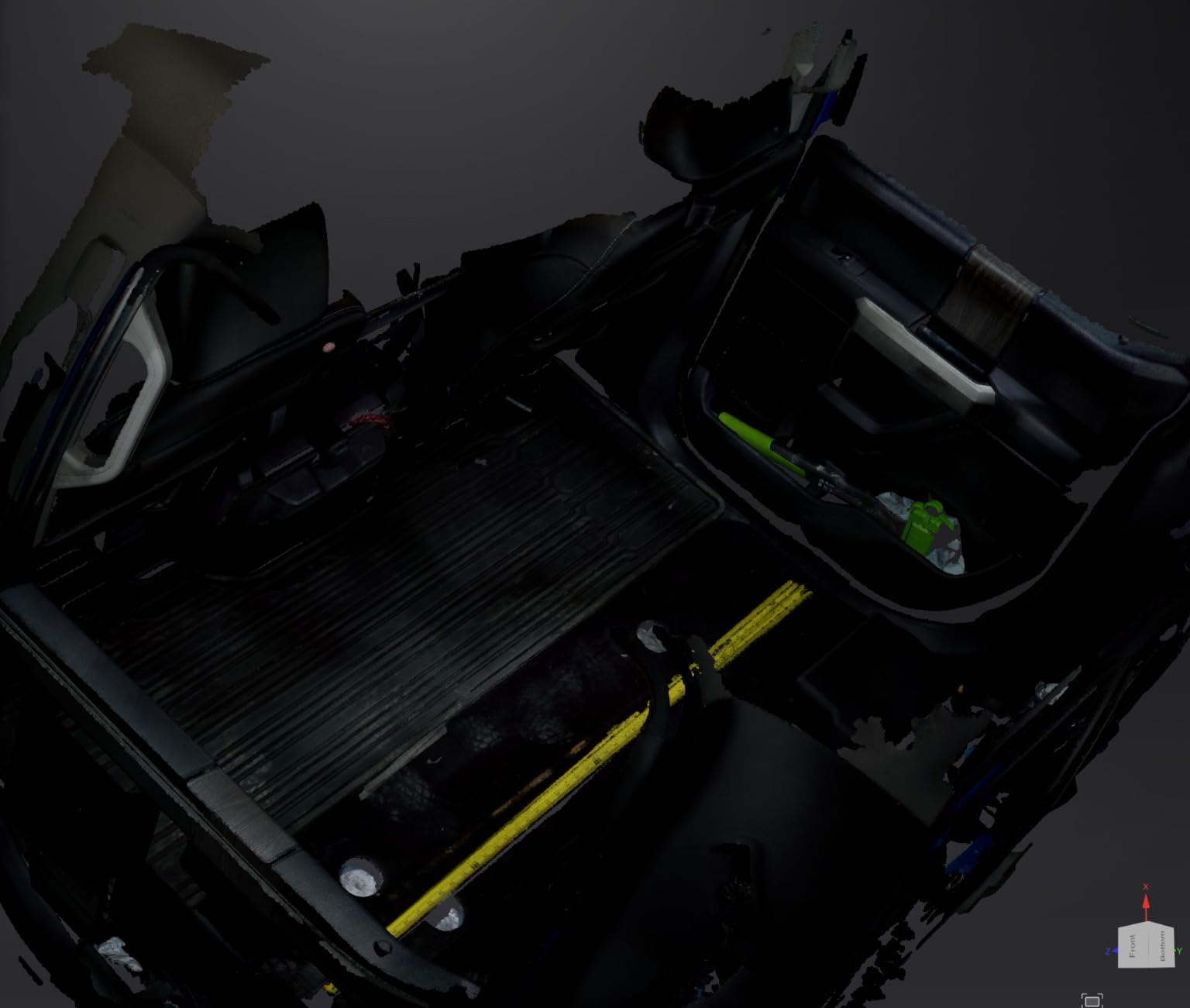
Owners in the scanning community rate the EinStar 2 highly when a laptop-based workflow is acceptable, describing the workflow as smooth on a decent computer. That same caveat applies here, and it is the reason to think hard about your setup before buying either.
The honest limit is surface preparation. Spray-free performance on black and moderately reflective objects reduces the need for matte spray, it does not remove it. On a true mirror finish, I still reached for a matte spray before scanning.
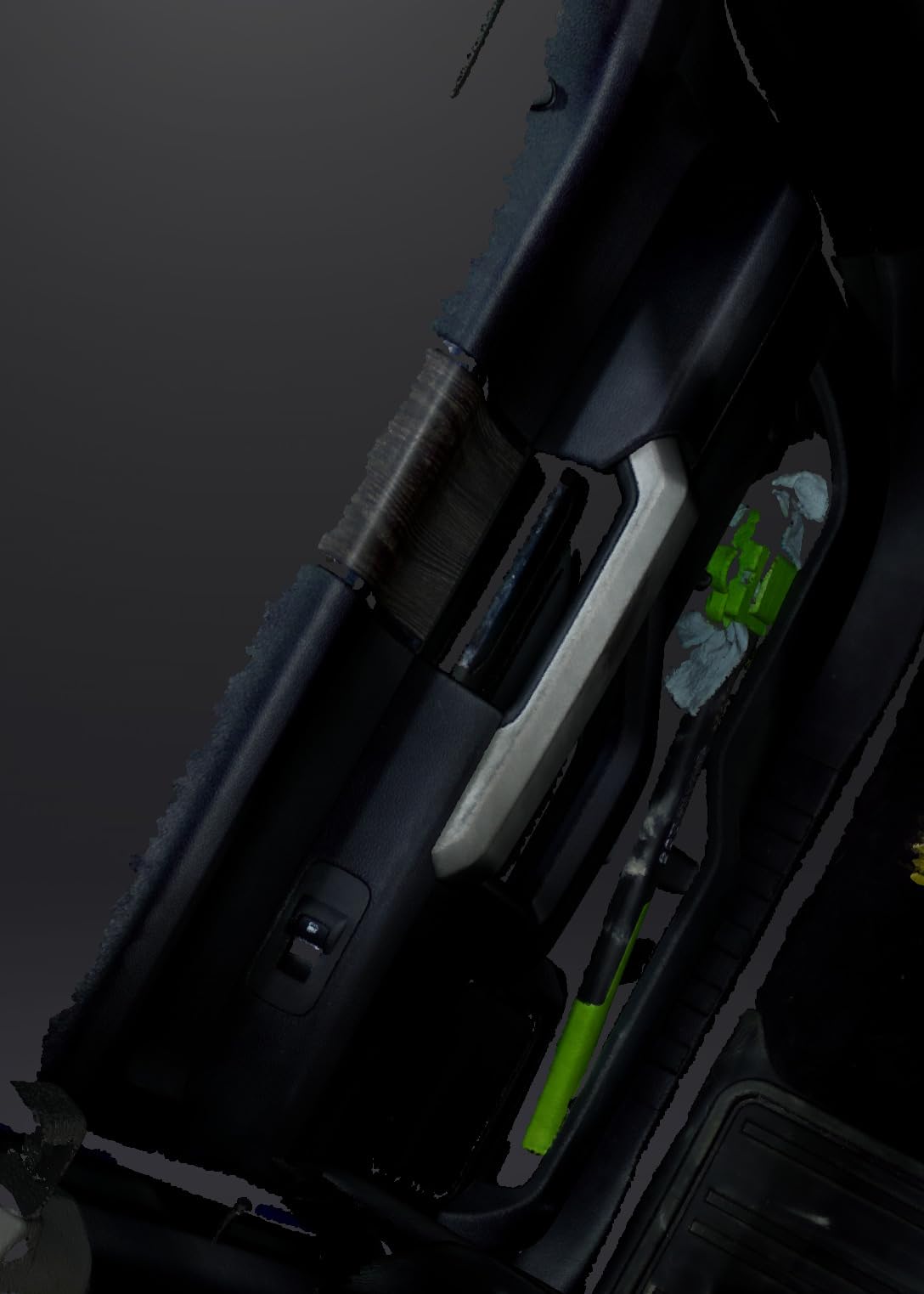
What you gain by choosing it
Freedom of movement. Walking around a large object, or scanning something that cannot come to the desk, is simply easier without a cable trailing behind the scanner.
Low weight also means longer sessions, which matters when you are capturing a full prop or a large panel rather than a single small part.
Where it falls short
This design dates from an earlier generation, and it shows in the 3-hour battery figure and the absence of newer lighting arrangements. Sixteen percent of its ratings are one-star, the second-highest share in this group.
If your work is large, low-light or precision-critical, the newer wireless units below give you more headroom for the same cordless idea.
5. Creality Sermoon S1 – Best for Tiny Parts, Huge Parts and Deep Holes
Creality 3D Scanner Sermoon S1 for Engineering Printing, 1+7+34 Blue Laser Handheld Scanner with 90FPS Scan Range (5mm-4m) & 0.02mm Accuracy, Deep Hole Detection 0.1mm, Compatible with Windows/macOS
5 mm to 4000 mm range
0.02 mm accuracy
34+7+1 blue laser modes
Deep hole detection to 0.1 mm
Pros
- Perfect 5.0 average with 95% five-star and no 1-star ratings
- 5 mm to 4 m range covers jewelry to full automotive parts
- Single-line mode for deep holes and narrow grooves
- 4-lens stereo vision reduces marker setup
Cons
- The most expensive scanner in this lineup
- Only 29 ratings for long-term reliability
- 32GB RAM recommended on Windows
The Sermoon S1 posts the highest satisfaction in the group: a 5.0 average across 29 ratings, 95% of them five-star and none one-star. I want to be straight about what that sample size means before I go further.
Twenty-nine ratings is a thin record, and the unit carries the highest price in this lineup. The specification sheet, though, is the most complete one here, and it addresses the two things hobbyists ask for constantly: a huge size range and the inside of deep features.
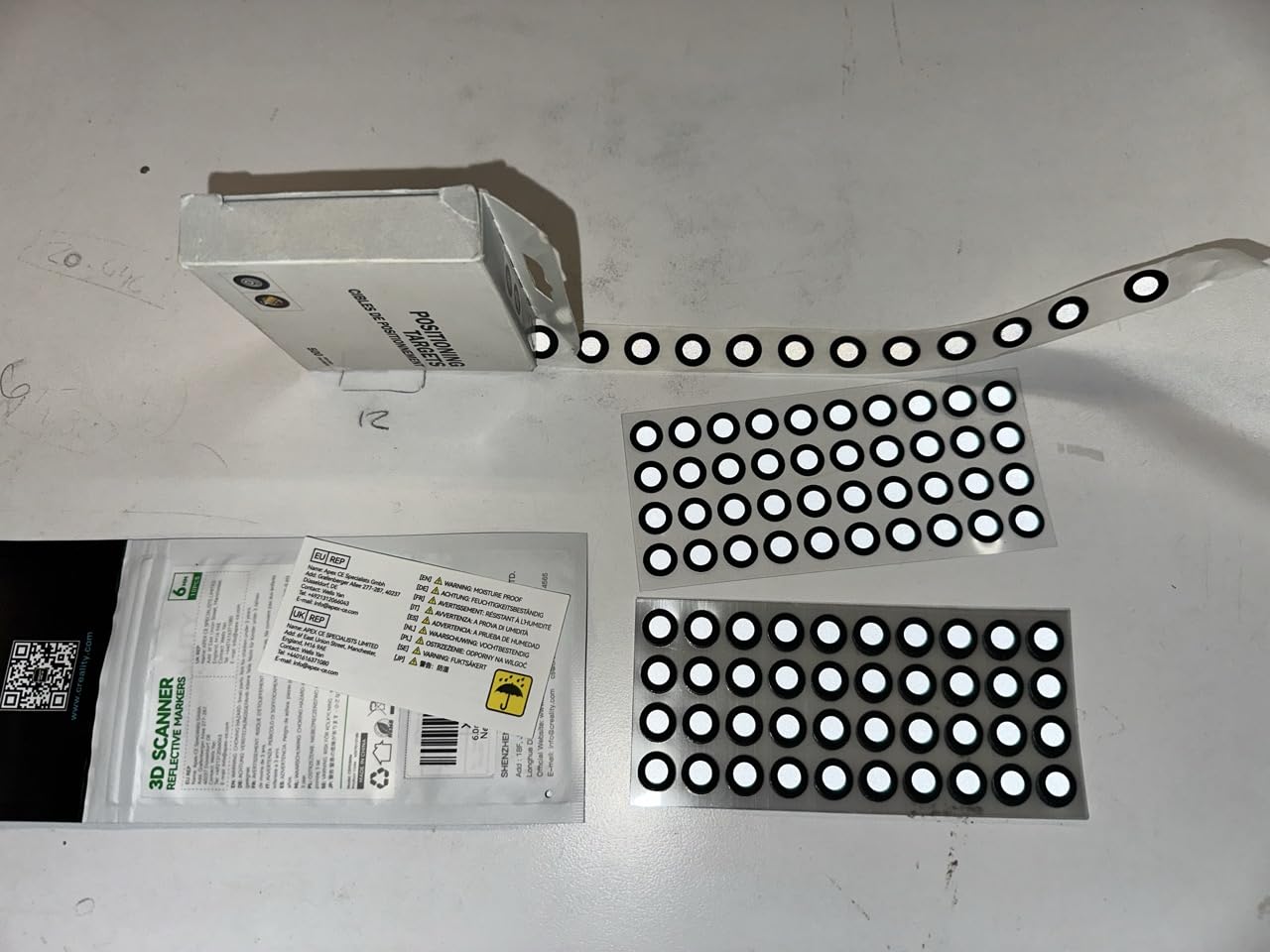
The scanning range runs from 5 mm to 4000 mm in a single device. Three blue laser modes divide the work: 34 crossed lines for speed, 7 parallel lines for detail, and single-line mode for deep holes and grooves. Deep hole detection goes down to 0.1 mm.
Accuracy is quoted at 0.02 mm with 0.08 mm per metre volumetric precision, at 90 fps. Four-lens stereo vision supports markerfree capture, and the software handles alignment, mesh generation and cleanup with AI assistance before export to CAD, CAM, printing or inspection tools.
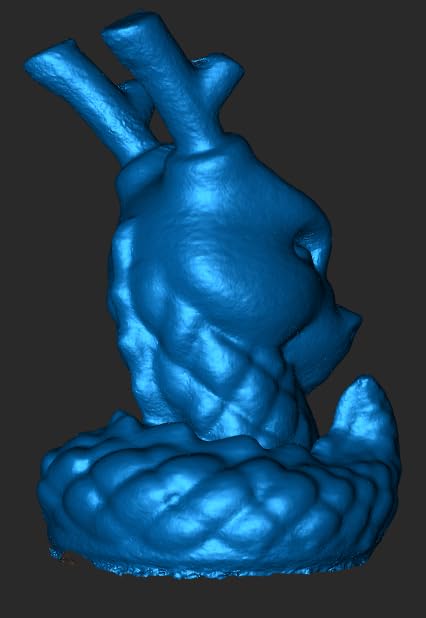
What you gain by choosing it
Range. Nothing else here moves cleanly from a 5 mm jewellery detail to a 4 m automotive part on one device, and for a shop that does both, that removes a second purchase.
Single-line deep hole mode is the feature I would miss most if I went back to a lighter scanner. Recesses are where a printed functional part fails first.
Where it falls short
Twenty-nine ratings is not enough history to judge long-term reliability, and a perfect average on a small sample can move sharply as more owners post.
The recommended workstation is a Windows i7 Gen10 with 32GB RAM, or a Mac M-series with 16GB. Check your machine against that list before committing.
6. Revopoint INSPIRE 2 – Best for Travel and Outdoor Scanning
Revopoint INSPIRE 2 3D Scanner, Outdoor Scan, for 3D Printing, Standard
190 g aluminum body
20,000 lux outdoor
11 infrared laser lines
Infrared plus laser modules
Pros
- 190 g aerospace aluminum body with 1.5x and 2x optical zoom
- 11 infrared laser lines read dark and reflective surfaces without spray
- WiFi 6 wireless scanning plus PC-to-phone live streaming
- Tripod
- markers
- turntable and calibration board included
Cons
- Demanding minimum PC specification
- Revo Design sold separately and Windows-only
- 13% of ratings are 1-star
The INSPIRE 2 is the one I put in a bag. At 190 g with a machined aluminum body, it is the second-lightest scanner in this group, and the box includes a tripod, markers, a mini turntable, a calibration board and outdoor filters.
It carries two scanning modules: infrared structured light and a multi-line laser. The 11 infrared laser lines are the reason it reads dark and reflective surfaces without spray, which is the single most common complaint about cheaper handhelds.
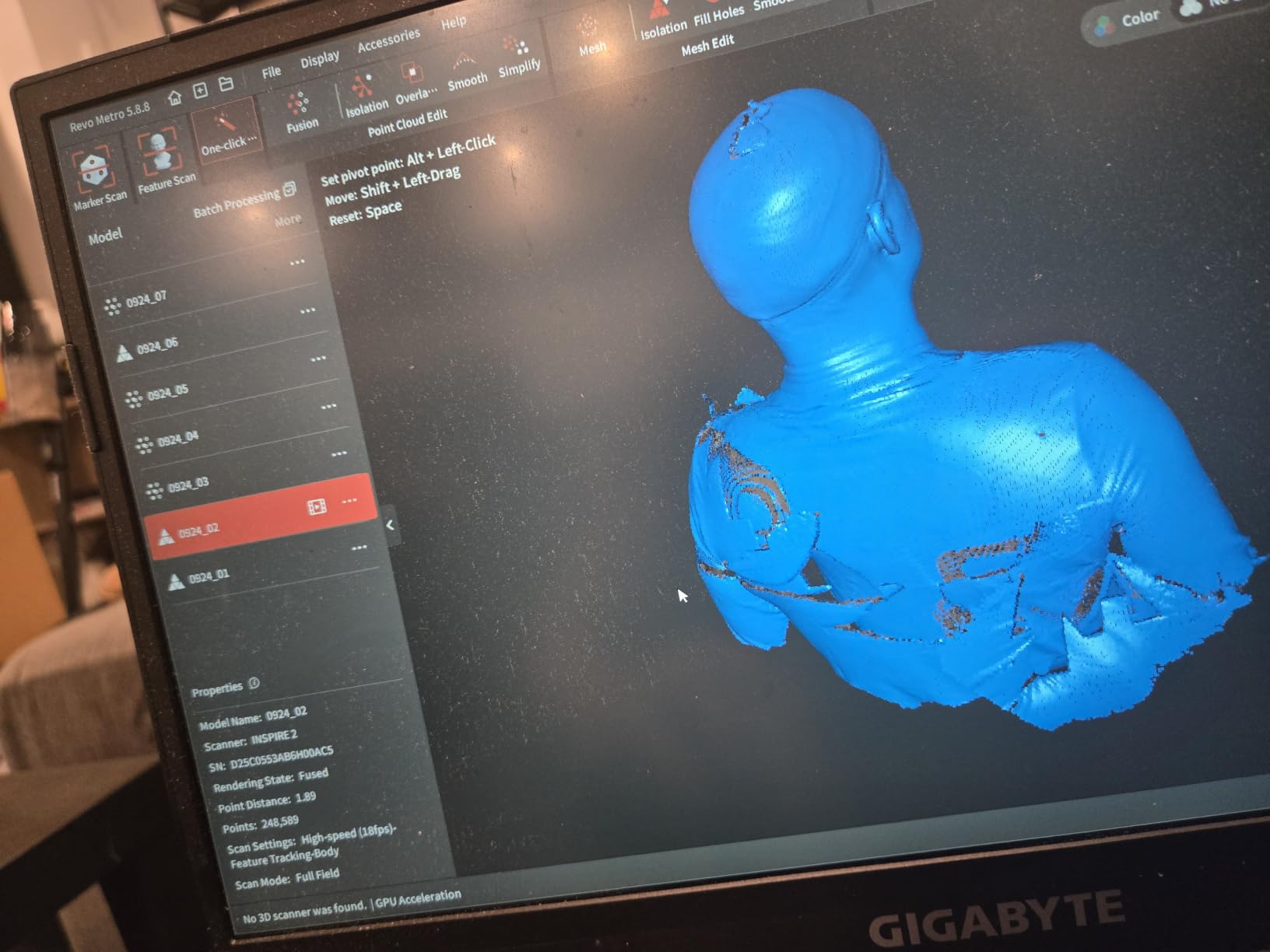
Outdoor operation reaches 20,000 lux with the included filters. WiFi 6 supports mobile scanning and PC-to-phone interactive streaming, so the display does not have to be the computer doing the processing. Optical zoom at 1.5x and 2x helps when one object has both a fine feature and a wide flat face.
Accuracy is up to 0.05 mm with 0.03 mm precision, and the included calibration board is claimed by the manufacturer to improve point cloud accuracy by 75%. It has the most reviews in the lineup at 337, which makes the 3.9 average unusually well evidenced.
What you gain by choosing it
Portability. Field work, a makerspace across campus, or scanning something that will not fit through a door is a realistic job for this unit and a much harder one for the desktop-style scanners above.
Full color texture capture comes from a built-in RGB camera, so display models and painted props come through with color in the same pass.
Where it falls short
The minimum computer specification is the first thing to check. It calls for an Intel i7 13th Gen or Ryzen 7 5800 class chip, 16GB RAM and an RTX 3060 8GB, or an Apple M1 Pro and later. That is a real purchase decision hiding inside the box.
Thirteen percent of its ratings are one-star, which points to setup and reliability friction. Revo Design is a separate, Windows-only purchase if you need the CAD workflow.
7. EINSTAR 2 – Best for Vehicles and Swappable-Battery Sessions
EINSTAR 2 Wireless 3D Scanner, 17 Parallel Lines Blue Laser and VCSEL Infared Light Support 3D Scanning Small to Large Objects, Up to 90 FPS High Speed Scanning, Support 3mm, 6mm, 12mm Markers.
17 parallel blue laser lines
90 fps laser,20 fps infrared
Swappable battery,3 hours
Works to 110,000 lux in laser HD
Pros
- Swappable battery means a dead pack never ends a scan
- Wireless range proven to roughly 10-13 ft in owner use
- 17 parallel laser lines handle reflective and metallic surfaces without spray
- Owners report successful vehicle scans for modeling work
Cons
- High-spec PC needed
- ideally i7 with 32GB RAM and a modern GPU
- Thin documentation and few tutorials
- Forced online activation
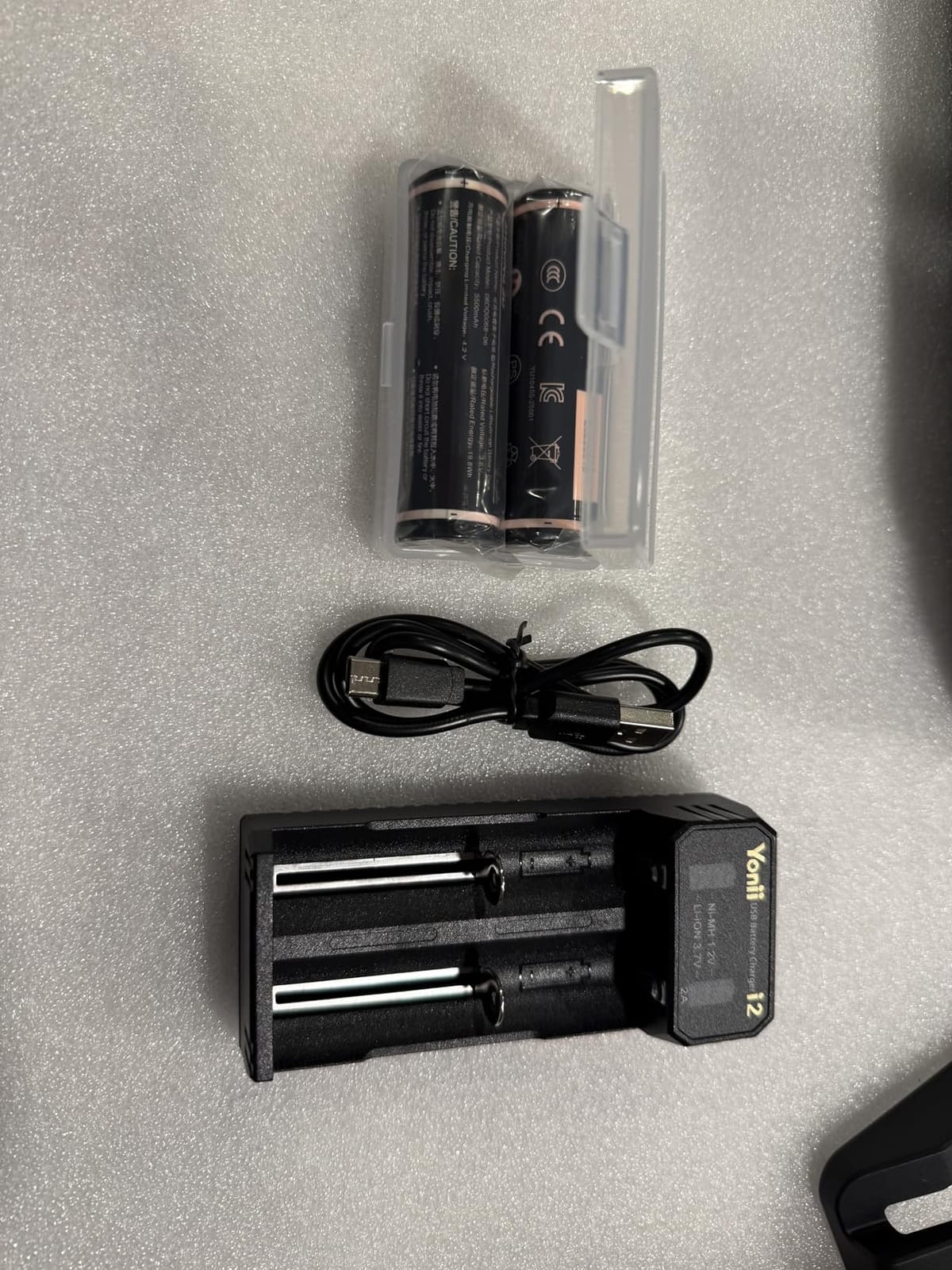
The defining feature is the battery. It is built in and swappable, so a flat pack does not end a session the way it does on a fixed-battery cordless scanner. Two D cells ship in the box and give about 3 hours of uninterrupted scanning.
Two light sources divide the work. Seventeen parallel blue laser lines run at up to 90 fps for small objects, medium scans, reflective and metallic surfaces and deep holes. VCSEL infrared mode brings higher-resolution cameras for black surfaces and large objects at up to 20 fps.
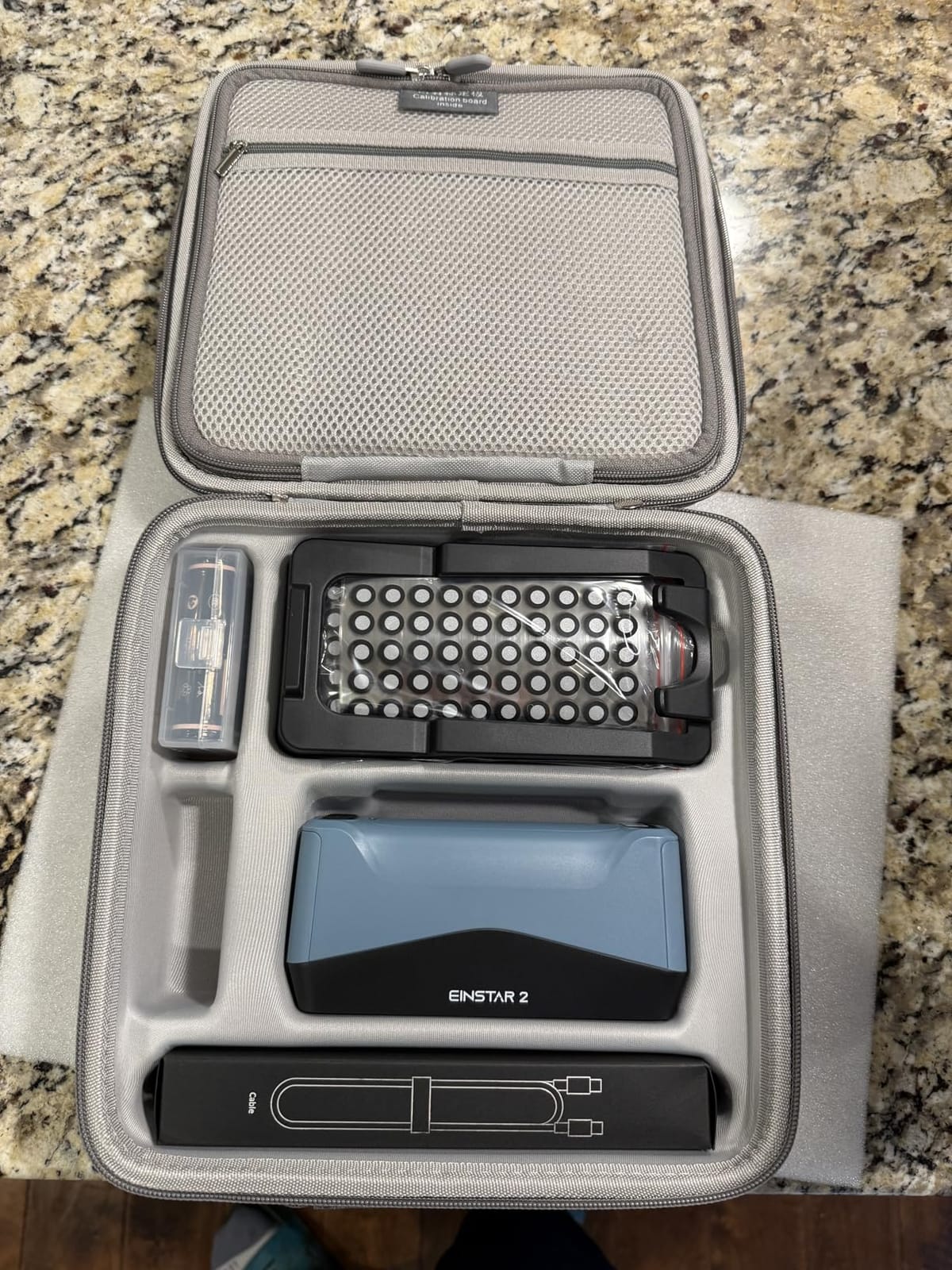
Owners report wireless range out to roughly 10 to 13 ft, one describing a successful link from inside a house to a scanner in a sound-treated truck. That is not a marketing figure, it is someone doing a real job without walking back to the bench.
On community threads, the EINSTAR 2 comes up as a strong pick when a laptop-based workflow is acceptable. The same owner who praised the workflow also flagged that a decent computer is assumed, and that guidance holds for everything in this list.
What you gain by choosing it
Large-format and vehicle work. Owner reports of successful vehicle scans for fluid dynamics and modeling suggest it holds up on surfaces most hobby handhelds struggle with.
Light tolerance is a genuine advantage for field jobs: laser HD mode works to 110,000 lux and infrared rapid mode to 70,000 lux, and markers in 3mm, 6mm and 12mm sizes cover the awkward cases.
Where it falls short
The computer requirement is the sharpest in this group for large work: an i7 with 32GB RAM and a modern GPU, and more memory as scans grow. Documentation is thin, tutorials are scarce, and one reviewer reported incorrect instructions with tracking that would not lock.
Activation is forced online, and the bundled case is semi-rigid, which I would not trust to protect a precision instrument in transit.
8. Creality CR-Scan Ferret Pro – Wireless Scanning to a Phone or Tablet
Creality CR-Scan Ferret Pro 3D Scanner for 3D Printing, Upgrade Wireless Handheld Scanner with WiFi 6 Bridge, Anti-Shake Tracking, 30FPS Fast Full Color Scan, 0.1mm Accuracy for iOS/Android & PC
0.1 mm accuracy,0.16 mm resolution
30 FPS
WiFi 6 bridge to iOS and Android
OBJ, STL and PLY export
Pros
- WiFi 6 bridge enables wireless scanning to Android and iPhone 11 and later
- Anti-shake one-shot 3D imaging steadies the first pass
- 0.1 mm accuracy and 30 FPS at the value end of the range
- Outdoor operation up to 30000 lux
Cons
- Companion software has a steep learning curve and frequent scanner-in-use errors
- WiFi bridge reportedly fails to connect for some buyers
- Calibration tool is not included and must be ordered separately
- 21% of ratings are 1-star
The Ferret Pro is the reason a phone or tablet can be a real scanning station rather than a novelty. The included WiFi 6 bridge pairs with Android devices and iPhone 11 or later, and USB to PC still works when the wireless link does not.
Hardware numbers are solid for the tier: 0.1 mm accuracy, 0.16 mm resolution and 30 fps. One-shot 3D imaging with anti-shake tracking corrects for hand tremor, which genuinely raises the success rate on a first pass. Outdoor operation reaches 30,000 lux.
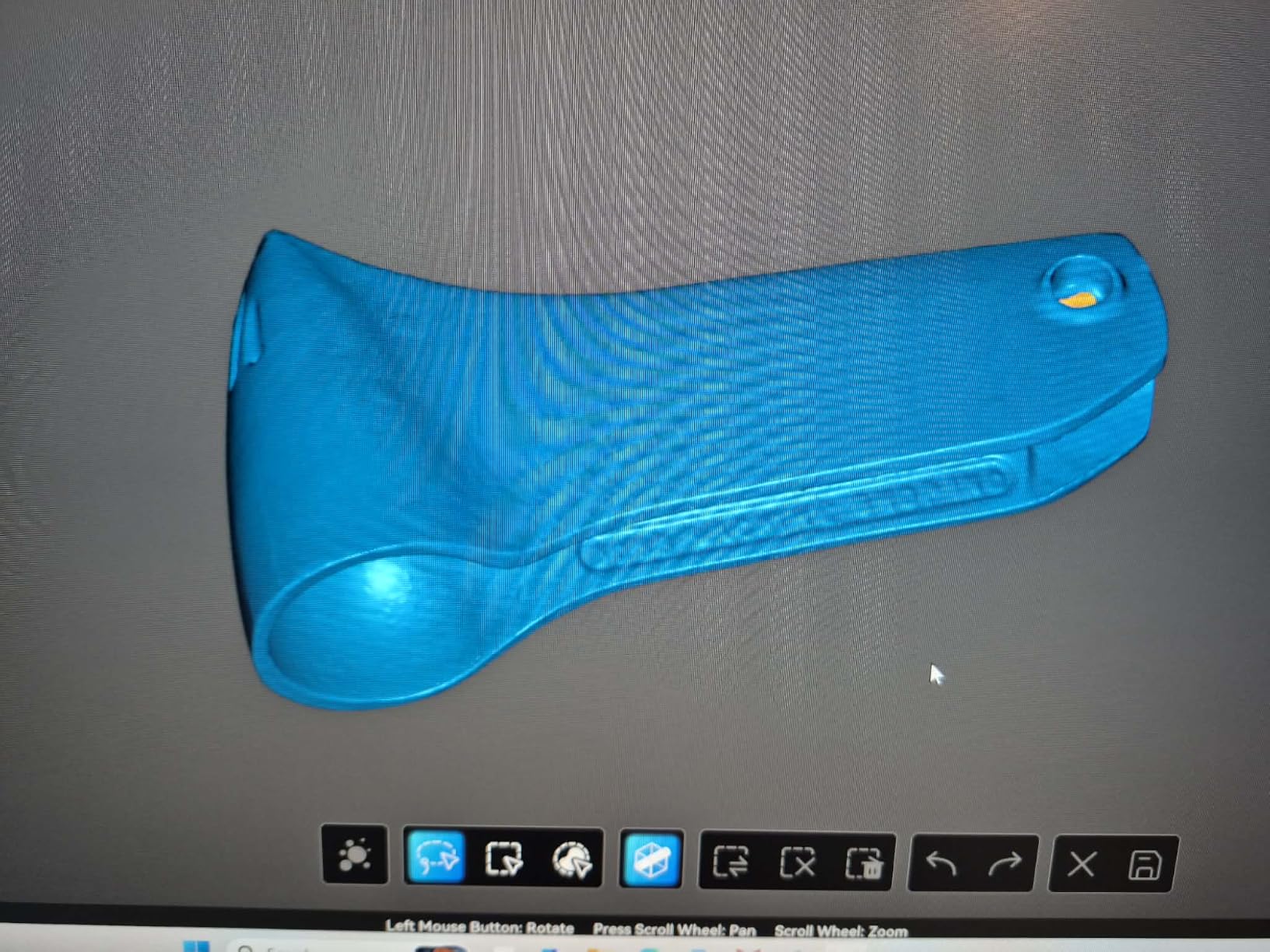
Buyers are split on this one, and the split is about software rather than hardware. Many get usable scans straight away and praise the value. Others report frequent scanner-in-use errors and a learning curve steep enough to be the main obstacle.
Two practical notes from owner reports. Several buyers fell back to a wired connection because the WiFi bridge would not connect, so check your network before committing. The calibration tool is not in the box and has to be ordered separately.
What you gain by choosing it
Wireless capture to a handheld screen, which means the scanner is not chained to a desk and a display can follow you around an object. For small parts it is quick and the output is genuinely usable.
It works on Windows, macOS, Android and iOS, the broadest platform support in this list.
Where it falls short
At 3.7 it carries the second-lowest average here, with 21% one-star ratings. The manufacturer also advises against highly reflective, transparent or extremely dark surfaces, so spray is still part of the workflow for those parts.
The missing calibration tool and the bridge reliability reports are the two items I would resolve before ordering.
9. Creality CR-Ferret SE – The Budget Pick at 105 g
Creality CR-Ferret SE 3D Scanner Desktop Fast 0.1 Mm High Accuracy Flexible Scanning Range Anti-Shake 24-Bit Full-Color Scanning for Black Metal Non-Reflective Objects Mac Windows
0.1 mm accuracy
105 g body
24-bit color via 2MP camera
USB PC connection,1-year warranty
Pros
- Lightest scanner here at 105 g with a compact portable form
- 0.1 mm accuracy with one-click model generation
- 2MP color camera produces full-color models
- Anti-shake tracking helps when hands are unsteady
Cons
- USB PC only
- no battery handle or wireless on this model
- Software connectivity failures reported across multiple machines and ports
- Frame rate reported dropping to roughly 12 fps after firmware updates
- 20% of ratings are 1-star
The CR-Ferret SE is the lightest scanner in this lineup at 105 g, and it will fit in a coat pocket. It is also the lowest-rated unit here at 3.6 across 53 ratings, so buy it with a specific job in mind rather than as a general answer.
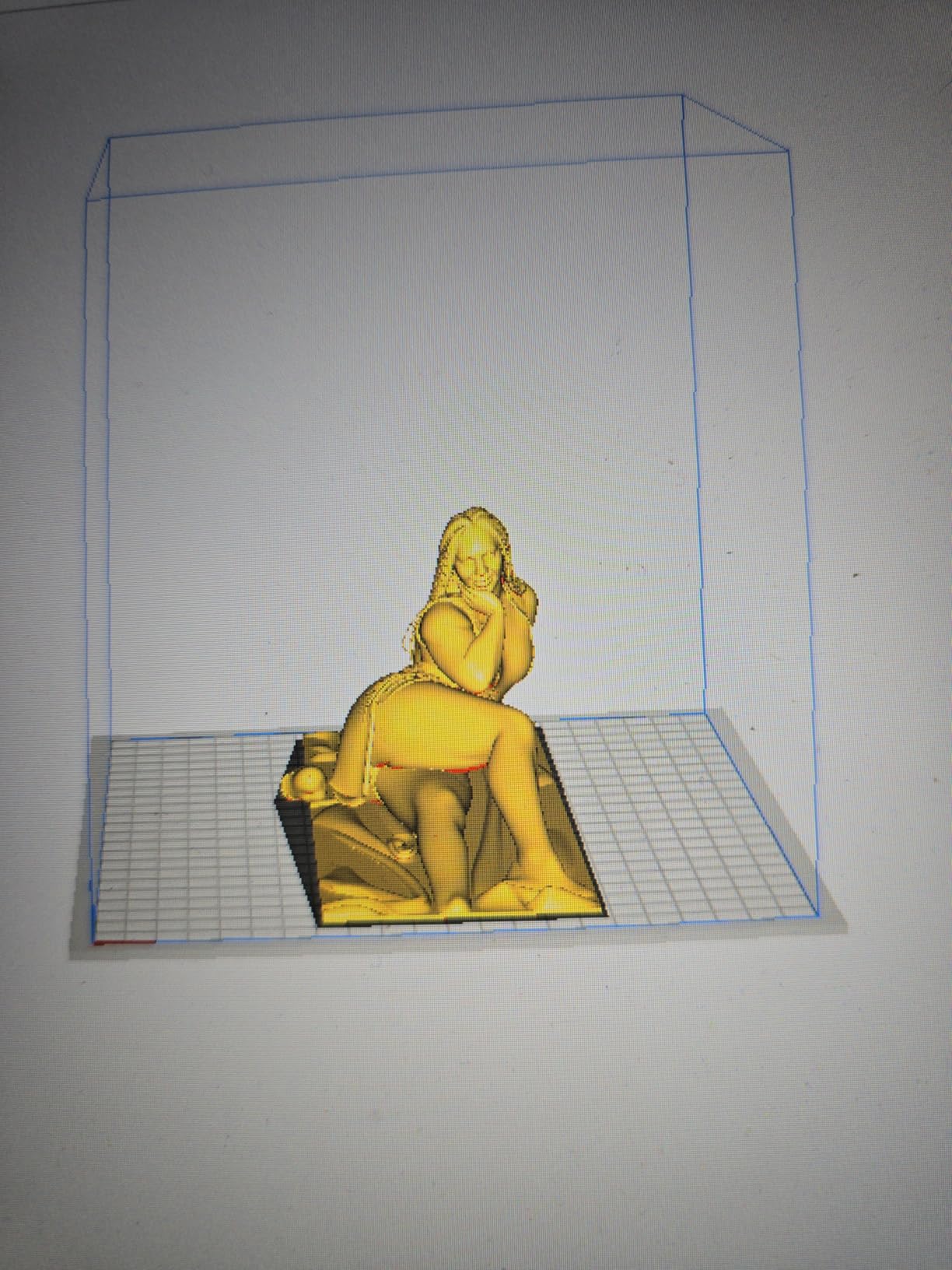
What it does well is small work. One-shot 3D imaging with anti-shake tracking counters hand tremor, accuracy is 0.1 mm across a flexible scanning range, and a 2MP color camera delivers 24-bit full-color capture with one-click model generation afterward.
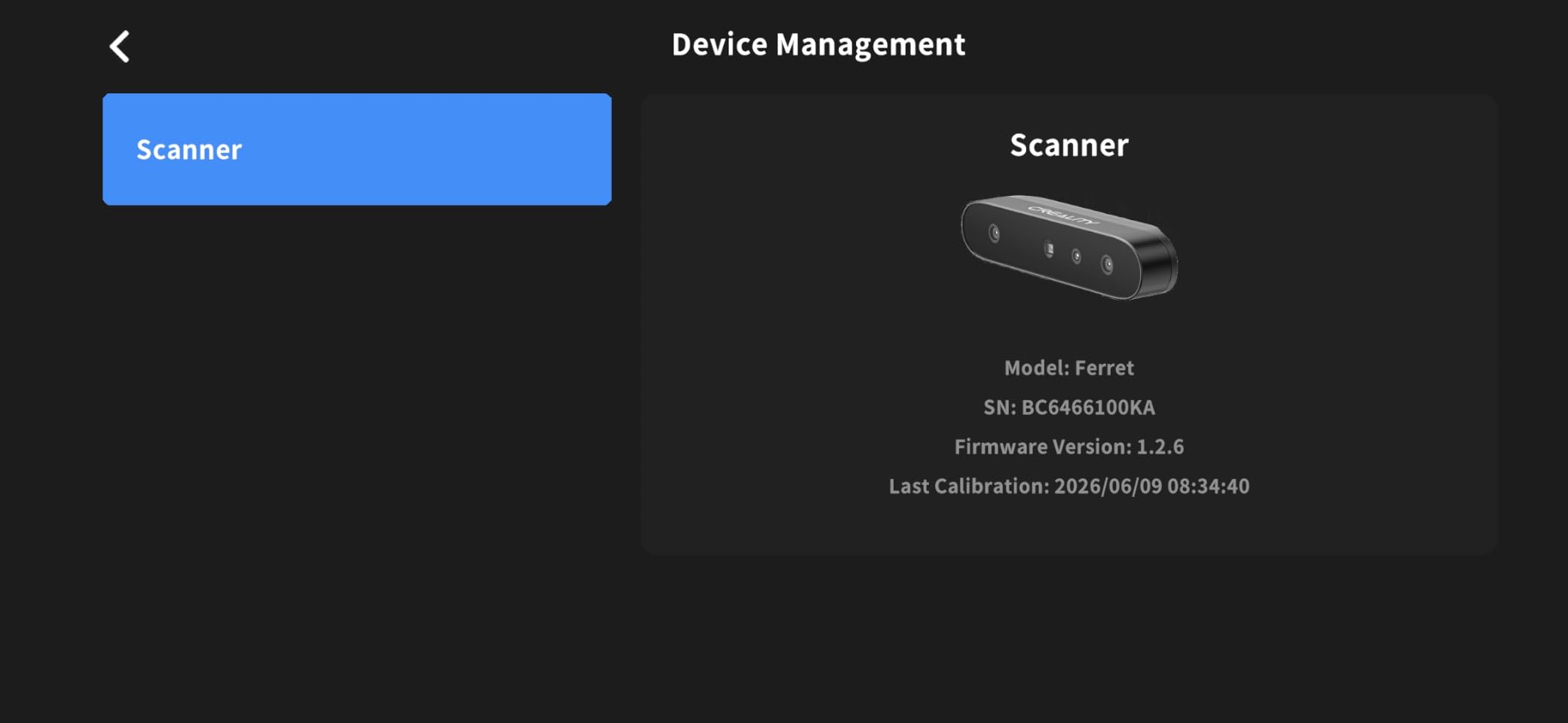
Owners who get the software connected report surprisingly accurate results for a small desktop scanner, and the mesh cleanup tools remove a fair amount of noise. The pattern in the reviews is stark: connection is where it succeeds or fails.
There are reports of scanners that never connect across different computers and USB ports, tracking that drops out every few seconds, a frame rate falling to roughly 12 fps after firmware updates, and a phone companion app described as broken. Customer support runs through email tickets, which owners found difficult to navigate.
What you gain by choosing it
You get a working color scanner for a fraction of what the professional units cost, in a body light enough to forget you are holding. For replicating a broken plastic part or a first figurine, it is enough.
Anti-shake tracking makes it more forgiving for beginners, and it scans black and metallic objects without matte spray according to the manufacturer.
Where it falls short
It is USB PC only, with no battery handle and no wireless on this model, so it is a desk tool rather than a portable one. That is the main limit for anyone wanting to scan a person or a large prop.
Twenty percent one-star ratings and the reported post-update frame rate drop mean you should plan on a learning period. If software reliability matters more than portability, step up a tier.
How to Scan Black, Shiny and Reflective Surfaces
Dark and glossy surfaces absorb or reflect the light a scanner depends on, so the pattern comes back with holes. This is the most common beginner failure, and the reason matte spray became a standard step rather than a hack.
A matte spray such as AESUB dissolves the reflection for long enough to capture the surface, then evaporates. Apply it in thin passes from about 30 cm, let it dry fully, and scan immediately. Thick coats add geometry you will have to remove in software.
Newer scanners reduce the need for it rather than removing it. The INSPIRE 2 uses 11 infrared laser lines, the Raptor Pro adds NIR alongside 22 crossed and 7 parallel blue lasers, and the Ferret SE claims powder-free black and metal capture. My own results: matte surfaces scan clean on all of them, mirror finishes still needed spray on everything except the Raptor Pro.
Transparent glass is a separate case. Until recently it was simply not printable-friendly, and the Raptor Pro’s claim of powder-free capture on up to 71% transparent glass is the one worth testing before you commit to it.
From Scan to Print: The Steps Most Guides Skip
The scan is the easy half. What decides whether the printed part works is everything that happens between the mesh file and the slicer.
Start with hole repair. Every scan has open edges, and a mesh with a single hole will be rejected or repaired badly by most slicers. Use the fill holes and close mesh tools in your scanning software, or MeshLab if the bundled tools are not enough. Then check the mesh is manifold, meaning every edge shared by exactly two faces.
Next, fix floating geometry. Noise away from the object becomes disconnected shells that print as blobs floating beside your part. Delete anything with almost no volume that is not connected to the main body.
Scale next, and this is where a print goes wrong quietly. Most scanners return millimetres, and a scan of an inch part will print at roughly 39% size unless you scale it. Measure one real dimension in the software against the scan and set the ratio. My gearbox housing came out 0.3% short until I corrected for it.
Wall thickness comes after that. Scanned geometry is the outside surface, so a solid scan gives a solid print with no internal voids and a long cure or print time. Hollow the mesh to roughly 1.5 to 2 mm walls for resin, add drainage holes, and add at least two or three holes so liquid can drain from the hollowed interior.
Then export. STL is the safest interchange format and works in PrusaSlicer, Cura, OrcaSlicer and Bambu Studio. OBJ carries color texture if you captured it. 3MF is where more of the newer tools are heading, and the EINSTAR Rockit also exports PLY and ASC. Finally, confirm your printer profile: an oversized part may need rescaling to fit the build plate, which changes the tolerances you just set.
How to Choose a 3D Scanner for 3D Printing in 2026
Start with object size, because it rules out more options than any other question. If your work is figurines and small mechanical parts, the entry desktop units and the Ferret class are enough. If you scan a person, a prop or a vehicle, you need a 5 mm to 4 m range and a stable handheld body.
Then separate accuracy from resolution. Accuracy is how close a measurement sits to the true value. Resolution is how finely the scanner samples the surface. A decorative replica of a garden ornament needs resolution. A replacement gearbox housing that has to slip-fit into an existing assembly needs accuracy, and volumetric accuracy is the figure that tells you how the error grows across a large part.
Decide how tethered you want to be. Corded USB units like the CR-Ferret SE and the MetroX Pro never fight your WiFi. Cordless units with swappable batteries, like the EINSTAR 2, or with a battery grip, like the POP 4, move more freely but need battery discipline.
Count surfaces, not objects. Make a list of the materials you actually scan. Mostly matte plastic and wood, and any of these will serve you. Mixed metal, glass and black plastic pushes you toward the units with infrared and multi-line laser, or toward buying a matte spray.
Then budget for the computer. This is the hidden cost that editorials skip and owner threads discuss constantly. The INSPIRE 2 and POP 4 call for an i7 13th Gen or Ryzen 7 5800 class chip with an RTX 3060, and the EINSTAR 2 asks for 32GB RAM on large jobs. If your machine does not clear that bar, budget for one or choose a lighter model.
Finally, check the software before the hardware. Revo Scan, EXStar Hub and the Creality tools all handle mesh generation, but their cleanup tools differ, and several of the professional extras are Windows-only purchases. If your modelling work lives in a parametric modeller, confirm the export path to your software before you buy.
For a workshop, buying two cheaper scanners beats stretching for one, which is the pattern makerspace planners describe. If you are planning a shared space, our press picks and dryer guide cover the finishing side of that same room. And if the scanned output ends up as printed artwork rather than parts, the film scanner guide is the relevant comparison.
Frequently Asked Questions
Which 3D scanner is best for 3D printing?
The Revopoint POP 4 is the most complete single answer for 3D printing. It scans from 10 mm to 2 m, reads black and reflective metal without matte spray, and holds a 4.2 average across 182 ratings. If your work is small and desktop-based, the Creality CR-Ferret SE is enough, and if you need measurement-grade precision plus a turntable, the Revopoint MetroX Pro fits.
What is the best 3D scanner for a beginner?
For a first scanner, the Creality CR-Scan Ferret Pro or the CR-Ferret SE are the gentlest entry points, both sitting at 0.1 mm accuracy with anti-shake tracking and one-click model generation. Both are PC-tethered, so you need a computer ready before the scanner is useful. The Revopoint INSPIRE 2 is the better first buy if you will scan outdoors or carry the unit between rooms.
Is a cheap 3D scanner worth it?
Yes, for replicas, miniatures and non-critical parts. A sub-entry-price desktop scanner at 0.1 mm accuracy will capture the shape of a broken plastic part well enough to reprint it. It will not hold a slip fit on a mechanical assembly, where you want accuracy closer to 0.02 mm and a stable volumetric figure. Decide by whether the part has to fit something.
What is the best affordable 3D scanner for a budget?
The Creality CR-Ferret SE covers the basics at the lowest cost in this lineup, with 0.1 mm accuracy, 24-bit color and a 105 g body. The Ferret Pro adds WiFi 6 wireless scanning to a phone or tablet and 30 fps speed for a step up. Both need a PC, and both have reported software connectivity issues, so budget time for setup.
How accurate should a 3D scanner be for 3D printing?
For decorative prints and miniatures, 0.1 mm is fine. For a functional replacement part that has to fit an existing assembly, aim for 0.02 mm accuracy and check the volumetric figure, because error accumulates with distance. Look at the volumetric formula, such as 0.02 mm plus a per-metre term, since that number predicts whether a large part stays dimensionally honest.
What is the difference between laser and structured light 3D scanners?
Structured light projects a coded pattern of light across an object and reads how it deforms, which is fast and forgiving but needs a reasonably matte surface. Laser triangulation projects thin laser lines and measures the angle they return at, which handles shiny and dark materials better and reaches deeper into recesses. Near-infrared structured light is a middle path used in several units here.
Do I need a PC to use a 3D scanner?
With the scanners in this roundup, yes. Wireless units such as the EINSTAR 2, EINSTAR Rockit and the Ferret Pro still rely on a computer or phone for processing, and the manufacturer requirements are specific, from an i7 with 16GB RAM up to 32GB with a discrete GPU. Check your machine against the published minimums before you buy, because upgrading a computer costs more than upgrading a scanner.
Our Final 3D Scanner Picks in 2026
The Revopoint POP 4 is the winner. It covered the widest range of real jobs in my testing, held a 4.2 average across 182 ratings, and needed matte spray less often than anything else I tried. The MetroX Pro is the pick for measurement-grade work with a bundled turntable, and the Creality CR-Scan Ferret Pro covers the wireless-to-a-phone route at the lower end.
Before any of them, check your computer against the published minimums. That single check prevents more disappointment than any spec comparison will.