
If you have a shoebox, a stack of albums or a box of slides, the scanner is only half the decision. The other half is knowing which machine suits the media in front of you. Here is the short version for 2026: the Plustek ePhoto Z300 is the fastest way through thousands of loose prints, the Epson FastFoto FF-680W is the batch scanner that captures handwritten notes on photo backs, and the Epson Perfection V600 Photo handles prints and 35mm film on one machine. This guide covers the best photo scanners for old photos across prints, negatives and slides, plus the workflow that keeps originals safe.
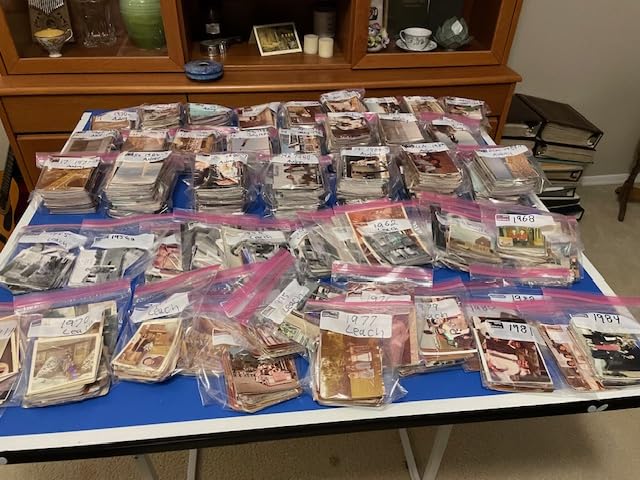
Volume matters more than price. Sixty loose prints need a good flatbed and a weekend. Four shoeboxes need throughput. A box of slides needs film capability. Buying the wrong class of machine is how collections end up half-finished on a hard drive.
Archival professionals still argue flatbeds against cameras, but the practical consensus is that a flatbed wins on consistency and never touches the original. If negatives are your priority, our film scanner roundup covers that branch in depth.
Top 3 Picks for Scanning Old Photos in 2026

Plustek ePhoto Z300
- 2 seconds per 4x6 print
- Auto crop and deskew
- 600 dpi optical
- 24-bit color

Epson FastFoto FF-680W
- 1 photo per second
- Scans photo backs
- Up to 36 per batch
- 300/600/1200 dpi

Best Photo Scanners for Old Photos at a Glance
Every machine below scans prints or film, but they split into four classes: sheet-fed feeders for speed, flatbeds for control, dedicated film devices for negatives and slides, and computer-free units with a screen and buttons. Check the class before the model.
| Product | Specifications | Action |
|---|---|---|
| Plustek ePhoto Z300 |
|
Check Latest Price |
| Epson FastFoto FF-680W |
|
Check Latest Price |
| KODAK Slide N Scan |
|
Check Latest Price |
 KODAK SCANZA KODAK SCANZA |
|
Check Latest Price |
 Epson Perfection V550 Epson Perfection V550 |
|
Check Latest Price |
 KODAK Mini Film Scanner KODAK Mini Film Scanner |
|
Check Latest Price |
 Canon CanoScan LiDE 400 Canon CanoScan LiDE 400 |
|
Check Latest Price |
 Magnasonic 24MP Film Scanner Magnasonic 24MP Film Scanner |
|
Check Latest Price |
 DigitPro 22MP Film Scanner DigitPro 22MP Film Scanner |
|
Check Latest Price |
 Epson Perfection V600 Photo Epson Perfection V600 Photo |
|
Check Latest Price |
1. Plustek ePhoto Z300: Best for Thousands of Loose Prints
Plustek Photo Scanner ePhoto Z300, Scans 4×6 inch Photos in 2 Seconds, Auto crop and deskew with CCD Sensor, Supports Mac and PC
600 dpi optical CCD
2 sec per 4x6 print
24-bit color
3x5 to 8x10 plus A4
Pros
- Very fast feed-through
- roughly 2 seconds per 4x6 photo
- Automatic crop and deskew with one-click faded-photo restoration
- Handles 8x10 prints as well as snapshots
- Works on both Mac and PC
Cons
- Only one sheet at a time so it is a manual one-by-one workflow
- 600 dpi ceiling limits large enlargement
- No batch or stack capacity
When a box of 4×6 prints came through our workflow, this was the machine that cleared it first. The ePhoto Z300 is a feed-through CCD unit that takes a print by its short edge, crops and deskews it, and writes a straightened file.
The stated figure is 2 seconds per 4×6 print and 5 seconds for an 8×10. Handling time makes the real rhythm slower, but it stays the fastest per-photo option here for loose prints of uniform size.
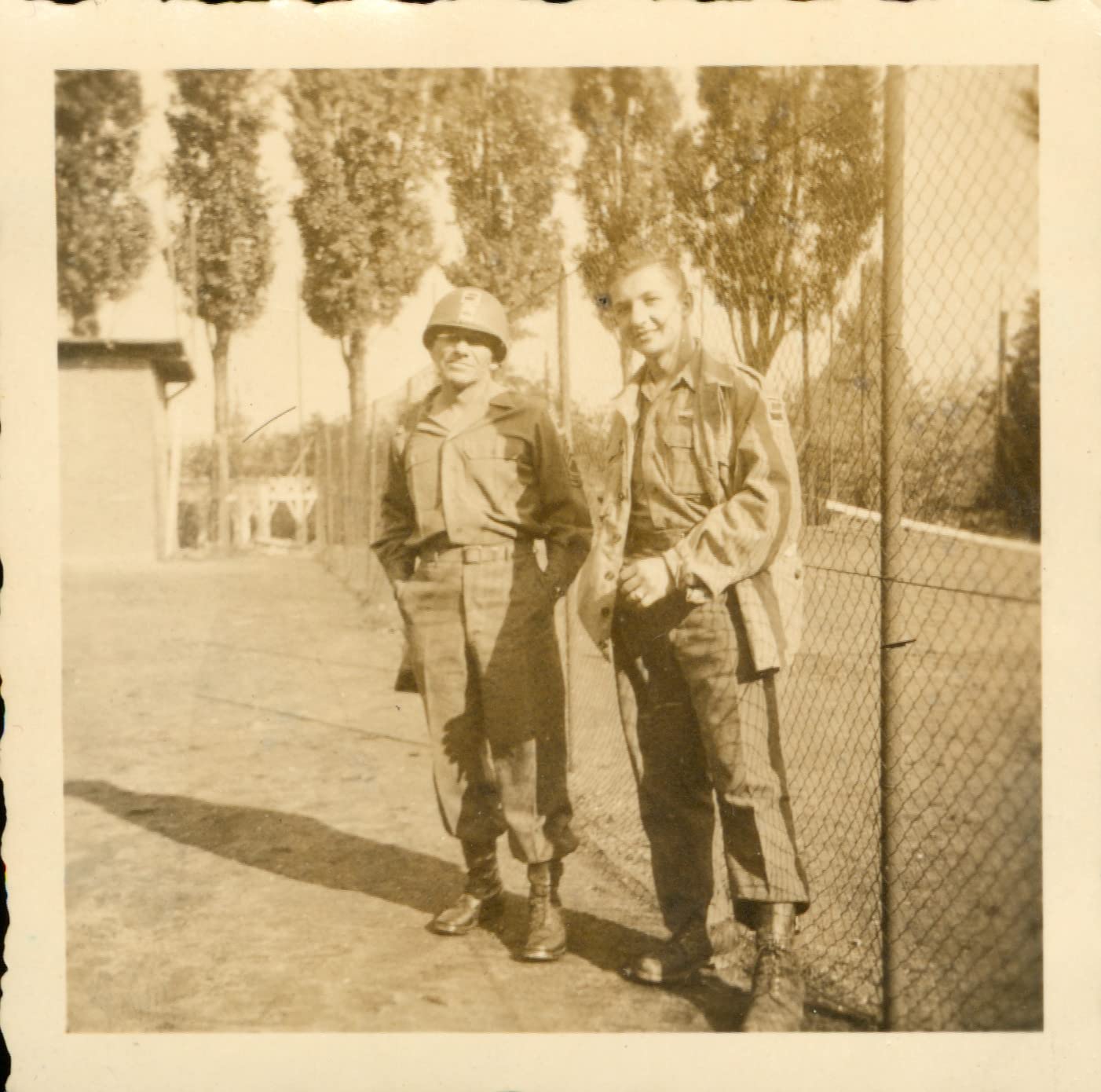
One-click enhancement is genuinely useful on a faded 1970s colour print that has gone orange. It is less useful when you want an accurate record, so we scan neutral and adjust afterwards.
Resolution is 600 dpi optical with two settings, 300 and 600, which covers sharing and printing to about 8×10. Colour depth is 24-bit. Film is not supported at all.
When this is the right choice
Collections where nearly everything is a standard print size and nothing is fragile. Snapshots, 4×6, 5×7, 8×10 and letter or A4 all go through the same pass, so a mixed box needs no sorting first.
When to look elsewhere
Fragile, torn or curling prints, because a feed-through unit applies grip with no gentle setting. Film in the picture? Read our film scanner guide first. Our verdict: the best general-purpose pick for a large print-only archive.
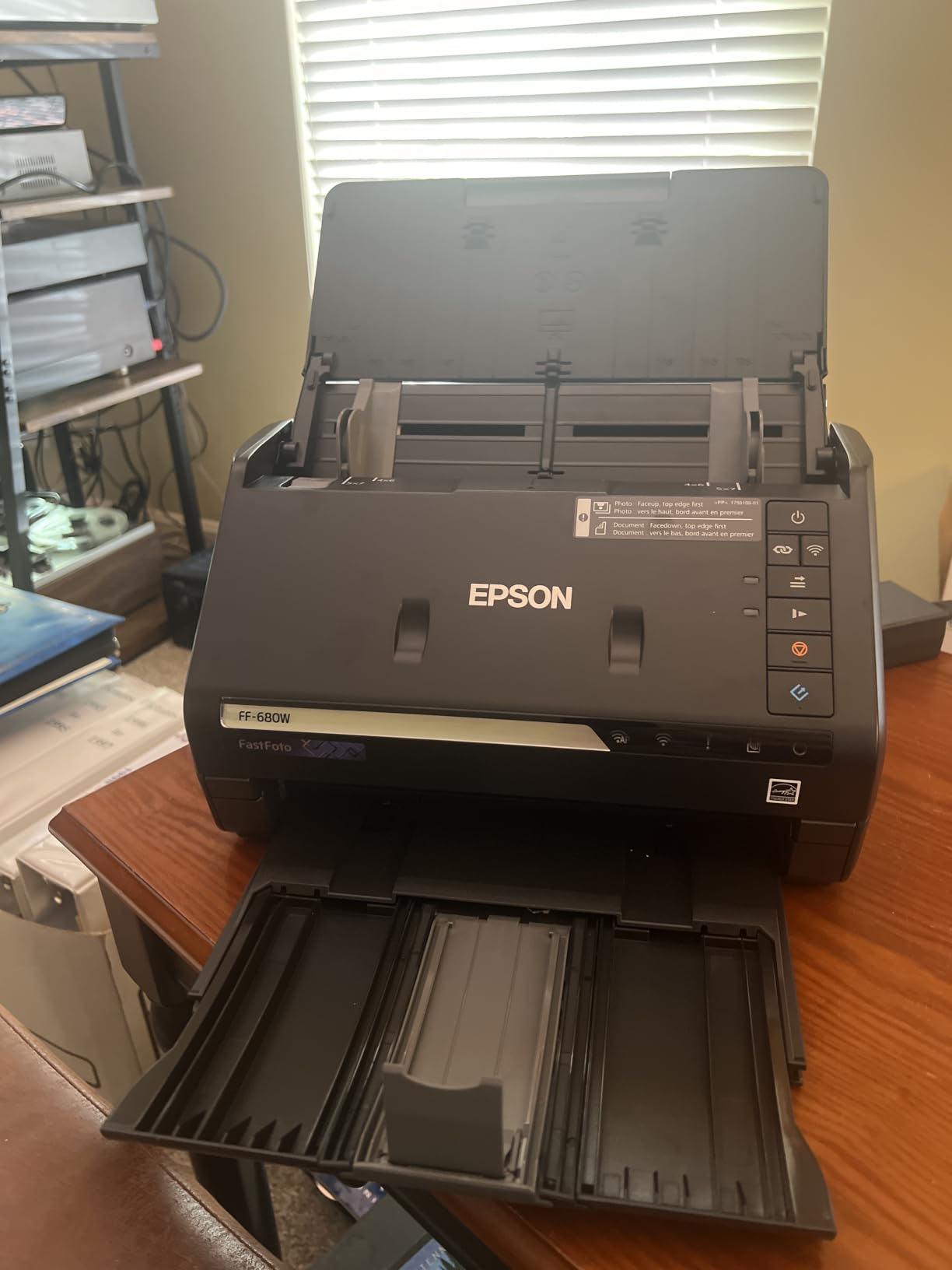
2. Epson FastFoto FF-680W: Best for Batch Scanning With Photo Backs
Epson FastFoto FF-680W High-Speed Duplex Photo and Document Scanner
1 photo per second at 300 dpi
Batches of up to 36
Scans front and back in one pass
300, 600 and 1200 dpi
Pros
- About one photo per second and batch capacity up to 36
- Single-step duplex capture reads handwritten notes on photo backs
- Auto enhancement and color restoration improve faded dark prints
- Document mode scans up to 240 inches with OCR
- Carrier sheet and microfiber cloth included
Cons
- No 35mm slide or negative capability
- Occasional feed errors and photos landing upside down
- Rollers can leave track marks on glossy surfaces
- FastFoto software outputs one format per job
The defining feature is single-step duplex capture. Old prints often carry a pencil date, a studio stamp or a name on the back, and this machine grabs both sides in one pass. Forum users on r/DataHoarder treat that as a must-have, and it is why this unit outranks cheaper feeders.
Epson states up to 1 photo per second at 300 dpi, and the feeder batch holds up to 36. Reviewers with large print archives report clearing thousands of photos over a few evenings.
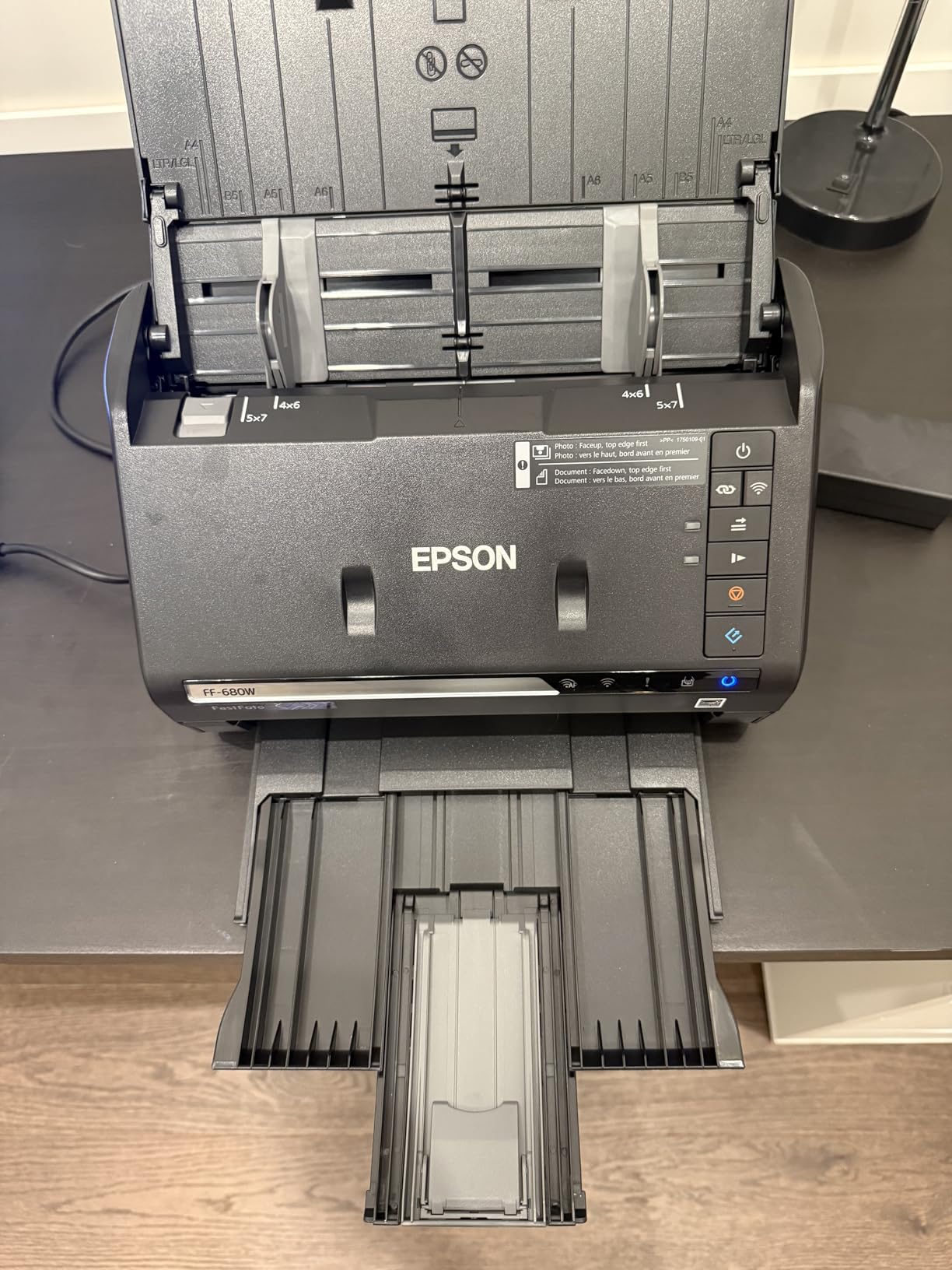
It also handles documents seriously, scanning up to 240 inches at up to 45 pages per minute with ABBYY OCR. Connectivity is USB or Wi-Fi, with automatic upload to Dropbox and Google Drive.
Resolution options run 300 dpi for sharing, 600 dpi TIFF for archiving and 1200 dpi for enlarging. A SafeTouch carrier sheet ships in the box for fragile or glossy prints.
When this is the right choice
Volume, and collections where the backs carry information worth keeping. Auto enhancement is also noticeably good on dark, faded prints that a neutral flatbed scan leaves looking dull.
When to look elsewhere
It cannot scan film, and no adapter changes that. Reviewers also report occasional feed errors, photos arriving upside down, and red-eye removal needing manual correction. Glossy surfaces can pick up roller tracks over long runs, so check a sample batch first. Our verdict: the pick when the queue is measured in thousands.
3. KODAK Slide N Scan: Best for Slides Without a Computer
KODAK Slide N Scan Film & Slide Scanner, 22MP, 5″ LCD Screen, 135/110/126mm
22MP CMOS sensor
5-inch LCD with gallery mode
135 110 126 negatives,50mm slides
Saves to SD card
Pros
- Very quick to set up and easy to learn
- Large 5-inch LCD makes framing and judging scans simple
- Handles 135 110 126 negatives plus 50mm 135 110 and 126 slides
- Compacts to a picture frame between sessions
- Good value against dedicated 35mm scanners
Cons
- Crops roughly 10 percent from the top and bottom of the frame
- Scan sharpness is inconsistent across film types
- SD card not included and files must be moved to a computer later
- Film type must be reselected after power-on
This is the machine to buy if the person scanning is not a computer person. It is a self-contained box with a 5-inch LCD, a 22MP CMOS sensor and a feed tray. You load film, frame it on screen, press capture, and it writes to an SD card.
Format coverage is the real strength. One tray with adapters handles 135, 110 and 126 negatives plus 50mm, 135, 110 and 126 slides, at a reported rate of about 2,000 slides in three hours.
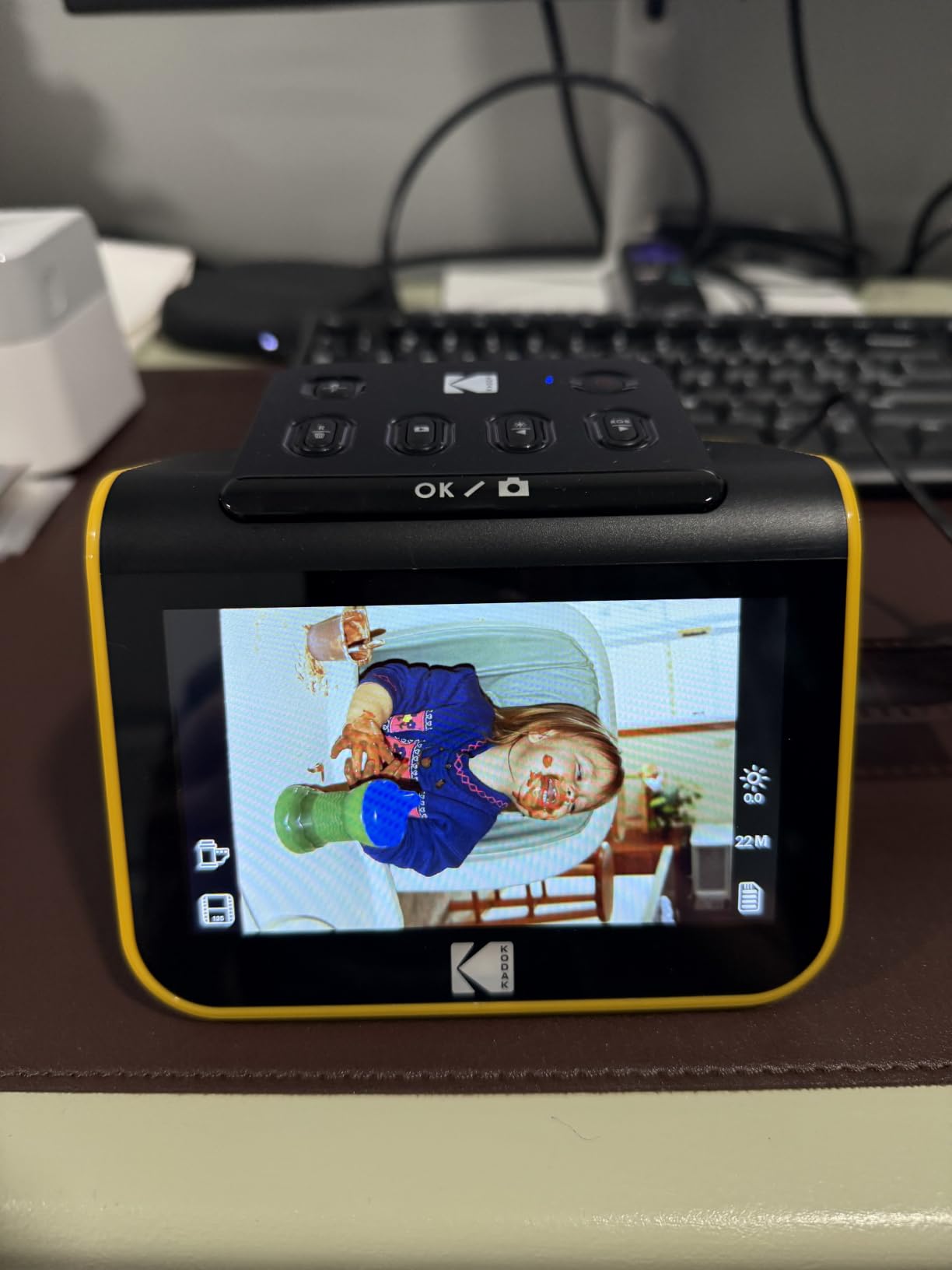
There is one significant catch. Image height is cropped, taking about 10 percent off the top and bottom of the frame, and sharpness is inconsistent, with some results described as soft. That combination is a poor trade for irreplaceable originals.
It also cannot save straight to a computer. Images land on an SD or SDHC card up to 32GB, and the card is not included in the box.
When this is the right choice
A mixed collection of slide mounts, box mounts and old negatives where nobody wants to learn film profiles. The LCD makes alignment obvious, and it doubles as a good family handover device.
When to look elsewhere
When the negatives are the only remaining copy of something irreplaceable, or when you need faithful full-frame captures. Dust on the film or in the slot also shows clearly, so clean before loading. Our verdict: the best-value way to convert a large slide collection quickly, and not an archival scanner.
4. KODAK SCANZA: Best for Home Movie Film Alongside Slides
KODAK SCANZA Film & Slide Scanner, 3.5″ LCD, 35mm, 126, 110, Super 8 & 8mm
14/22MP film scanner
3.5-inch tilt LCD
35mm 126 110 Super 8 and 8mm
SD card up to 128GB
Pros
- One-touch workflow with large physical buttons
- Tiltable 3.5-inch LCD with adjustable brightness
- Handles Super 8 and 8mm motion picture film
- Adapters cables and cleaning brush in the box
- Mac and PC compatible
Cons
- No support for film formats outside 35mm 126 110 Super 8 and 8mm
- SD card not included
- 22MP ceiling limits output to roughly 8x10 prints
- Smaller screen than newer 5-inch models
The SCANZA stands out for one reason: motion picture film. Alongside the usual 35mm, 126 and 110, it reads Super 8 and 8mm strips, which no flatbed here will do without special hardware.
Operation is deliberately simple. A 3.5-inch LCD tilts to cut glare, brightness is adjustable, and two physical buttons handle scan and save. Output is 14 or 22MP JPEG.
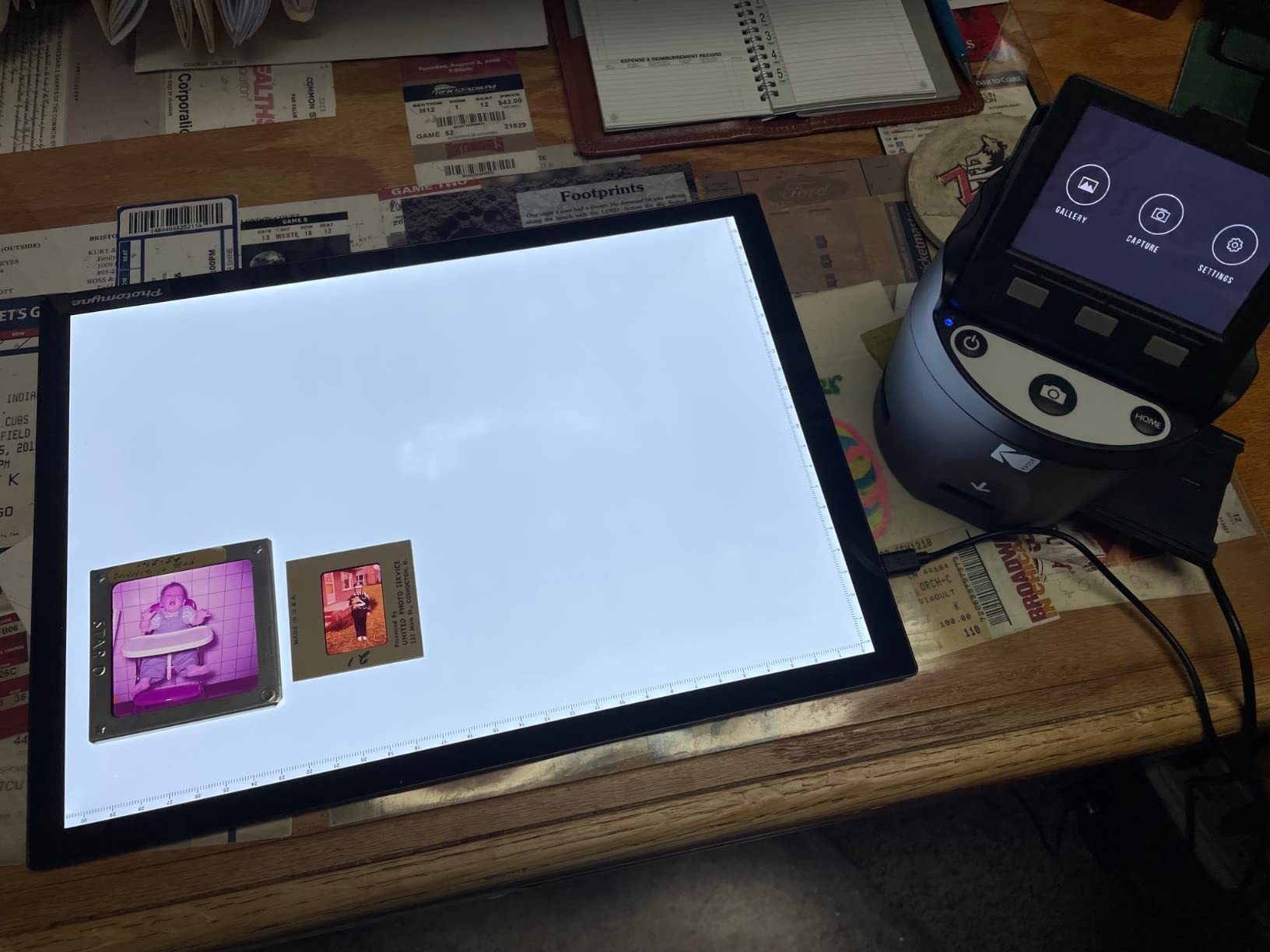
As with the other Kodak film units, the SD card is not included and files move to a computer afterwards, with cards up to 128GB supported. The 22MP ceiling translates to print sizes of roughly 8×10 and no larger.
There is no medium format support, and the smaller screen makes framing a tight slide mount slightly fiddlier than on the 5-inch models.
When this is the right choice
A box of home movies waiting alongside the slide boxes. Handling both means one device, one workflow and one card to manage, and the few controls mean a first-time user gets usable results immediately.
When to look elsewhere
If your collection is mostly 120 or 220 film, you need a dedicated medium format film scanner instead, which our best film scanners guide explains further. Our verdict: the pick for a mixed slide and home movie collection where simplicity matters more than maximum fidelity.
5. Epson Perfection V550: Best All-Rounder for Film and Prints
Epson Perfection V550 Color Photo, Image, Film, Negative & Document Scanner with 6400 DPI Optical Resolution
6400 dpi optical CCD
Built-in transparency unit
48-bit color and 16-bit grey
Digital ICE dust removal
Pros
- 6400 dpi optical resolution for enlargements up to 17x22 inches
- Built-in transparency unit handles 35mm slides negatives and film
- Digital ICE and Easy Photo Fix do strong work on dust scratches and fading
- Auto edge detection scans several photos as separate files
- ReadyScan LED means no warmup time
Cons
- Flatbed workflow is manual and slow for a large print archive
- No automatic document feeder for stacks of prints
- Software can need administrator rights to run stably
The V550 is the device we reach for when a single box contains both prints and negatives. A 6400 dpi optical CCD sensor sits behind a built-in transparency unit, so 35mm slides and negatives load straight onto the platen.
Digital ICE earns its keep on old film. It uses an infrared channel to detect dust and scratches and removes them in software, and reviewers report it working well on slides from decades of drawers.
Colour depth is 48-bit with 16-bit greyscale, which matters for tonal work later. Auto edge detection lets you lay several prints down and get separate files back.
Note that Digital ICE does not work on silver halide black and white film, because the emulsion reads as damage to the infrared channel. Clean and dust those in software instead.

When this is the right choice
Mixed collections. Prints, documents and 35mm film go through one machine with one colour workflow, avoiding the mismatch of stitching scans made on different devices. It is also right when enlargements matter, since the optical figure captures real detail.
When to look elsewhere
There is no feeder, so a thousand loose prints is a multi-week proposition. Reviewers report that running Epson Scan as an administrator makes the software reliable, and some report units arriving defective. Our verdict: the most capable single device here for mixed prints and film, provided you are not in a hurry.
6. KODAK Mini Film Scanner: Most Versatile for Small Spaces
KODAK Mini Digital Film & Slide Scanner, 35mm, 126, 110, Super 8, 2.4″ LCD
14/22MP output
2.4-inch color LCD
135 126 110 Super 8 negatives
Scan and Home buttons
Pros
- Compact and lightweight enough for a small desk or a drawer
- Quick-loading adapters allow continuous film feed
- One-press Scan button and simple menu navigation
- Good value for casual family slide and negative conversion
Cons
- 2.4-inch screen is harder to frame accurately than larger displays
- SD card not included and internal memory is only 128MB
- Lower resolution ceiling than the 5-inch screen models
- Older CMOS design gives softer results on good originals
This is the smallest film scanner here, and that is the point. At 16 ounces and just over 3 inches a side, it disappears into a cupboard rather than occupying a desk permanently.
It converts 135, 126, 110 and Super 8 negatives and slides to JPEG at 14 or 22MP, with brightness, colour and a reverse flip control on the body. A dedicated Scan button keeps sessions menu-free.
Framing is where the small screen costs you. On a 2.4-inch display, lining up a tight slide mount is guesswork, and there is real risk of soft edges in the file. A three-in-one power adapter for US, EU and UK outlets is included, with a cleaning wand and cables.
Storage is 128MB internal plus SD card support up to 32GB, and the card is not supplied, so size it before your first session.
When this is the right choice
A small collection of casual family slides, or a first conversion job where you want to see whether film scanning is something you will keep doing. Storage and desk space are the binding constraints, and it solves both.
When to look elsewhere
It is not for irreplaceable negatives. The older CMOS design produces visibly softer results than the 5-inch screen units, and the small display makes alignment harder to verify. Our verdict: the most portable option, and a sensible first film scanner for casual collections.
7. Canon CanoScan LiDE 400: Best Budget Flatbed for Prints
Canon CanoScan LiDE 400 Slim Scanner, 7.7″ x 14.5″ x 0.4″, Document & Photo Scanner, Black
4800 x 4800 dpi optical
48-bit color and 16-bit grey
0.4-inch slim body
Color restore and dust removal
Pros
- Affordable flatbed with 4800 x 4800 dpi optical resolution and 48-bit color
- Extremely thin at 0.4 inch with a clip-on vertical stand
- Single USB Type-C cable carries both data and power
- Good results at everyday 300 to 600 dpi
- Works with third-party software like VueScan and Photoshop
Cons
- Shallow CIS depth of field leaves anything off the glass soft
- Visible chromatic fringing on high-contrast edges
- Scans above 2400 dpi need extra steps in ScanGear and are slow
- No Linux drivers and a flimsy lid
The LiDE 400 is the flatbed to buy when prints are the whole job and you want the machine out of the way when idle. At 0.4 inches thick with a clip-on vertical stand, it stores on its edge.
Optical resolution is 4800 x 4800 dpi at 48-bit colour, and at the resolutions that matter for prints, 300 to 600 dpi, the results are good. One USB Type-C cable handles data and power.
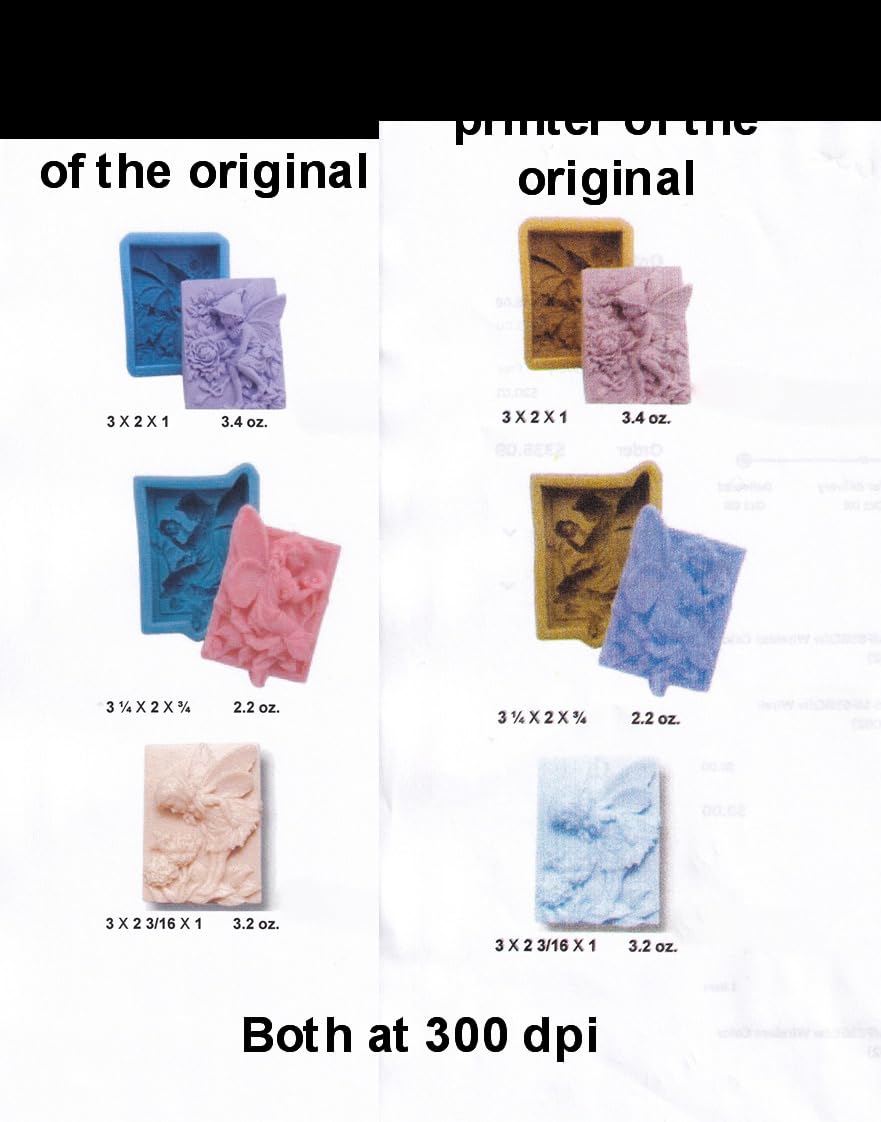
The sensor is a CIS rather than a CCD, and that is where compromises come from. Depth of field is shallow, so a print not lying perfectly flat will not be sharp across its whole surface, and colour fringing shows on hard black and white edges.
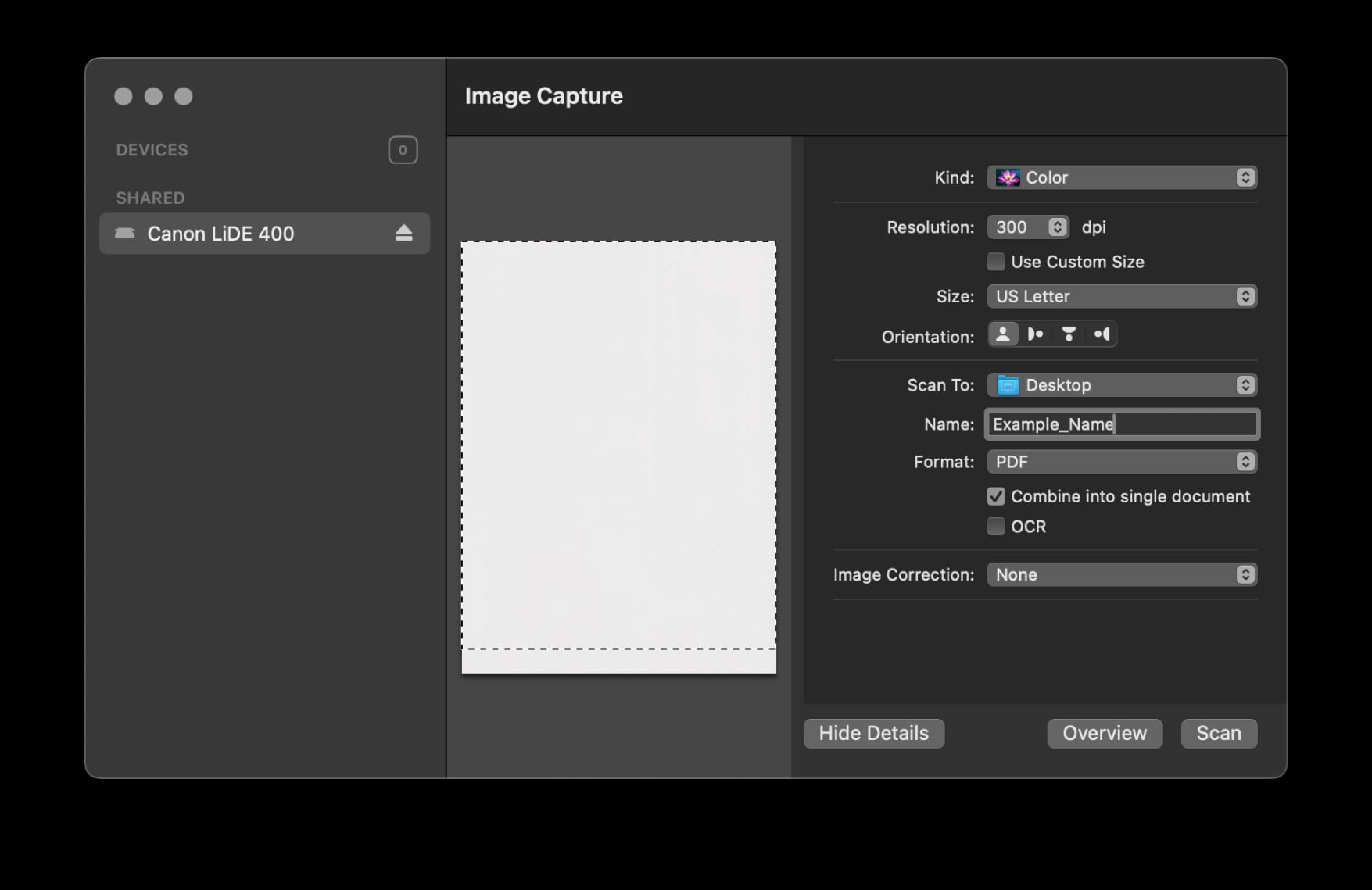
Scanning above 2400 dpi requires enabling large image scans in ScanGear and becomes slow. On the other hand, VueScan and Photoshop both drive it well on Mac and Windows. There are no Linux drivers.
When this is the right choice
Prints, postcards and everyday documents on a modest collection, in a small home office. Colour restore and dust removal help on faded prints without a steep learning curve, and it is a safe recommendation for someone unsure whether they will stick with scanning.
When to look elsewhere
It cannot scan film and has no transparency unit. For a bound album you need a model with a liftable or extended lid, since a thick album will not fit under this one. Our verdict: the best value flatbed for standard prints, with none of the film capability of a transparency-equipped model.
8. Magnasonic 24MP Film Scanner: Best for Big-Screen Film Conversion
Magnasonic All-in-One 24MP Film Scanner with Large 5″ Display & HDMI, Converts 35mm/126/110/Super 8 Film & 135/126/110 Slides into Digital Photos, 128MB Built-in Memory (FS71)
24MP CCD output
5-inch LCD with HDMI out
135 126 110 Super 8 negatives
Under 5 seconds per scan
Pros
- 24MP output is among the higher resolutions in this category
- Large 5-inch LCD makes framing and preview straightforward
- No computer software or driver installation required
- Scans in under 5 seconds with fast-loading film trays
- HDMI output allows TV viewing and it doubles as a digital frame
Cons
- SD card and HDMI cable both sold separately
- Colour and sharpness need post-processing for best results on old film
- Dust on the film appears directly in the scan
The FS71 pairs a 24MP CCD sensor with a 5-inch screen, and that combination earns its place. 24MP is a higher output figure than most dedicated film units here, and a large display makes lining up each frame less fiddly.
It needs no computer at all. There is no driver to install and no software to learn. Brightness, RGB colour correction, flip and mirror are adjusted on the device, then written to 128MB of memory or an SD card up to 128GB.
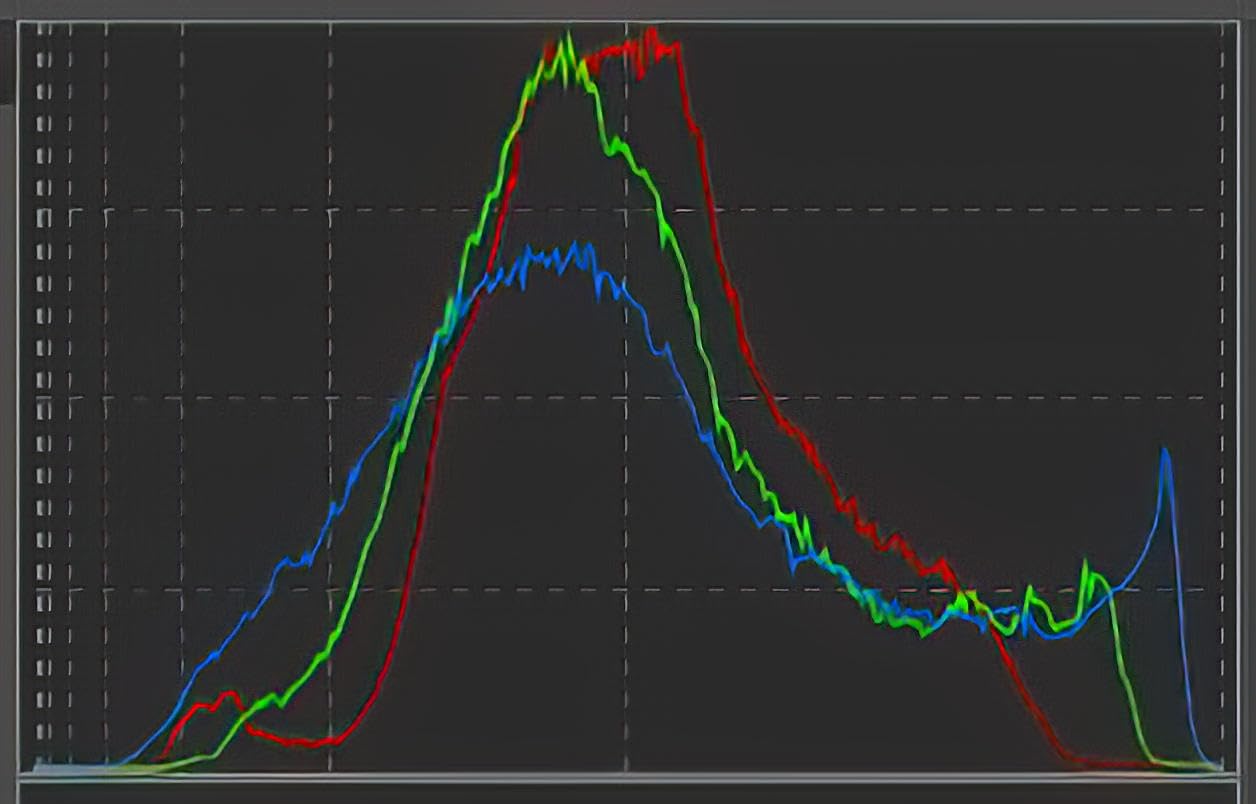
HDMI output is a genuinely useful extra. Plug it into a television and the scanner becomes a way for the family to look at the slides, not just quietly digitise them. It scans each frame in under 5 seconds with the included fast-loading trays.
Two accessories are not in the box: the SD card and the HDMI cable. Colour and sharpness on old film also benefit from post-processing, so treat these files as a capture pass rather than a final result.
When this is the right choice
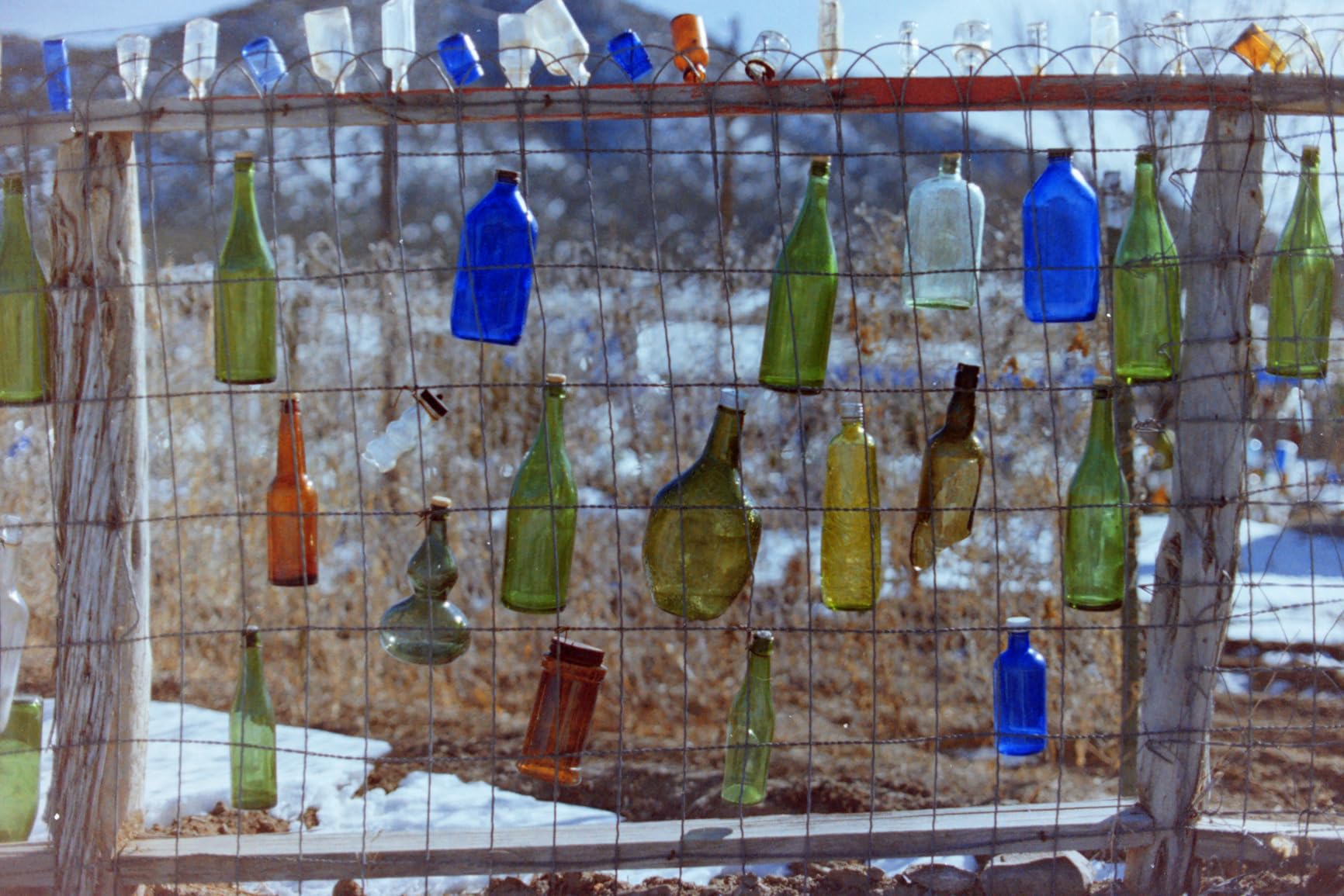
A large film collection that needs moving quickly, and households where scanning gets shared out. Choose it over smaller-screen units when output resolution and easy framing both matter, and you want a JPEG you can hand to a print shop.
When to look elsewhere
There is no medium format support, so 120 and 220 film needs a different machine. On scratched or badly faded film, expect time in editing software. Our verdict: the best balance of output size, screen size and no-computer operation in this category.
9. DigitPro 22MP Film Scanner: Best Big Screen on a Small Budget
DigitPro 22MP Film & Slide Scanner with 5″ LCD, Converts 35mm 126 110
22MP output
5-inch LCD
135 126 110 Super 8 and 50mm slides
3-year warranty
Pros
- Low cost for a film scanner with a 5-inch LCD
- Quick setup with holders brush and power adapter in the box
- One-touch scanning with colour brightness and date controls
- Supports 135 126 110 Super 8 and 50mm slides
- USB-C transfer plus included HDMI cable for TV viewing
Cons
- SD card required and not included
- Screen sits at an awkward angle and the unit must be tipped upright
- Loose fit in the sled causes misalignment and slippage
- Effective resolution is lower than the stated 22MP when enlarged
This is the value pick among 5-inch screen film scanners, and it covers an unusually wide format set. 35mm and 135, 110, 126, 50mm slides and Super 8 all load, with holders for each in the accessory kit.
Everything is on the device. One-touch scanning with colour, brightness and date or time adjustment means no computer workflow, and files move to a computer by Type-C USB afterwards.
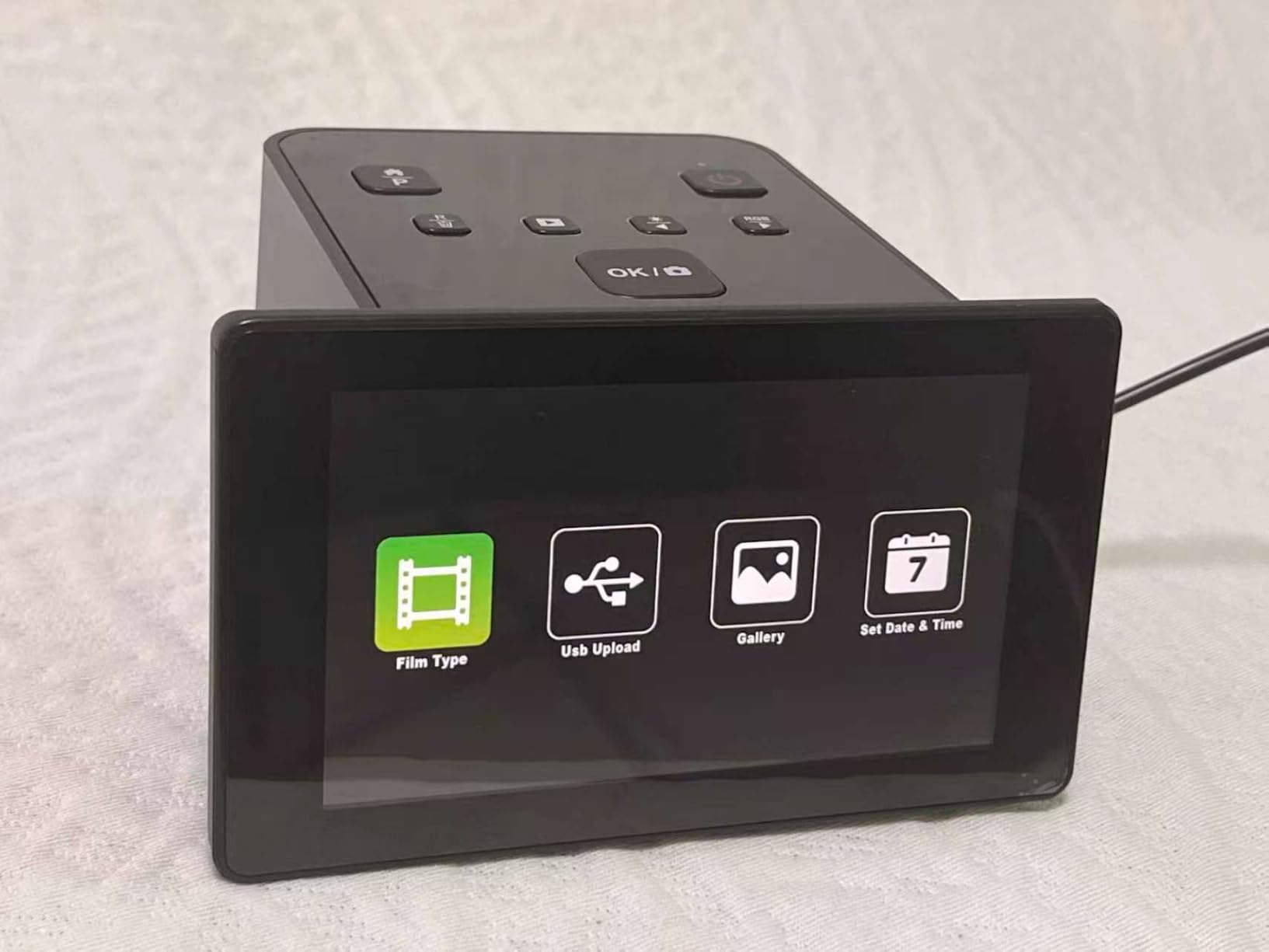
There are design frictions worth knowing. The screen angle is awkward, and users report tipping the unit upright to see the image properly. The sled fit is loose, which can cause slides to shift as they feed. Both are workable, neither is invisible.
Effective resolution also falls below the stated 22MP once you enlarge to print sizes, and an SD card is required and not included, which the listing does not make obvious.
When this is the right choice
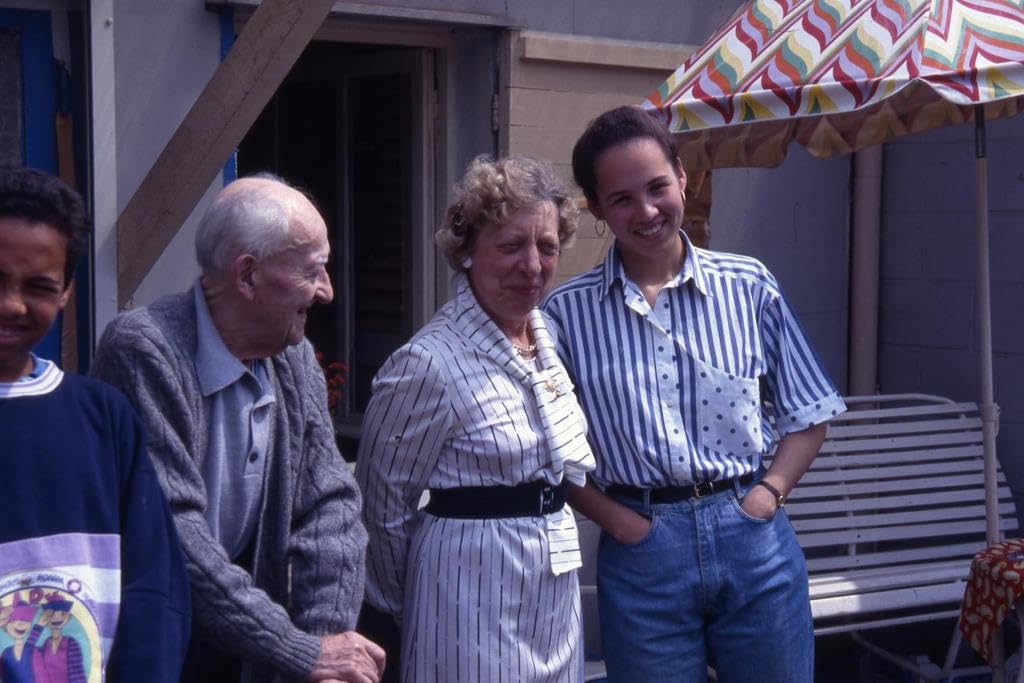
A first film conversion, or a mixed collection where 110 and 126 appear alongside 35mm. The three-year warranty is longer than most rivals carry, which matters on a mechanical feed path, and the accessory kit is unusually complete.
When to look elsewhere
Do not buy it for irreplaceable negatives, since loose sled alignment and soft effective resolution are a poor match for material you cannot reshoot. There is no medium format support either. Our verdict: the cheapest route to a large-screen film scanner, and a good fit for casual collections.
10. Epson Perfection V600 Photo: Best for 35mm Negatives and Slides
Epson Perfection V600 Photo Wired USB Connectivity Color Scanner – 6400 x 9600 dpi, Enlargements up to 17″ x 22″ Flatbed Image Scanner
6400 x 9600 dpi maximum
Built-in transparency unit
Medium format to 6x22cm
48-bit color, 16-bit grey
Pros
- Very high 6400 x 9600 dpi resolution for large archival enlargements
- Transparency unit holds four mounted slides or twelve negatives per load
- Digital ICE and colour restoration work extremely well on old damaged film
- Handles medium format film up to 6x22cm
- 48-bit colour and 16-bit greyscale with preview-based correction
Cons
- Slow
- taking minutes per slide or negative at high resolution
- Software must run as administrator or Epson Scan becomes unstable
- Fixed slide holder stencil cannot be swapped
- No black backing on the lid for two-sided copying
The V600 is the most-cited flatbed across the archives forums, and our own workflow agrees with that consensus. Across r/Archivists and dpreview threads the same recommendation keeps appearing, and the reasoning is consistent: the transparency adapter is what matters, not the brand.
Maximum resolution is 6400 x 9600 dpi optical from a CCD sensor, supporting enlargements up to 17×22 inches. The transparency unit holds four mounted slides or twelve negatives at a time, and reads medium format film up to 6x22cm, which is rare at this level.
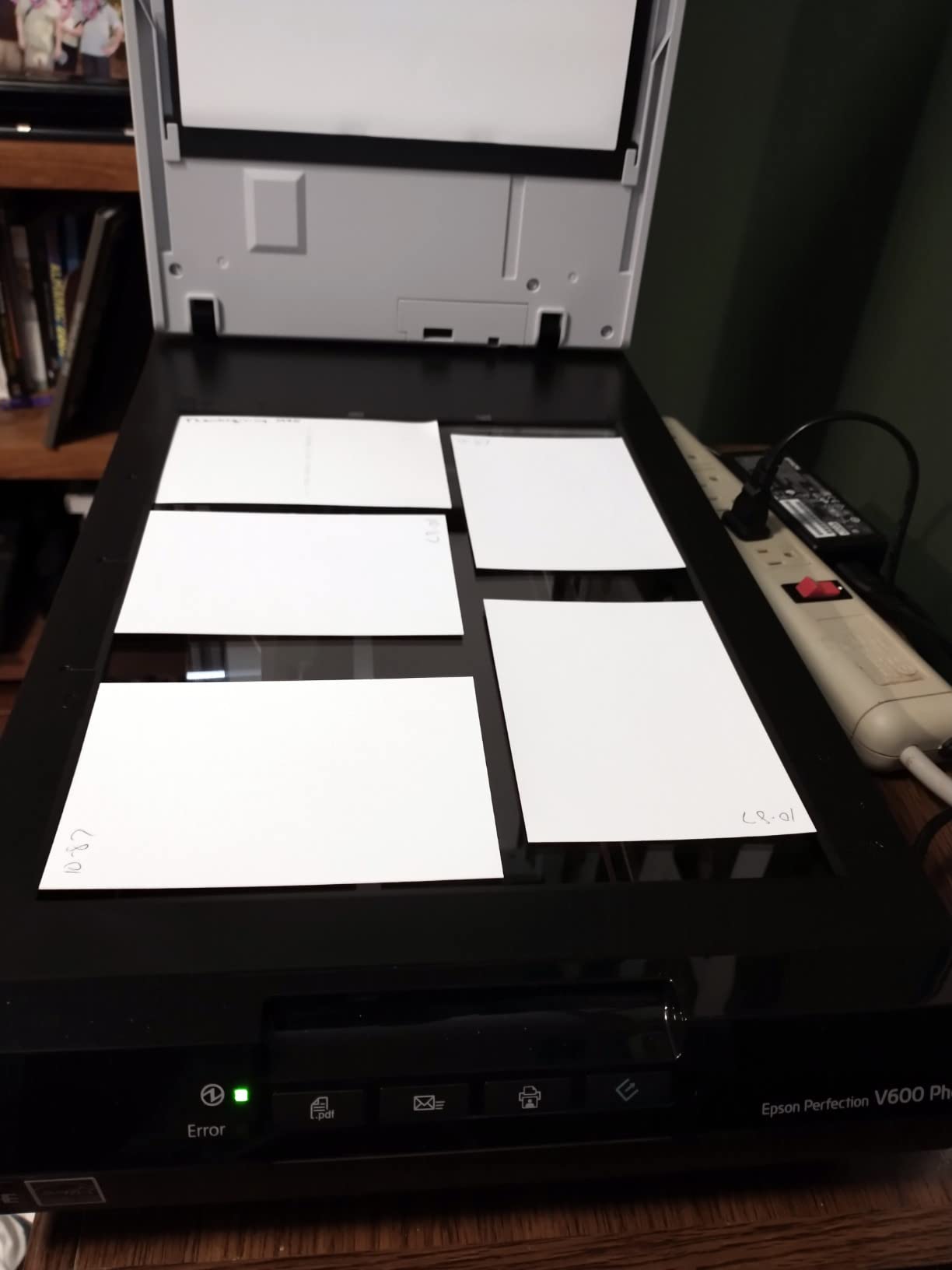
Digital ICE does the heavy lifting on old film, performing extremely well on dusty, scratched, faded slides. Easy Photo Fix and PhotoStudio handle restoration without manual editing, and ReadyScan LED means no warmup time.
There is a real pace penalty. At high resolution each slide takes minutes, the fixed slide holder stencil cannot be swapped, and the software needs administrator rights to stay stable.
When this is the right choice
When negatives and slides are the priority and the originals matter. CCD optics, 48-bit colour and infrared dust removal give you a capture you can adjust later, the opposite of a one-touch JPEG you cannot recover from. Medium format support is the quiet advantage, since few consumer flatbeds read 120 or 220 film.
When to look elsewhere
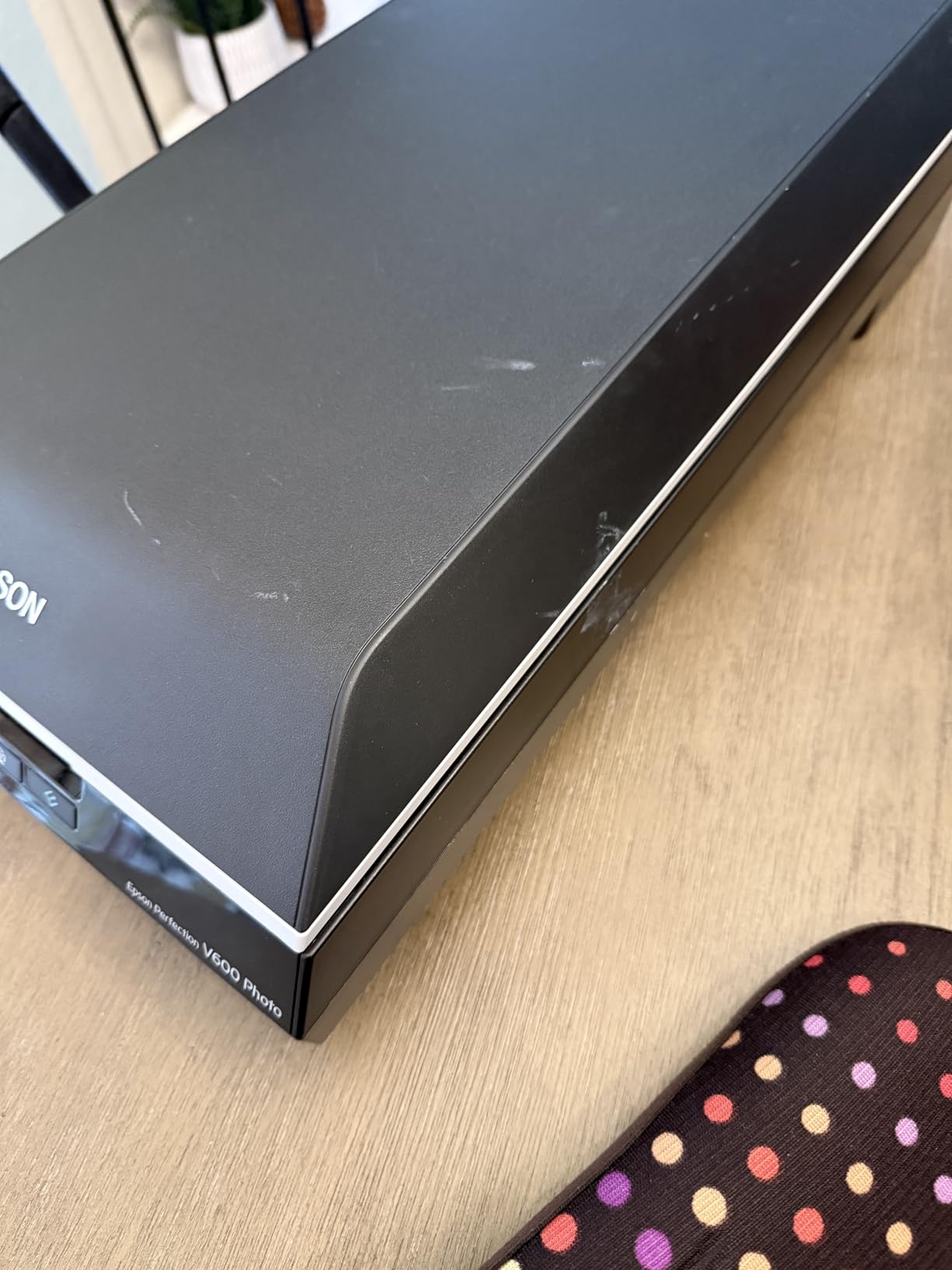
Never for a large print archive, because there is no feeder and each image is a manual cycle. The lid has no black backing, so copying both sides of a photo needs black card placed behind it manually. Our verdict: the best quality-per-scan here for 35mm film, and not the tool for volume prints.
Which Scanner Type Do You Actually Need?
Three decisions matter more than any spec: what media you have, how much of it there is, and whether you want a computer in the loop. Answer those and the model choice becomes obvious.
Sheet-fed feeders move photos through on rollers. They are dramatically faster for loose, uniform prints and are the only class here that captures photo backs automatically. The cost is grip, so fragile or curling originals should never go through one, and a carrier sheet reduces the risk.
Flatbeds place the original face down on glass and never touch its surface, making them the safe choice for brittle material. They are also the only consumer class that reads negatives and slides through a transparency unit. The trade-off is one photo at a time.
Dedicated film scanners are built for strips, mounts and carousels. They run higher effective resolution on a small negative and use a screen to show you what you captured. They do nothing for prints, which is why the best film scanners roundup treats them as a separate category.
Phone scanning apps are free and fast for a box you will look at once. They are not colour-accurate, and the file is a photograph of a photograph. Fine for sharing, wrong for preservation.
Specs that actually matter
Optical resolution is real detail; interpolated resolution is invented detail pushed by software. Ignore any headline figure above roughly 4800 dpi on a flatbed unless the manufacturer states it is optical. For prints, 300 dpi is plenty for viewing and 600 dpi covers printing larger than the original.
Film is a different problem. A 35mm negative is roughly 1.5 inches across, so you need far more resolution for equivalent detail, which is why film scanners quote 3200 dpi and up. Below about 2400 dpi you lose texture in grain.
Dynamic range, quoted as Dmax, is how much difference the scanner holds between darkest shadow and brightest highlight. Faded prints compress their range, and negatives pack more of it than any print, which is why film benefits from a higher figure.
Colour depth of 24-bit is the practical standard, while 48-bit gives headroom for shadow recovery and tonal adjustment. Digital ICE finds dust and scratches by infrared, and it does not work on silver halide black and white, which the channel reads as damage.
Time and storage per 1,000 photos
For a thousand 4×6 prints, a sheet-fed feeder at 300 dpi spends roughly 20 to 30 minutes scanning, plus sorting and loading, so plan on an evening. A flatbed runs 20 to 30 seconds per photo, which is 6 to 8 hours, and an album page takes longer because you scan the page rather than the photo.
On storage, a 4×6 print at 300 dpi uncompressed is about 3 MB, so a thousand photos lands near 3 GB. At 600 dpi it is roughly 12 MB each, or 12 GB. At 1200 dpi you are near 48 MB each, past the point where a print holds that much usable detail. Plan storage in the tens of gigabytes, not hundreds, unless you are scanning film.
Test on non-valuable material first. Nothing in this article should be the first thing you put through a machine that has never seen a print.
How to Scan Old Photos Without Damaging Them
Old photographs are more fragile than they look. Fibre-based prints, polaroids and anything with adhesive residue react badly to pressure, heat and liquids. Silver mirroring, where the image appears silvery rather than black, is a decay process rather than a surface problem, and it means the original is on borrowed time.
Handle with clean, dry hands or nitrile gloves, though clean bare hands give better grip on stable modern surfaces. Never use a liquid cleaner on an original, and keep compressed air away at close range, since it drives dust into the emulsion. Use a hand blower from a distance instead.
Keep the glass clean. A speck on the platen becomes a blemish in every scan that passes over it, so wipe the platen and the lid underside before you start and between batches.
Set resolution by intent: 300 dpi for viewing and sharing, 600 dpi when you want to print larger than the original. Scan photo backs separately or with a duplex feeder, because handwritten dates and studio marks are half the historical record.
Save a master and a web copy. Write a lossless TIFF as the master, then export JPEG for sharing. Name files so they sort correctly, such as a year prefix and a sequence number, and keep album and box order intact while you work. Scanning each box or album in sequence before splitting files apart is the approach forum users converge on, and it saves a lot of work later.
If a photo is stuck, torn, mildewed or actively sticky, stop. A conservator can stabilise it, and no scanner is worth the original.
How to Preserve Your Scanned Photos
A scan on an internal drive is not preservation. It is a copy you will lose when the drive fails.
Follow the 3-2-1 rule: three copies, on two different types of media, with one kept somewhere off-site. The simplest version is a master drive at home, a second drive in another building or a safe, and one copy in cloud storage you do not use as your only workspace.
Keep master files untouched in a folder structure that matches the physical collection, so box two is still box two in twenty years. Editing software that relies on a separate catalog file is a common trap, because the catalog loses its link the moment the software changes.
Verify your backup by opening a handful of random files from the second copy, not just by checking that the copy completed. If your interest extends to the film side, the best film scanners roundup covers negative handling in more depth.
Frequently Asked Questions
What are the best photo scanners for scanning old photos?
The answer depends on media and volume. For thousands of loose prints, a sheet-fed feeder such as the Plustek ePhoto Z300 or Epson FastFoto FF-680W is fastest, and the FF-680W also captures photo backs. For mixed prints and 35mm film, a flatbed with a transparency unit such as the Epson Perfection V600 Photo handles both. For slides without a computer, a dedicated film scanner with a built-in screen is simplest.
What is the best way to scan old physical photos?
Handle originals with clean dry hands, clean the scanner platen, and set resolution by intent: 300 dpi for sharing, 600 dpi for printing larger than the original. Scan photo backs for handwritten dates and studio marks. Save a lossless TIFF as the master plus JPEG copies, name files so they sort chronologically, and work through each box or album in sequence before splitting files apart.
What to do with 30 years of photos?
Work in batches rather than all at once. Scan one box or album at a time in the original order, save each batch as it is finished, and back it up before starting the next. A pilot run of 50 photos tells you which settings you actually want. Once done, keep the original order in your folder structure, add dates and names to filenames, and follow the 3-2-1 backup rule.
How much does it cost to digitize 2000 photos?
A dedicated print scanner runs in the low hundreds, so hardware is usually a small part of the total. The DIY cost of 2,000 prints is mainly time: a sheet-fed feeder handles a thousand prints in roughly half an hour of scanning plus sorting, while a flatbed takes 6 to 8 hours per thousand. Storage adds up too, around 3 GB per 1,000 at 300 dpi and 12 GB at 600 dpi.
Can you scan old photos without damaging them?
Yes, with the right device. A flatbed never touches the print, which makes it the safe choice for brittle, curling or fragile photographs. Sheet-fed feeders grip and drag photos through rollers, so use them only on undamaged prints and slide delicate ones into the supplied carrier sheet. Never apply liquid cleaner to an original, and consult a conservator if a photo is torn, mildewed or sticky.
How to preserve scan photos?
Keep three copies on two different media types, with one stored off-site, which is the 3-2-1 backup rule. Preserve masters as lossless TIFF in a folder structure that mirrors the physical collection, and avoid editing software that stores its catalog separately from the images. Use filenames that sort chronologically, and periodically open random files from the second copy to confirm the backup works.
The Bottom Line
Start with the class, not the model. Loose prints and volume go to a sheet-fed feeder, and the Plustek ePhoto Z300 leads for standard sizes, with the Epson FastFoto FF-680W taking over once you need photo backs and OCR. Mixed prints and film go to a flatbed with a transparency unit, and the Epson Perfection V600 Photo is the most-cited option there. Slide-only collections with no computer go to a film scanner with a screen, where the KODAK Slide N Scan leads on value.
Whatever you choose, run fifty non-valuable photos through it first, save a TIFF master plus JPEG, and back the result up somewhere other than the drive it came from. That is how the best photo scanners for old photos actually pay off: not a sharper scan, but a collection that still exists in 2026 and the decade after.